Data display screen examples
Data display screen design examples from SaaS apps. Browse examples from Dock, Assembly AI App Builder, Lovable.
Explore the examples
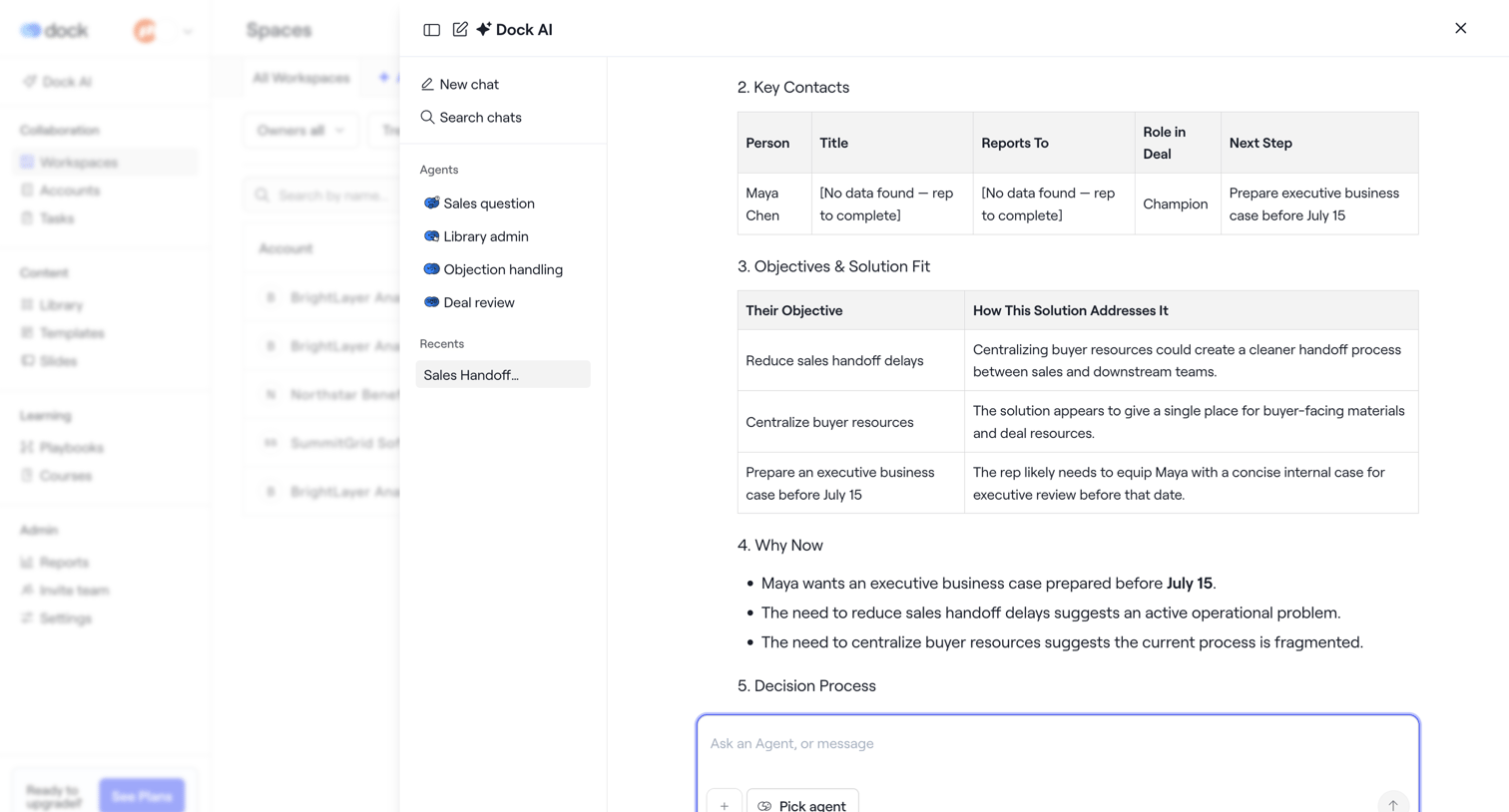

List view of workspaces with an open AI chat drawer showing a generated sales handoff summary including key contacts and objectives in tables.
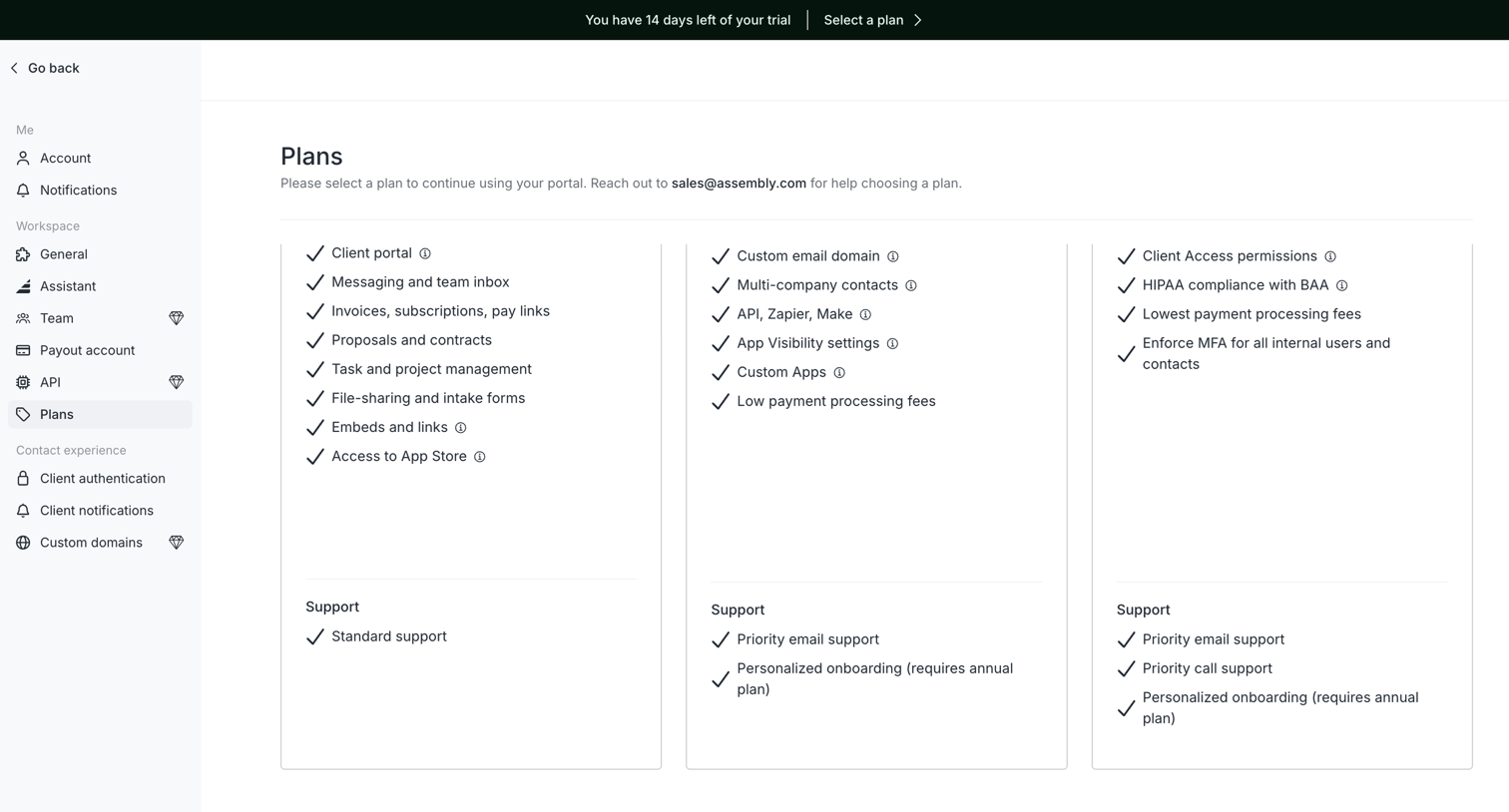

Settings page where the user views available subscription plans and their included features.
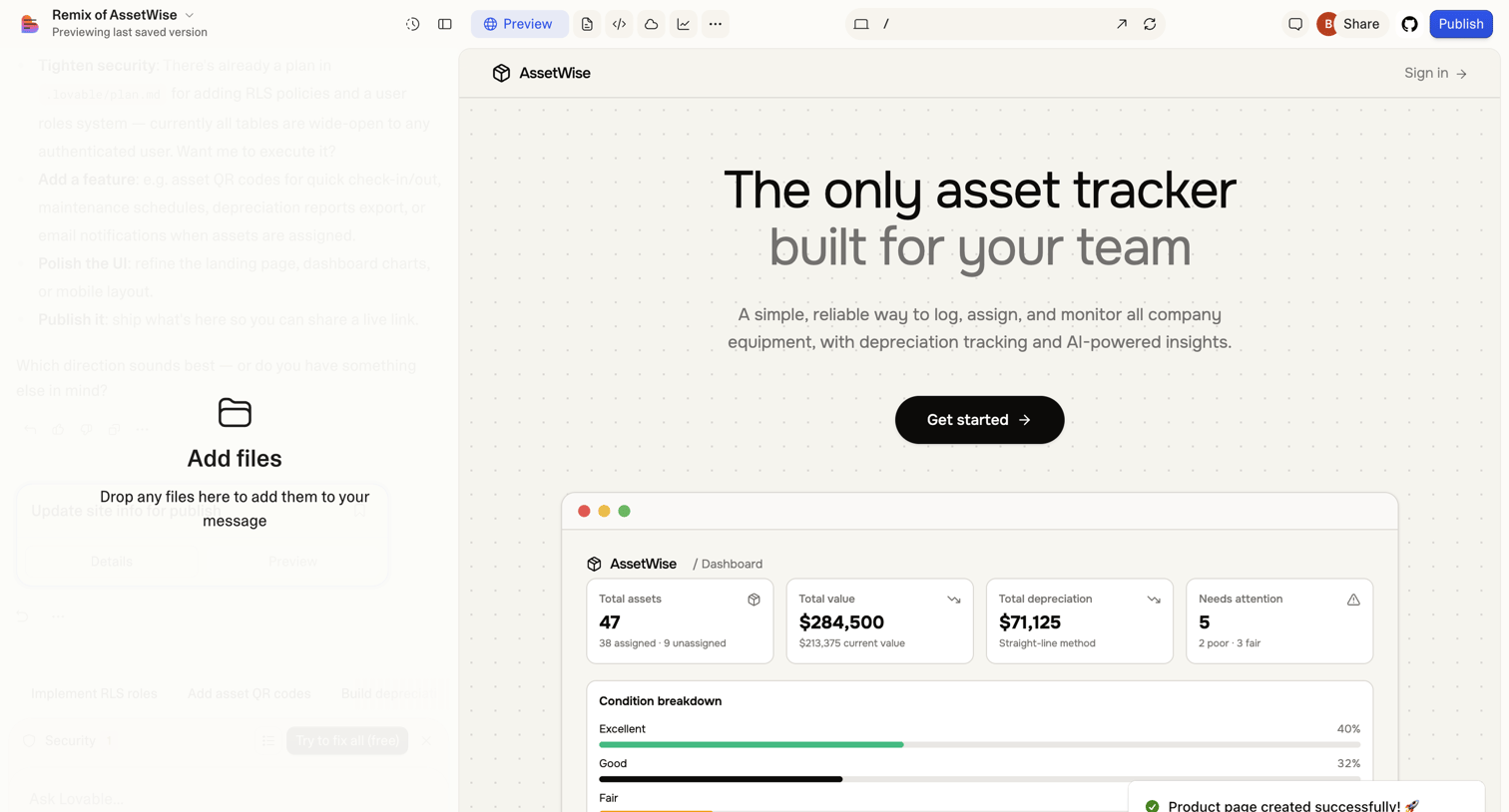

AI app builder where the user is previewing a generated asset-tracking dashboard and has a file-upload dropzone active in the chat panel.
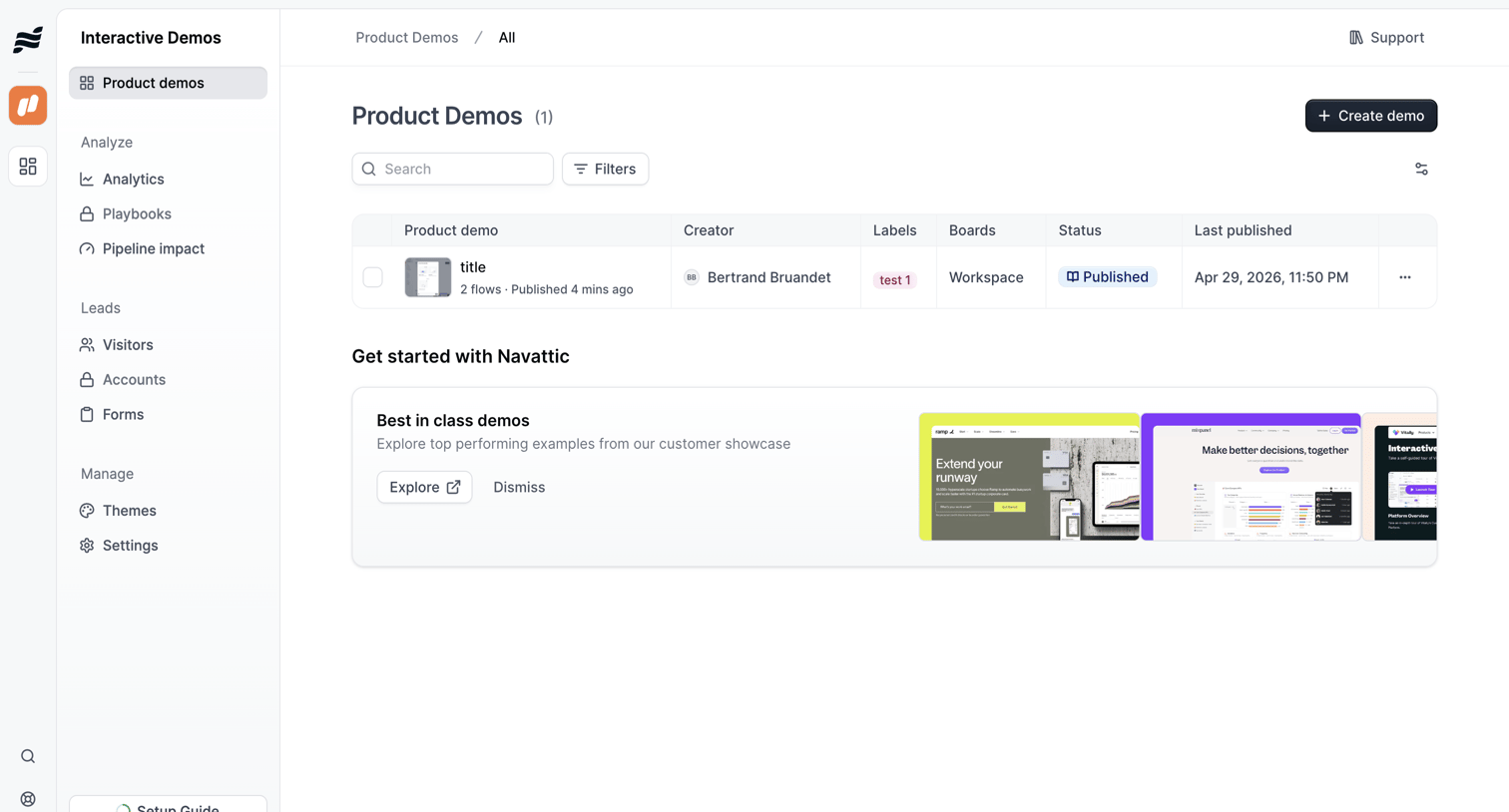

List view showing product demos with a search bar, filters, and an onboarding card for exploring best-in-class examples.
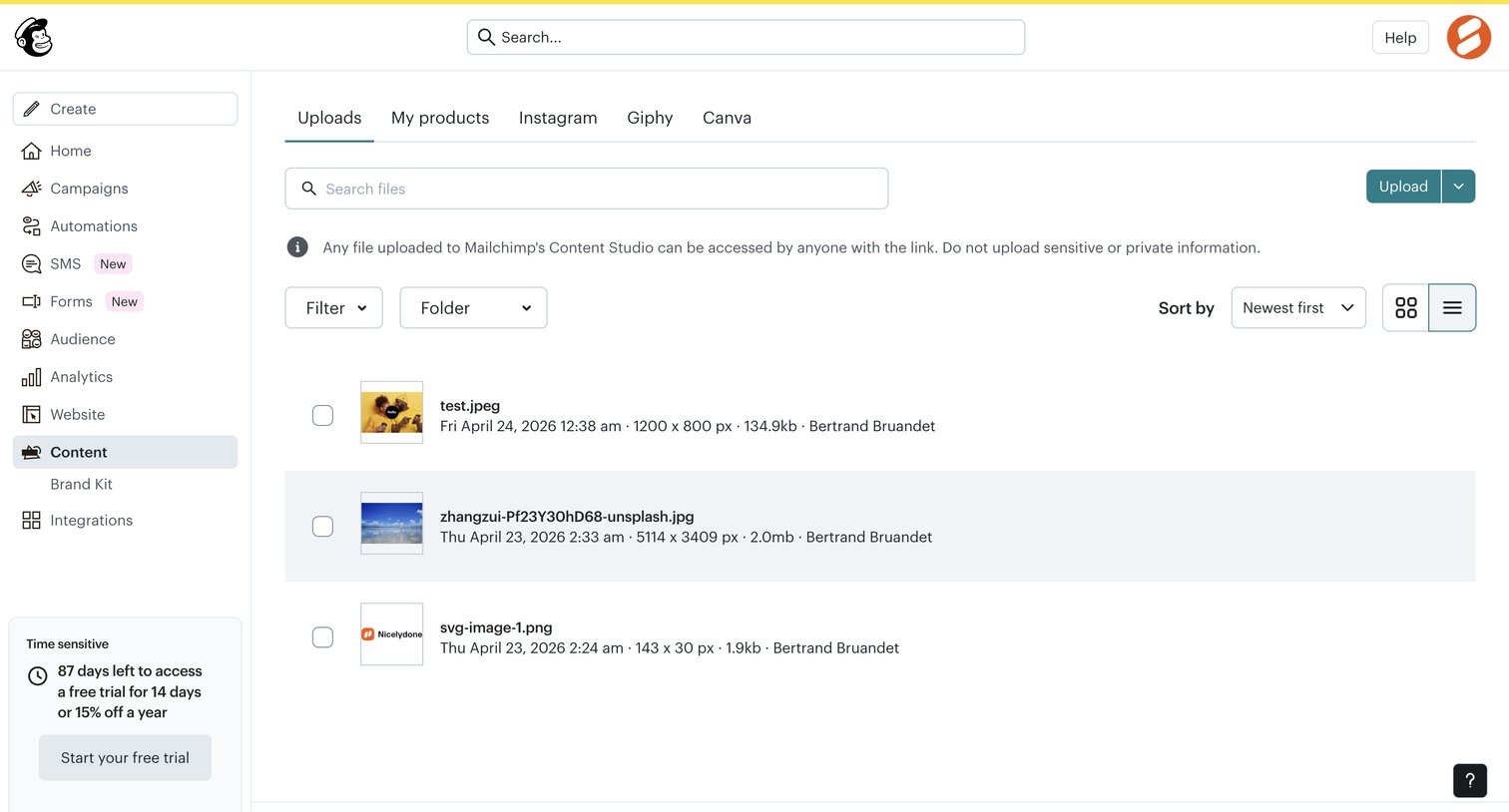

List view where the user manages uploaded files in their content studio, with options to search, filter by folder, and upload new assets.
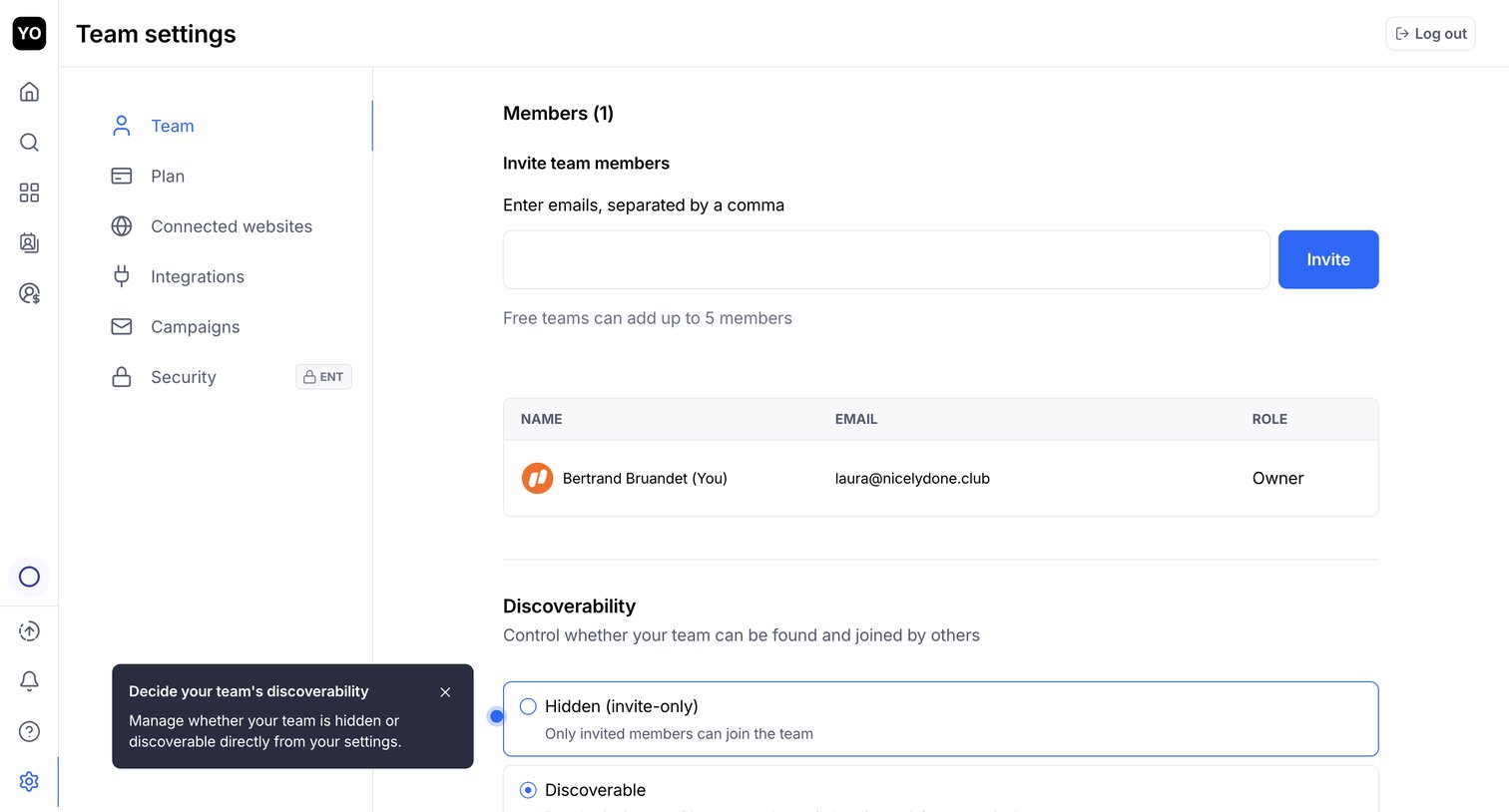

Settings page where the user invites new team members by email, manages existing members in a list, and configures team discoverability options.
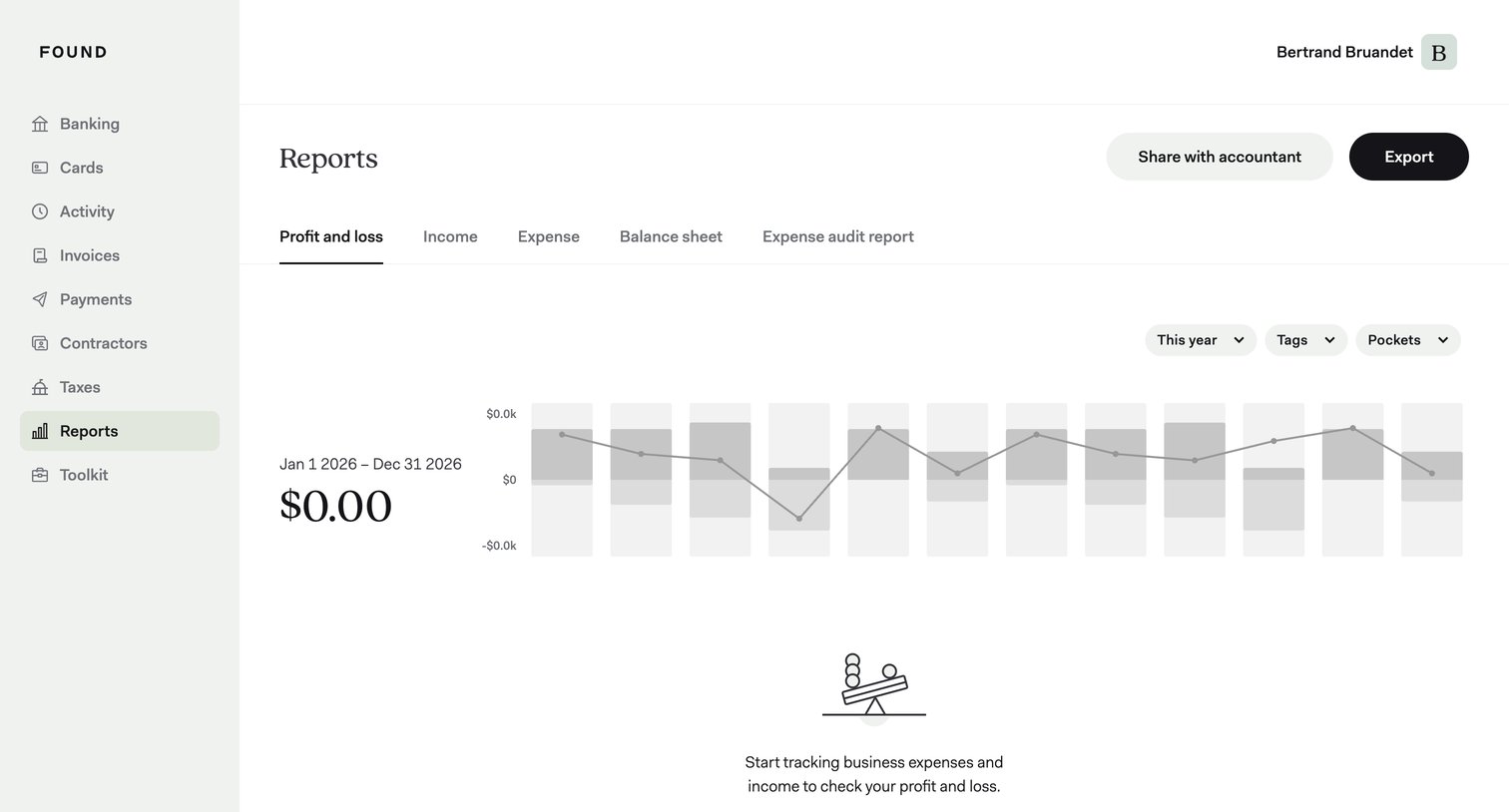

Analytics dashboard showing an empty profit and loss report with a prompt to start tracking expenses, alongside filters for year, tags, and pockets.
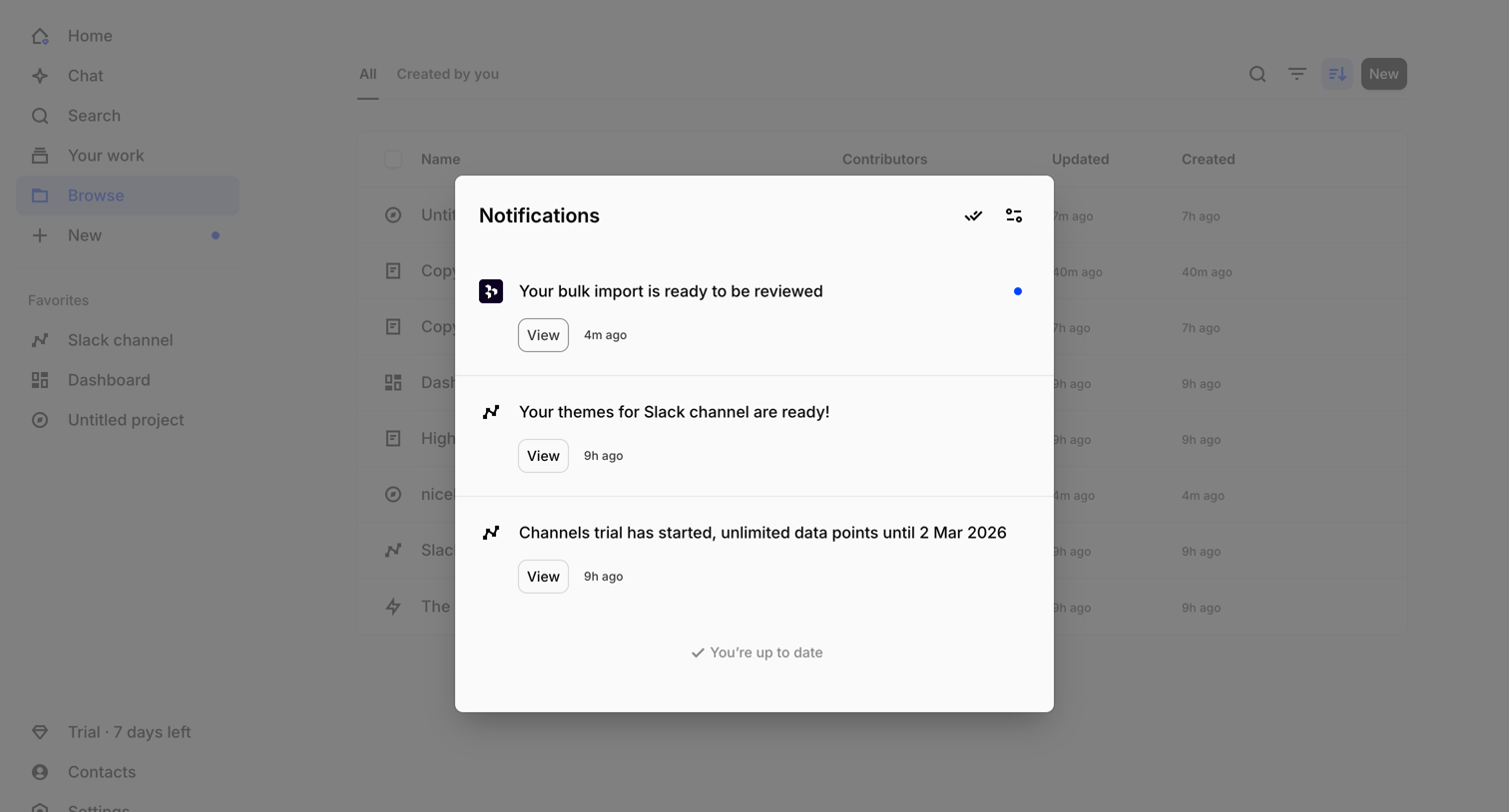

List view where the user opens a modal overlay to review recent system notifications, including updates on bulk imports and theme generation.
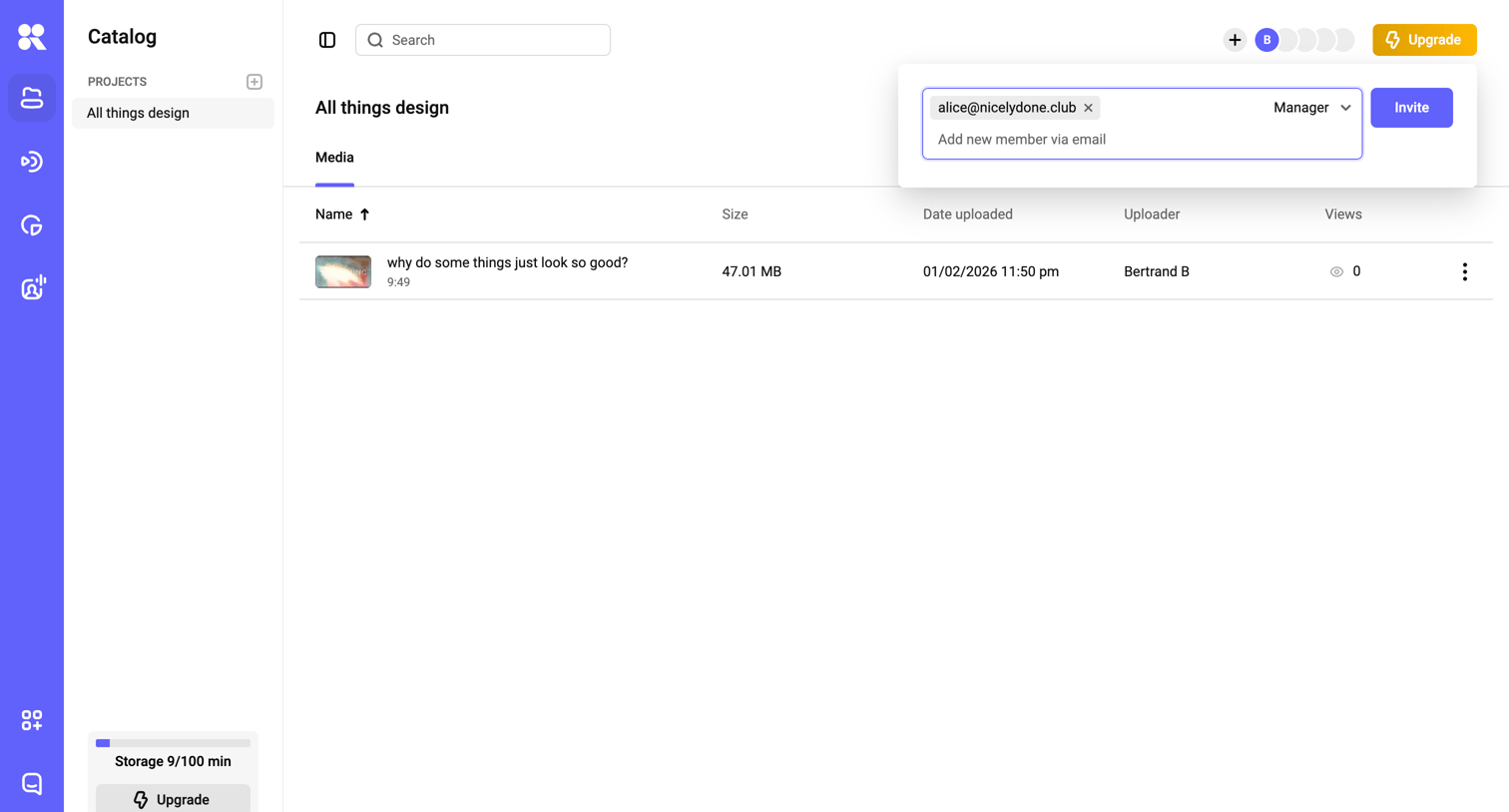

List view where the user manages media files within a specific design project and is currently inviting a new manager via email.
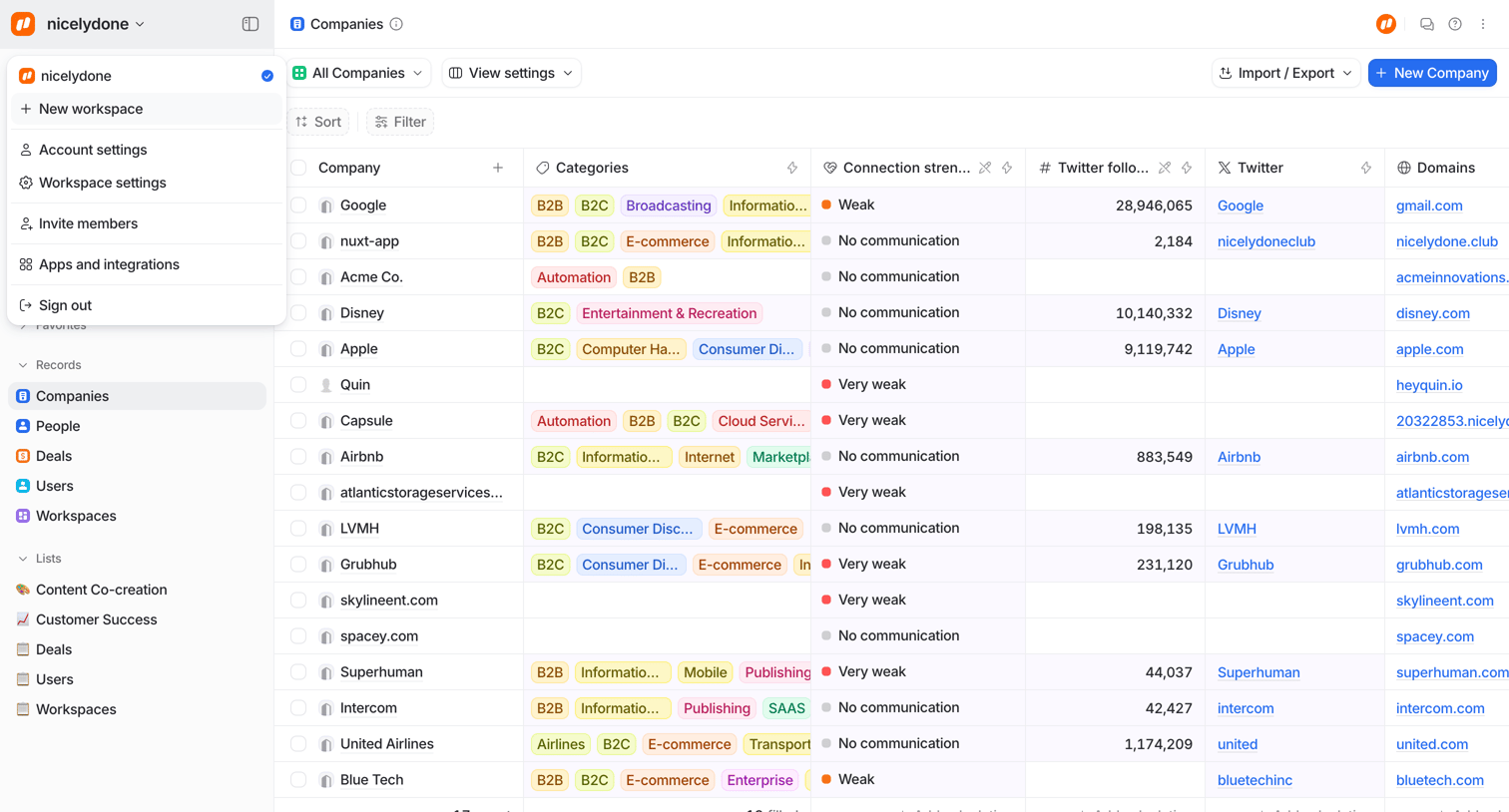

Data table view where the user manages a list of companies with columns for categories, connection strength, and social links.
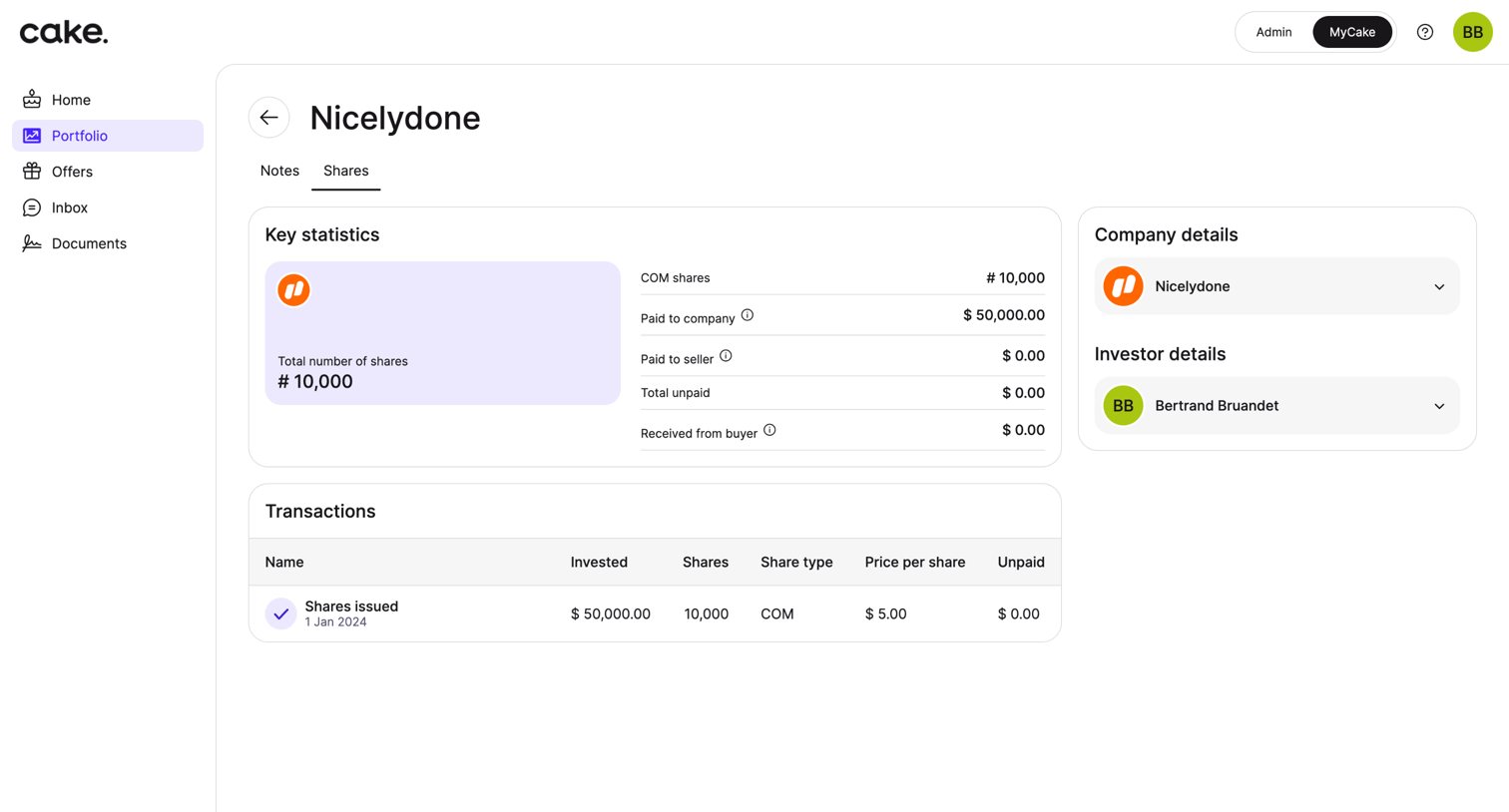

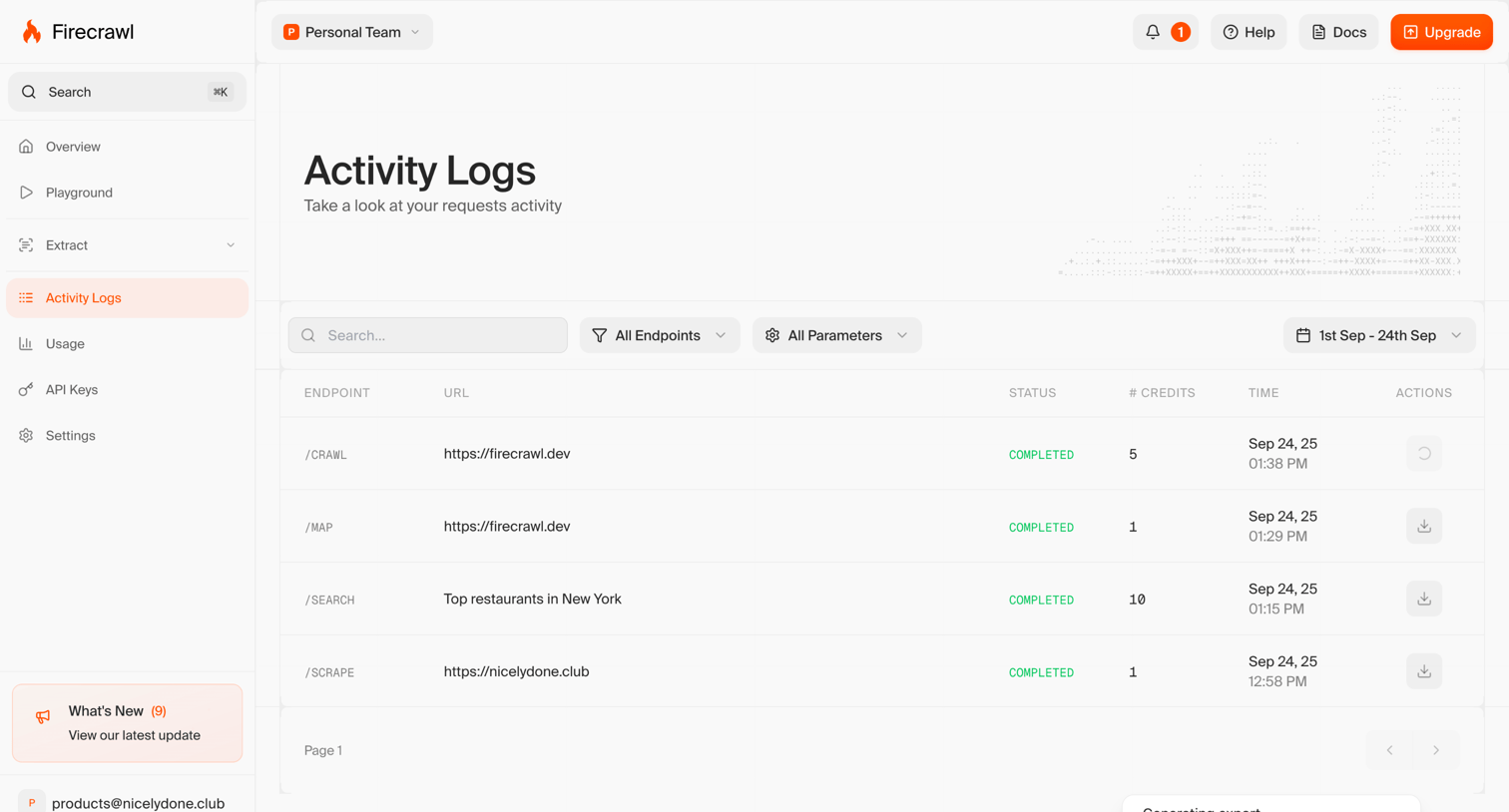

Activity logs page where the user views their API request history filtered by endpoint, parameters, and date range.
Explore the full SaaS screen library
Upgrade to unlock the full library.
Trusted by the best teams







