Course creation screen examples
Course creation screen design examples from SaaS apps. Browse examples from Mighty, Scale, Flodesk.
Explore the examples
![Mighty - [Copy] Course screen](https://assets.nicelydone.club/cdn-cgi/image/g=top,w=1512,h=814,f=webp,fit=cover/https://assets.nicelydone.club/f/f5e68a80-04b8-4e65-a560-fc0766dfb4c8.png)

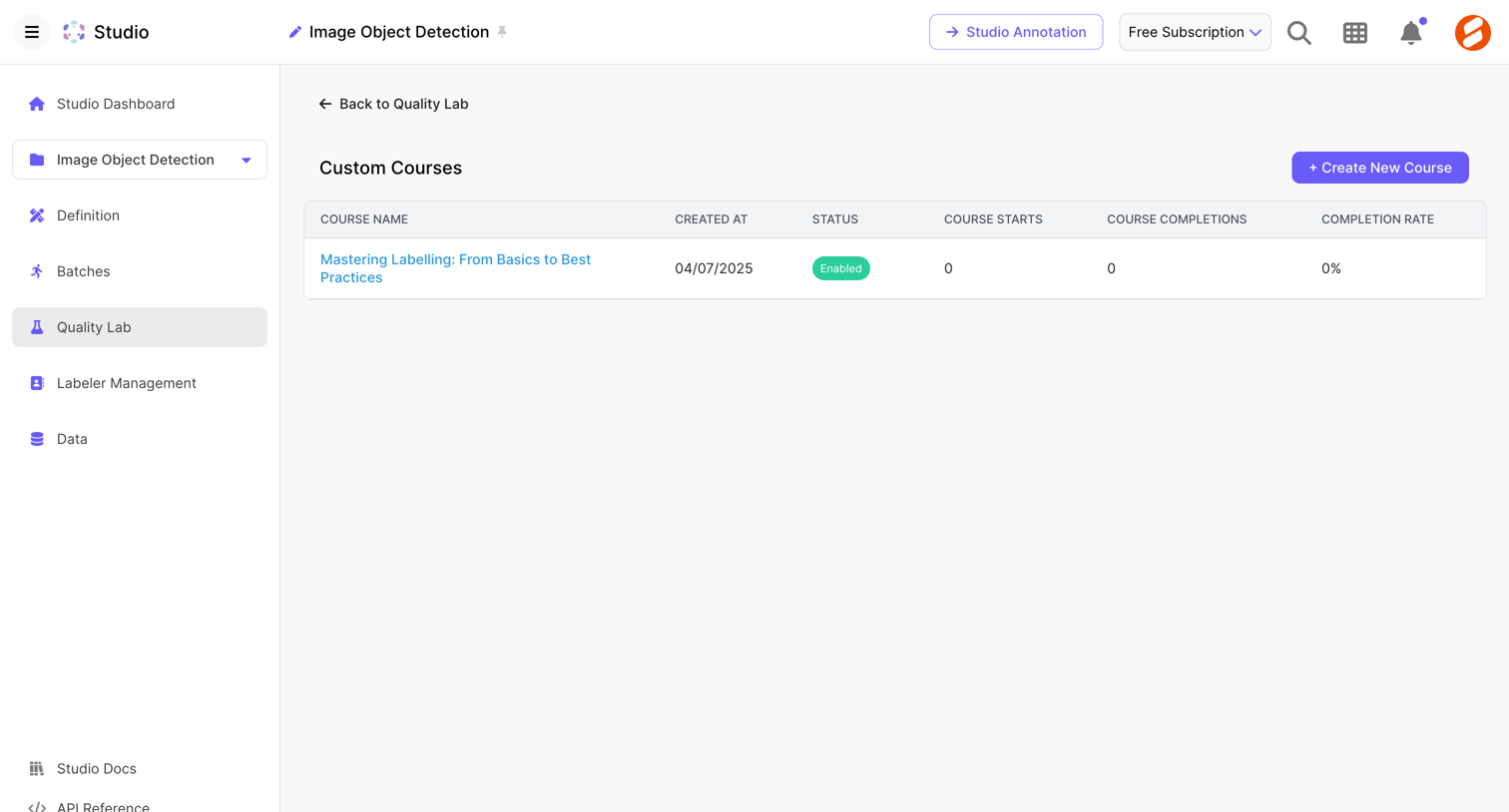

List view where the user manages custom training courses for their labeling team, viewing creation dates, status, and completion metrics.
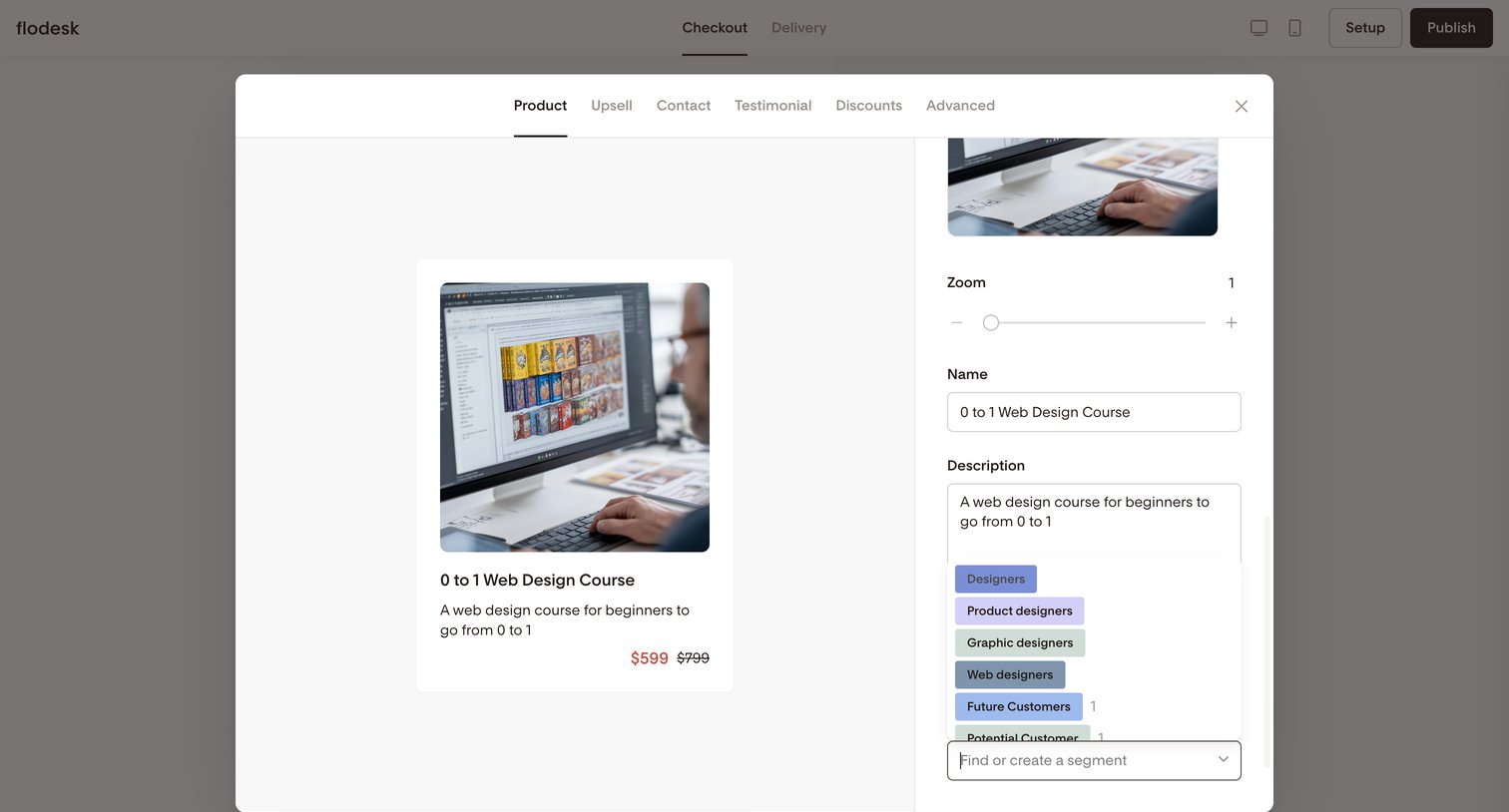

Design editor where the user configures product details like name, description, pricing preview, and audience segments for a checkout page within a modal overlay.
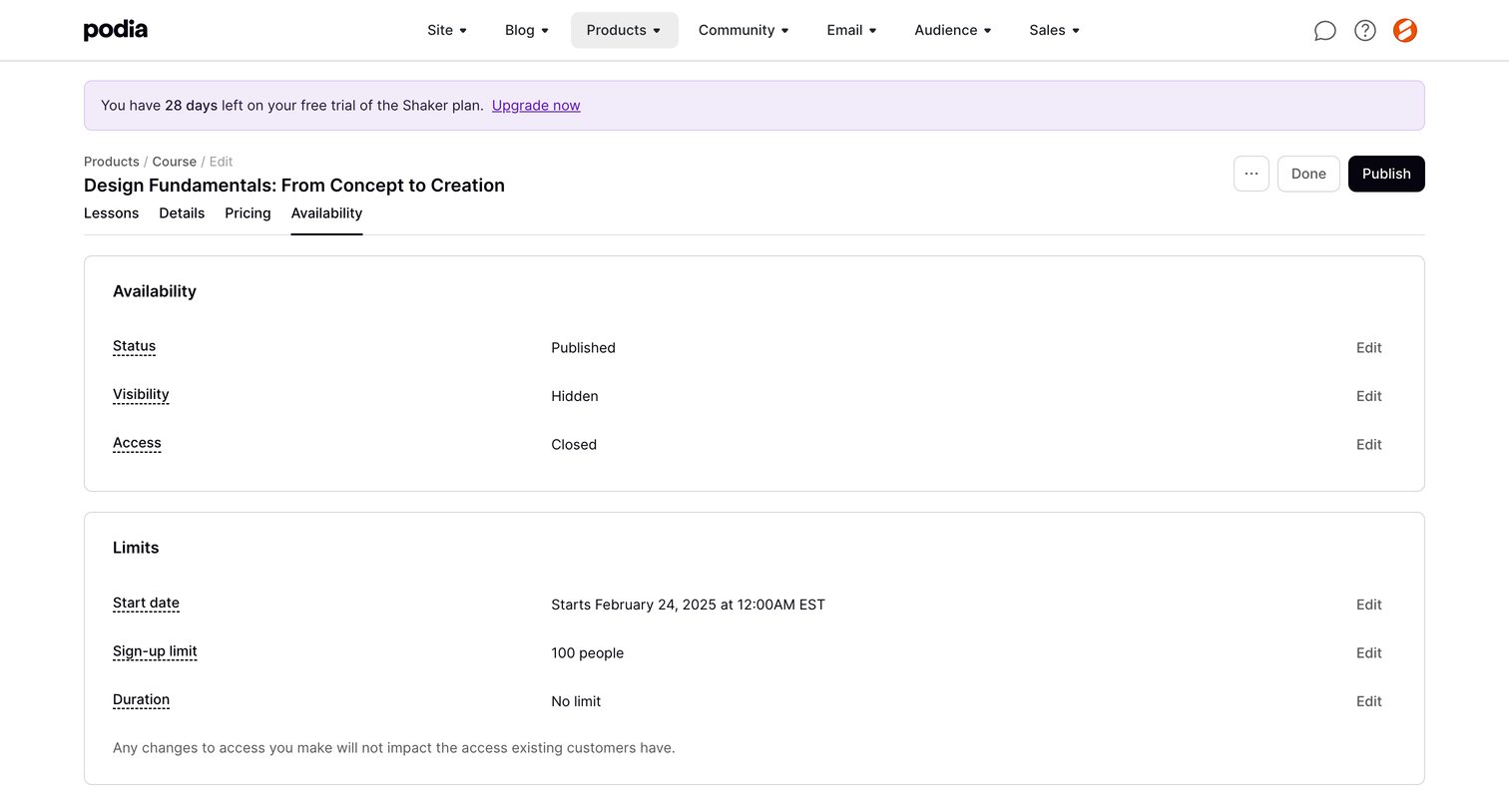

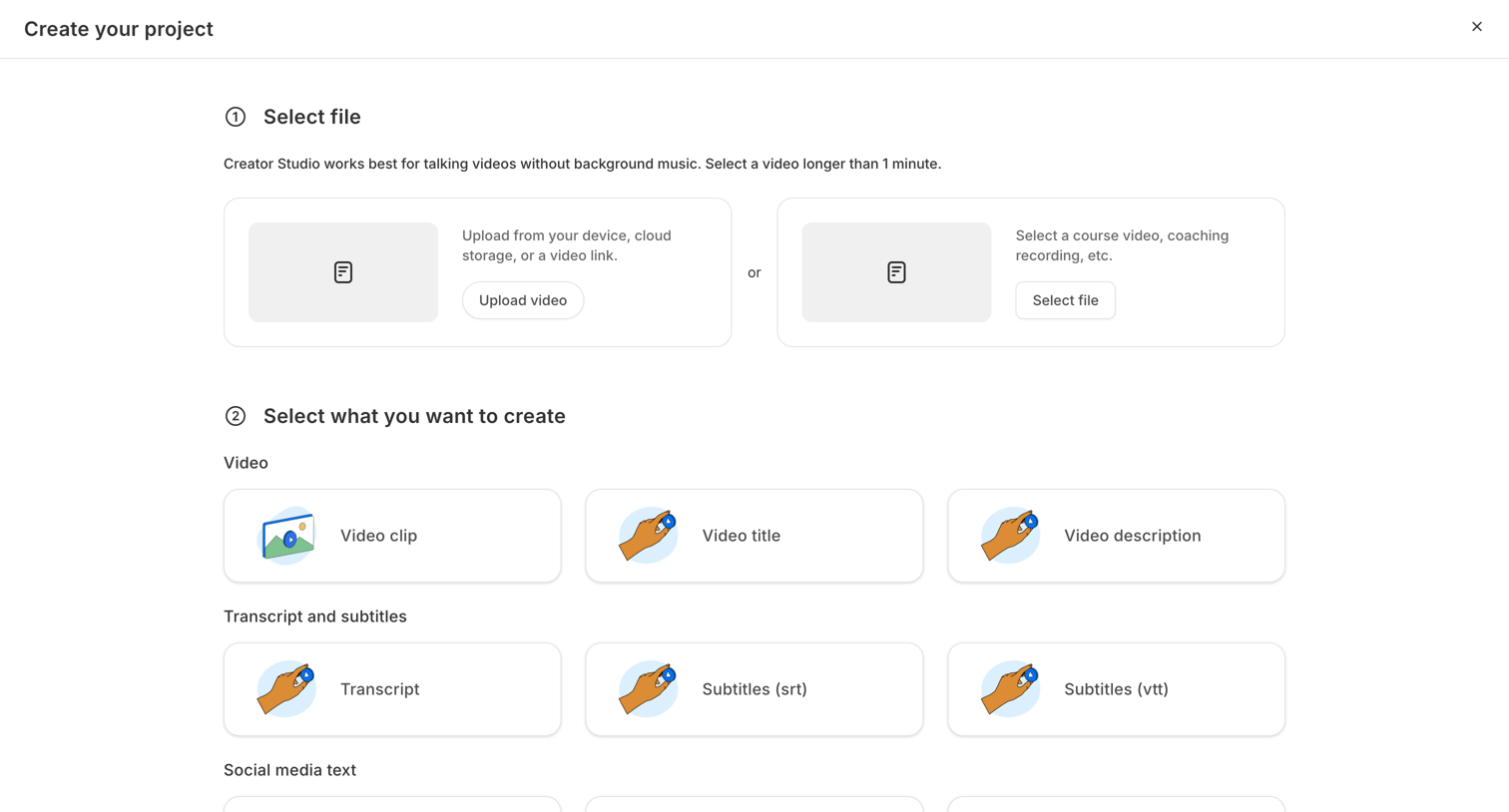

Creation modal where the user uploads a source video and selects which AI-generated assets, like transcripts, social posts, and emails, they want to produce.
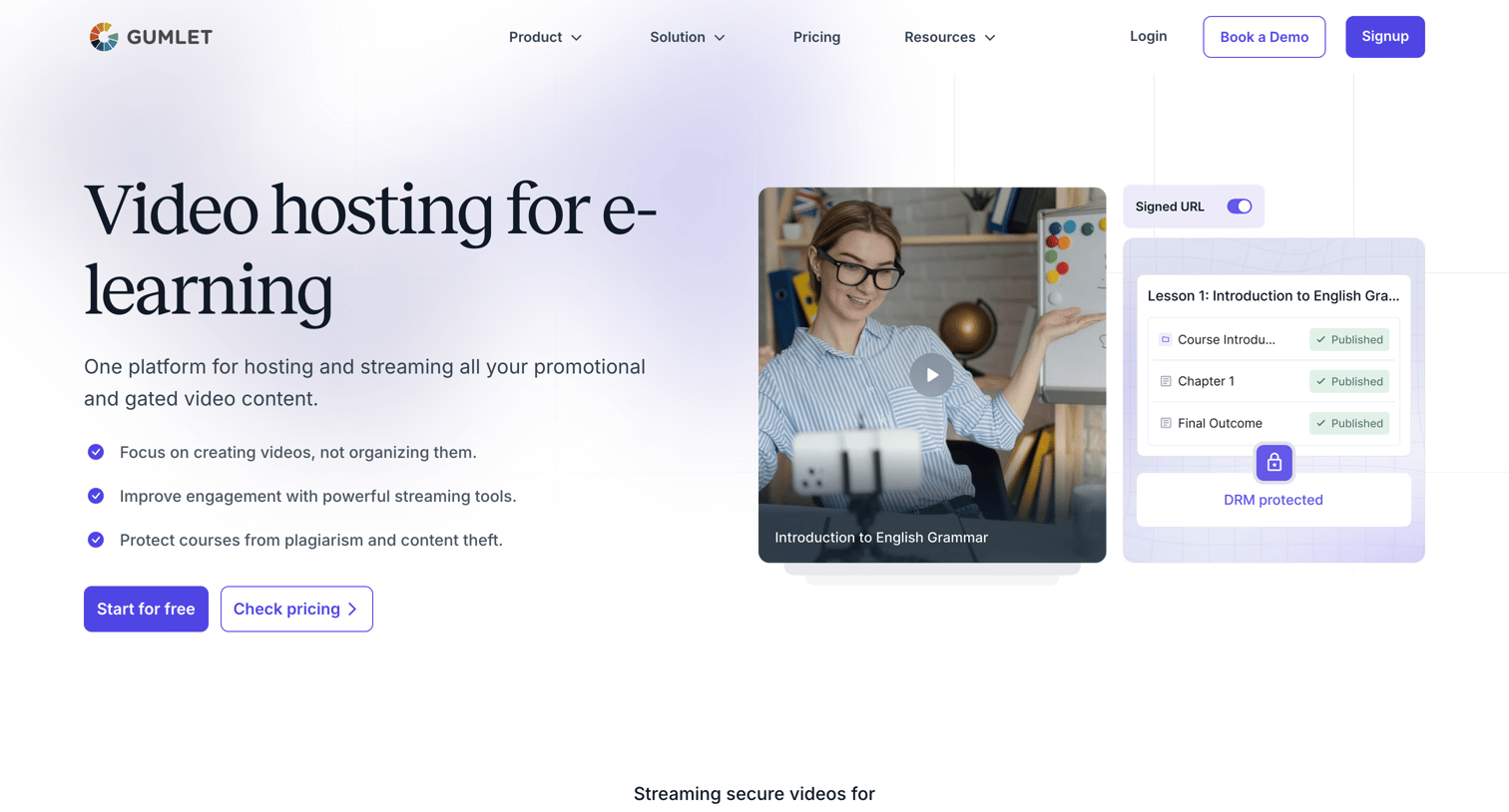

Marketing page detailing secure video hosting and streaming solutions tailored for course creators and e-learning platforms.
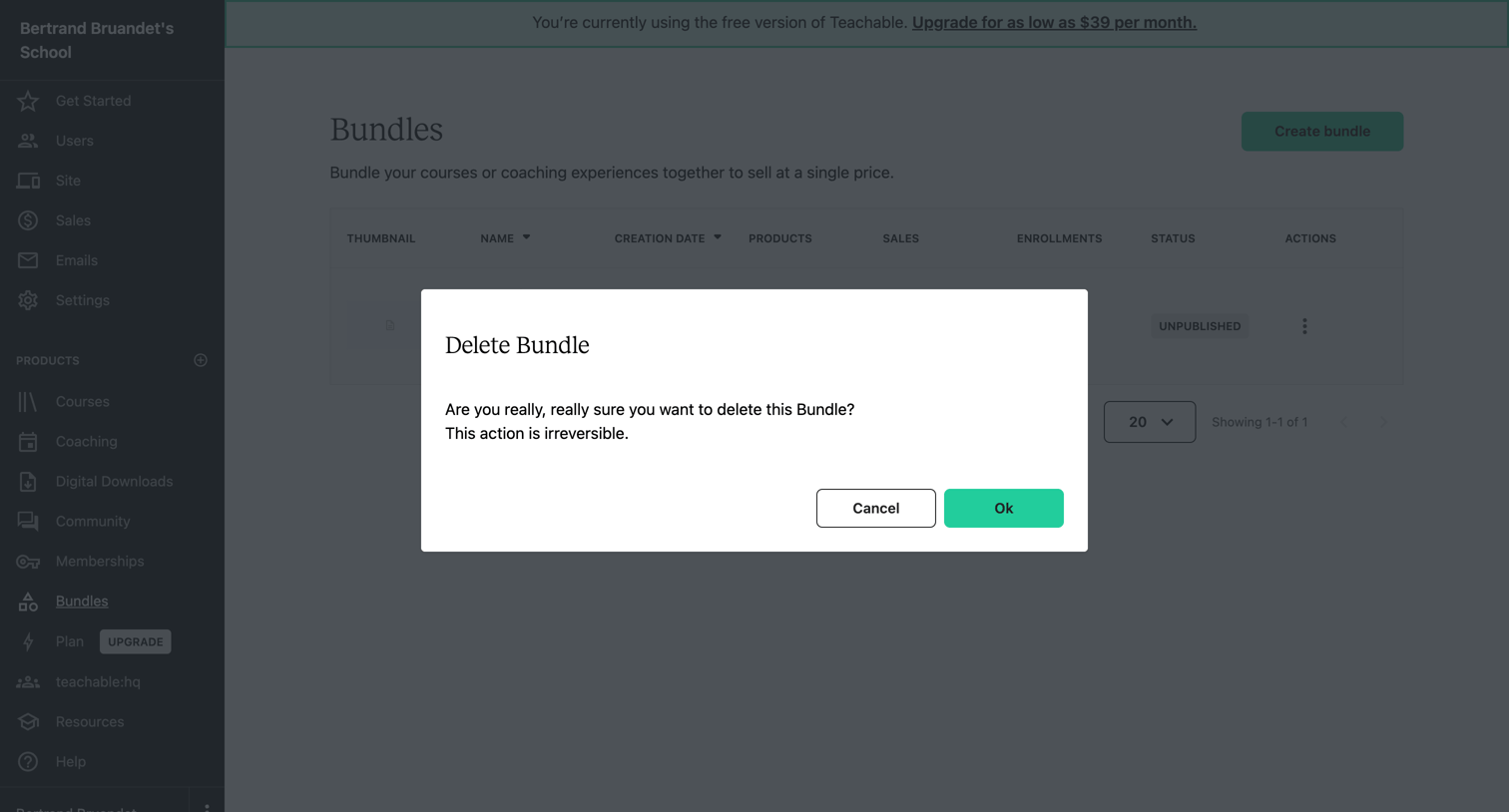

List view of bundles with an alert dialog prompting the user to confirm the irreversible deletion of a specific bundle.
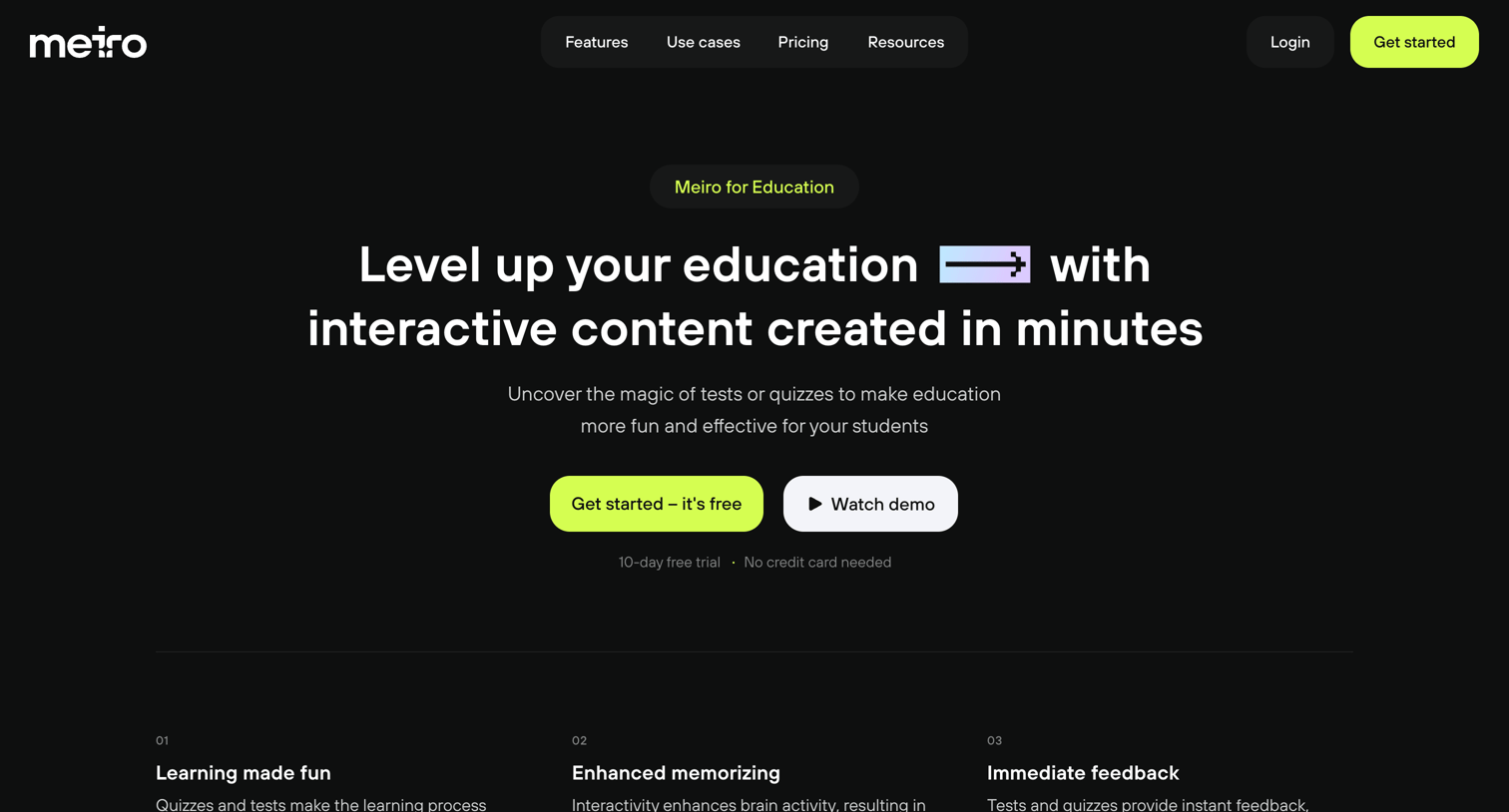

Use case page explaining how educators can use the platform to create interactive quizzes and tests, featuring step-by-step guides, a customer testimonial, and a feature breakdown.


List view where the user can browse their existing training courses, toggle between grid and list layouts, sort by recency, or create a new course.
Explore the full SaaS screen library
Upgrade to unlock the full library.
Trusted by the best teams







