Content recommendation screen examples
Content recommendation screen design examples from SaaS apps. Browse examples from Dock, Navattic, Jasper.
Explore the examples
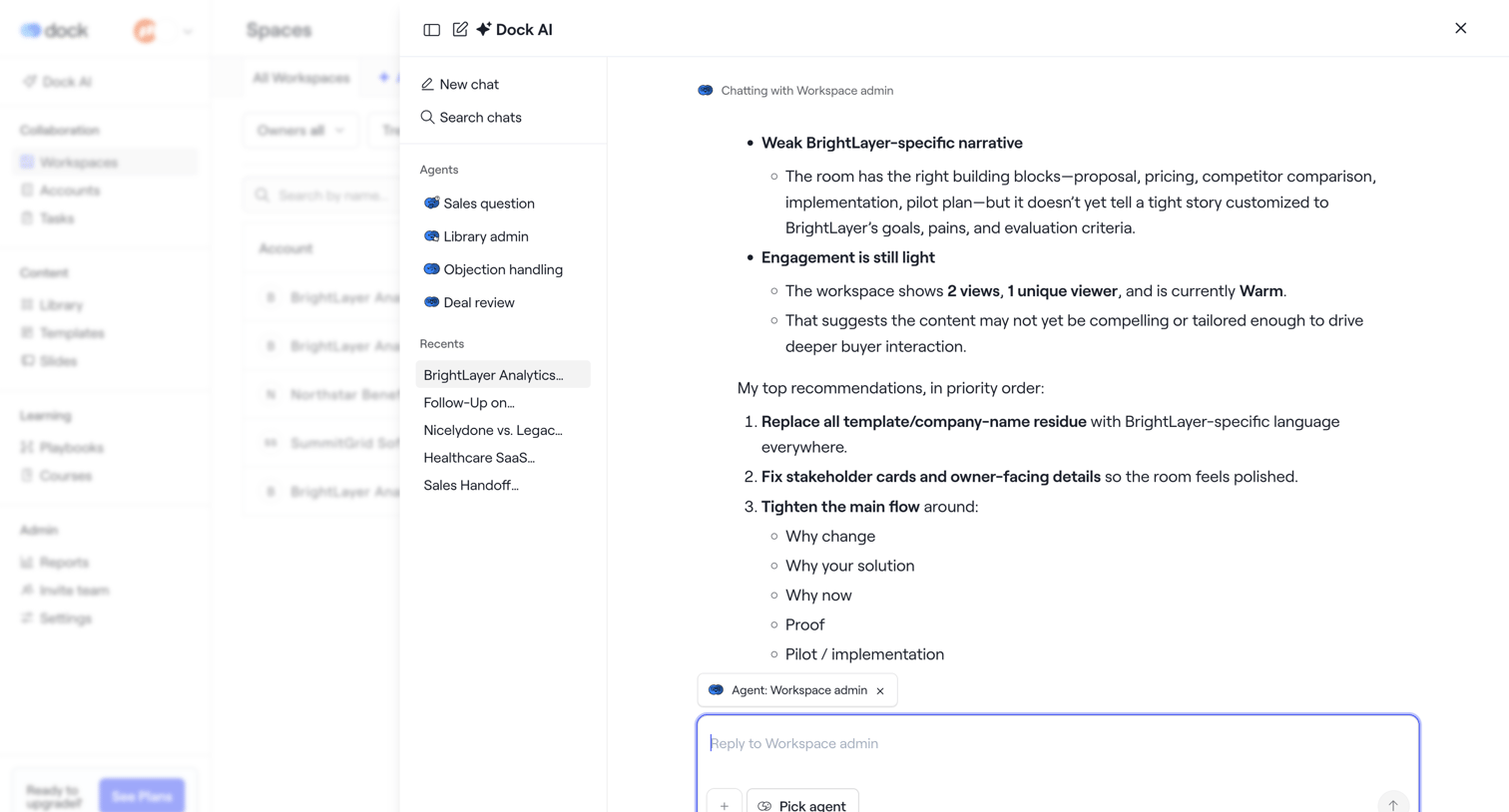

AI chat overlay where the user interacts with a Workspace admin agent to review recommendations and engagement metrics for a specific workspace.
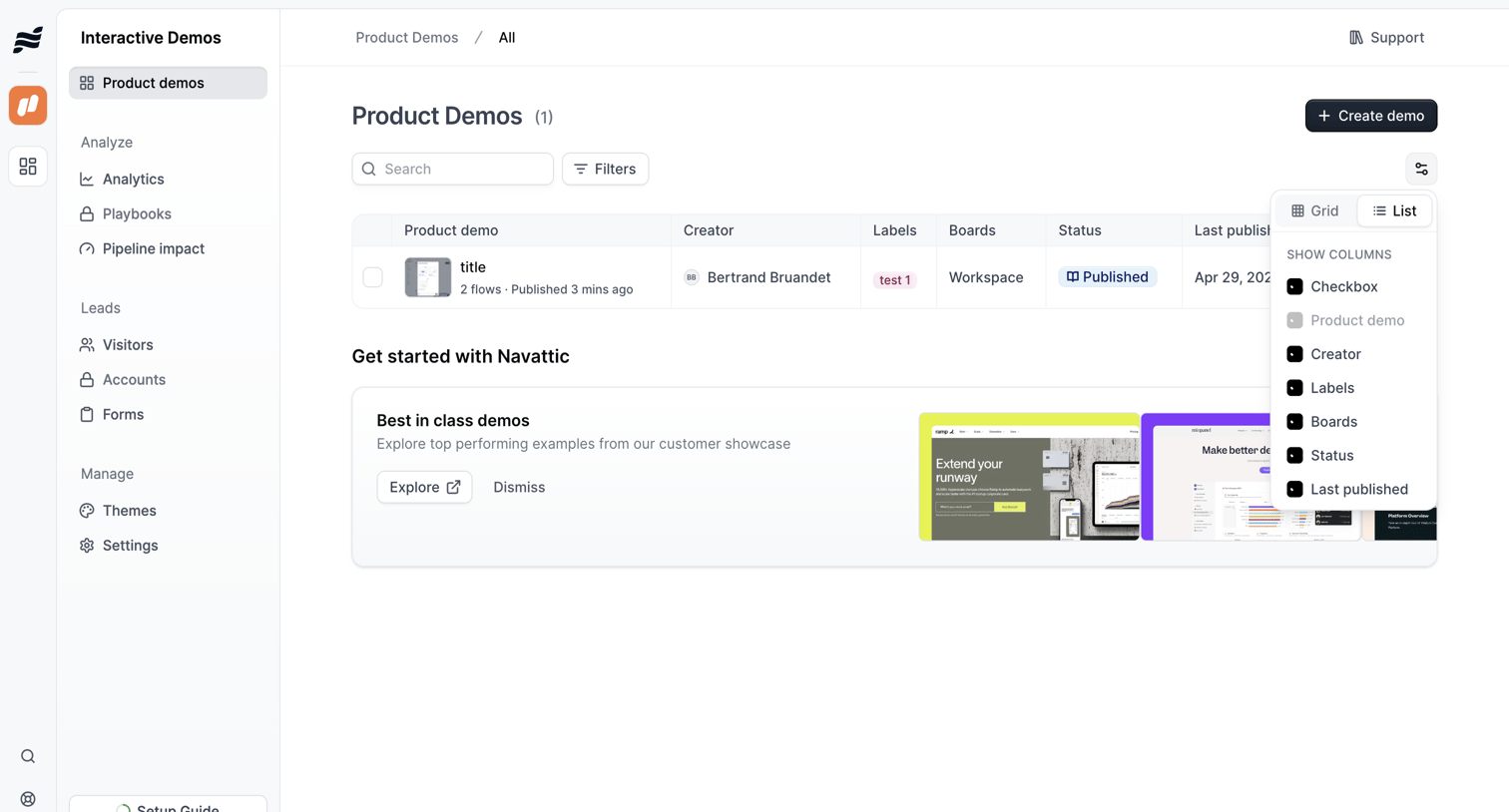

List view where the user manages product demos, featuring an open popover to toggle between grid and list layouts and configure visible table columns.
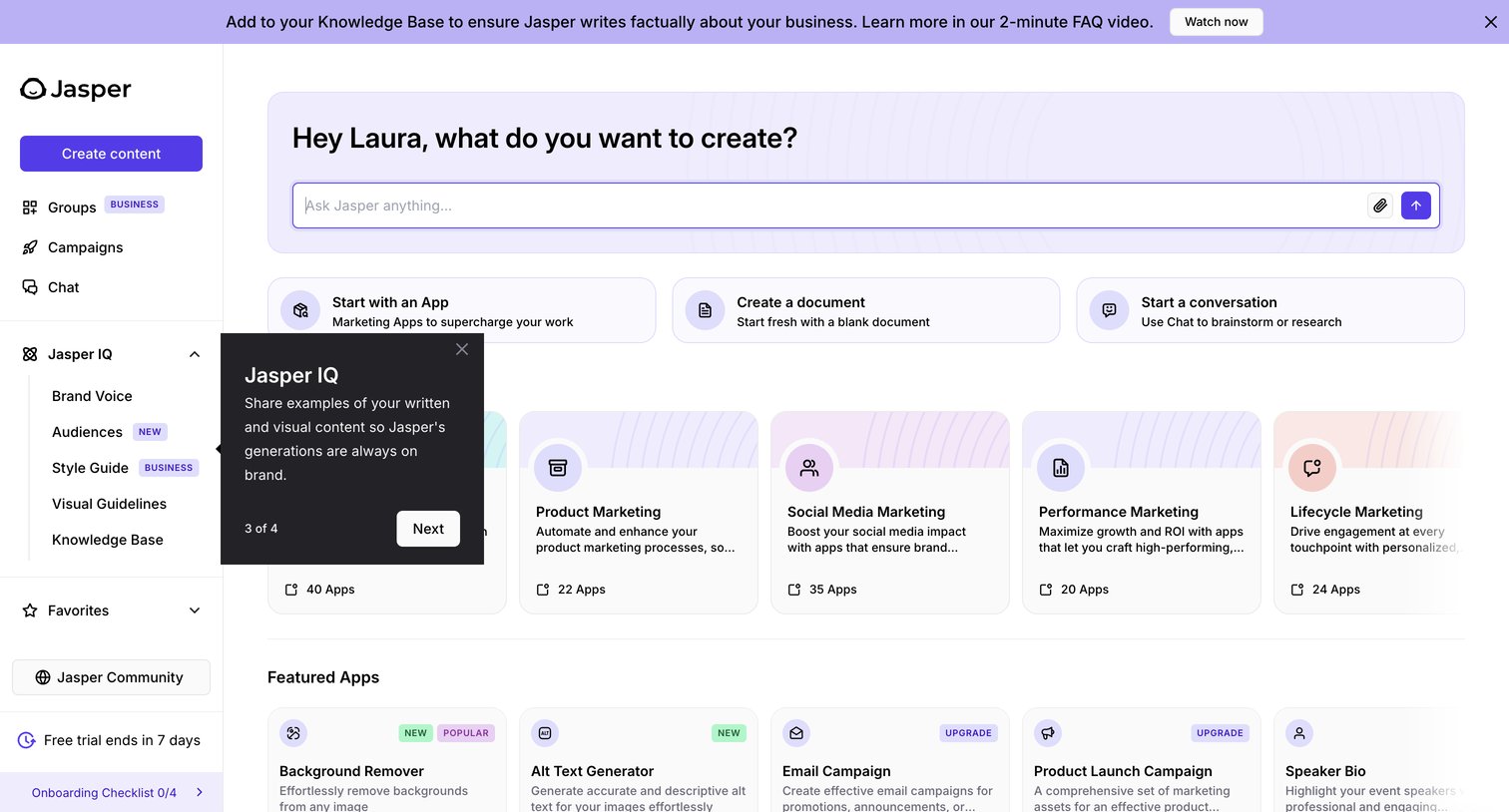

Home screen where the user can start generating content via a central prompt input or browse categorized marketing app templates.
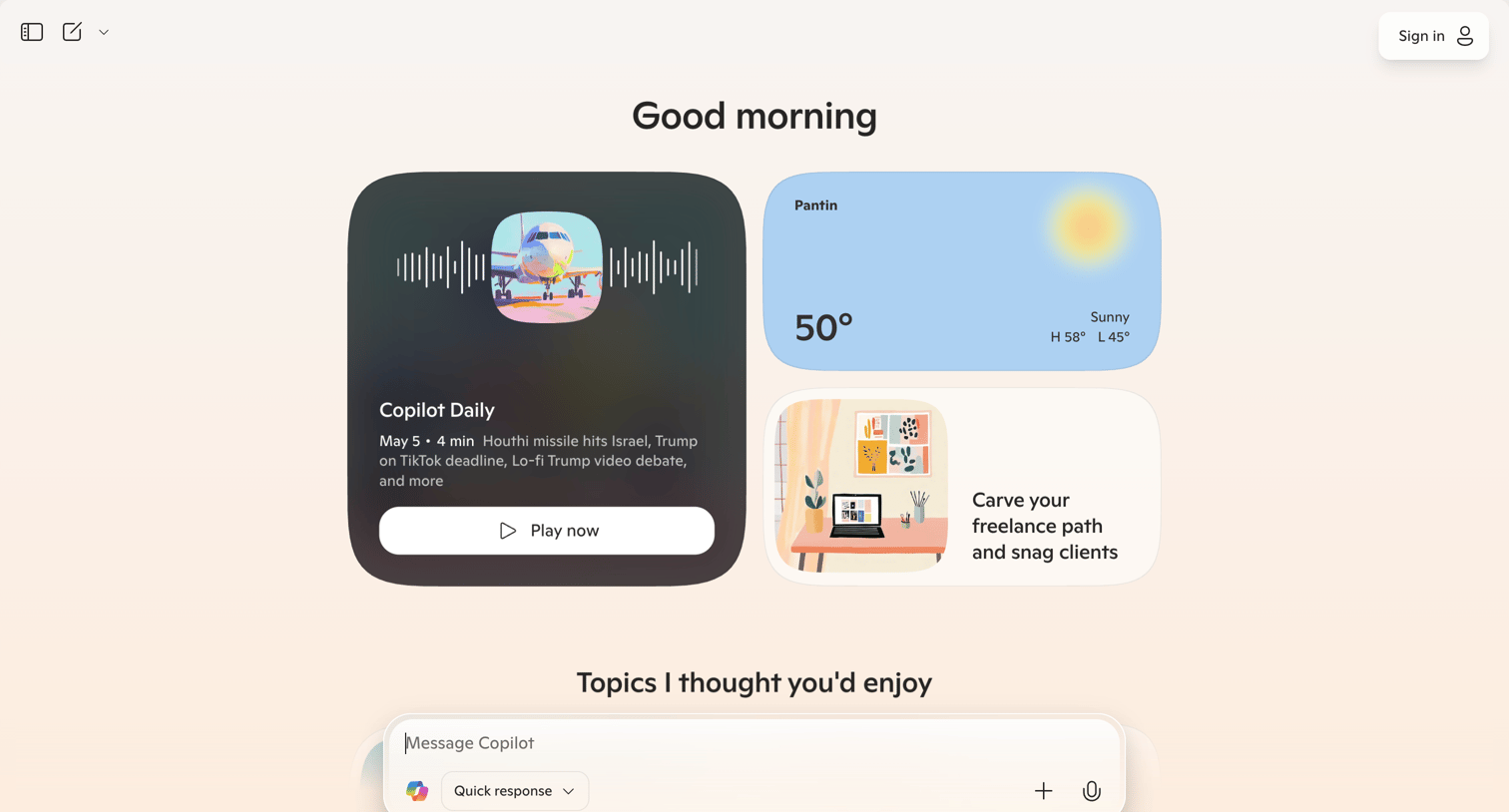

AI chat interface where the user can start a conversation, listen to a daily audio briefing, check the weather, or explore suggested topics.
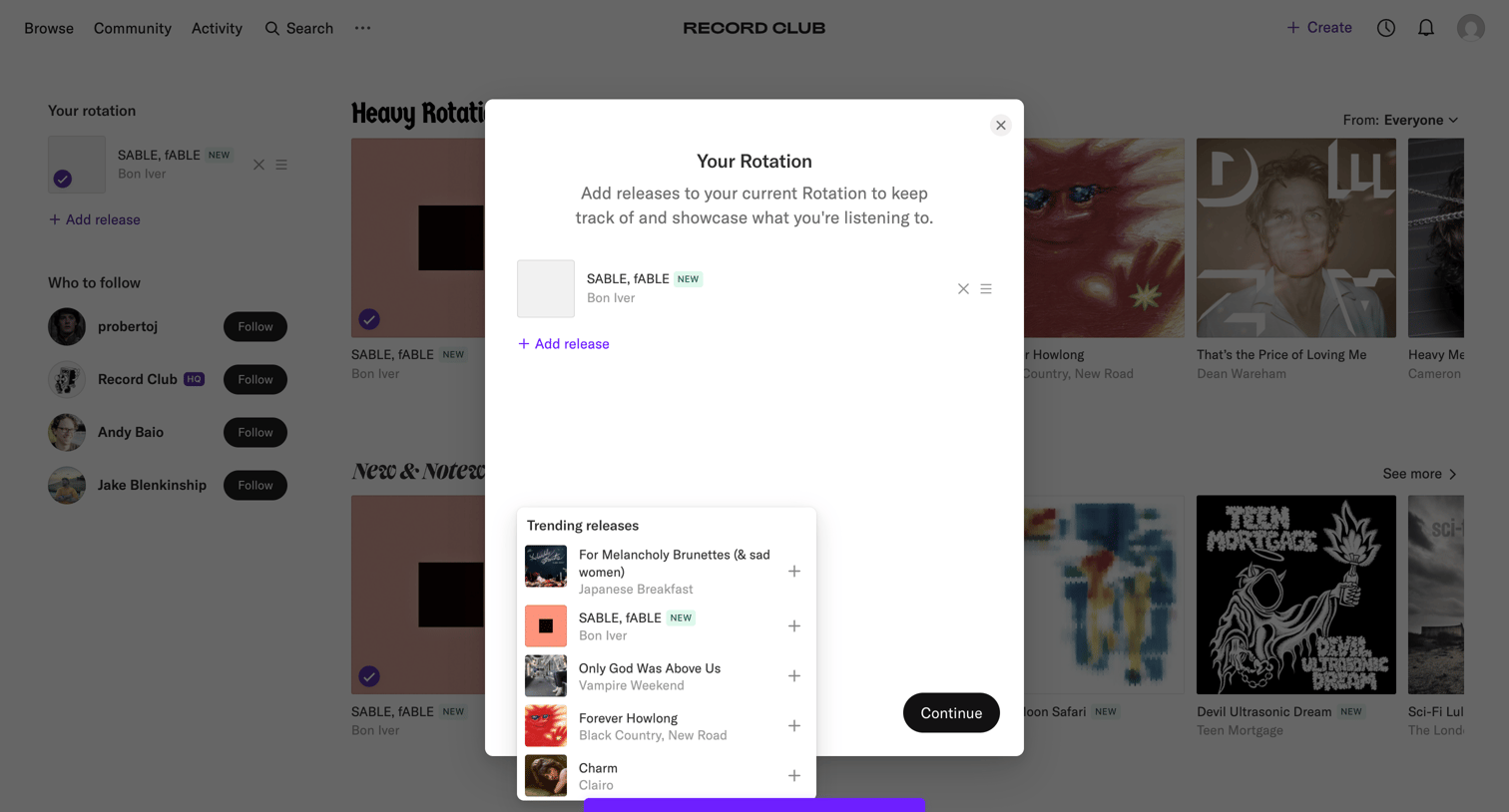

Home screen with a modal and popover open for the user to add trending music releases to their current rotation, accompanied by a success toast.
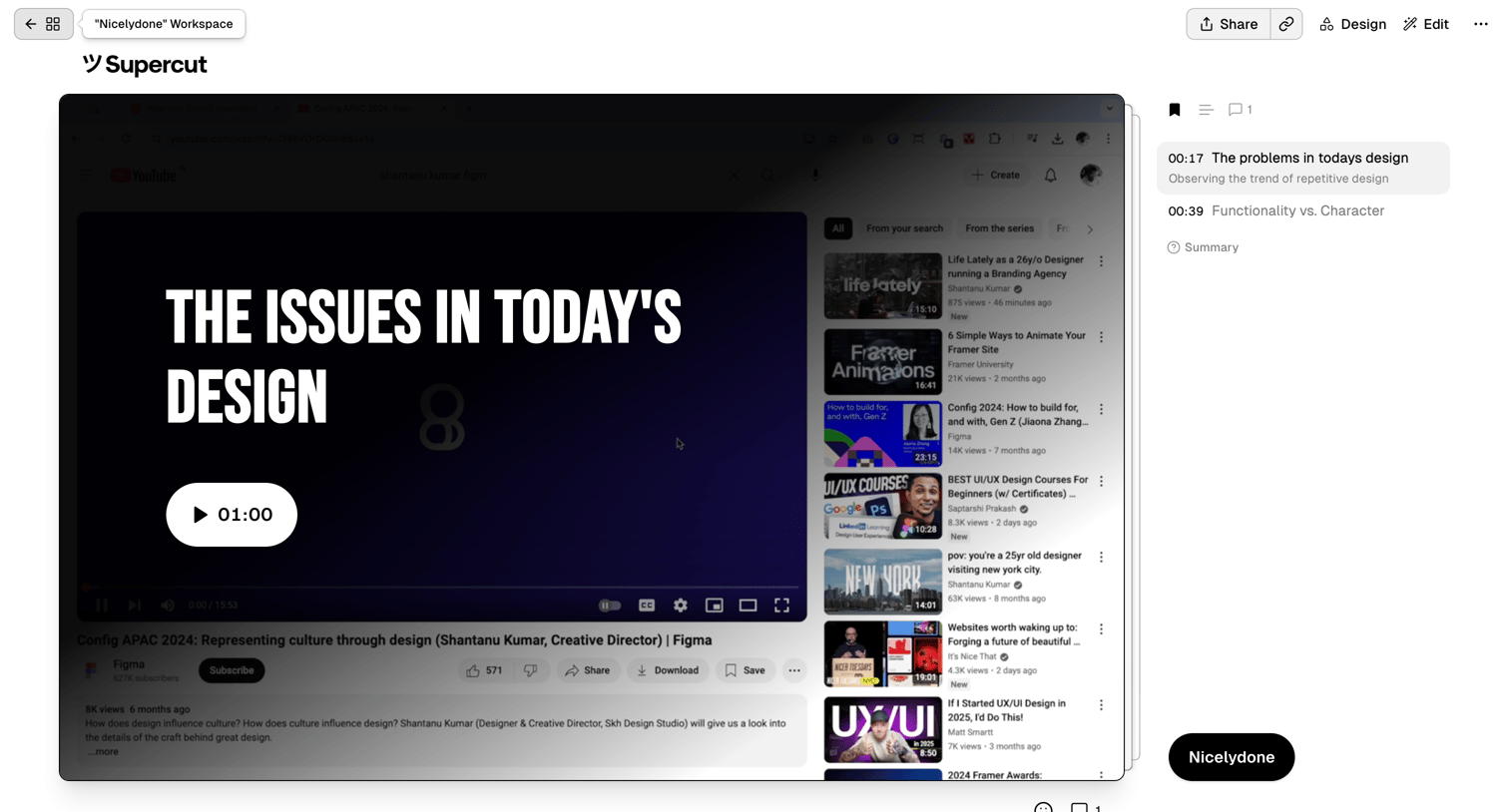

Detail page where the user reviews a video with timestamped chapters and comments in a right-hand sidebar.
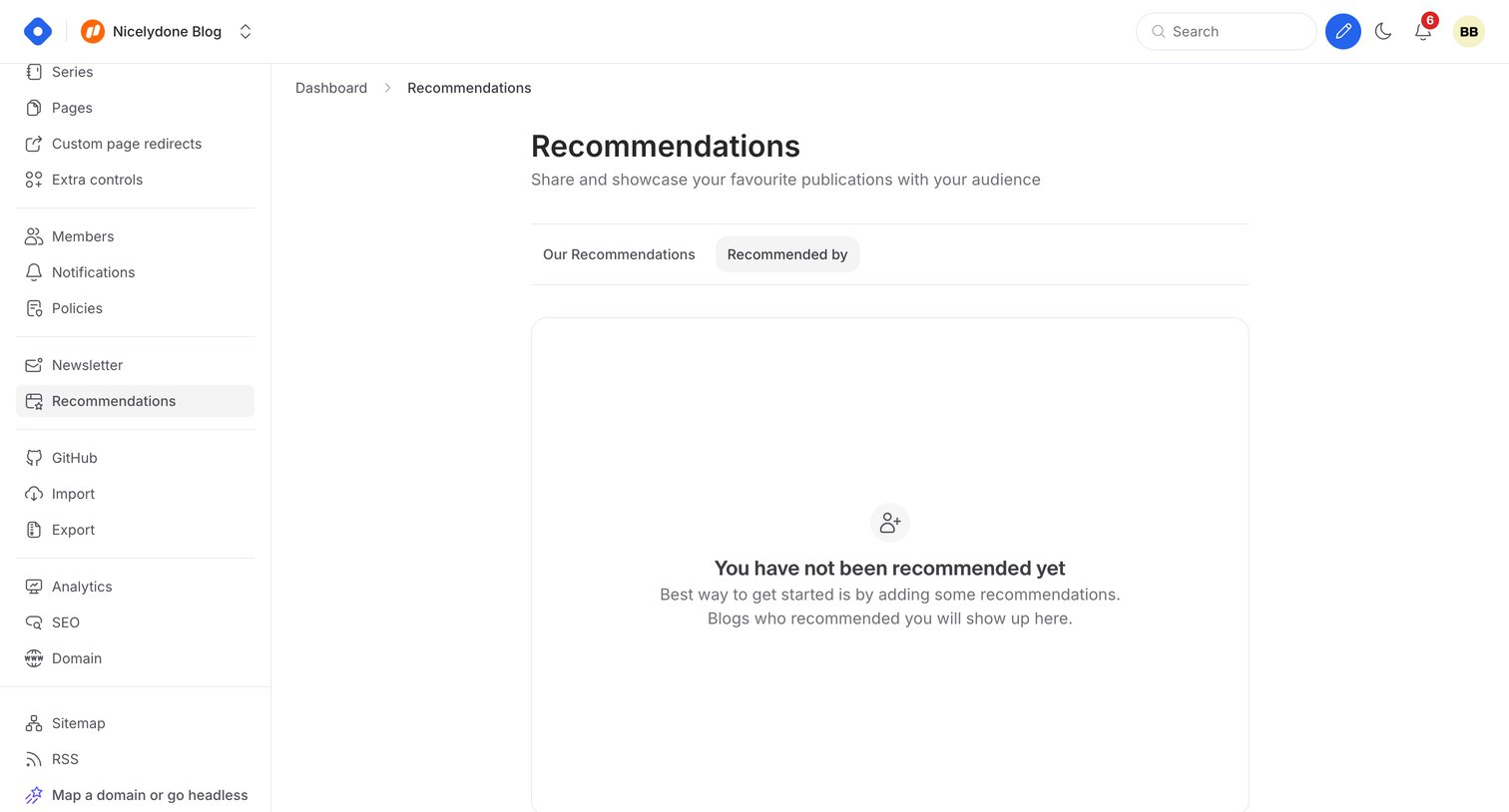

Settings page where the user manages blog recommendations, currently showing an empty state for who has recommended their publication.
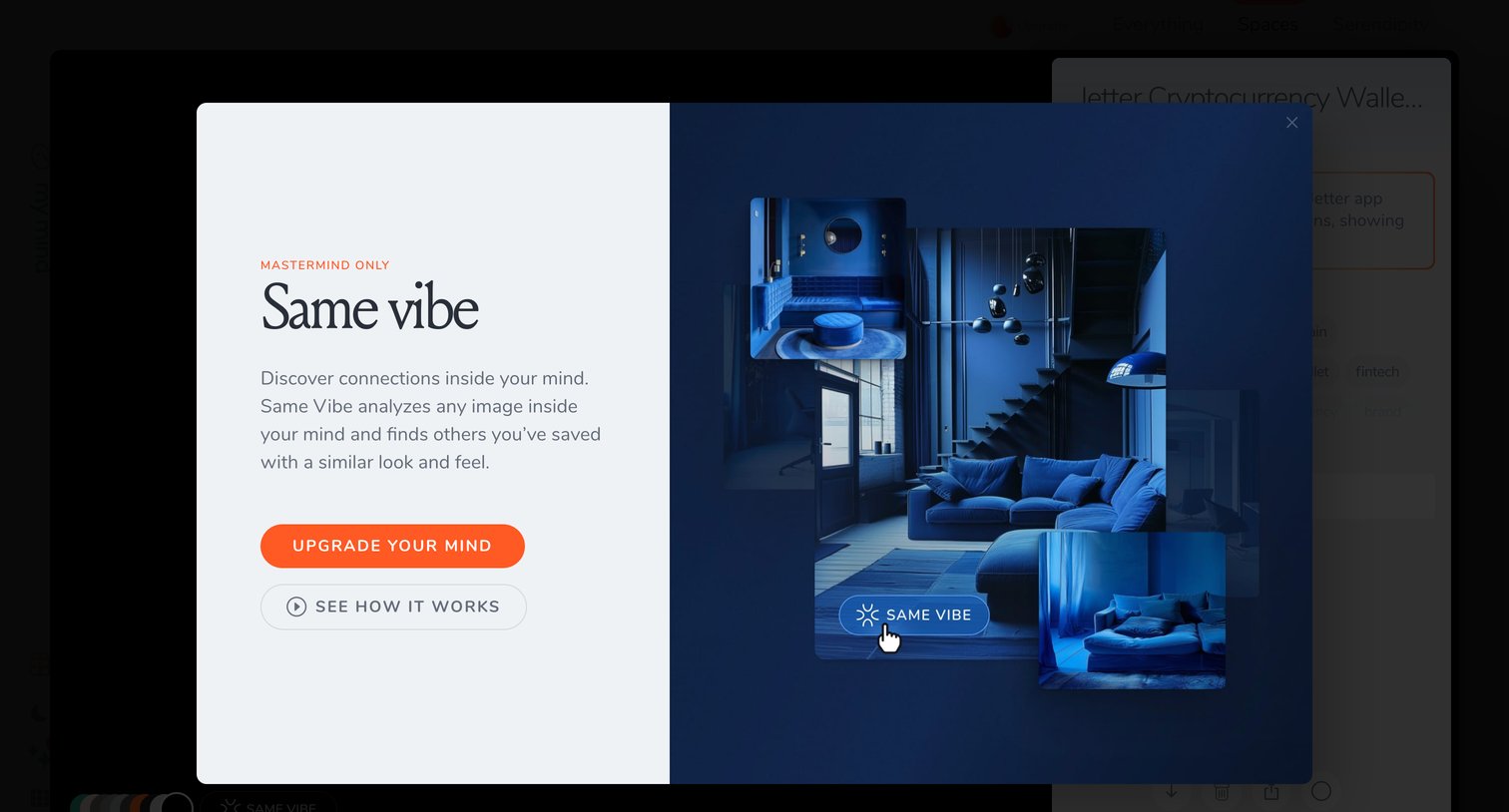

Feature gate modal where the user is prompted to upgrade to the Mastermind plan to unlock the Same Vibe image discovery tool.
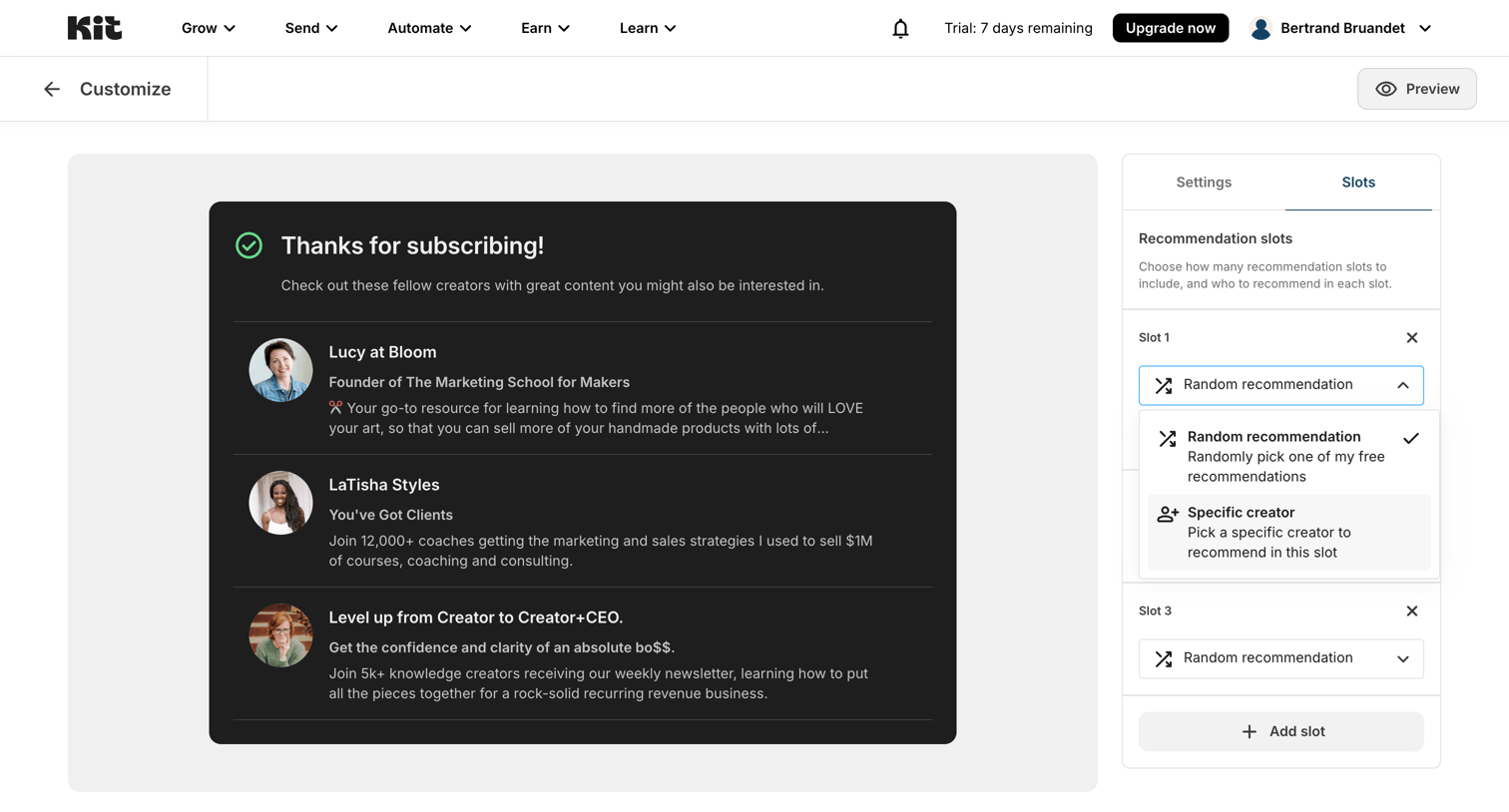

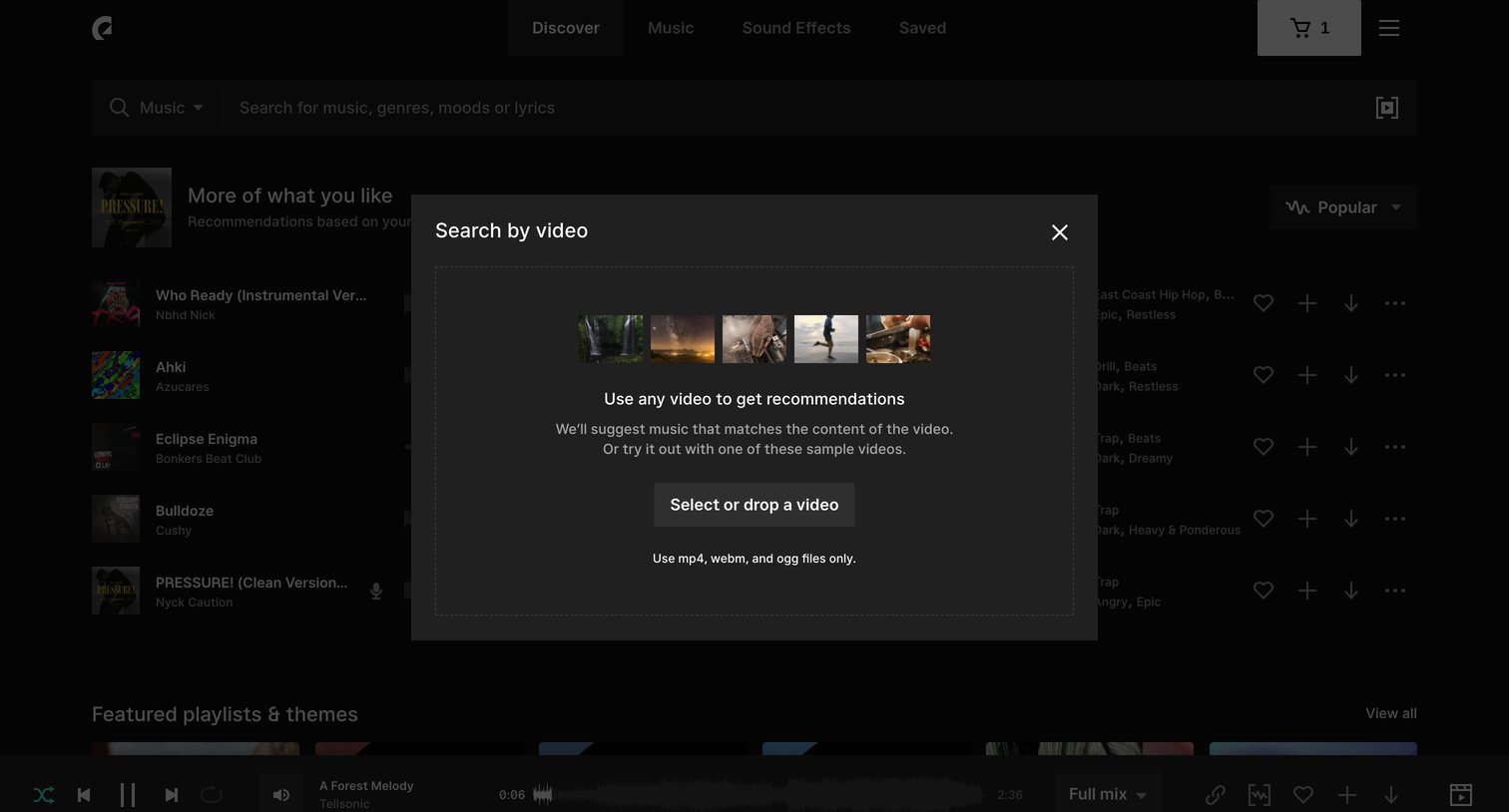

Search overlay where the user can upload or drag and drop a video file to find matching music recommendations.
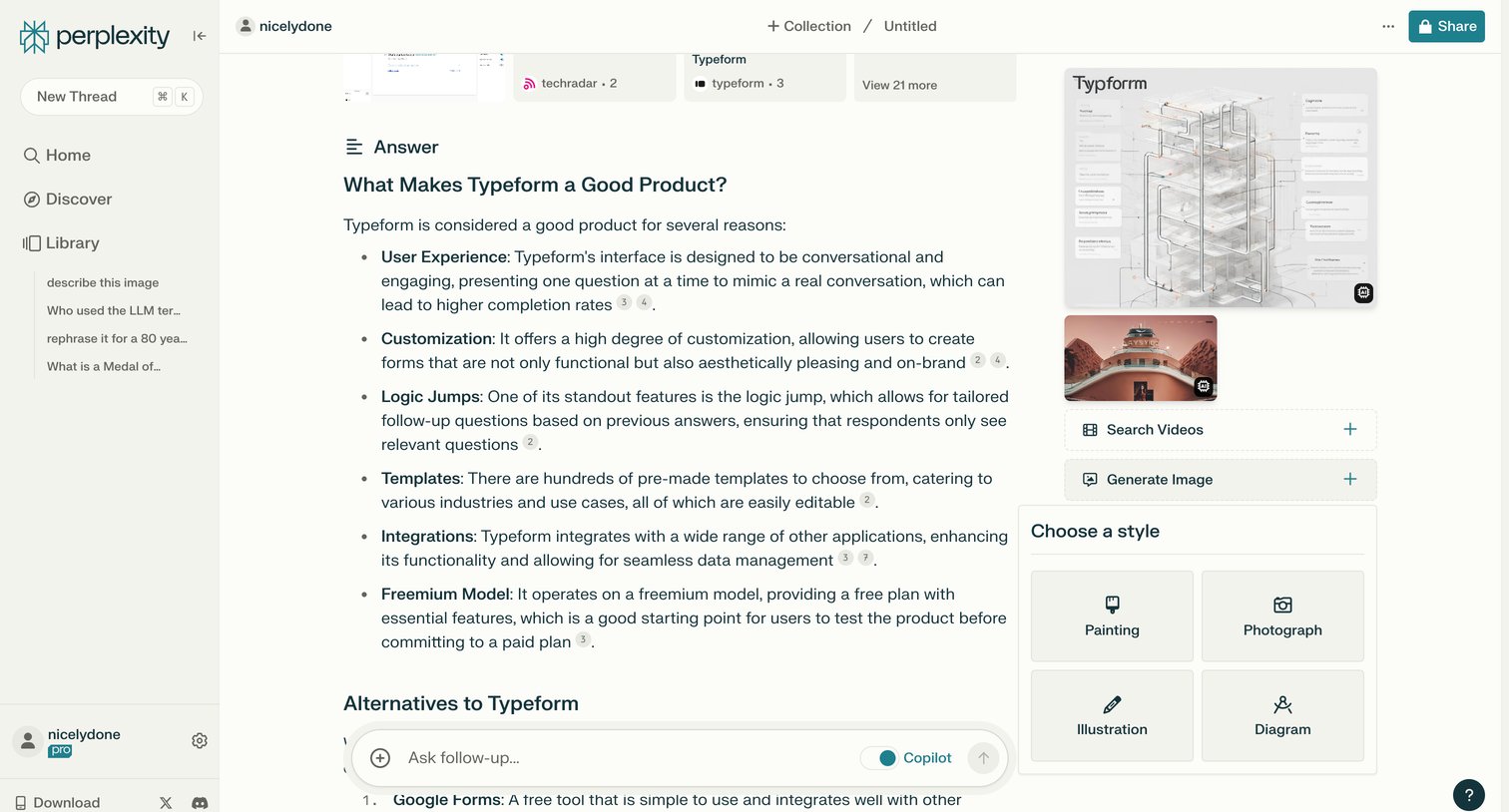

AI search interface where the user reads a detailed answer about Typeform with inline citations, views generated images, and can ask follow-up questions.
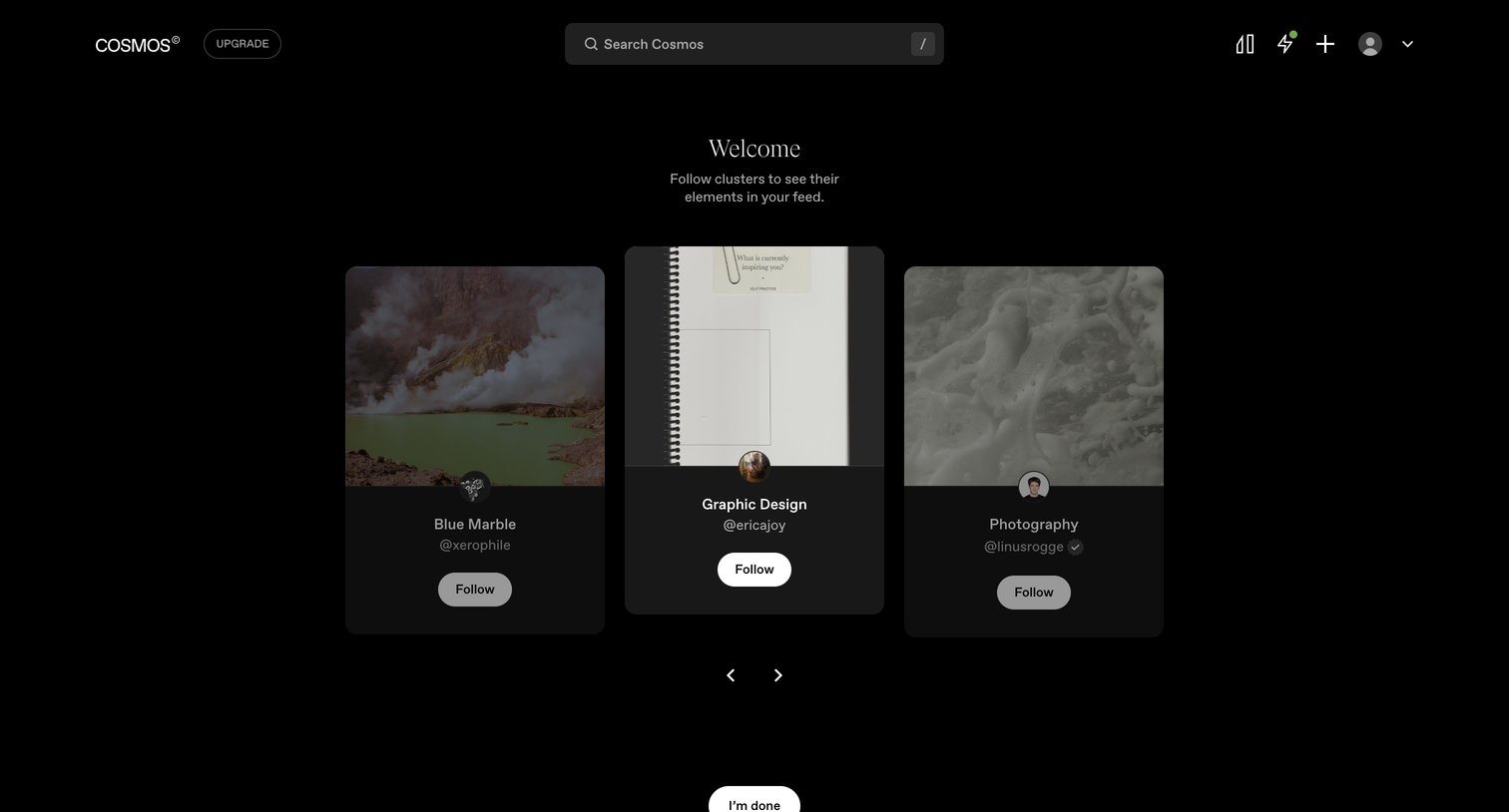

Onboarding step where the user is prompted to follow curated clusters like Blue Marble, Graphic Design, and Photography to populate their feed.
Explore the full SaaS screen library
Upgrade to unlock the full library.
Trusted by the best teams







