Configuration screen screen examples
Configuration screen screen design examples from SaaS apps. Browse examples from Dock, Beside, Exa.
Explore the examples
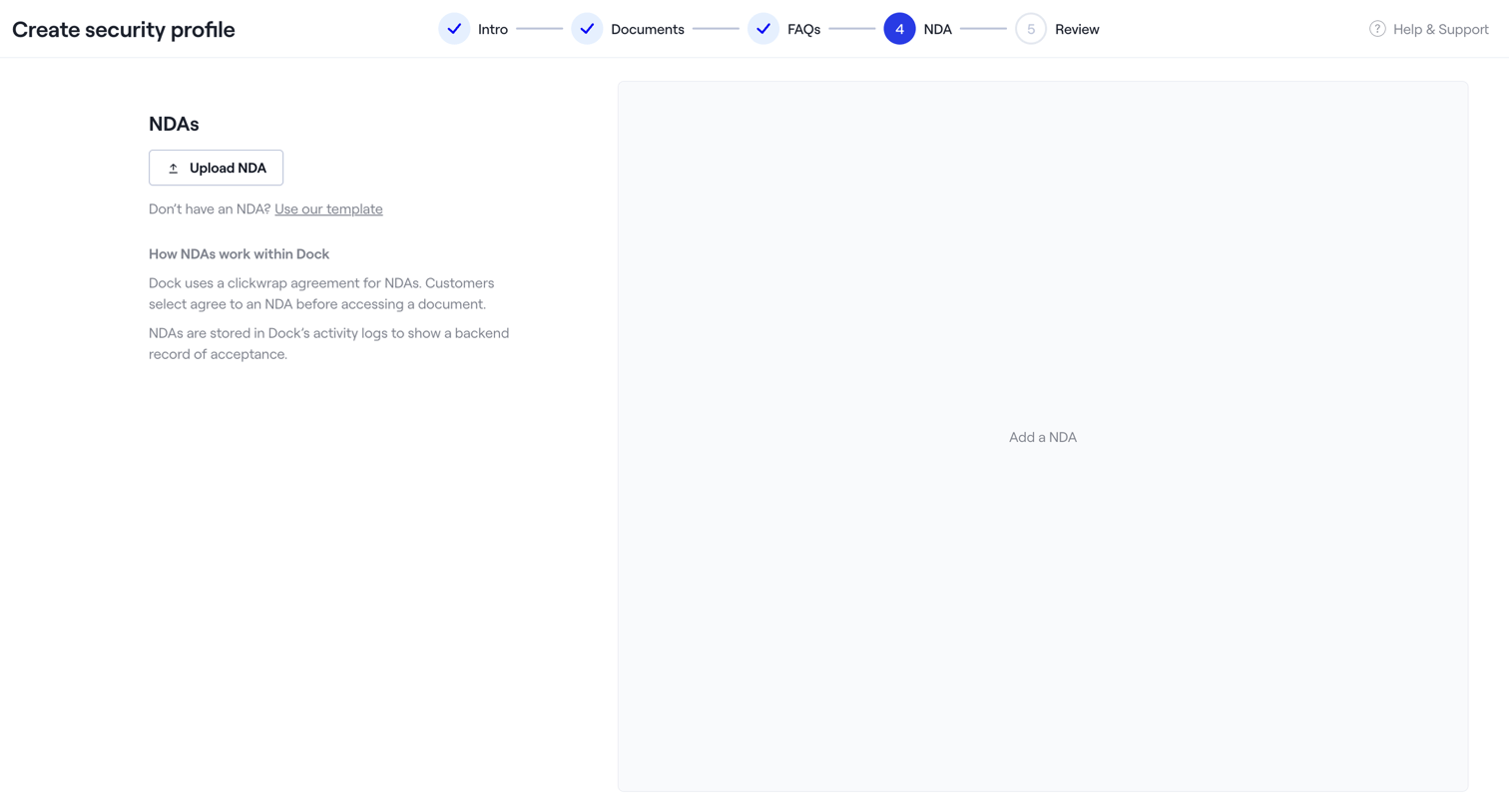

Creation wizard step where the user uploads an NDA document or selects a template for their security profile.
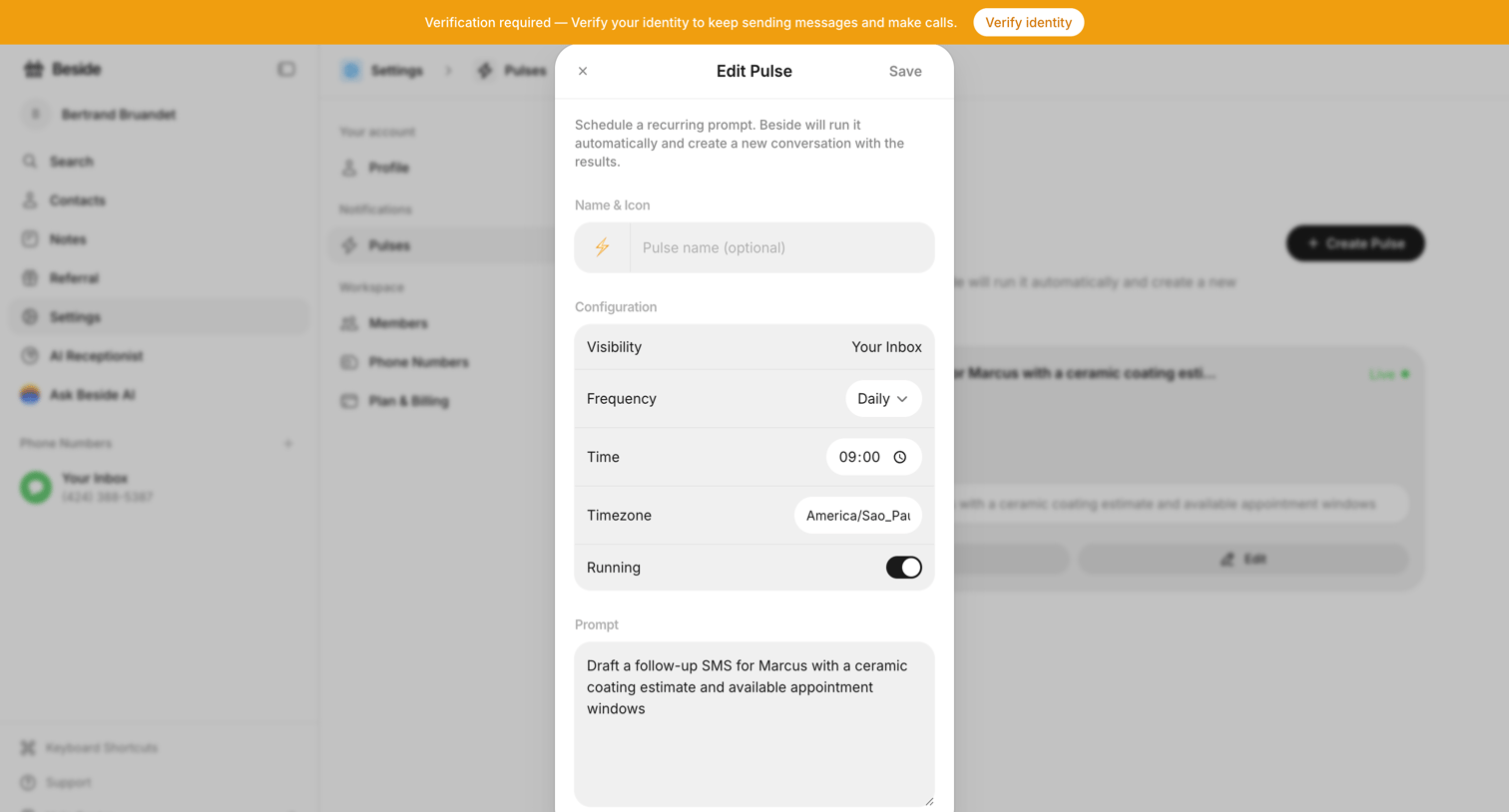

Settings modal where the user configures a recurring AI prompt, setting its visibility, frequency, time, timezone, and the prompt text.
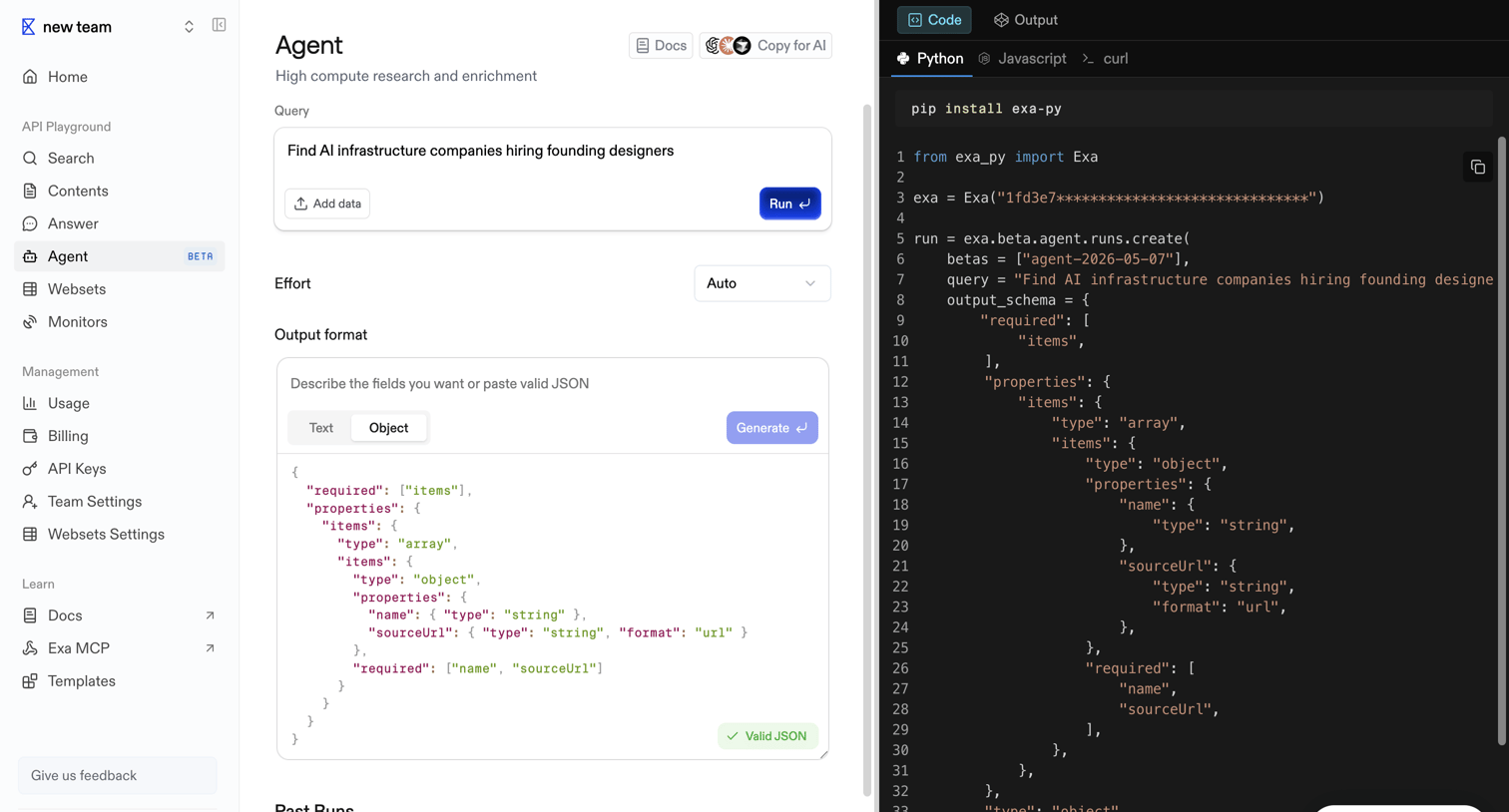

API playground where the user configures an AI agent query, effort level, and JSON output format while viewing the generated Python code.
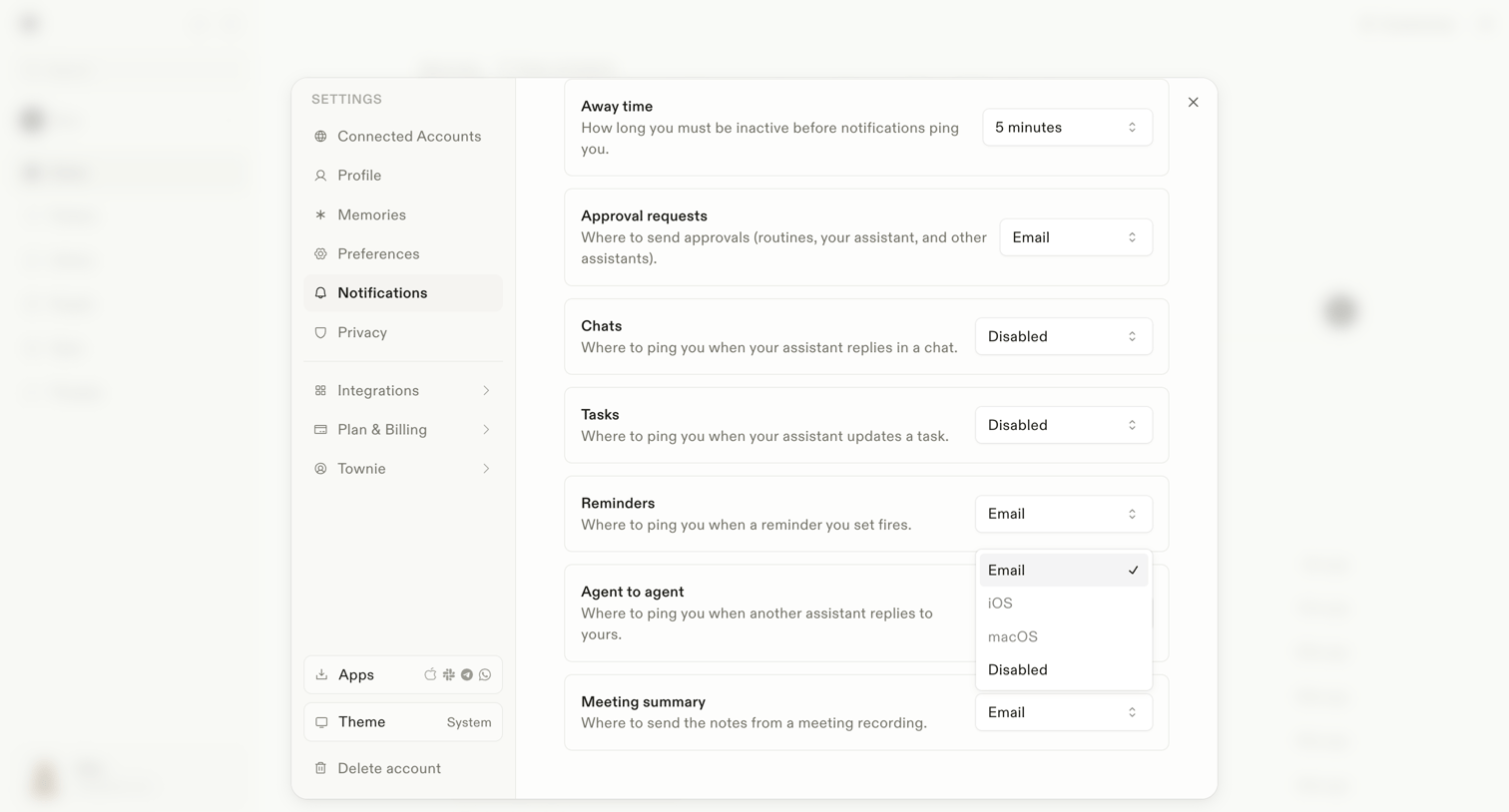

Settings modal where the user configures notification preferences for different events like away time, approval requests, and agent interactions.
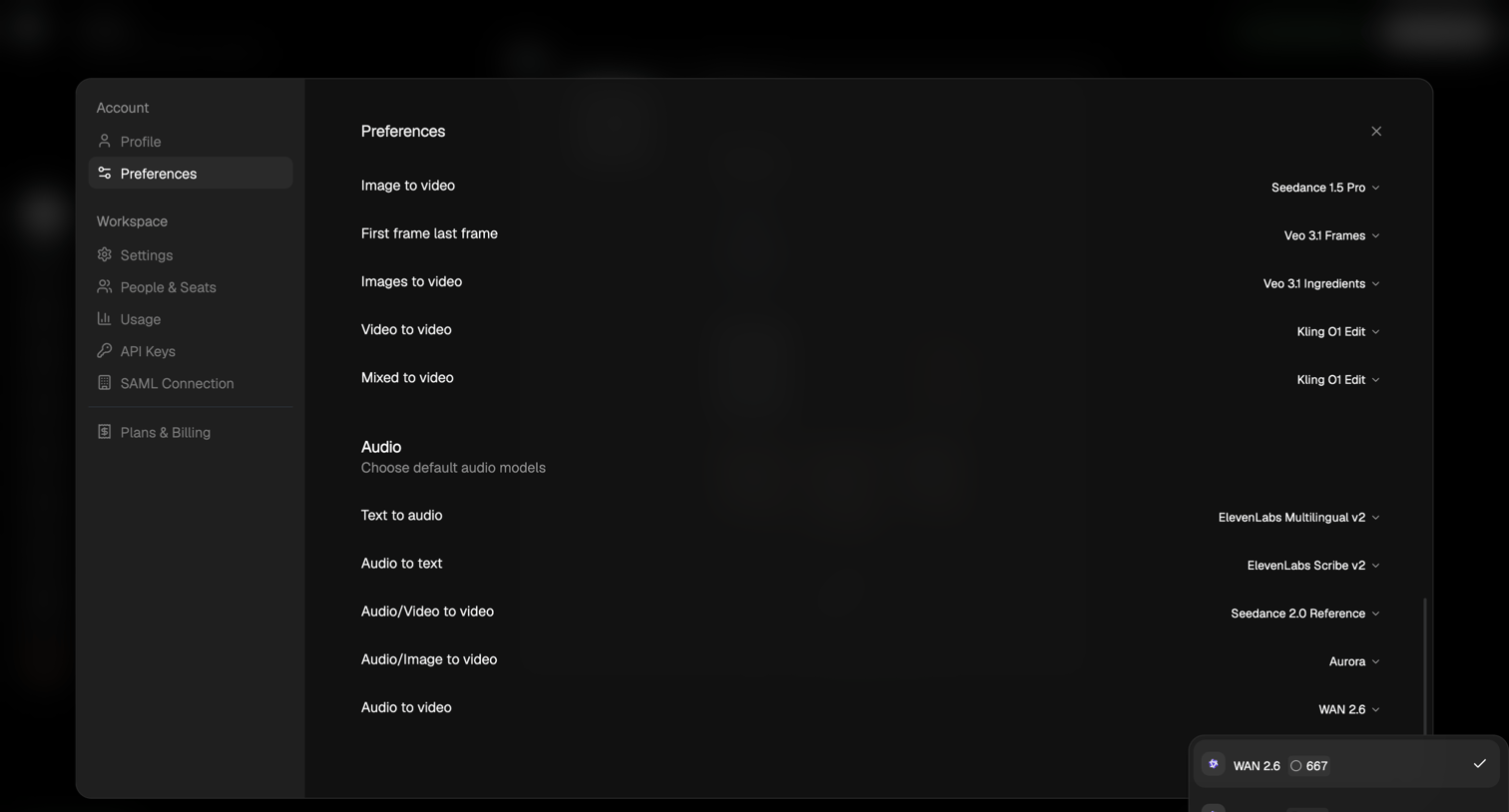

Settings modal where the user configures default AI models for various generation tasks like image-to-video, text-to-audio, and mixed-to-video.
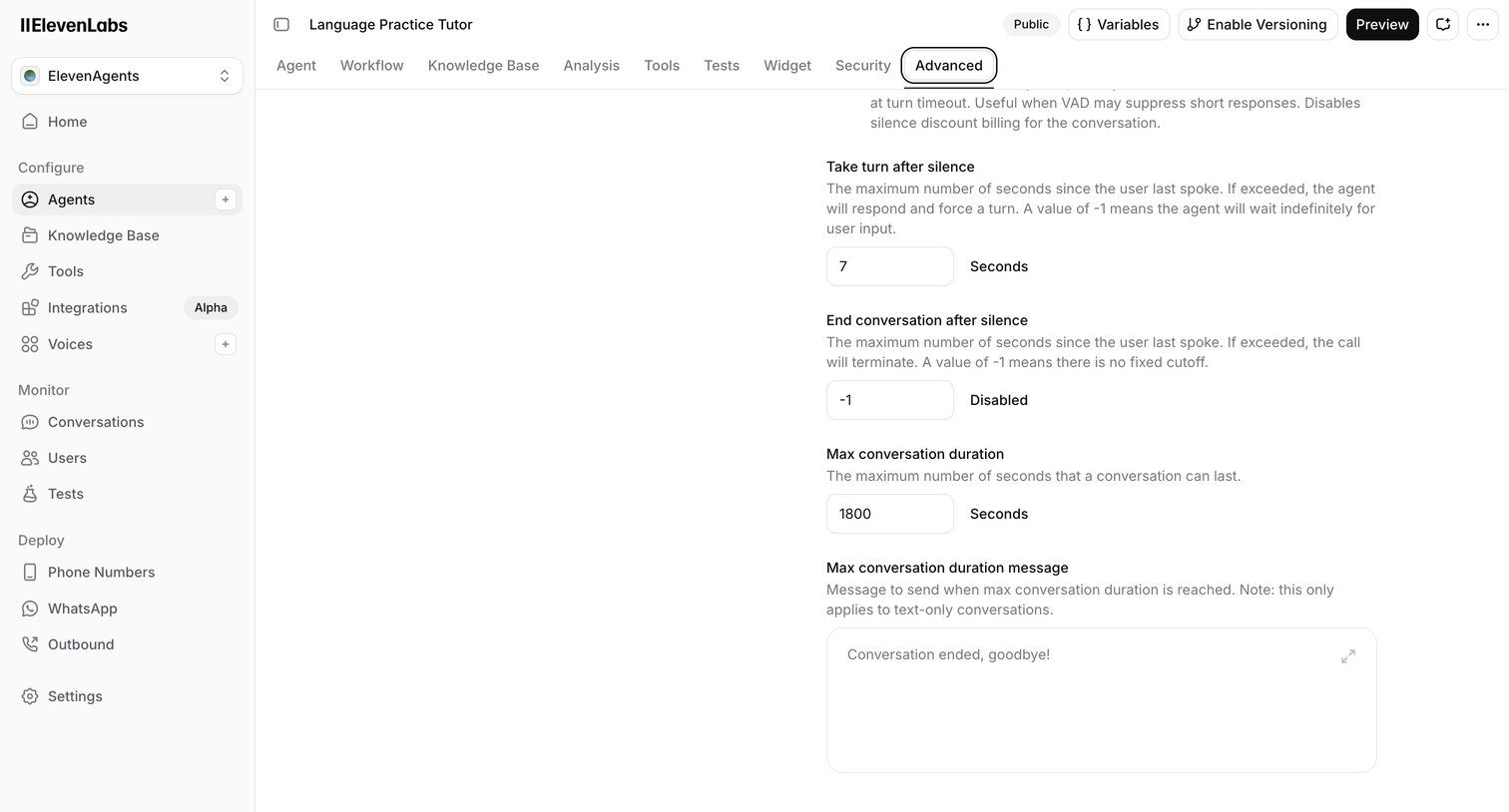

Settings page where the user configures advanced conversation parameters for an AI voice agent, including silence timeouts and maximum duration.

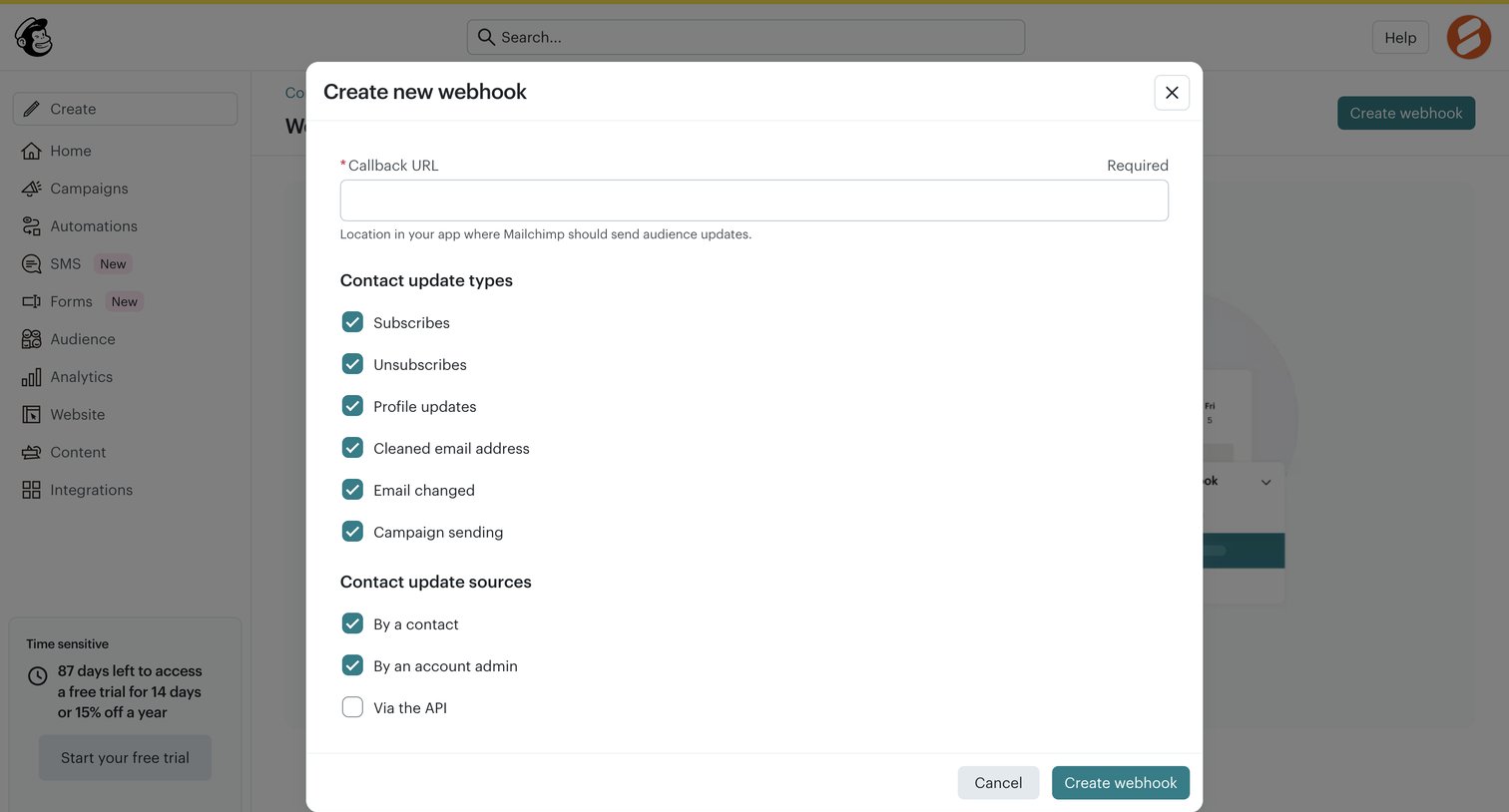

Settings modal where the user configures a new webhook by providing a callback URL and selecting trigger events and sources.
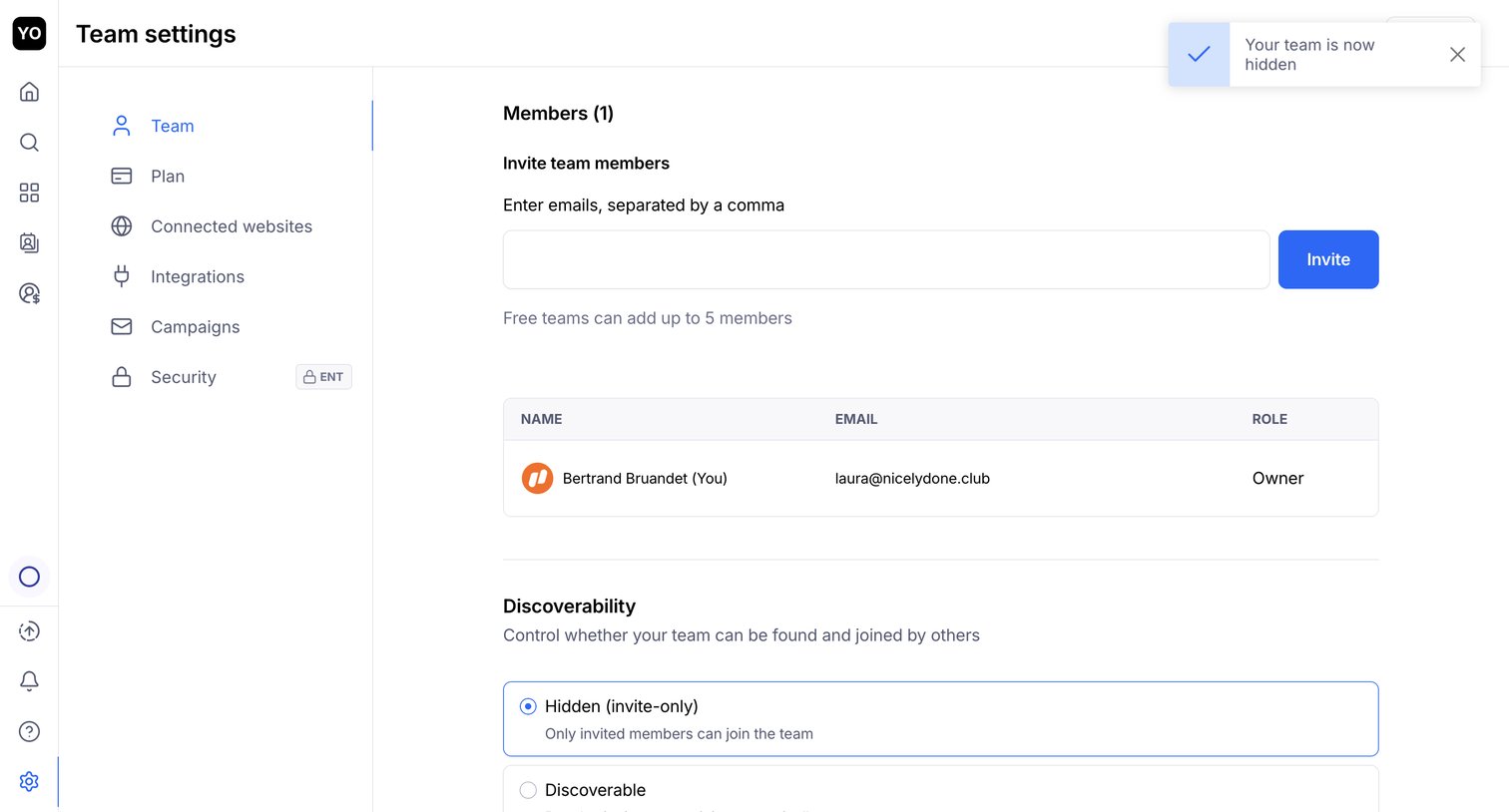

Settings page where the user can invite new team members by email, view current members, and configure team discoverability.
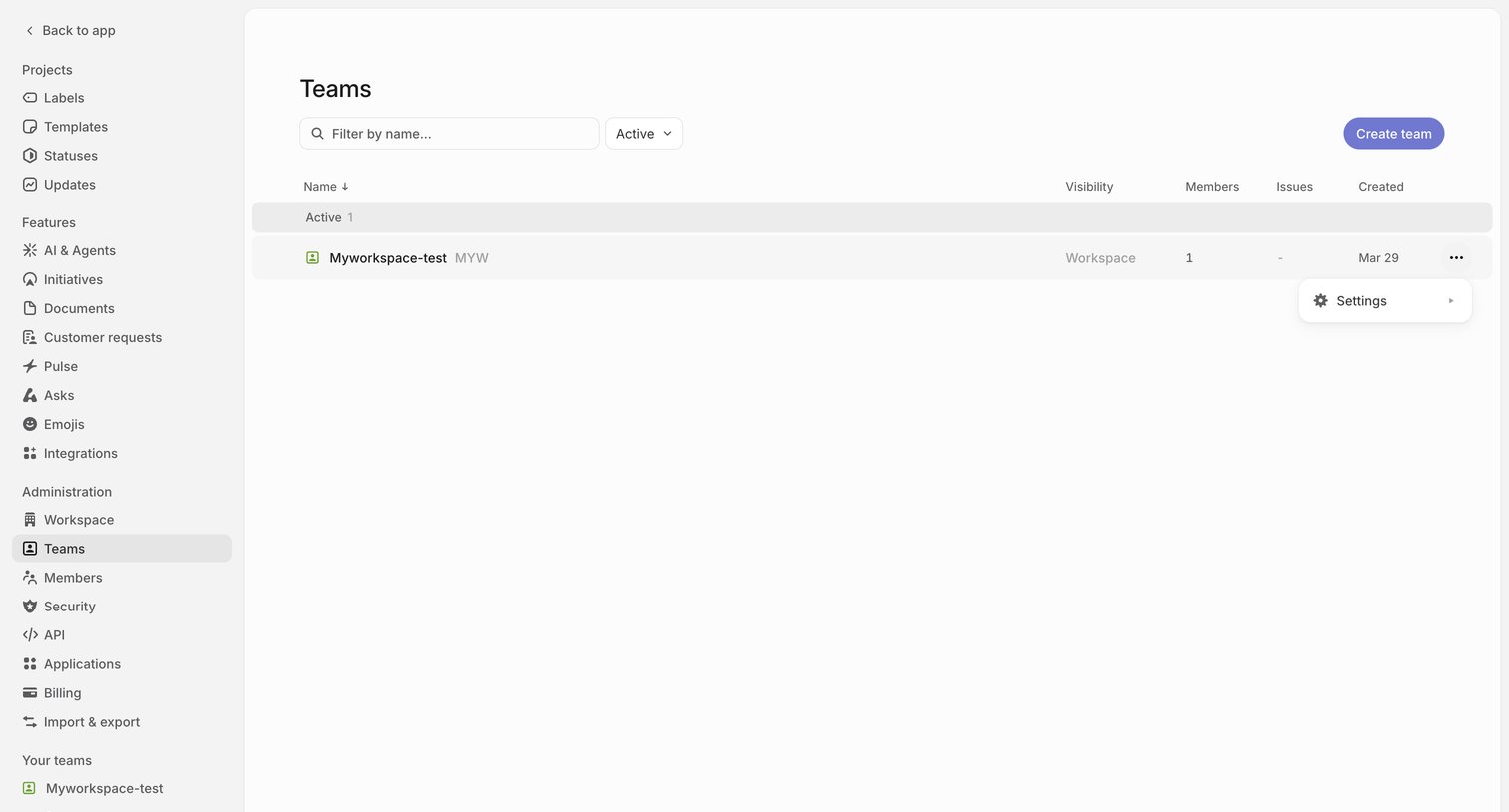

Settings page where the user manages teams within their workspace, including filtering existing teams and creating new ones.
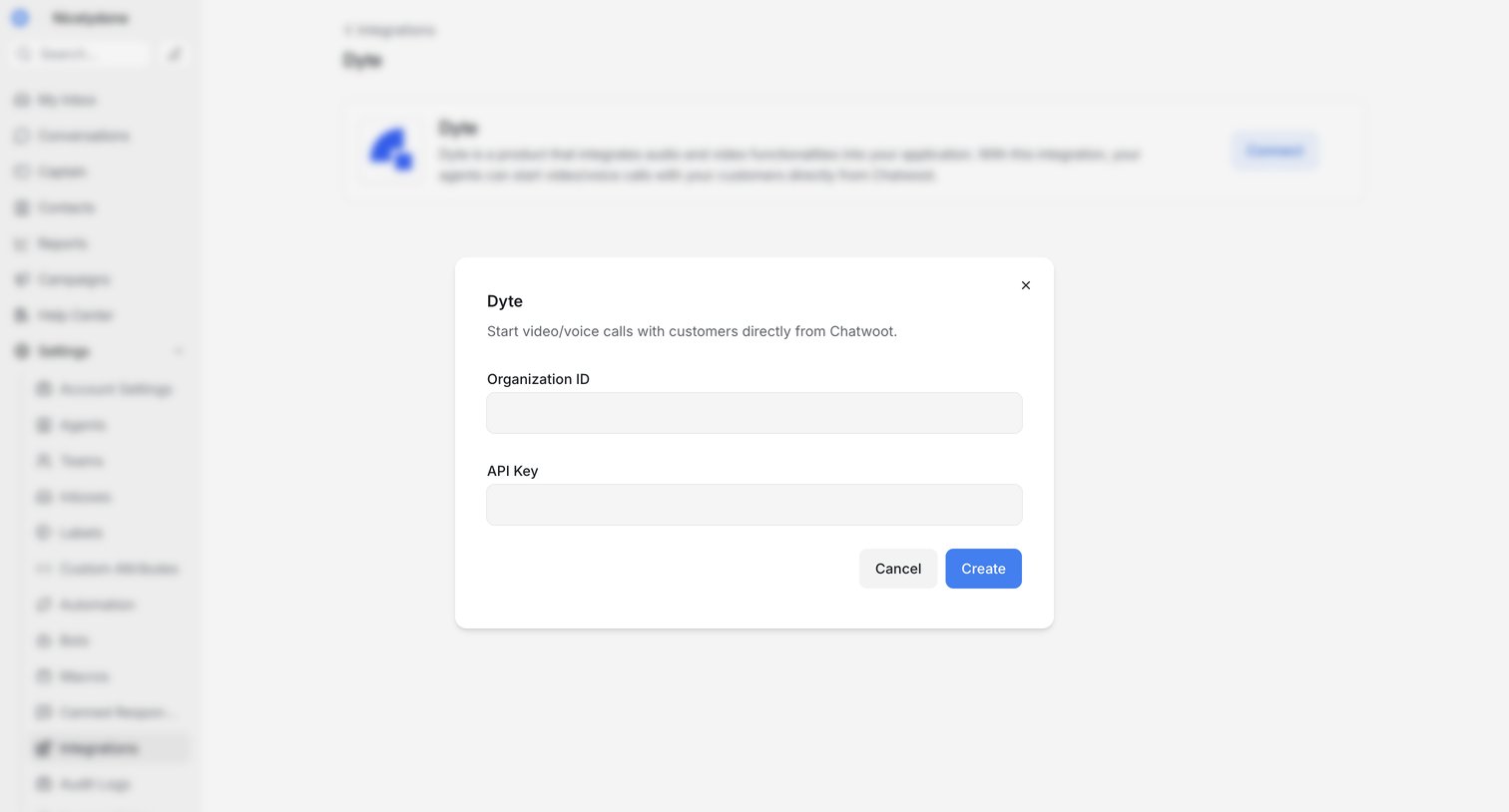

Settings page where the user configures the Dyte integration by entering their Organization ID and API Key in a modal.

Explore the full SaaS screen library
Upgrade to unlock the full library.
Trusted by the best teams







