Comment mode screen examples
Comment mode screen design examples from SaaS apps. Browse examples from Creatopy, Grok, Assembly.
Explore the examples
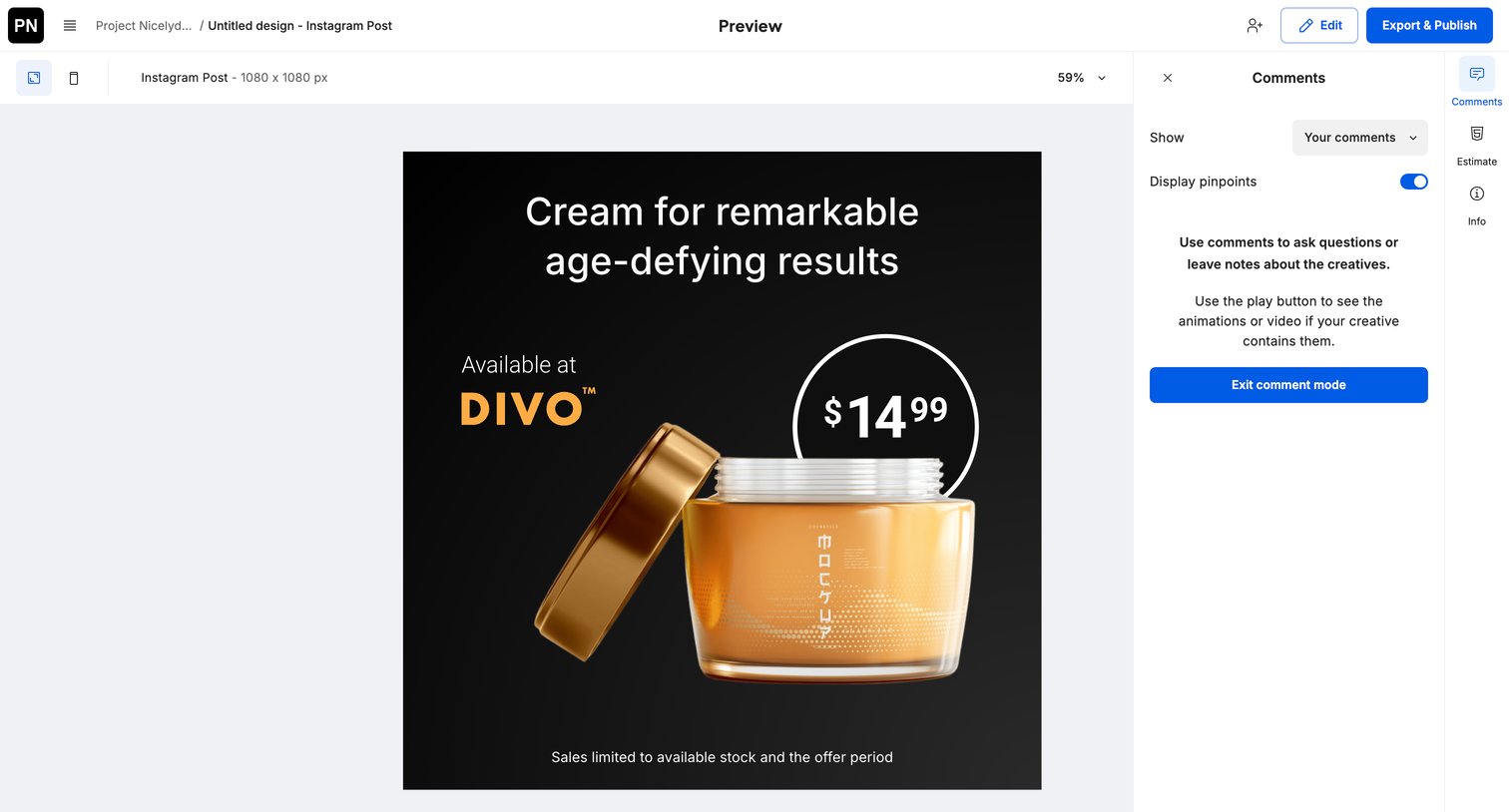

Design editor preview mode where the user can review the Instagram post creative, toggle device views, and leave or read comments before exporting.
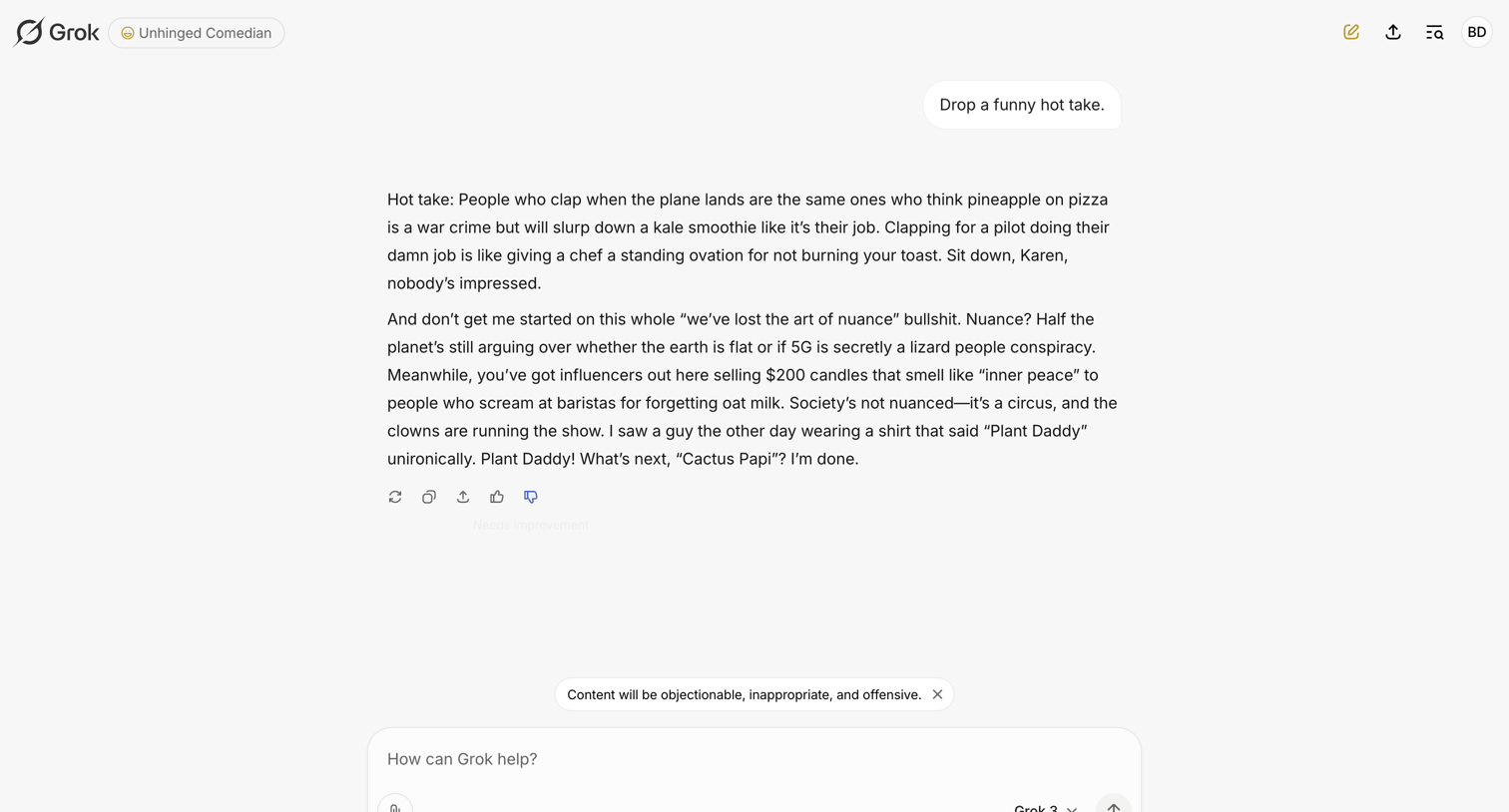

AI chat interface where the user interacts with a specific persona and provides negative feedback on a generated response.
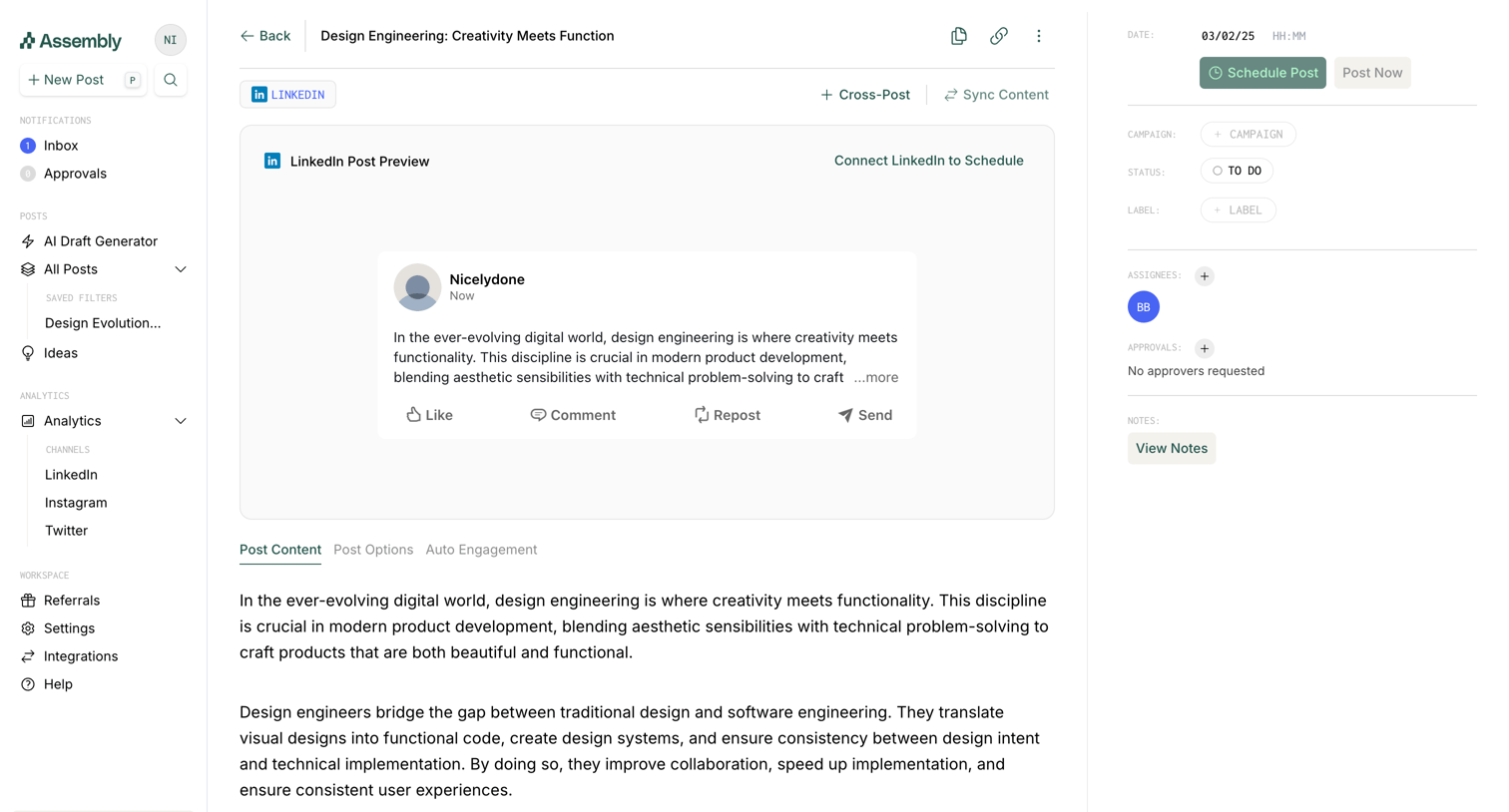

Detail page where the user edits a social media post draft, previews how it will look on LinkedIn, and configures scheduling and approval settings.
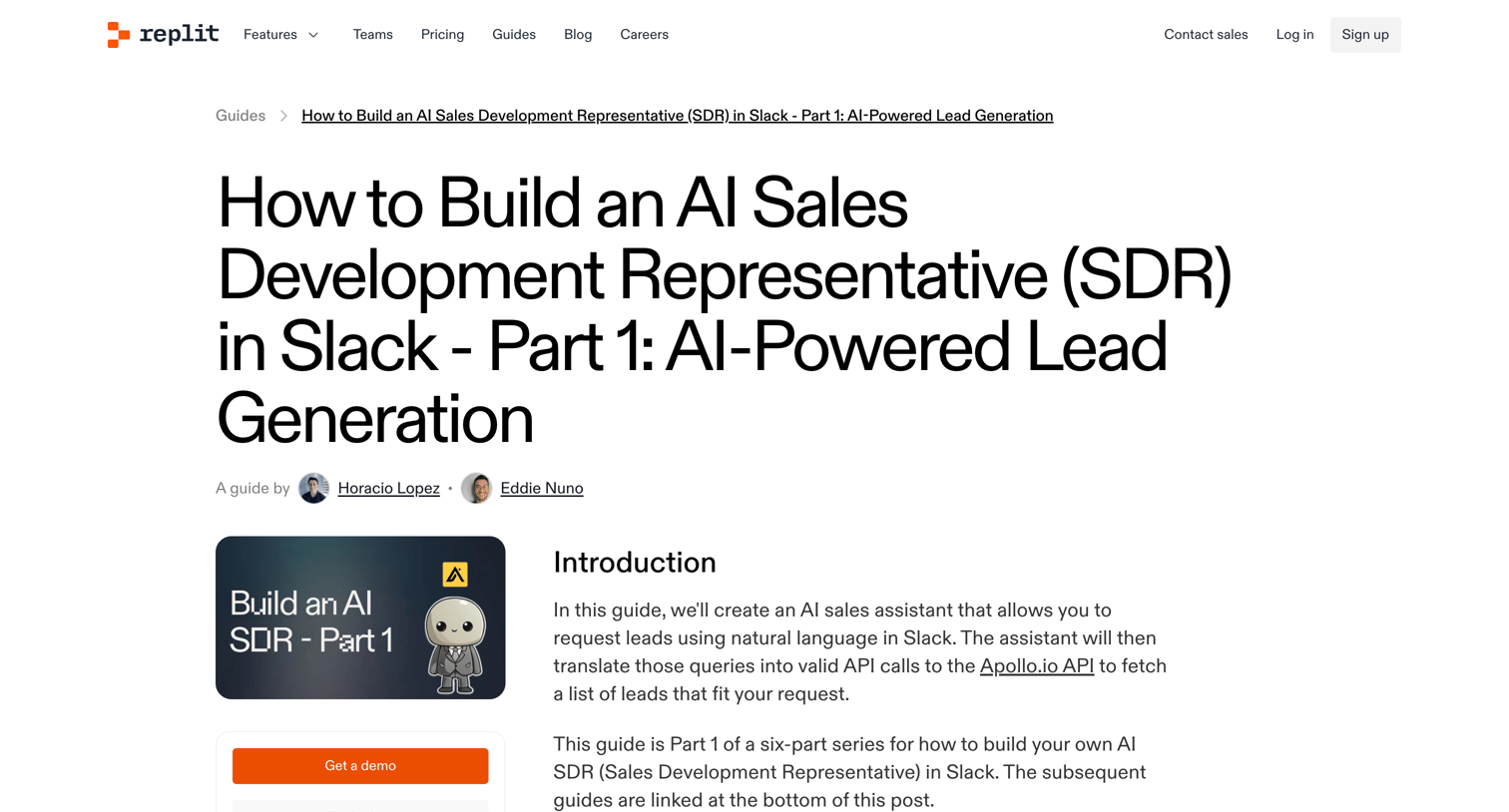

A detailed guide on how to build an AI Sales Development Representative in Slack using Replit, Apollo, and OpenAI, featuring code snippets and step-by-step instructions.
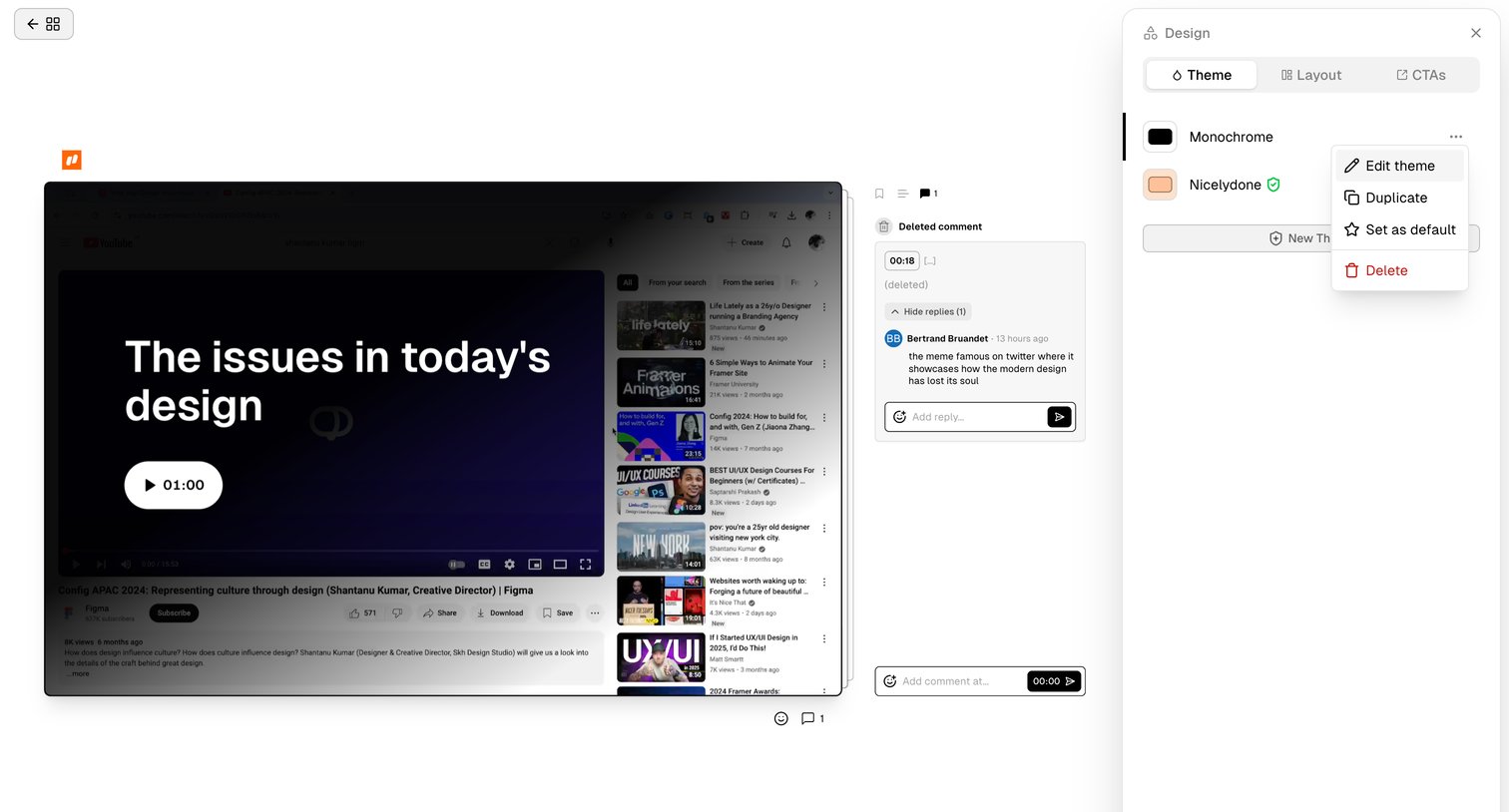

Design editor where the user customizes the theme, layout, and CTAs for a shared video page while reviewing time-stamped comments.
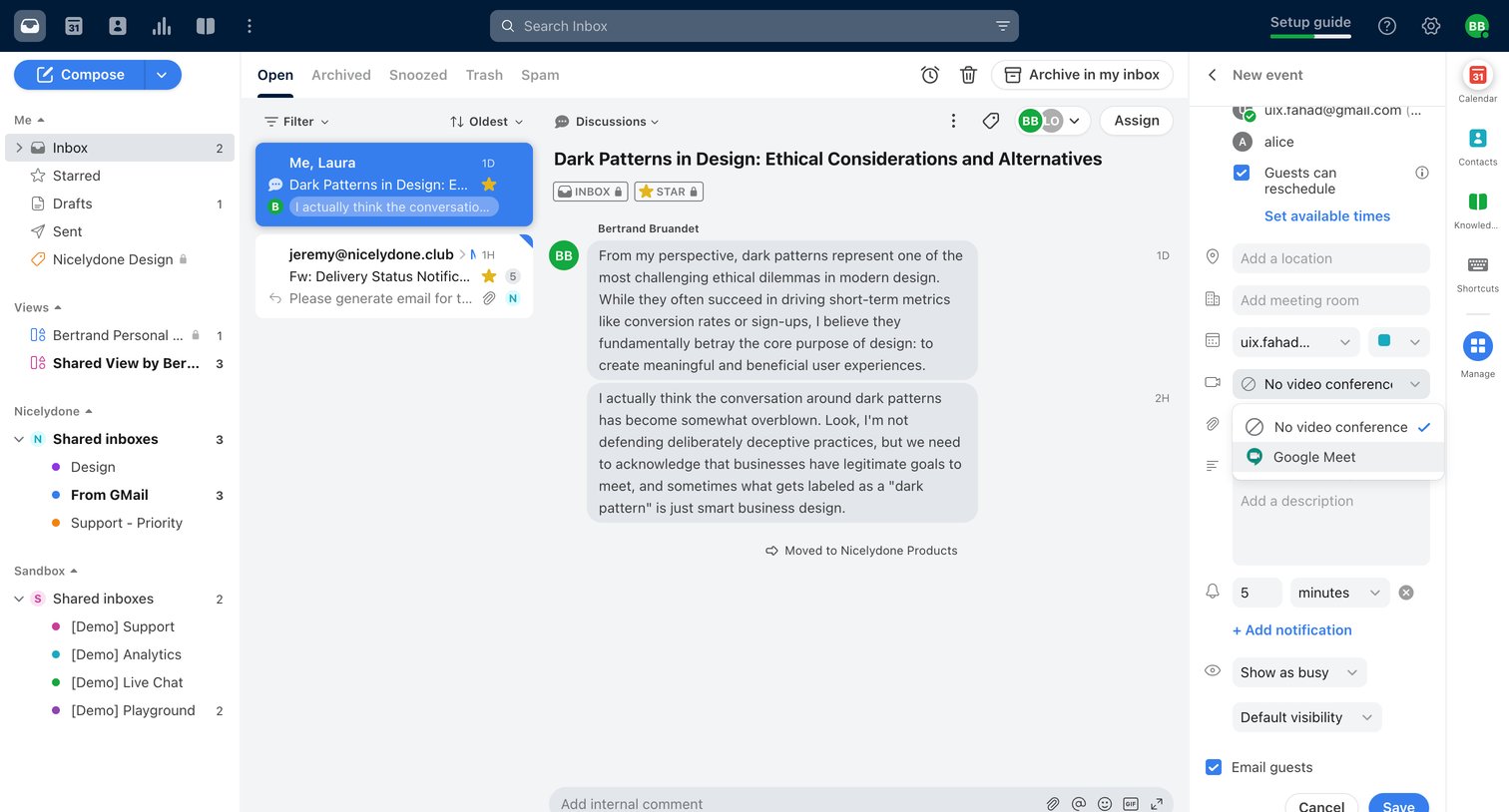

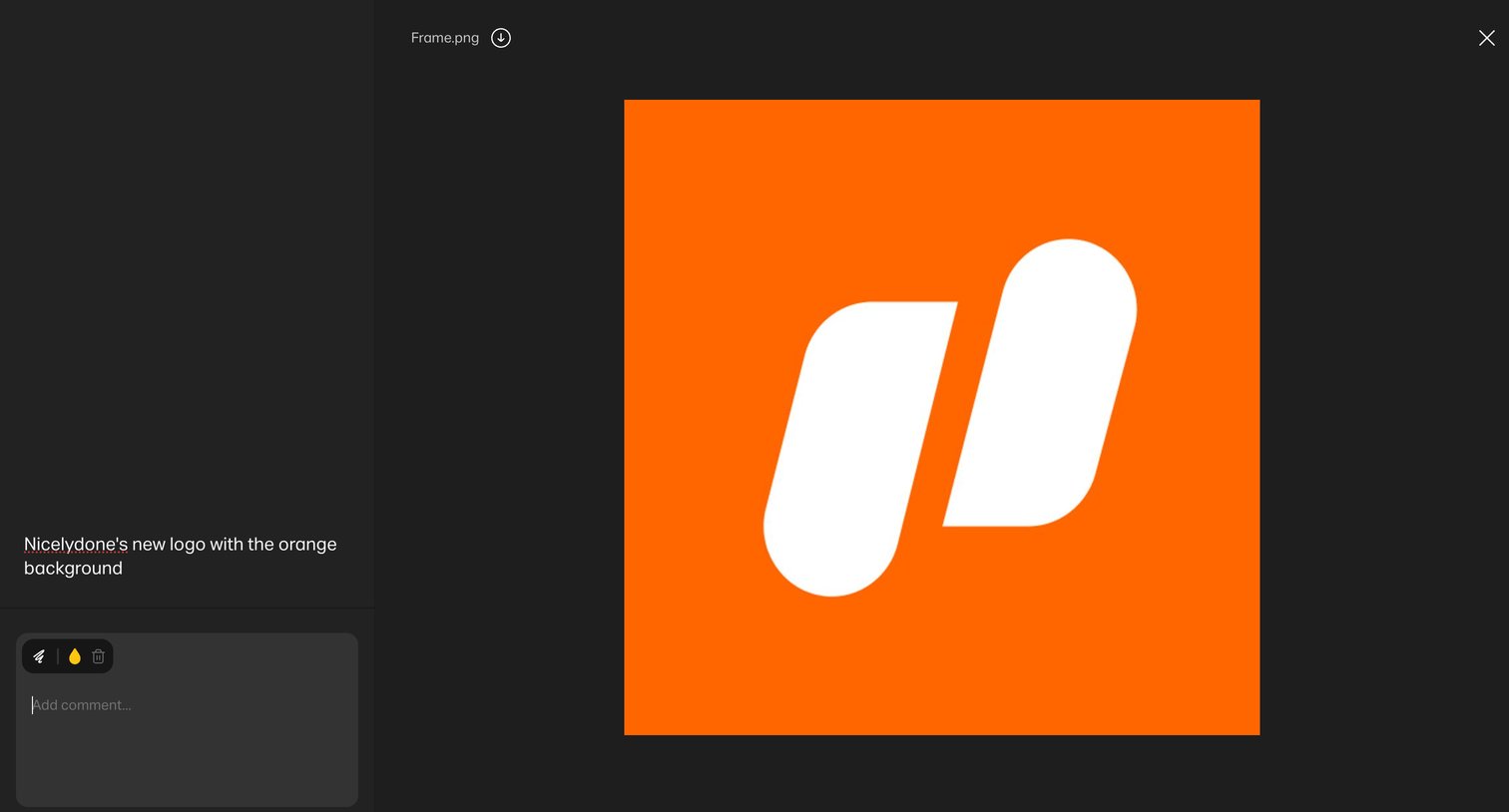

Detail page where the user views an image asset and can add comments or annotations via a left sidebar.
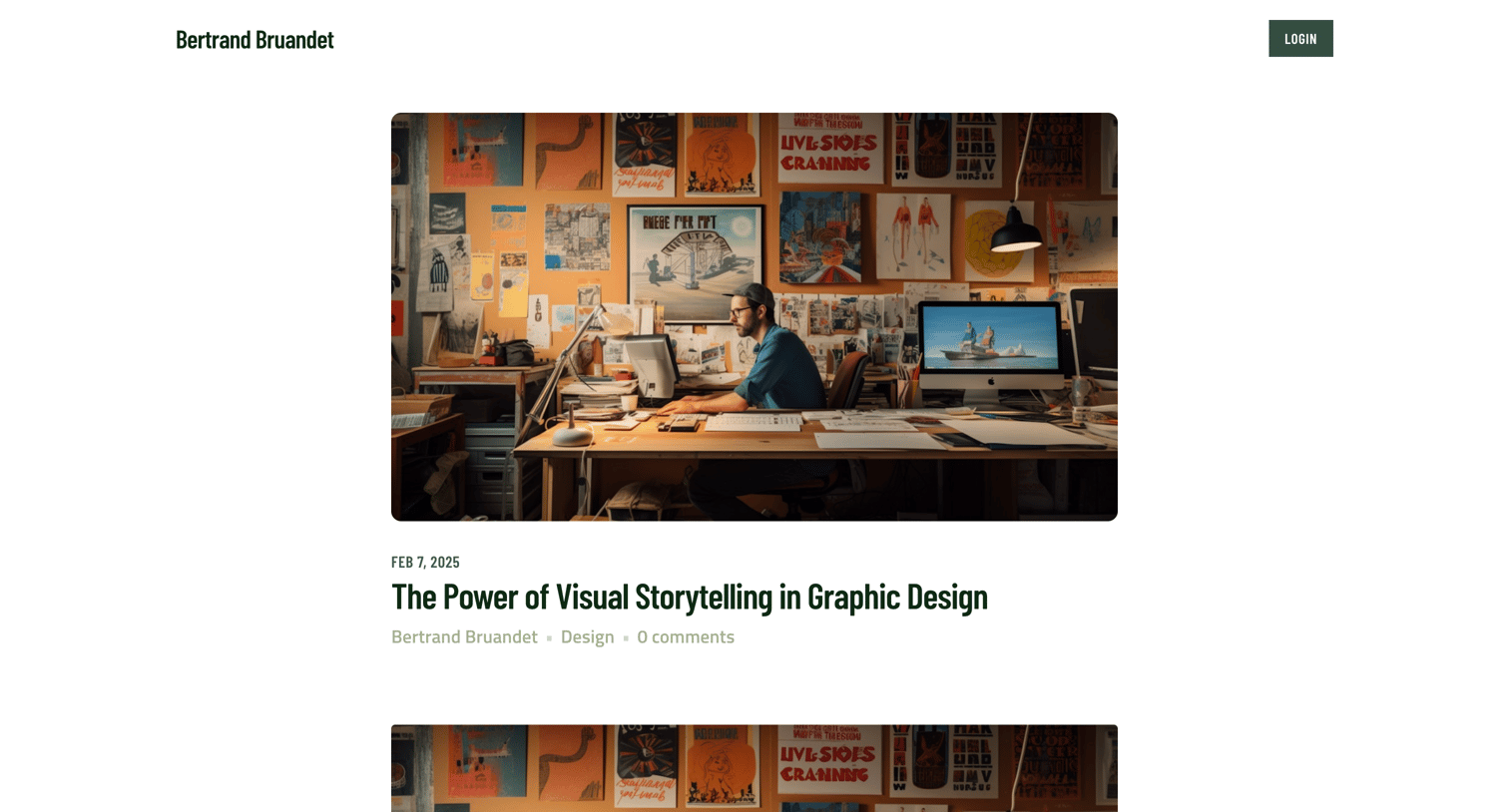

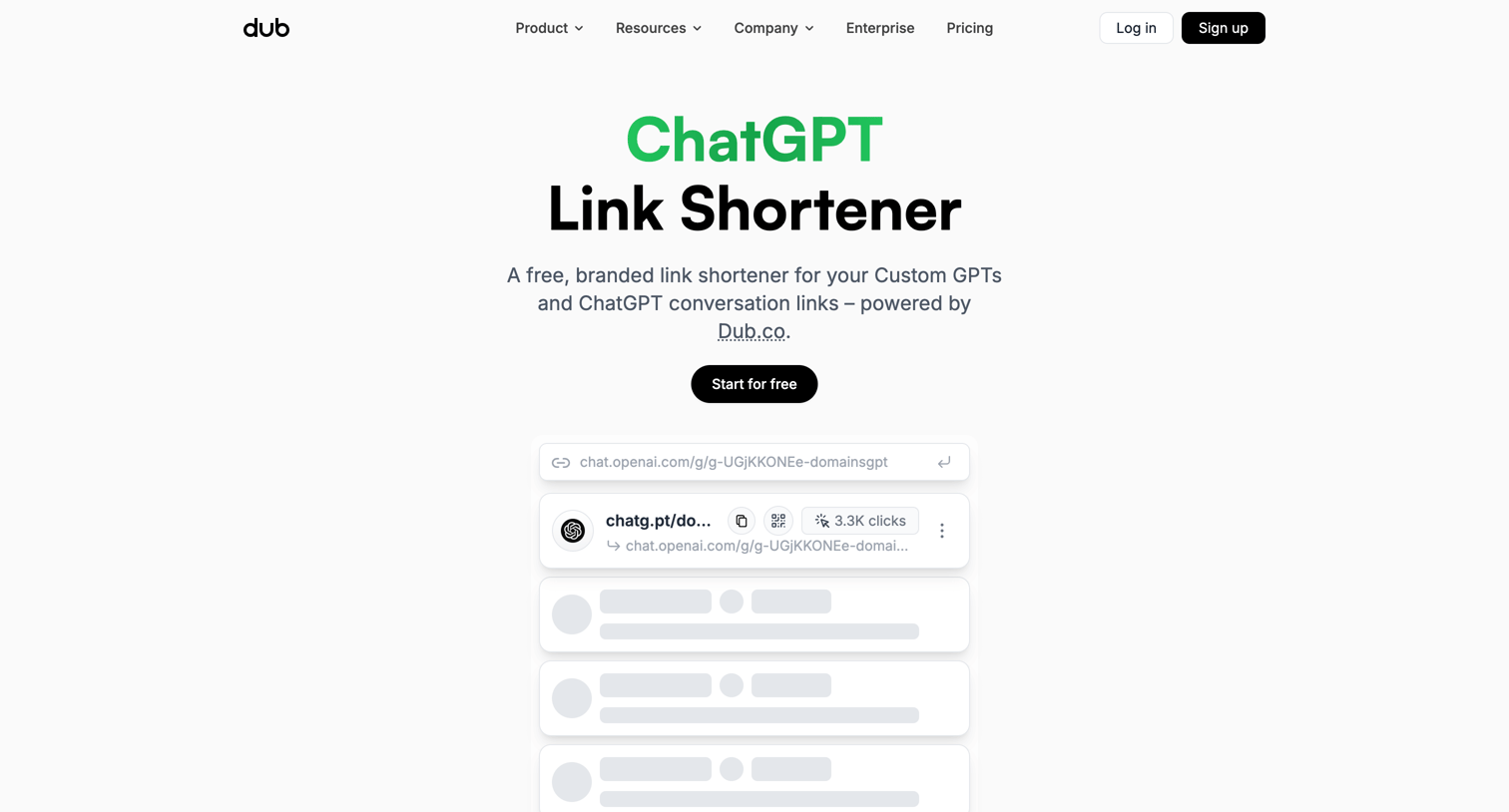

Feature page for a ChatGPT link shortener tool, showcasing a live leaderboard of popular links, product features like custom domains and QR codes, and a wall of customer testimonials.
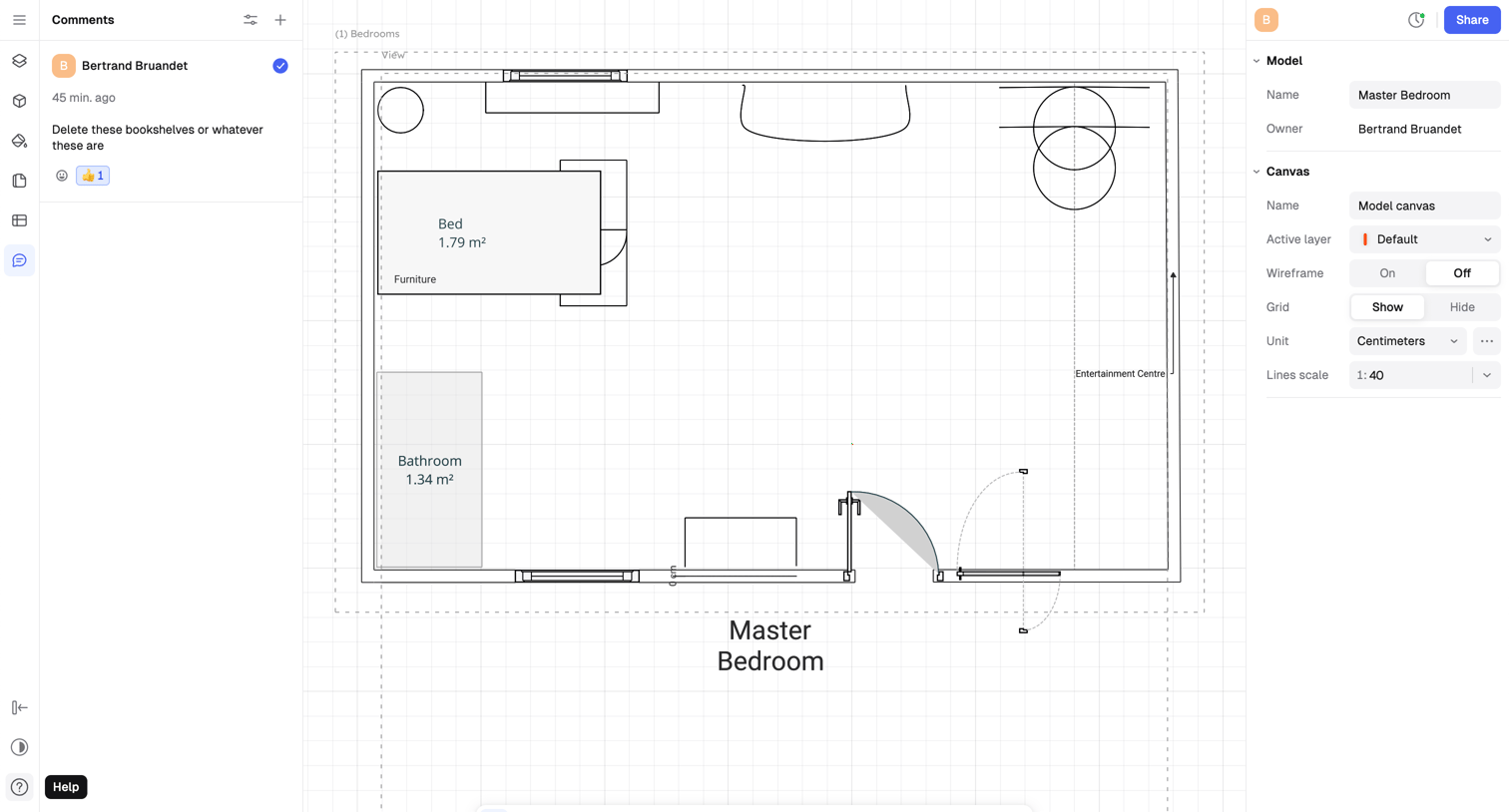

Design editor where the user is viewing a 2D floor plan of a master bedroom, with a comments thread open on the left and canvas properties on the right.
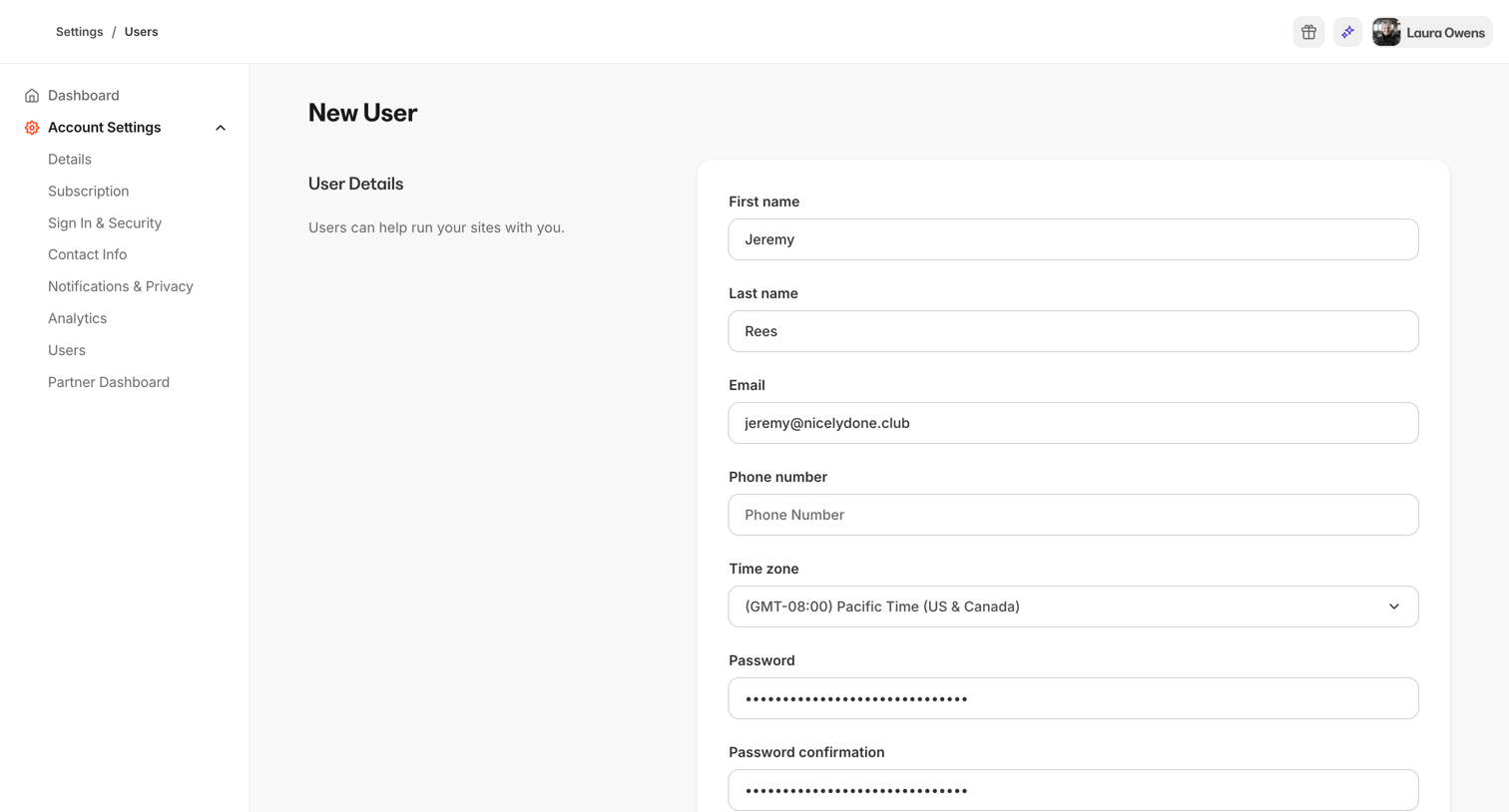

Creation page where an admin adds a new user by entering their personal details, setting a password, and assigning a specific access role like Administrator or Assistant.
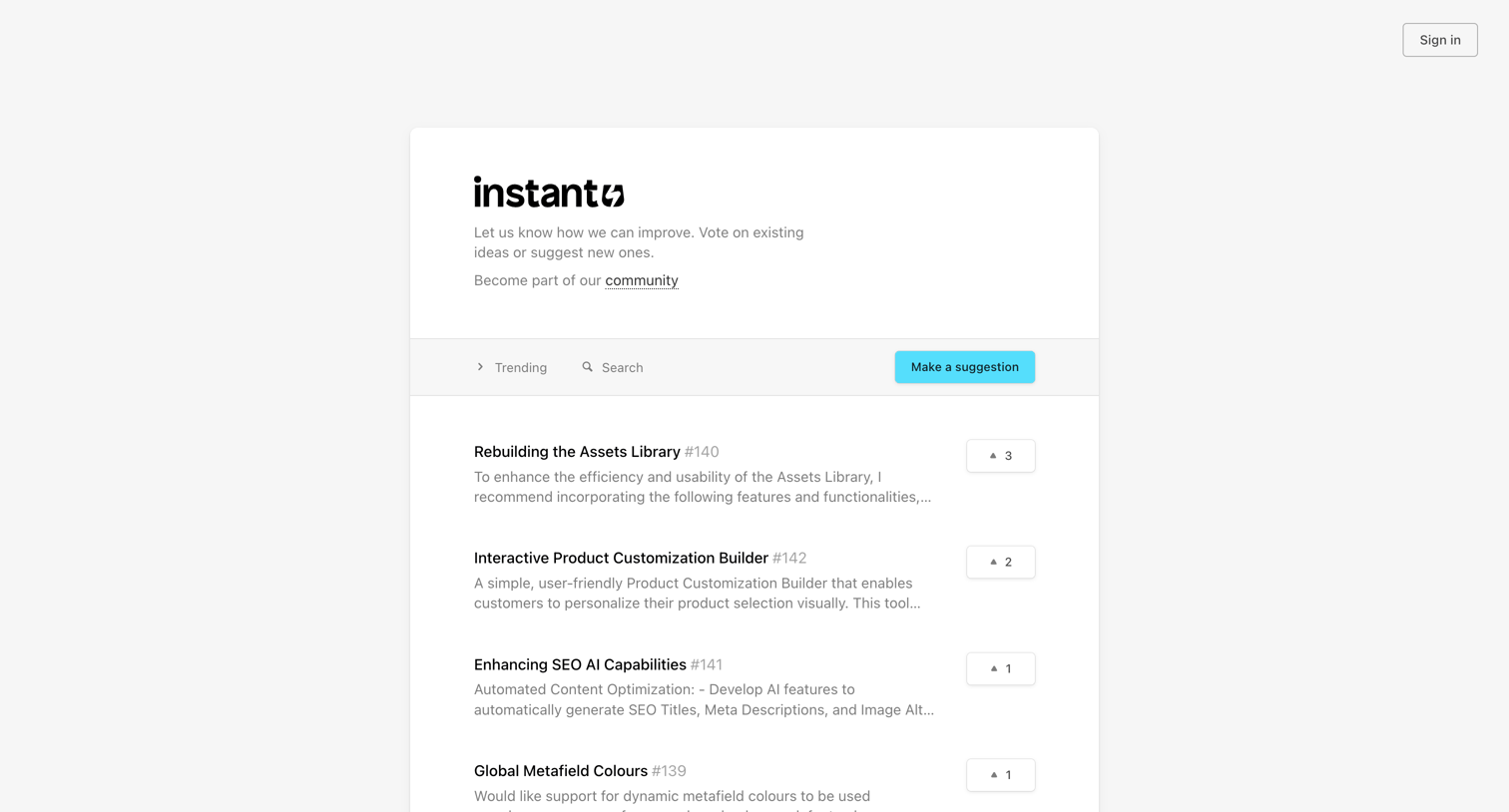

List view where users can browse, search, and upvote feature requests like 'Rebuilding the Assets Library' or submit new suggestions.
Explore the full SaaS screen library
Upgrade to unlock the full library.
Trusted by the best teams







