Cancel trial screen examples
Cancel trial screen design examples from SaaS apps. Browse examples from UserJot, Monarch, Assembly.
Explore the examples
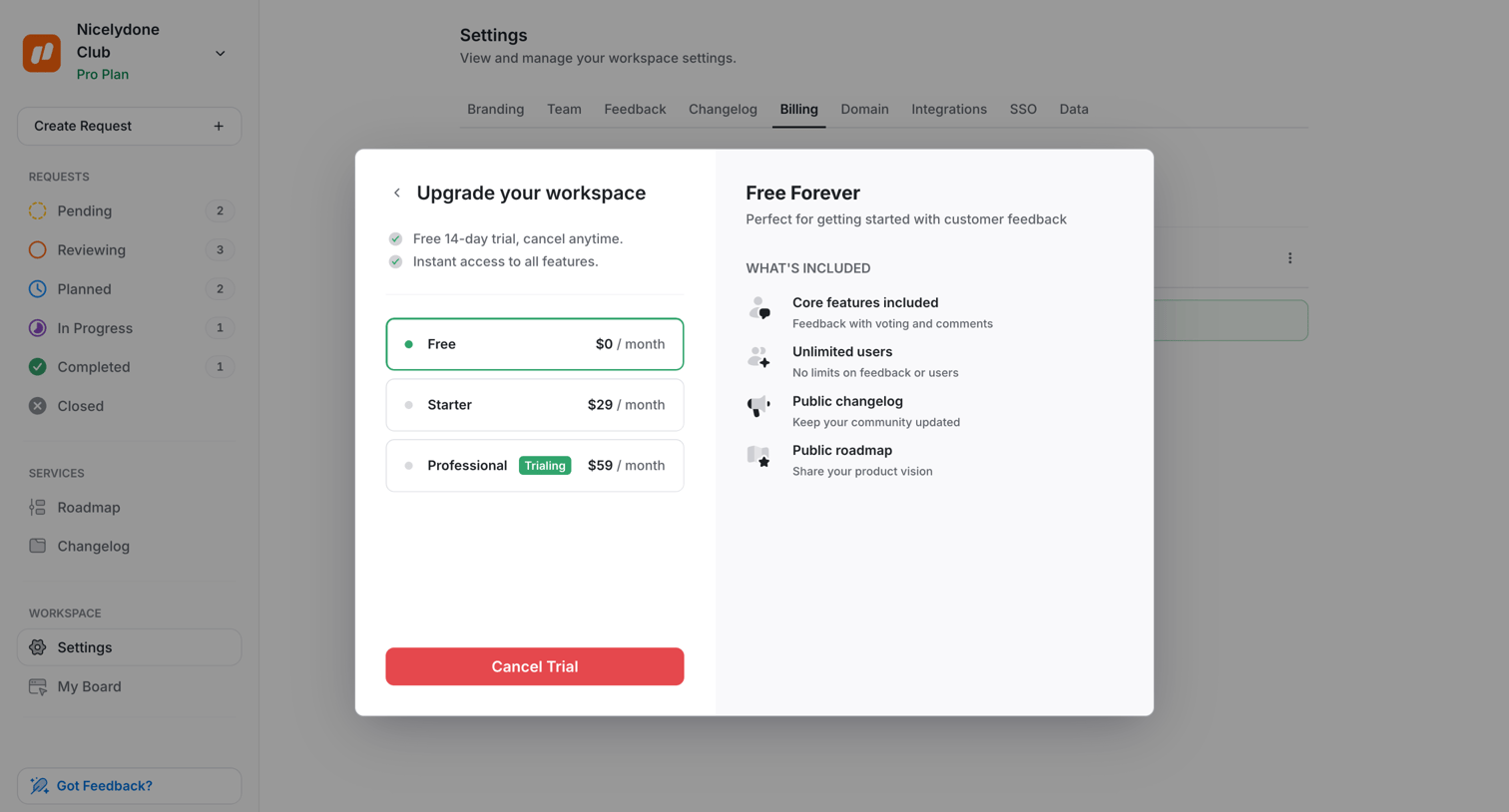

Settings page where the user manages their workspace billing and views a modal to select a plan or cancel their current trial.
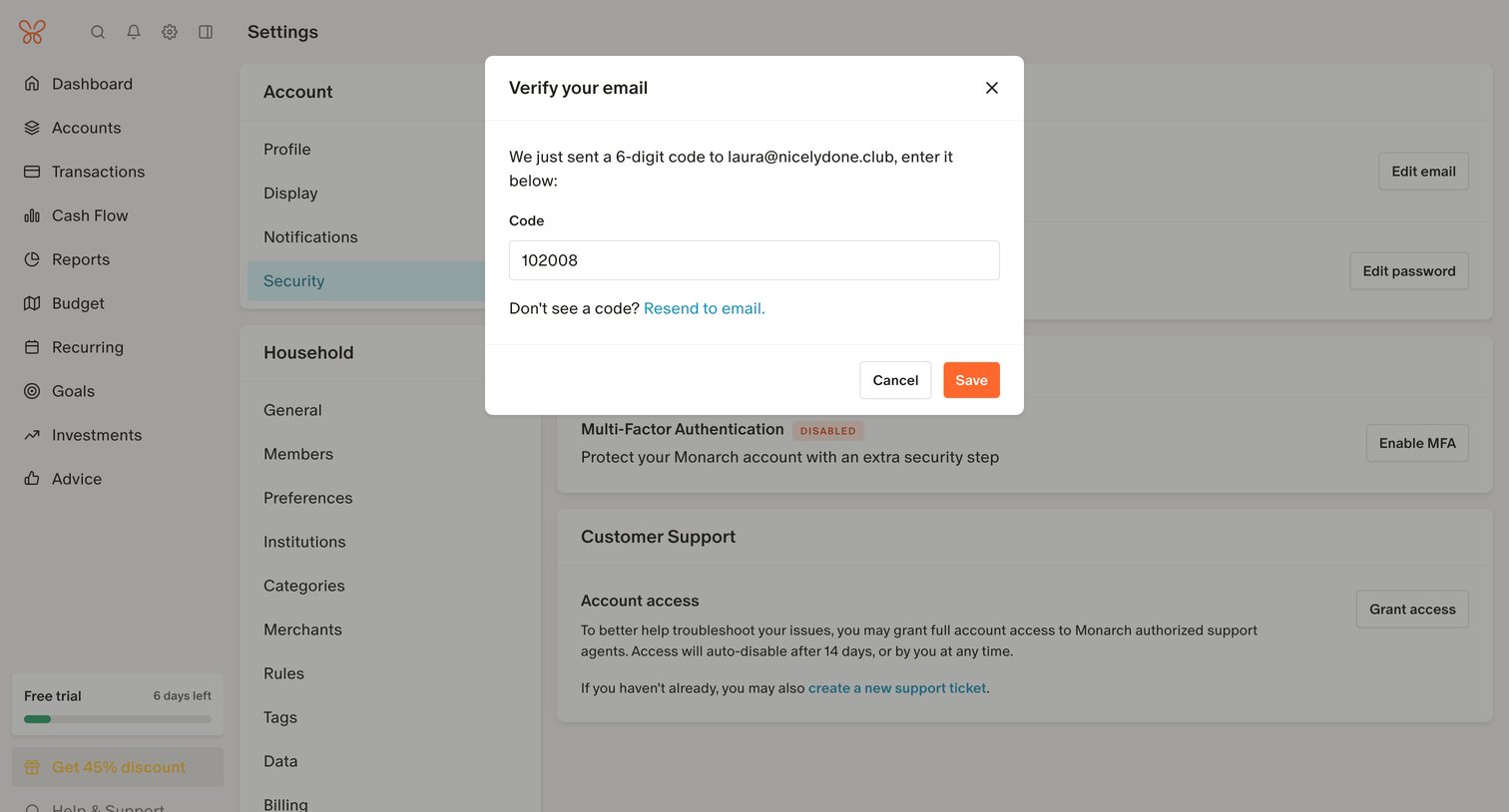

Settings page where the user verifies their email address by entering a 6-digit code in a modal overlay.
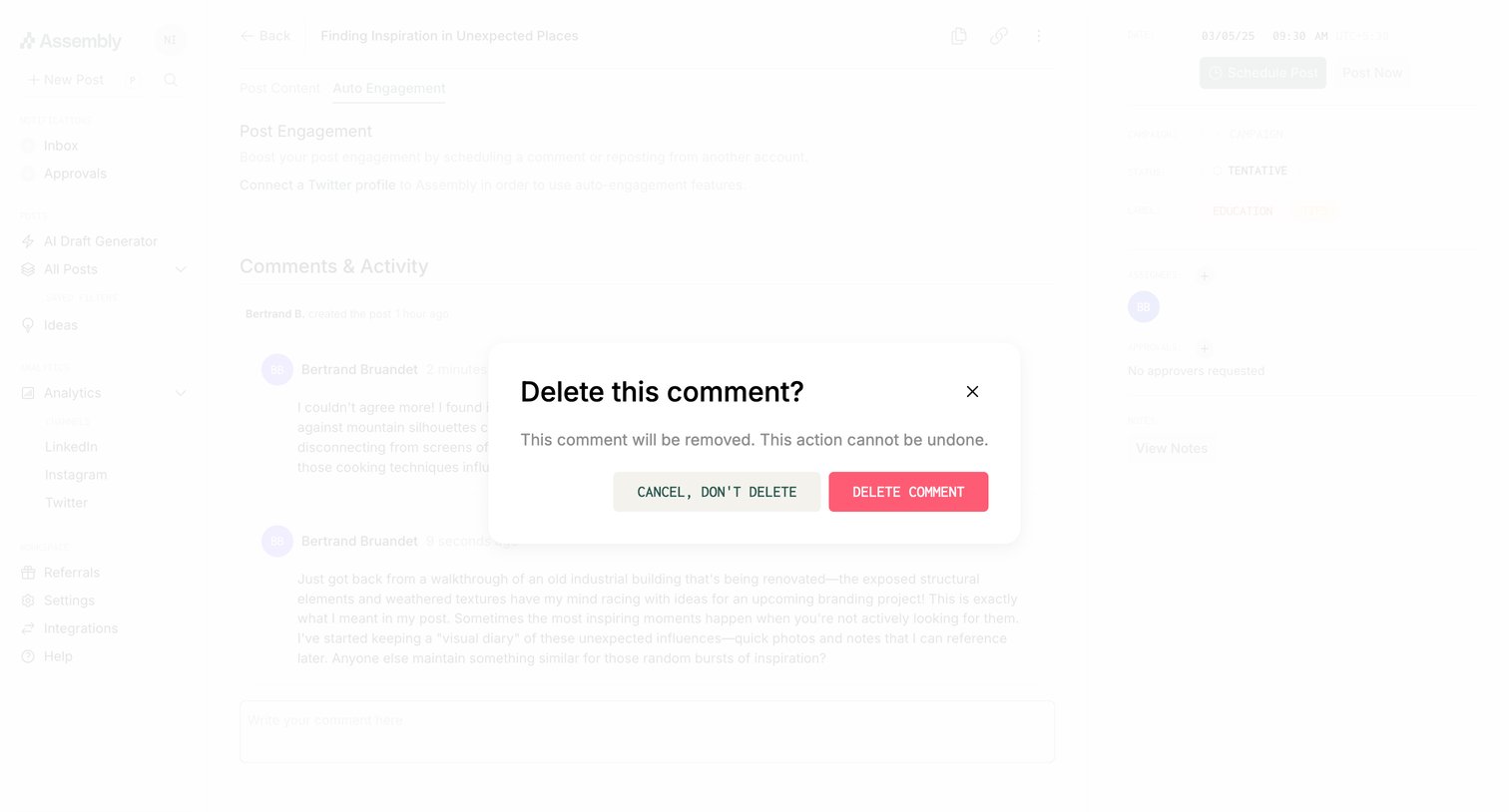

Detail page where the user is prompted to confirm the deletion of a comment on a scheduled post.
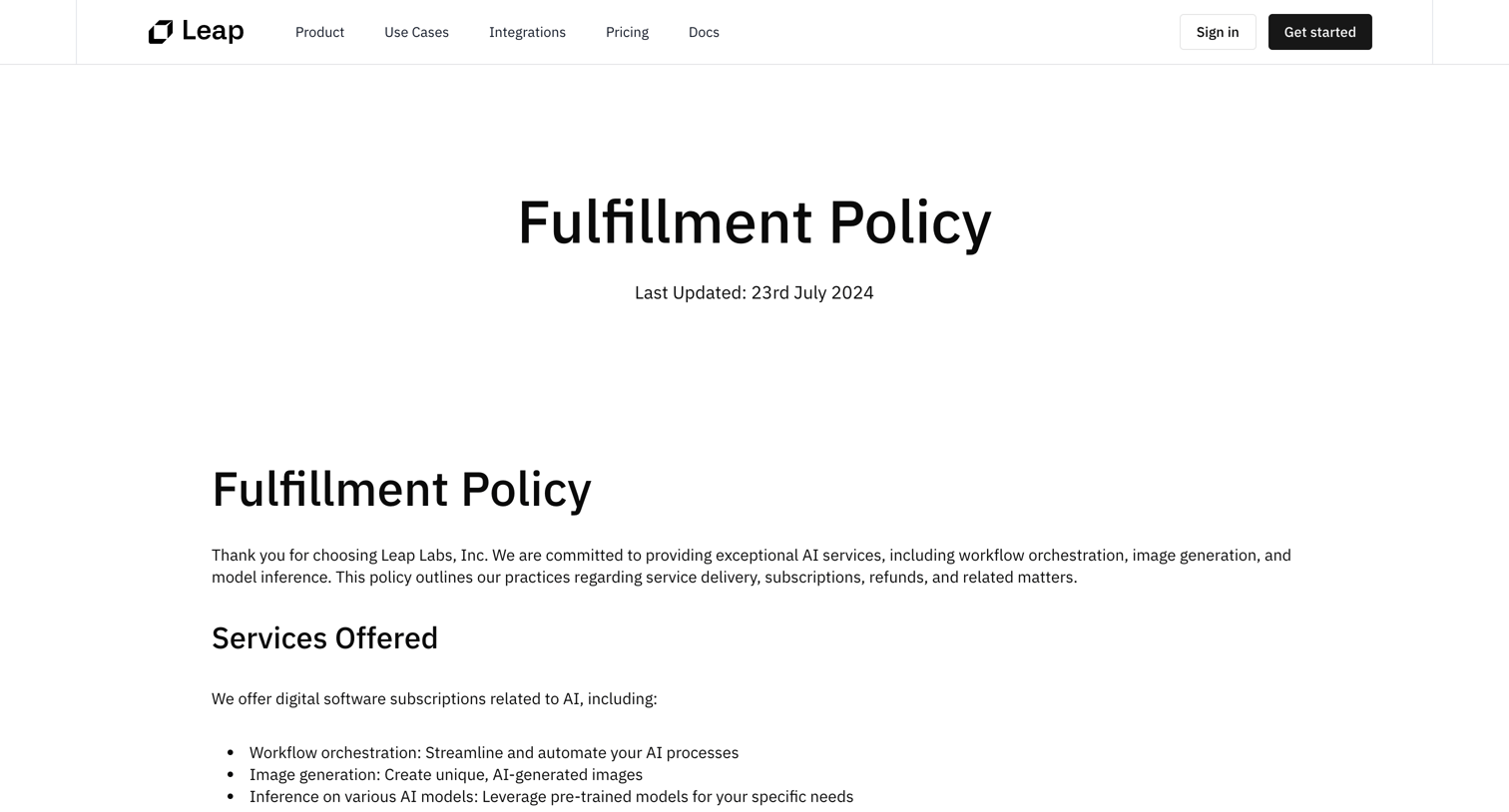

Legal page detailing the company's fulfillment, refund, and cancellation policies, ending with a prominent call to action to start automating workflows.
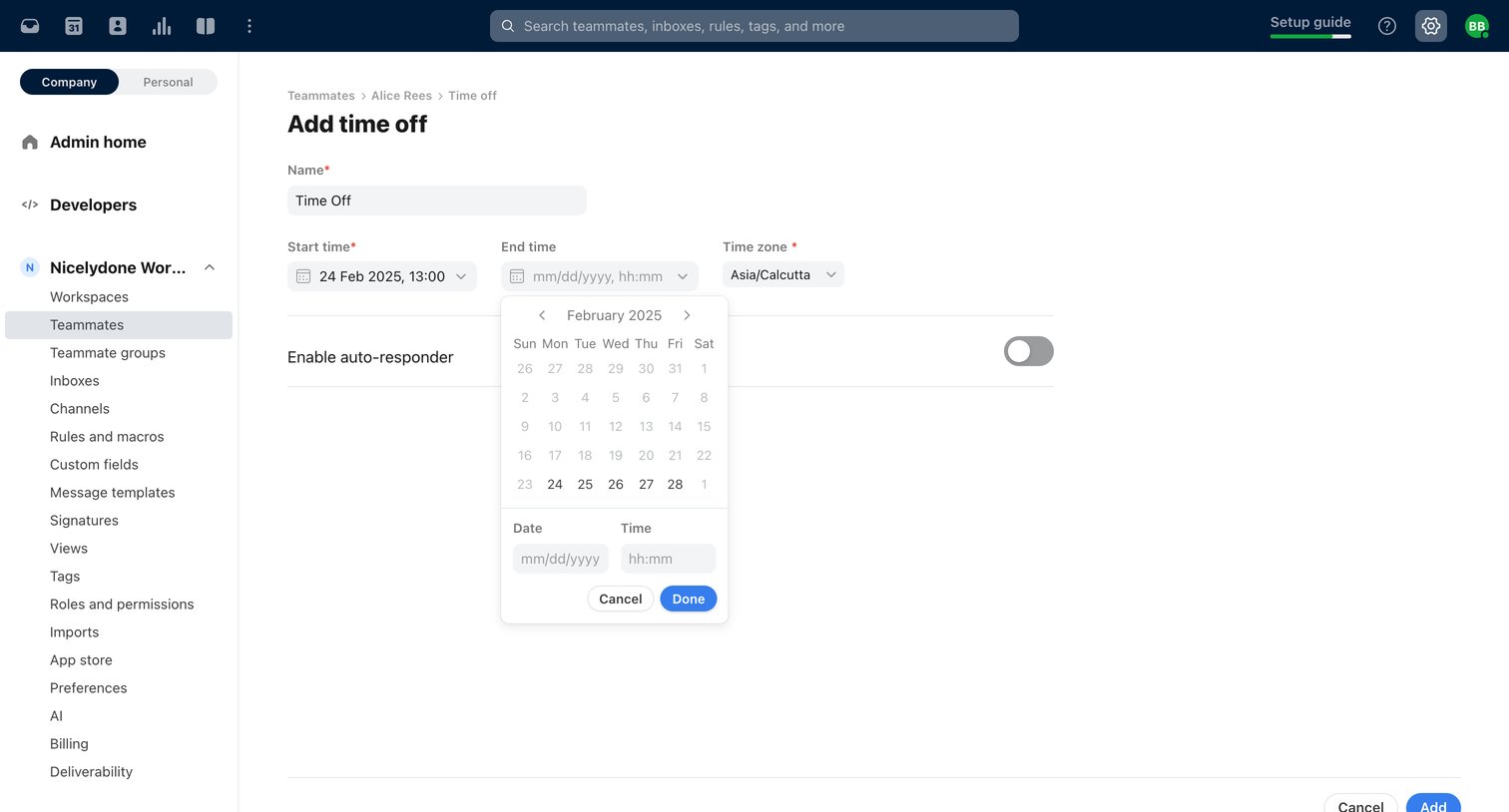

Settings page where an admin adds a time off schedule for a specific teammate, including start and end times with an auto-responder toggle.
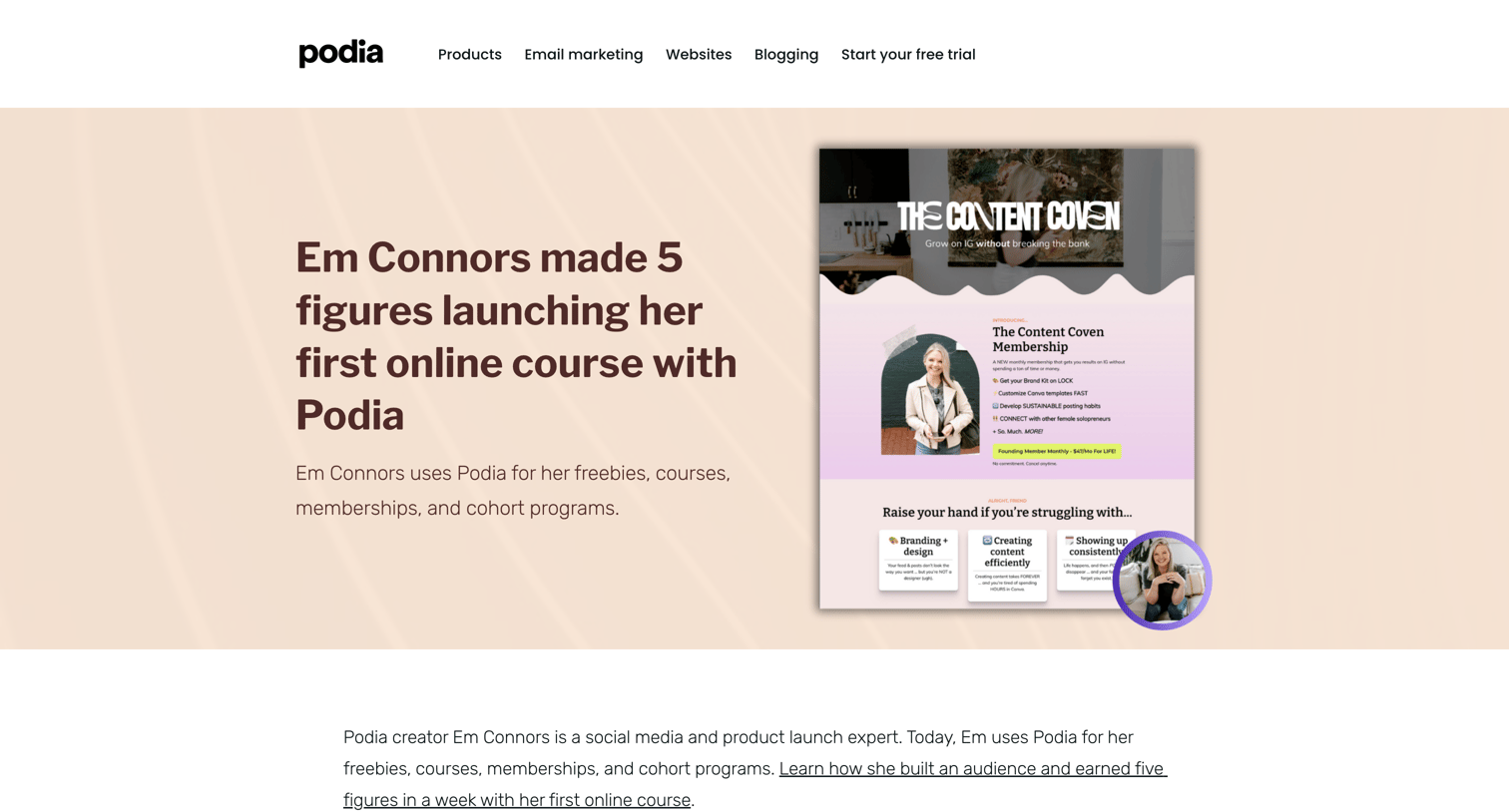

Blog article detailing how a creator used the platform to launch courses and memberships, featuring embedded examples and a lead magnet download.
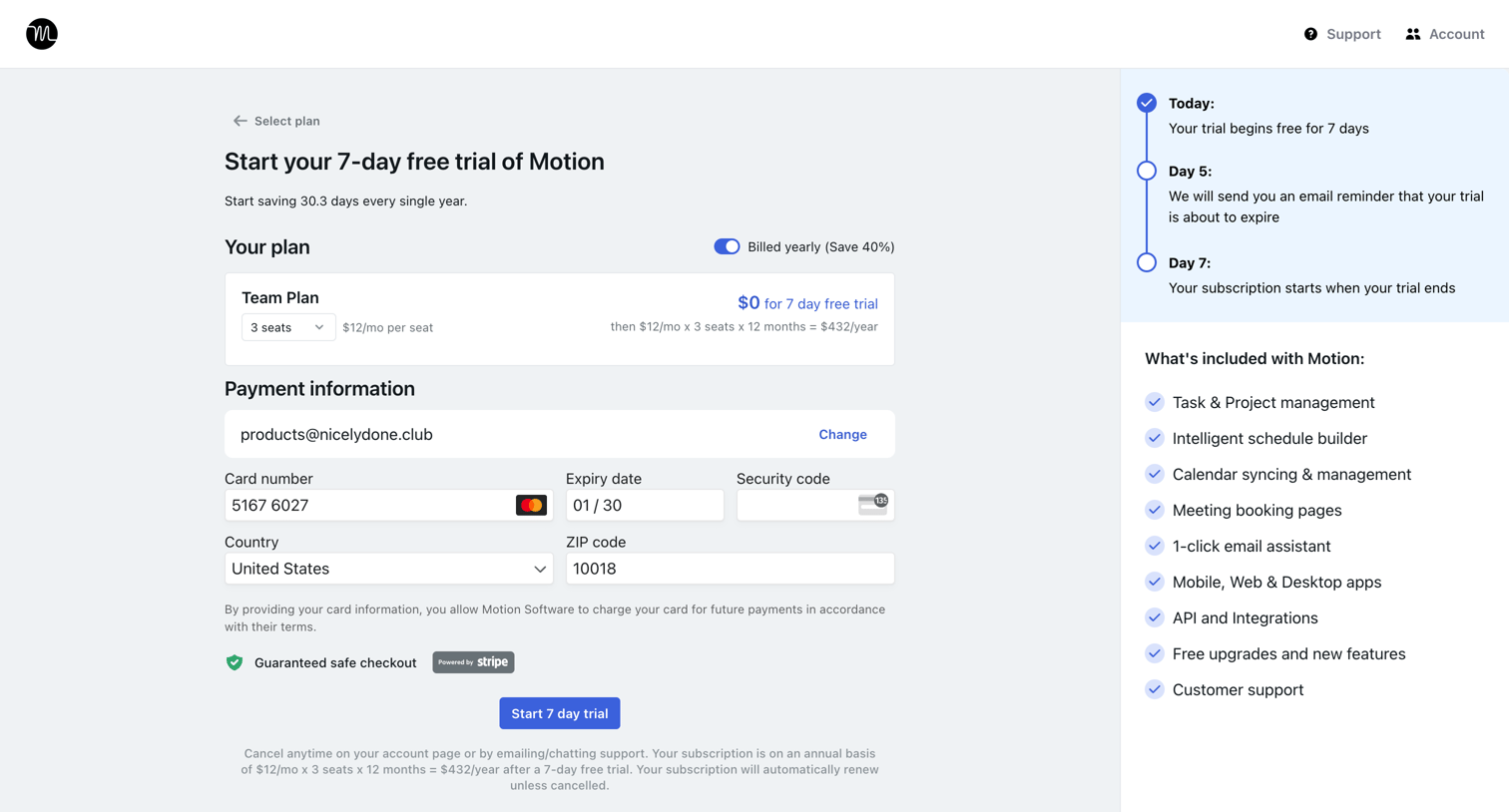

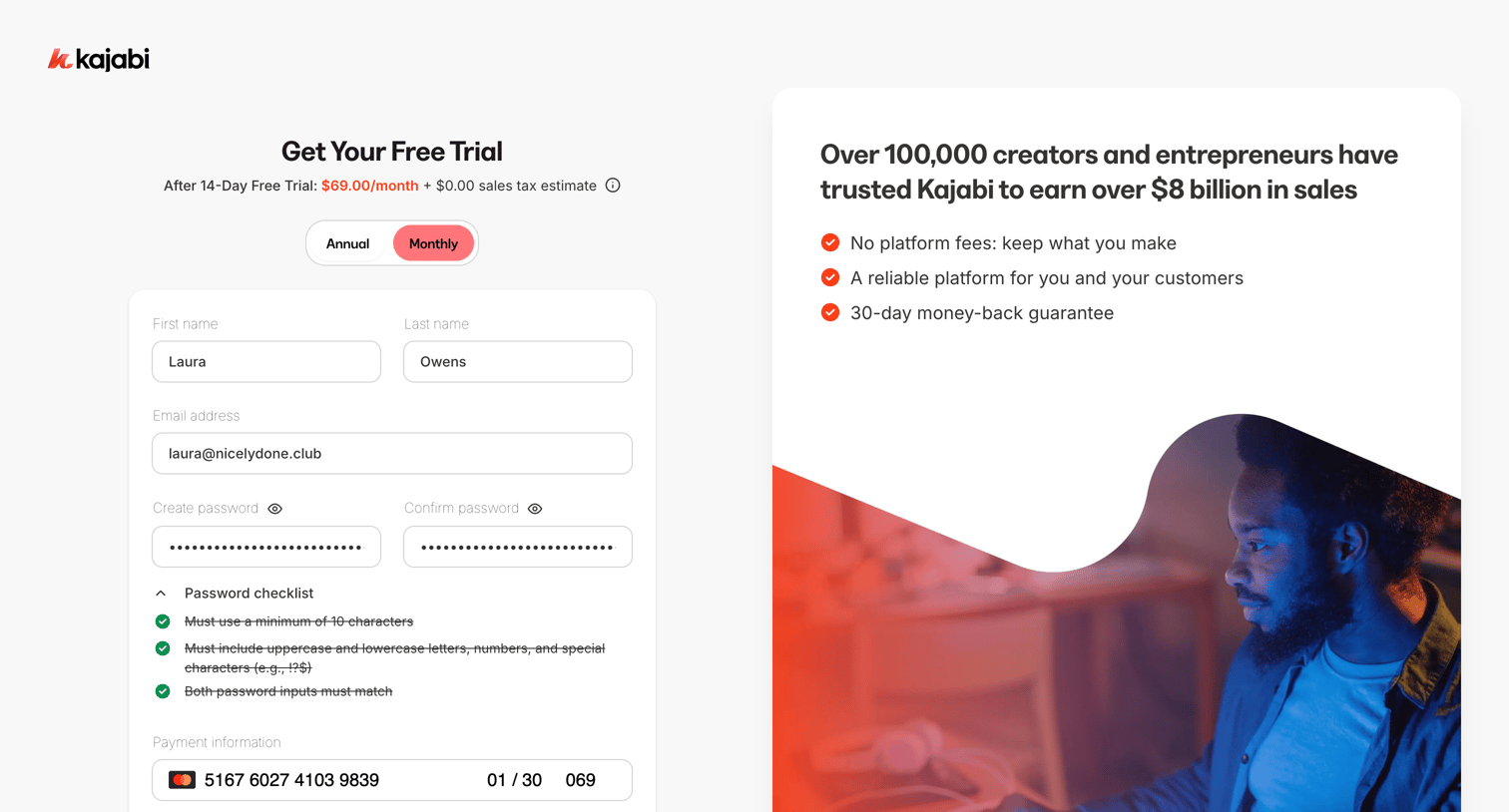

Signup page where the user creates an account with a password and enters credit card details to start a 14-day free trial.
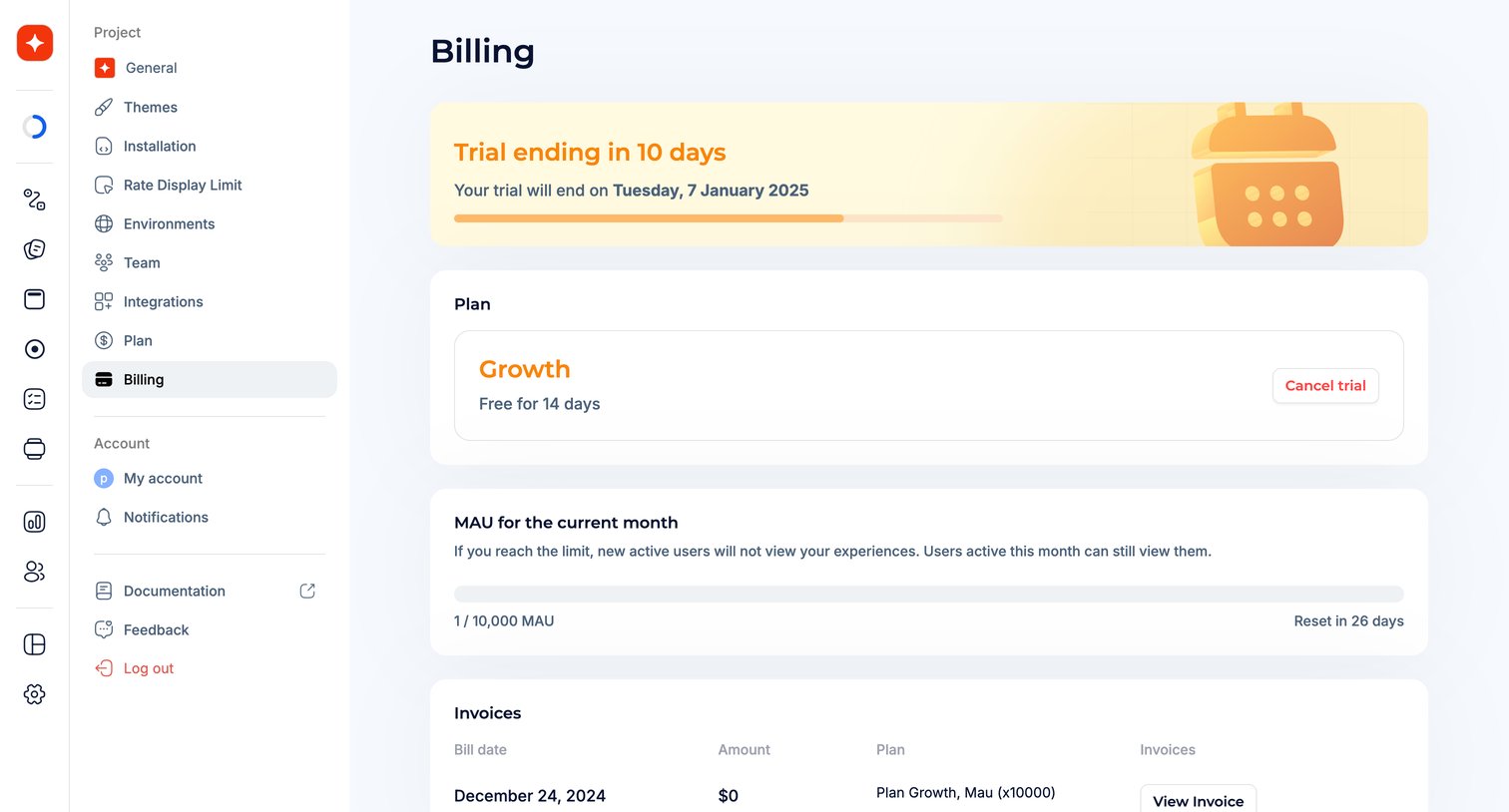

Settings page where the user views their active trial status, current plan details, monthly active user usage, and billing invoices.
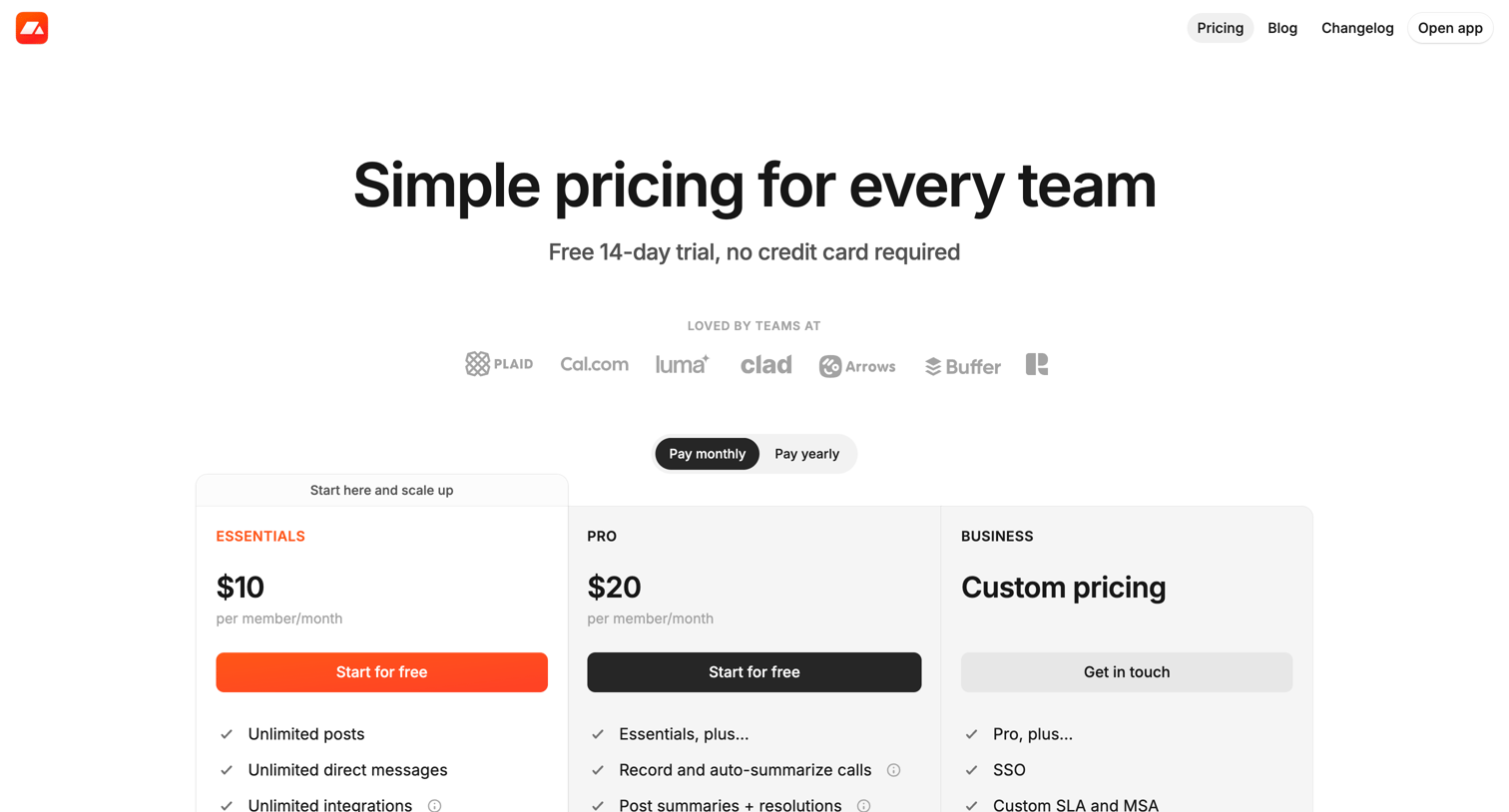

Pricing page where the user selects between Essentials, Pro, and Business tiers using a monthly or yearly billing toggle.
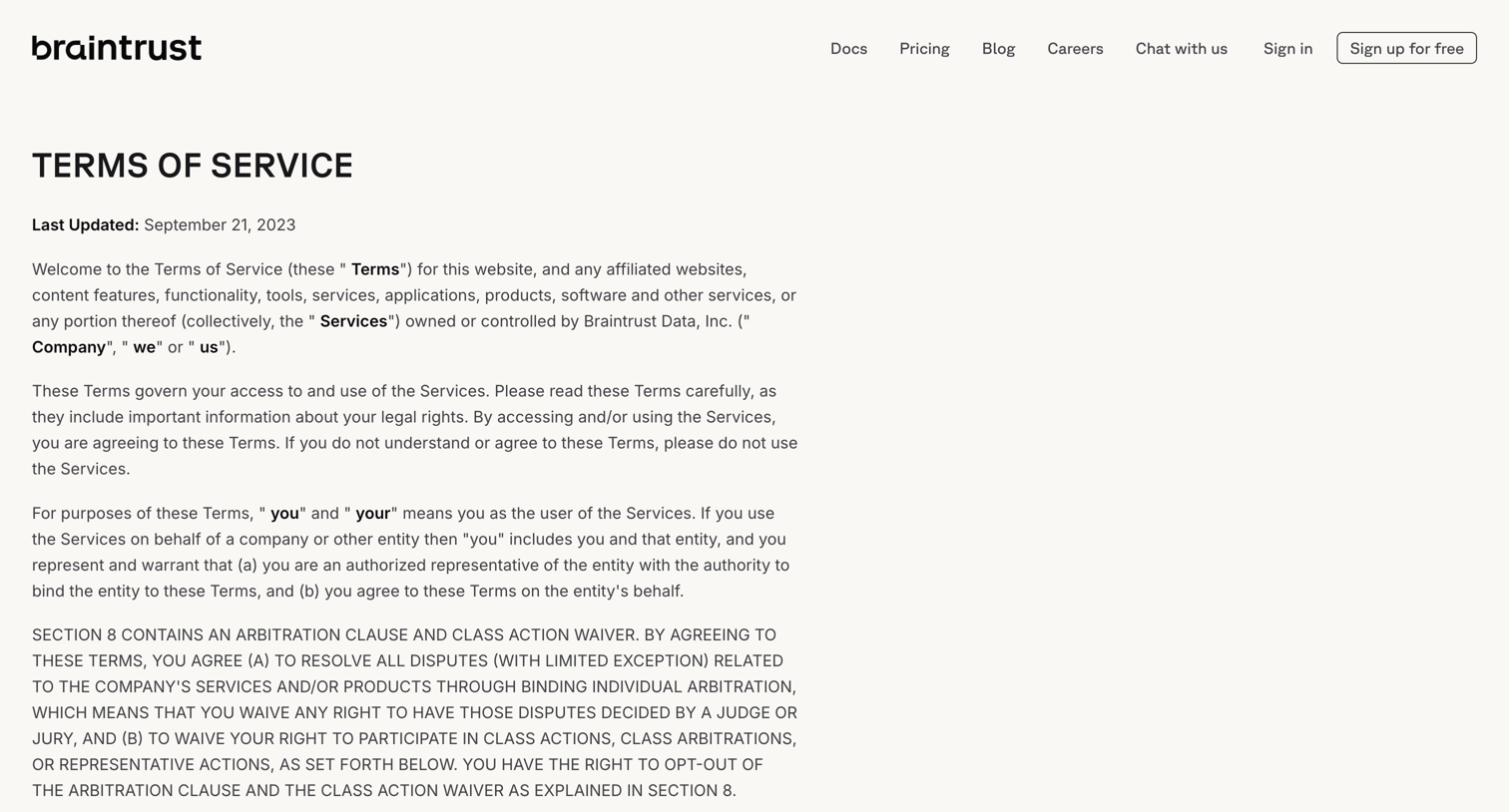

Legal page detailing the terms of service, user agreements, and liability limitations for using the platform.
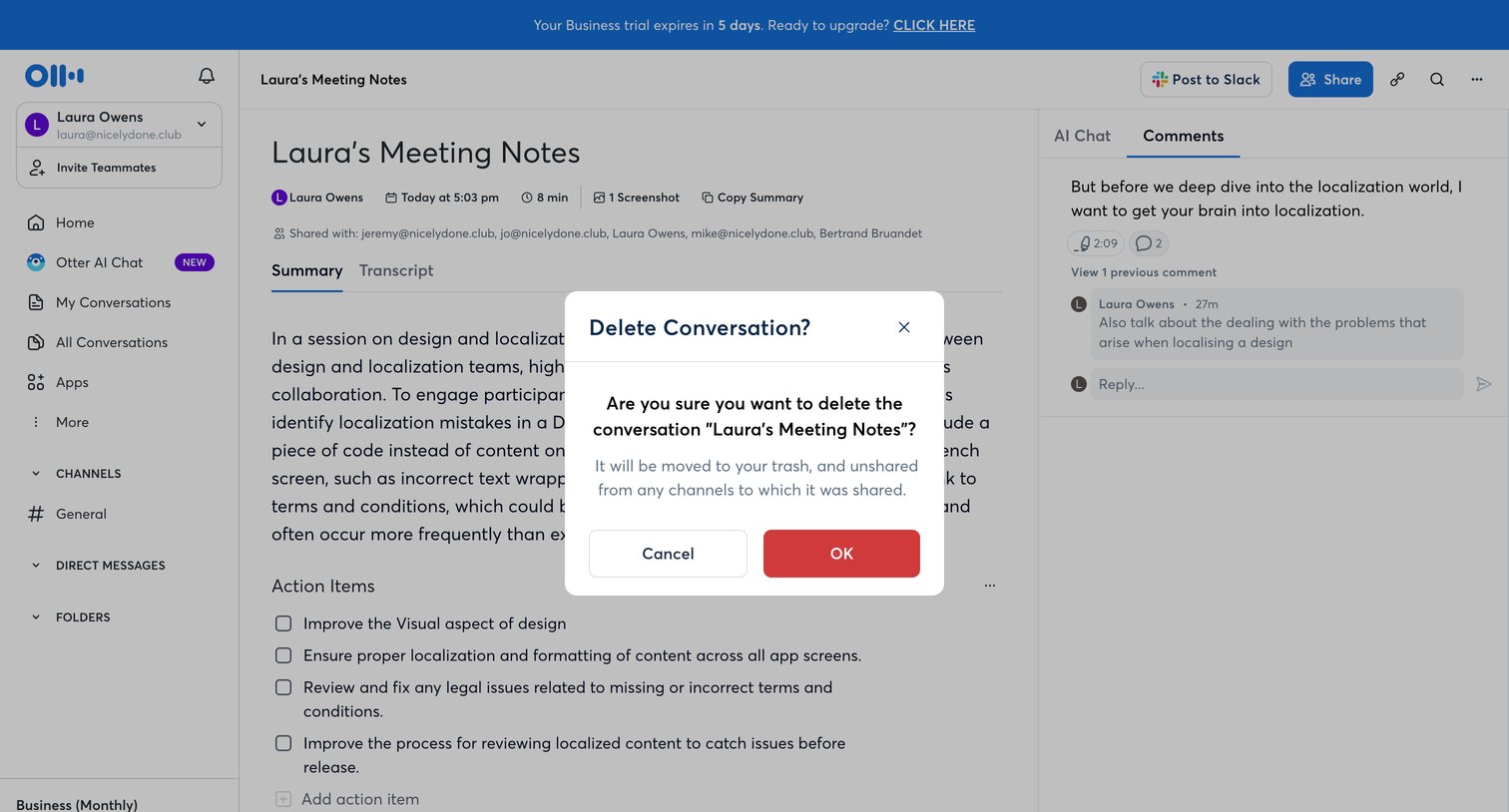

Detail page for a meeting transcript where the user is prompted to confirm the deletion of the conversation.
Explore the full SaaS screen library
Upgrade to unlock the full library.
Trusted by the best teams







