Campaign creation screen examples
Campaign creation screen design examples from SaaS apps. Browse examples from Mailchimp, Bird, Loops.
Explore the examples


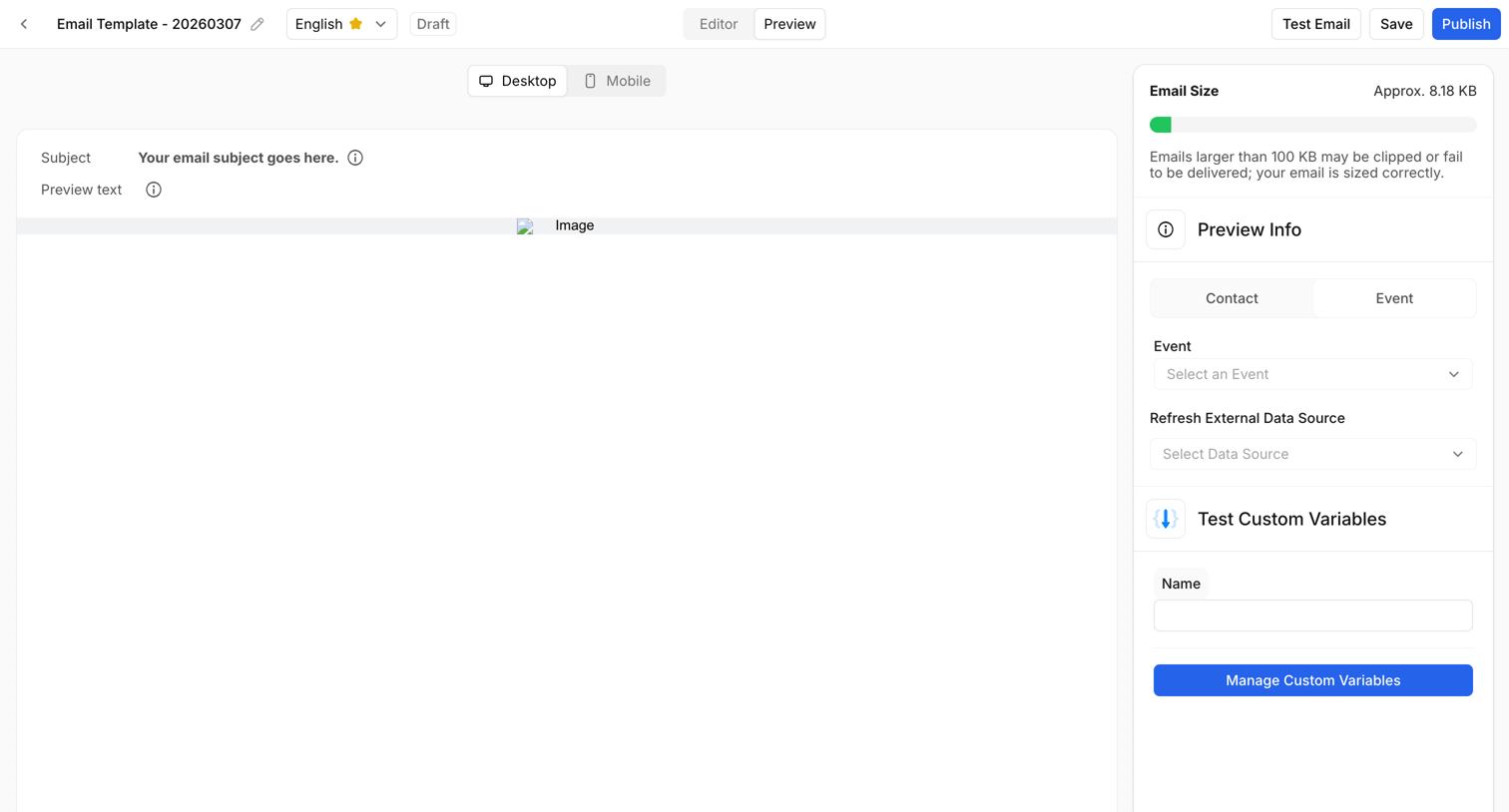

Design editor preview screen where the user can toggle between desktop and mobile views, check email size, and test custom variables before publishing.
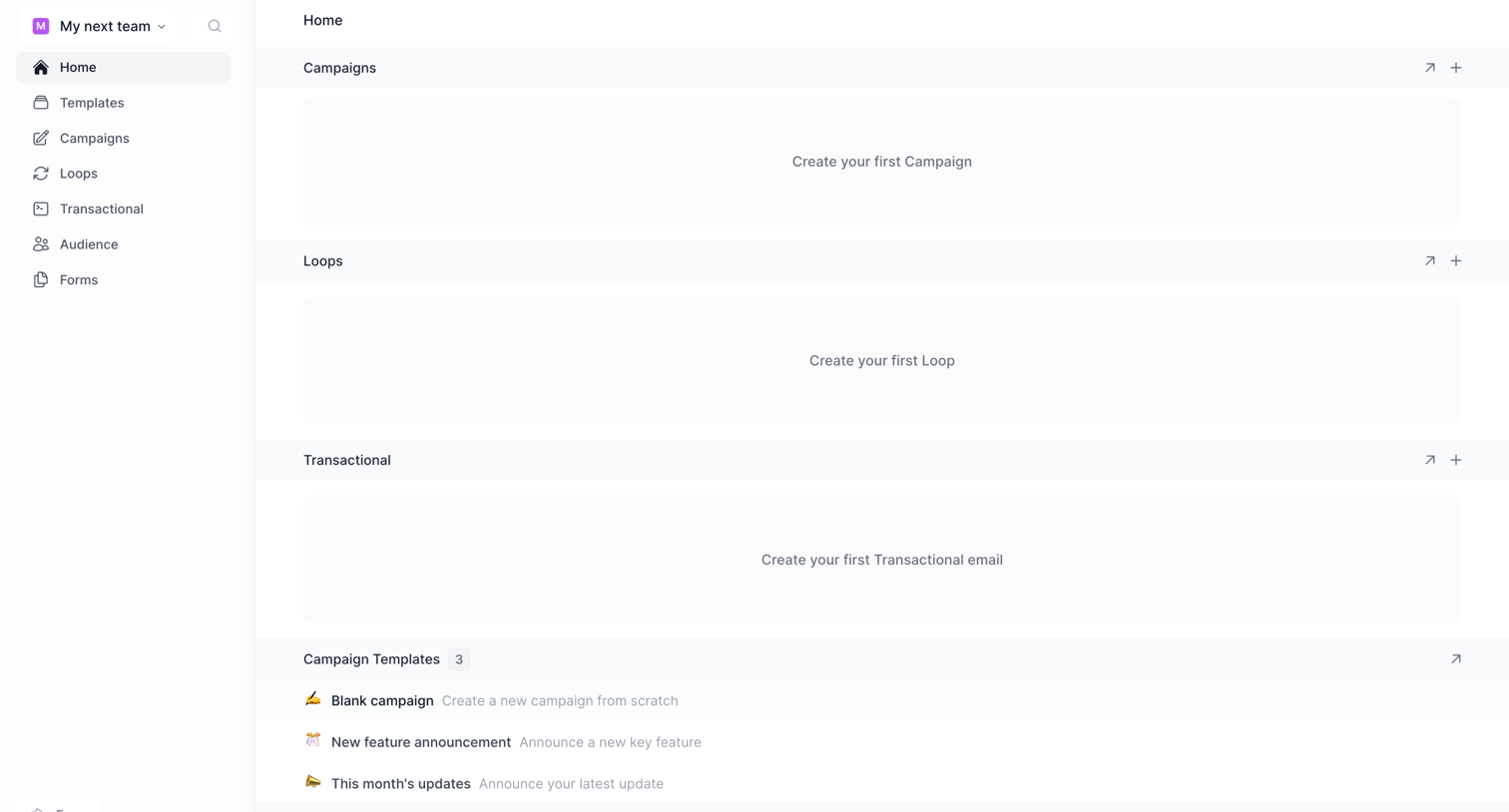

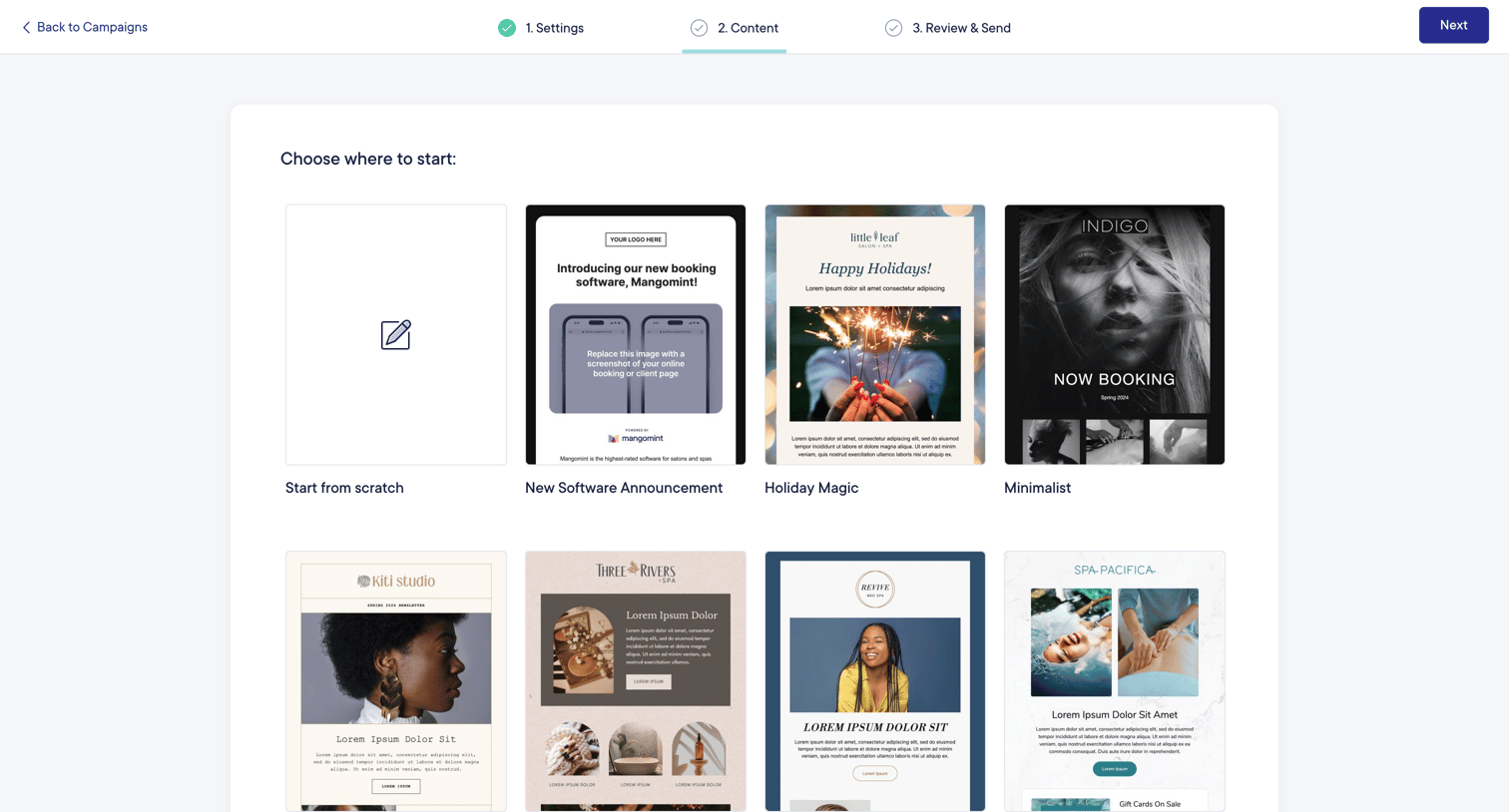
Home start screen where the user is prompted to create their first campaign, loop, or transactional email, or start from a provided template.
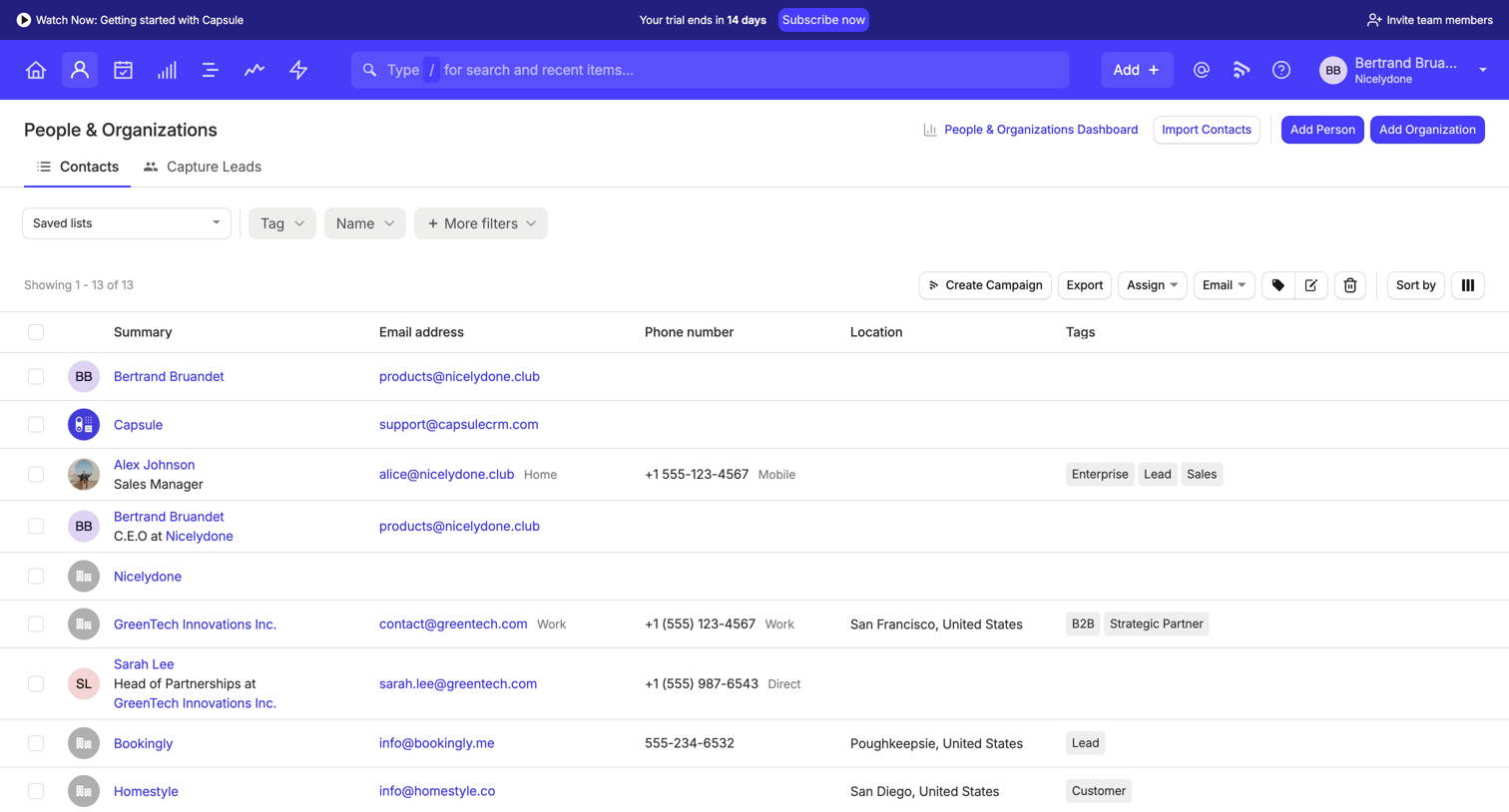

List view where the user manages contacts and organizations, featuring filtering, bulk actions, and a trial upgrade banner.
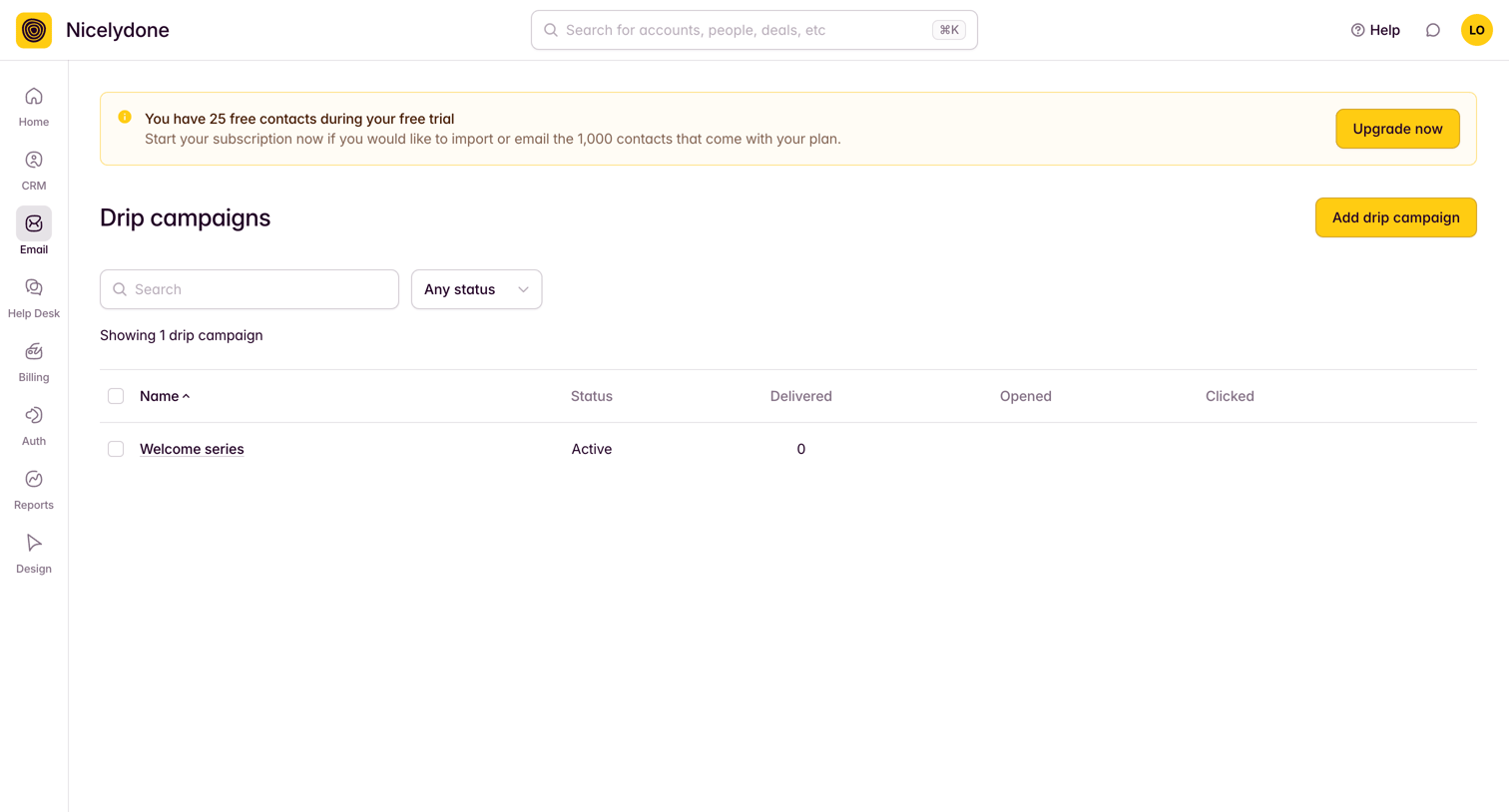

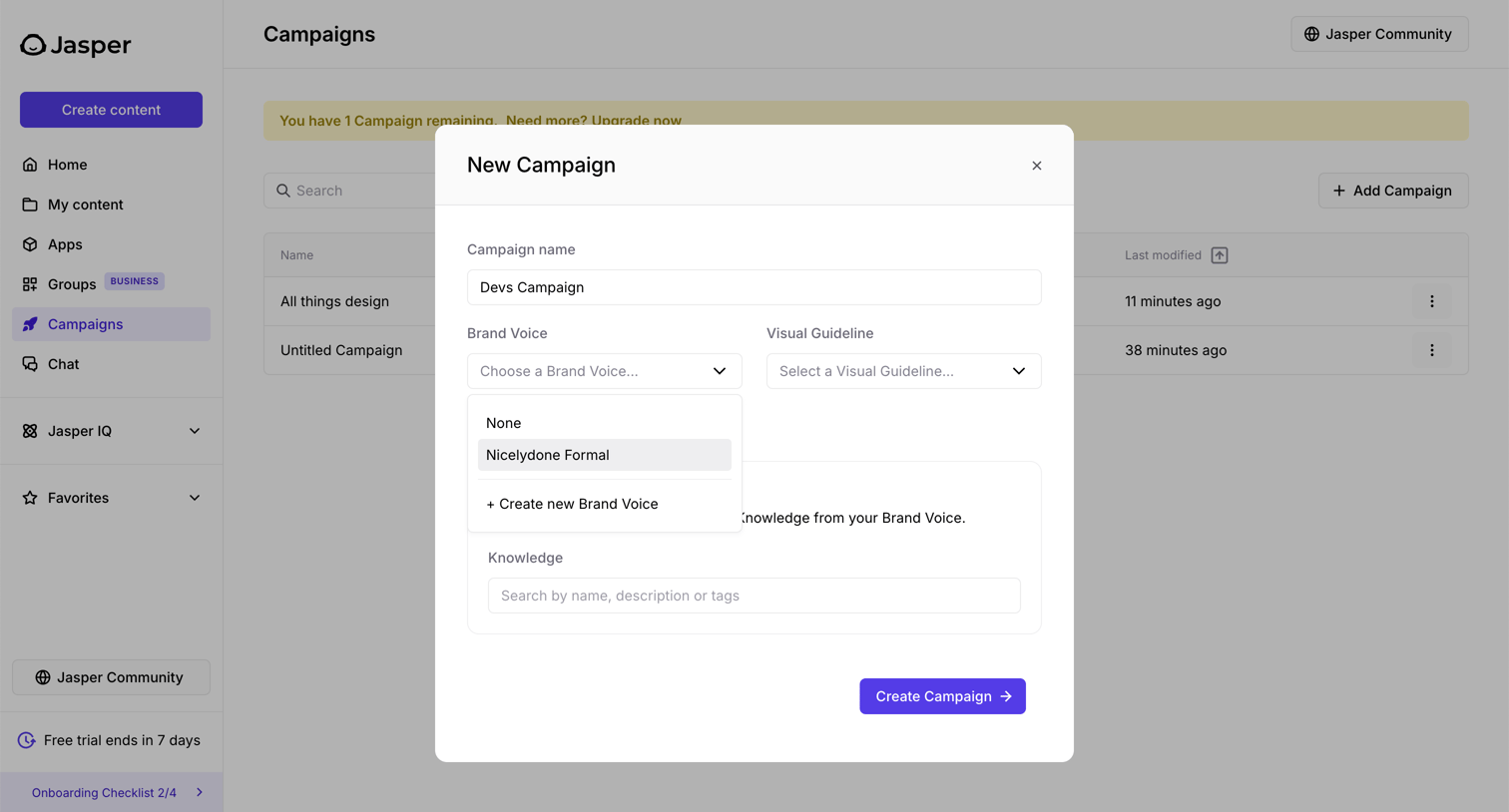
List view where the user manages their email drip campaigns, featuring a prominent trial-limit warning banner.


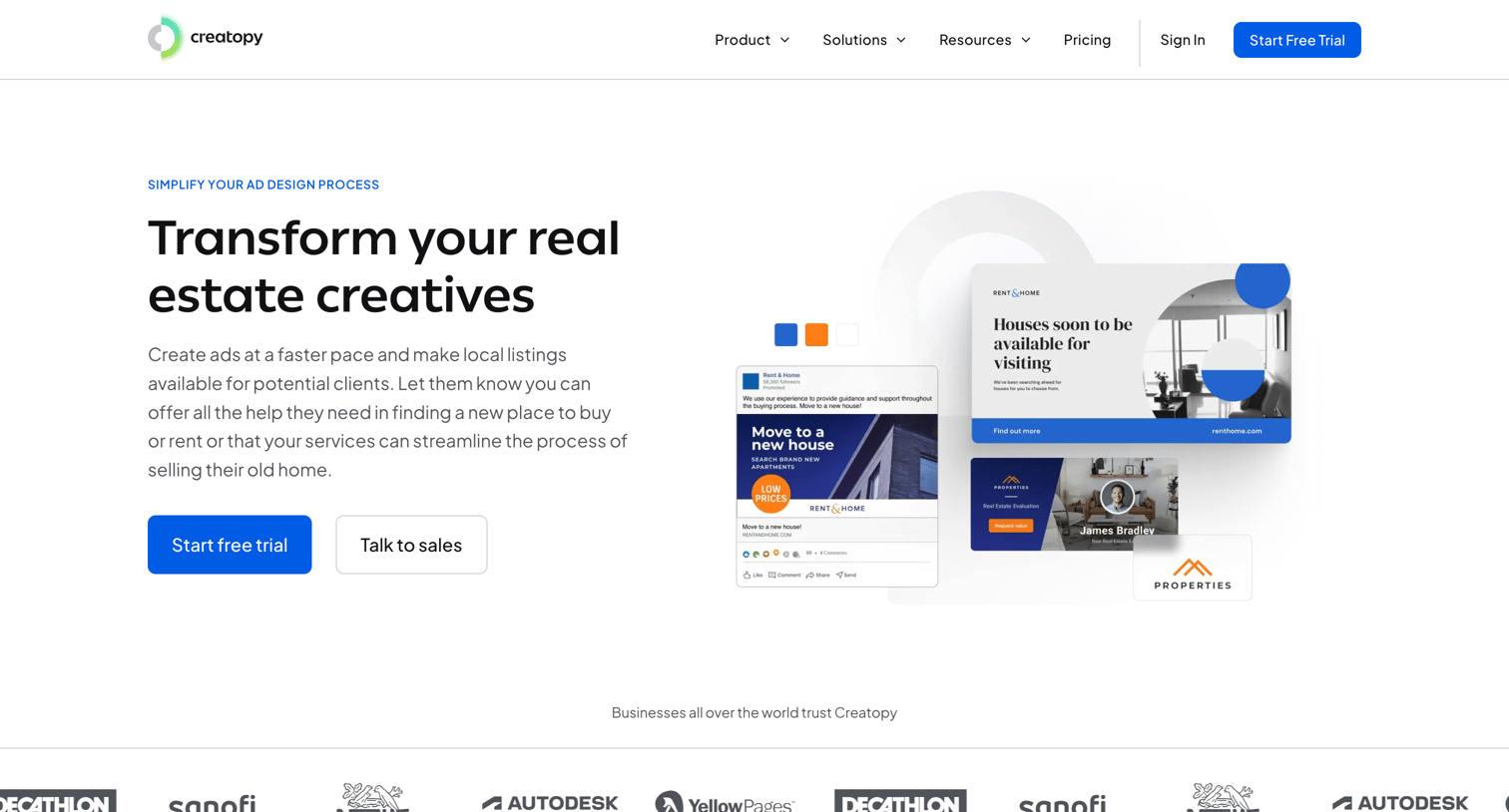
Product page tailored for the real estate industry where the user learns about brand kits, automation, and templates, and can start a free trial.
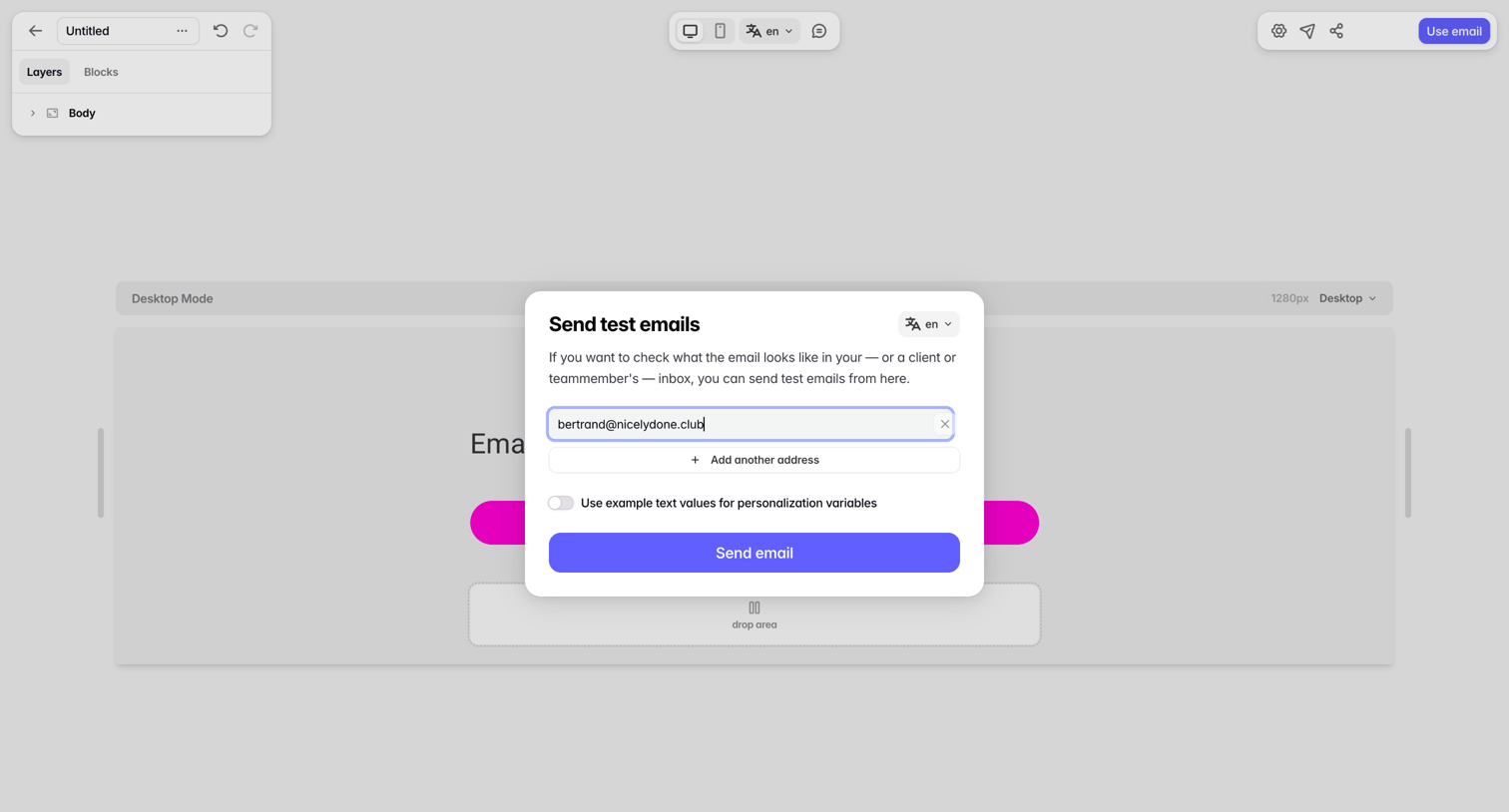

Design editor where the user configures and sends a test email to specific addresses before finalizing the template.
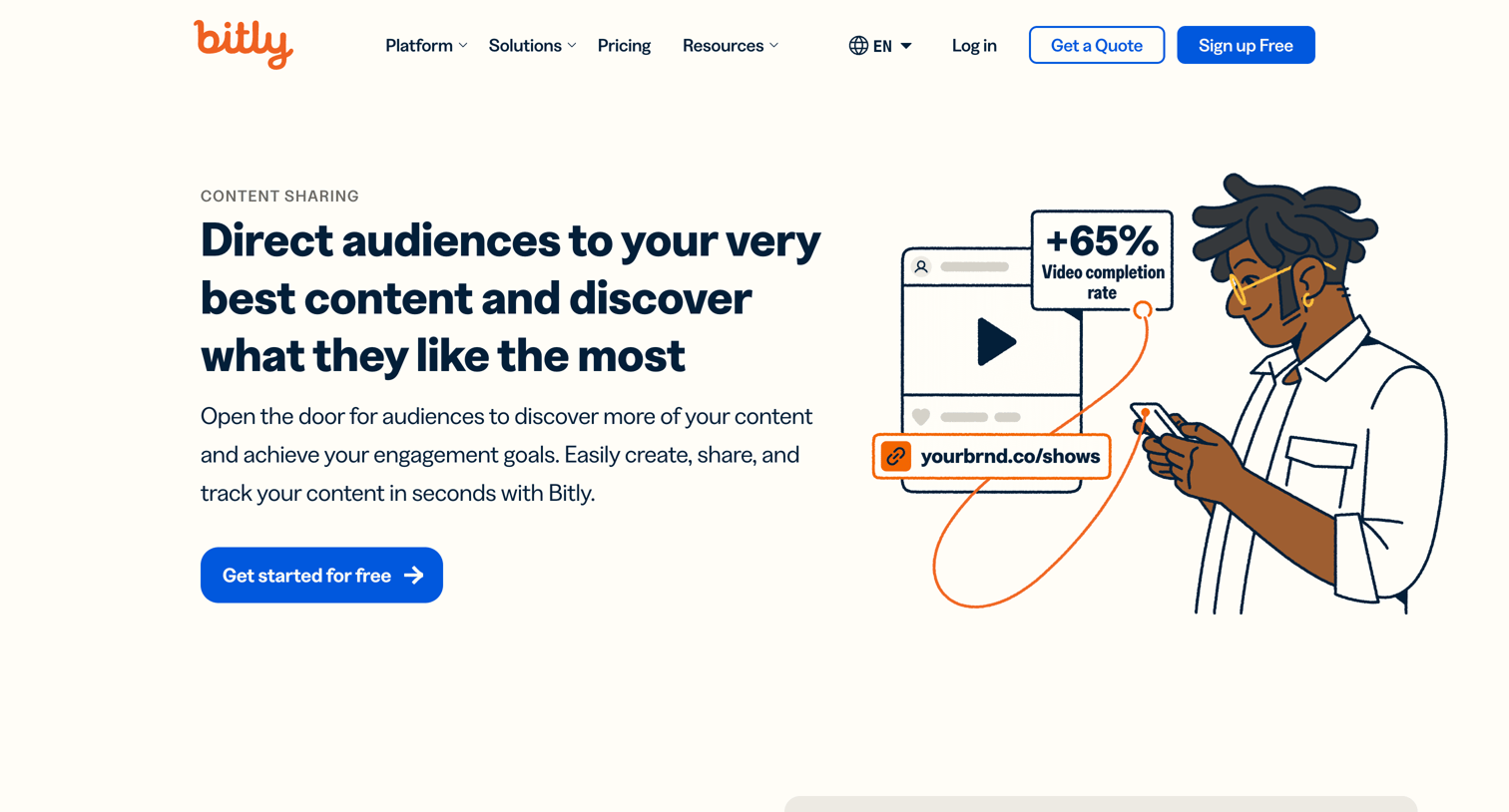

Marketing use case page explaining how to direct audiences and track content using branded links, QR codes, and landing pages.
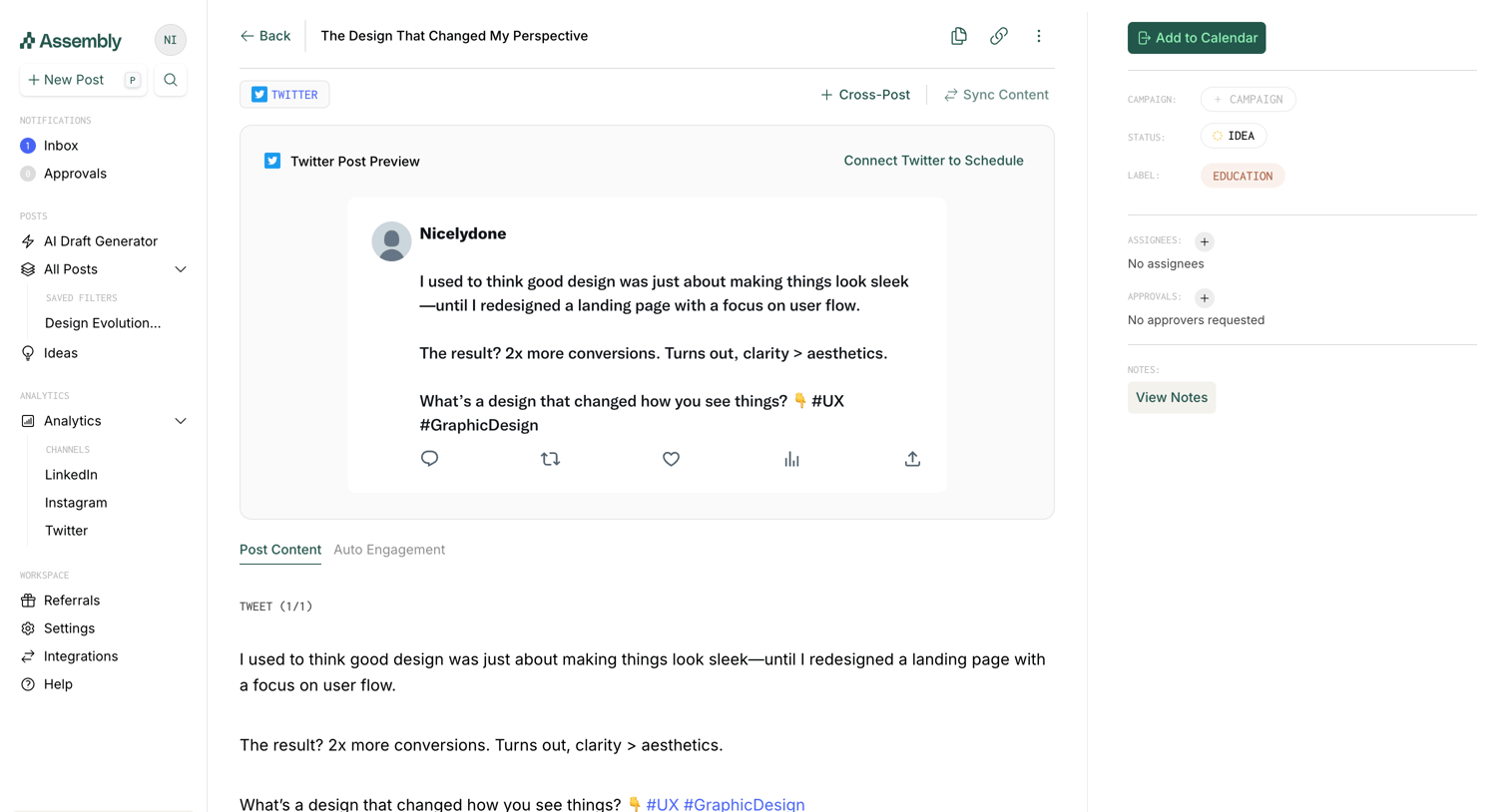

Detail page where the user previews a drafted Twitter post, edits its content, and manages metadata like campaign and status.
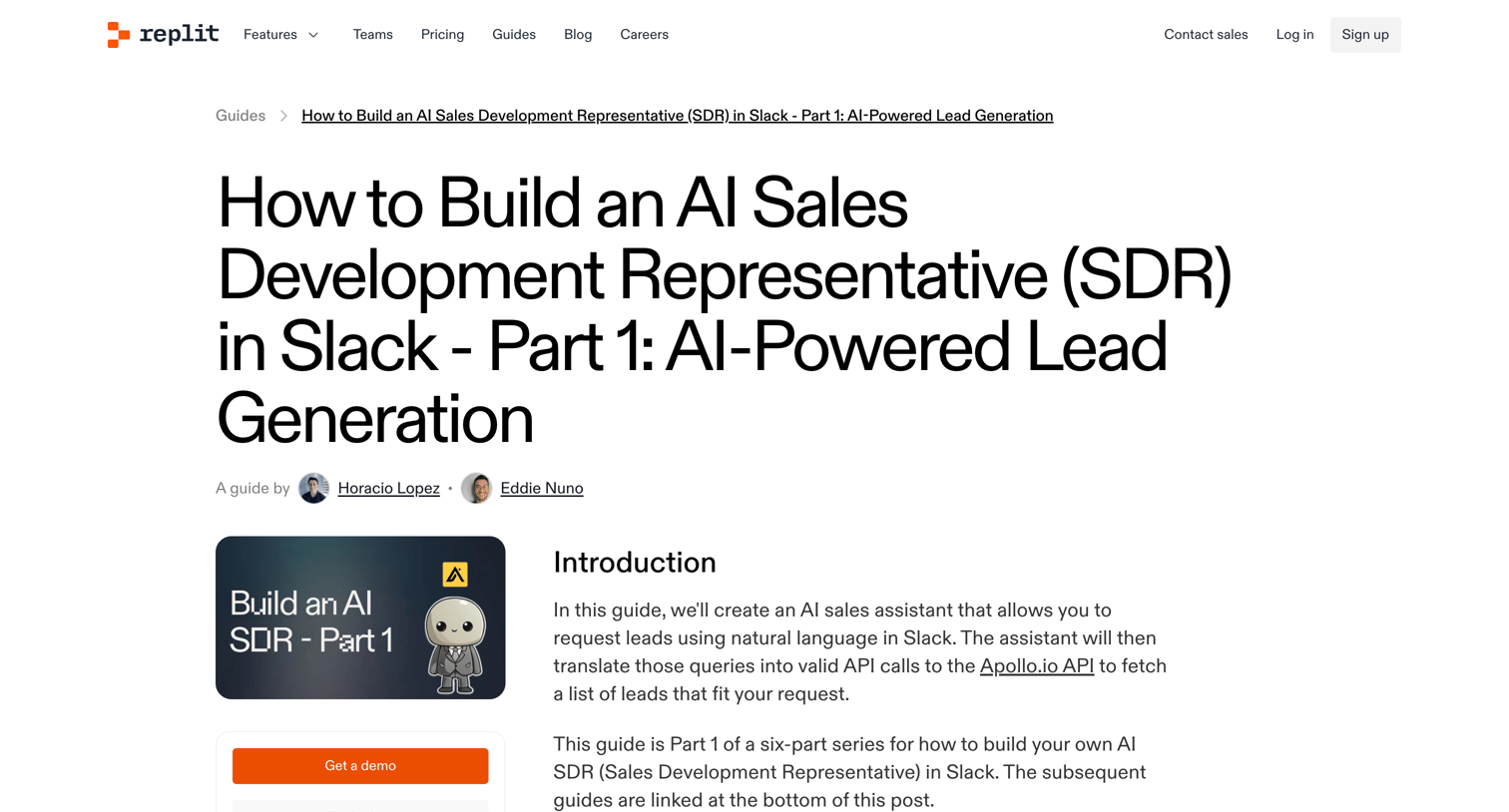

A detailed guide on how to build an AI Sales Development Representative in Slack using Replit, Apollo, and OpenAI, featuring code snippets and step-by-step instructions.
Explore the full SaaS screen library
Upgrade to unlock the full library.
Trusted by the best teams







