Blank state screen examples
Blank state screen design examples from SaaS apps. Browse examples from Magnific, Voiceflow, Elevenlabs.
Explore the examples
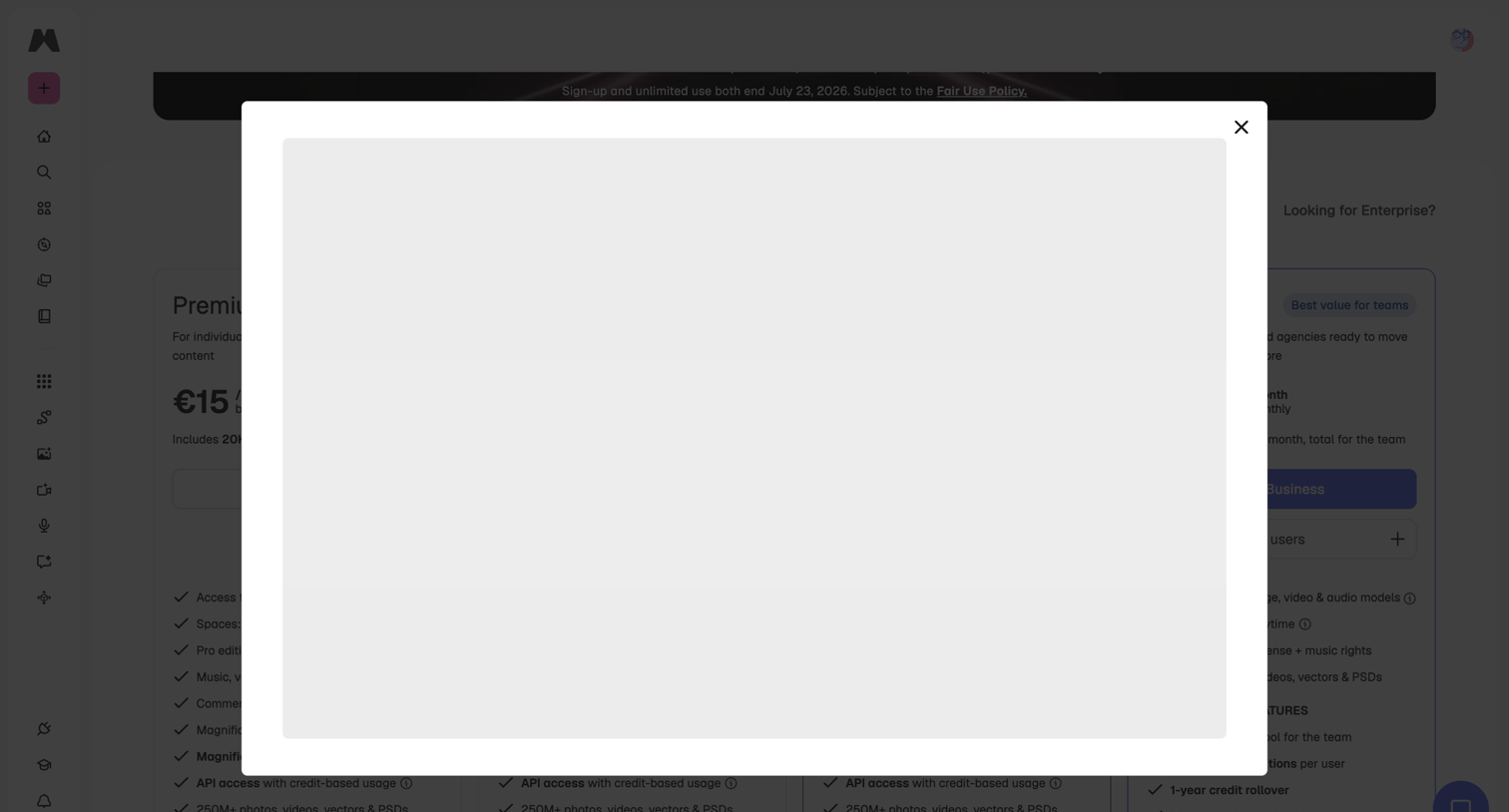

In-app paywall where a modal overlay has opened but is completely blank, obscuring the subscription pricing tiers behind it.


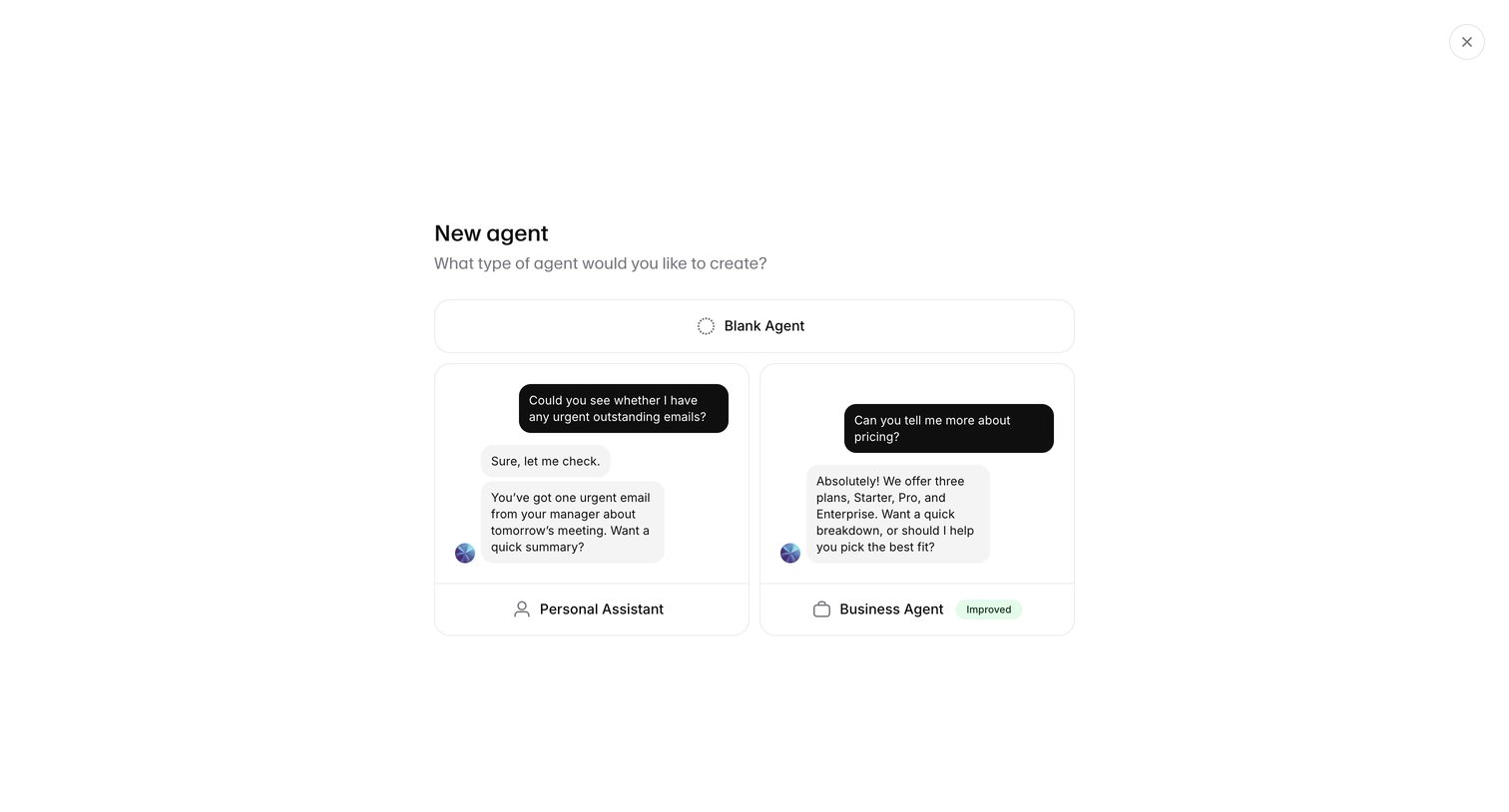

Creation modal where the user selects a starting template for a new AI agent, choosing between a blank agent, a personal assistant, or a business agent.
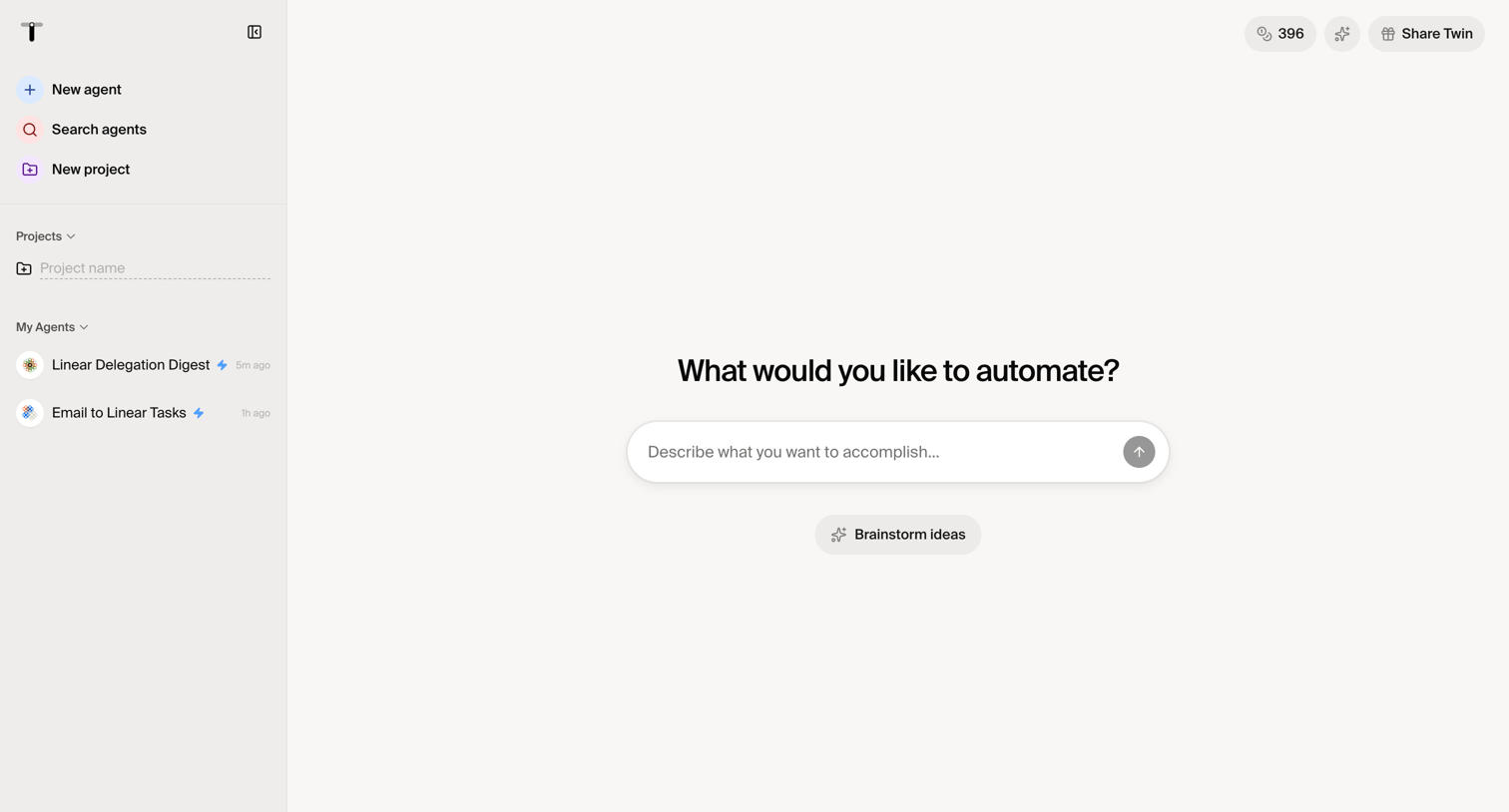

Creation start screen where the user is prompted to describe an automation they want to build using natural language, with options to brainstorm ideas or access existing agents in the sidebar.

404 error page where the user is informed that the requested URL does not exist.
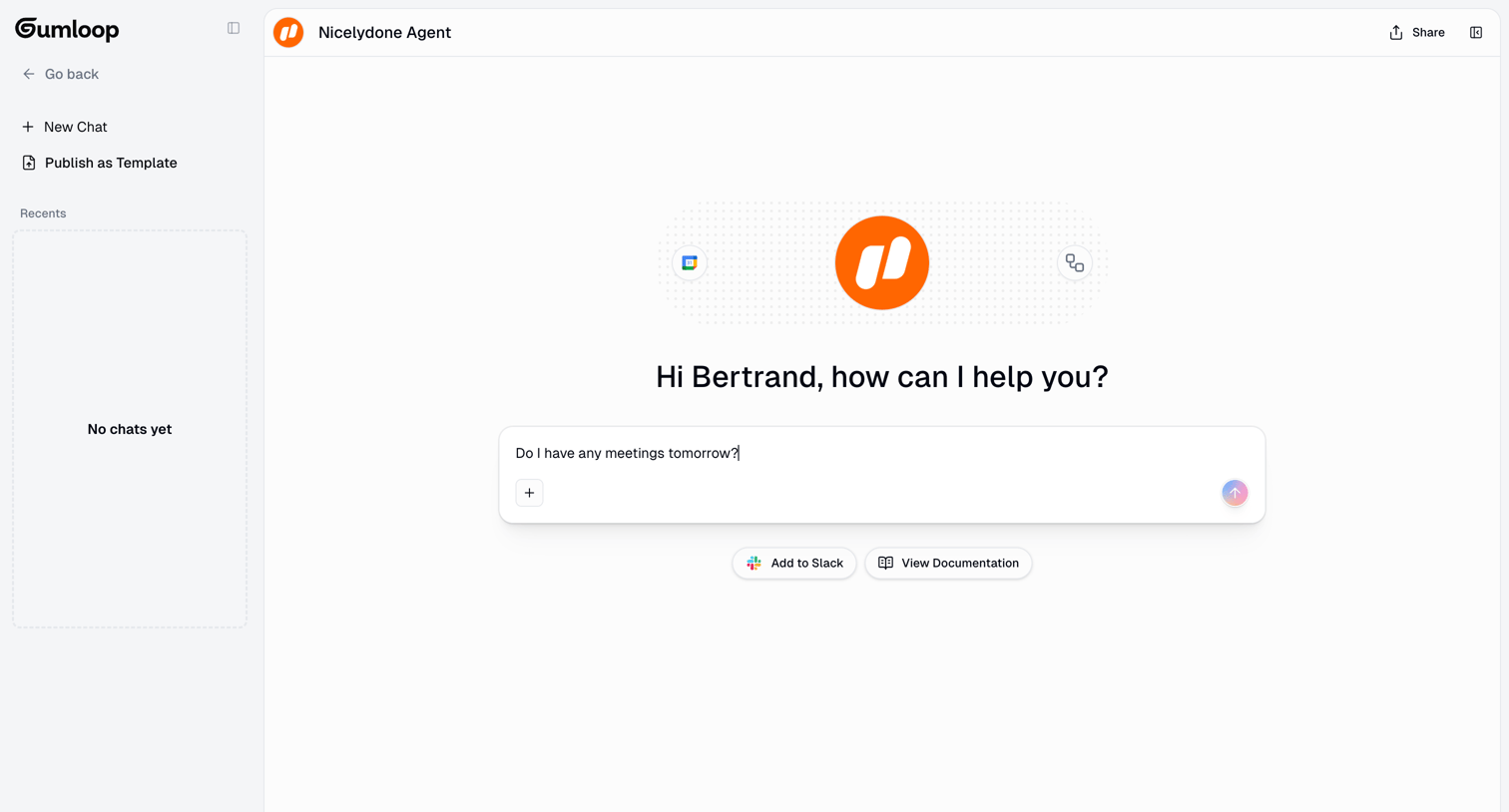

AI chat interface where the user starts a new conversation with an agent, featuring a large composer and quick links to integrations and documentation.
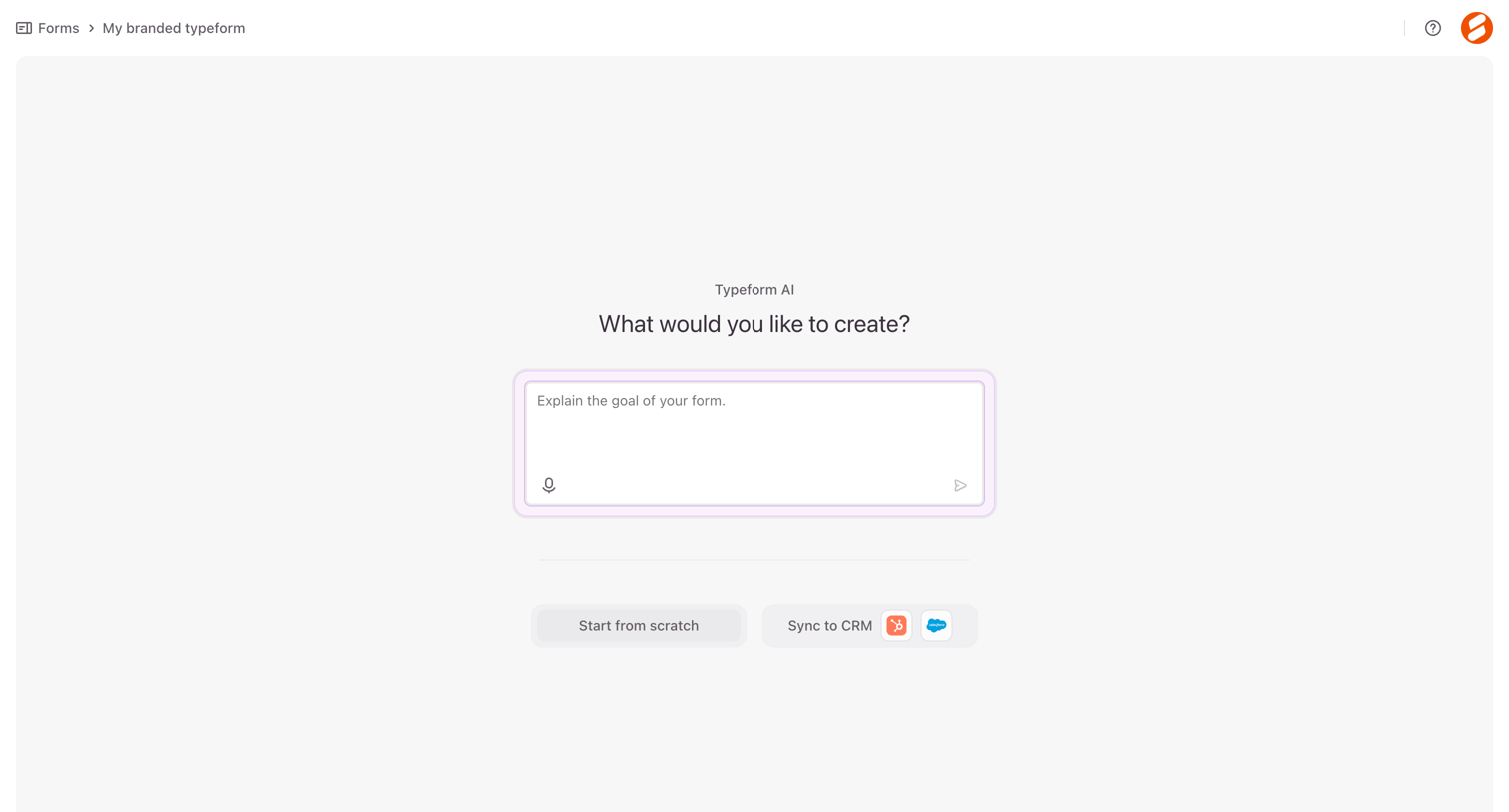

Creation screen where the user can prompt an AI to build a form, start from a blank canvas, or sync with a CRM.
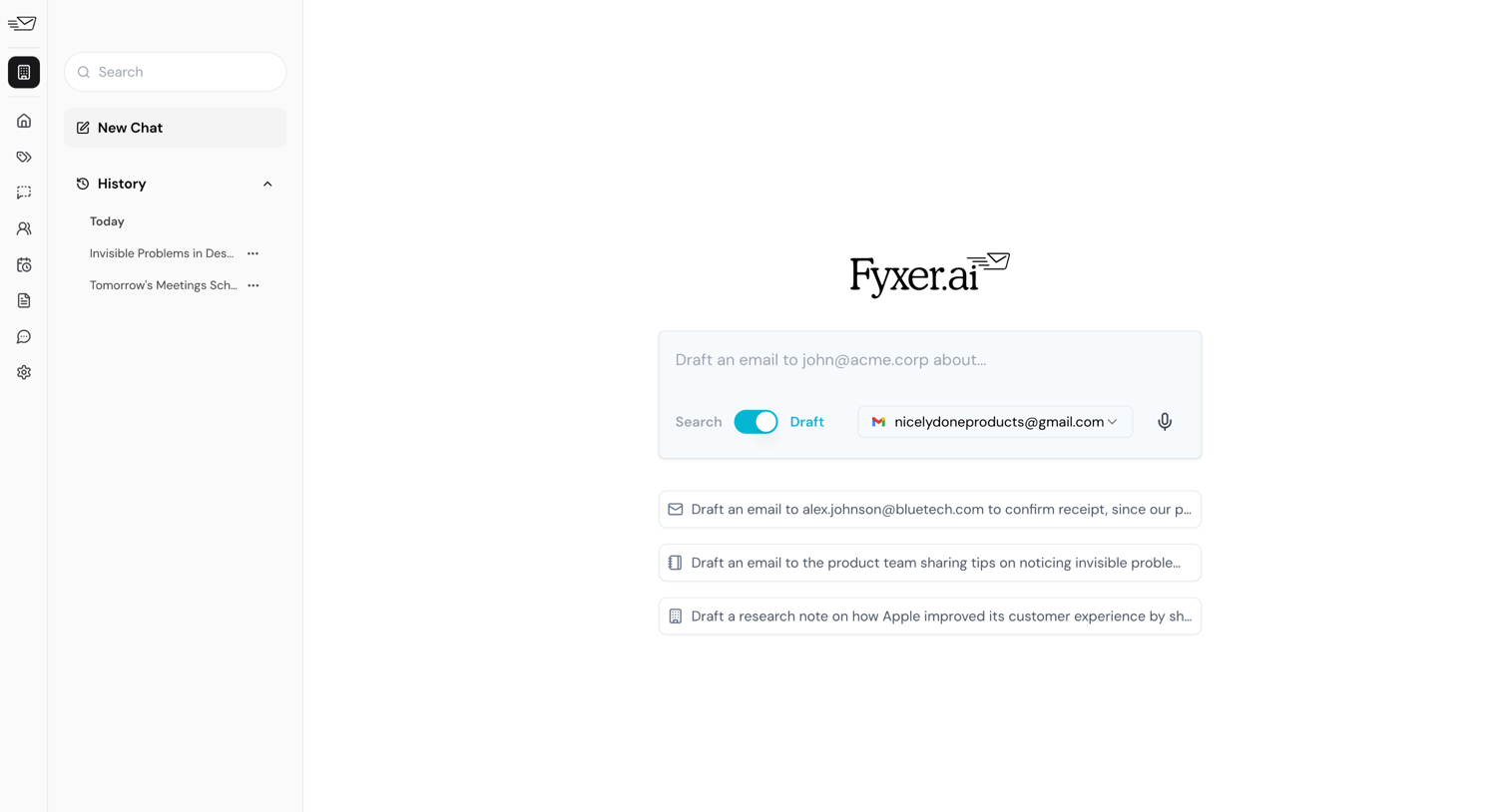

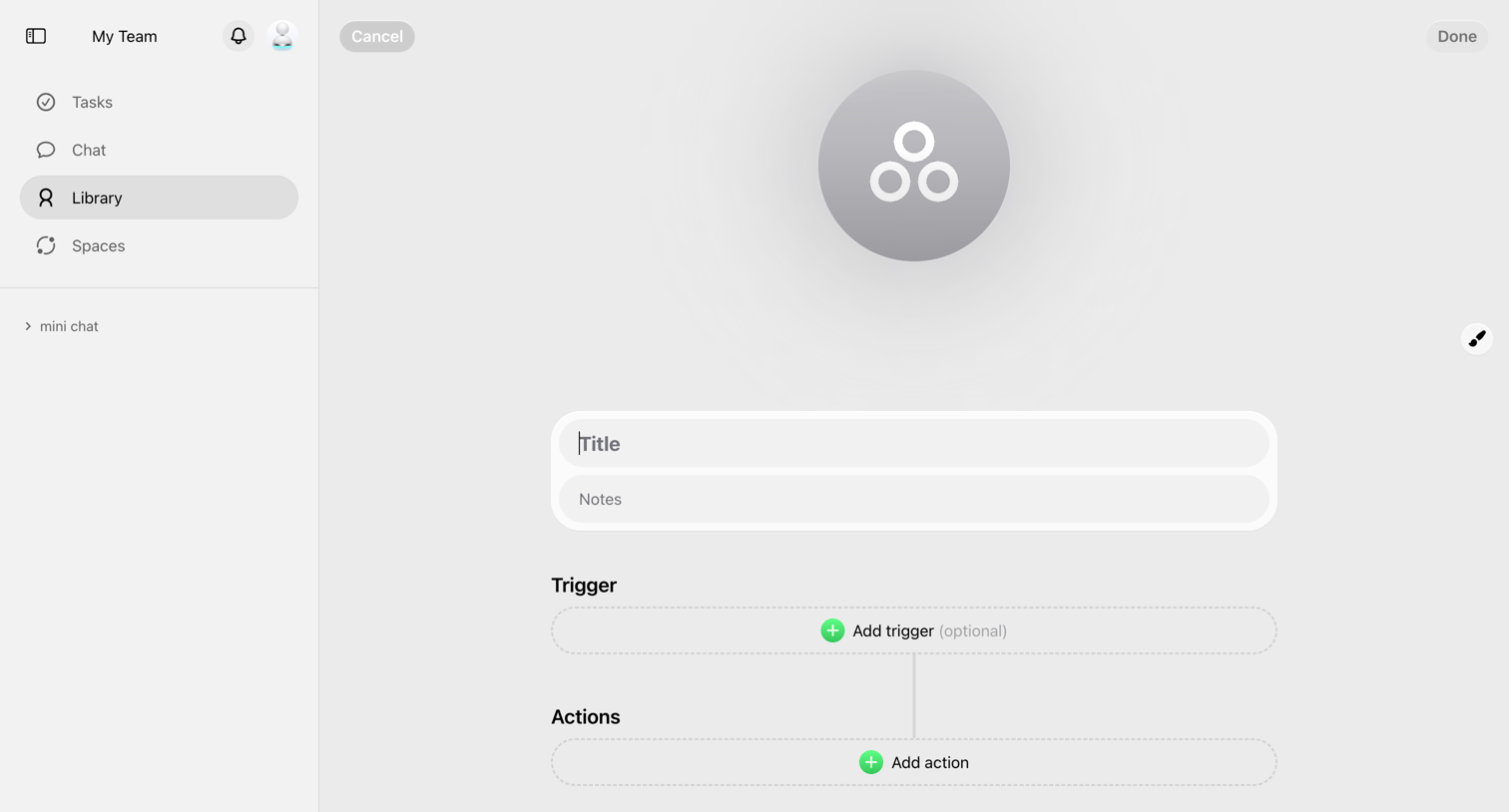

Creation screen where the user builds a new workflow by defining a title, notes, a trigger, and subsequent actions.



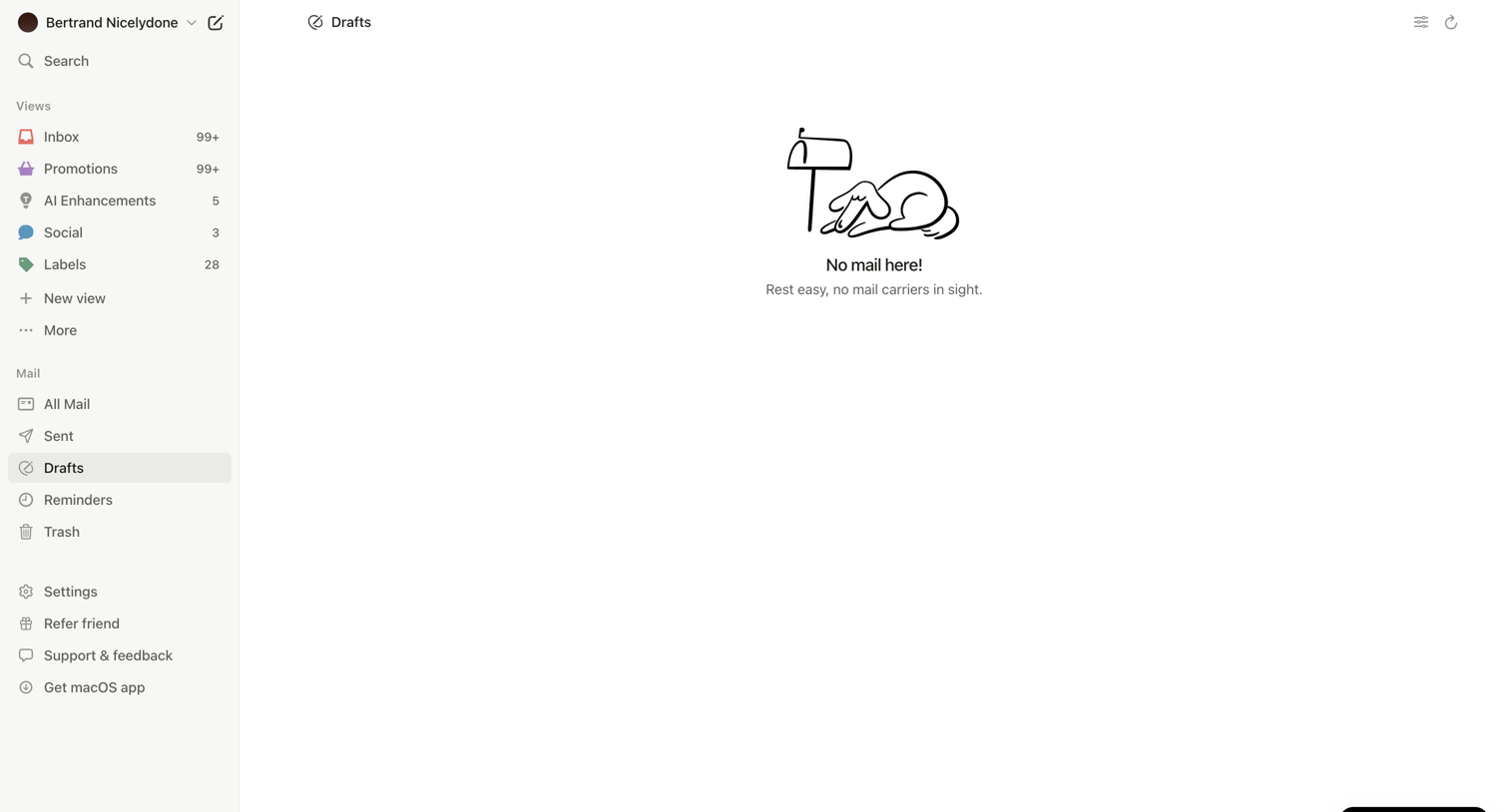

Inbox view showing an empty drafts folder with an illustration and a prominent floating button to download the desktop app.
Explore the full SaaS screen library
Upgrade to unlock the full library.
Trusted by the best teams







