Audio configuration screen examples
Audio configuration screen design examples from SaaS apps. Browse examples from Riverside, Kinescope, Vimeo.
Explore the examples


Settings page where the user configures recording preferences like audio volume control, noise reduction, sample rate, and video resolution for their studio.
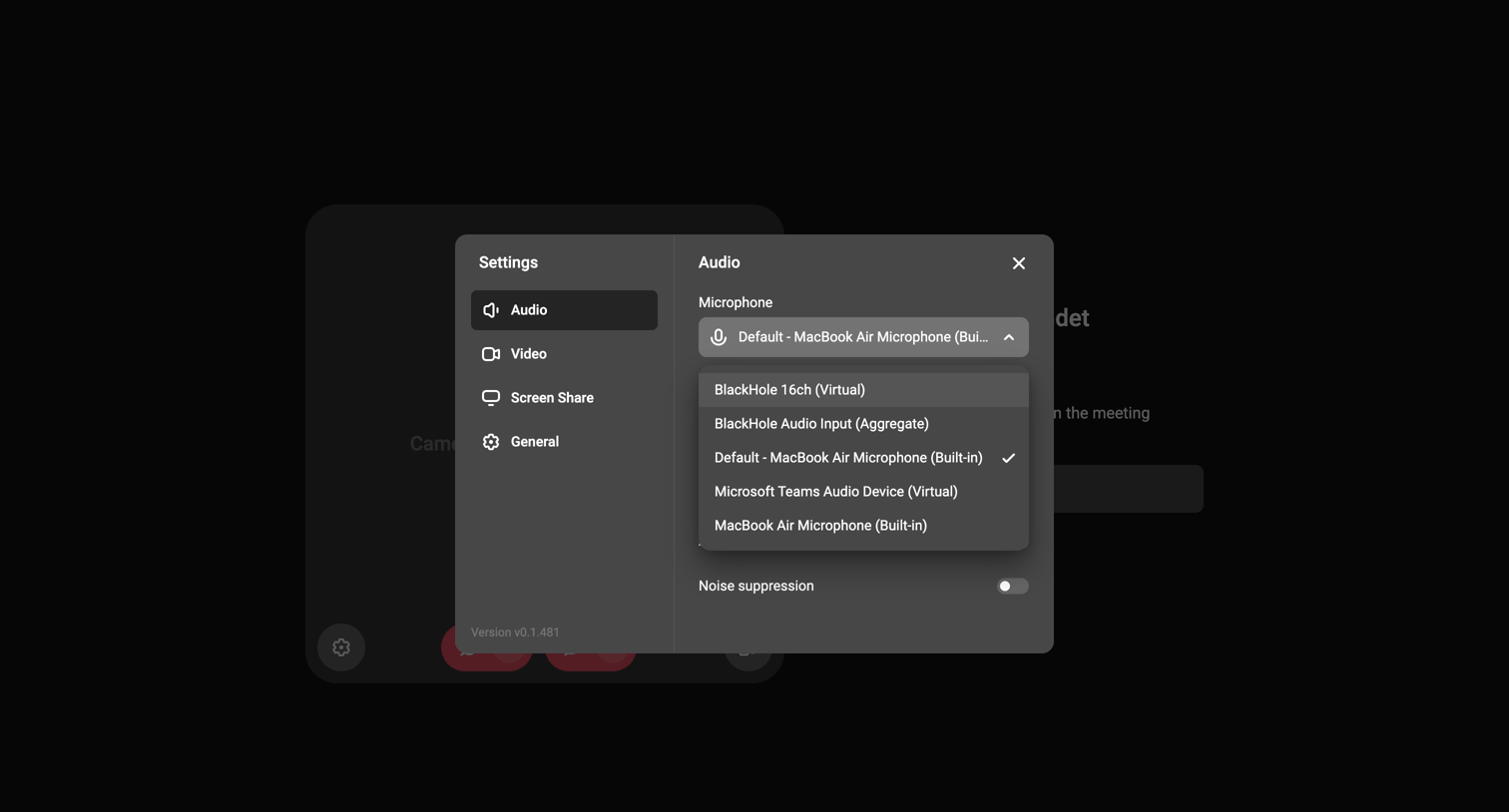

Settings modal where the user selects their microphone input device from an open dropdown menu.
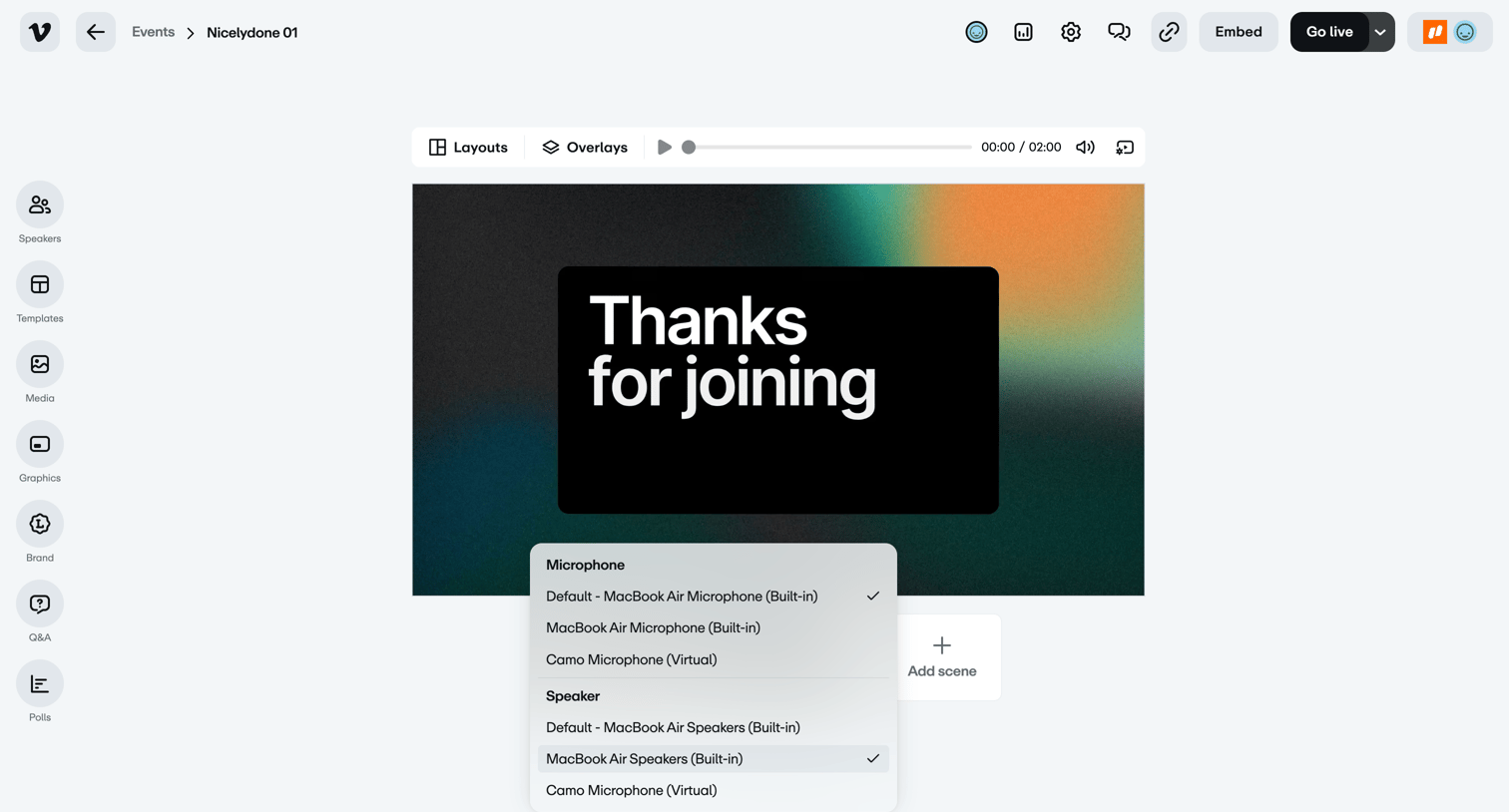

Live event studio where the user configures their microphone and speaker devices via an open dropdown menu before going live.
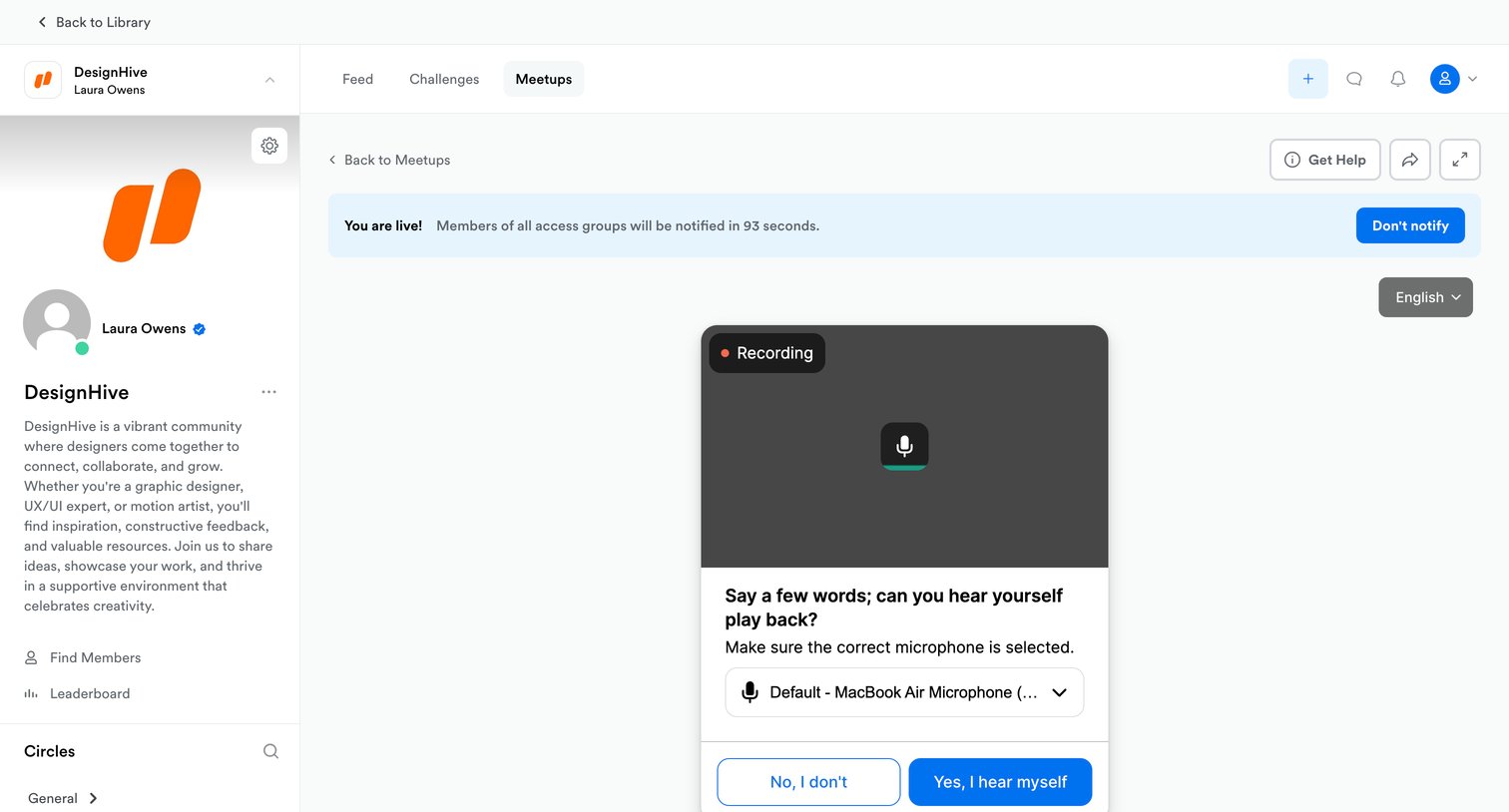

Detail page where a host configures and tests their microphone before starting a live community meetup.
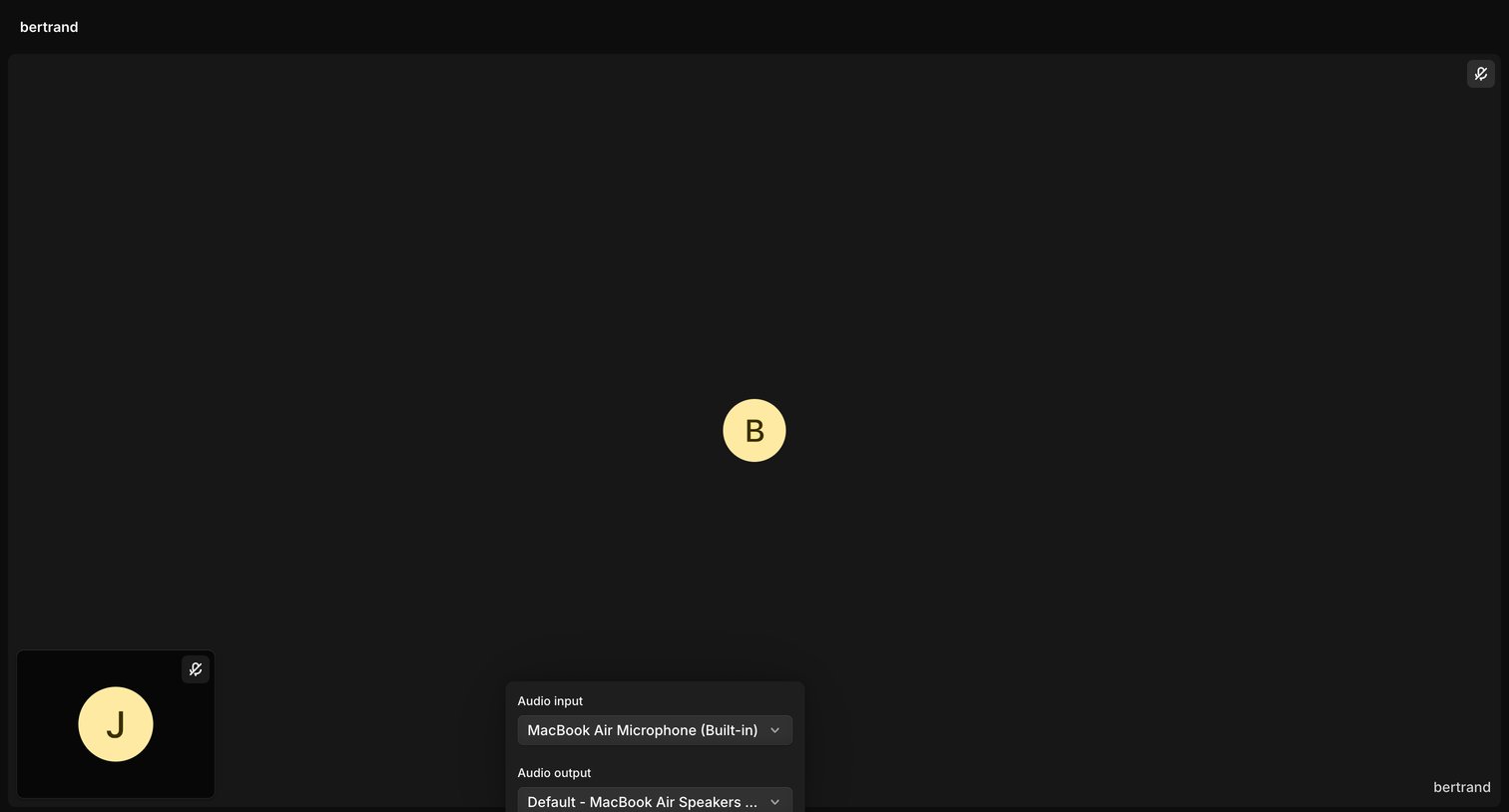

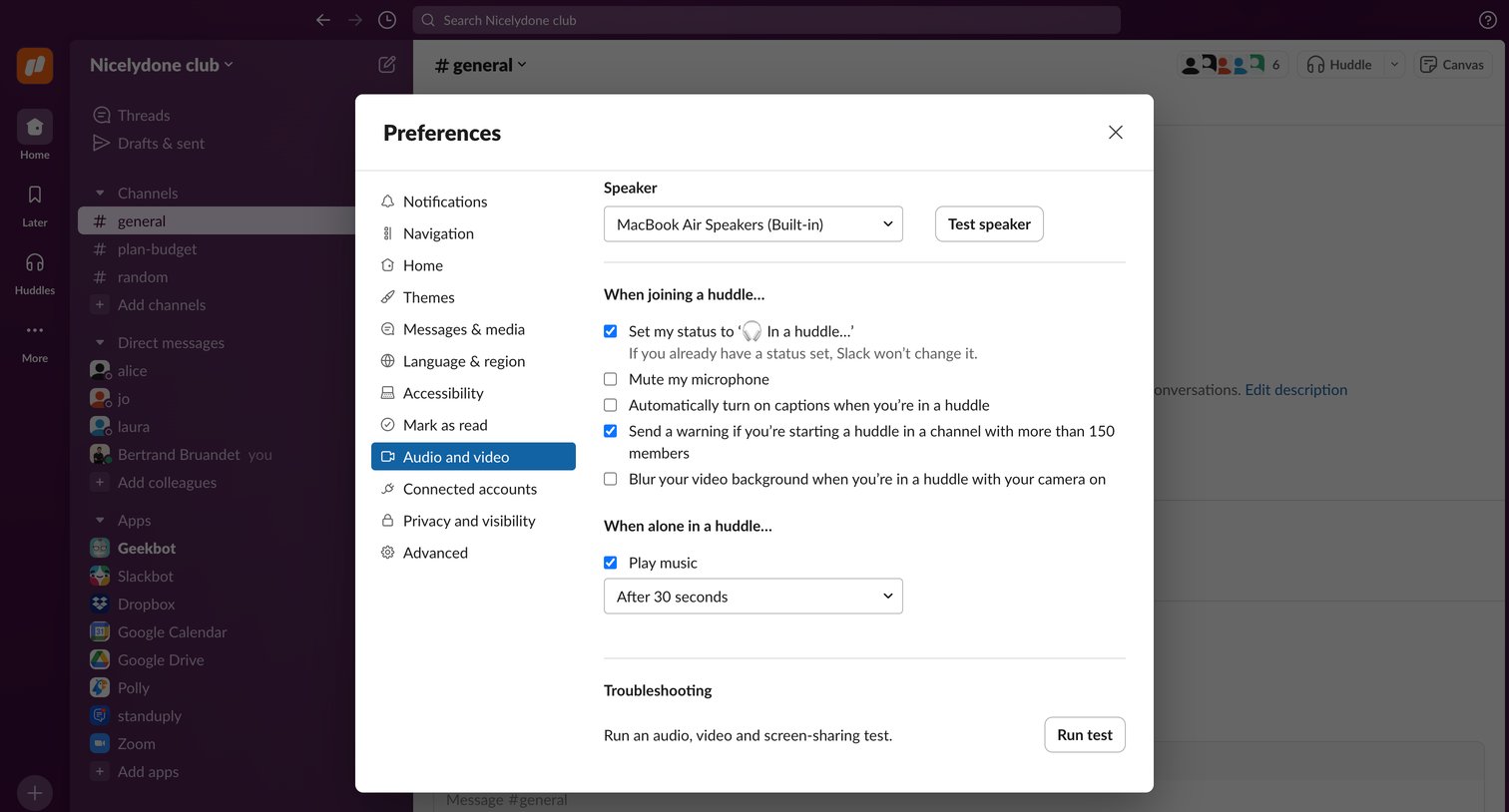

Settings modal where the user configures audio and video preferences, including speaker selection and huddle behaviors.
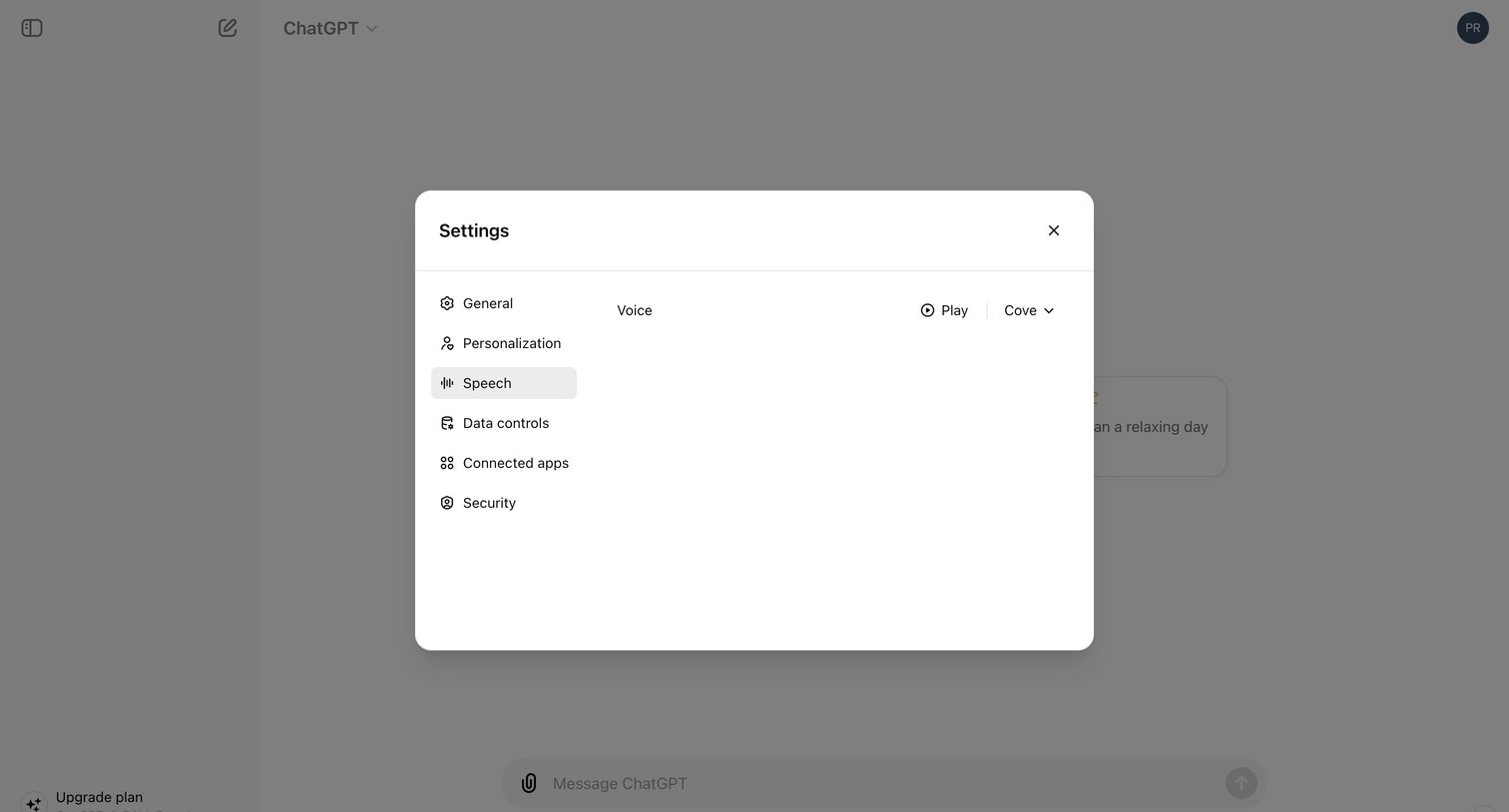

Settings modal where the user configures the AI's voice by previewing and selecting from options like Cove.
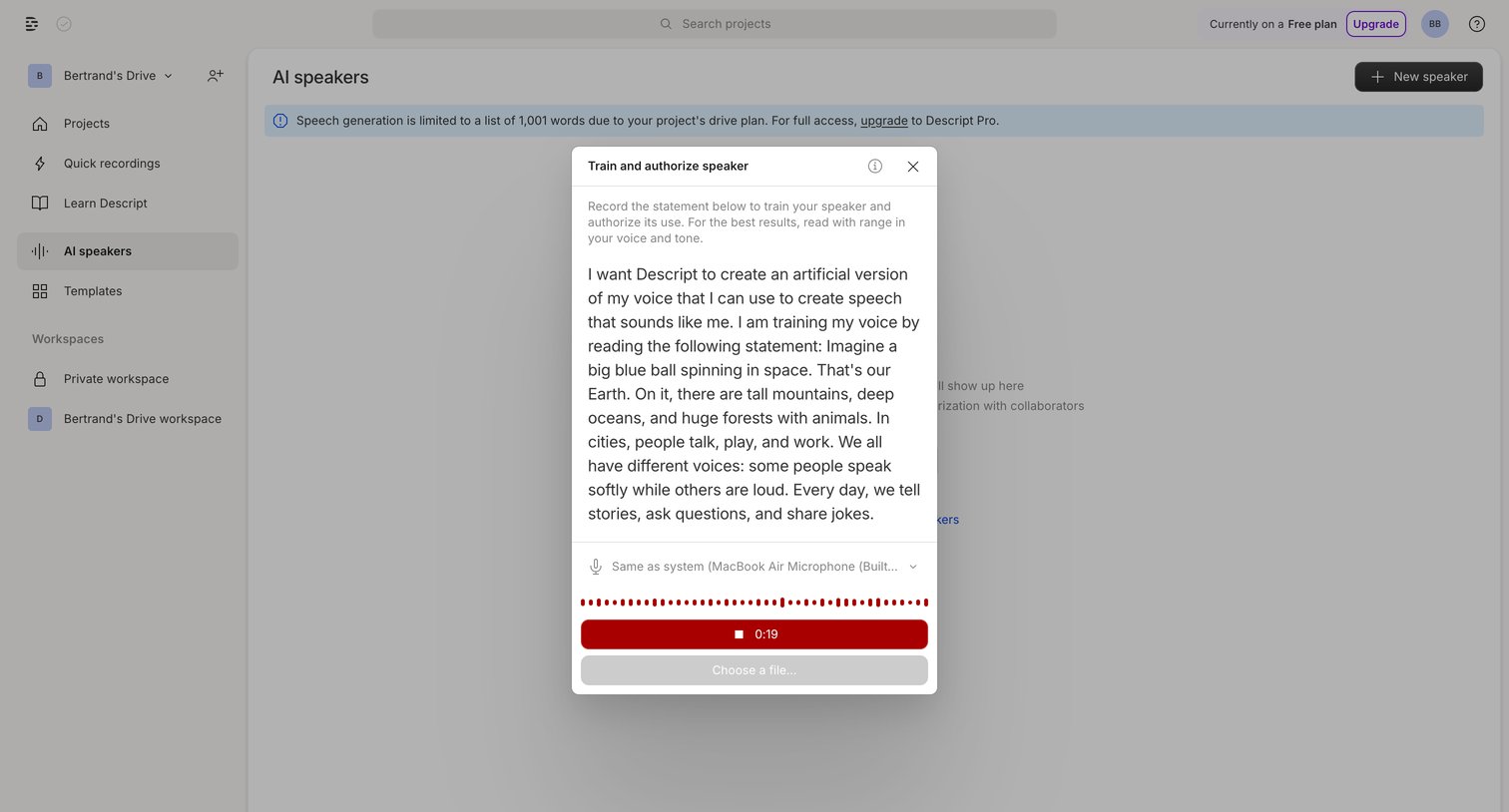

Modal where the user trains a custom AI voice model by reading a provided script into their microphone.
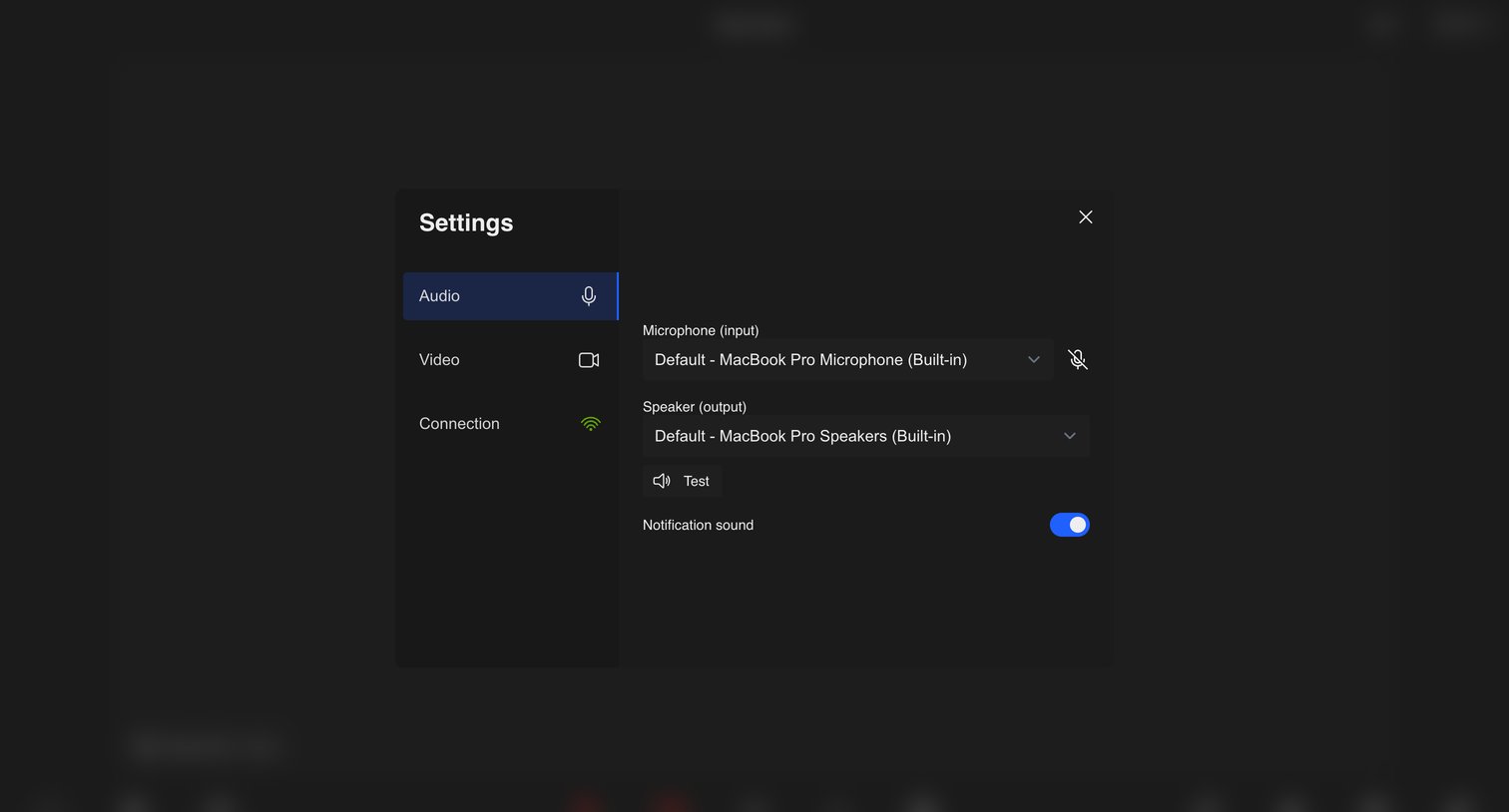

Settings modal where the user configures their audio input and output devices and toggles notification sounds for a video meeting.
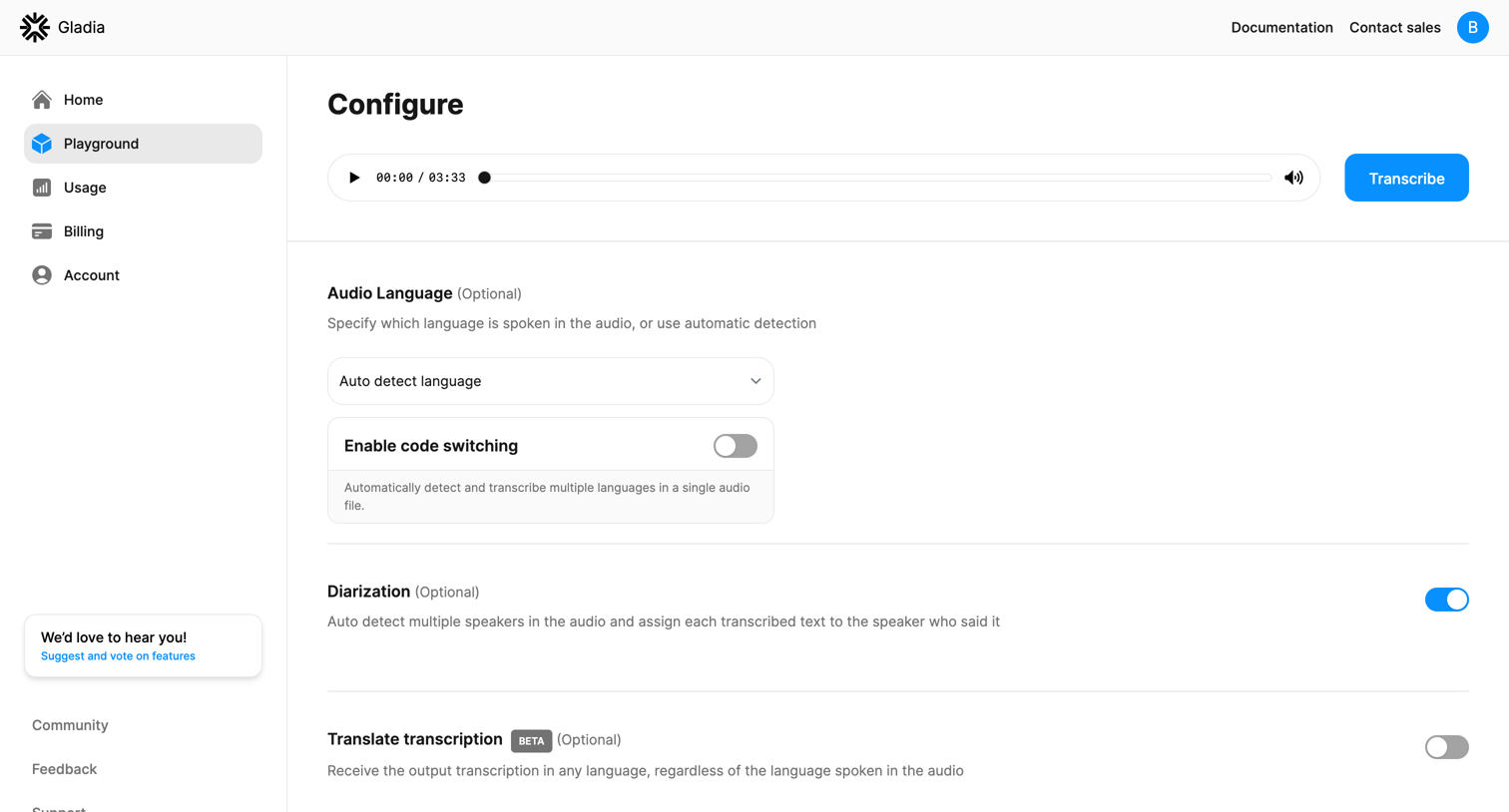

Playground settings page where the user configures transcription options like audio language, code switching, diarization, and translation before running the audio file.
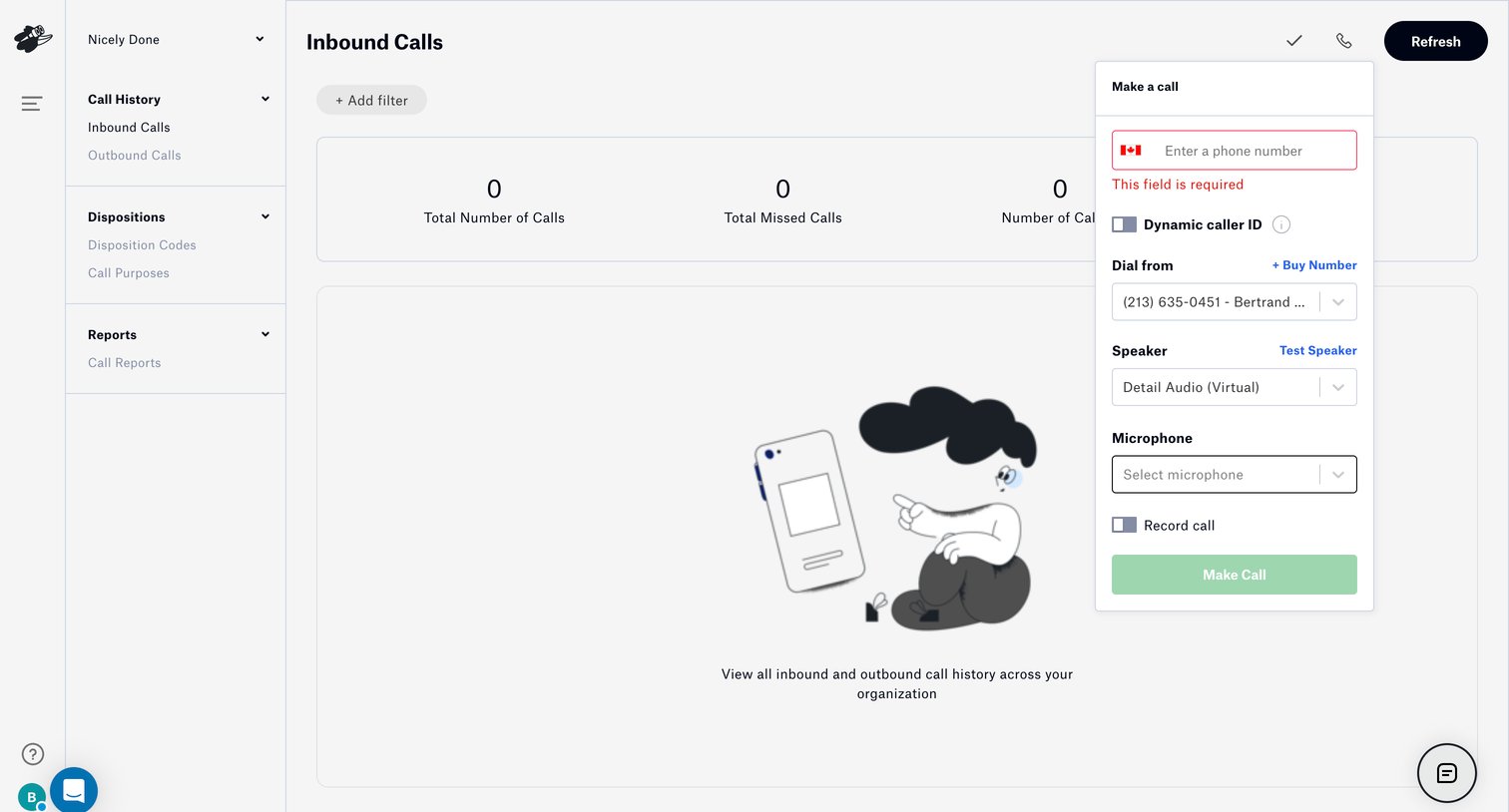

List view for inbound calls showing an empty state with a dialer popover open to initiate a new call.
Explore the full SaaS screen library
Upgrade to unlock the full library.
Trusted by the best teams







