Gladia design examples
Explore Gladia UI design examples. From audio to knowledge
Product screens


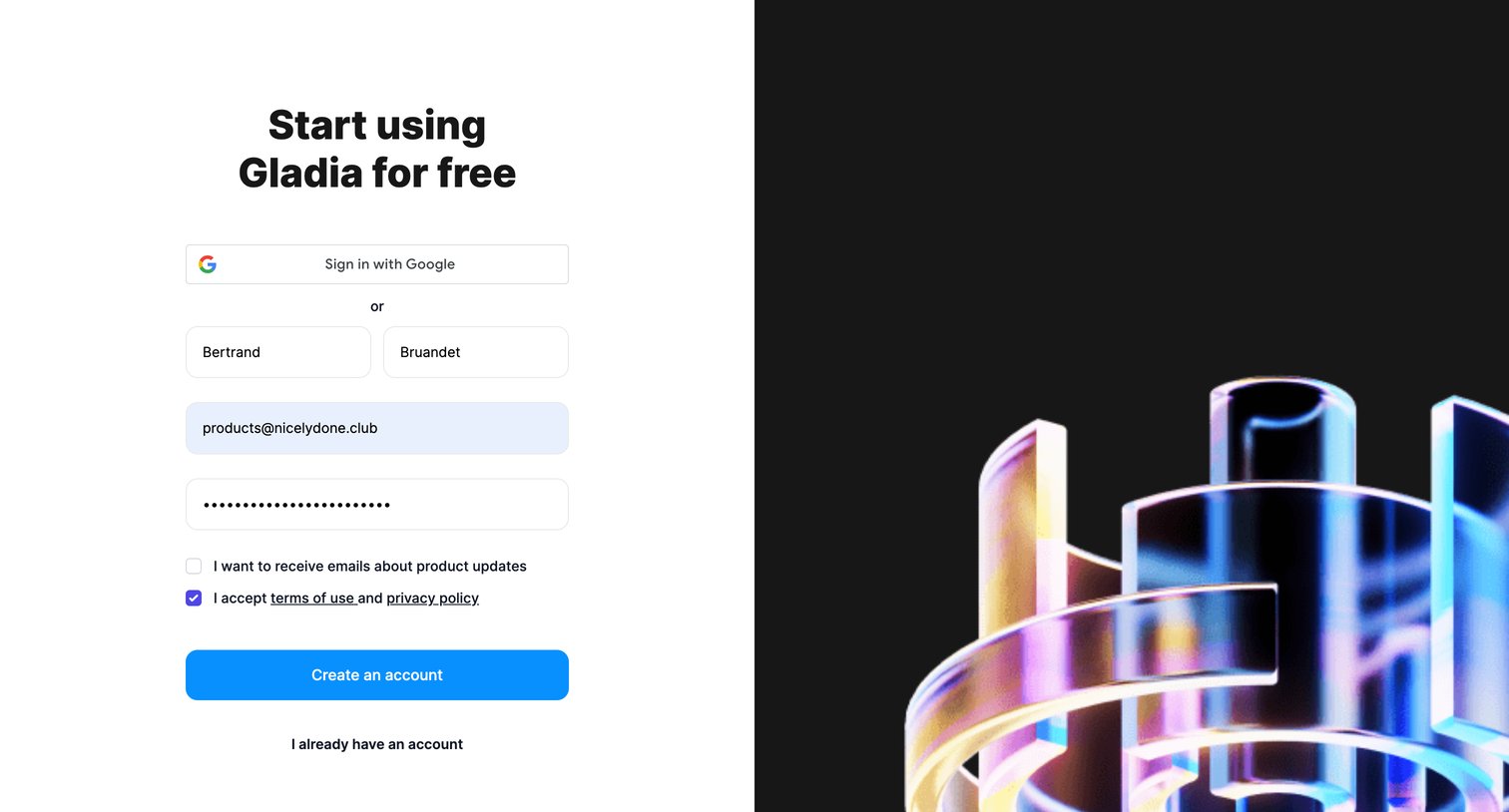
Signup screen where the user creates an account using Google SSO or by providing their name, work email, and a password.
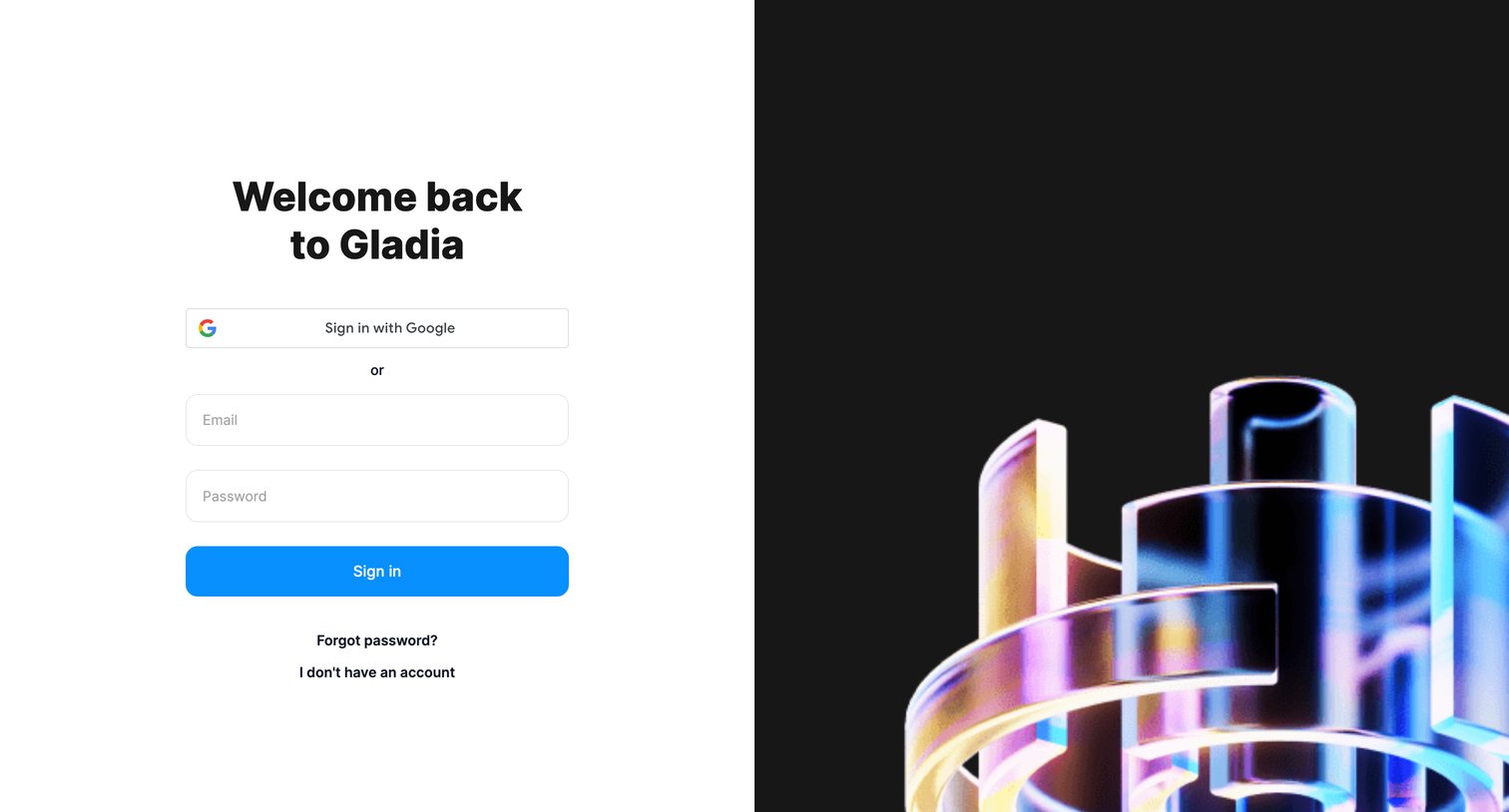
Sign-in screen where the user authenticates with Google or their email and password.
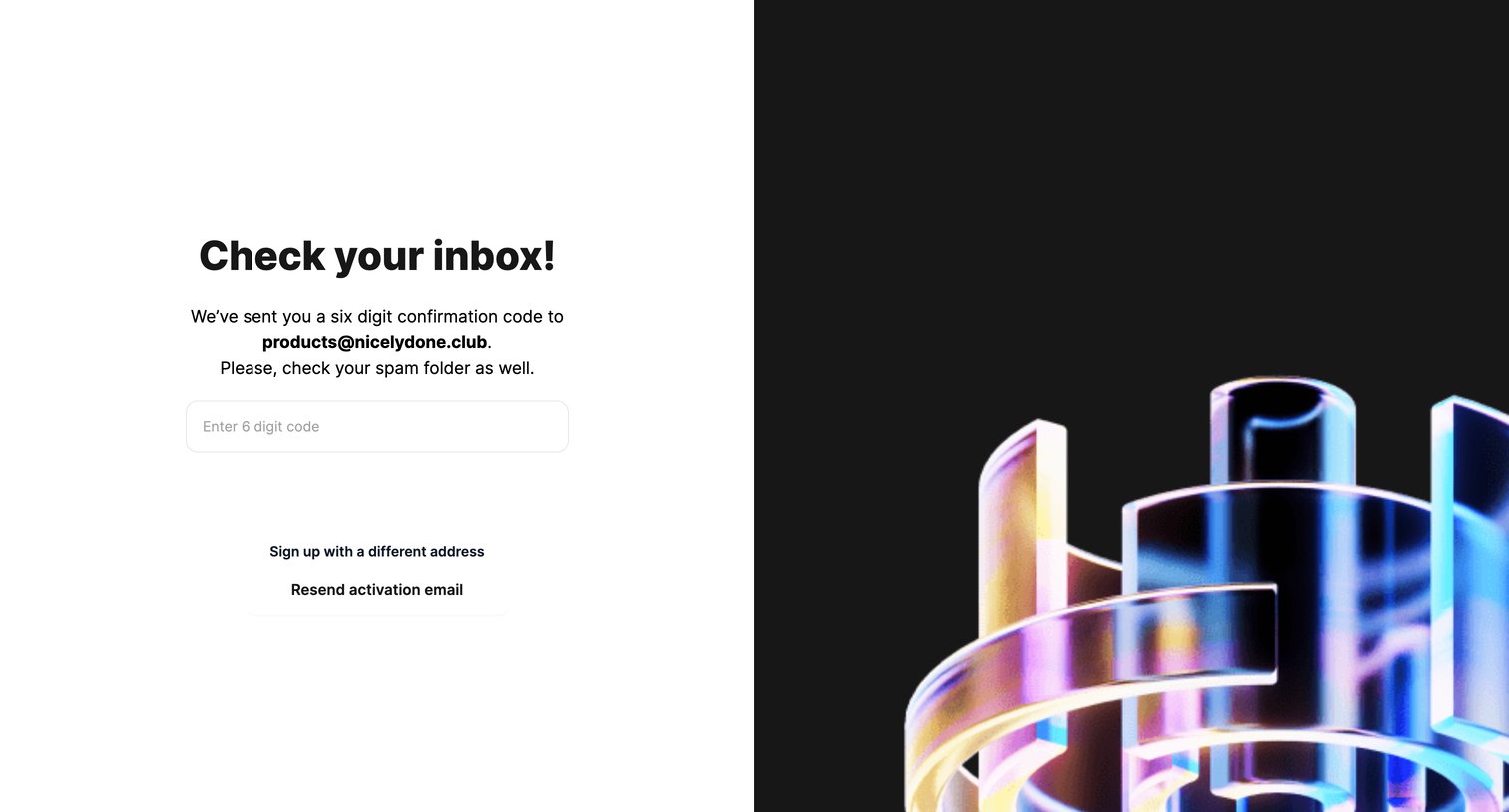
Verification screen where the user enters a 6-digit confirmation code sent to their email, with options to resend the code or sign up with a different address.
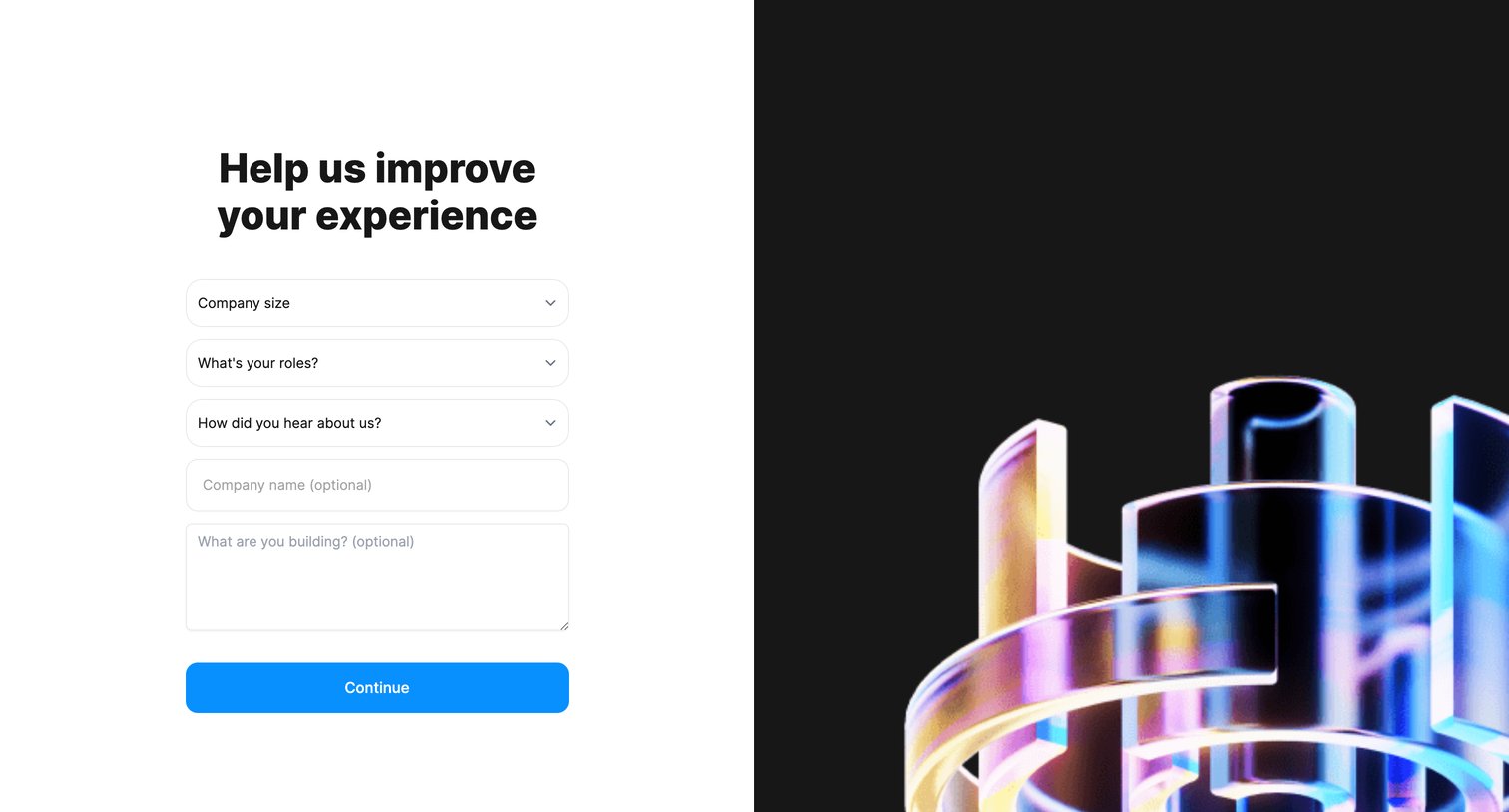
Onboarding step where the user provides their company size, role, and use case to personalize their experience.
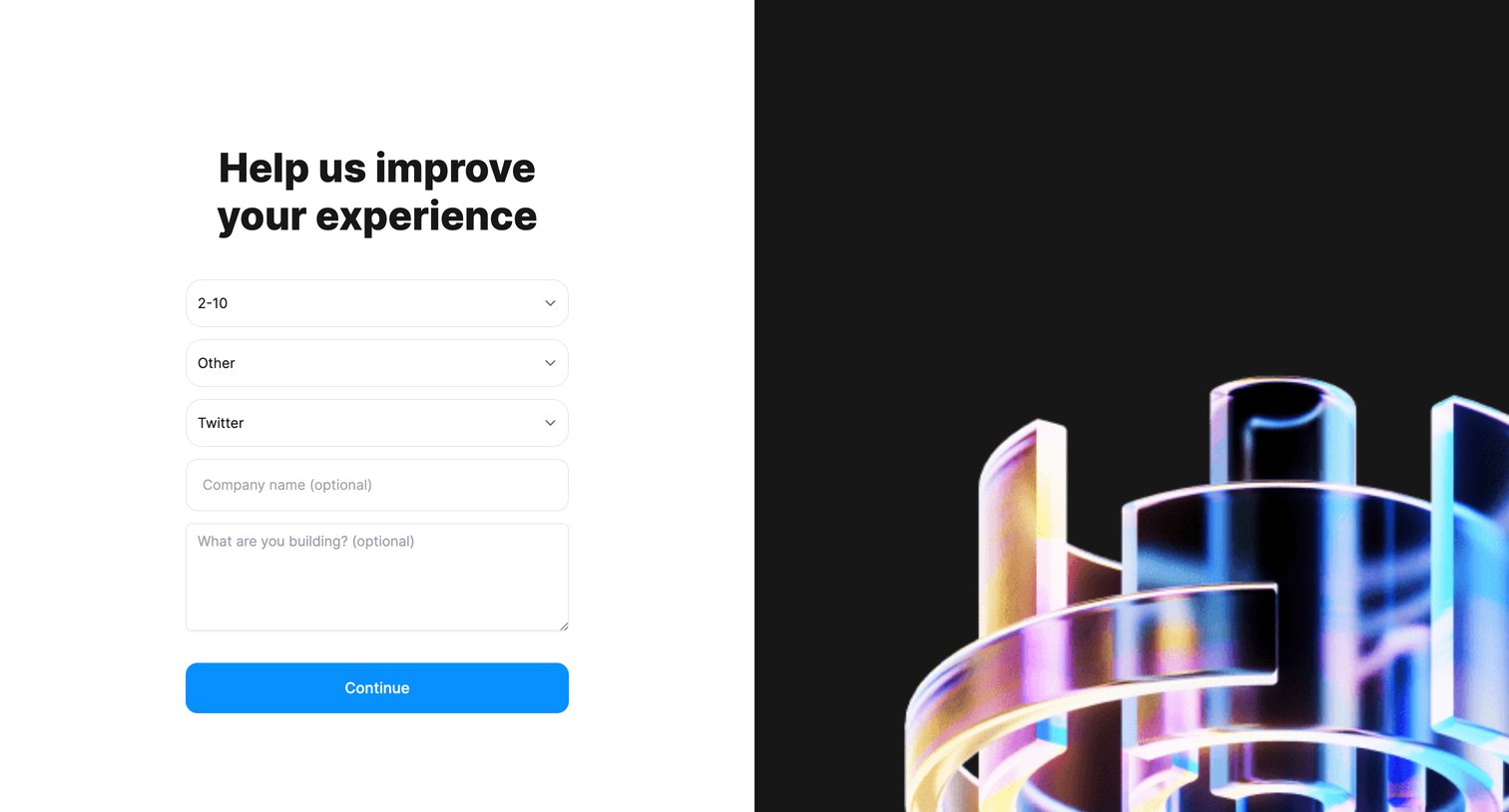
Onboarding step where the user provides company size, role, referral source, and project details to customize their experience.
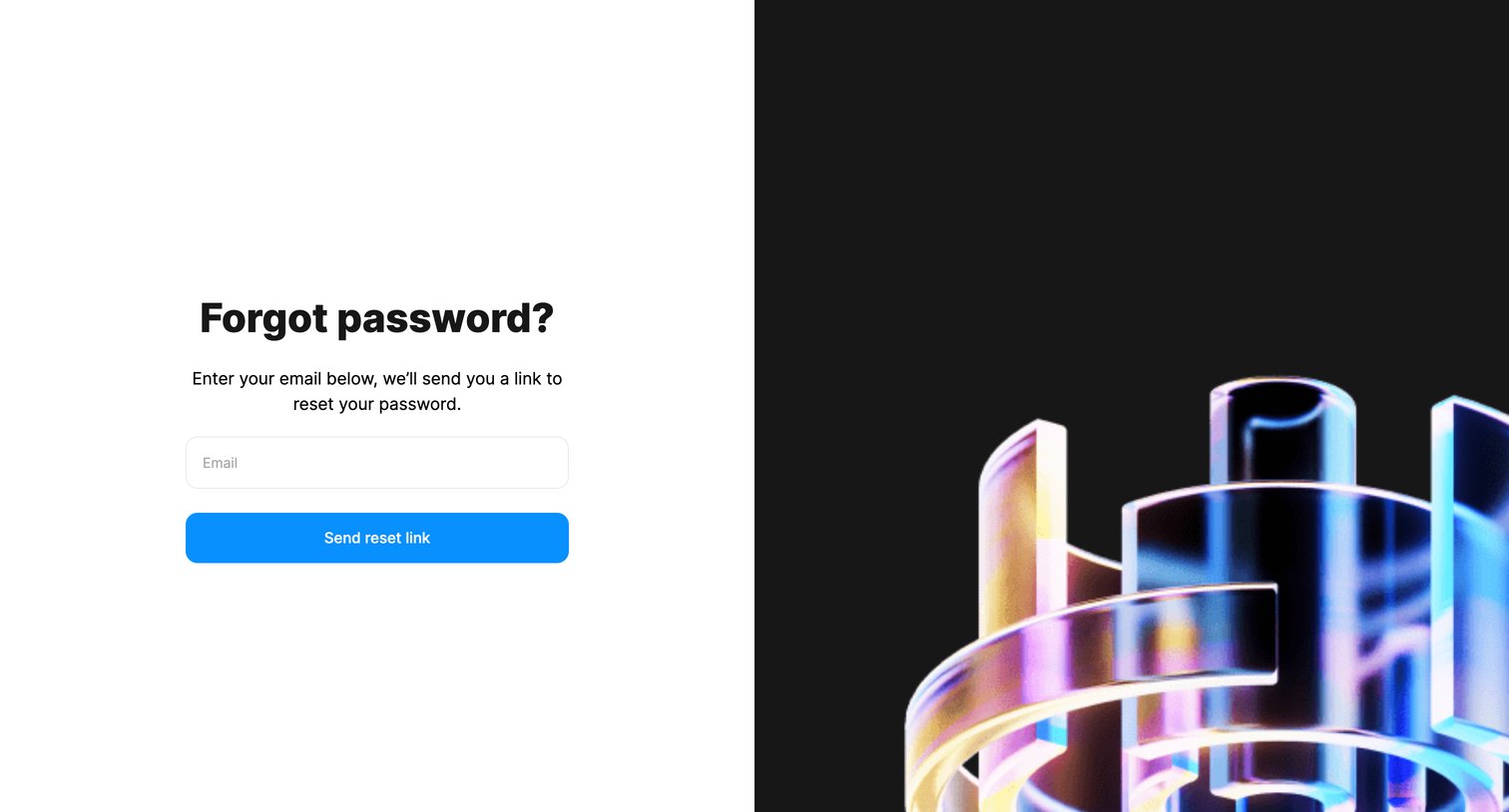
Password recovery screen where the user enters their email address to receive a reset link.
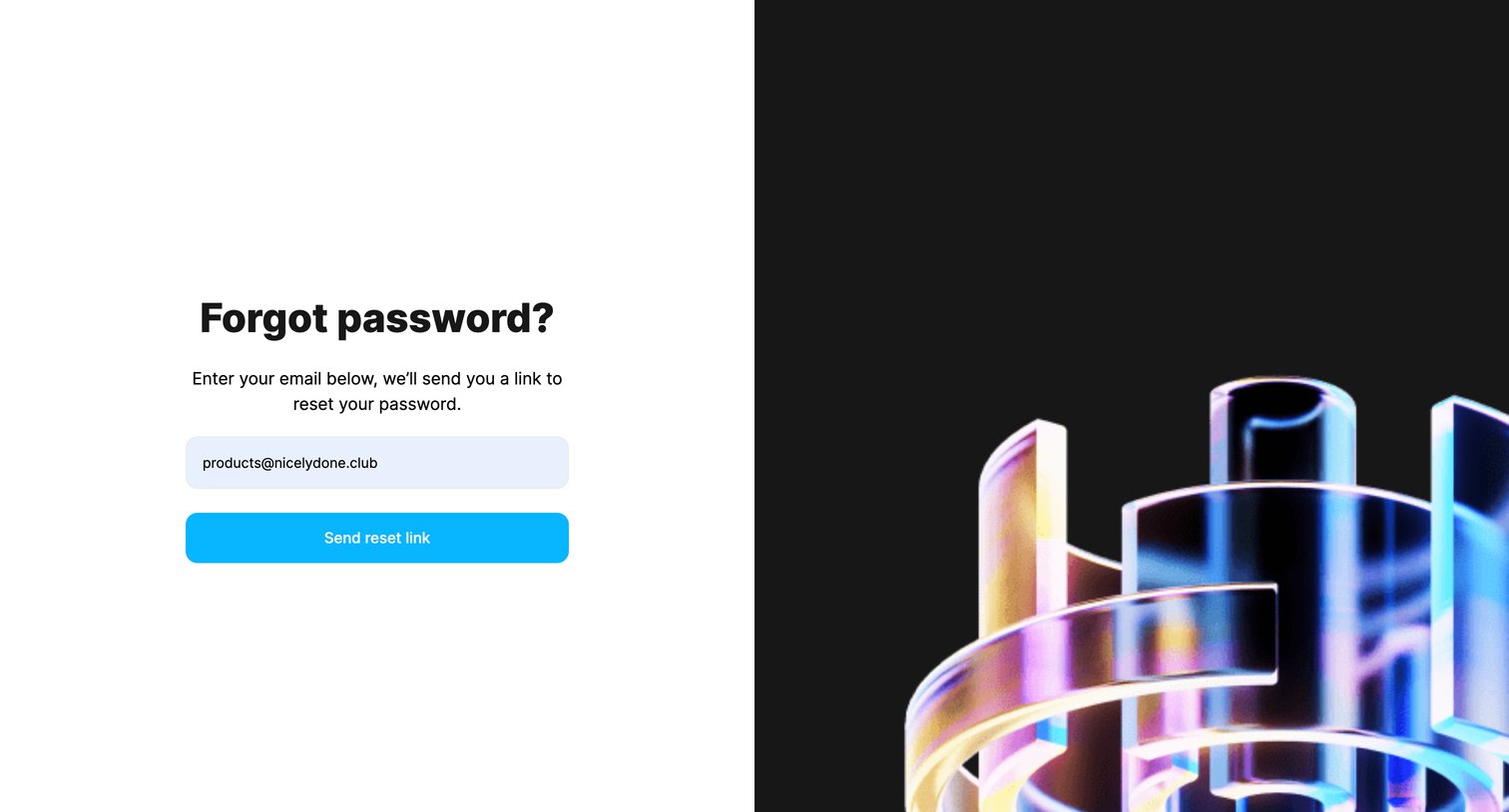
Password recovery screen where the user enters their email address to receive a reset link.
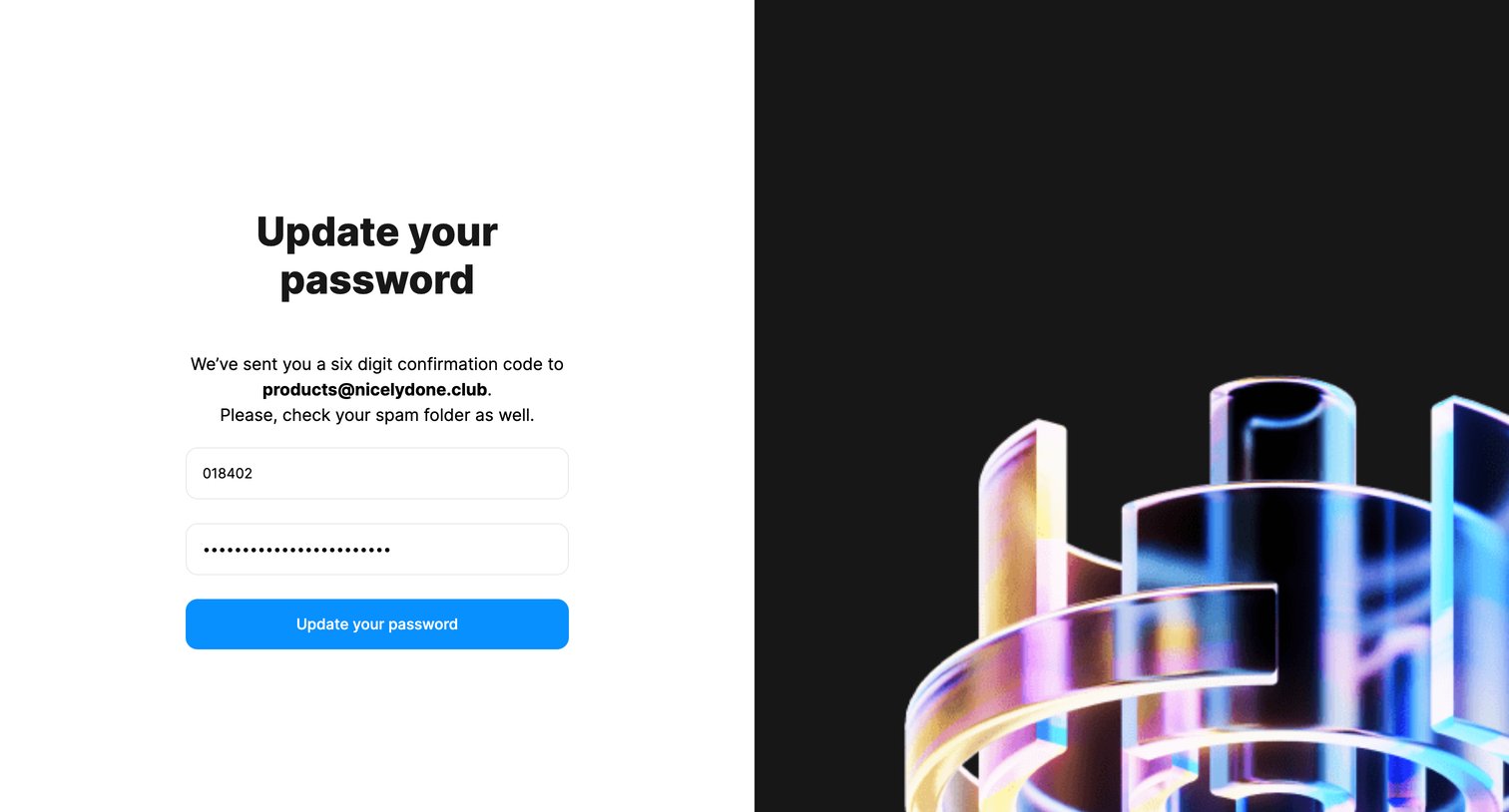
Password recovery screen where the user enters a six-digit confirmation code sent to their email and sets a new password.
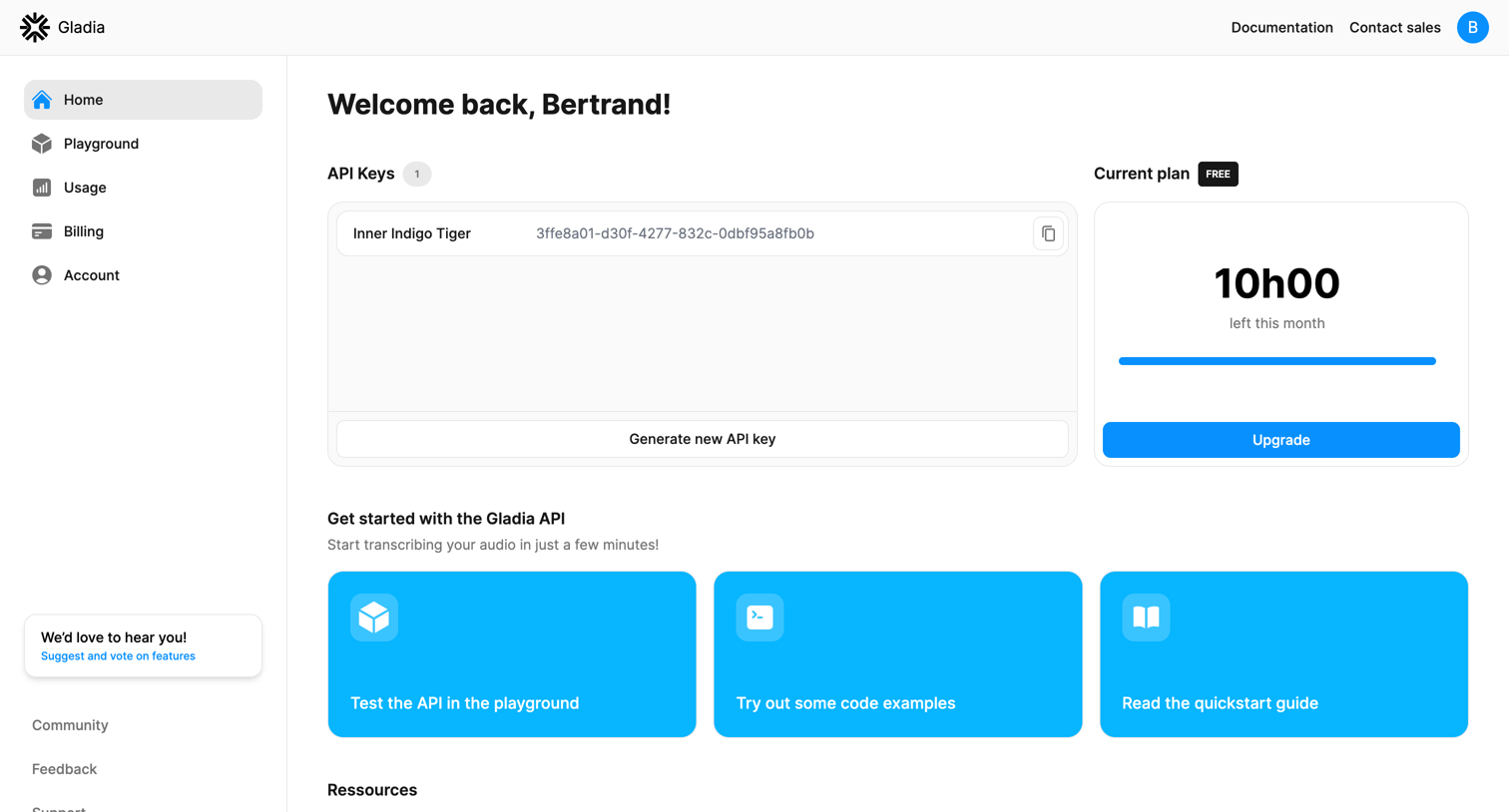
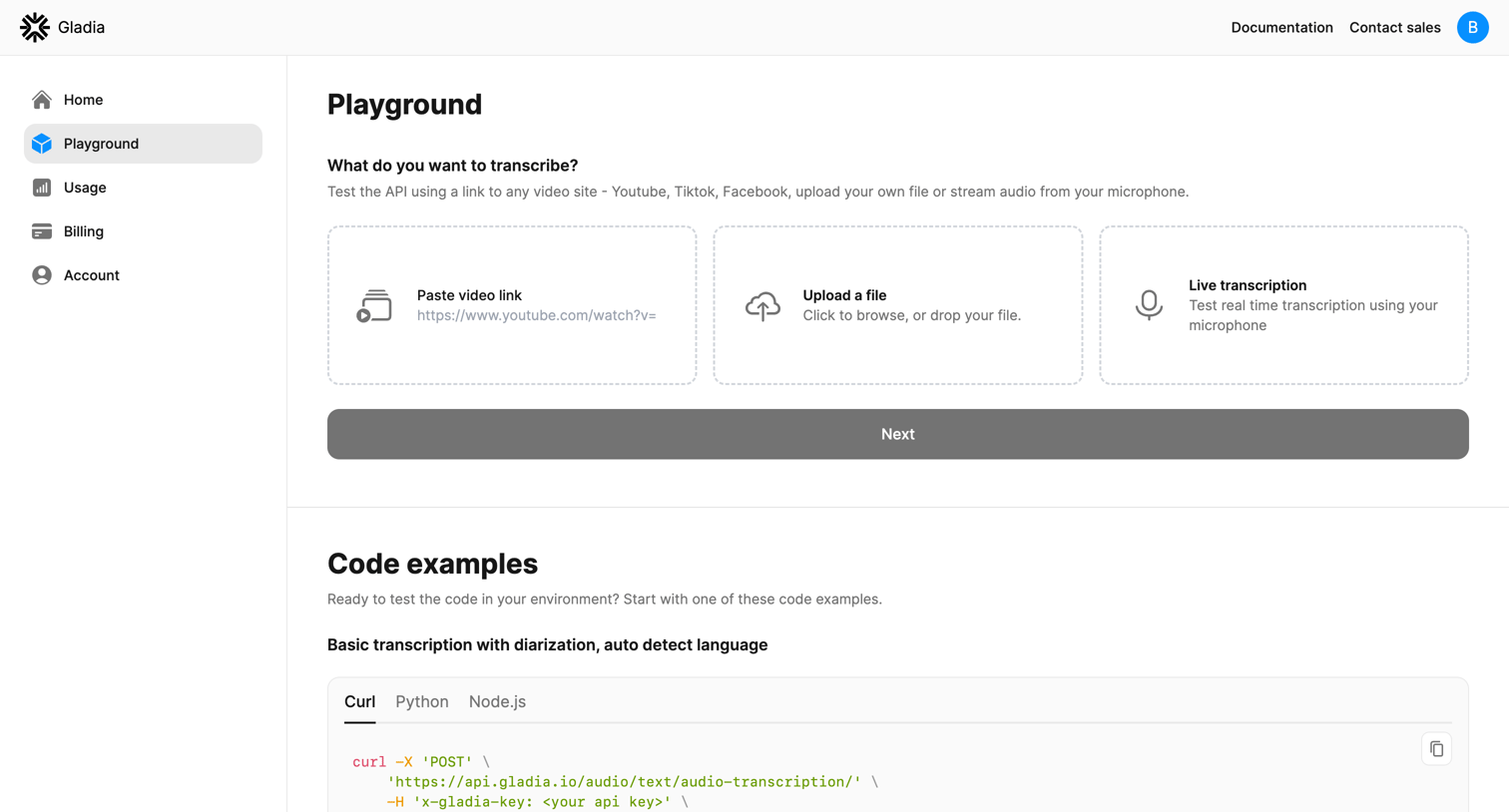
Playground page where the user configures a transcription test by selecting a video link, file upload, or live audio, and views corresponding API code examples in multiple languages.
Browse the full SaaS app library
Explore real SaaS apps with their product screens, marketing screens, flows, and components.
Trusted by the best teams







