API Integrations screen examples
API Integrations screen design examples from SaaS apps. Browse examples from Zaro, Appwrite, HeyGen.
Explore the examples
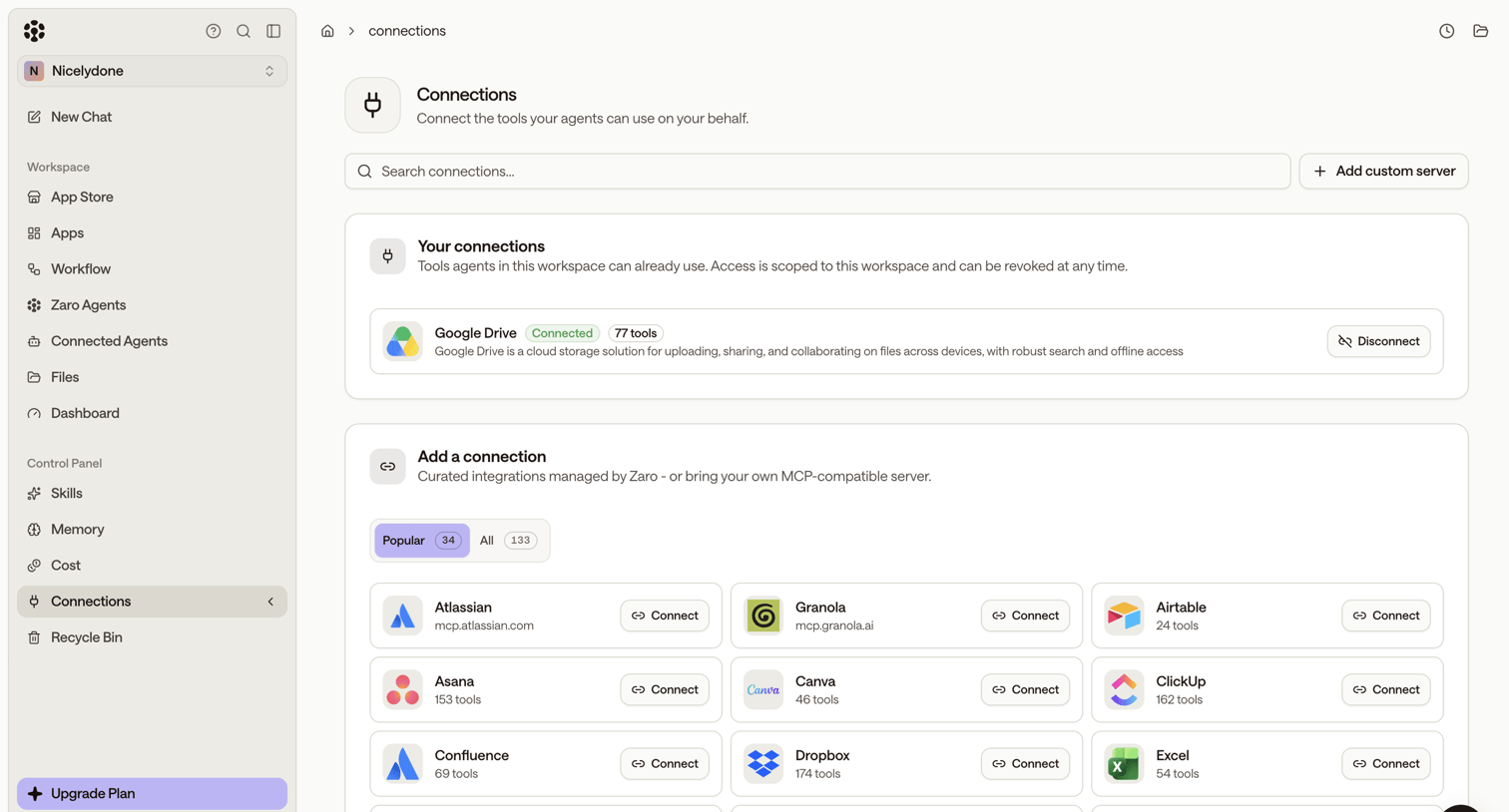

Settings page where the user manages active connections like Google Drive and browses a directory to add new integrations like Atlassian, Asana, or Figma.
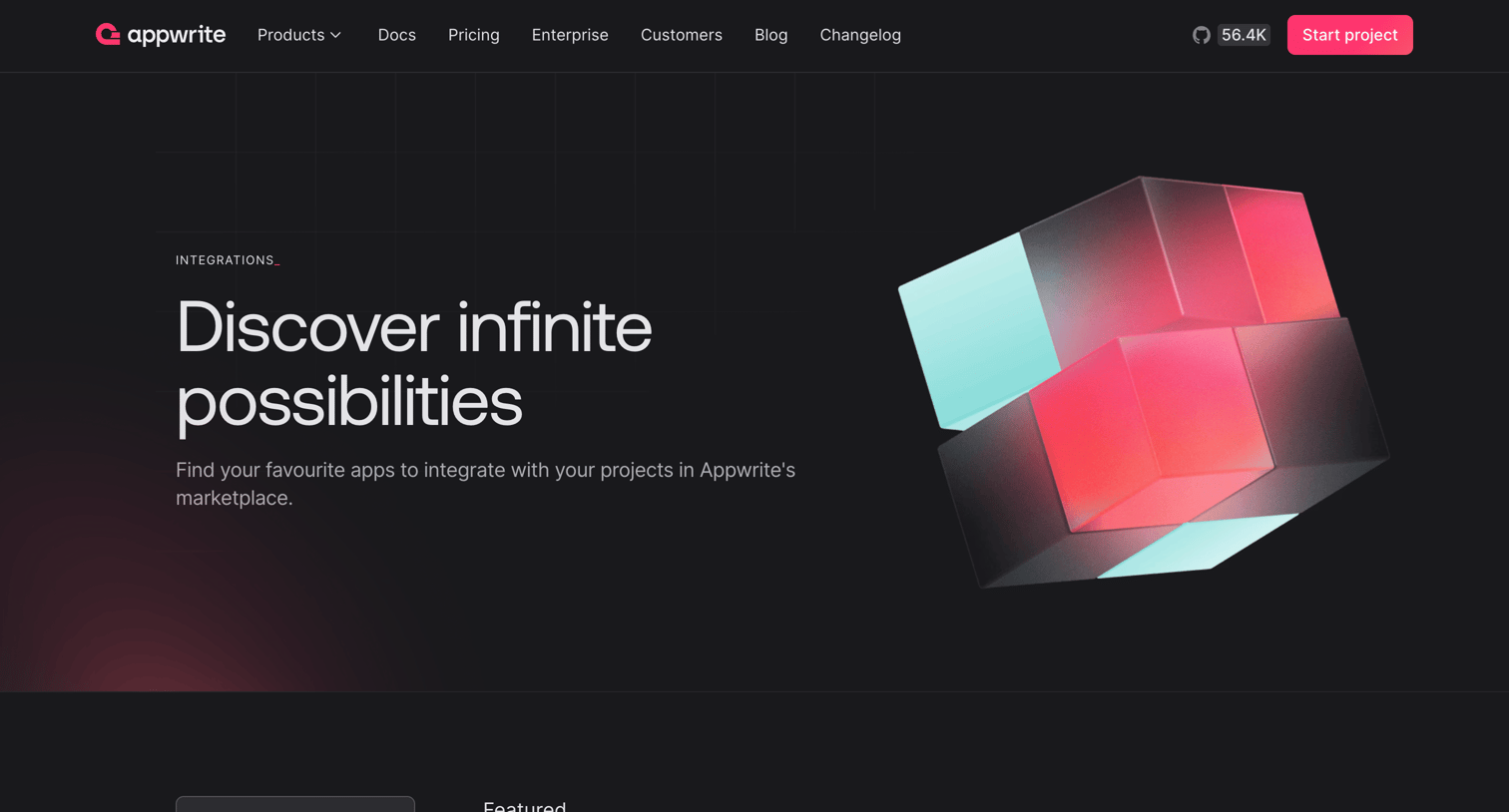

Feature page where the user browses and searches for third-party apps to connect with their Appwrite projects, categorized by AI, deployments, messaging, and more.
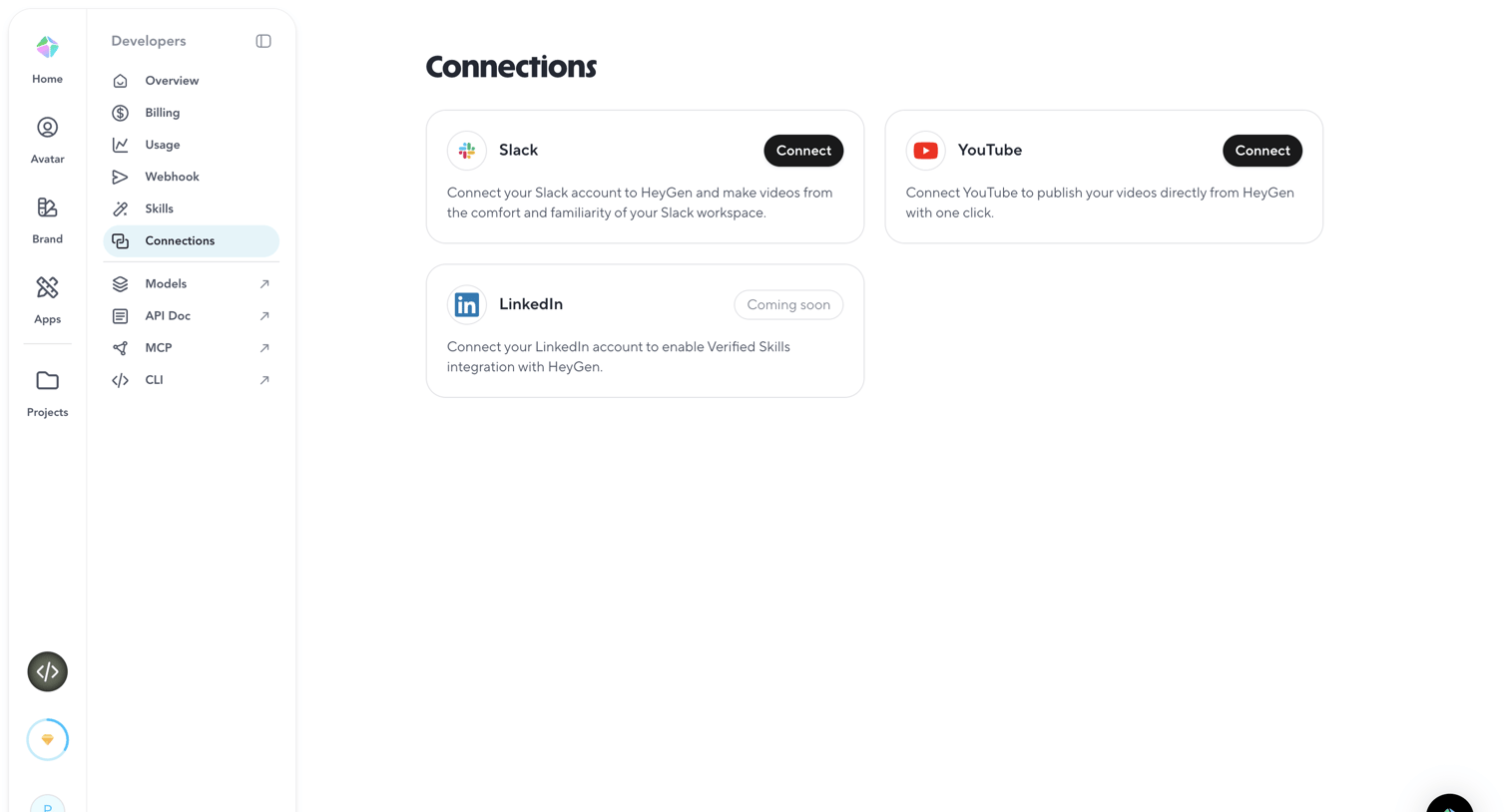

Settings page where the user can connect their workspace to third-party integrations like Slack, YouTube, and LinkedIn.
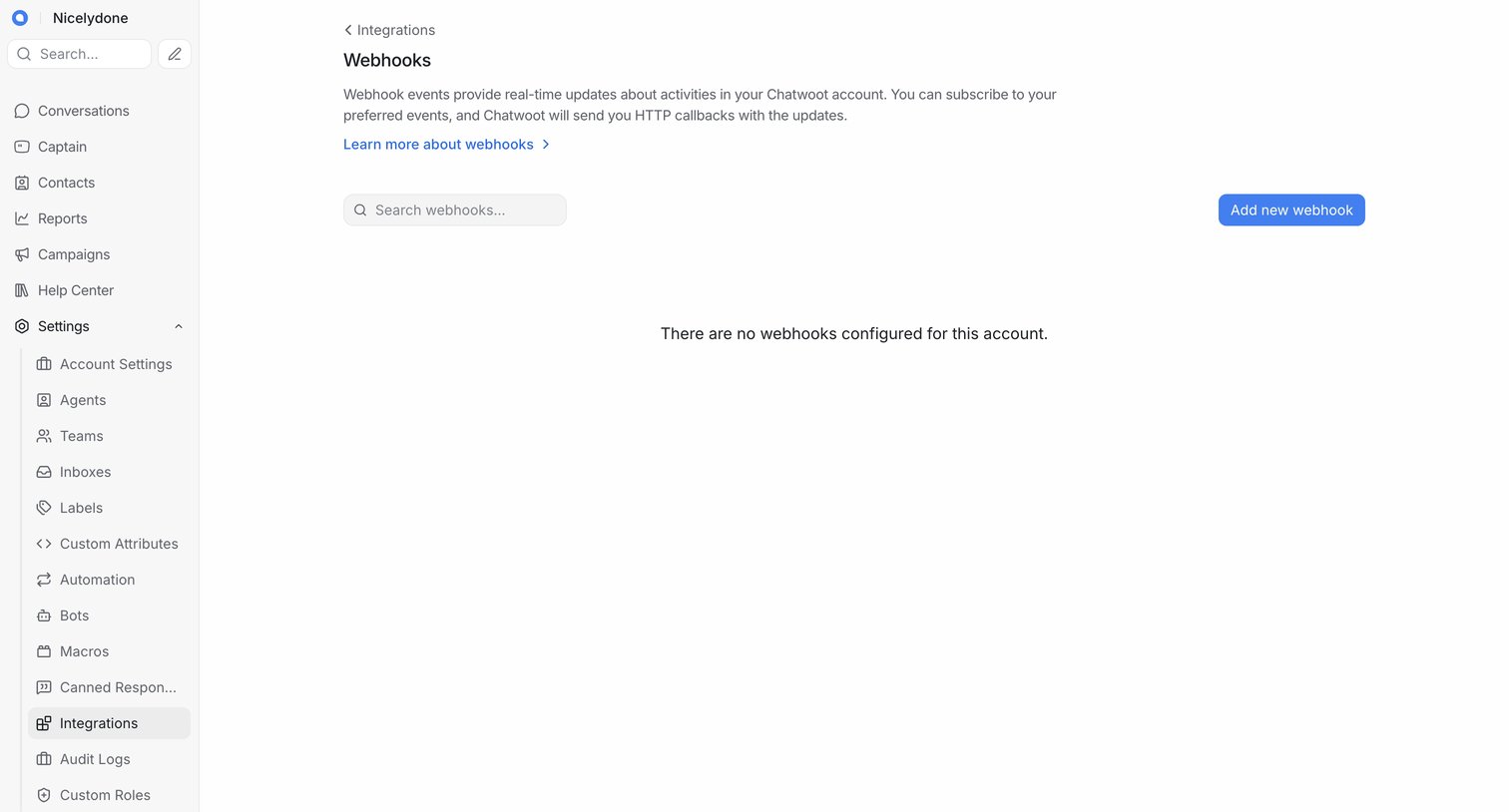

Settings page where the user can manage webhooks, currently showing an empty state with a prompt to add a new webhook.
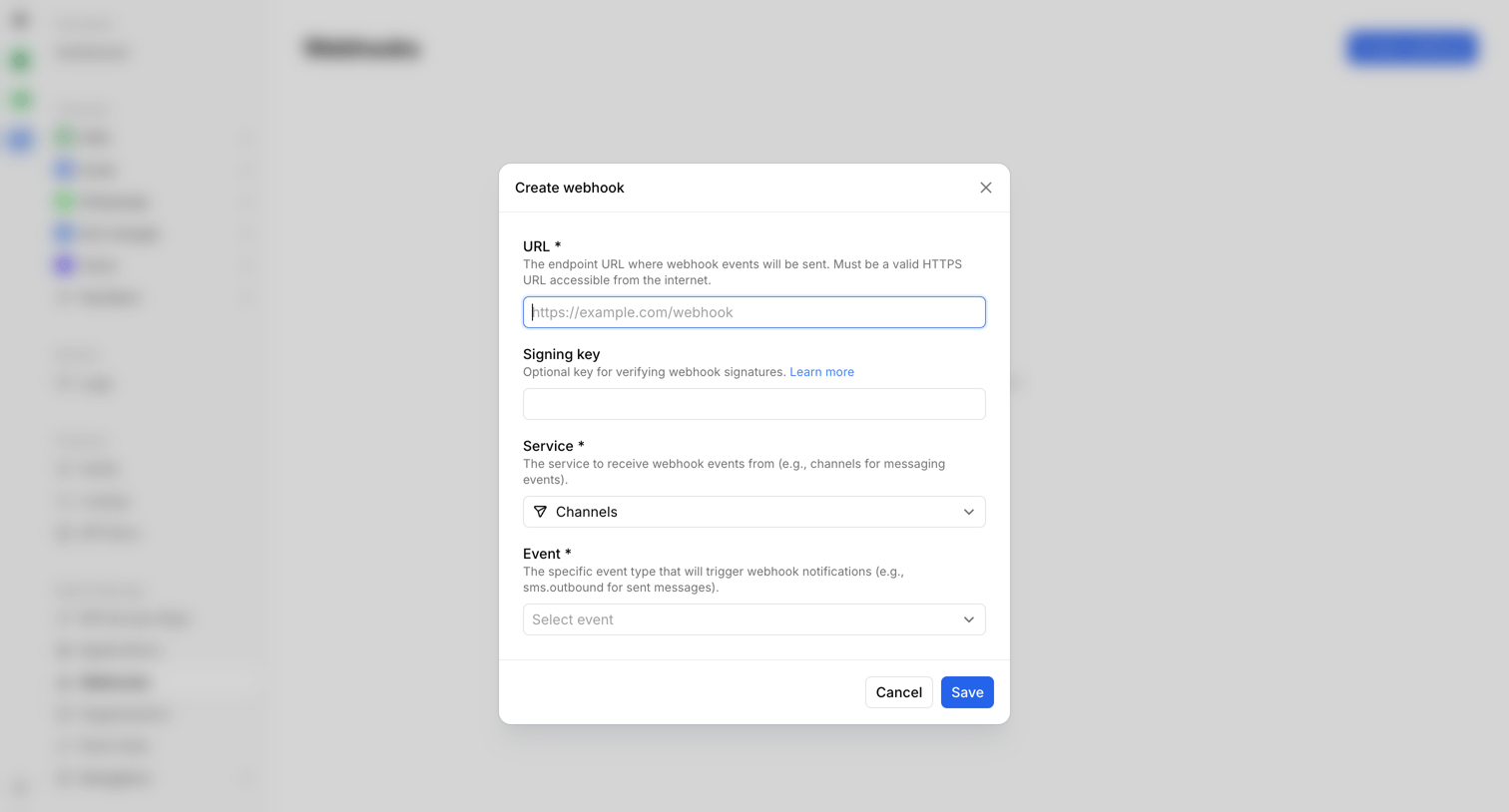

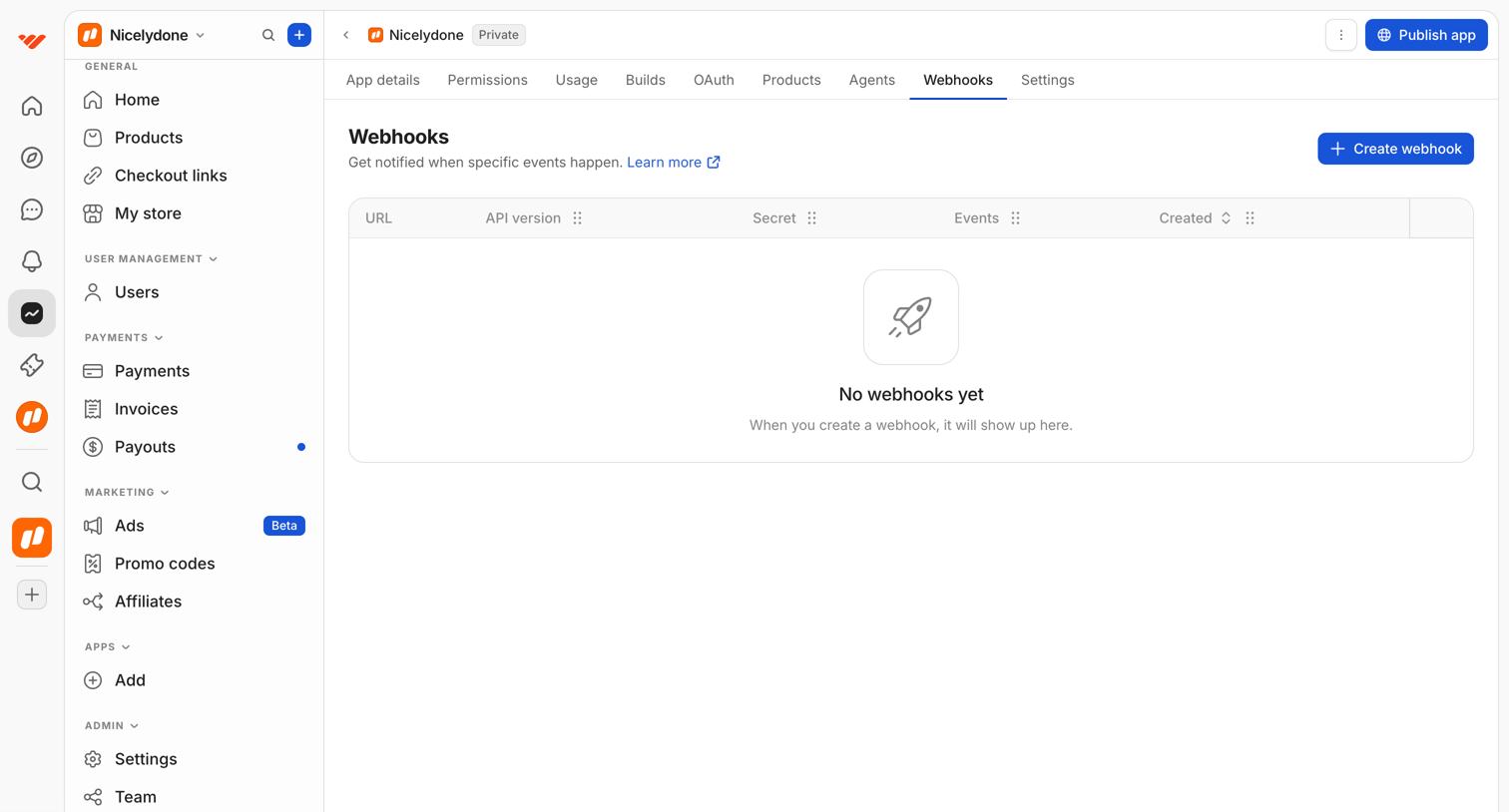

Settings page where the user configures webhooks to get notified when specific events happen, currently showing an empty state.
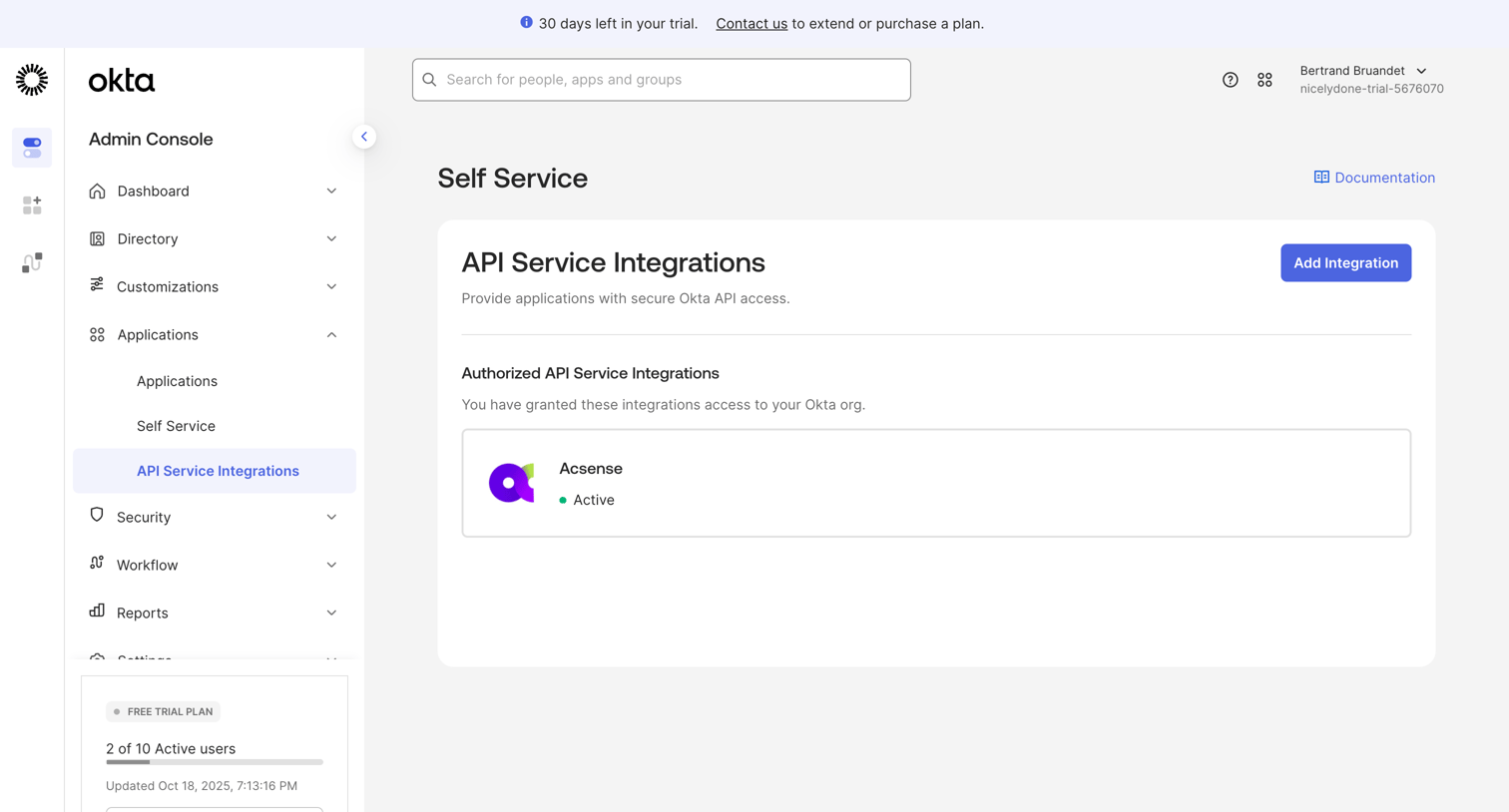

Settings page where the admin manages authorized API service integrations and can add new ones.
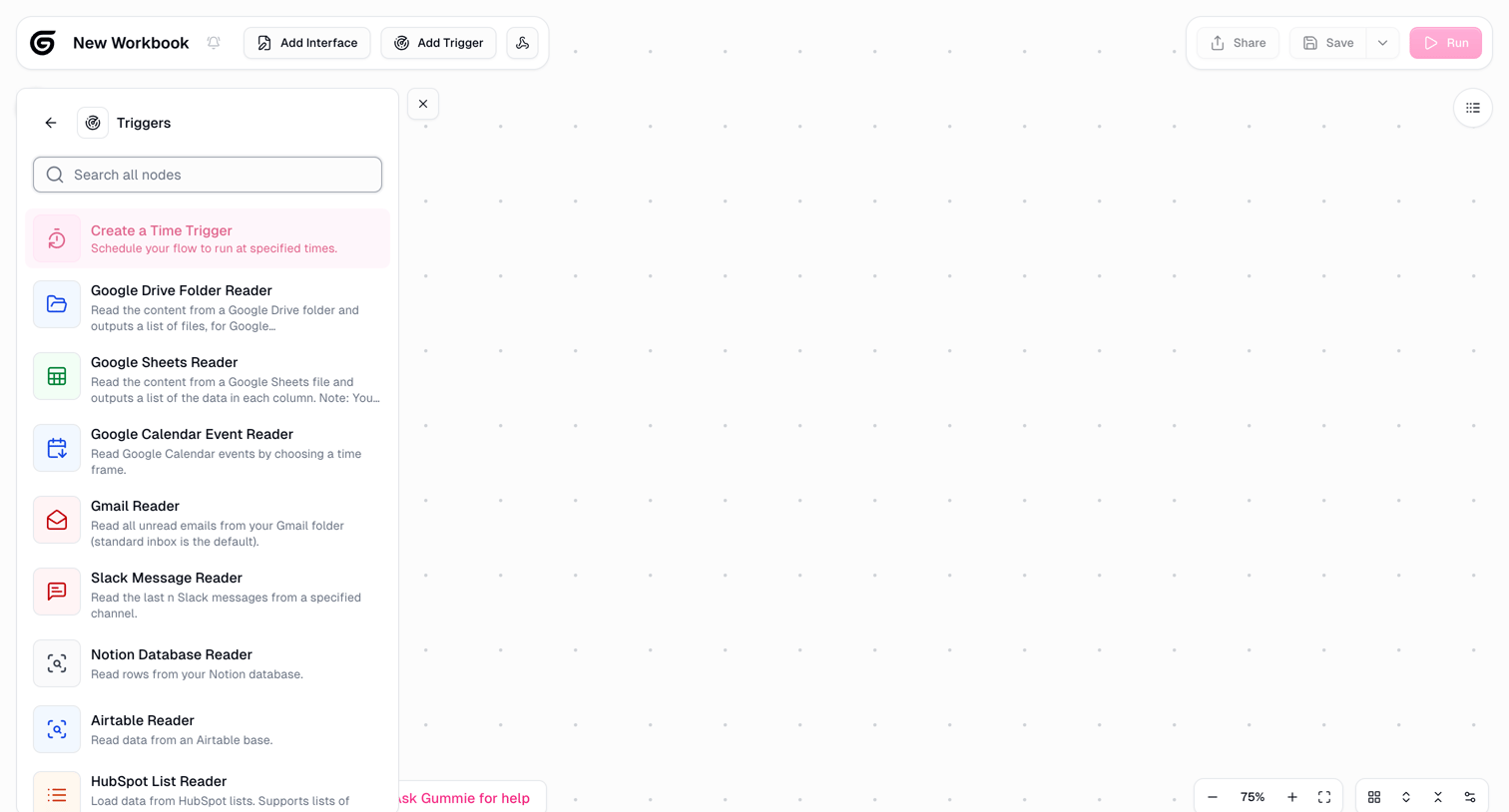

Design editor where the user builds an automation pipeline by dragging integration triggers and readers onto a dot-grid canvas.
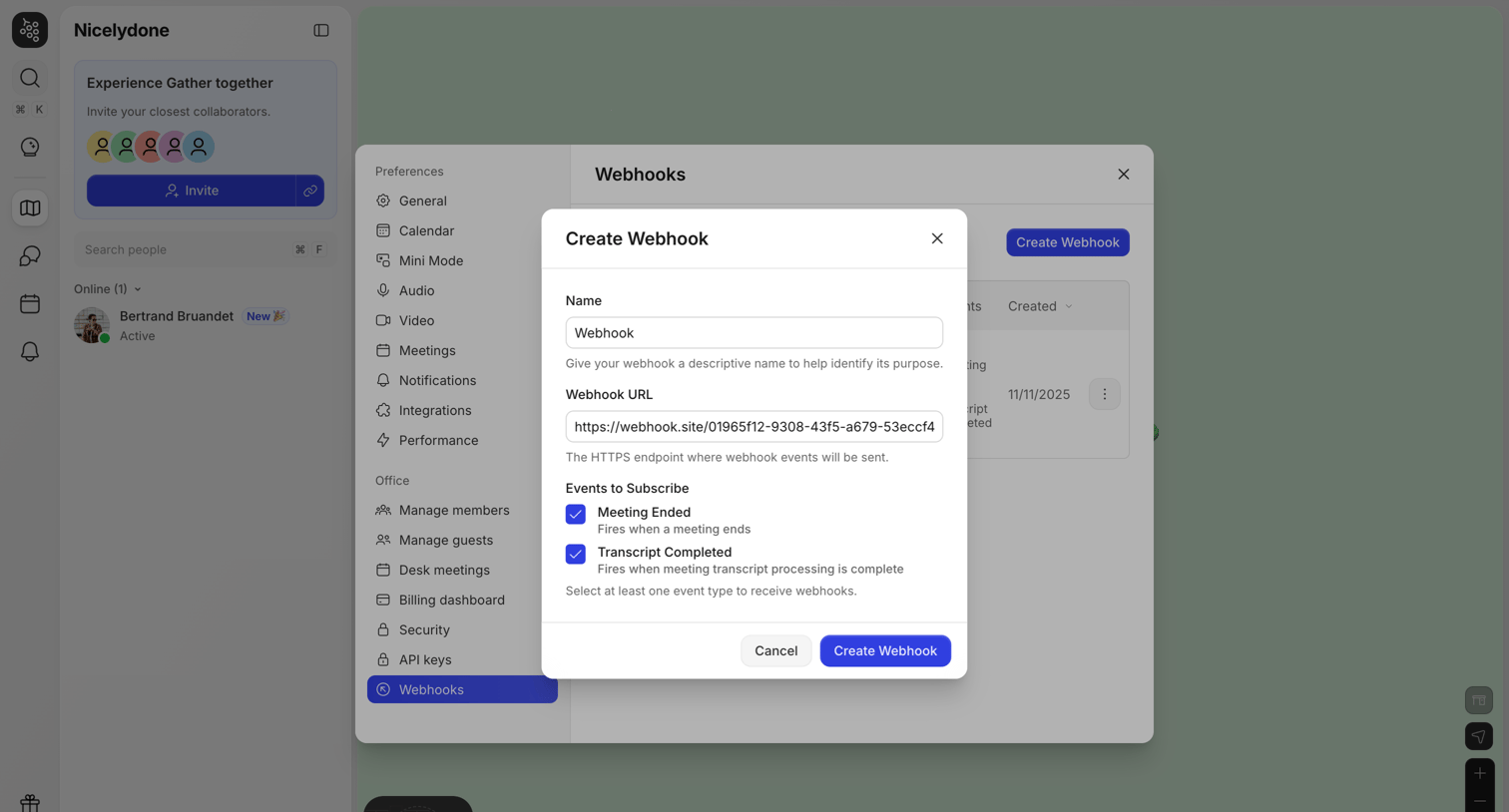

Settings modal where the user creates a new webhook by providing a name, URL, and selecting events to subscribe to.
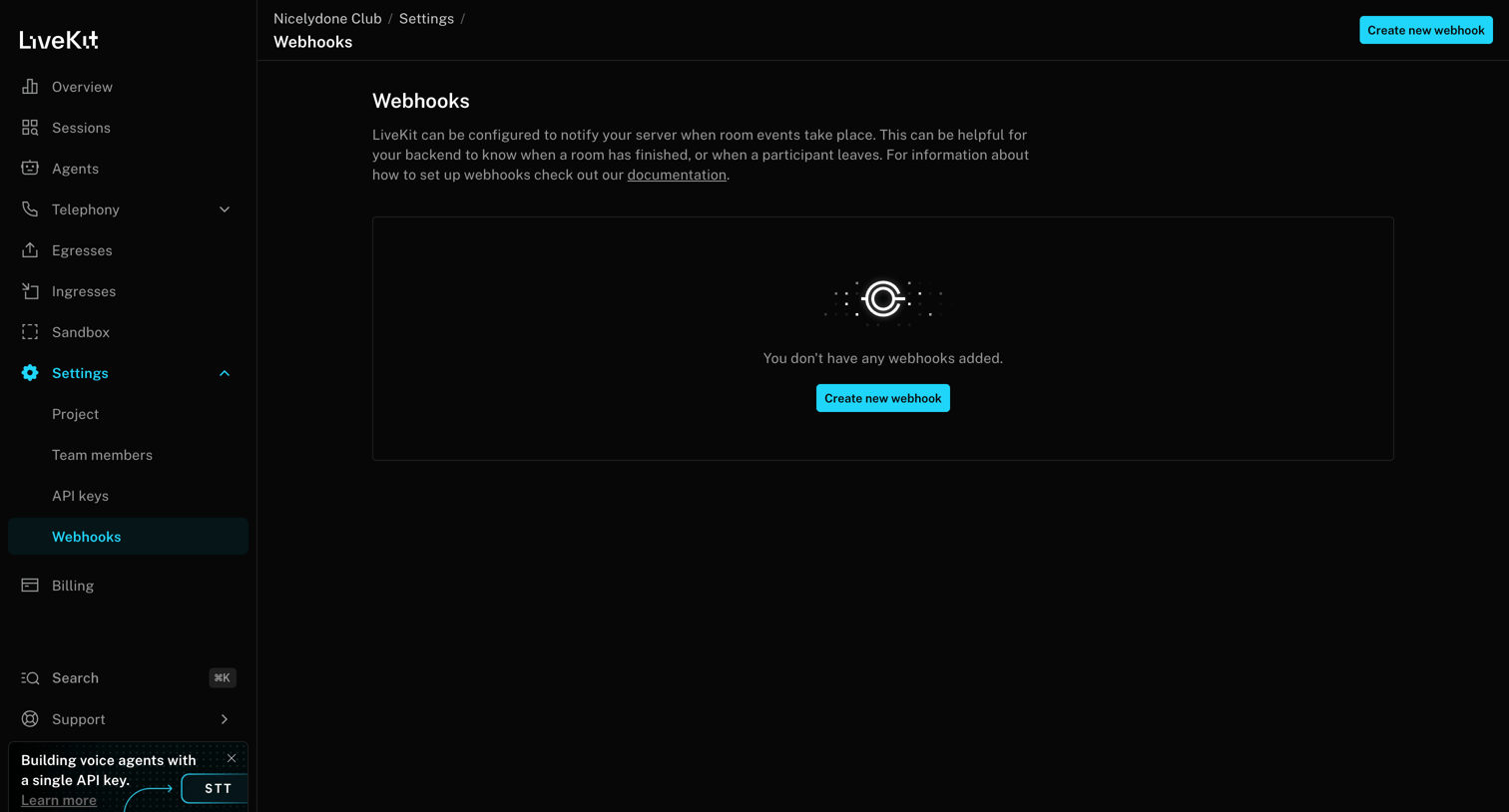

Settings page where the user configures webhooks to notify their server about room events, currently showing an empty state.
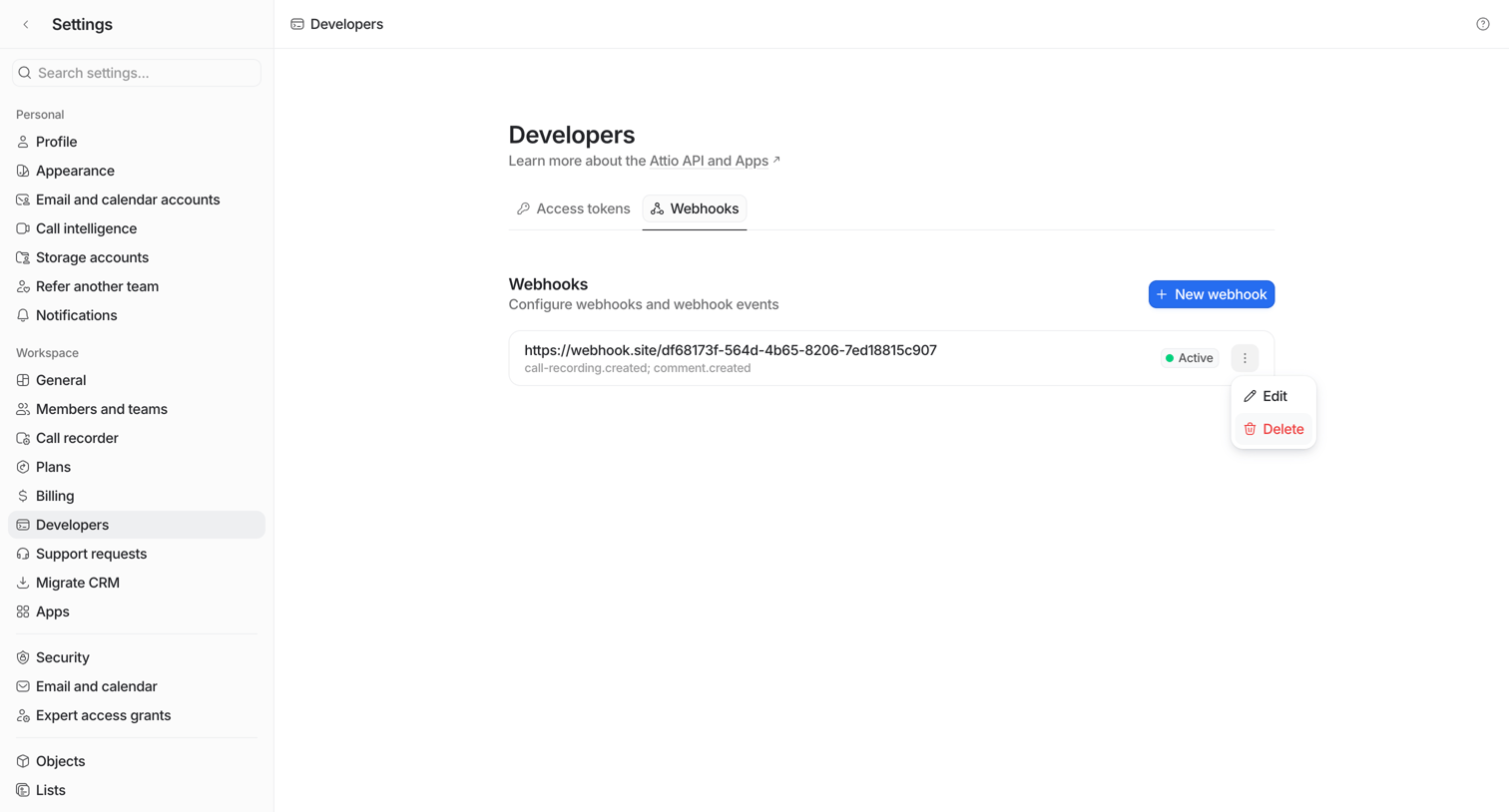

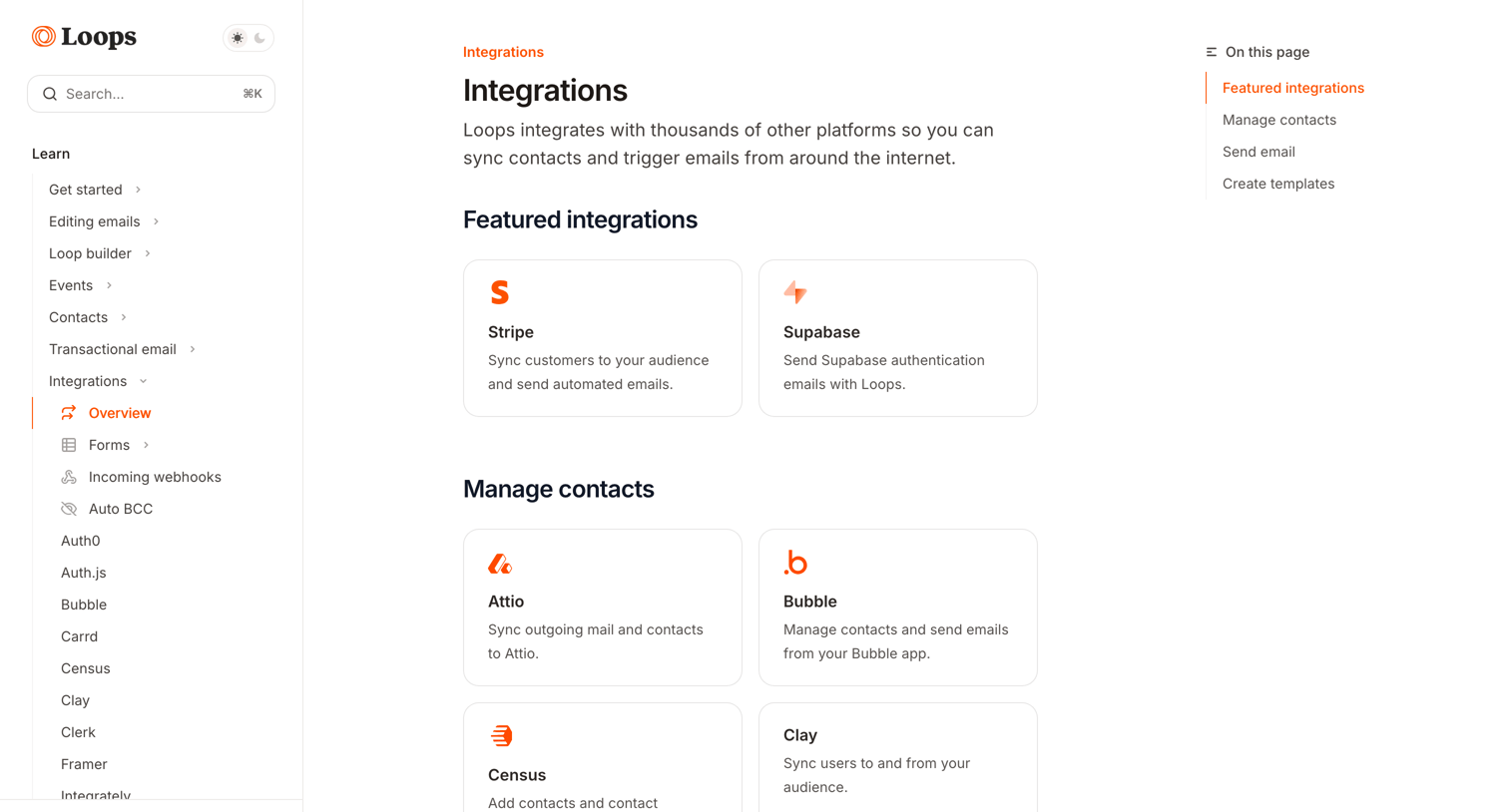

Help center article where the user browses available integrations categorized by featured, managing contacts, sending emails, and creating templates.
Explore the full SaaS screen library
Upgrade to unlock the full library.
Trusted by the best teams







