Warning screen examples
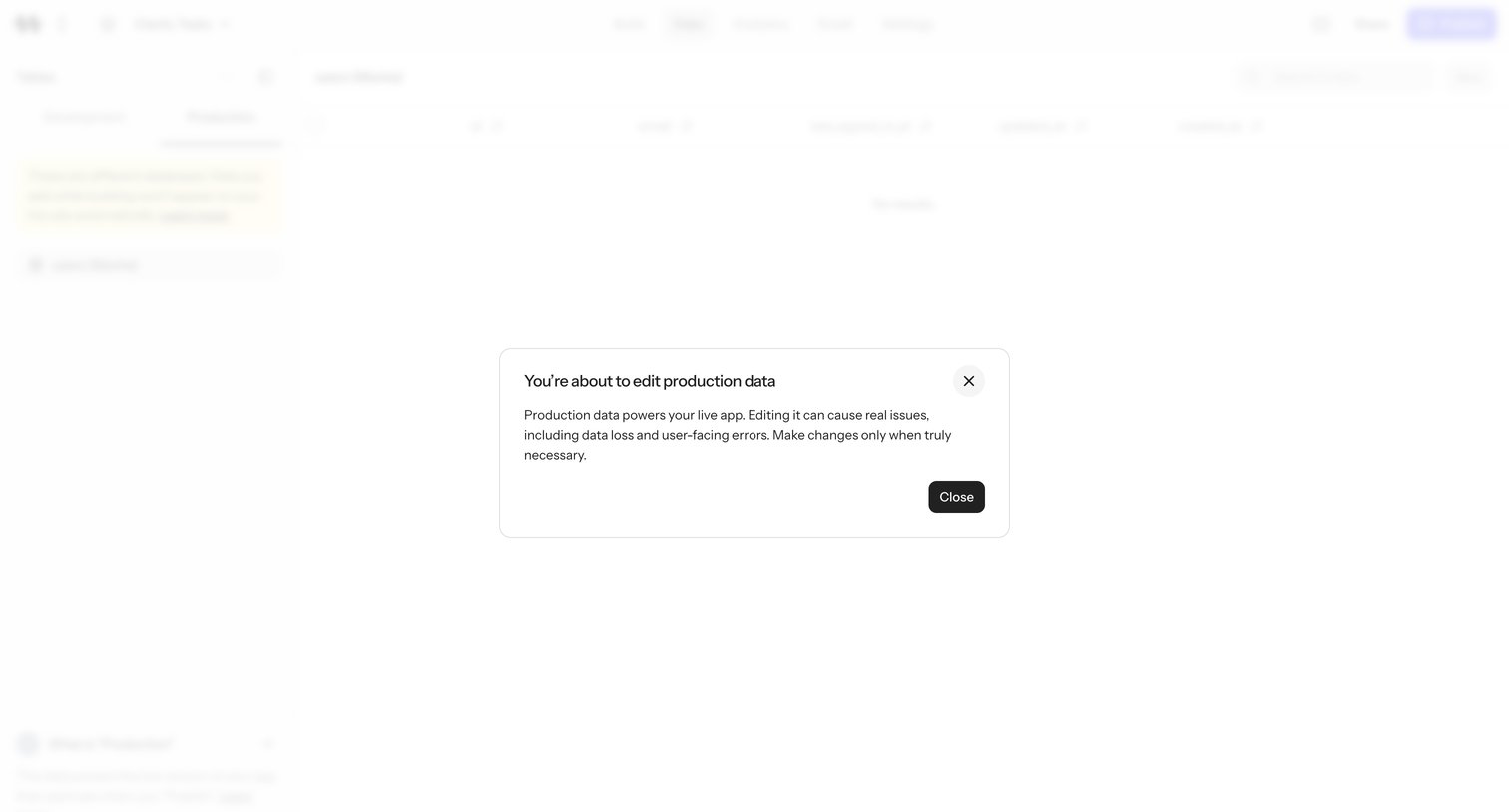
Warning screen design examples from SaaS apps. See how SaaS apps explain a condition that needs attention before someone proceeds. Explore how cautionary messages connect a consequence or missing…
Explore the examples

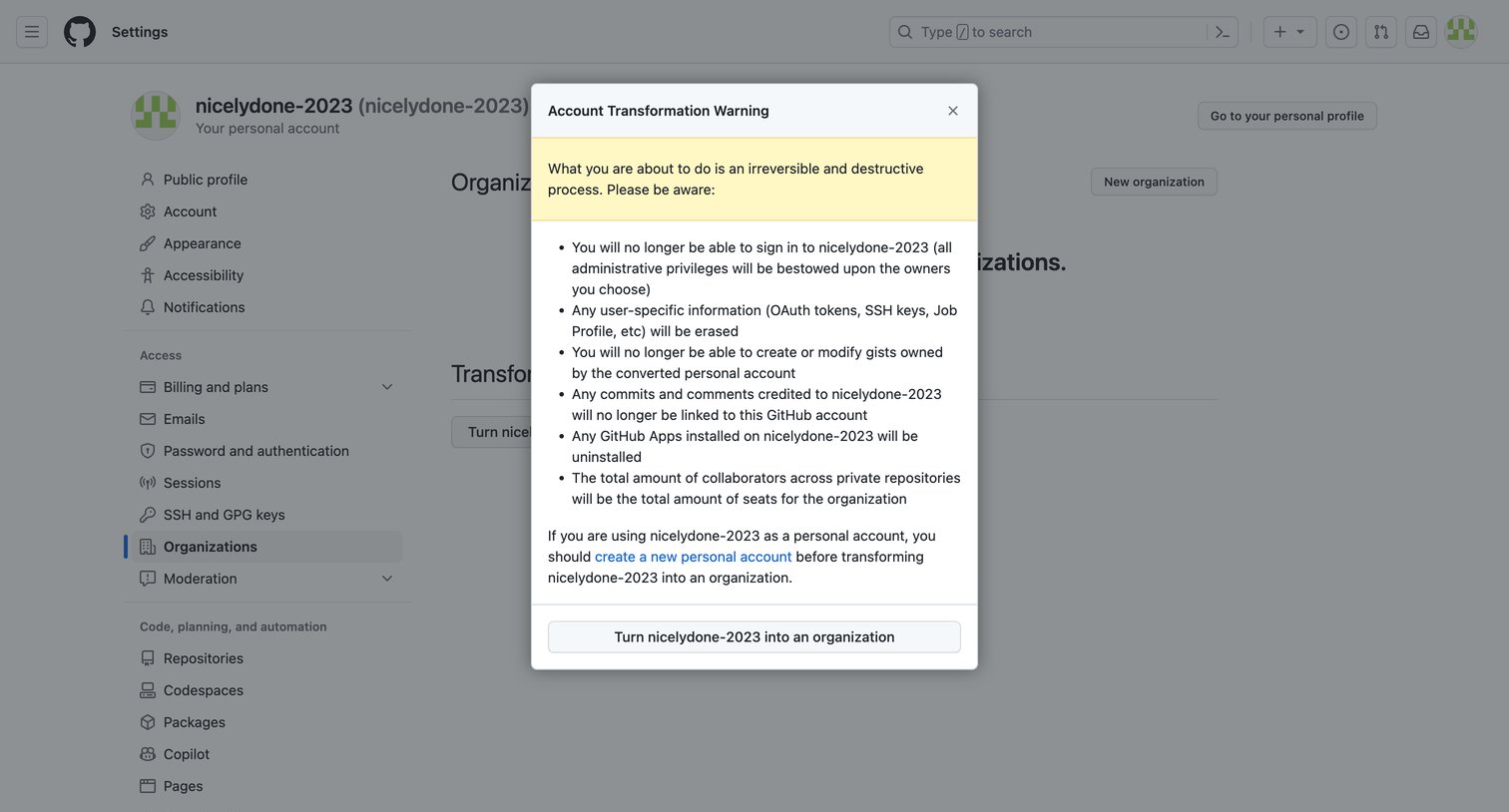

Settings page where the user is presented with a warning modal detailing the irreversible consequences of transforming their personal account into an organization.
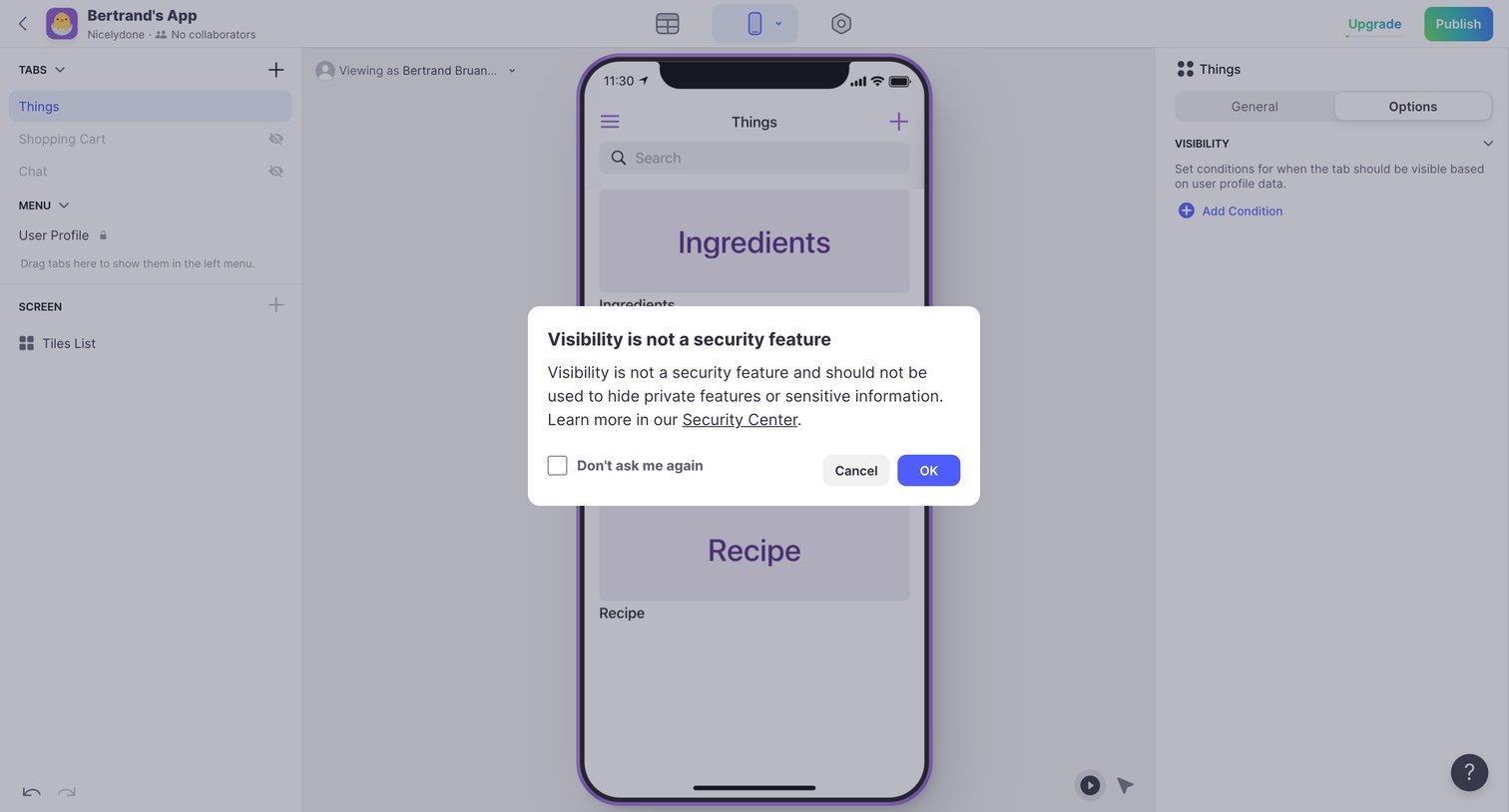

App builder interface where the user is configuring tab visibility options and is presented with a warning modal explaining that visibility is not a security feature.
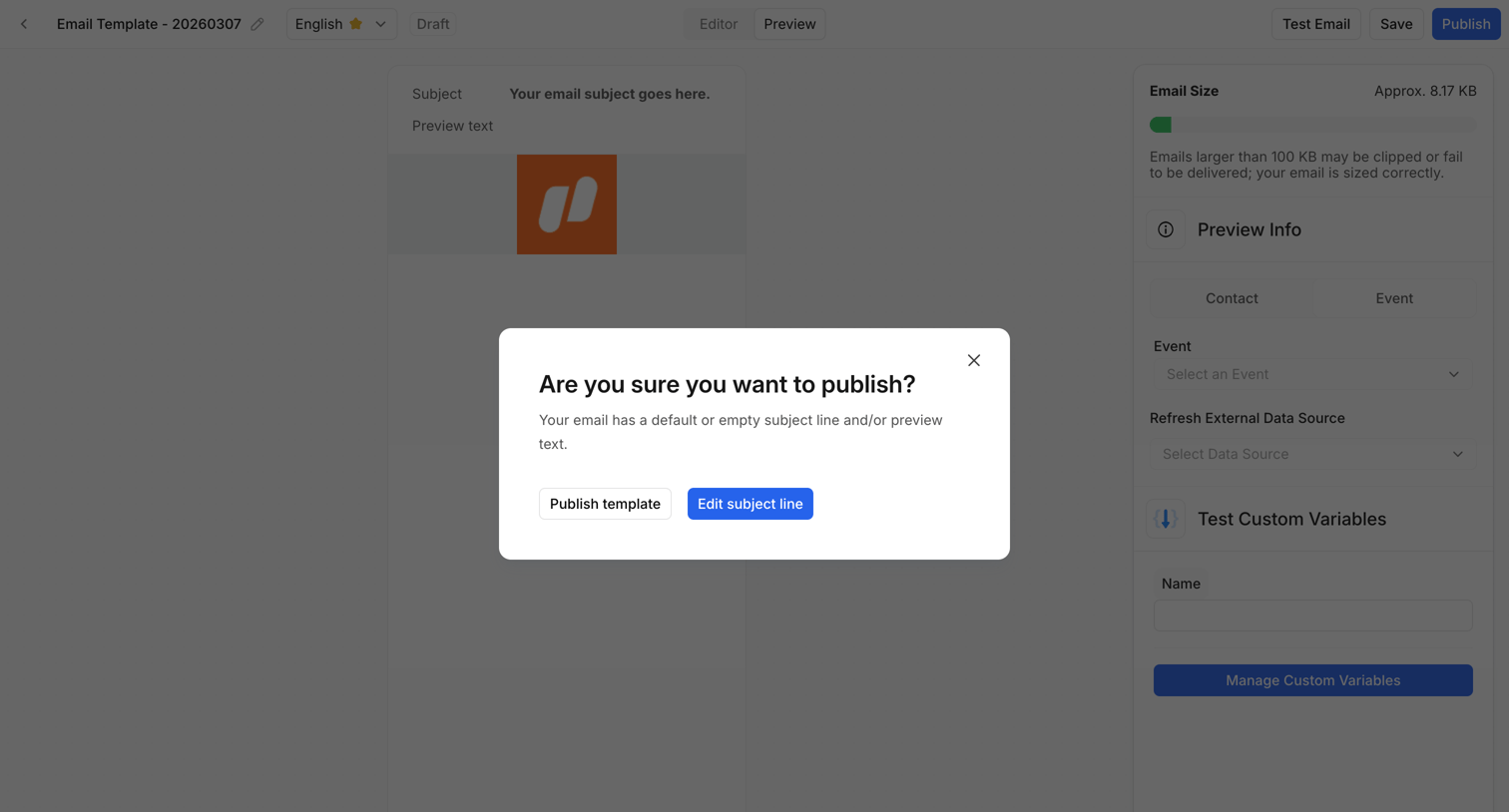

Content editor where the user is prompted to confirm publishing an email template despite having an empty subject line.
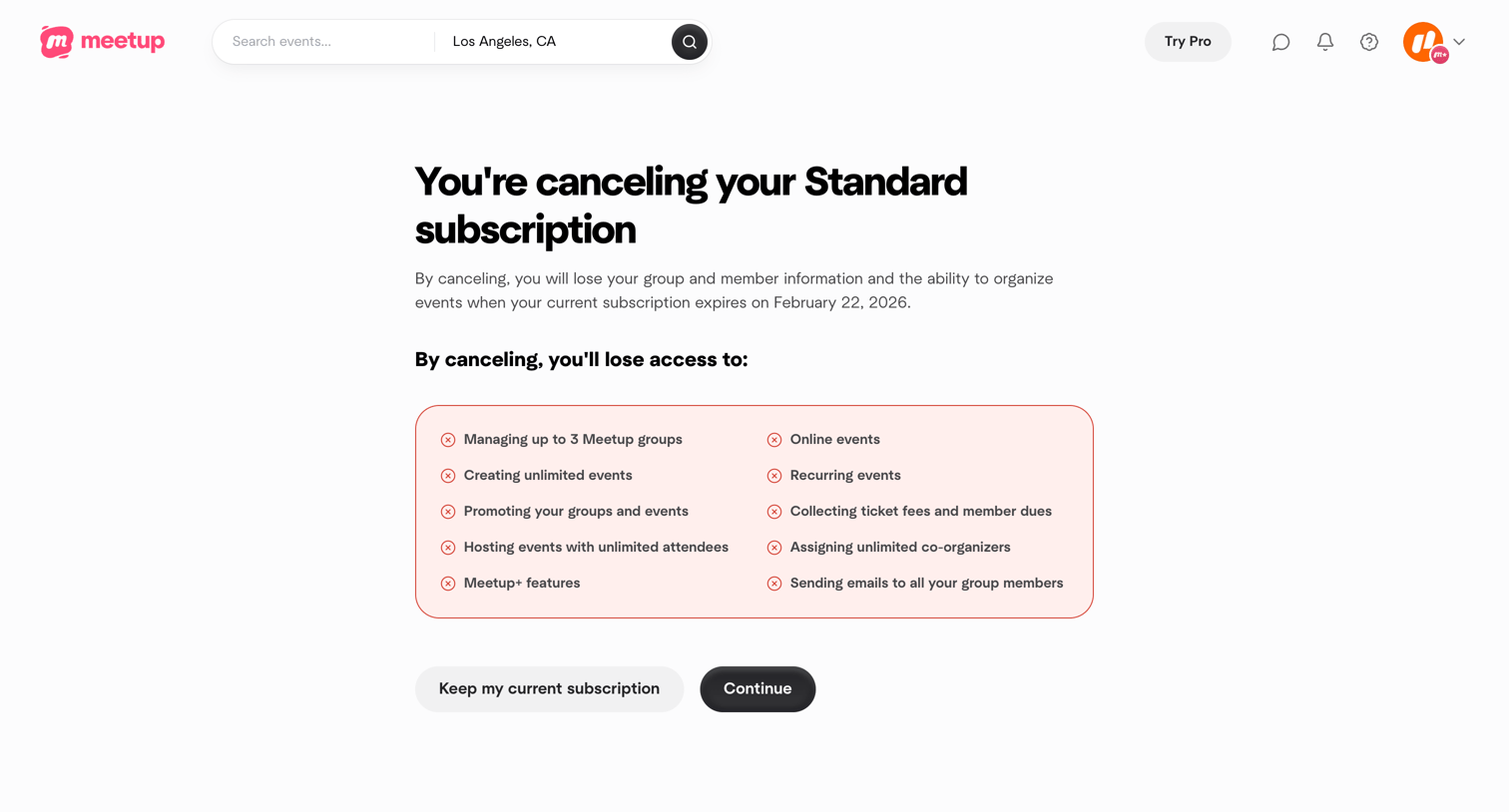

Settings flow where the user is warned about losing access to features like managing groups and online events before confirming their subscription cancellation.
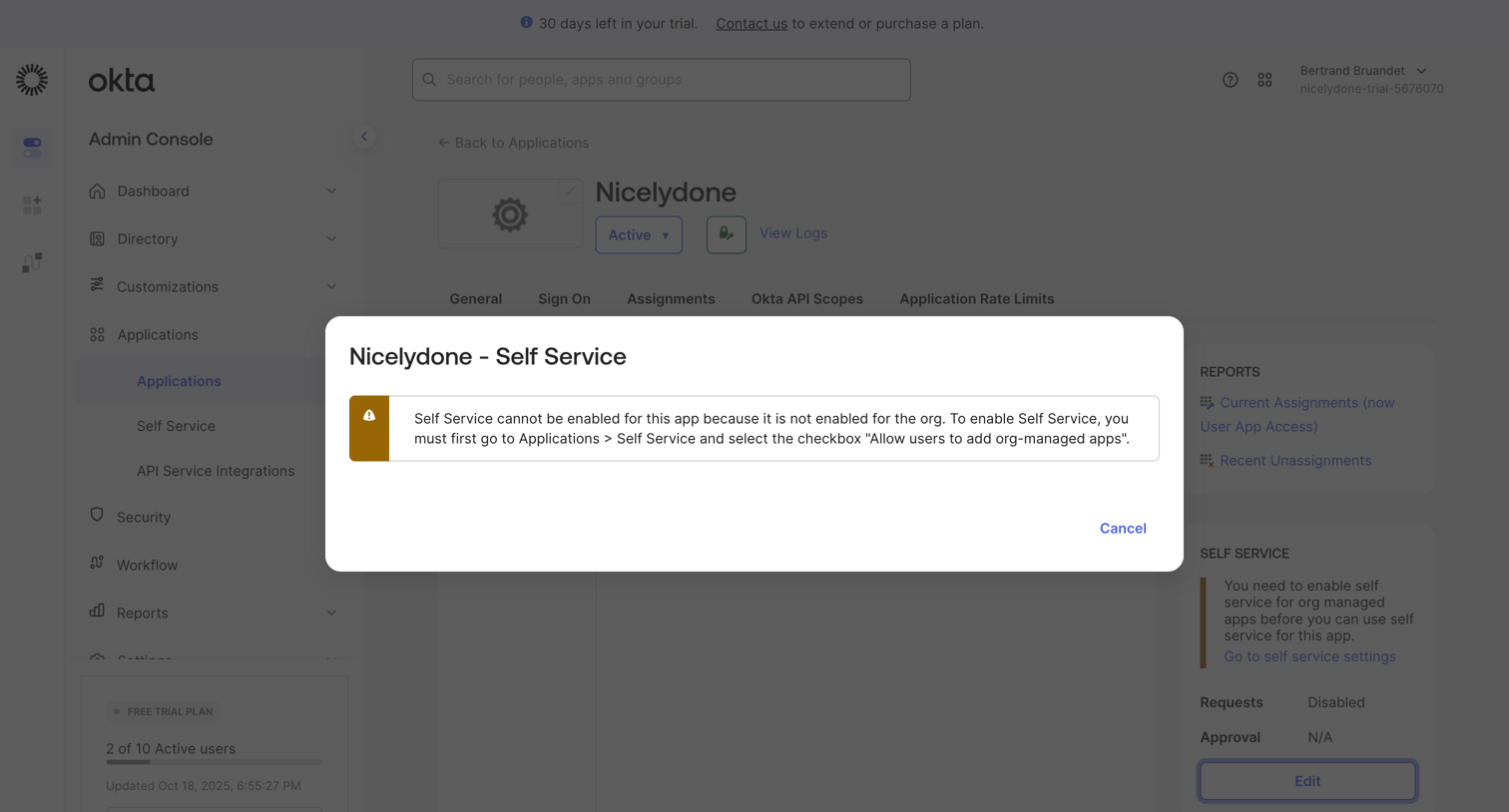

Detail page for an application in an admin console, showing a modal warning that self-service cannot be enabled until it is configured at the organization level.
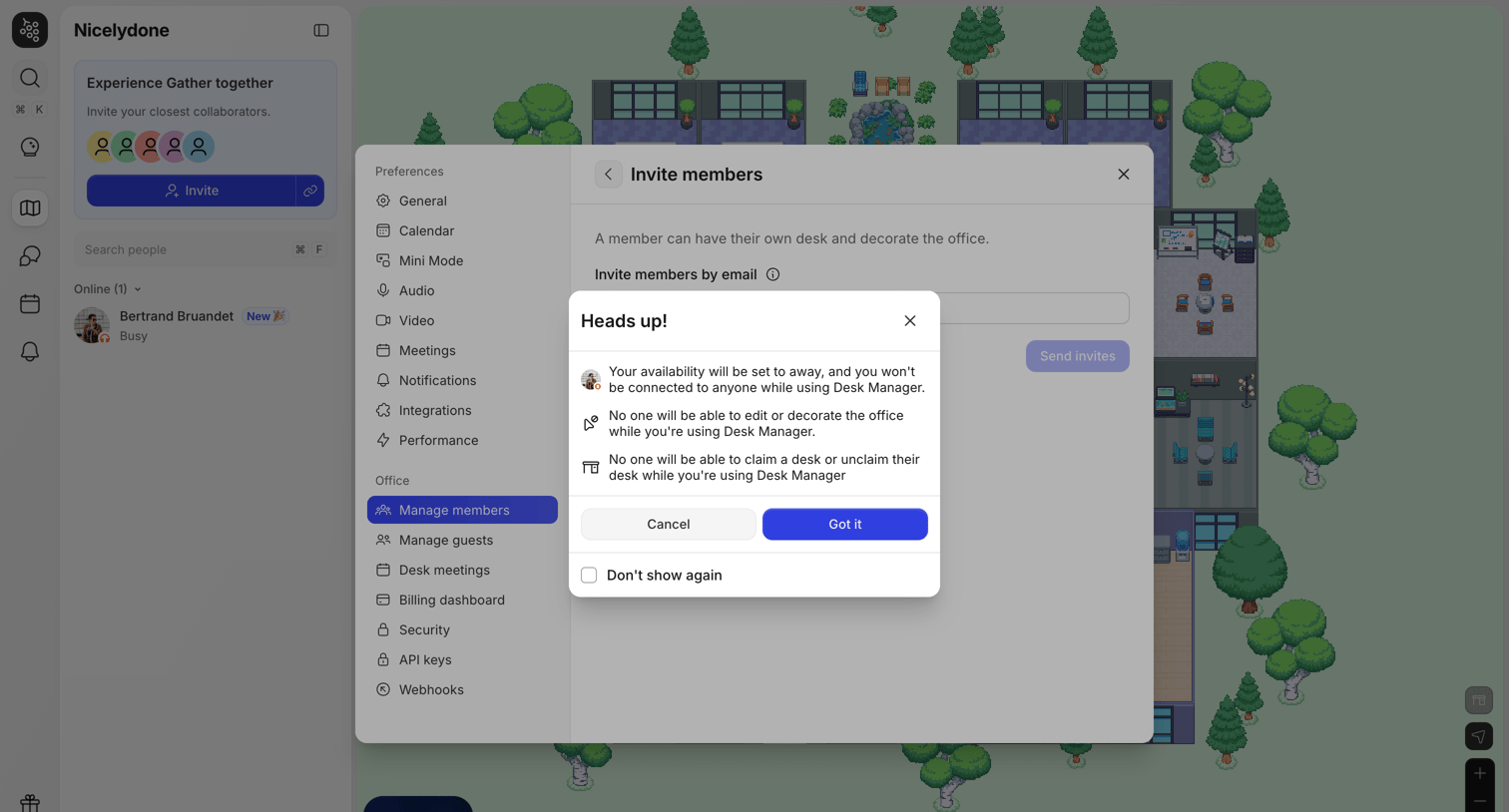

Alert dialog warning the user that their availability will be set to away and office editing will be disabled while using Desk Manager, presented over an invite-members settings panel.
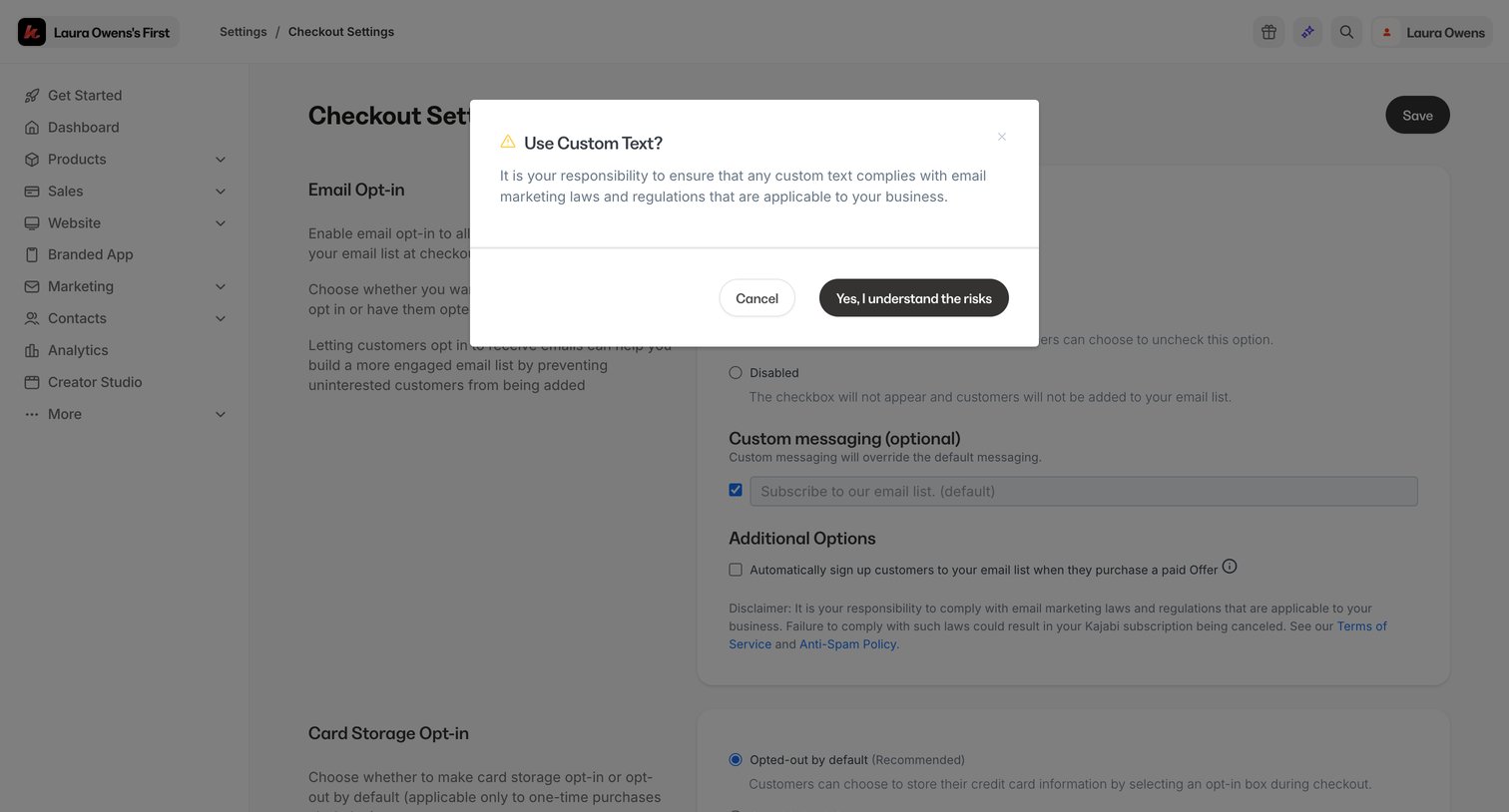

Settings page where the user must acknowledge compliance risks before enabling custom email opt-in messaging for their checkout.
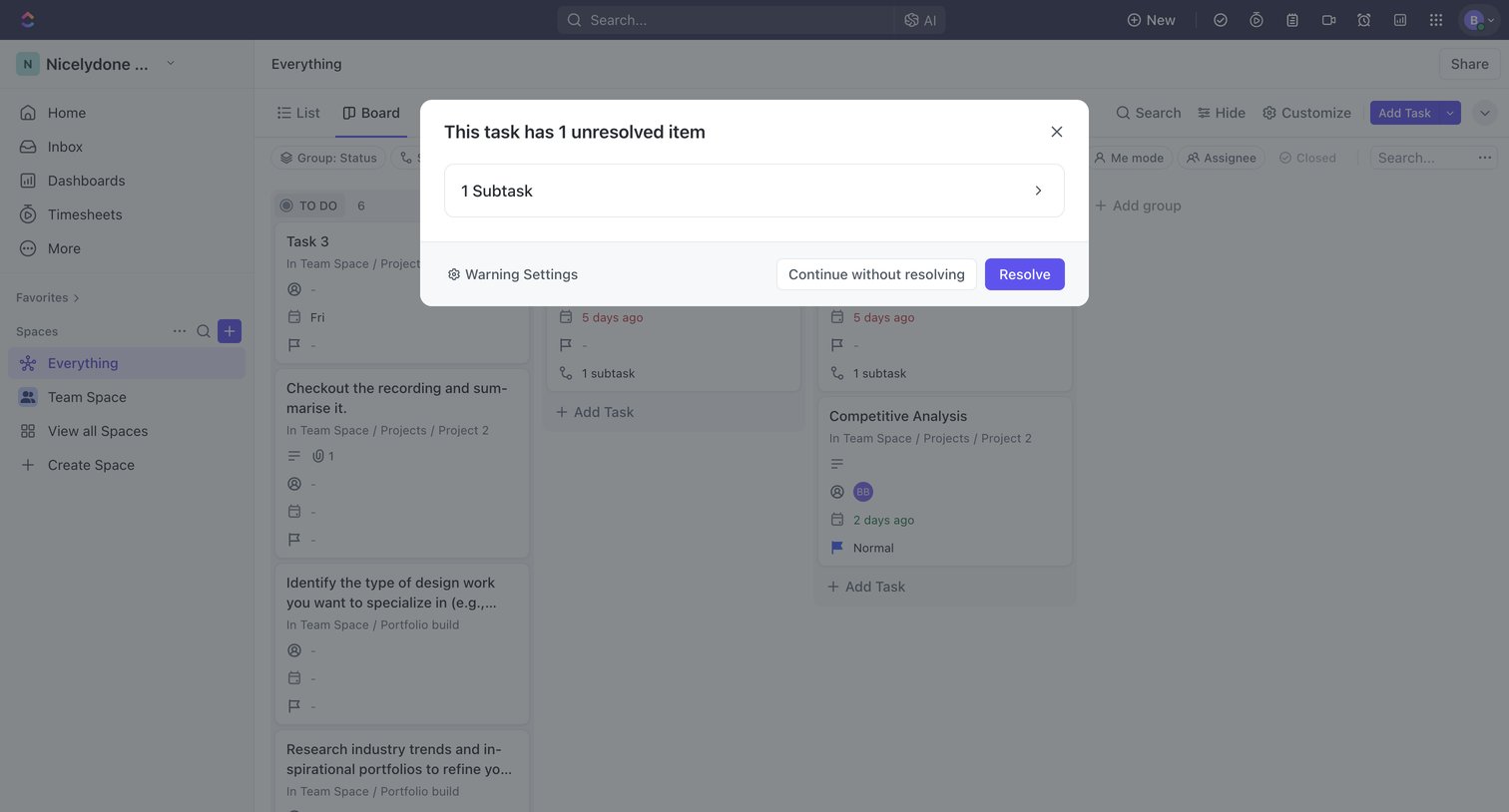

Kanban board where a modal warns the user about an unresolved subtask before they can proceed with their action.
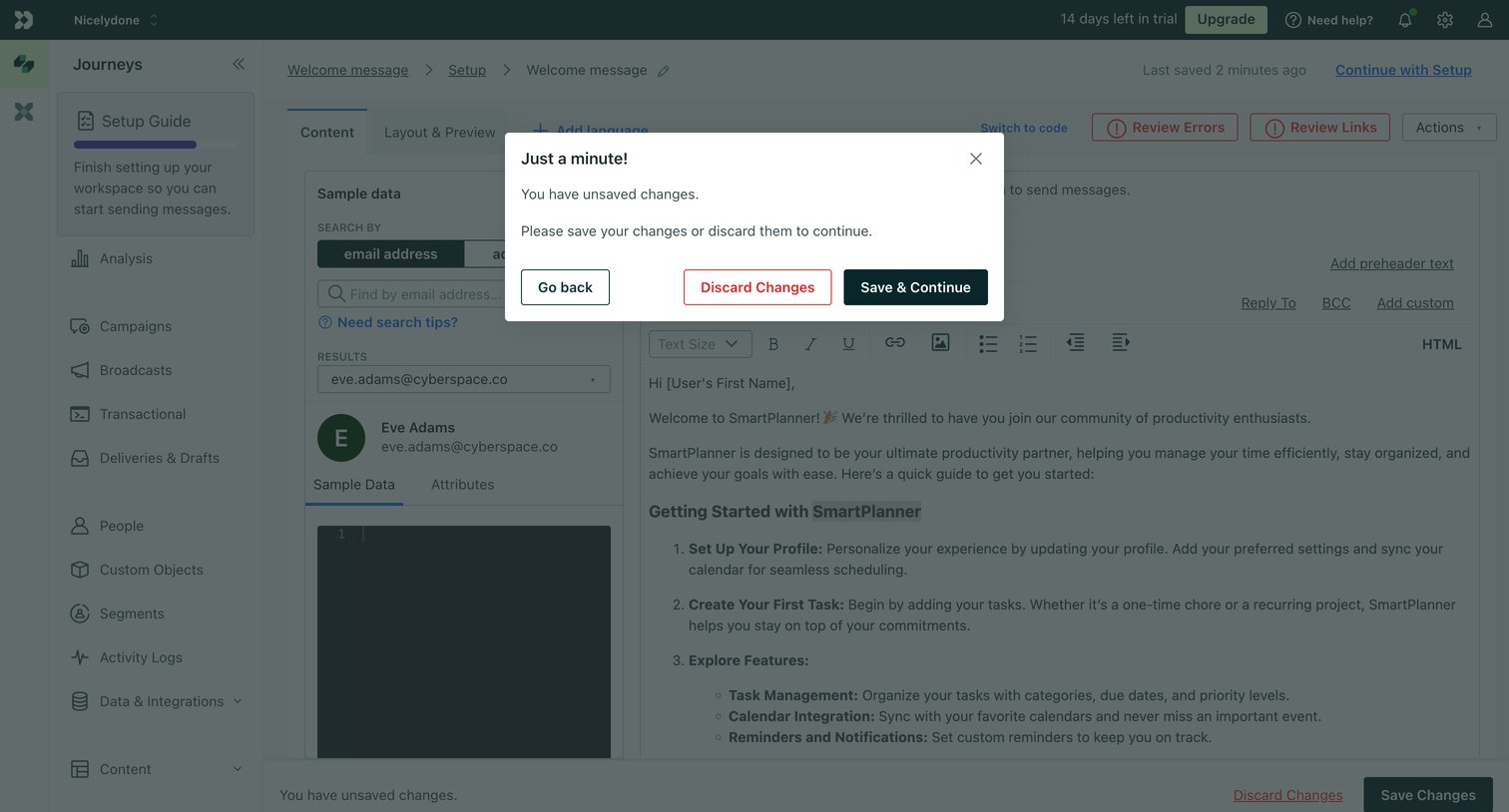

Content editor where an alert dialog prompts the user to save or discard unsaved changes to a welcome message template before continuing.
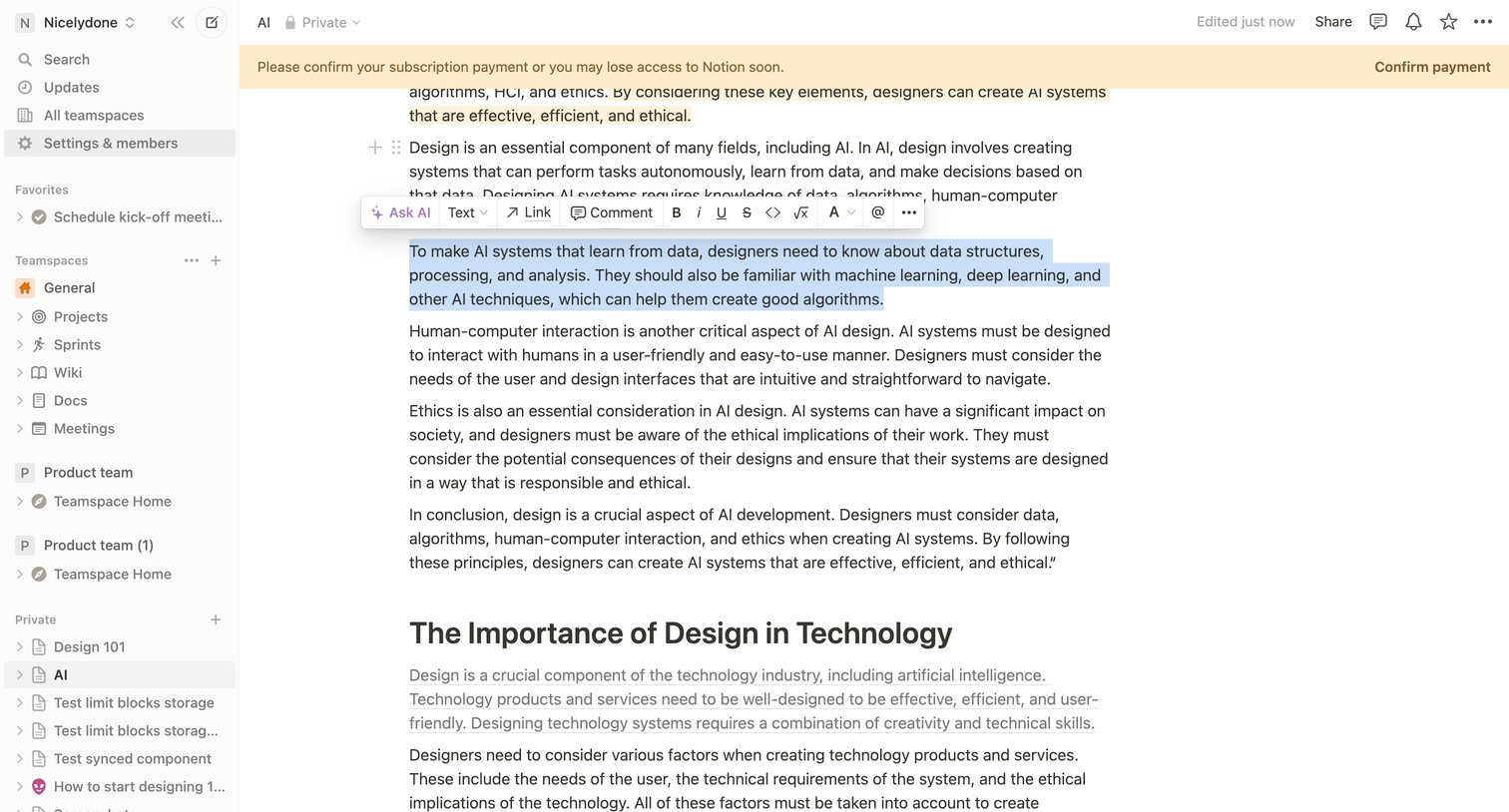

Content editor where the user is formatting a selected text block using an inline toolbar that includes an AI assistant option, while a banner warns them to confirm their subscription payment.
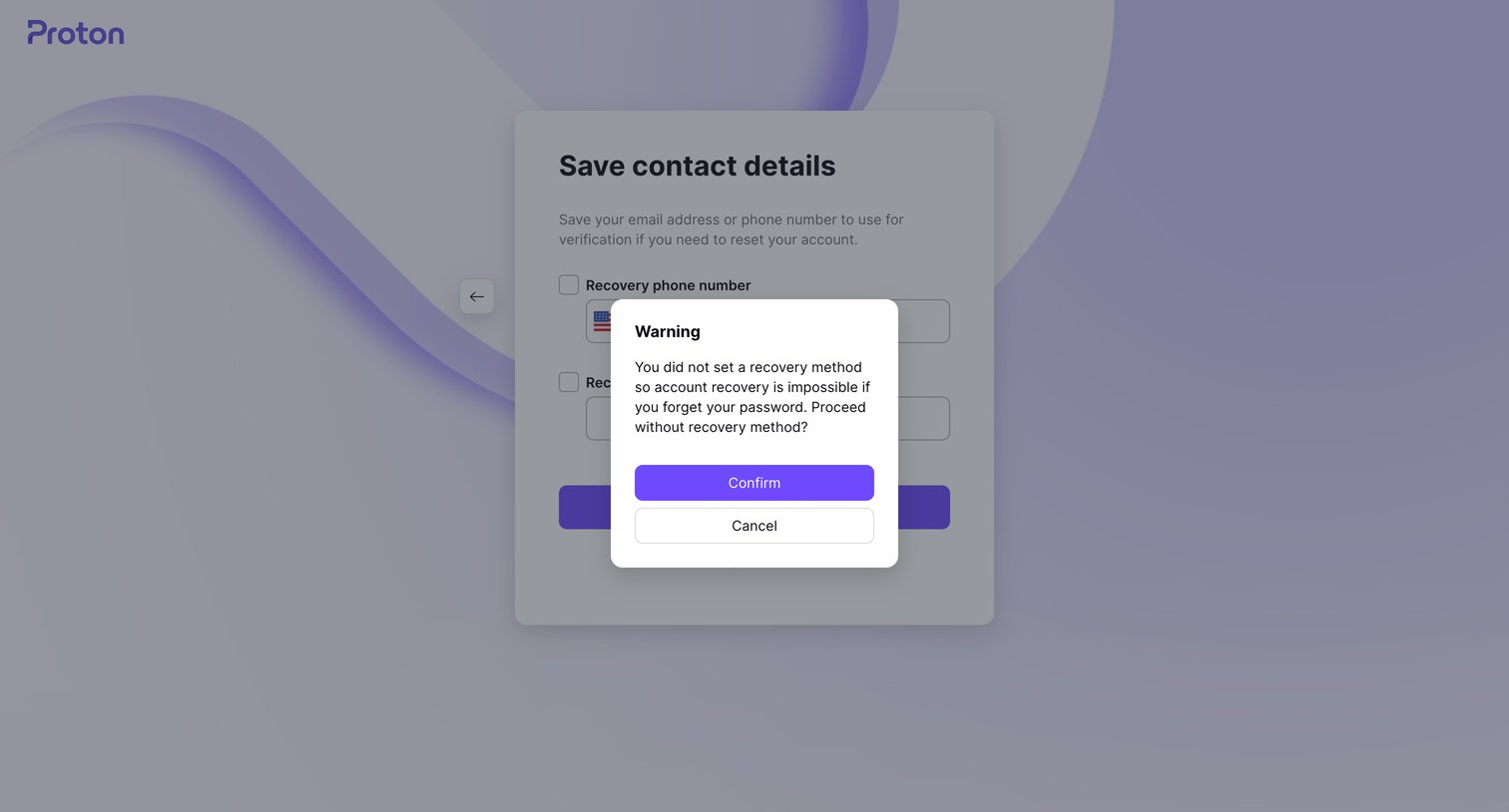

Signup step where a warning modal prompts the user to confirm proceeding without setting a recovery email or phone number.
Explore the full SaaS screen library
Upgrade to unlock the full library.
Trusted by the best teams








About Warning
See how SaaS apps explain a condition that needs attention before someone proceeds. Explore how cautionary messages connect a consequence or missing requirement with the available actions.