Upload & Download screen examples
Upload & Download screen design examples from SaaS apps. See how apps present file transfers. Explore how file selection, transfer status, and available actions fit within the task of uploading or downloading content.
Explore the examples
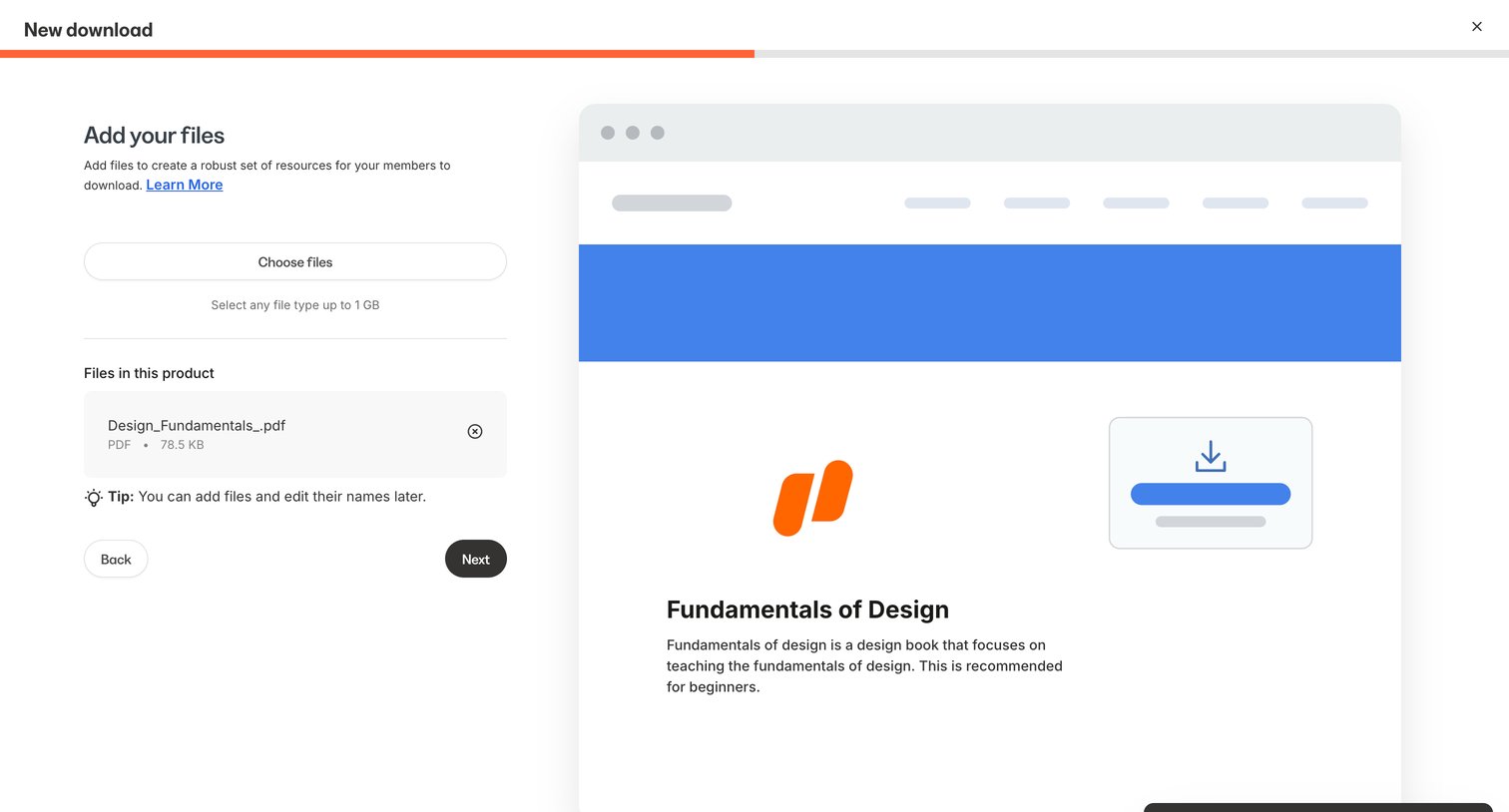

Creation wizard step where the user uploads files to be offered as a download resource, featuring a live preview card.
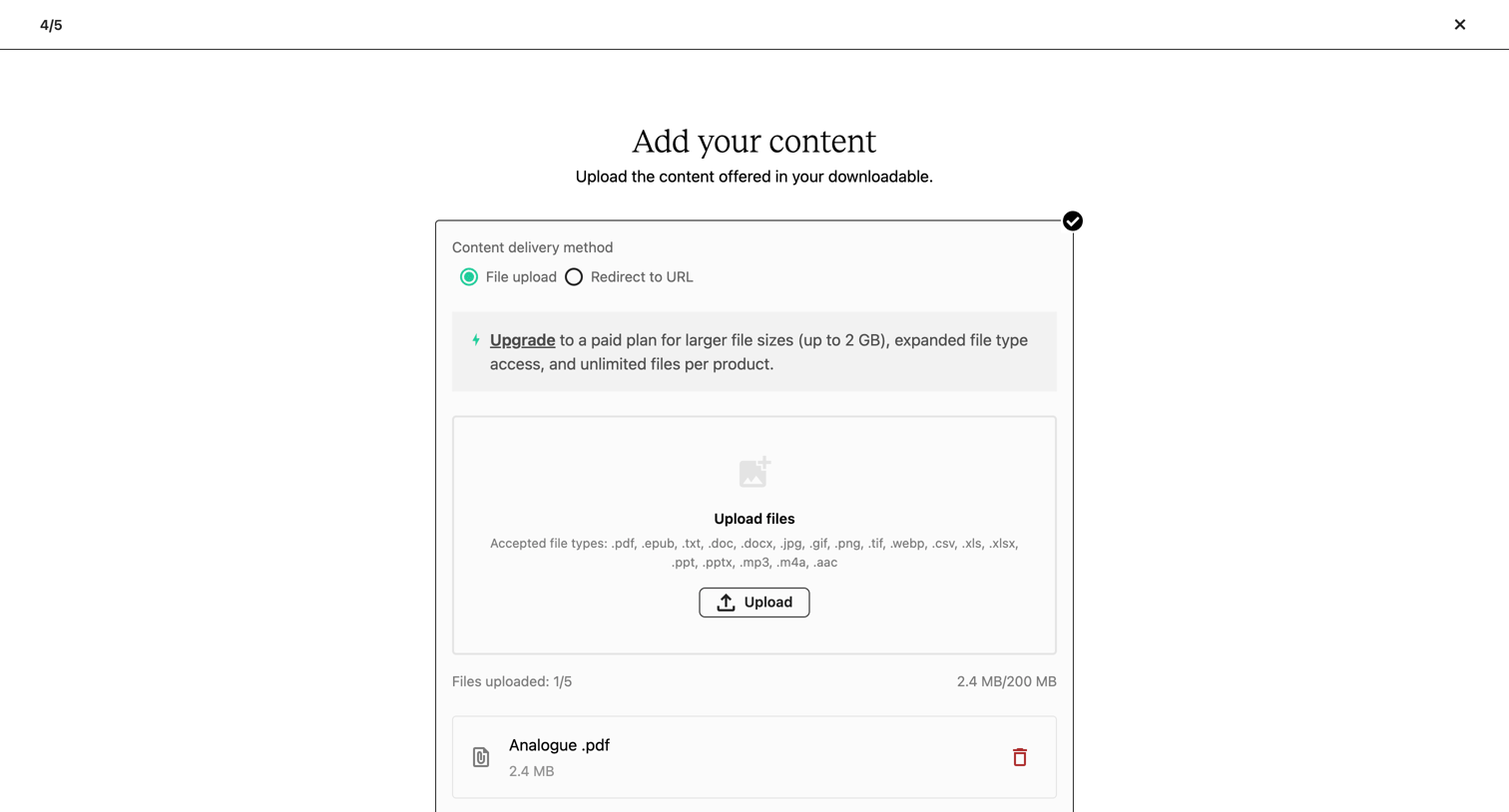

Wizard step where the user uploads files for their digital product, with options to change the delivery method or skip the step.
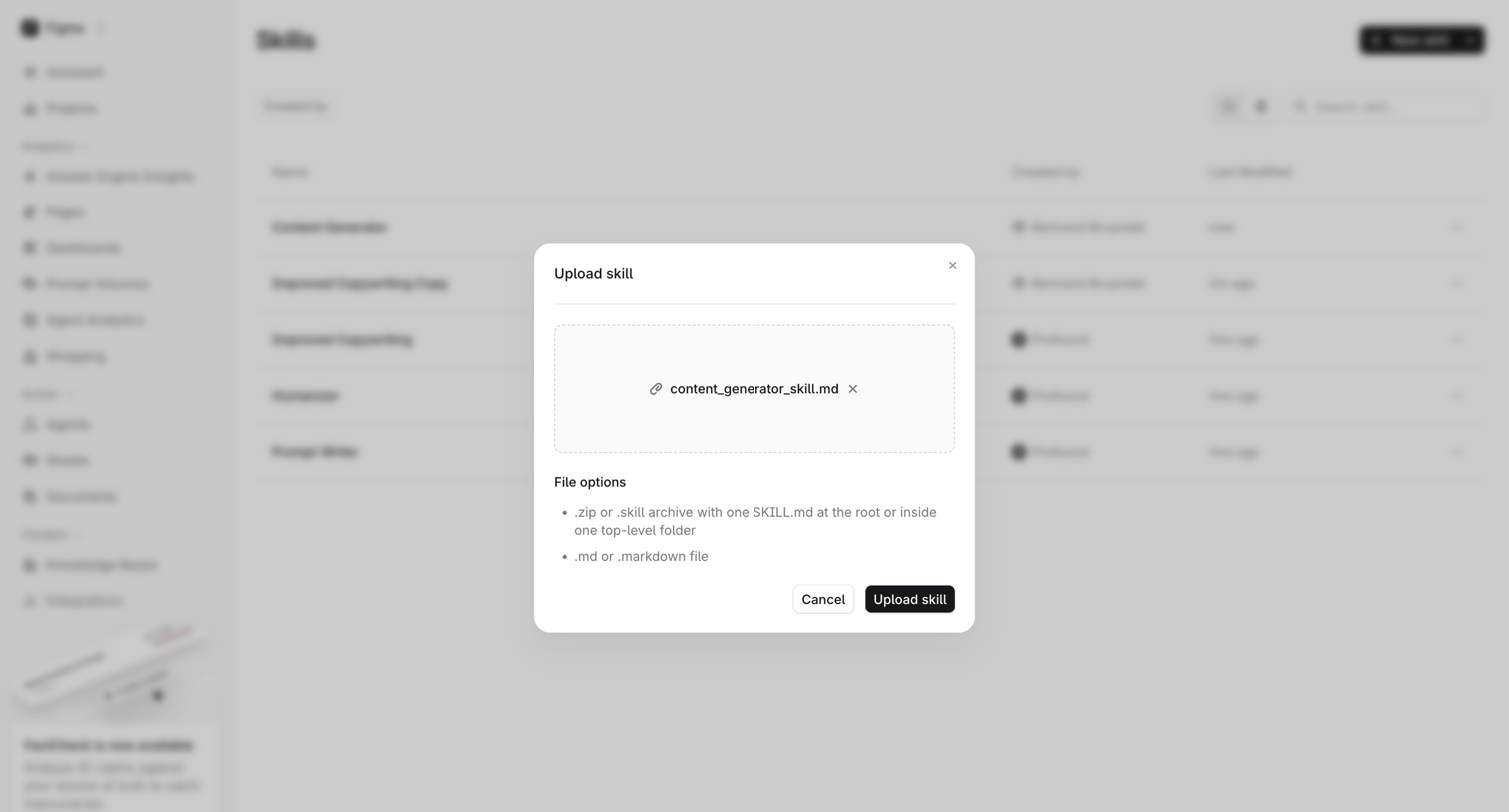

List view of skills where the user is uploading a new skill file via a centered modal that accepts .zip or .md formats.
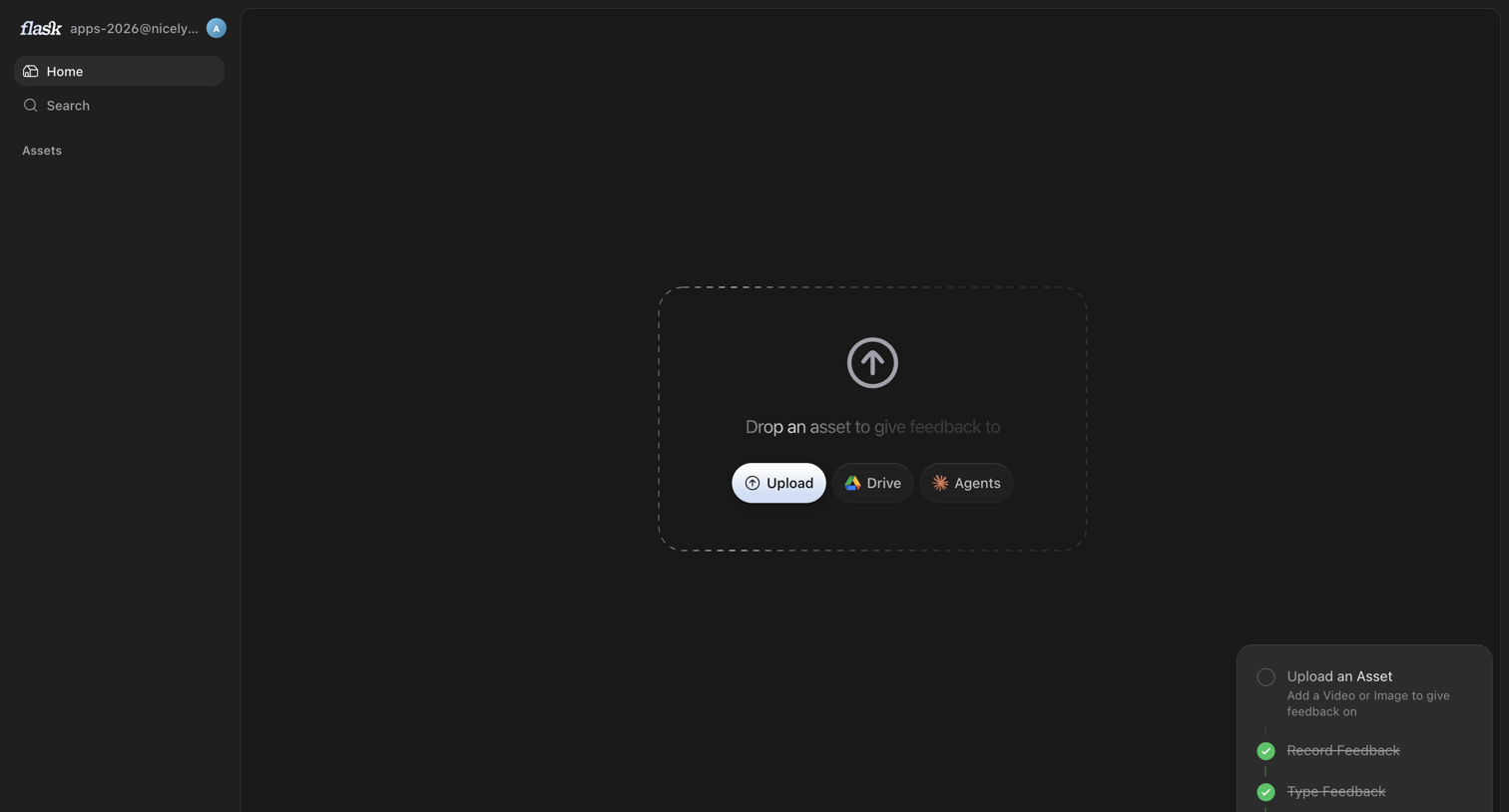

Home screen where the user is prompted to drop an asset to begin giving feedback, featuring a setup checklist in the bottom right.
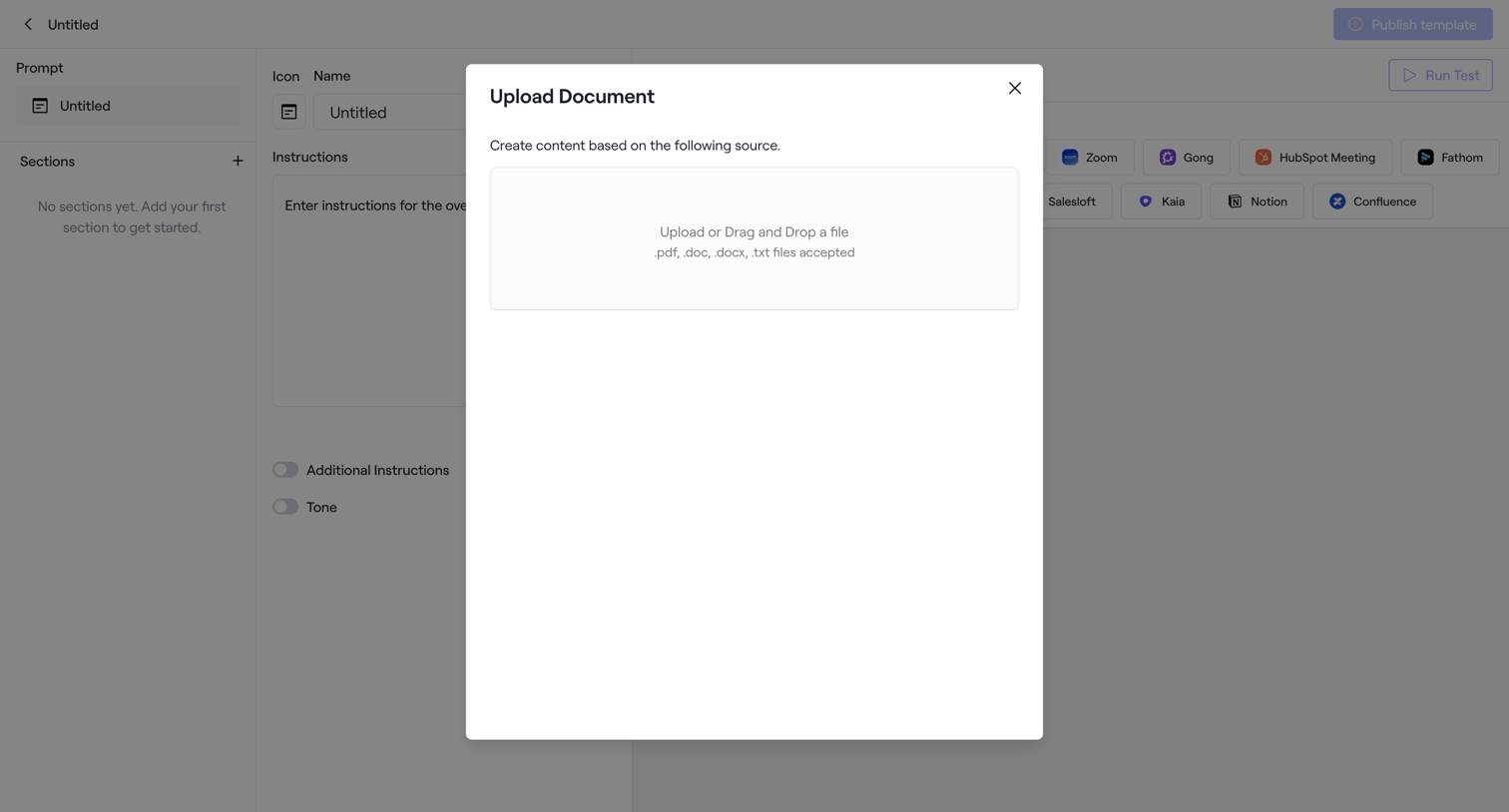

Content editor where the user is prompted to upload a document to use as a source for an AI prompt template.
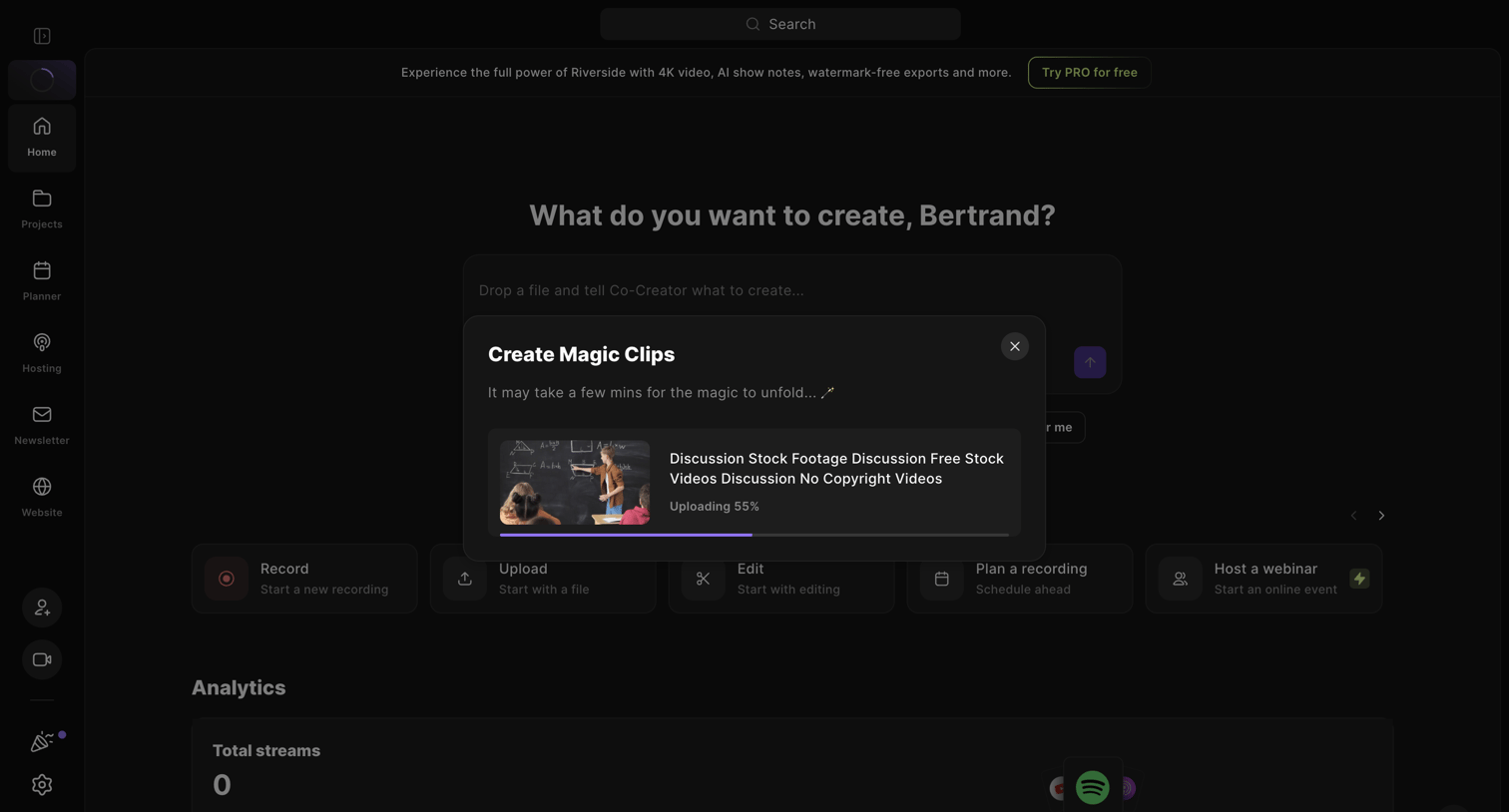

Home screen where the user is uploading a video file to generate AI magic clips.
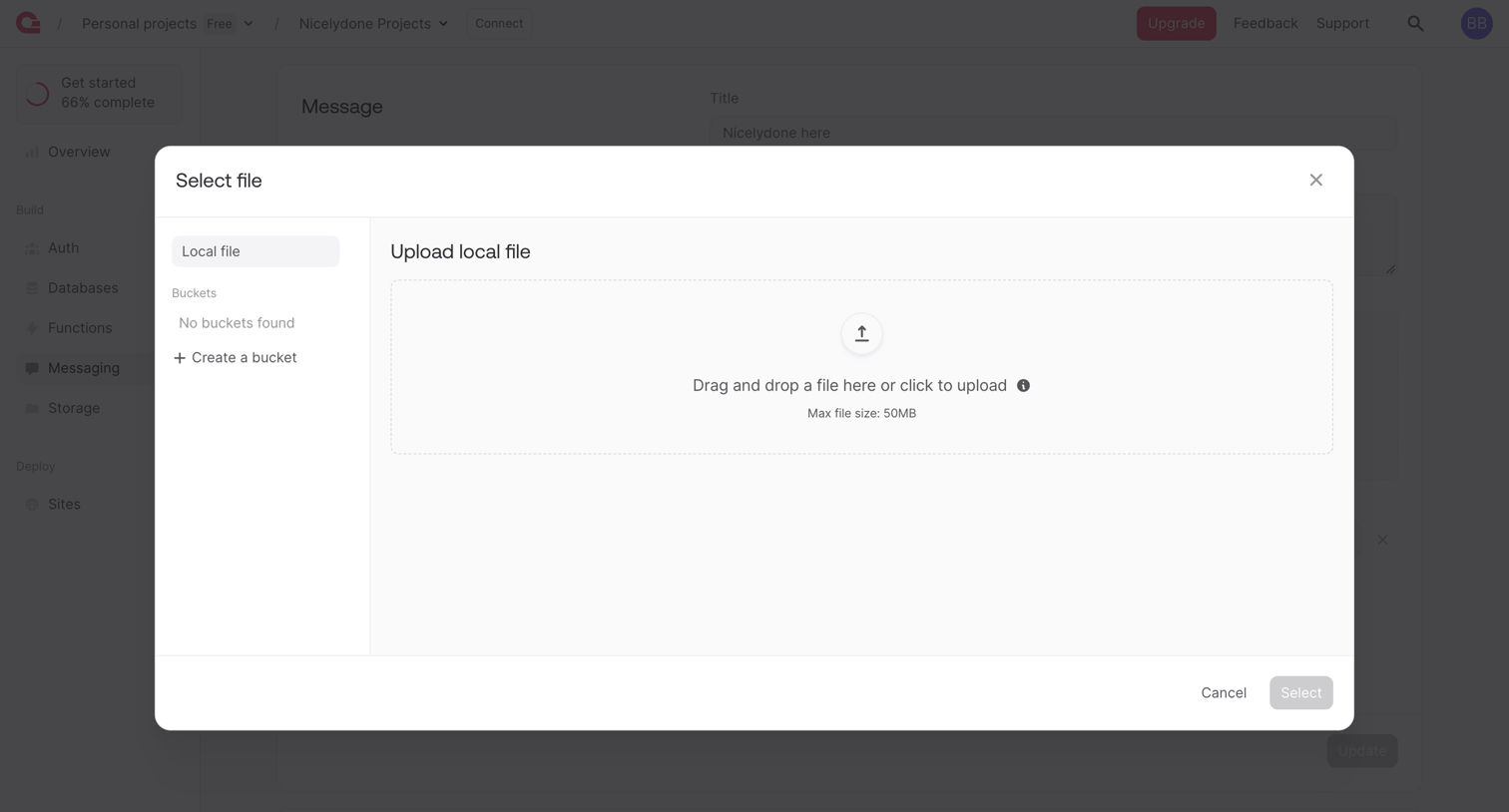

Detail page where the user uploads a local file or selects from a storage bucket to attach to a message.
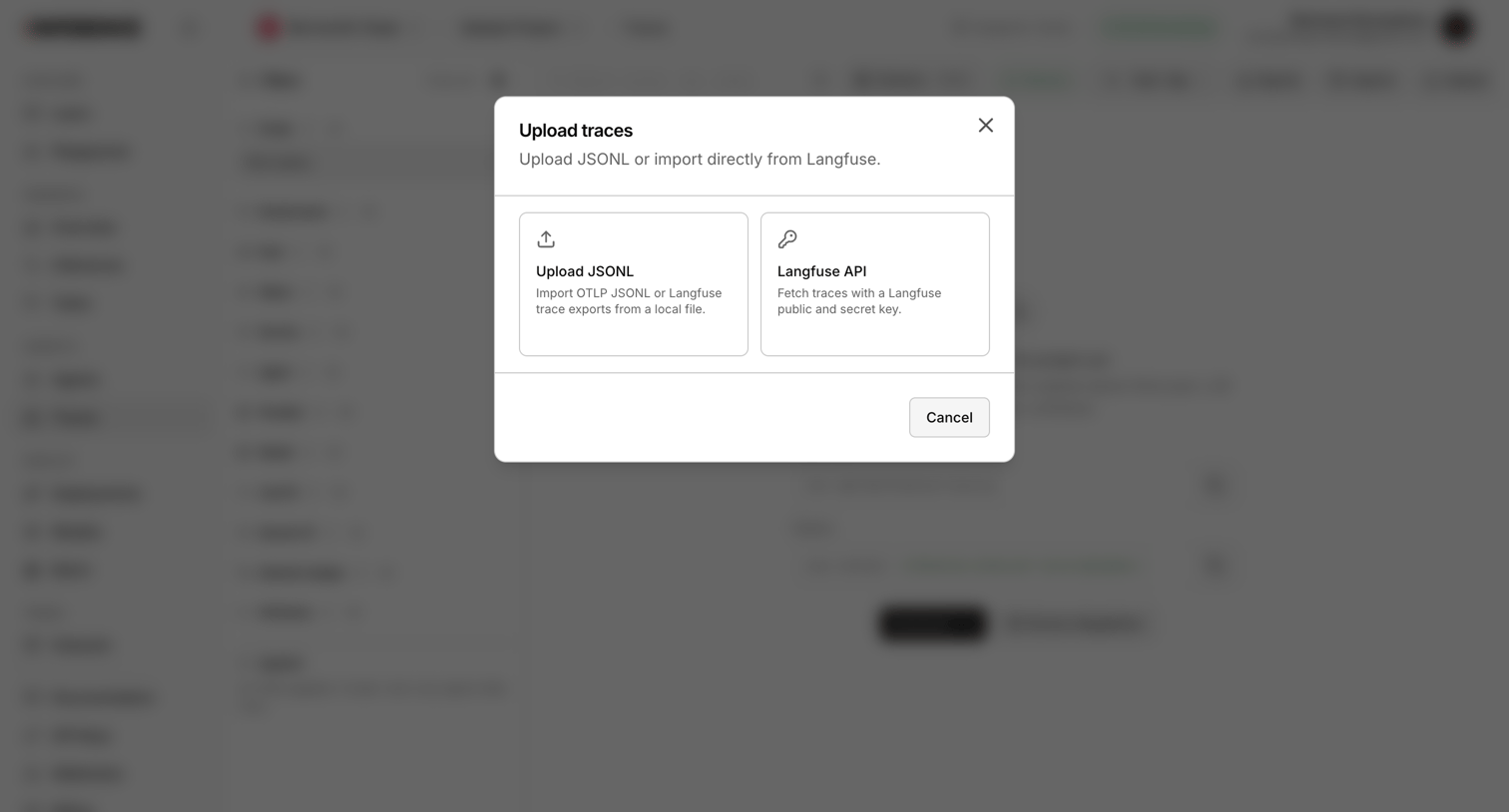

Modal overlay where the user chooses to upload trace data via JSONL file or import it directly using the Langfuse API.
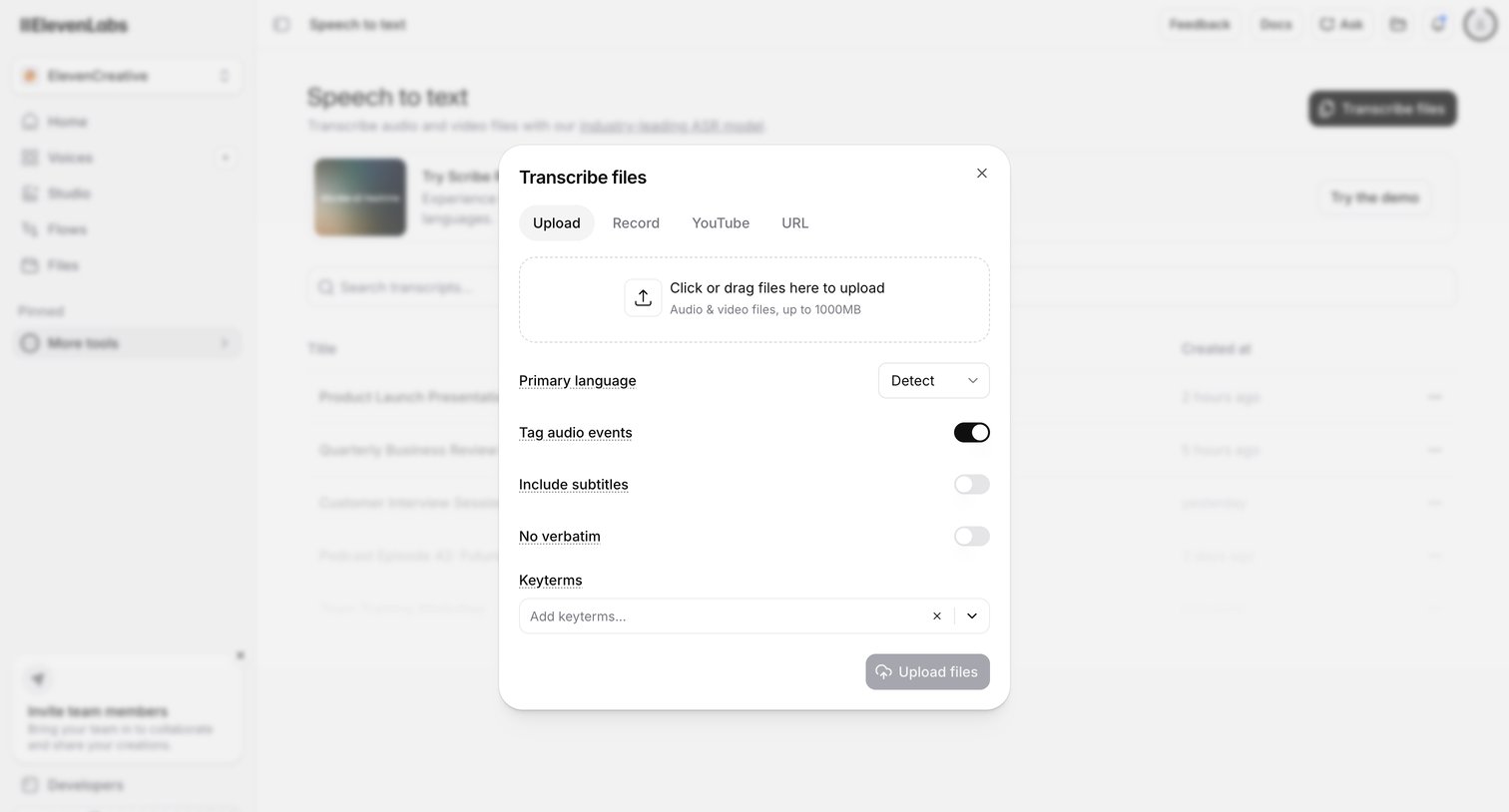

List view where the user opens a modal to upload audio or video files for transcription, configuring settings like primary language and subtitle inclusion.
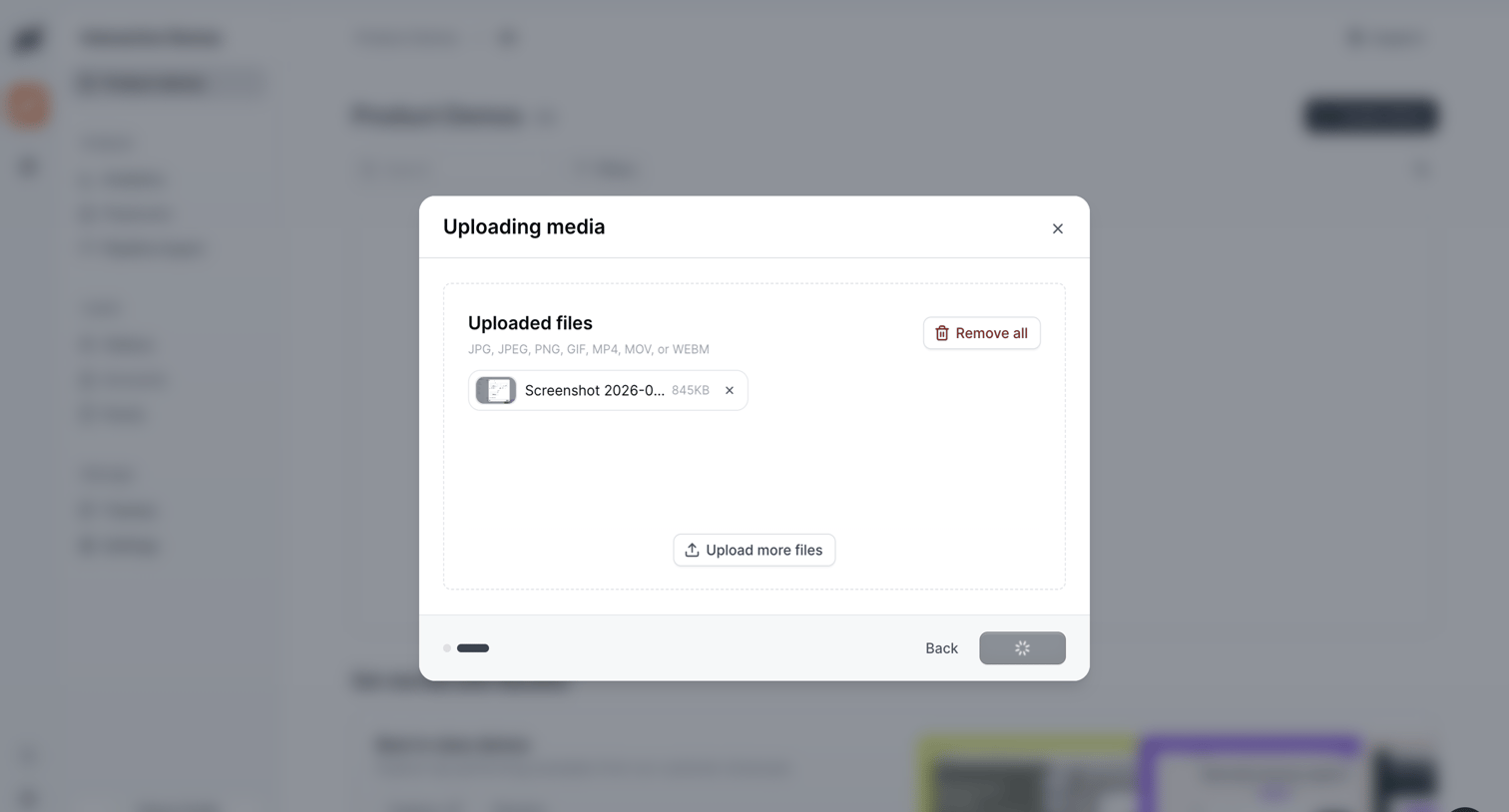

Creation wizard step where the user manages uploaded media files for a product demo before proceeding to the next step.
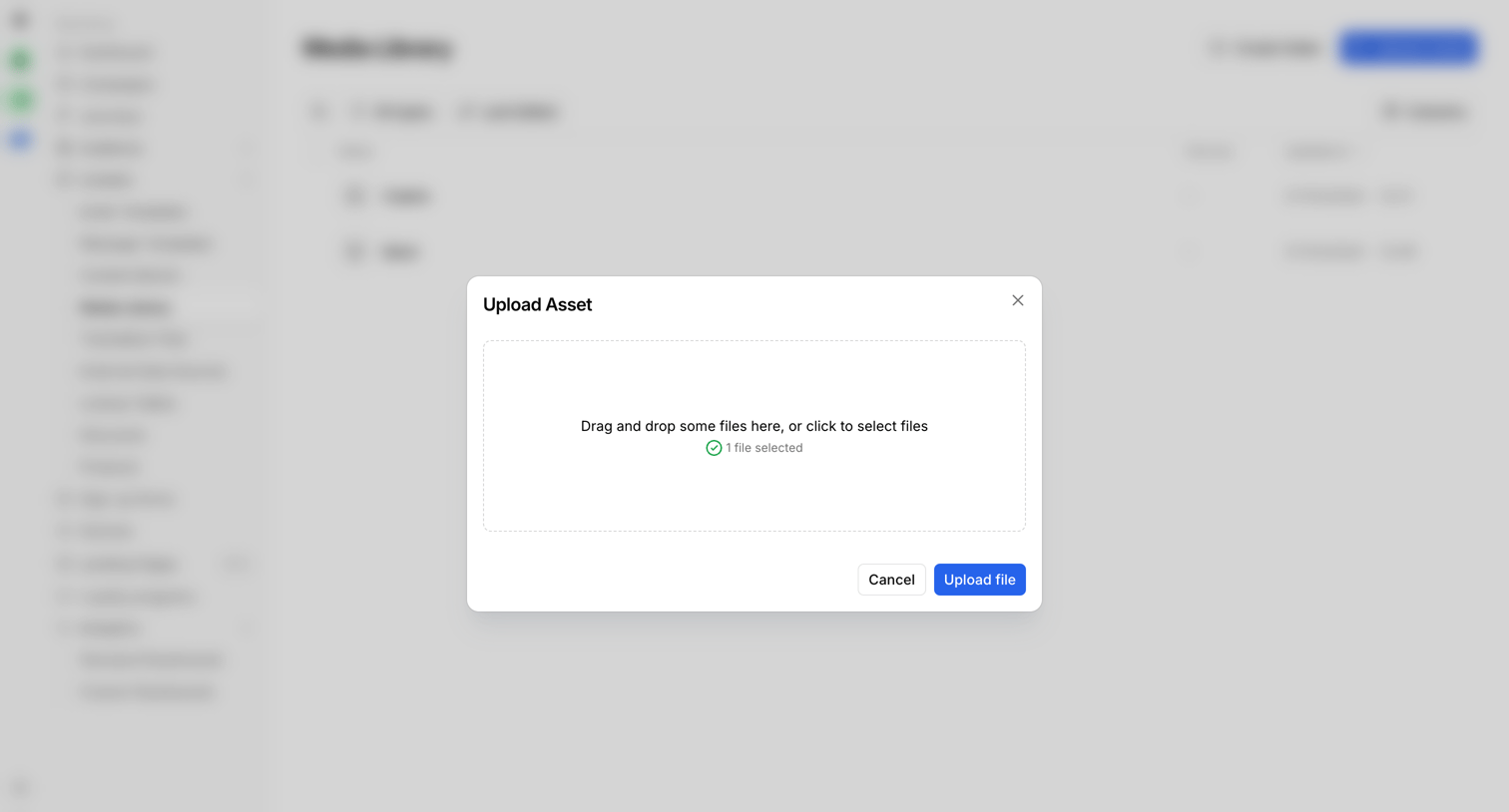

Media library where the user is uploading a new asset via a drag-and-drop modal.
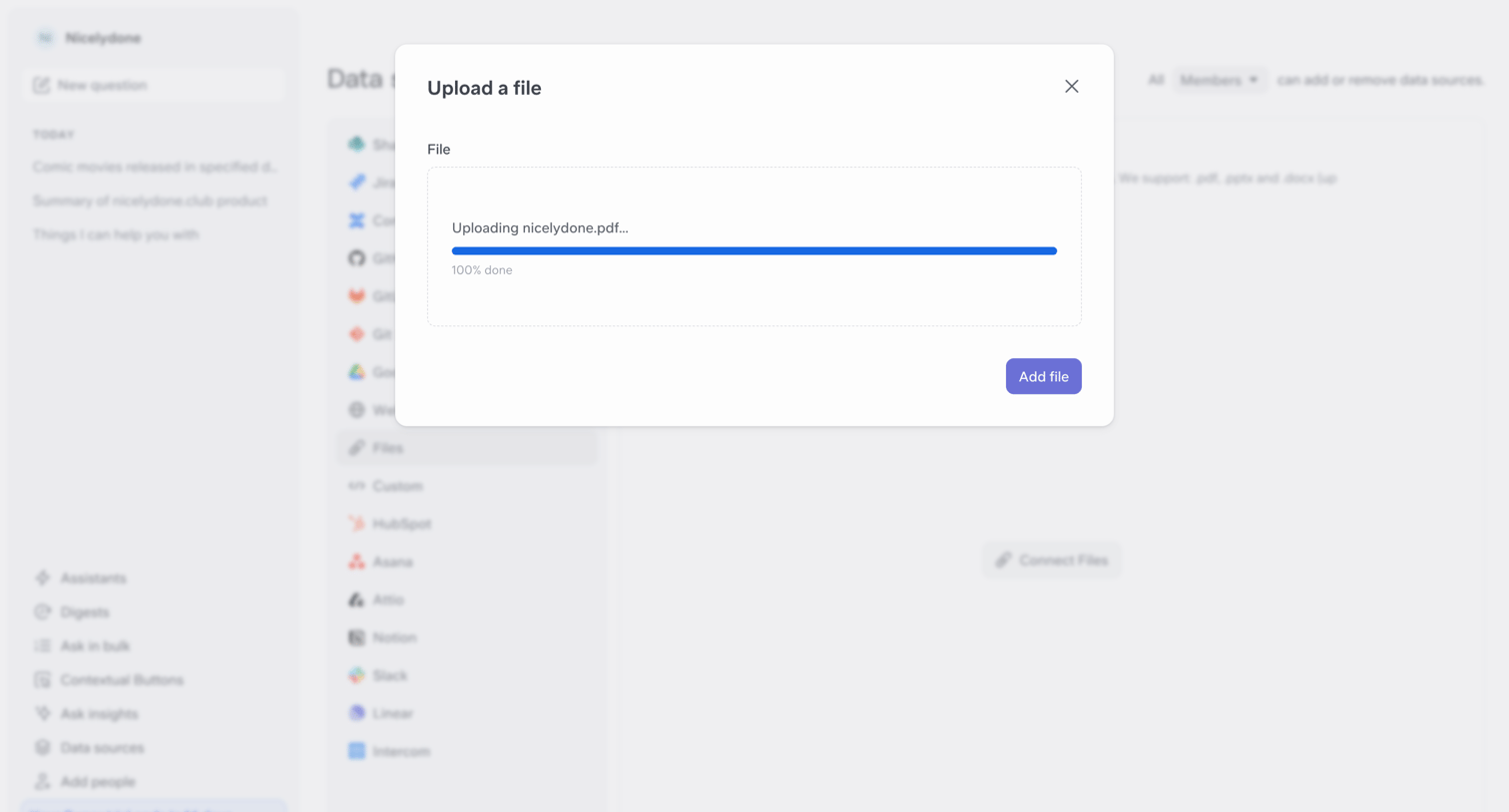

Settings page where the user uploads a local file to connect it as a data source, showing a completed progress bar in a modal.
Explore the full SaaS screen library
Upgrade to unlock the full library.
Trusted by the best teams








About Upload & Download
See how apps present file transfers. Explore how file selection, transfer status, and available actions fit within the task of uploading or downloading content.