Wysiwyg screen examples
Wysiwyg screen design examples from SaaS apps. Browse examples from Mailchimp, Notion Mail, Sora.
Explore the examples
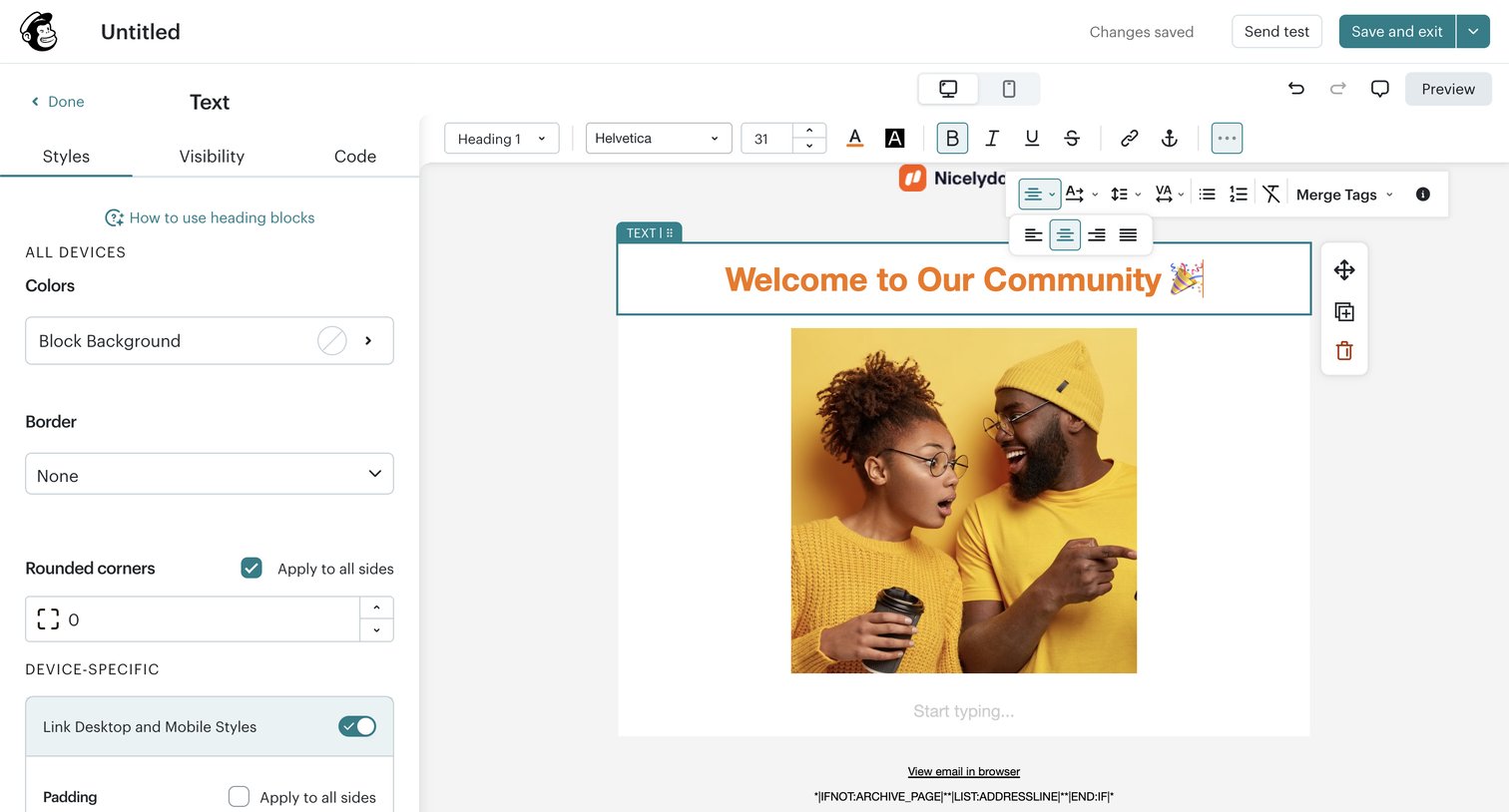

Design editor where the user customizes text block styles, typography, and layout for an email campaign using an inspector panel and floating toolbars.
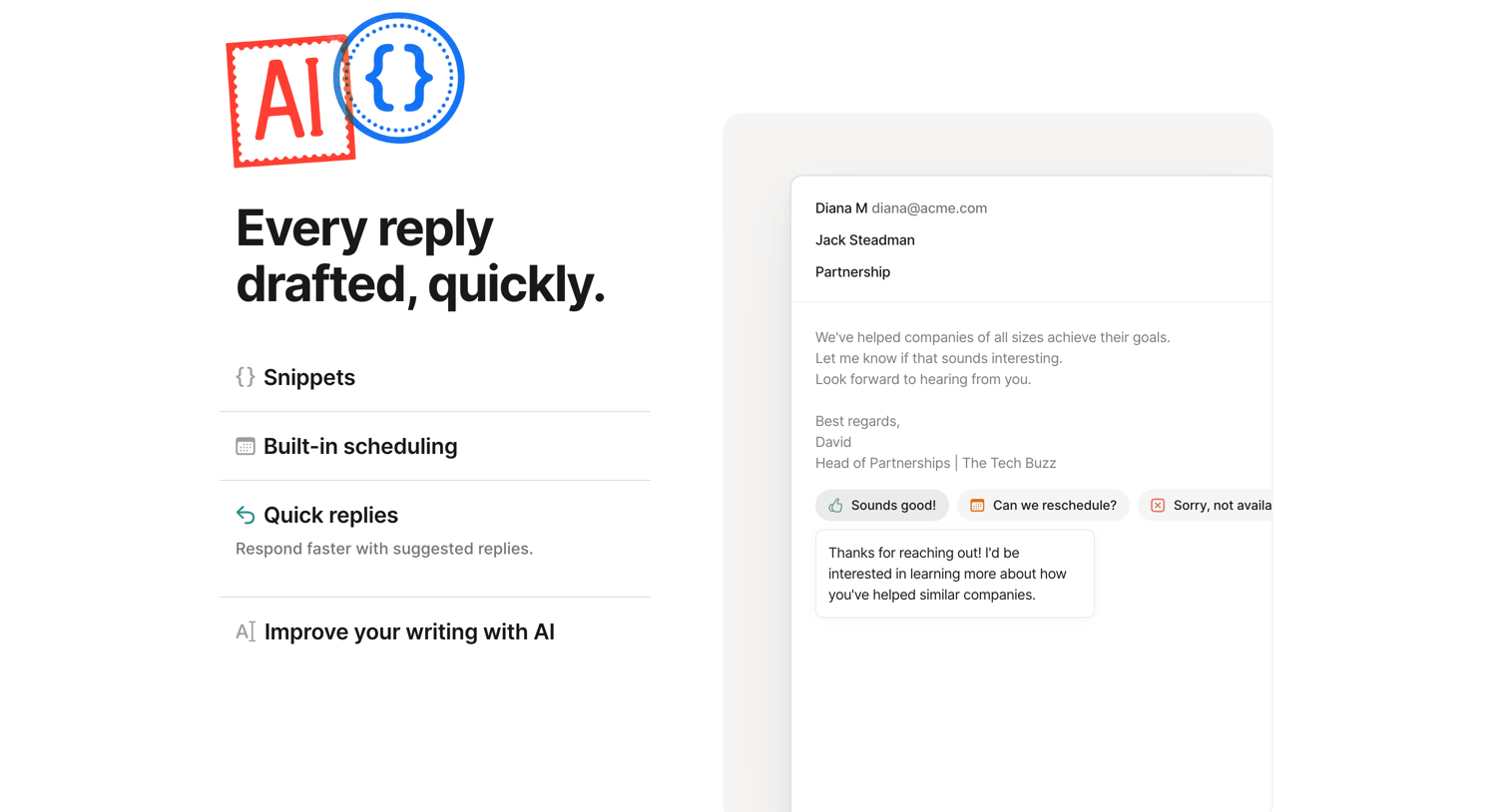

Product page section where the user learns about AI-powered quick replies via an interactive feature accordion and a mockup of an email composer.
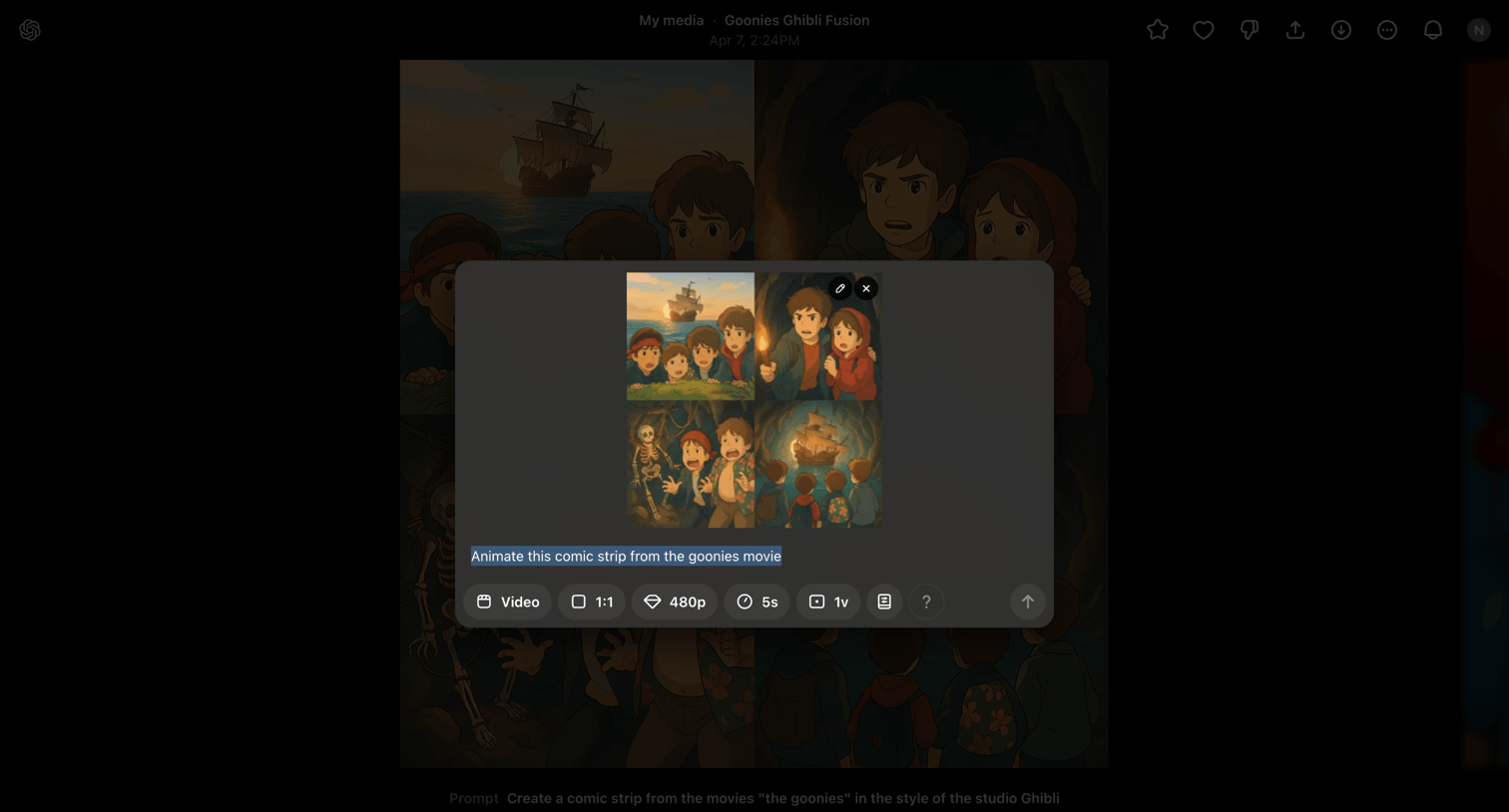

AI generation interface where the user configures settings like aspect ratio, resolution, and duration to animate a previously generated comic strip.
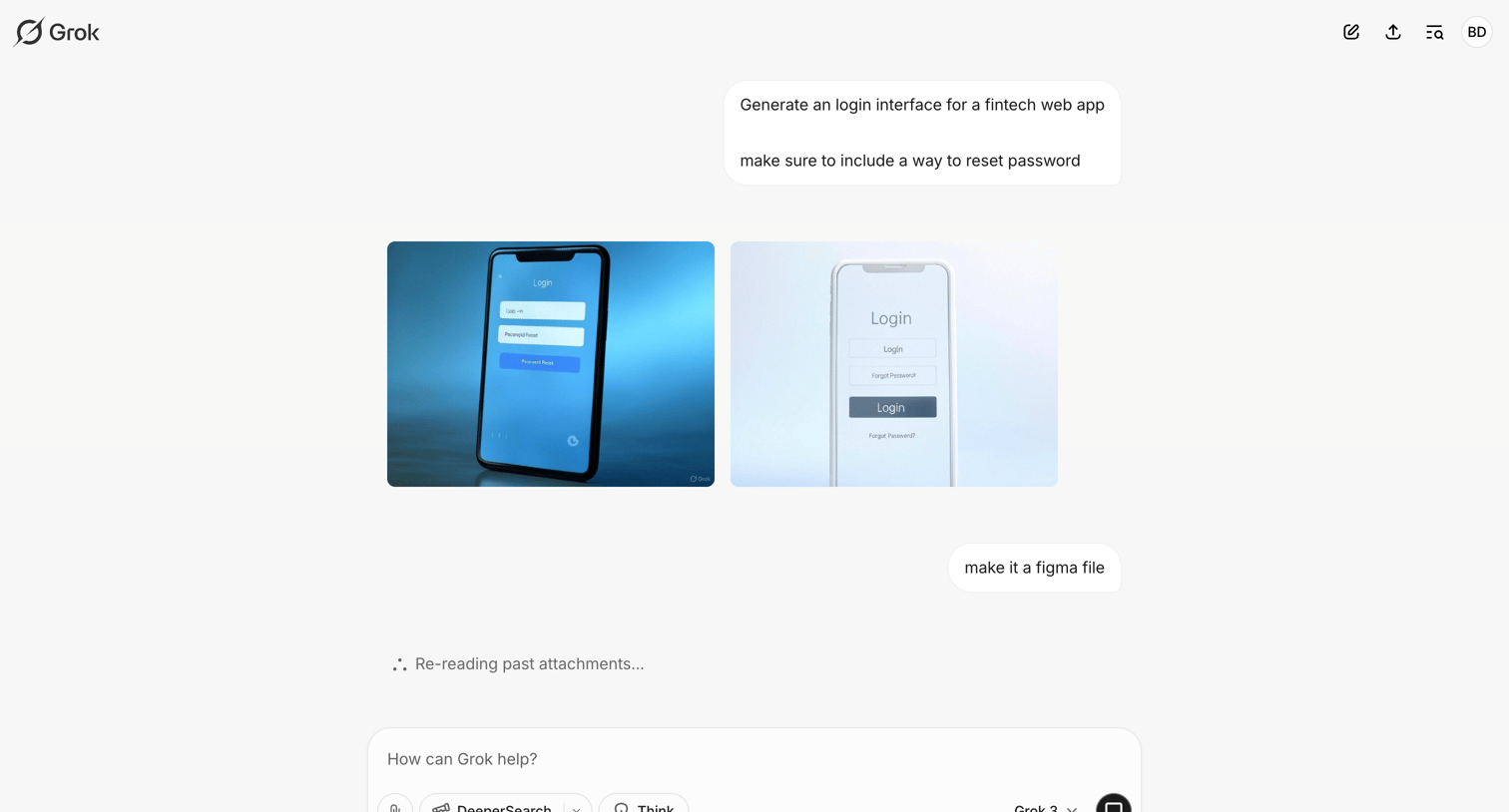

AI chat interface where the user requests a fintech login design and the AI generates image mockups while processing a follow-up request.
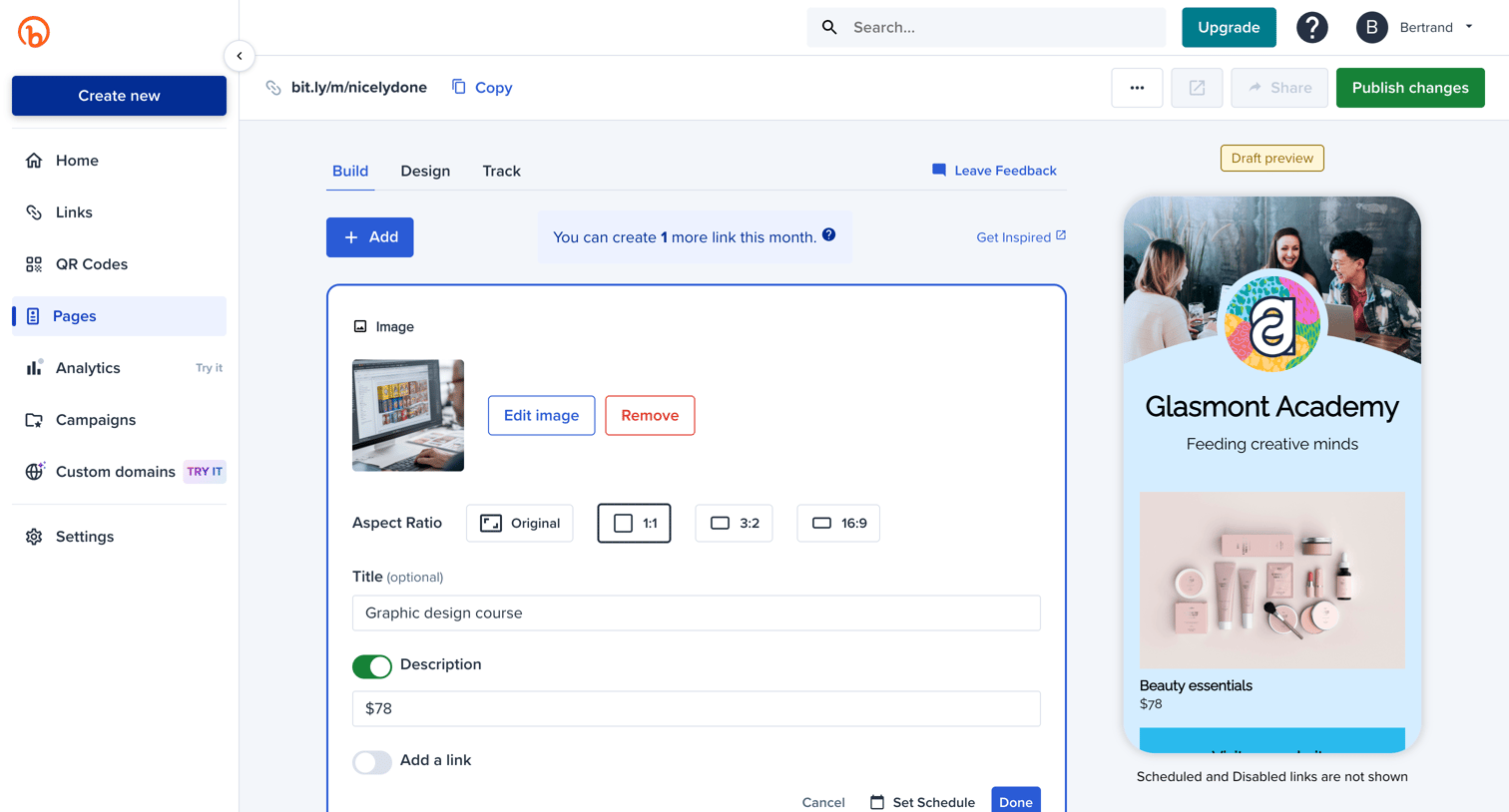

Design editor where the user builds a link-in-bio page by adding and configuring image and link blocks alongside a live mobile preview.
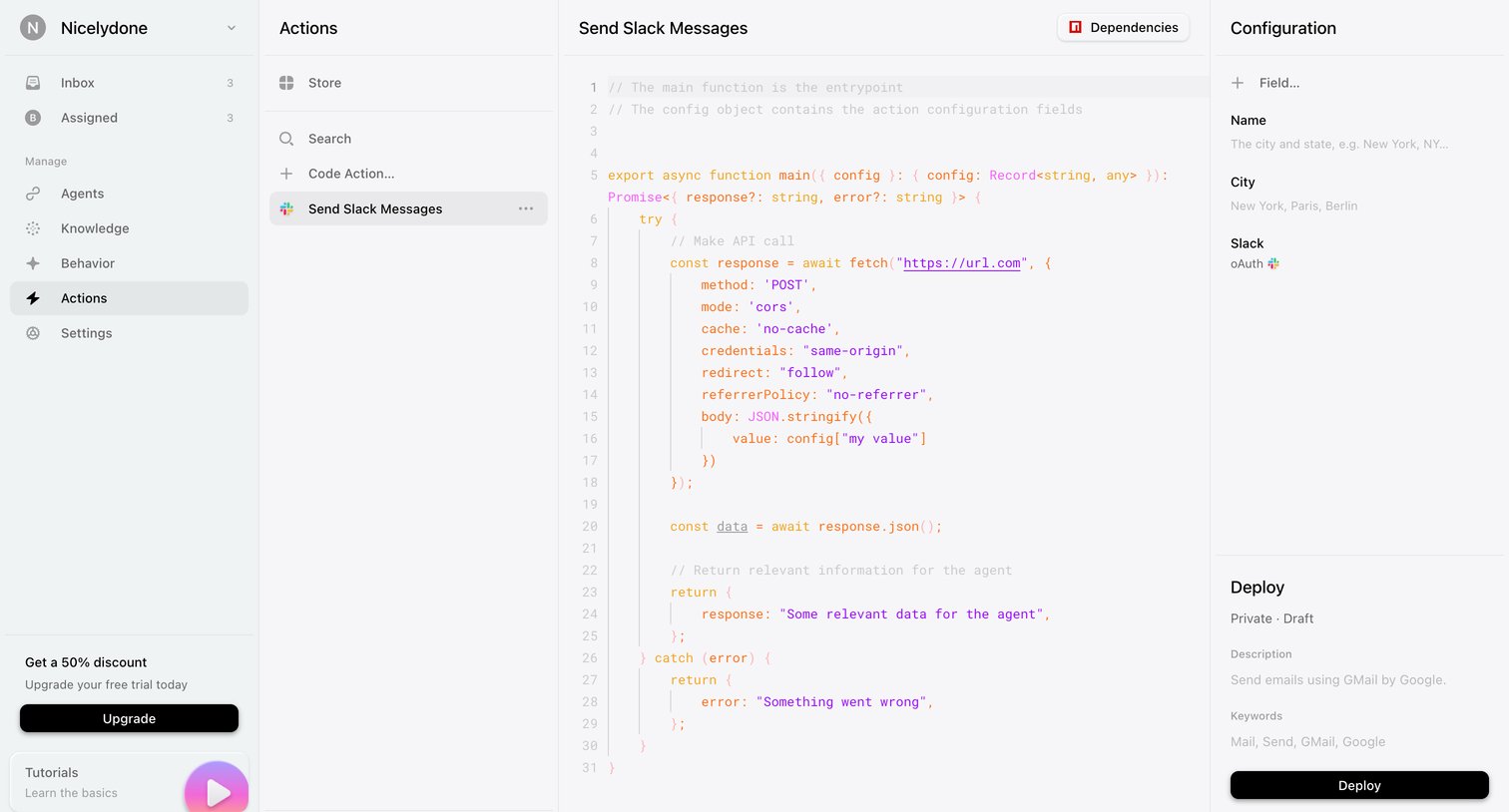

Code editor where the user configures and deploys a custom action script for sending Slack messages, including setting dependencies and input fields.
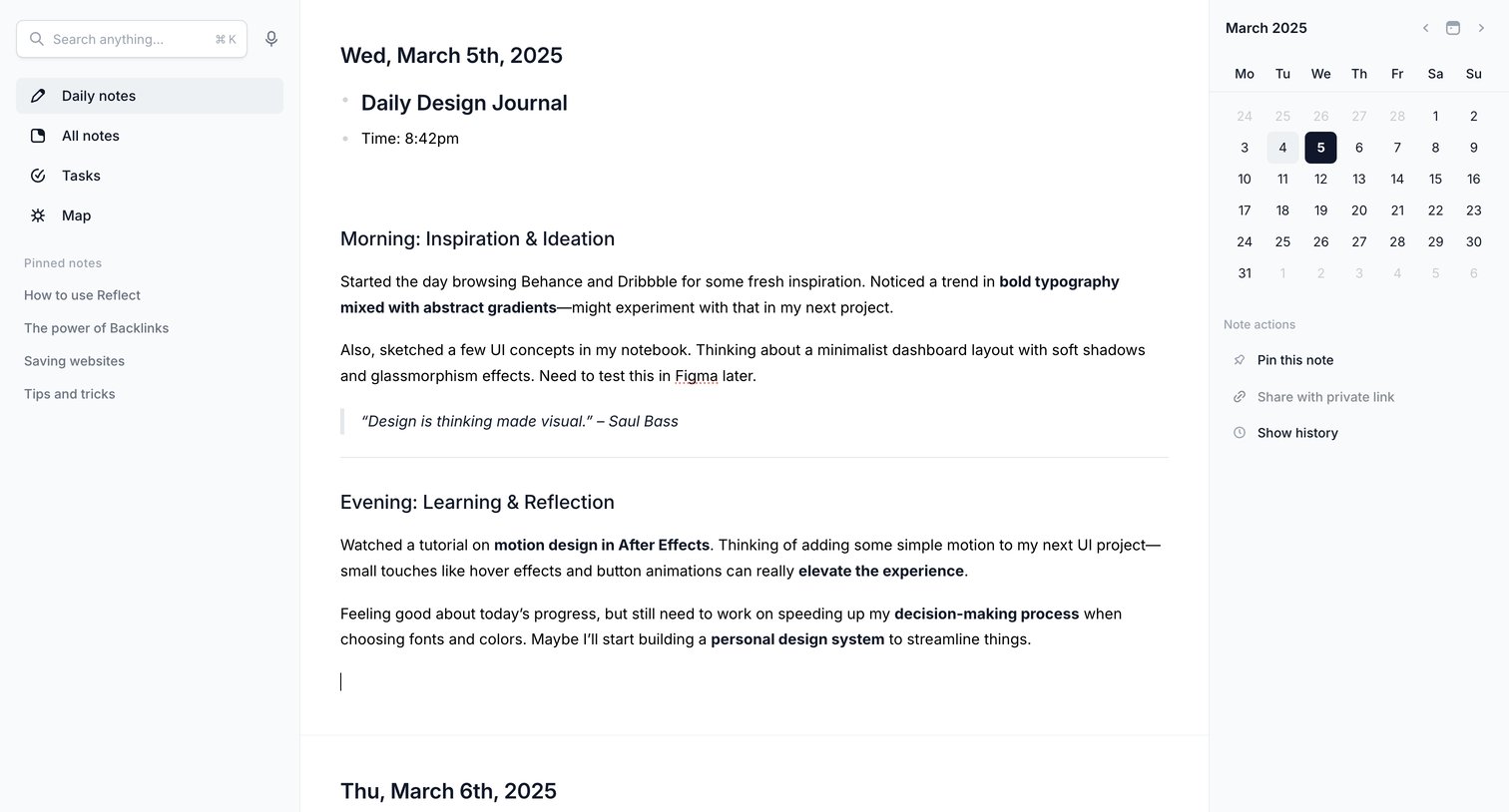

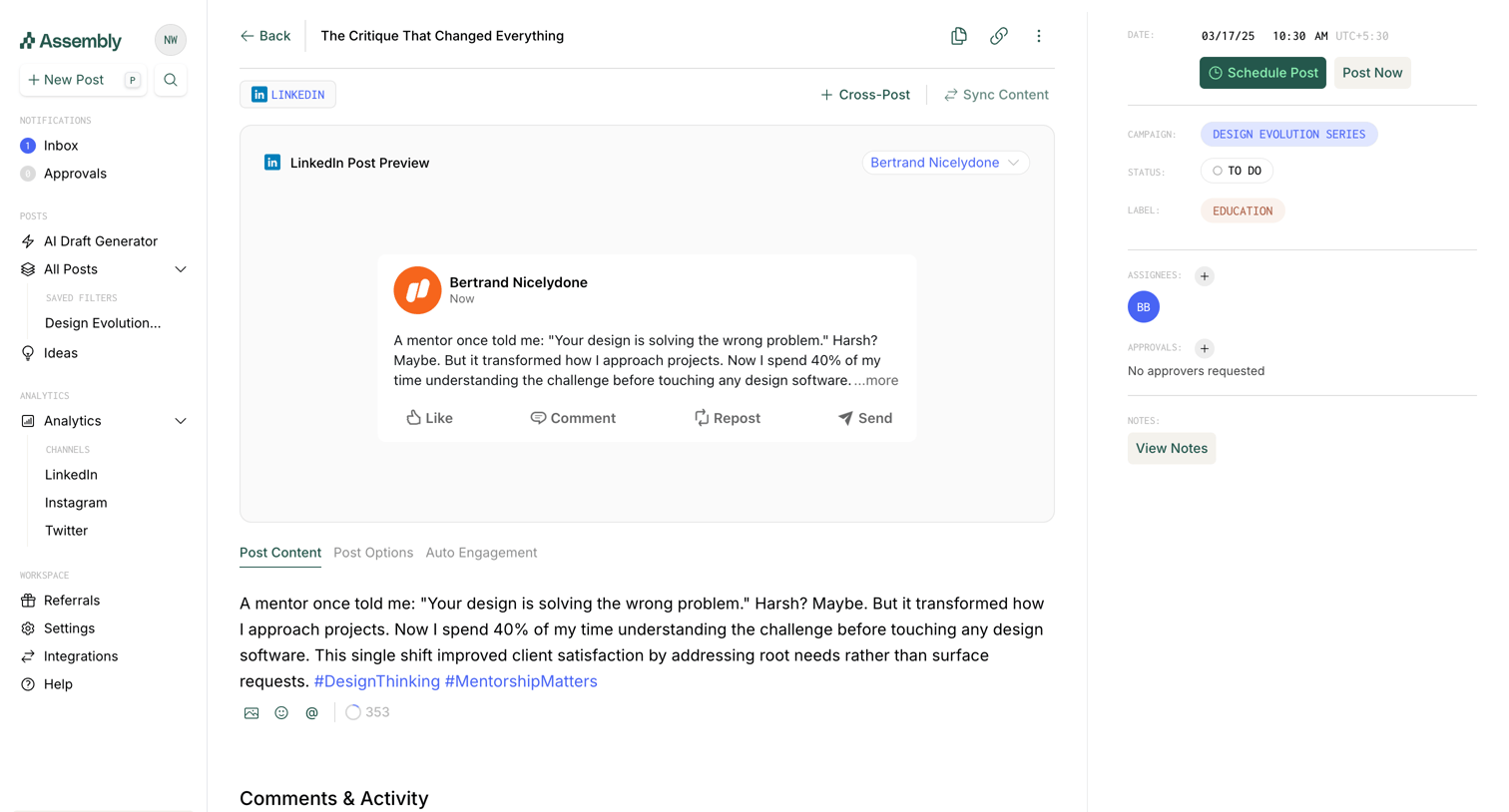

Detail page where the user edits a LinkedIn post draft, previews its appearance, and configures scheduling and metadata.
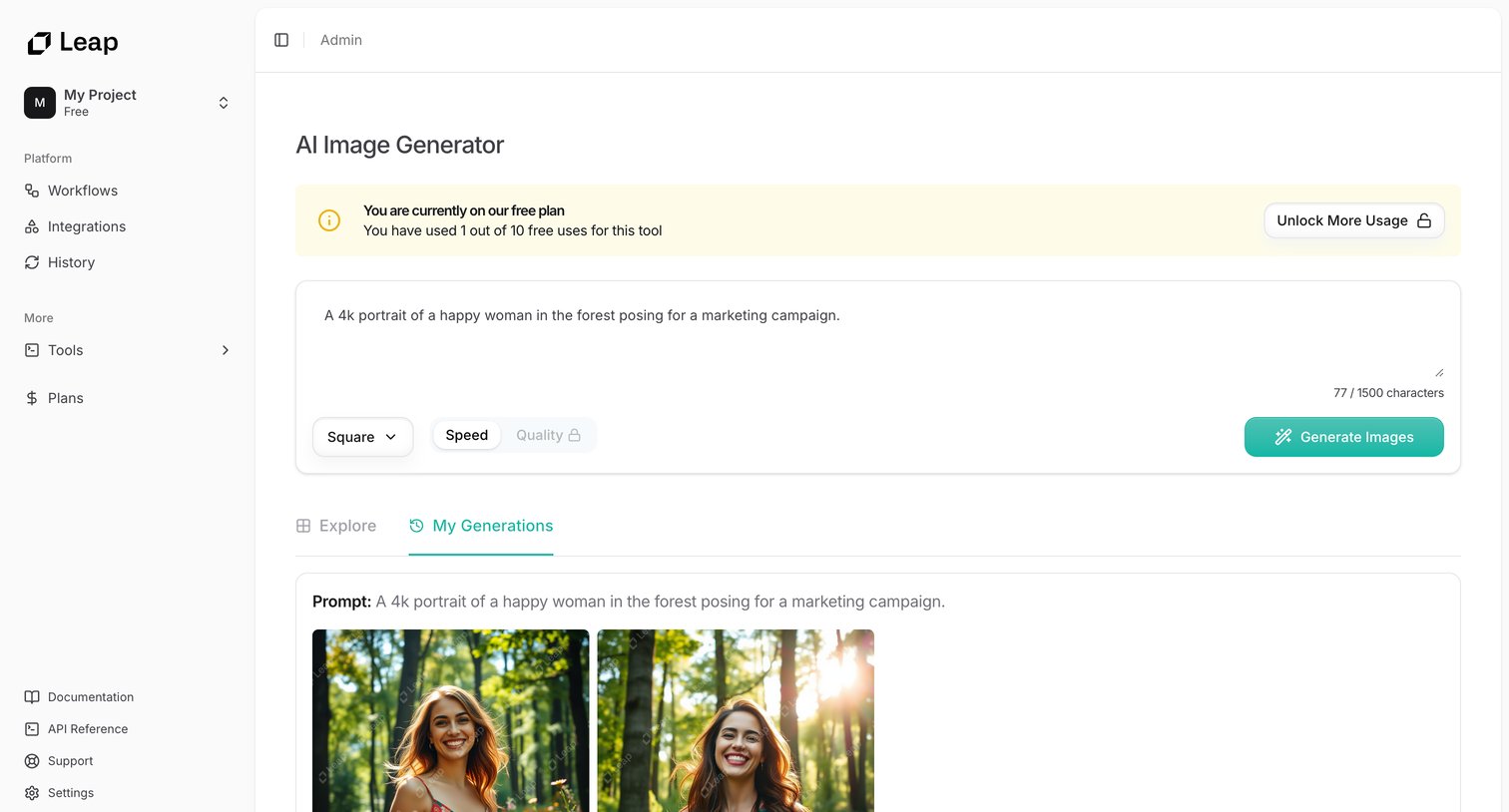

AI image generator tool where the user enters a text prompt to create images, with a view of recent generations and a usage limit warning.
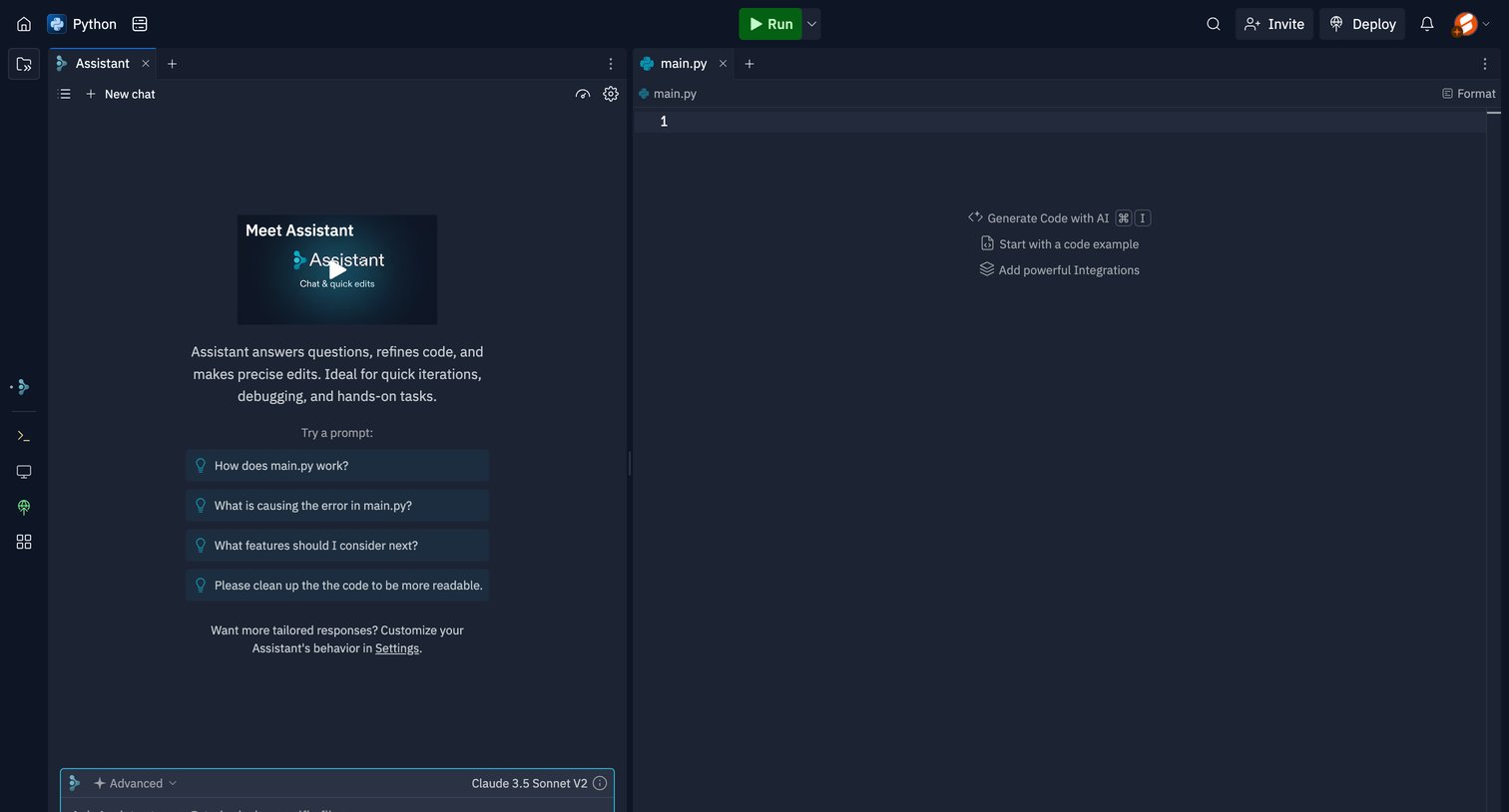

Code editor workspace where the user can write Python, trigger inline AI generation, and chat with an AI assistant configured to use Claude 3.5 Sonnet.
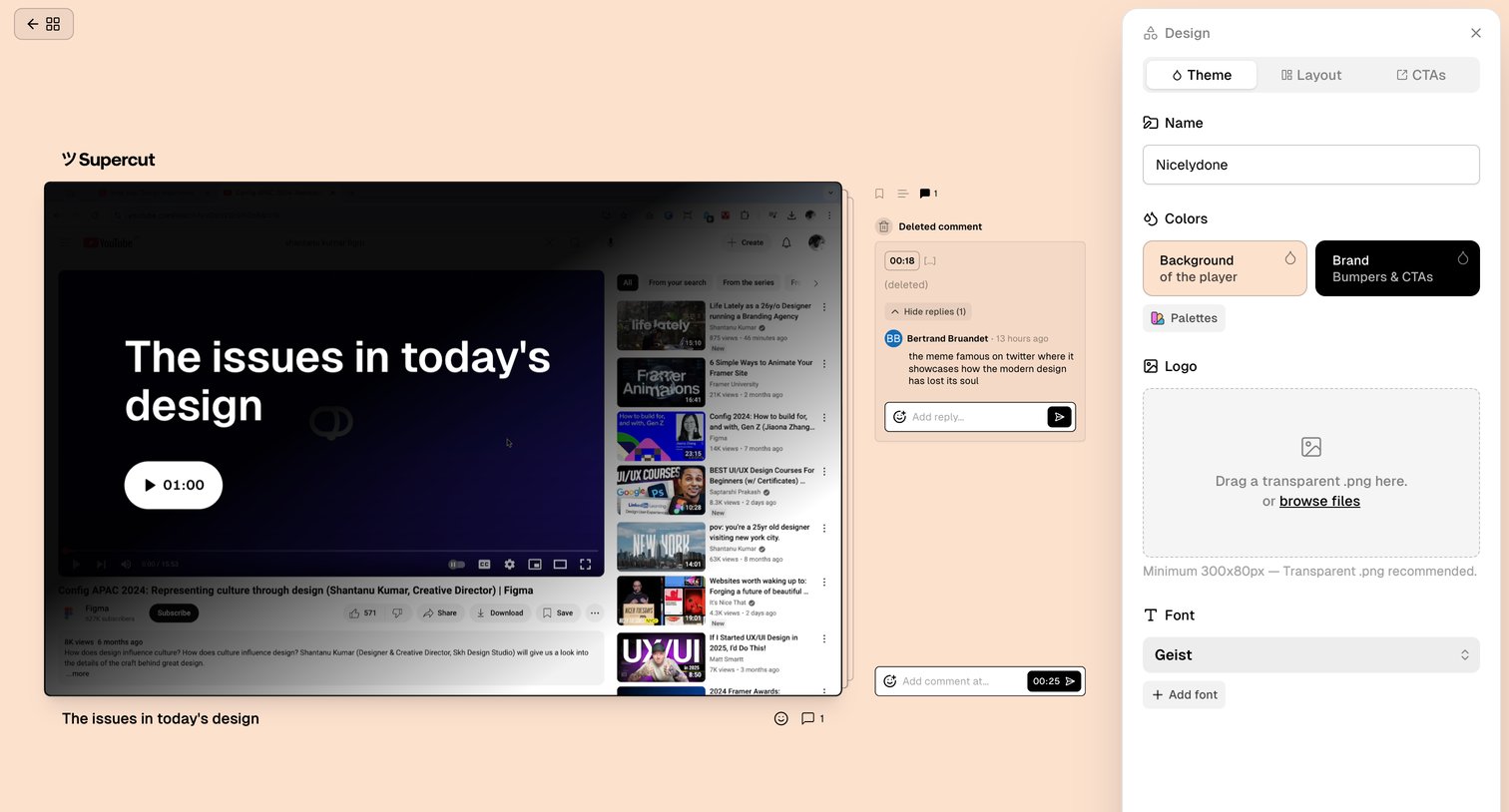

Design editor where the user customizes the theme, colors, logo, and font for a shareable video player while reviewing a comment thread.
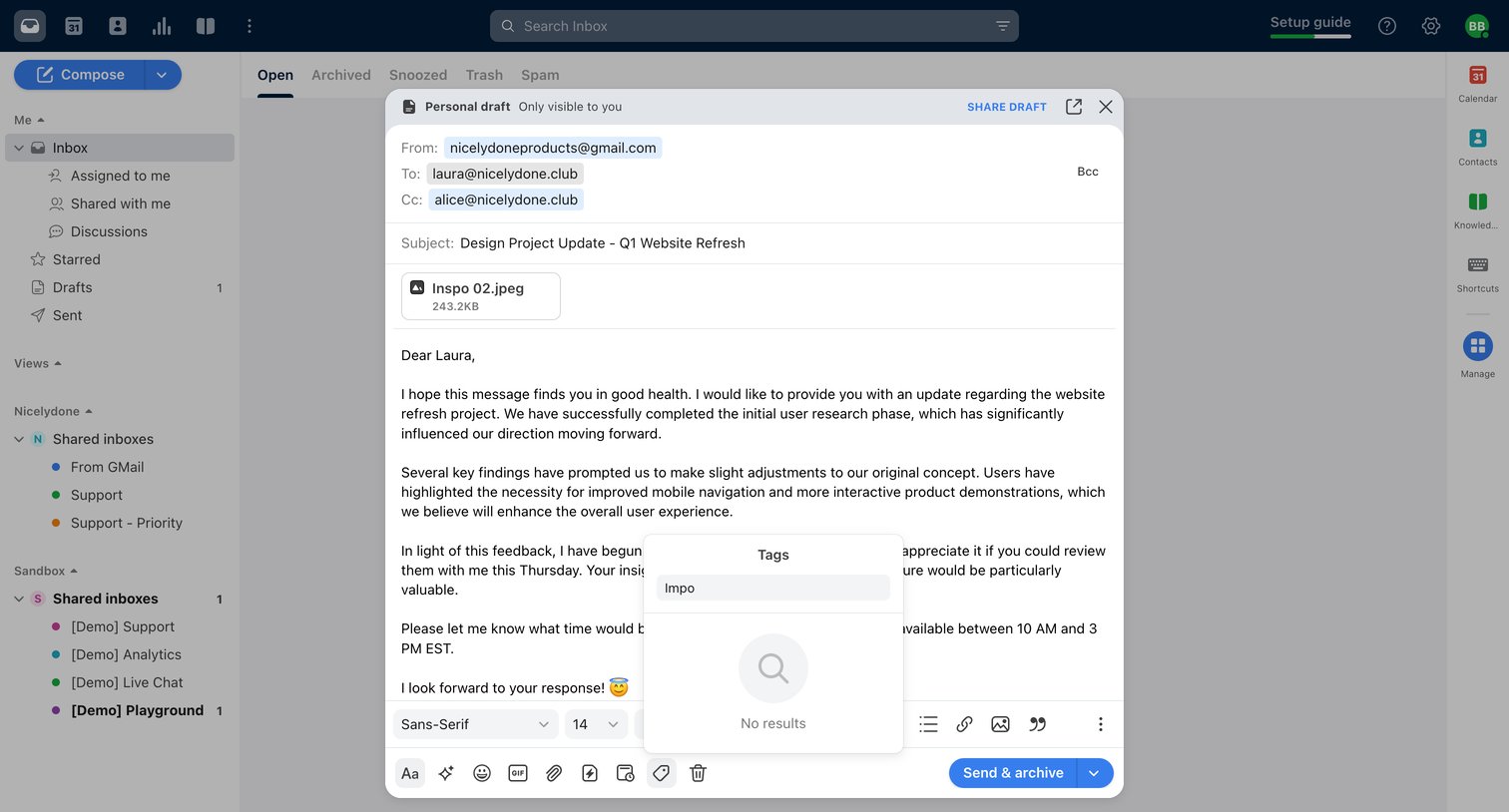

Explore the full SaaS screen library
Upgrade to unlock the full library.
Trusted by the best teams







