Workspace integrations screen examples
Workspace integrations screen design examples from SaaS apps. Browse examples from Amie, Cushion, Super.
Explore the examples
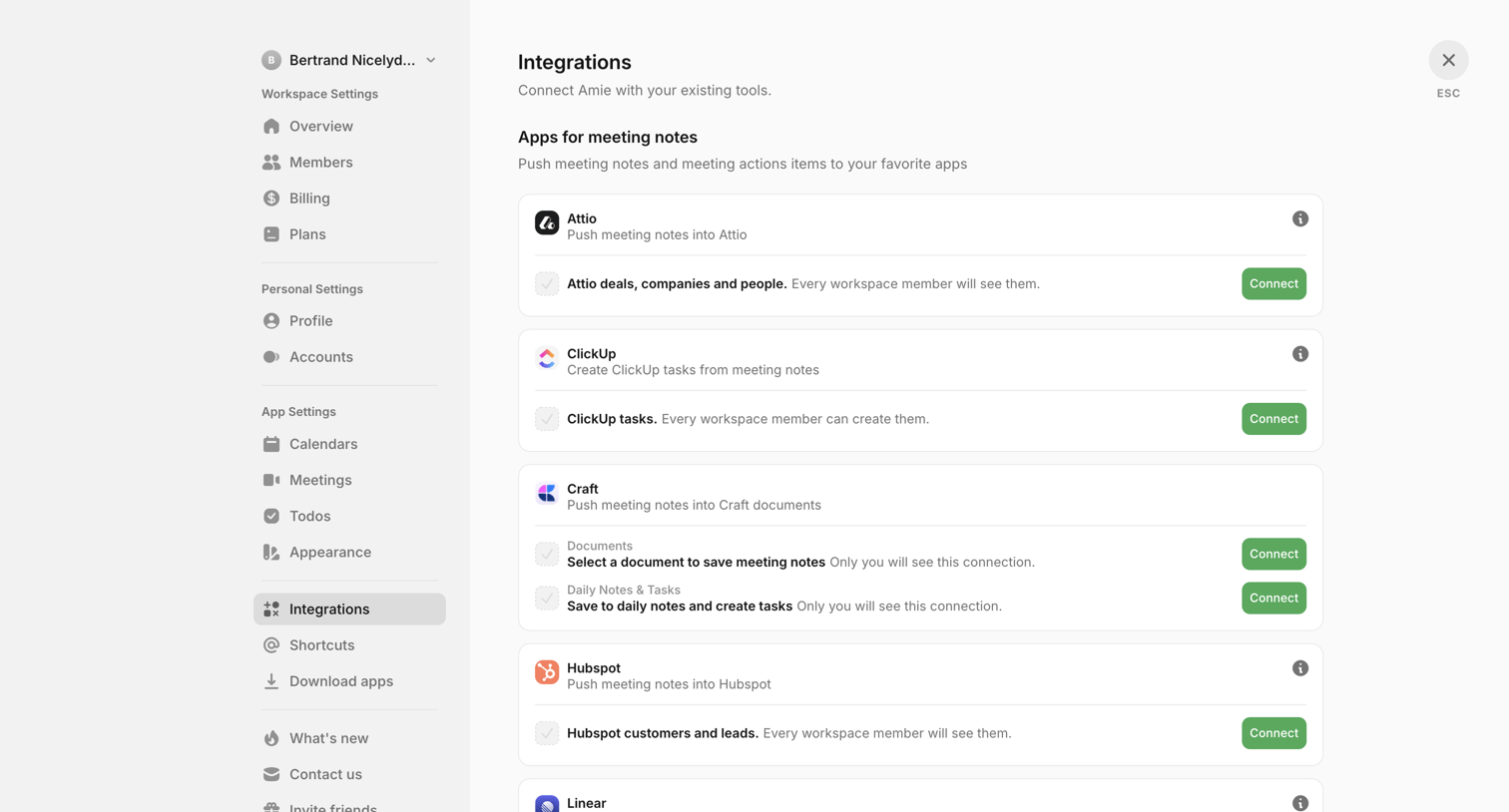

Settings page where the user connects their workspace to external tools like Attio, ClickUp, Craft, Hubspot, and Linear for syncing meeting notes.
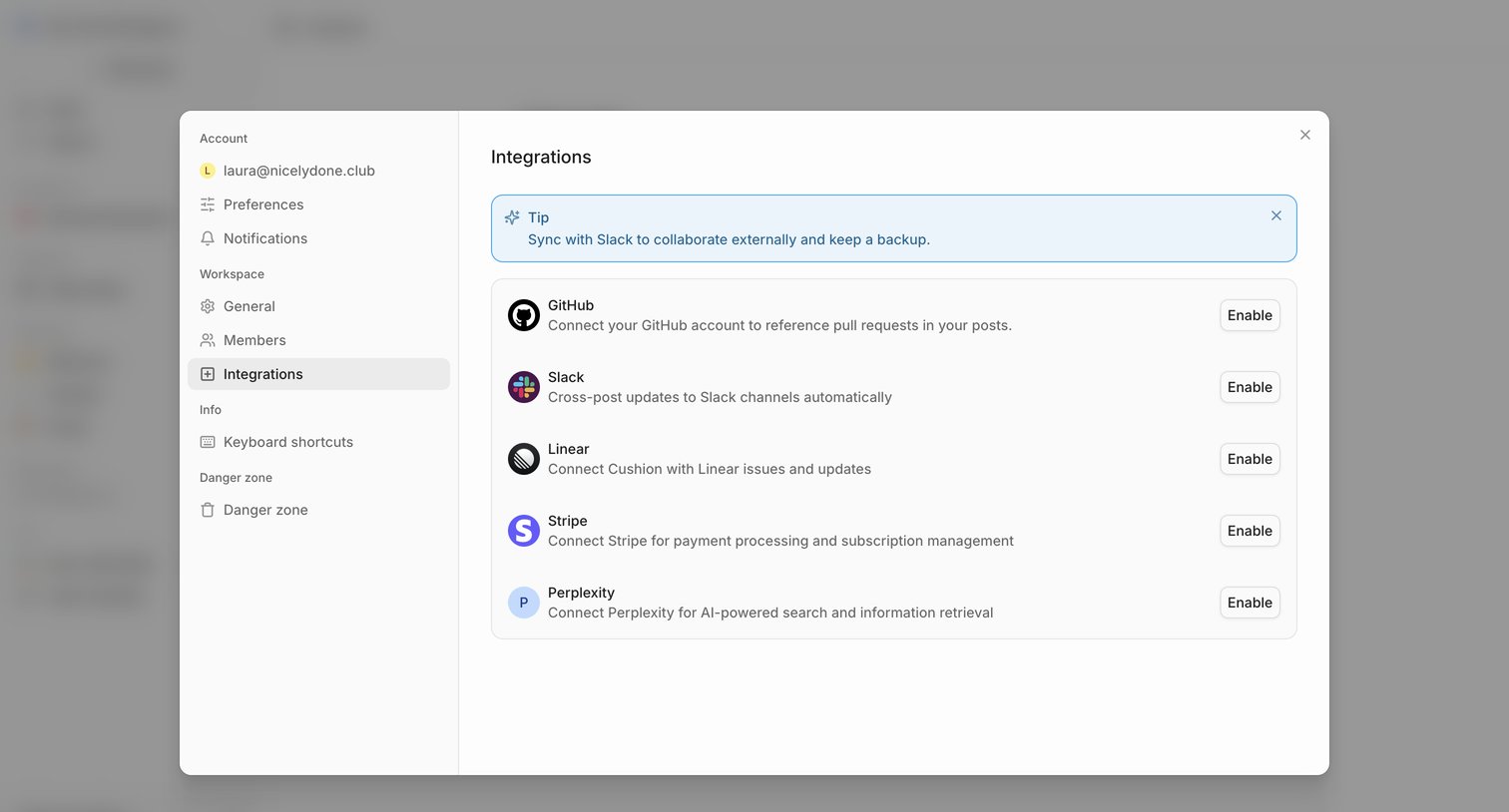

Settings modal where the user can browse and enable third-party integrations like GitHub, Slack, Linear, Stripe, and Perplexity.
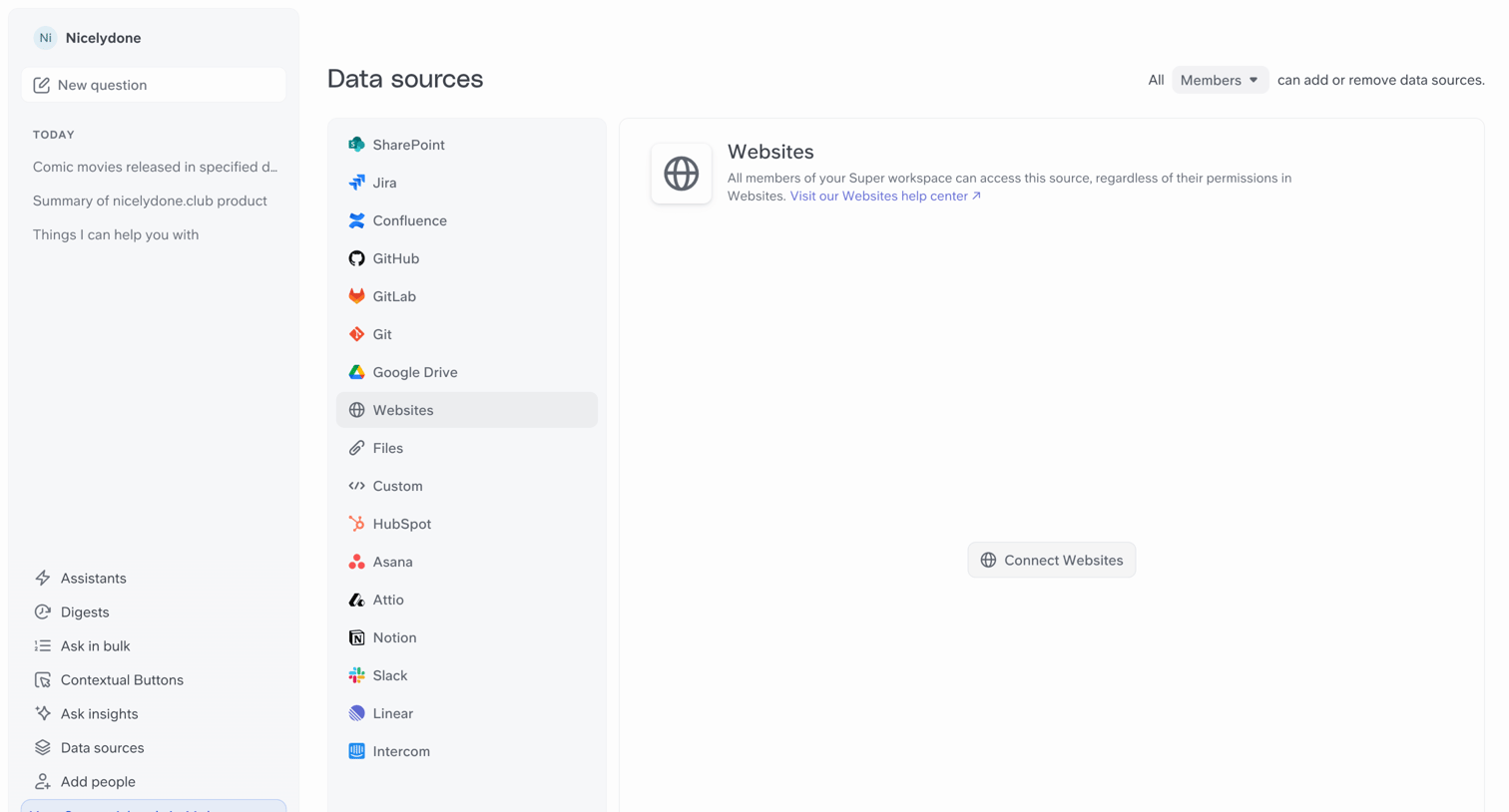

Settings page where the user manages data sources like Websites, Jira, and GitHub, and configures who can add or remove them.

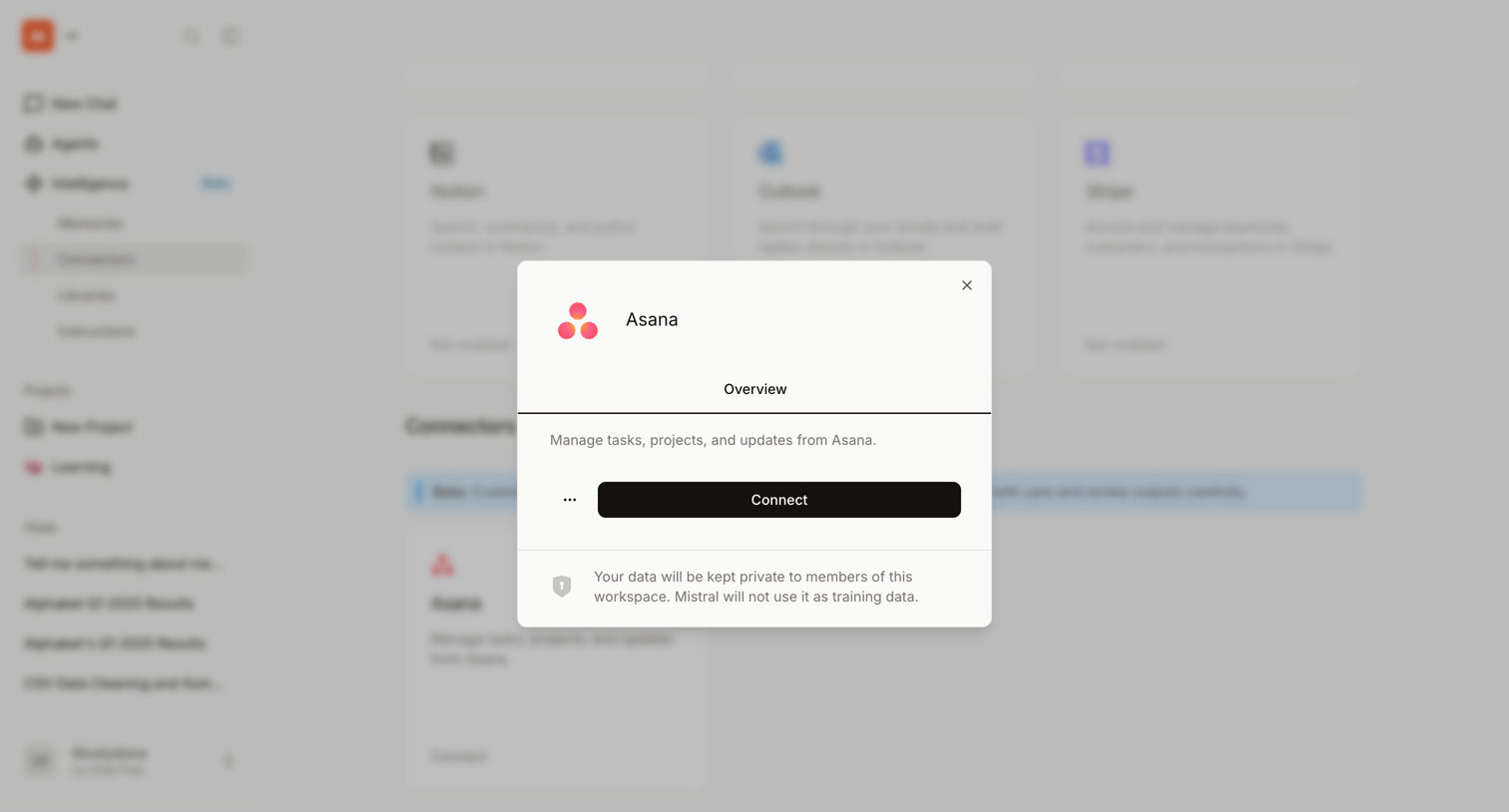

Settings page where the user views details for the Asana connector and can initiate the connection to their workspace.
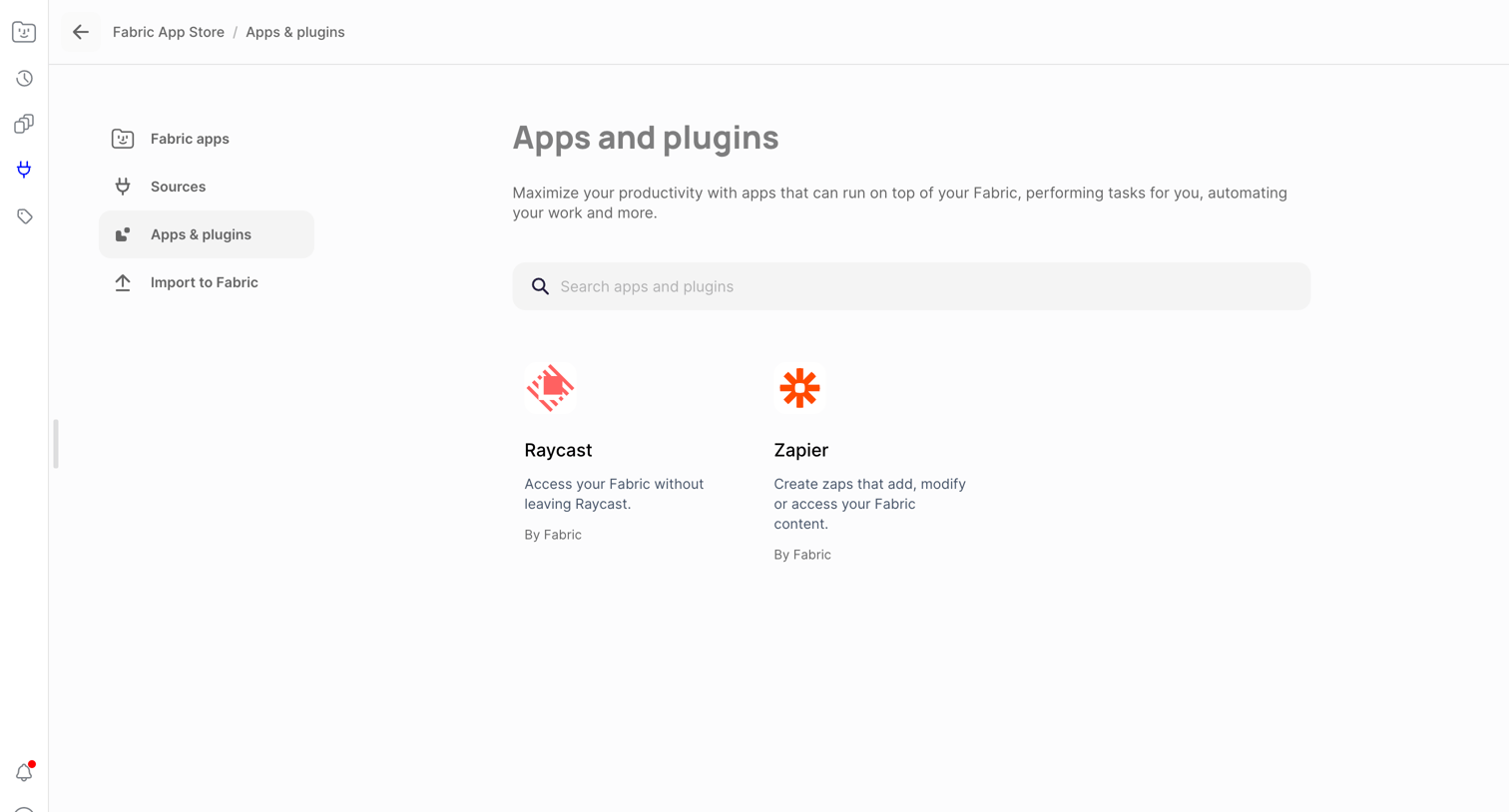

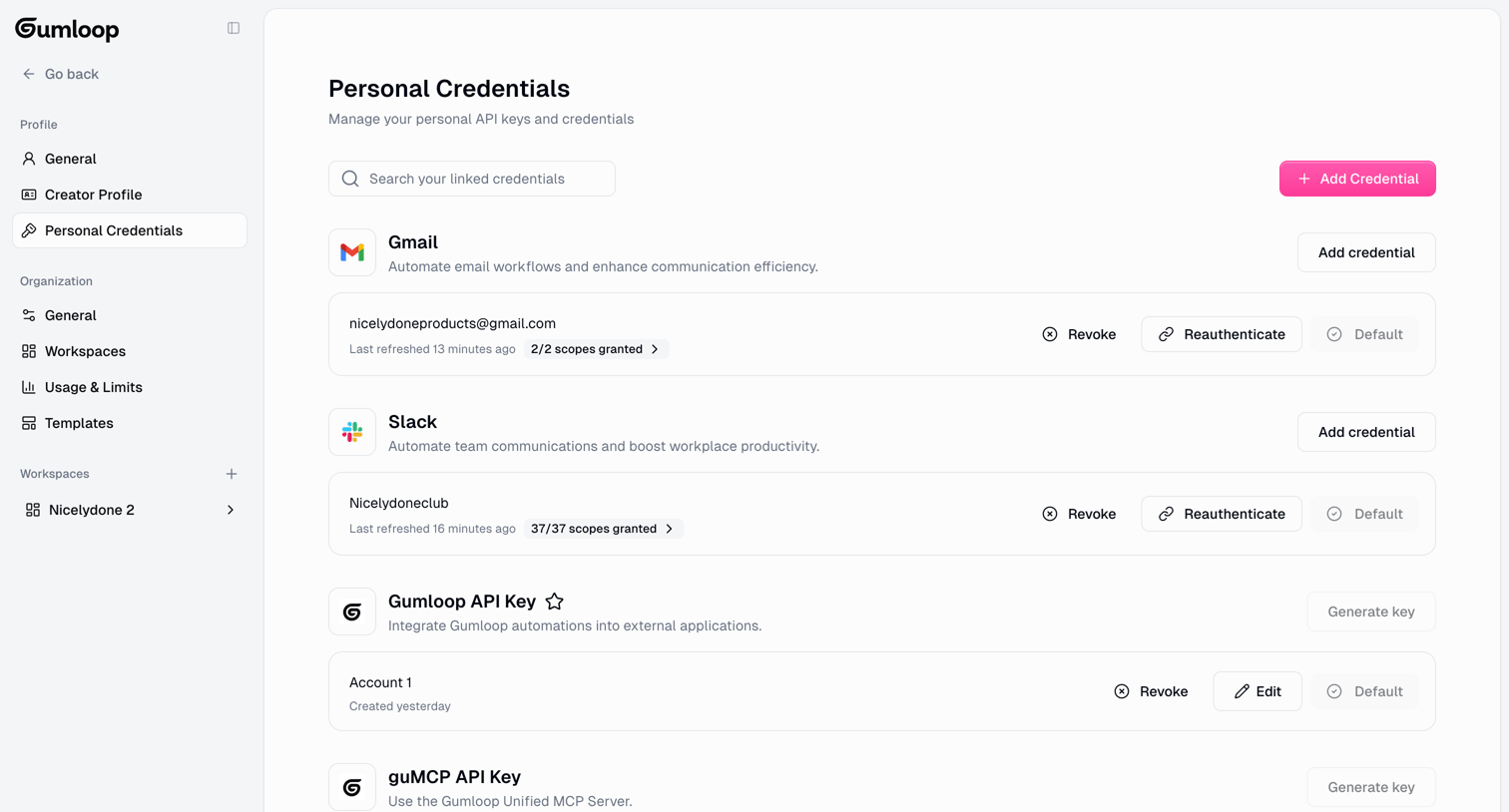

Settings page where the user manages their personal API keys and connected integrations like Gmail and Slack, with options to add, revoke, or reauthenticate credentials.
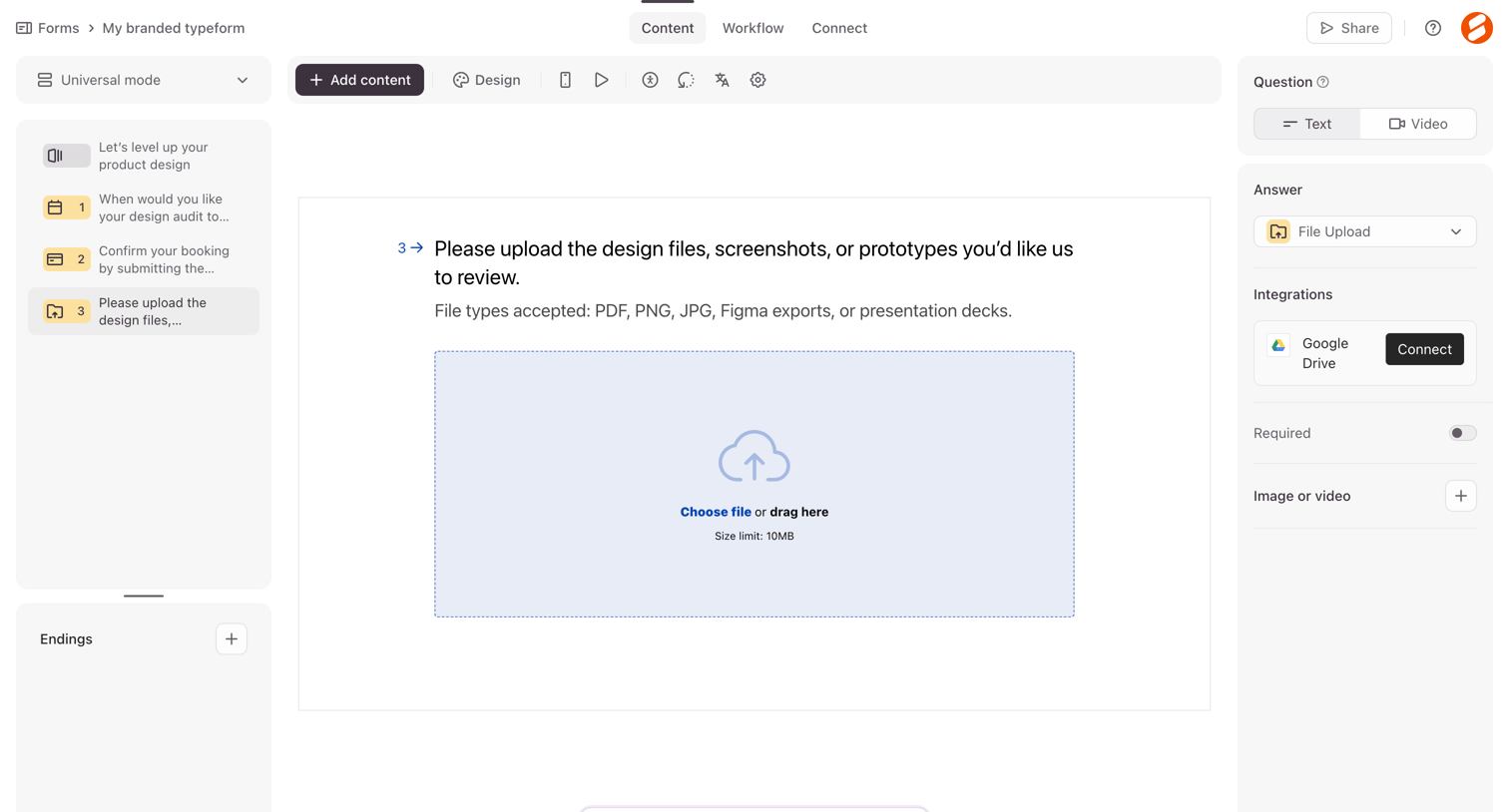

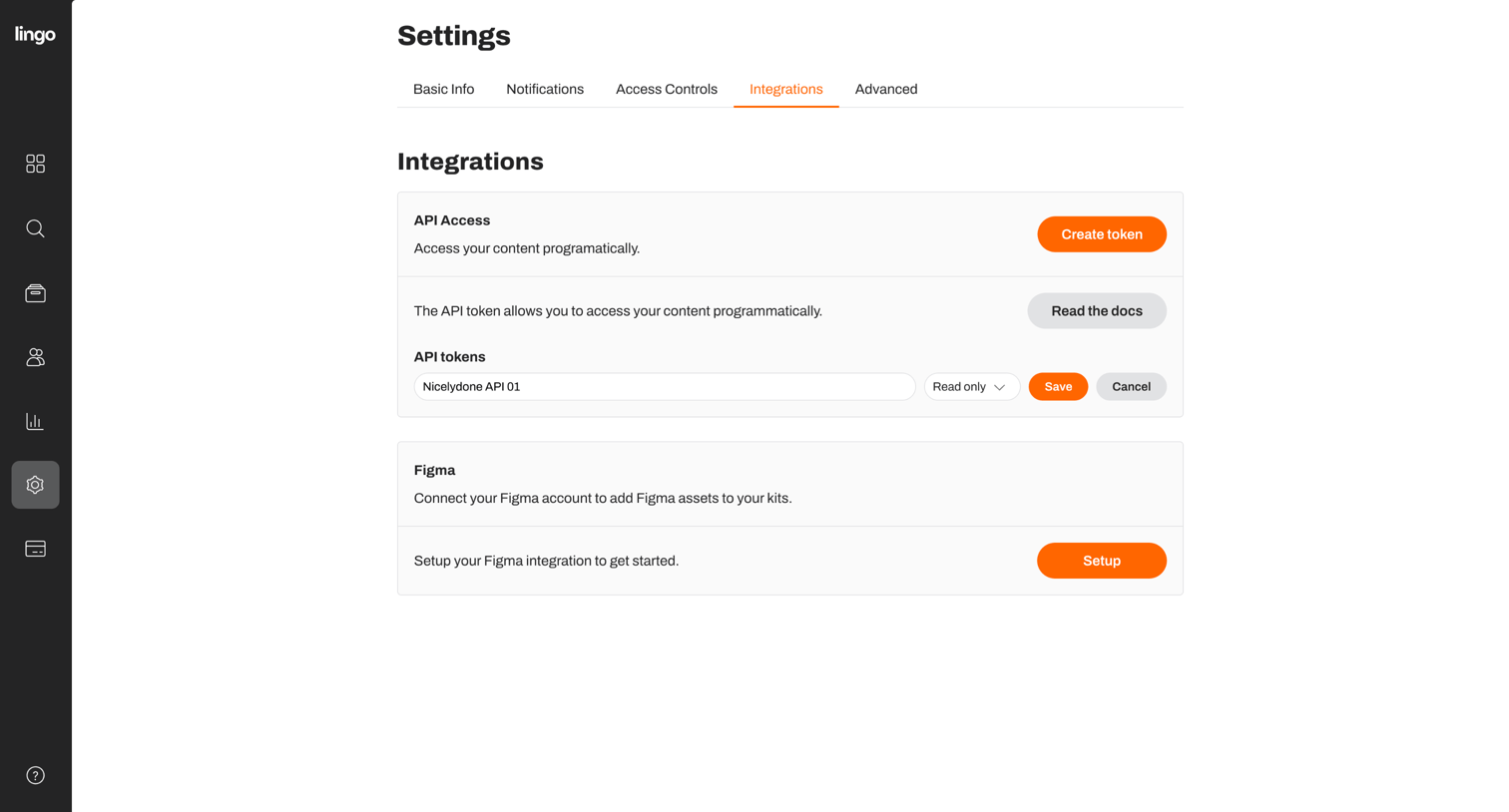

Settings page where the user manages API access tokens and sets up a Figma integration.
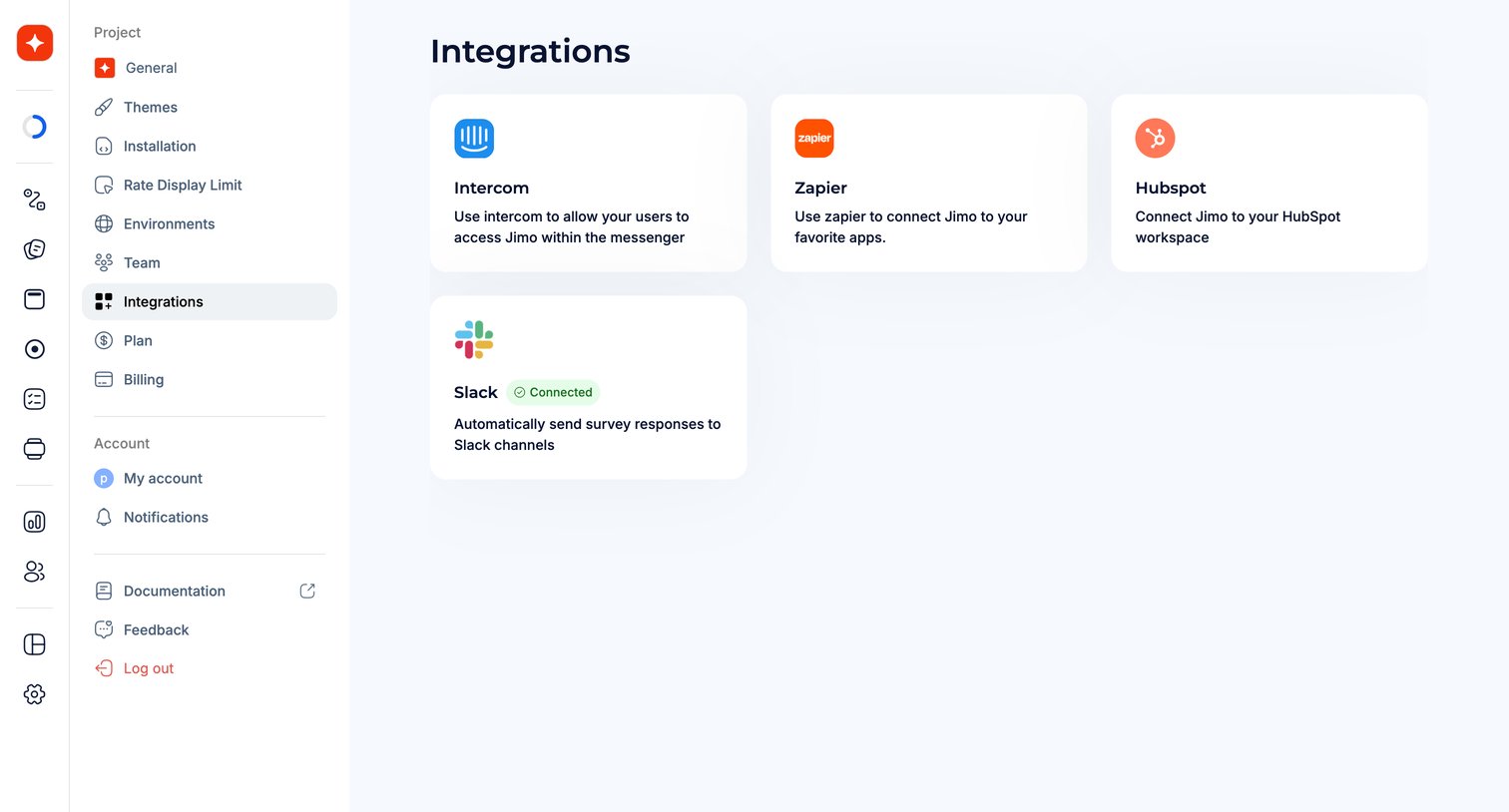

Settings page where the user connects their workspace to external tools like Intercom, Zapier, Hubspot, and Slack.
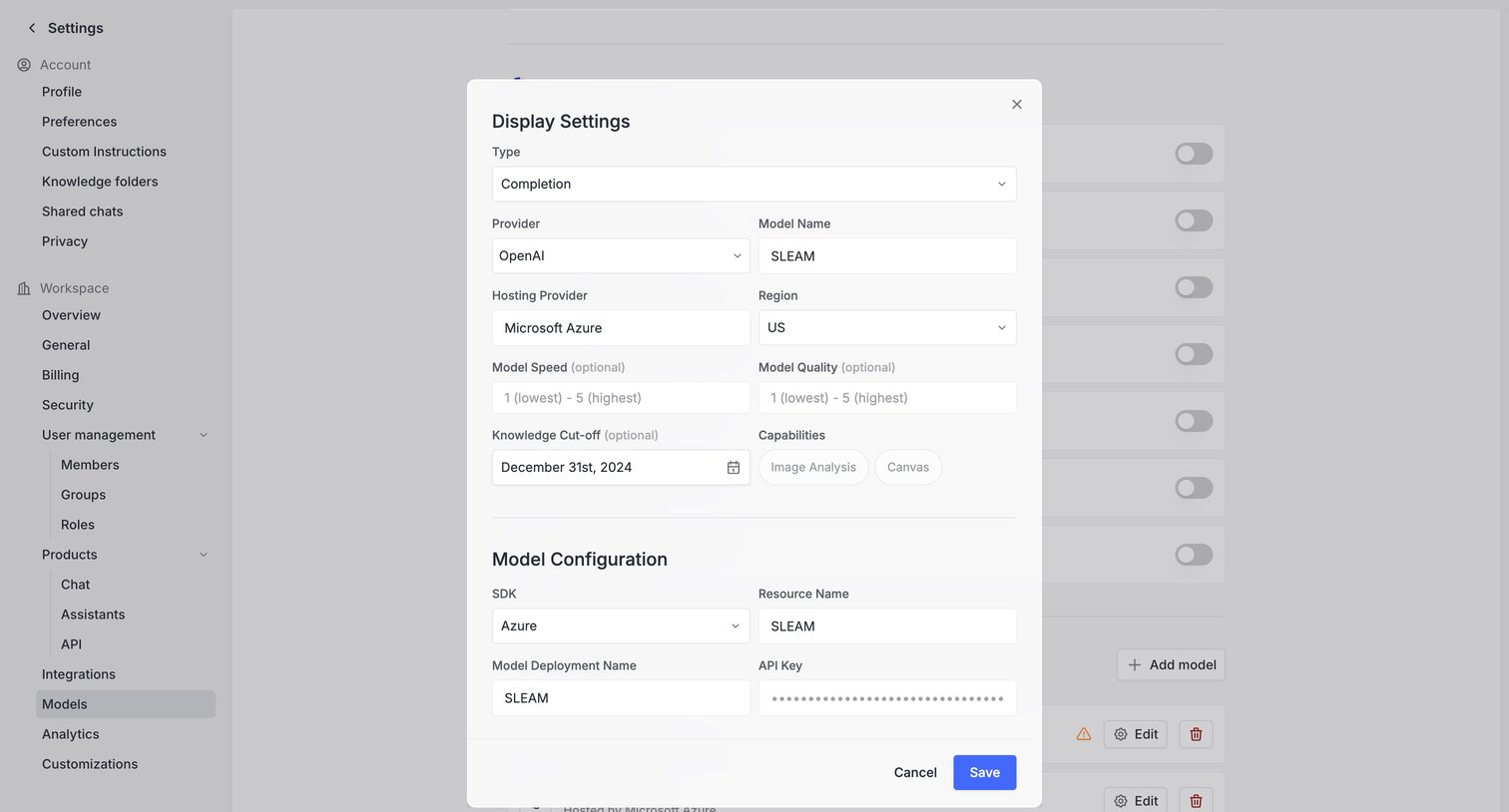

Settings page where the user configures a specific AI model's display settings, provider details, and API credentials via a modal.
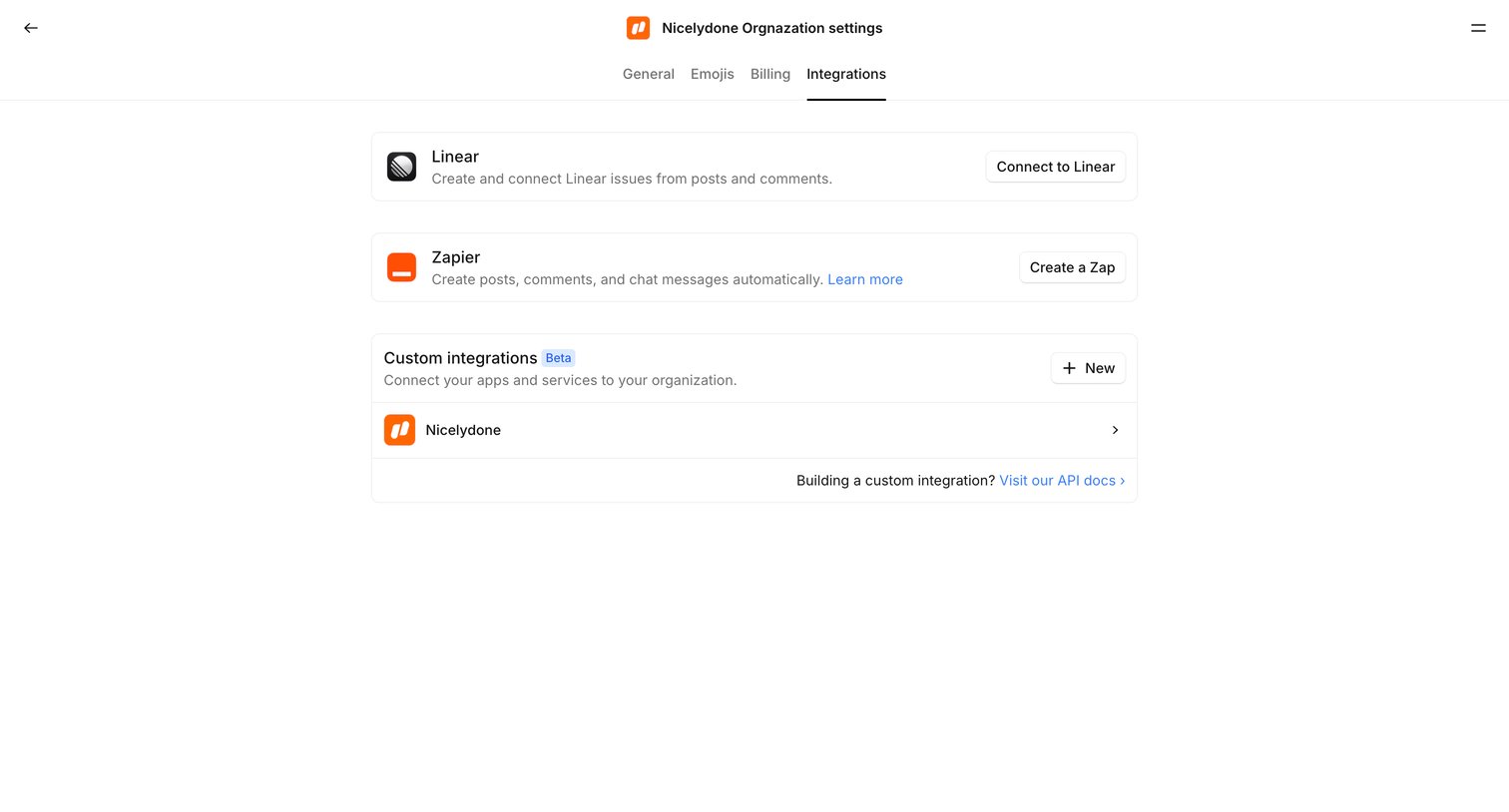

Settings page where the user manages third-party connections like Linear and Zapier, and configures custom integrations for their organization.
Explore the full SaaS screen library
Upgrade to unlock the full library.
Trusted by the best teams







