Virtual assistant screen examples
Virtual assistant screen design examples from SaaS apps. Browse examples from Beside, Livekit, Lindy.
Explore the examples
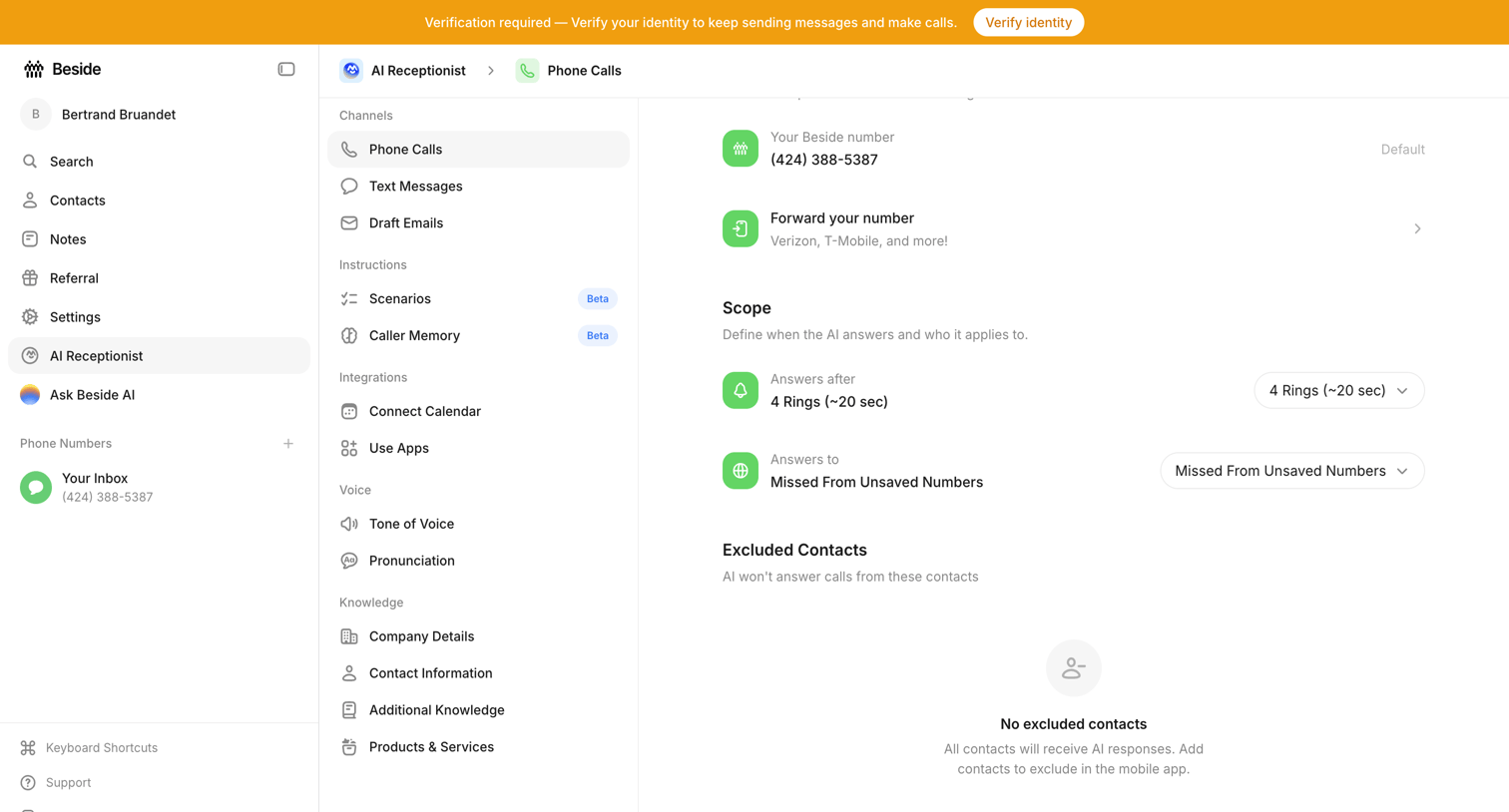

Settings page where the user configures their AI receptionist's phone call behavior, including answering scope and excluded contacts.
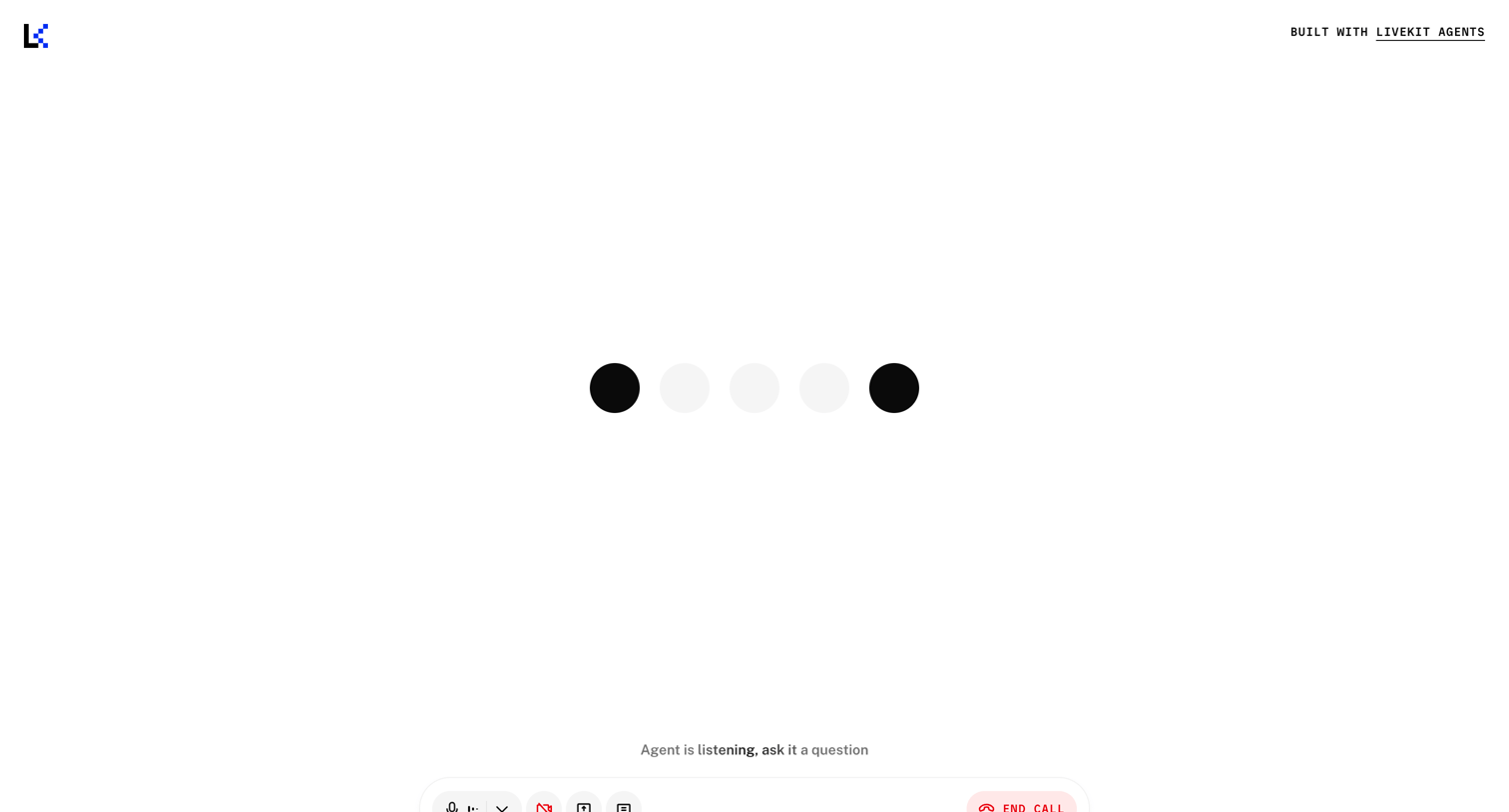

Full-screen voice agent interface where the user can speak to an AI, featuring a central audio visualizer and a bottom toolbar with media controls and an end call button.
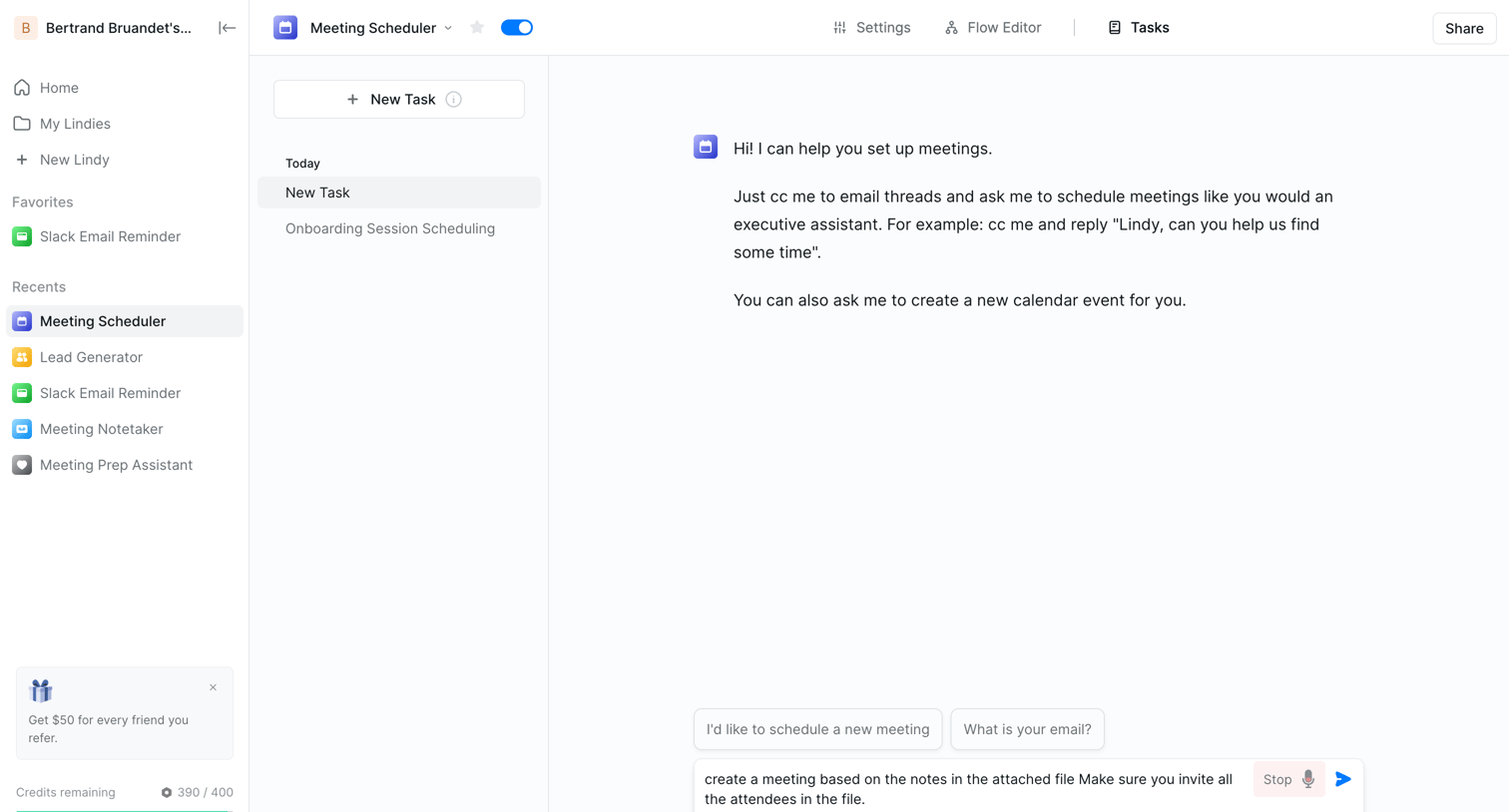

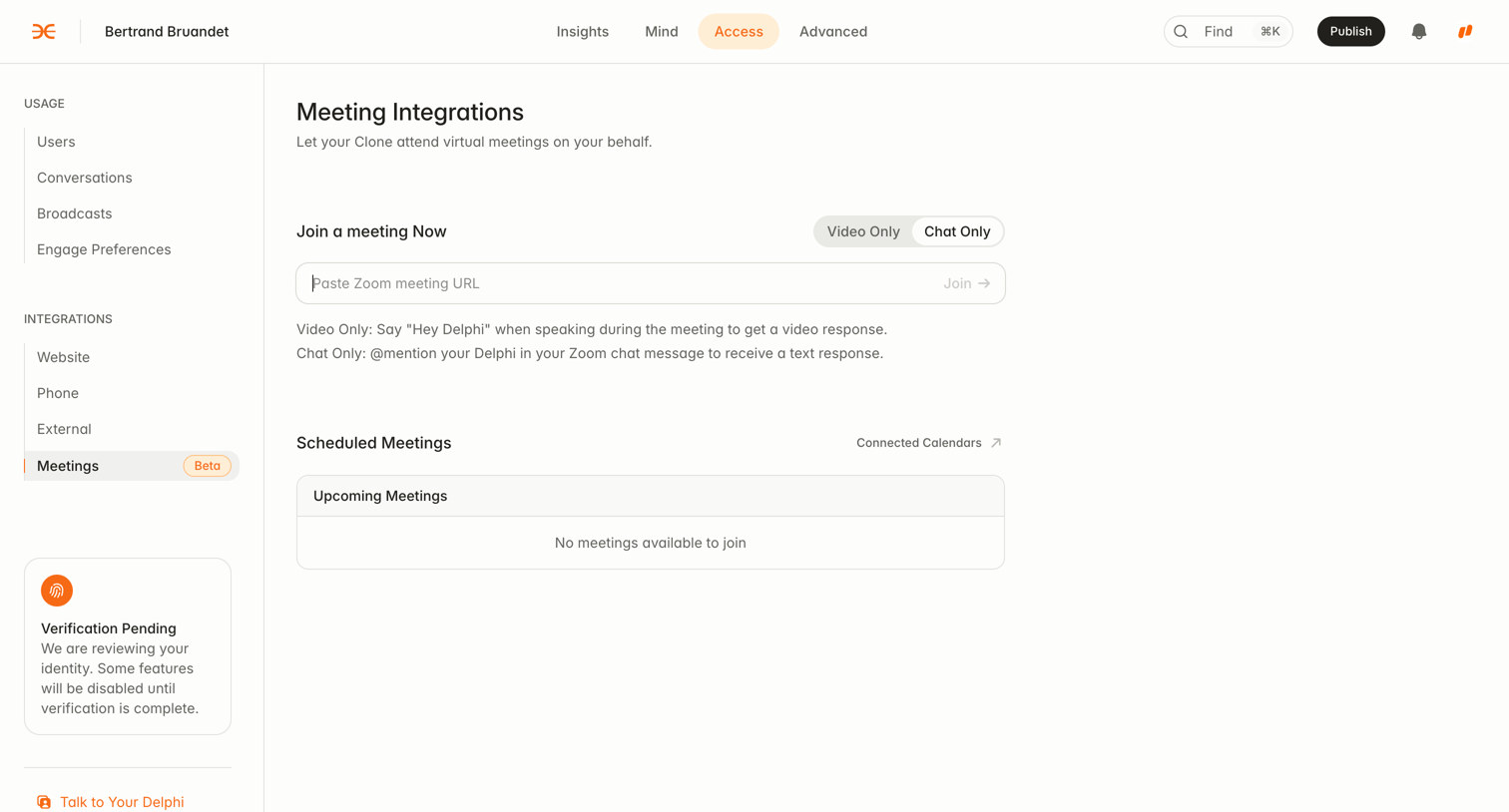

Settings page where the user configures meeting integrations to let their AI clone attend virtual meetings on their behalf, including pasting a Zoom URL or viewing scheduled meetings.

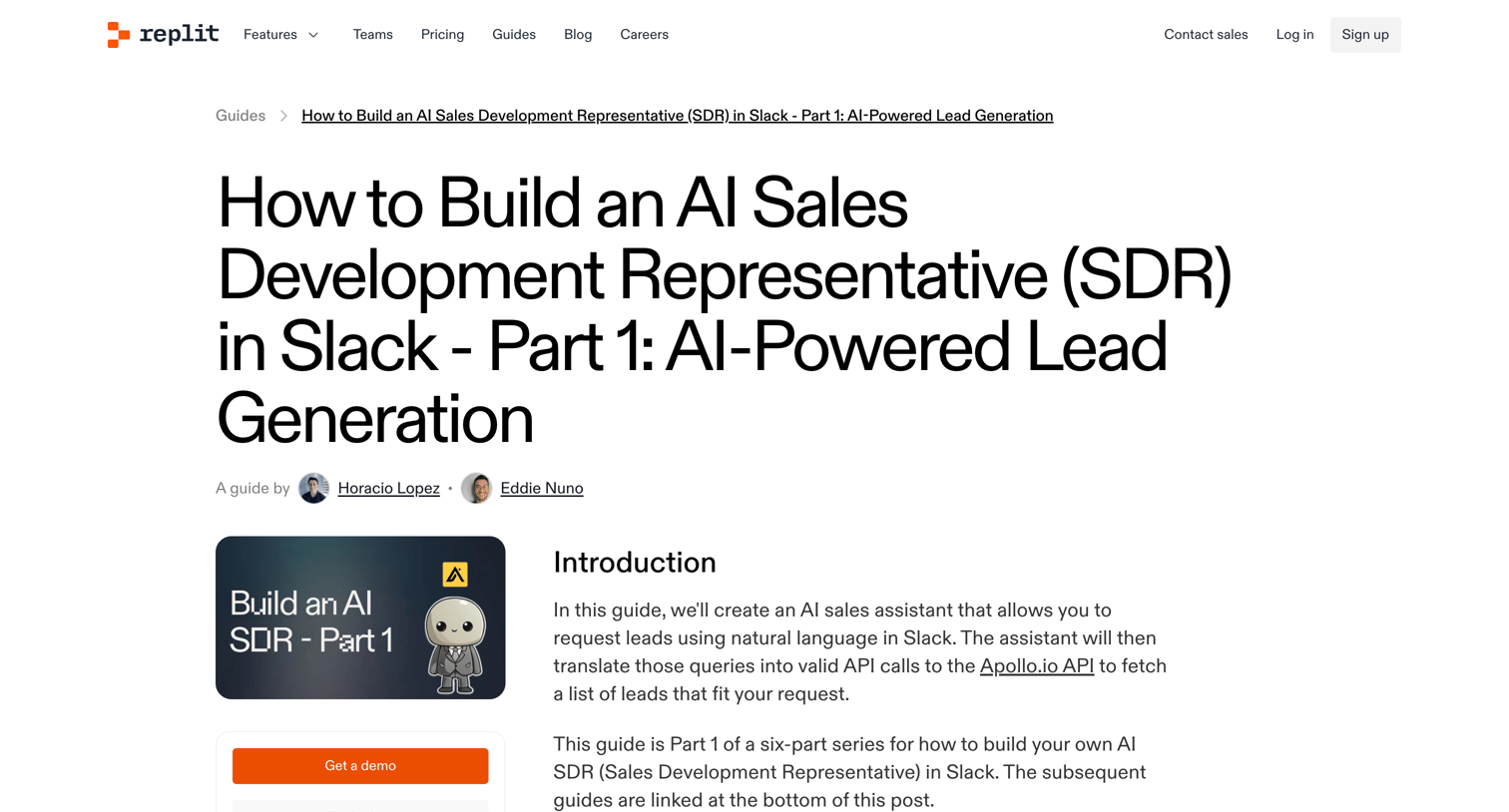

A detailed guide on how to build an AI Sales Development Representative in Slack using Replit, Apollo, and OpenAI, featuring code snippets and step-by-step instructions.
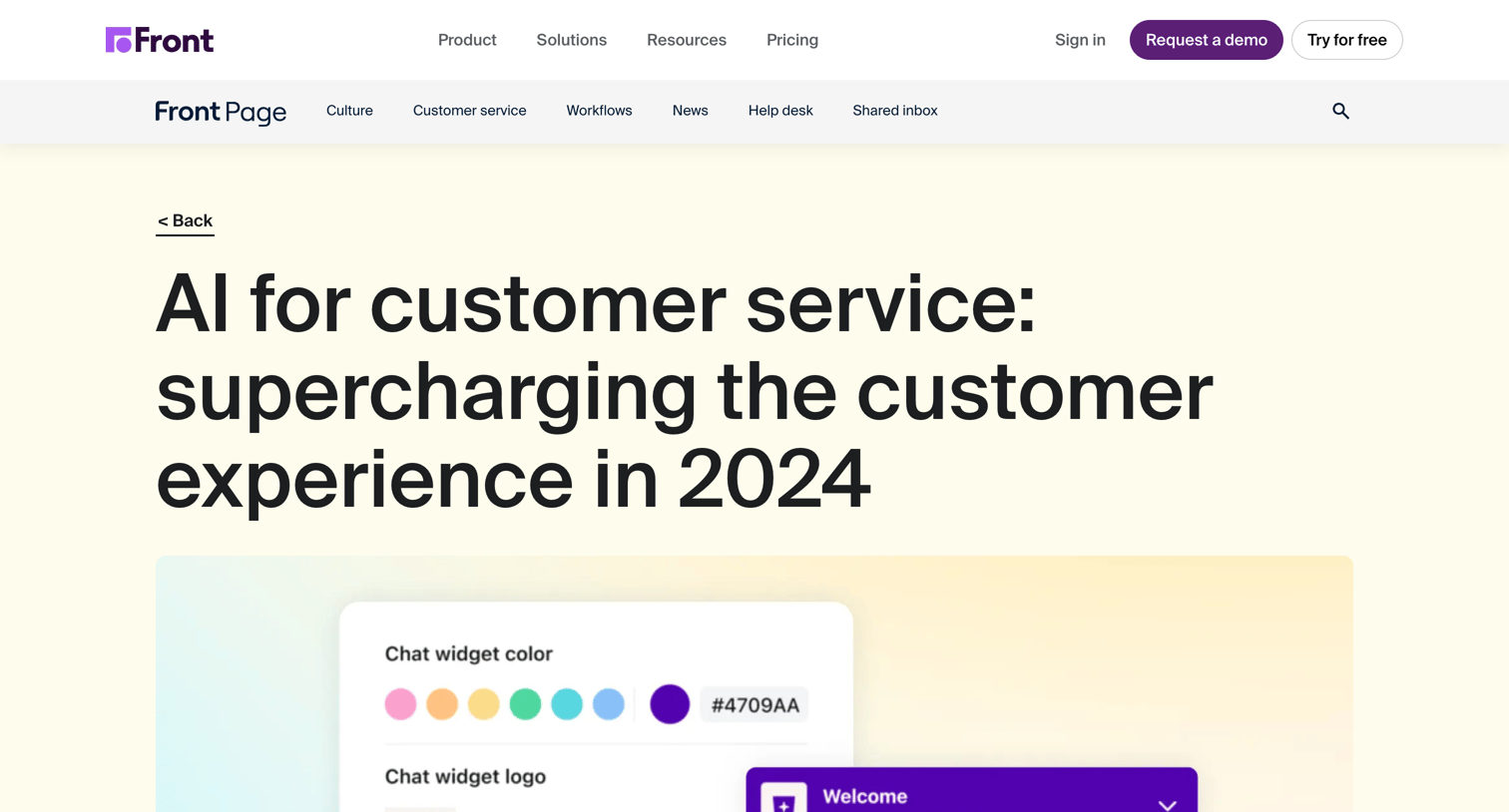

A long-form blog article explaining how AI is transforming customer service, featuring an author attribution block and a newsletter subscription form at the bottom.
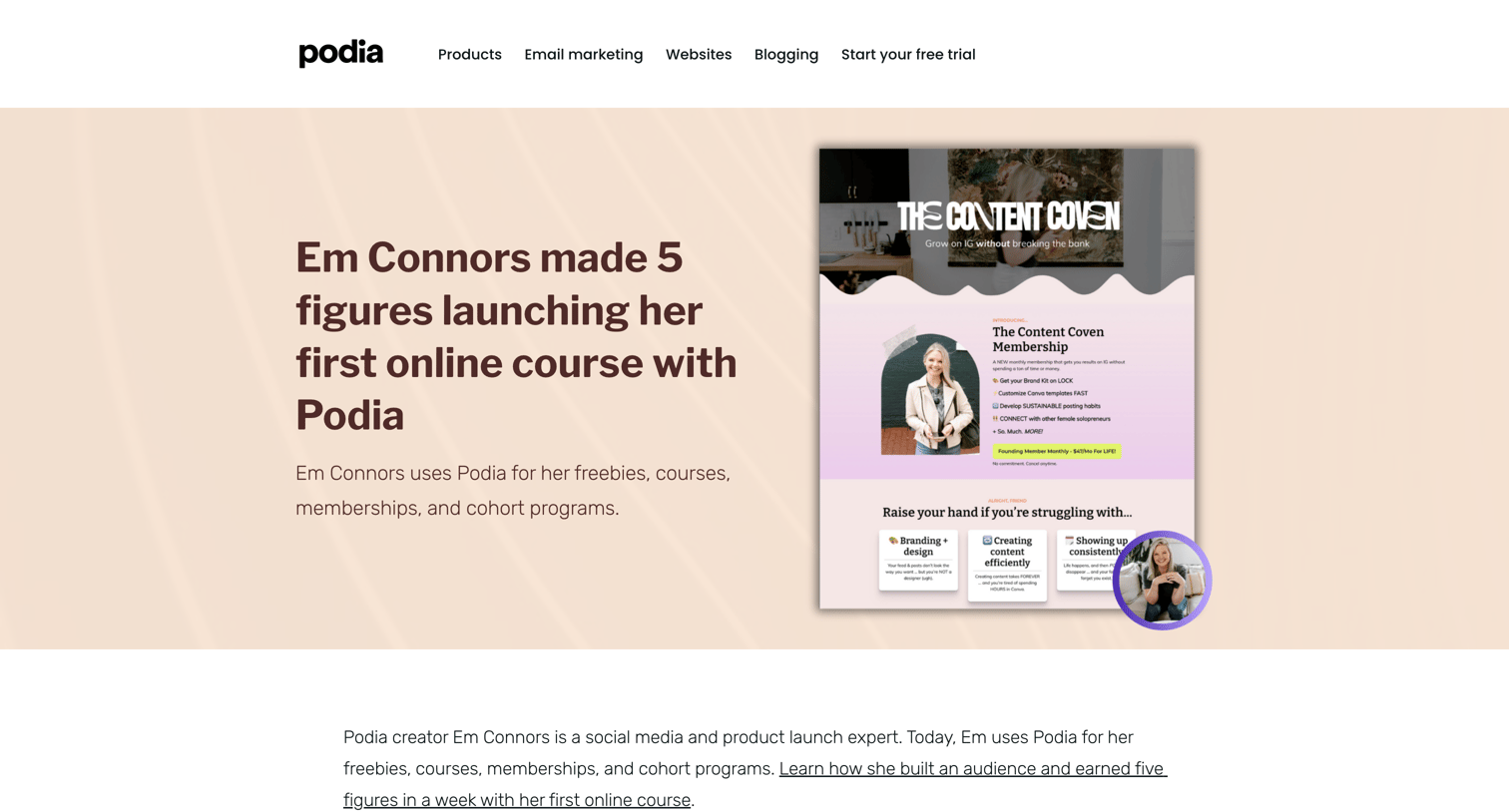

Blog article detailing how a creator used the platform to launch courses and memberships, featuring embedded examples and a lead magnet download.
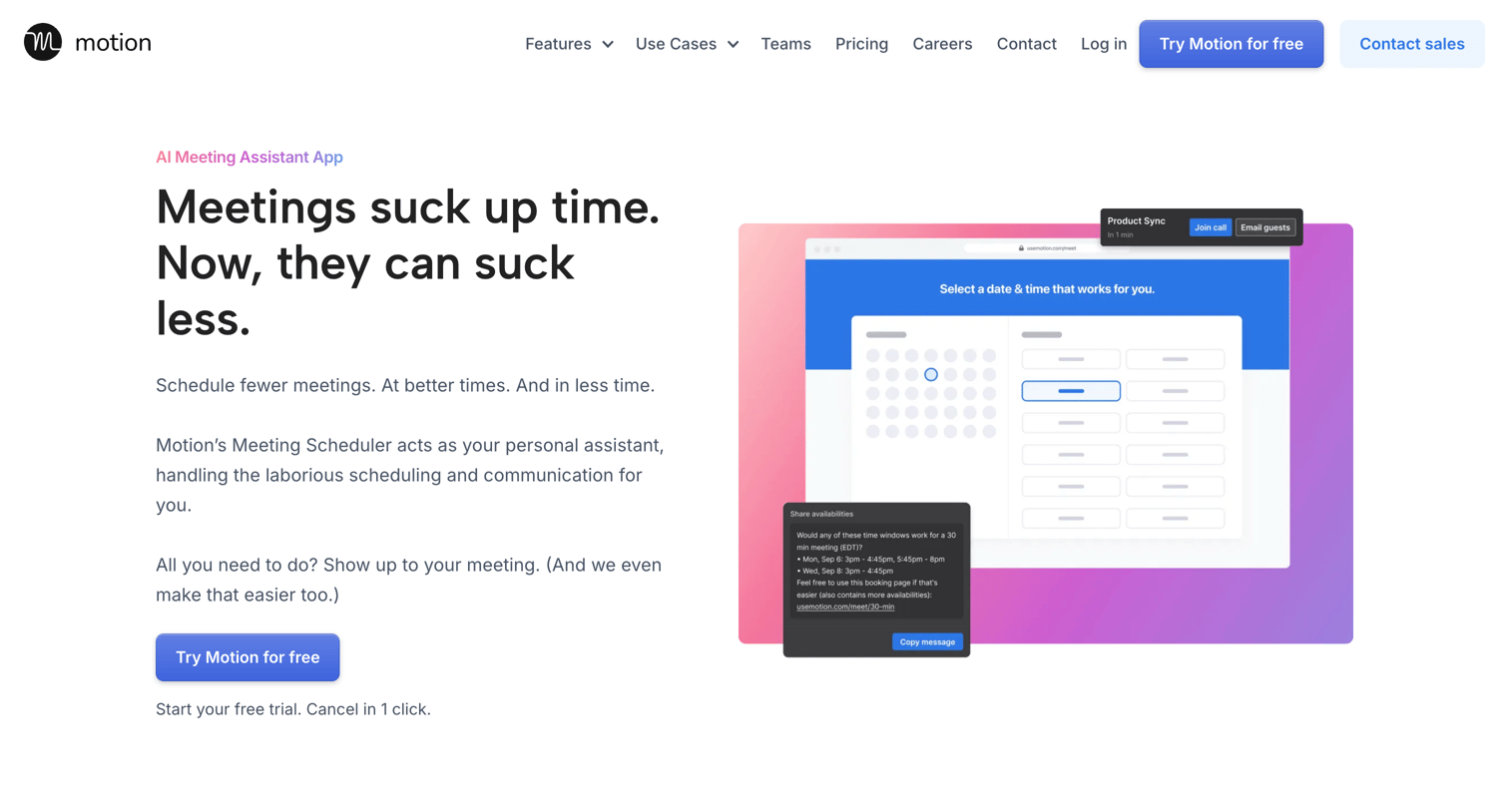

Feature page highlighting Motion's meeting assistant capabilities like scheduling links, daily meeting limits, and automated email copy, driving users to start a free trial.
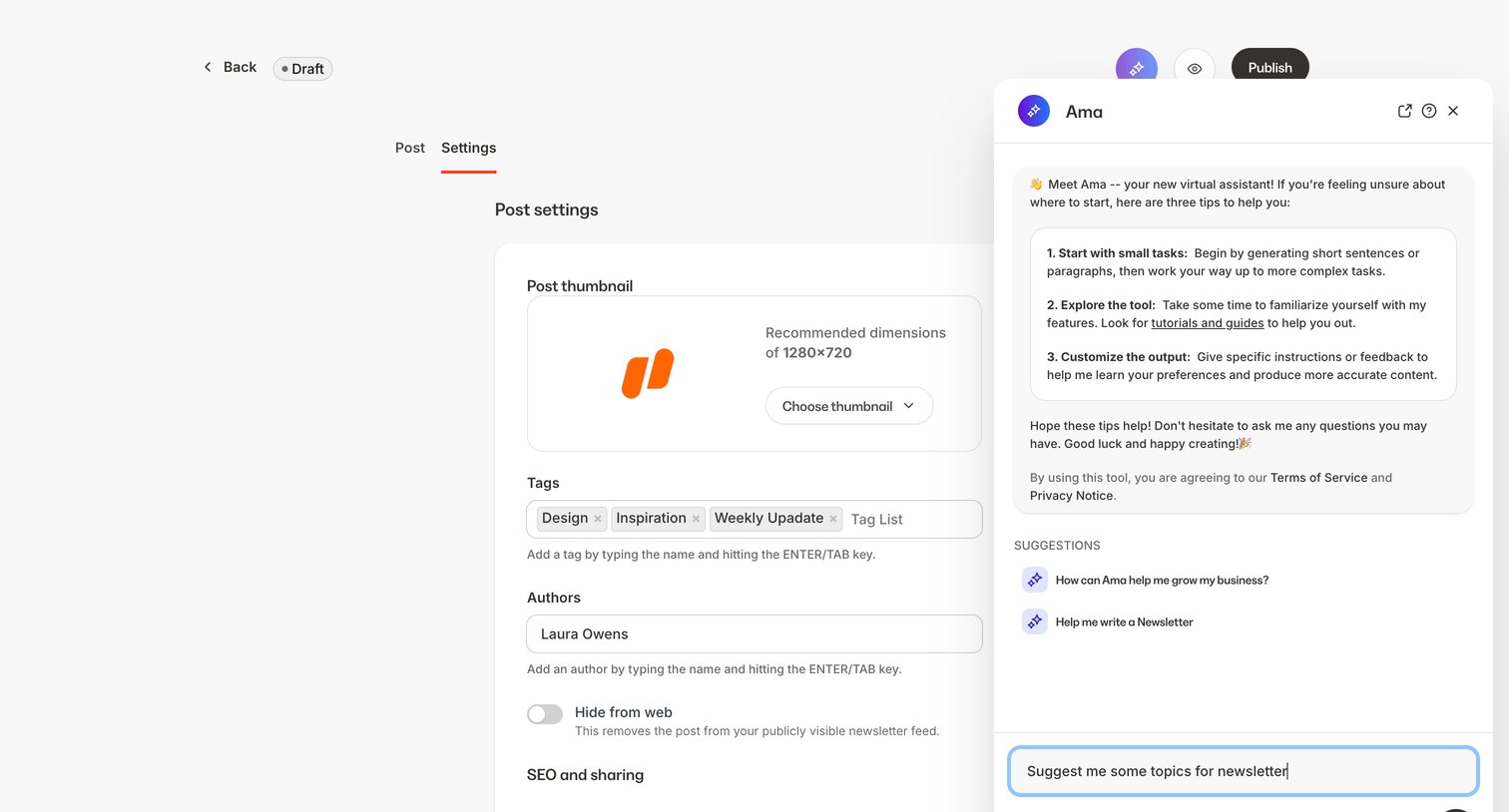

Settings page for a newsletter post where the user configures the thumbnail, tags, authors, and URL slug, featuring an open AI assistant panel for content help.
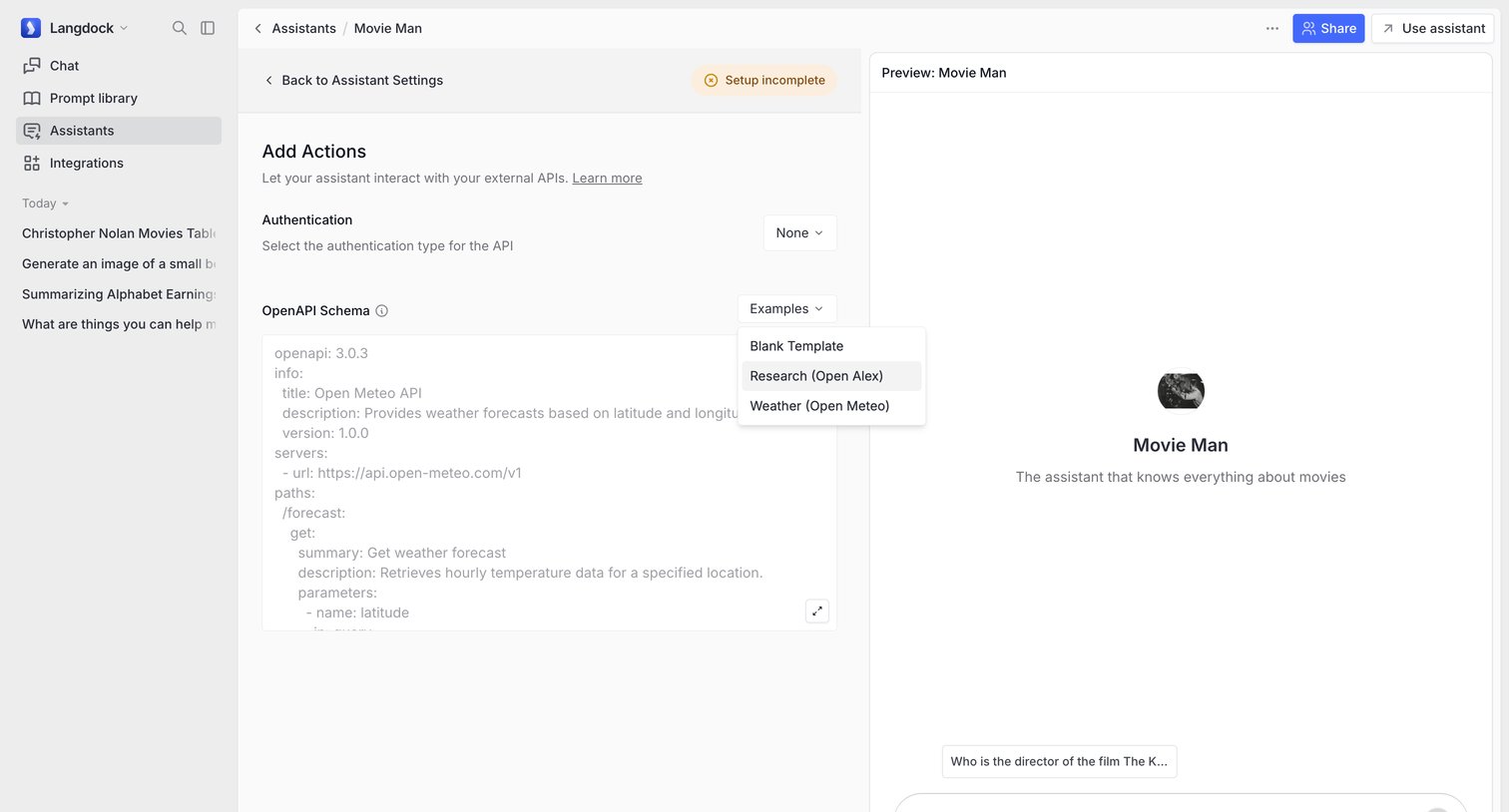

Settings page where the user configures external API actions for their AI assistant by providing an OpenAPI schema, with a live preview panel on the right.
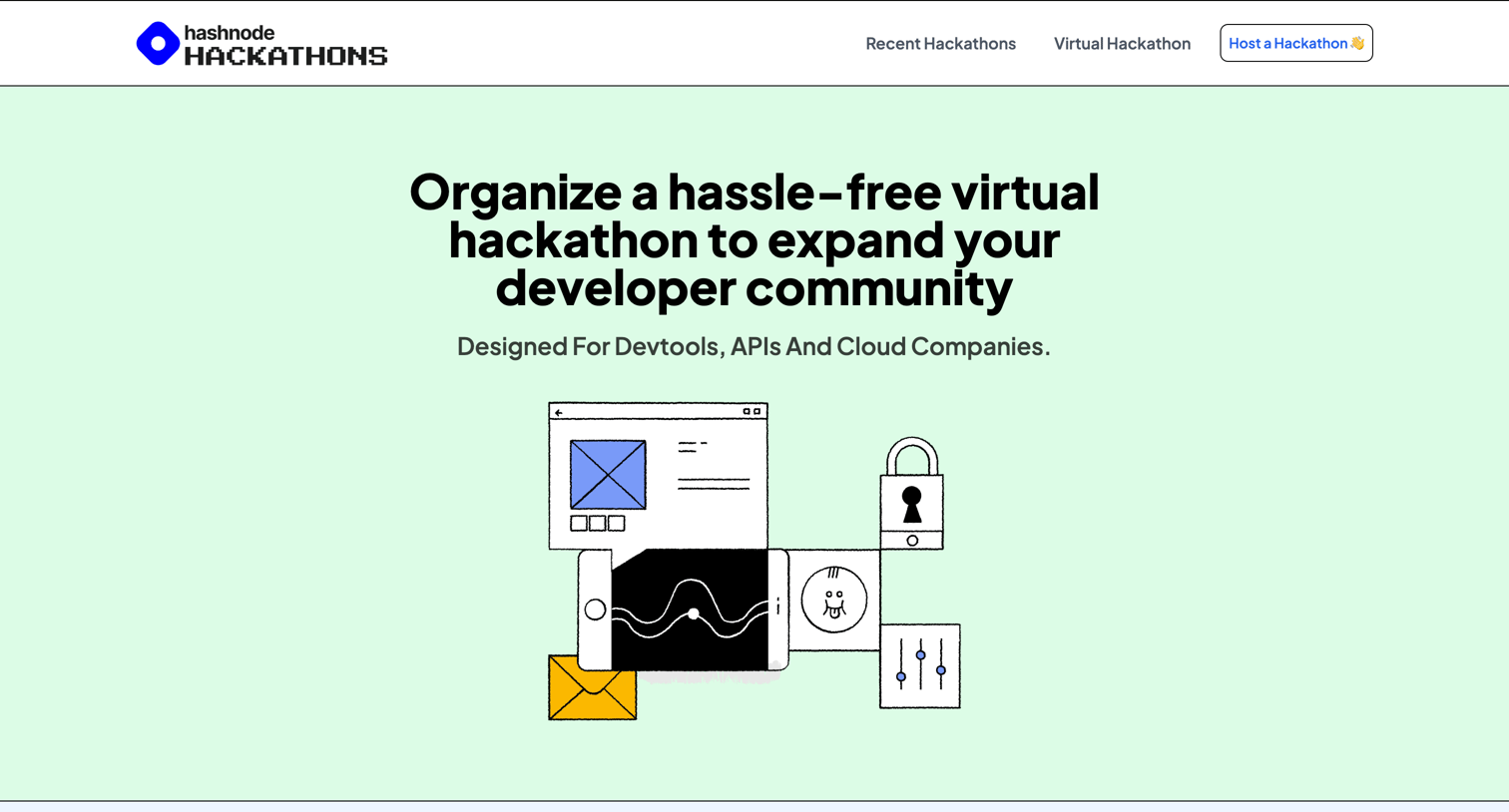

Landing page for Hashnode's virtual hackathon service, featuring developer demographics, testimonials, and a feature breakdown to encourage companies to host an event.
Explore the full SaaS screen library
Upgrade to unlock the full library.
Trusted by the best teams







