User research screen examples
User research screen design examples from SaaS apps. Browse examples from Copilot, Maze, Dovetail.
Explore the examples
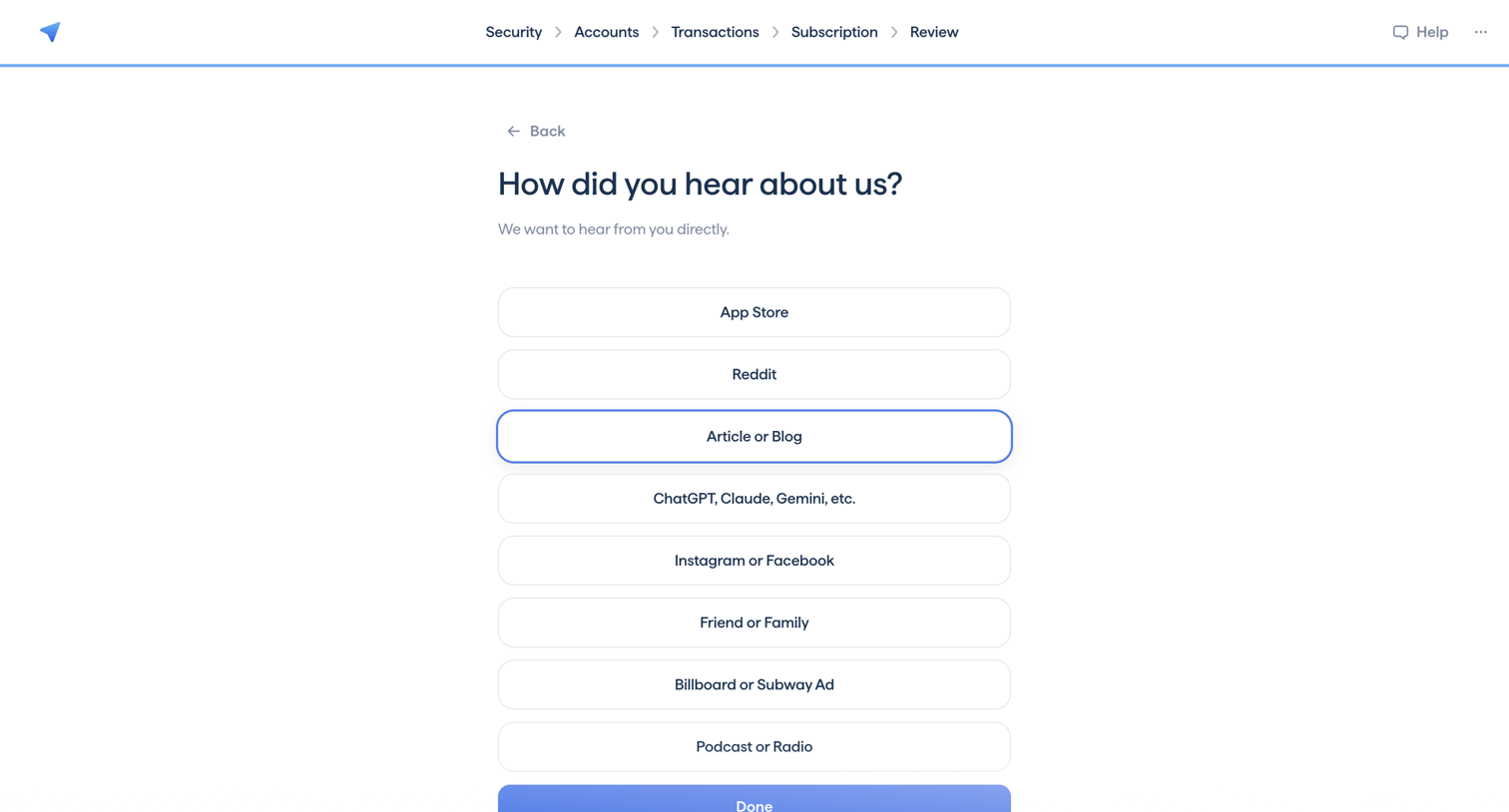

Onboarding step where the user answers an attribution survey by selecting a source like App Store, Reddit, or a blog.
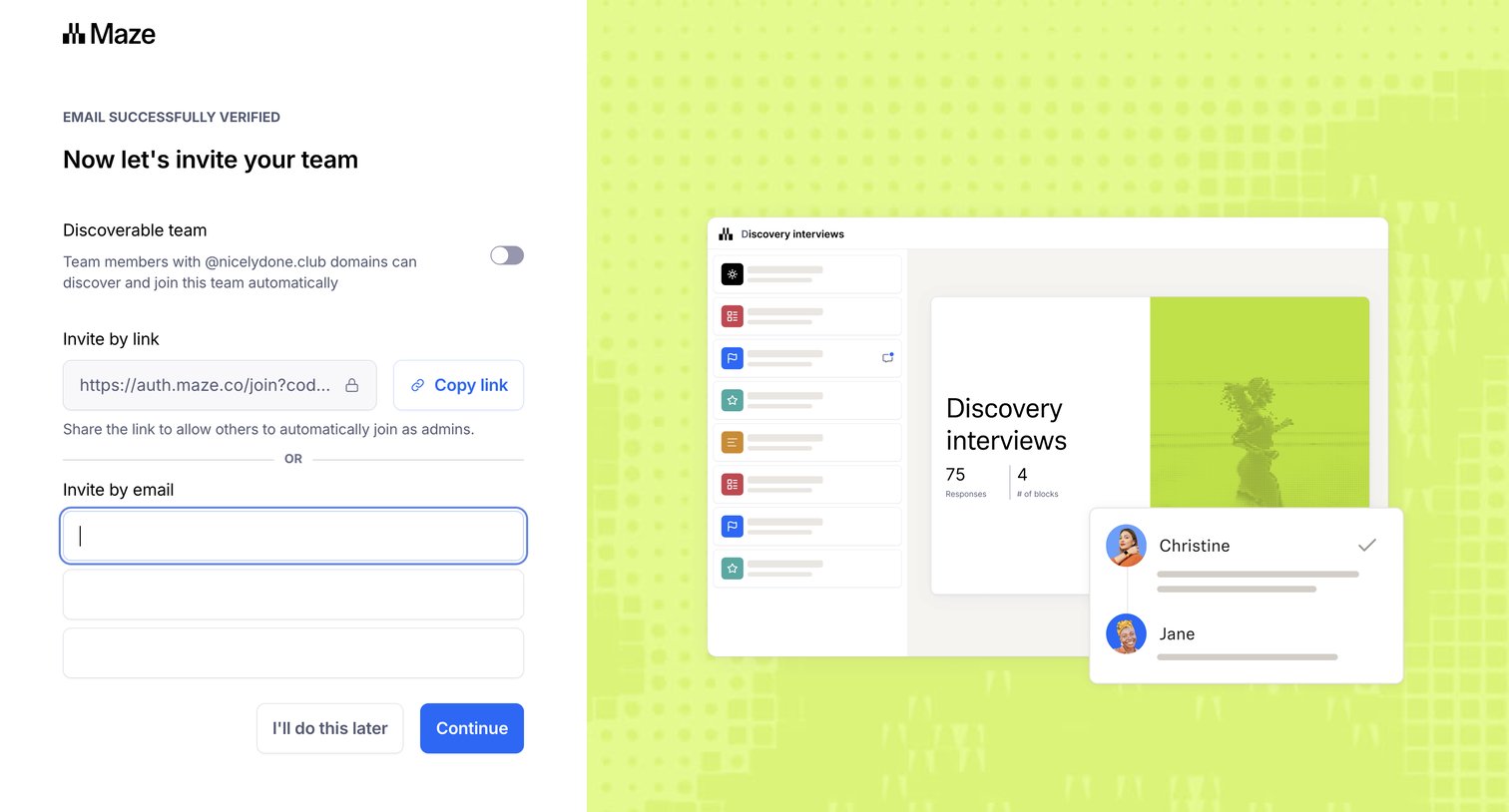

Onboarding step where the user can make their workspace discoverable by domain and invite teammates via a shareable link or email addresses.
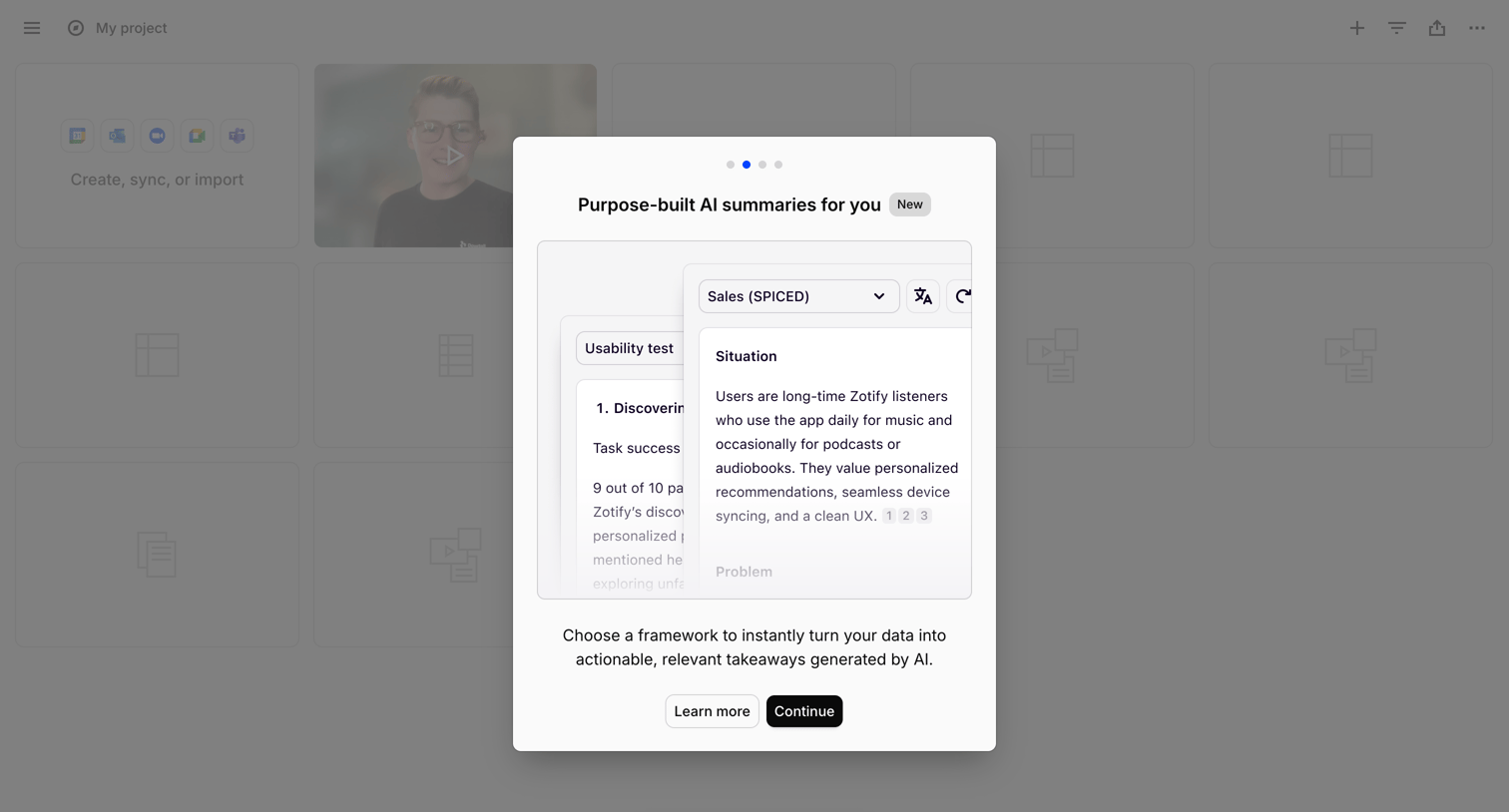

Onboarding modal introducing purpose-built AI summaries, featuring a preview of framework selection and a prompt to continue the tour.
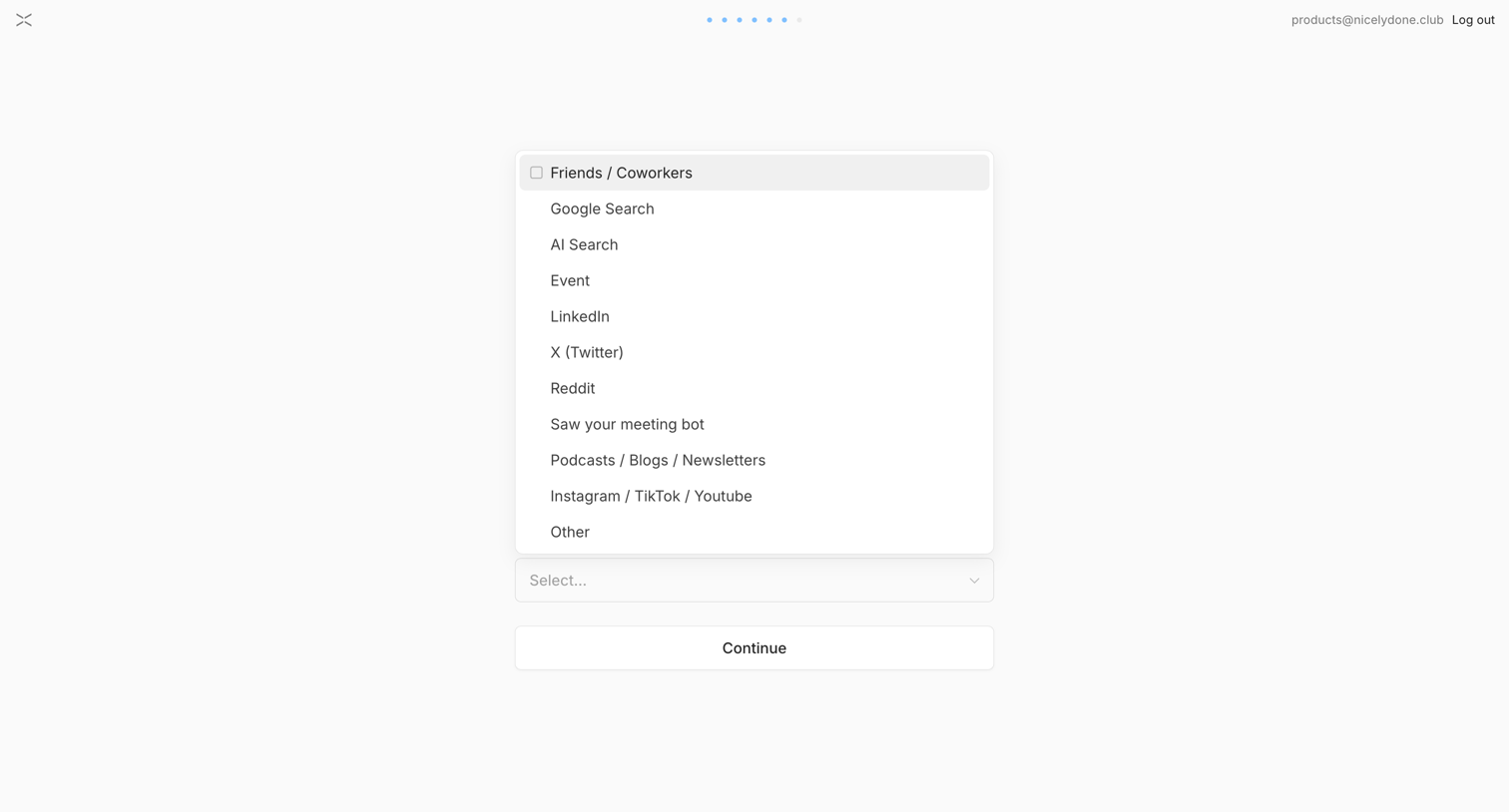

Onboarding step where the user selects how they heard about the product from a list of sources.
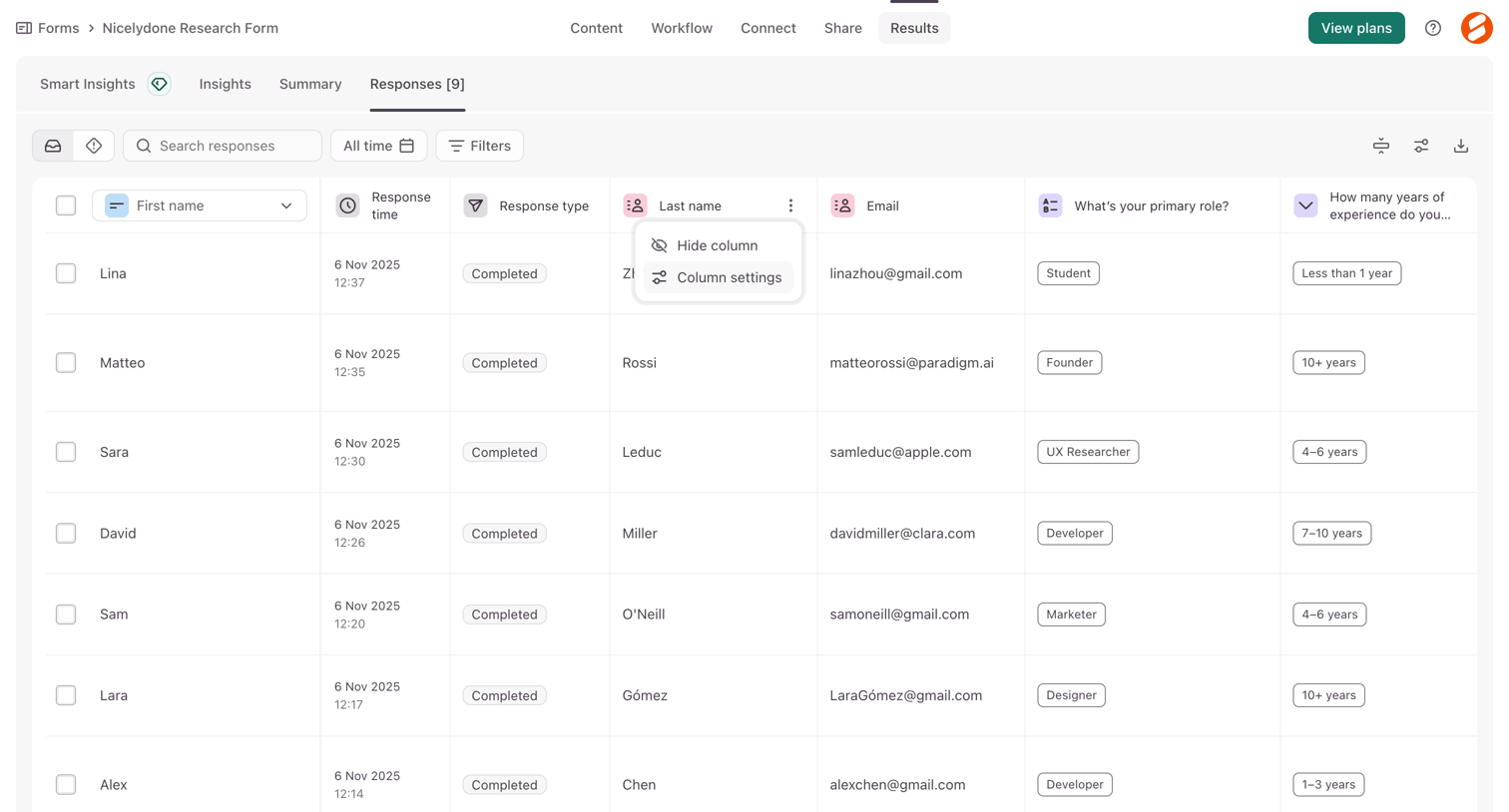

List view where the user manages individual form responses in a data table, with options to filter, search, and adjust columns.
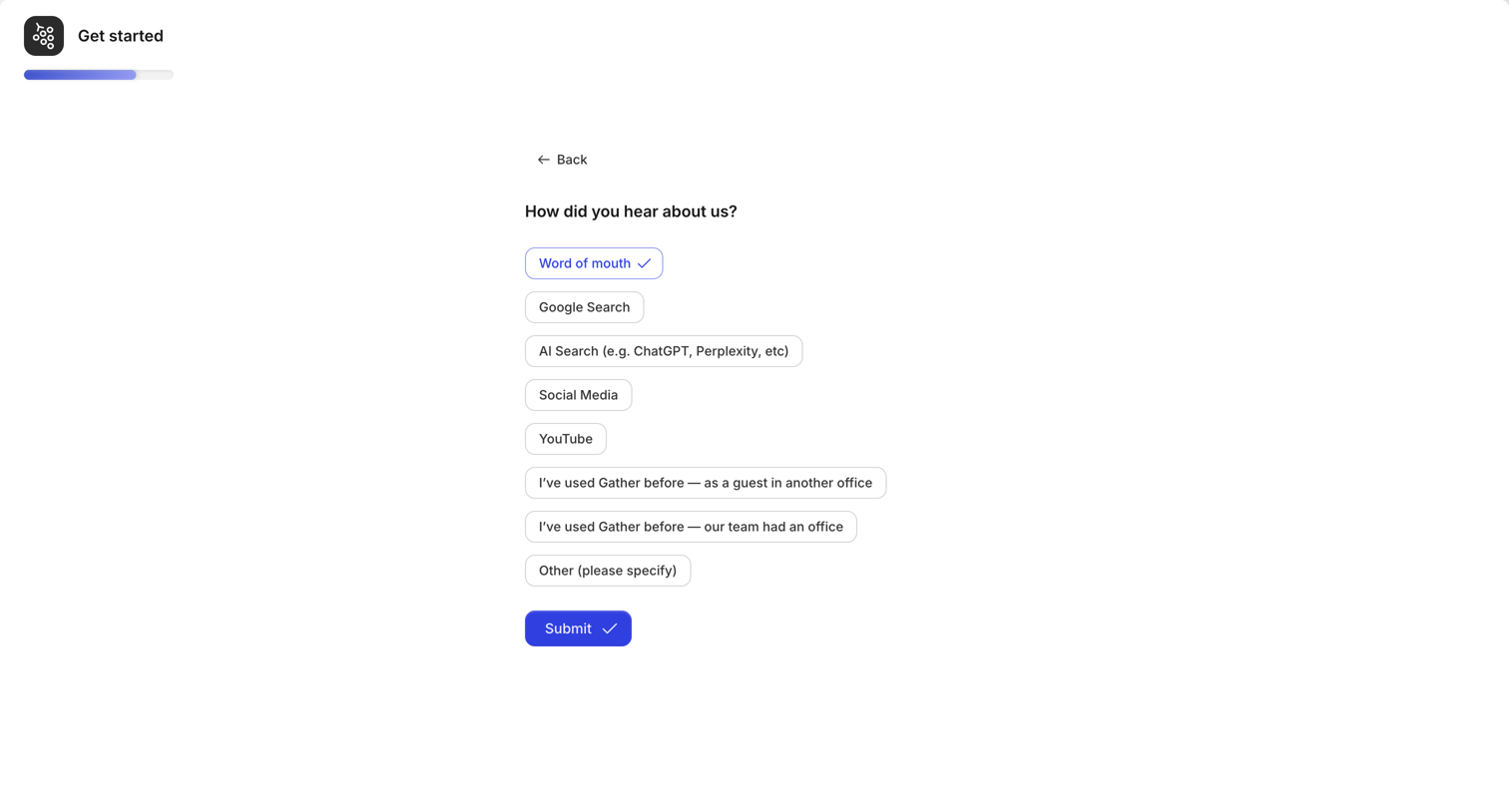

Onboarding step where the user answers an attribution survey by selecting how they heard about the product from a list of options.

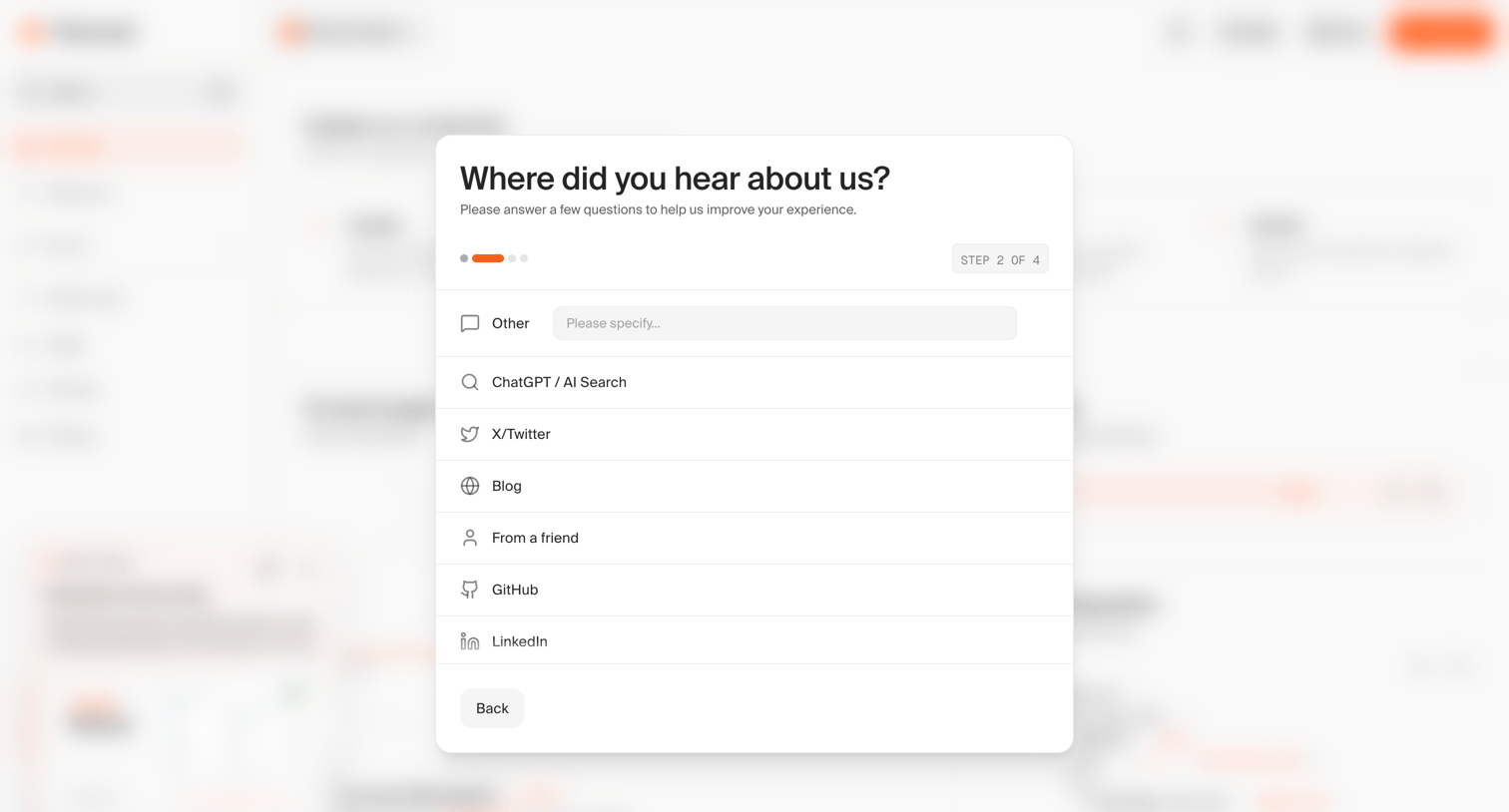

Onboarding step where the user selects how they heard about the product from a list of options including ChatGPT, X/Twitter, and GitHub.
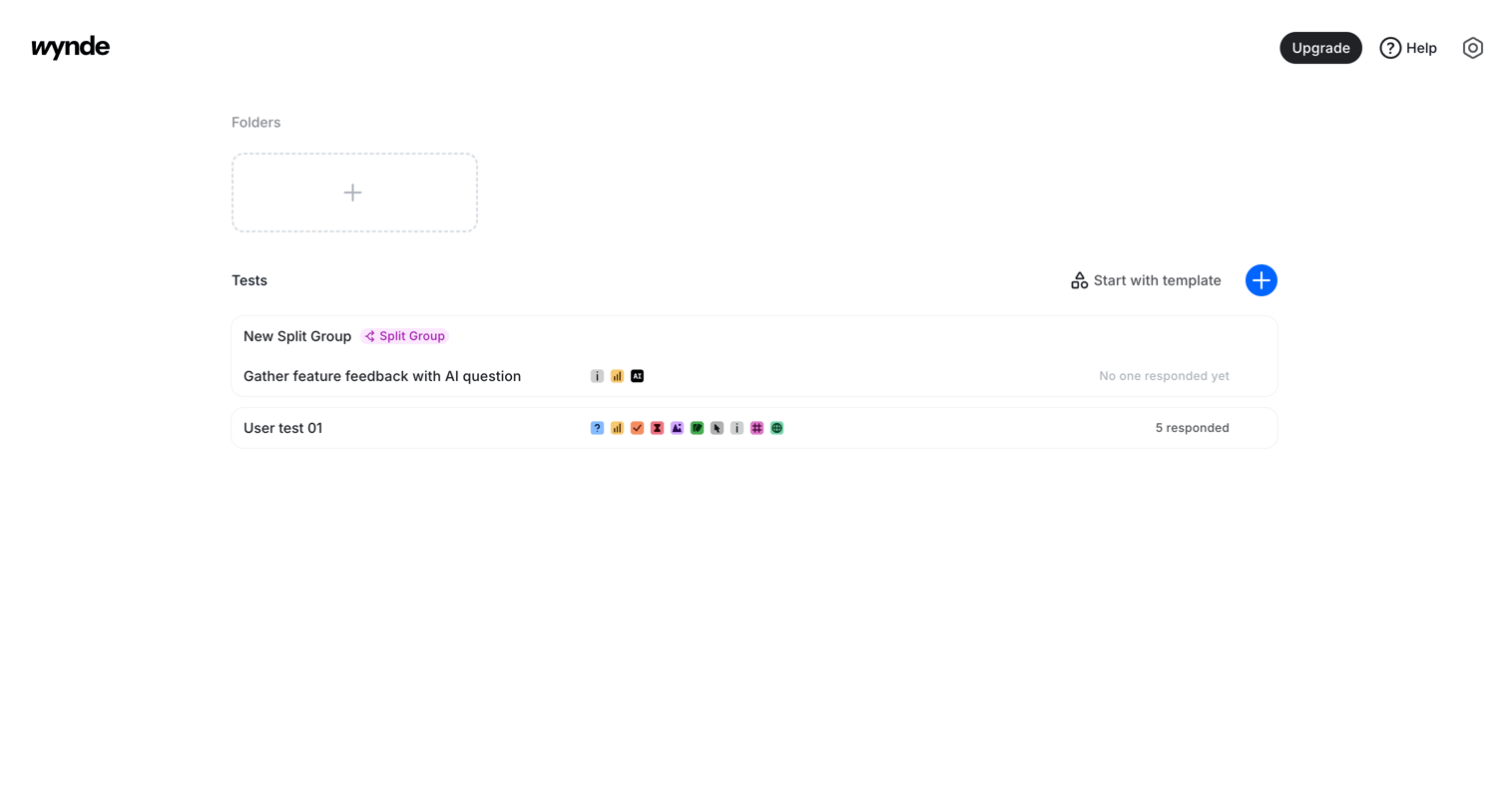

Home screen where the user can create new folders, start tests from templates, or view existing split groups and user tests.
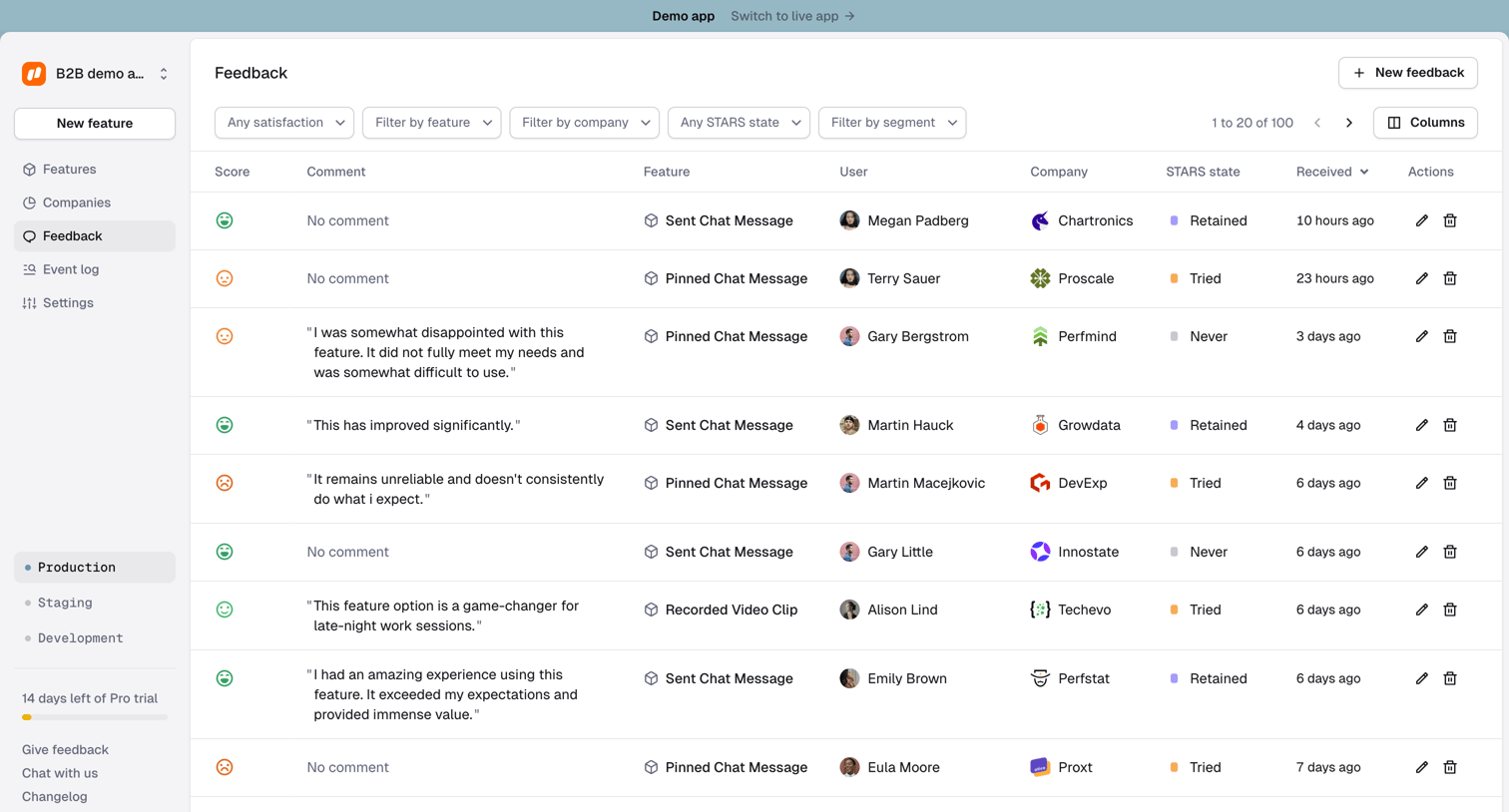

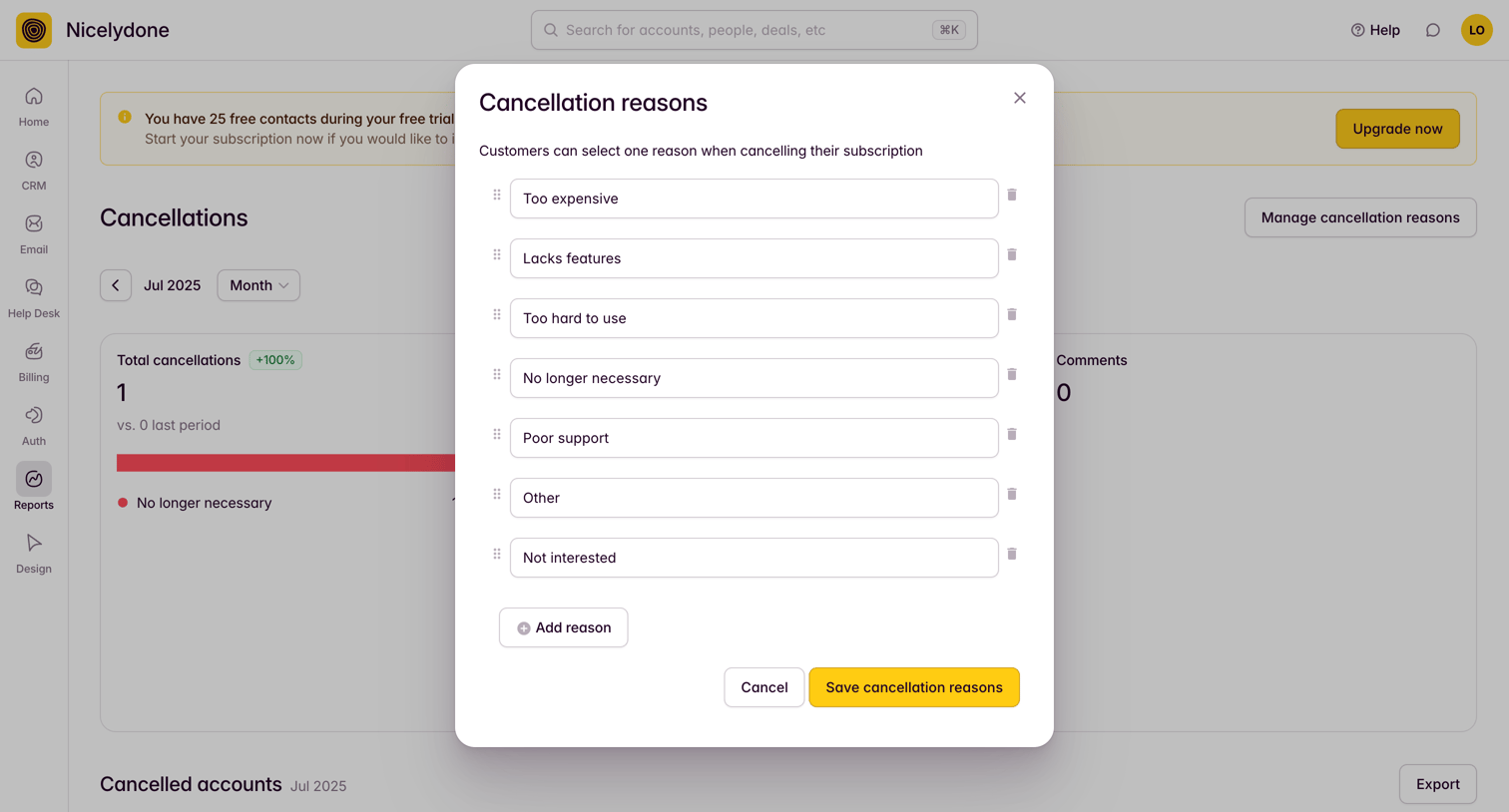

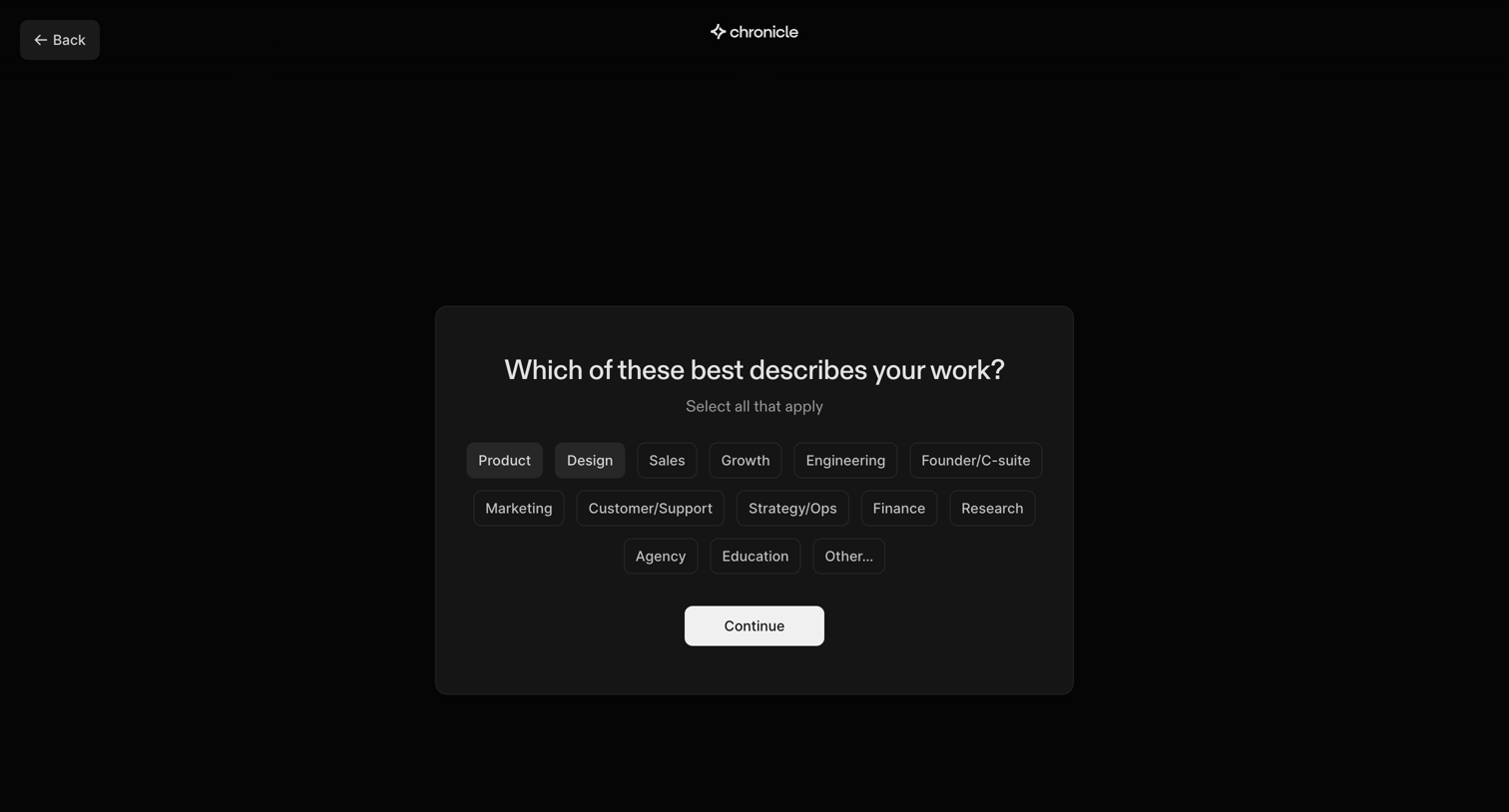

Onboarding step where the user selects their work role from a grid of pill options to personalize their account.
Explore the full SaaS screen library
Upgrade to unlock the full library.
Trusted by the best teams







