User invitation screen examples
User invitation screen design examples from SaaS apps. Browse examples from Dock, Appwrite, Beside.
Explore the examples
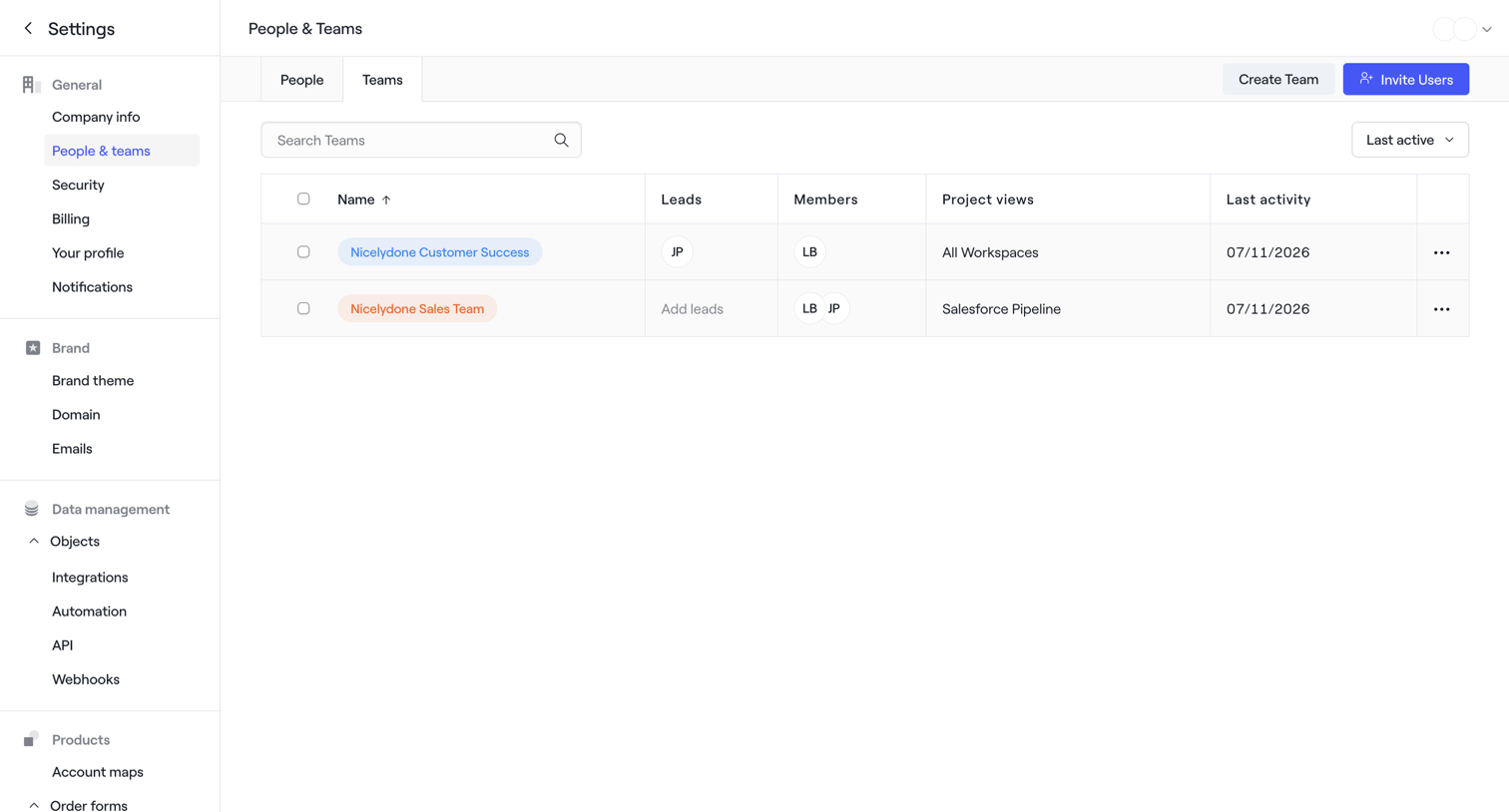

Settings page where the user manages workspace teams, with options to search, sort by last active, create a new team, or invite users.
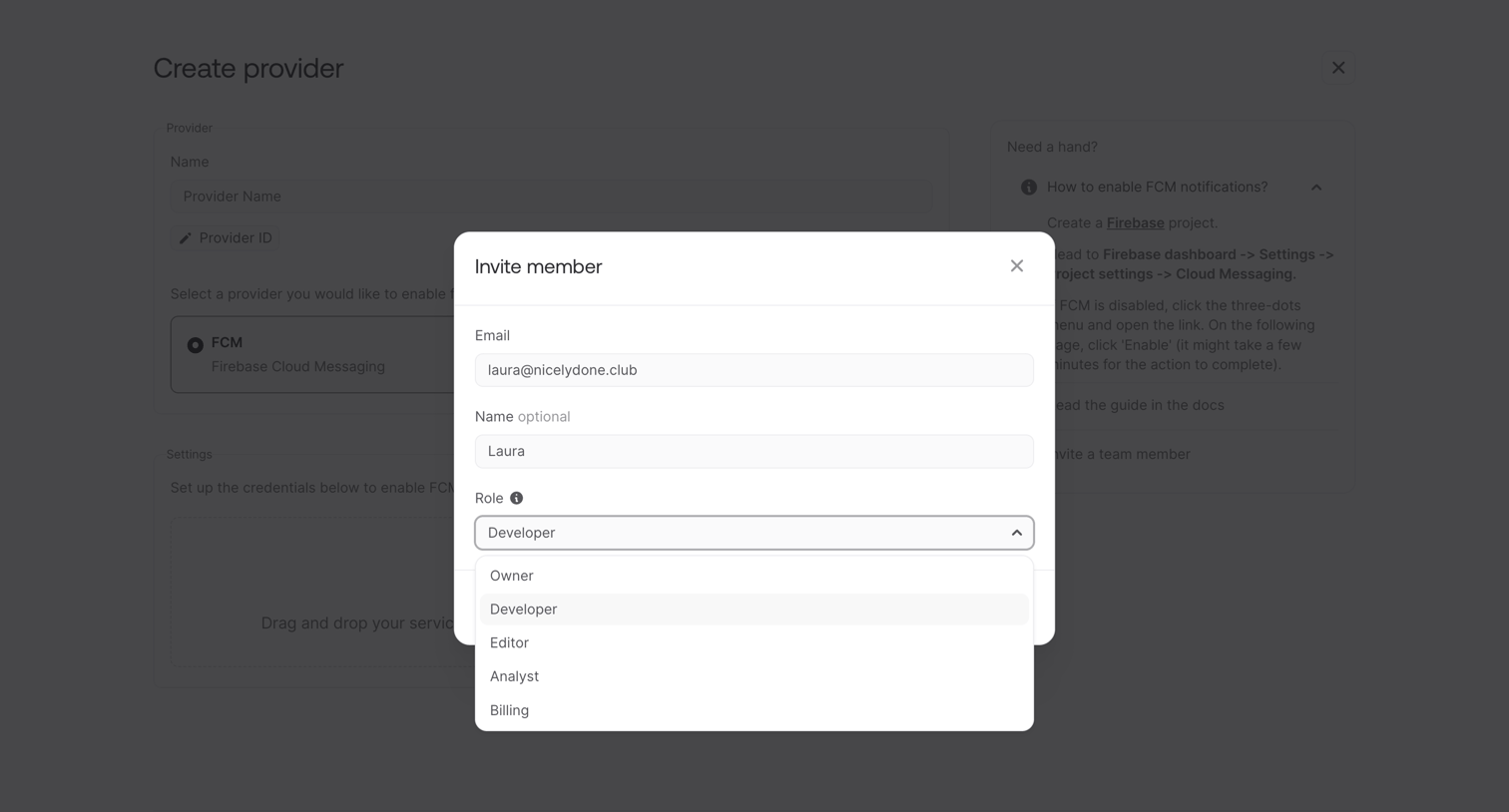

Modal overlay where the user invites a new team member by entering their email, name, and assigning a role like Developer or Owner.
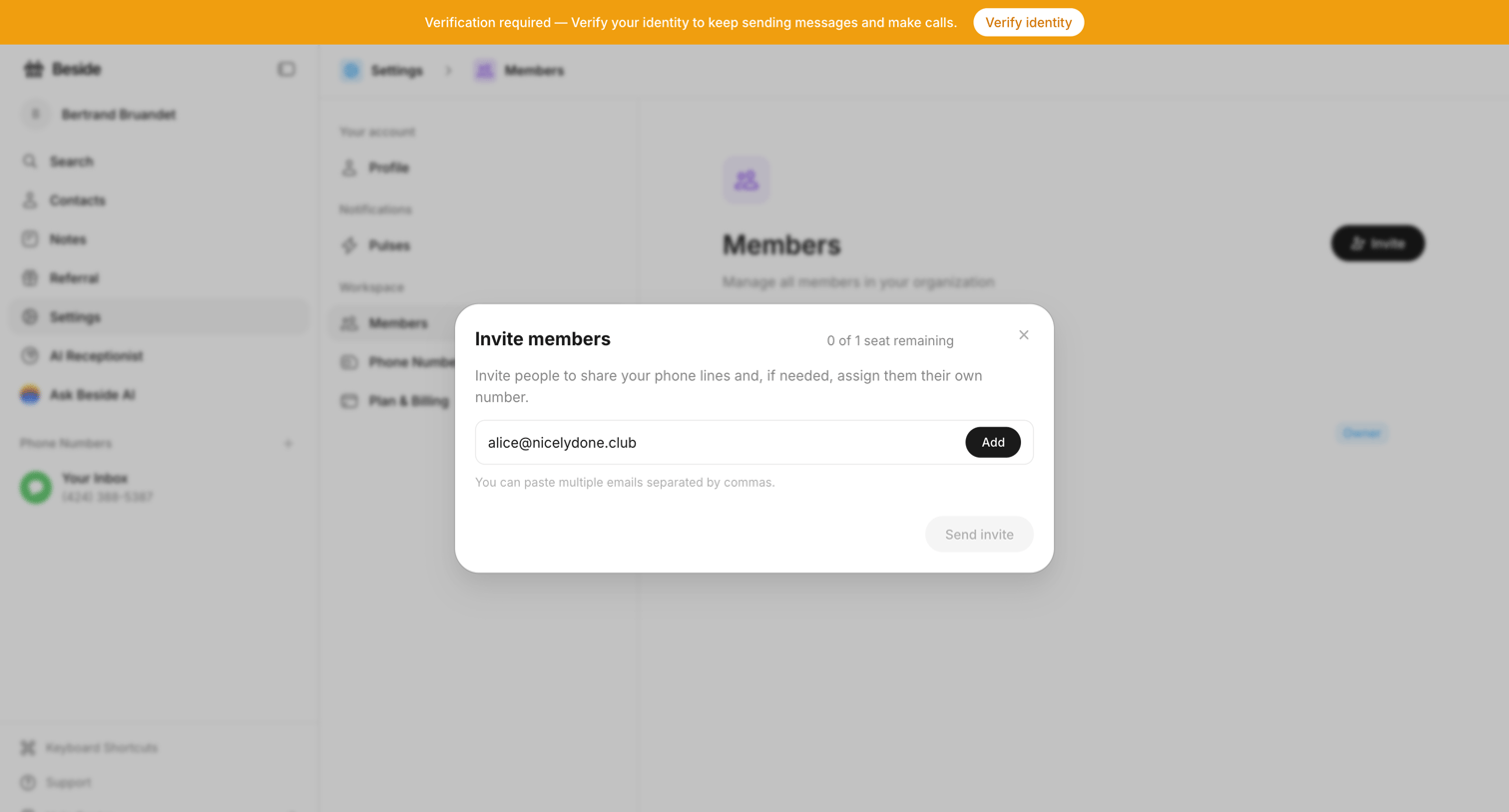

Settings page where the user invites new members by email to share phone lines.
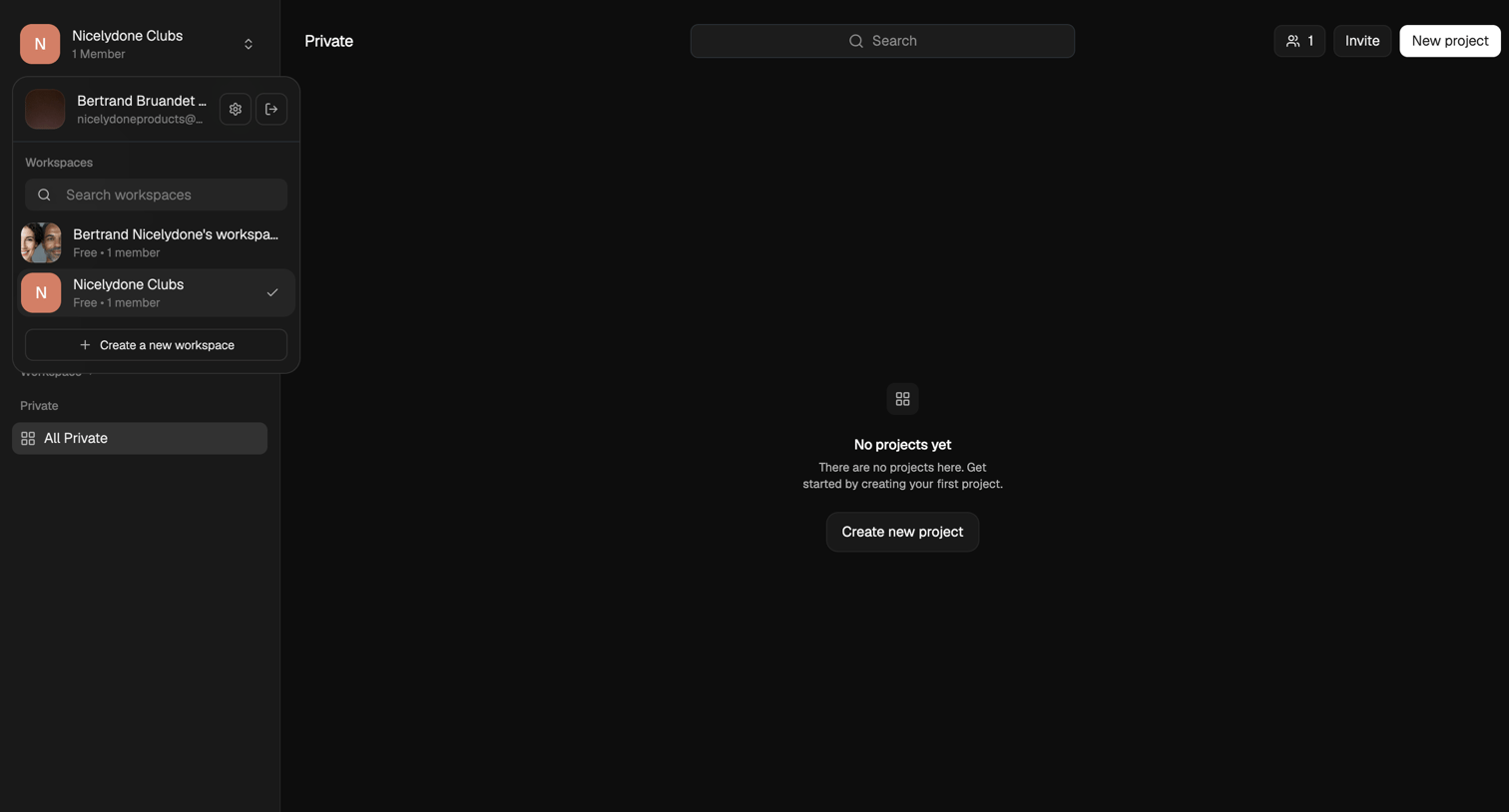

List view where the user is prompted to create their first project in a private workspace.
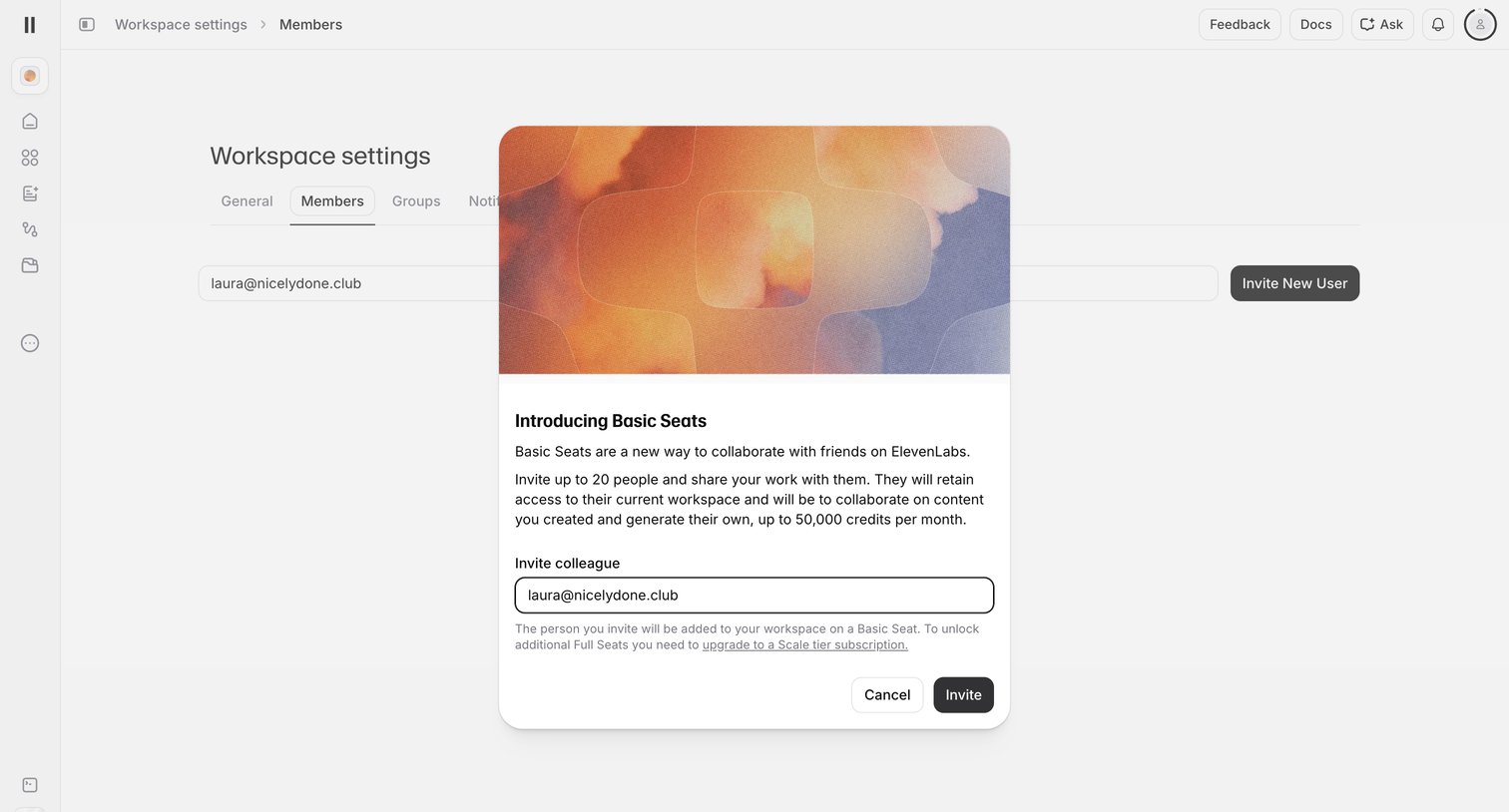

Settings page where the user invites a colleague to their workspace via a modal introducing Basic Seats.
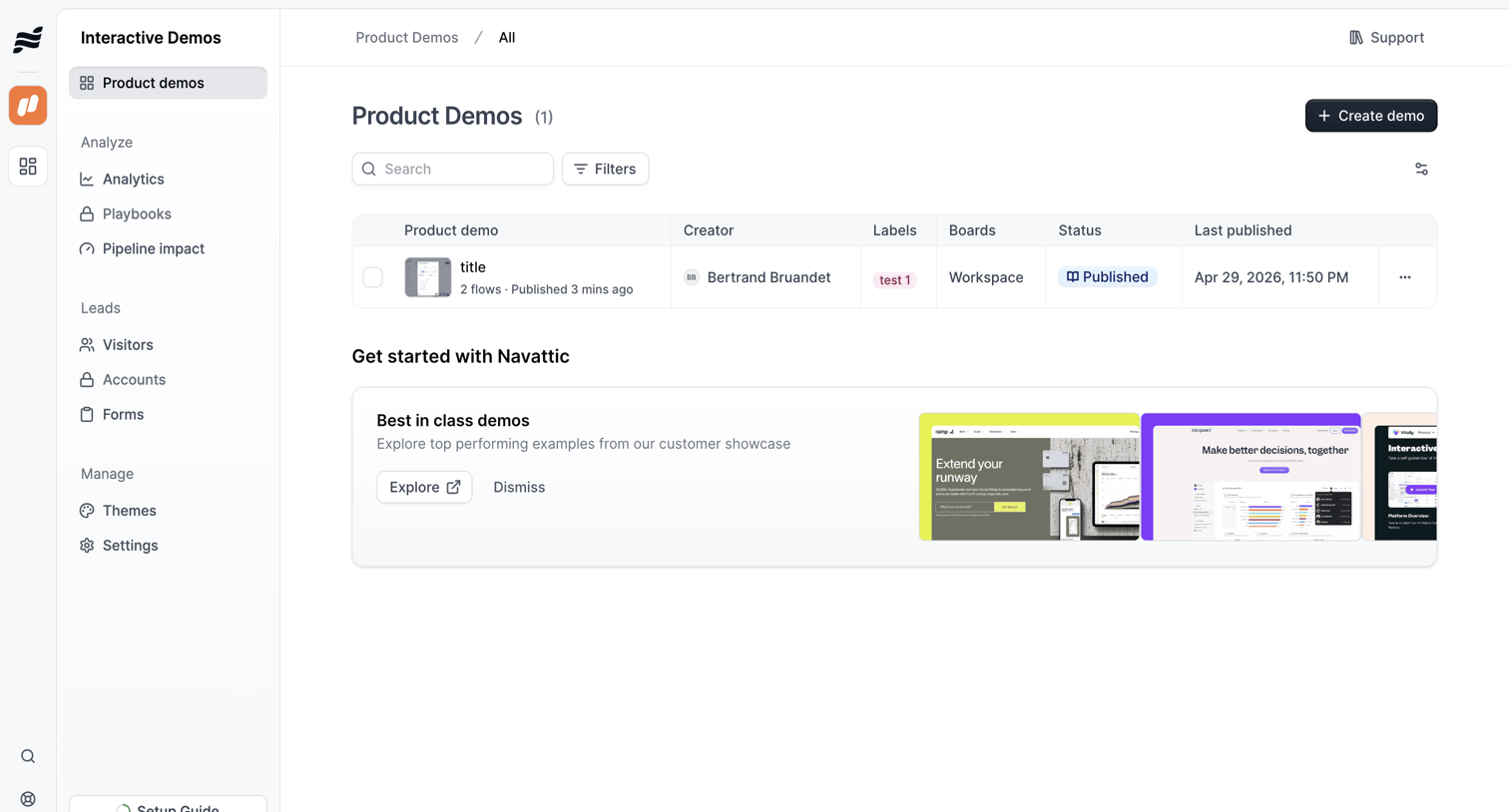

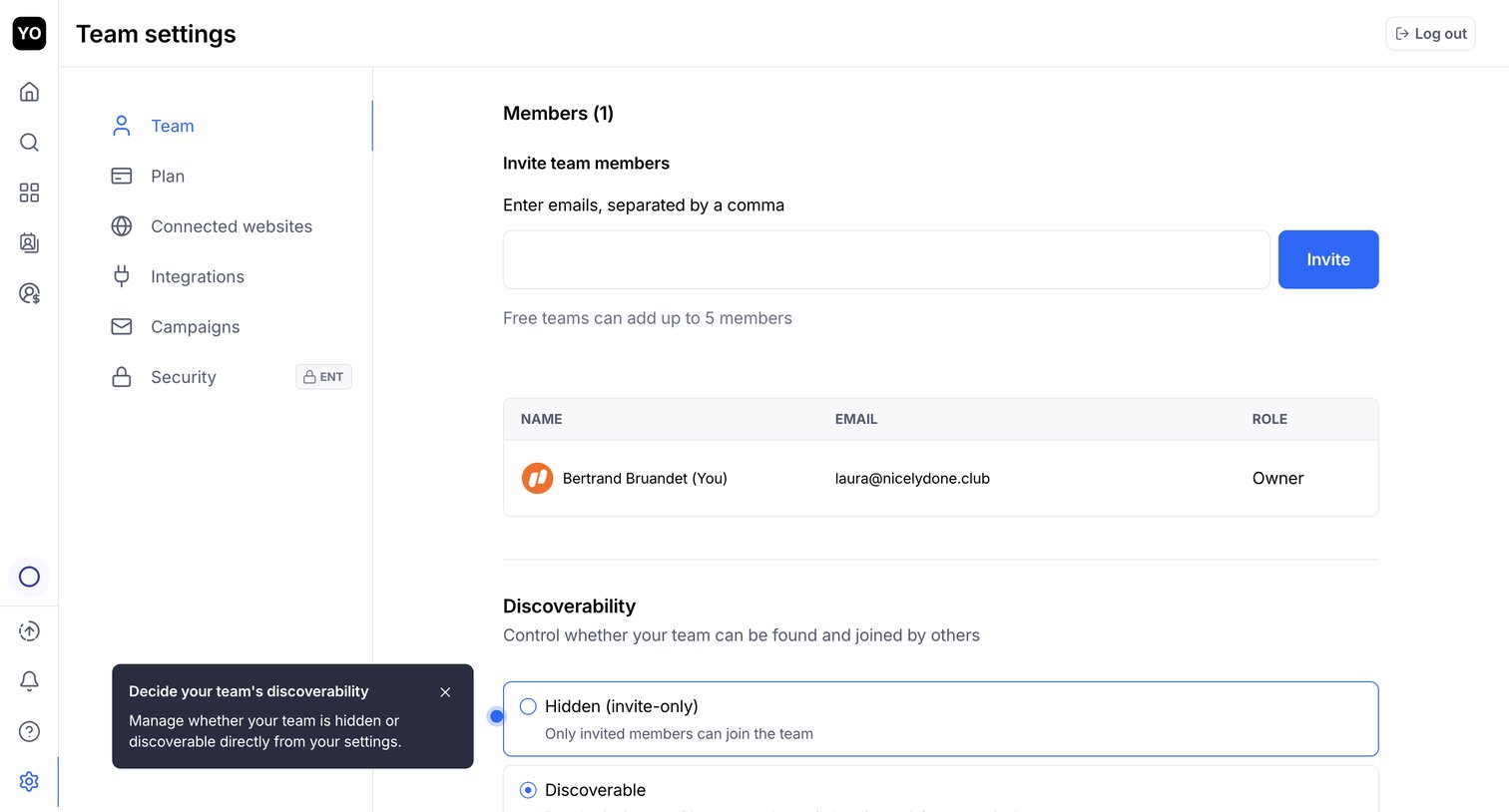

Settings page where the user invites new team members by email, manages existing members in a list, and configures team discoverability options.
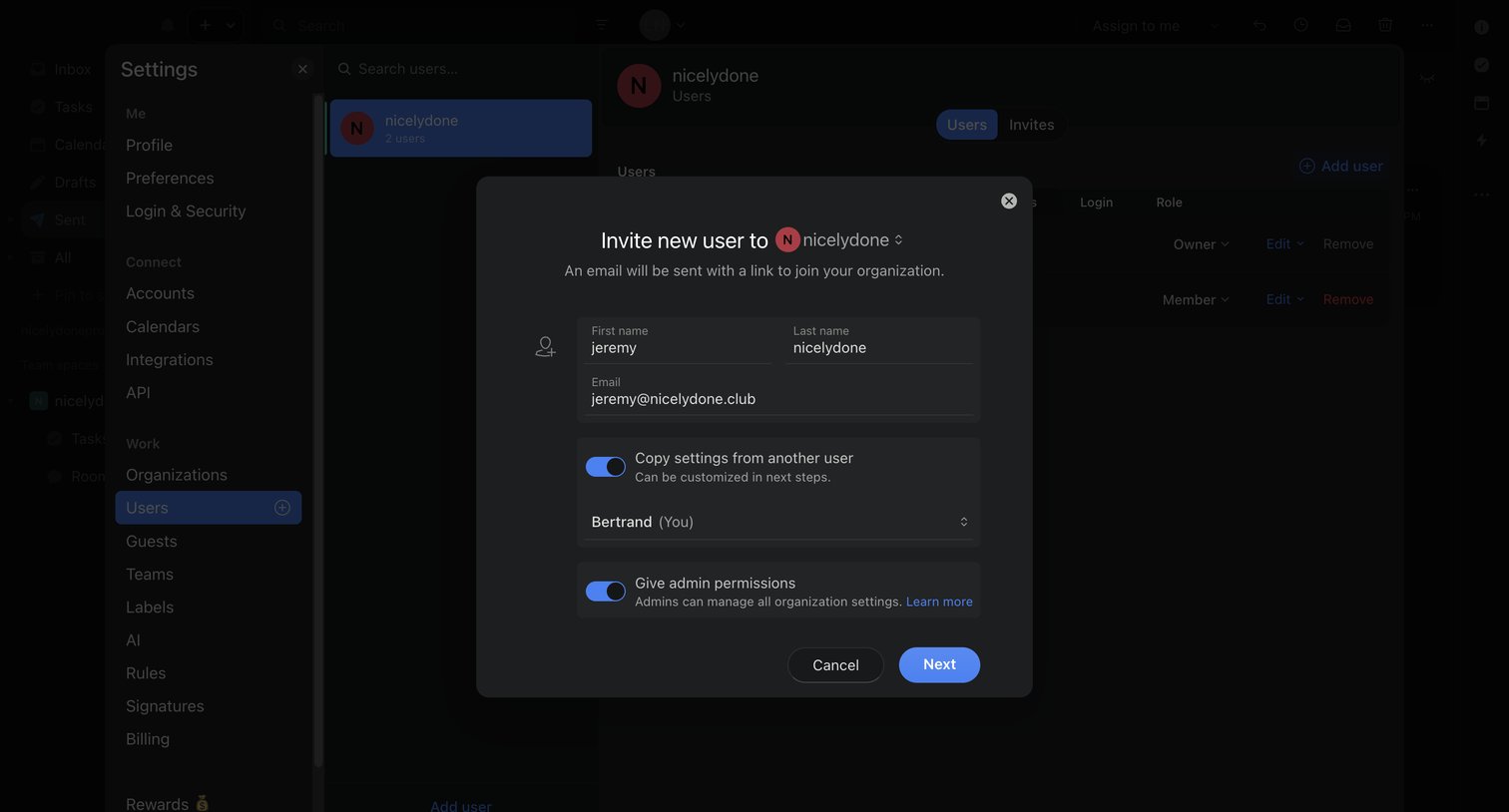

Settings page where the user invites a new teammate to the organization by entering their name and email, with options to copy existing settings or grant admin permissions.

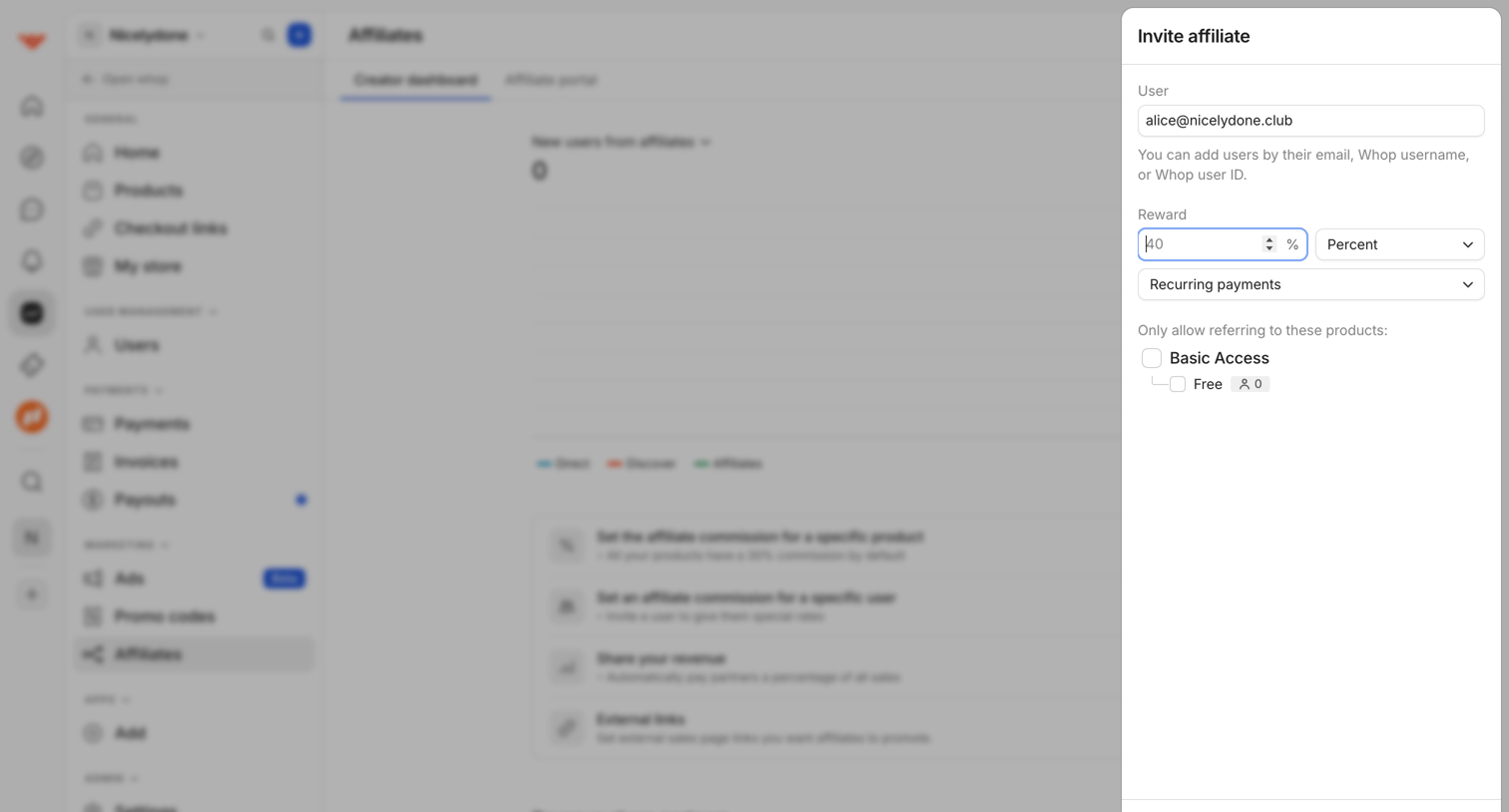

Dashboard drawer where the user invites a new affiliate partner by specifying their email, reward percentage, and allowed product access.
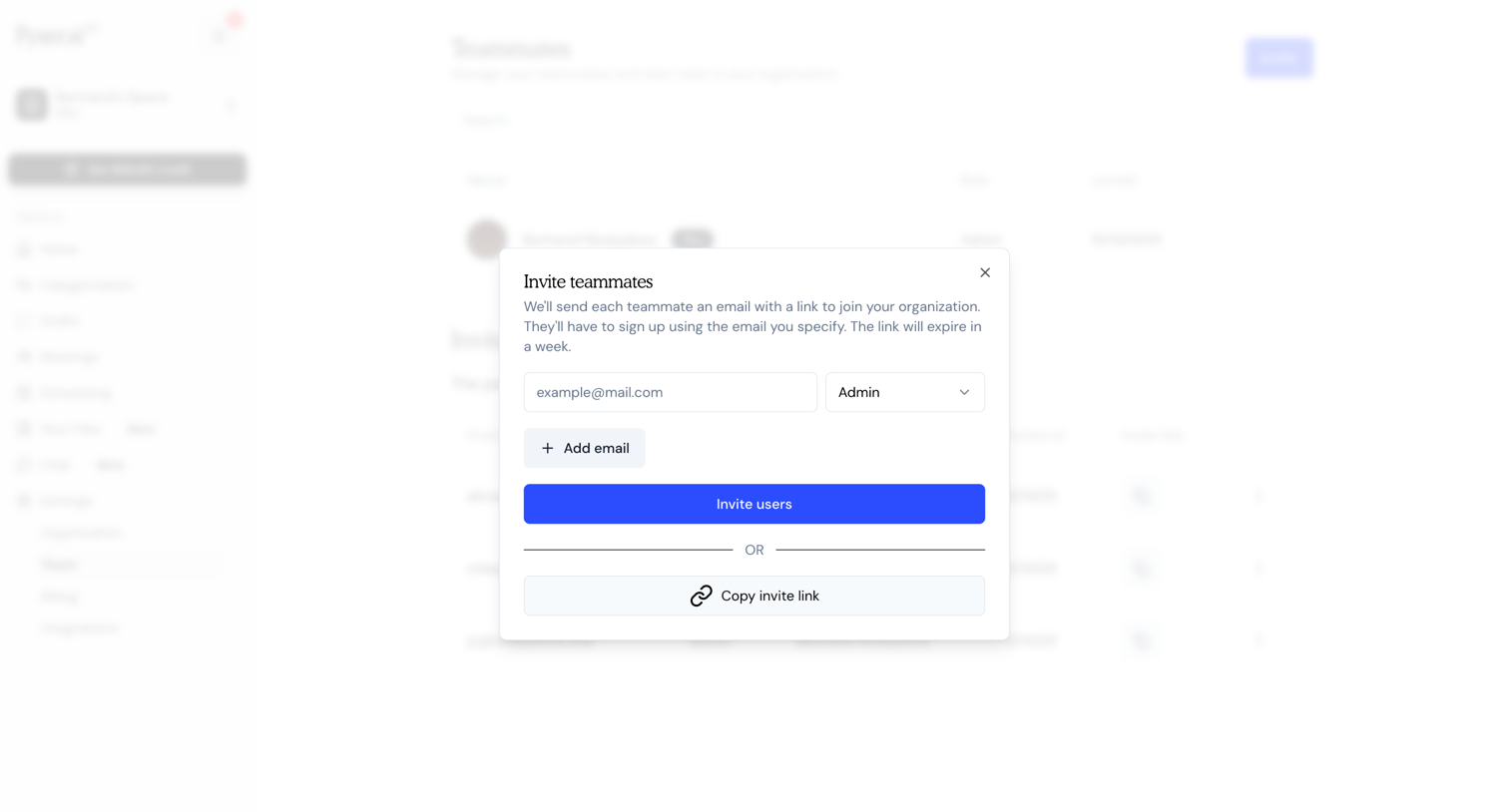

Settings page where the user invites new teammates by entering their email address, assigning a role like Admin, or copying an invite link.
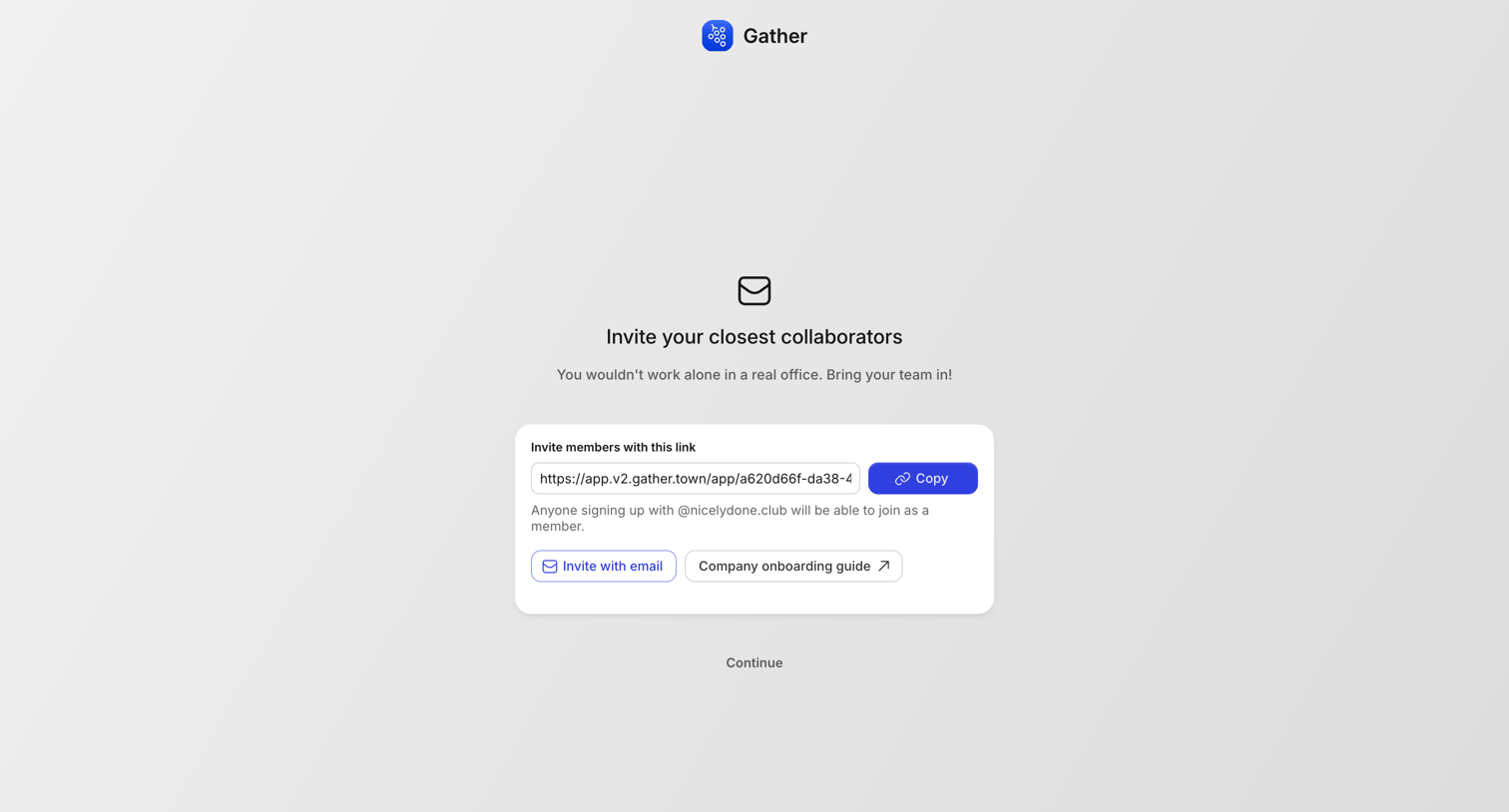

Onboarding step where the user is prompted to invite their closest collaborators via a shareable link or email.
Explore the full SaaS screen library
Upgrade to unlock the full library.
Trusted by the best teams







