Trainings screen examples
Trainings screen design examples from SaaS apps. Browse examples from Grok, Lemni, Leap.
Explore the examples
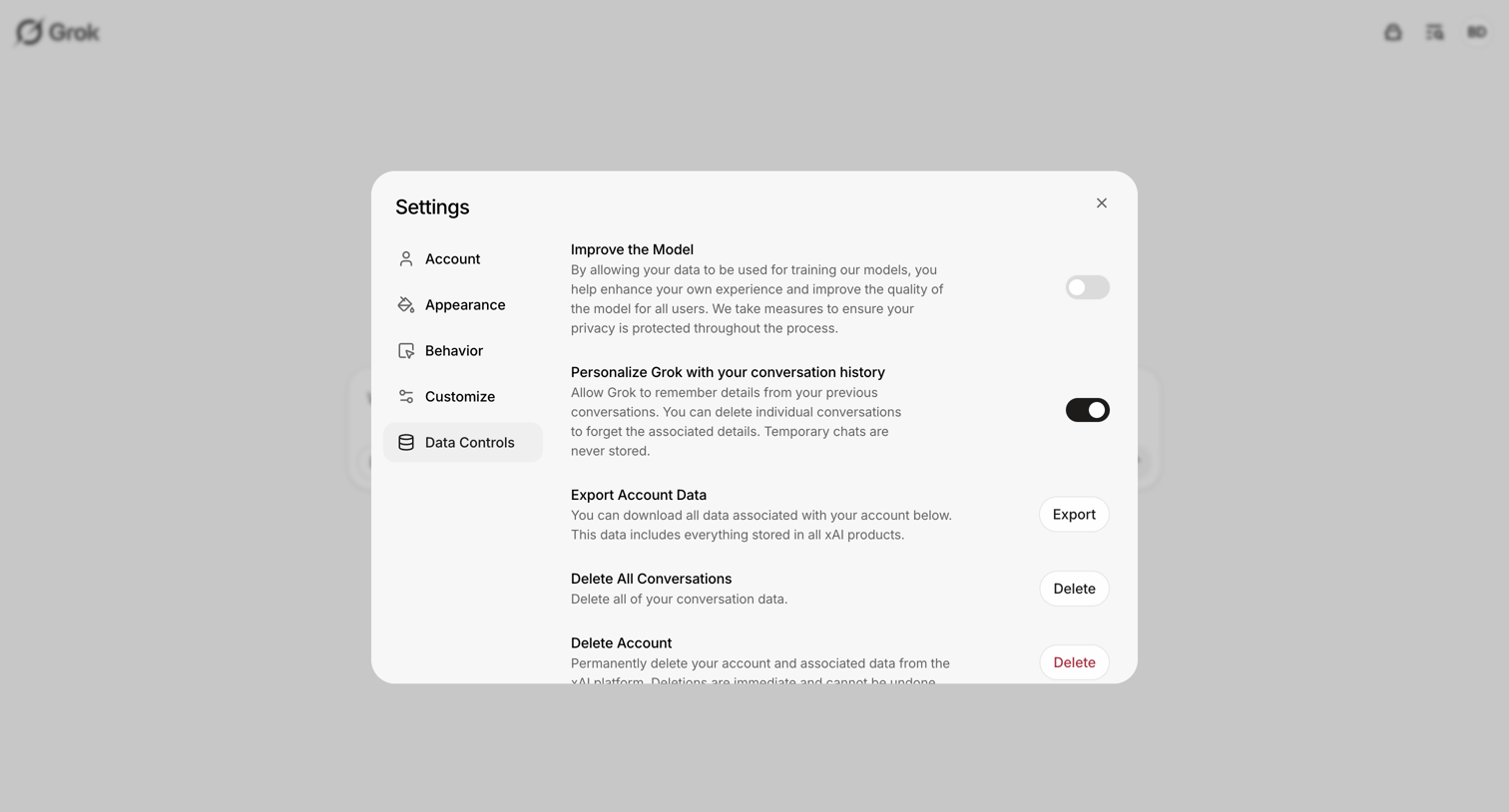

Settings modal where the user configures data privacy controls, including model training opt-in, conversation history personalization, data export, and account deletion.
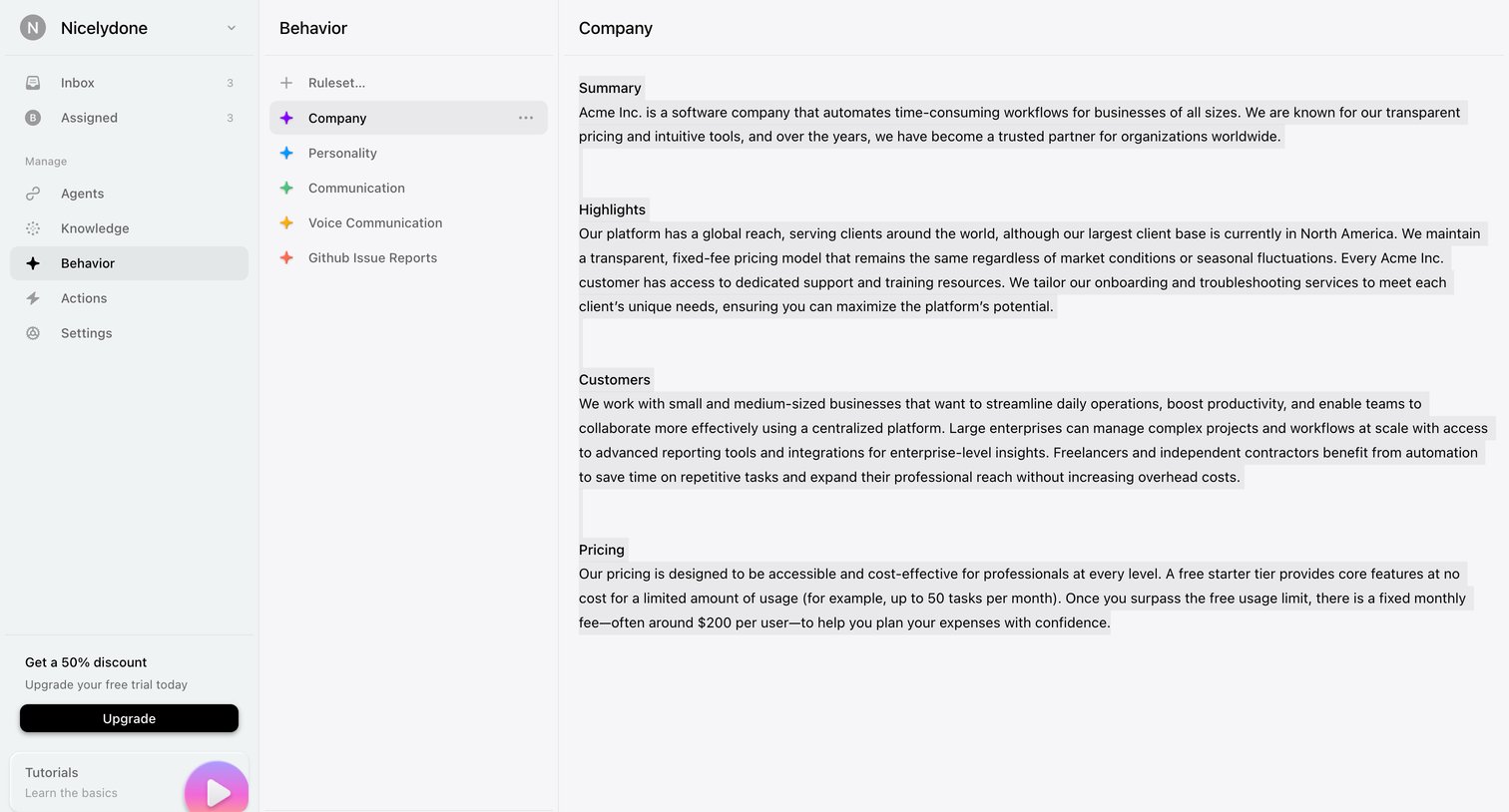

Settings page where the user configures rulesets like company summary, highlights, and pricing to align the AI agent's behavior.
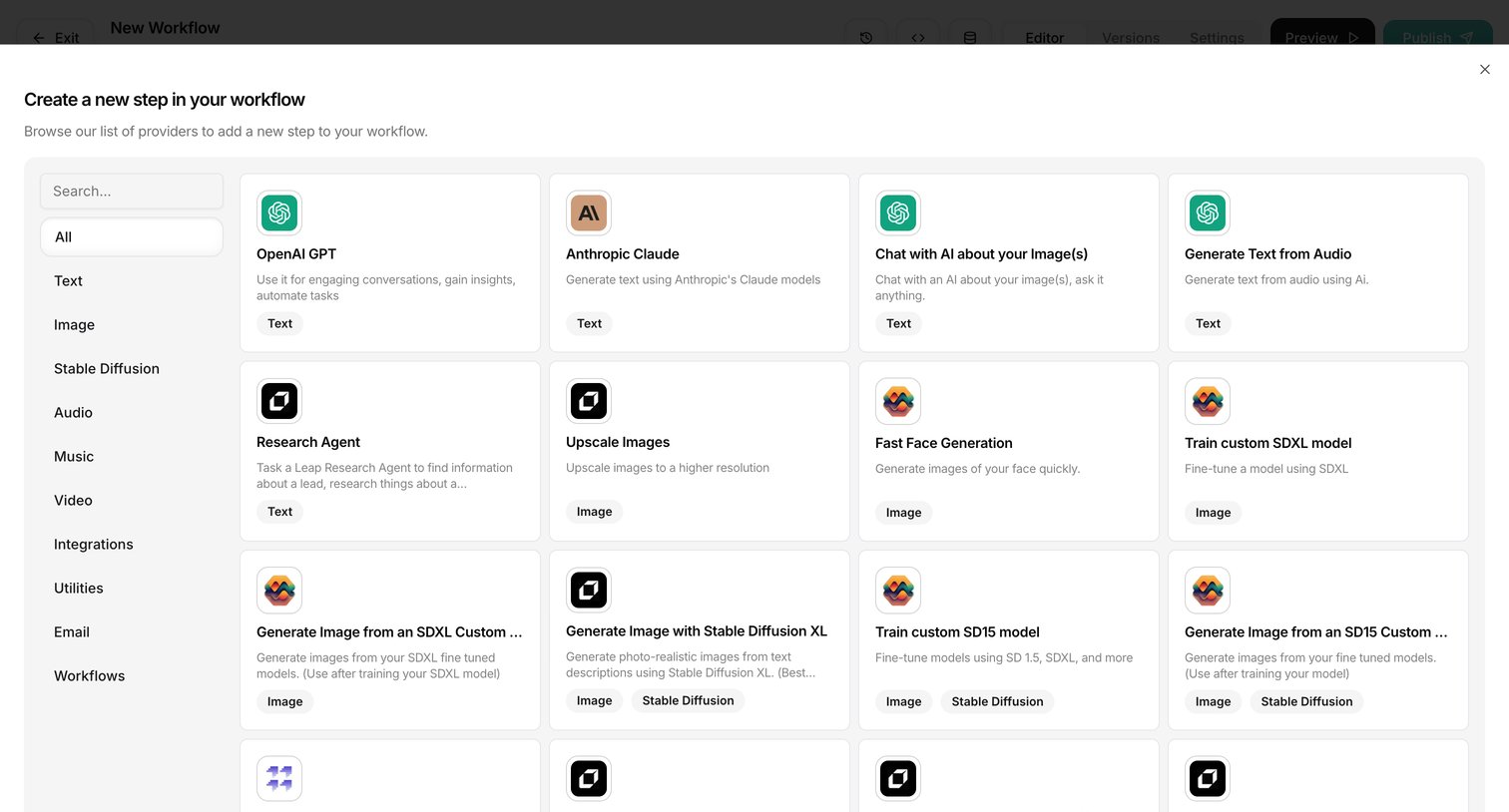

Modal overlay where the user browses and searches a grid of AI models and utility providers to add a new step to their workflow.
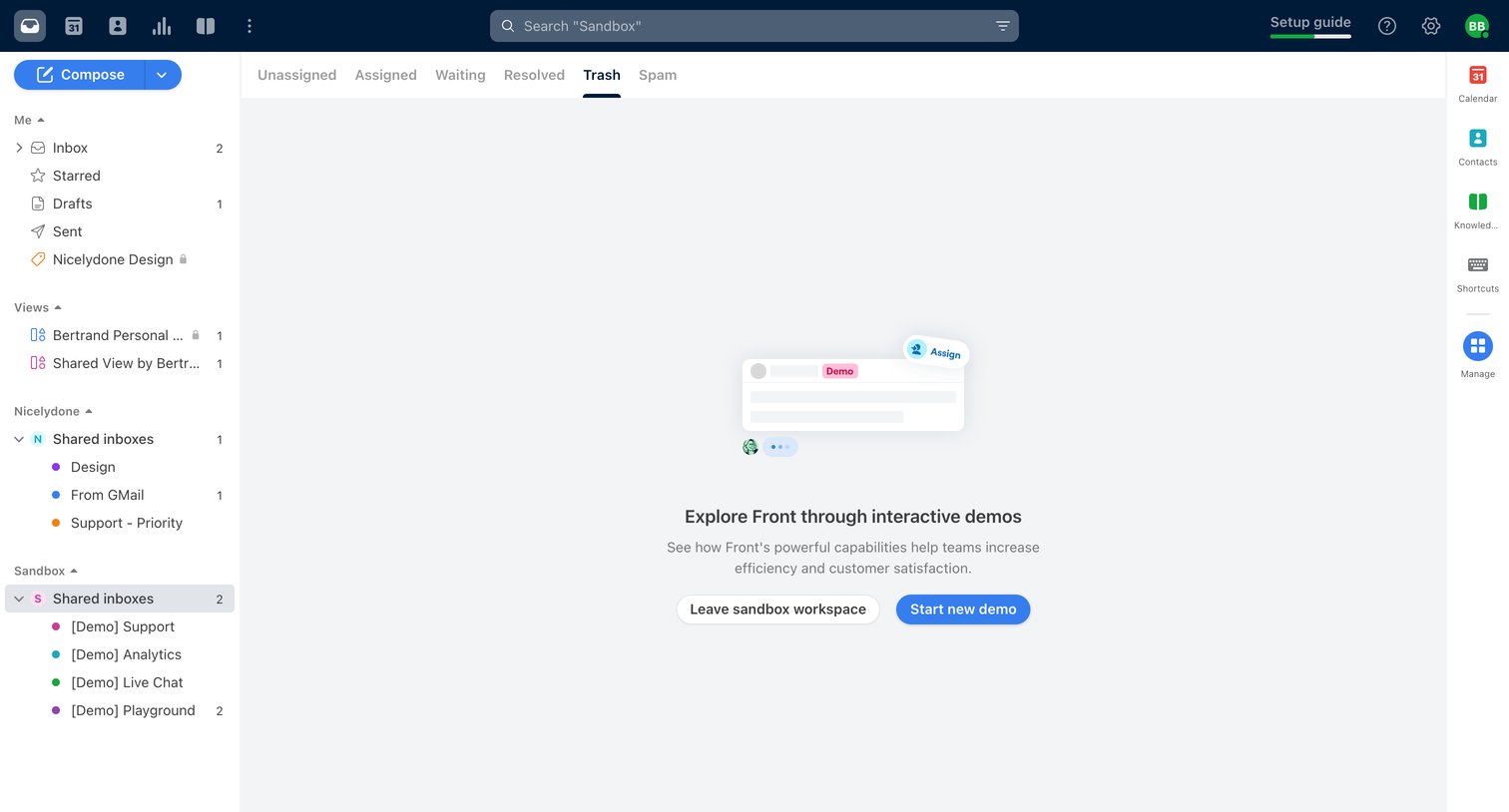

Inbox view showing an empty trash folder in a sandbox workspace with prompts to start a new demo or leave the sandbox.
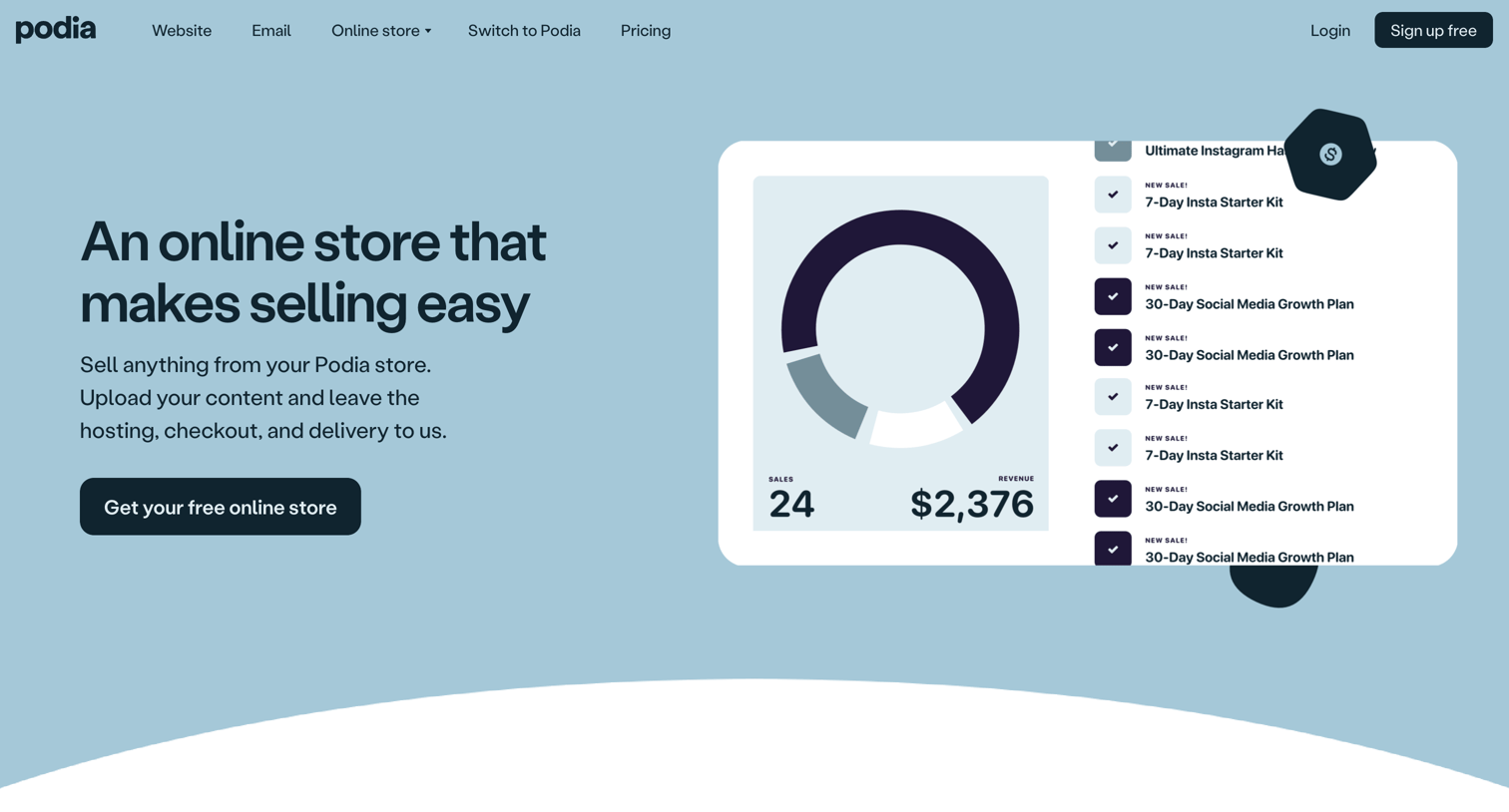

Product page for an online store builder detailing features like digital products, checkout, and affiliate marketing, with a testimonial and FAQ.
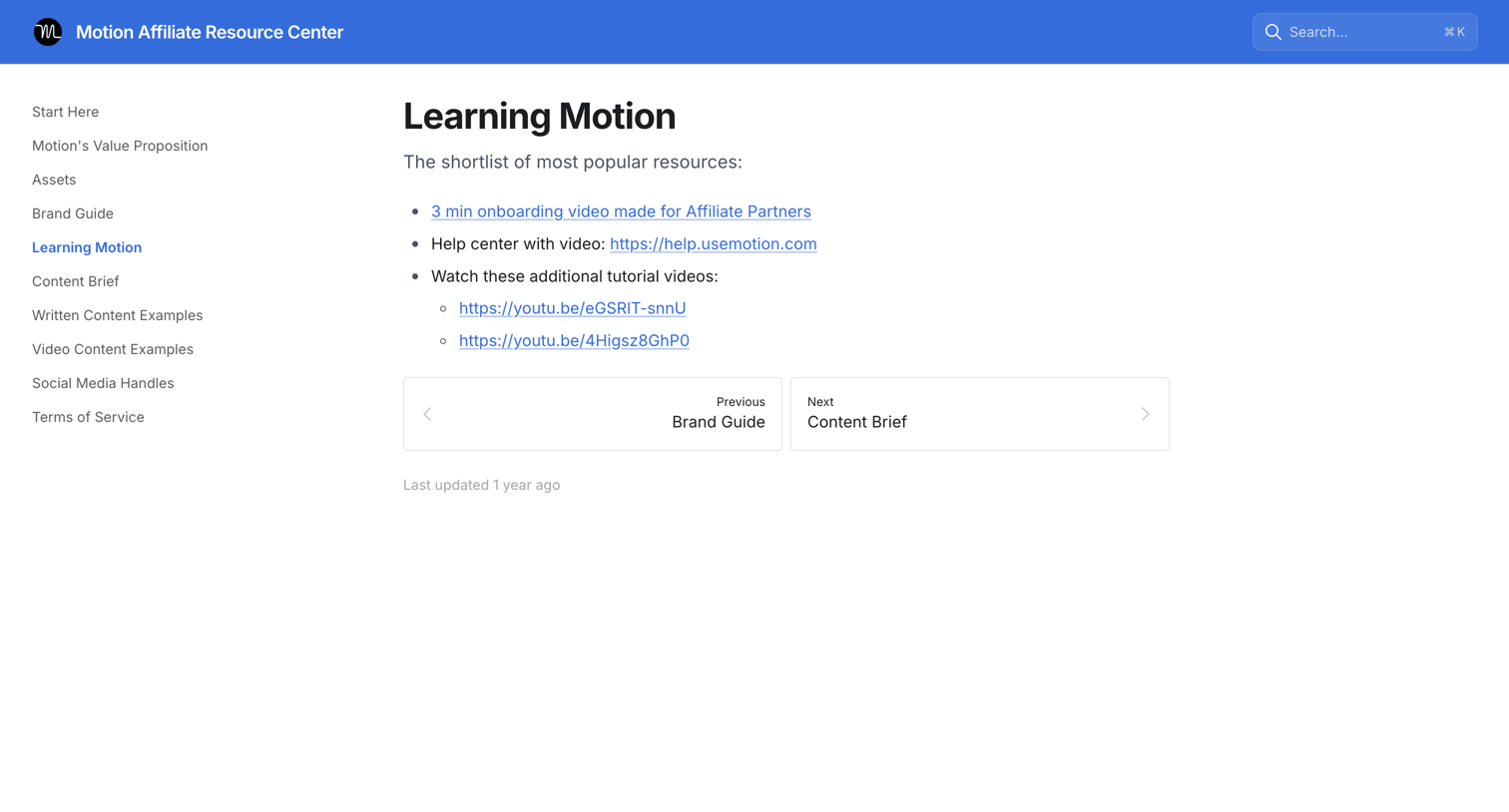

Guide page providing affiliate partners with a shortlist of popular resources including onboarding videos and help center links.
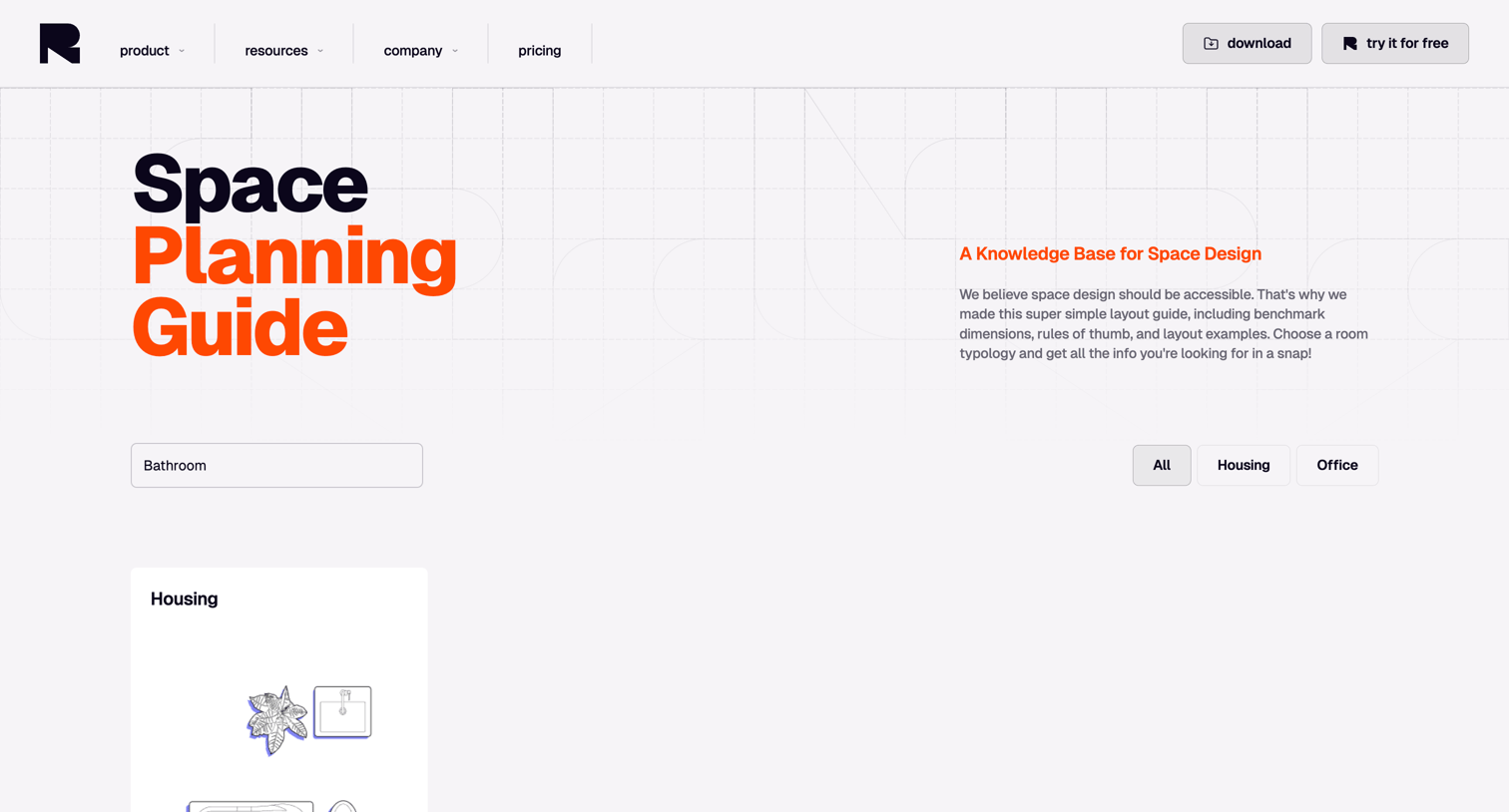

Resource page offering a searchable space planning guide where users can filter benchmark dimensions and layout examples by room typology.
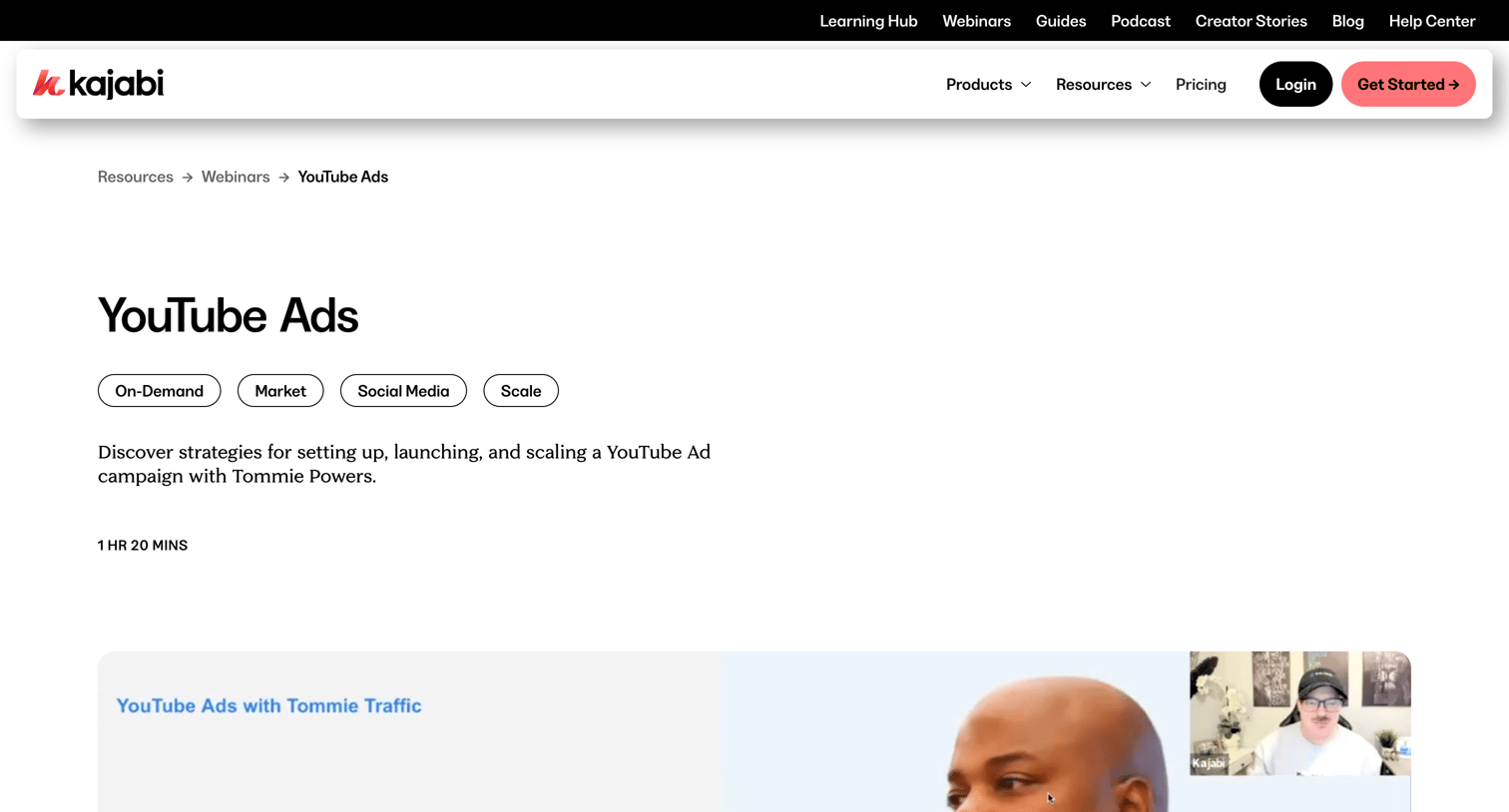

Webinar detail page where the user can watch an on-demand session about YouTube Ads, read the speaker's biography, and explore related coaching videos.
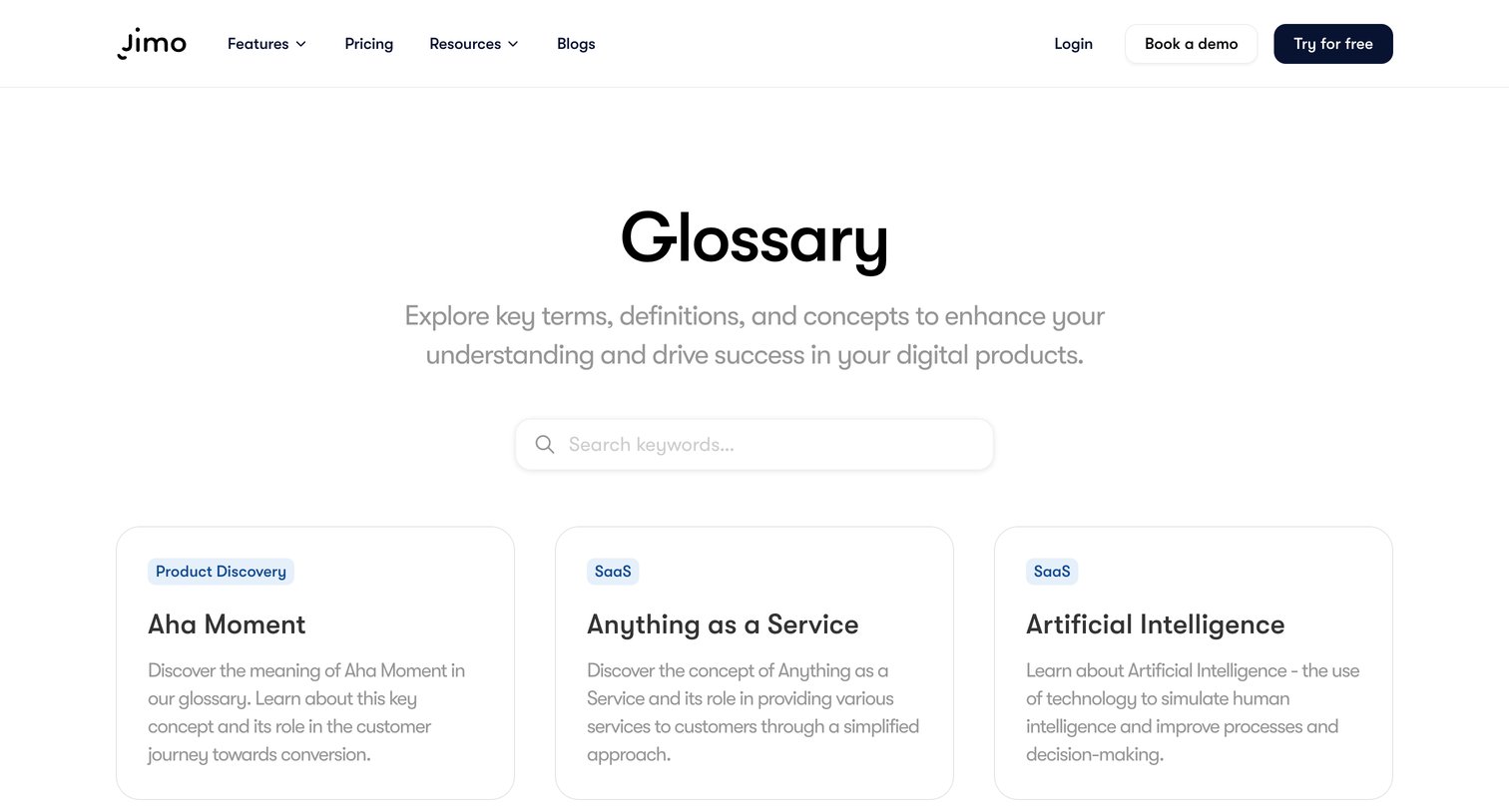

Glossary page where the user searches for key terms and browses definitions related to digital products via a grid of cards.
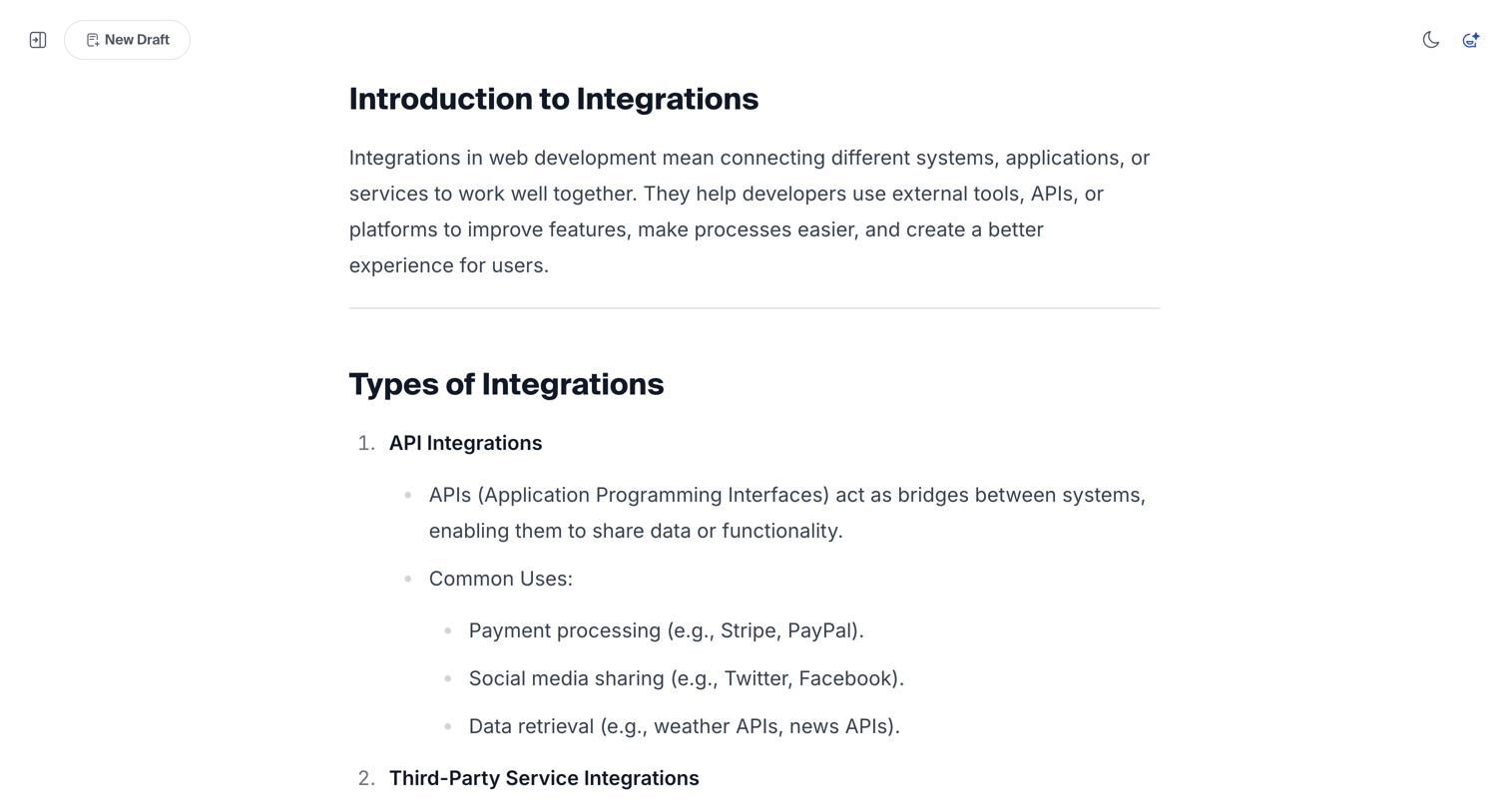

Content editor where the user is writing or reviewing a structured article about software integrations.
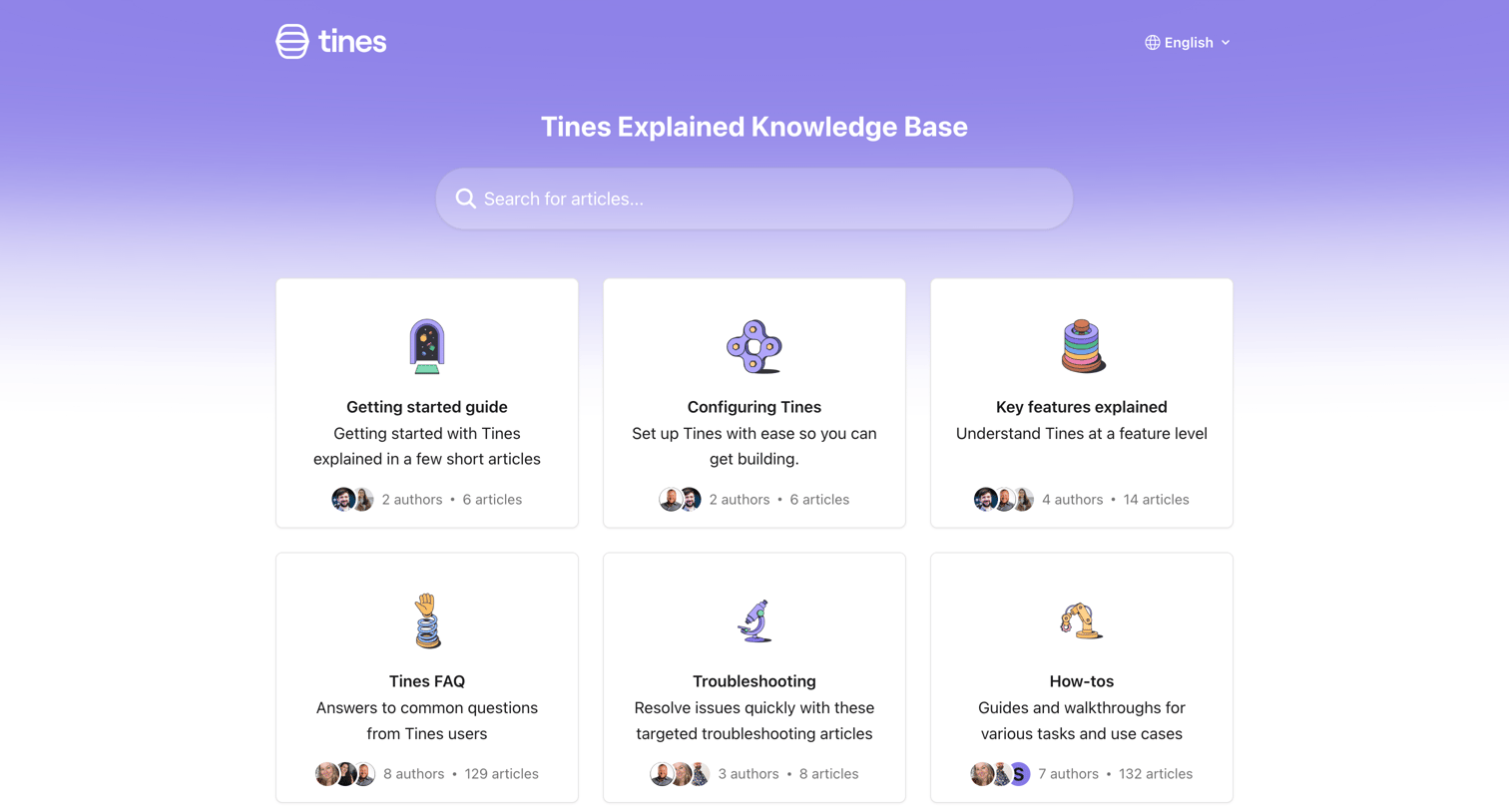

Help center homepage where the user can search for articles, browse categories like Getting started and Troubleshooting, or jump to popular articles.
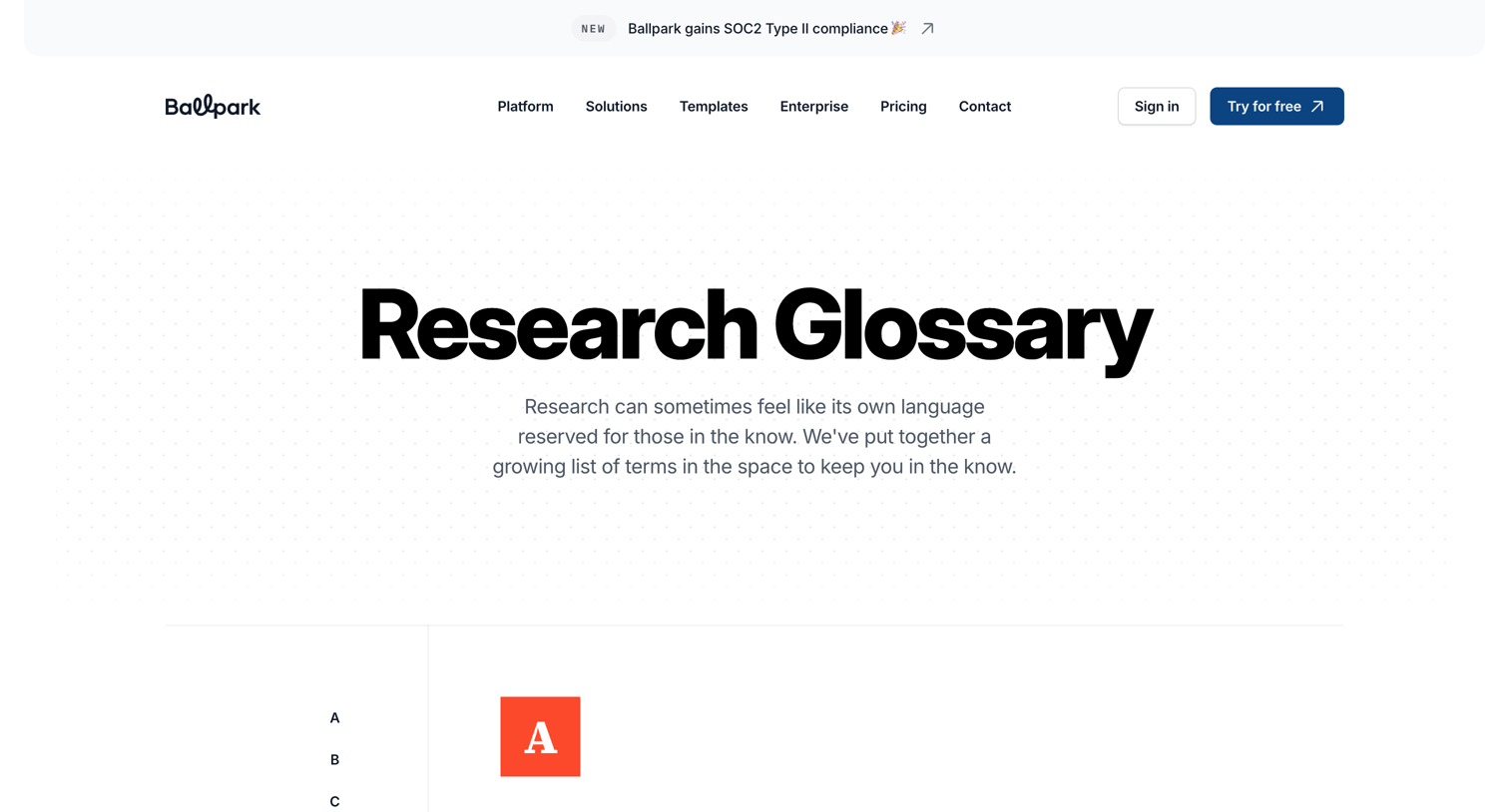

Glossary page detailing user research terminology organized alphabetically from A to Z.
Explore the full SaaS screen library
Upgrade to unlock the full library.
Trusted by the best teams







