Skip to content

Templates screen examples

Templates screen design examples from SaaS apps. Browse examples from Dock, Elevenlabs, Dovetail.

Explore the examples
Dock - Plan · Dock screen
Dock logo
Dock

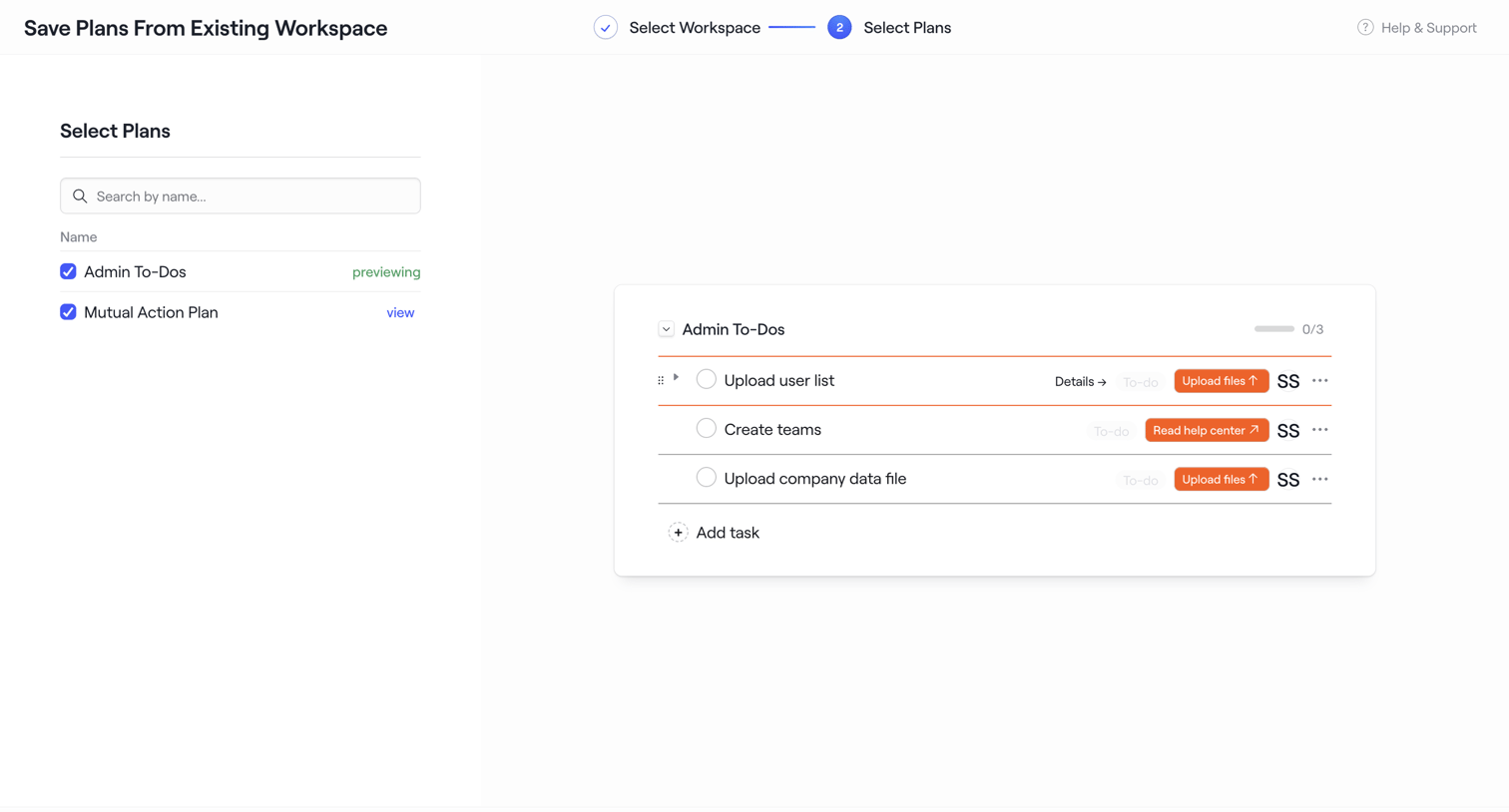
Wizard step where the user selects plans from an existing workspace to save as a new template, previewing the tasks inside the selected plan.

Elevenlabs - Agents | ElevenLabs screen
Elevenlabs logo
Elevenlabs

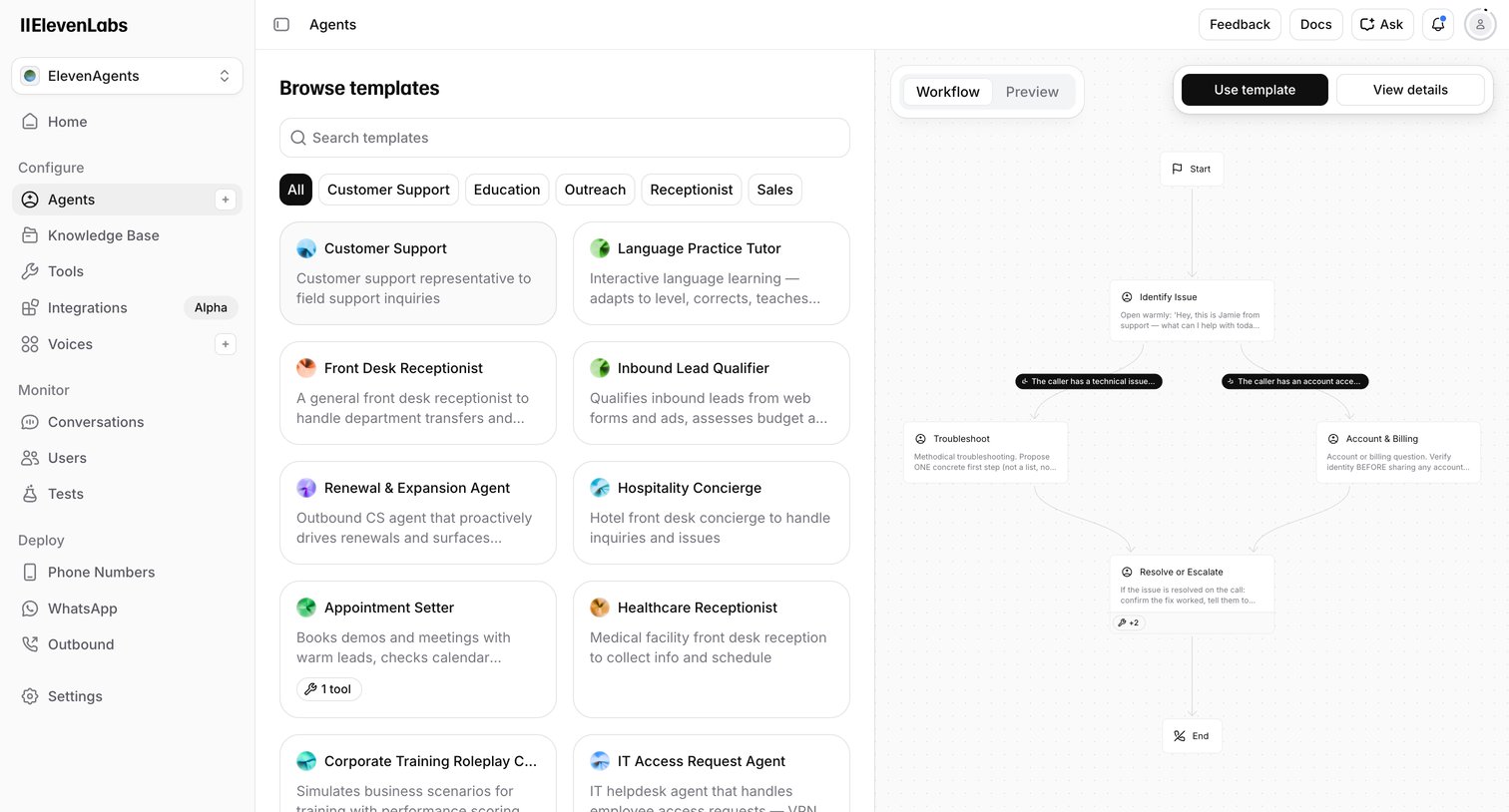
Create page where the user browses and previews conversational AI agent templates like Customer Support or Front Desk Receptionist before using them.

Dovetail - Dovetail – Customer Intelligence Platform screen
Dovetail logo
Dovetail

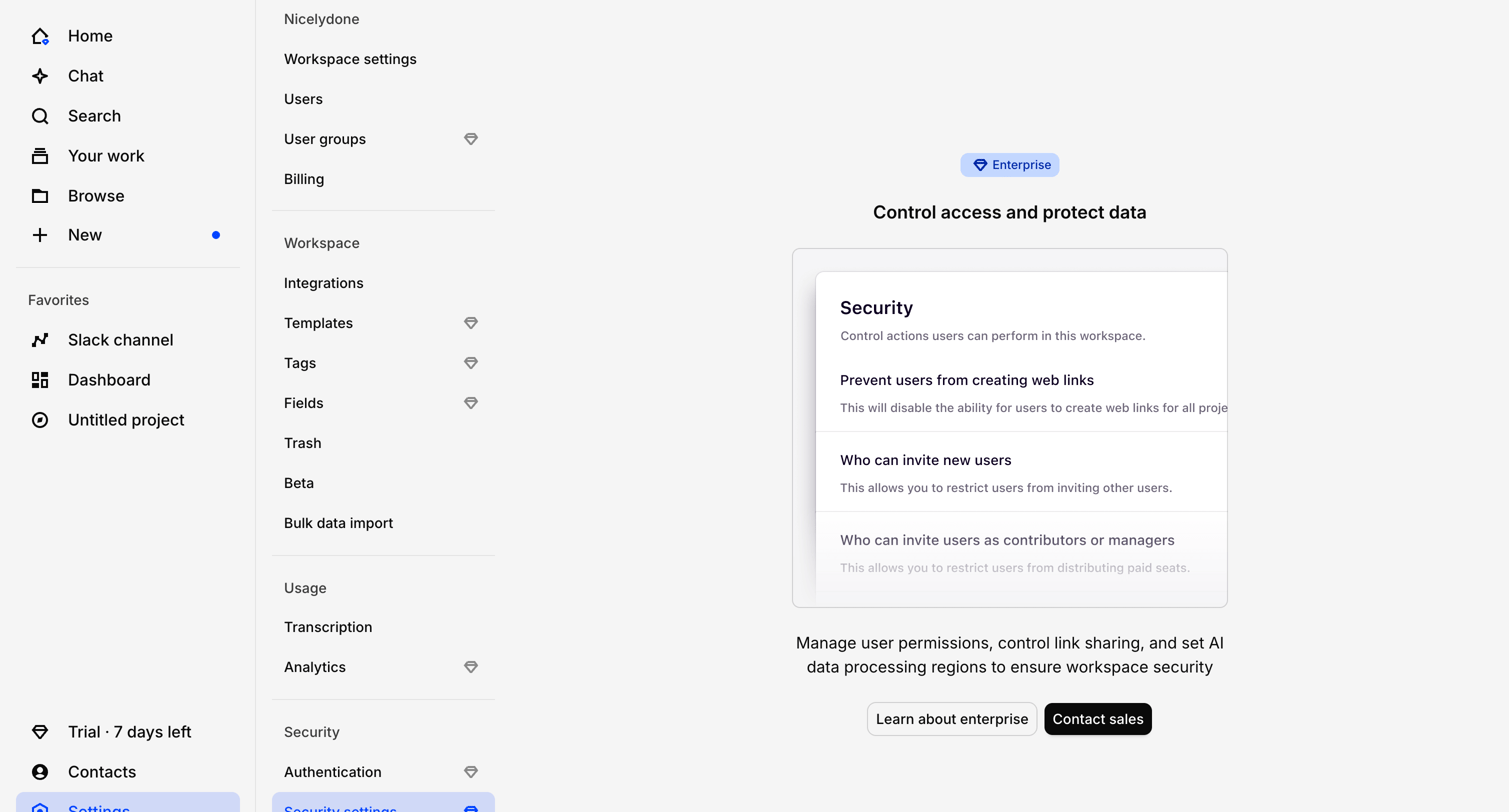
Settings page where the user is blocked from accessing security controls like link sharing and user invites by an Enterprise plan paywall.

Gumloop - Gumloop | Templates screen
Gumloop logo
Gumloop

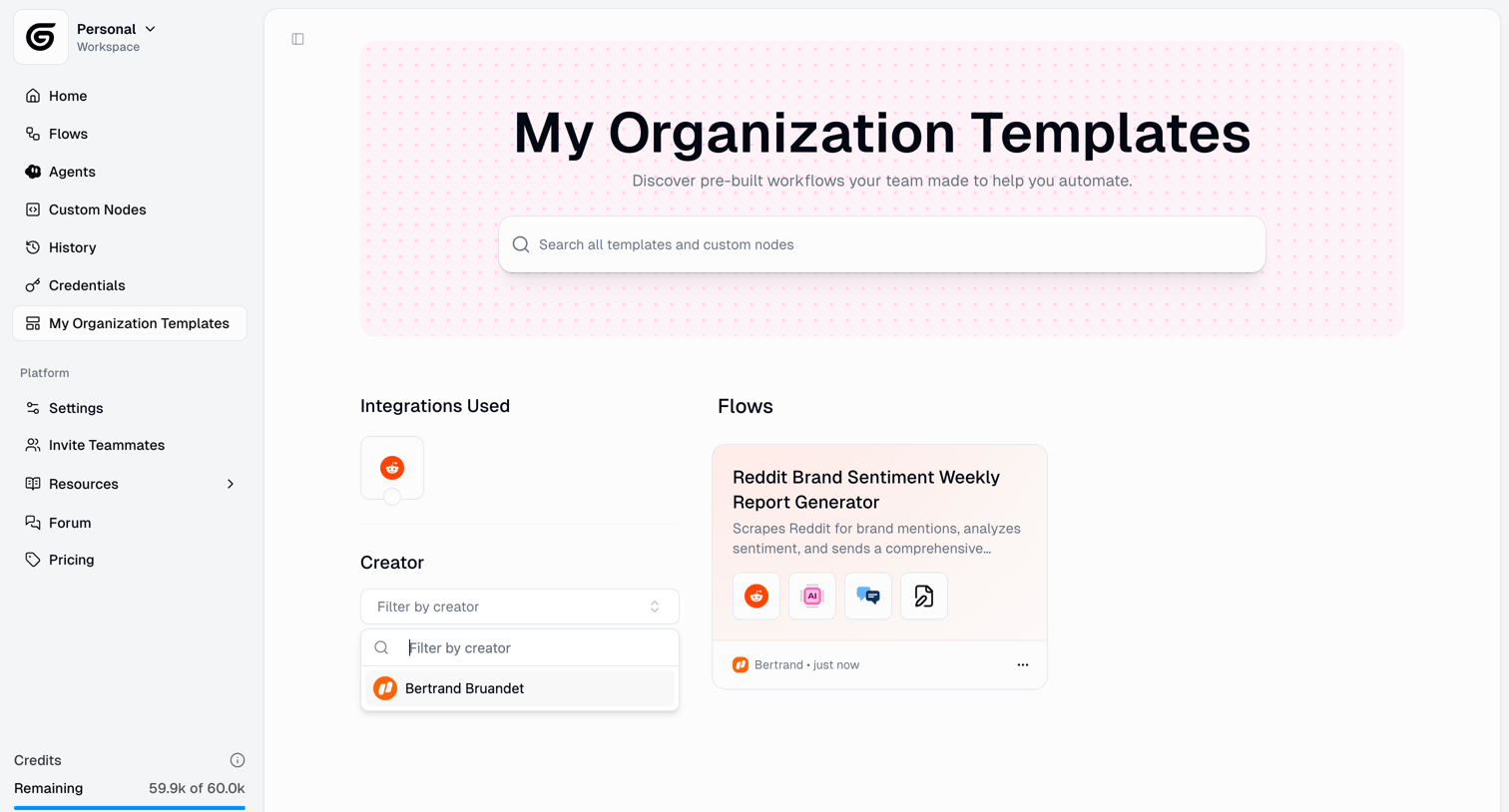
Template gallery where the user browses and searches pre-built automation workflows created by their team.

Loops - Home screen
Loops logo
Loops

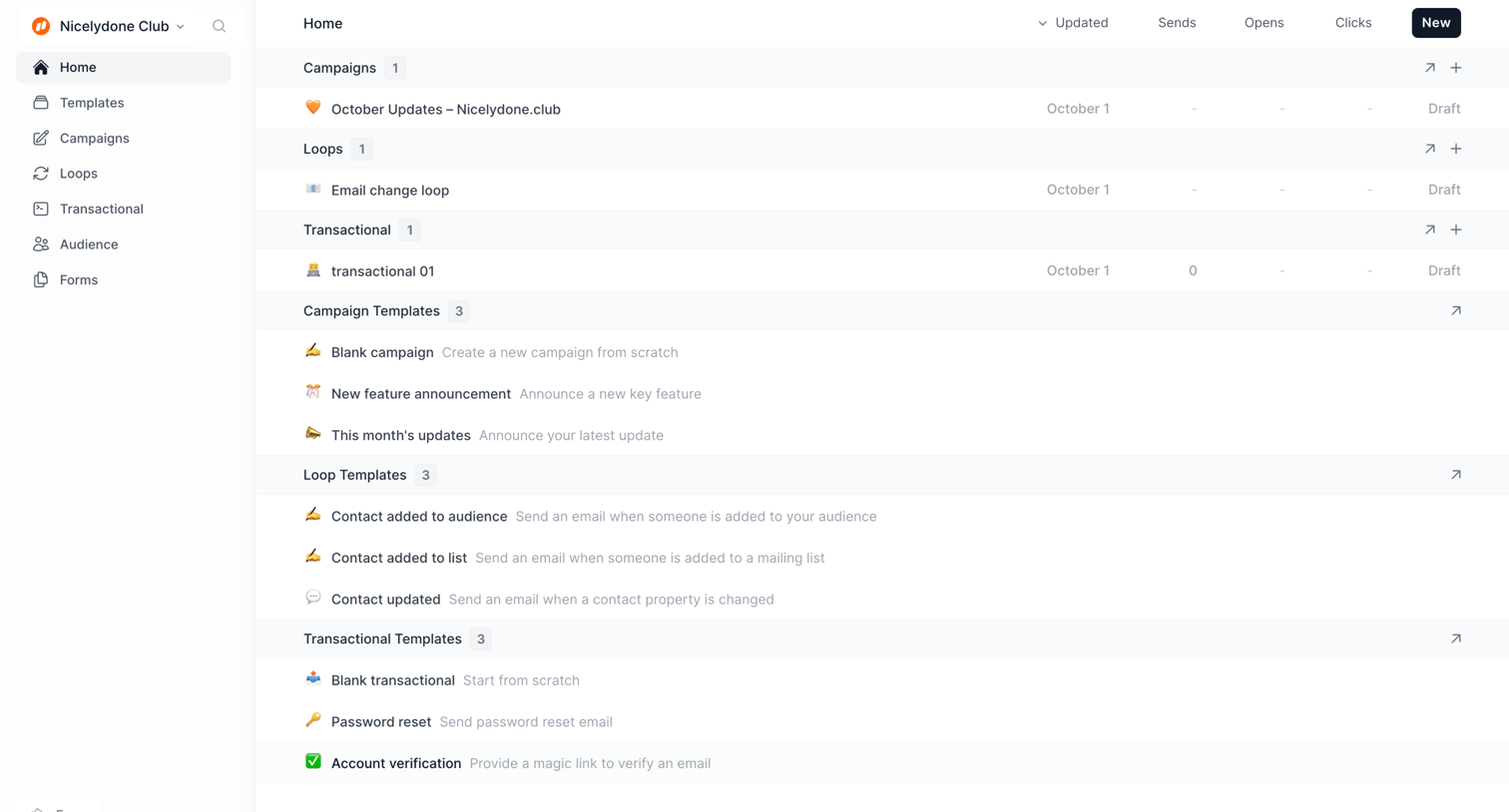
Home dashboard where the user can view recent campaigns, loops, and transactional emails, or start creating from various templates.

Workflow screen
Workflow logo
Workflow

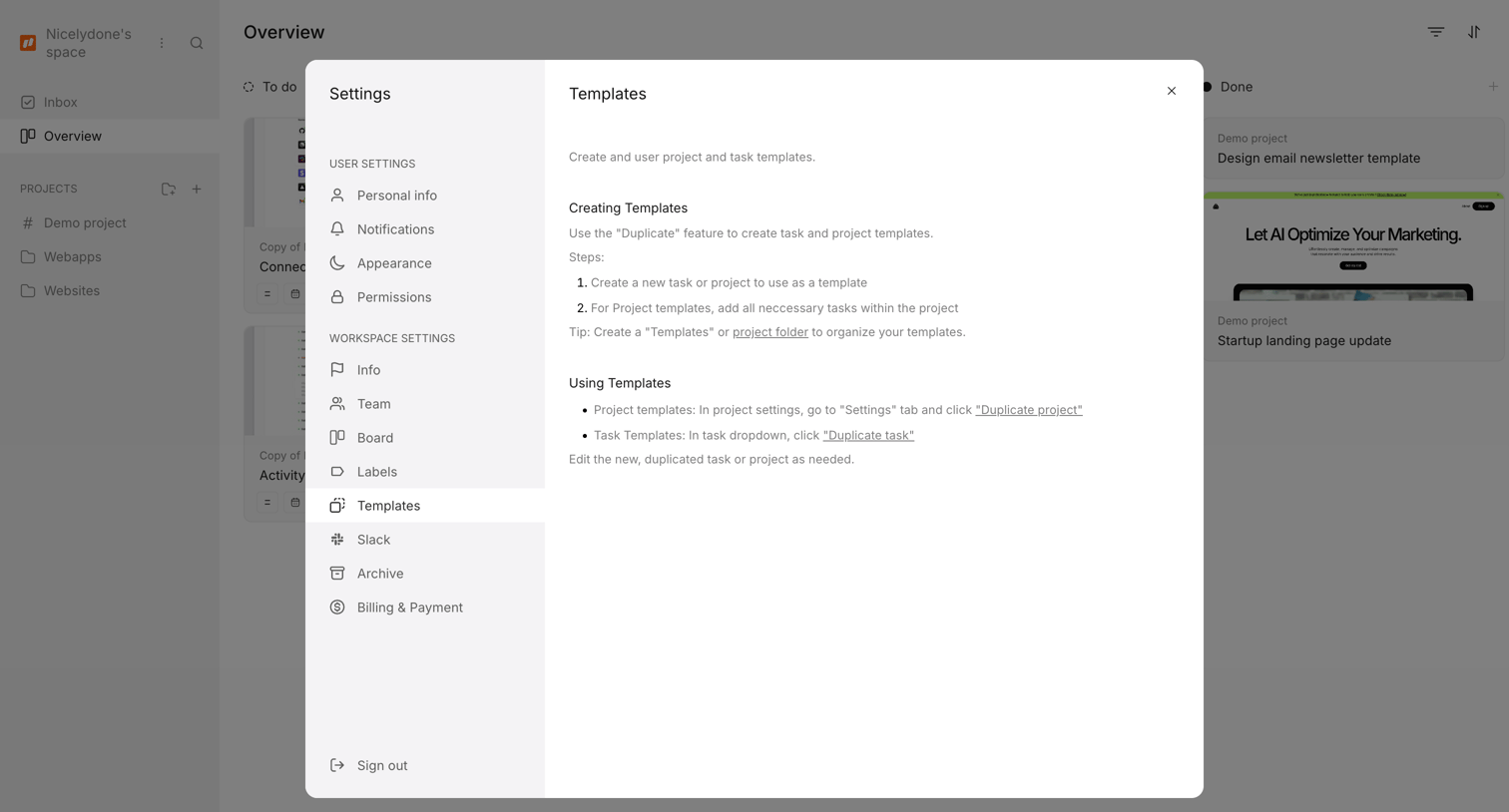
Settings modal where the user reads instructions on how to create and use project and task templates.

Parallel - Parallel Platform screen
Parallel logo
Parallel

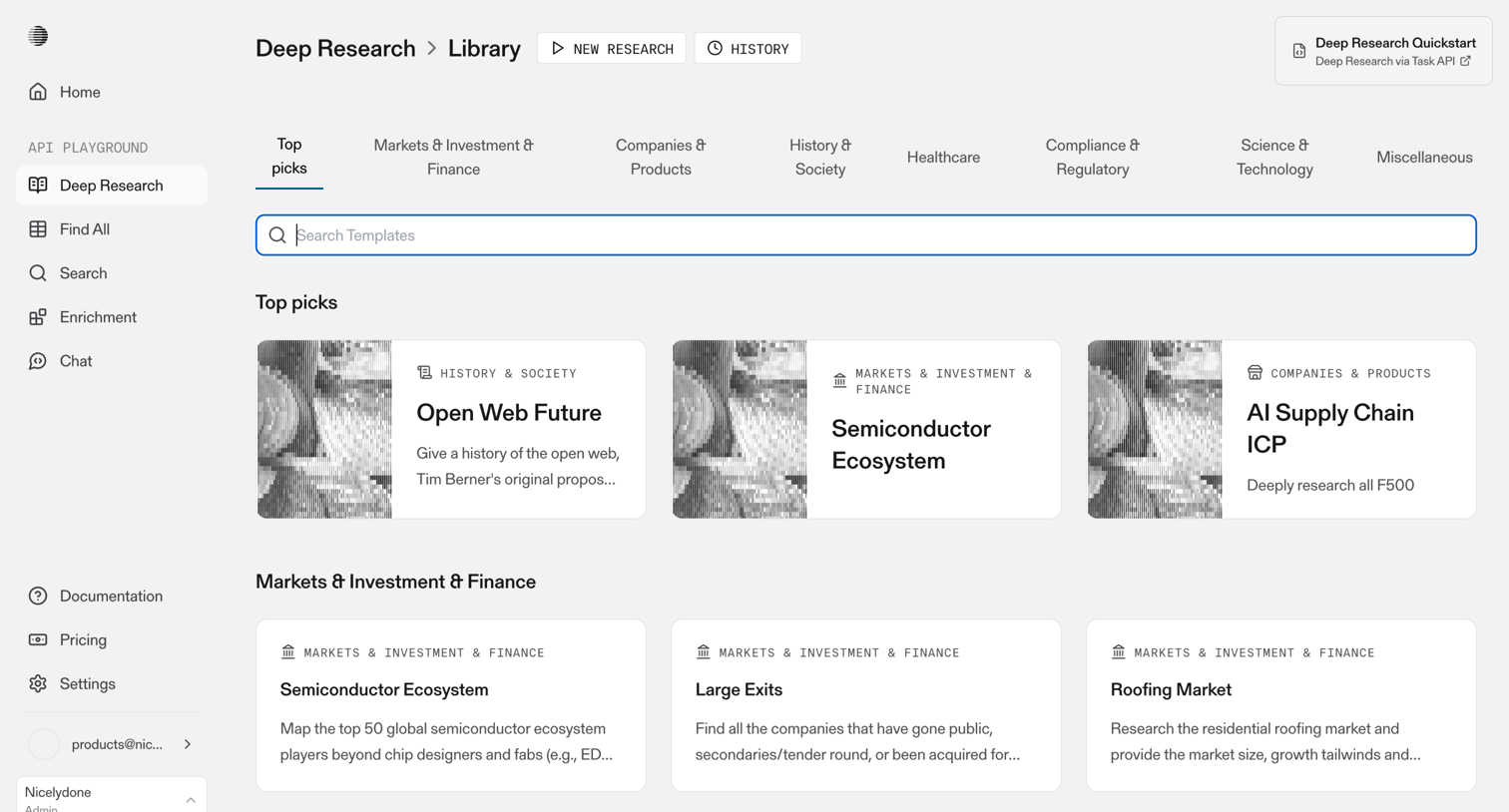
Prompt library where the user browses and searches deep research templates across categories like markets, healthcare, and technology.

Slite - - Templates screen
Slite logo
Slite

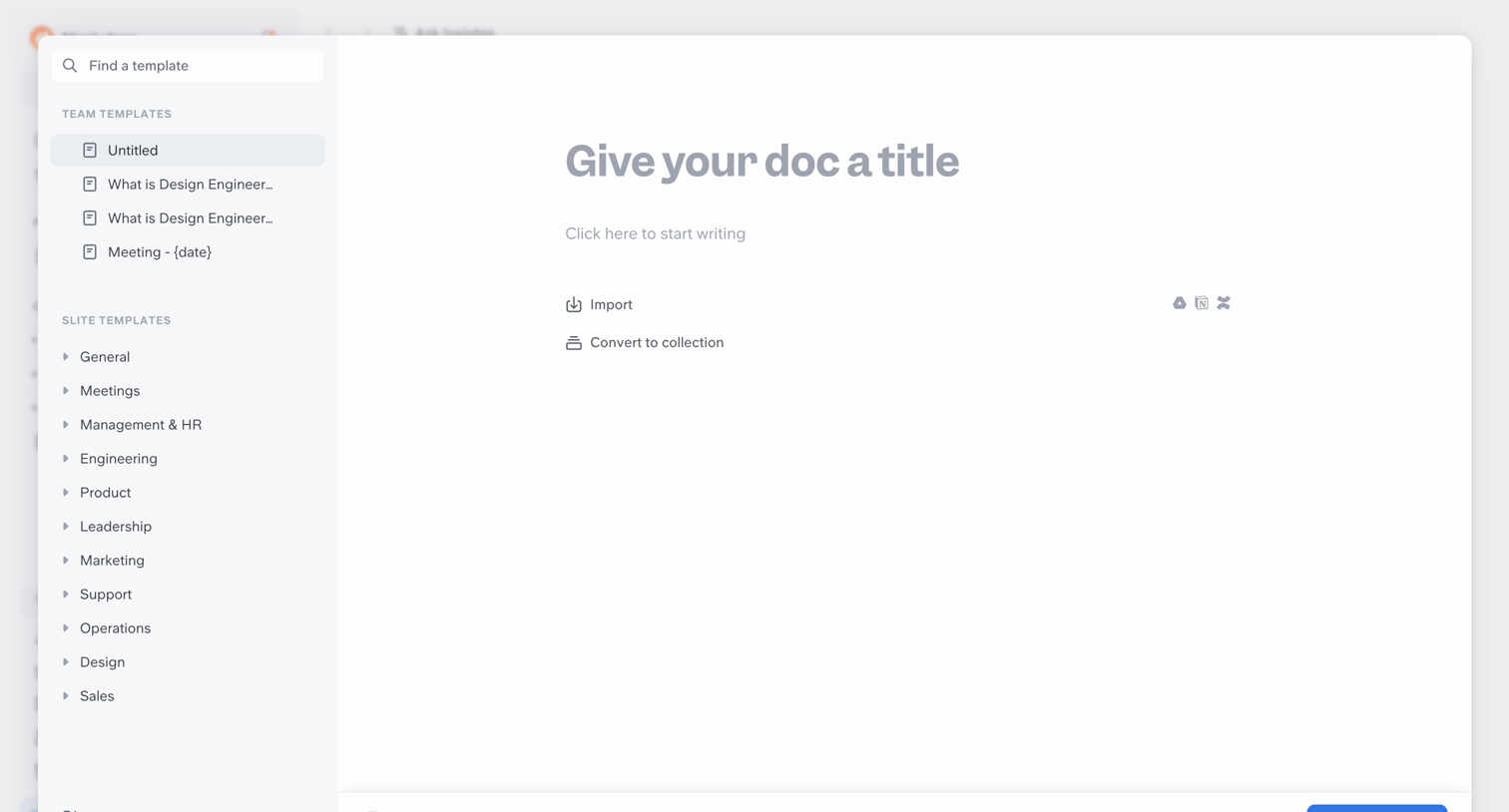
Create screen where the user selects a document template from a categorized sidebar or starts writing a new doc from scratch with options to import from external tools.

Wynde screen
Wynde logo
Wynde

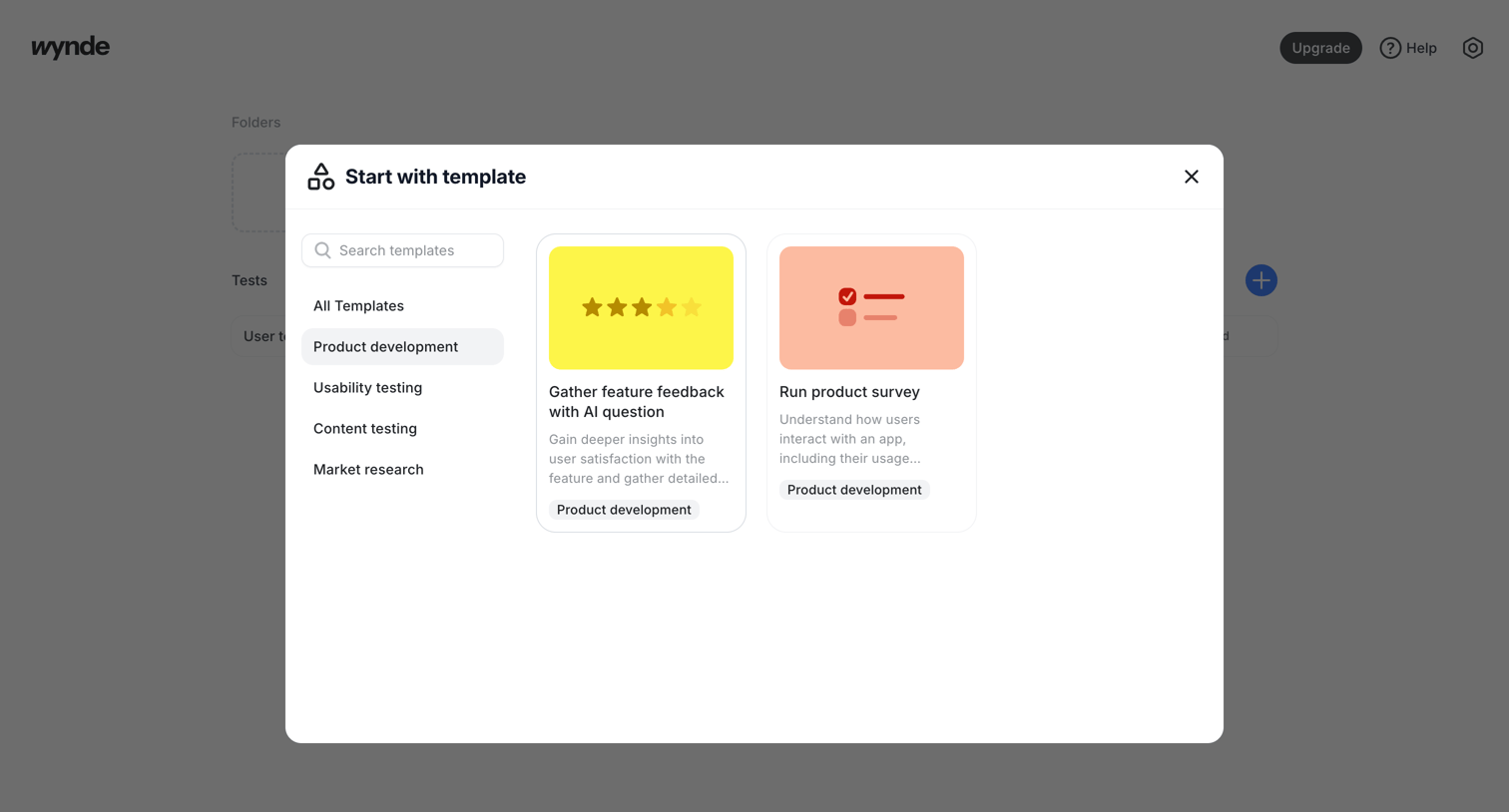
Create modal where the user selects a template, like a product survey or feature feedback, from categories such as usability testing and market research.

Glide screen
Glide logo
Glide

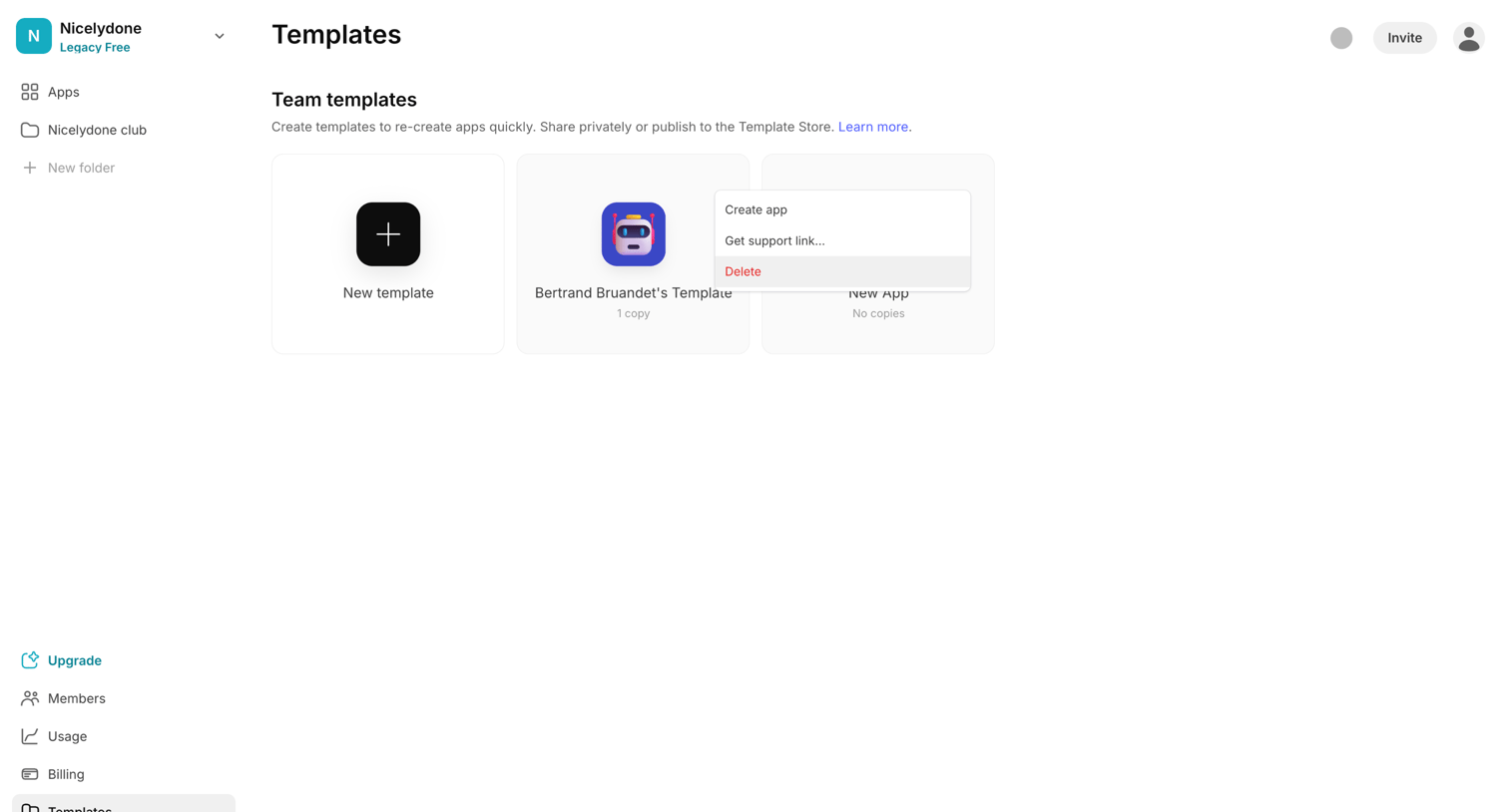
List view where the user manages team templates, creates new ones from scratch, and accesses options like creating an app or deleting a template via an open context menu.

Outseta - Templates screen
Outseta logo
Outseta

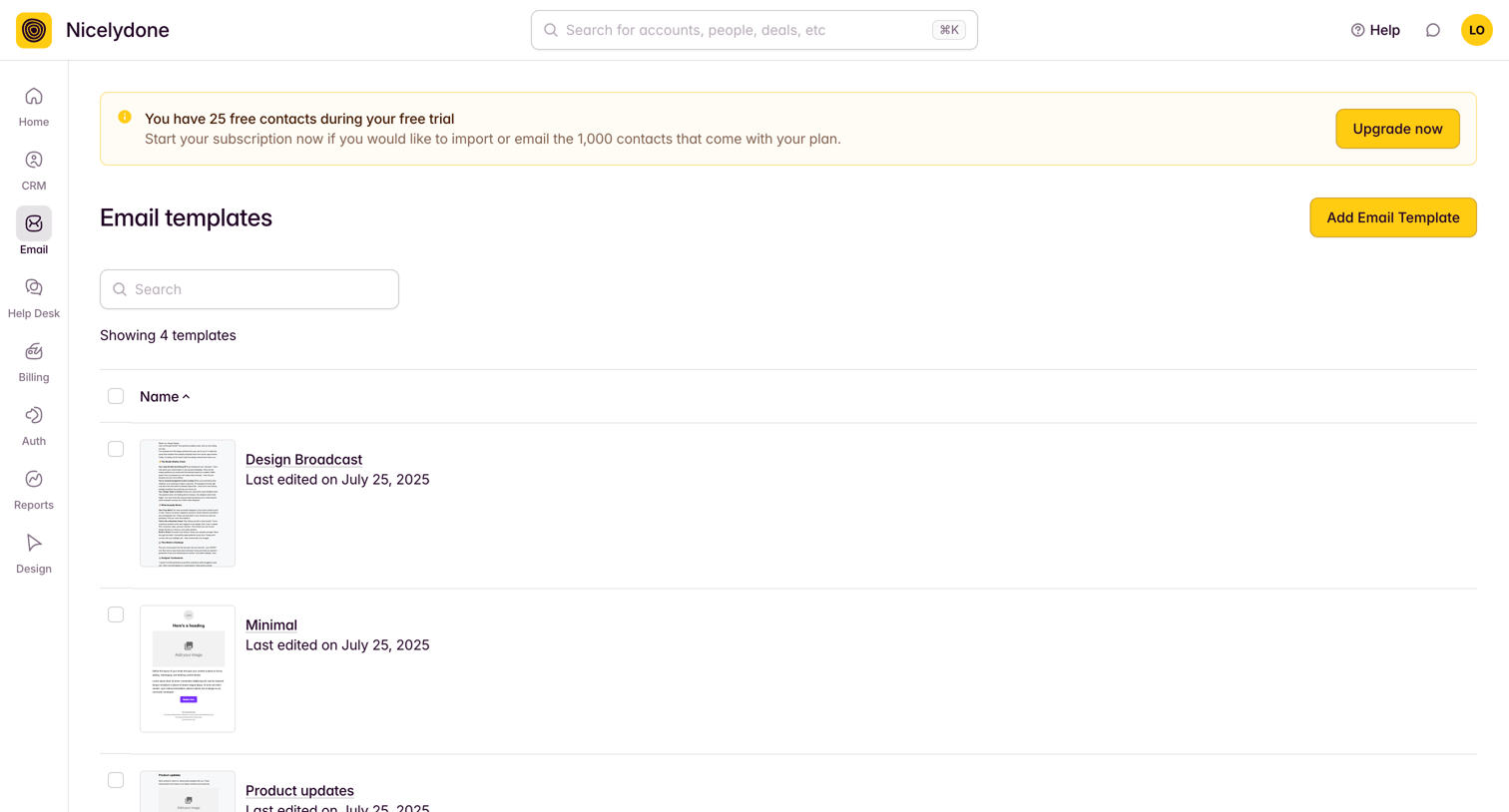
List view where the user manages their email templates, showing thumbnails, names, and last edited dates, with an active free trial banner prompting an upgrade.

Zapier - Home | Zapier screen
Zapier logo
Zapier

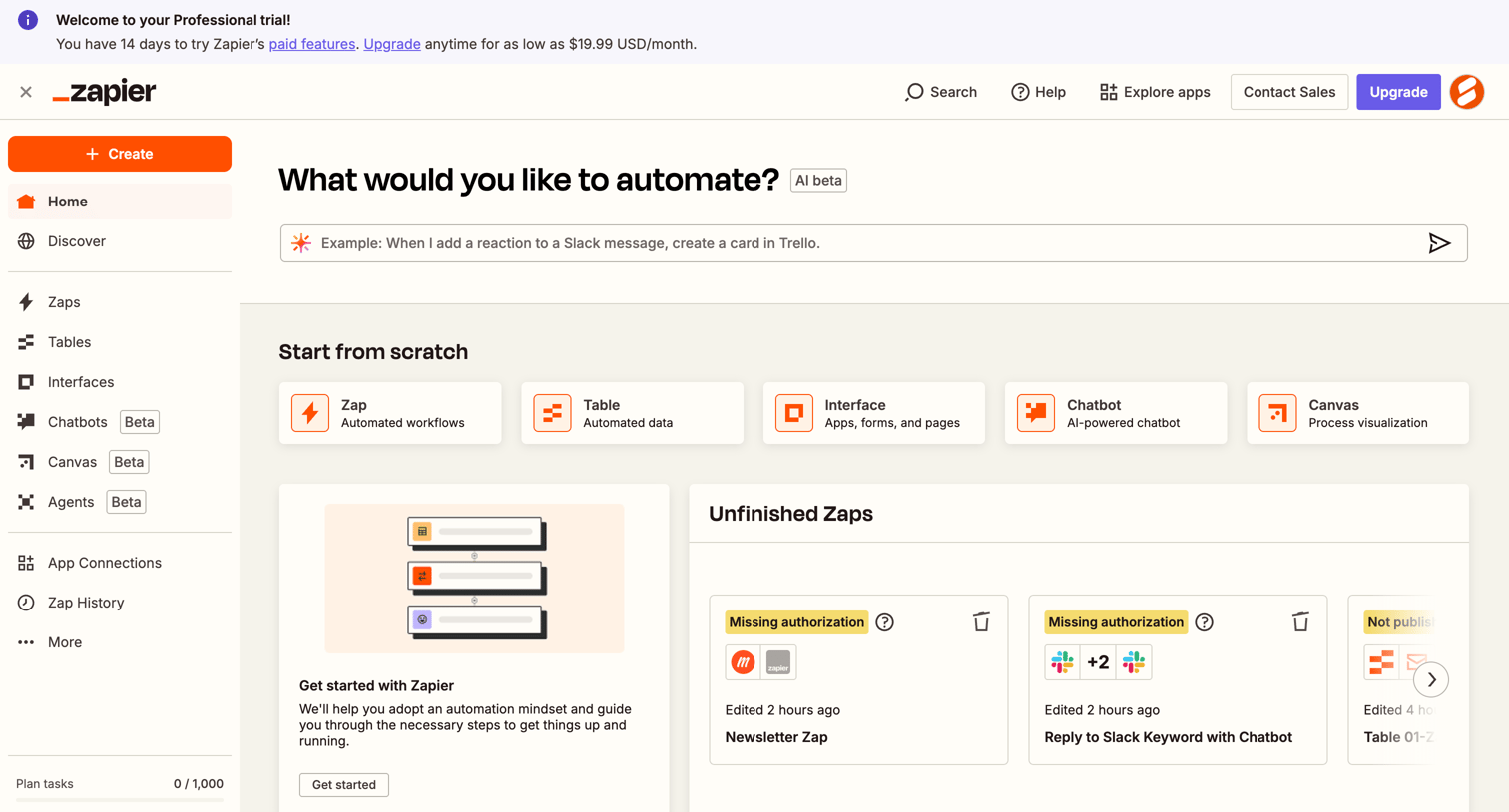
Home screen where the user can start building automations via an AI prompt, select a starting template, or resume unfinished workflows.

Explore the full SaaS screen library

Upgrade to unlock the full library.

Trusted by the best teams