Team billing screen examples
Team billing screen design examples from SaaS apps. Browse examples from Polar, Elevenlabs, Paper.
Explore the examples
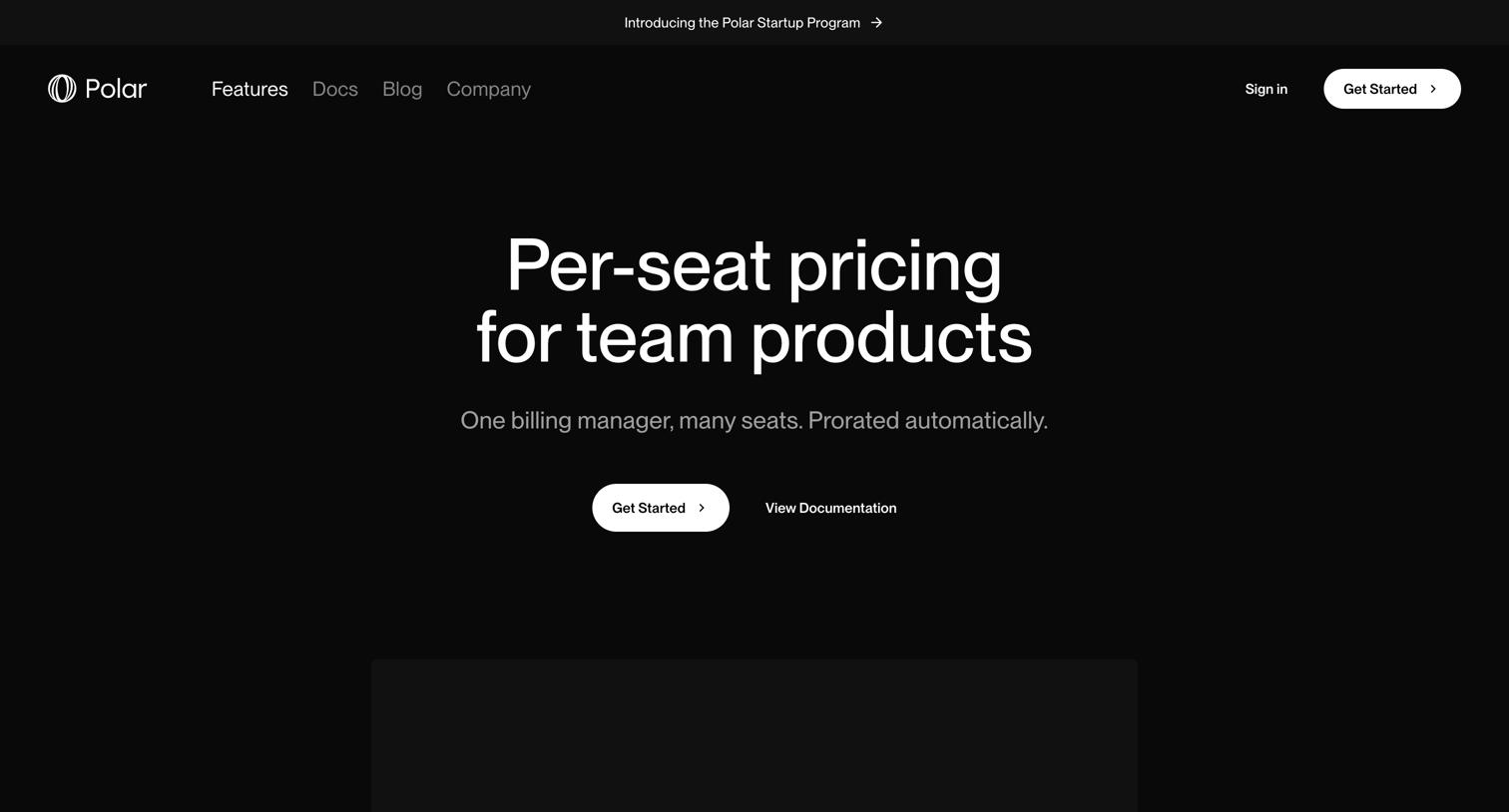

Feature page explaining per-seat pricing capabilities for team products, detailing seat statuses, proration, and API support.
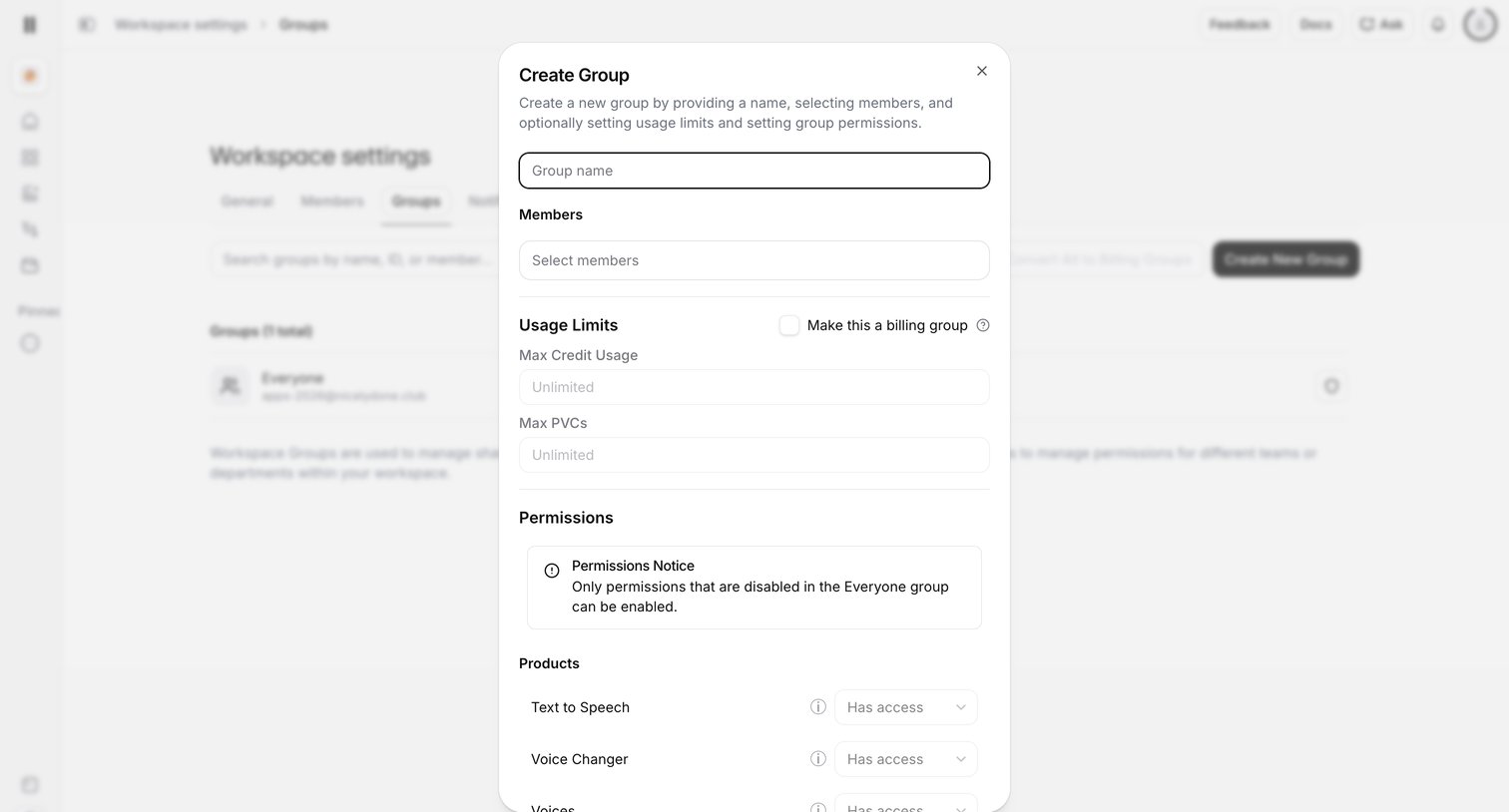

Settings page where the user creates a new workspace group, configuring its members, billing usage limits, and product access permissions via a modal.
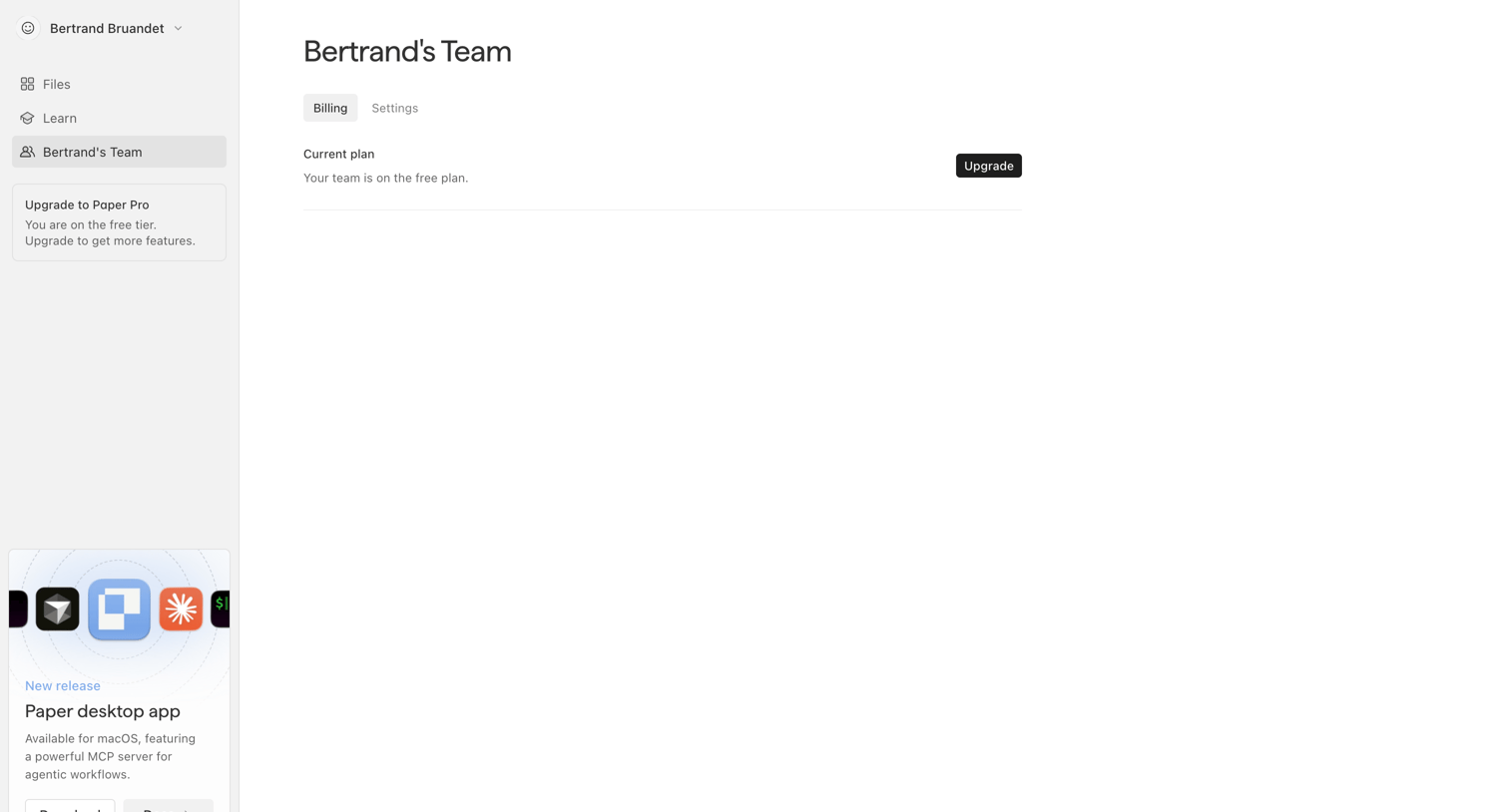

Settings page where the user views their current free plan status and can upgrade to a paid tier.
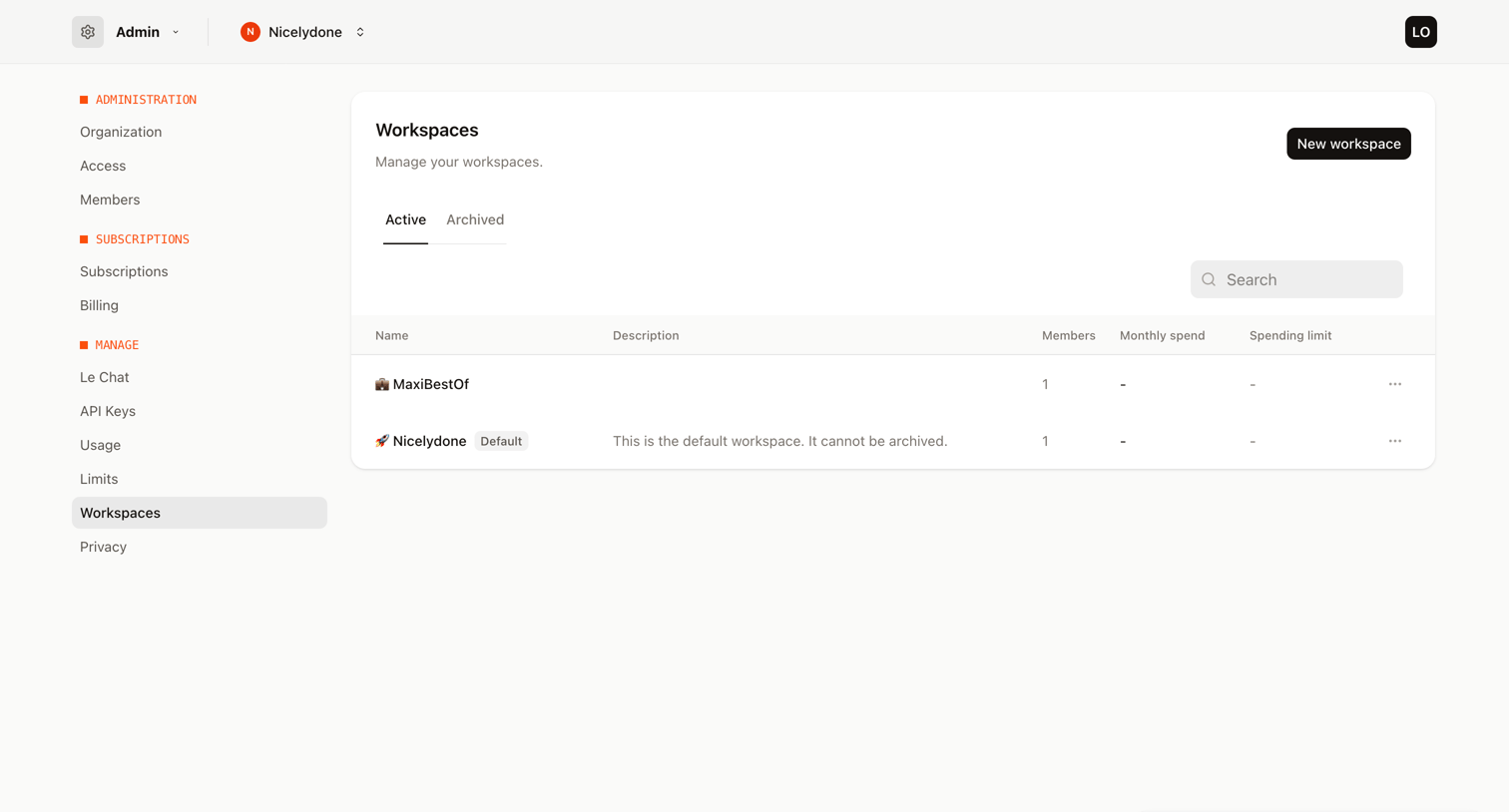

Settings page where the user manages their organization's active and archived workspaces, including creating new ones.
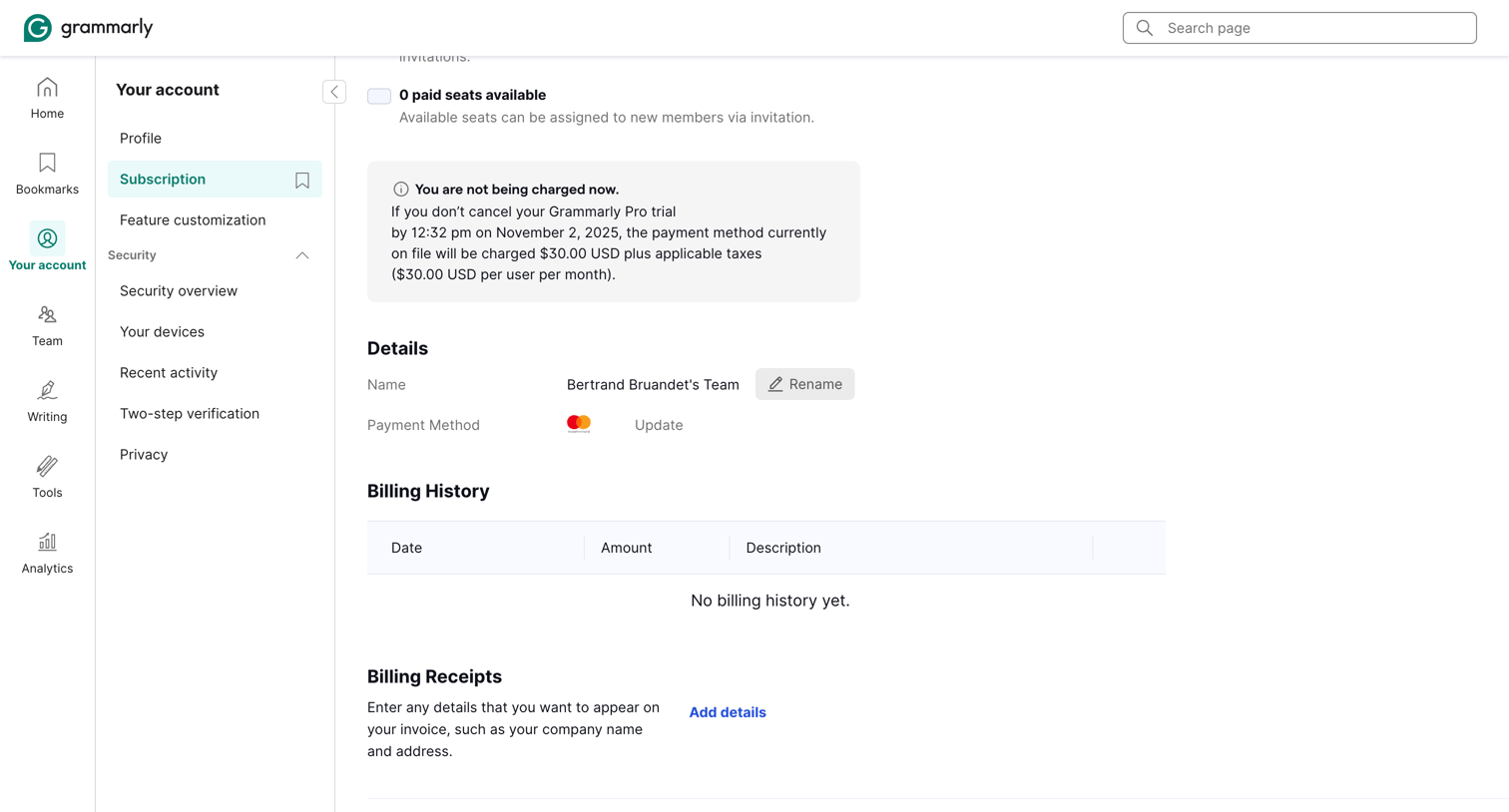

Subscription settings page where the user can view their trial status, update payment methods, and check billing history.
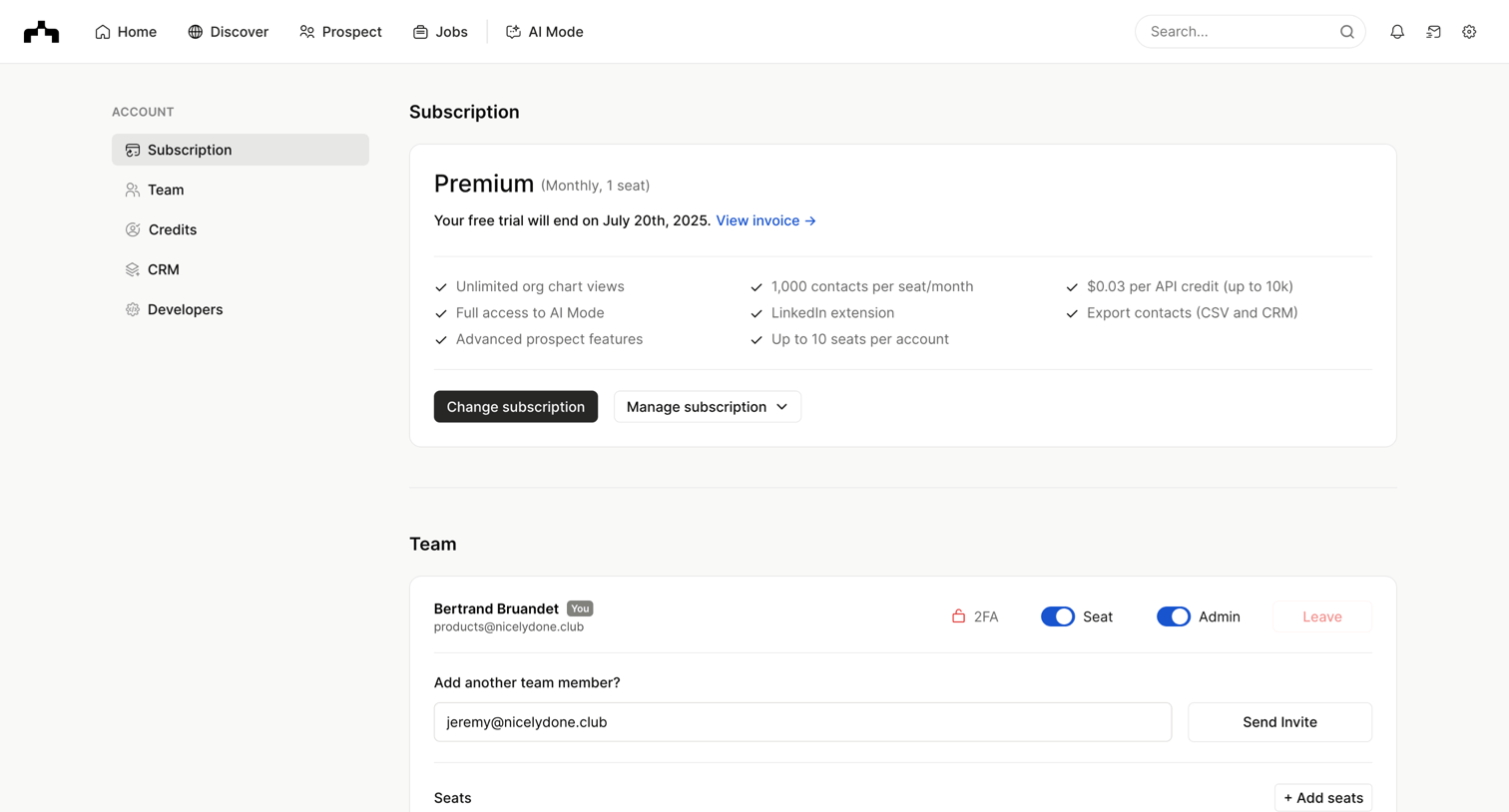

Settings page where the user manages their subscription, team members, credits, CRM integrations, and API keys.
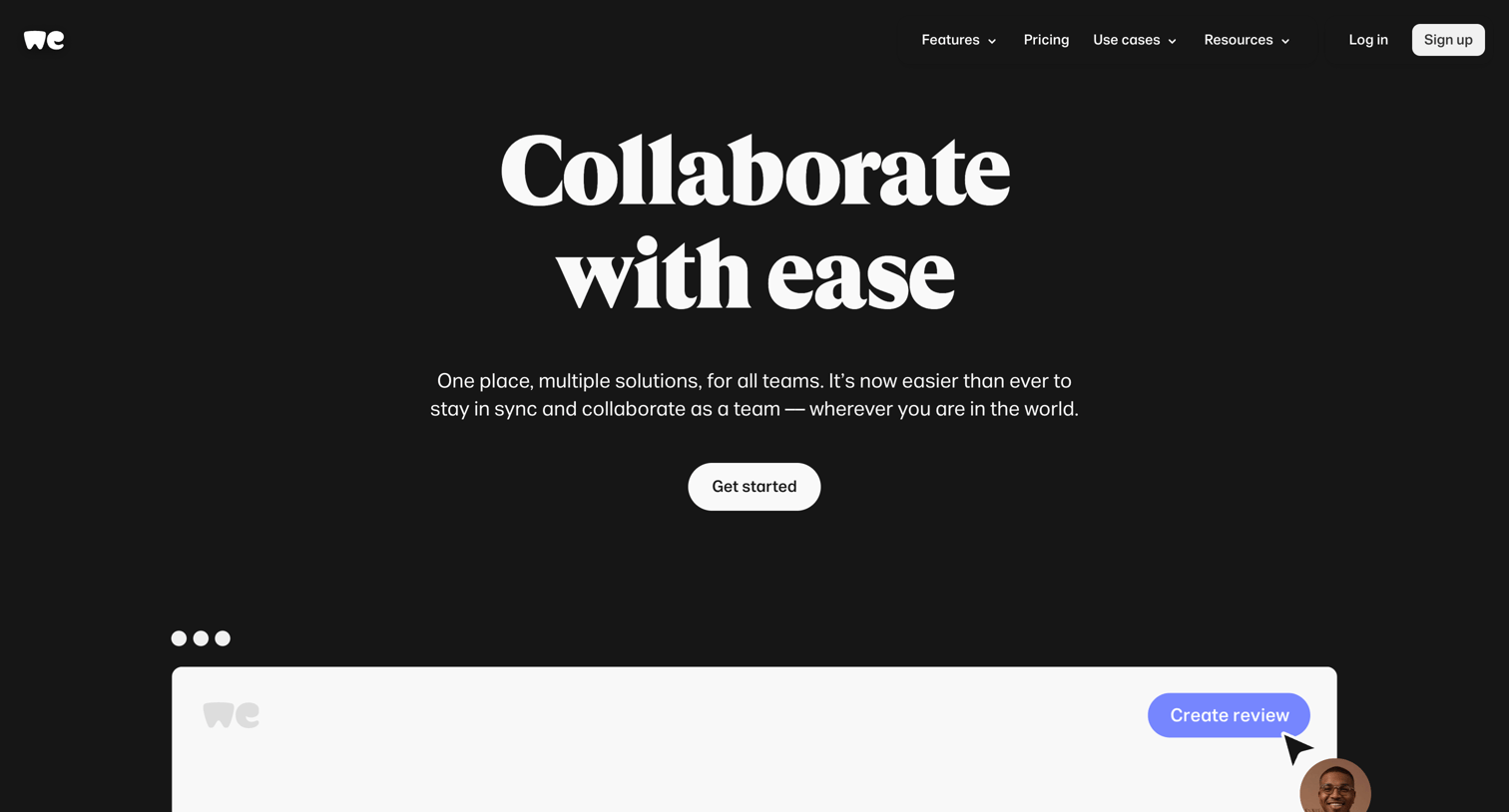

Marketing page showcasing WeTransfer's team collaboration features, including shared branding, centralized billing, and review portals, using bento grids and product UI mockups.
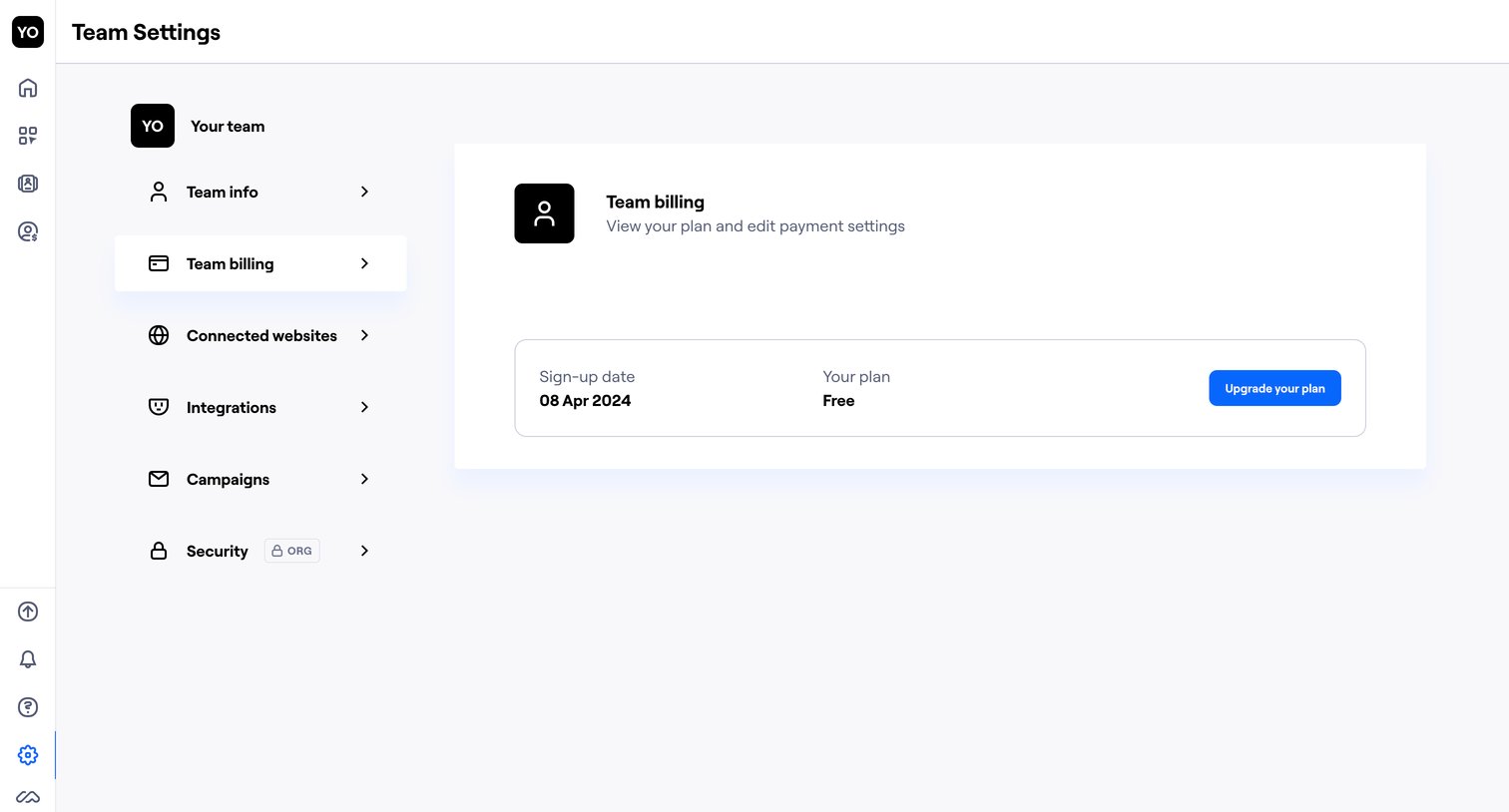

Settings page where the user views their current free plan and sign-up date with an option to upgrade.
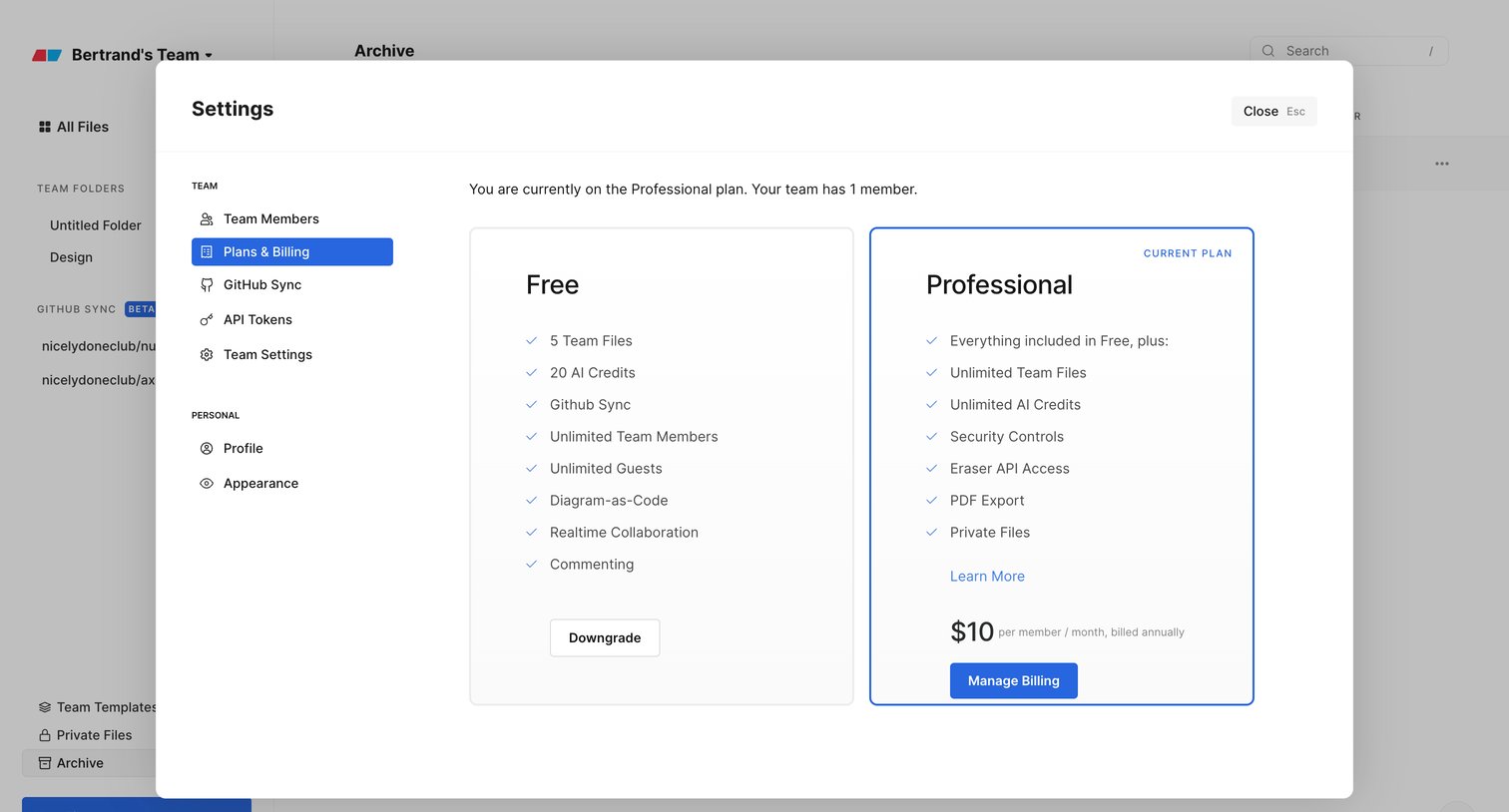

Settings modal where the user manages their subscription plan, comparing the Free and Professional tiers.
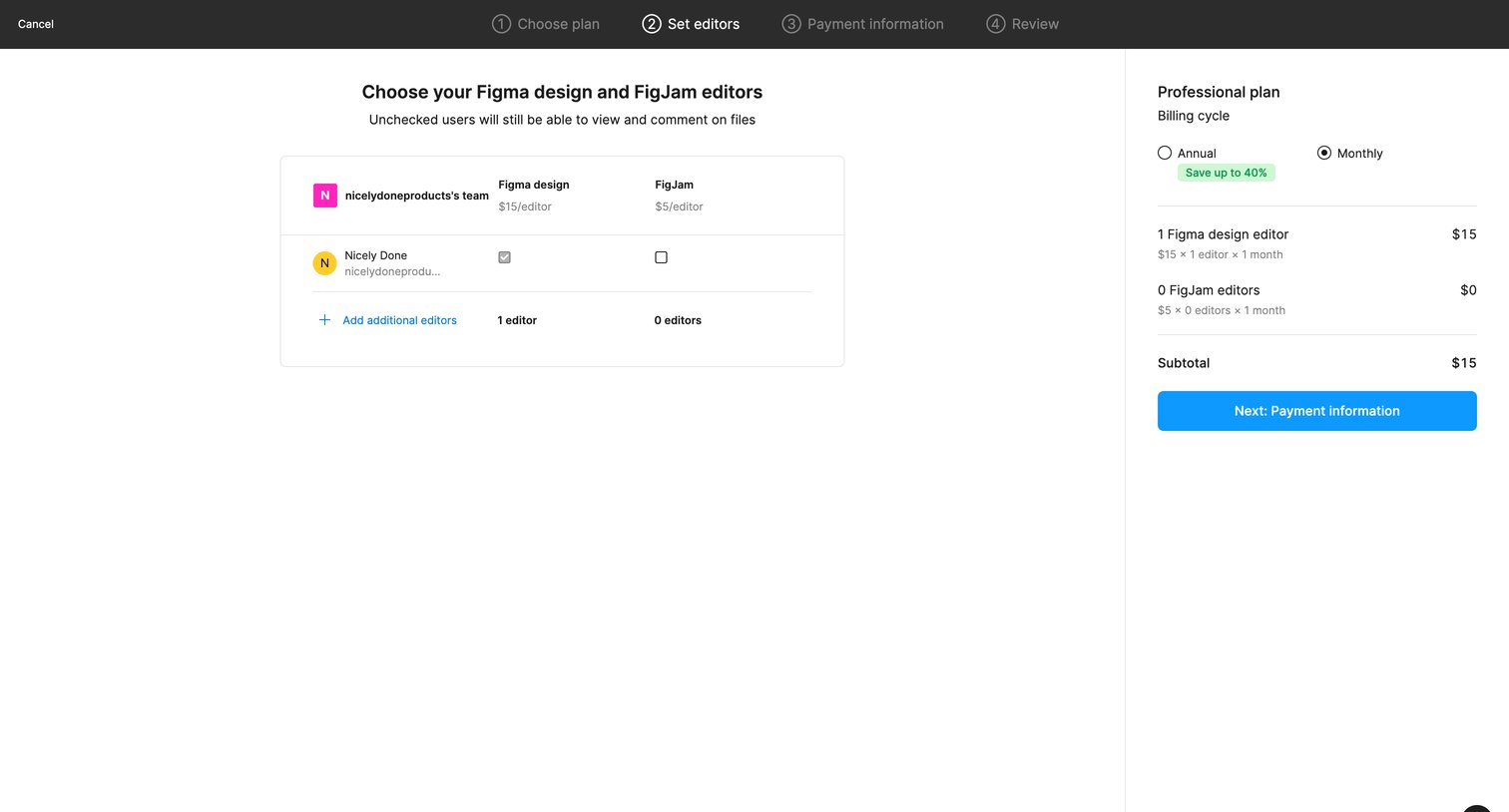

Upgrade checkout step where the user assigns Figma design and FigJam editor seats to team members and reviews the order subtotal.
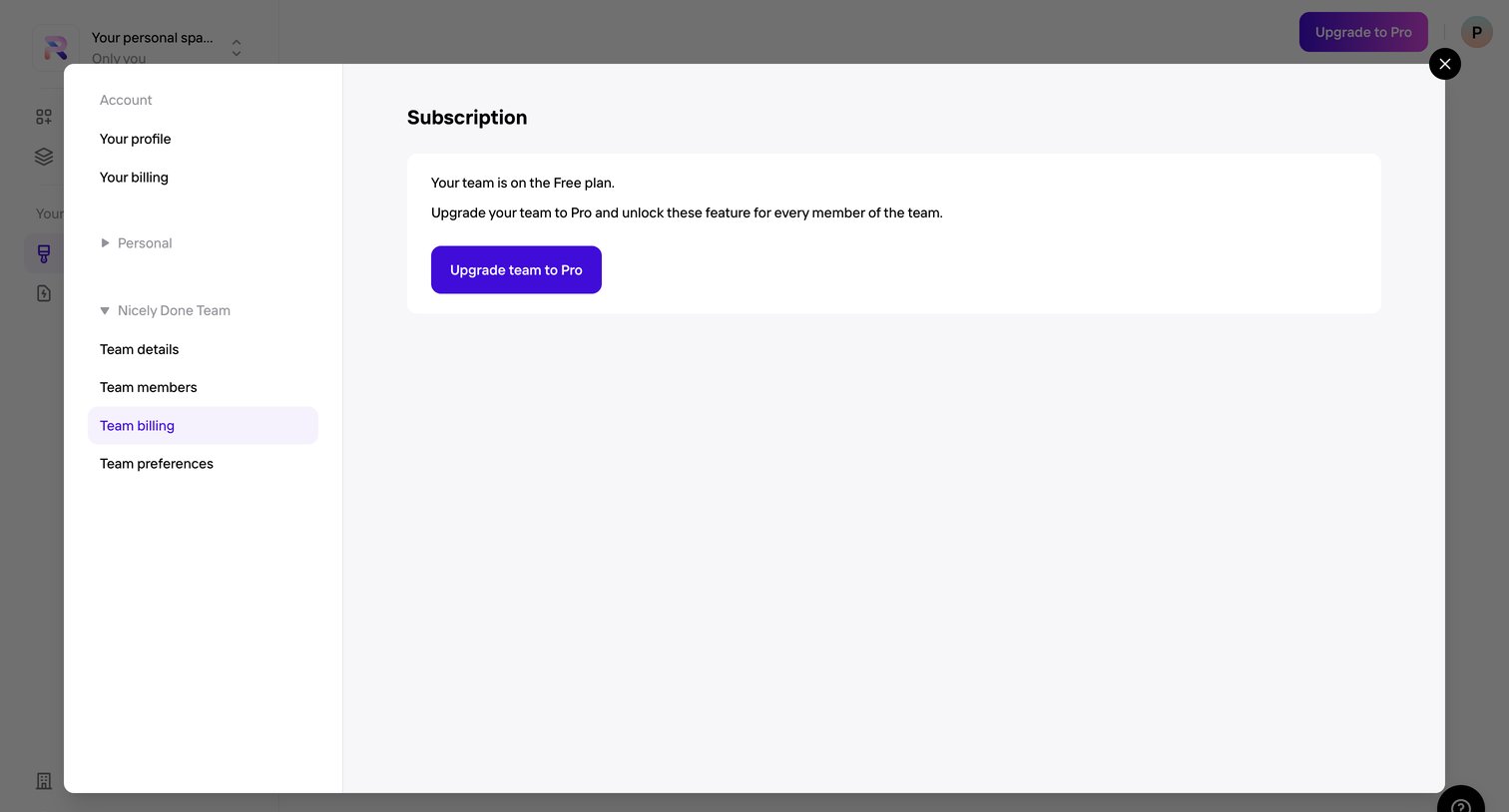

Settings modal where the user views their team's current free plan status and is prompted to upgrade to Pro for additional features.
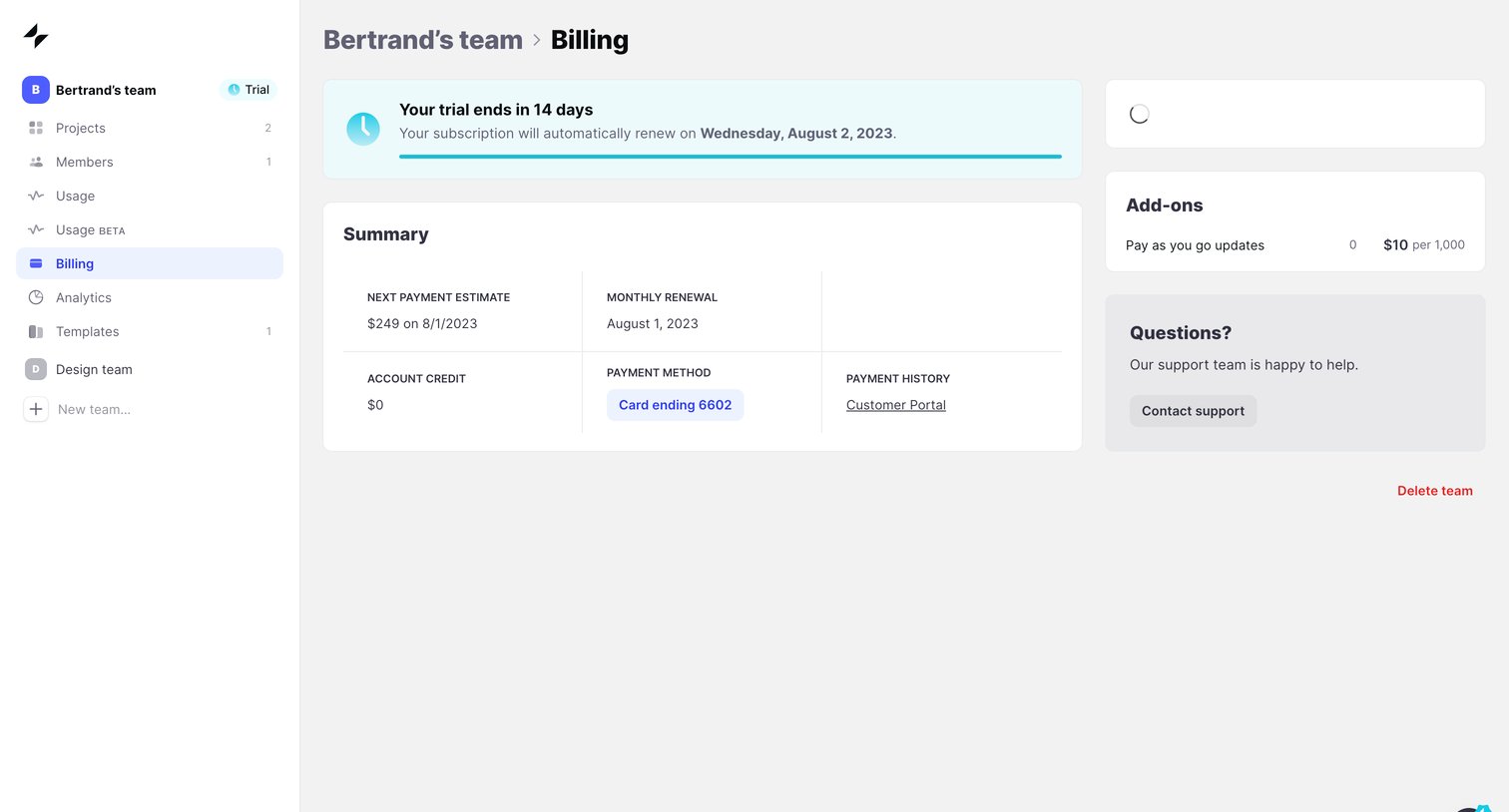

Billing settings page where the user can view their trial status, next payment estimate, and manage payment methods.
Explore the full SaaS screen library
Upgrade to unlock the full library.
Trusted by the best teams







