Photoroom design examples
Explore Photoroom UI design examples. Magic photo studio on the go
Product screens


Create page where the user can start a new project by uploading a photo, using a blank canvas, or selecting from categorized design templates.
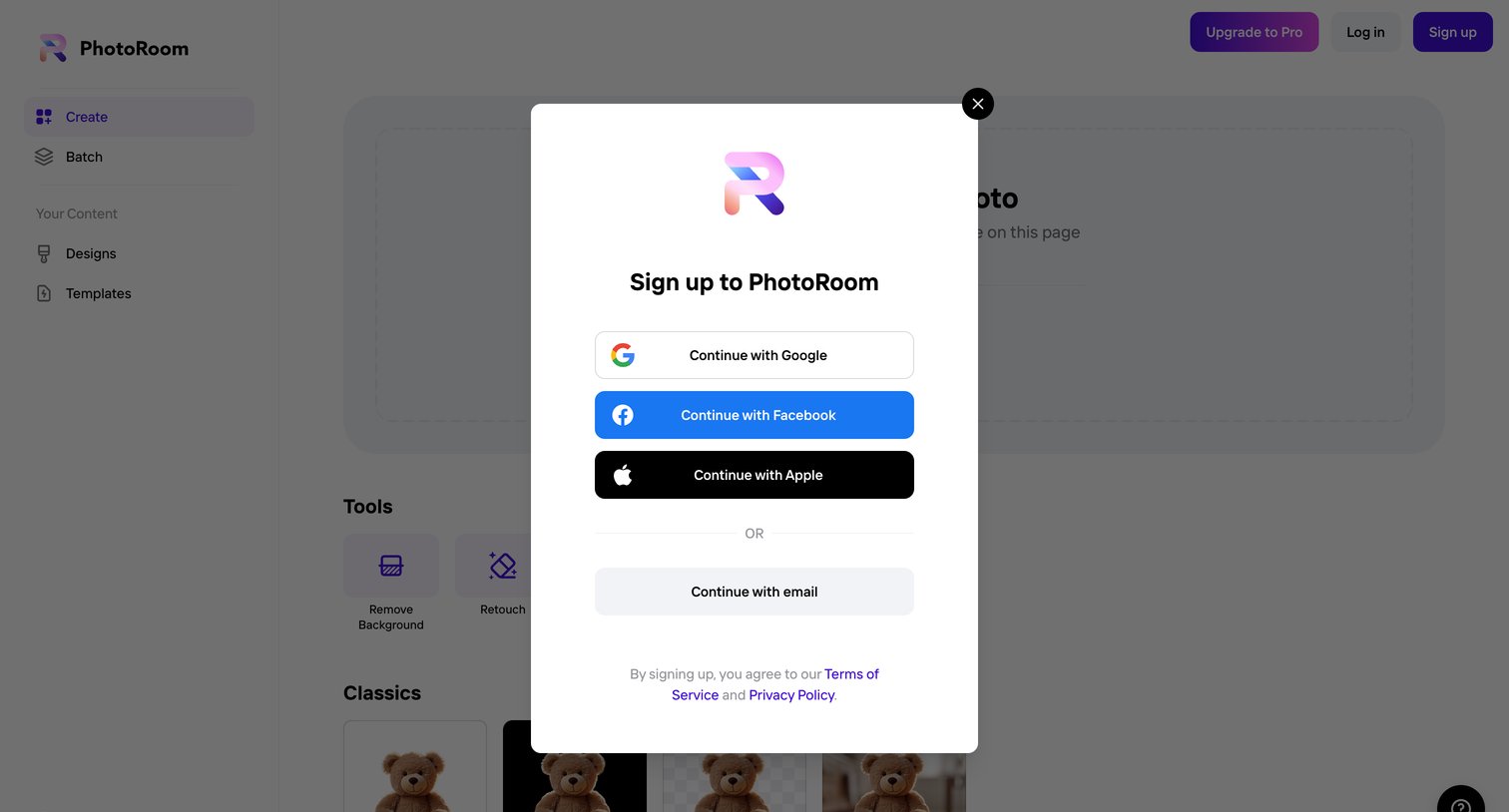
Signup modal where the user can authenticate using Google, Facebook, Apple, or email over a photo editing workspace.
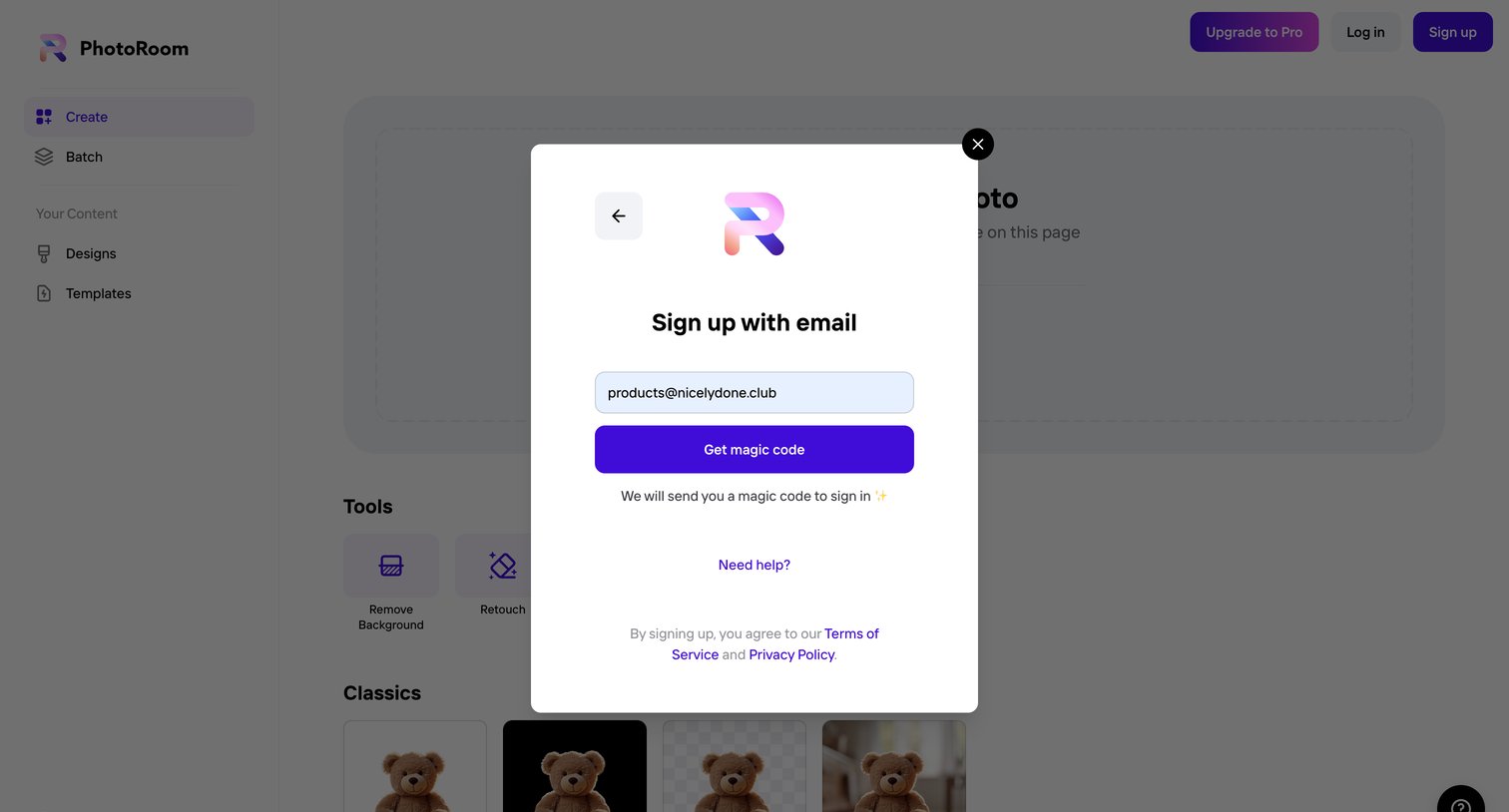
Signup modal overlaying the design editor where the user enters their email to receive a passwordless magic link.
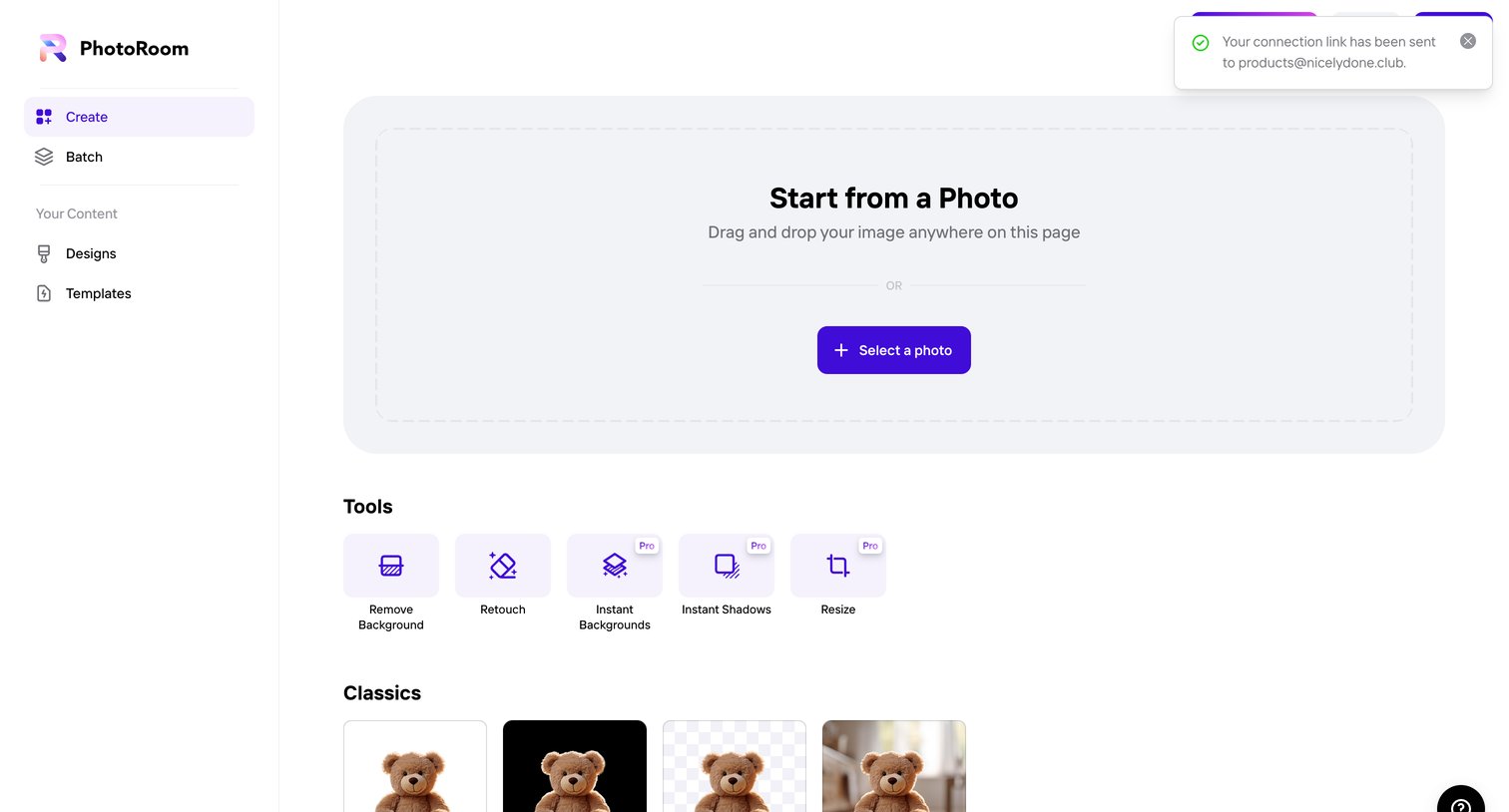
Create page where the user starts a new design by dropping a photo, selecting a specific editing tool, or choosing a classic template.
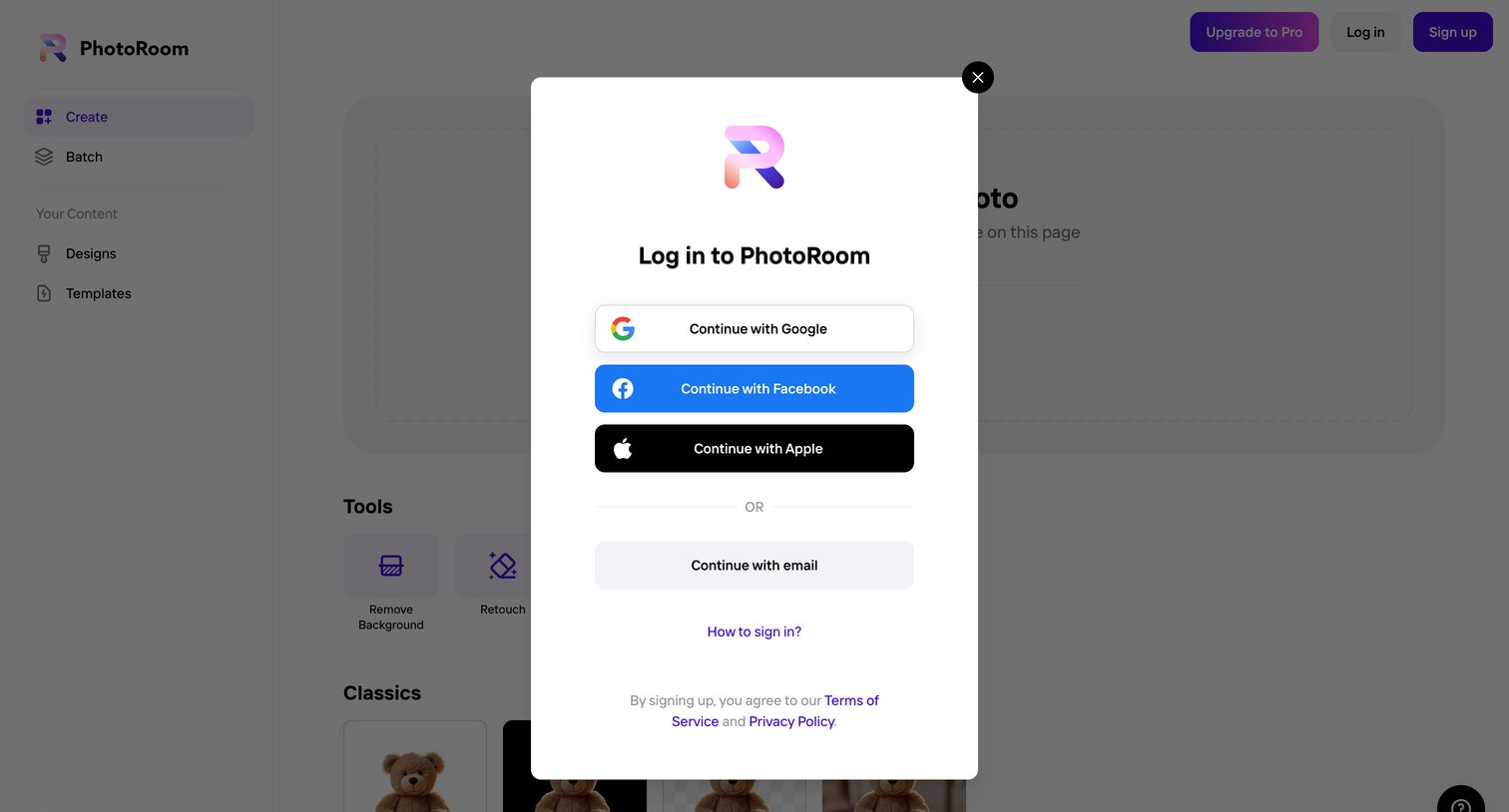
Sign-in modal where the user authenticates with Google, Facebook, Apple, or email to access the photo creation tools.
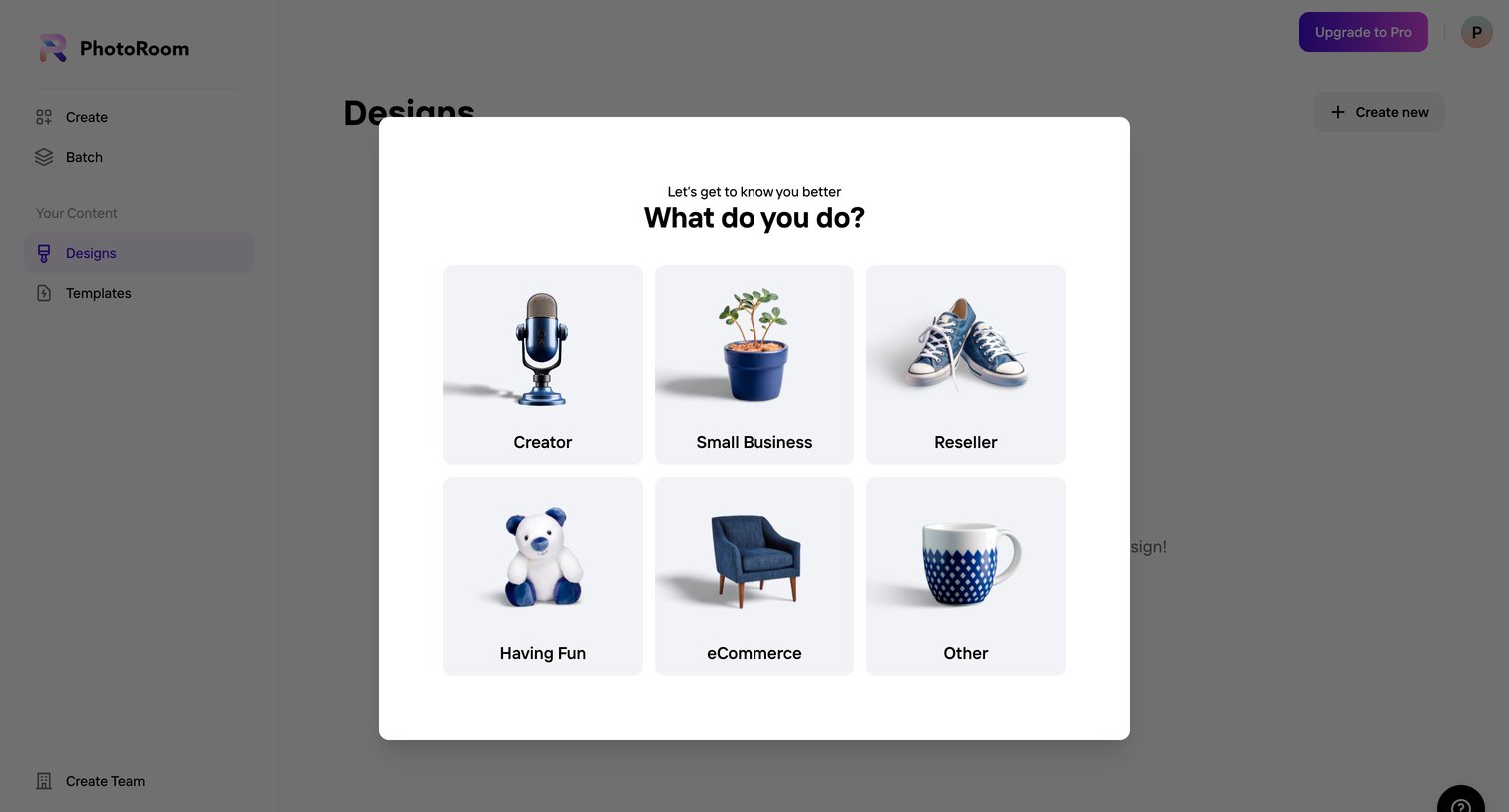
Onboarding step where the user selects their primary use case, such as Creator, Small Business, or eCommerce, to personalize their experience.
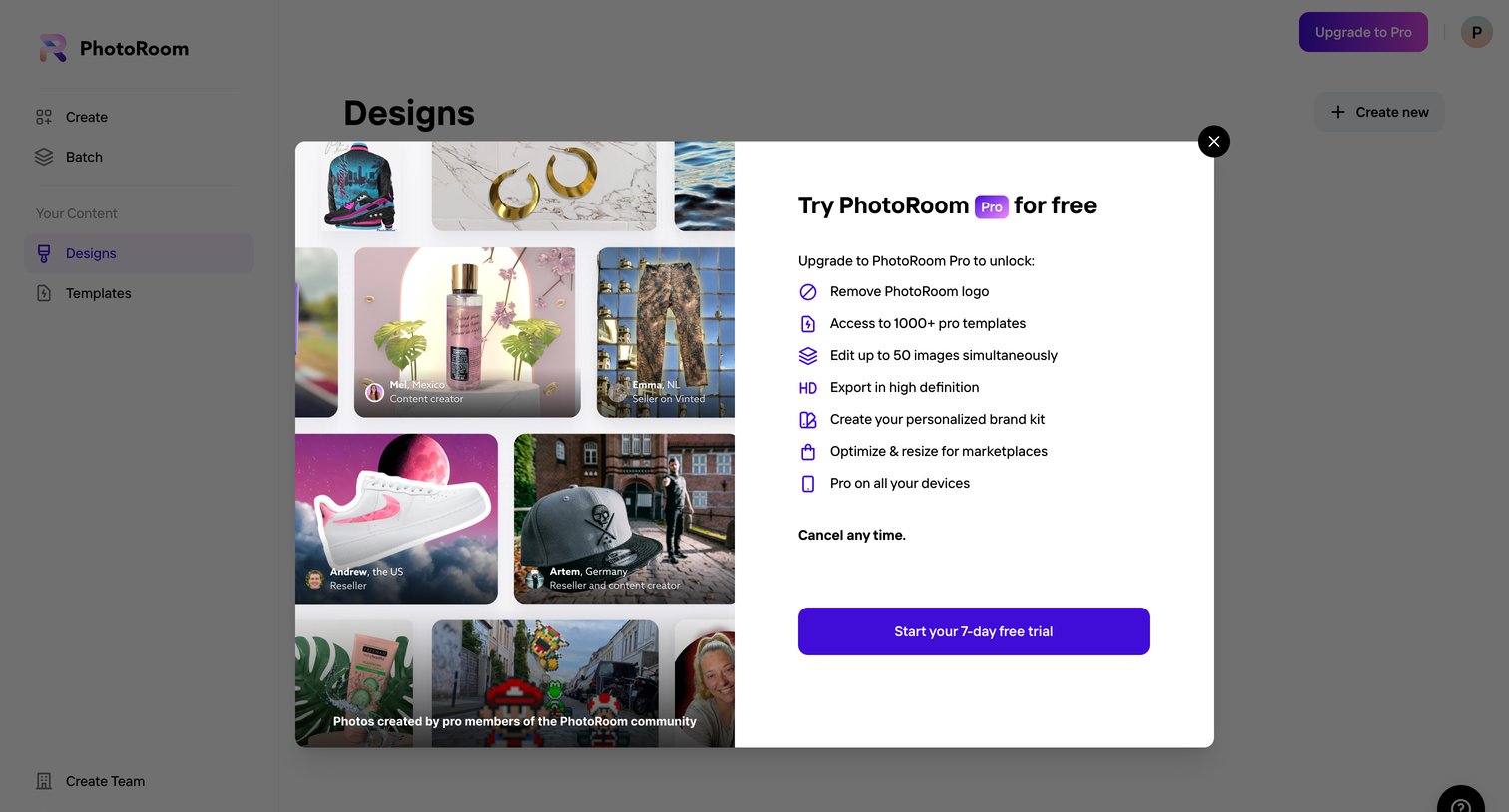
Paywall modal offering a 7-day free trial of the Pro plan, highlighting features like logo removal and high-definition export alongside a gallery of community creations.
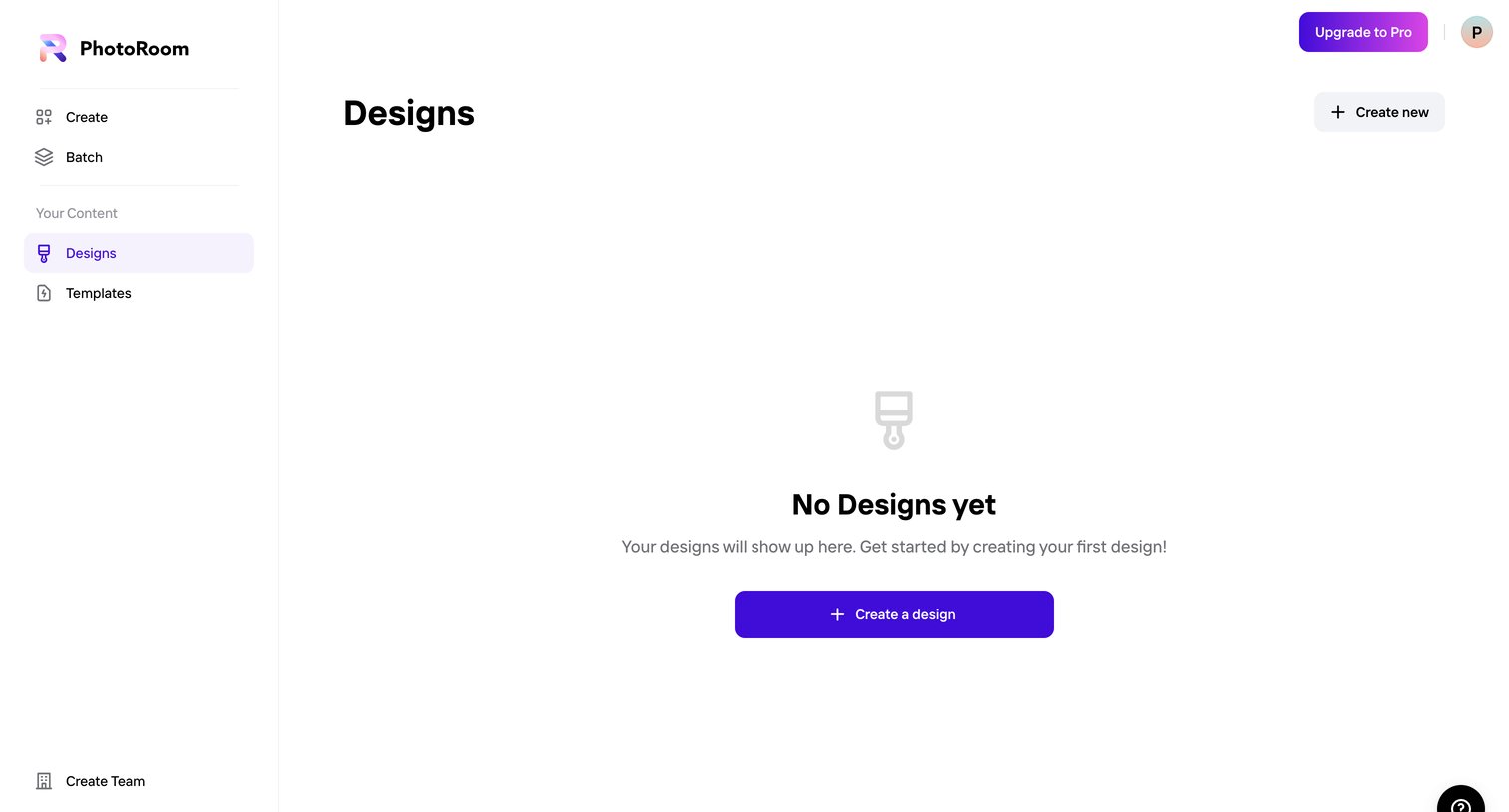
Empty state for the user's designs list, prompting them to create their first design with a prominent call to action.
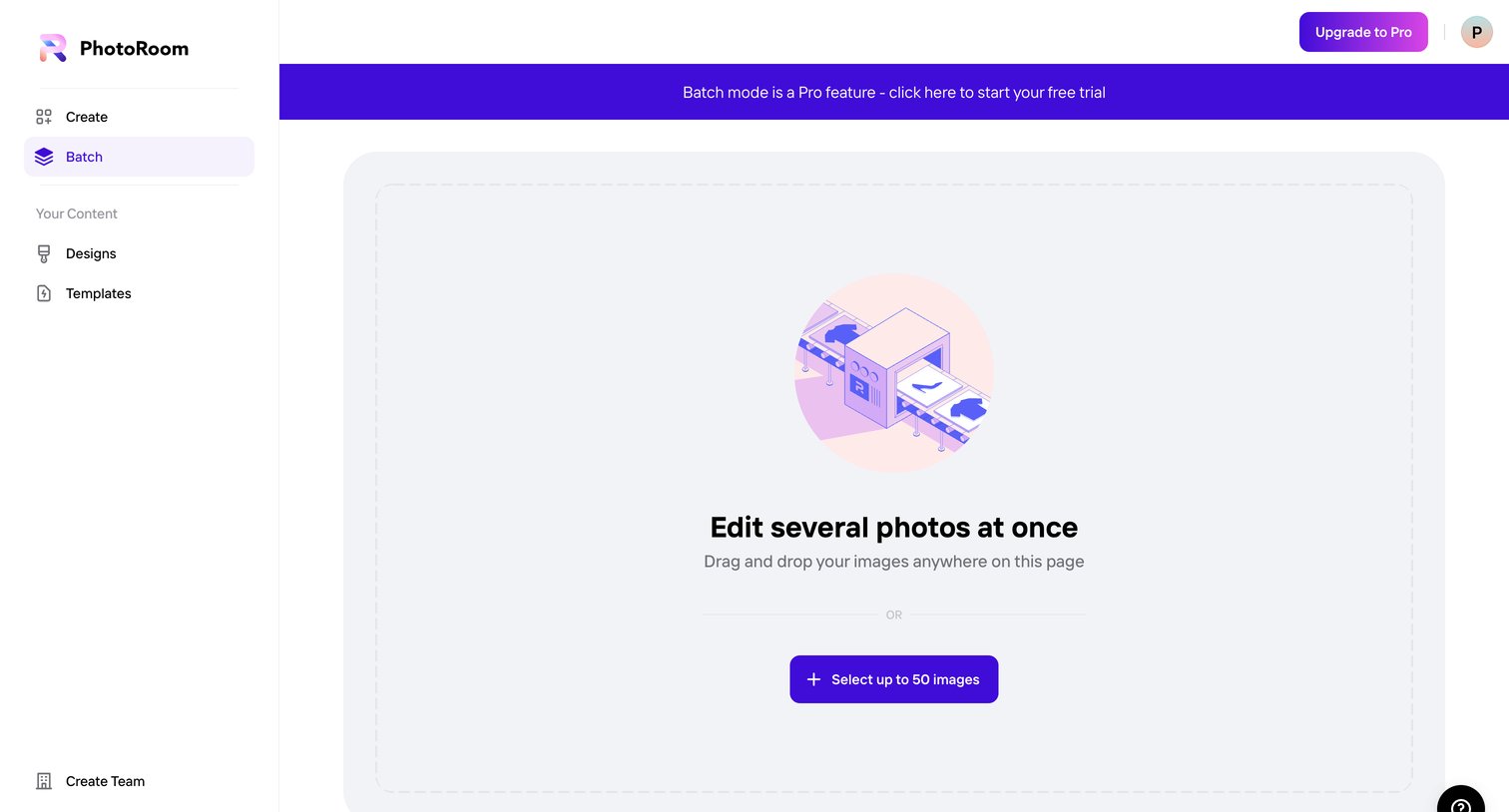
Empty state for a batch photo processing feature, prompting the user to drag and drop images while displaying a prominent banner to start a Pro trial.
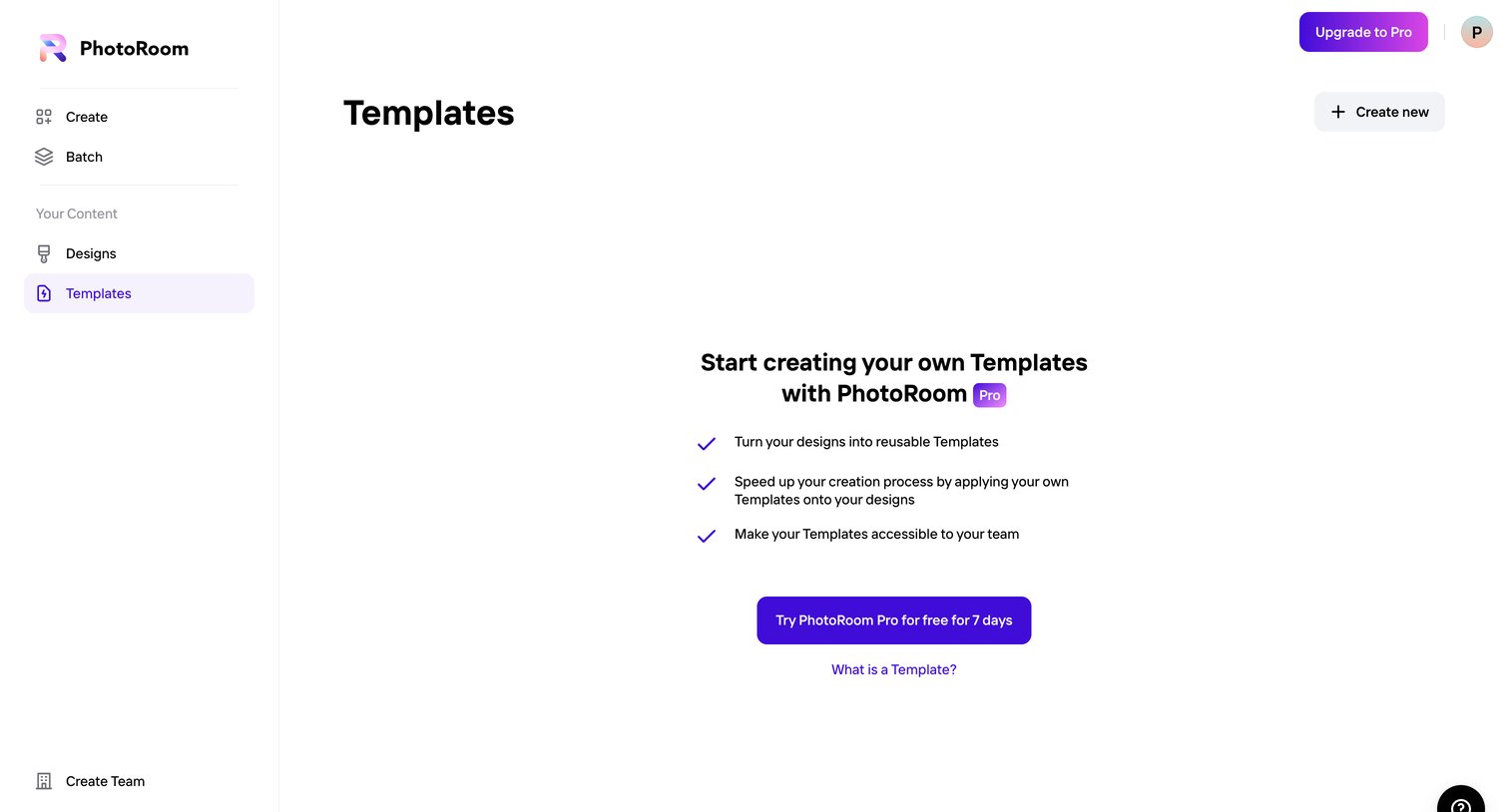
List view for templates where a free user is blocked by an empty state prompting them to start a Pro trial to unlock reusable templates.
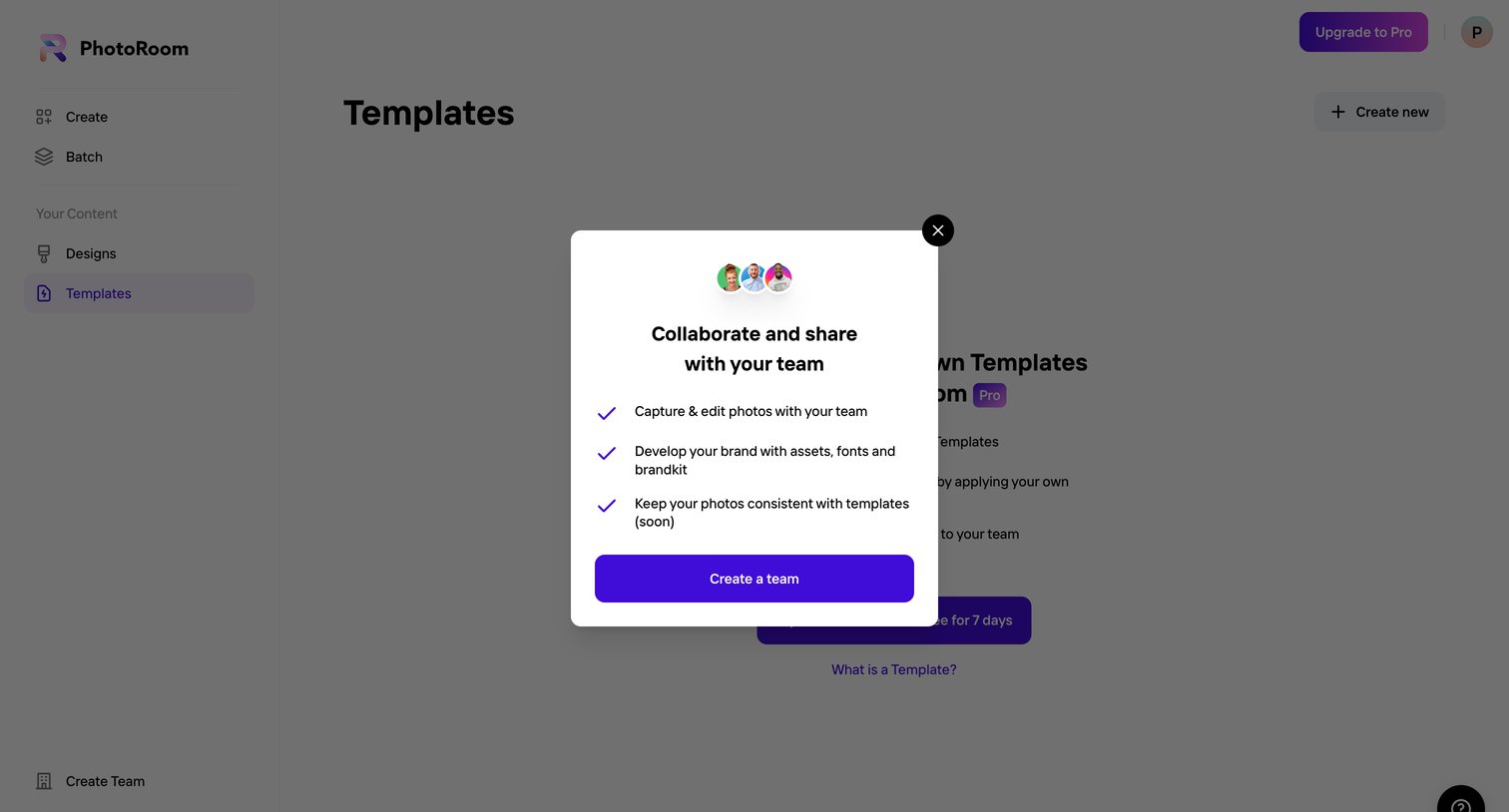
Modal prompting the user to create a team to unlock collaborative photo editing and brand asset sharing, blocking the underlying templates view.
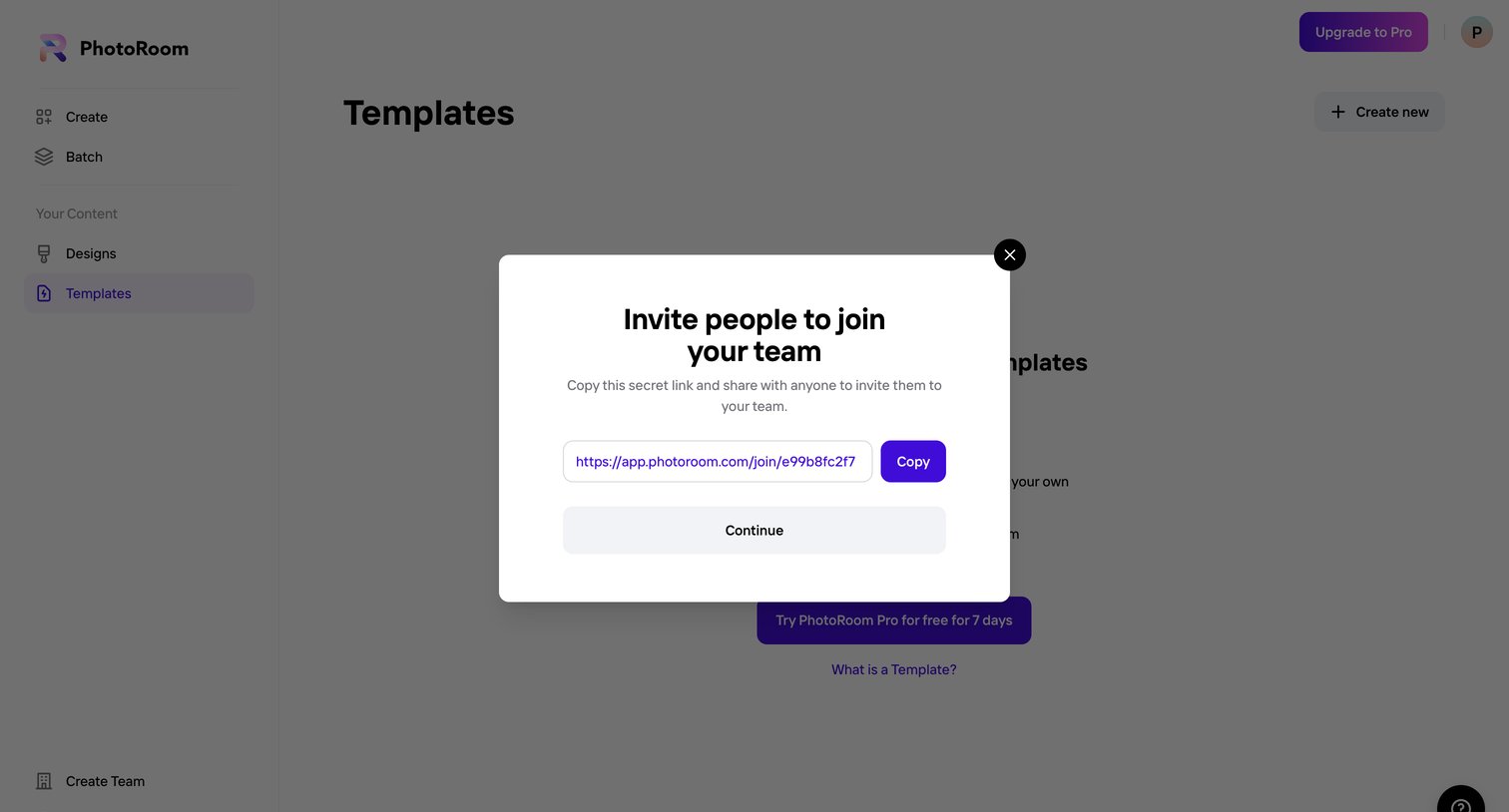
List view for templates showing an empty state, overlaid with a modal where the user can copy a secret link to invite teammates.
Browse the full SaaS app library
Explore real SaaS apps with their product screens, marketing screens, flows, and components.
Trusted by the best teams







