Skip to content

Photoroom UI components examples

Browse Photoroom UI component design examples. Preview individual interface elements and explore related component categories. Magic photo studio on the go

Explore the examples
Photoroom — Hero section component
Photoroom logo
Photoroom

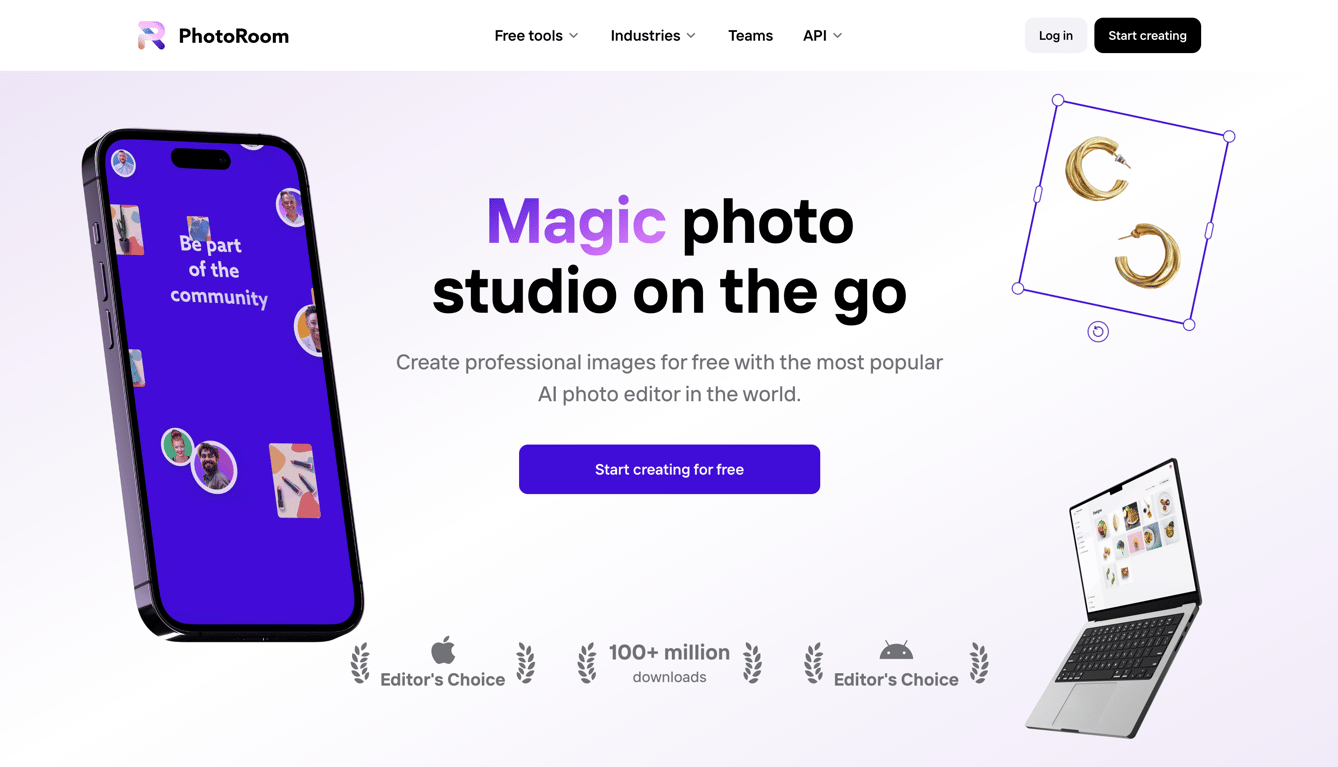
A hero section featuring a large headline, a subheadline, and a primary call-to-action button, flanked by floating device mockups and graphic elements. It includes a top navigation bar with a logo, dropdown menus, and login/signup buttons, plus social proof badges at the bottom.
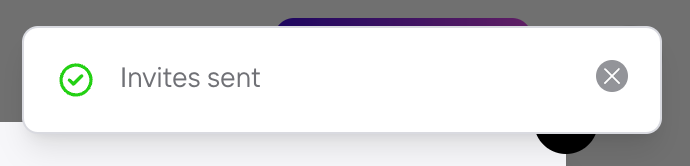
Photoroom — Notification Toast component
Photoroom logo
Photoroom

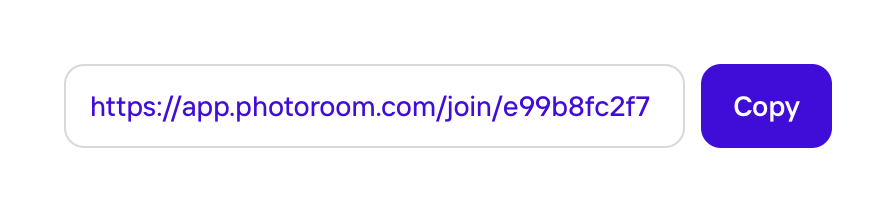
A confirmation modal indicating invites have been sent.

Photoroom — Button group component
Photoroom logo
Photoroom

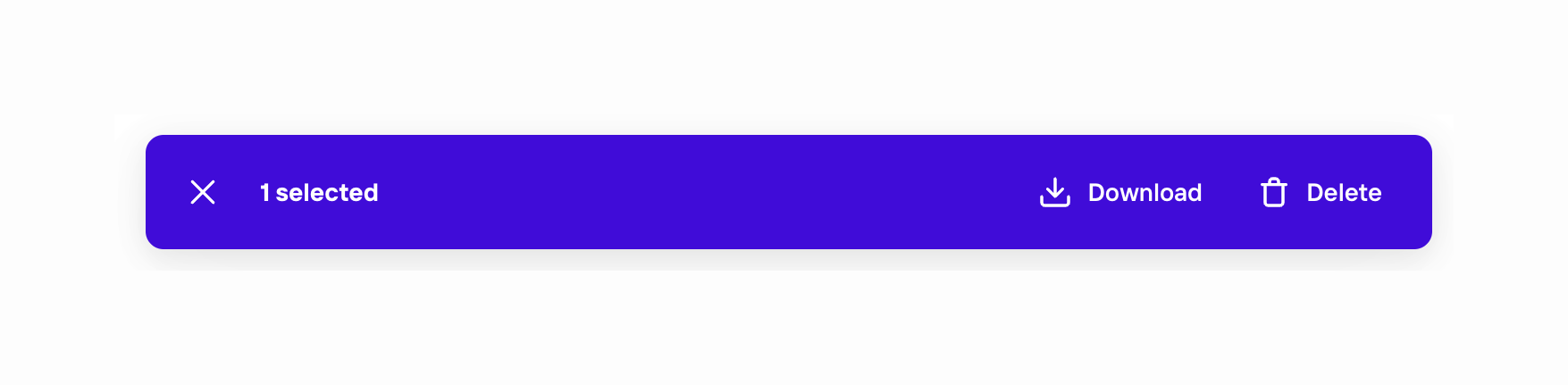
A selection bar with actions

Photoroom — Toggle/Switch component
Photoroom logo
Photoroom

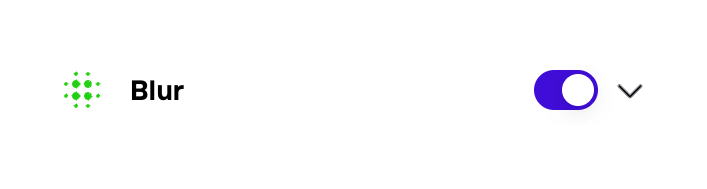
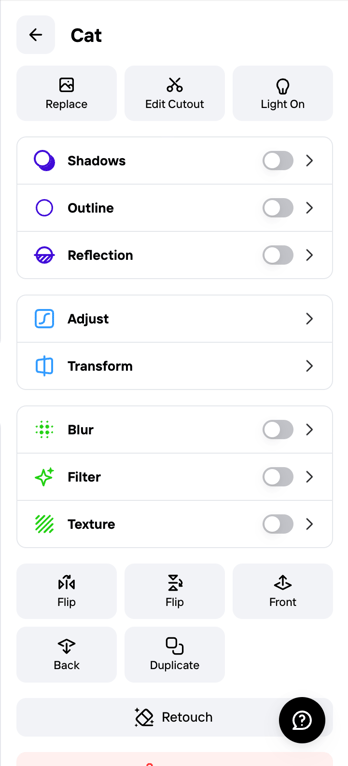
A toggle switch with a label and an icon.

Photoroom — Slider component
Photoroom logo
Photoroom

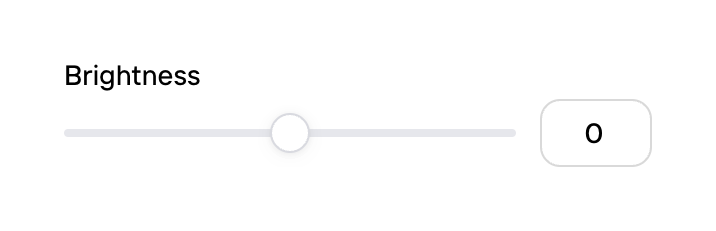
A brightness slider with a numerical input.

Photoroom — Drawer component
Photoroom logo
Photoroom

Image editing modal

Photoroom — Alert component
Photoroom logo
Photoroom

A banner promoting a pro feature with a link to start a free trial.

Photoroom — Button group component
Photoroom logo
Photoroom

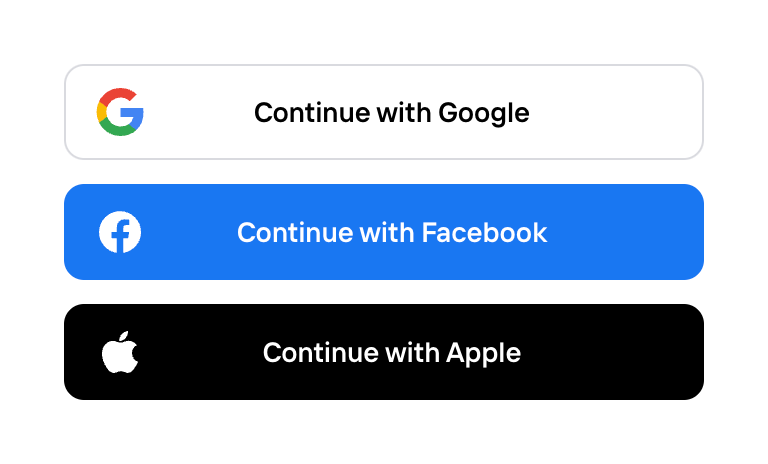
A set of three buttons for user actions.

Browse the full component library

Browse the full UI component library.

Trusted by the best teams