Photoroom marketing pages examples
Explore Photoroom website design examples. Preview marketing pages and browse related SaaS page designs. Magic photo studio on the go
Explore the examples
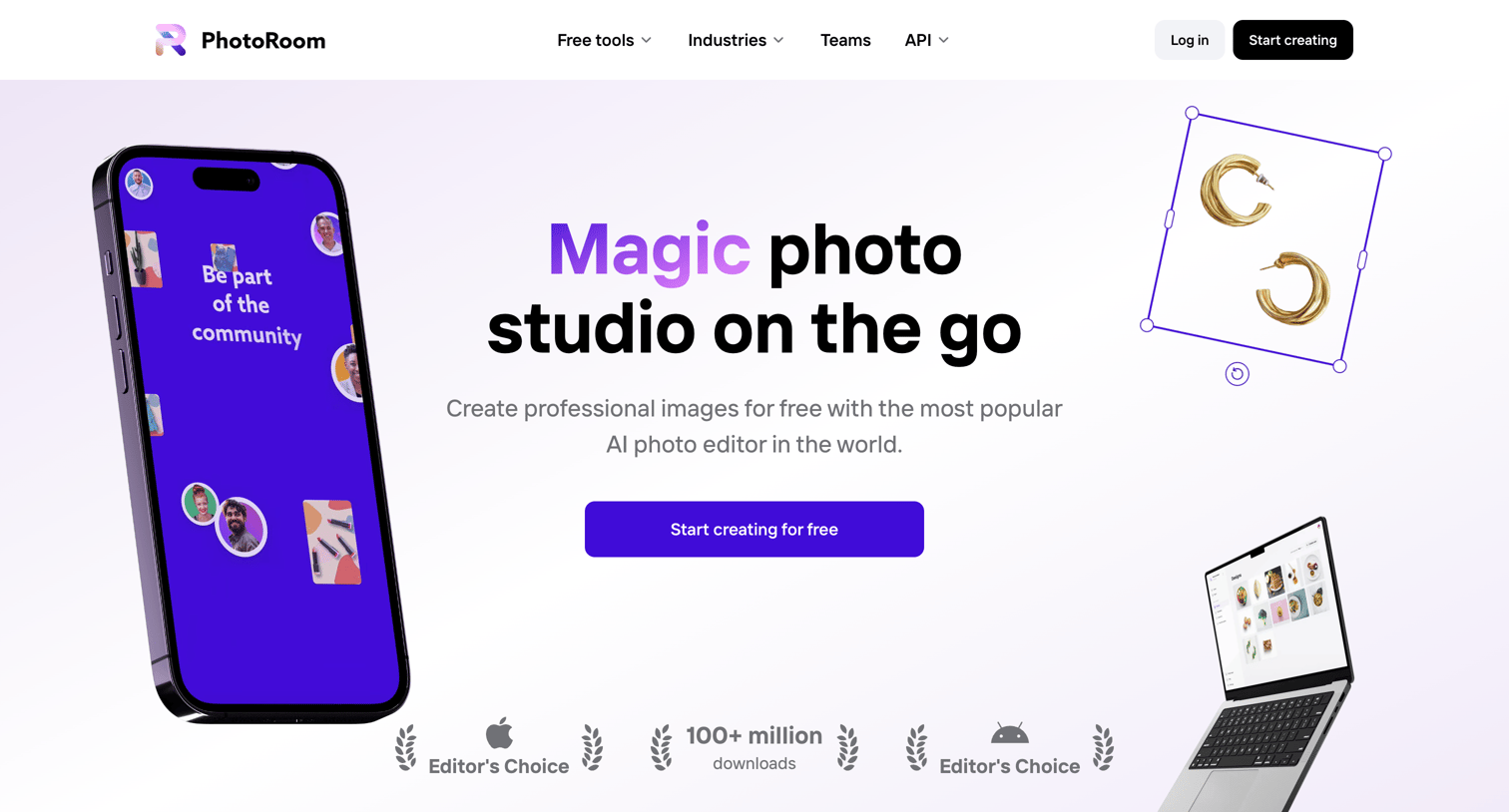

Landing page for an AI photo editor showcasing core features like background removal, batch editing, and instant backgrounds, alongside customer testimonials and app download links.
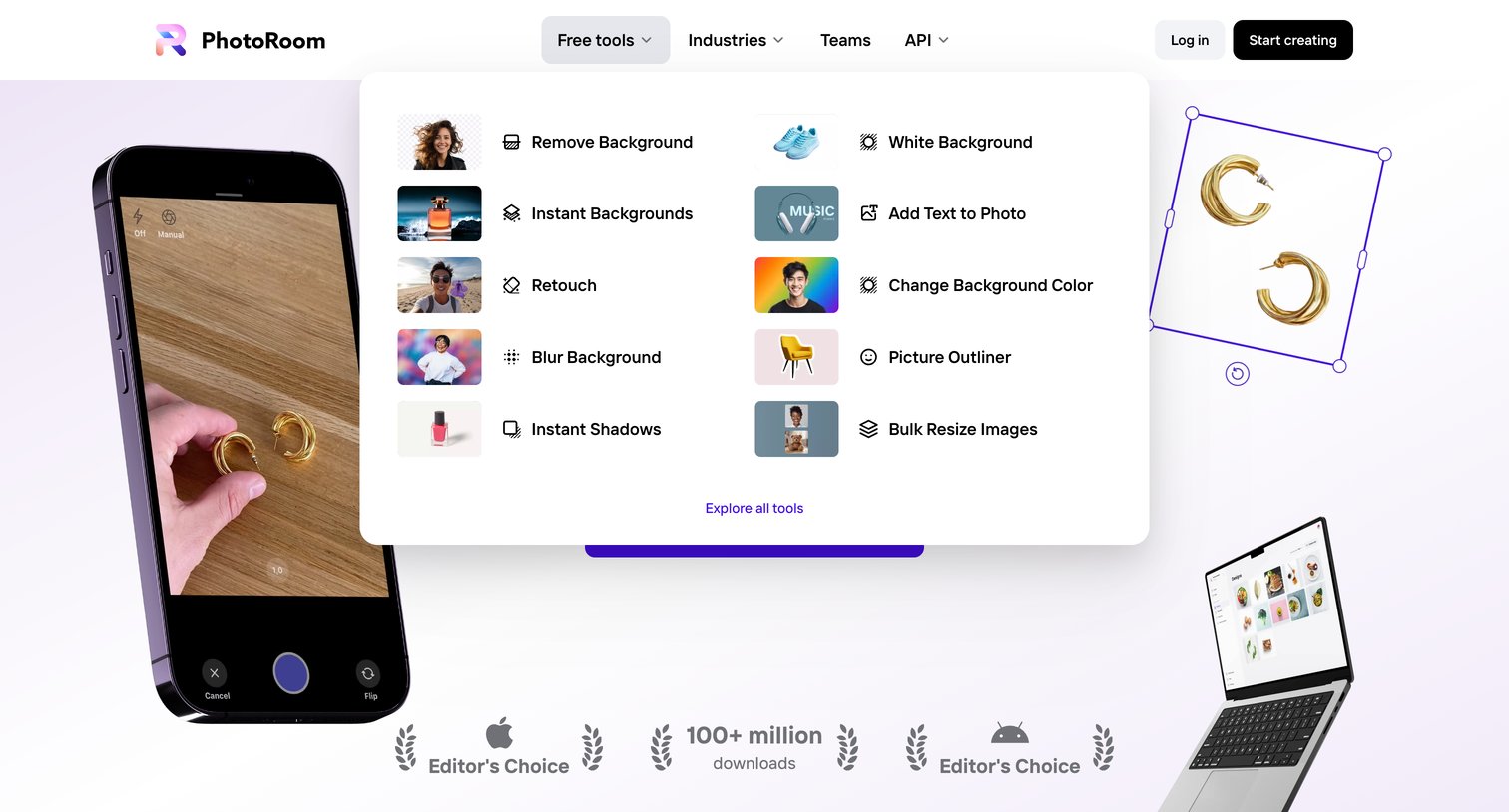
Landing page hero section where the user can open a mega menu to browse free photo editing tools like remove background, retouch, and picture outliner.
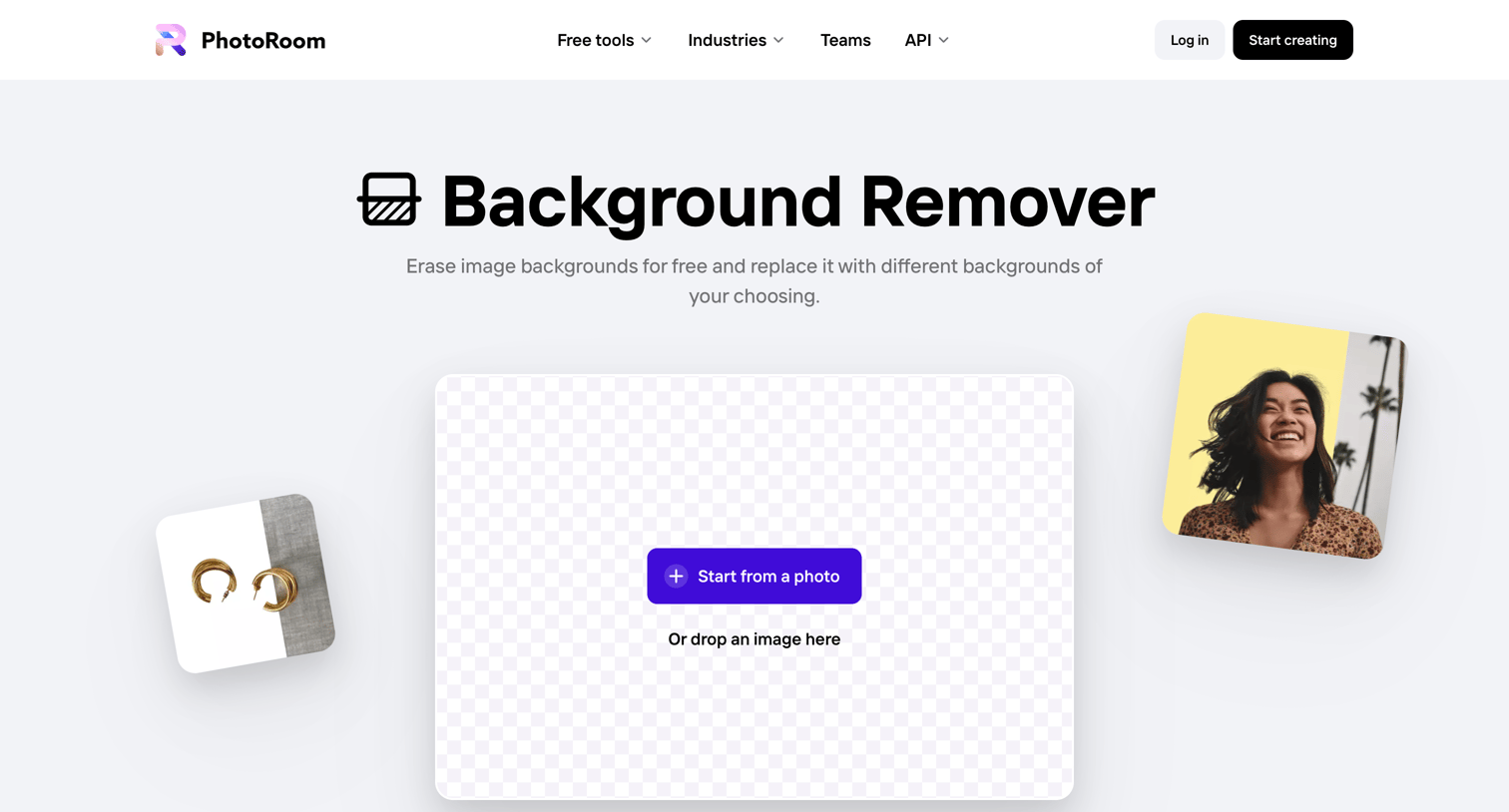
Feature page where the user can upload an image to remove its background, read testimonials, and explore other free photo editing tools.
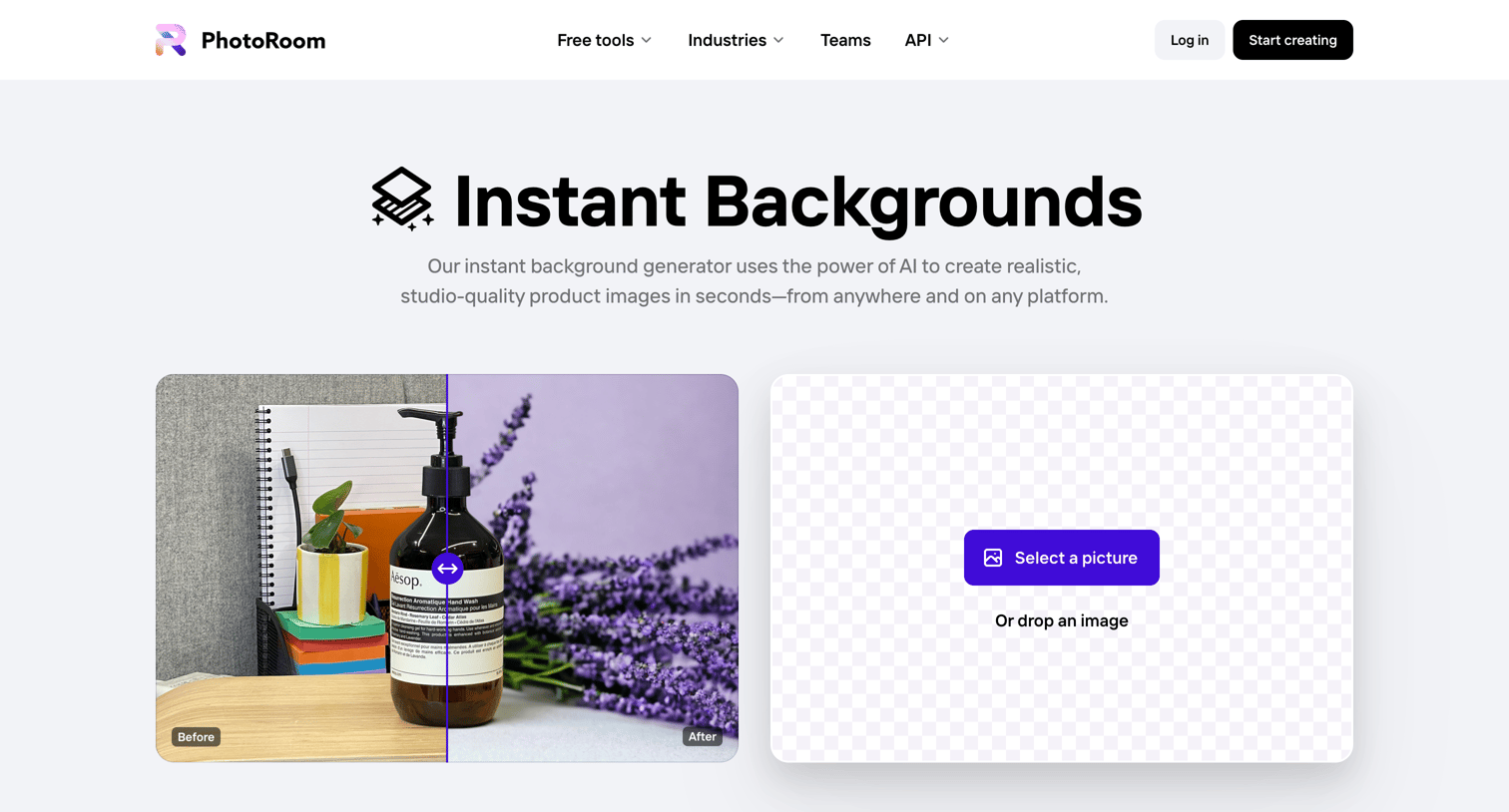
Feature page for an AI instant background generator where the user can upload an image or try sample pictures to create product shots.
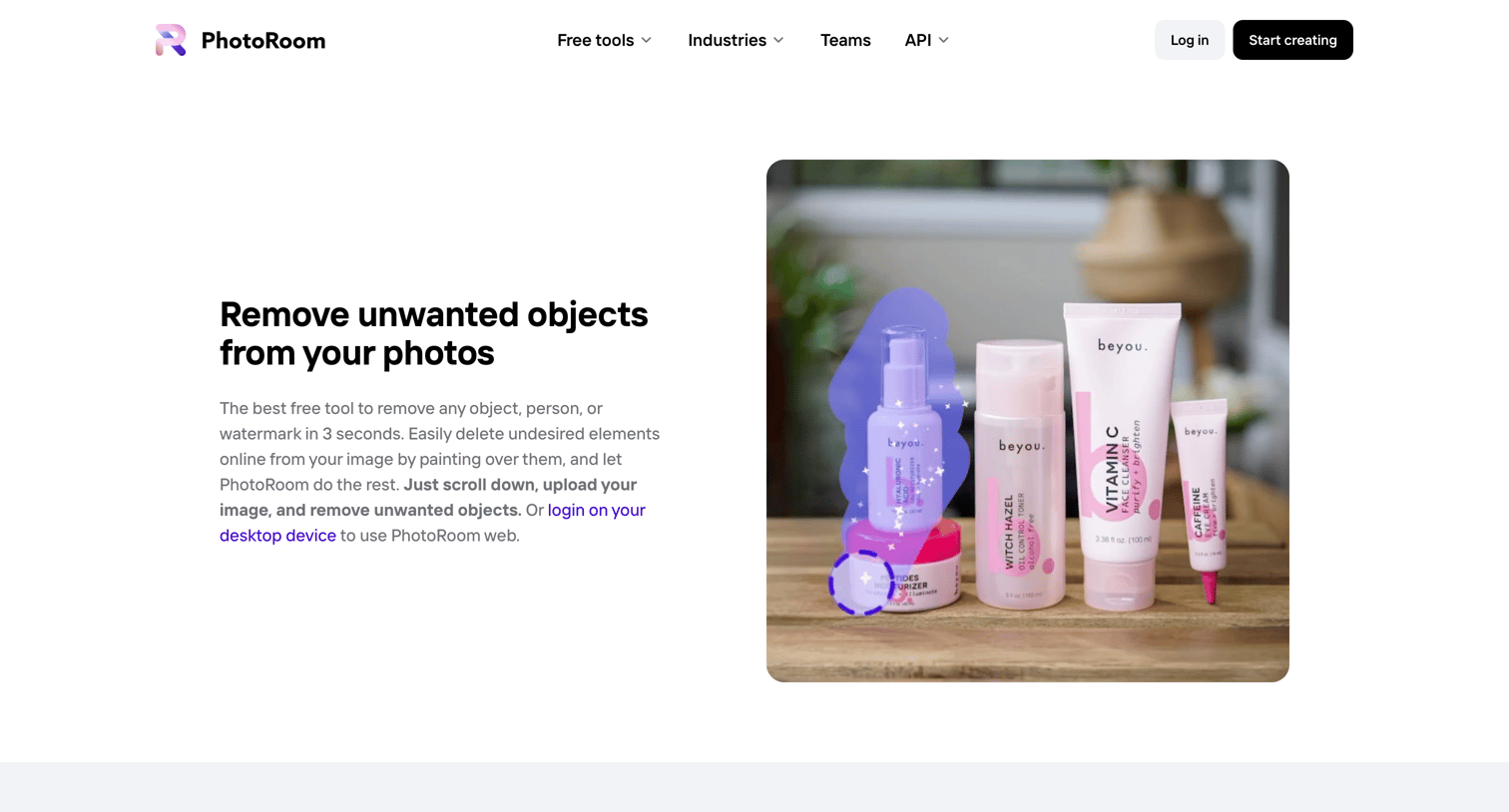
Feature page for an object removal tool where the user can upload an image to erase elements, view step-by-step instructions, and read customer testimonials.
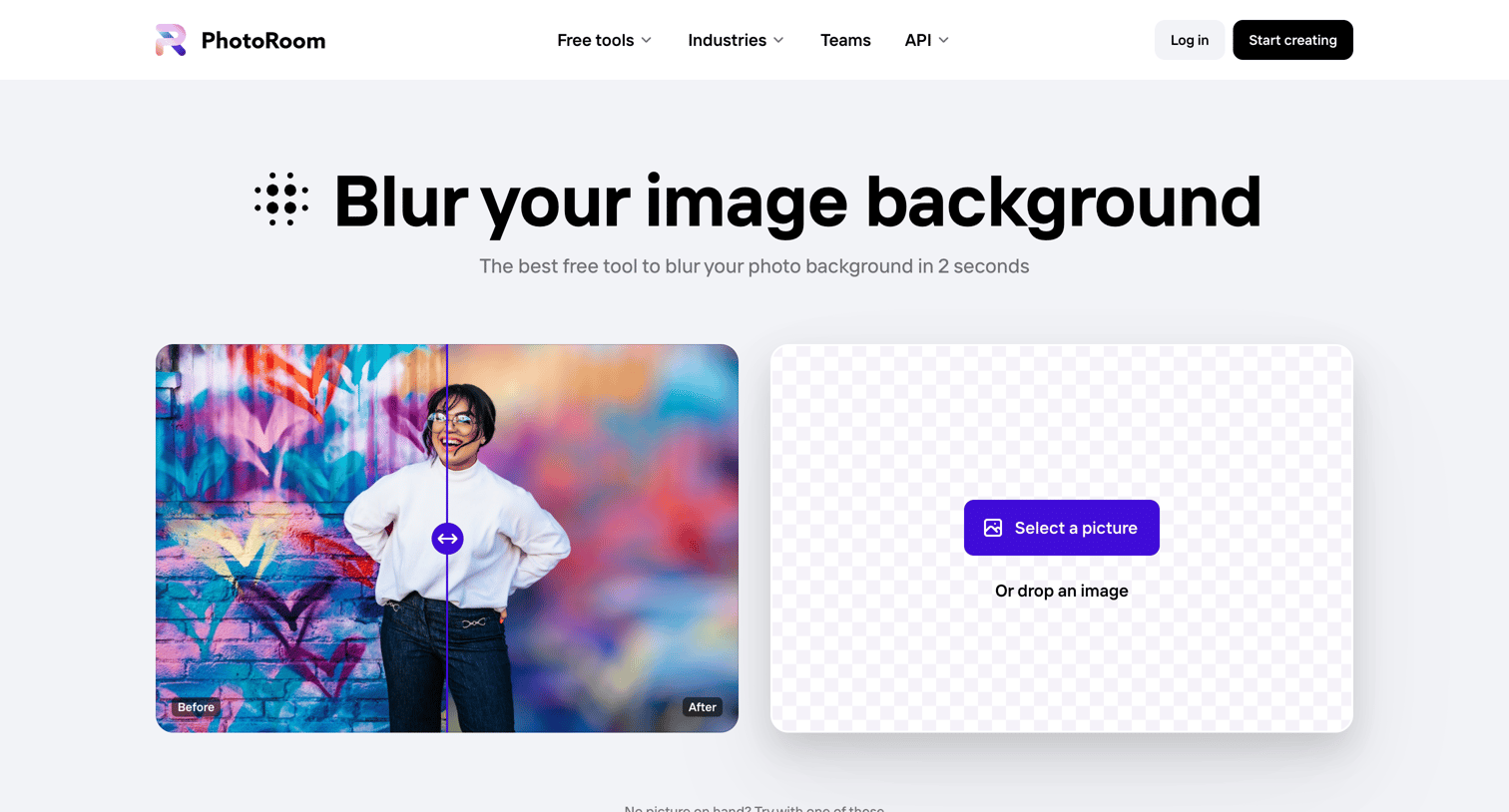
Marketing page for a background blur tool featuring an interactive before/after slider, an upload dropzone, step-by-step instructions, and customer testimonials.
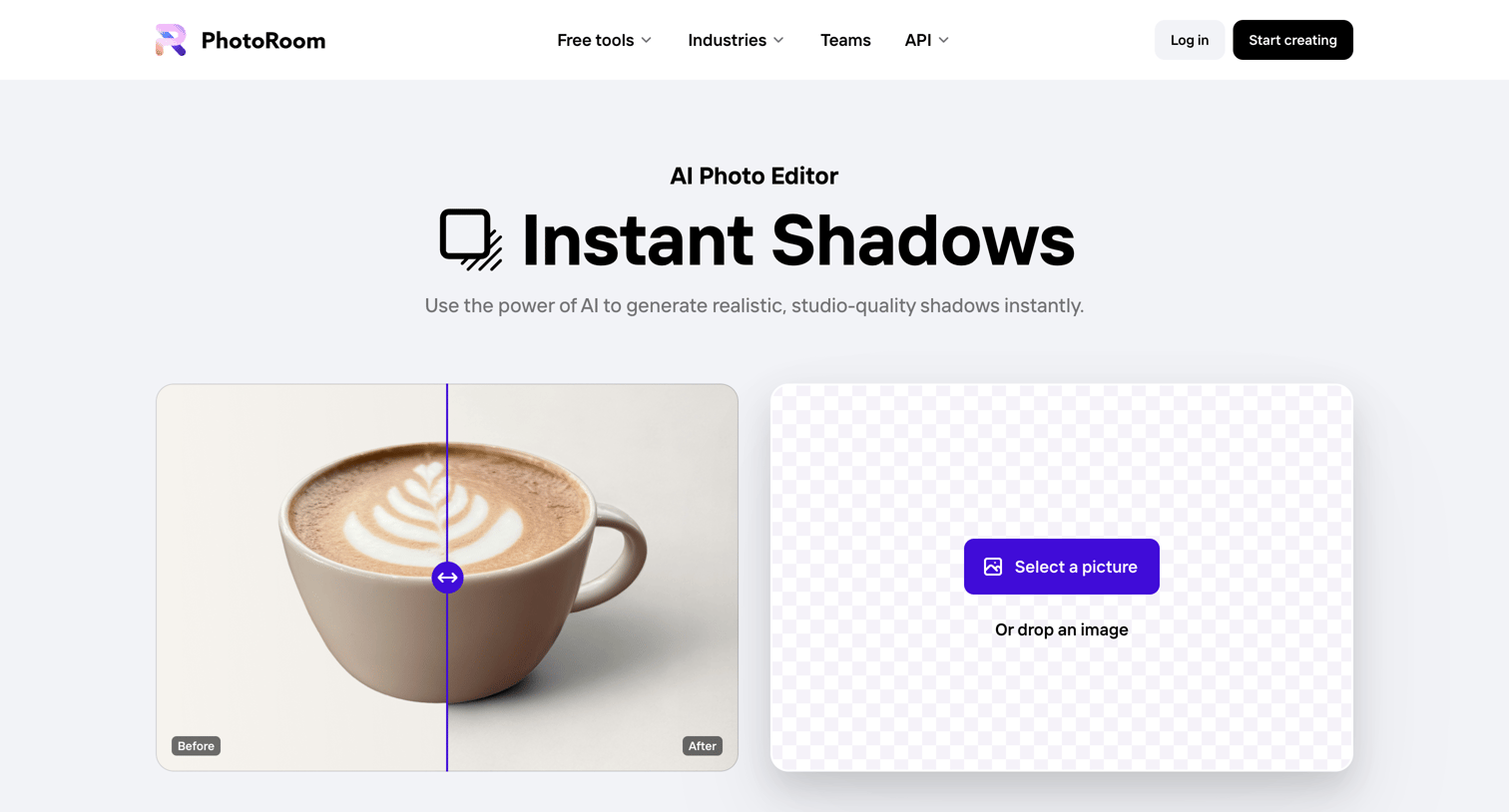
Feature page for an AI photo editor where the user can upload an image to instantly generate realistic shadows.
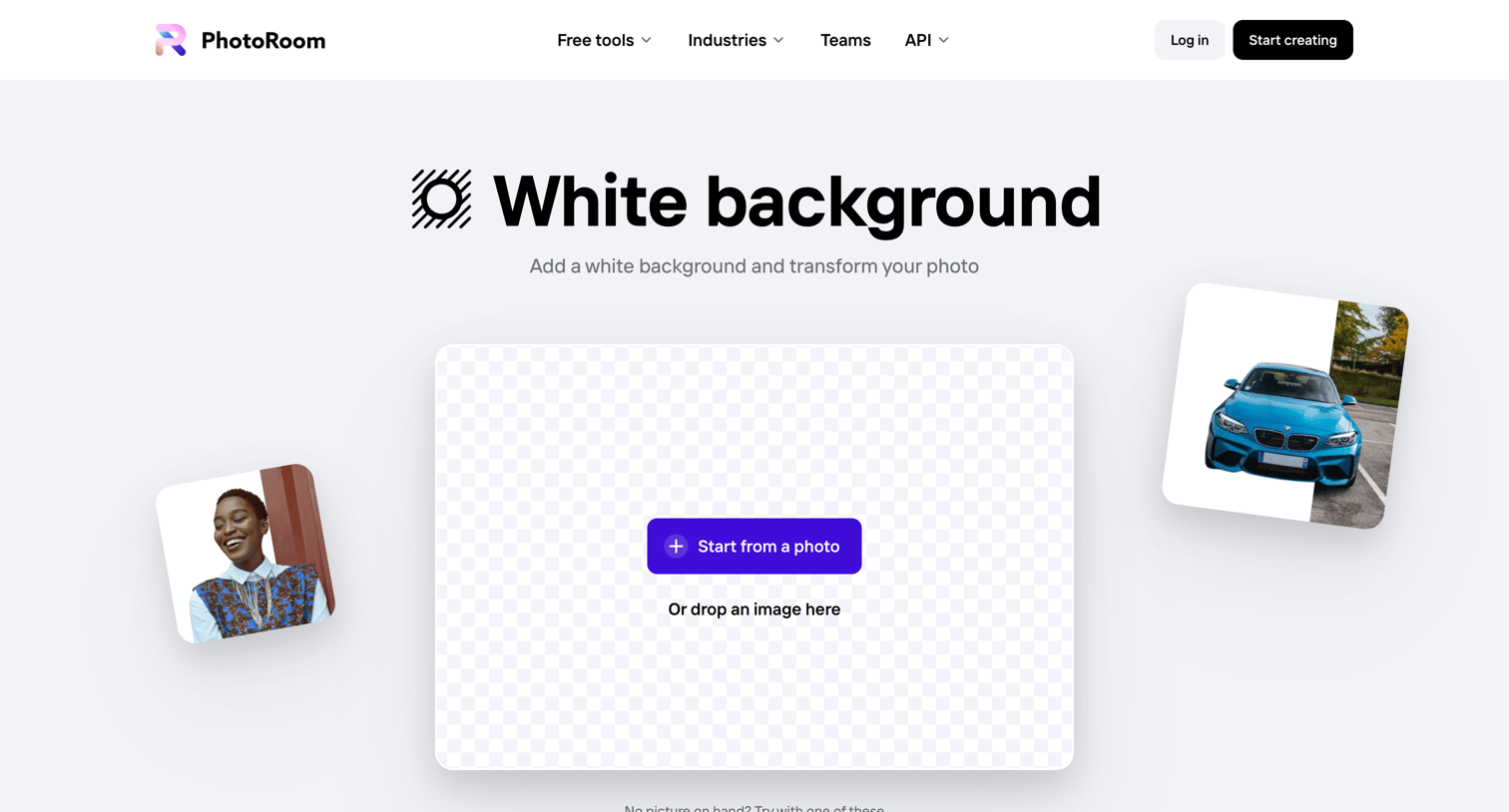
Feature landing page where the user can upload a photo to automatically apply a white background, read about the benefits for product photography, and explore related image editing tools.
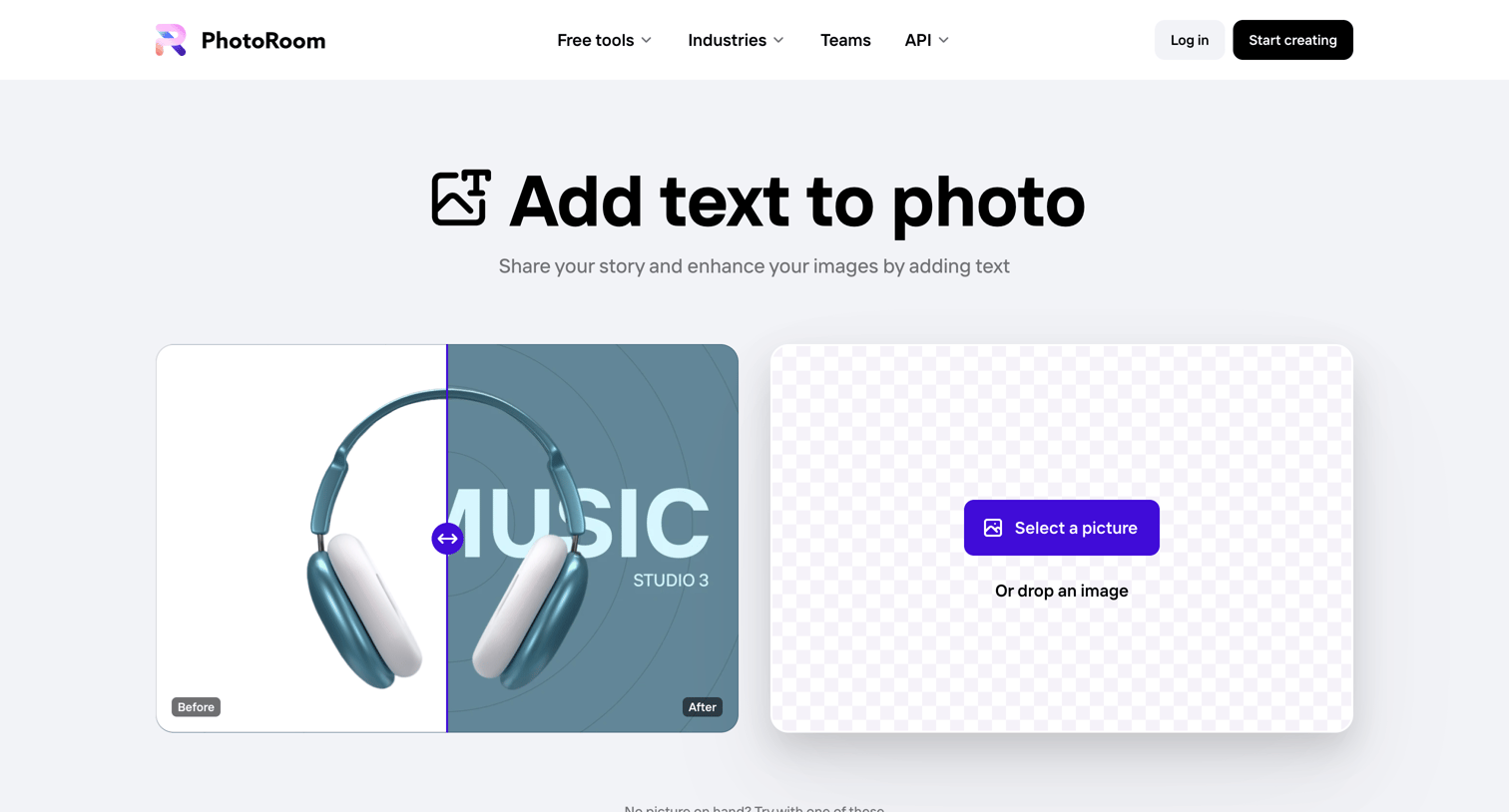
Feature page where the user can upload an image to add text, learn about the benefits of adding text to visuals, and explore related photo editing tools.
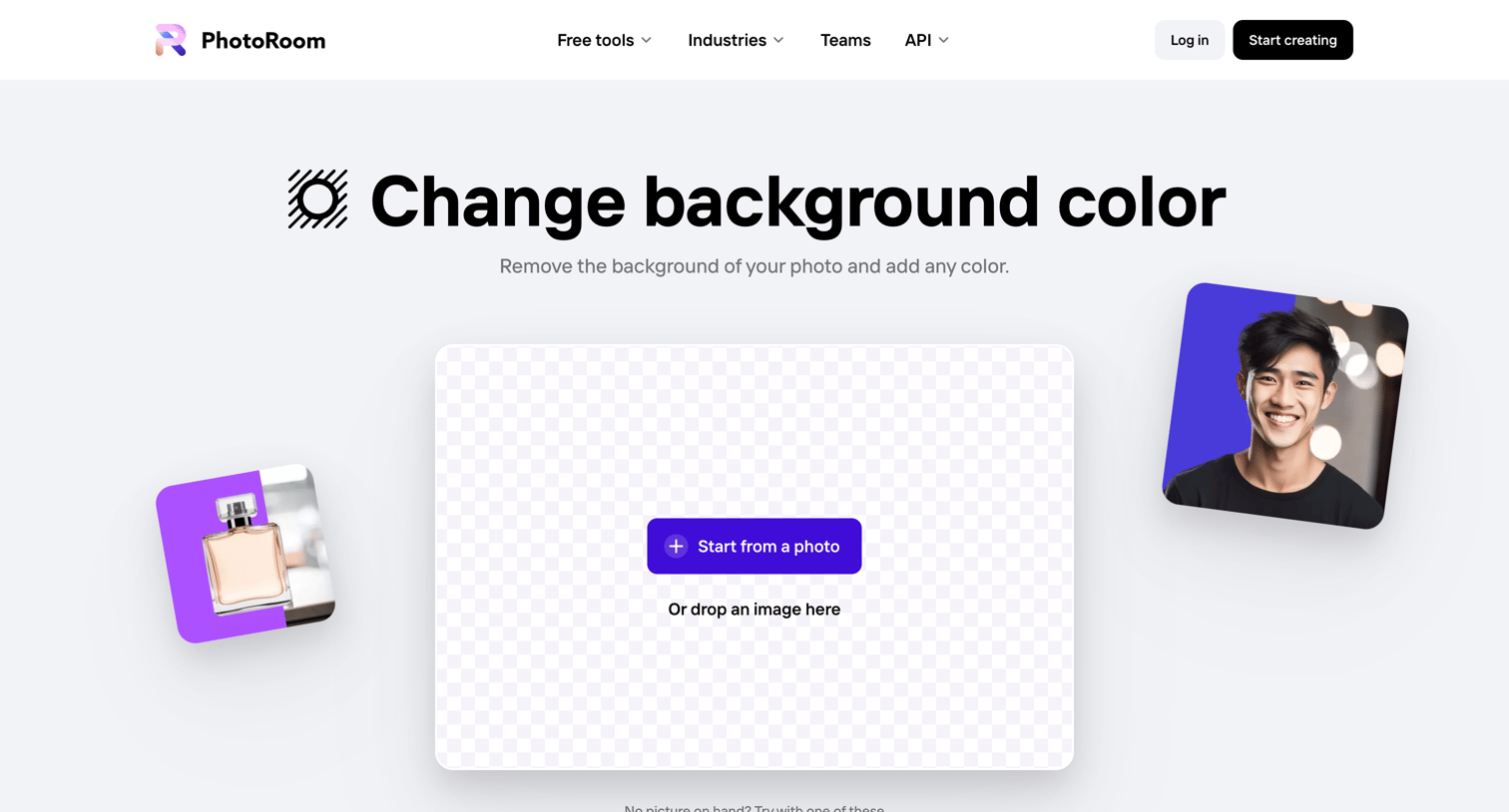
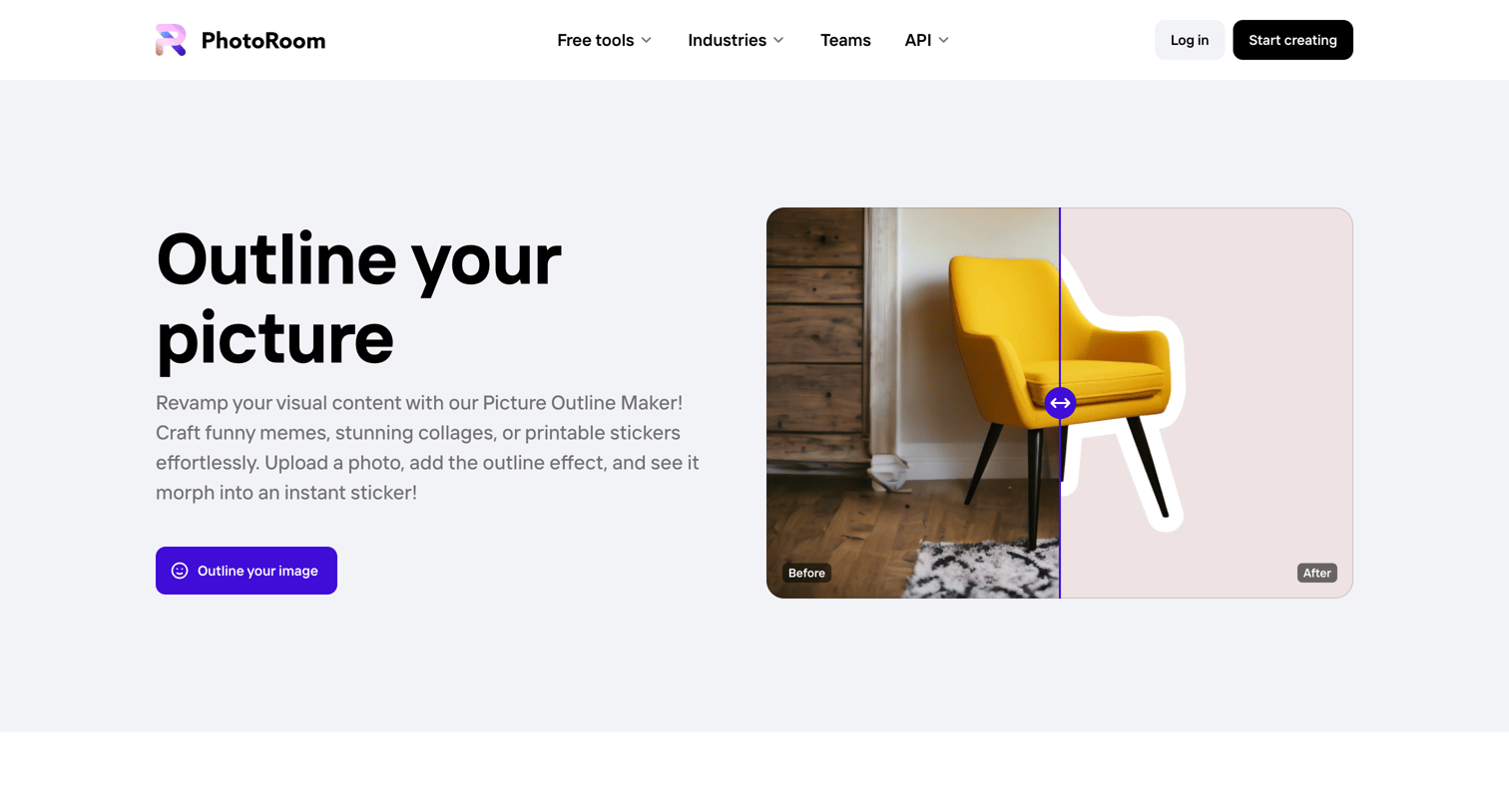
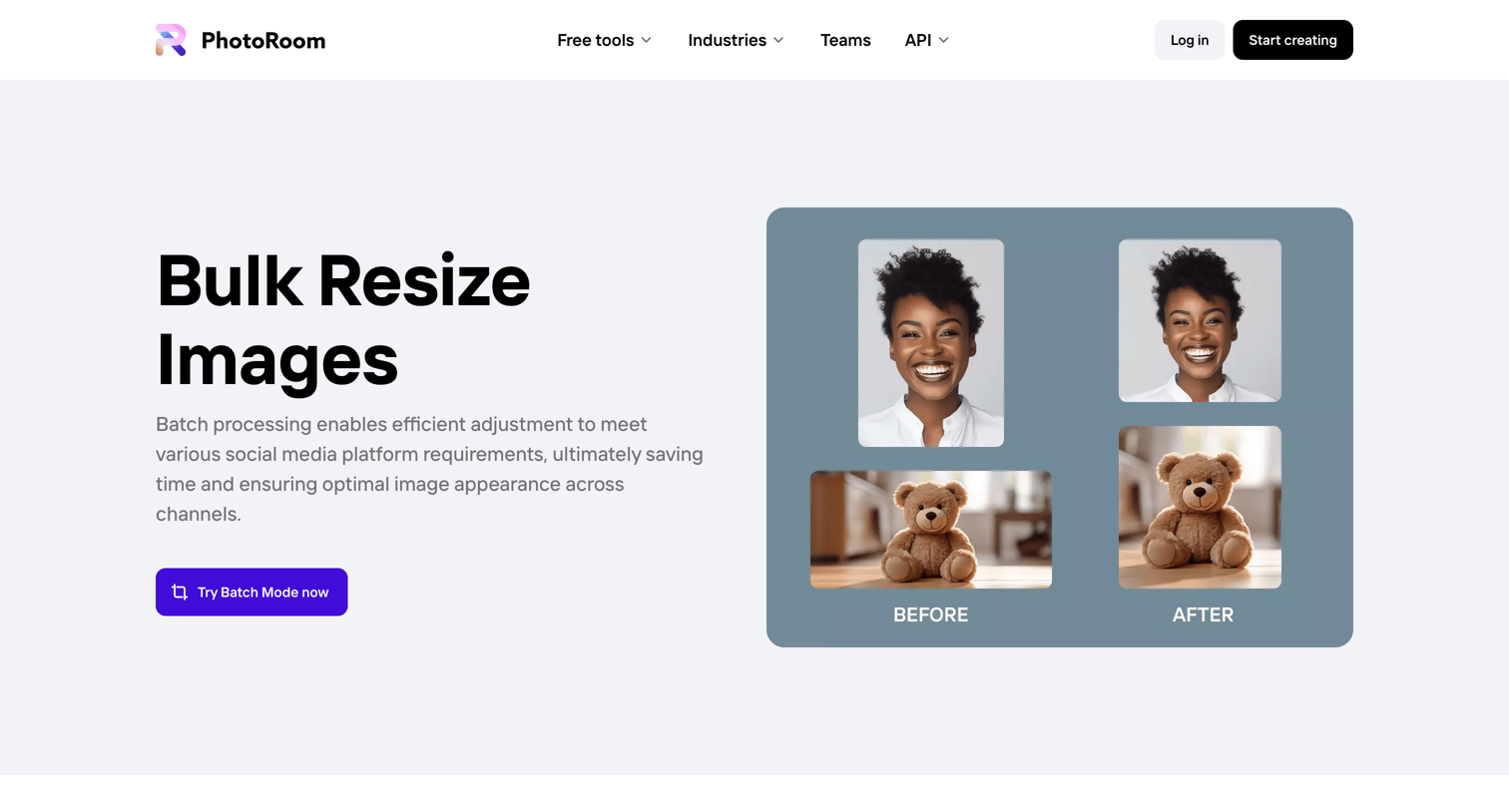
Marketing feature page detailing a bulk image resizing tool, highlighting use cases for social media and e-commerce, and including customer testimonials and an FAQ section.
Explore the full SaaS screen library
Upgrade to unlock the full library.
Trusted by the best teams







