Free Tool page examples
Free Tool page design examples from SaaS websites. Explore how websites make a useful tool available to visitors. Look at how inputs, instructions, and results fit alongside the explanation of what the tool…
Explore the examples
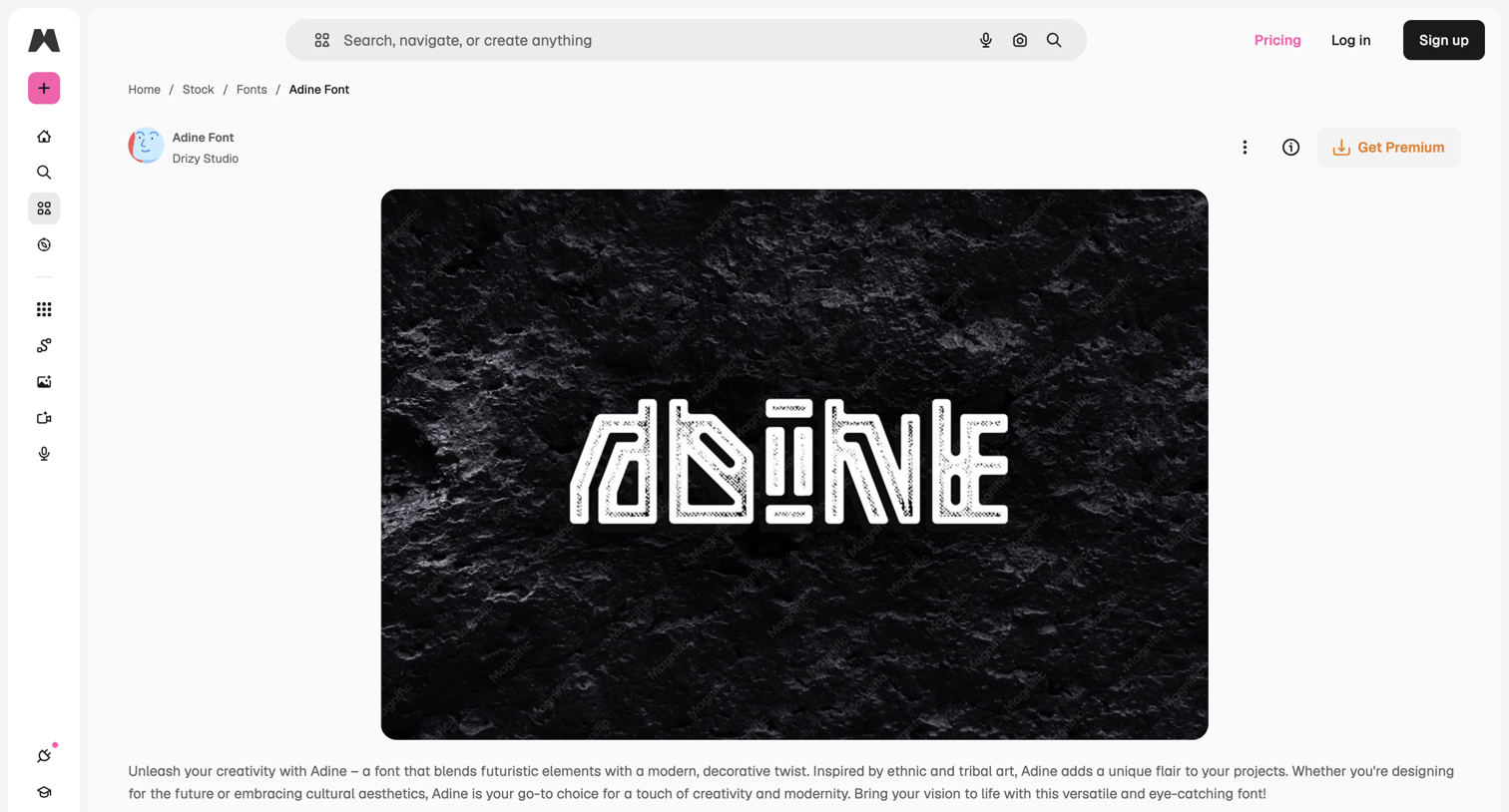

Product page for a specific font where the user can read its description, test it with custom text at various sizes, and browse related fonts.
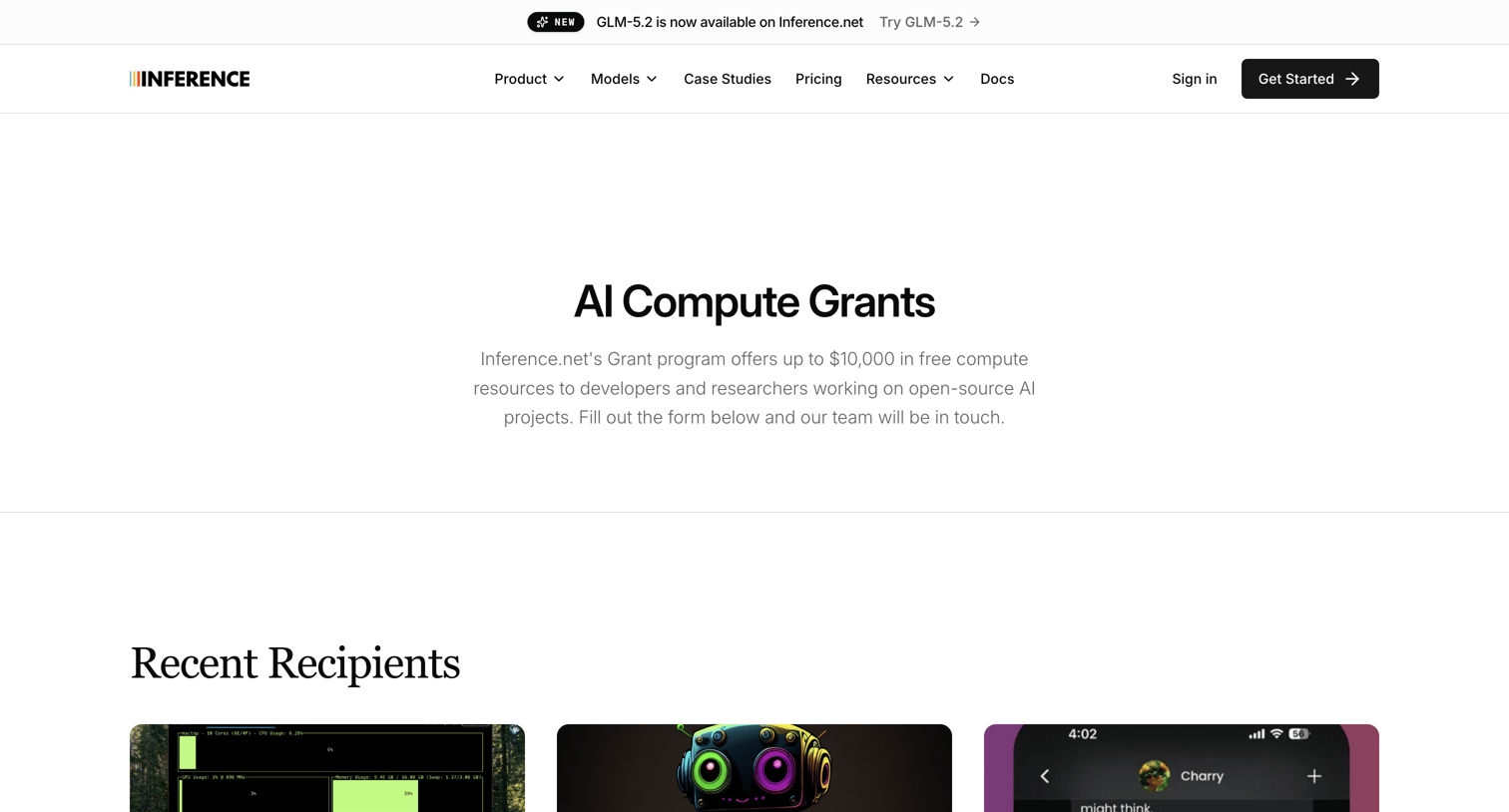

Landing page for an AI compute grant program where users can view recent recipients and submit an application via a form.
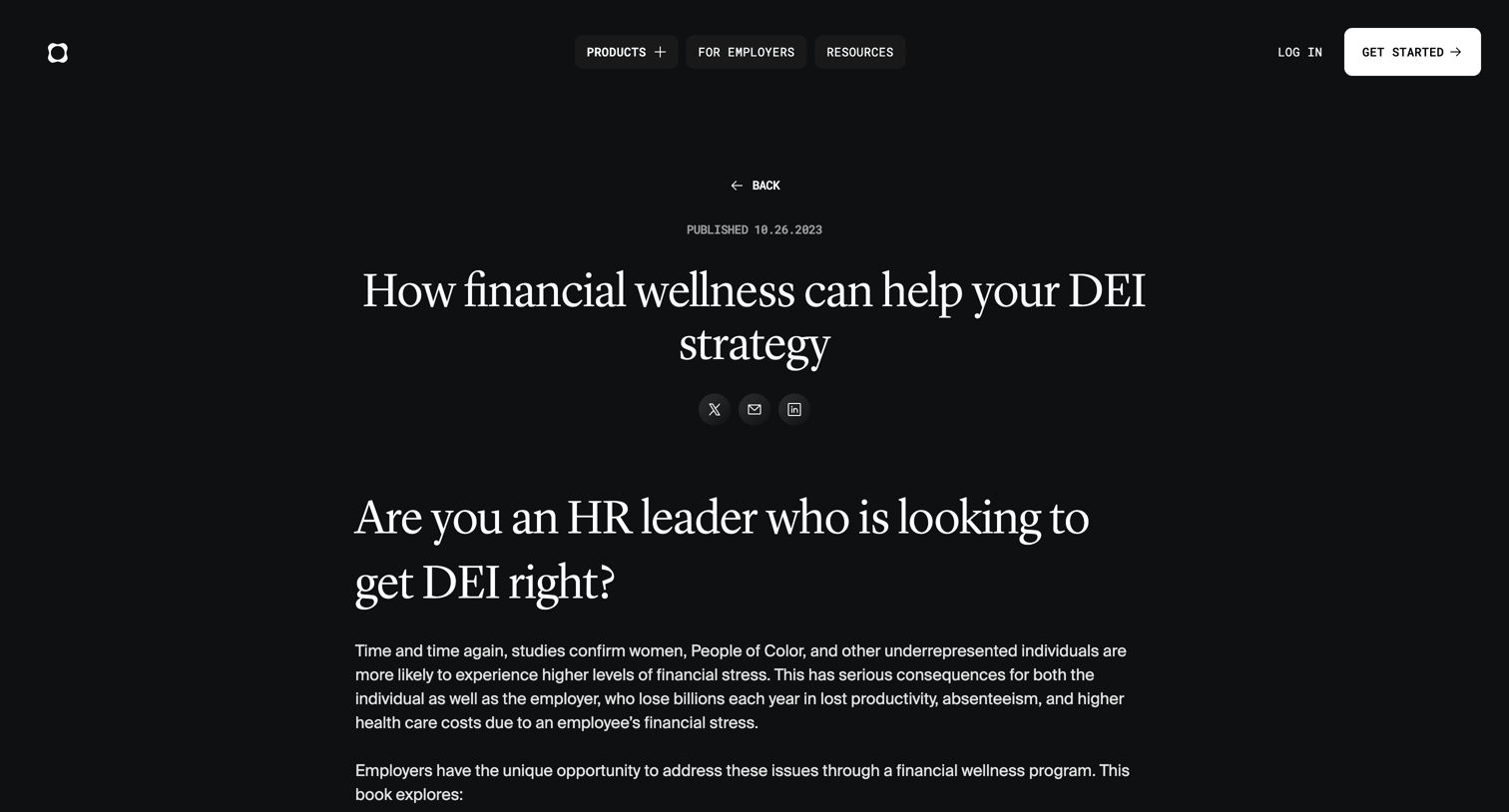

Resource page where HR leaders can download an ebook on financial wellness and DEI by filling out a lead capture form.
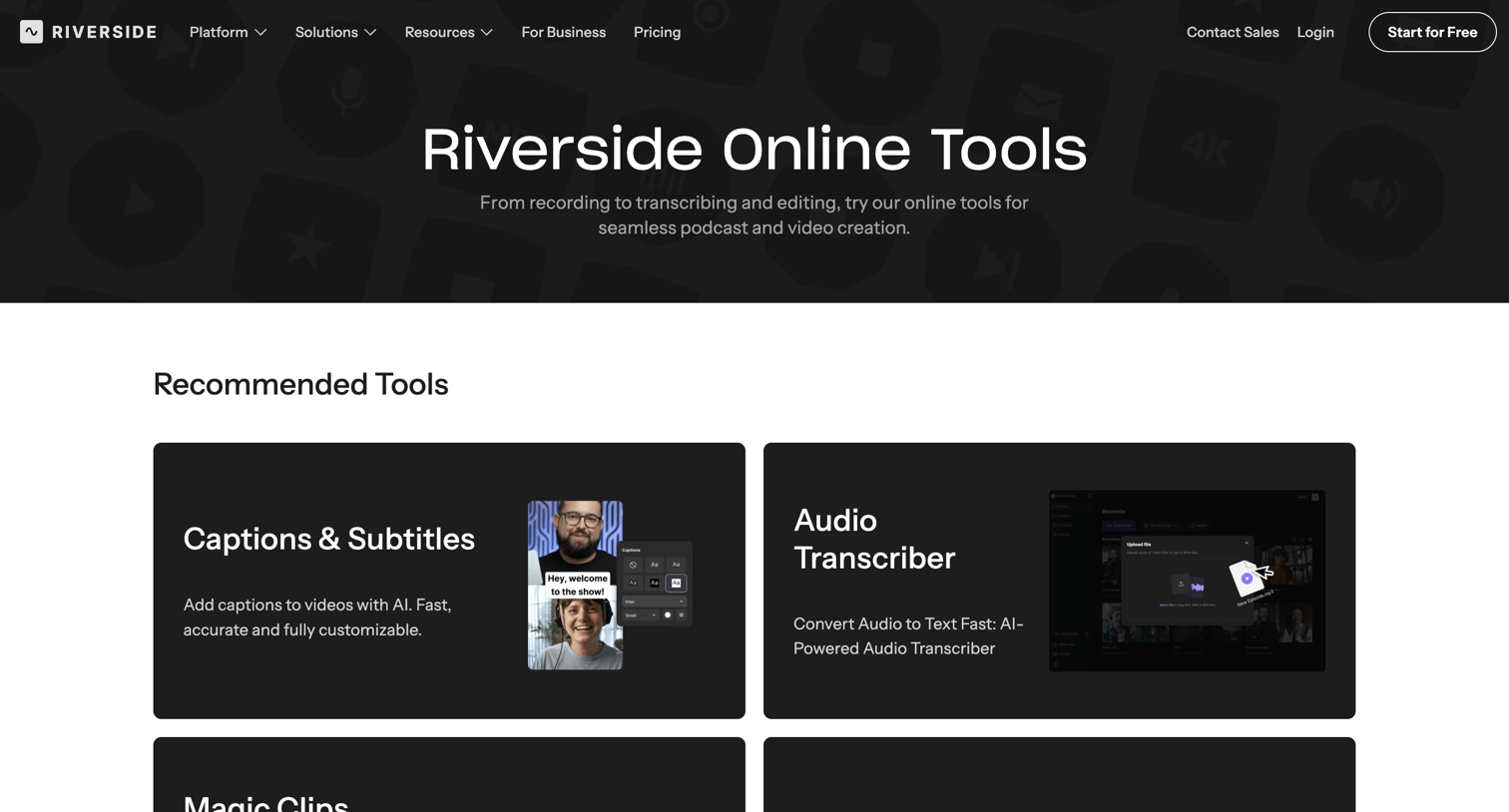

Marketing page where the user can browse a directory of AI-powered audio and video editing tools, including transcribers, clippers, and recorders.
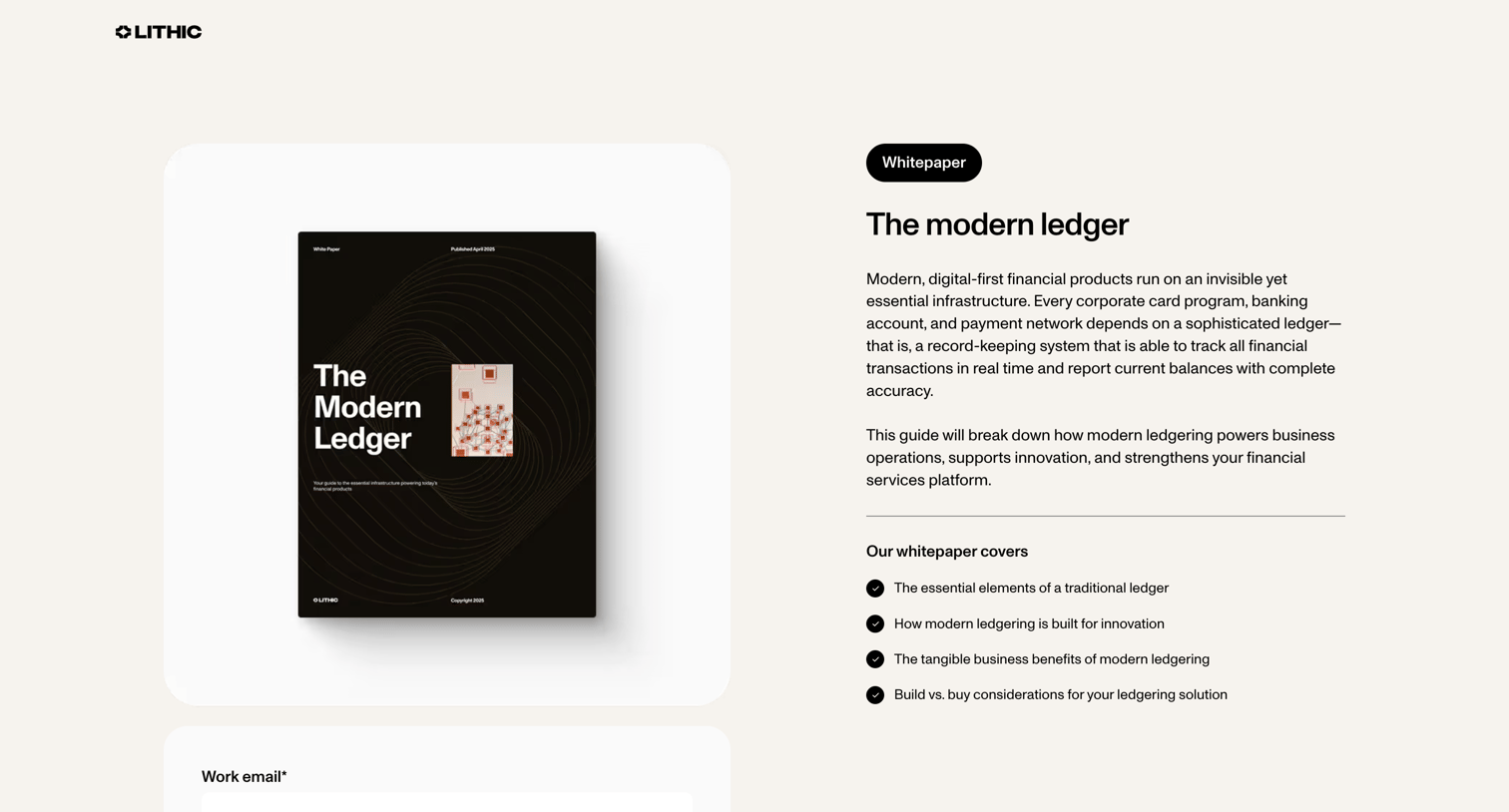

Landing page where the user can download a whitepaper about modern ledgering by providing their work email.
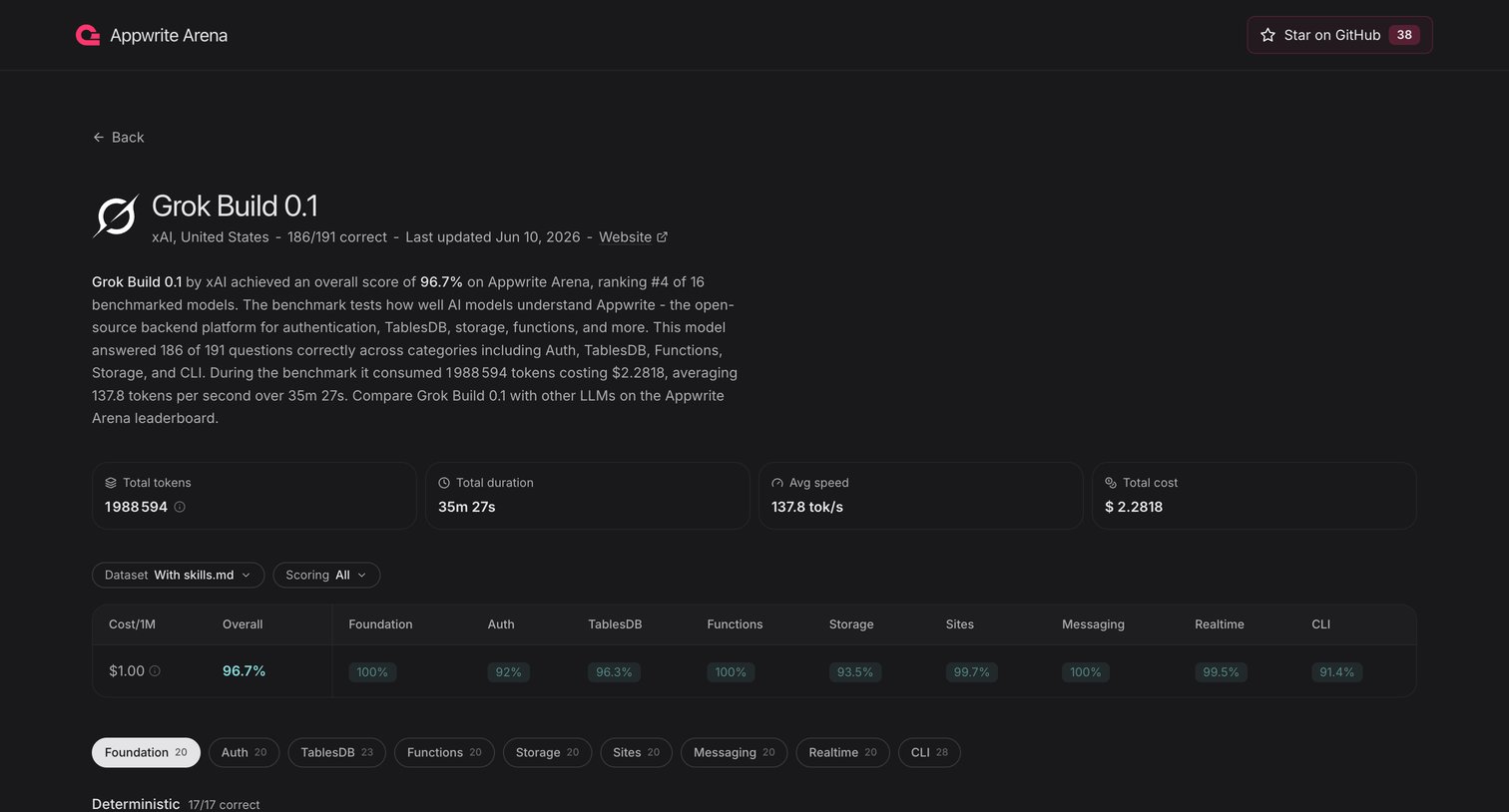

Tools page displaying detailed benchmark performance, cost metrics, and category scores for the Grok Build 0.1 AI model.
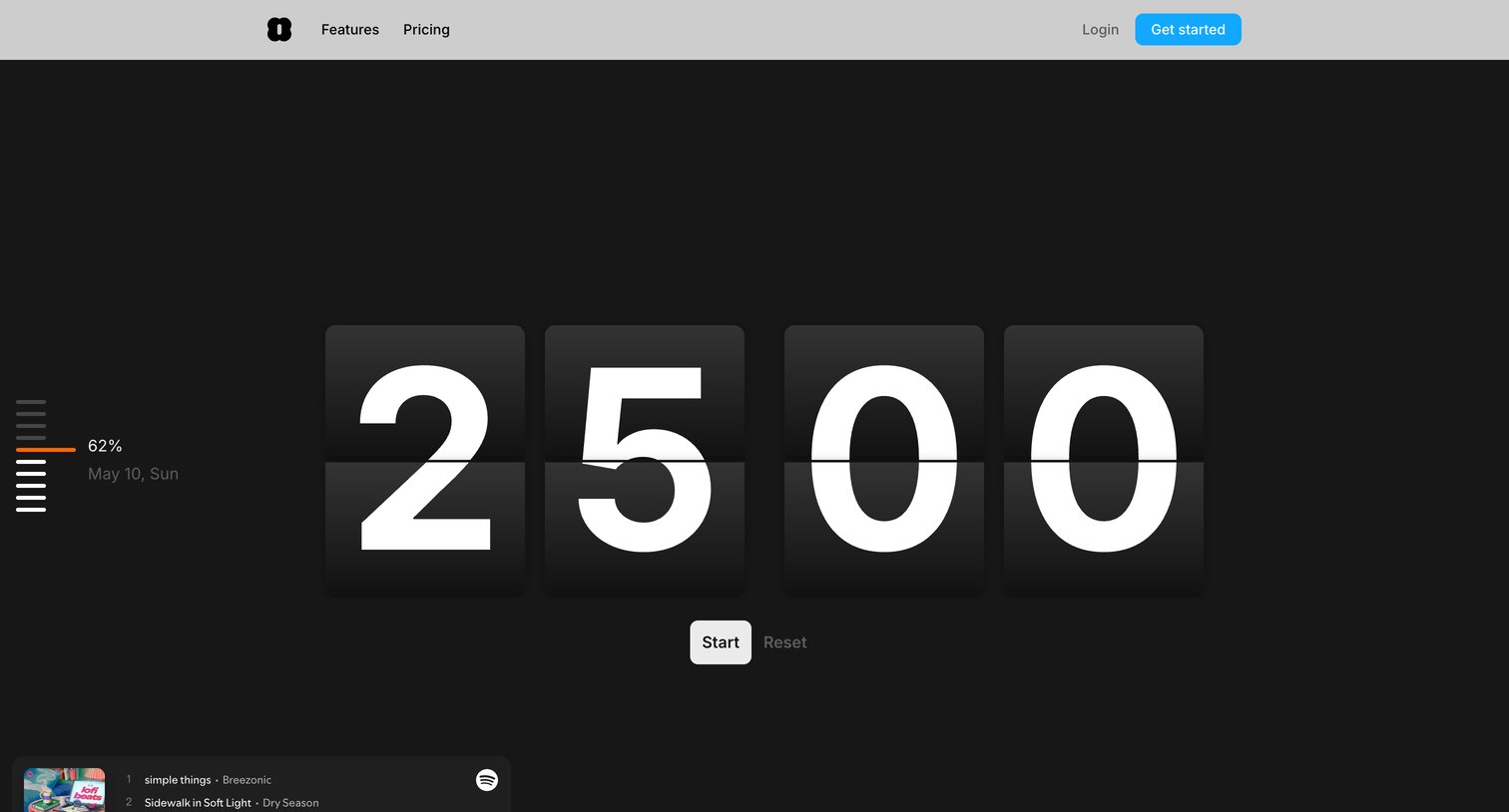

Marketing tool page featuring an interactive aesthetic Pomodoro flip-clock timer alongside an SEO article explaining the technique and its benefits.
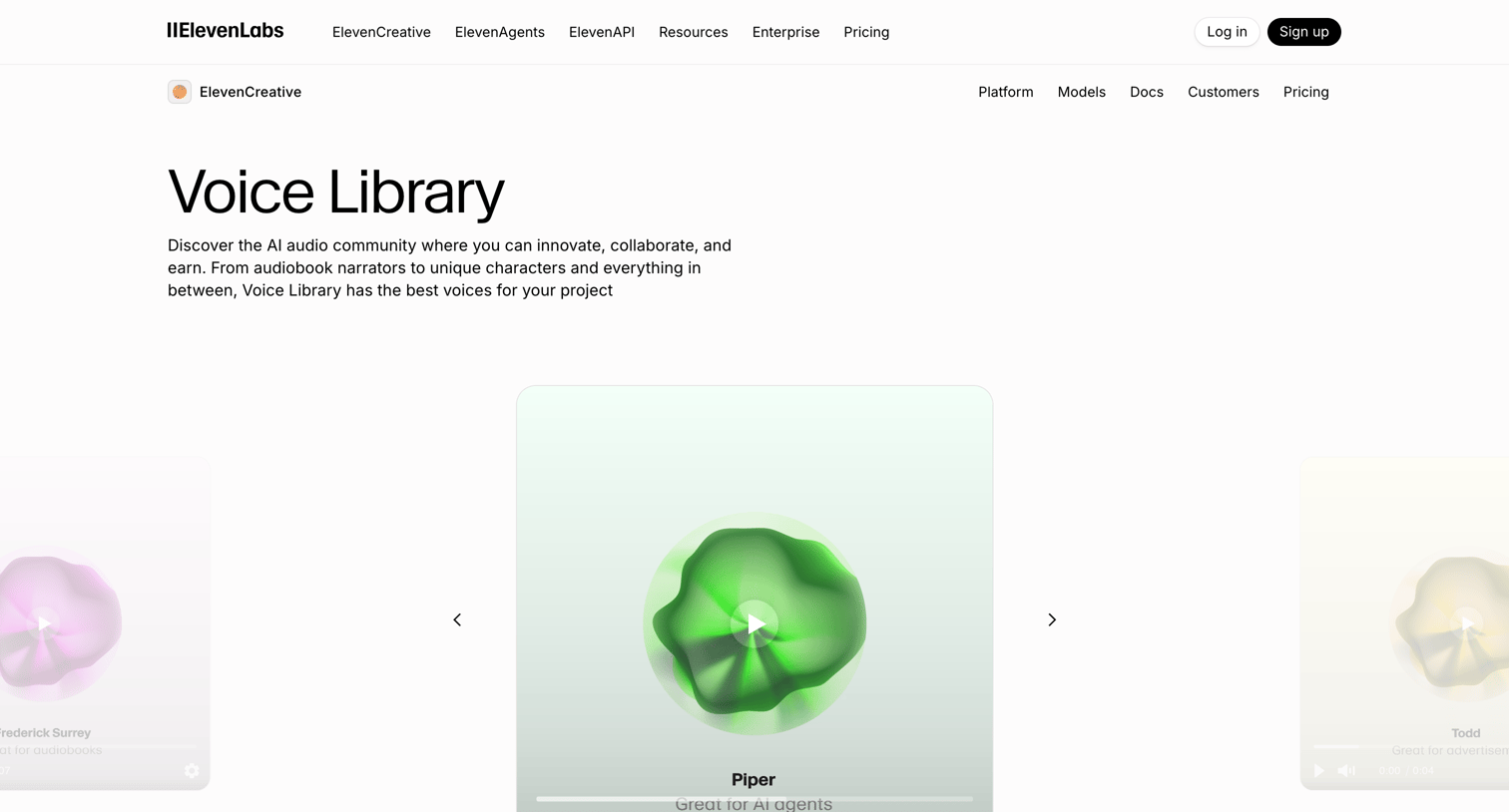

Feature page where the user browses and previews a comprehensive library of AI voices categorized by use cases like advertisement, characters, and conversational.
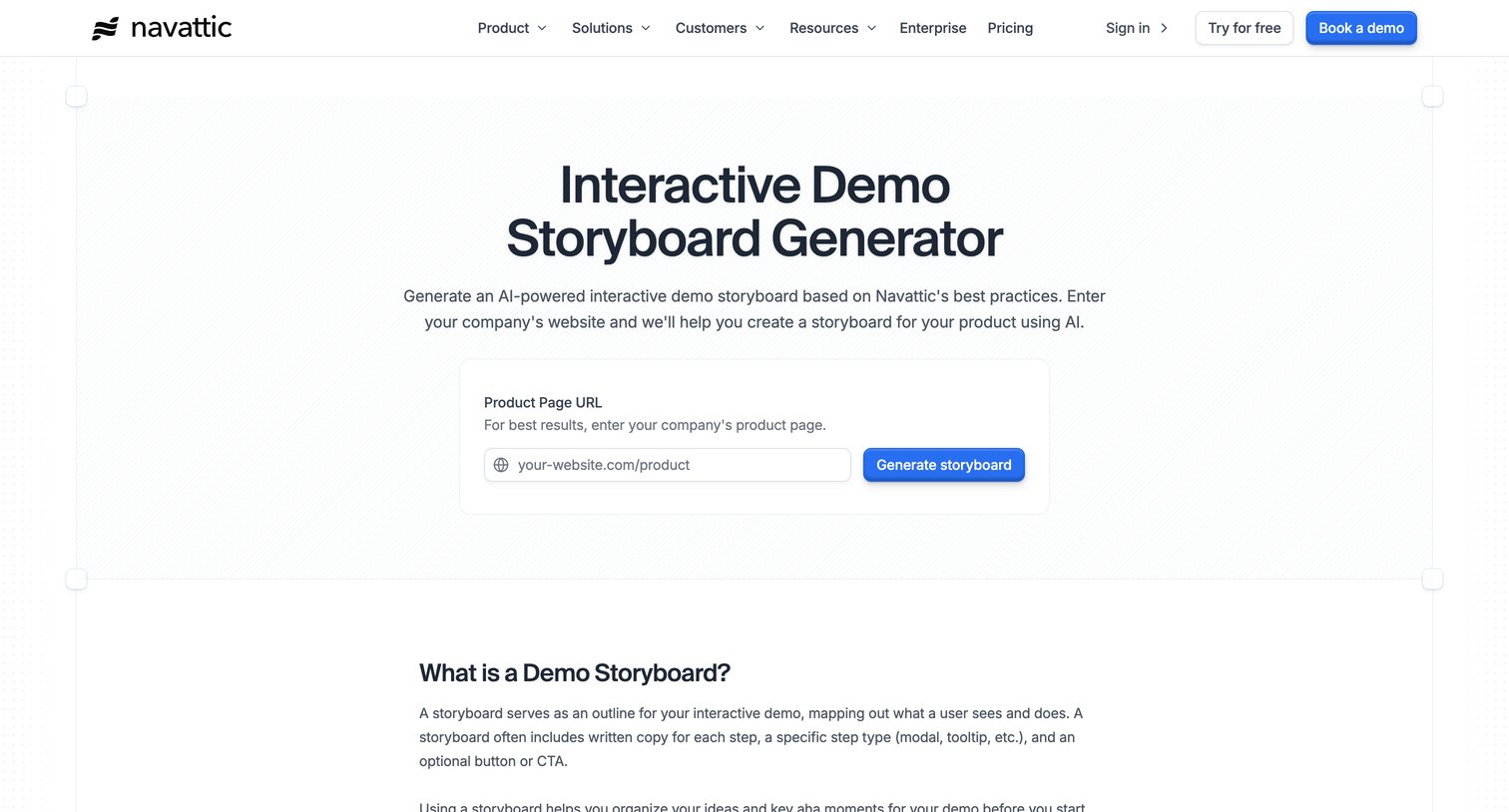

Marketing tool page where the user enters a product page URL to generate an AI-powered interactive demo storyboard.
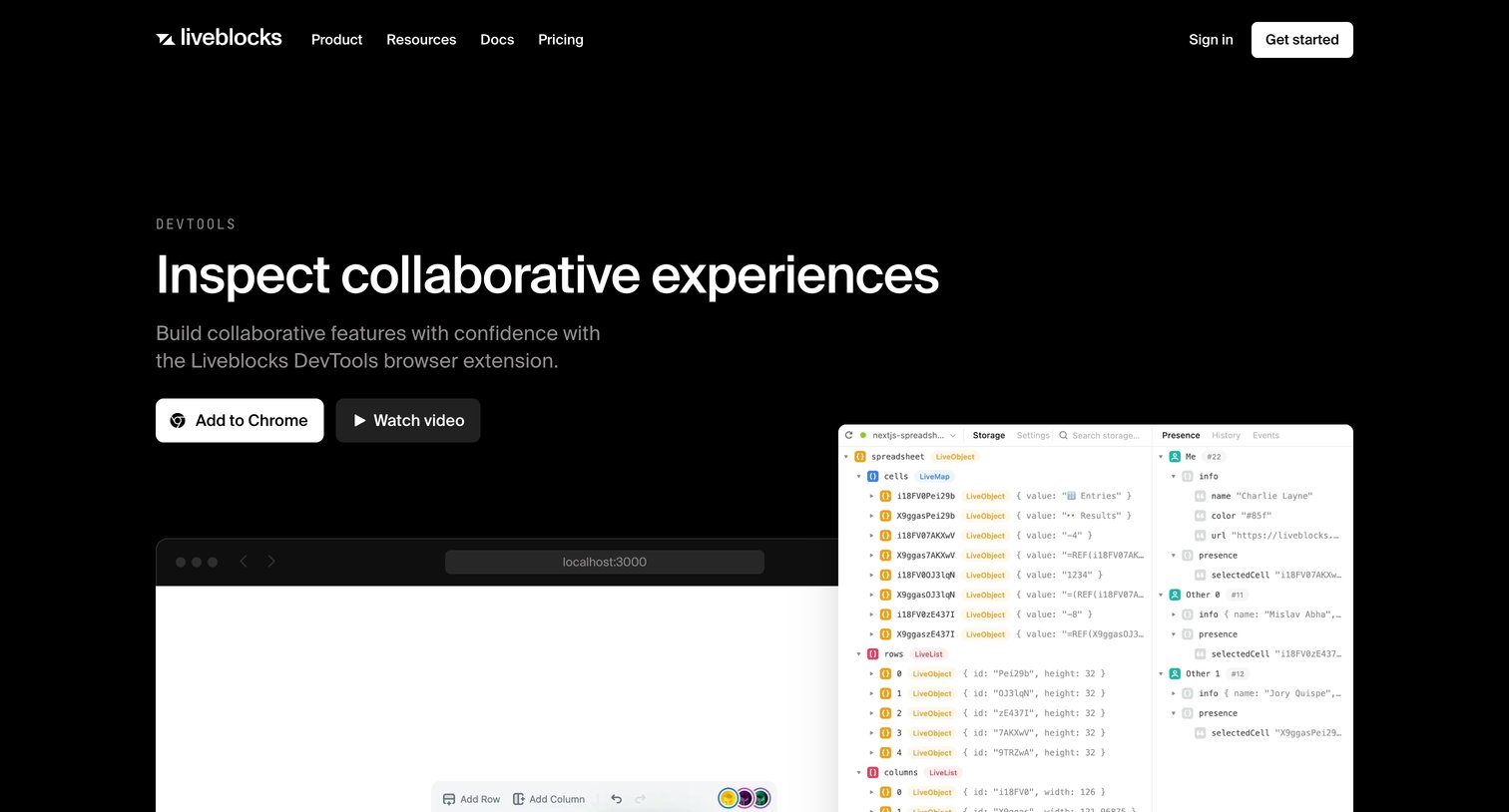

Application download page for the Liveblocks DevTools browser extension, featuring a hero with an 'Add to Chrome' CTA, a feature grid explaining capabilities like conflict-free data types, and a bottom CTA to get started.
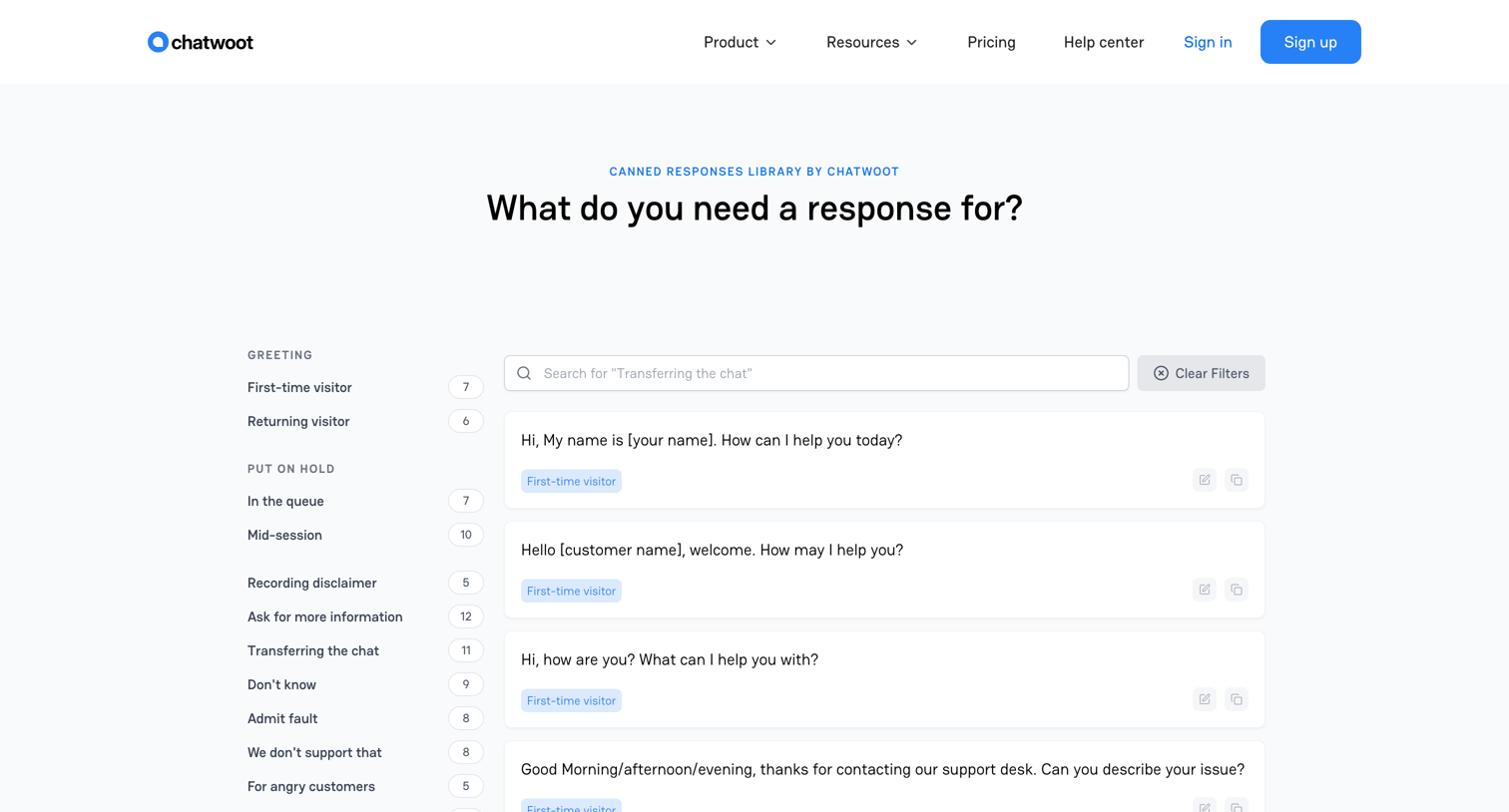

A resource page providing a searchable library of canned responses for customer support, categorized by use cases like greeting, put on hold, and wrap up.
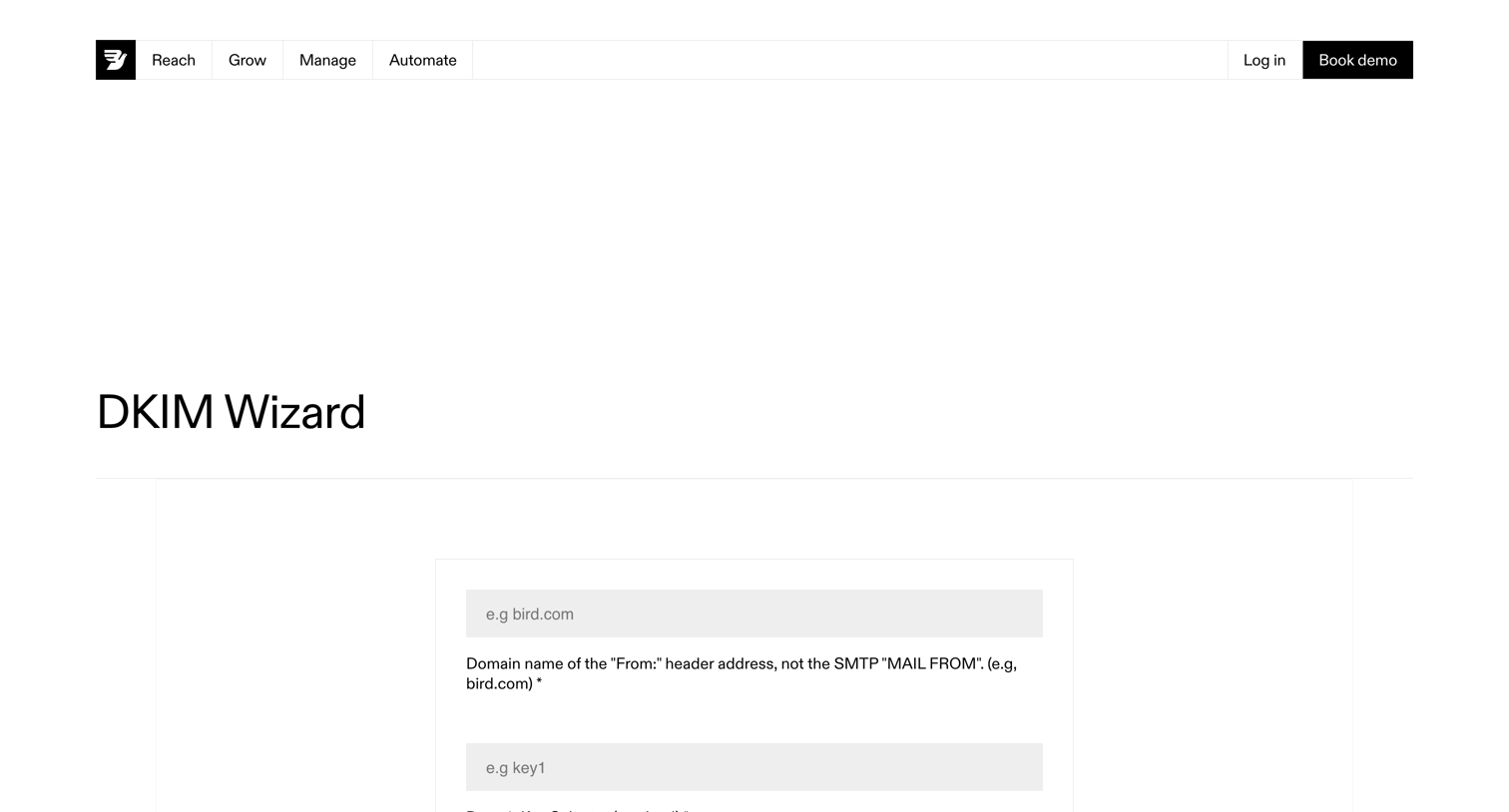

A free utility page where the user can generate DKIM keys by entering a domain name and selector.
Explore the full SaaS screen library
Upgrade to unlock the full library.
Trusted by the best teams








About Free Tool
Explore how websites make a useful tool available to visitors. Look at how inputs, instructions, and results fit alongside the explanation of what the tool does.