Security screen examples
Security screen design examples from SaaS apps. See how SaaS apps organize controls for account protection. Explore how authentication, session details, and security preferences are grouped and explained…
Explore the examples
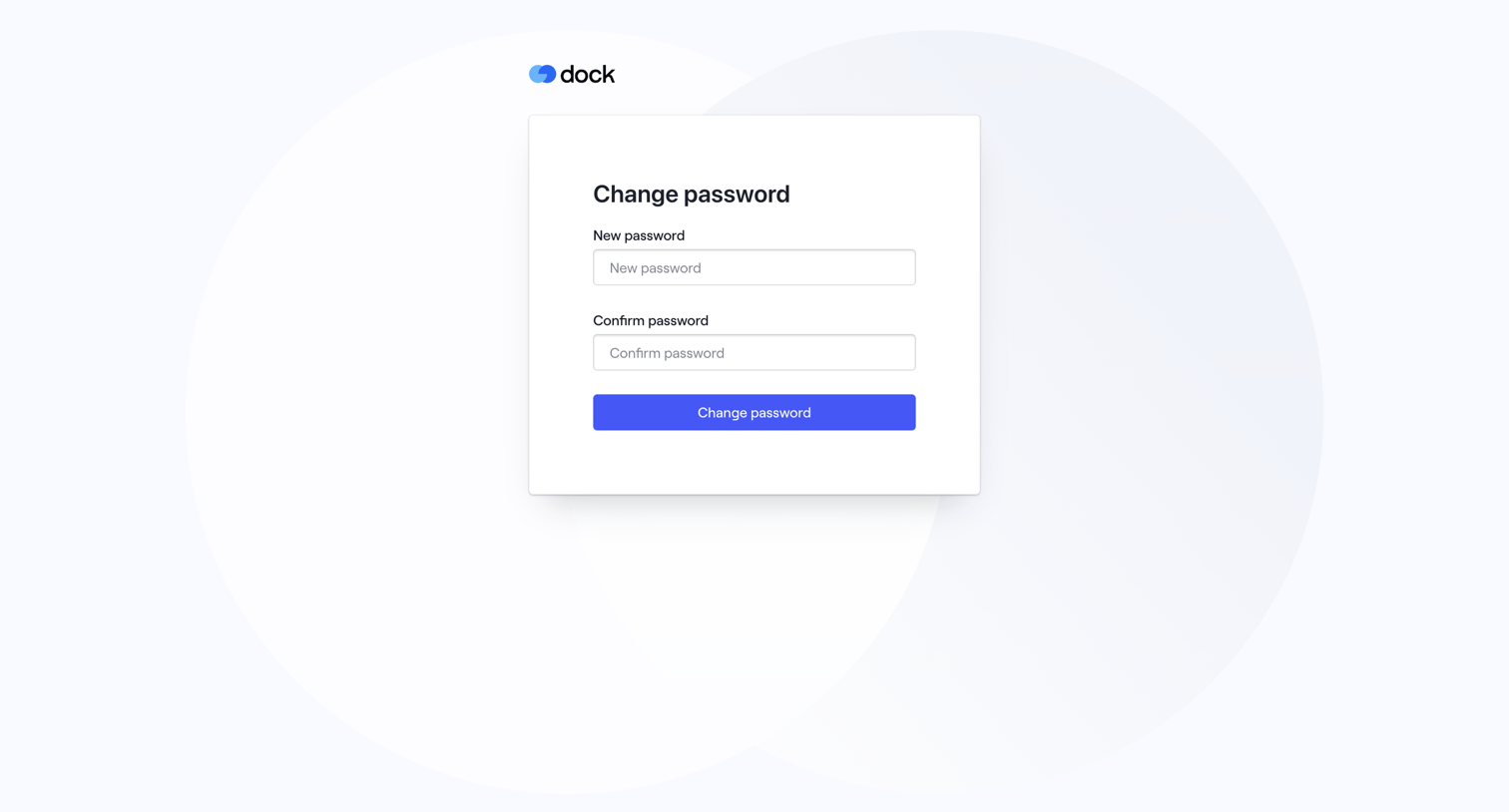

Authentication screen where the user sets and confirms a new password to recover their account.
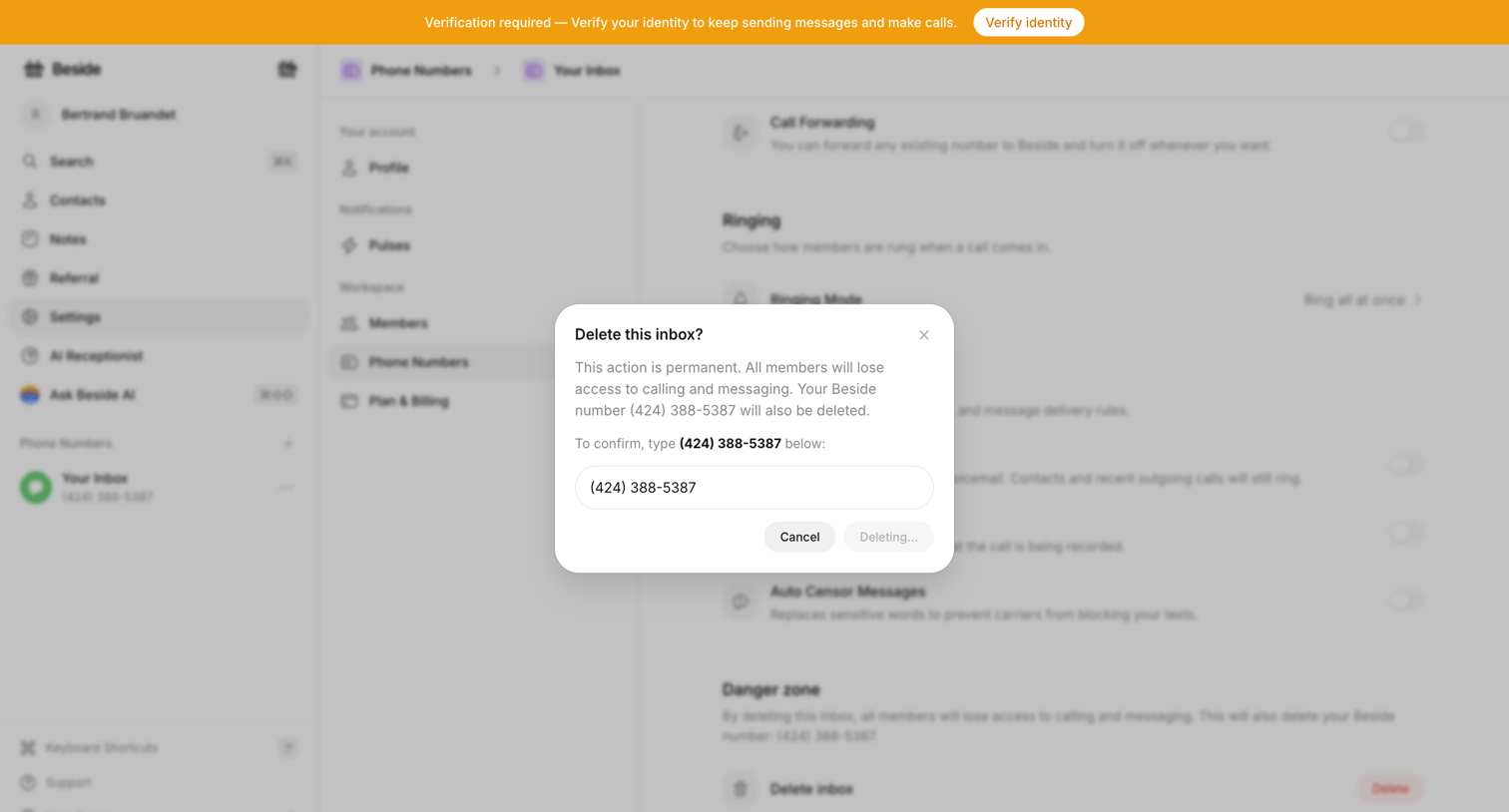

Settings page where the user confirms the destructive action of deleting a phone number inbox by typing the number into a modal.
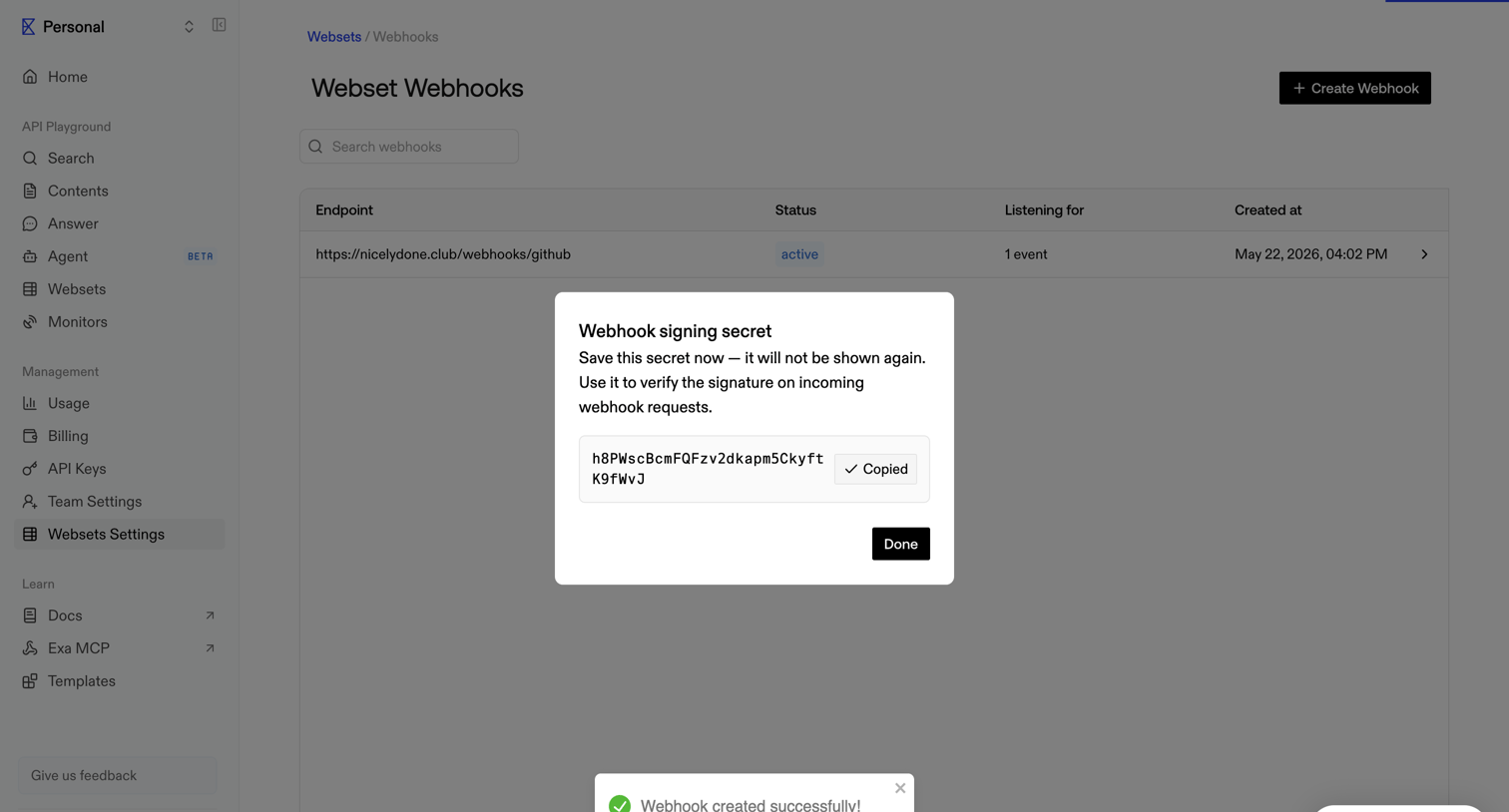

Settings page where the user views their newly generated webhook signing secret in a modal after successful creation.
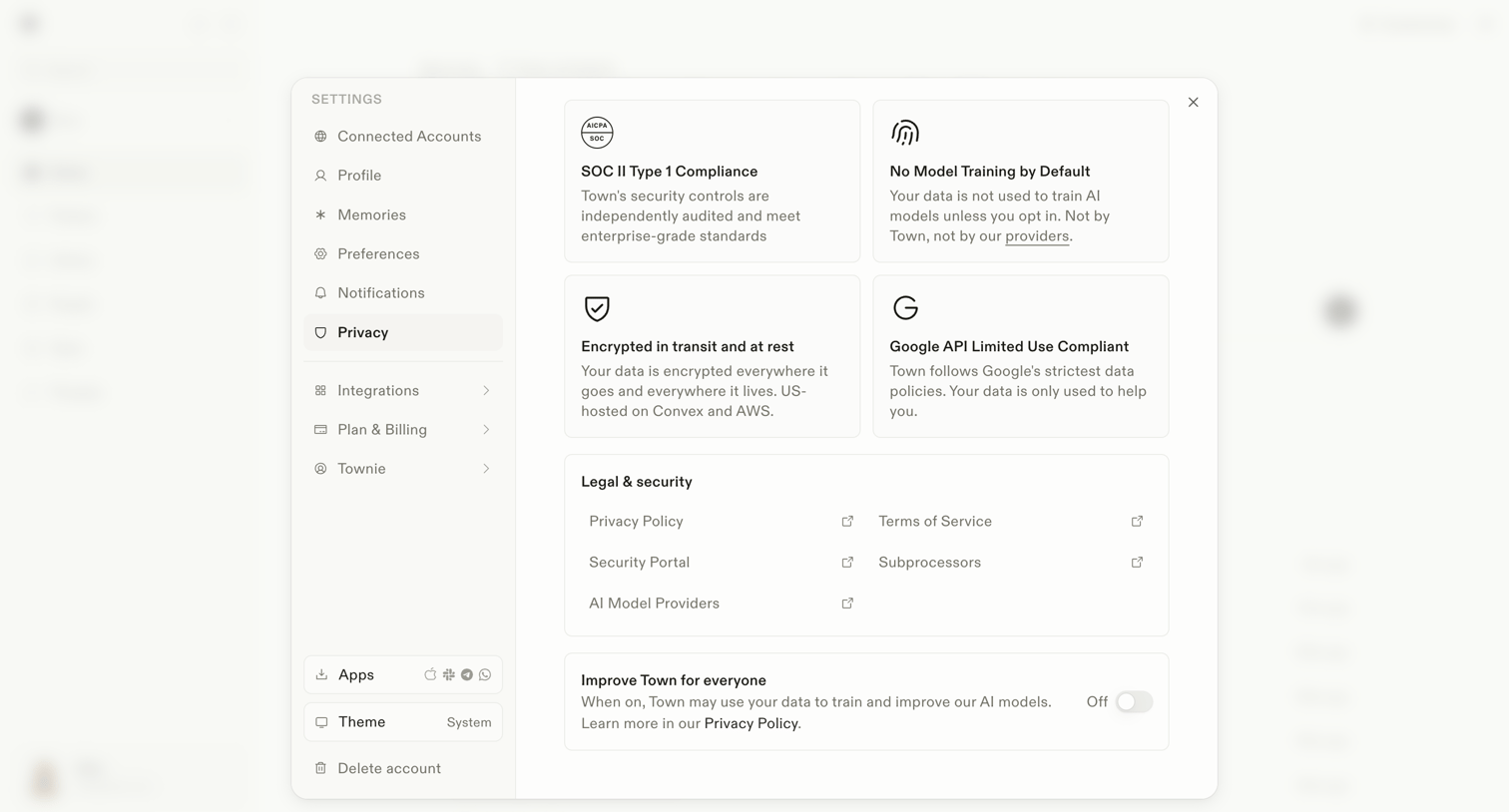

Settings modal where the user reviews security compliance details, accesses legal documents, and toggles data usage for AI model training.
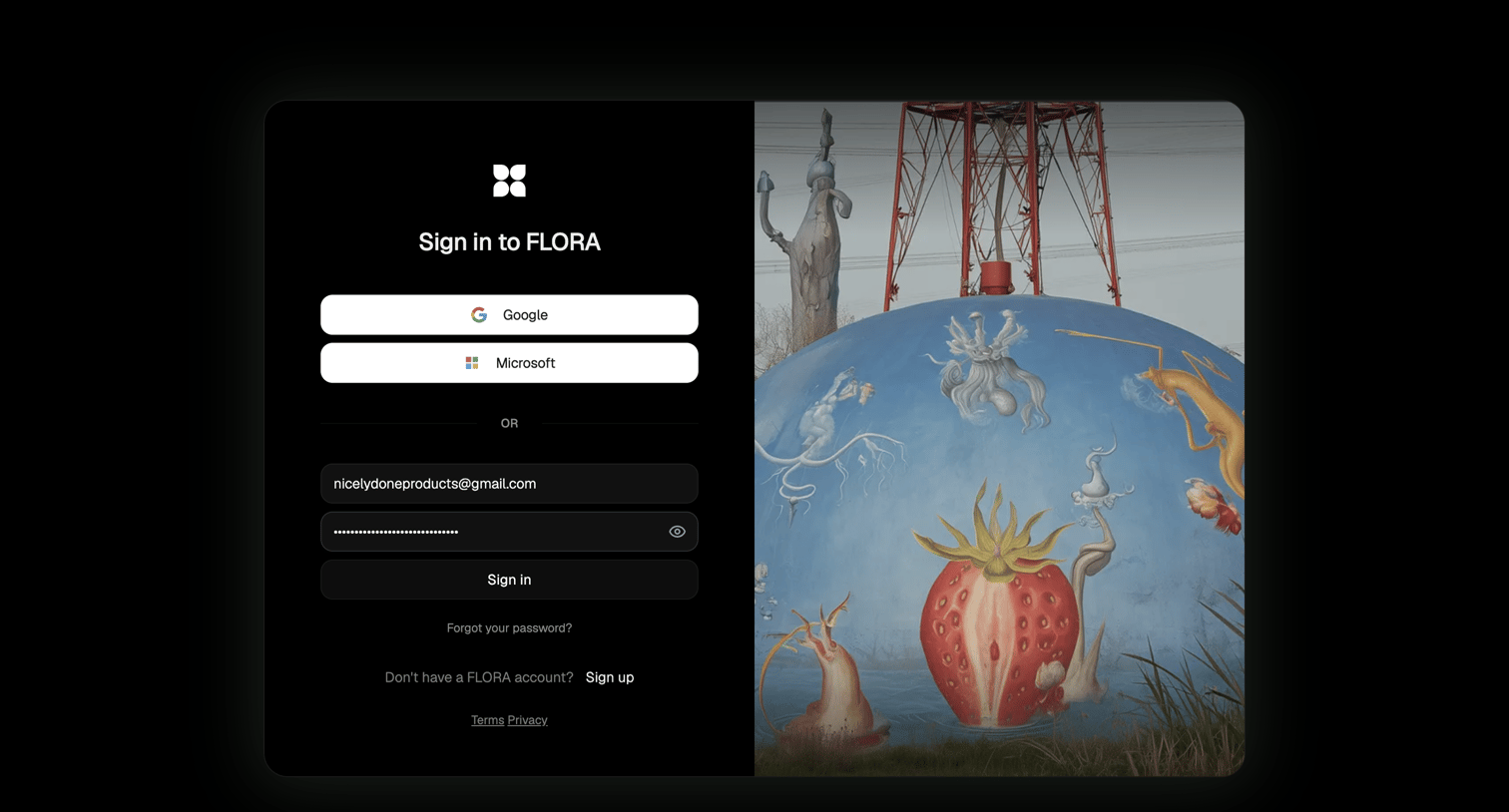

Sign-in screen where the user authenticates with Google, Microsoft, or email and password, featuring a split layout with a surreal image.
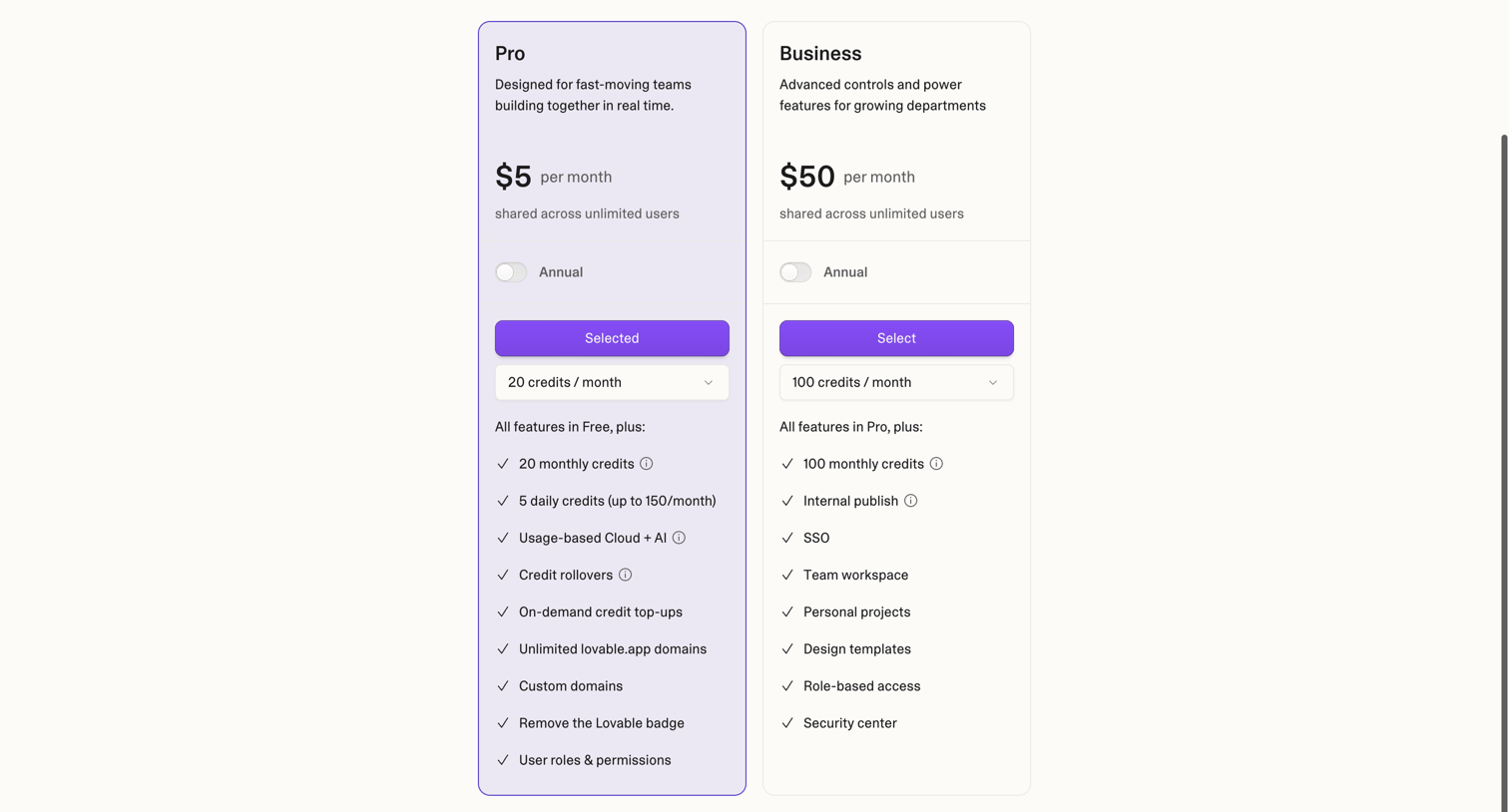

Onboarding step where the user selects a Pro or Business plan and allocates monthly credits before creating their workspace.
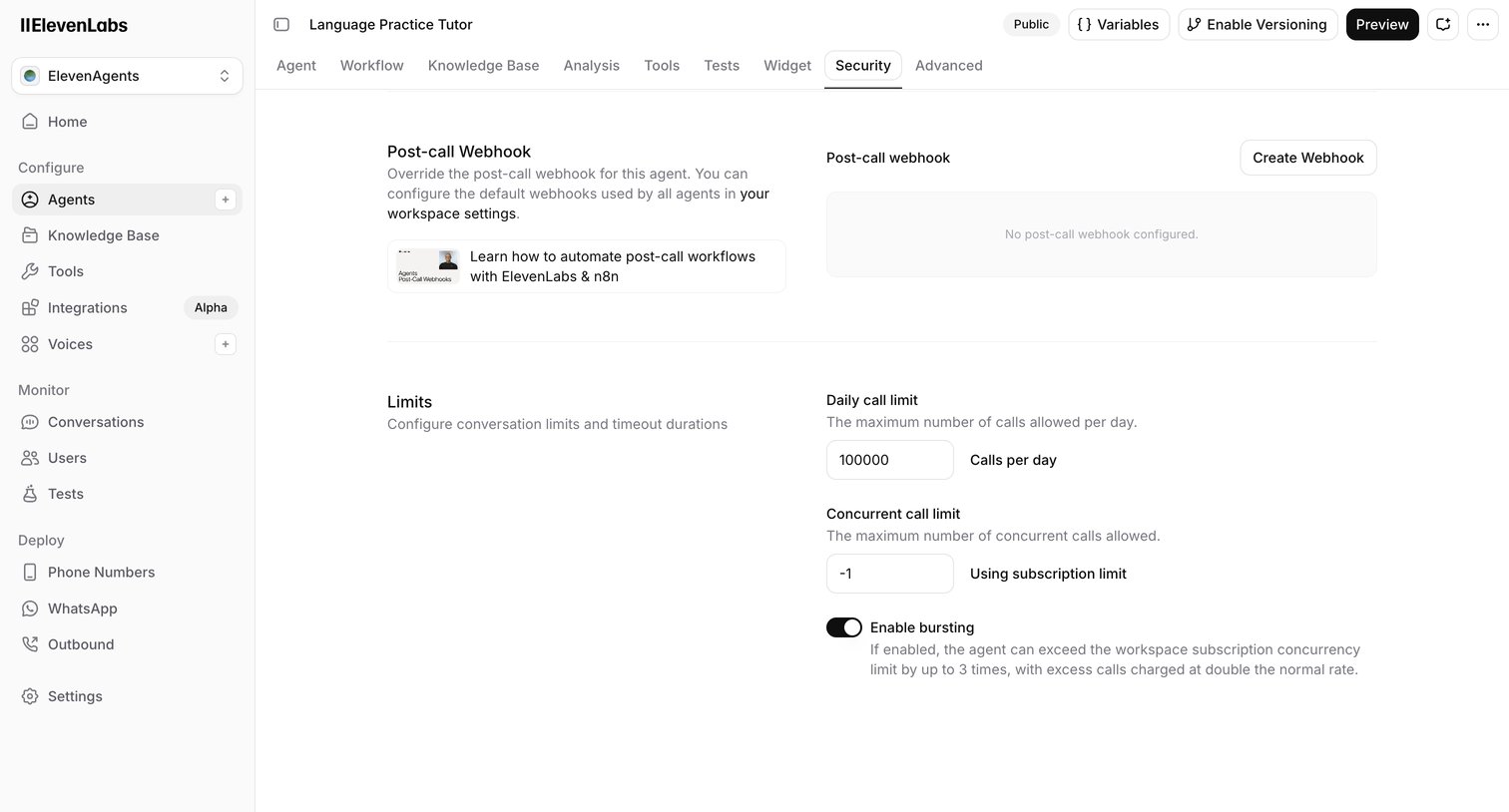

Settings page where the user configures post-call webhooks and conversation limits for a specific AI agent.
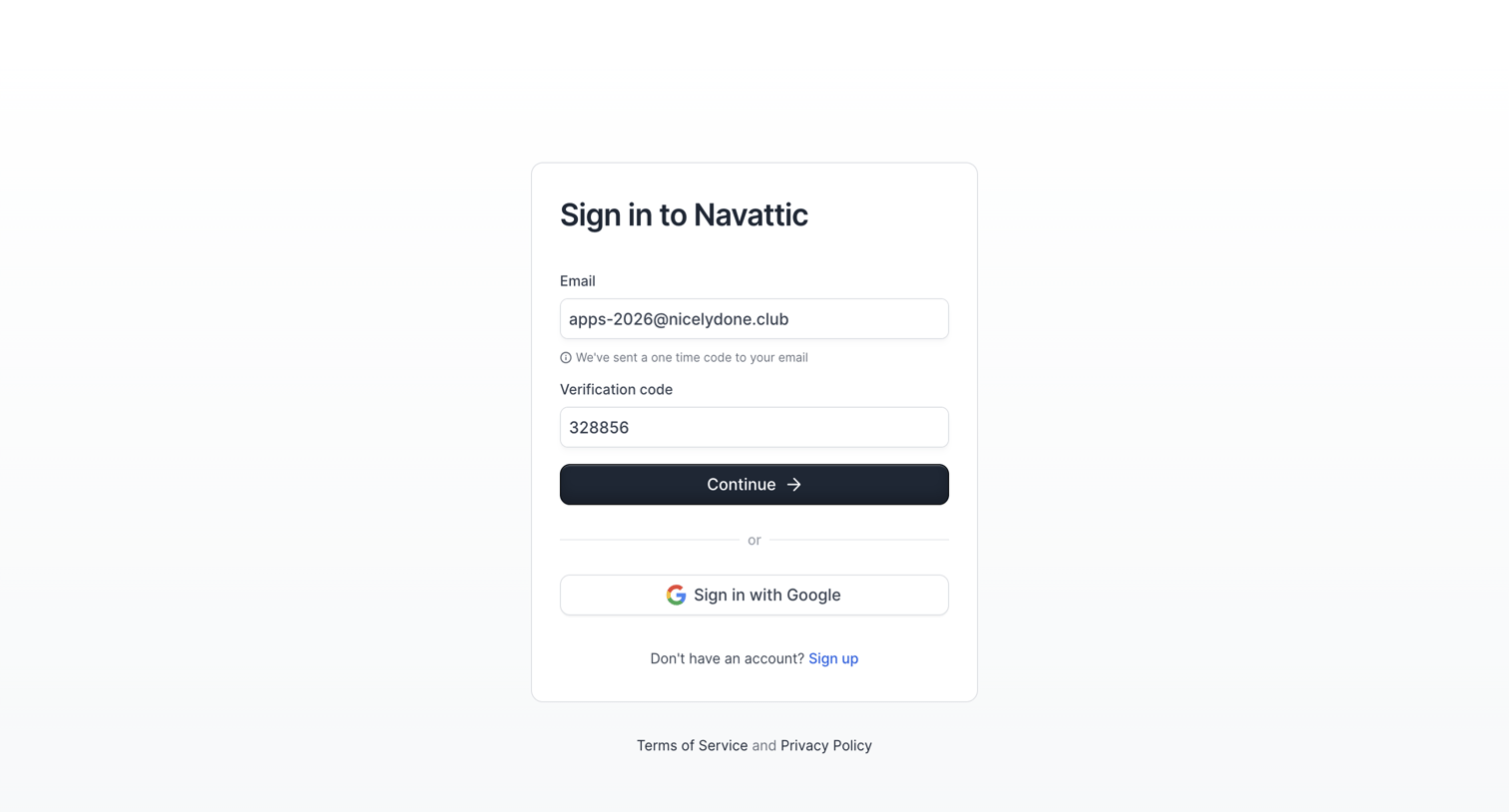

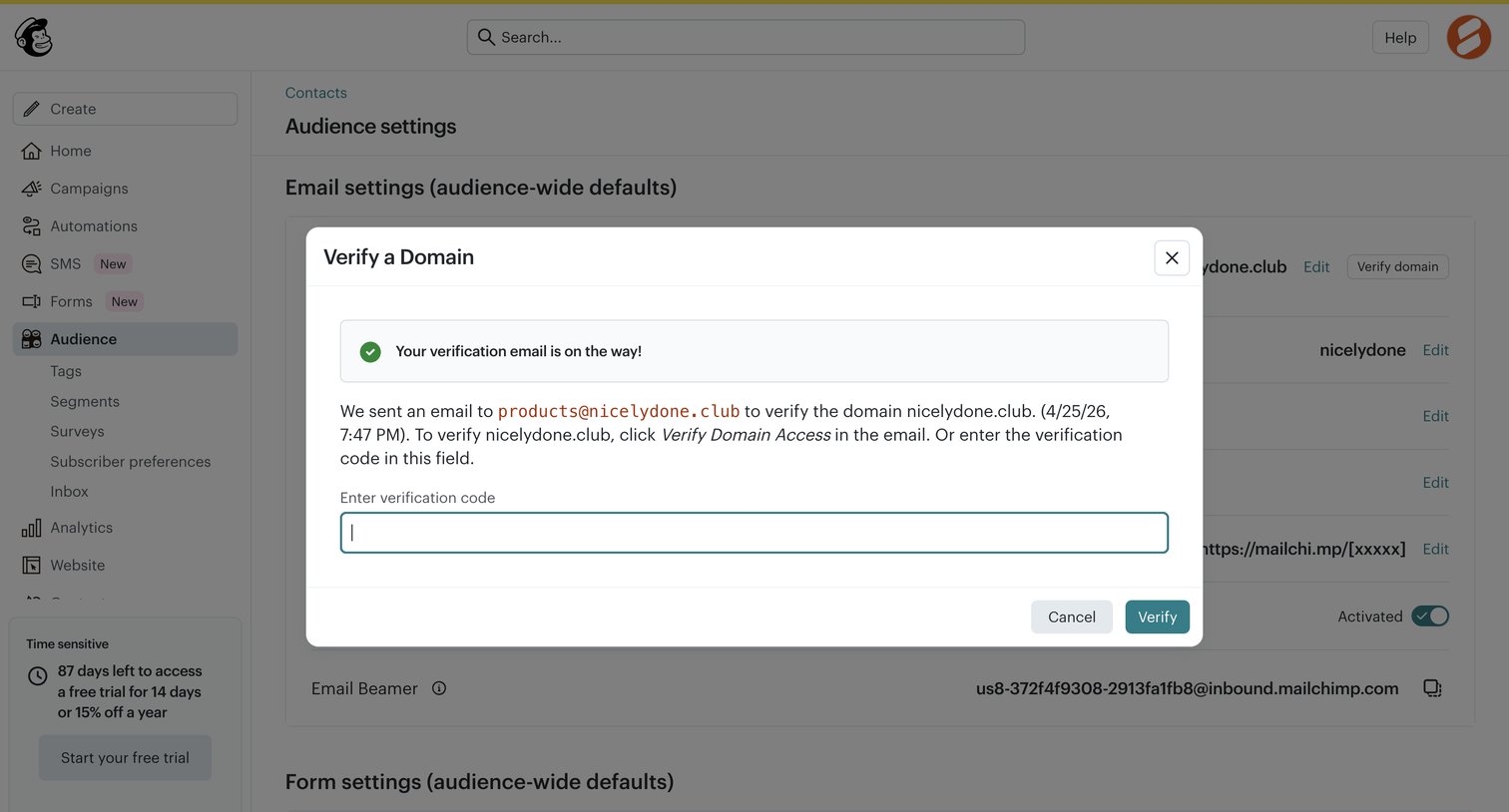

Settings page where the user enters a verification code sent to their email to verify a new domain for their audience.
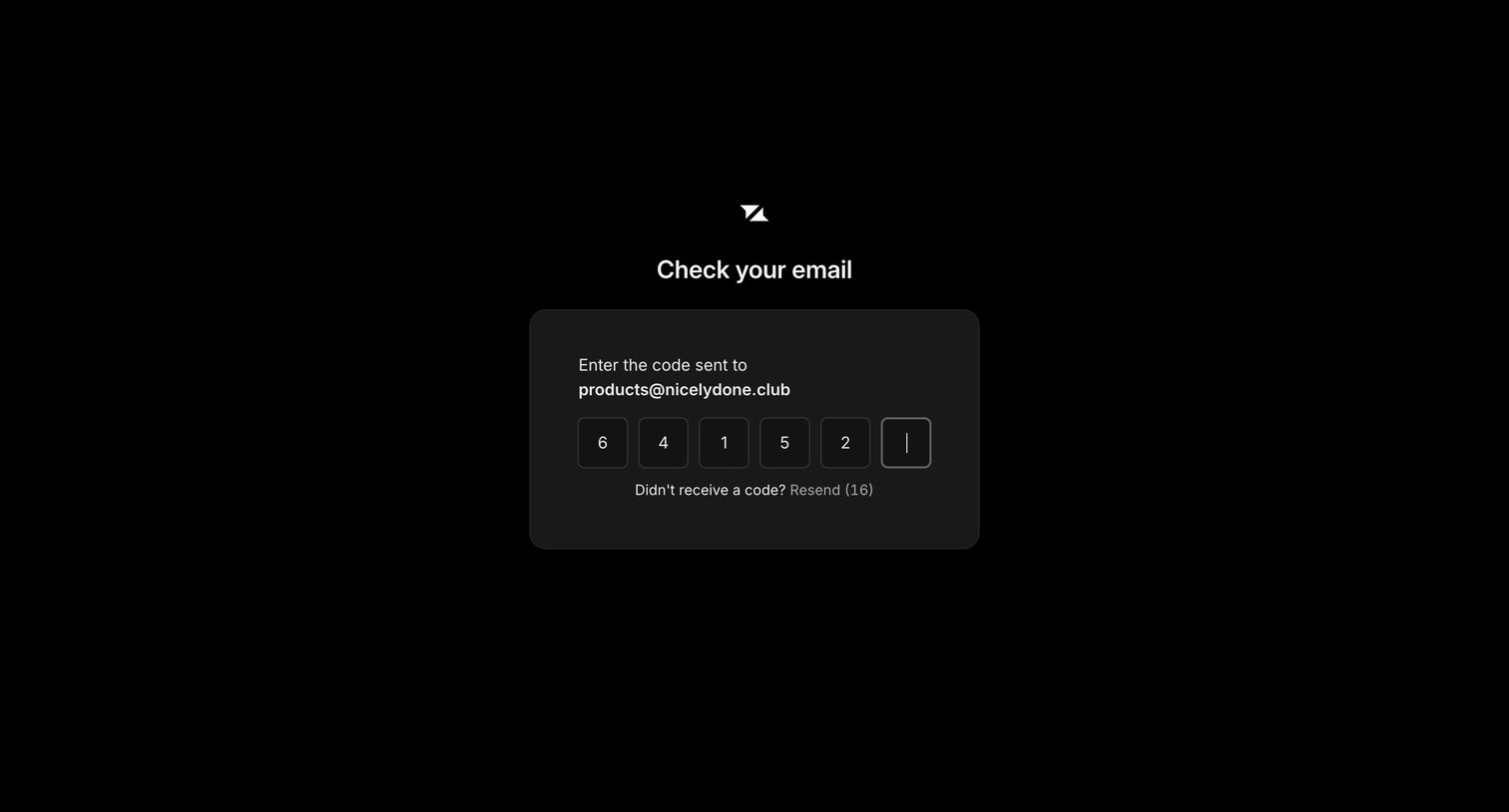

Verification screen where the user enters a 6-digit code sent to their email address to authenticate.
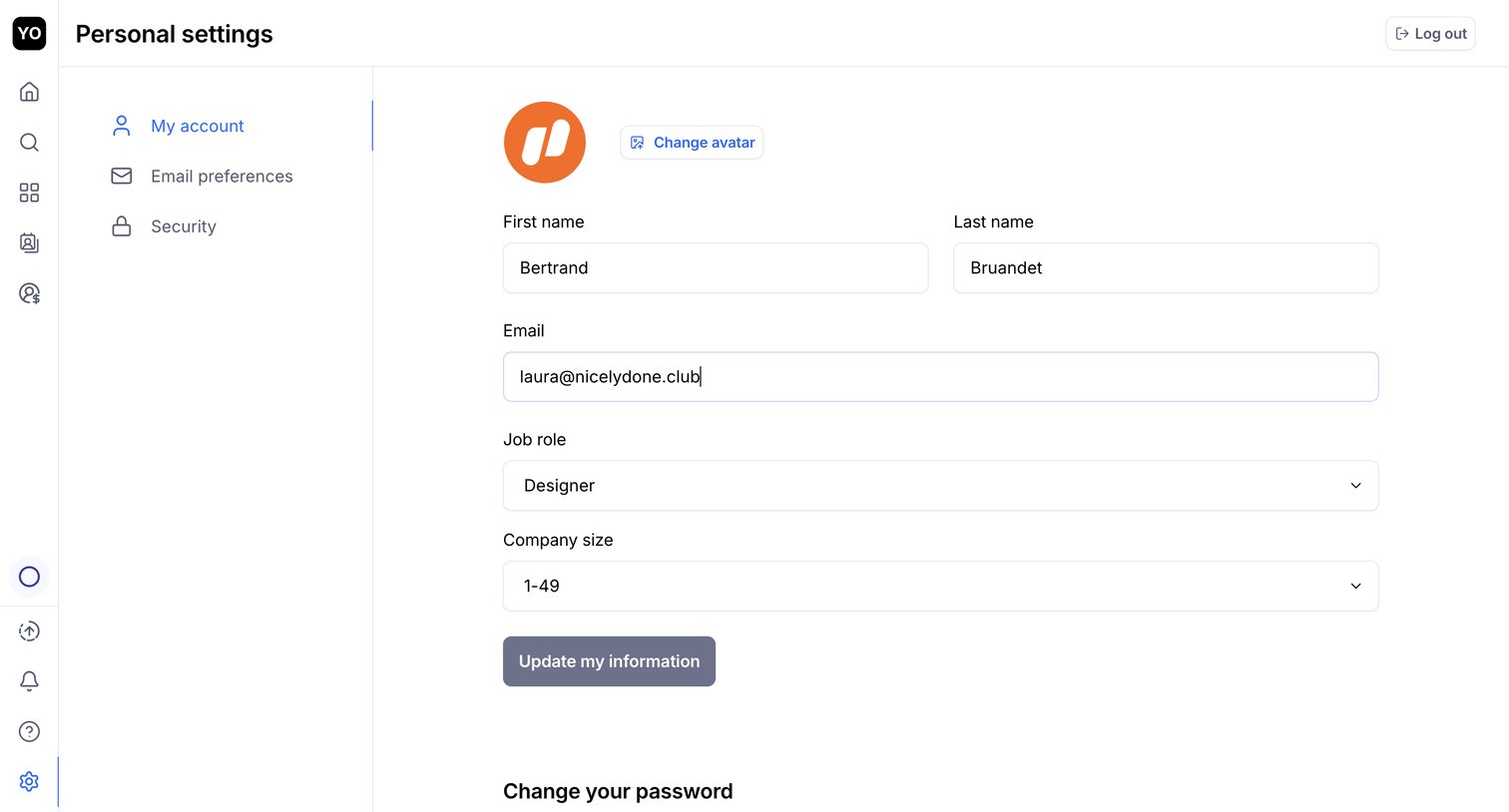

Settings page where the user updates their personal profile information like name, email, job role, and company size.
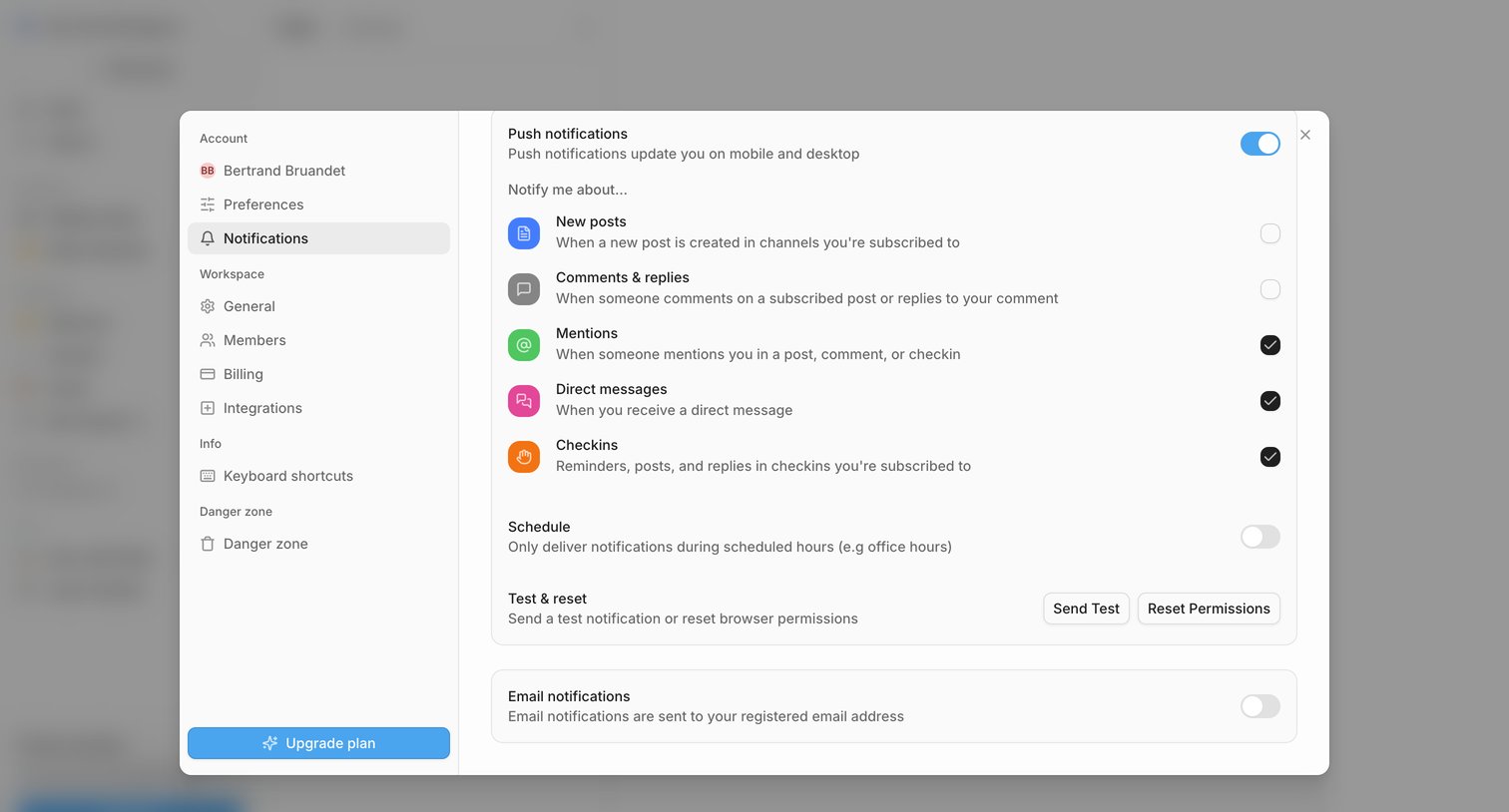

Settings modal where the user configures push and email notification preferences for events like new posts, mentions, and direct messages.
Explore the full SaaS screen library
Upgrade to unlock the full library.
Trusted by the best teams








About Security
See how SaaS apps organize controls for account protection. Explore how authentication, session details, and security preferences are grouped and explained within the settings area.