Scheduling meetings screen examples
Scheduling meetings screen design examples from SaaS apps. Browse examples from Lindy, Hypermode, Huly.
Explore the examples
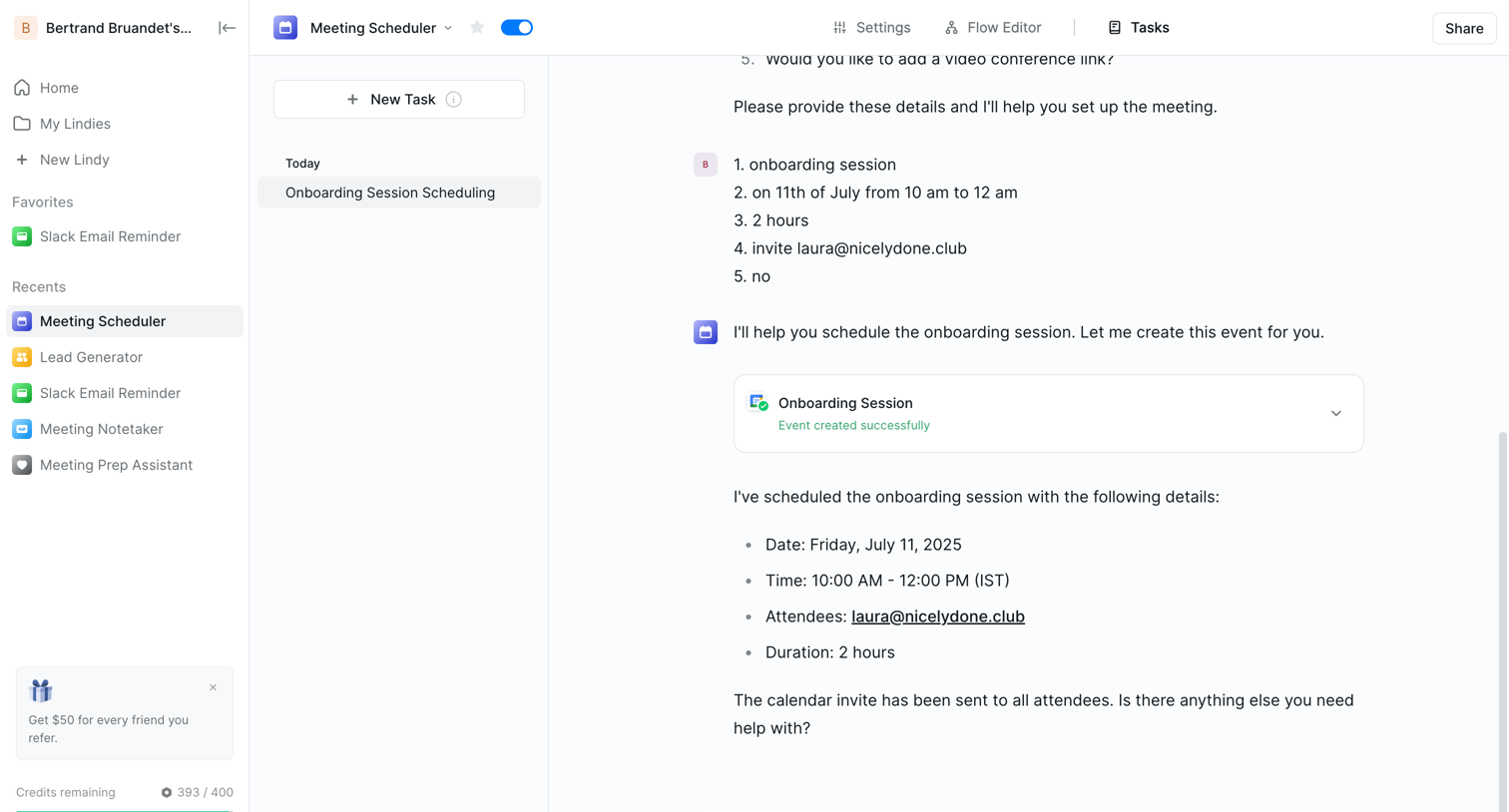

AI chat interface where the user interacts with a meeting scheduler assistant to set up an onboarding session.
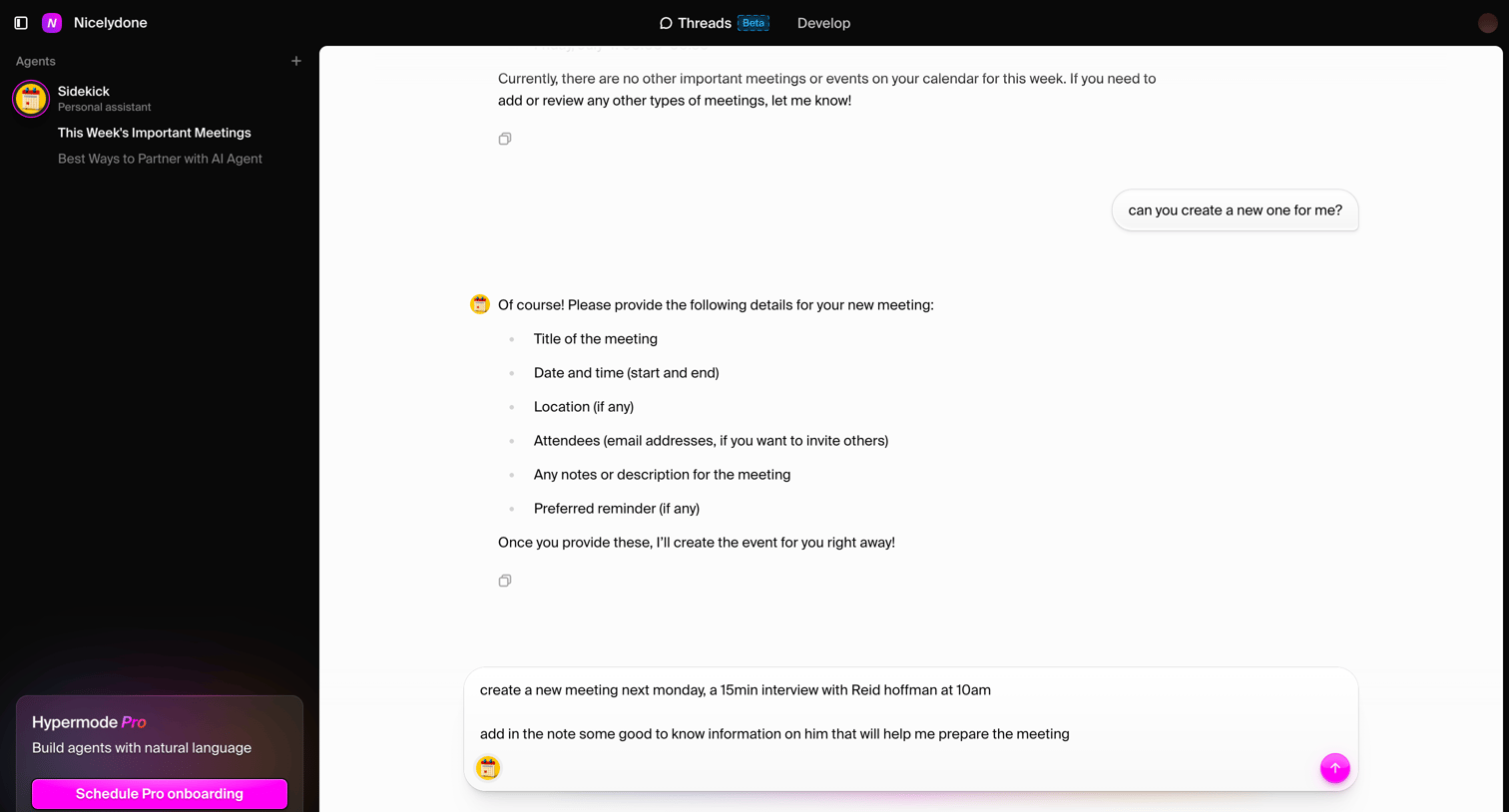

AI chat interface where the user is conversing with a 'Sidekick' personal assistant to schedule a new meeting with Reid Hoffman.
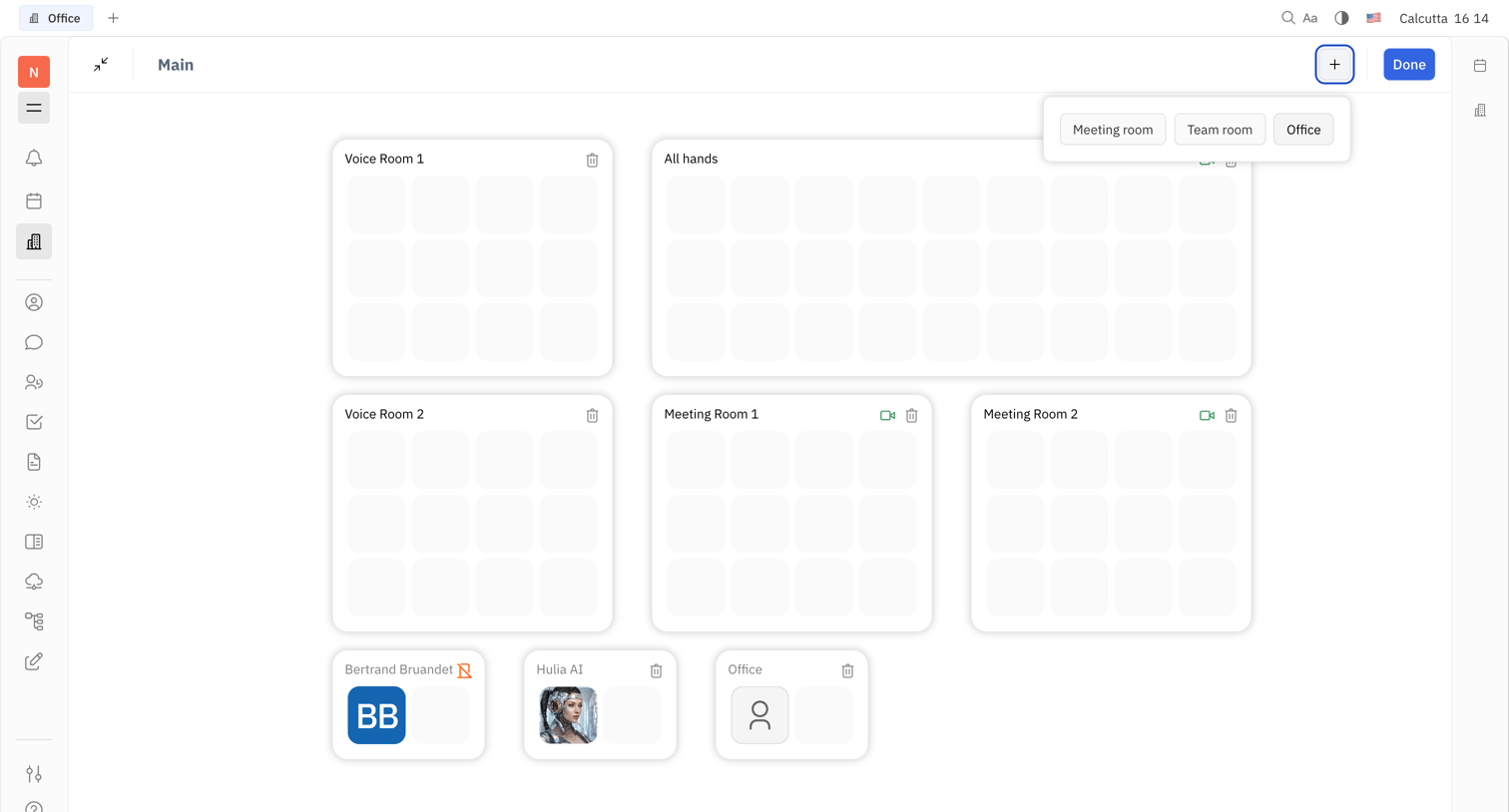

Dashboard displaying a virtual office layout with distinct voice and meeting rooms, showing an open popover to add new room types.
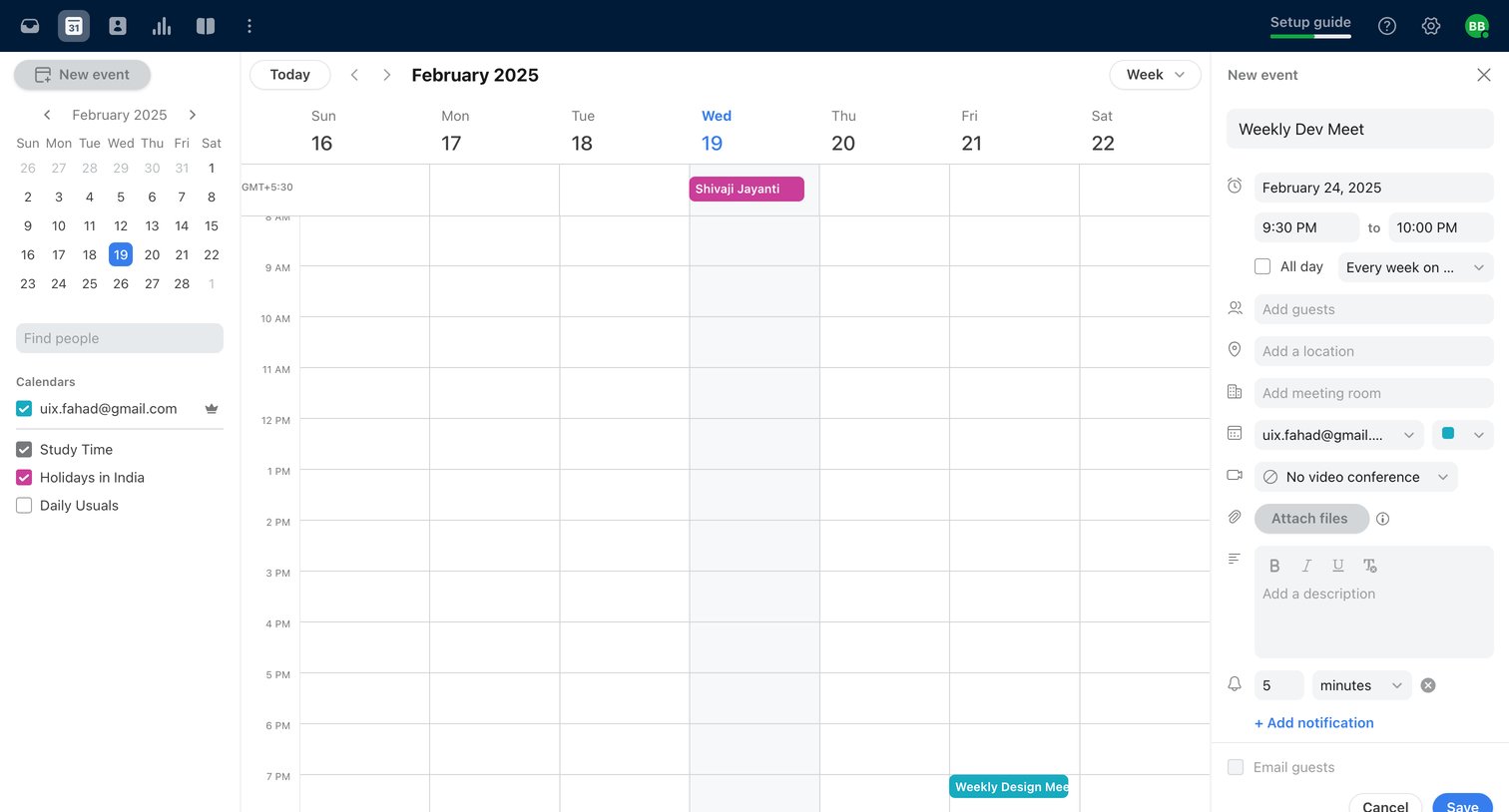

Calendar view where the user is creating a recurring event called Weekly Dev Meet via a right-side drawer.
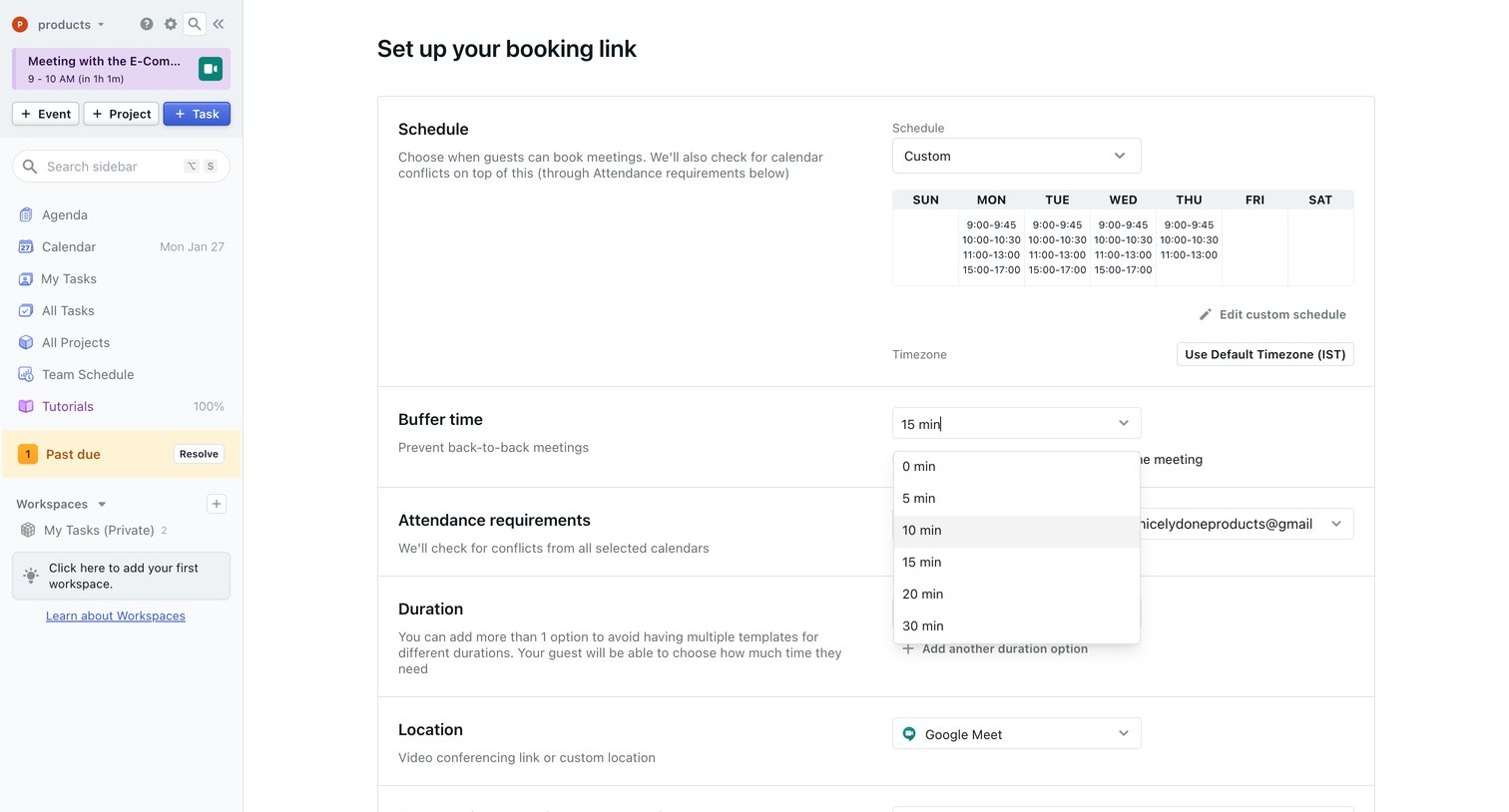

Settings page where the user configures their booking link availability, buffer time, and location preferences.

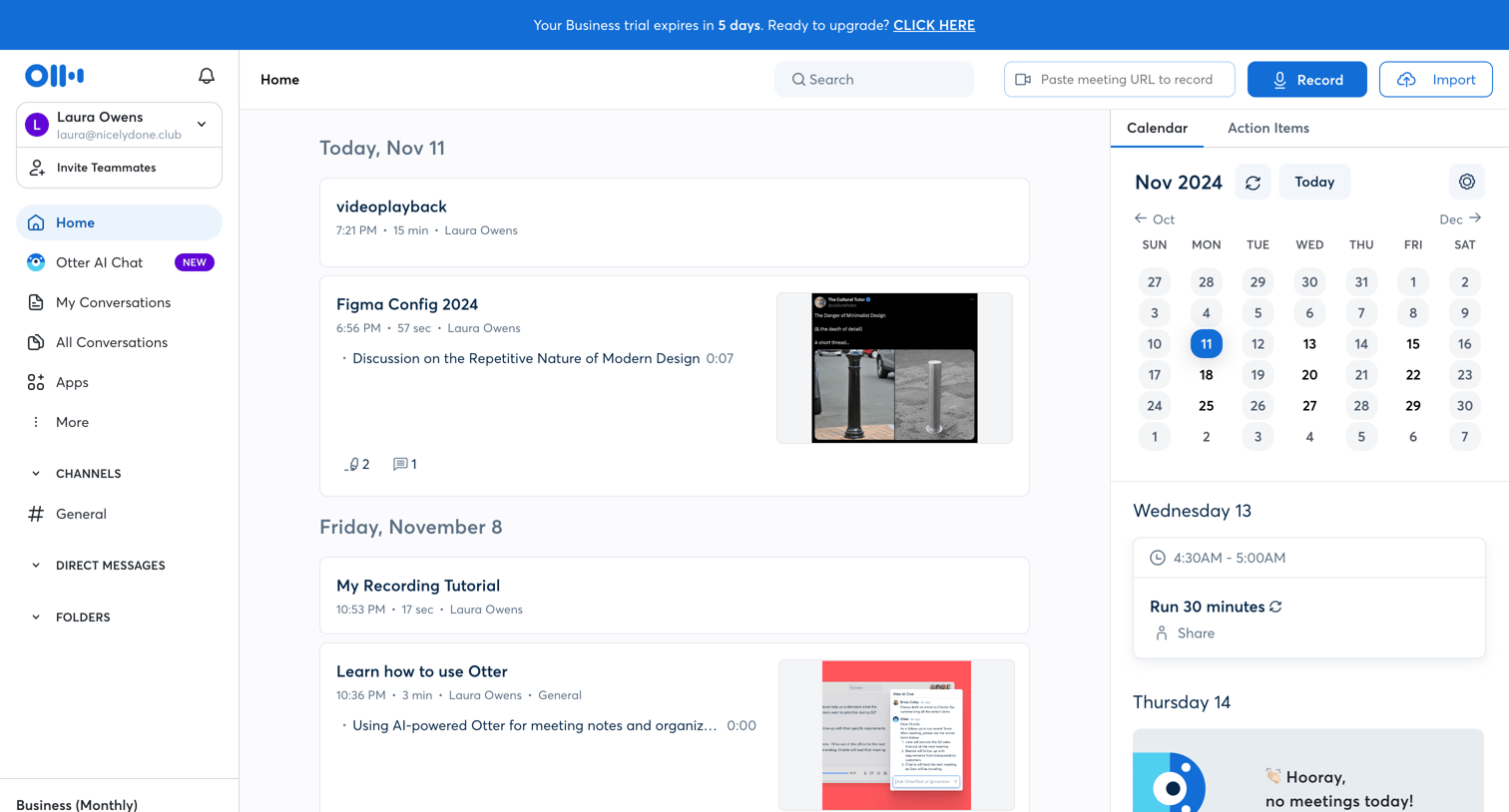

Home dashboard where the user can view recent meeting recordings, check their upcoming calendar schedule, and ask the AI assistant questions about past meetings.
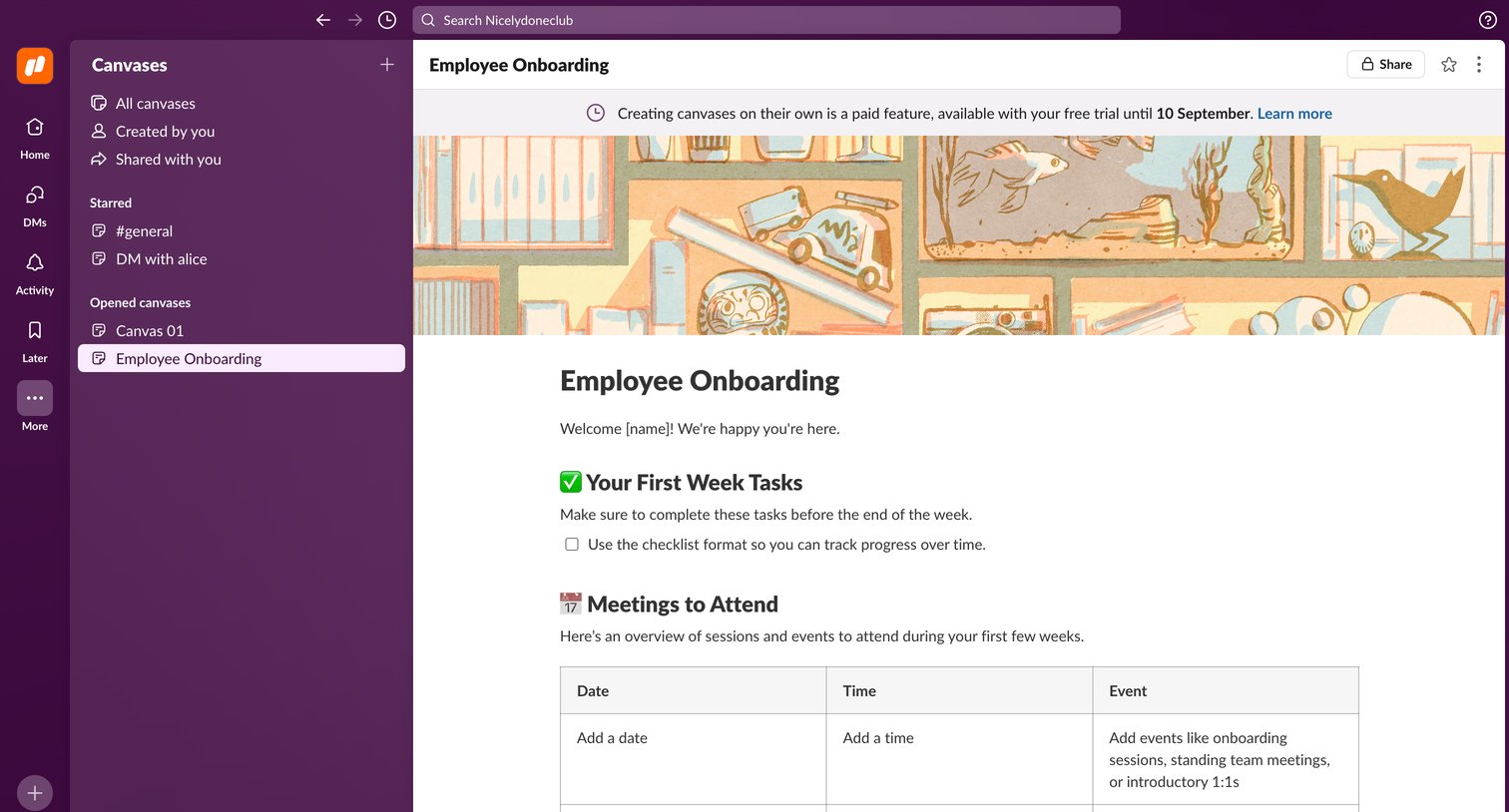

Content editor where the user is modifying an employee onboarding document with checklists and tables, while a banner indicates the feature is part of an active free trial.


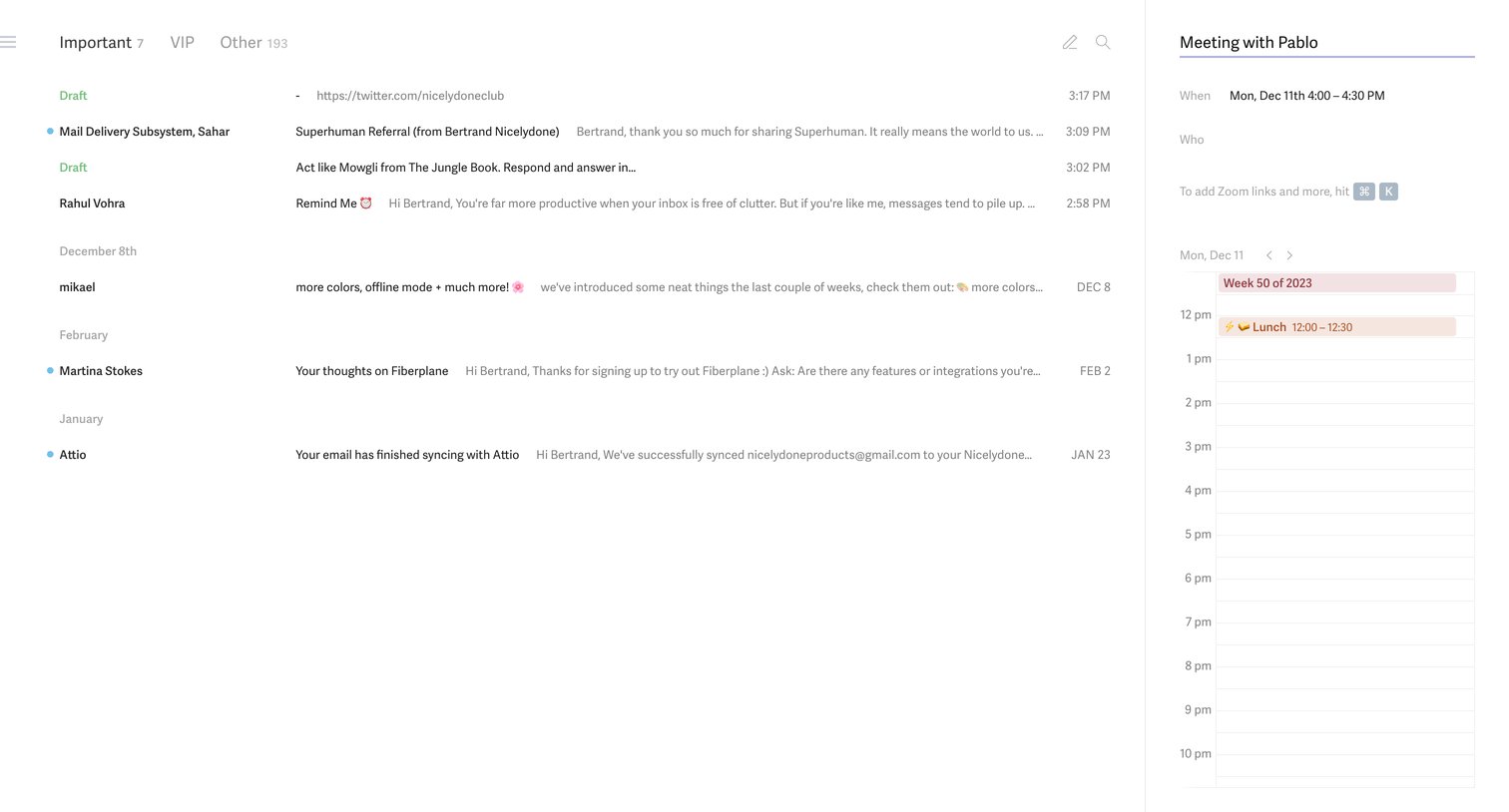

Email inbox where the user views their message list alongside a right side panel for scheduling a meeting with Pablo.

Explore the full SaaS screen library
Upgrade to unlock the full library.
Trusted by the best teams







