SAML SSO screen examples
SAML SSO screen design examples from SaaS apps. Browse examples from Axiom, Linear, Chatwoot.
Explore the examples
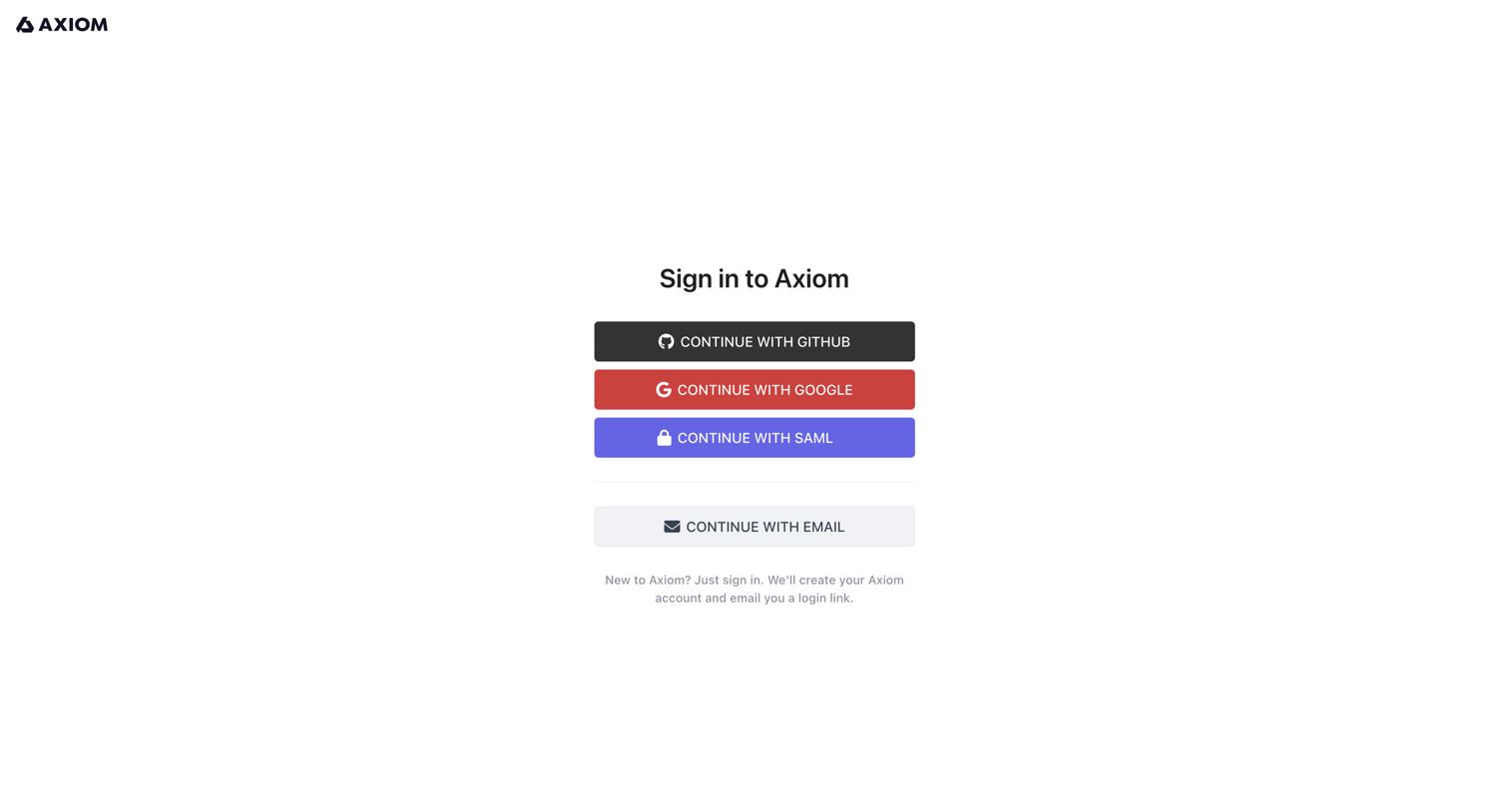

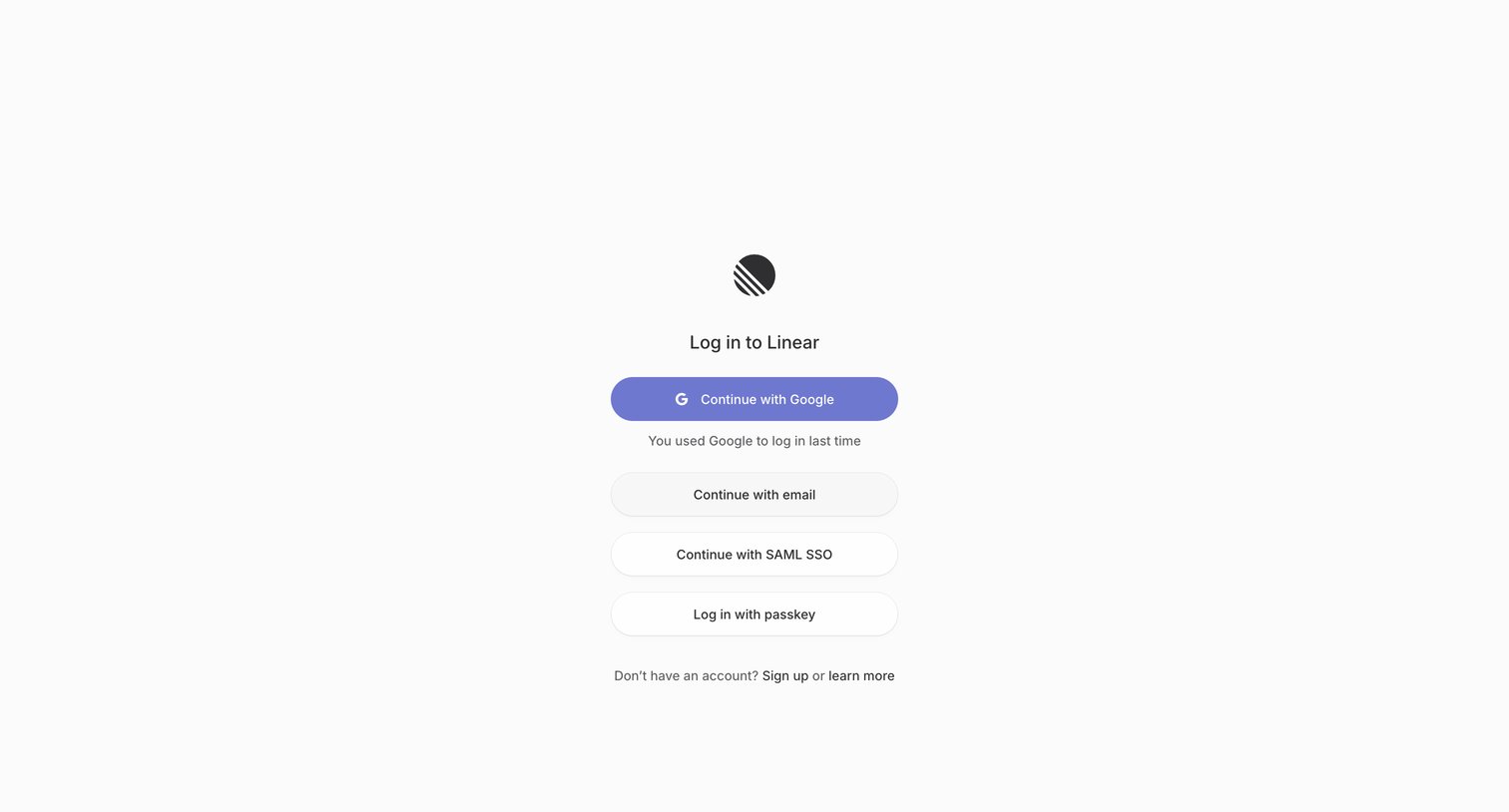

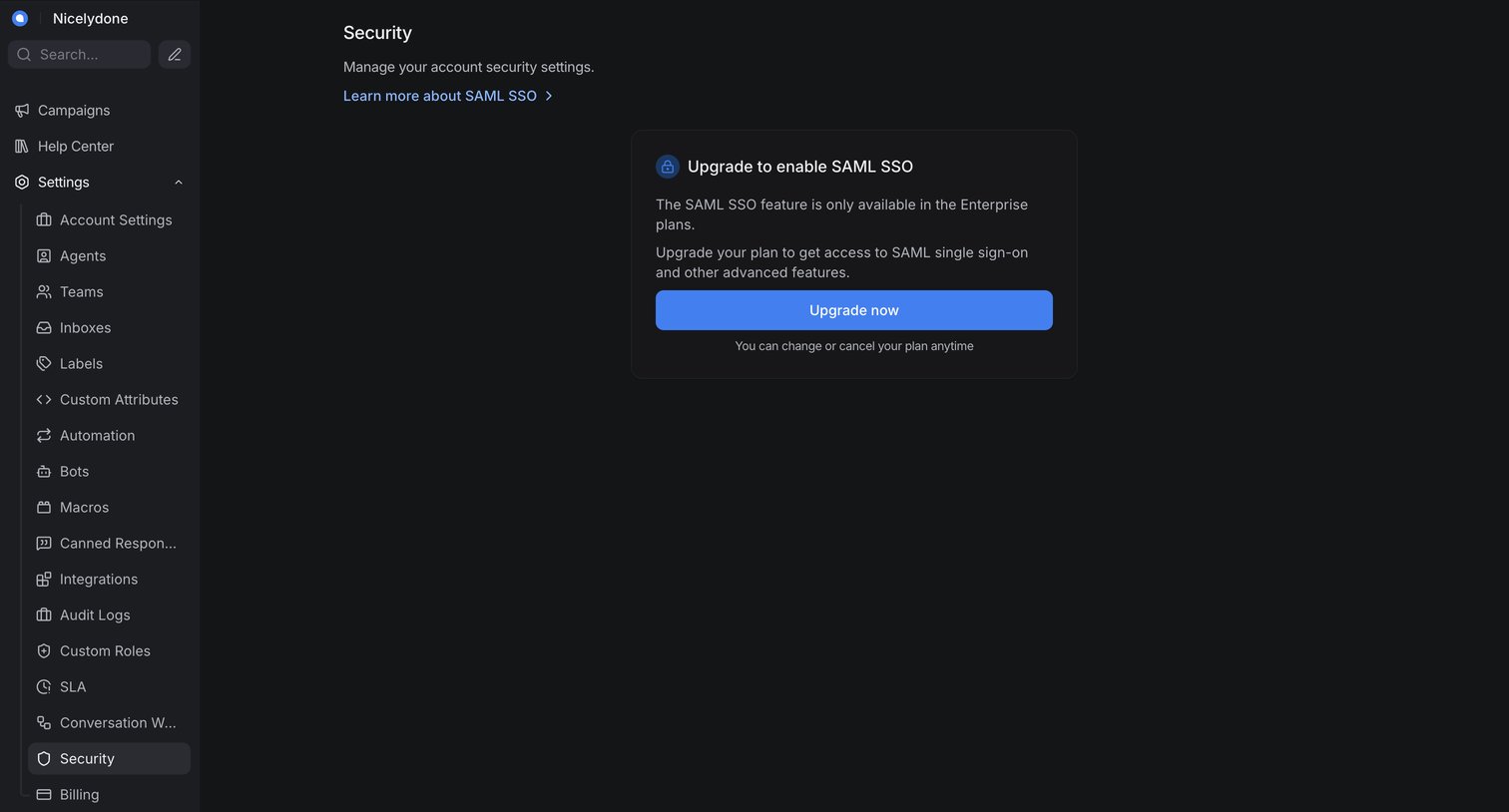

Settings page where the user is prompted to upgrade to an enterprise plan to enable SAML SSO.
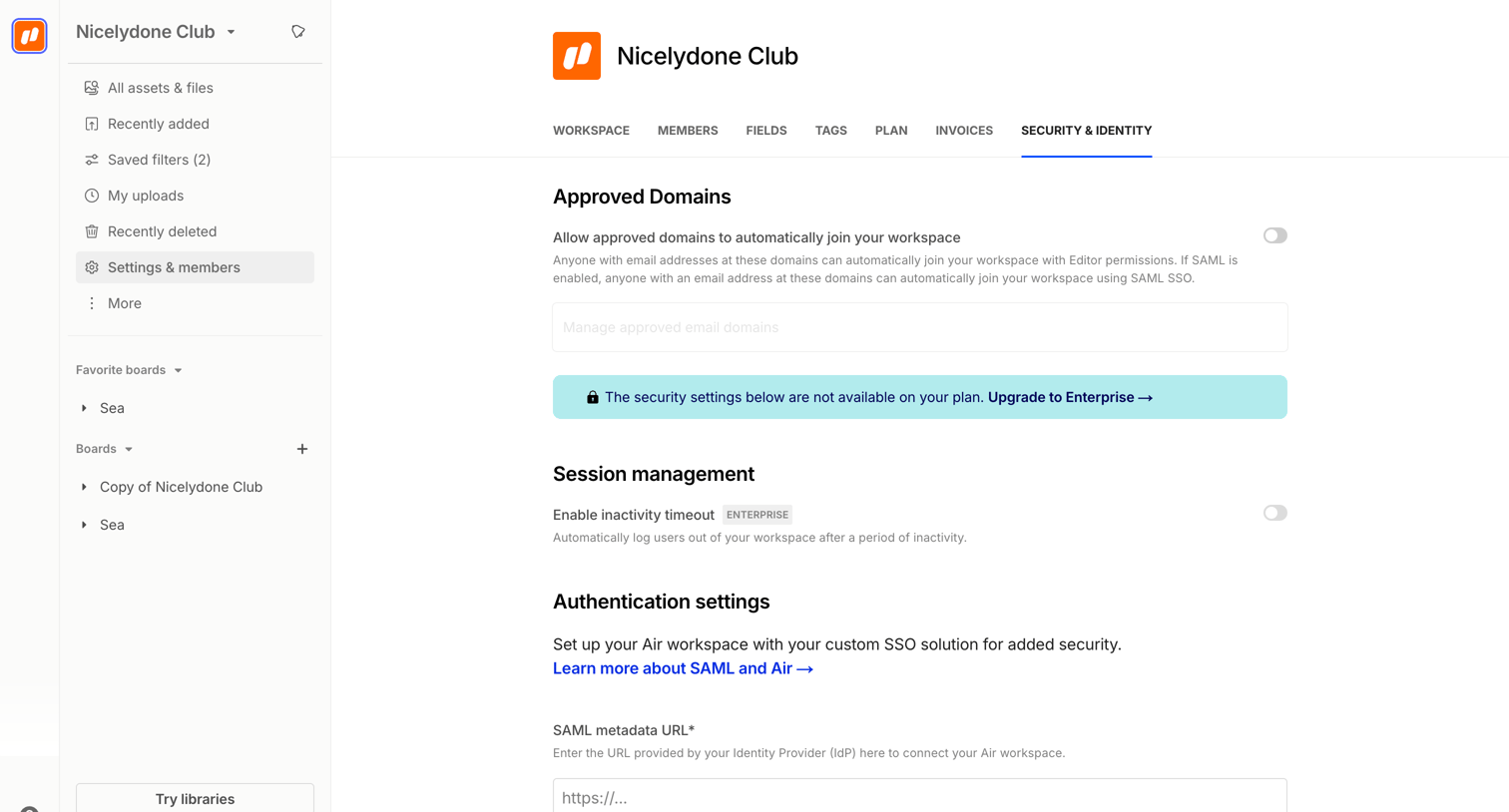

Settings page where the user configures workspace security, including approved domains, session management, and SAML SSO authentication.
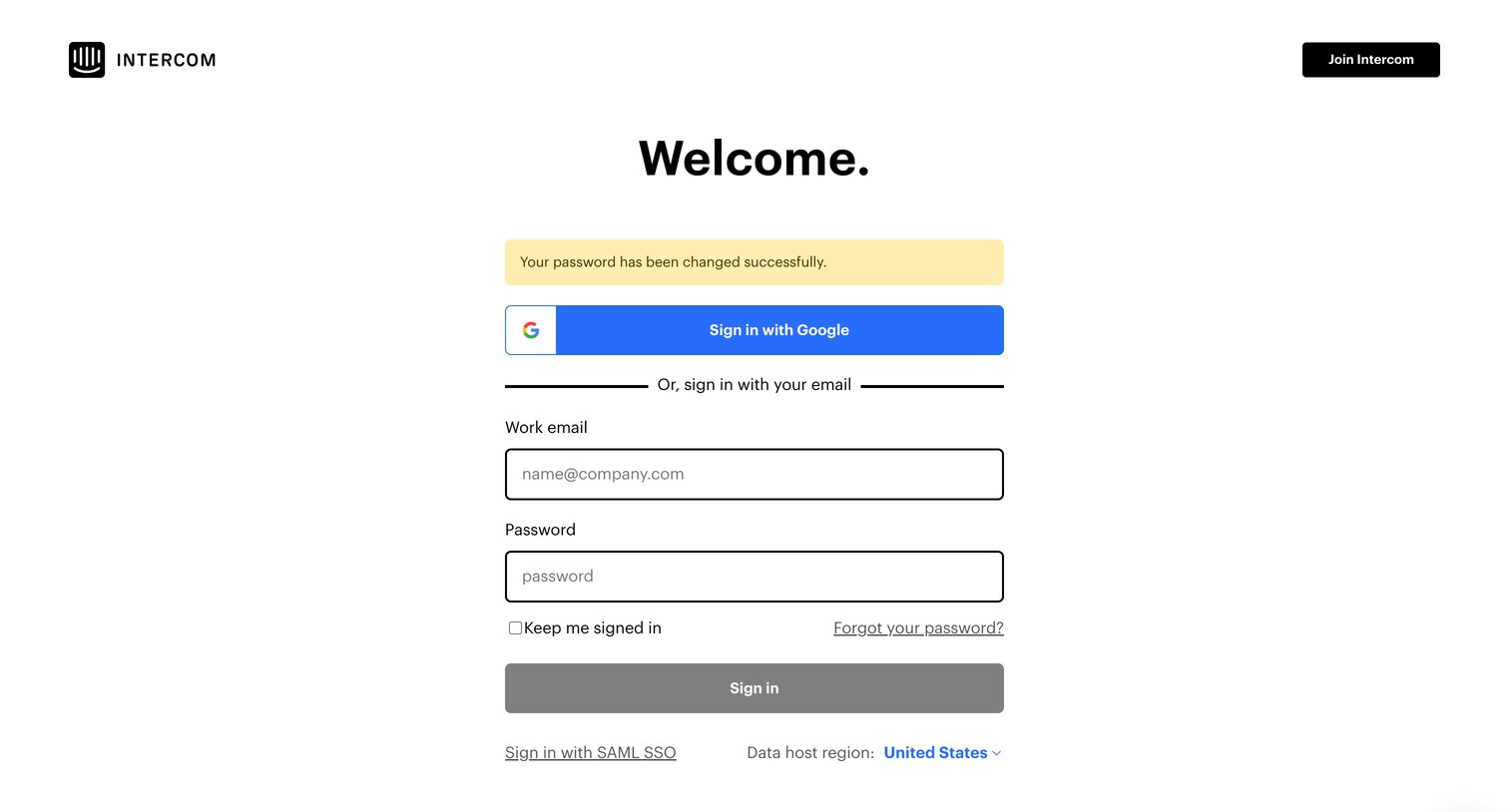

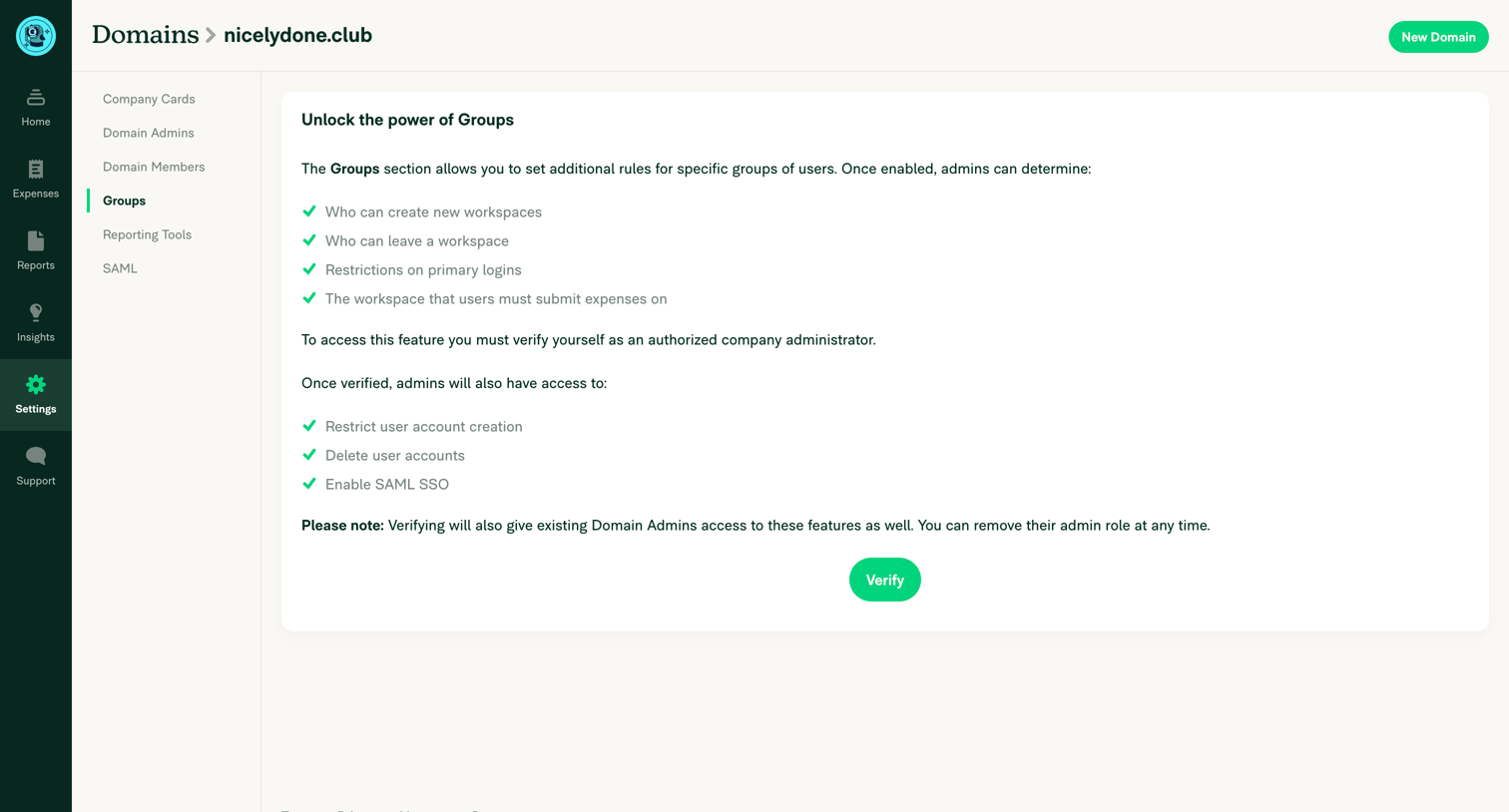

Settings page where the user must verify themselves as an authorized company administrator to unlock domain group rules and features.
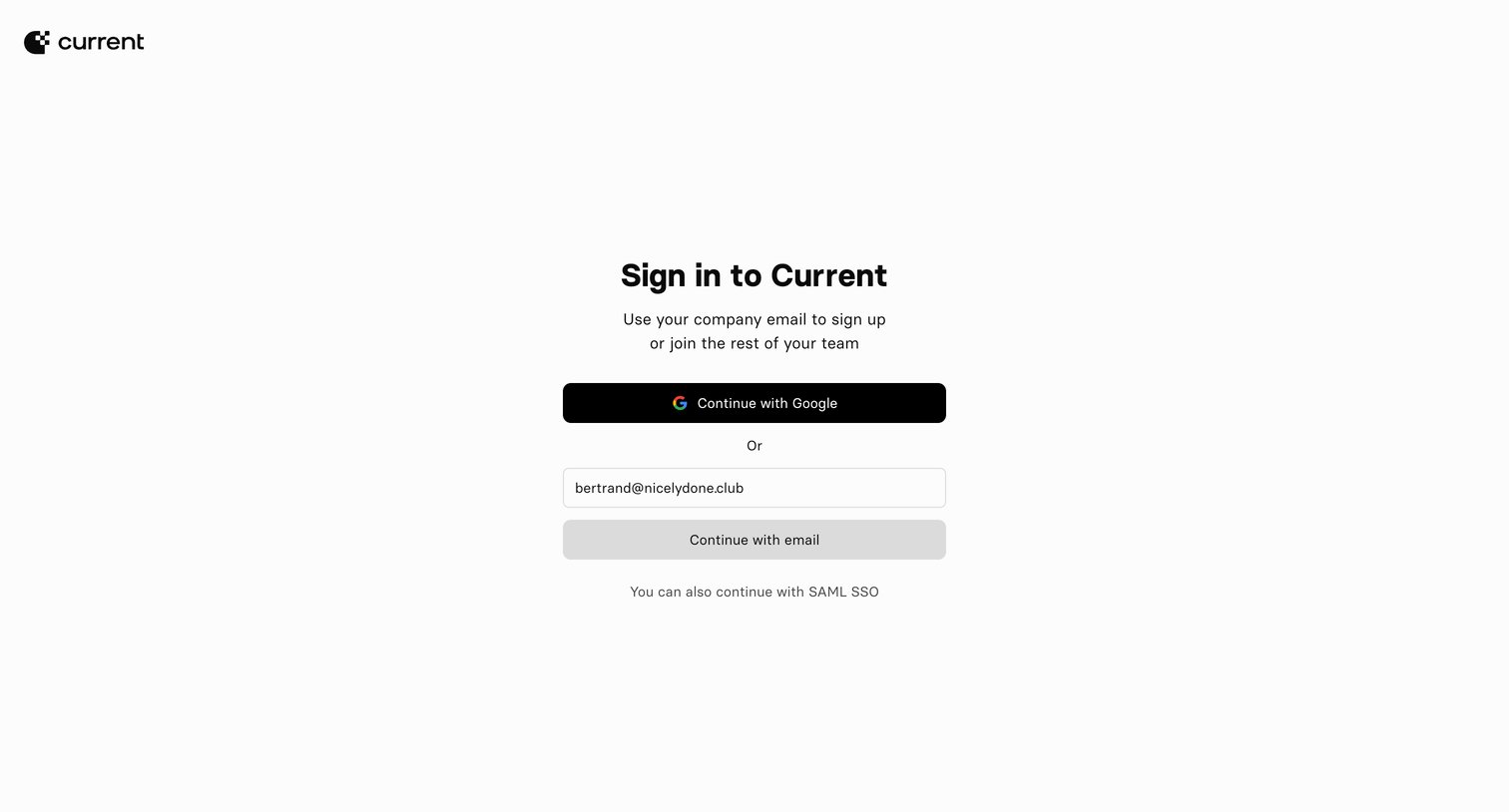

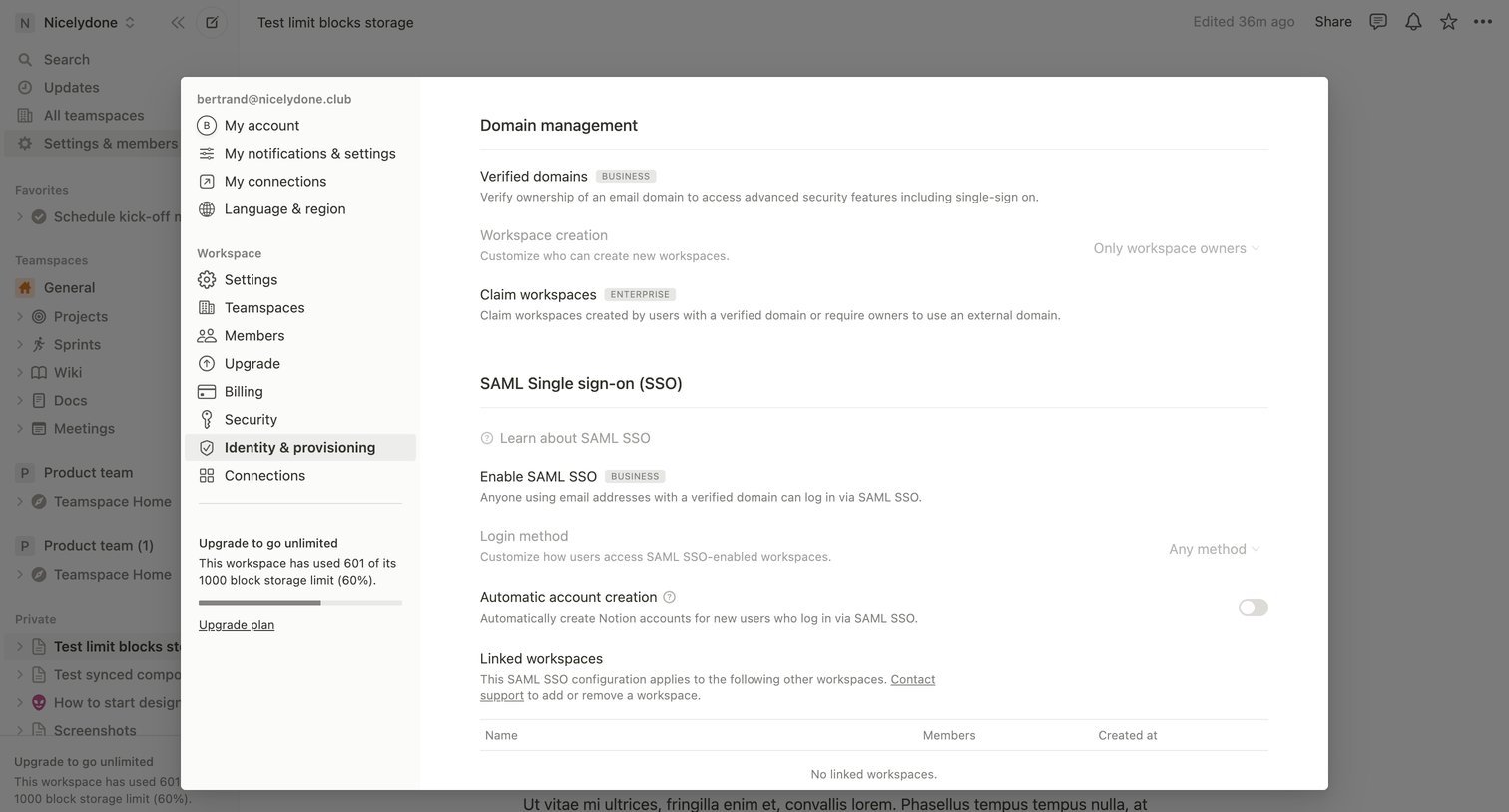

Settings modal where the user configures workspace identity and provisioning options like verified domains, workspace creation permissions, and SAML SSO.
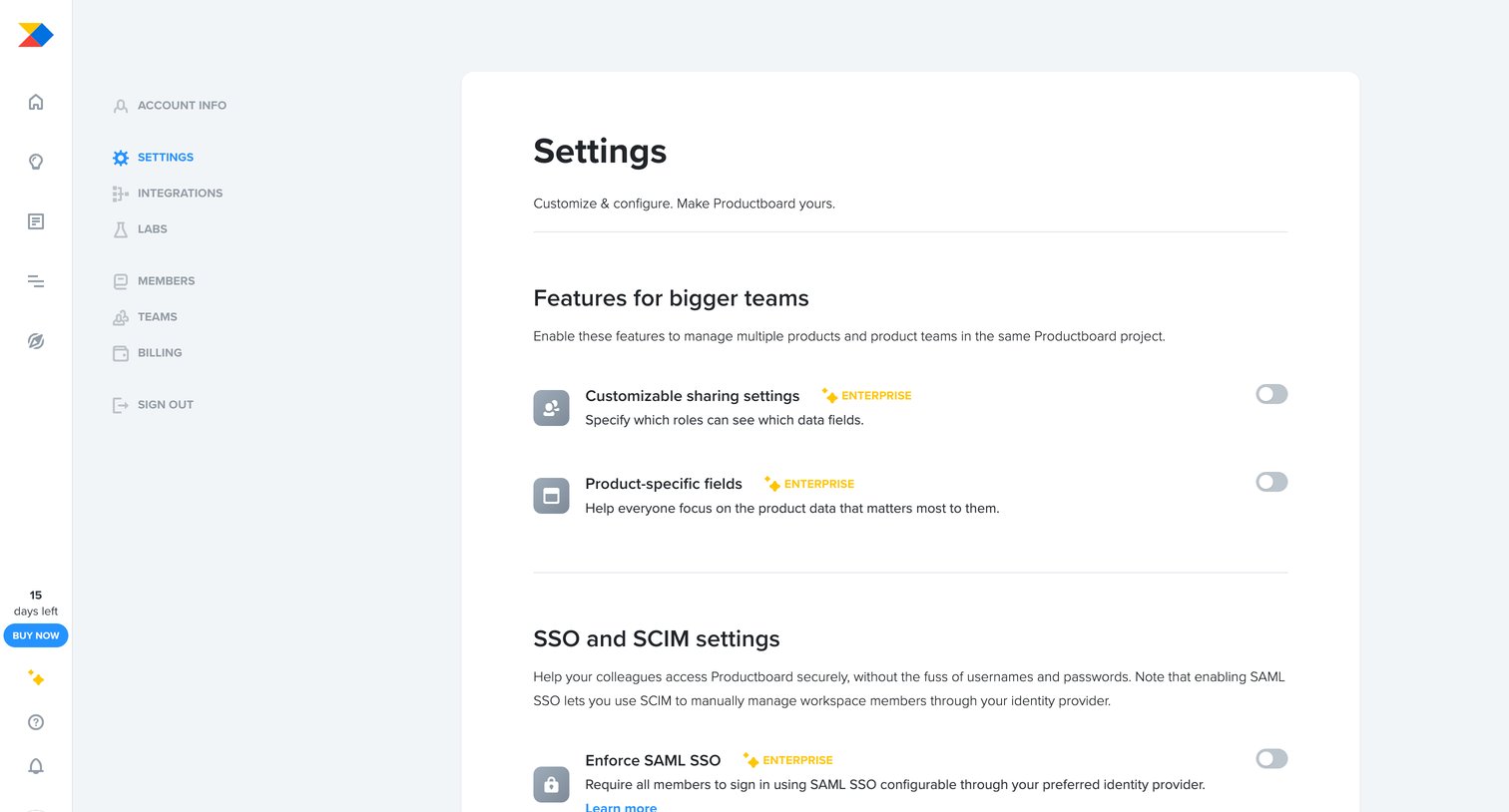

Settings page where the user configures workspace features, SSO, custom data fields, fiscal year, and feature statuses.
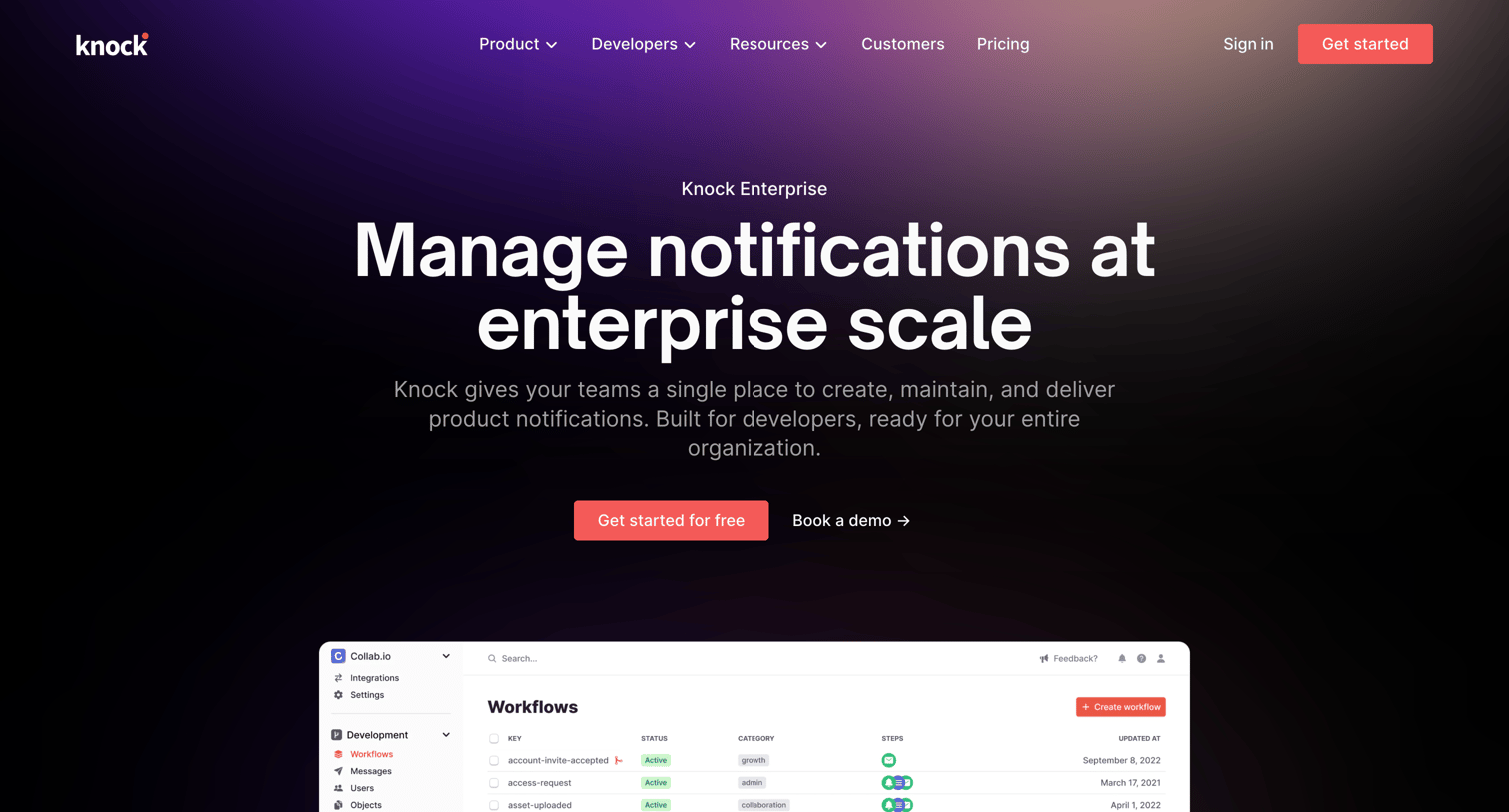

Marketing page where the user learns about enterprise-grade notification features like role-based access, audit logs, and on-premise hosting, with calls to action to start for free or book a demo.
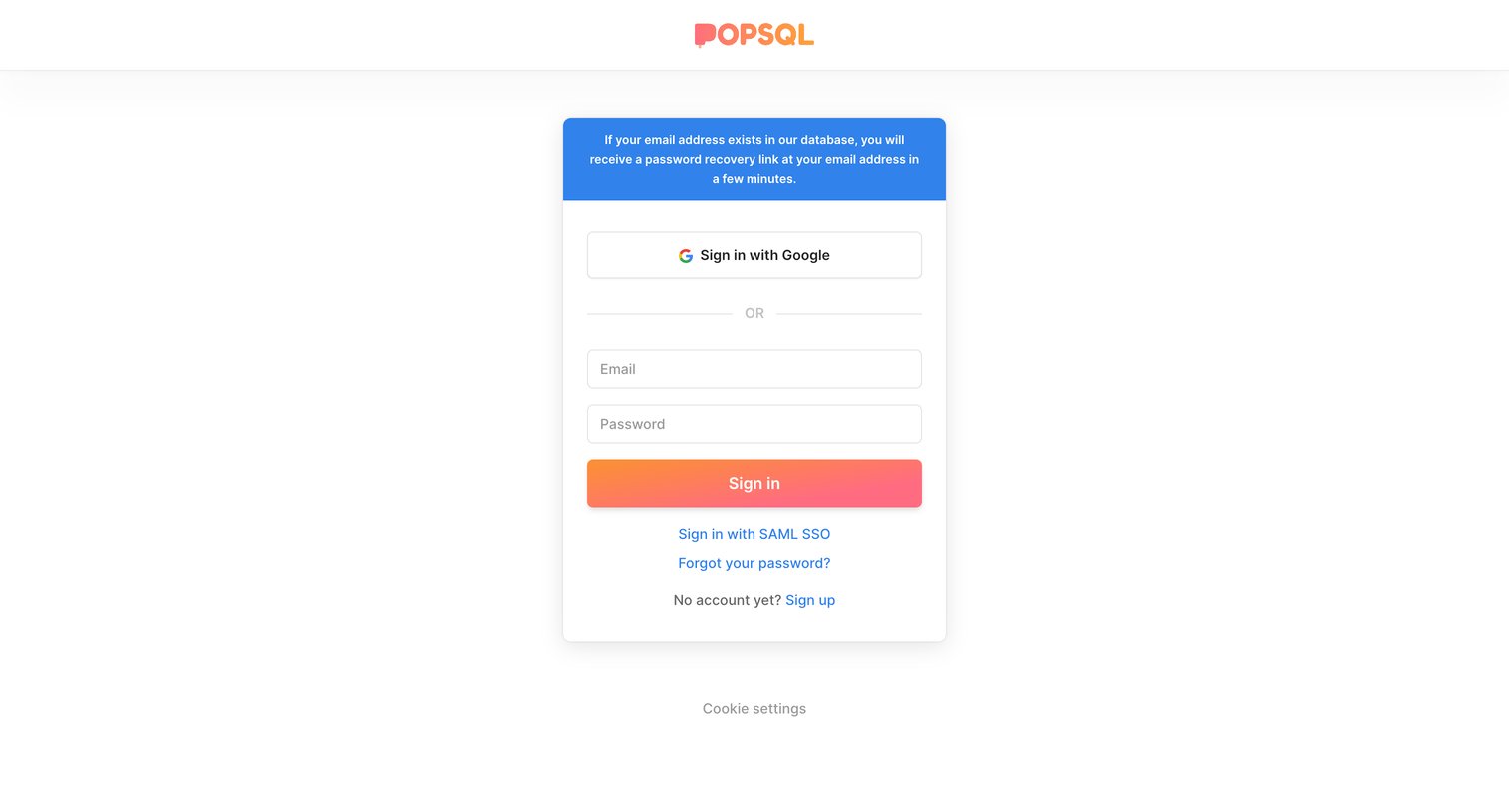

Sign-in screen displaying a success banner confirming a password recovery link was sent, alongside standard email, Google, and SAML SSO login options.

Explore the full SaaS screen library
Upgrade to unlock the full library.
Trusted by the best teams







