PopSQL design examples
Explore PopSQL UI design examples. Collaborative SQL editor for teams
Product screens
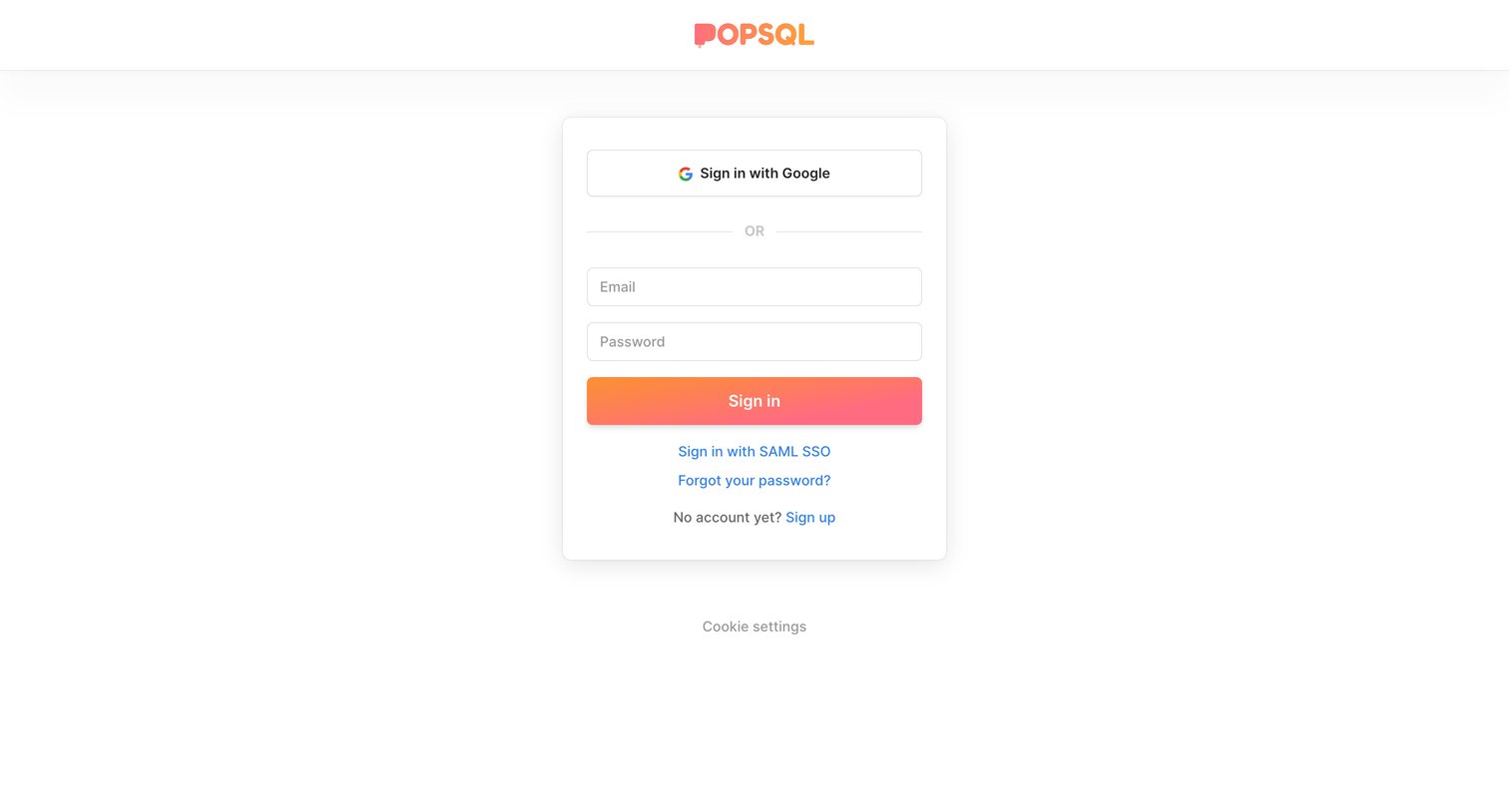
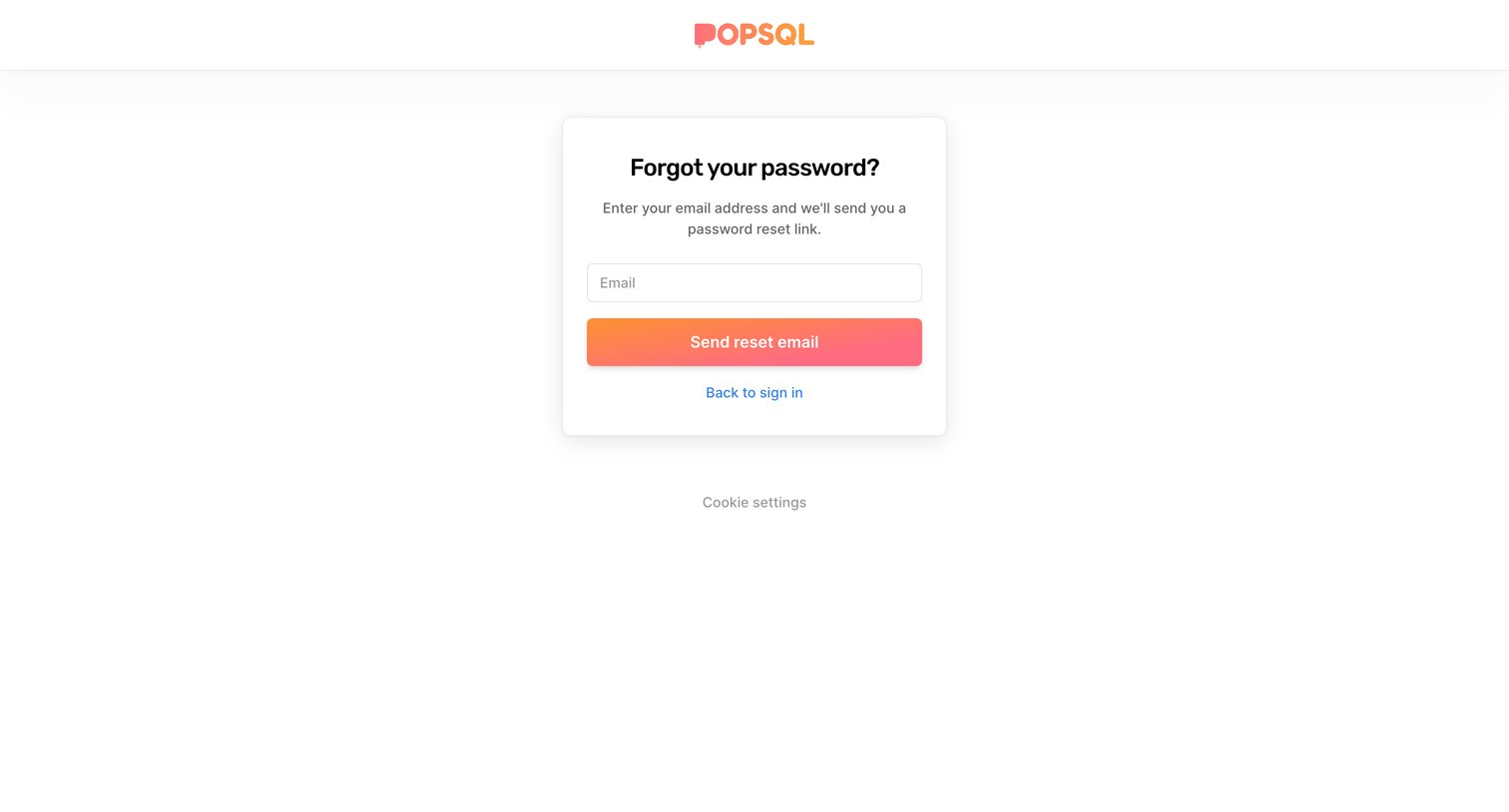

Password recovery screen where the user enters their email address to receive a reset link.
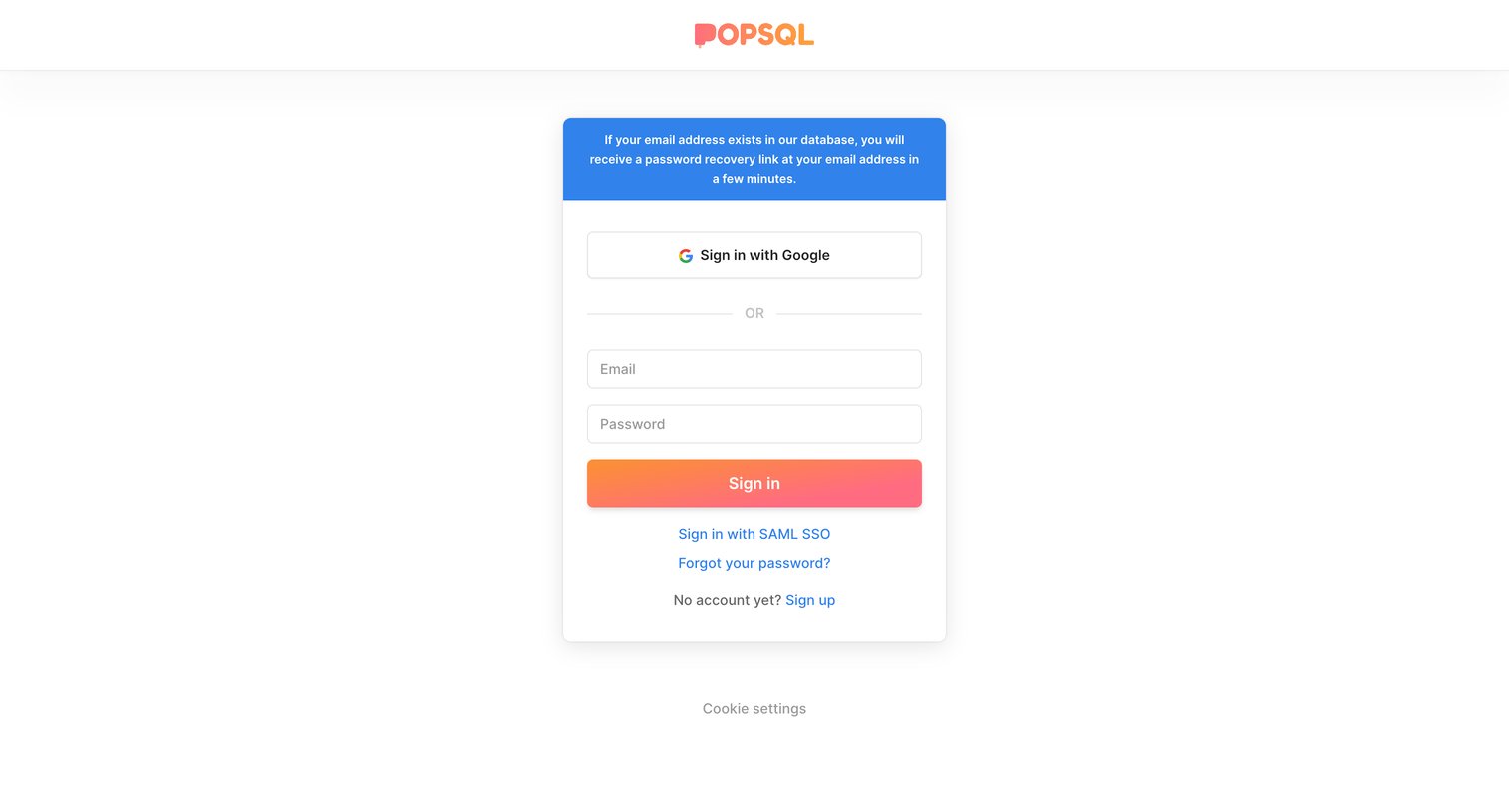
Sign-in screen displaying a success banner confirming a password recovery link was sent, alongside standard email, Google, and SAML SSO login options.
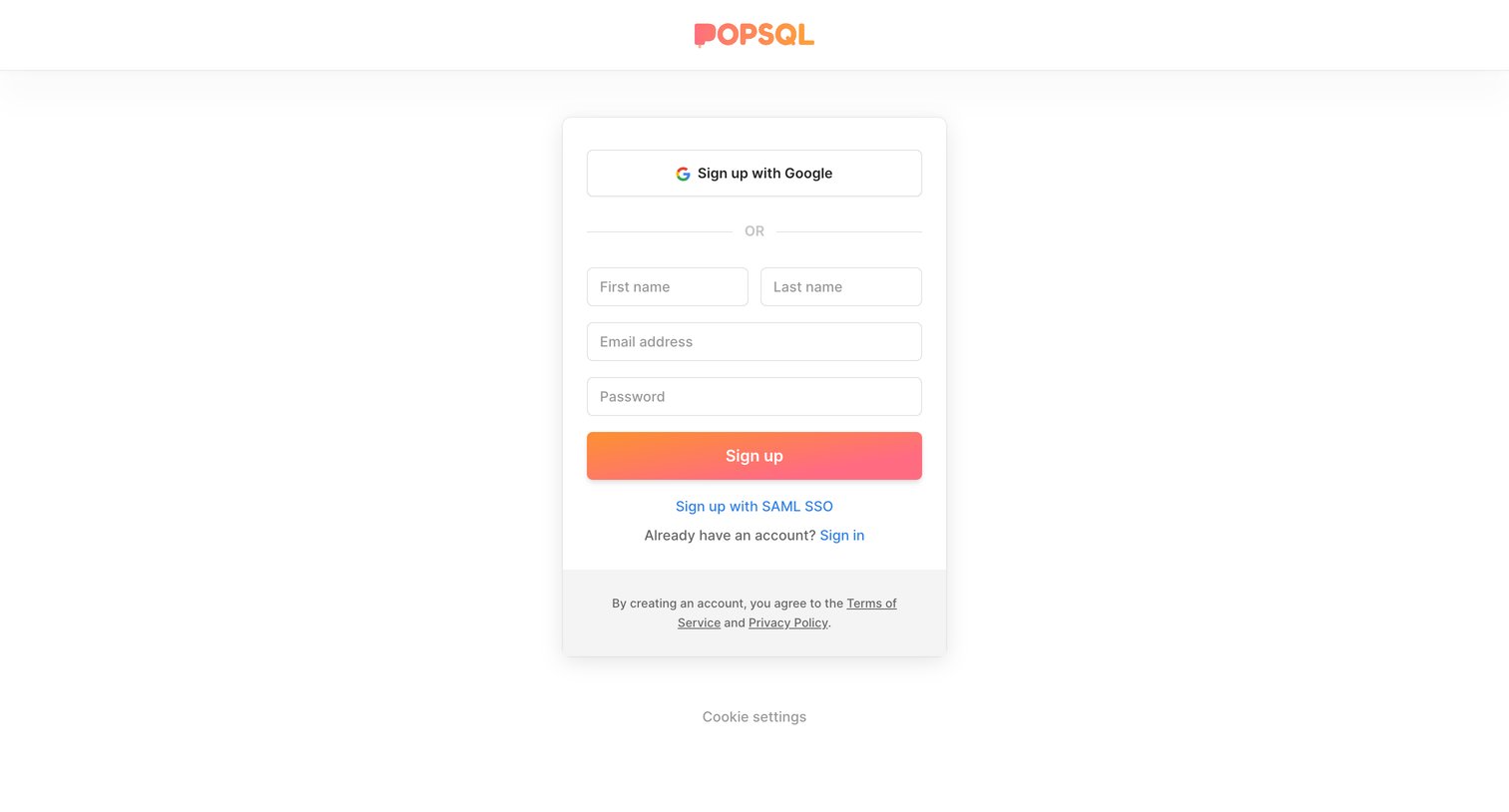
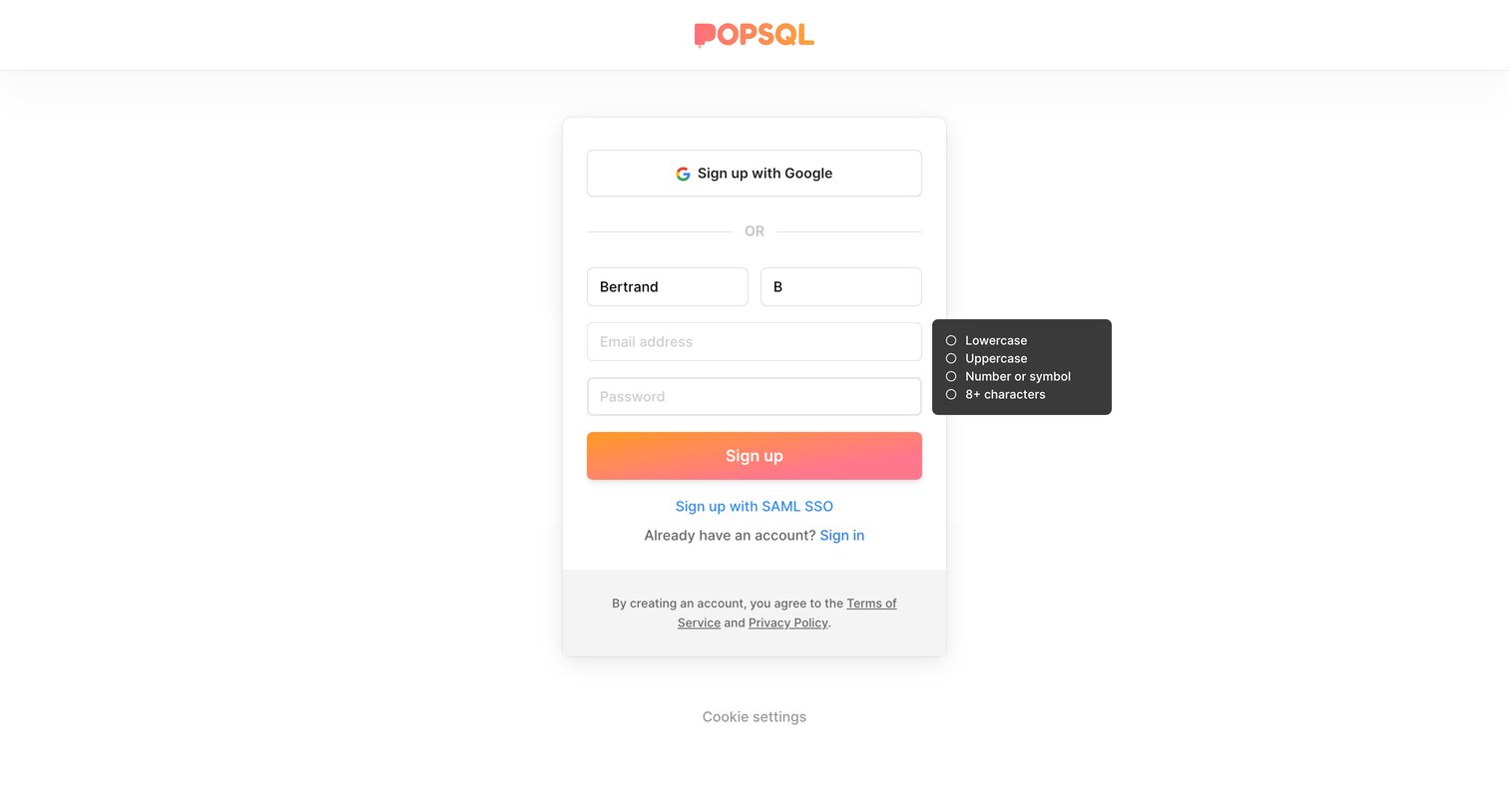
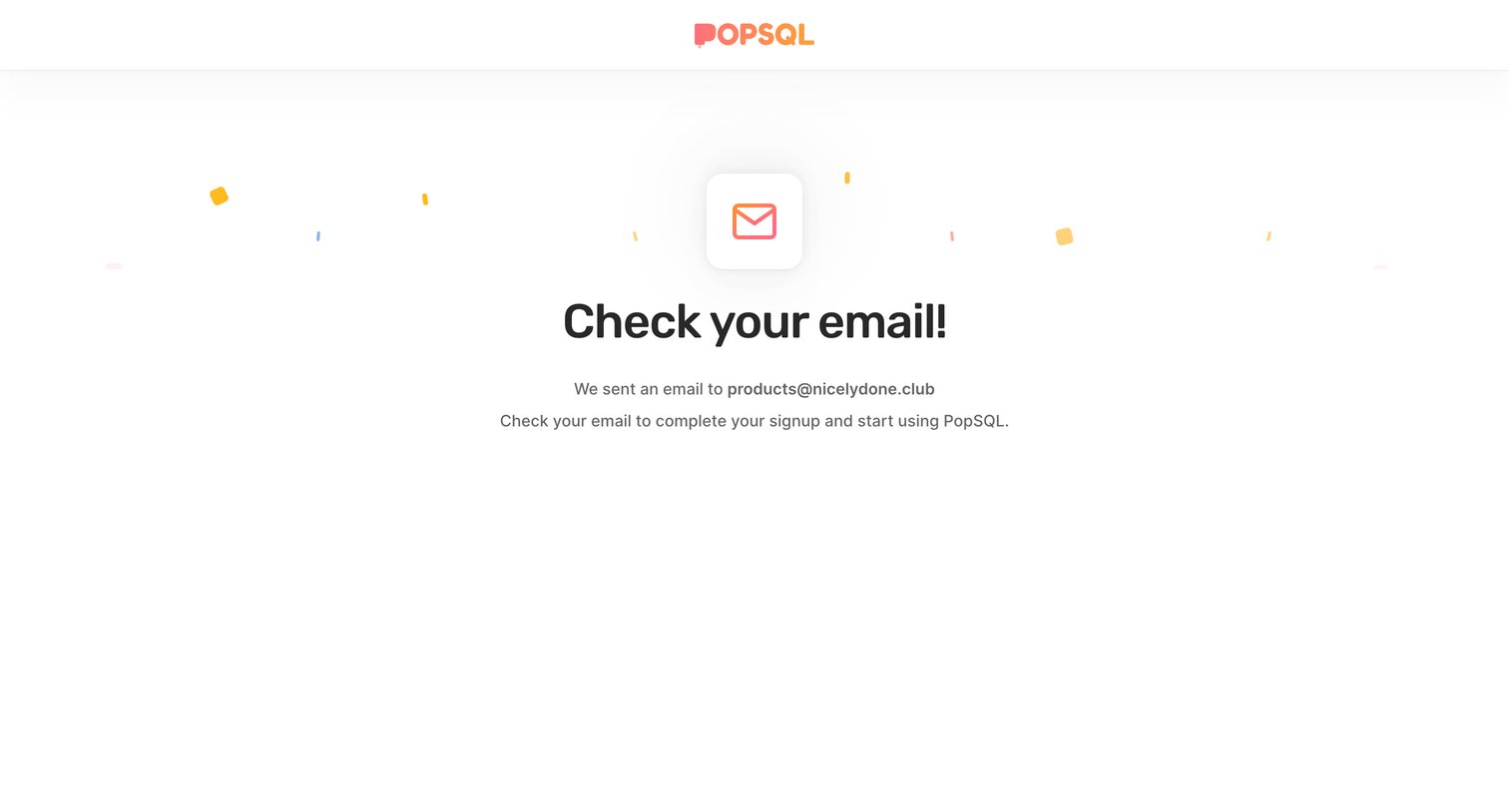
Verification screen where the user is instructed to check their inbox to complete the signup process.
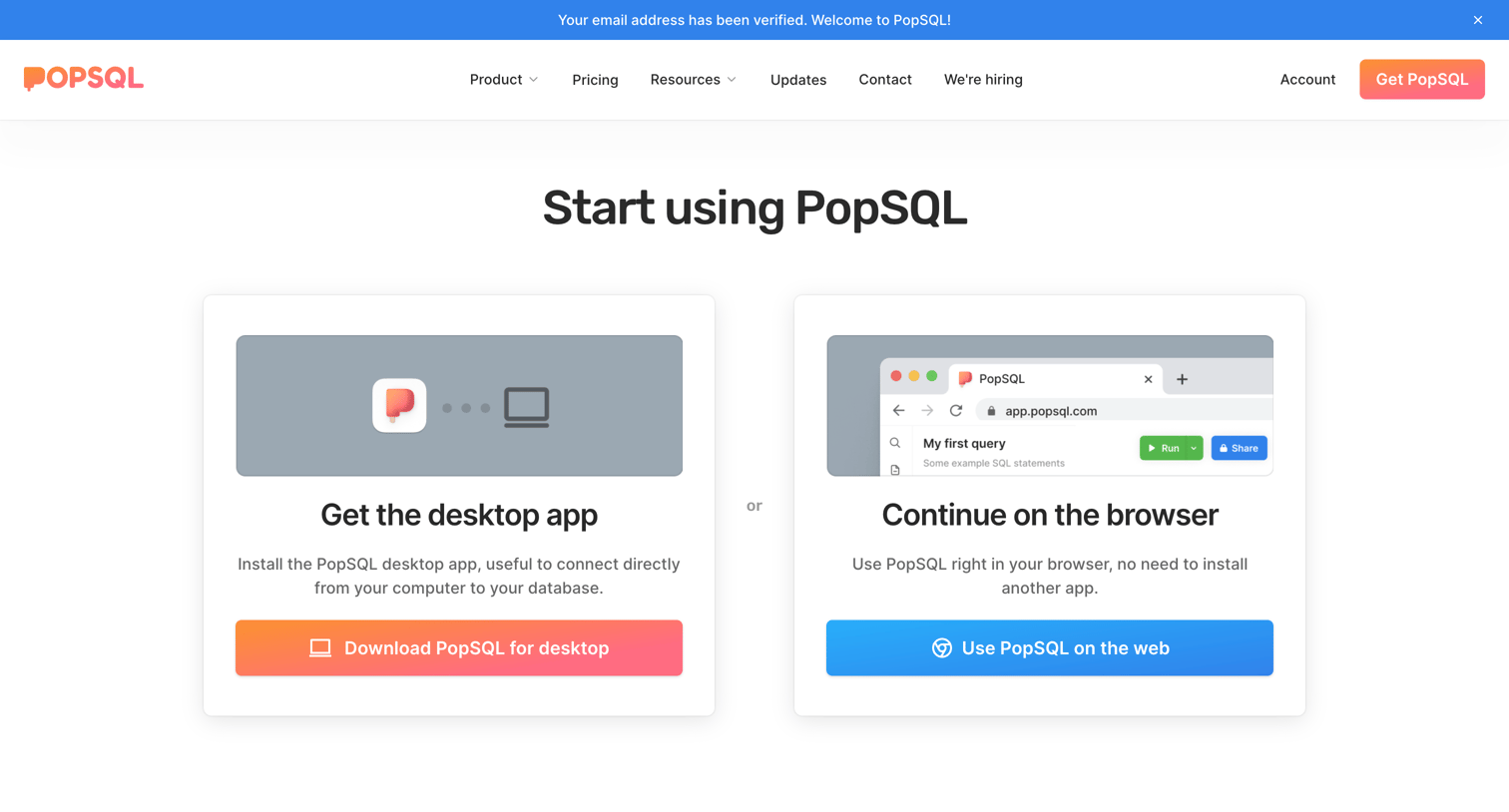
Landing page for a collaborative SQL editor highlighting features like data catalogs, shared insights, dashboards, and database integrations, with a prominent hero section offering desktop and web app choices.
Loading screen displaying a progress bar and a keyboard shortcut hint for executing queries while the application initializes.
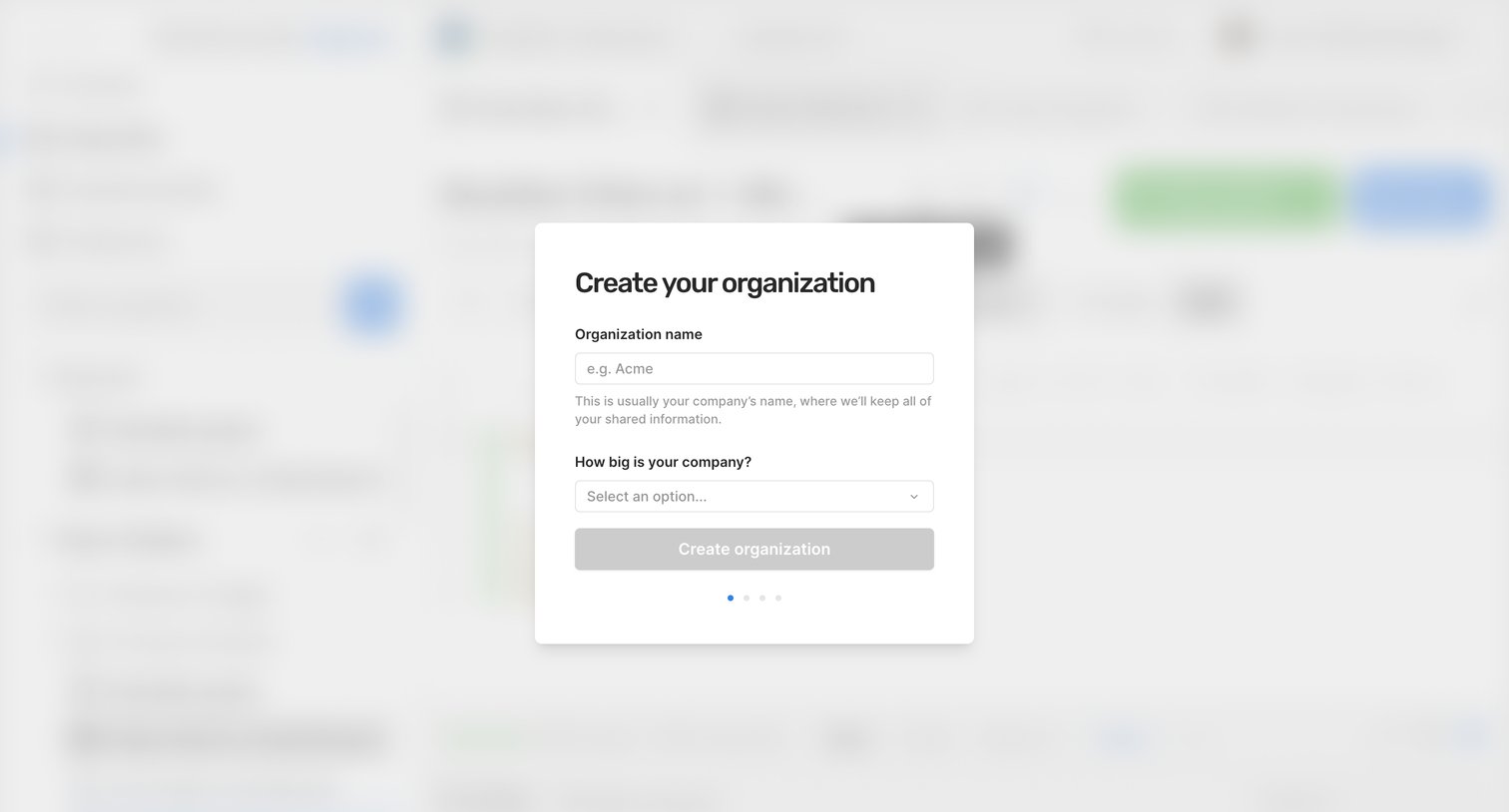
Onboarding step where the user names their organization and selects their company size to create a workspace.
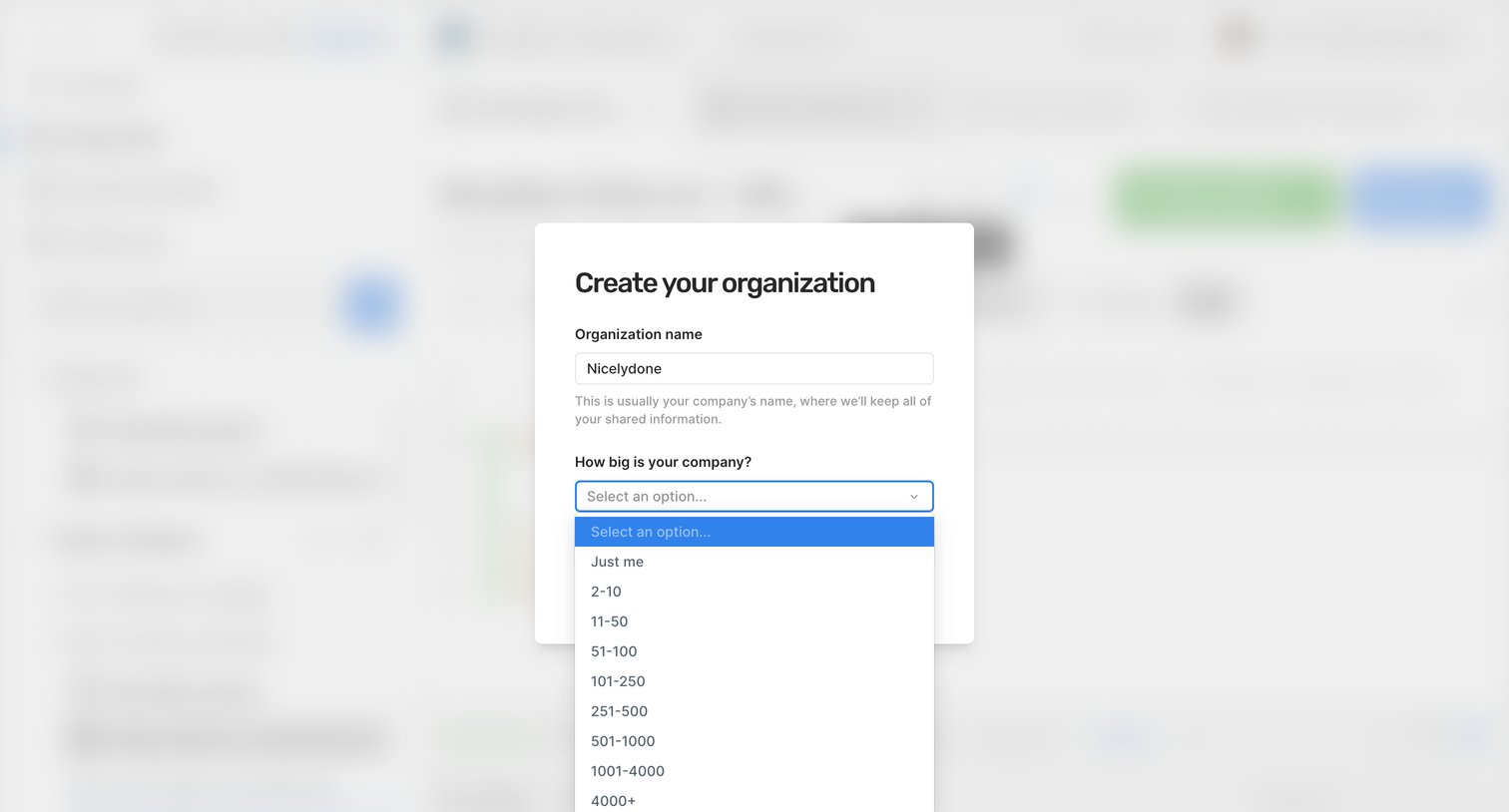
Onboarding step where the user names their new organization and selects their company size.
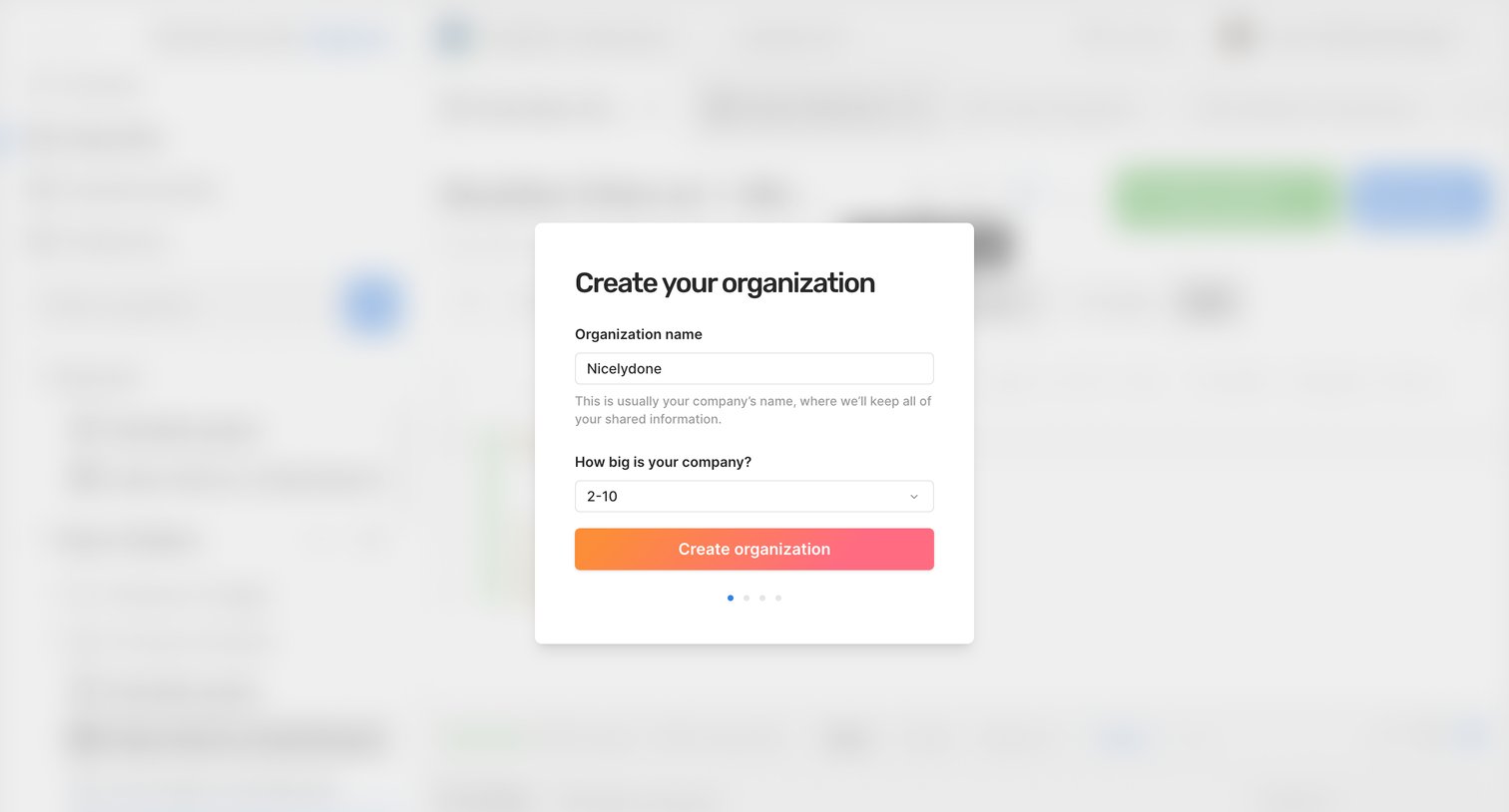
Onboarding step where the user names their new organization and selects their company size from a dropdown to set up their workspace.
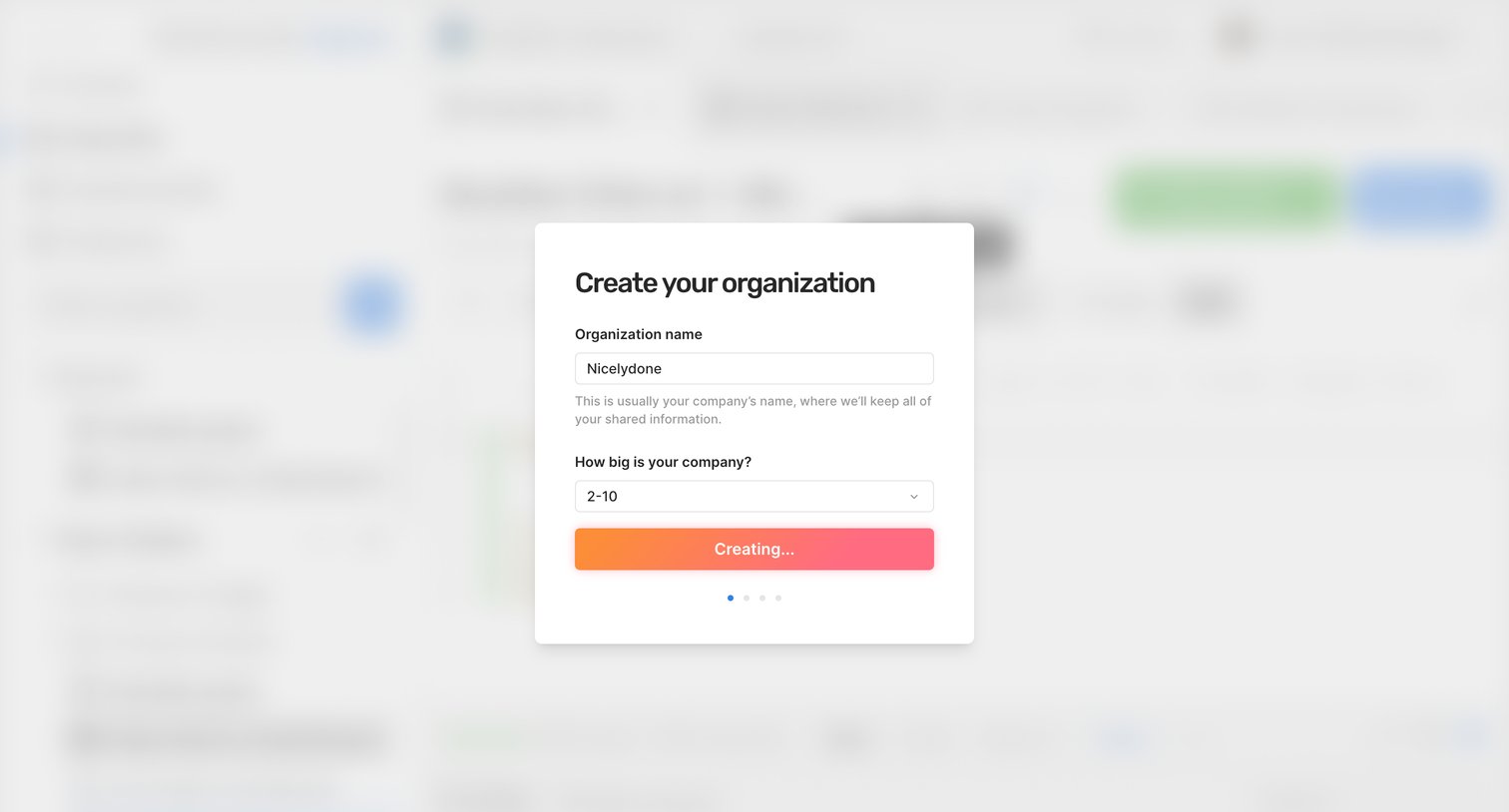
Onboarding step where the user names their organization and selects their company size while the system processes the creation.
Browse the full SaaS app library
Explore real SaaS apps with their product screens, marketing screens, flows, and components.
Trusted by the best teams







