Livestorm design examples
Explore Livestorm UI design examples. Video conferencing software for webinars and virtual meetings
Product screens
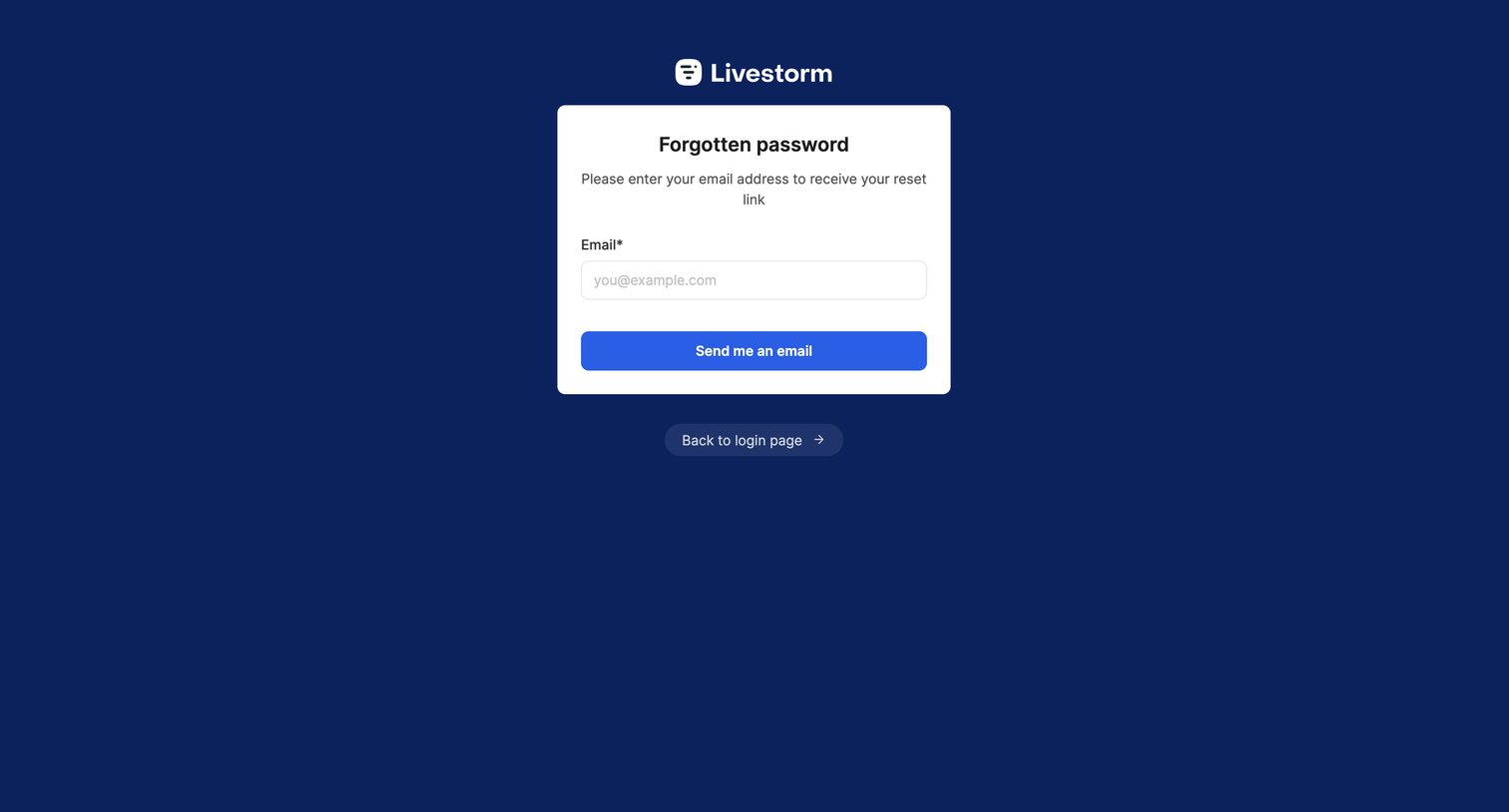

Password recovery screen where the user enters their email address to receive a reset link.
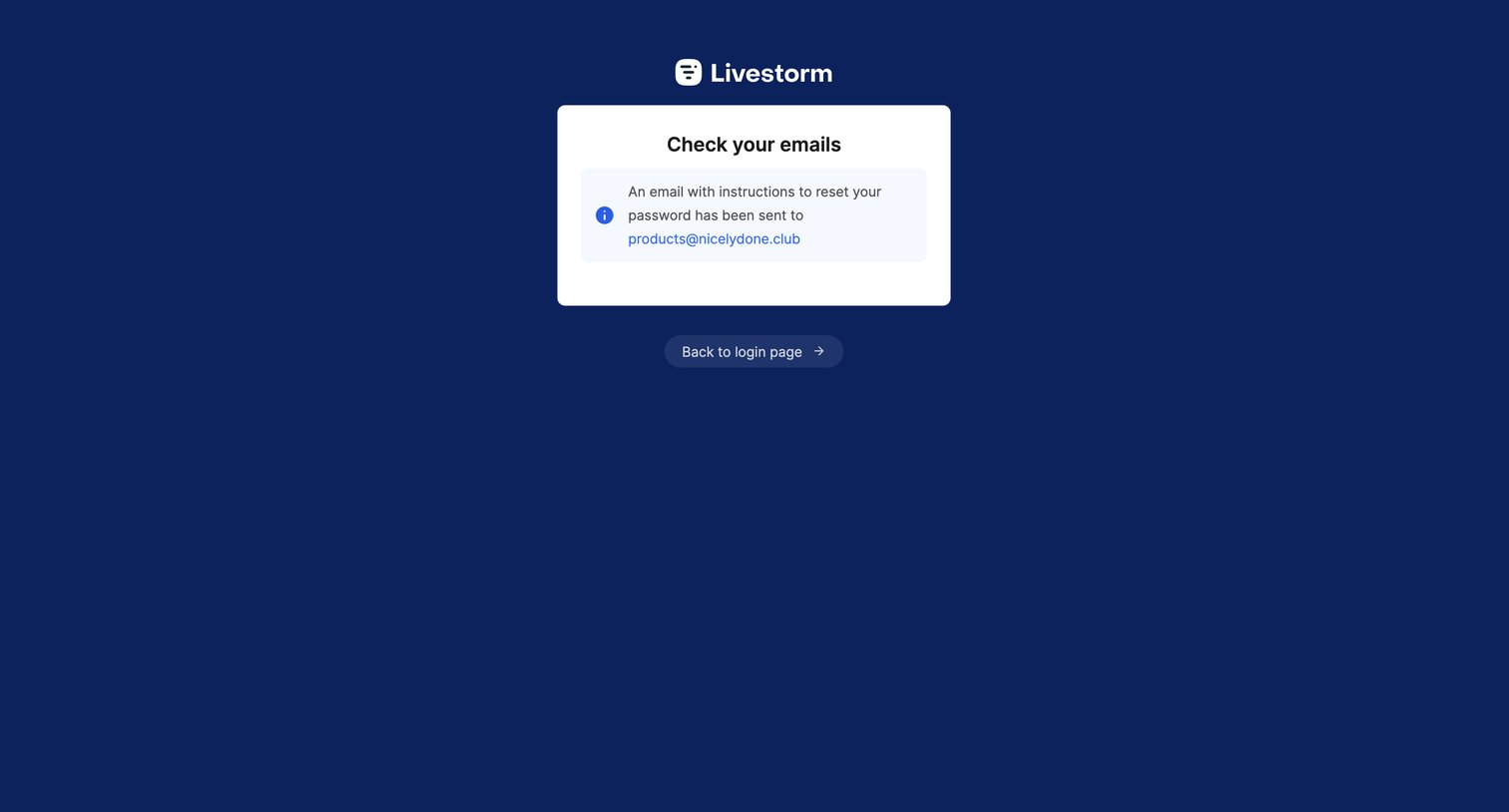
Password recovery screen confirming that reset instructions have been sent to the user's email address.
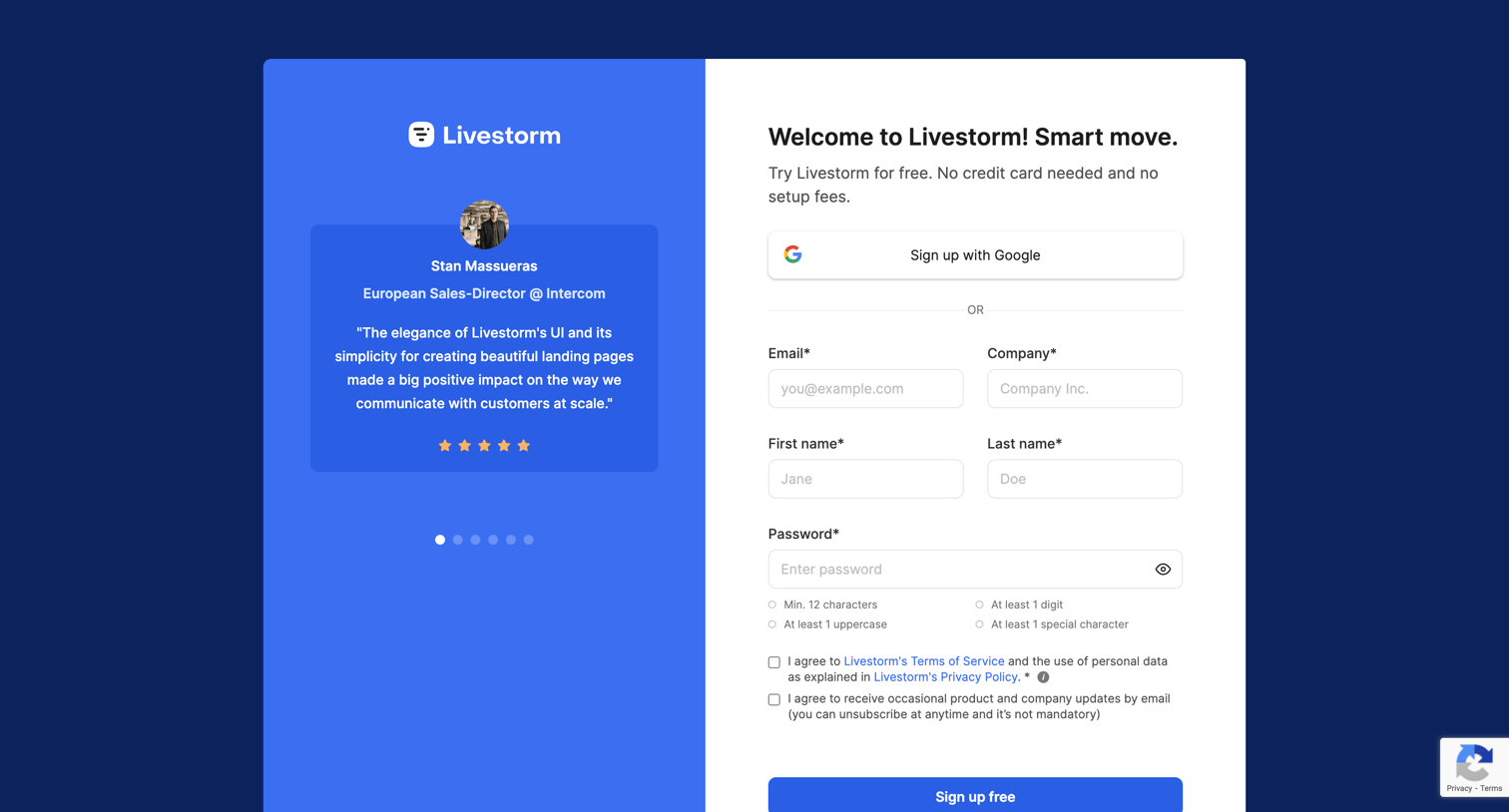
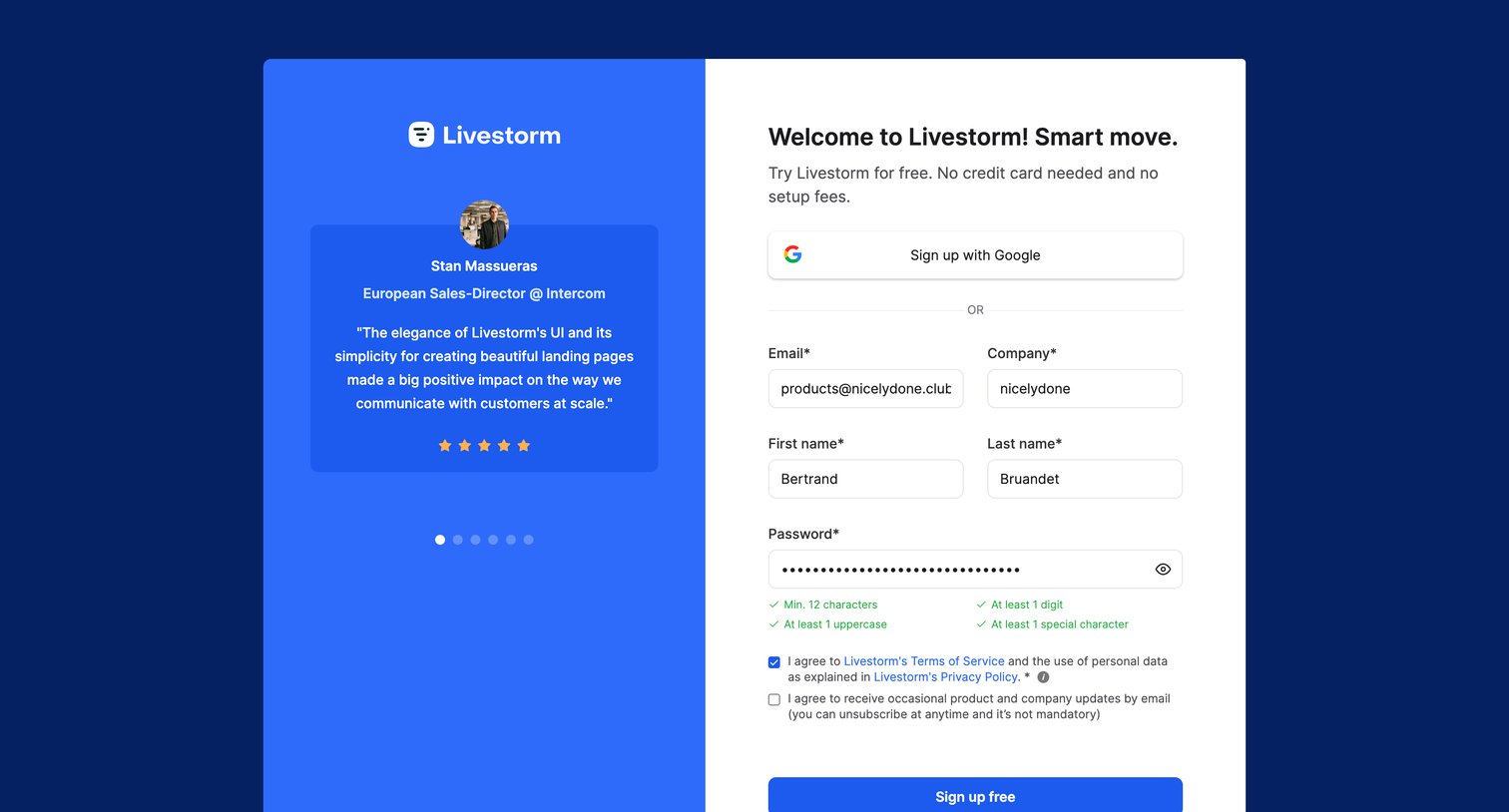
Signup screen where the user can authenticate with Google or fill out a detailed form with email, company, and name, alongside a customer testimonial and password strength indicators.
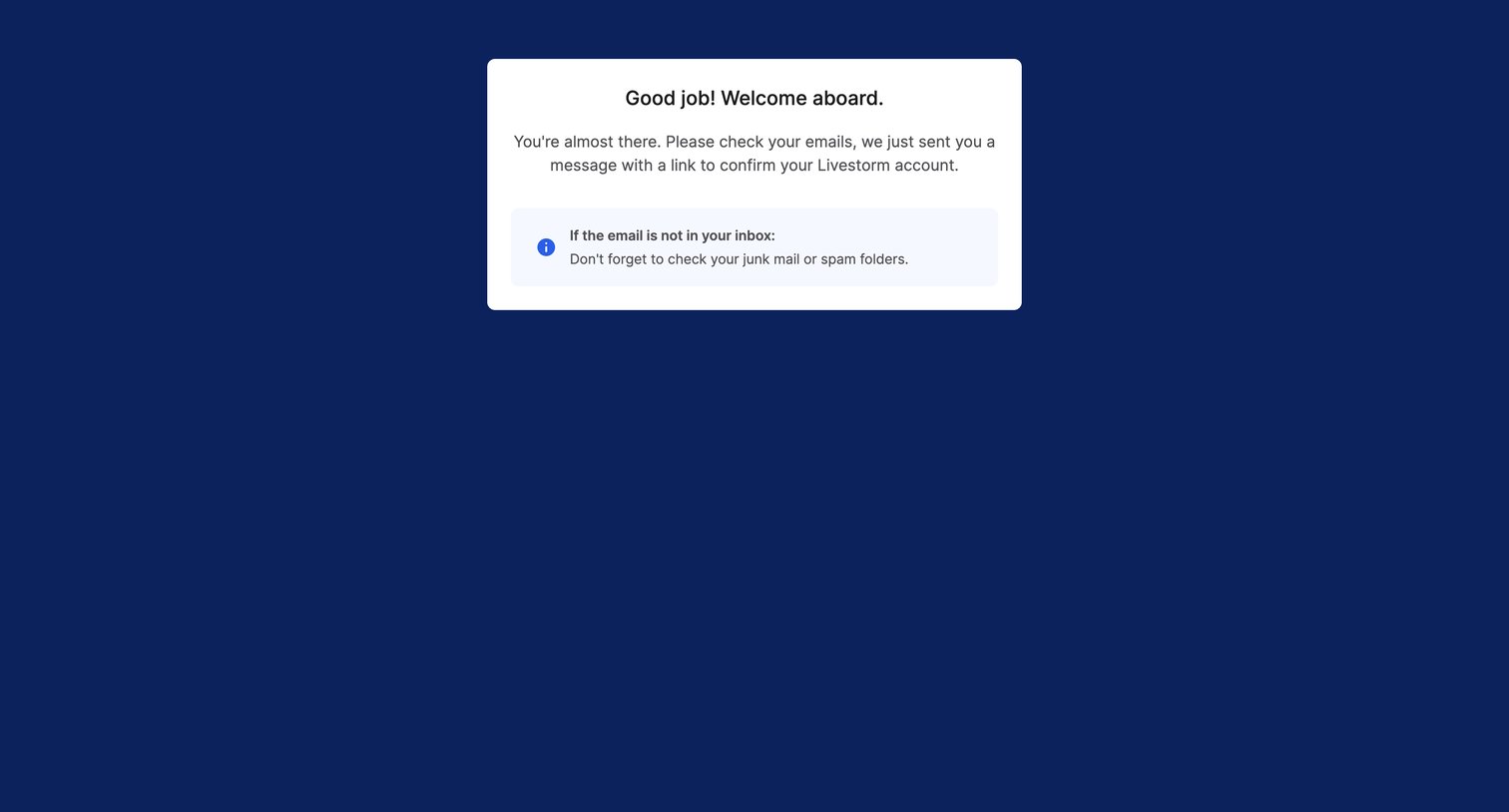
Verification screen where the user is instructed to check their inbox for a confirmation link to activate their Livestorm account, including a tip to check the spam folder.
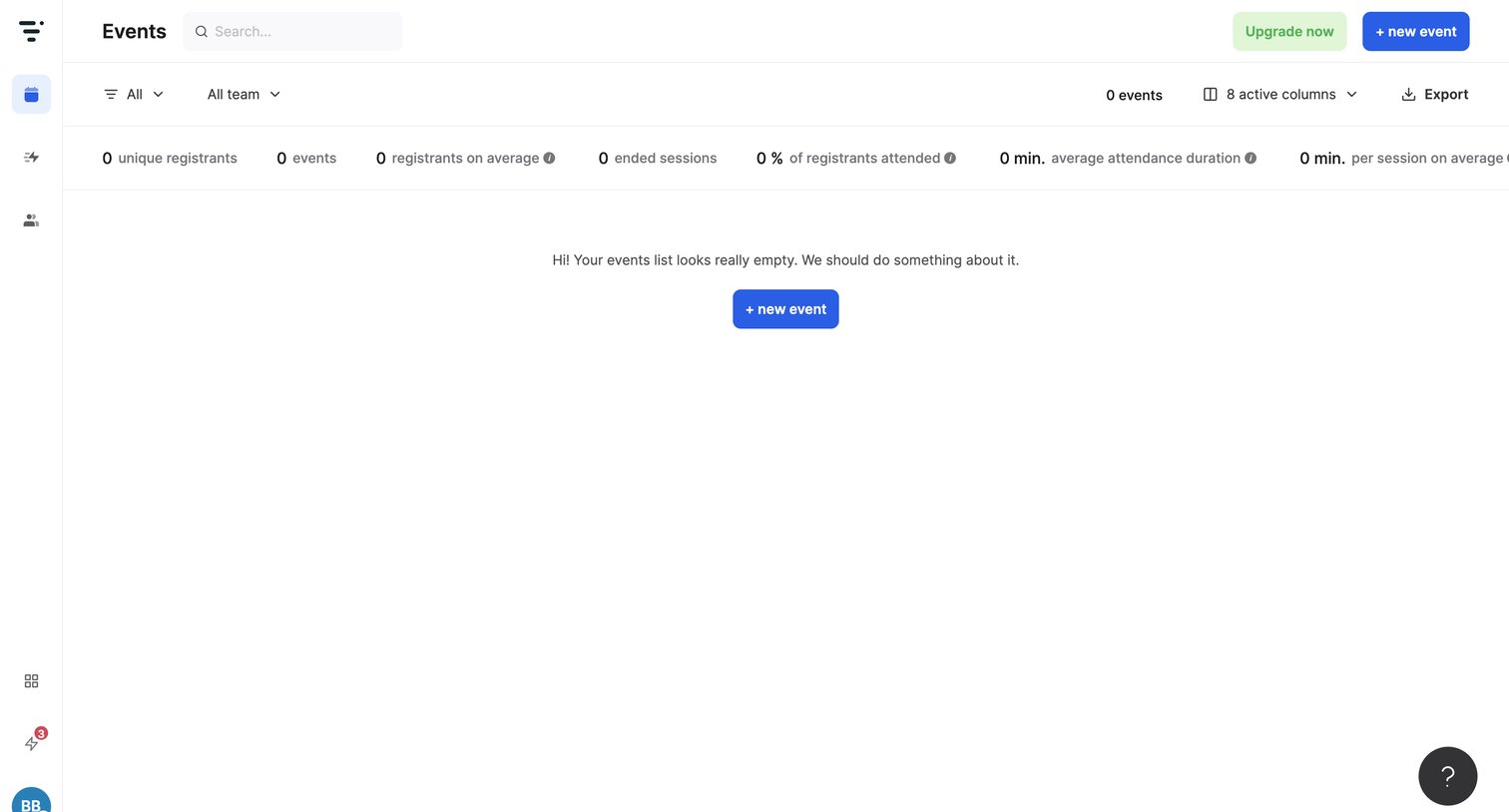
Events list page showing an empty state with a prompt to create a new event, along with a top bar containing search, filters, and aggregate metrics.
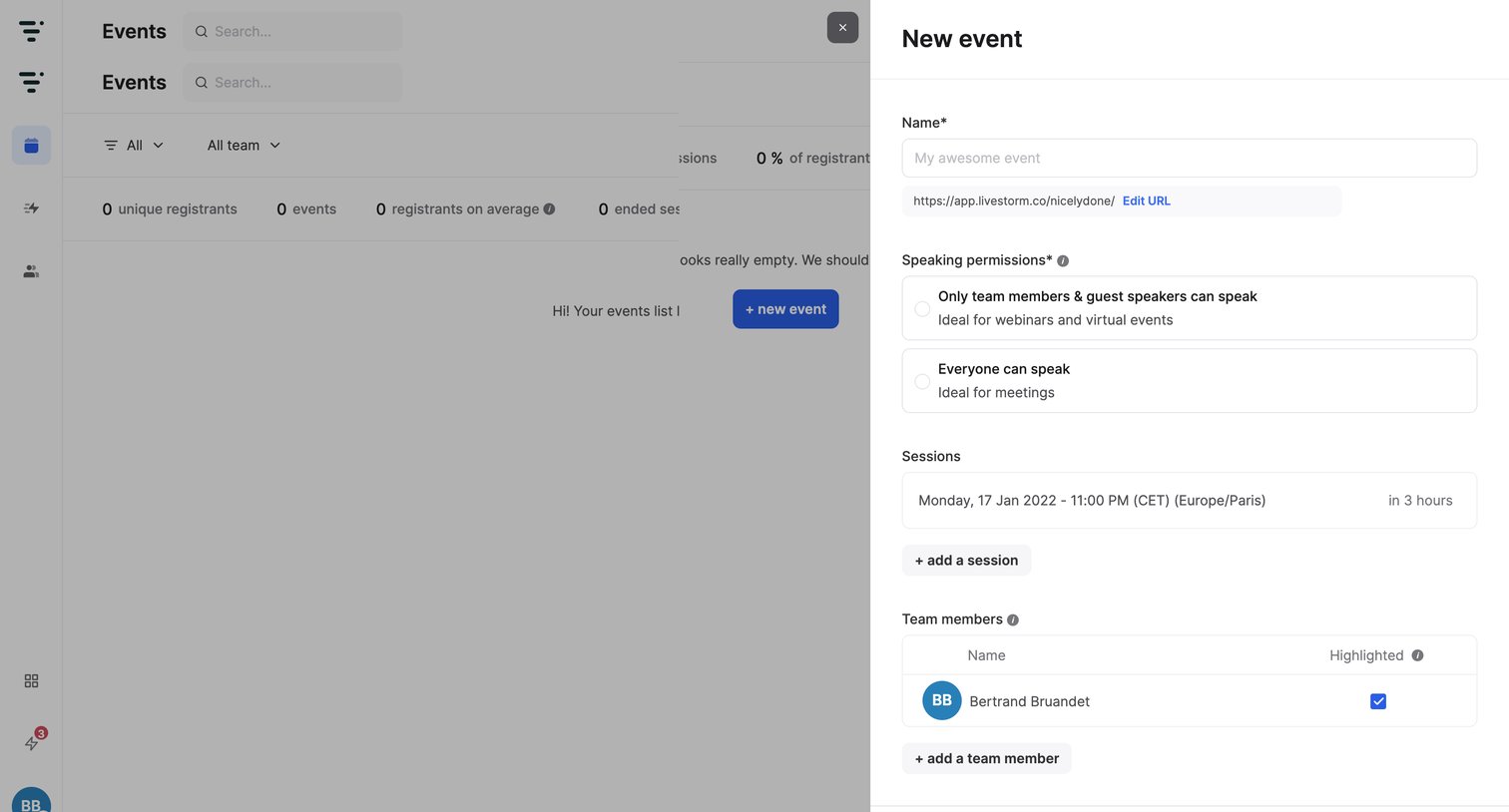
Create view where the user configures a new event's name, speaking permissions, schedule, and team members via a side drawer.
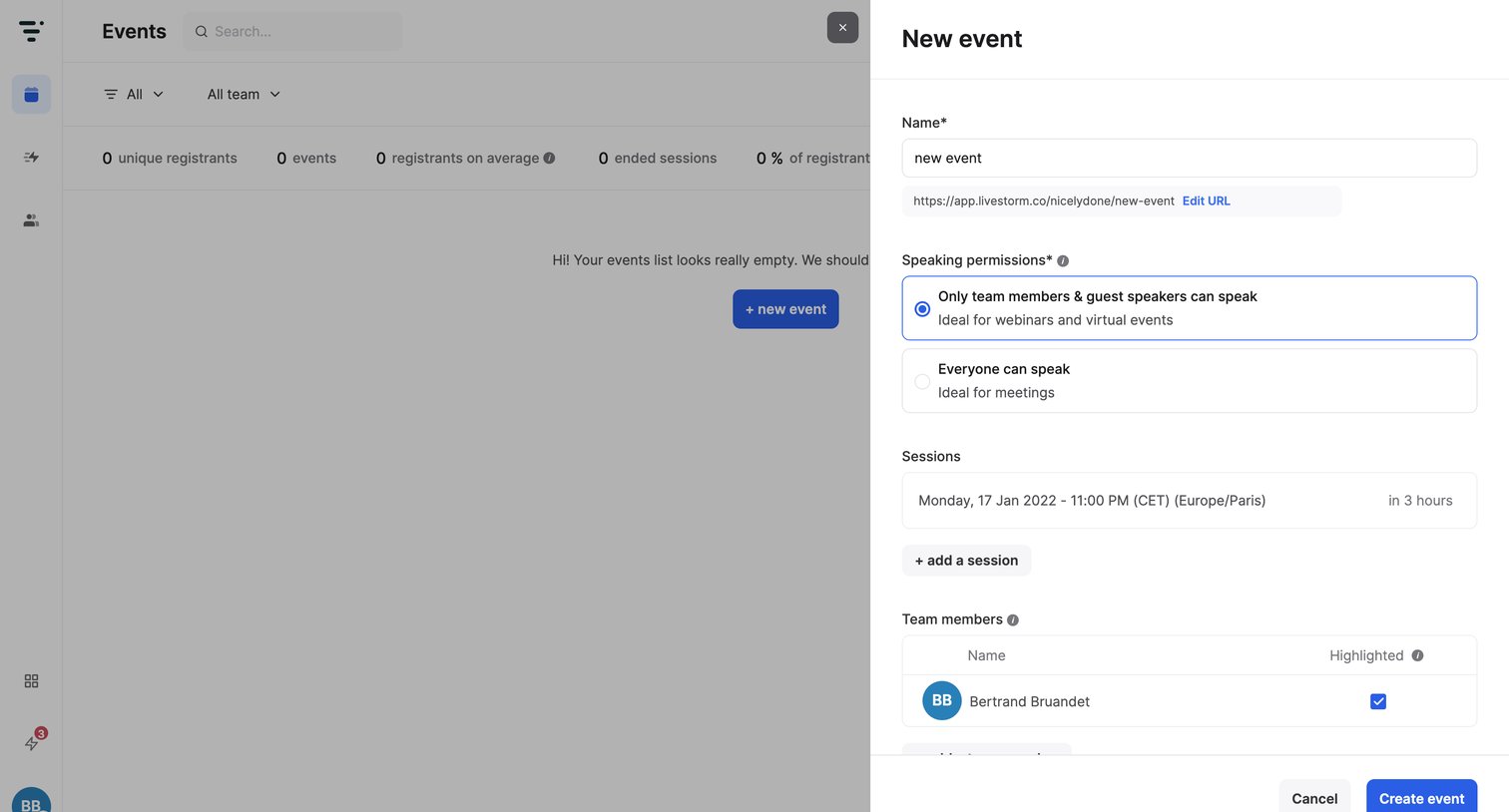
Create screen where the user configures a new event by setting its name, speaking permissions, sessions, and team members via a right-side drawer.
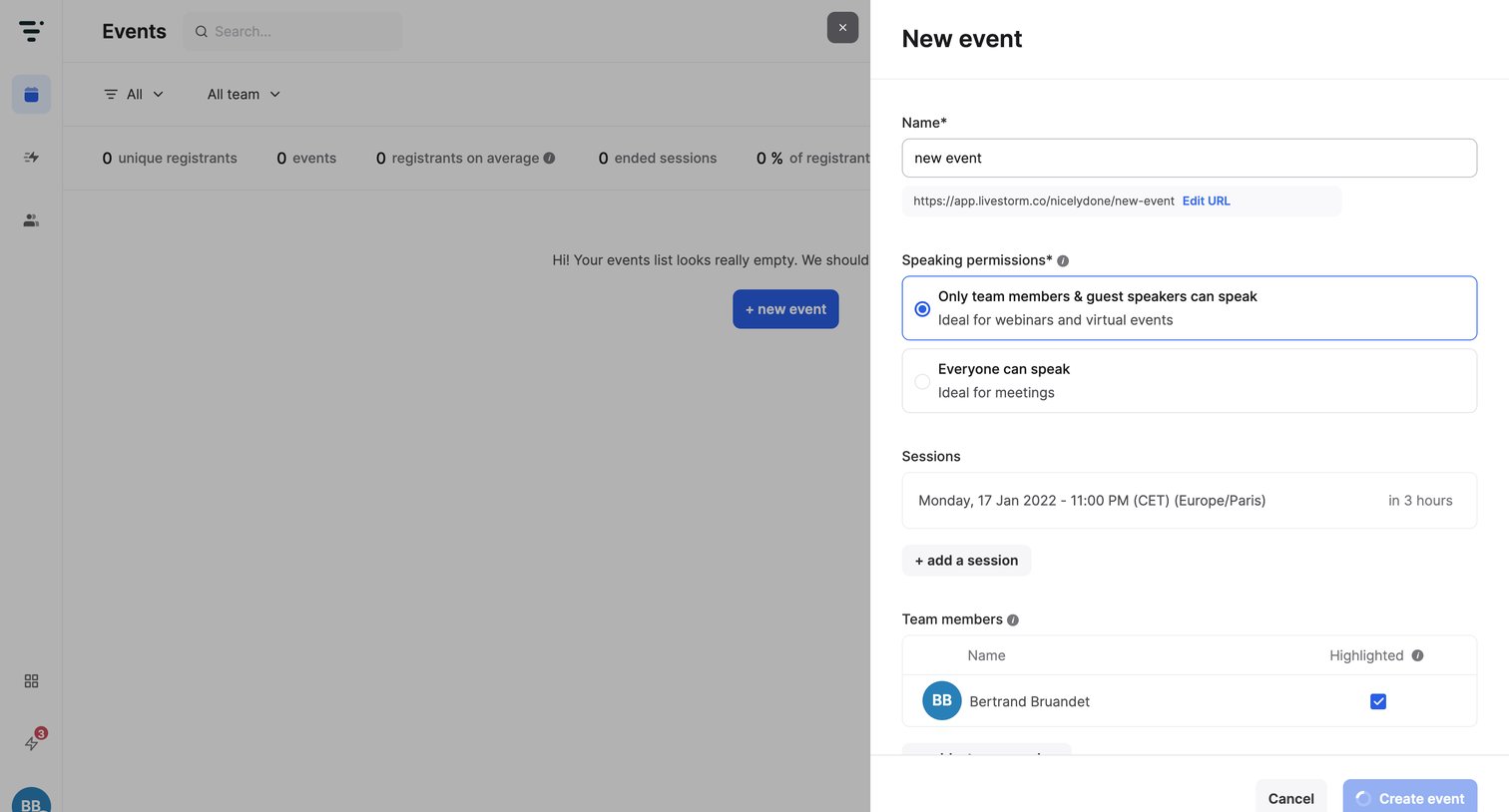
Create drawer where the user configures a new event by entering a name, setting speaking permissions, scheduling sessions, and assigning team members.
Browse the full SaaS app library
Explore real SaaS apps with their product screens, marketing screens, flows, and components.
Trusted by the best teams







