Skip to content

Knock design examples

Explore Knock UI design examples. Notifications infrastructure for developers

Product screens

Knock - Log in | Knock screen
Knock logo
Knock

Sign-in screen where the user authenticates with their work email or a Google account.

Knock - Log in | Knock screen
Knock logo
Knock

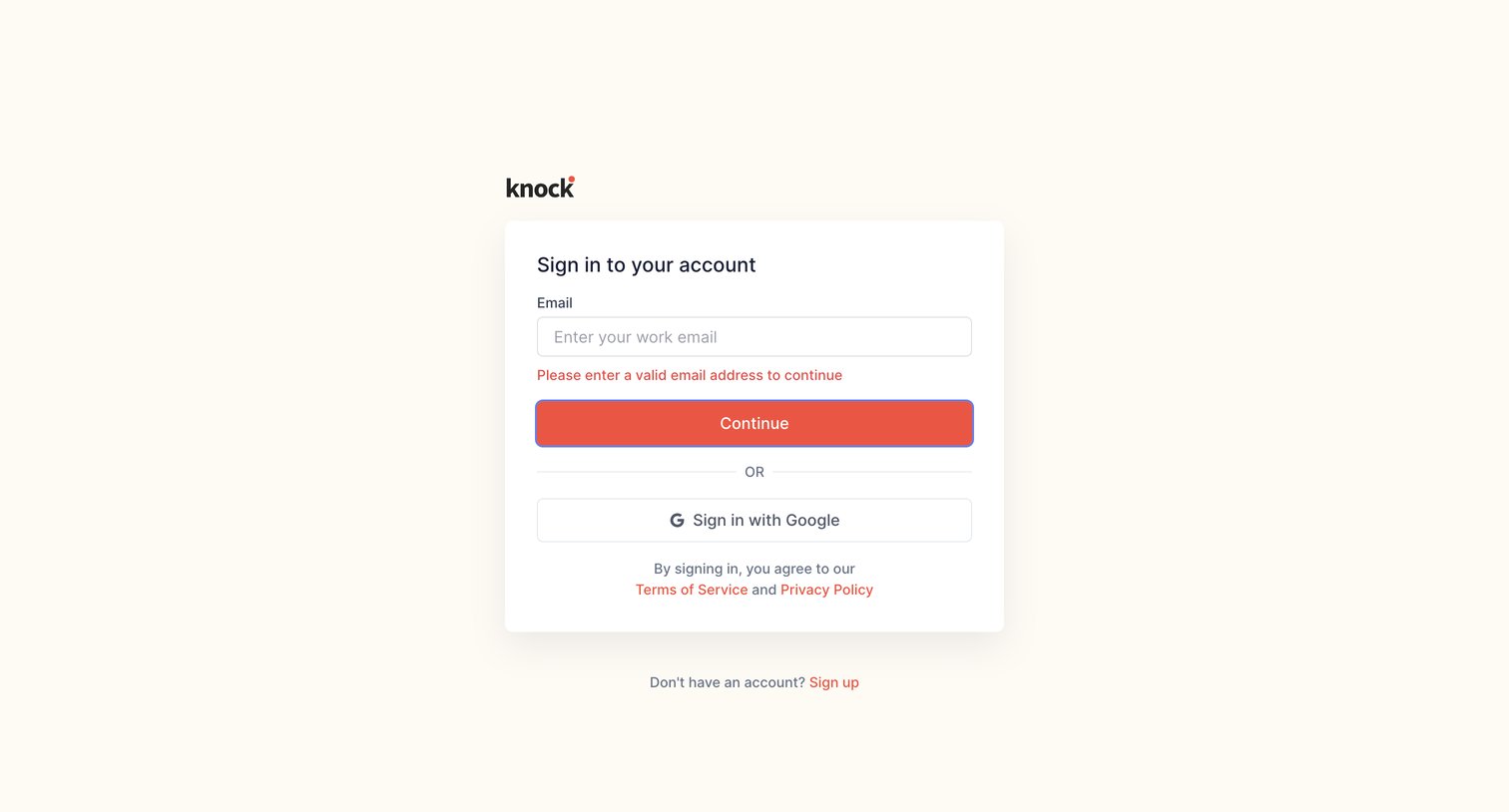
Sign-in screen where the user is prompted to correct an invalid work email address, with an alternative option to authenticate via Google.

Knock - Log in | Knock screen
Knock logo
Knock

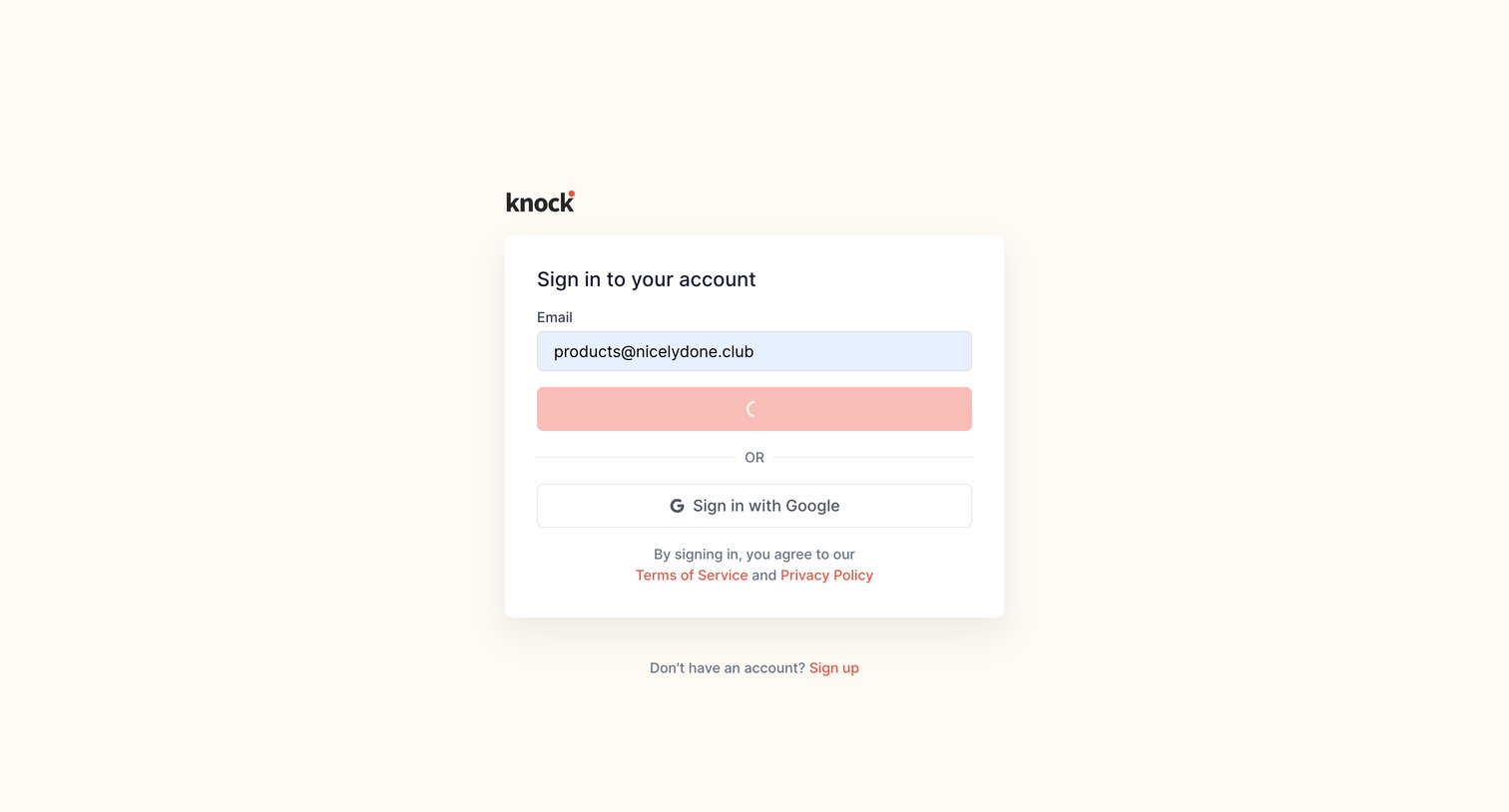
Sign-in screen where the user is authenticating with an email address, currently showing a loading state on the primary button.

Knock - Log in | Knock screen
Knock logo
Knock

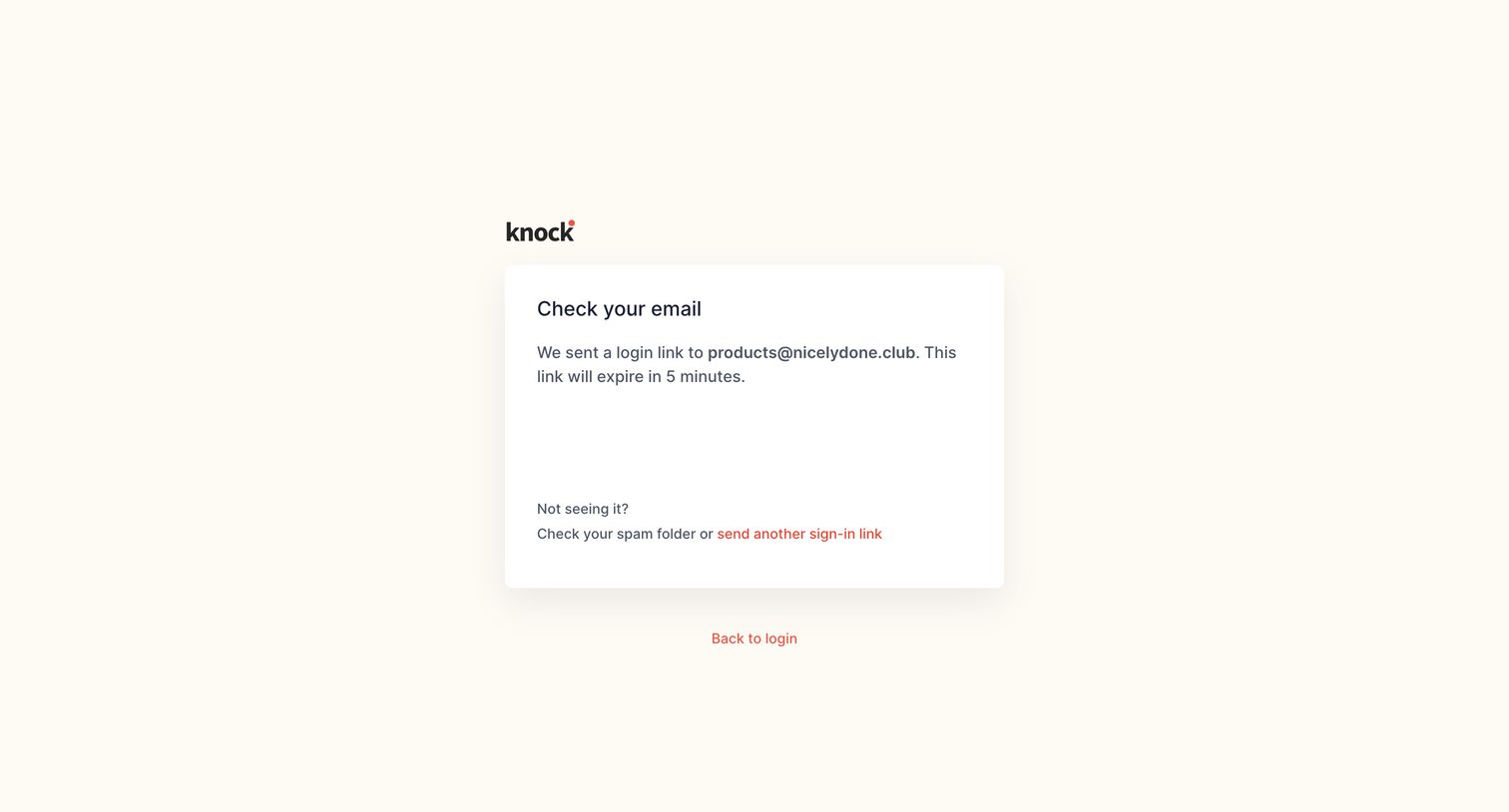
Verification screen where the user is instructed to check their email for a magic login link that expires in 5 minutes.
Knock - Log in | Knock screen
Knock logo
Knock

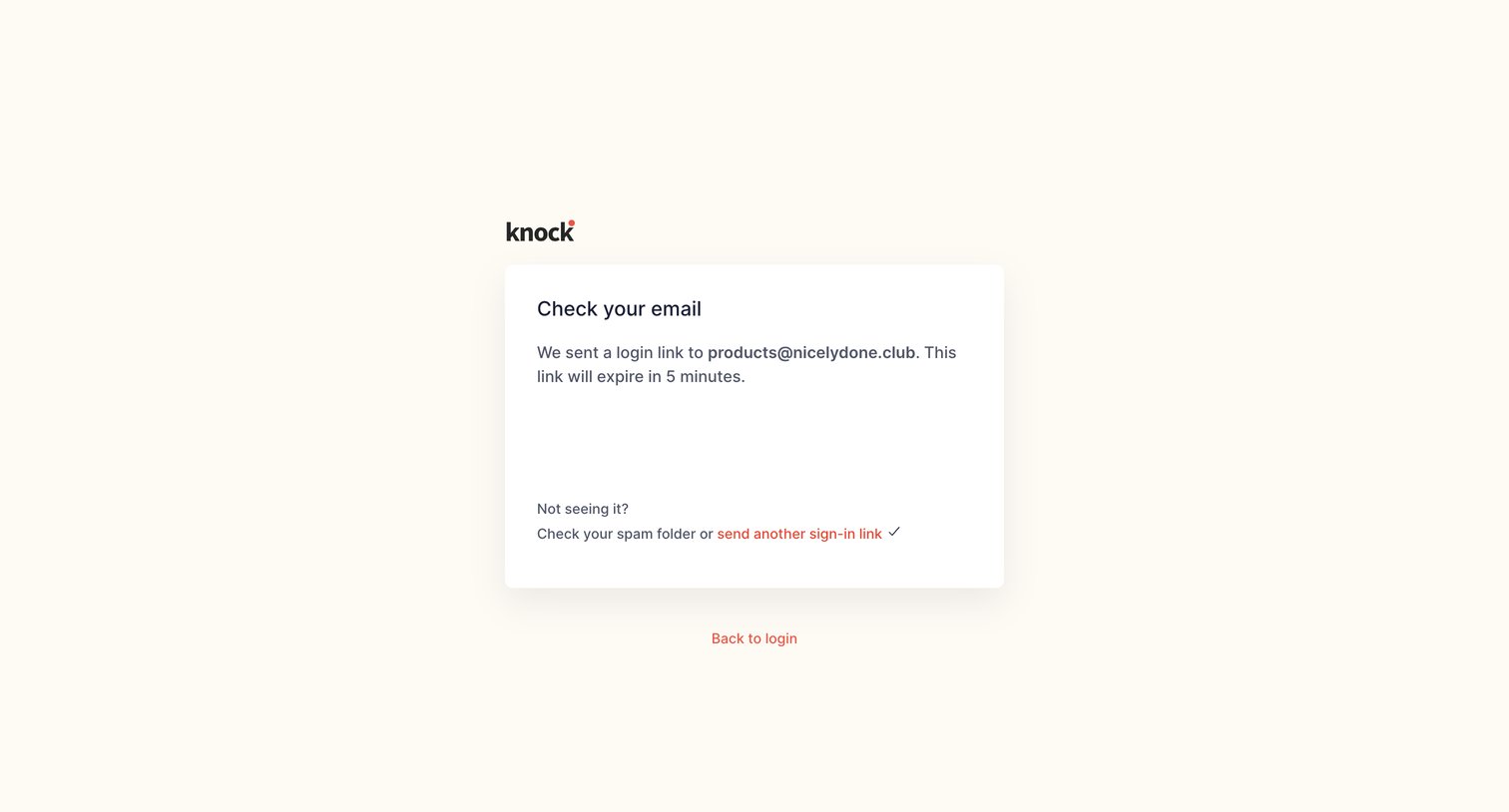
Authentication screen confirming a login link has been sent to the user's email, with options to resend the link or return to the login page.
Knock - Sign up | Knock screen
Knock logo
Knock

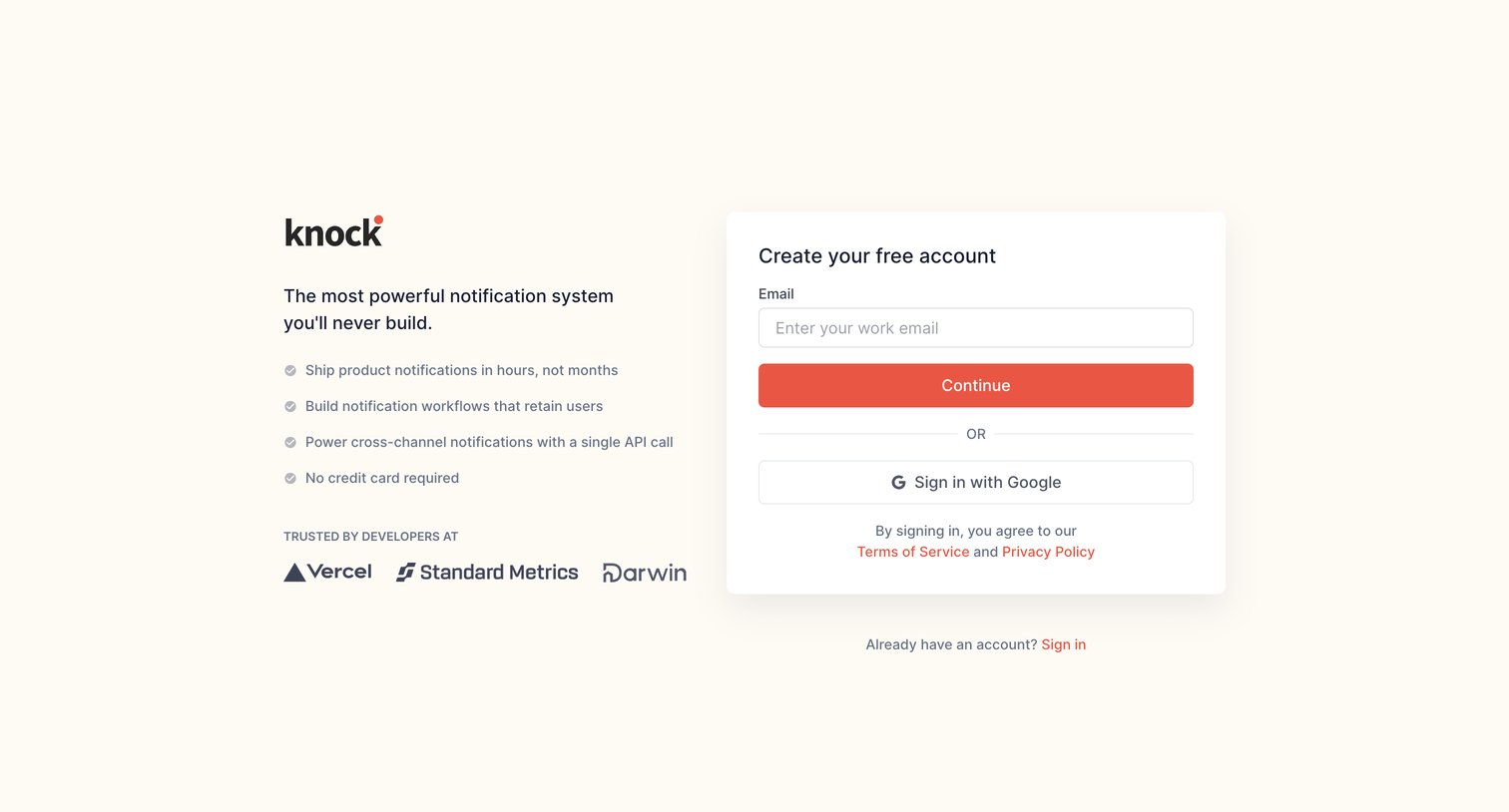
Signup page where the user creates an account via work email or Google SSO alongside a developer-focused value proposition and social proof.

Knock - Your profile | Knock screen
Knock logo
Knock

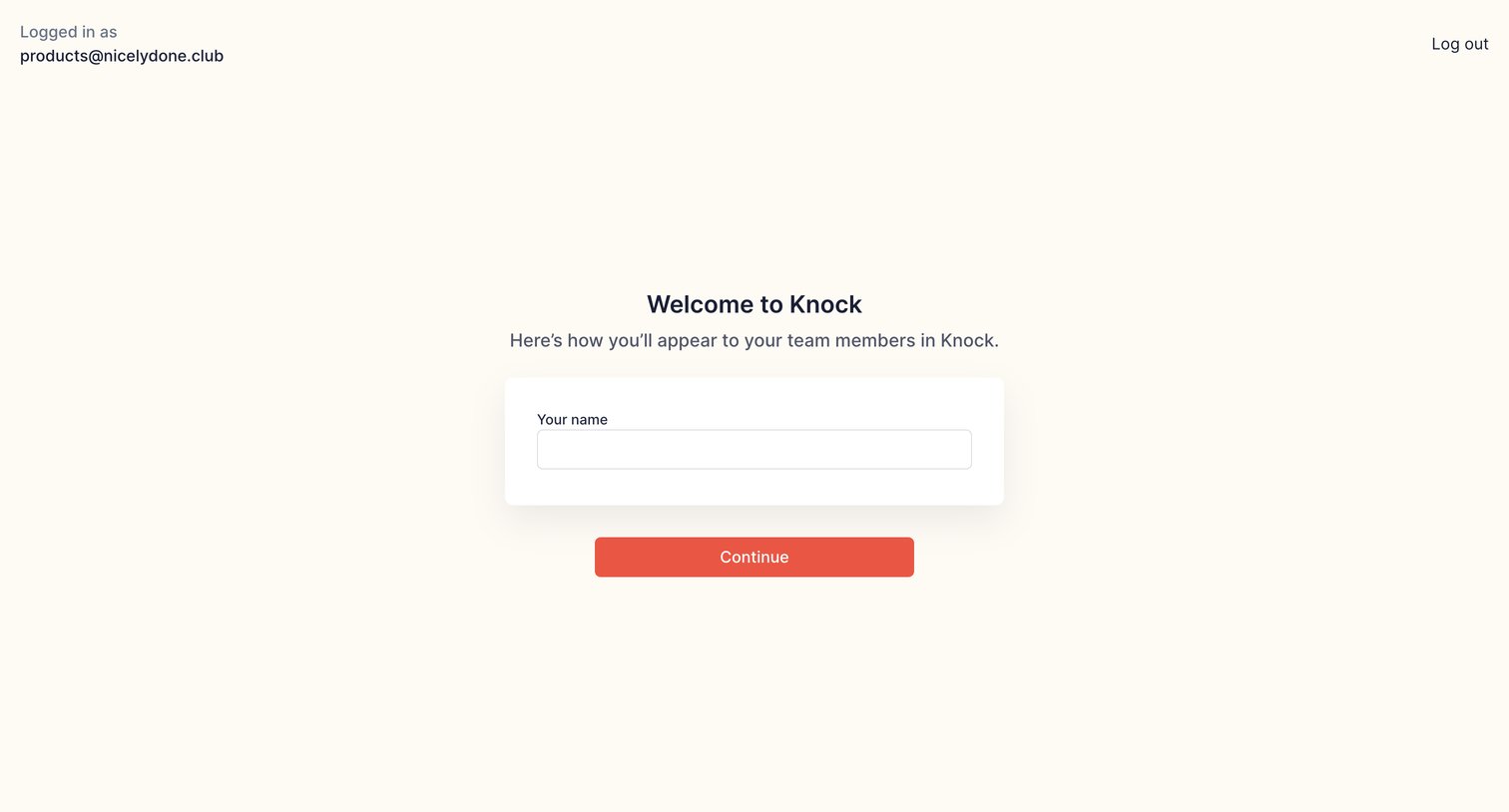
Onboarding step where the user enters their name to set up their profile.

Knock - Create account | Knock screen
Knock logo
Knock

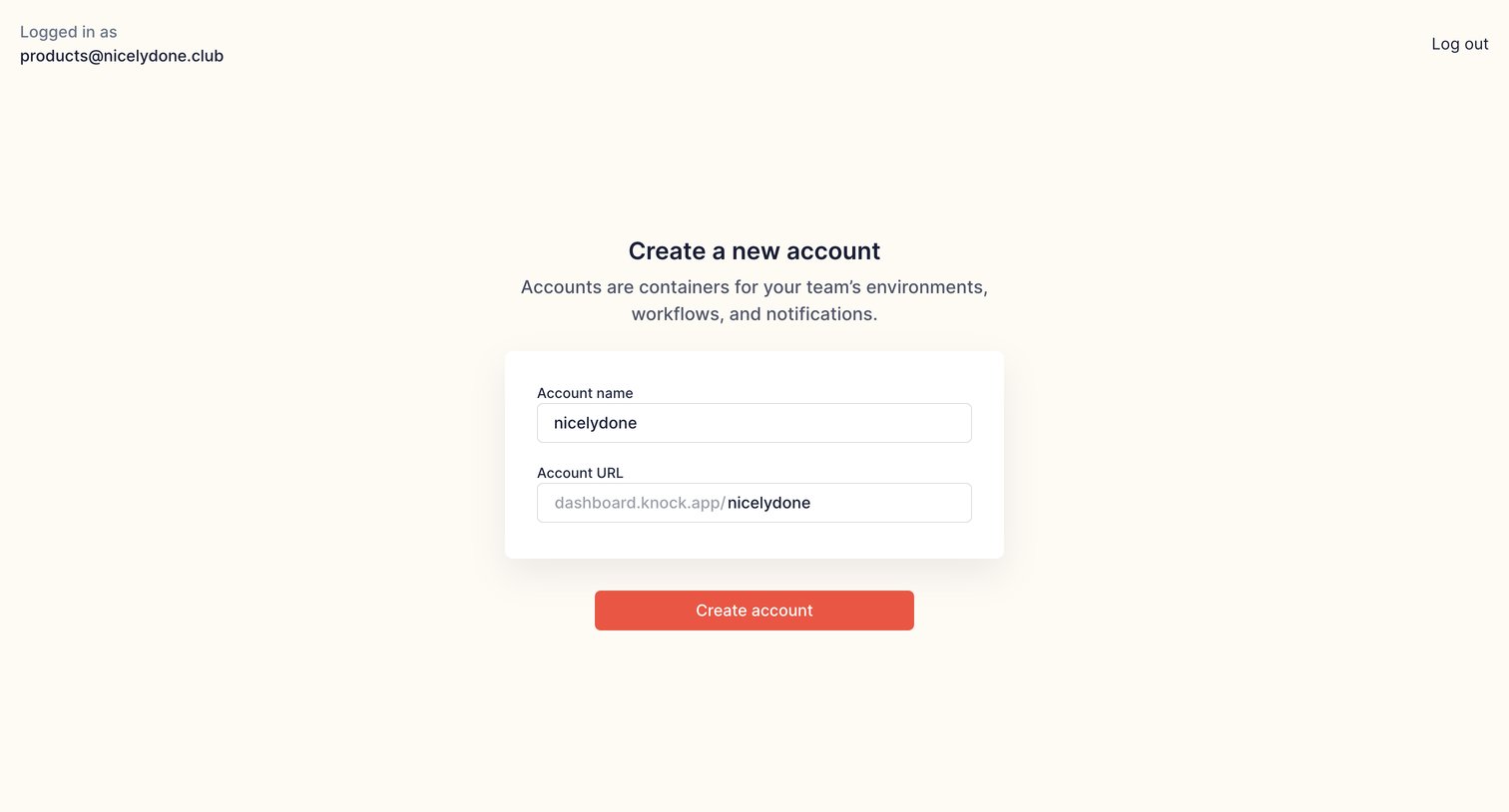
Create page where the user names a new account and sets its custom URL.

Knock - Create account | Knock screen
Knock logo
Knock

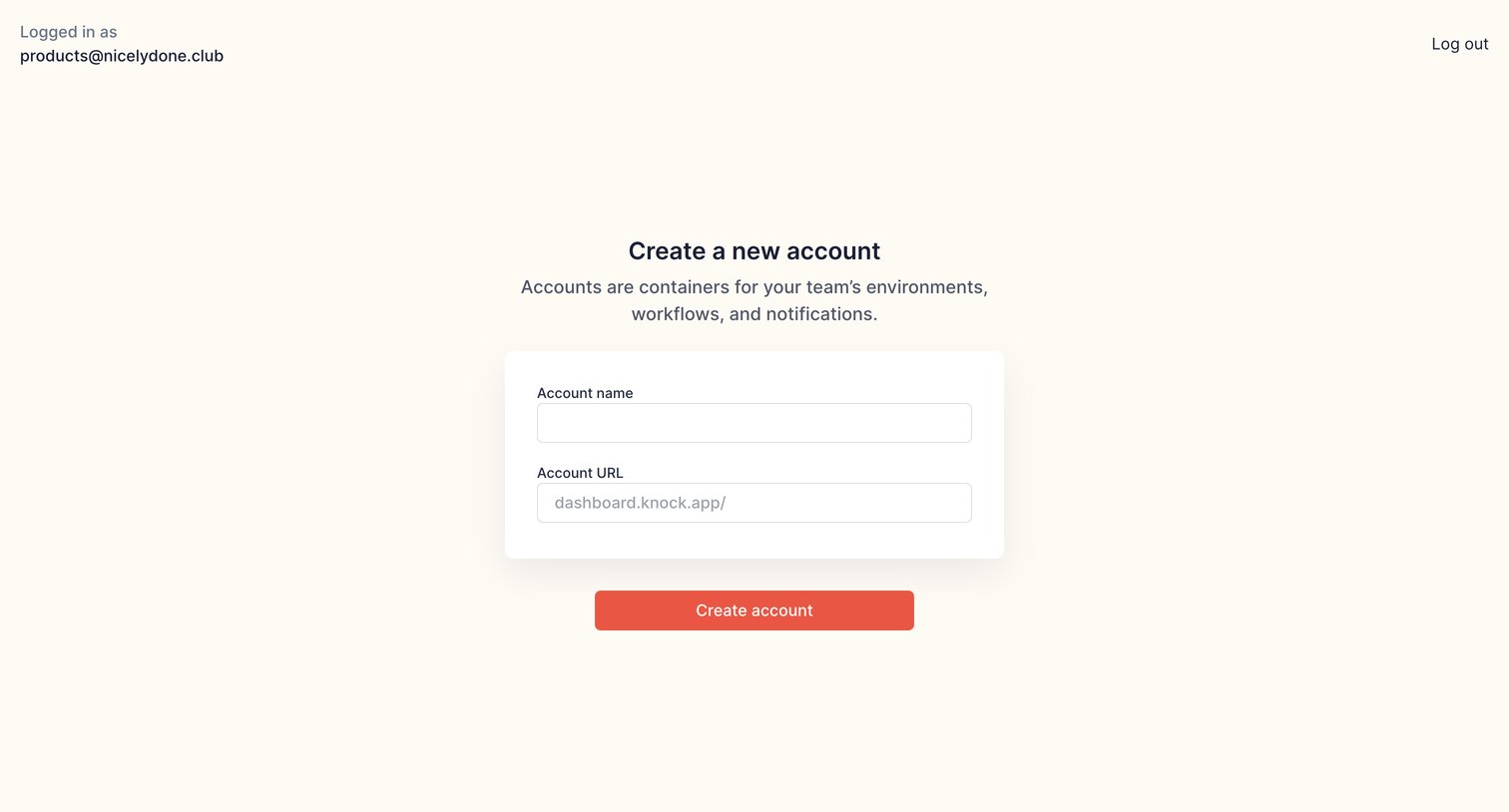
Onboarding step where a logged-in user names their new account and sets a custom URL slug.
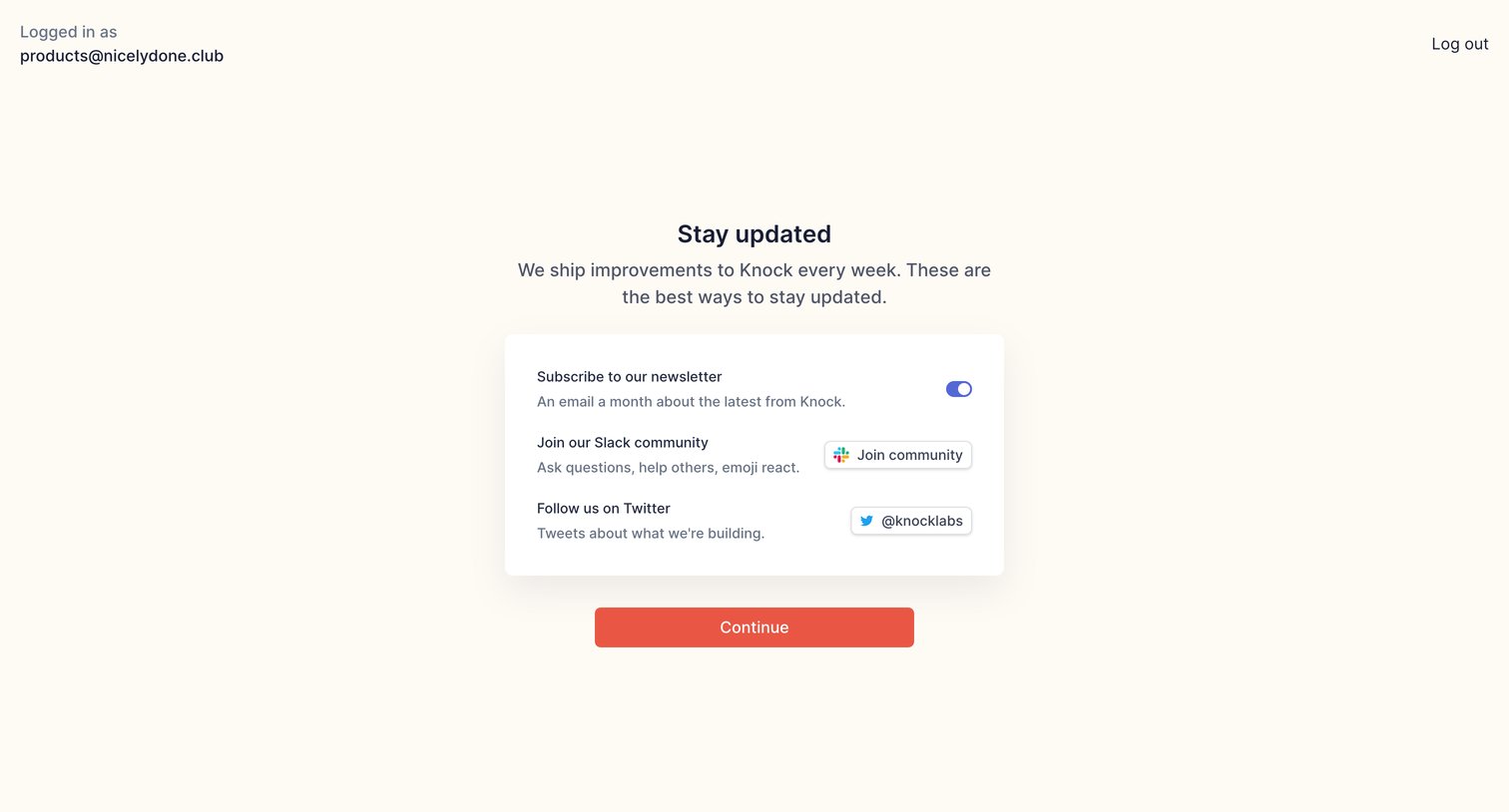
Knock - Stay updated | Knock screen
Knock logo
Knock

Onboarding step where the user can opt into the newsletter, join the Slack community, and follow the company on Twitter before continuing.
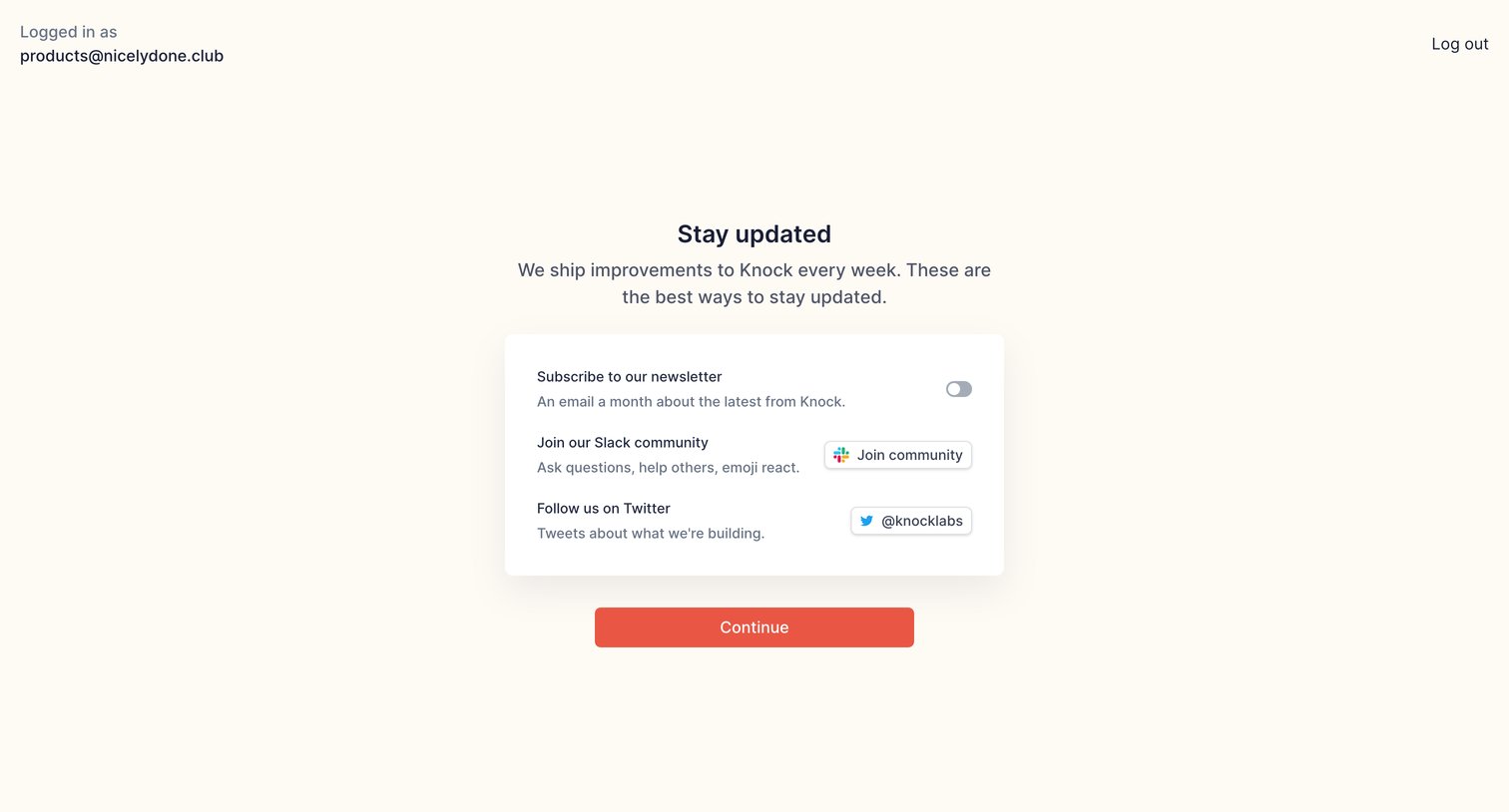
Knock - Stay updated | Knock screen
Knock logo
Knock

Onboarding step where the user is prompted to subscribe to the newsletter, join the Slack community, and follow the company on Twitter before continuing.
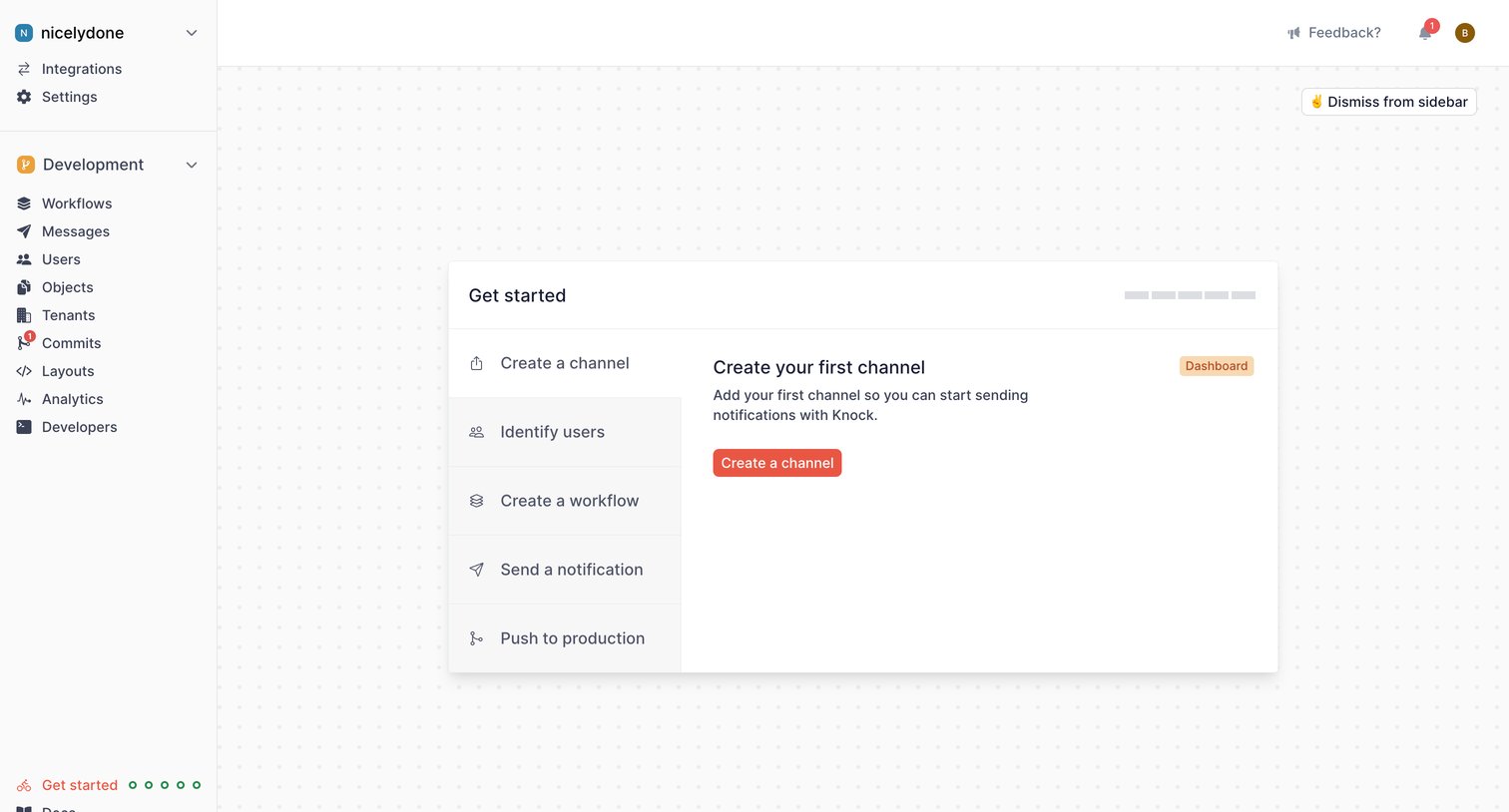
Knock - Get started | Knock screen
Knock logo
Knock

Onboarding screen where the user follows a step-by-step checklist to configure their workspace, starting with creating their first channel.

Browse the full SaaS app library

Explore real SaaS apps with their product screens, marketing screens, flows, and components.

Trusted by the best teams