Skip to content

Knock UI components examples

Browse Knock UI component design examples. Preview individual interface elements and explore related component categories. Notifications infrastructure for developers

Explore the examples
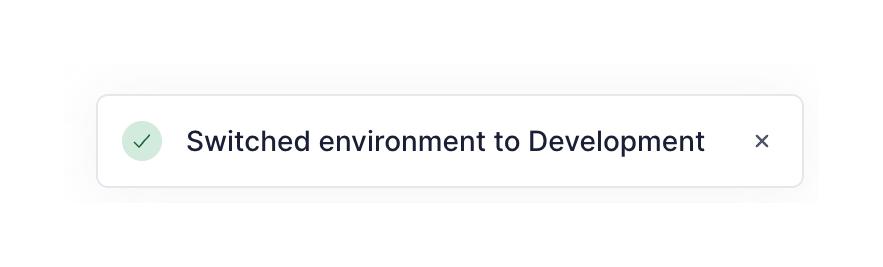
Knock — Notification Toast component
Knock logo
Knock

A success toast notification confirming an environment switch, featuring a green checkmark icon, a descriptive message, and a close button.

Knock — Table component
Knock logo
Knock

A simple data table listing deployment environments with their name, status, and ID. It includes a copy-to-clipboard icon for the ID and an overflow menu for each row.

Knock — Card component
Knock logo
Knock

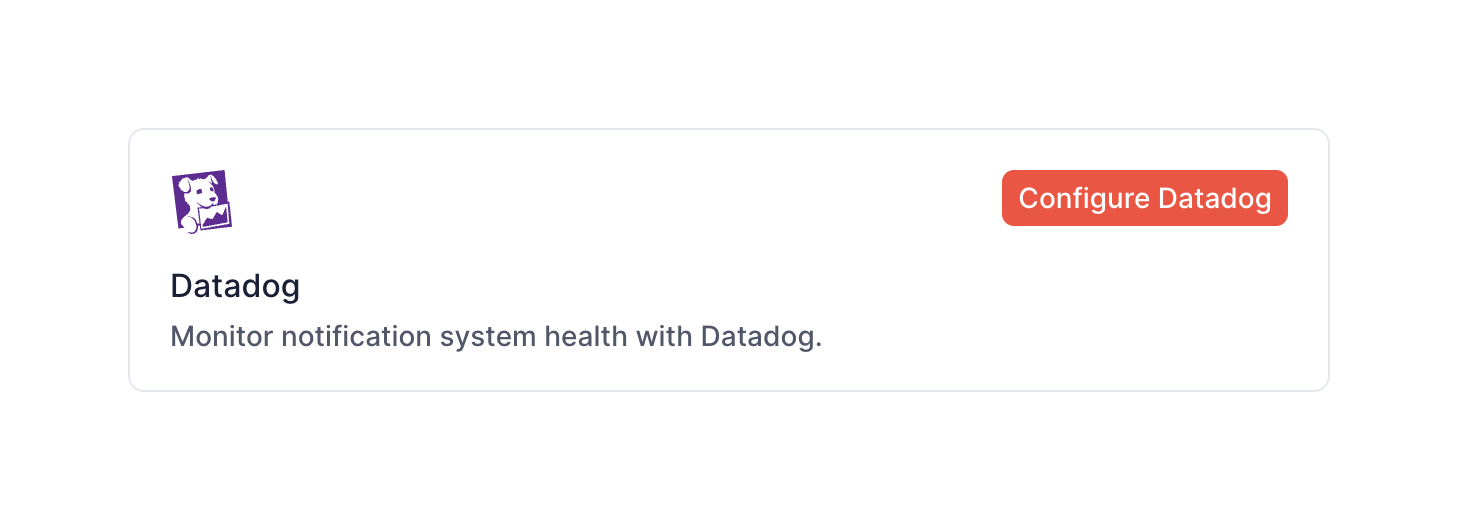
A card component displaying an integration option with a logo, title, description, and a configuration button.

Knock — Card component
Knock logo
Knock

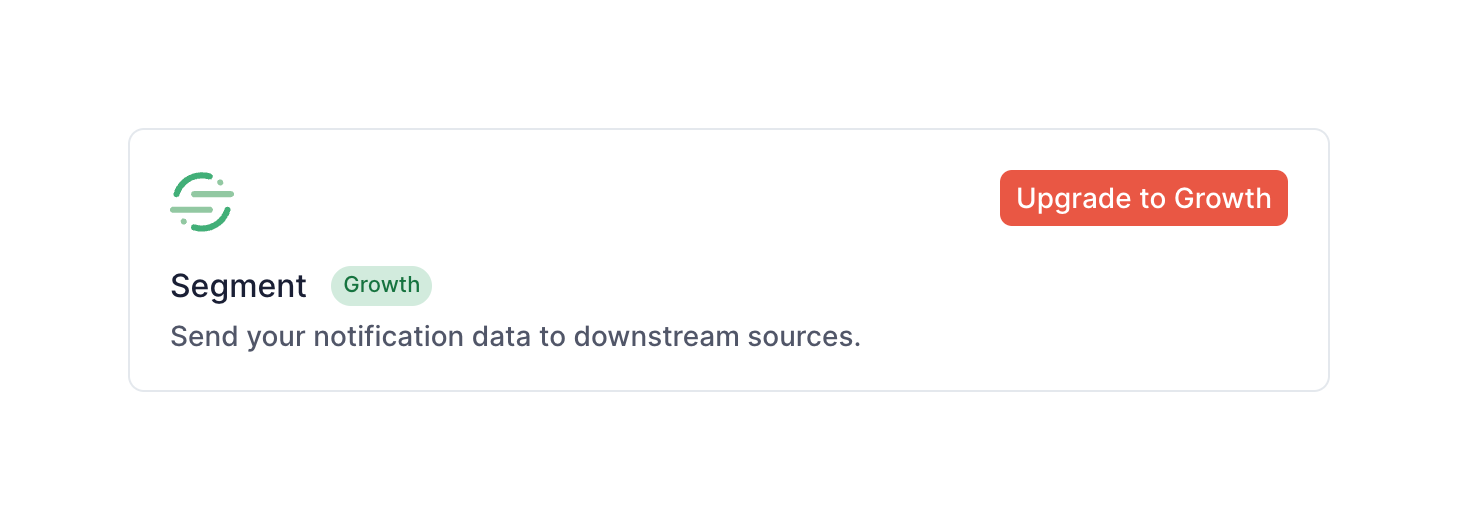
A card displaying an integration option with a prompt to upgrade the user's plan to access it.

Knock — Tabs component
Knock logo
Knock

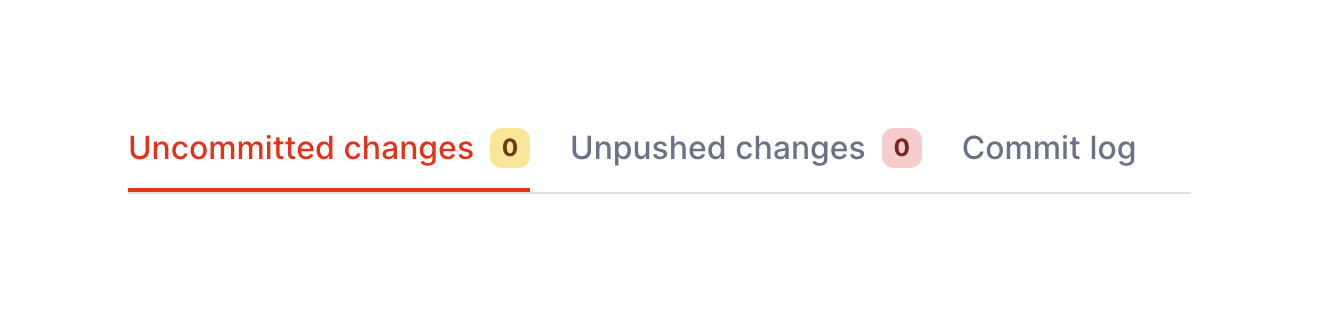
A horizontal tab navigation component with three tabs. Two tabs include numeric badges indicating counts.

Knock — Button group component
Knock logo
Knock

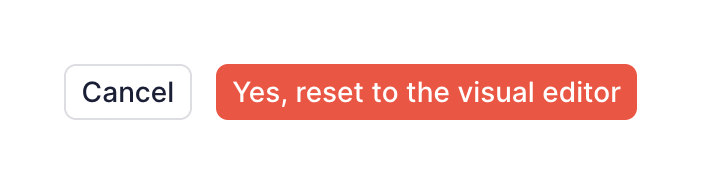
A button group containing a secondary cancel button and a primary destructive action button.
Knock — Segmented control component
Knock logo
Knock

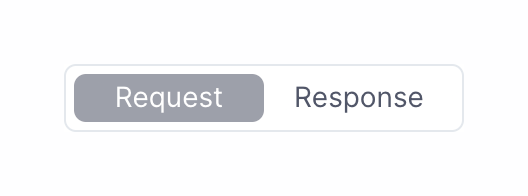
A segmented control with two options: Request and Response. The Request option is currently selected.

Knock — Tooltip component
Knock logo
Knock

A dark-themed tooltip providing contextual help text, appearing next to an information icon.

Knock — Sorting & filtering component
Knock logo
Knock

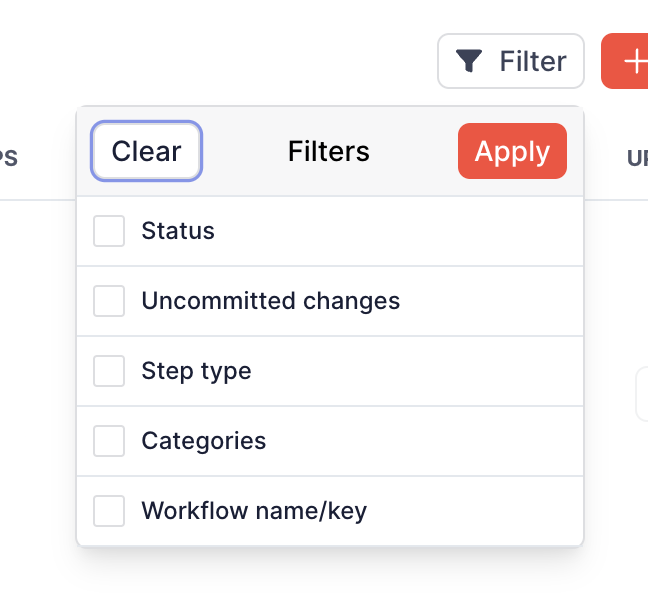
A popover menu for applying filters, containing a list of checkbox options and actions to clear or apply the selection.
Knock — Tooltip component
Knock logo
Knock

A tooltip displaying 'Copied!' after a user interacts with a copy action next to a numeric string.

Knock — Query builder component
Knock logo
Knock

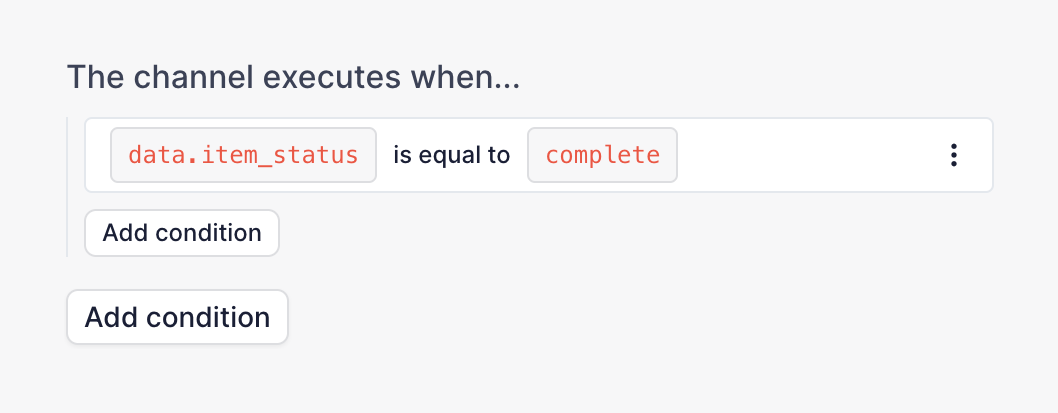
A query builder interface for defining execution conditions. It features a sentence-like structure with inline inputs for variables, operators, and values, followed by buttons to add more conditions.
Knock — Query builder component
Knock logo
Knock

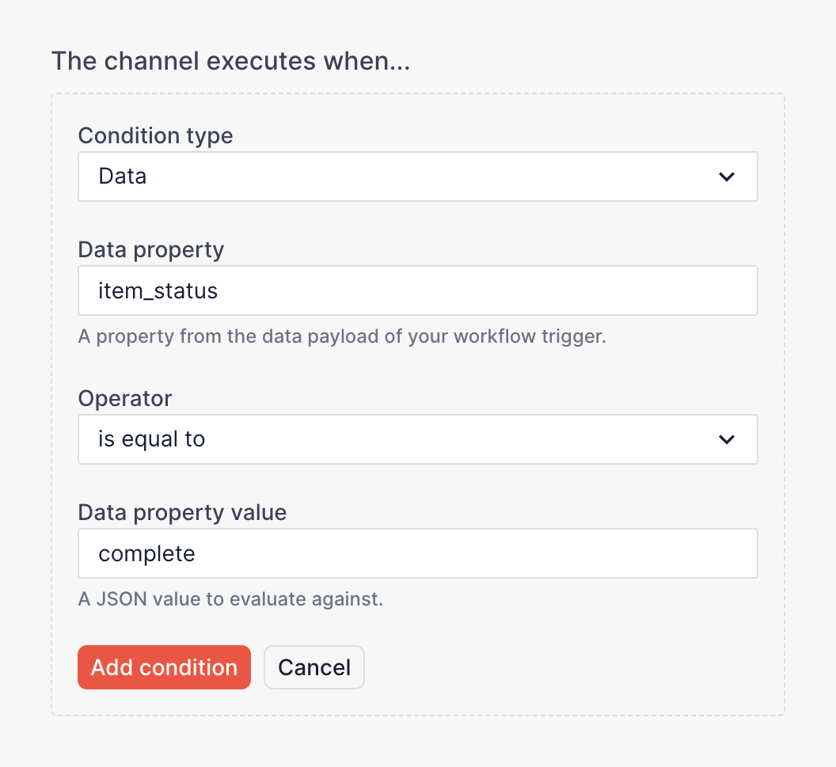
A form section for building a logical condition, containing dropdowns for condition type and operator, and text inputs for data property and value.

Browse the full component library

Browse the full UI component library.

Trusted by the best teams