Skip to content

Knock product screens examples

Browse Knock screen design examples. Preview the interface screenshots and explore related UI patterns. Notifications infrastructure for developers

Explore the examples

Knock - Log in | Knock screen
Knock logo
Knock

Sign-in screen where the user authenticates with their work email or a Google account.

Knock - Log in | Knock screen
Knock logo
Knock

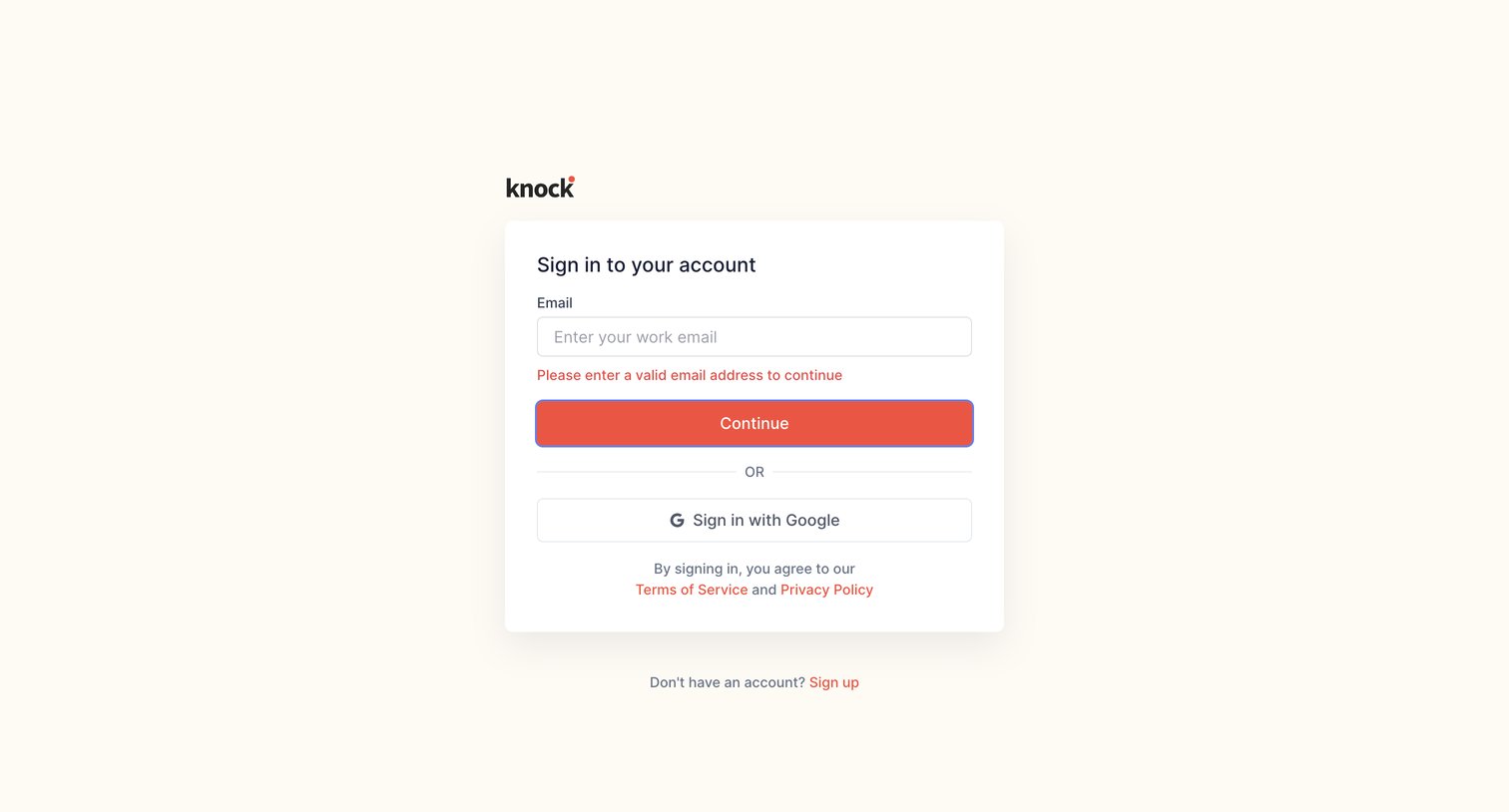
Sign-in screen where the user is prompted to correct an invalid work email address, with an alternative option to authenticate via Google.

Knock - Log in | Knock screen
Knock logo
Knock

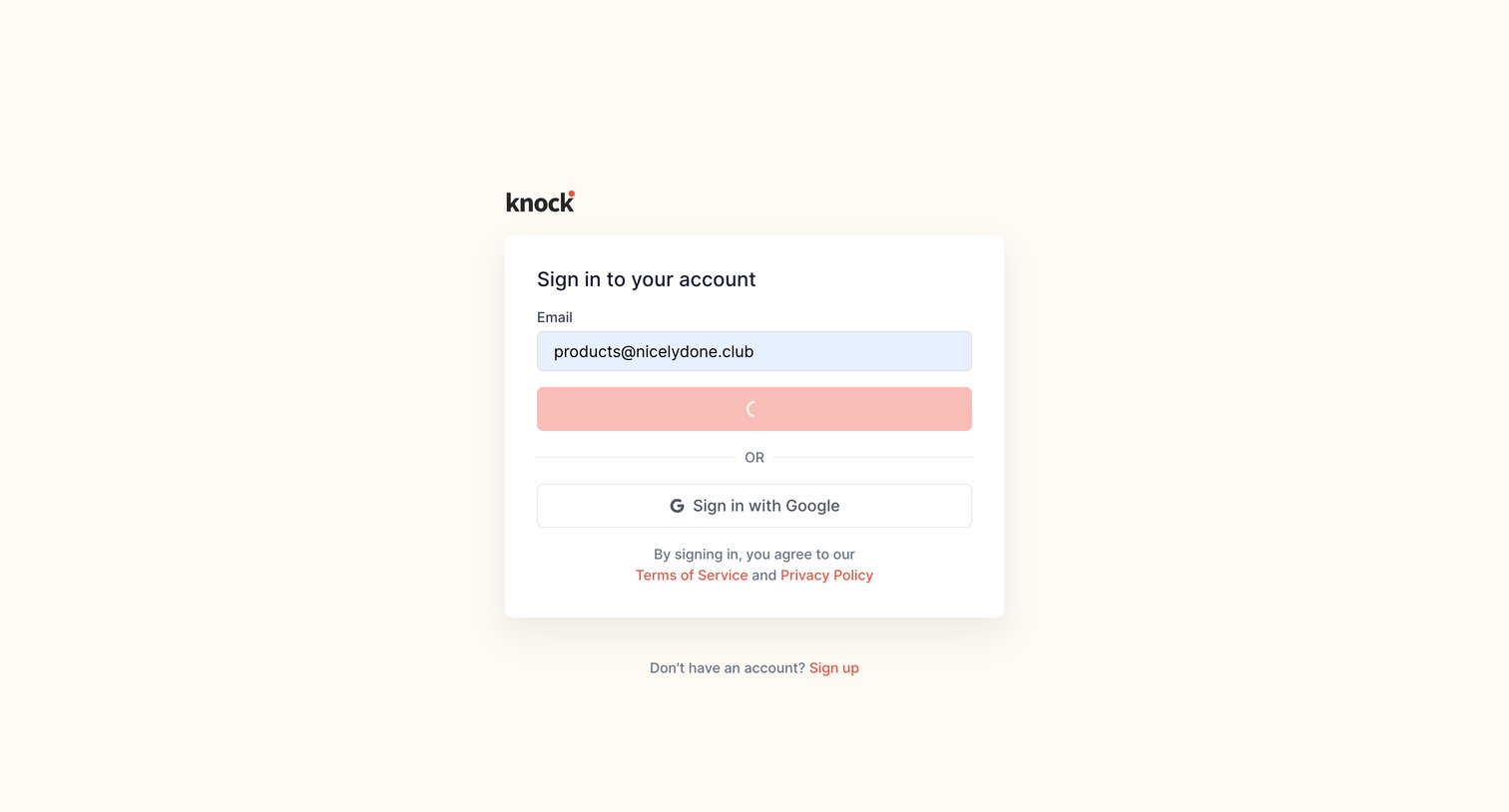
Sign-in screen where the user is authenticating with an email address, currently showing a loading state on the primary button.

Knock - Log in | Knock screen
Knock logo
Knock

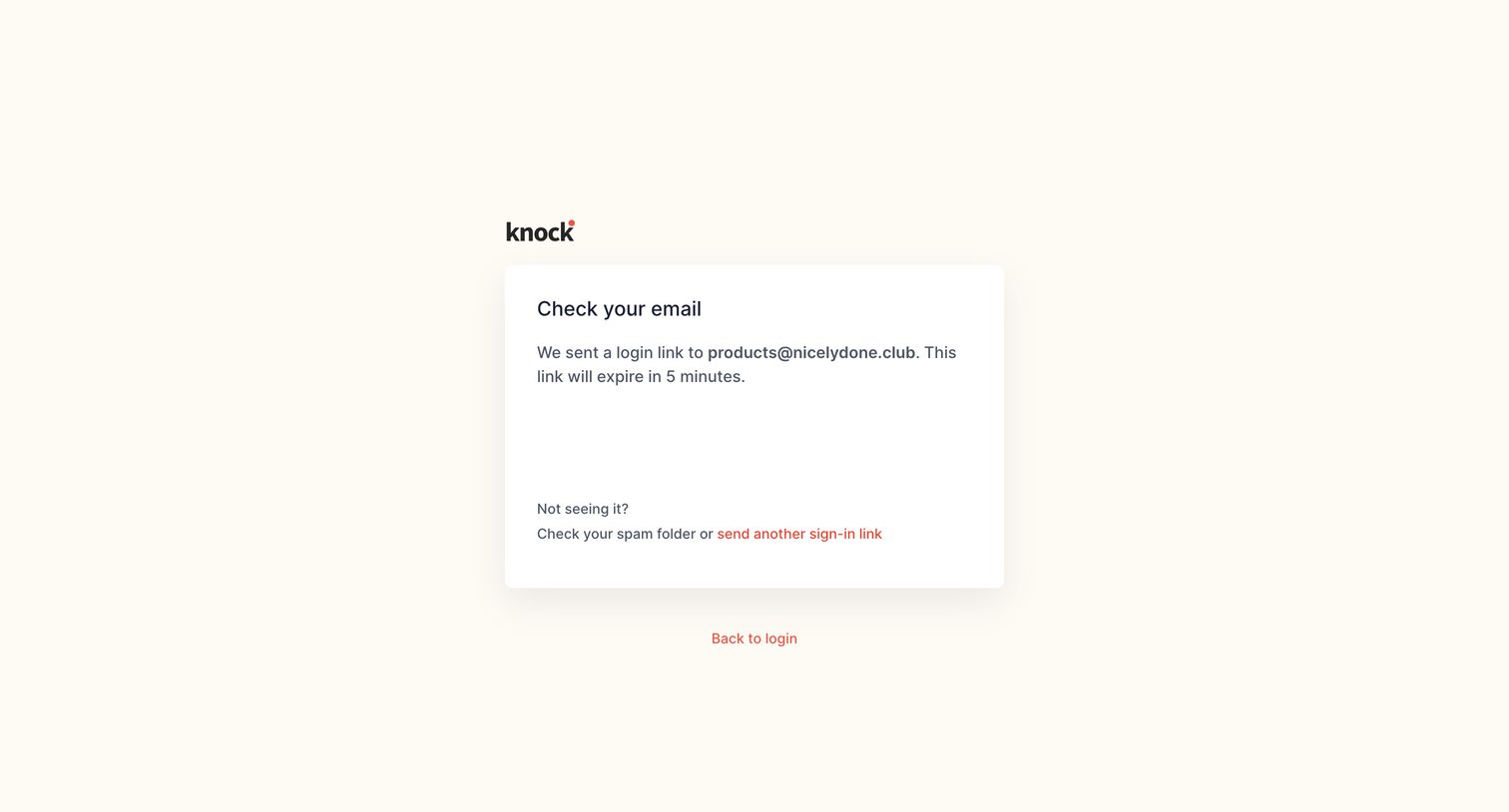
Verification screen where the user is instructed to check their email for a magic login link that expires in 5 minutes.
Knock - Log in | Knock screen
Knock logo
Knock

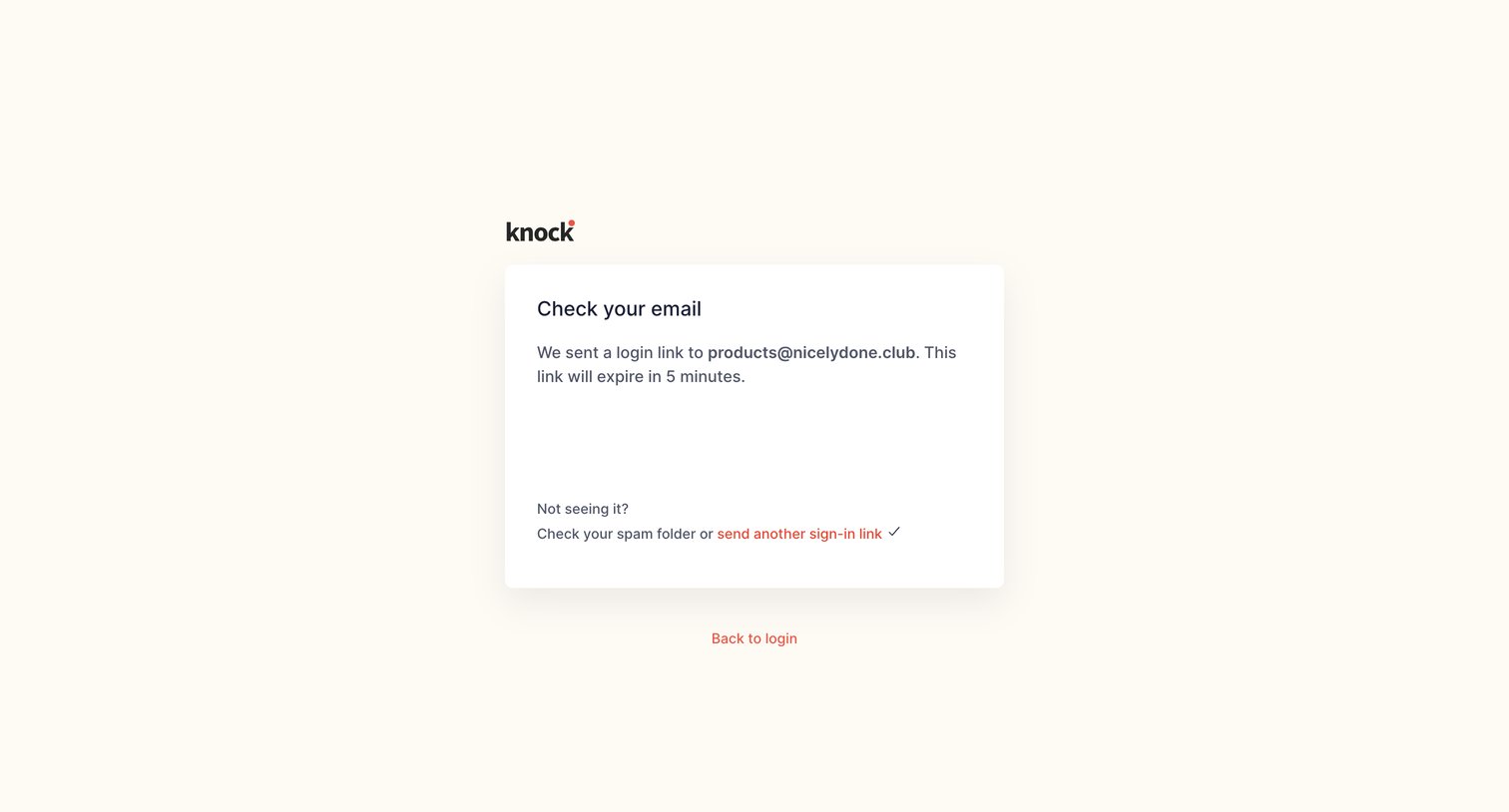
Authentication screen confirming a login link has been sent to the user's email, with options to resend the link or return to the login page.
Knock - Sign up | Knock screen
Knock logo
Knock

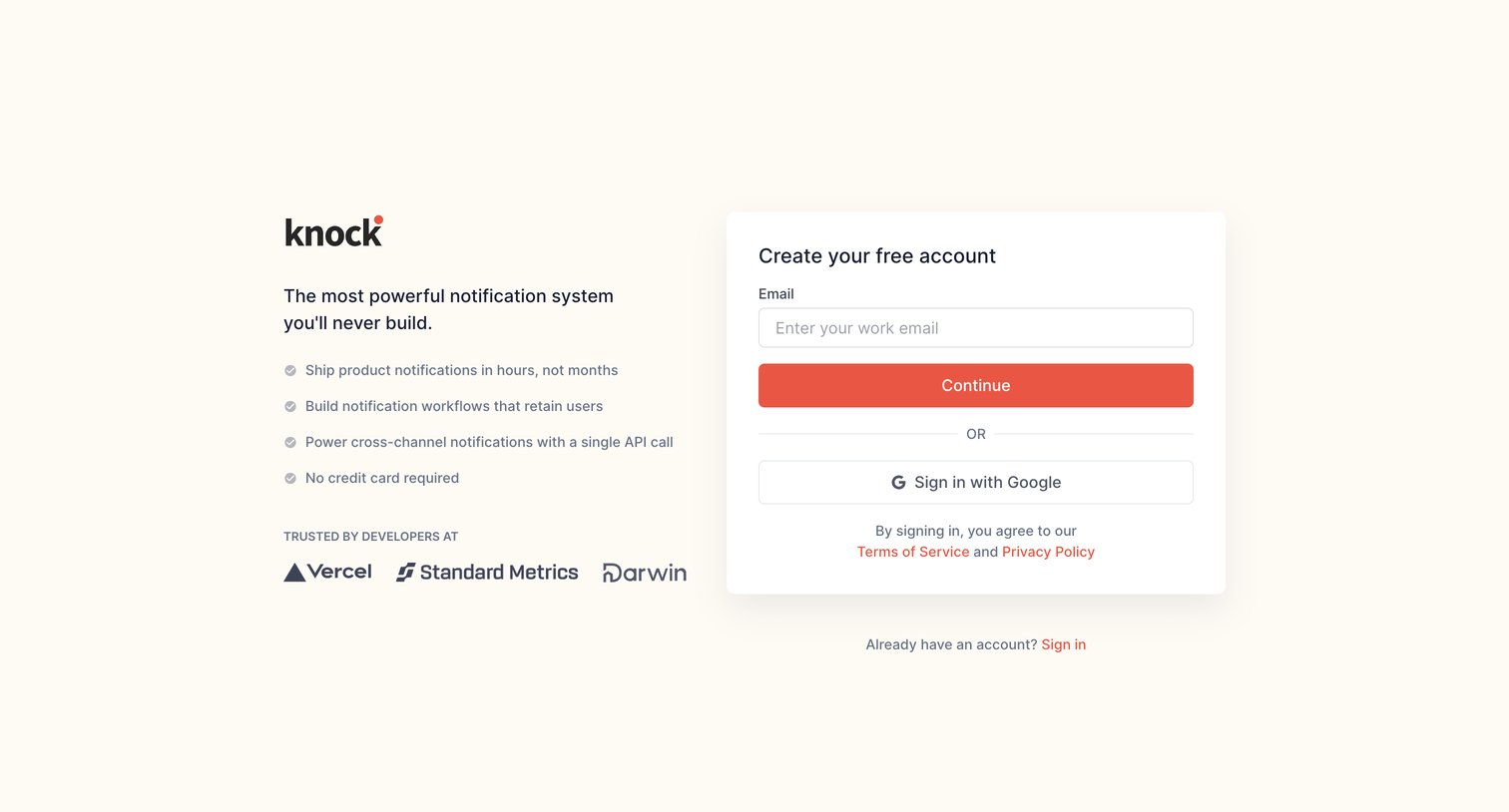
Signup page where the user creates an account via work email or Google SSO alongside a developer-focused value proposition and social proof.

Knock - Your profile | Knock screen
Knock logo
Knock

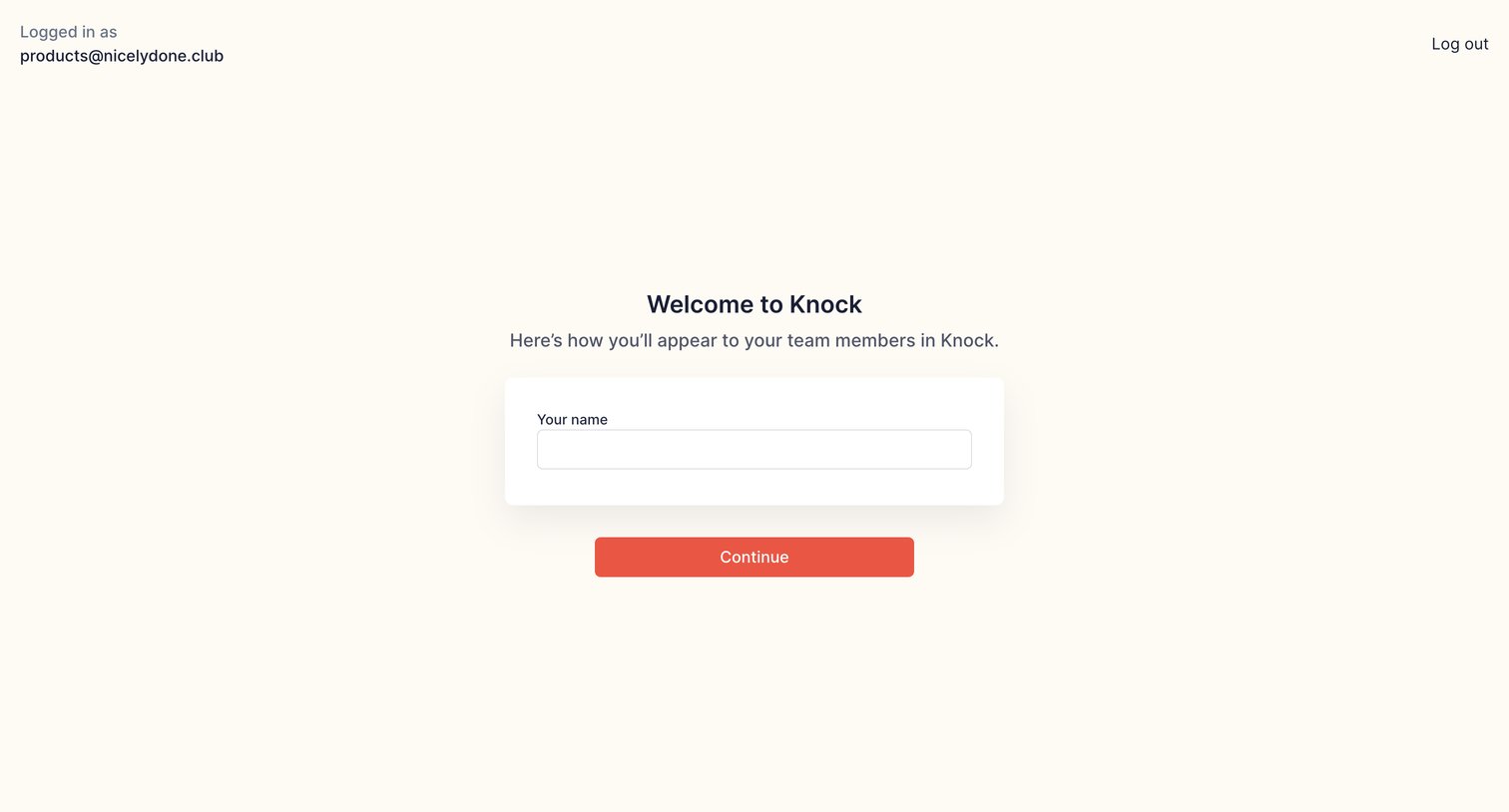
Onboarding step where the user enters their name to set up their profile.

Knock - Create account | Knock screen
Knock logo
Knock

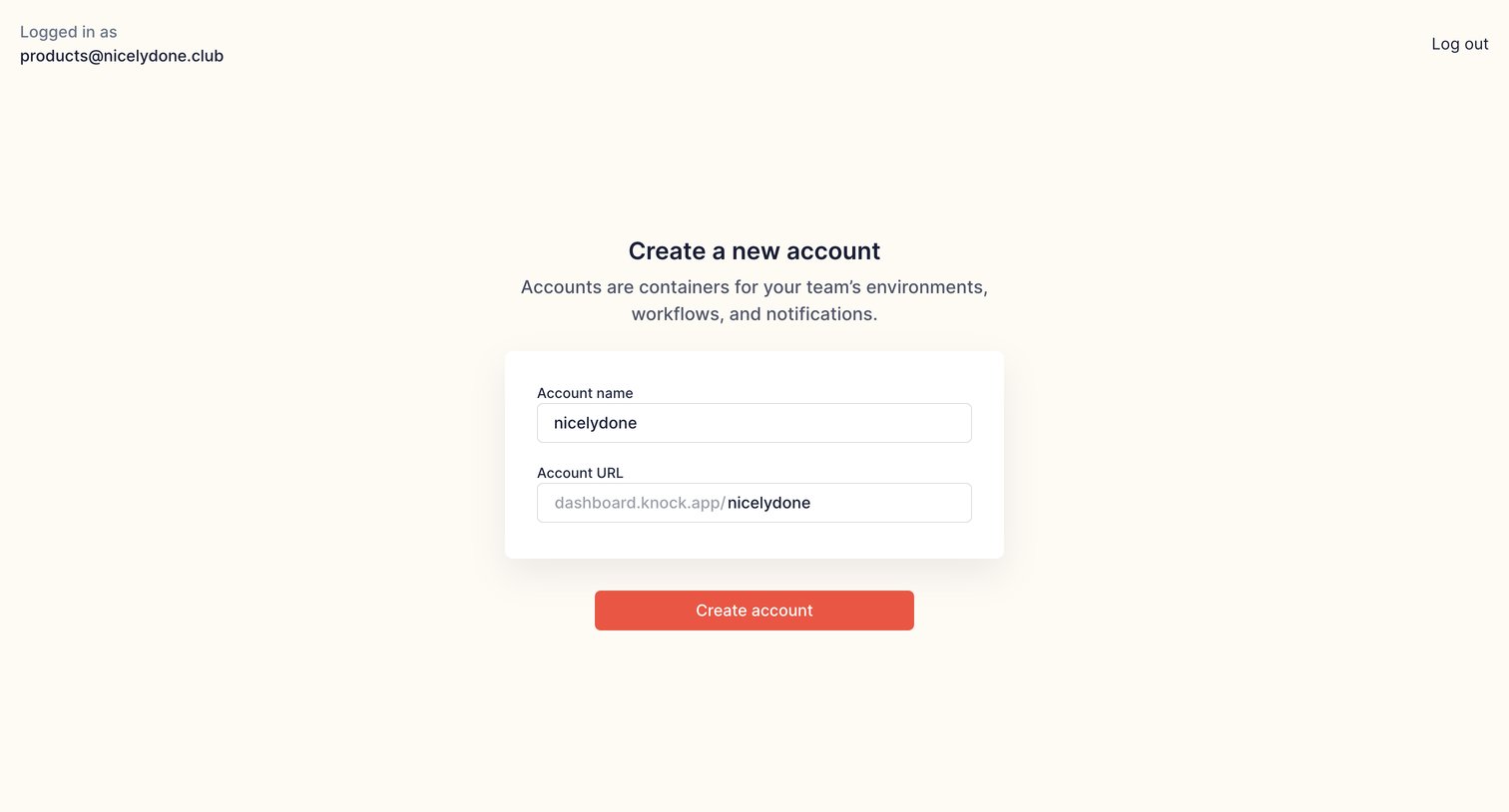
Create page where the user names a new account and sets its custom URL.

Knock - Create account | Knock screen
Knock logo
Knock

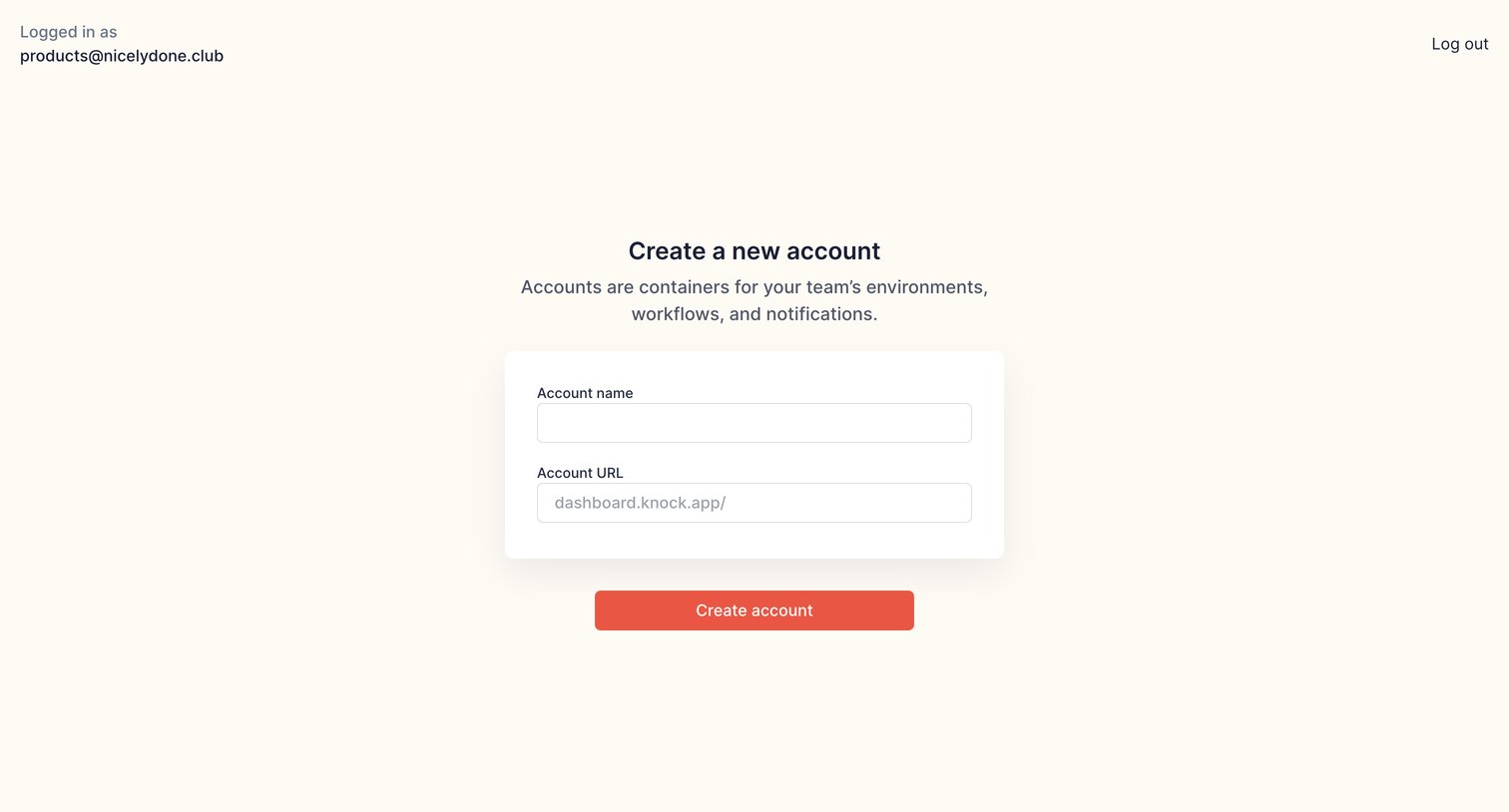
Onboarding step where a logged-in user names their new account and sets a custom URL slug.
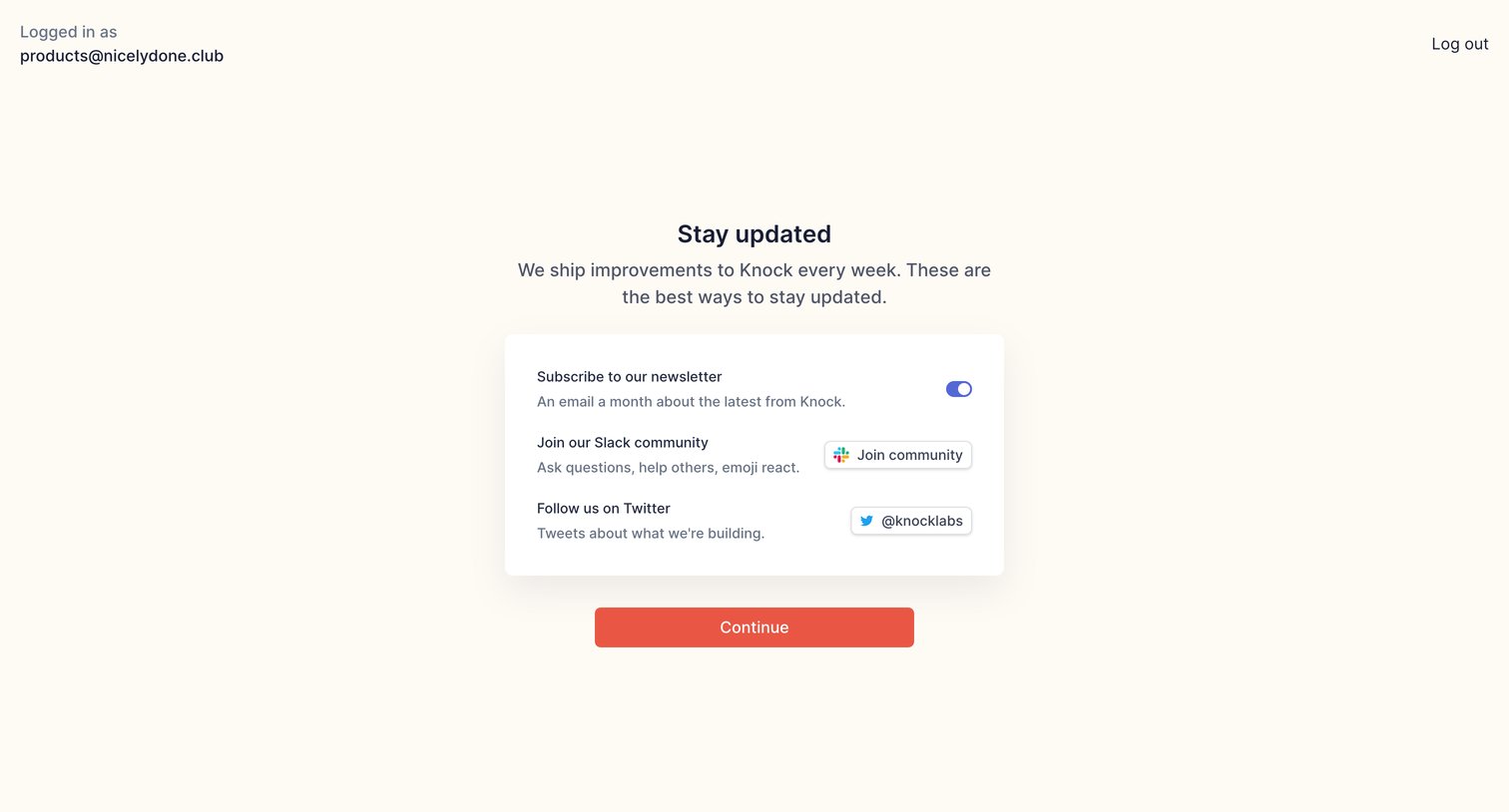
Knock - Stay updated | Knock screen
Knock logo
Knock

Onboarding step where the user can opt into the newsletter, join the Slack community, and follow the company on Twitter before continuing.
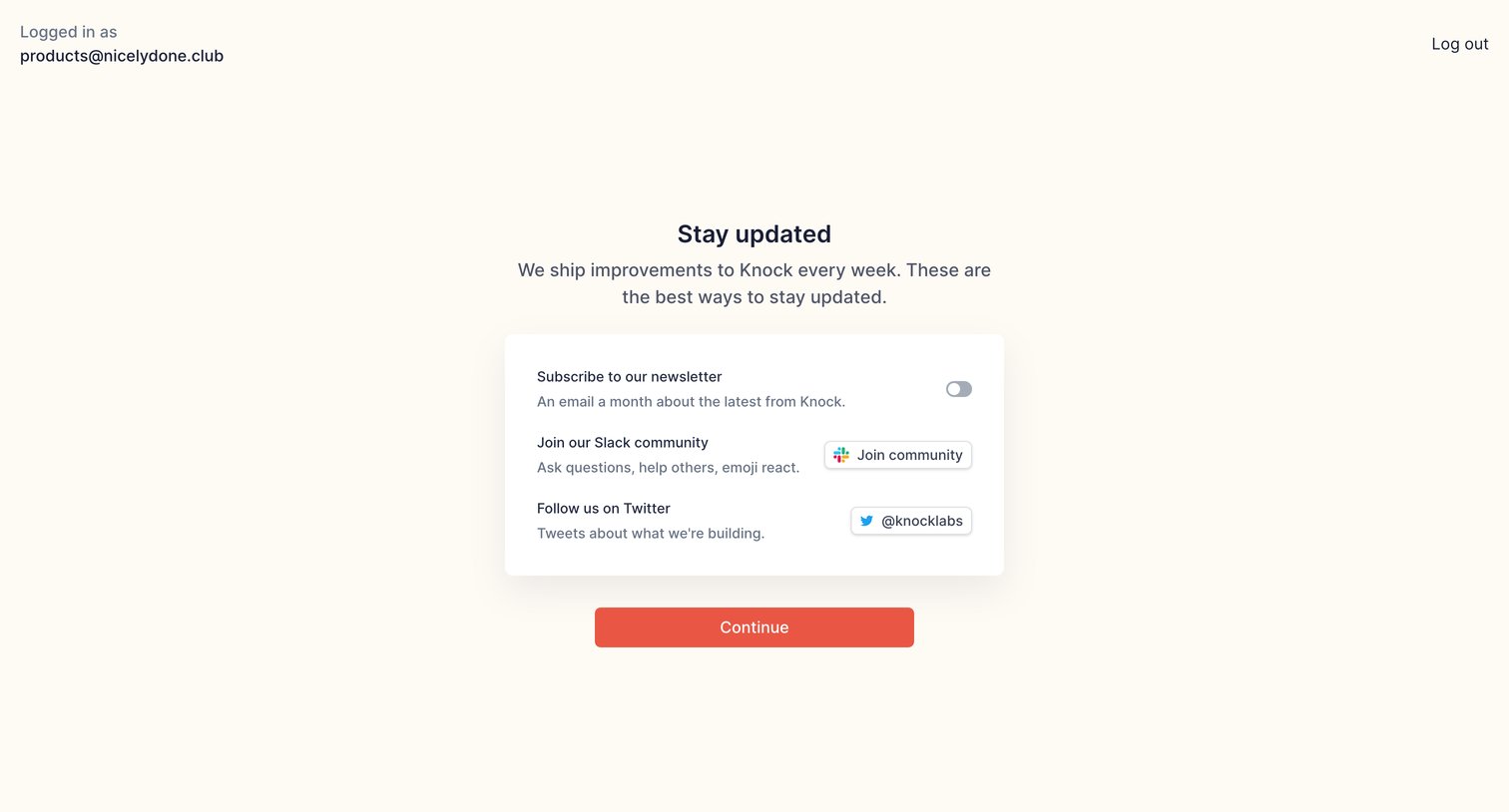
Knock - Stay updated | Knock screen
Knock logo
Knock

Onboarding step where the user is prompted to subscribe to the newsletter, join the Slack community, and follow the company on Twitter before continuing.
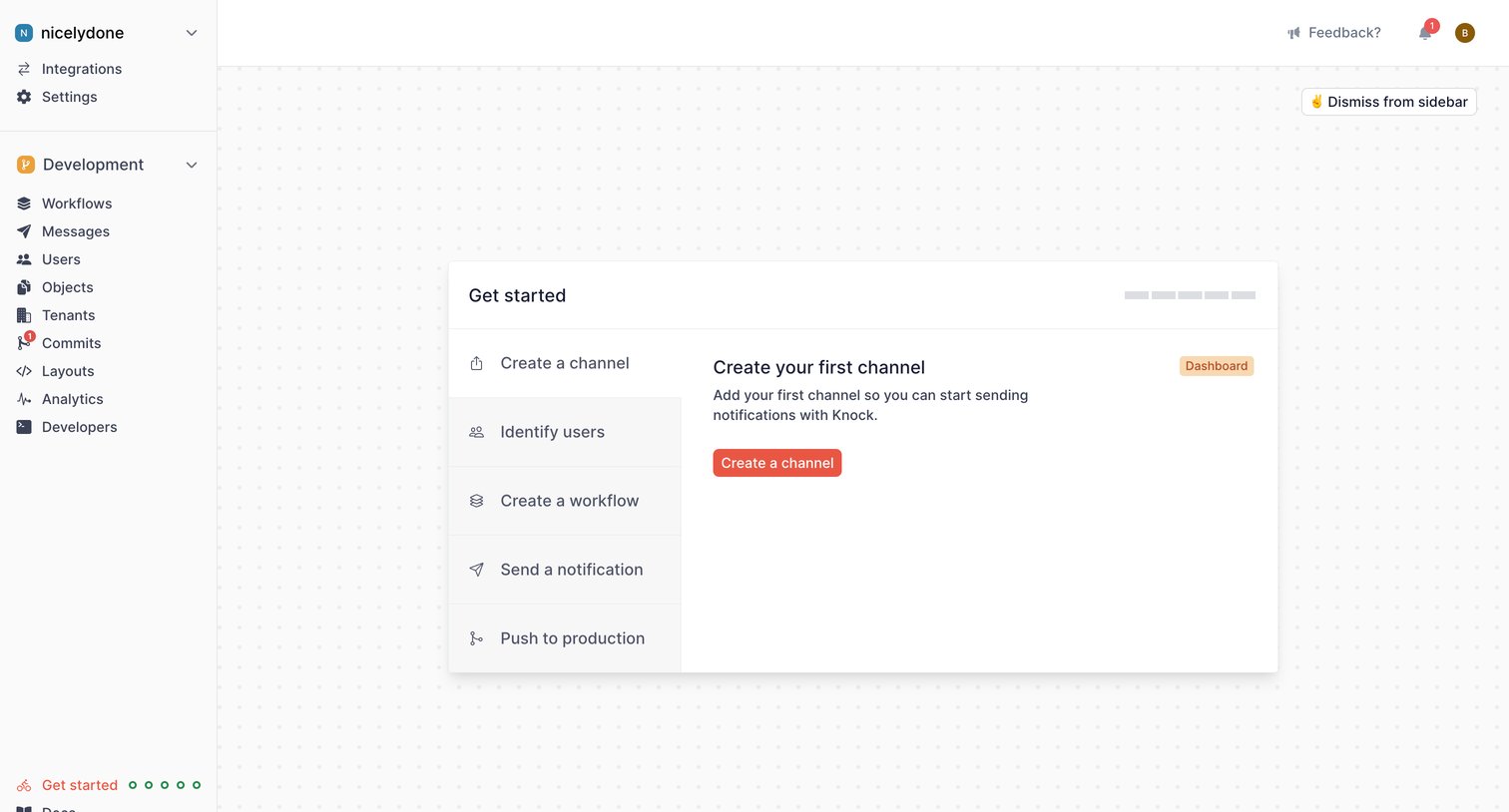
Knock - Get started | Knock screen
Knock logo
Knock

Onboarding screen where the user follows a step-by-step checklist to configure their workspace, starting with creating their first channel.

Explore the full SaaS screen library

Upgrade to unlock the full library.

Trusted by the best teams