Route map screen examples
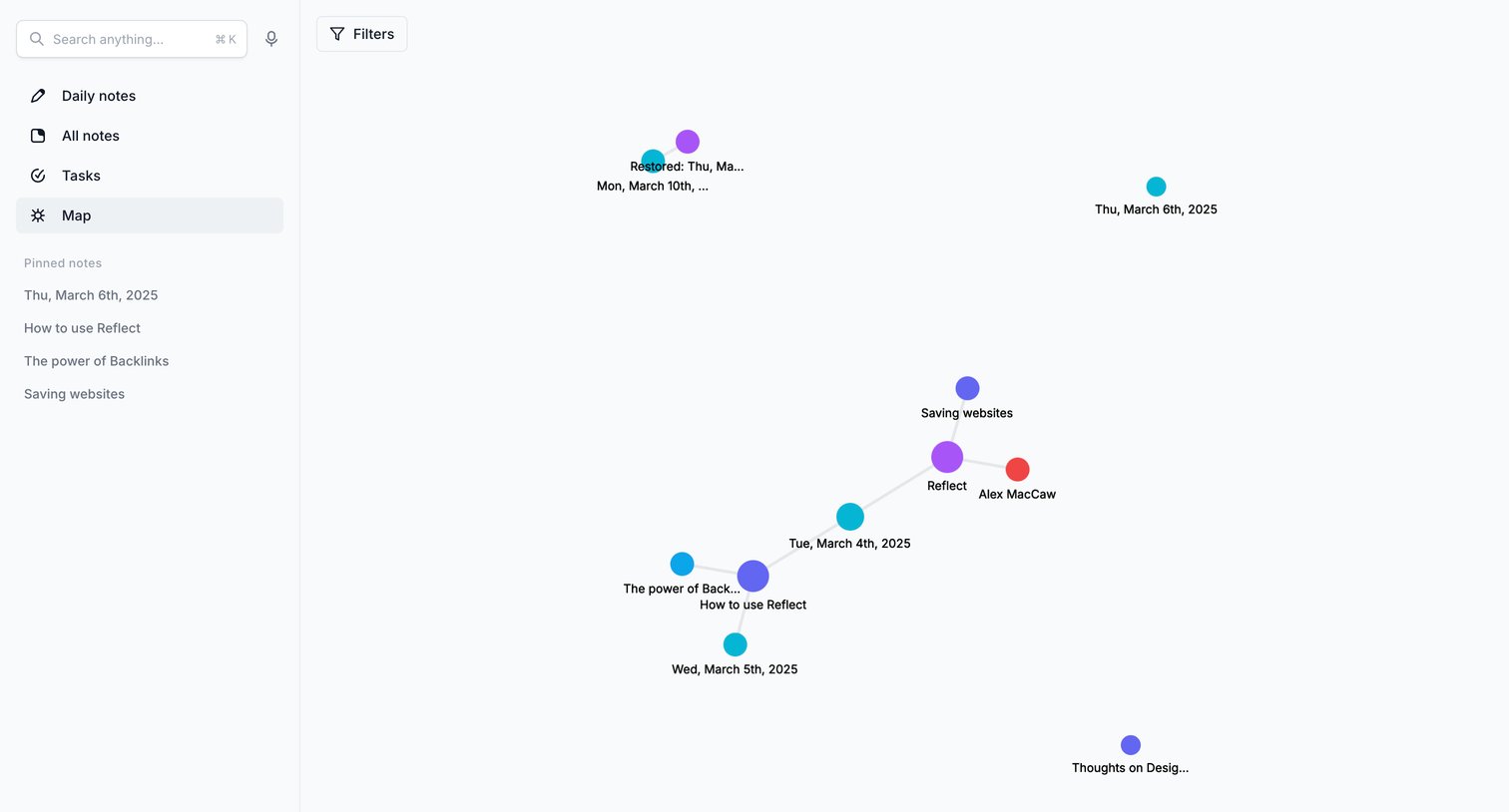
Route map screen design examples from SaaS apps. Browse examples from Reflect, Front, Rayon.
Explore the examples

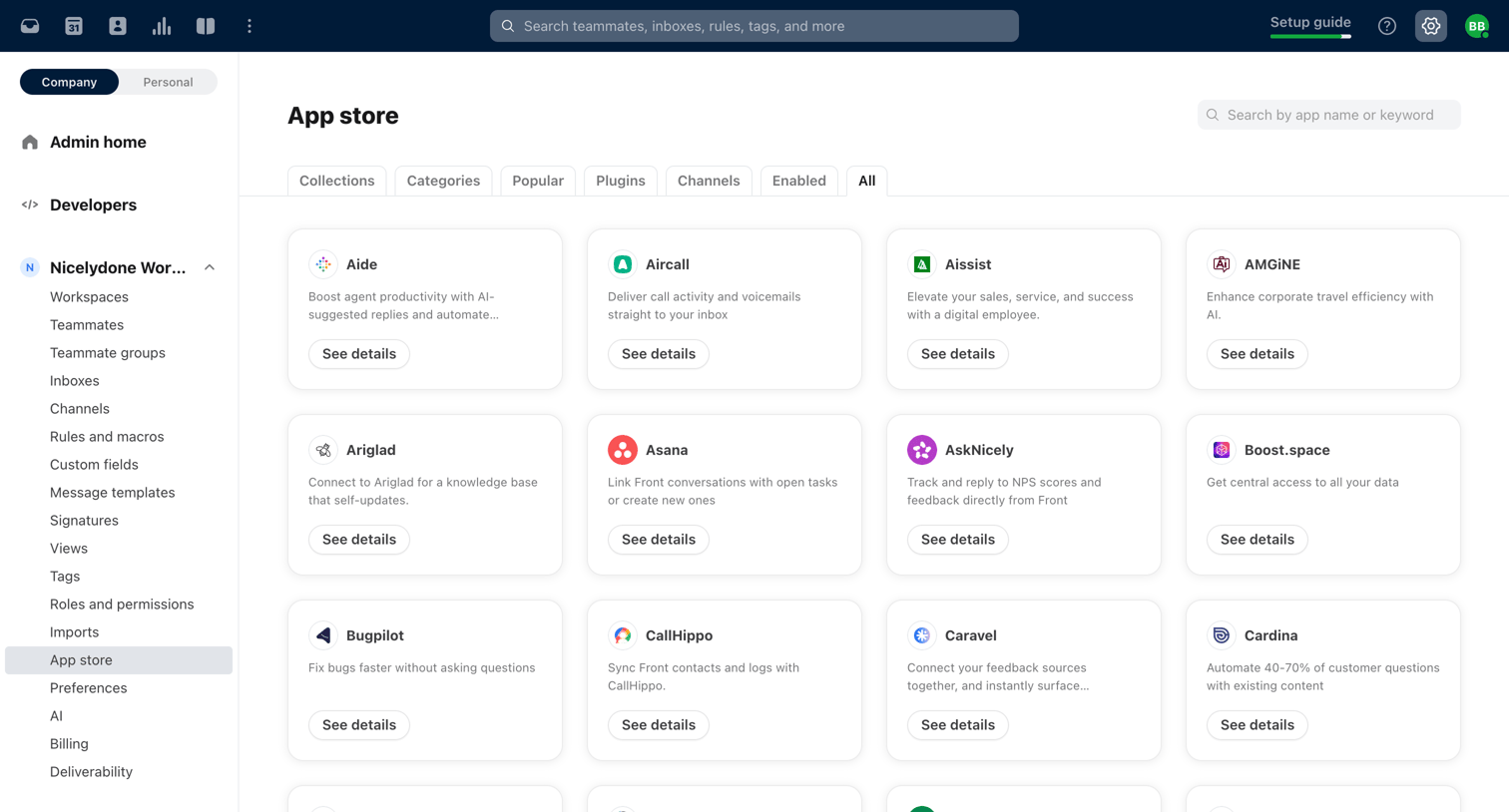

Settings page where the user browses and searches for third-party apps like Asana, GitHub, and Salesforce to connect to their workspace.
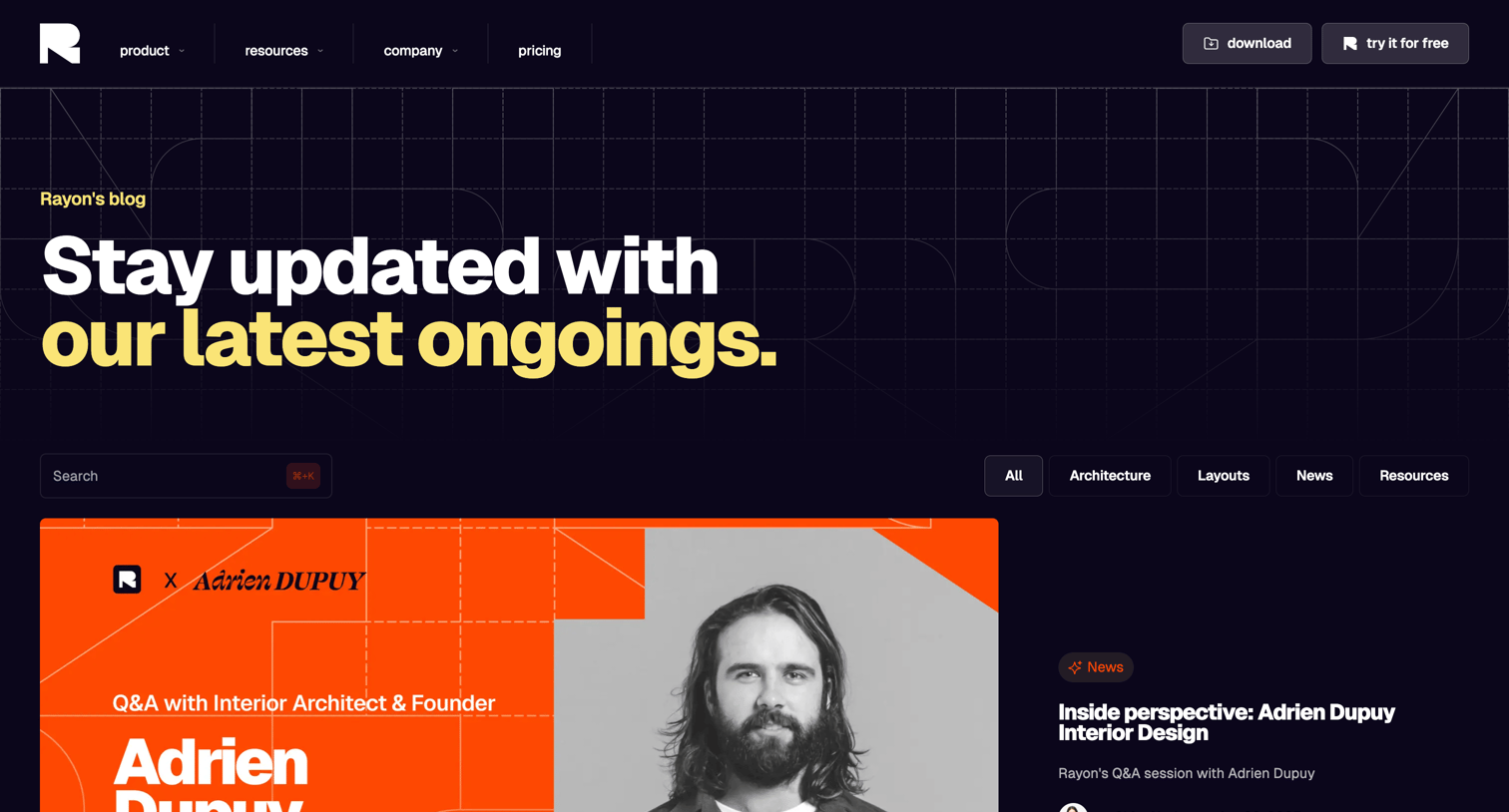

Blog index page where the user browses the latest articles, filters by categories like Architecture and Layouts, and searches for specific topics.
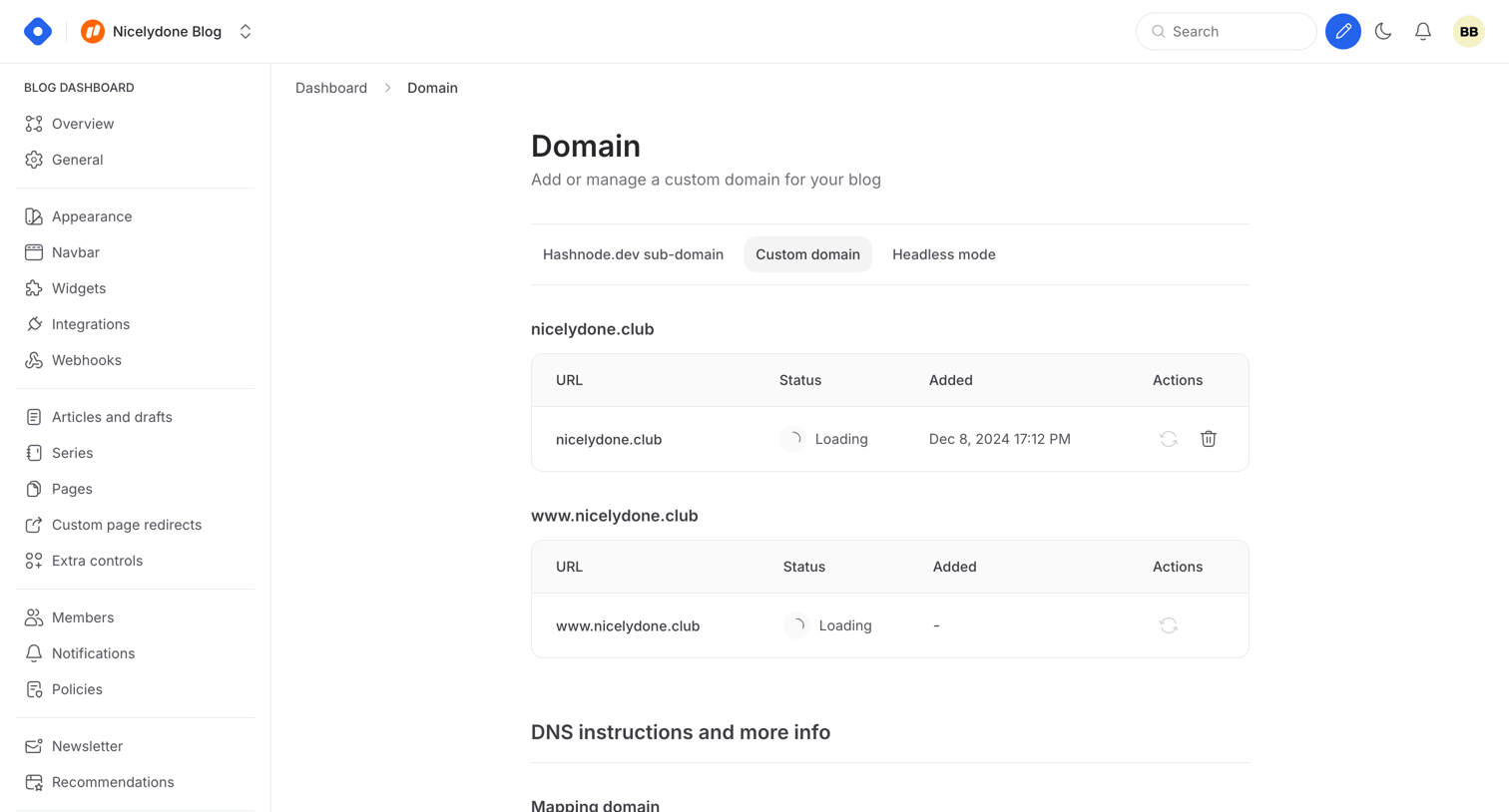

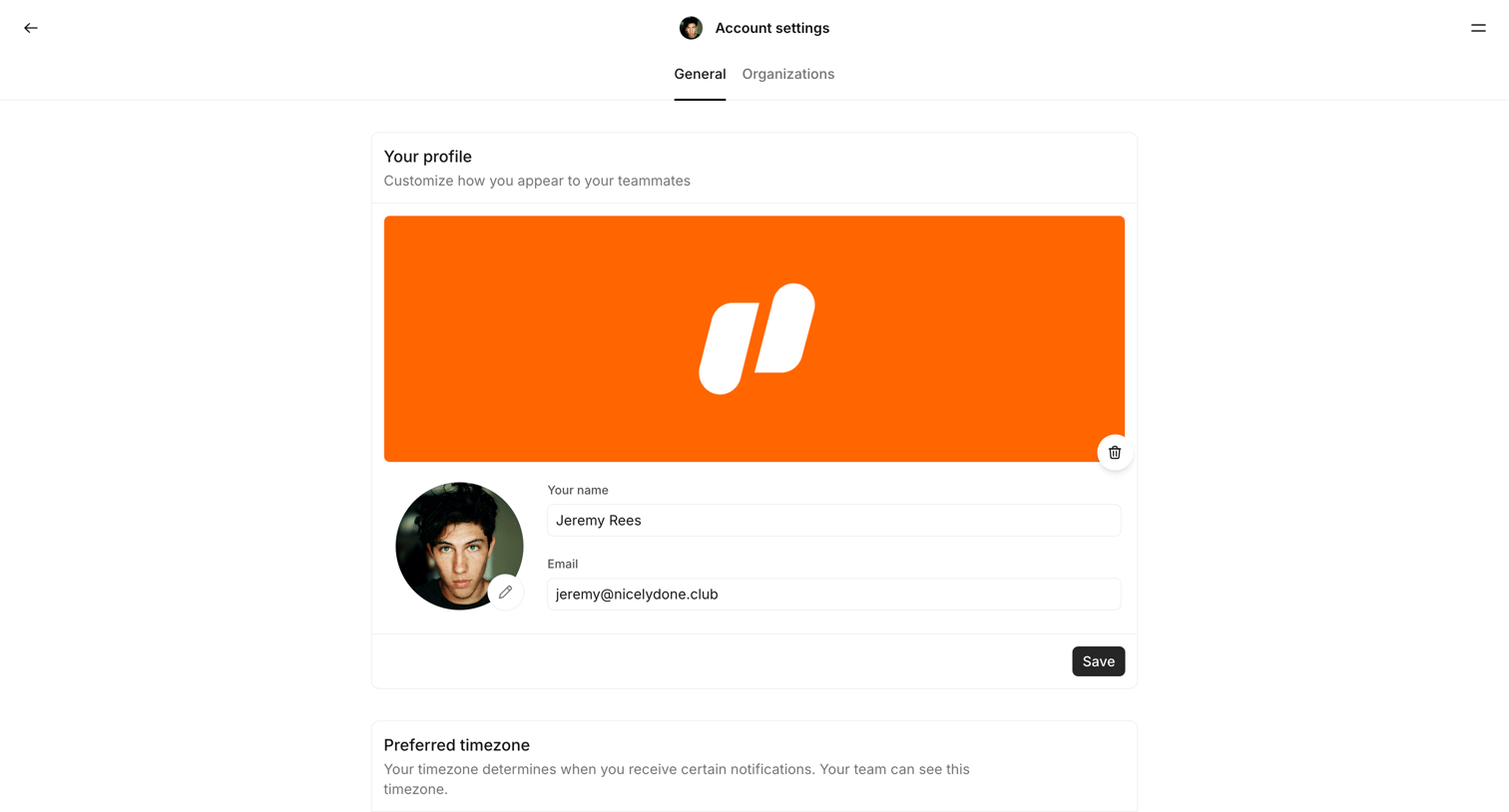

Account settings page where the user configures their profile details, app downloads, integrations like Figma and Slack, interface theme, notification schedules, and security preferences including two-factor authentication.
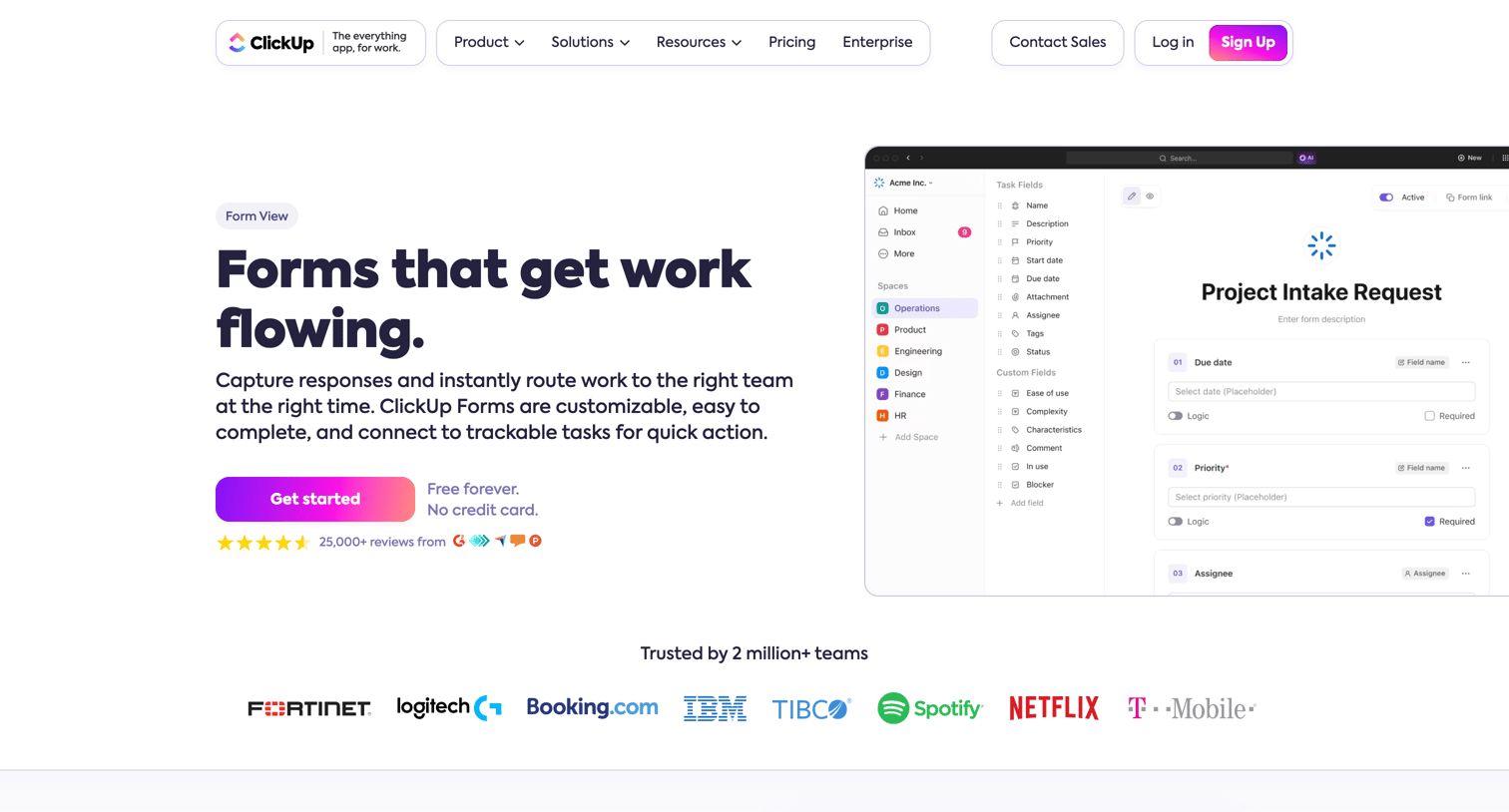

Feature page for ClickUp's form builder, highlighting how to capture responses, use conditional logic, and turn feedback into trackable tasks.
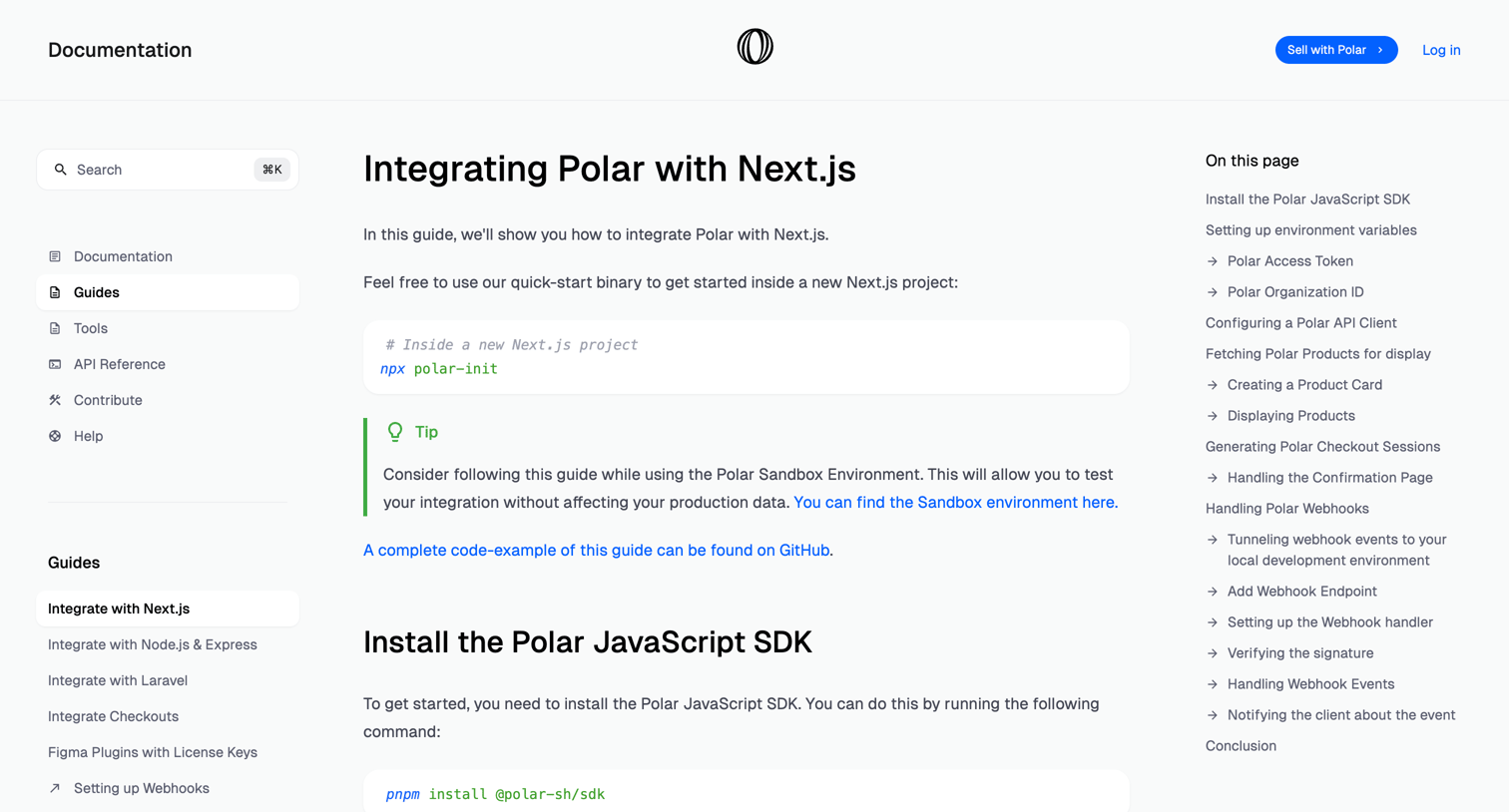

Developer documentation guide explaining how to integrate Polar with a Next.js application, including environment variables, API client setup, and webhook handling.
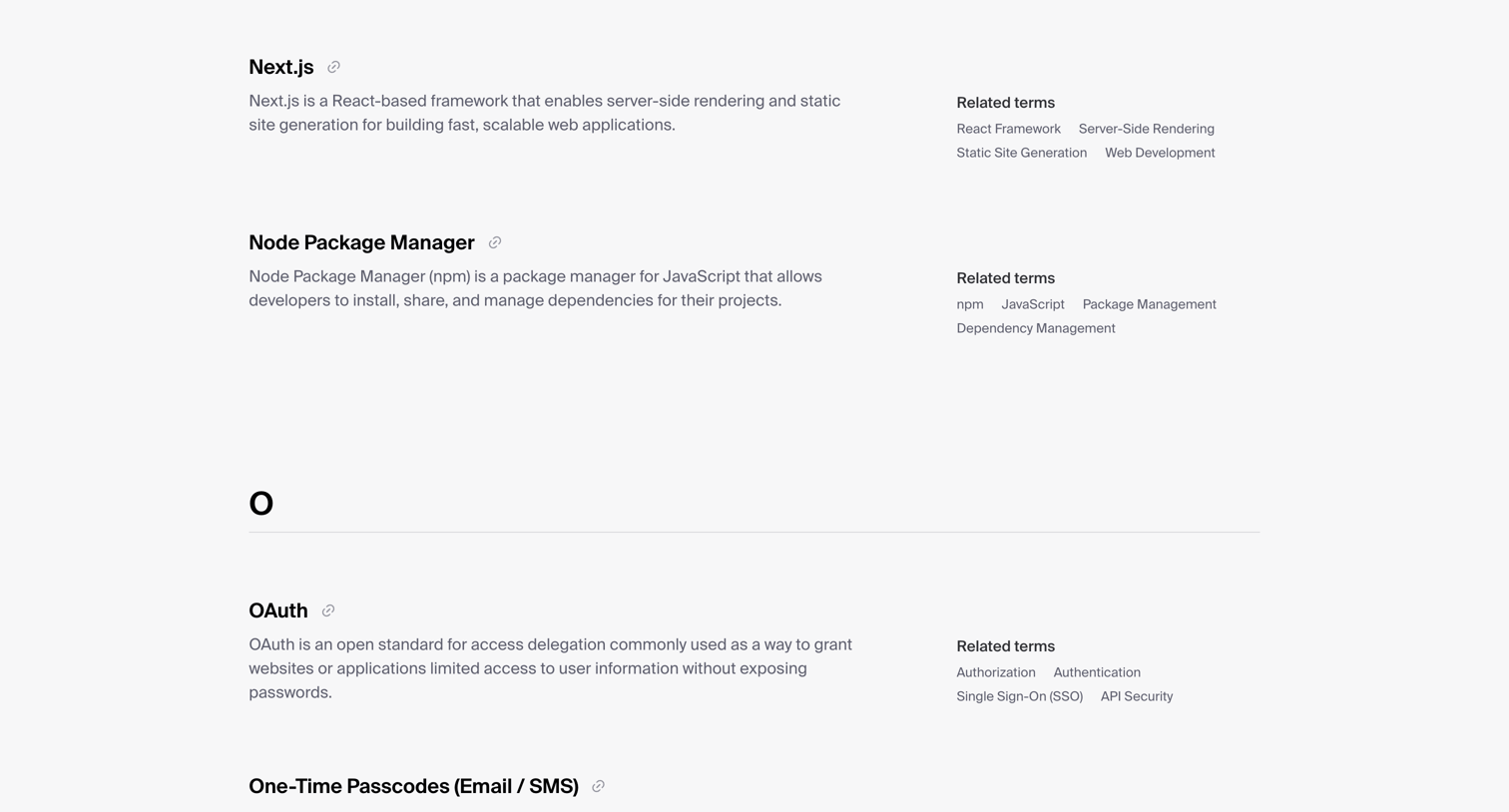

Knowledge page displaying an alphabetical glossary of technical terms related to authentication and web development, including definitions and related concepts.
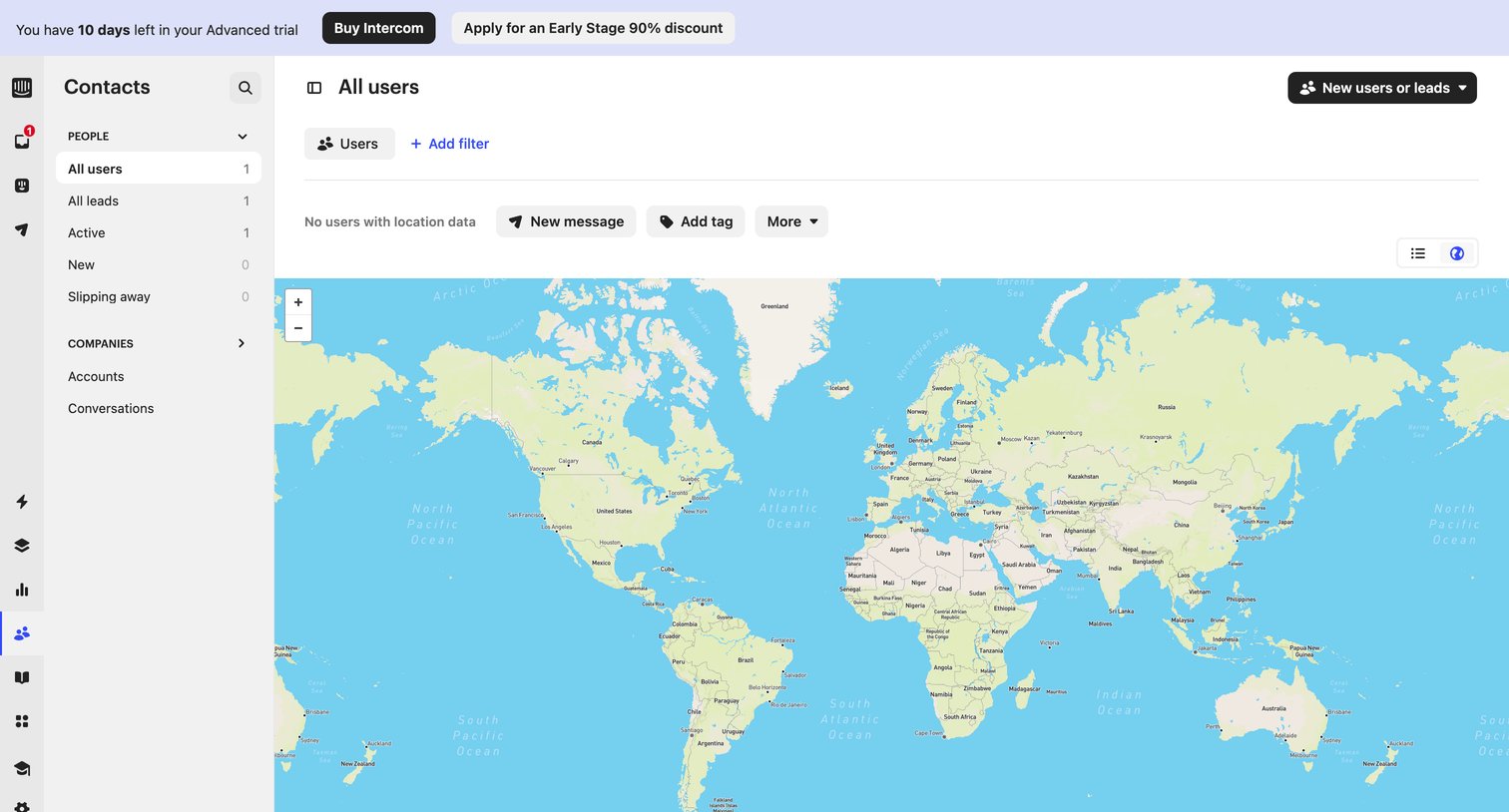

List view where the user views their contacts plotted on a world map, currently showing an empty state for location data beneath a trial expiration banner.
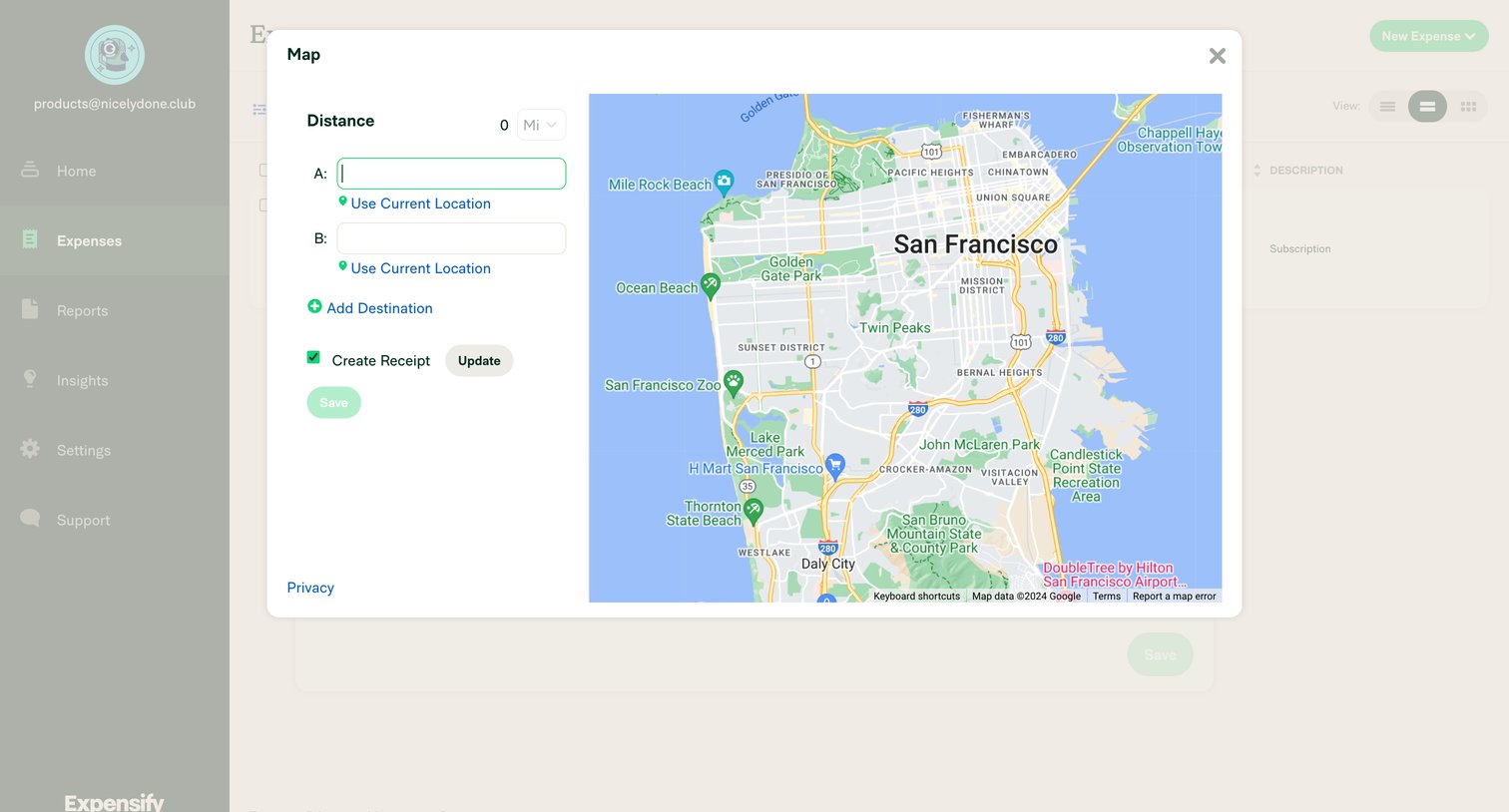

Create screen where the user calculates a distance-based expense by entering start and end locations on an interactive map.
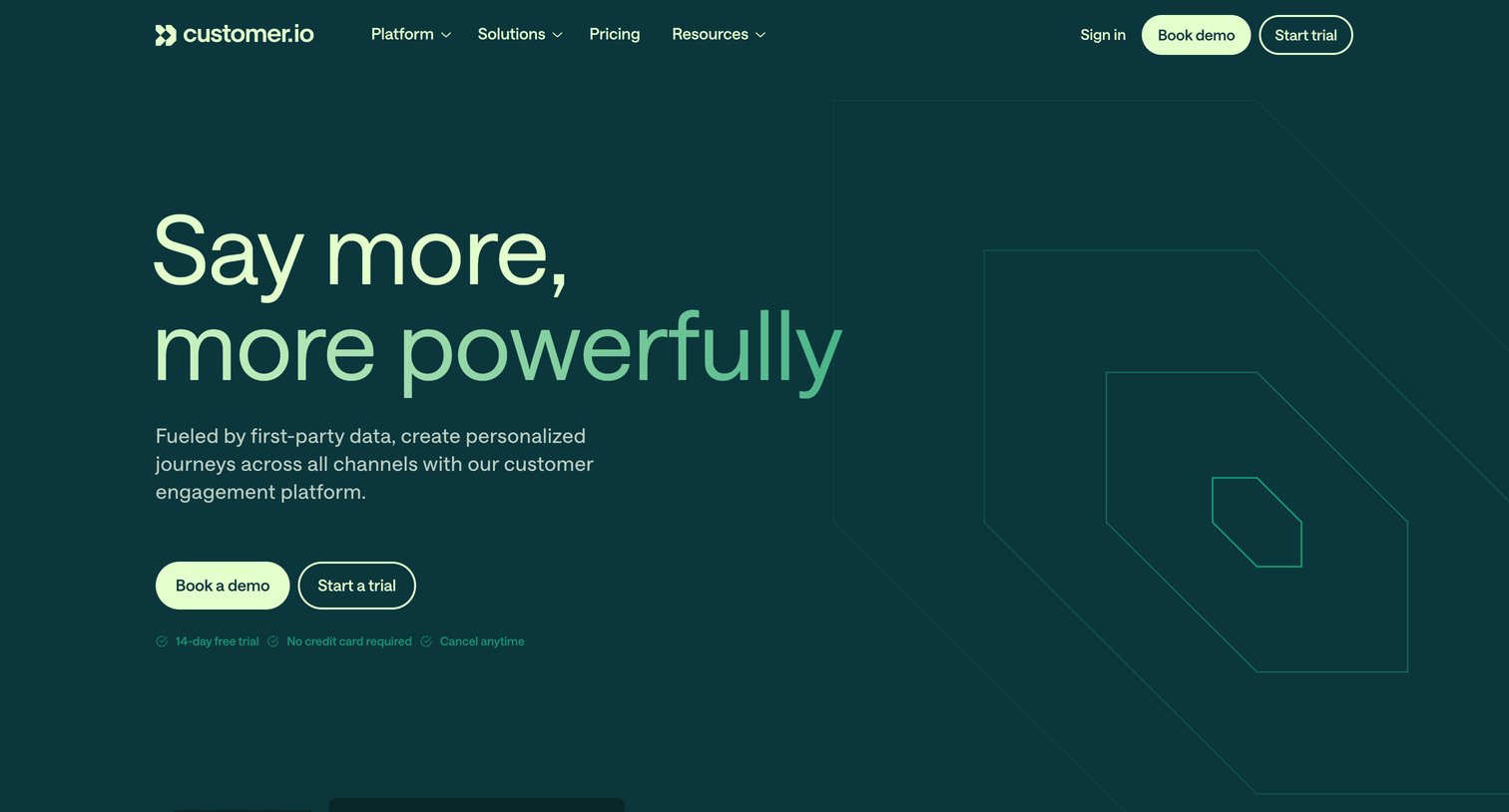

Landing page for a customer engagement platform highlighting messaging automation, data pipelines, and omnichannel capabilities.
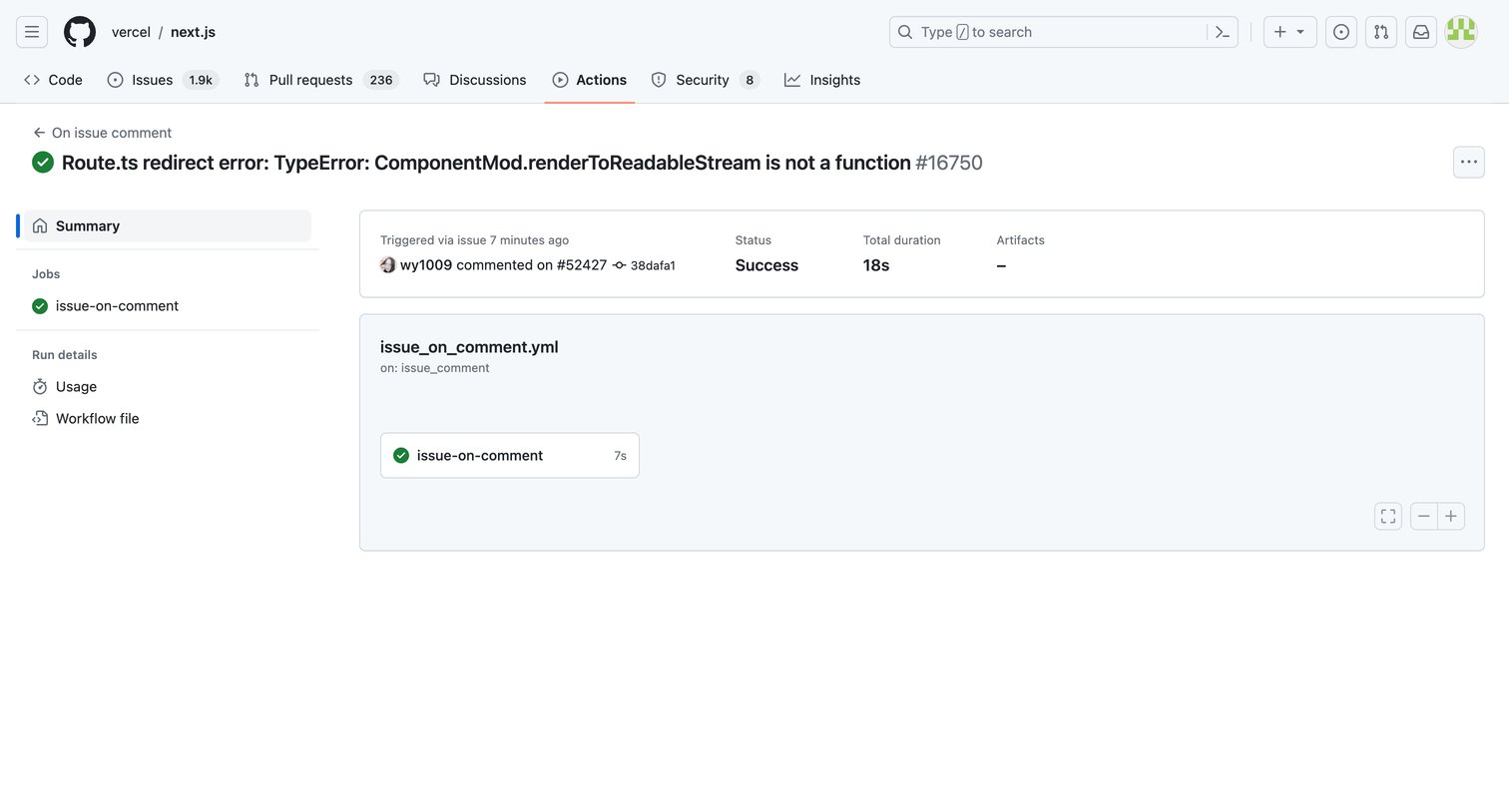

Detail page where the user views the success status, total duration, and job breakdown of a specific GitHub Action workflow run.
Explore the full SaaS screen library
Upgrade to unlock the full library.
Trusted by the best teams







