Progress circle screen examples
Progress circle screen design examples from SaaS apps. Browse examples from Replit, Kajabi, Jimo.
Explore the examples
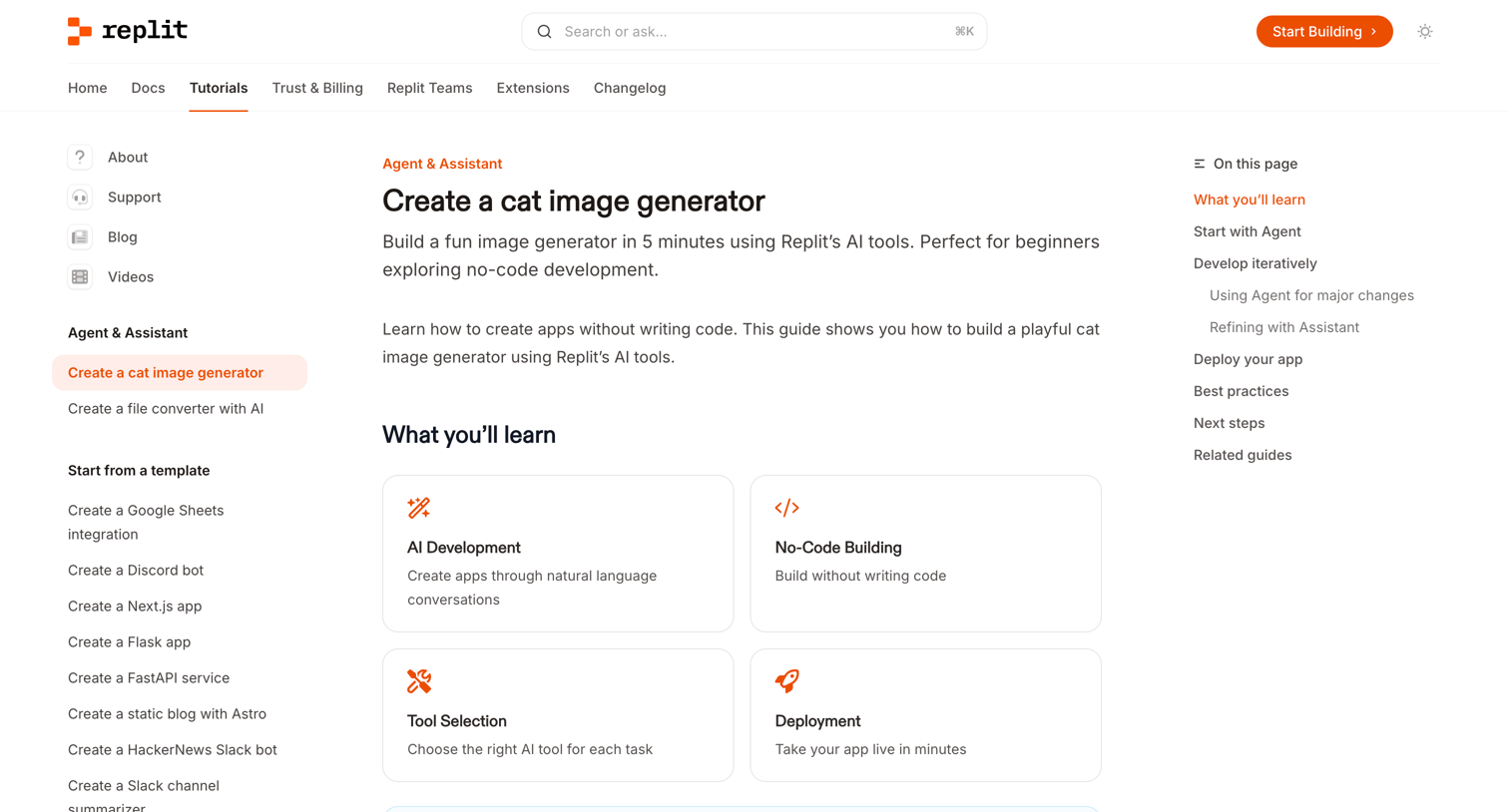

Documentation quickstart guide explaining how to build a cat image generator using Replit's AI Agent and Assistant without writing code.
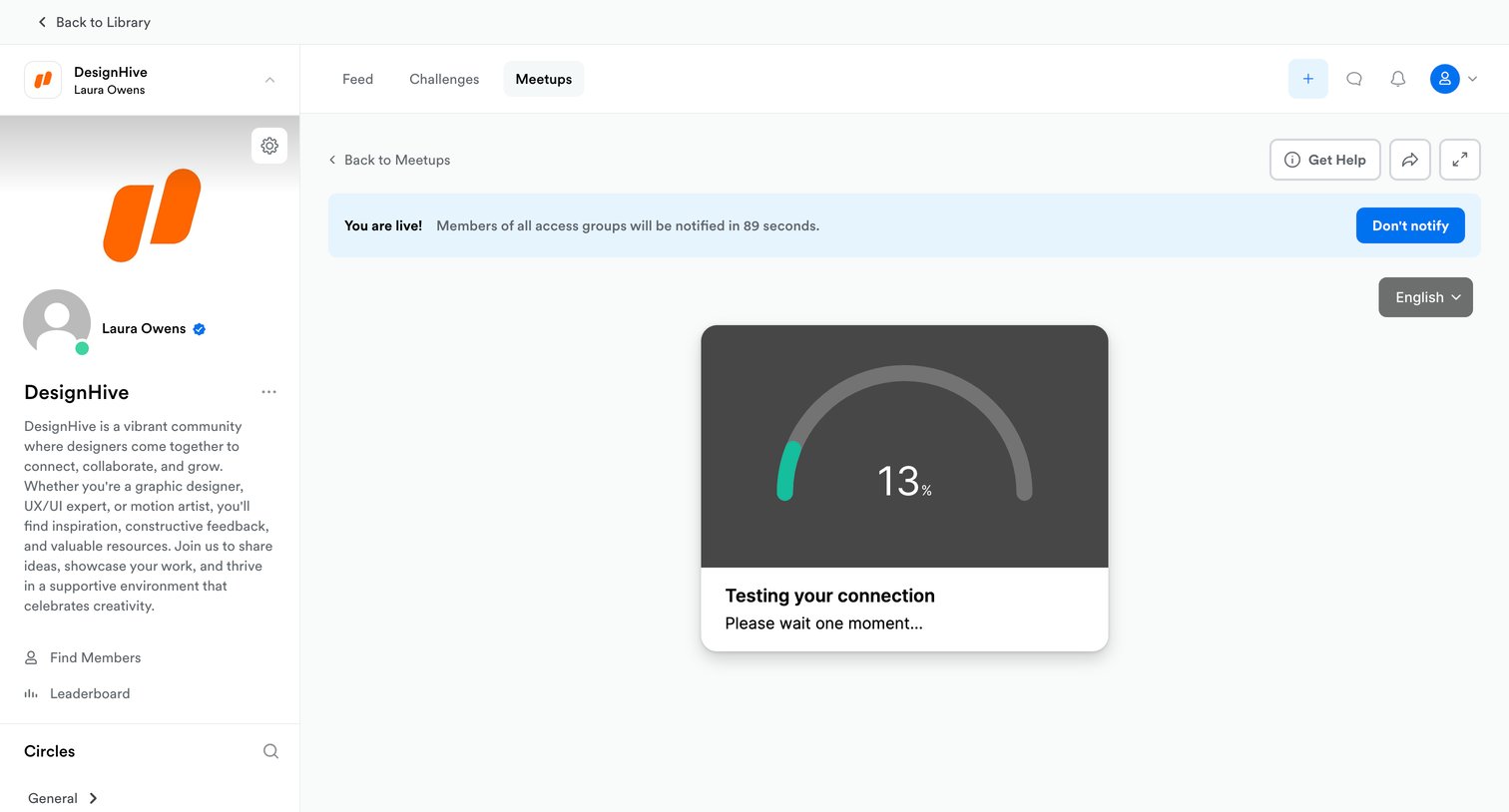

Detail page for a live community meetup where the user is testing their connection before notifying members.
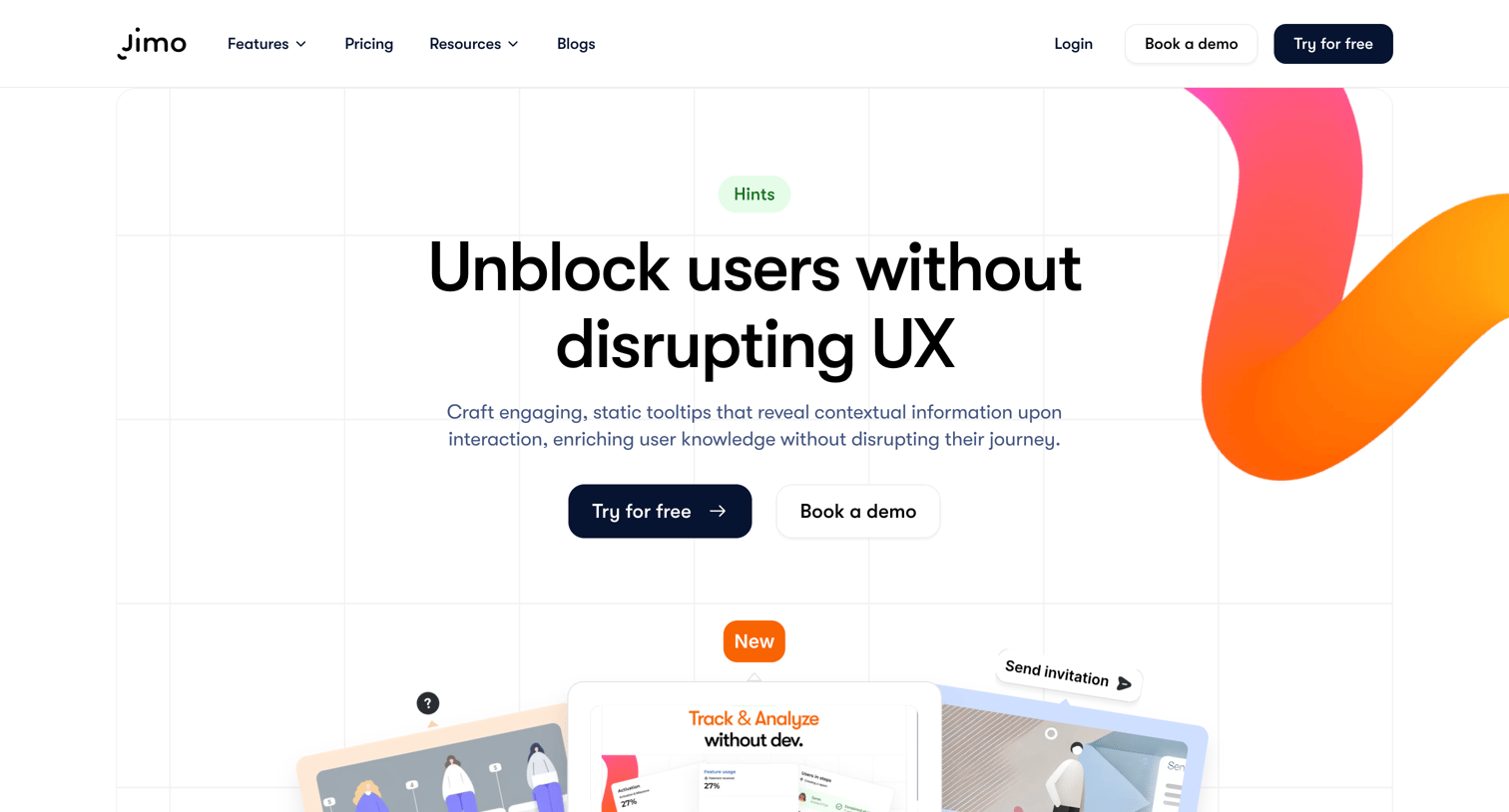

Feature page explaining how to unblock users with contextual tooltips, showcasing use cases, customization options, and performance analytics.
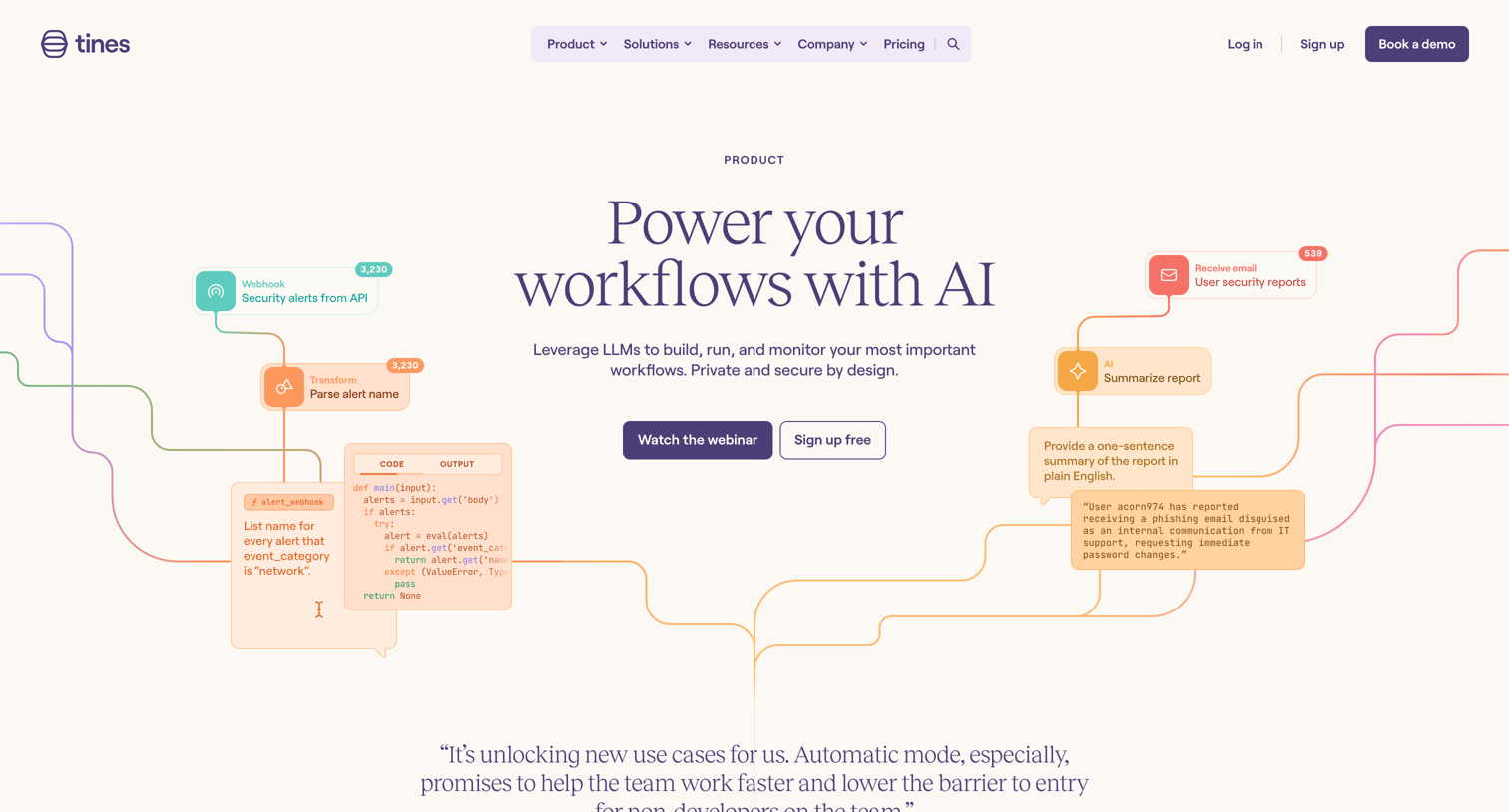

Feature page where the user learns about AI capabilities for building workflows, exploring use cases like creating timelines, checking documents for sensitive information, and analyzing pull requests.
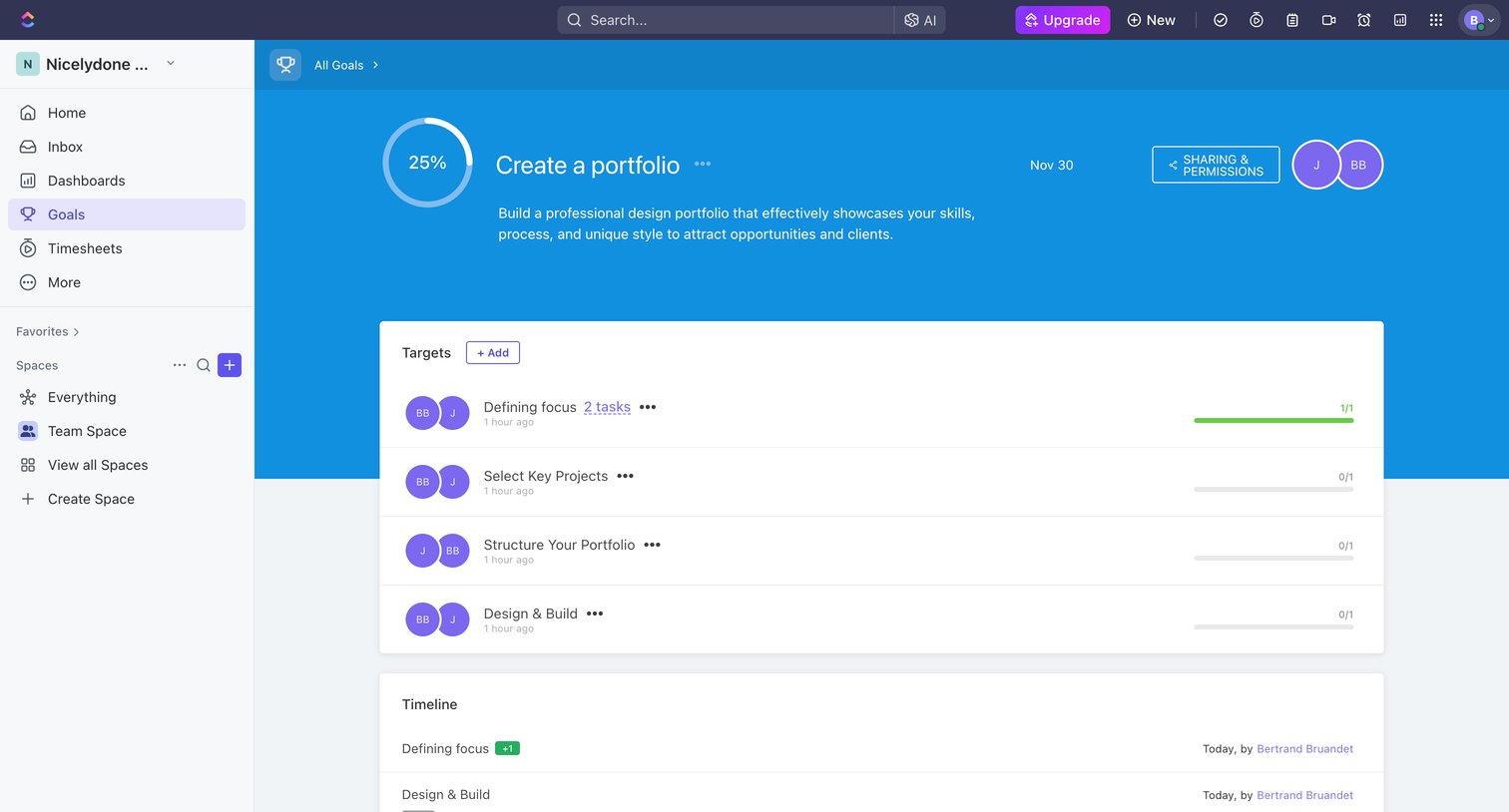

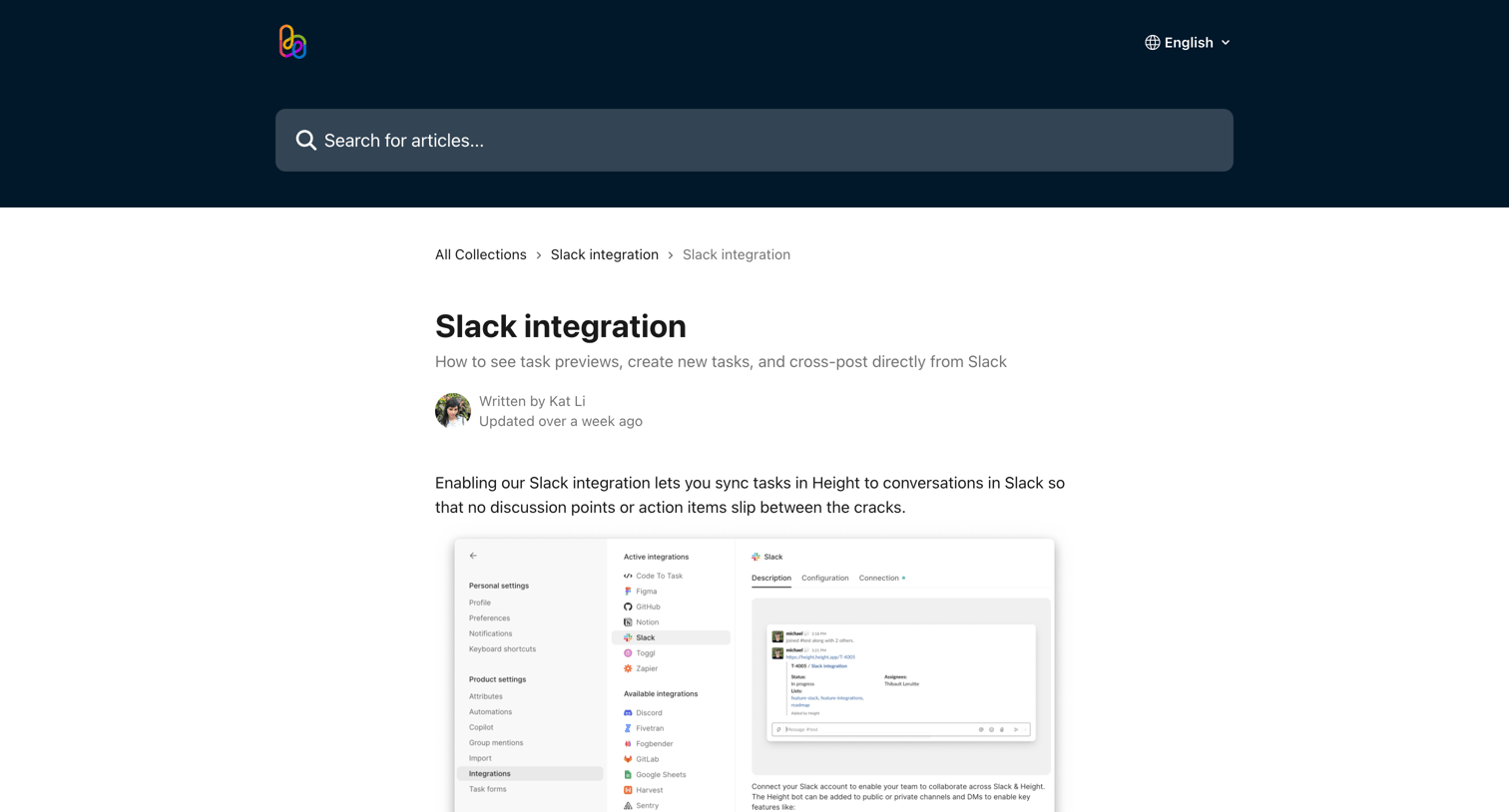

Help center article explaining how to set up and use the Slack integration, including task previews and cross-posting.
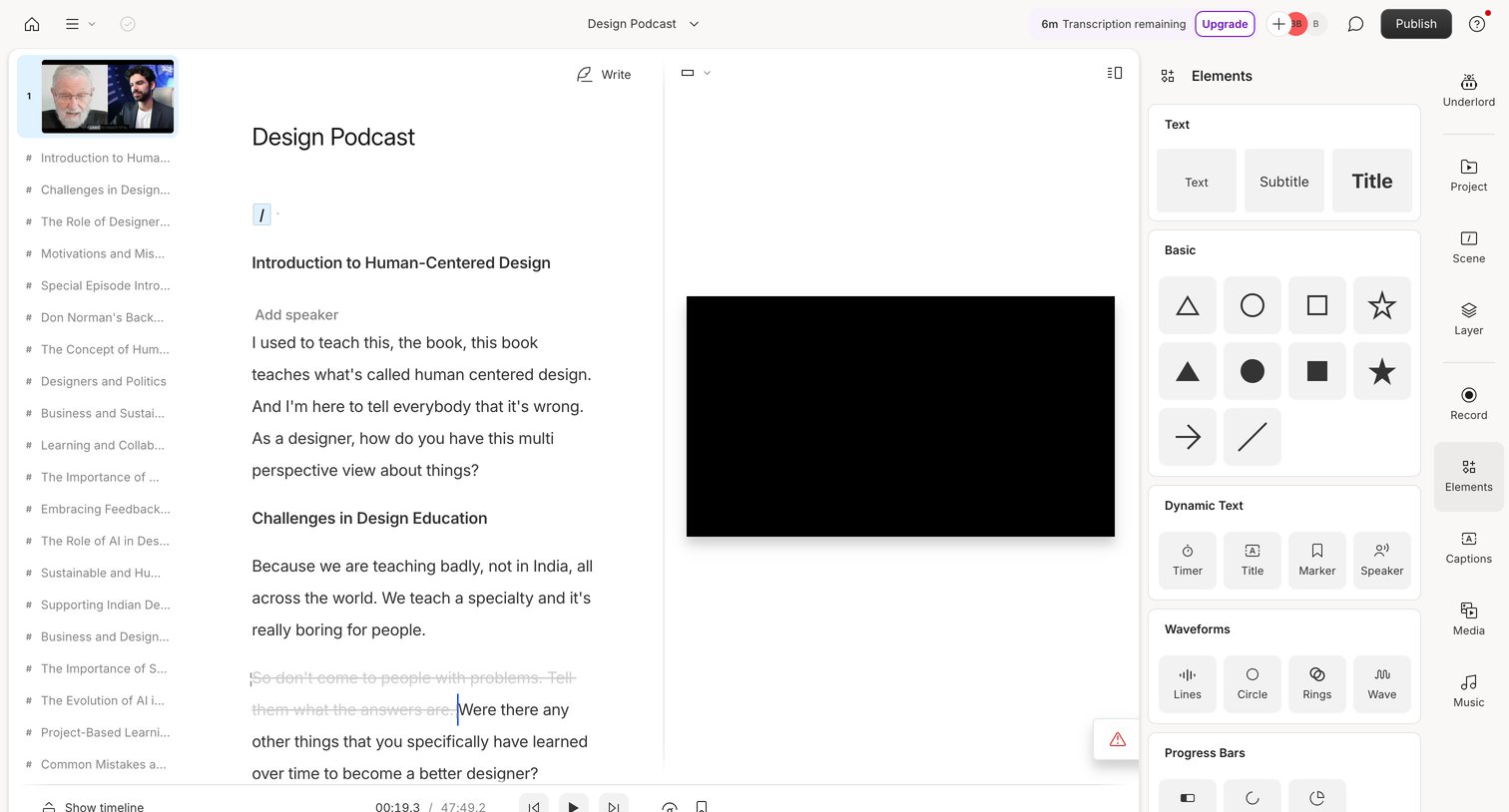

Design editor where the user edits a video by modifying its transcript, with an elements panel open to add text, shapes, and dynamic overlays.
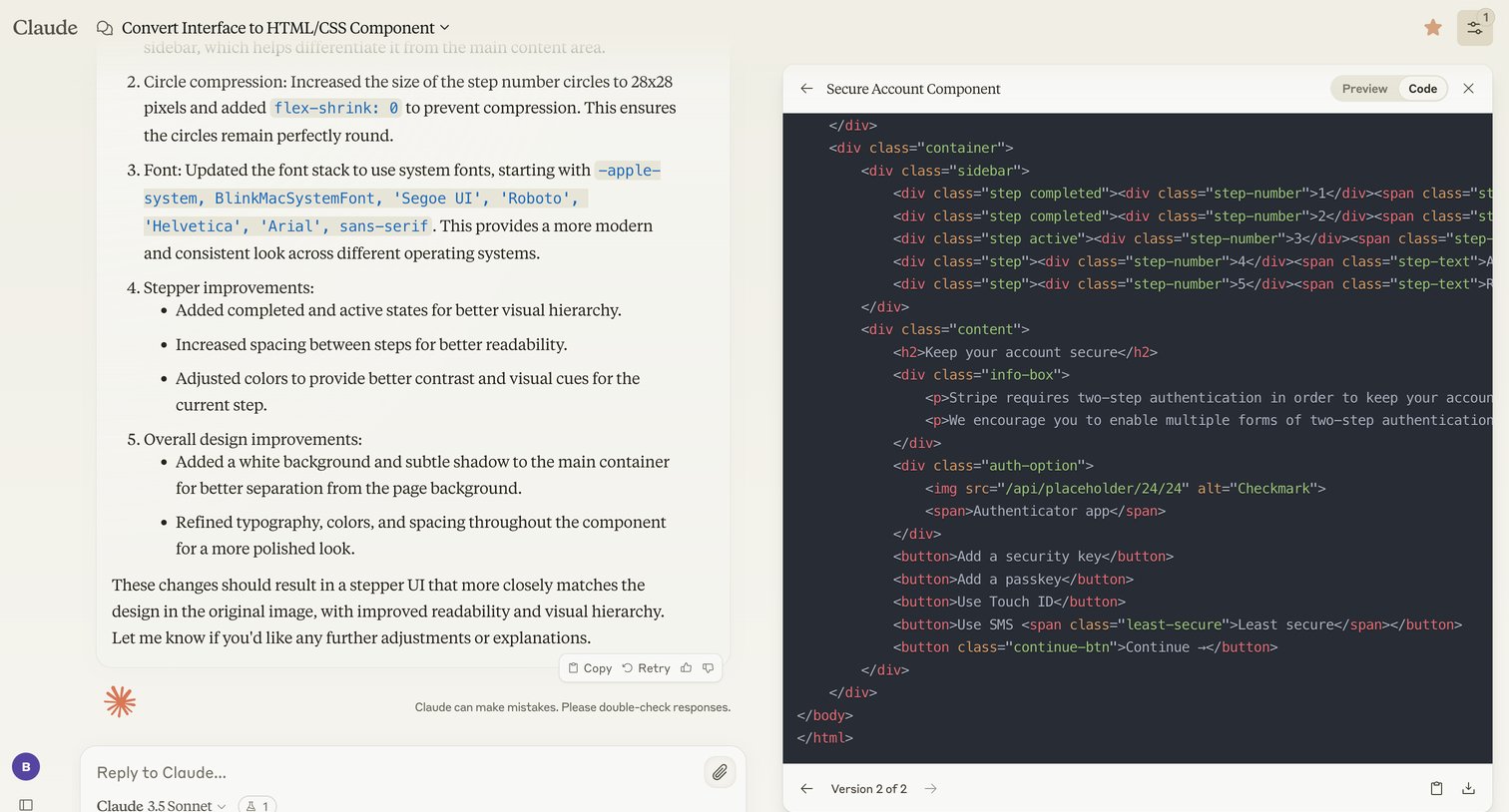

AI chat interface where the user reviews generated HTML/CSS code in a side-by-side artifact panel alongside the conversation.
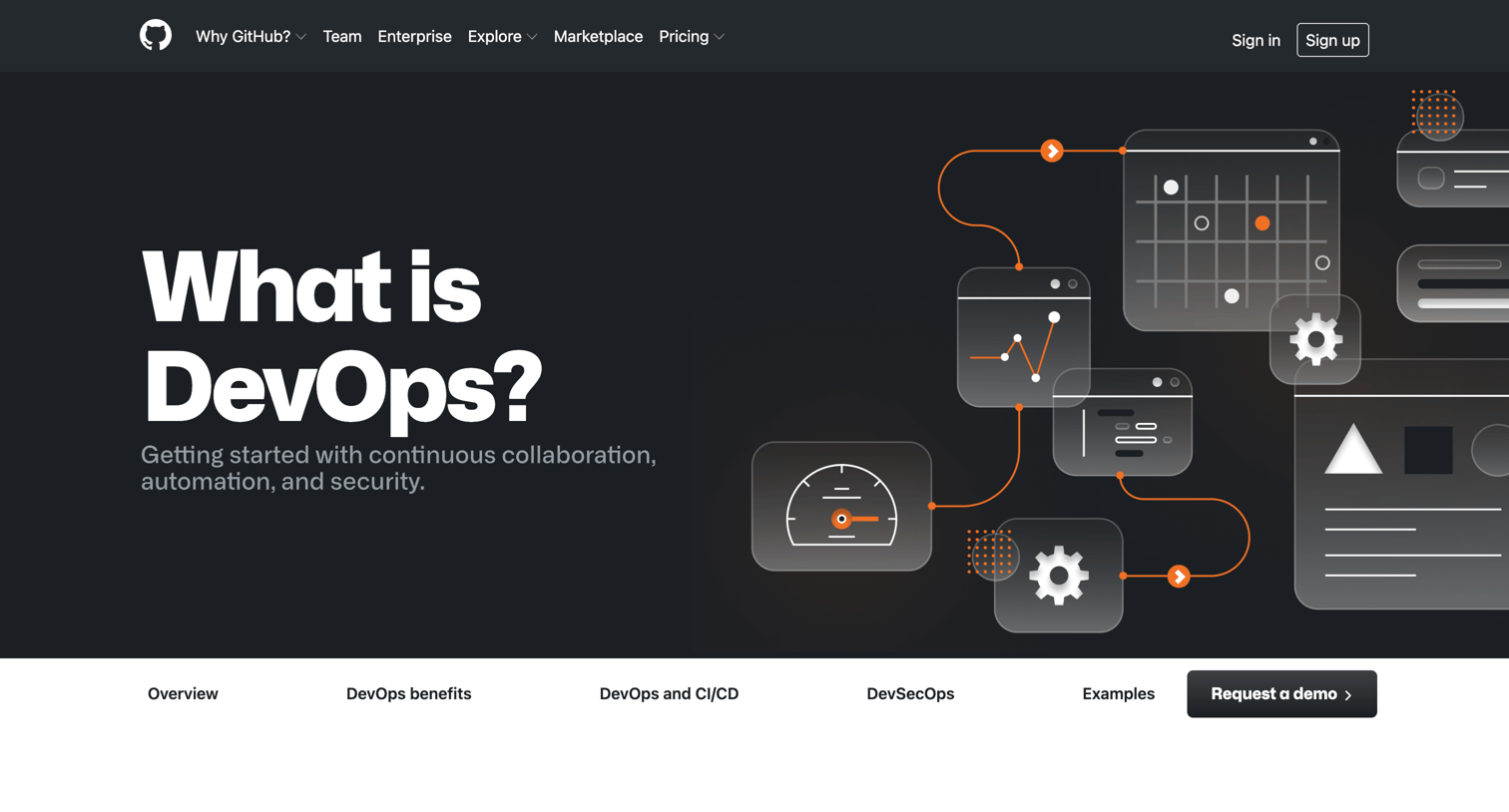

Educational guide explaining the definition, benefits, and lifecycle of DevOps, featuring customer testimonials and a prompt to request a demo.
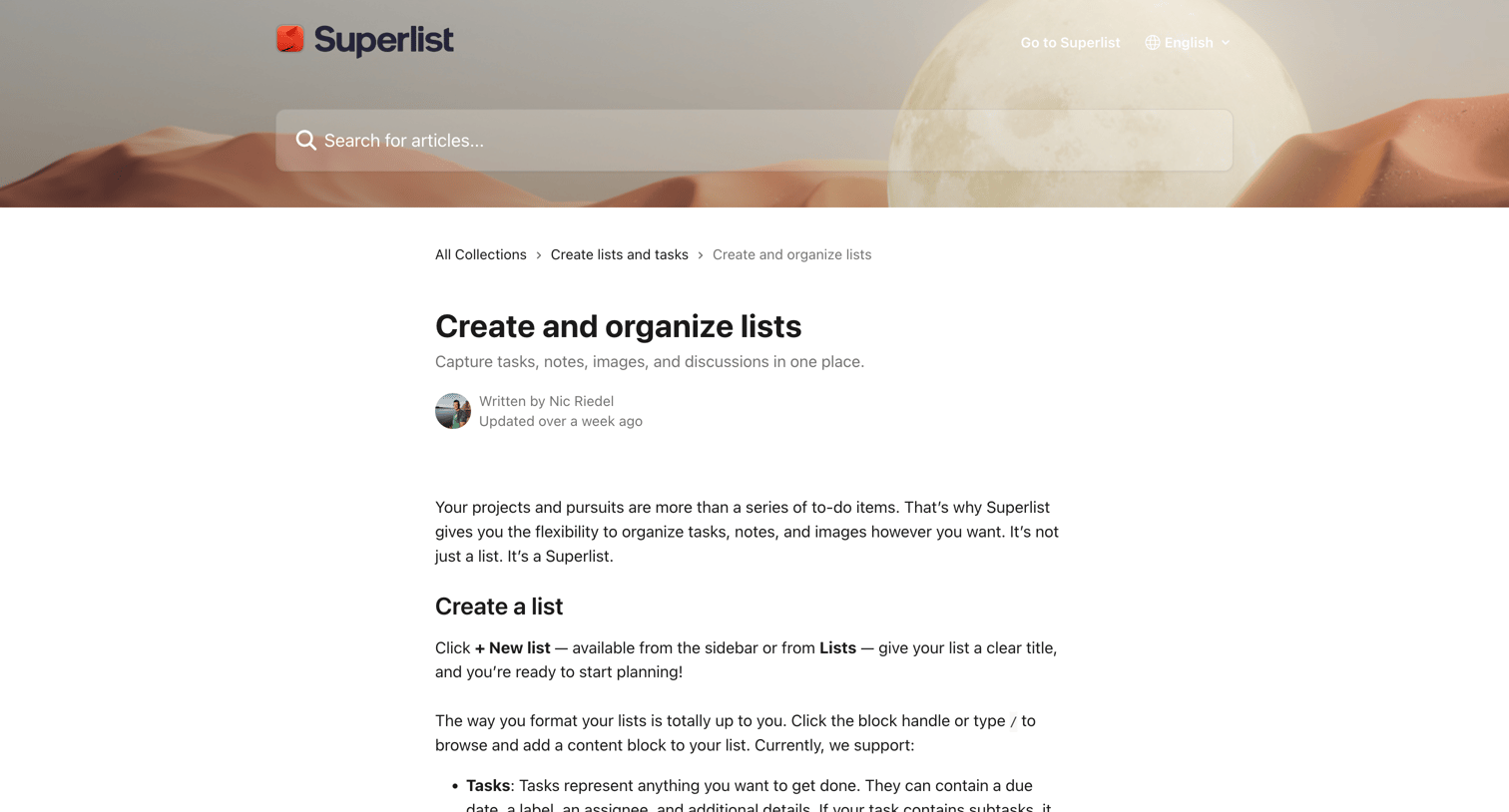

Help center article explaining how to create, customize, and organize lists with text instructions and annotated product screenshots.
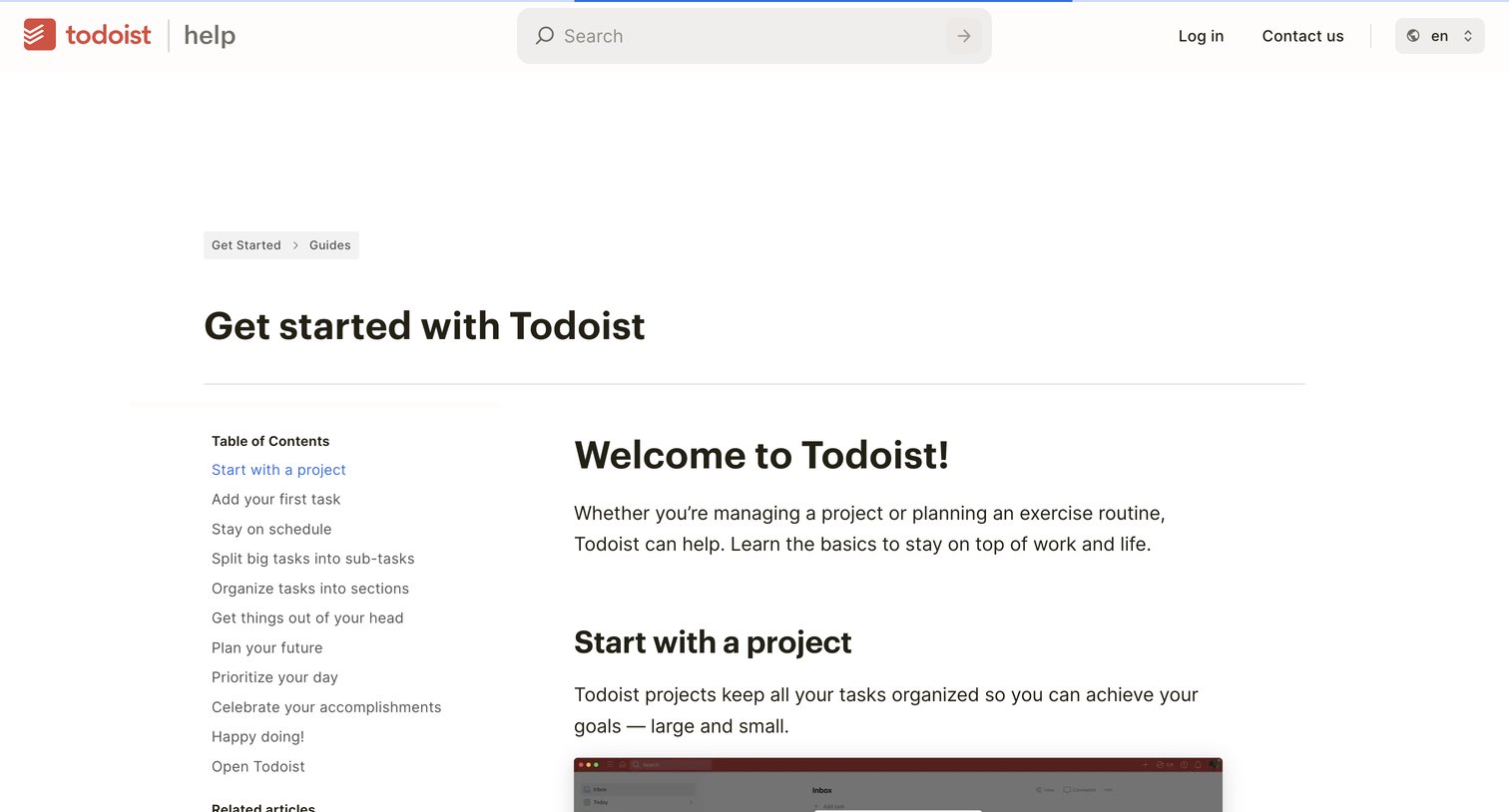

Help center article guiding new users through the basics of the product with embedded video tutorials and a sticky table of contents.


Article announcing the release of Big Tables, a high-scale data source for building apps, featuring product screenshots and a call to action to start for free.
Explore the full SaaS screen library
Upgrade to unlock the full library.
Trusted by the best teams







