Privacy settings screen examples
Privacy settings screen design examples from SaaS apps. Browse examples from Magnific, Appwrite, Beside.
Explore the examples
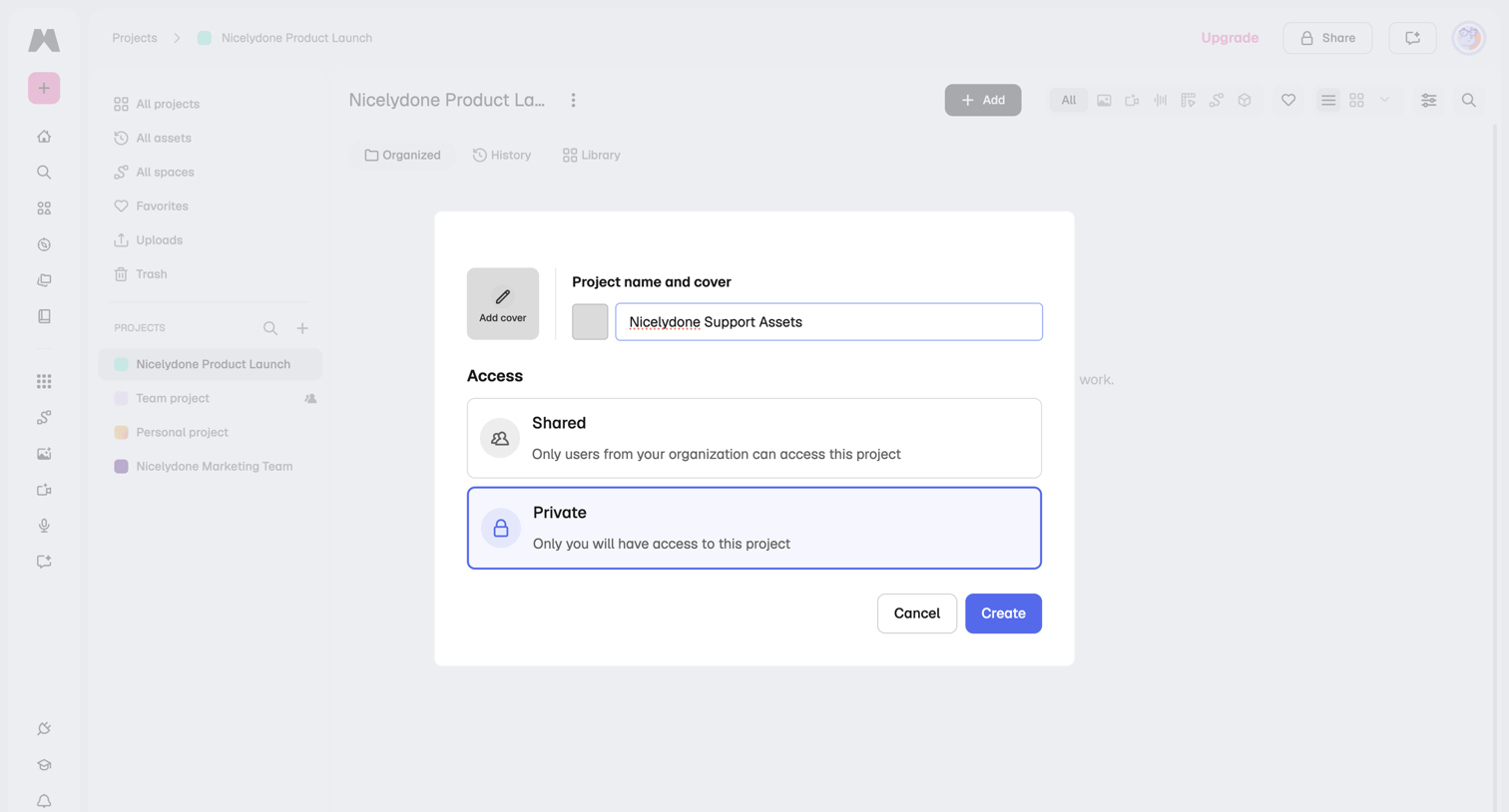

Modal overlay where the user creates a new project by providing a name, optional cover image, and setting access permissions to shared or private.
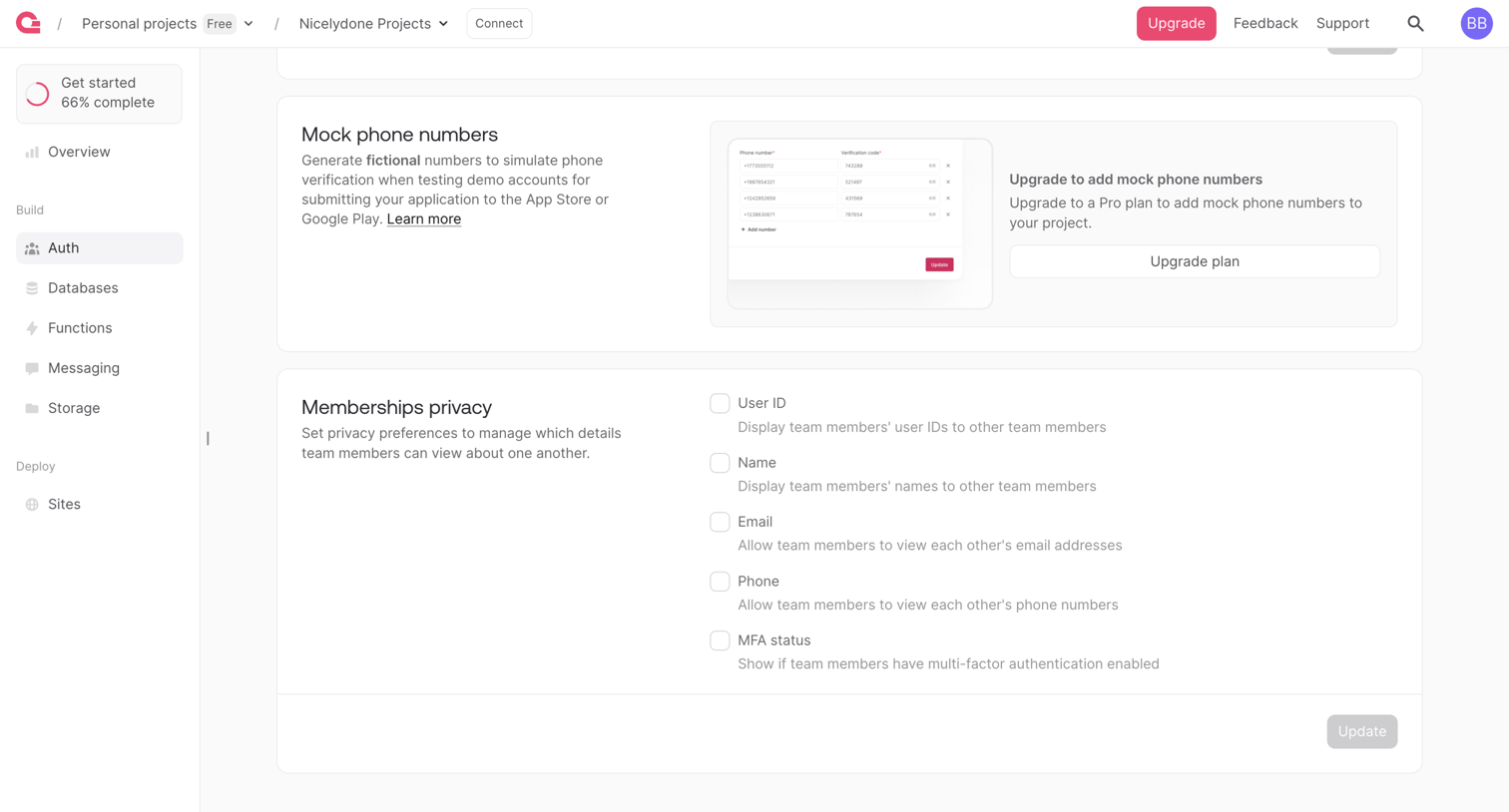

Settings page where the user configures authentication security preferences like mock phone numbers and membership privacy visibility.
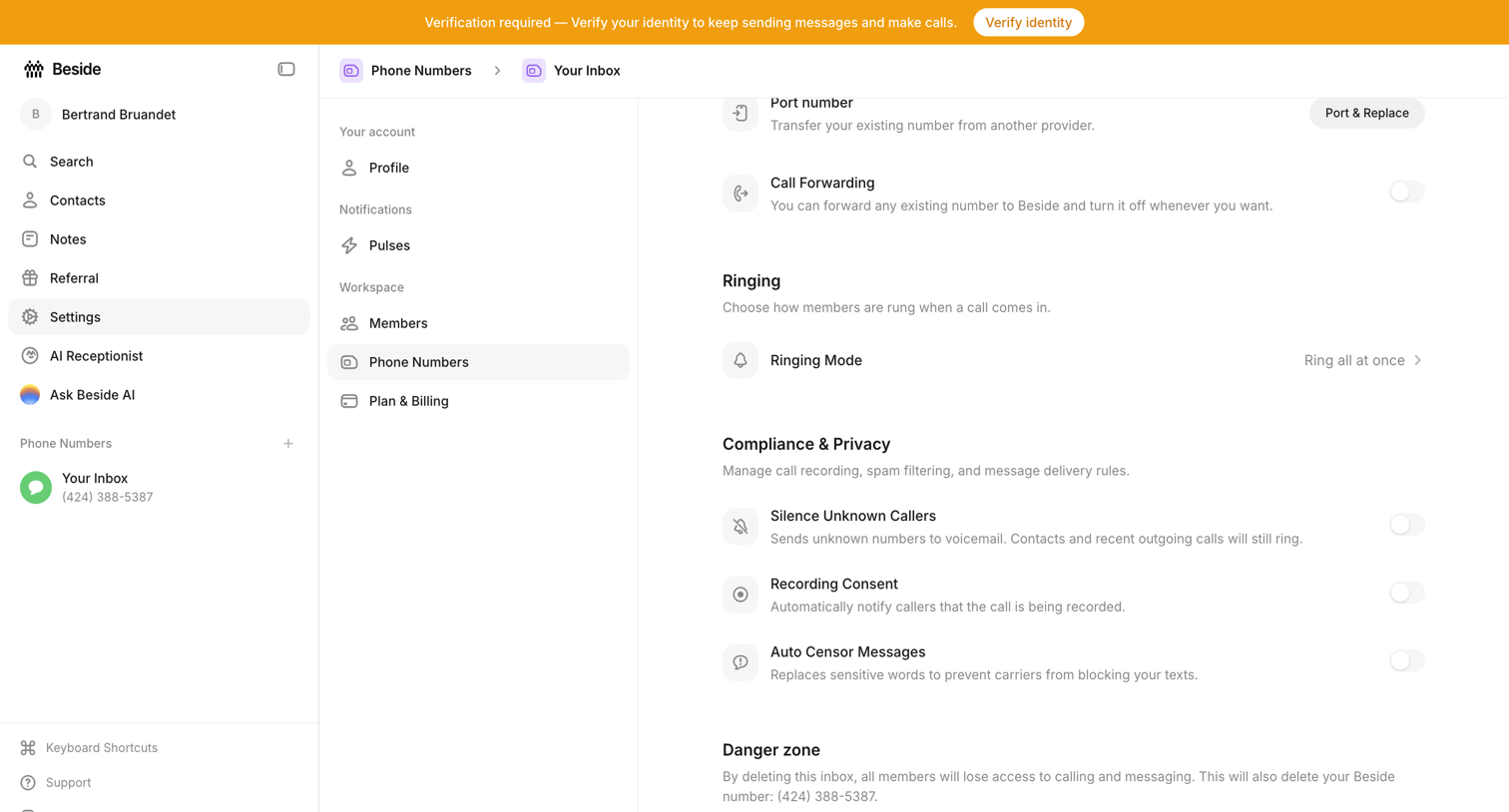

Settings page where the user configures call forwarding, ringing mode, compliance rules, and deletion for a specific phone number inbox.
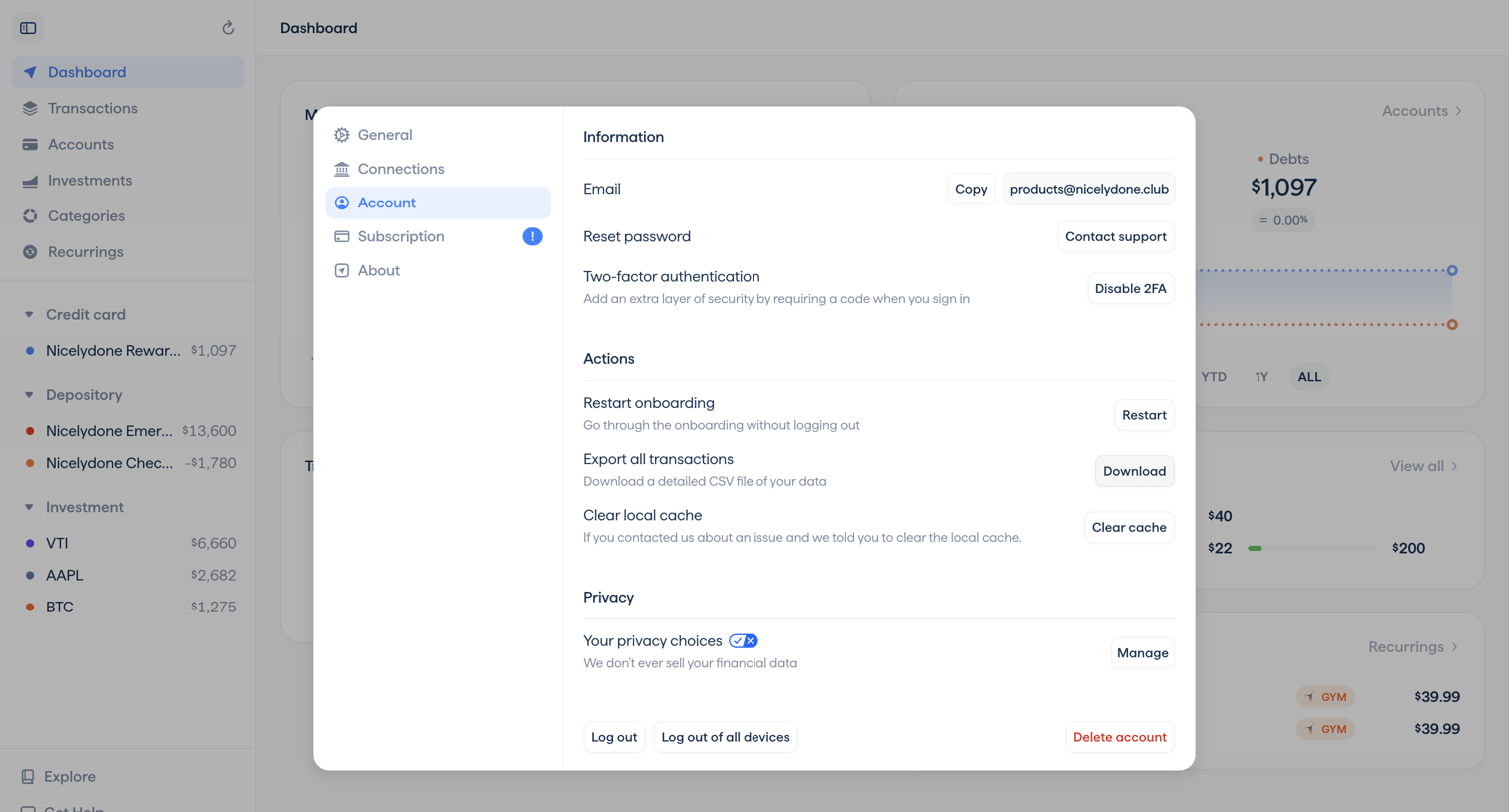

Settings modal where the user manages their account email, two-factor authentication, data export, and privacy options over a financial dashboard.
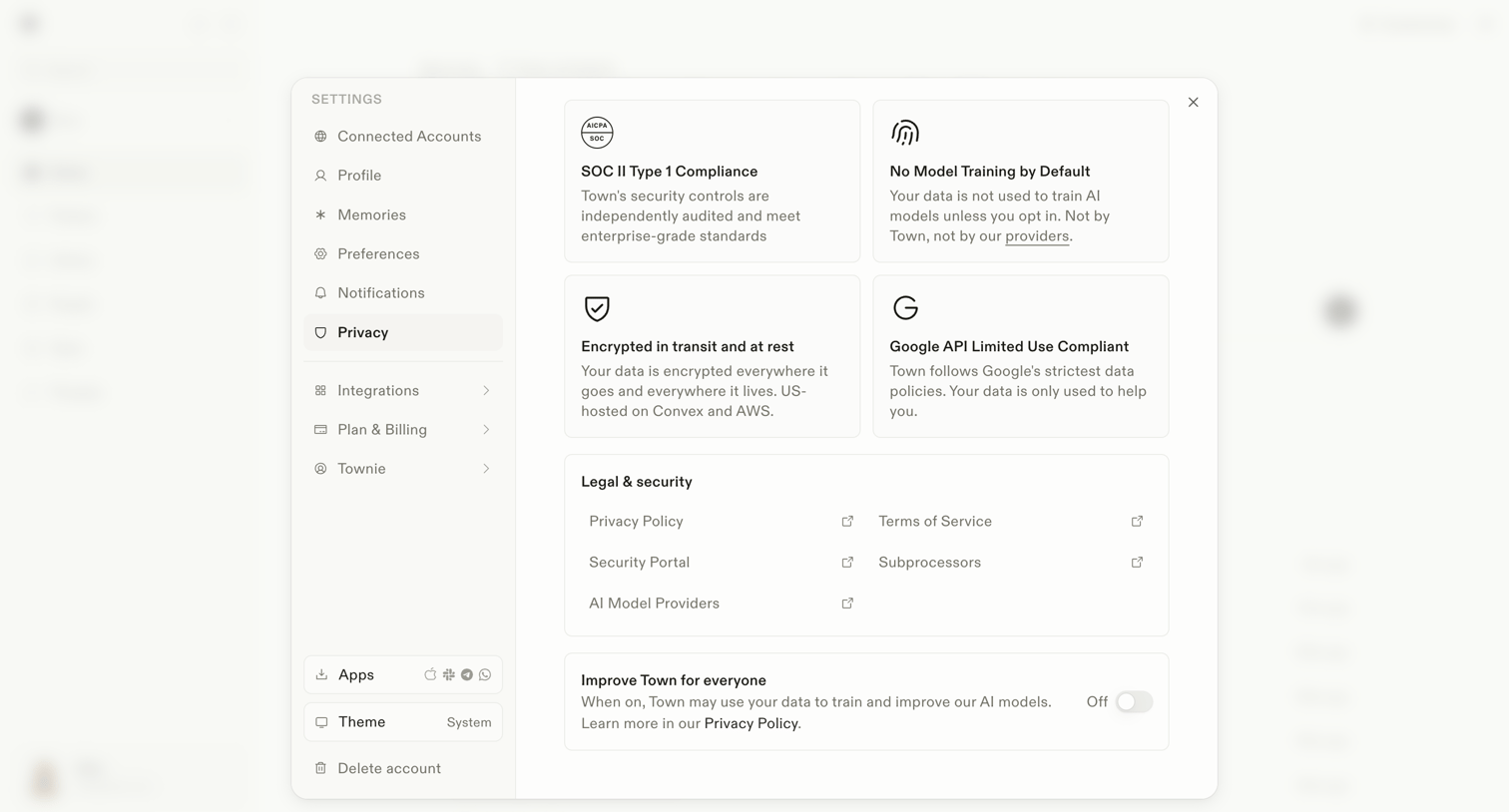

Settings modal where the user reviews security compliance details, accesses legal documents, and toggles data usage for AI model training.
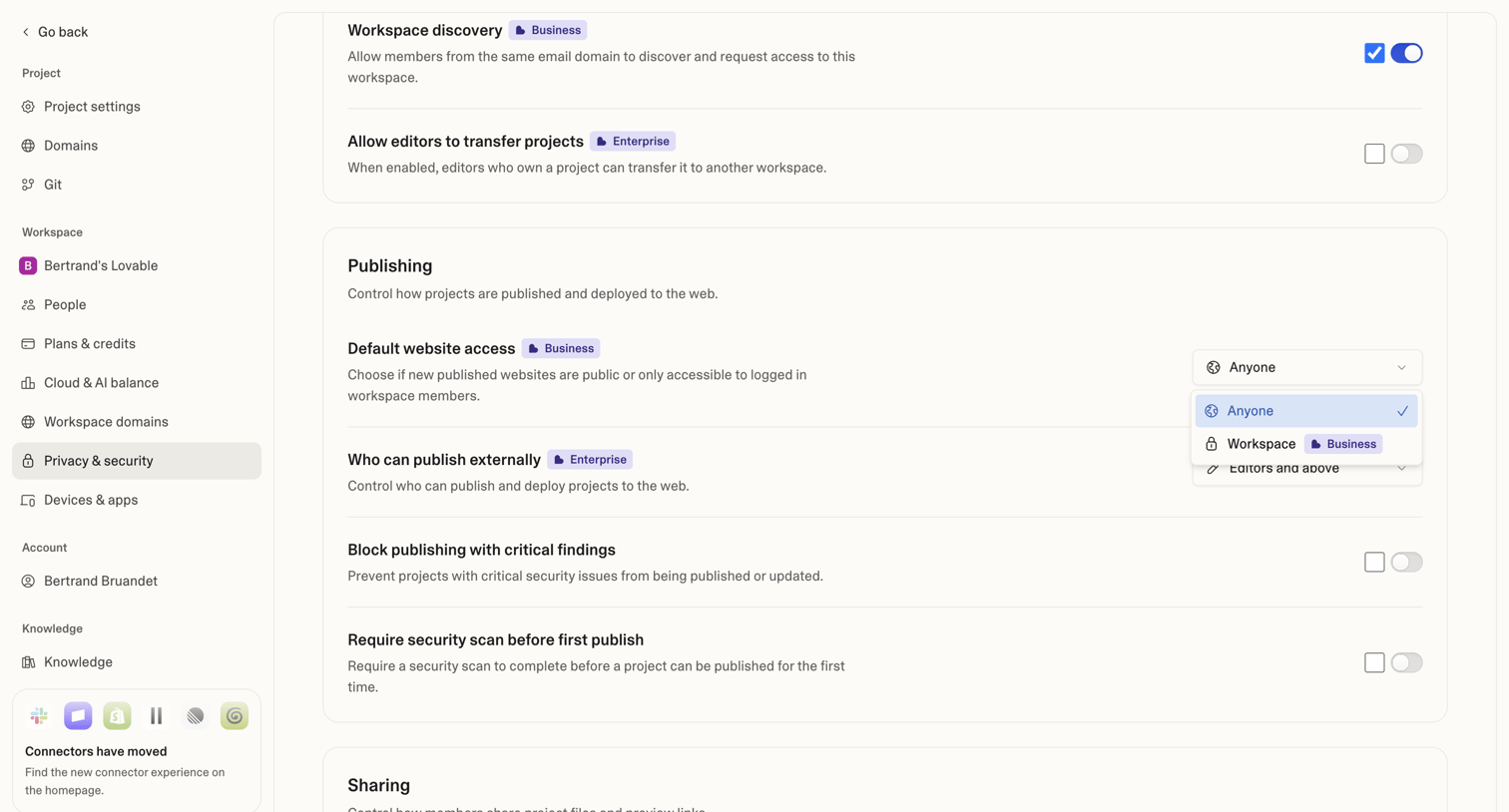

Settings page where the user configures workspace discovery, publishing access, and security scan requirements for their projects.
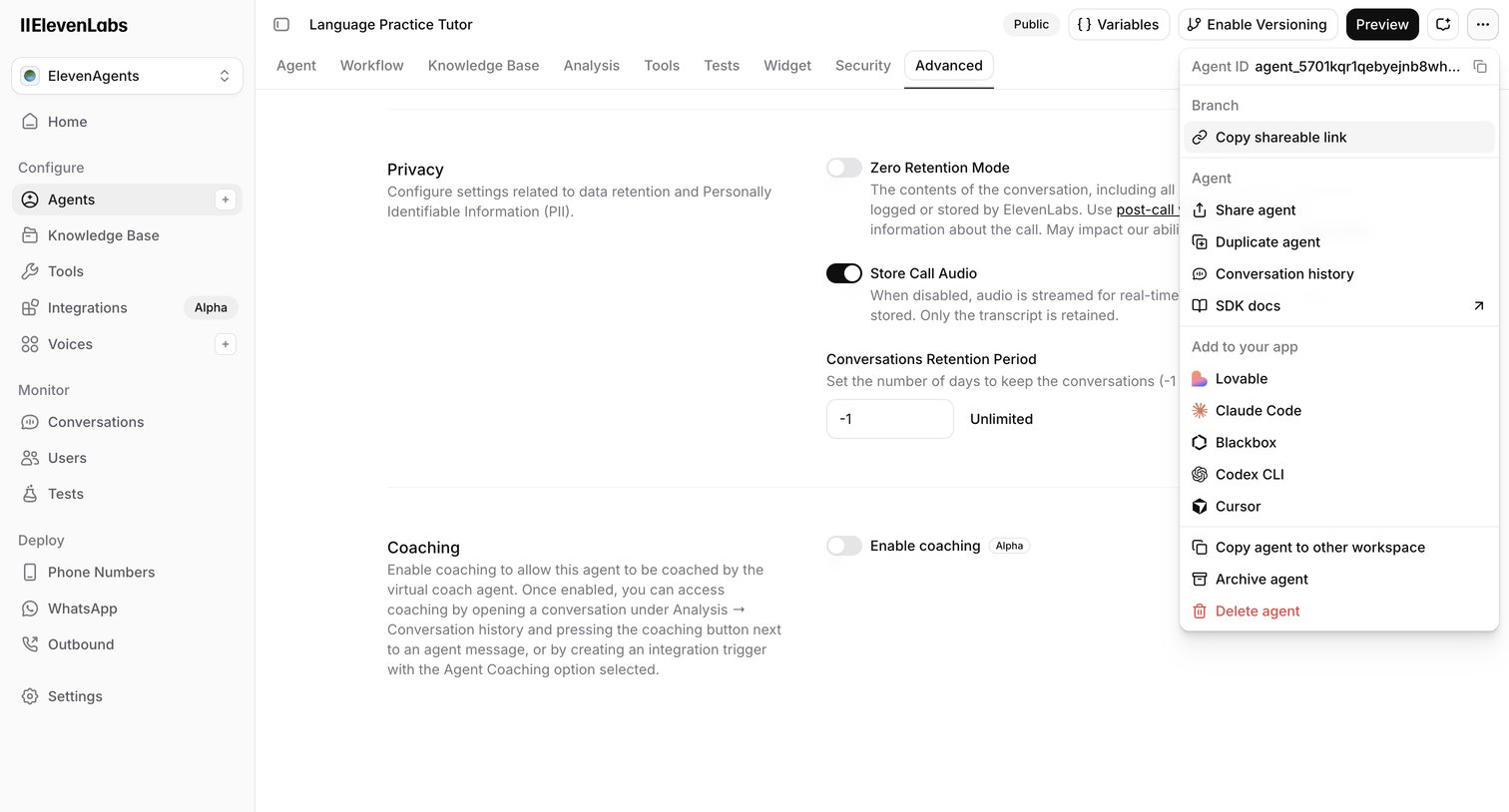

Settings page where the user configures advanced privacy, data retention, and coaching options for an AI language practice tutor.
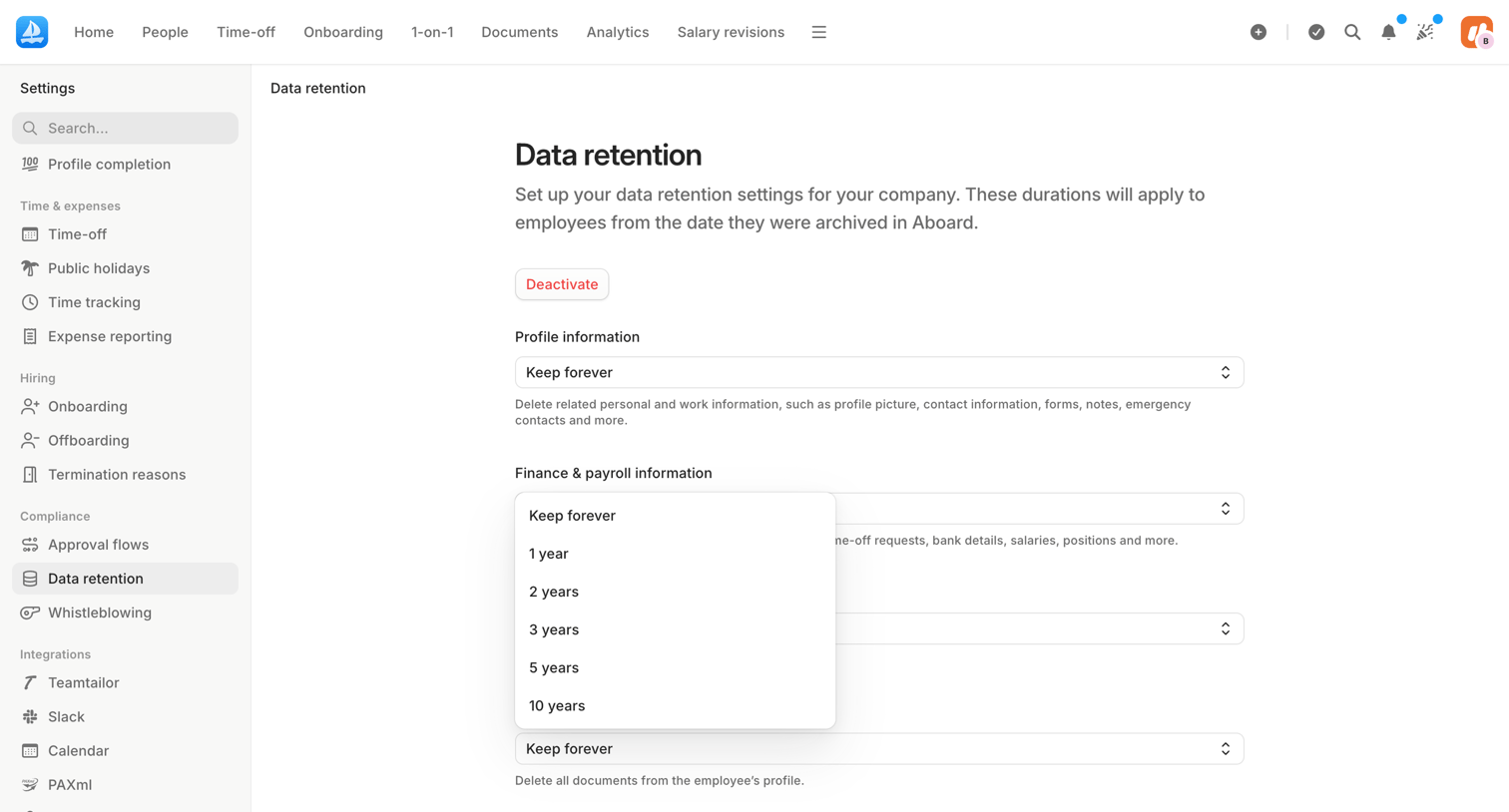

Settings page where the user configures data retention durations for employee profiles, finance records, documents, and AI logs.
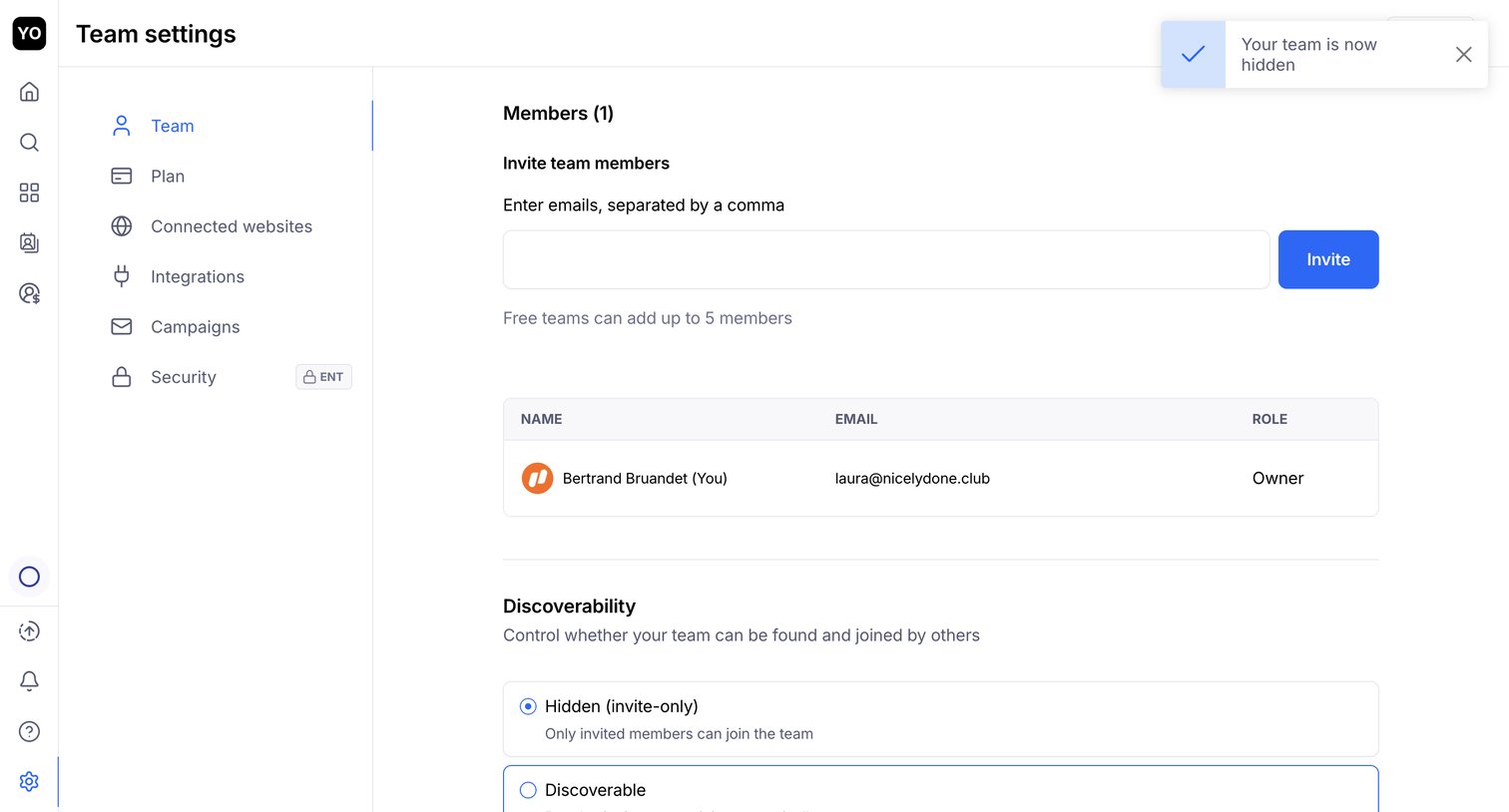

Settings page where the user can invite new team members by email, view existing members, and set the team's discoverability status.
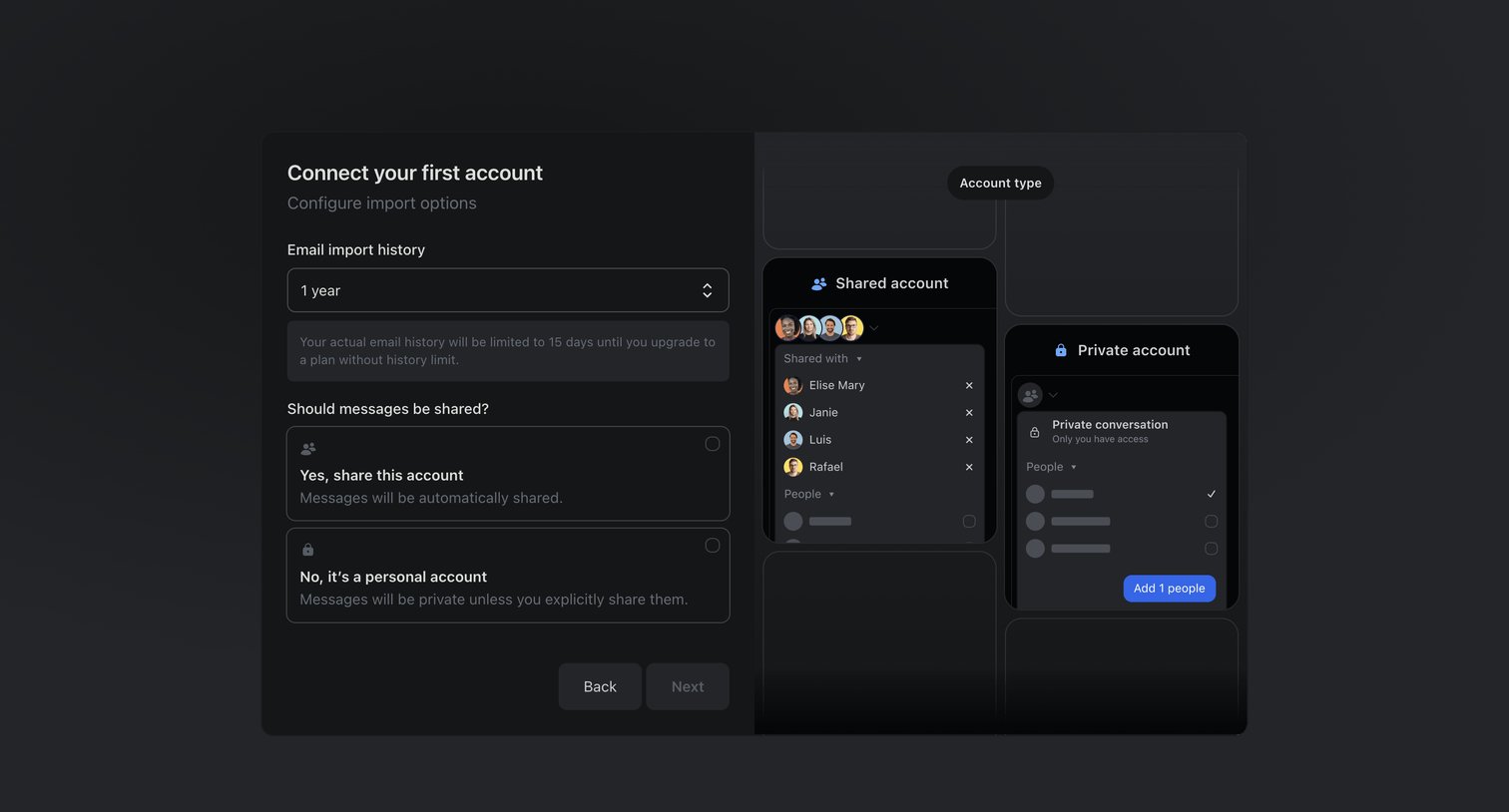

Onboarding step where the user configures email import history and sharing preferences for their first connected account.
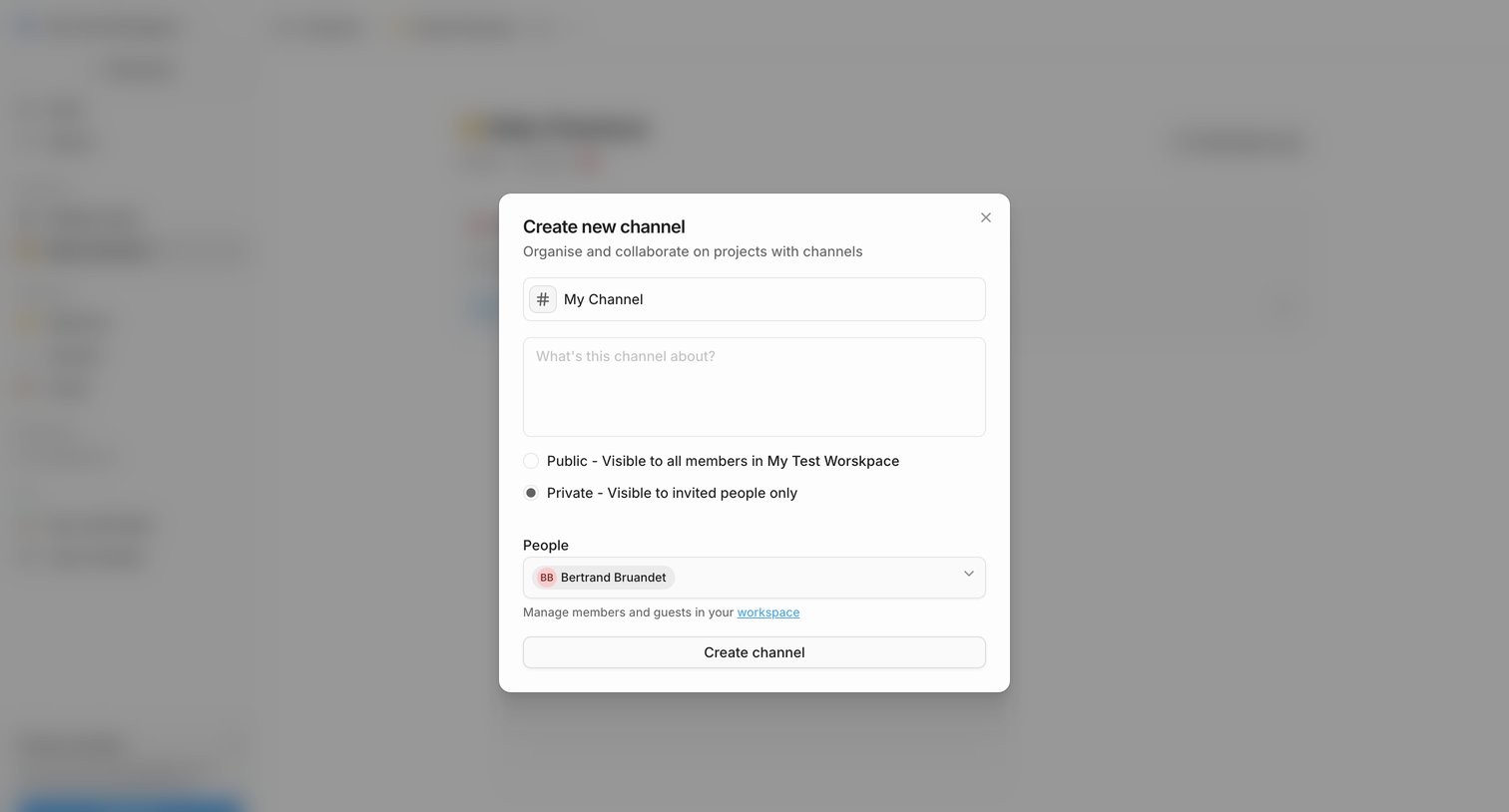

Modal where the user creates a new channel by setting its name, description, privacy level between public and private, and selecting initial members.
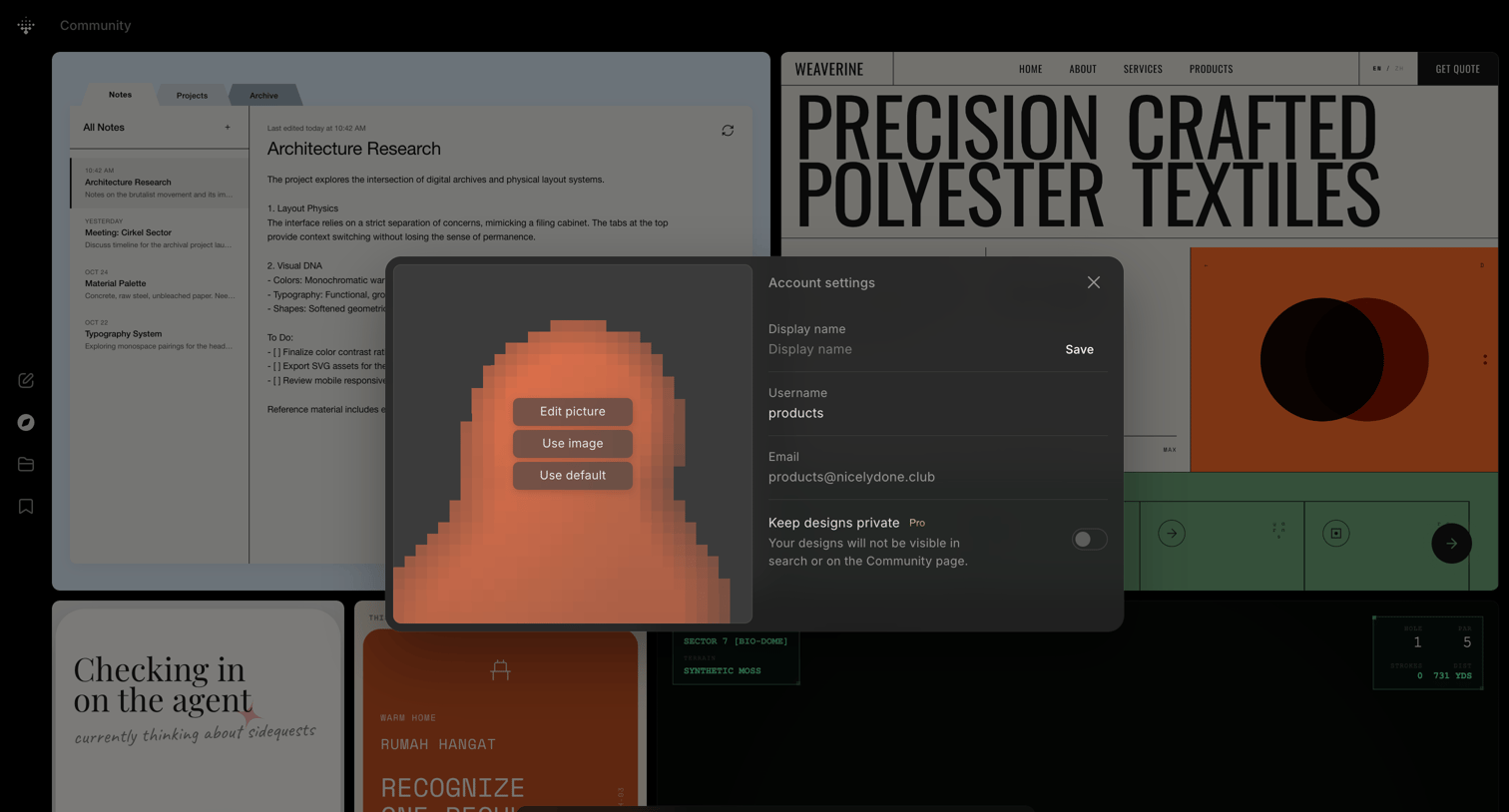

Account settings modal over a community gallery where the user can update their profile picture, display name, and privacy preferences.
Explore the full SaaS screen library
Upgrade to unlock the full library.
Trusted by the best teams







