On boarding screen examples
On boarding screen design examples from SaaS apps. Browse examples from Notion Mail, Record club, Sora.
Explore the examples
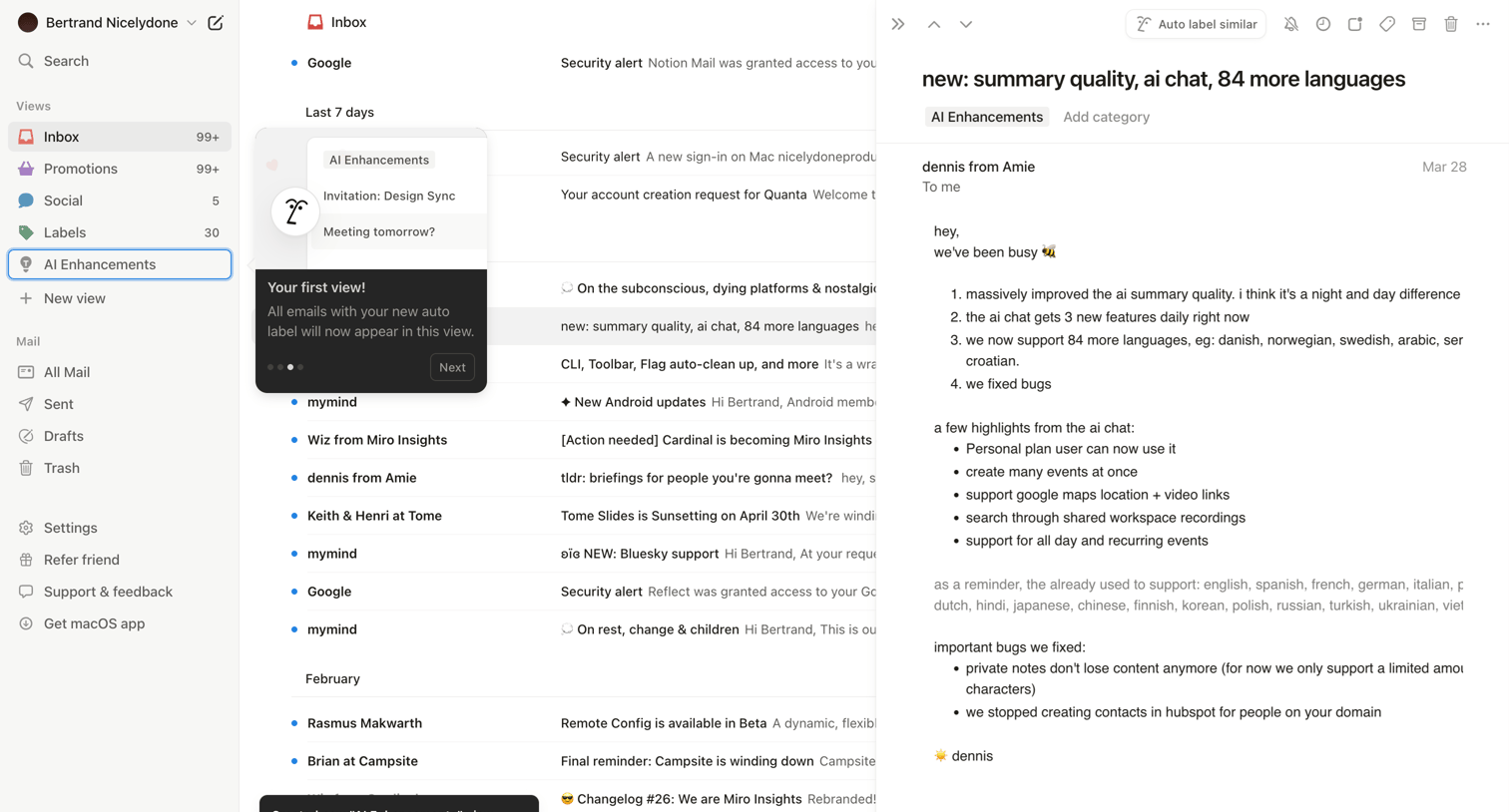

Email inbox where the user views a message about AI updates while a product tour popover highlights a newly created AI Enhancements view.
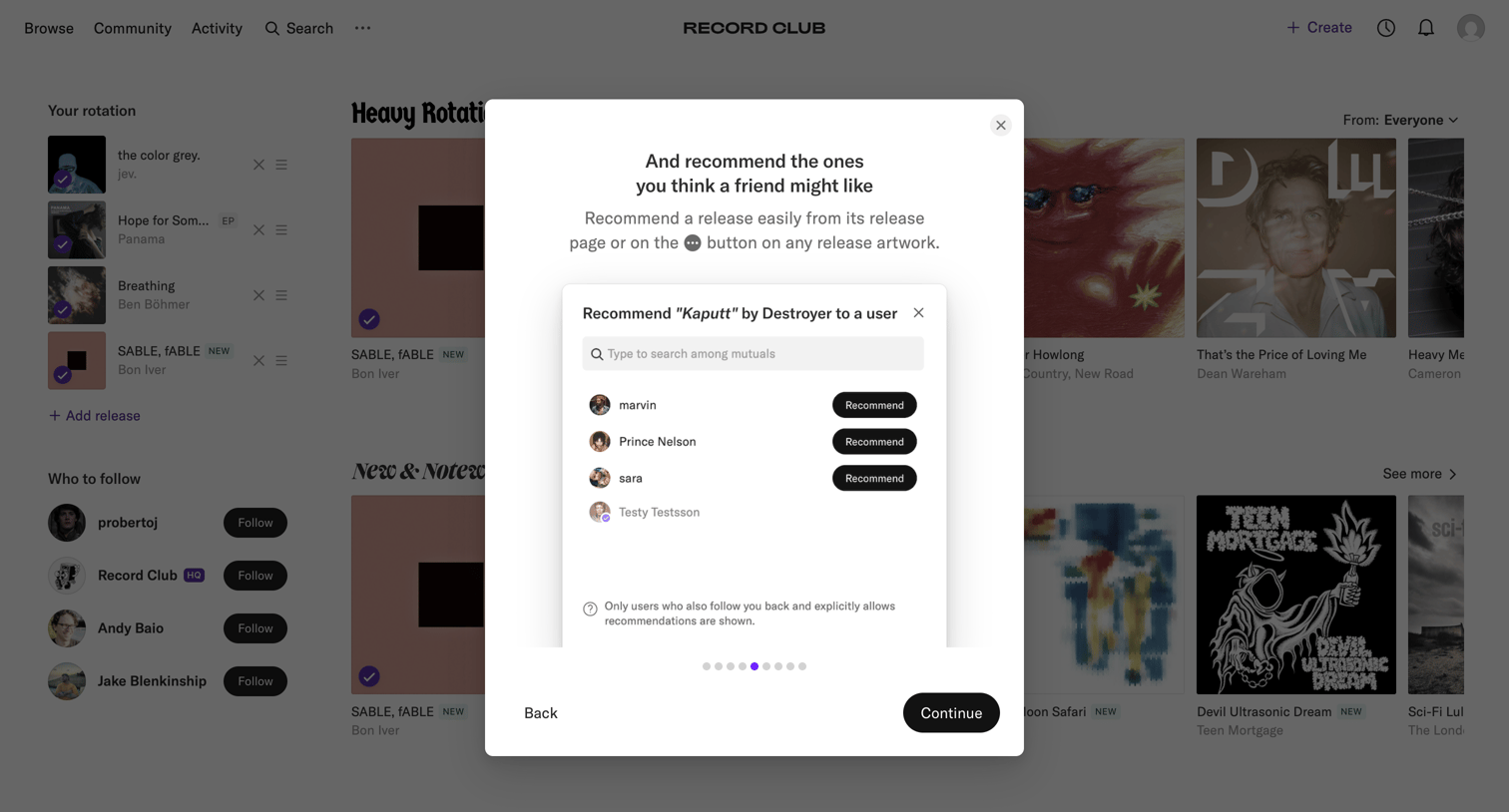

Onboarding step where the user learns how to recommend a release to mutual followers via a feature spotlight modal.
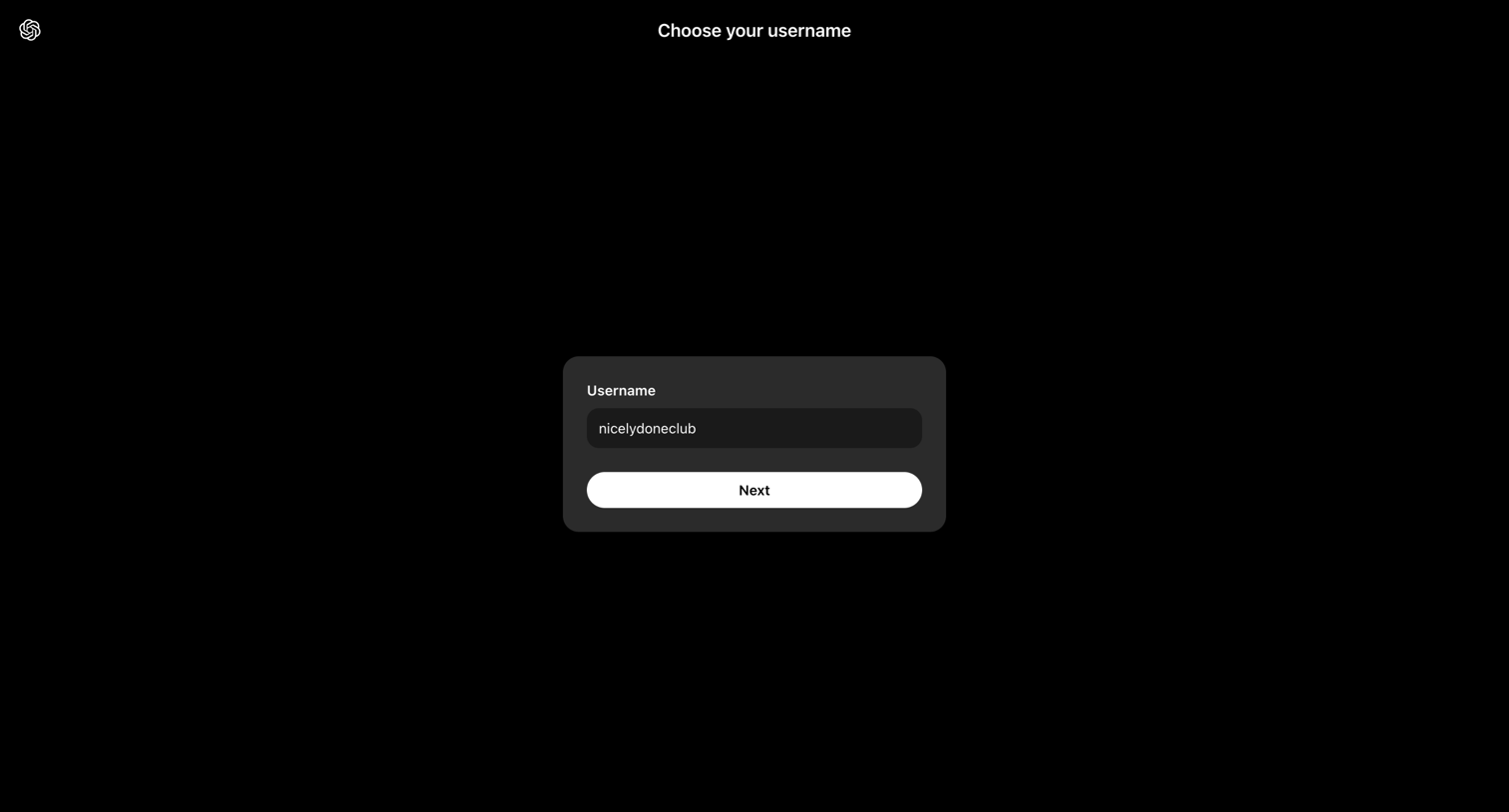

Onboarding step where the user chooses their account username before accessing the application.
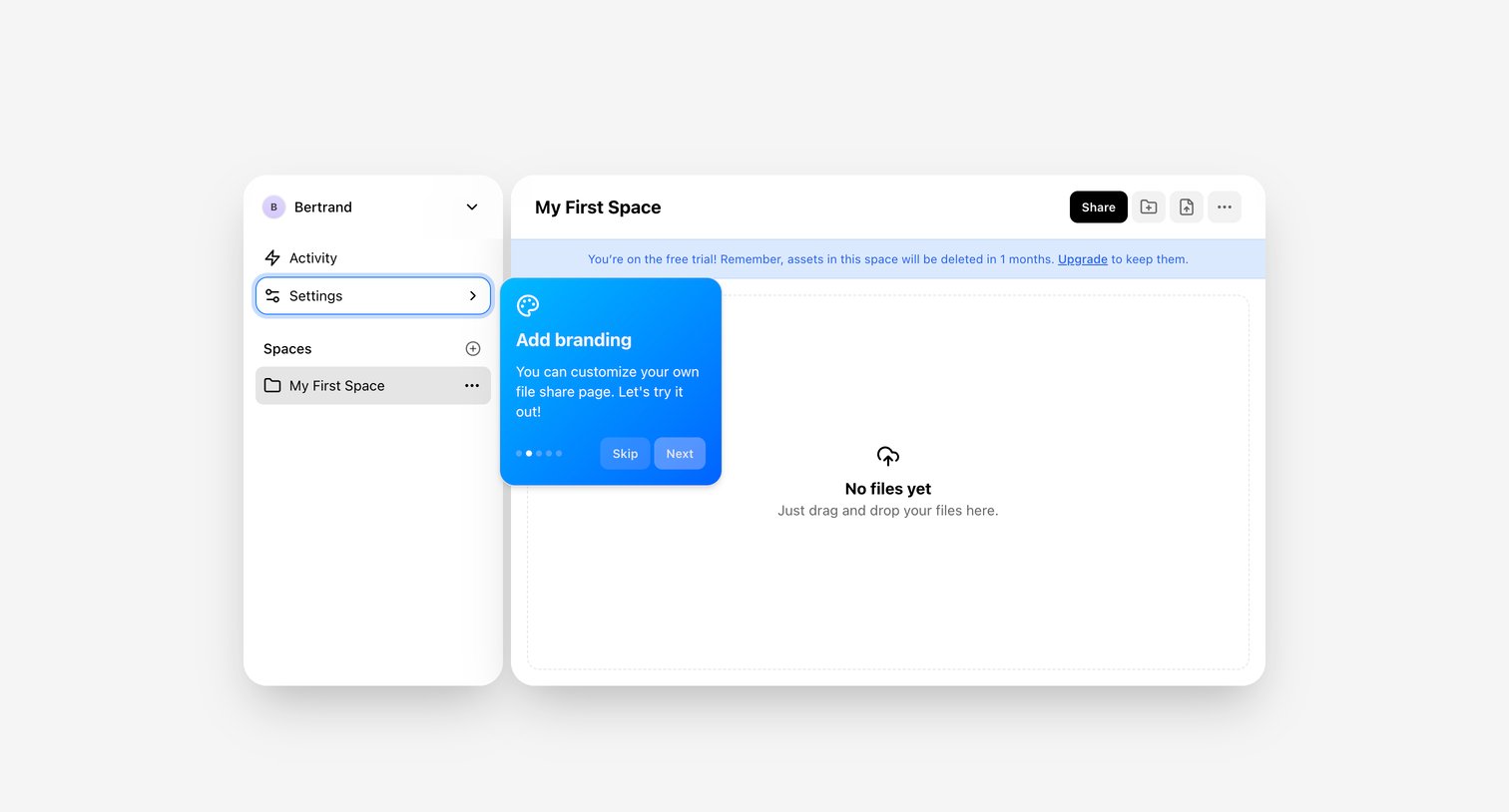

Empty file space view featuring a drag-and-drop upload zone, a free trial expiration banner, and an active product tour popover for adding branding.
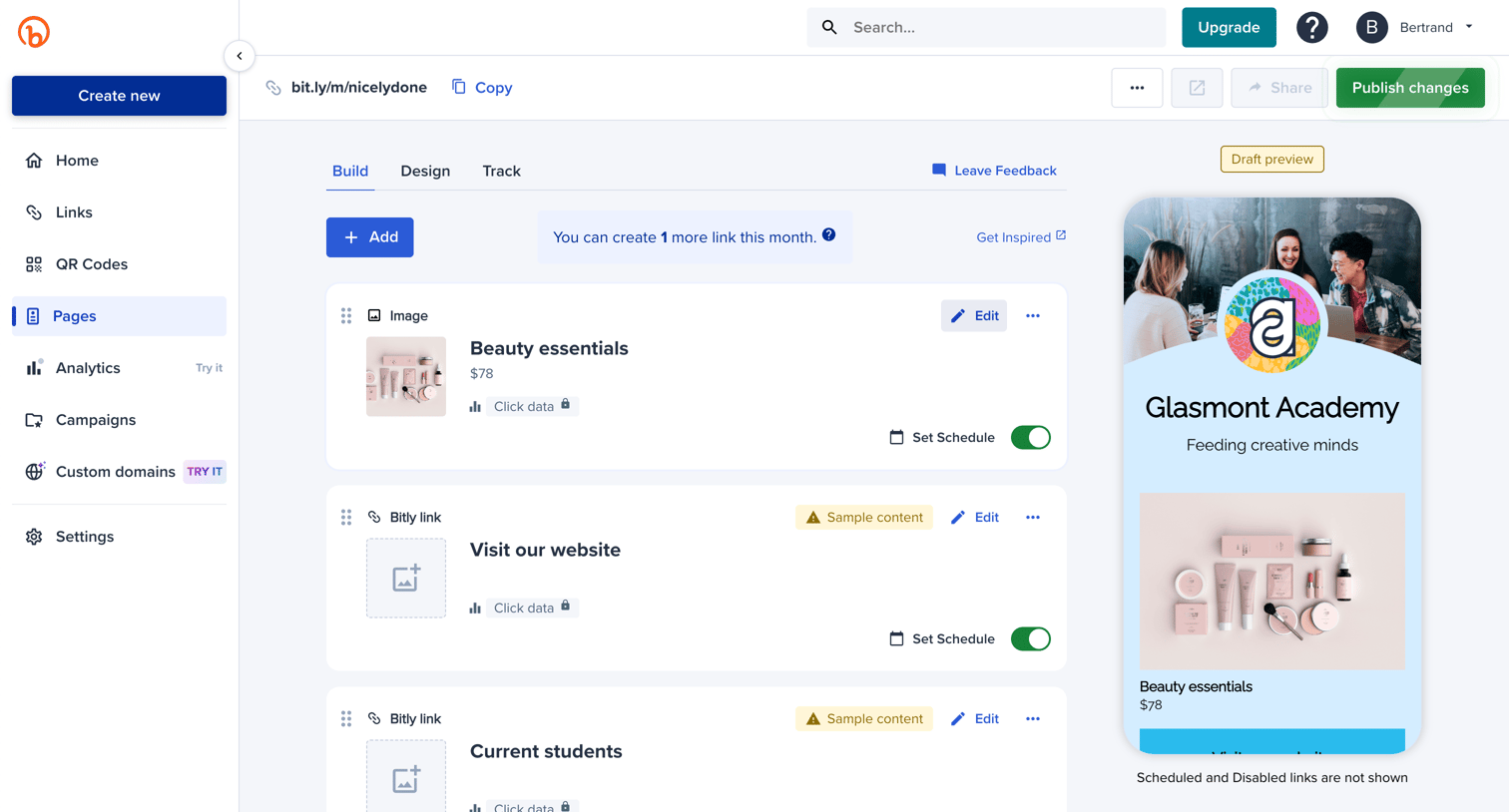

Page builder where the user manages links and images for their custom landing page with a live mobile preview.
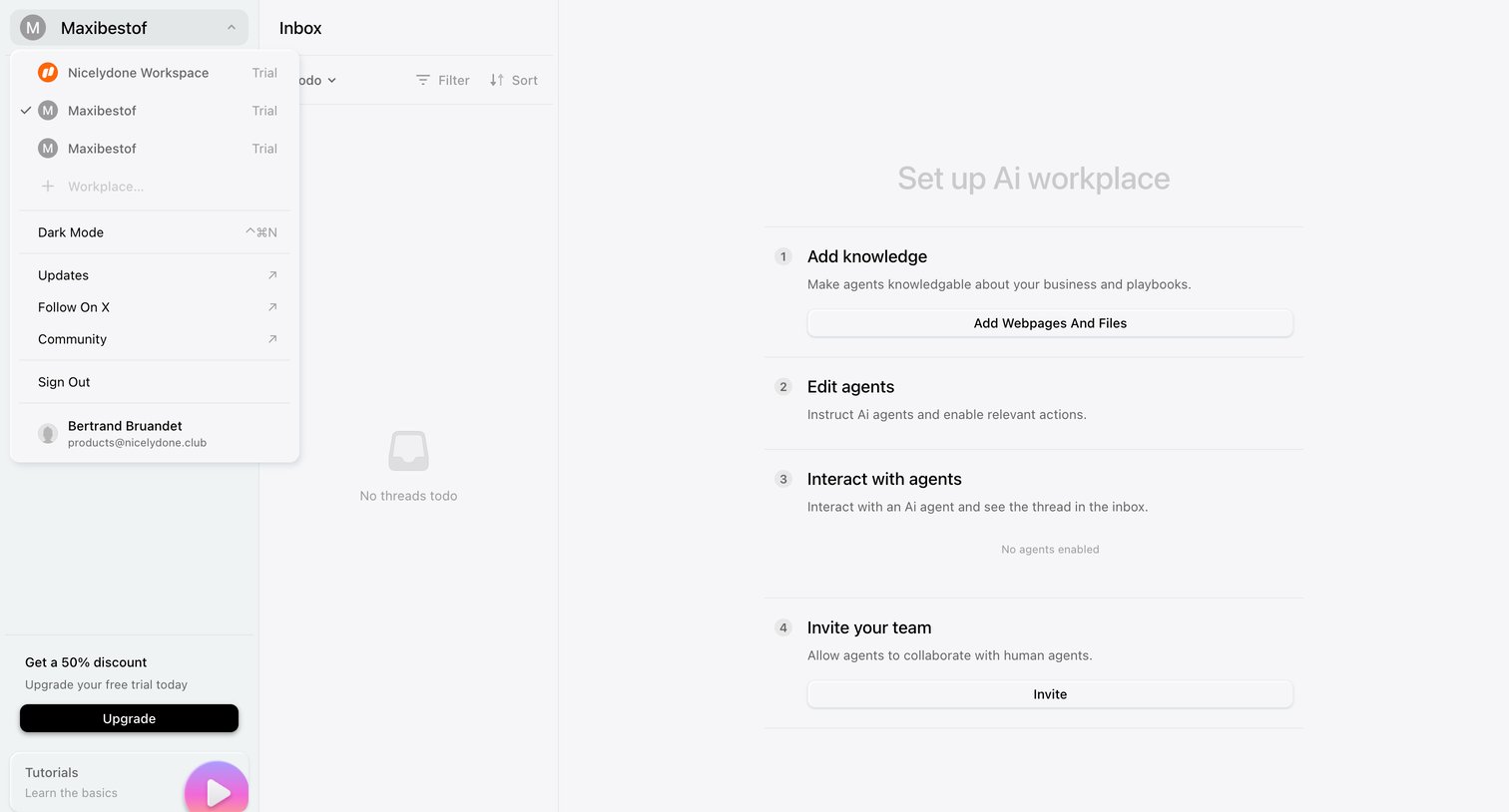

Inbox view where the user is prompted to set up their AI workplace by adding knowledge, editing agents, and inviting their team.
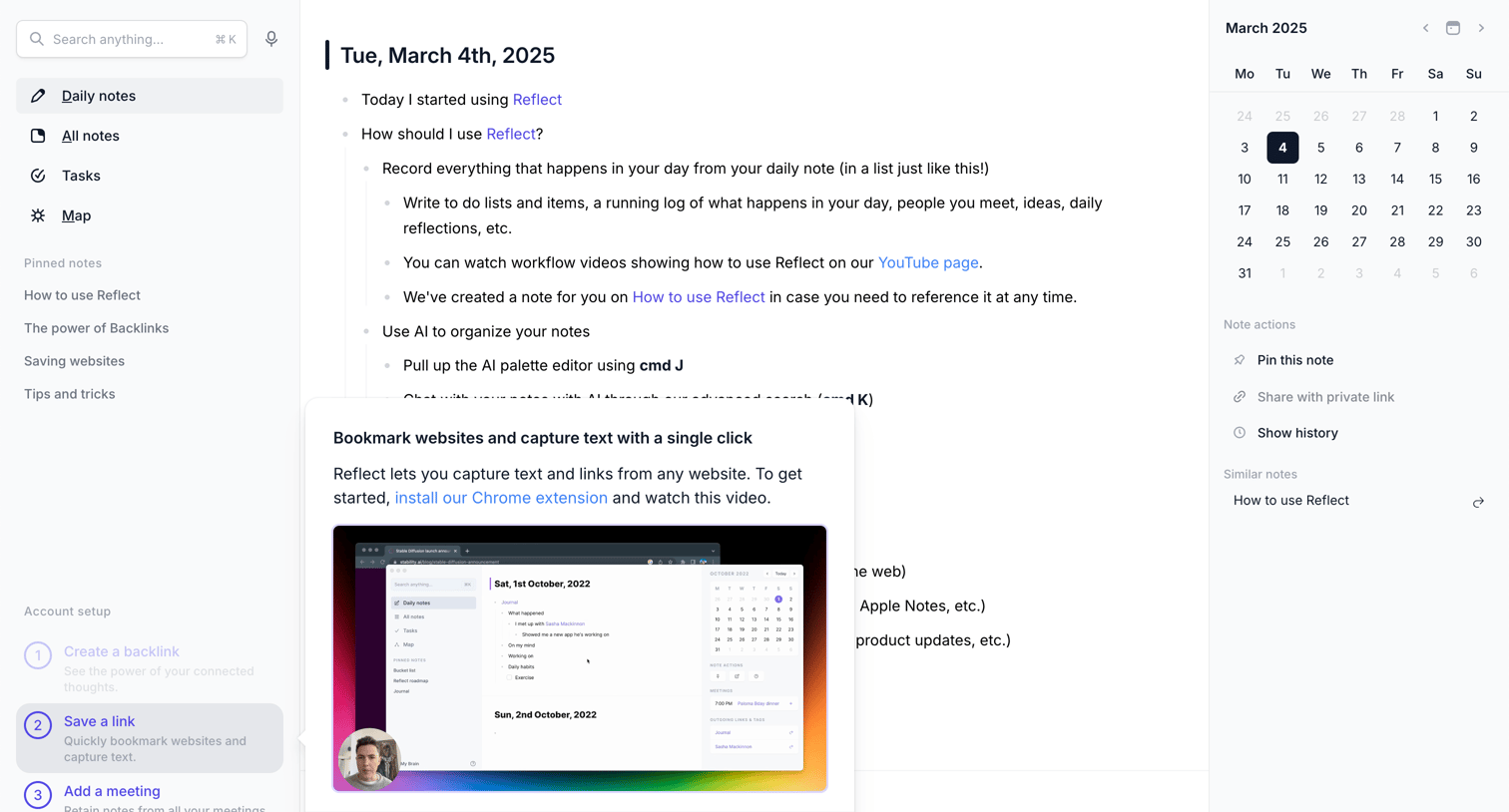

Content editor showing a daily note with an active onboarding popover prompting the user to install a Chrome extension for saving links.
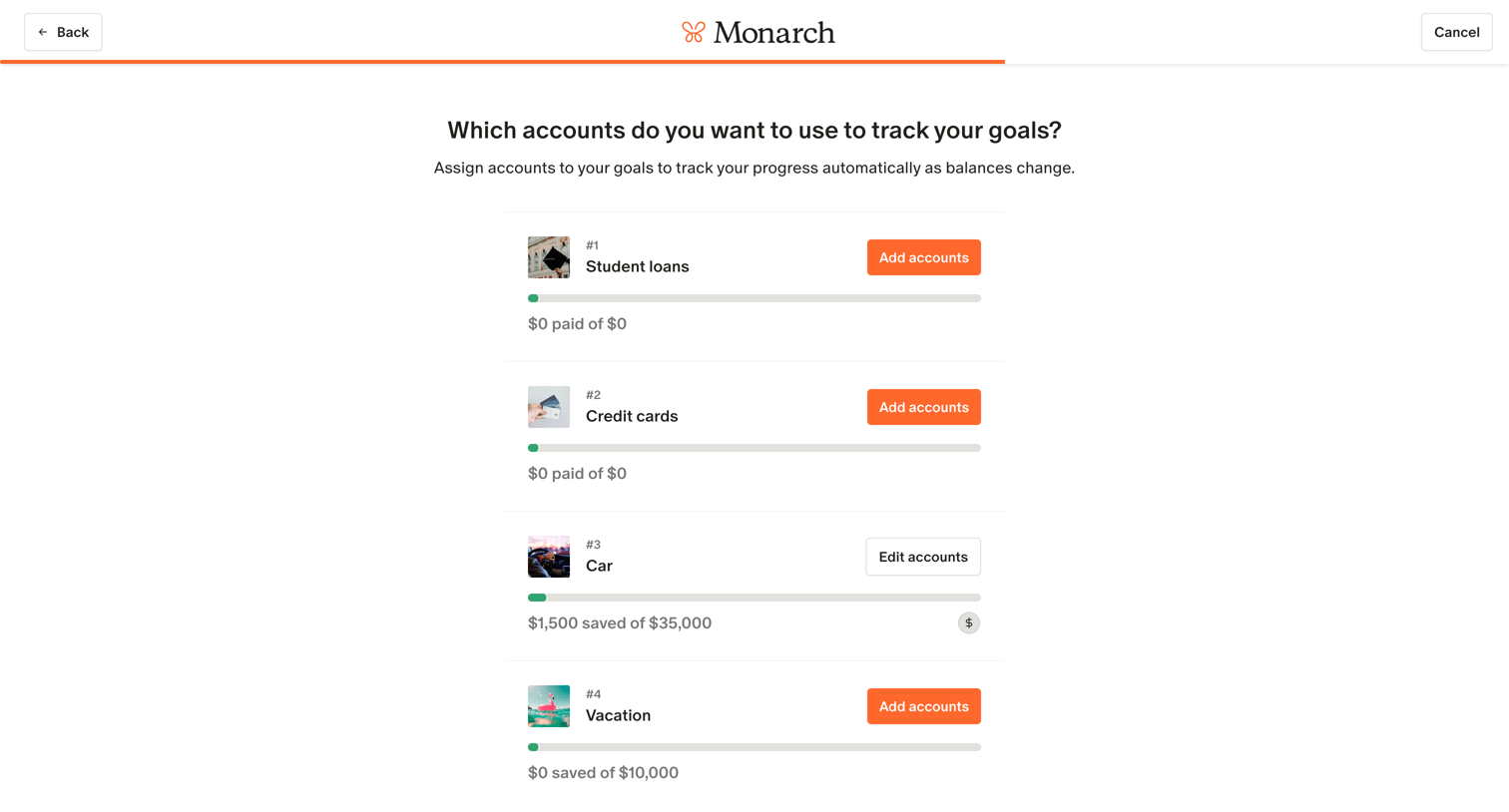

Onboarding step where the user assigns financial accounts to specific goals like student loans, credit cards, car, and vacation.
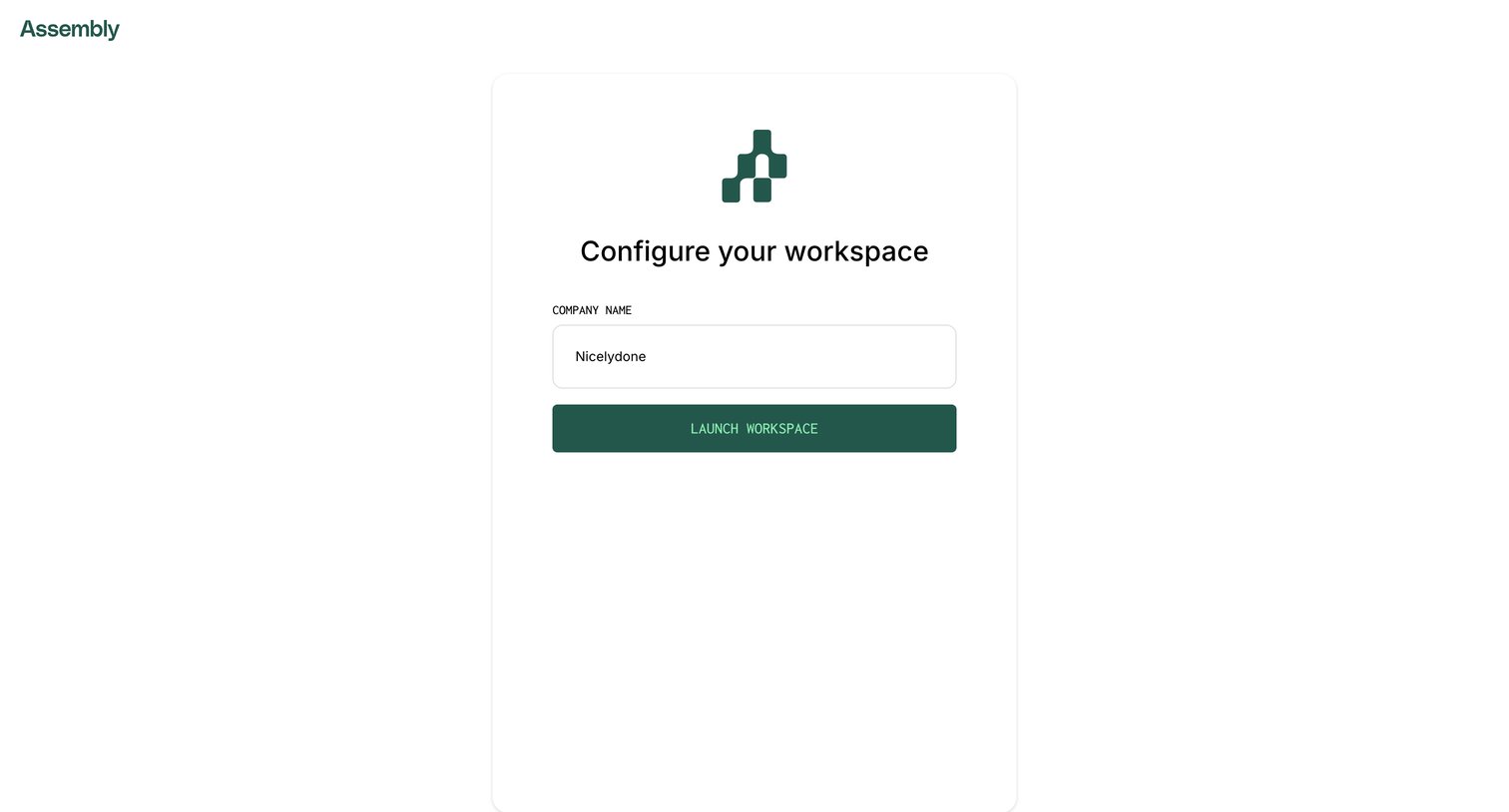

Onboarding step where the user names their new workspace before launching the application.
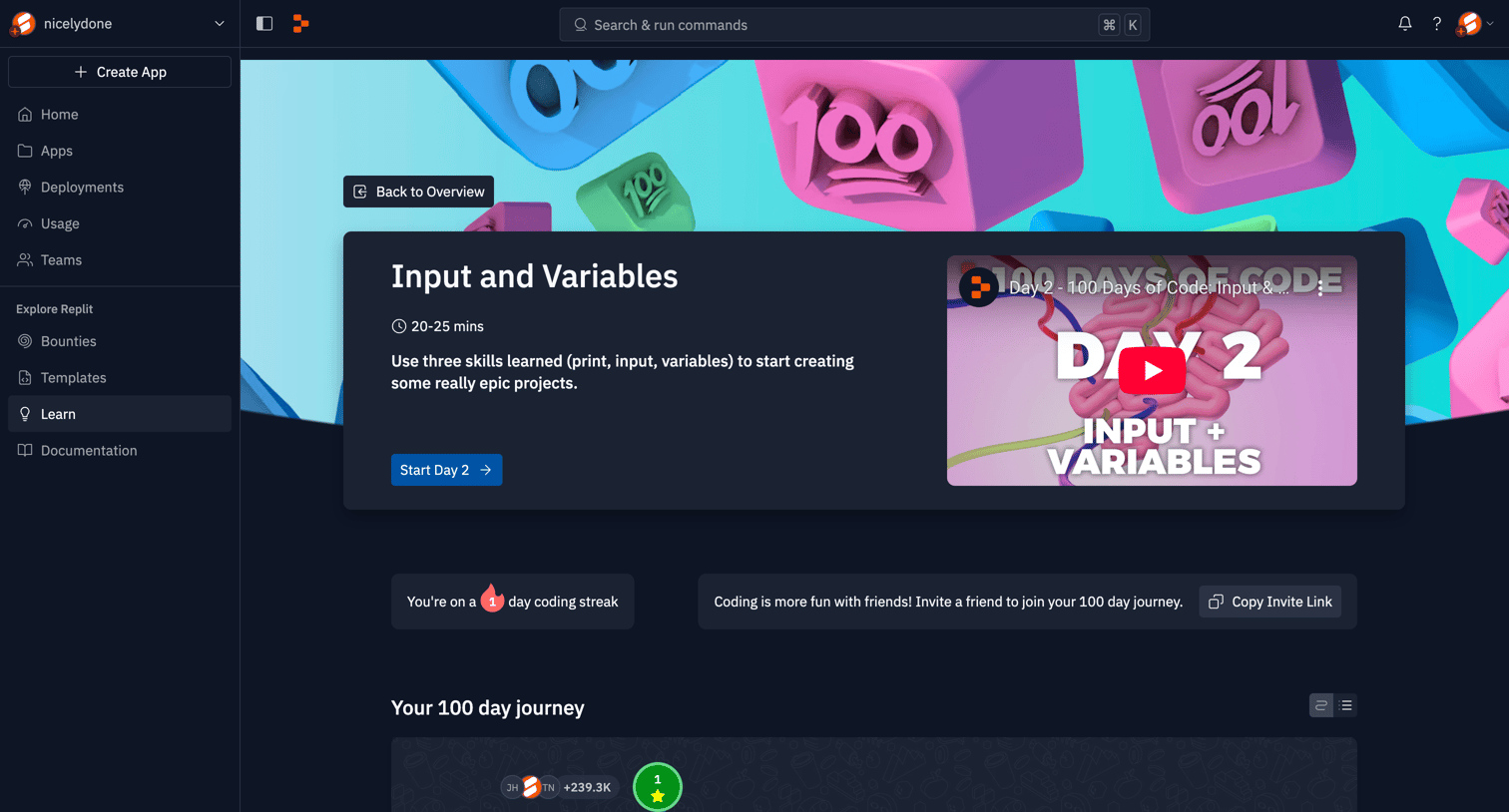

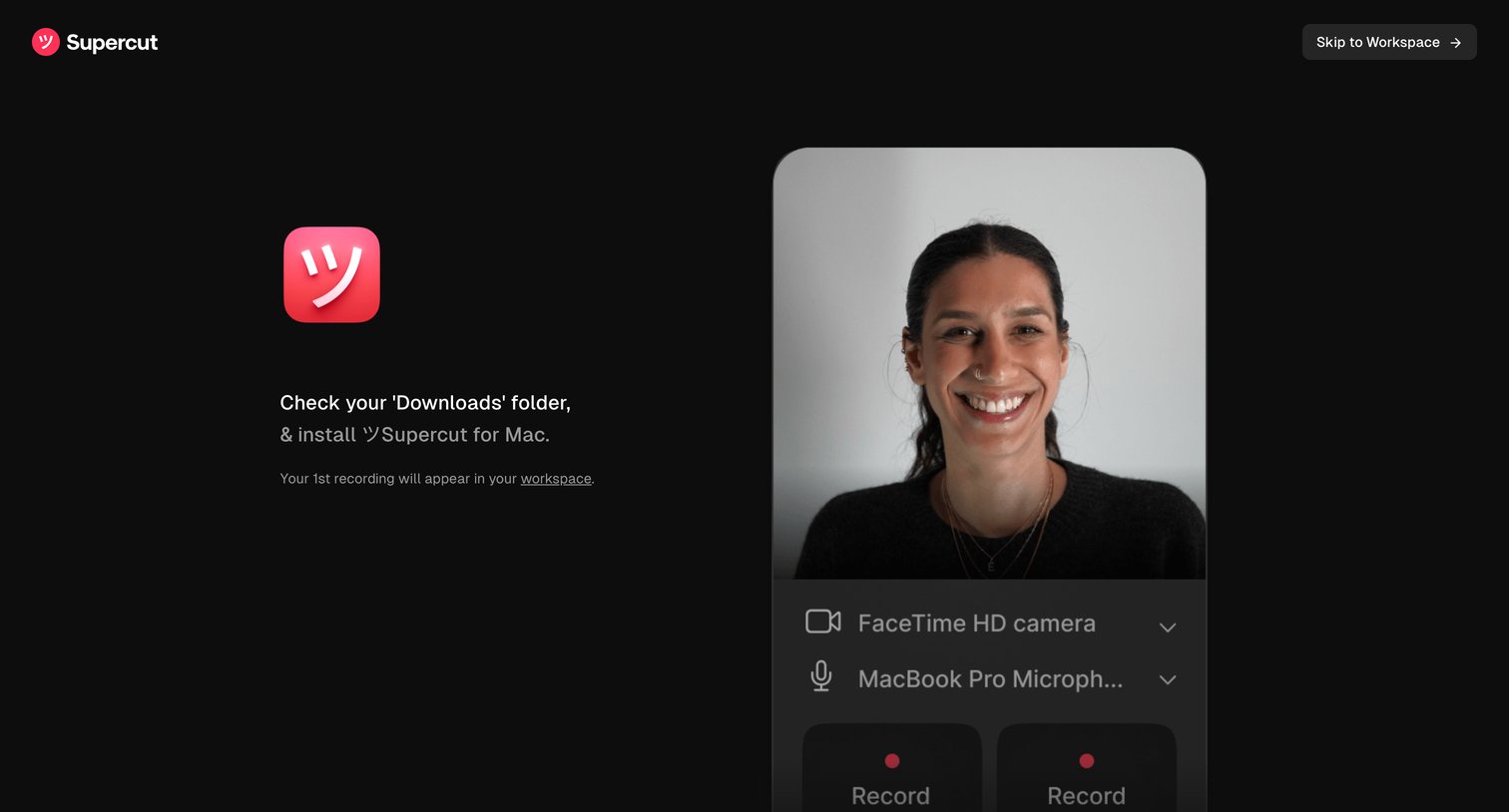

Onboarding step where the user is prompted to install the Mac app from their downloads folder while previewing their camera and microphone inputs to start a web recording.
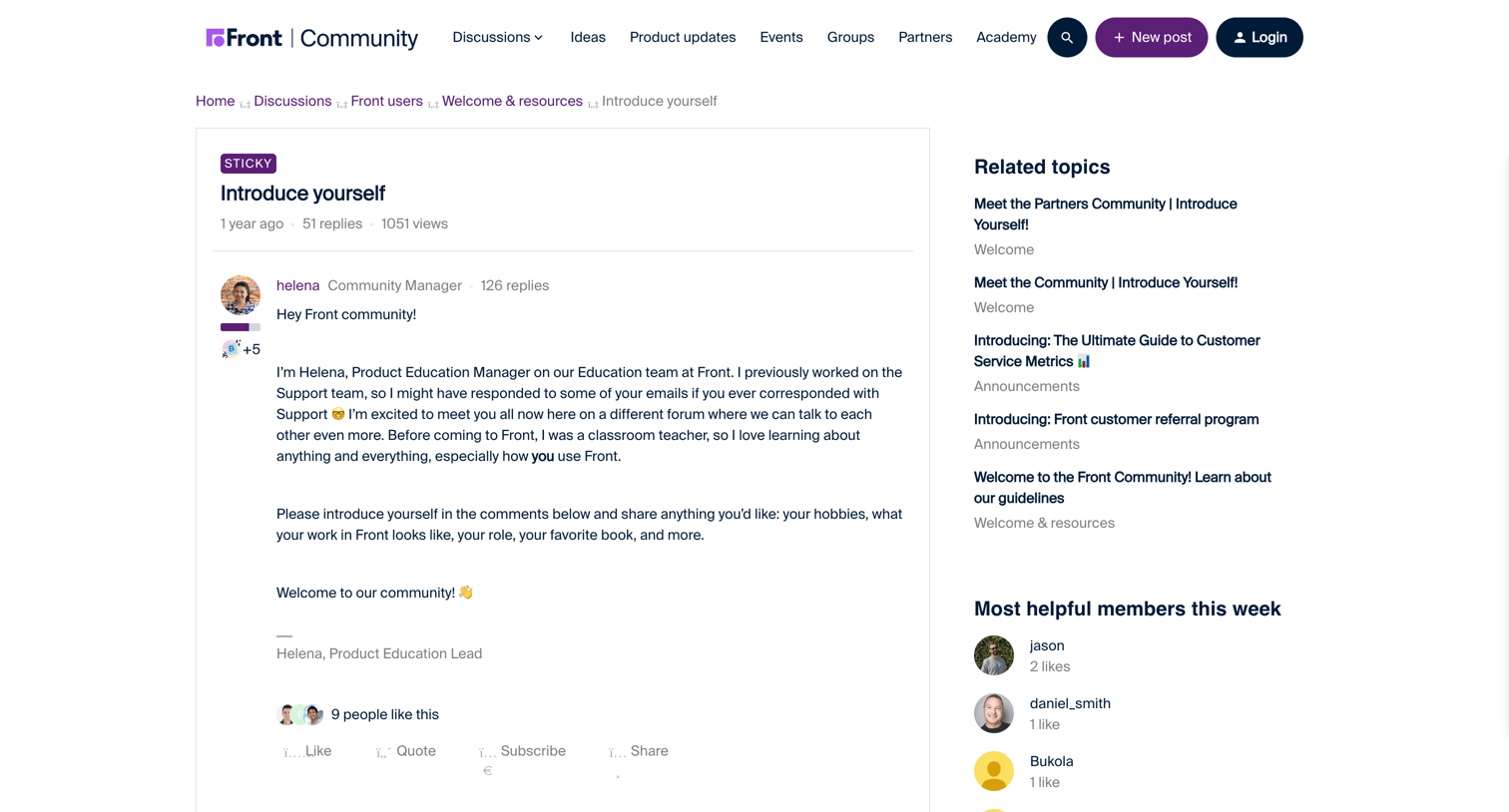

Community forum thread where users introduce themselves, browse 51 replies sorted by oldest first, and can compose a new response.
Explore the full SaaS screen library
Upgrade to unlock the full library.
Trusted by the best teams







