Navigation menu screen examples
Navigation menu screen design examples from SaaS apps. Browse examples from Dock, Beside, Town.
Explore the examples
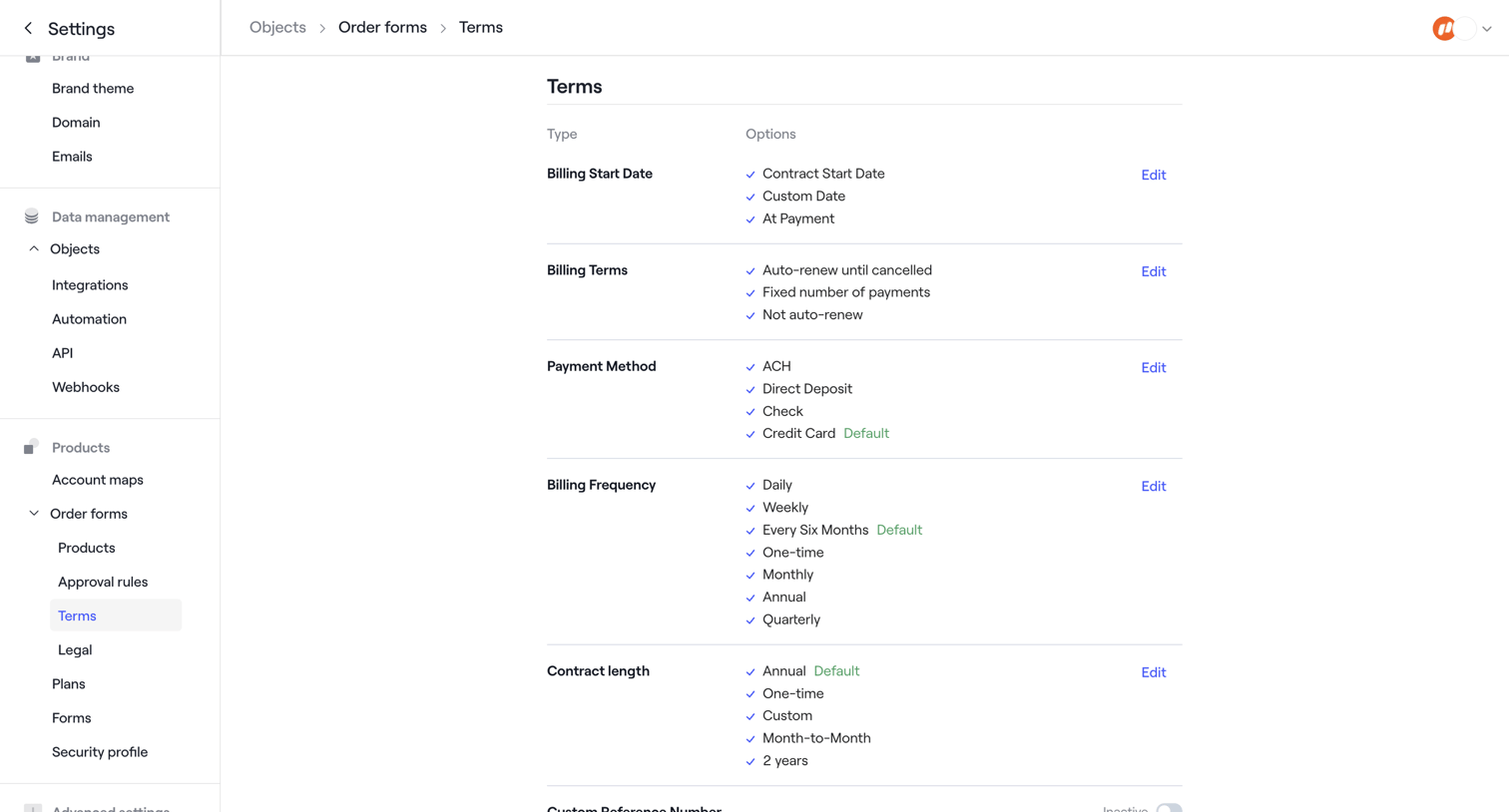

Settings page where the user configures available options for billing start dates, payment methods, and contract lengths on order forms.
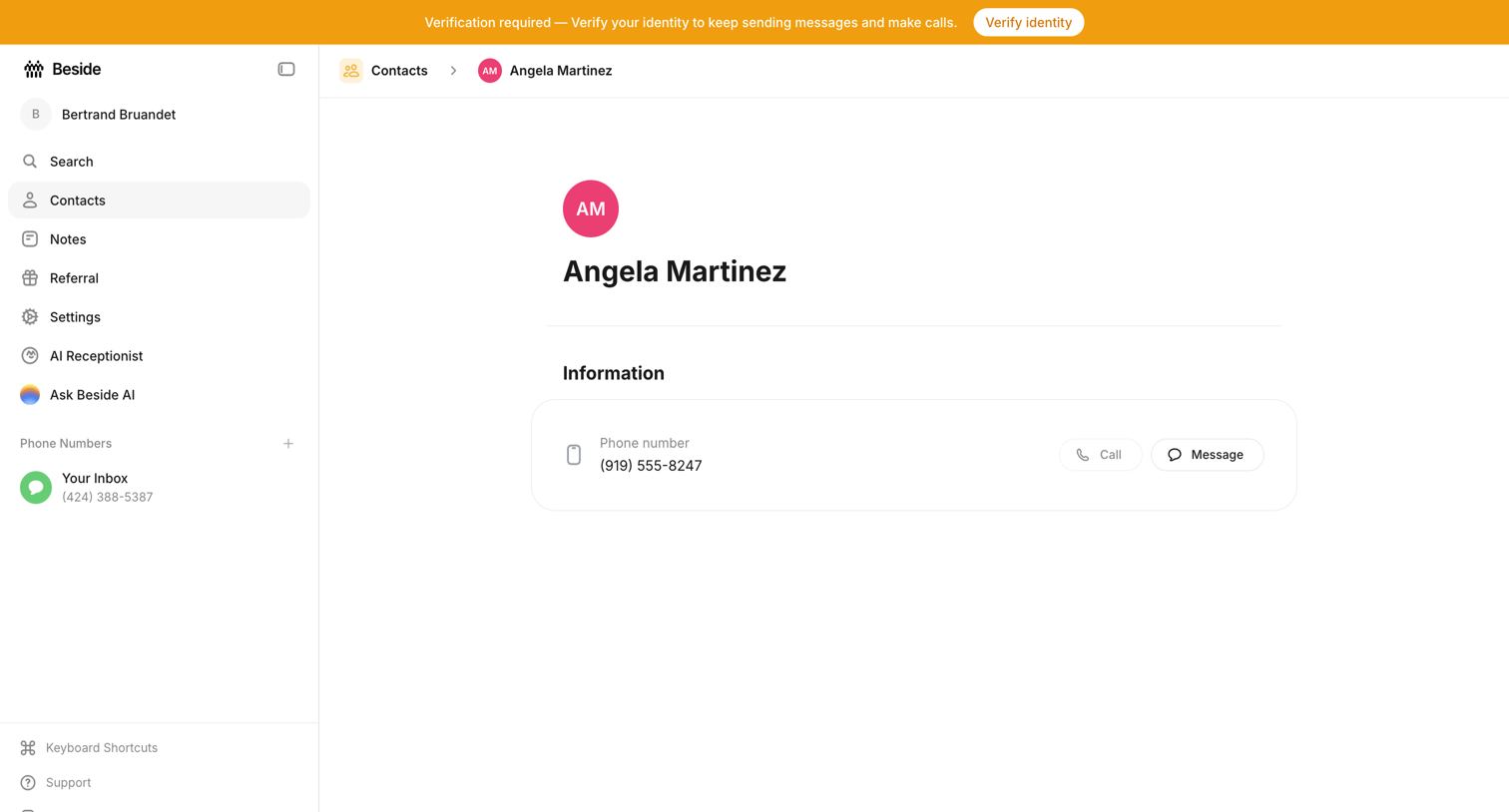

Detail page showing a contact's phone number with a global banner requiring identity verification to restore messaging and calling.
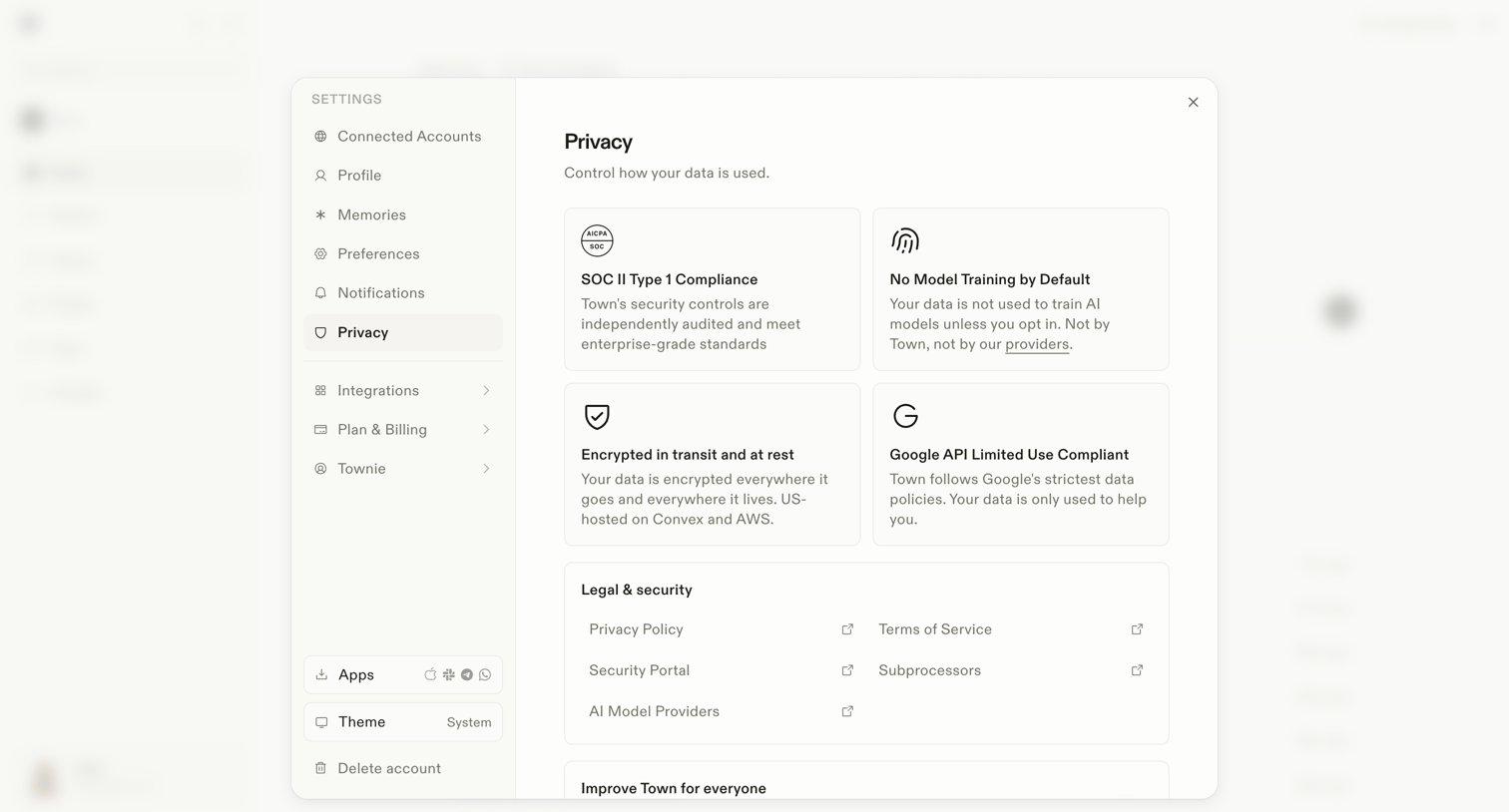

Settings modal where the user reviews privacy controls, compliance details like SOC II, and legal documentation links.
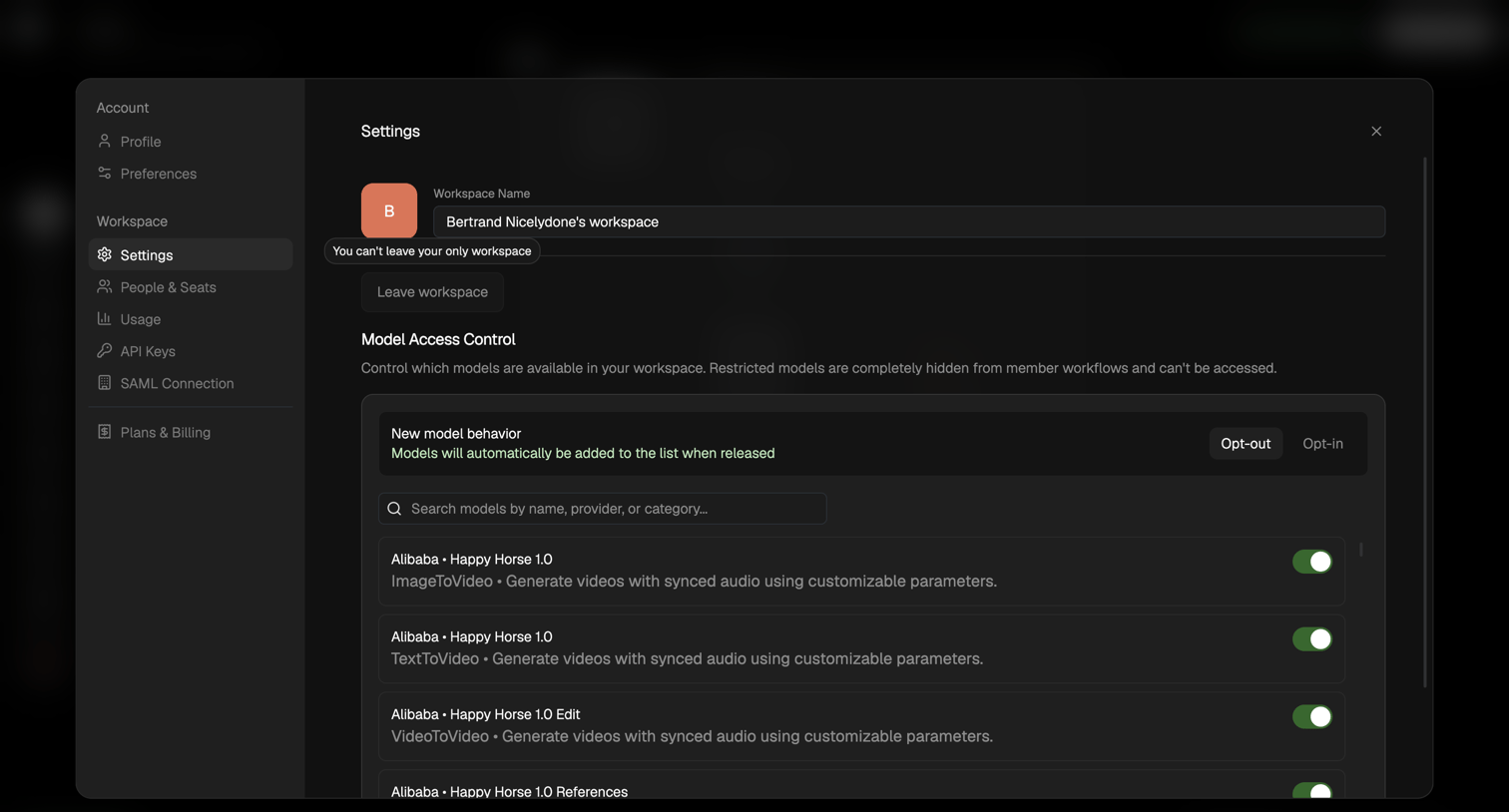

Settings modal where the user can rename their workspace and toggle access to specific AI models.
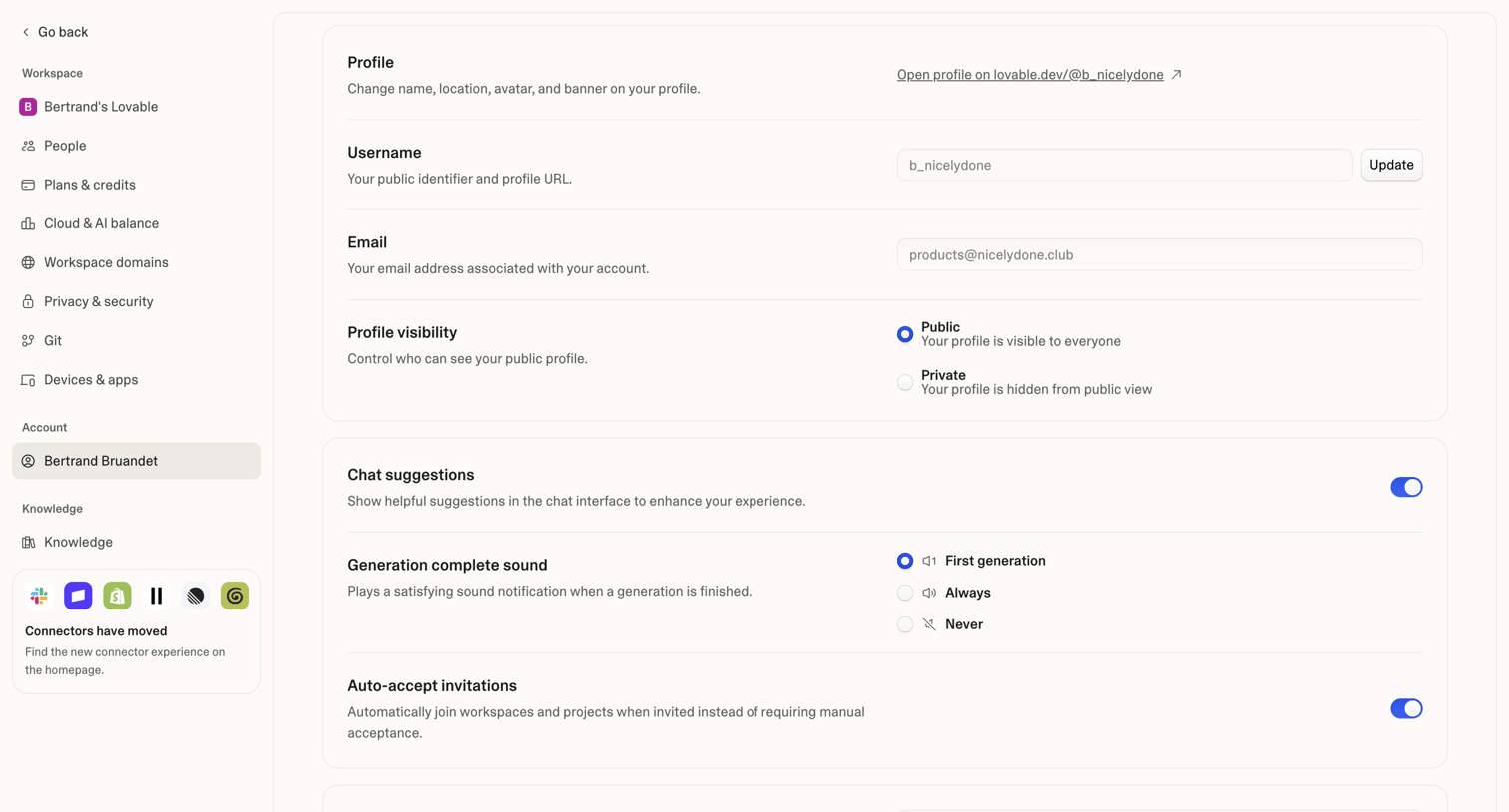

Settings page where the user configures their public profile, email, chat preferences, and linked accounts.
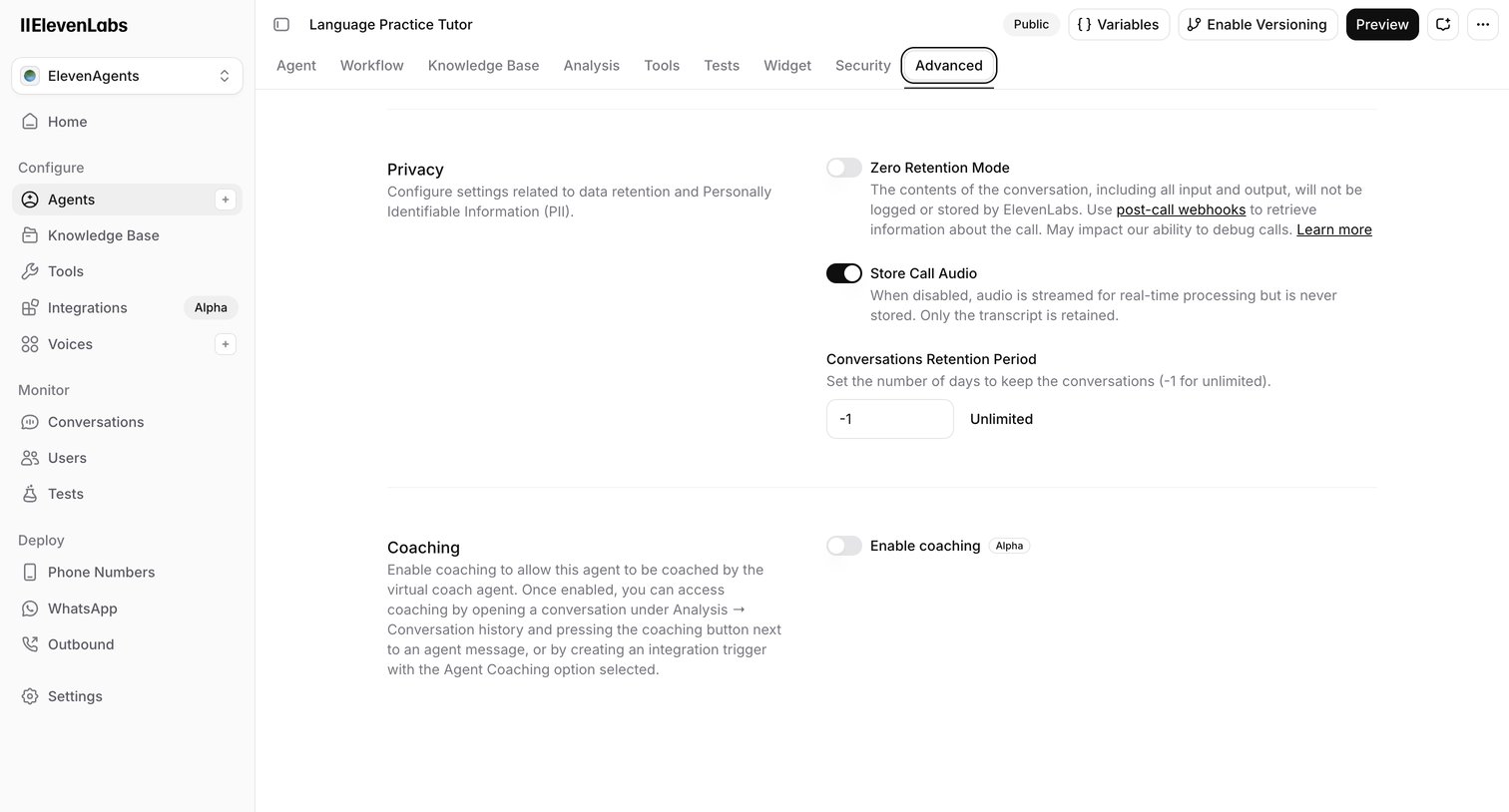

Settings page where the user configures privacy, data retention, and coaching options for an AI language practice tutor.
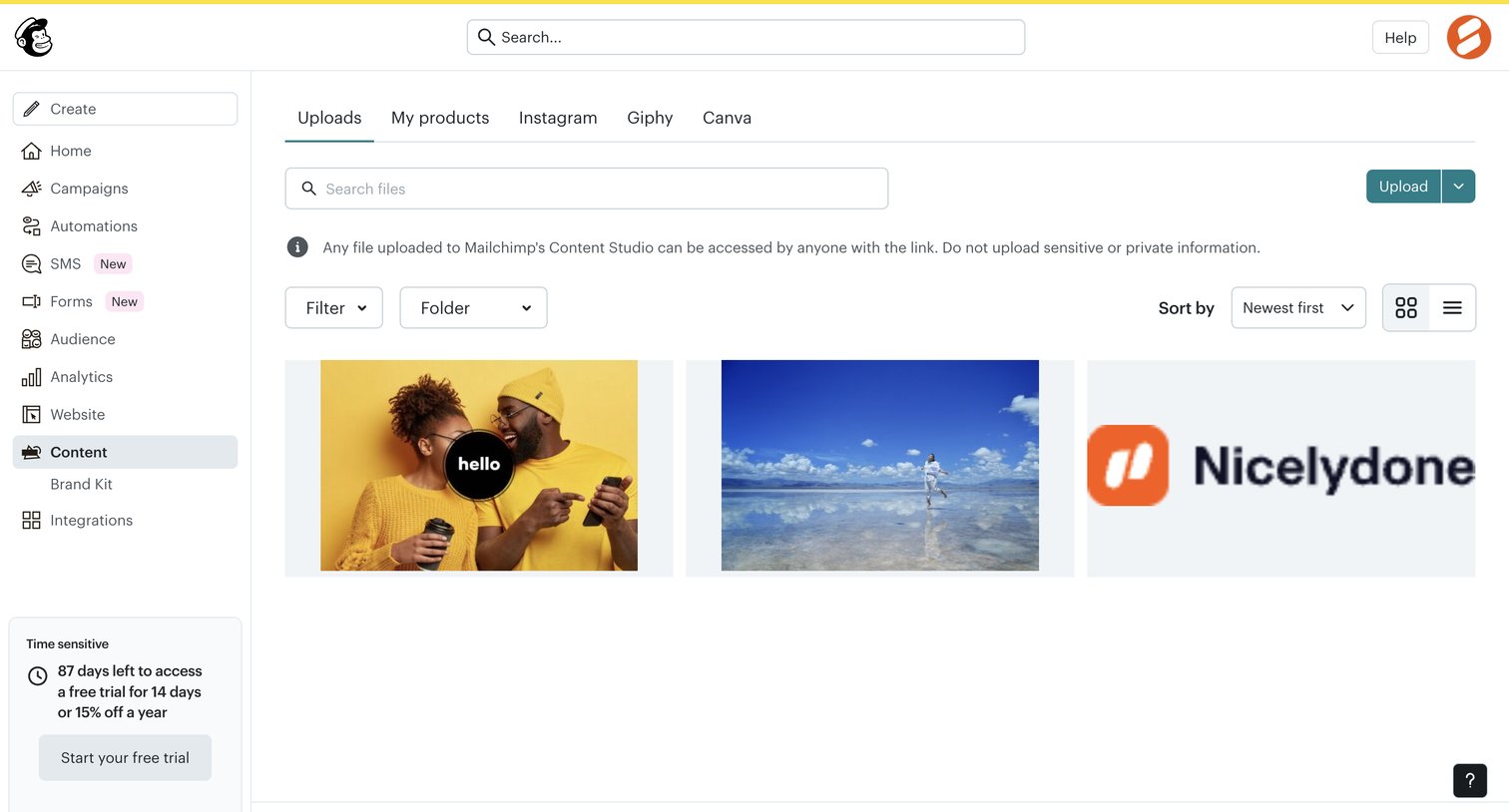

Content library where the user manages uploaded images and files, featuring a grid view with search, filtering, and upload capabilities.
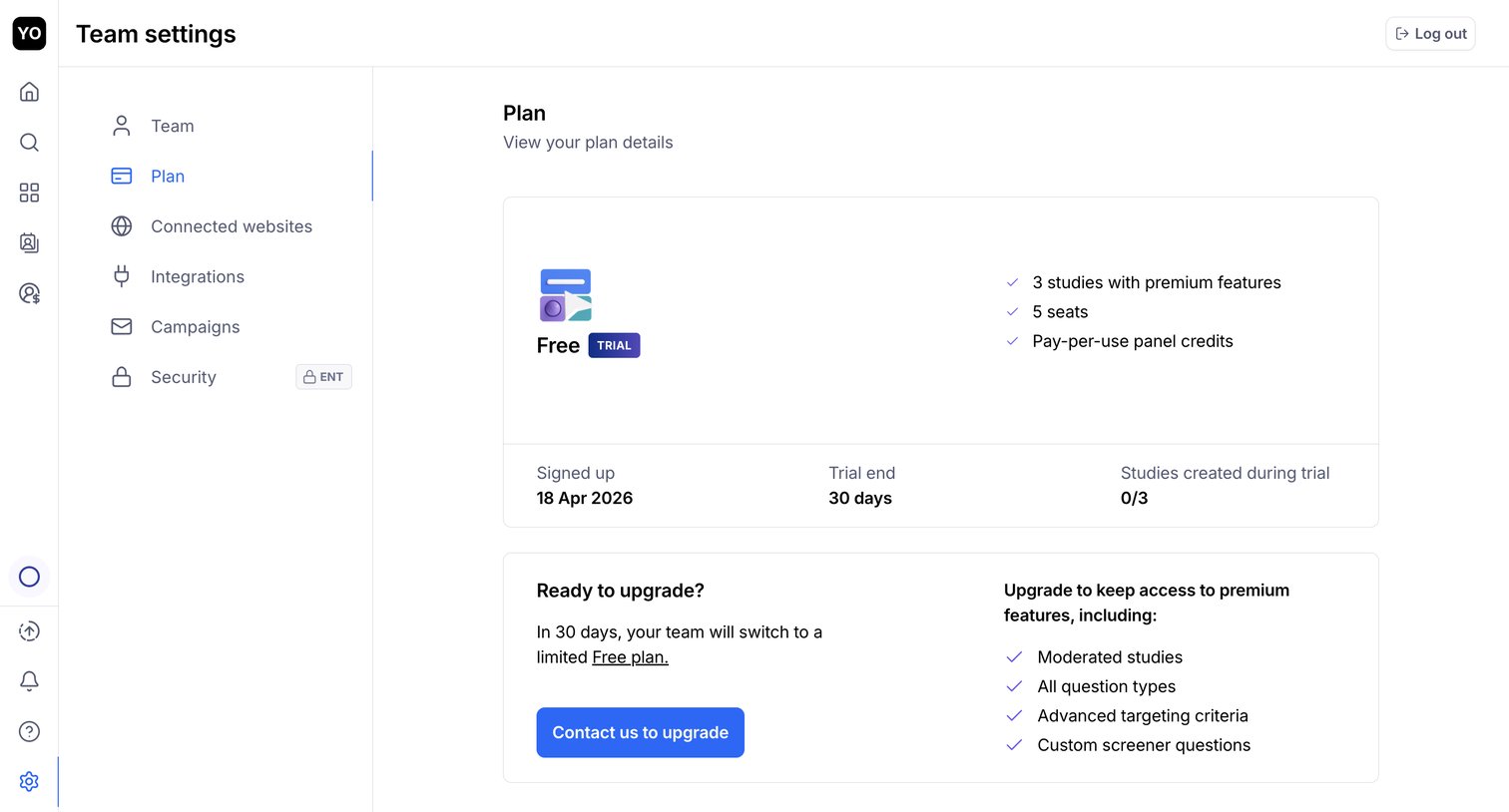

Settings page where the user views their current trial plan details, usage limits, and an upgrade prompt to retain premium features.
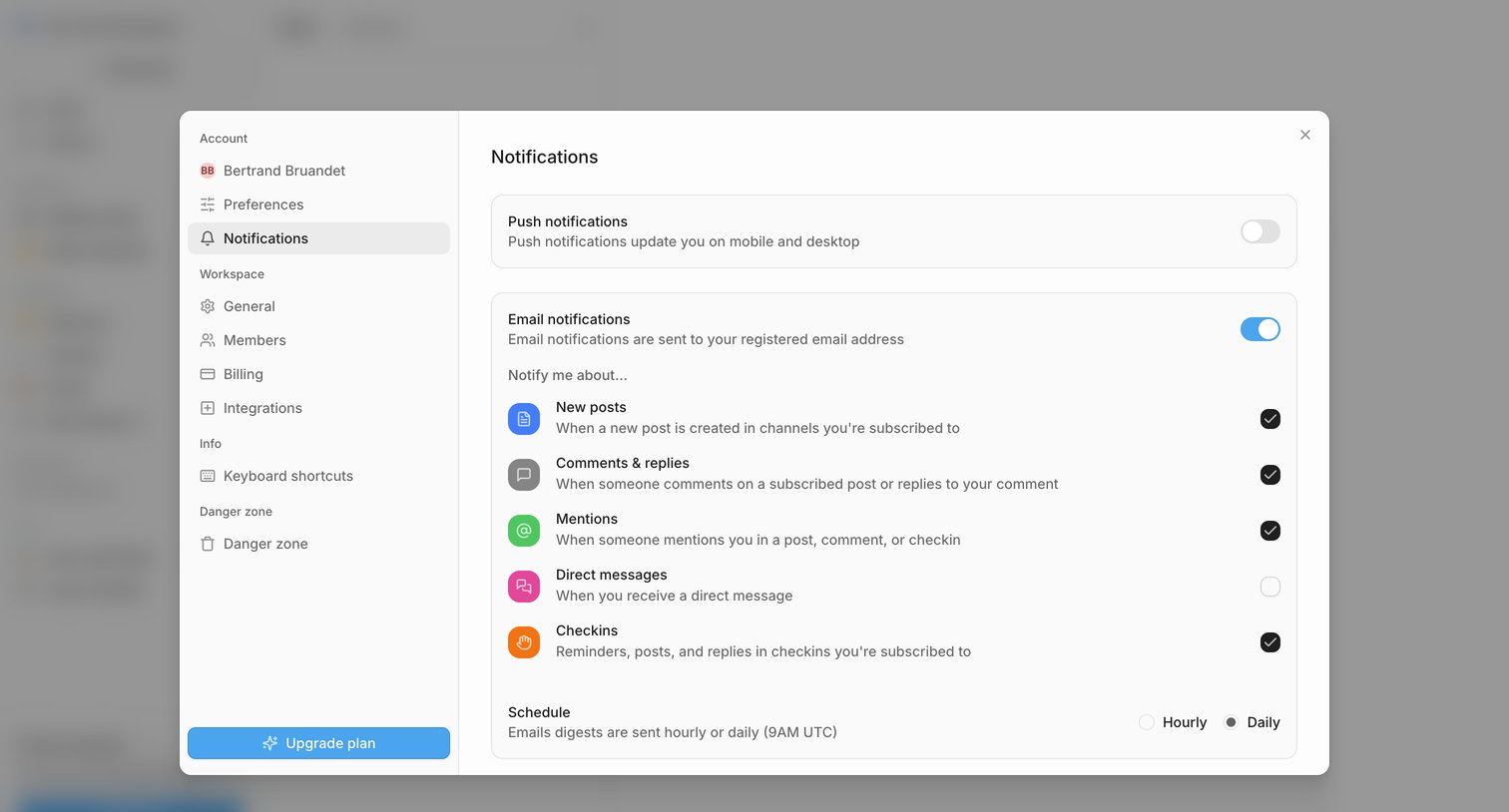

Settings modal where the user configures push and email notification preferences, including specific triggers like mentions and direct messages, and sets a daily or hourly schedule.
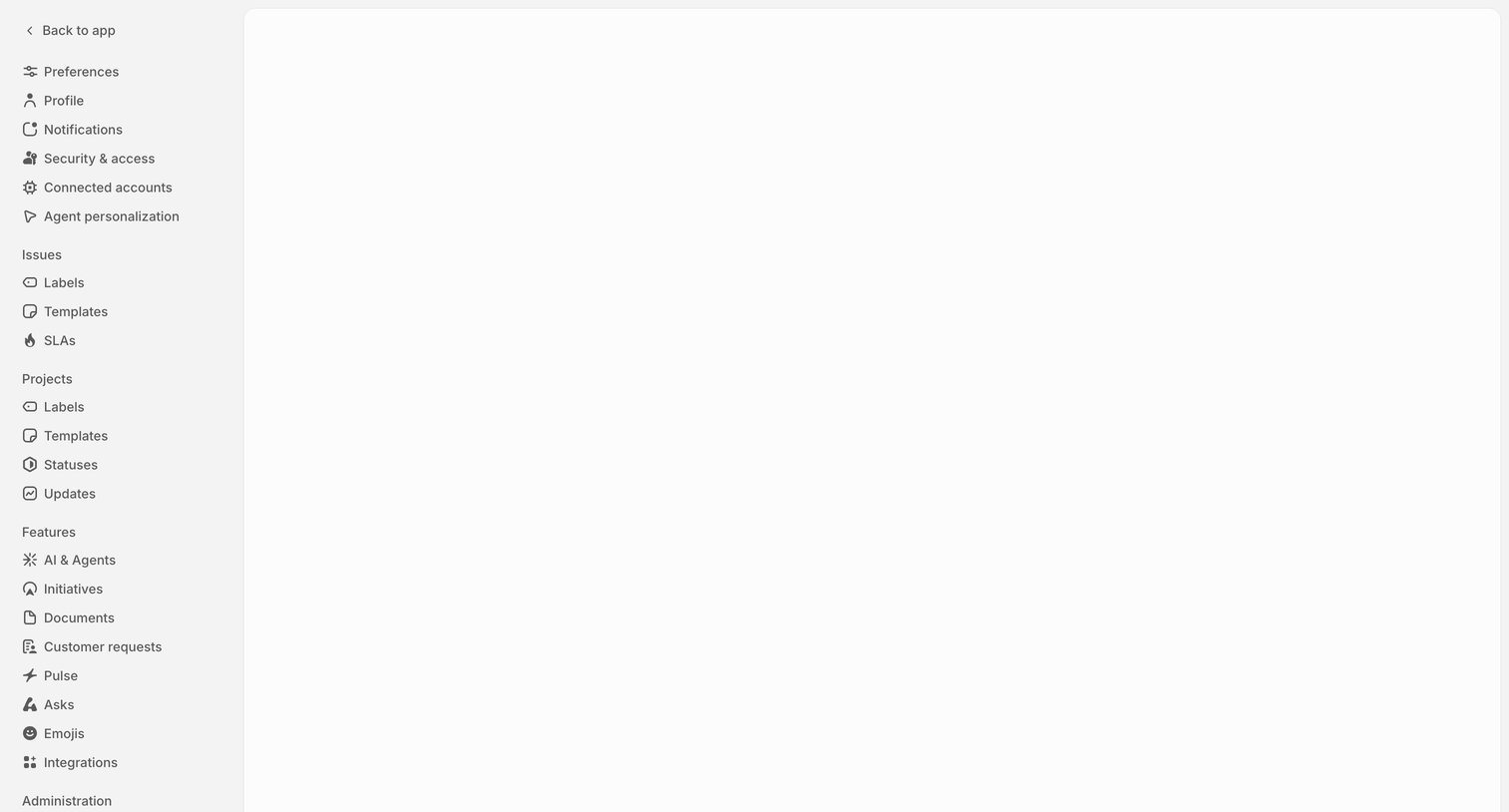

Settings page showing a blank main content area next to a comprehensive navigation sidebar with categories for issues, projects, and features.
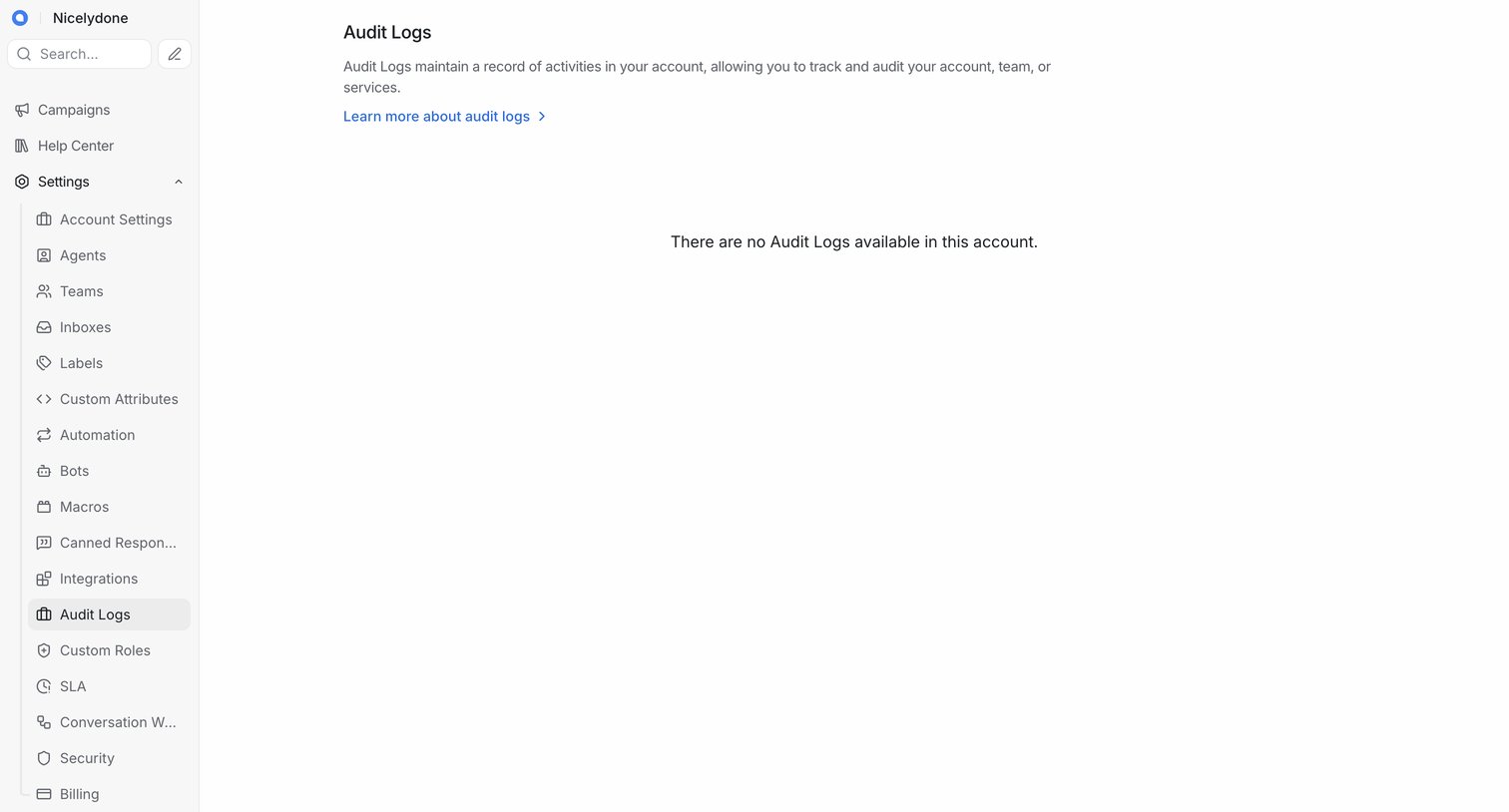

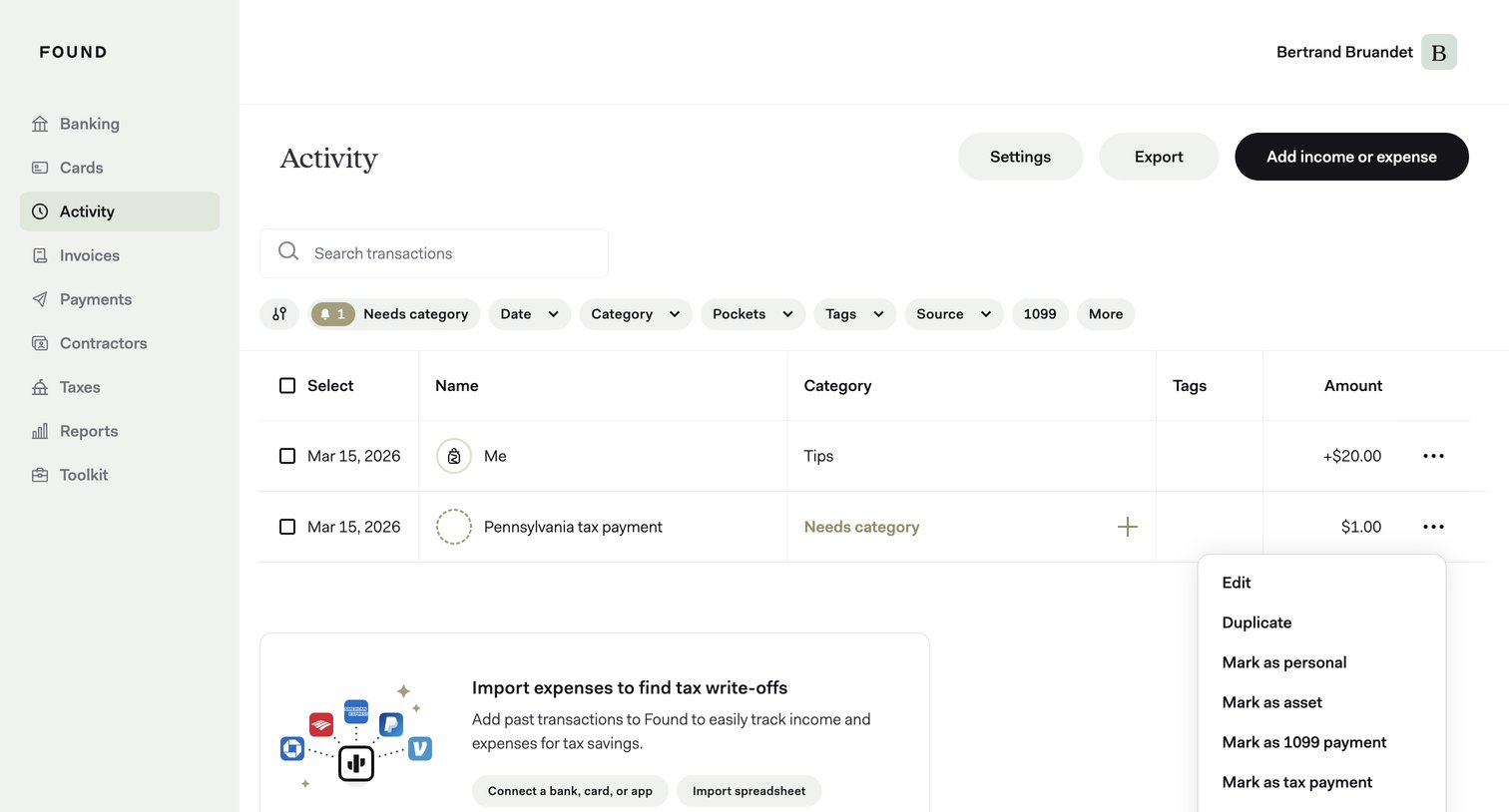

List view of business transactions where the user can search, filter by category or date, and manage individual income and expenses via a context menu.
Explore the full SaaS screen library
Upgrade to unlock the full library.
Trusted by the best teams







