Meeting screen examples
Meeting screen design examples from SaaS apps. Browse examples from Circleback, Lindy, Hypermode.
Explore the examples
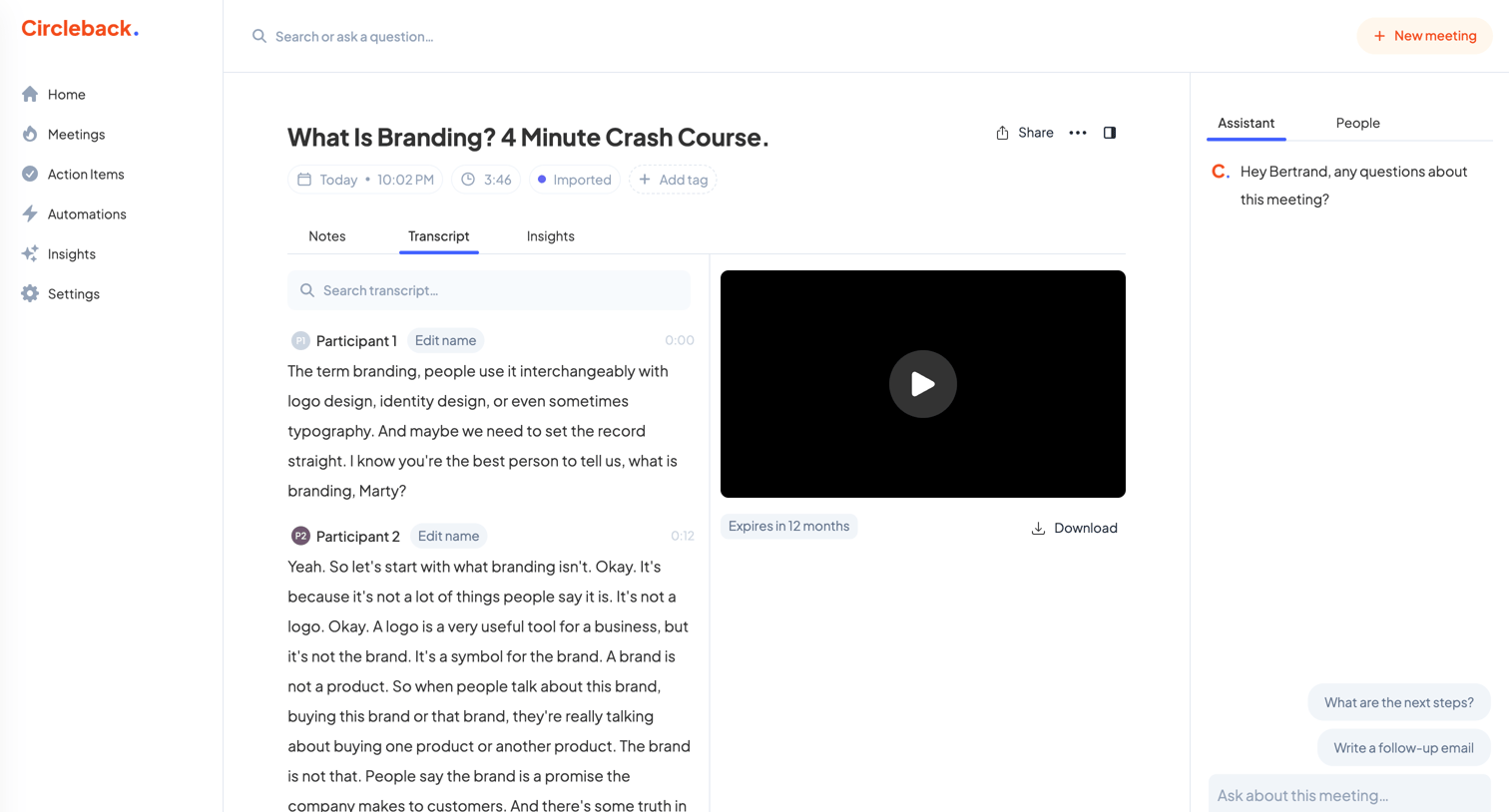

Detail page where the user reviews a meeting transcript alongside a video recording and an AI assistant for querying the content.
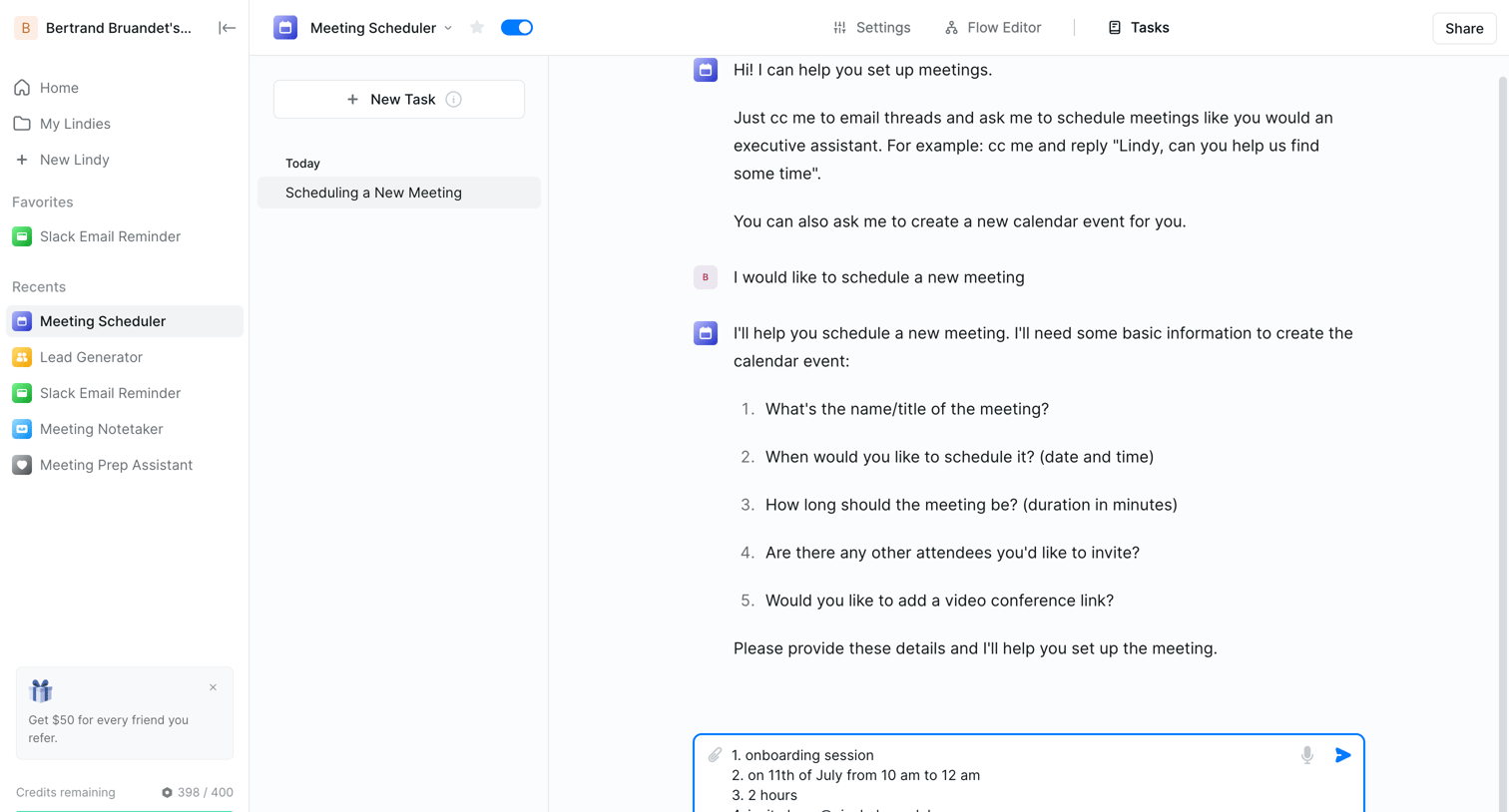

AI chat interface where the user interacts with a meeting scheduler agent to provide details for a new calendar event.
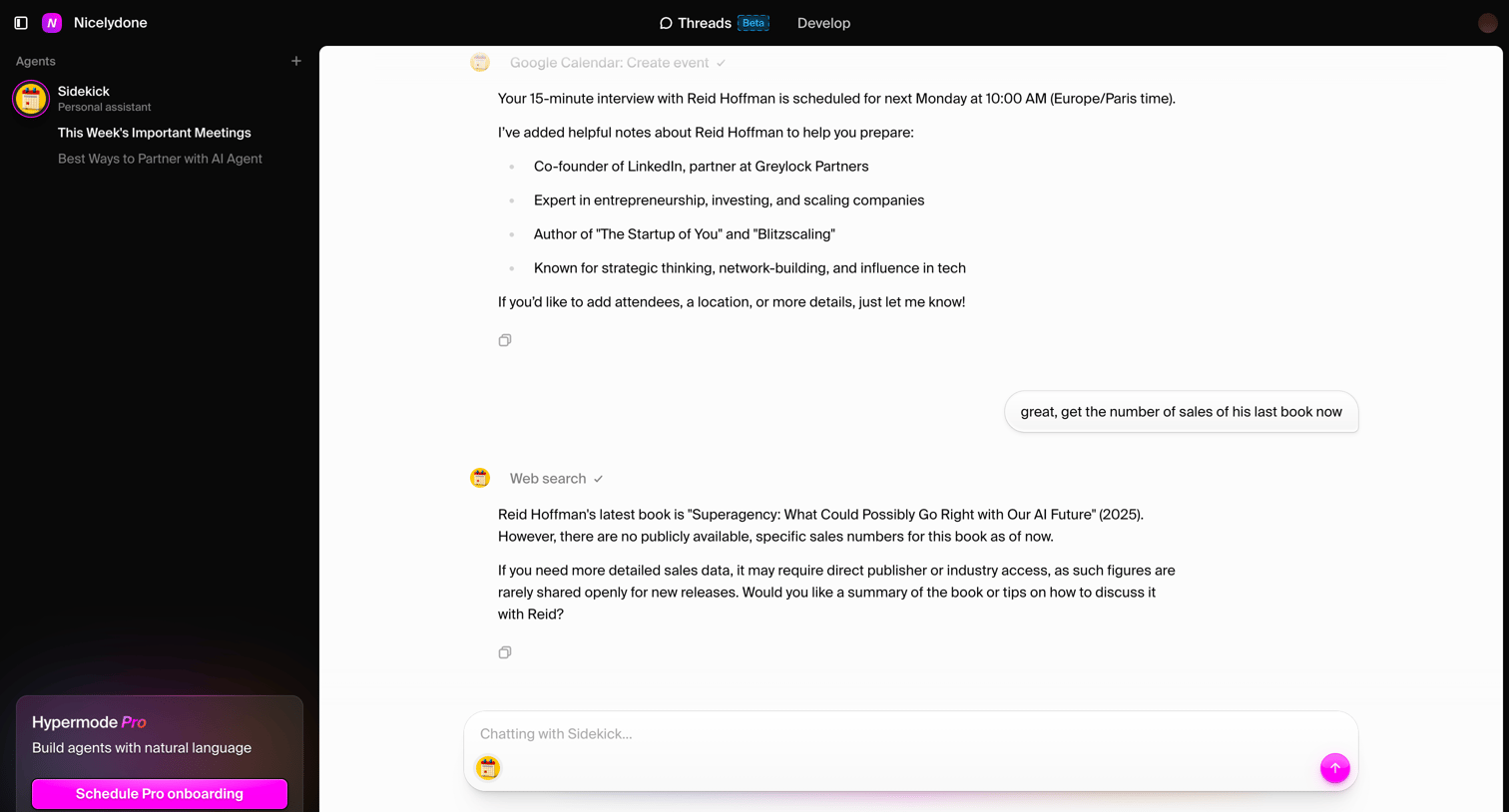

AI chat interface where the user interacts with a personal assistant agent named Sidekick to schedule meetings and perform web searches.
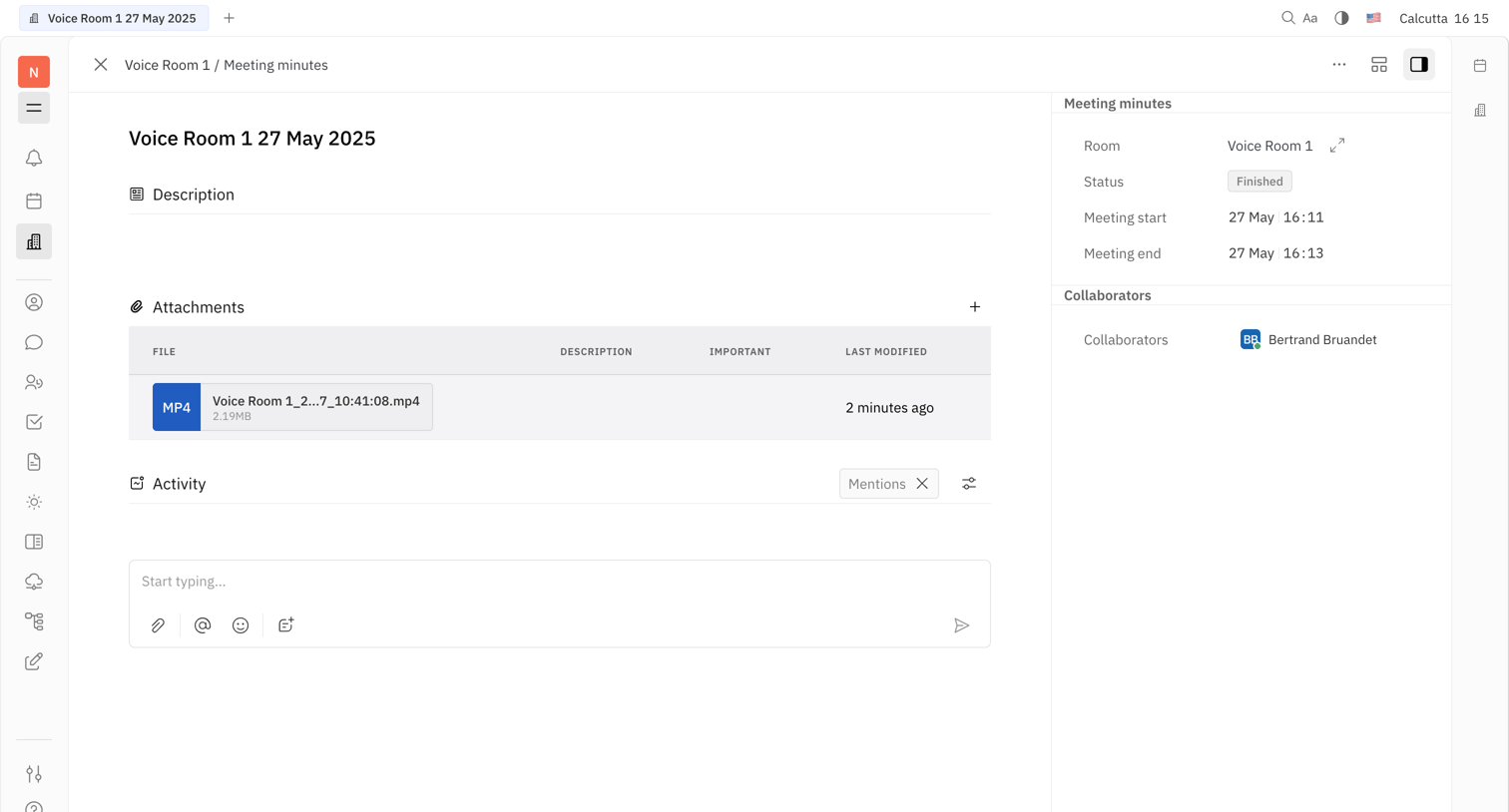

Detail page for a meeting room record showing file attachments, an activity feed composer, and an inspector panel with status and collaborator metadata.
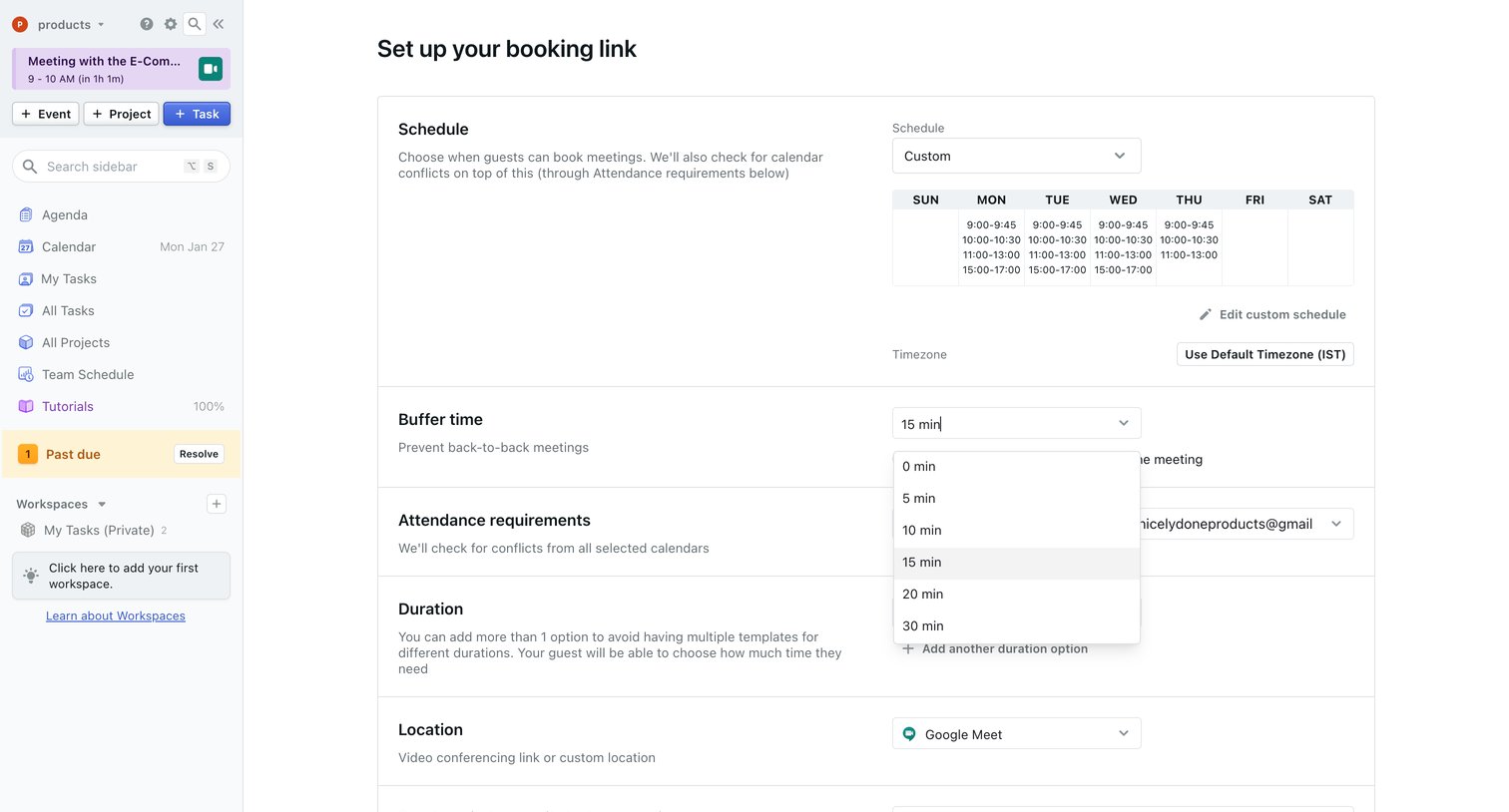

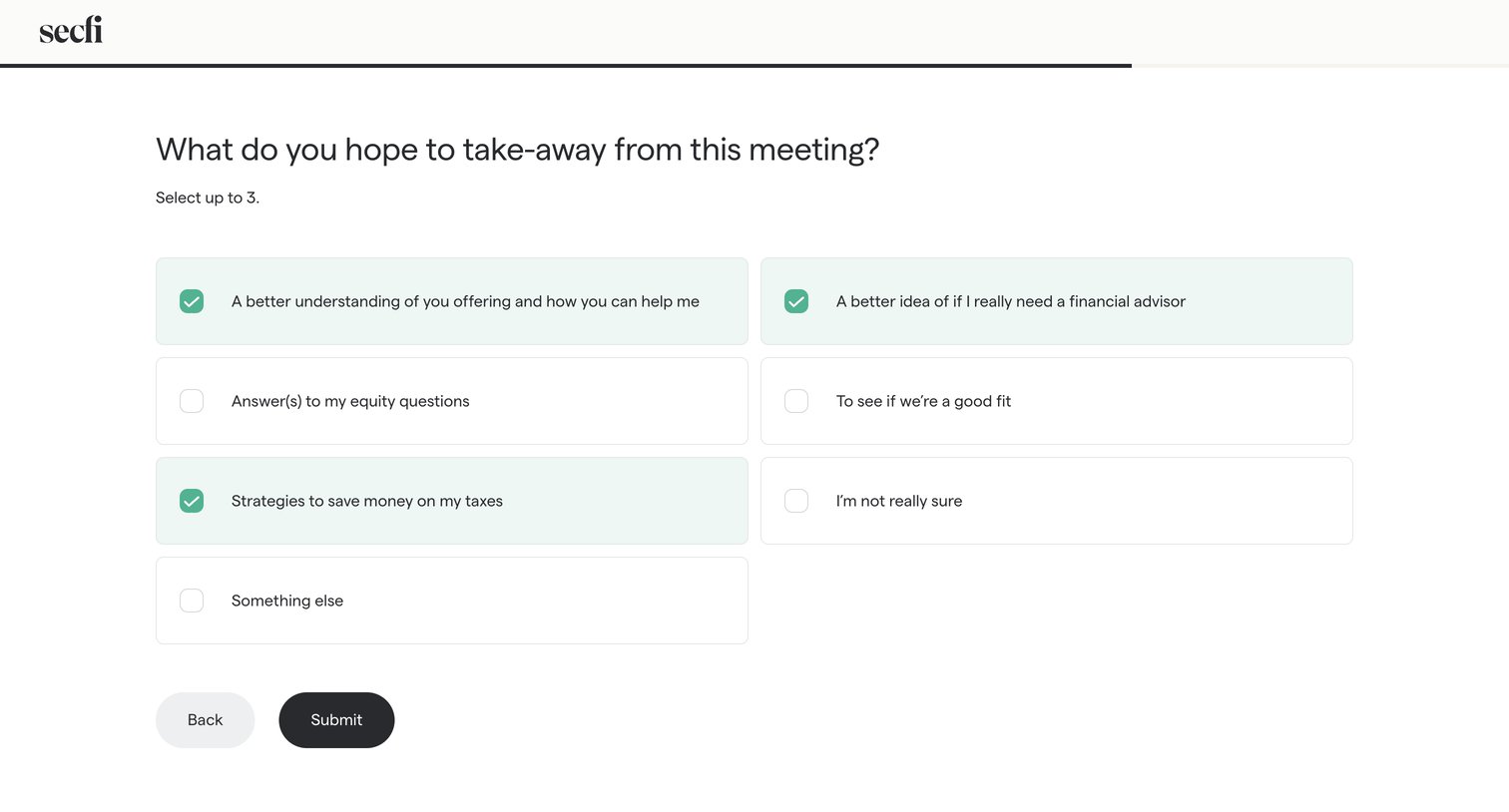

Onboarding step where the user selects up to three goals for their upcoming meeting from a grid of selectable cards.
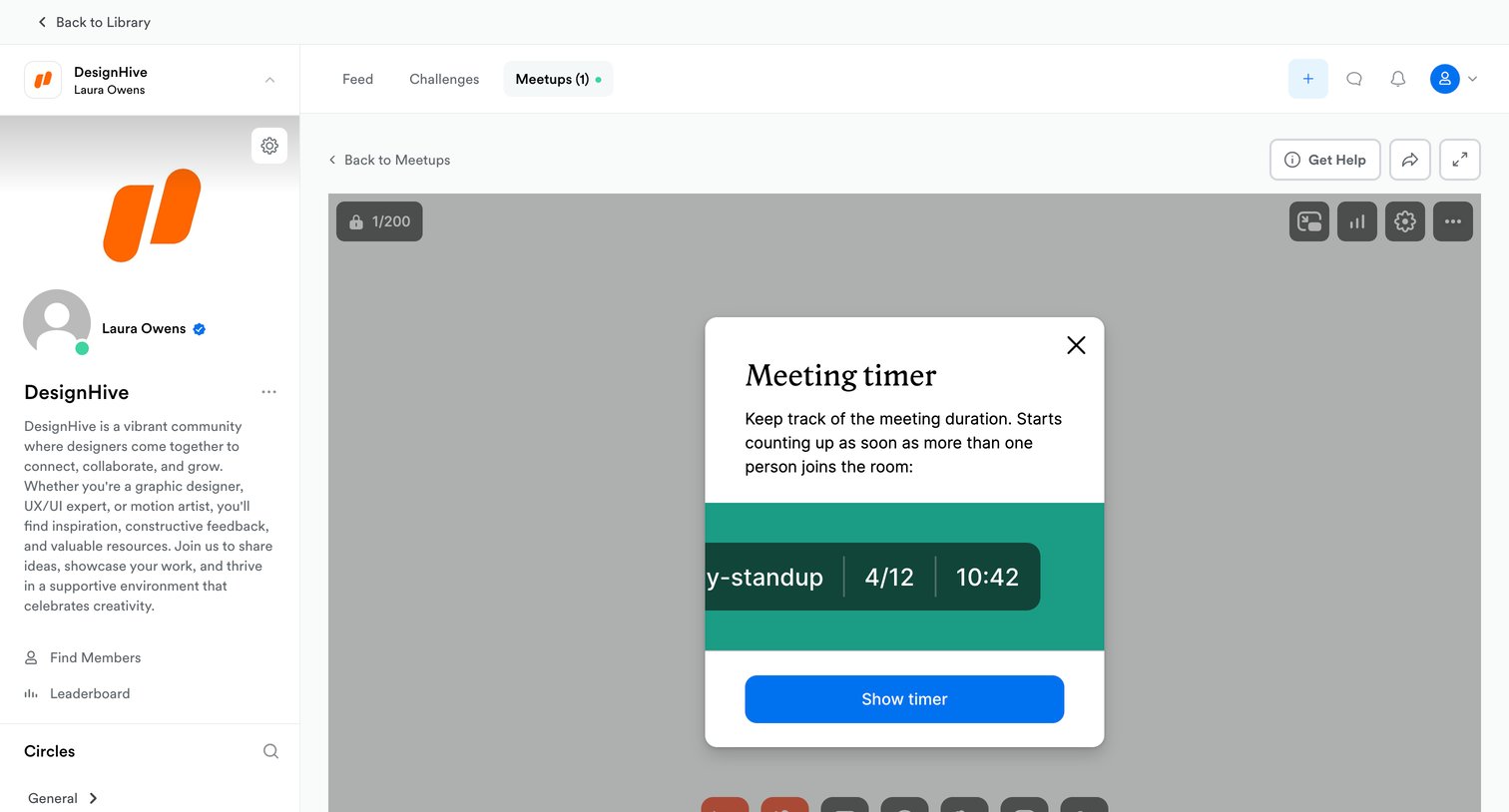

Detail page for a live community meetup where a centered modal prompts the user to enable a meeting timer over the video stage.
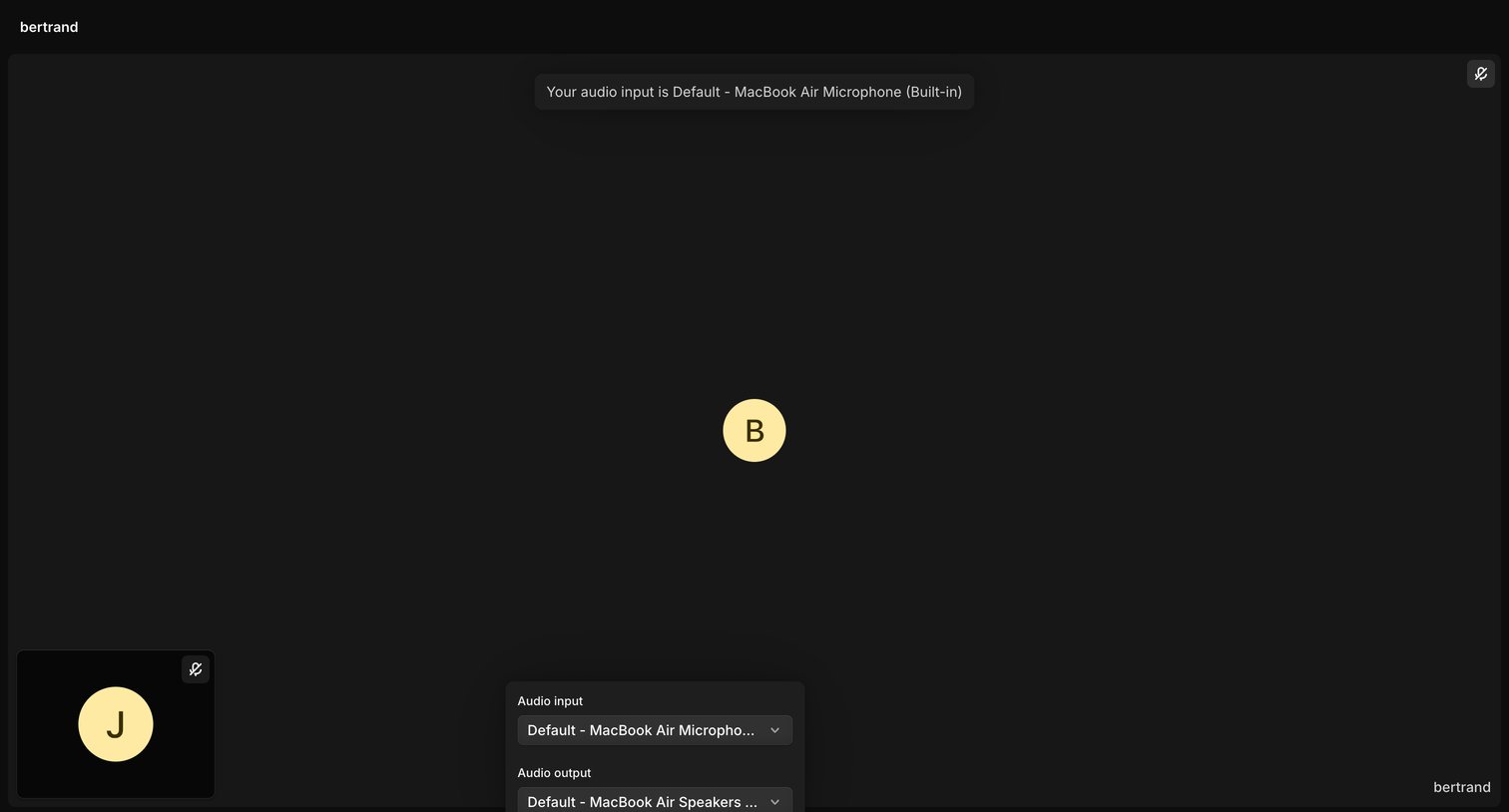

Detail page where the user is in an active call and has opened a popover to configure their audio input and output devices.
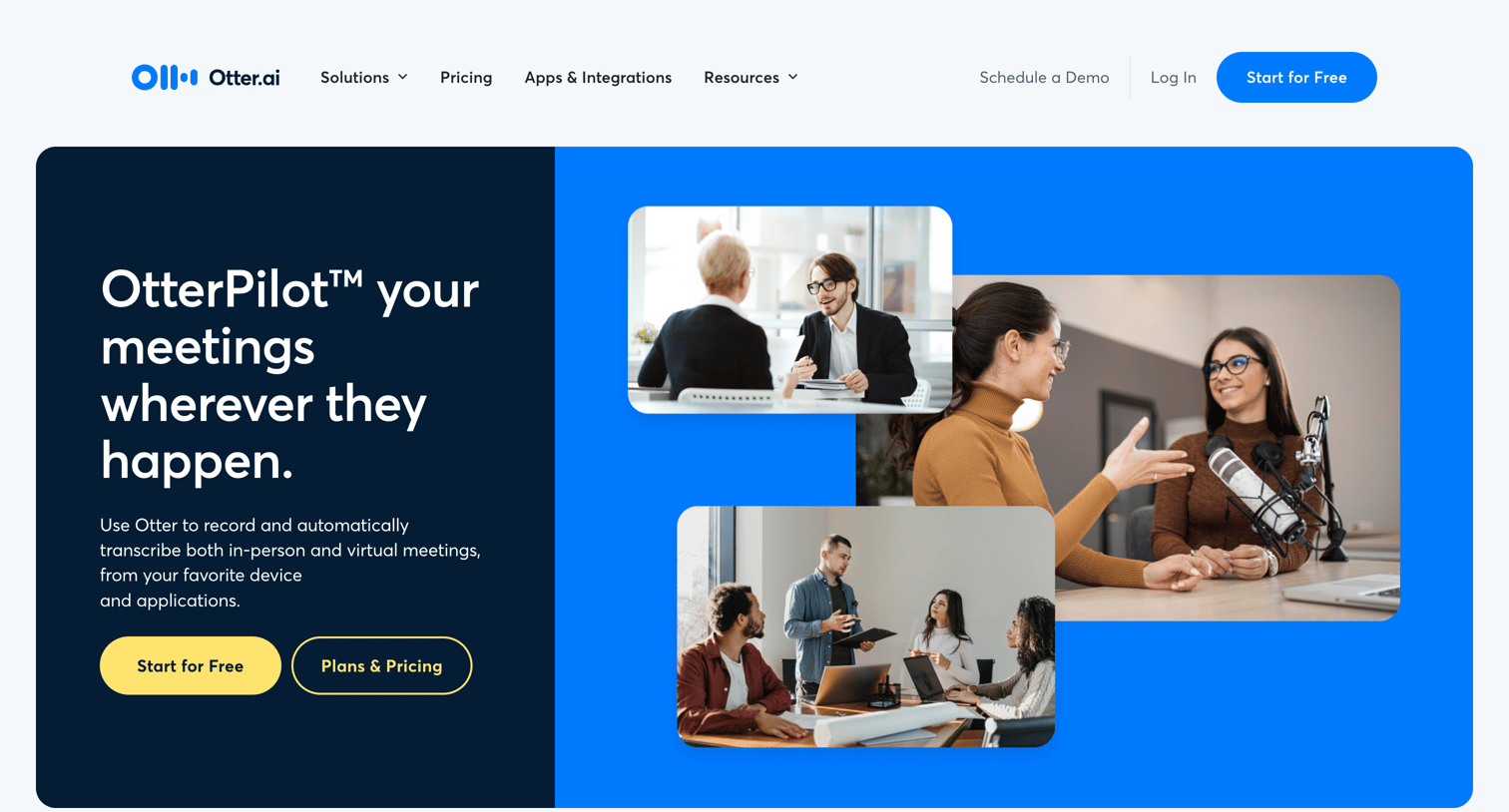

Feature page where the product's transcription capabilities for virtual meetings, audio/video files, YouTube, and Dropbox are showcased with UI previews.
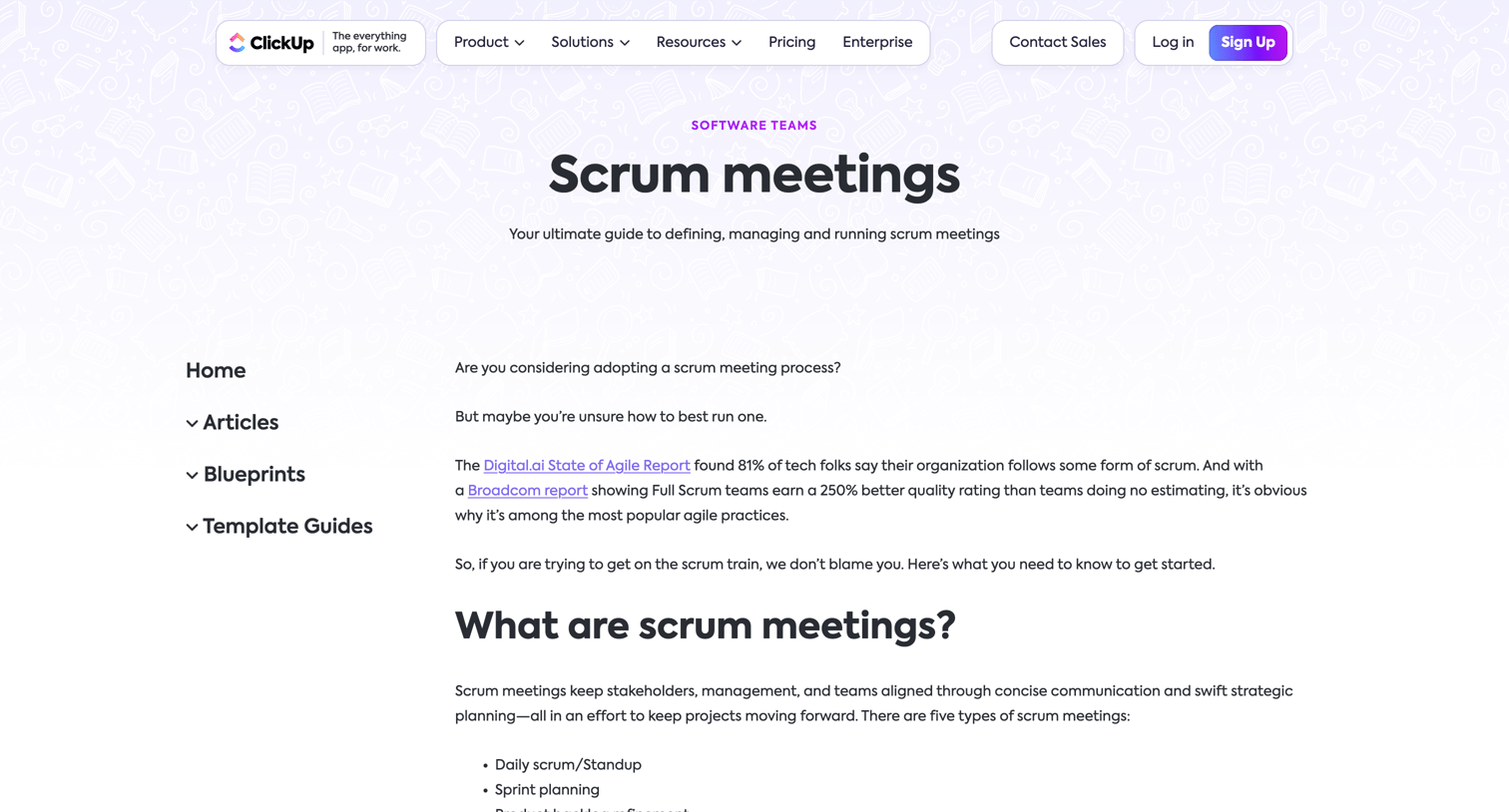

Educational guide explaining the definition, attendees, and types of scrum meetings, featuring embedded product screenshots and a template CTA.
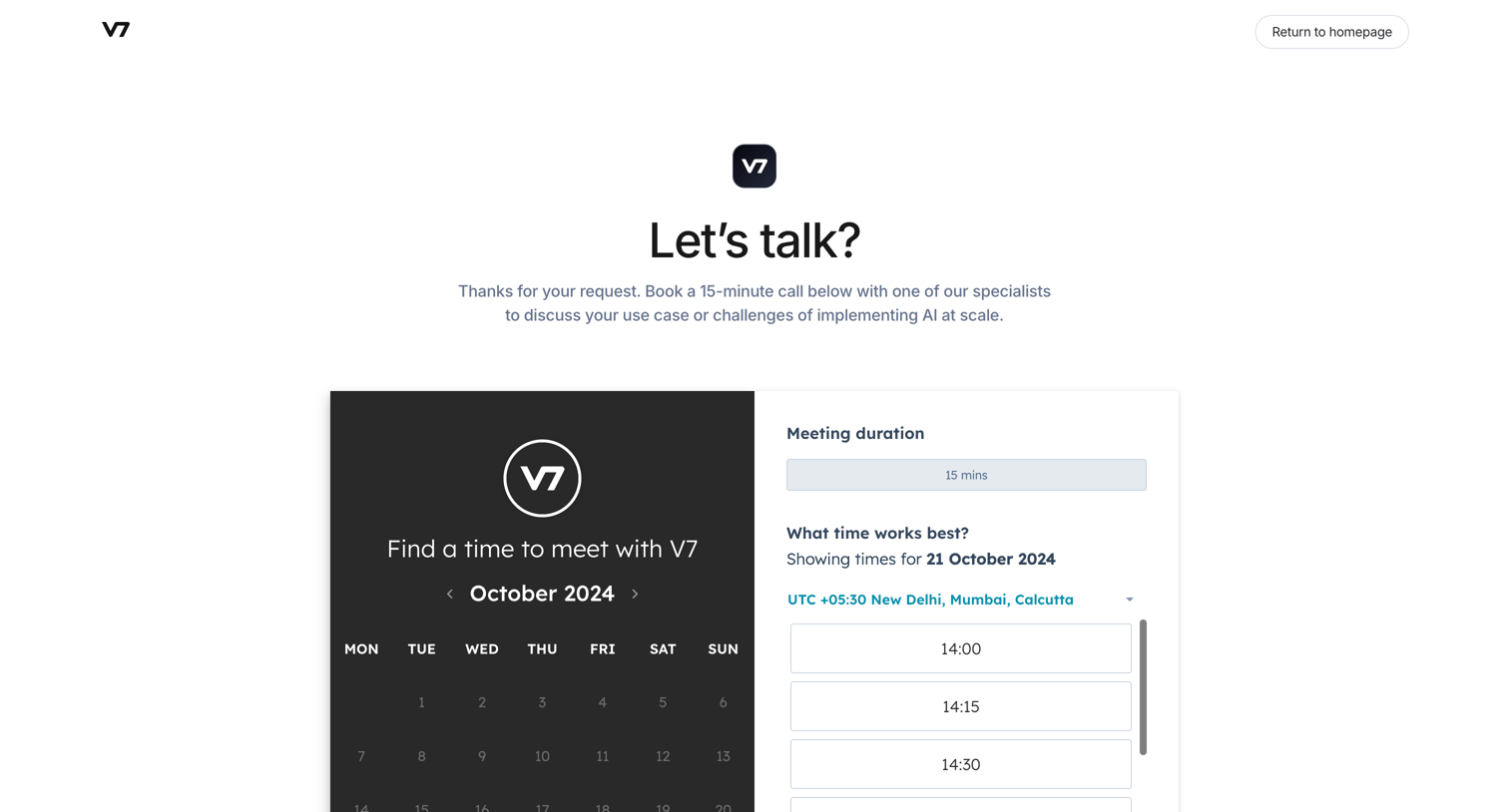

Contact page where the user selects a date and time slot to book a 15-minute call with a specialist.
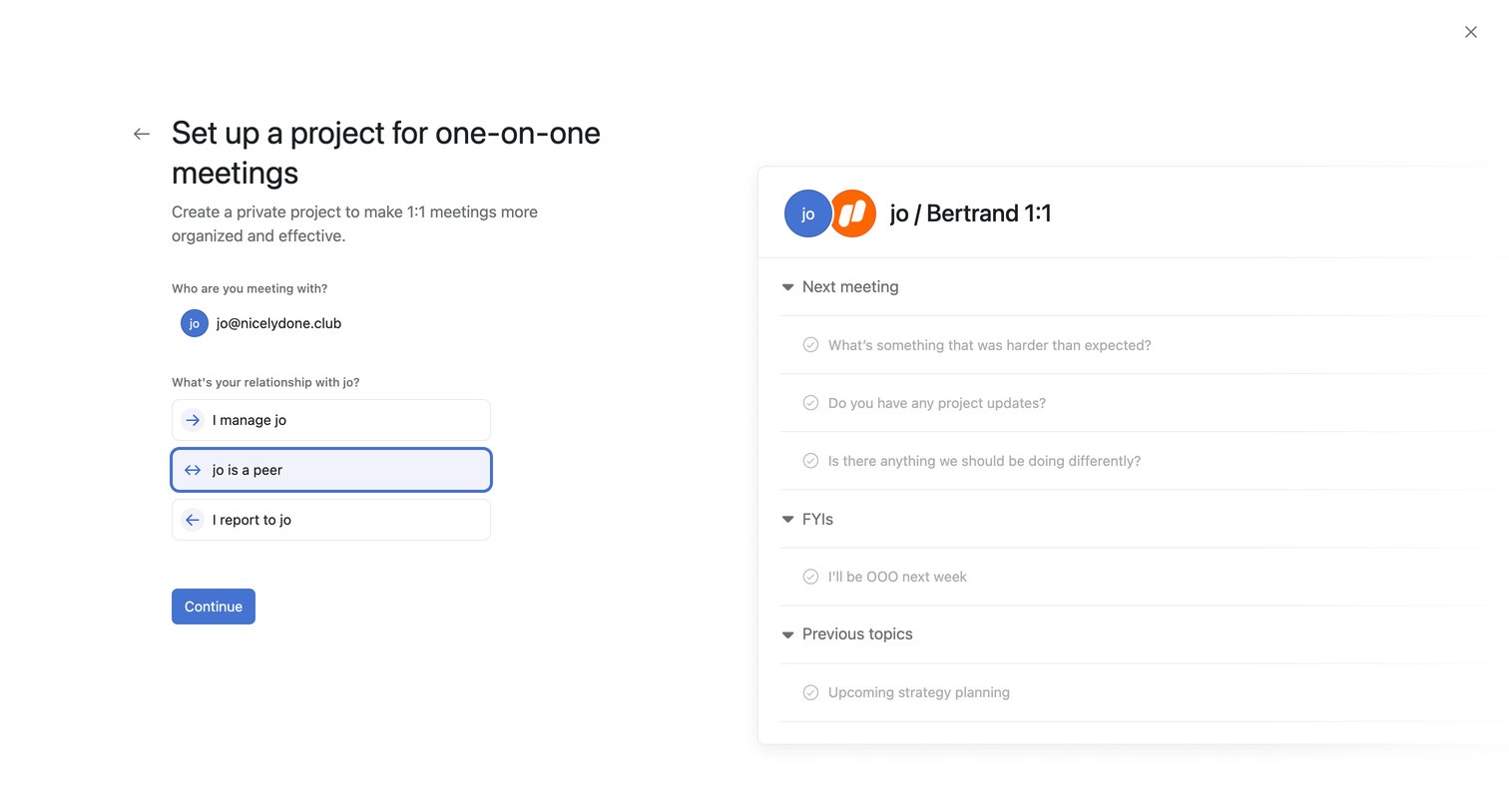

Create page where the user sets up a new 1:1 meeting project by defining their relationship with the selected person and viewing a live preview of the agenda structure.
Explore the full SaaS screen library
Upgrade to unlock the full library.
Trusted by the best teams







