Live chat screen examples
Live chat screen design examples from SaaS apps. Browse examples from Bird, Kinescope, Gather.
Explore the examples
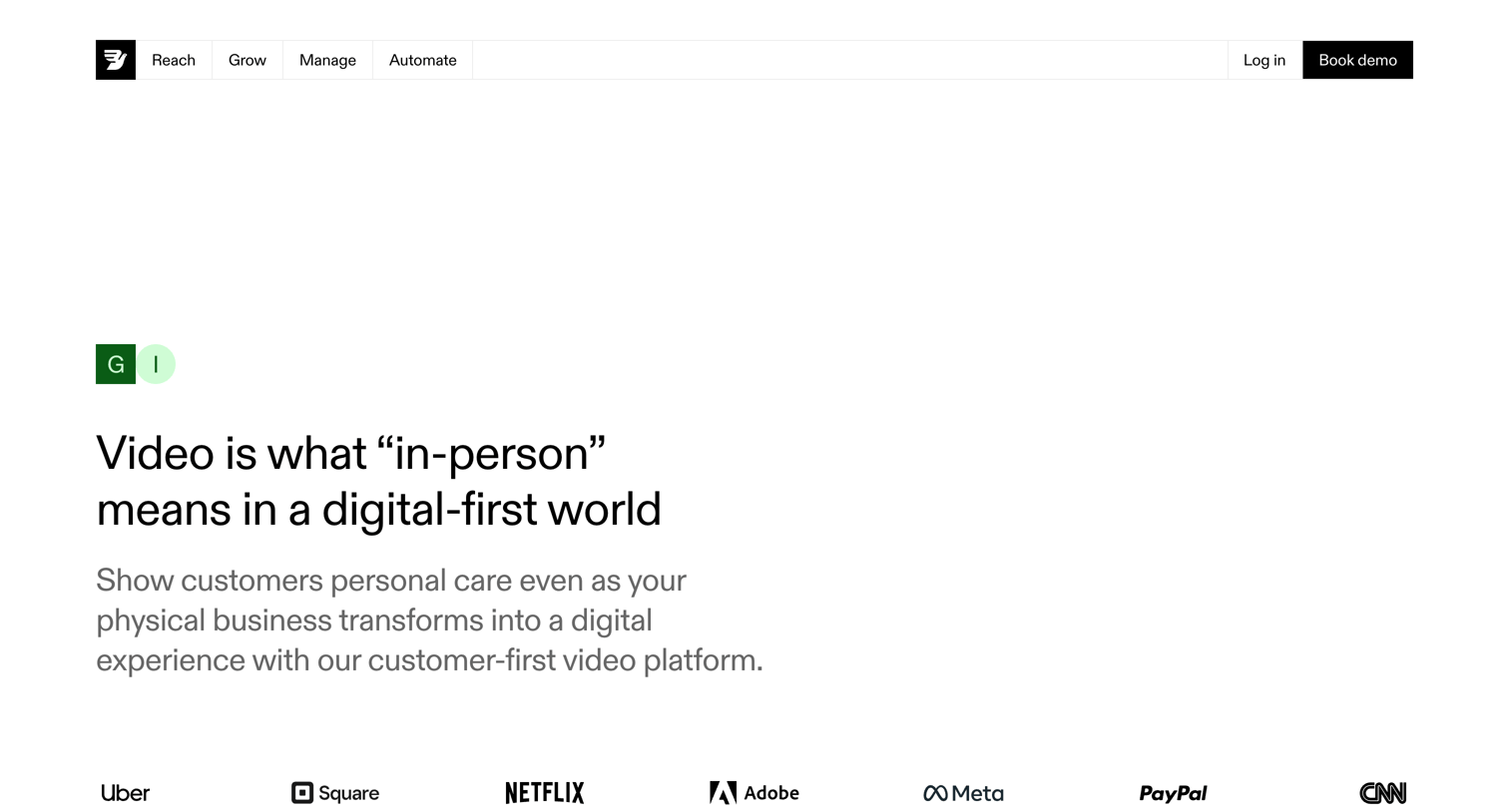

Feature page highlighting a customer-first video platform with a logo wall, a 2x2 feature grid, and a bottom demo booking form.
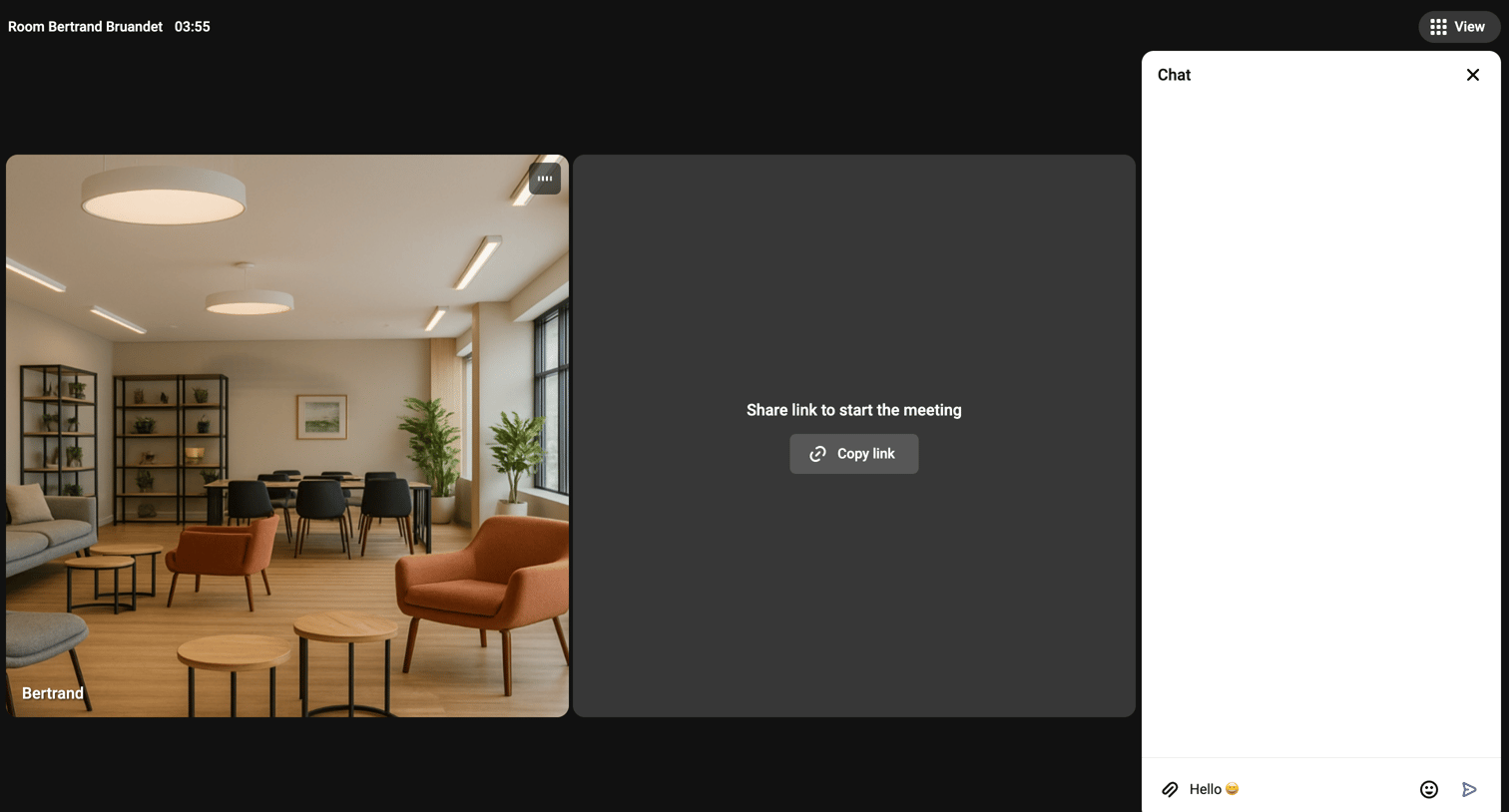

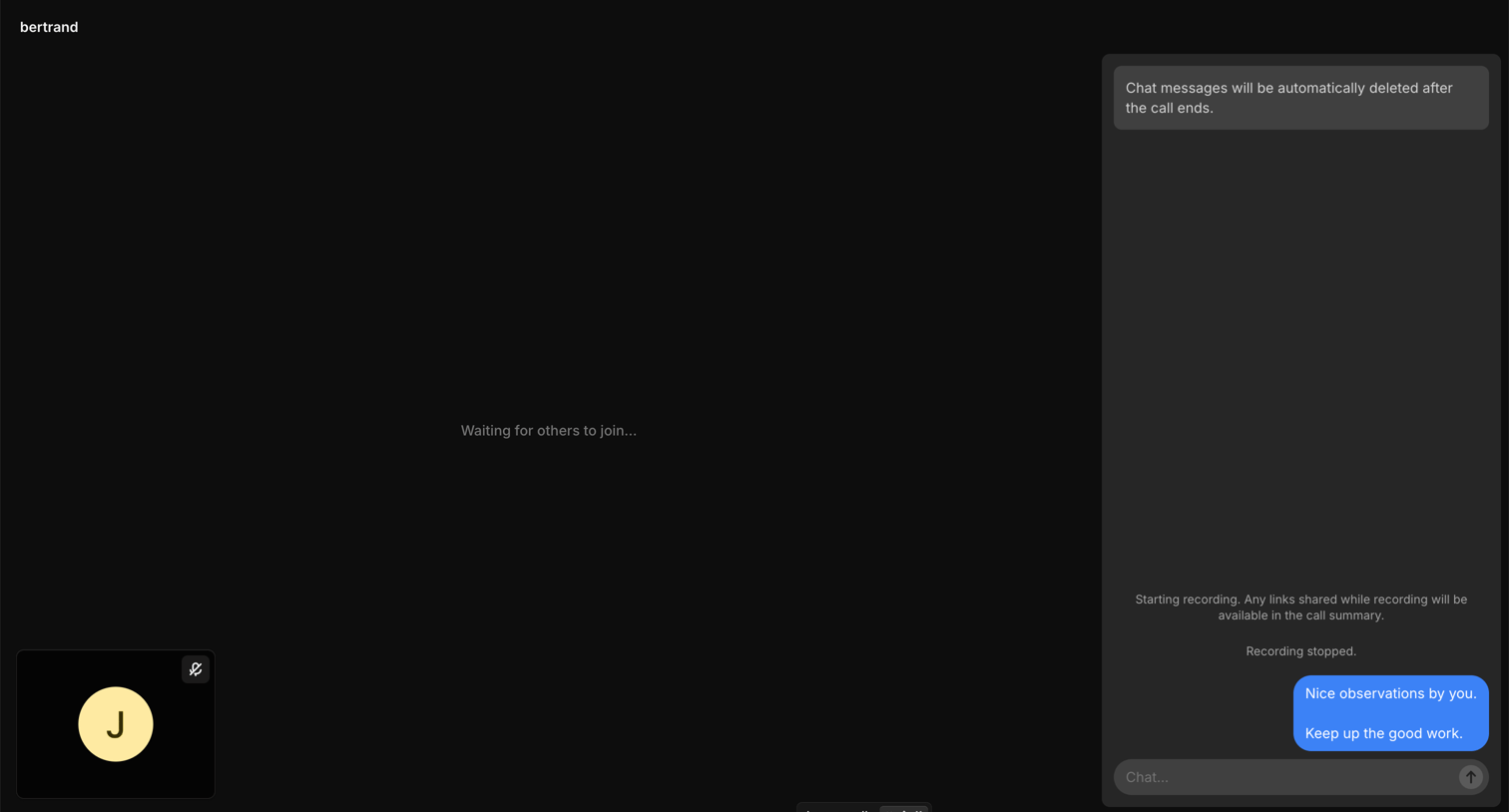
Detail page for an active video call where the user can share the meeting link, manage audio/video settings, and chat with participants.
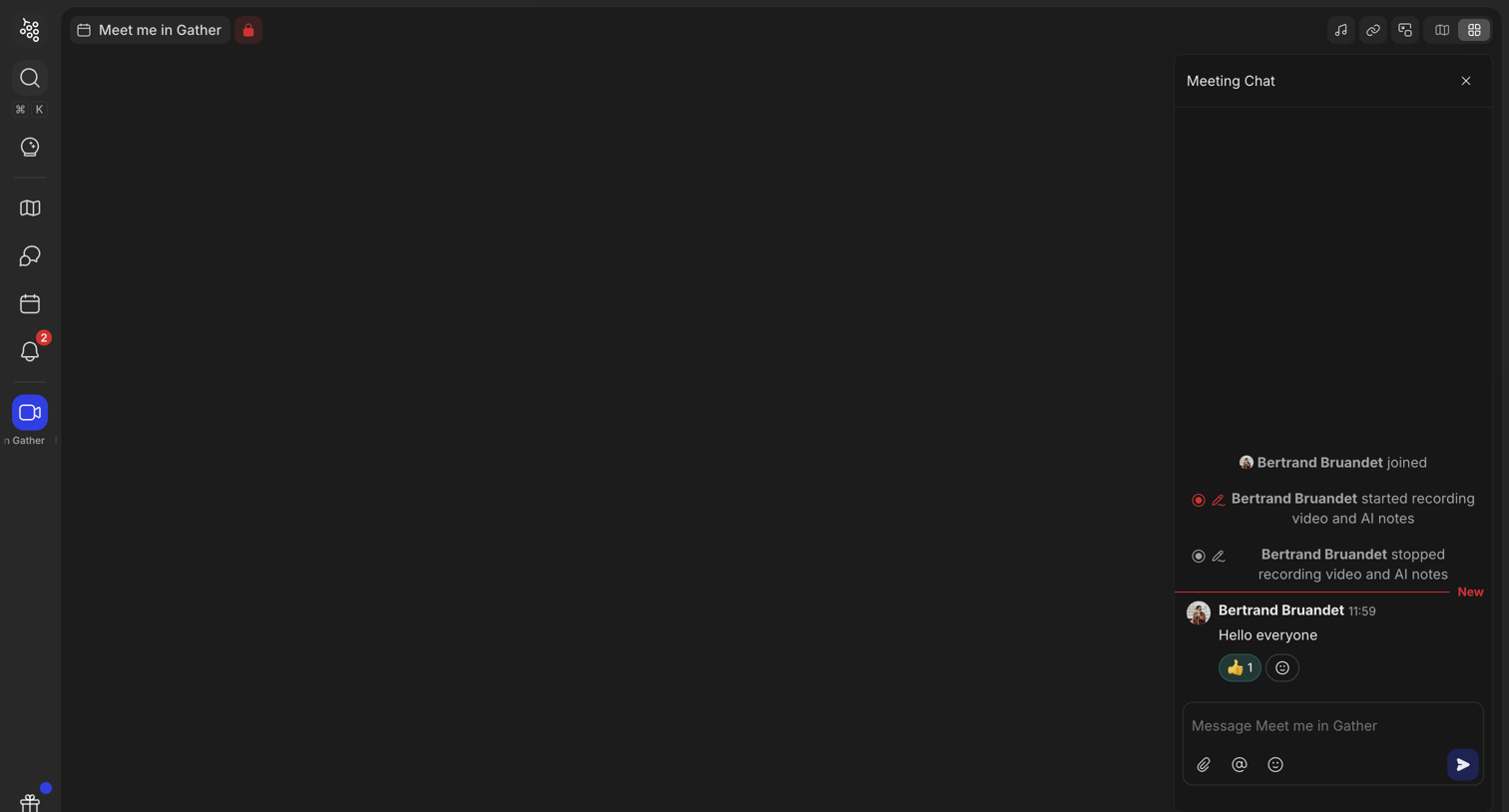


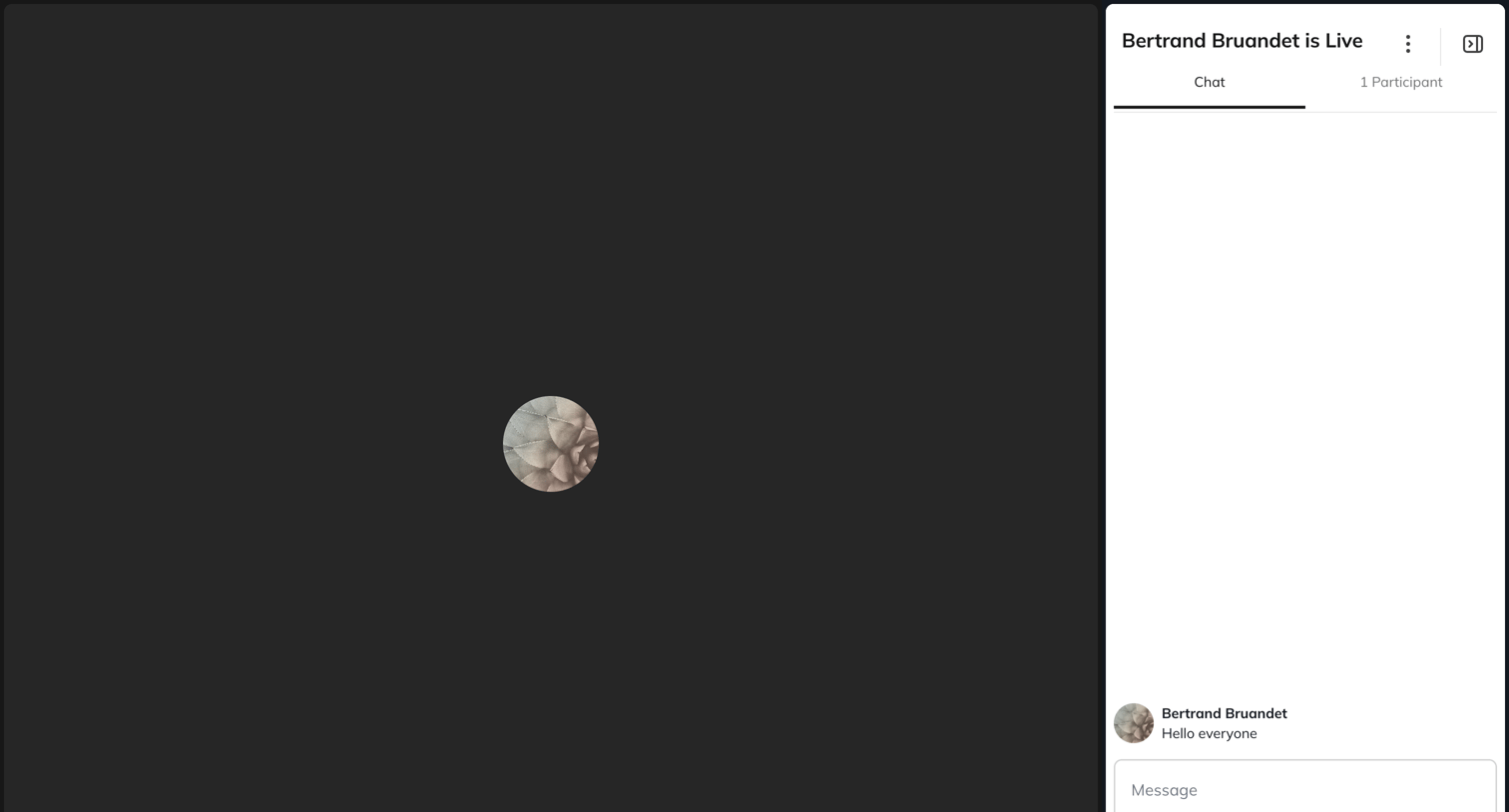

Detail page where the user views a live stream and can interact via a side-panel chat or view the participant list.
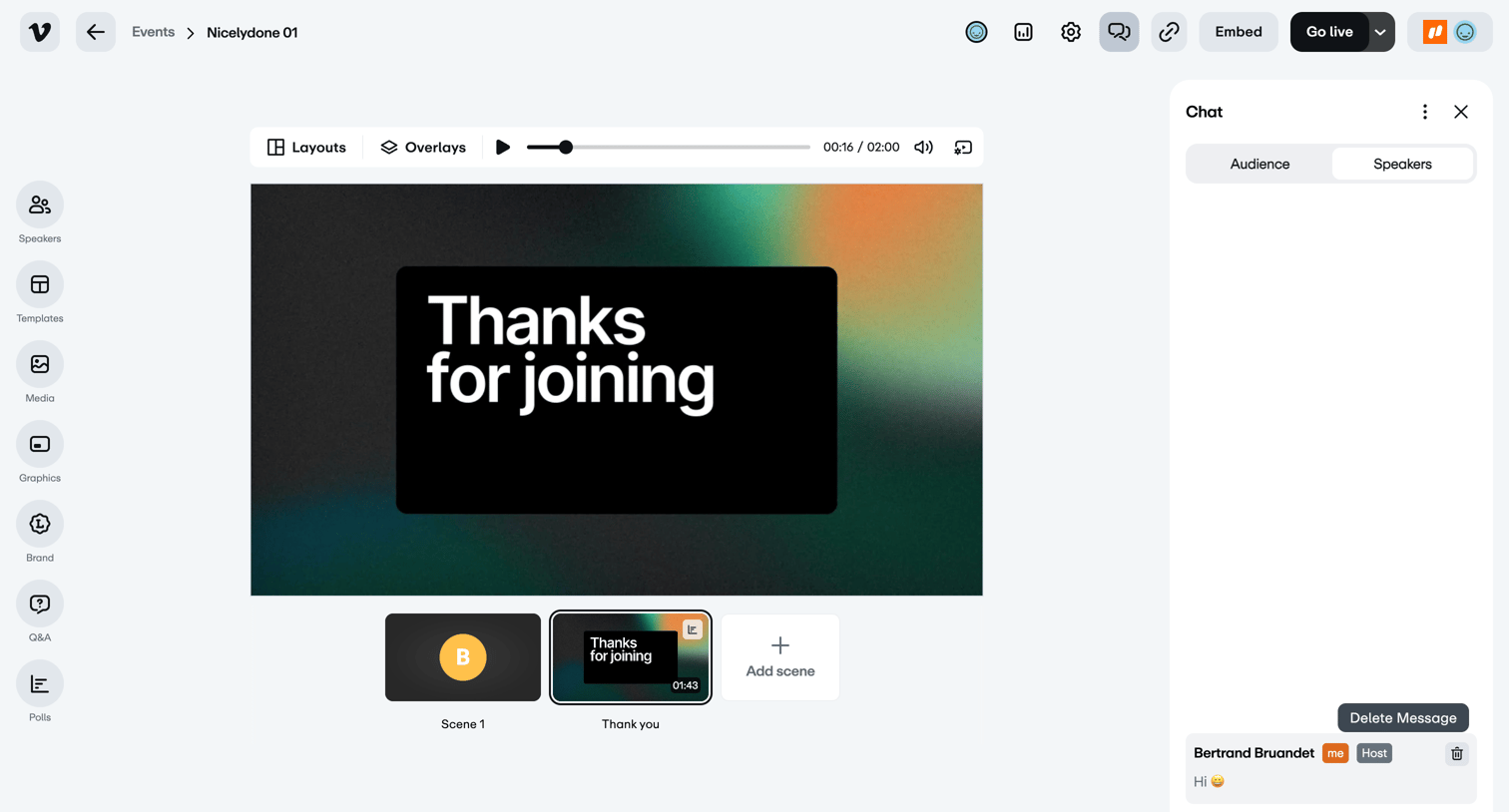

Live broadcast studio where the host manages scenes, layouts, and interacts with speakers in a dedicated chat.
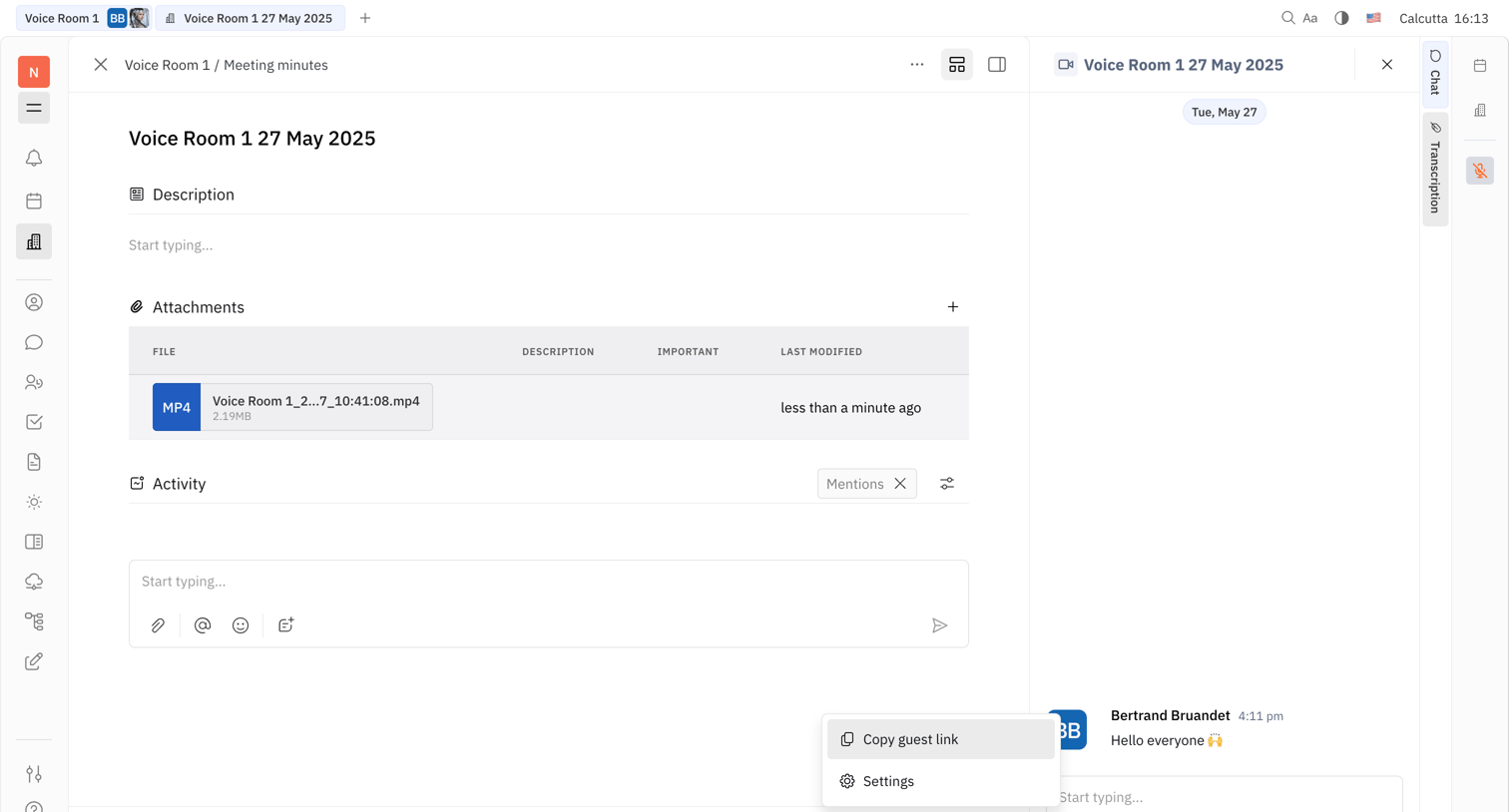

Document editor for meeting minutes featuring a description field, attachments list, activity feed, and a side panel for live chat.
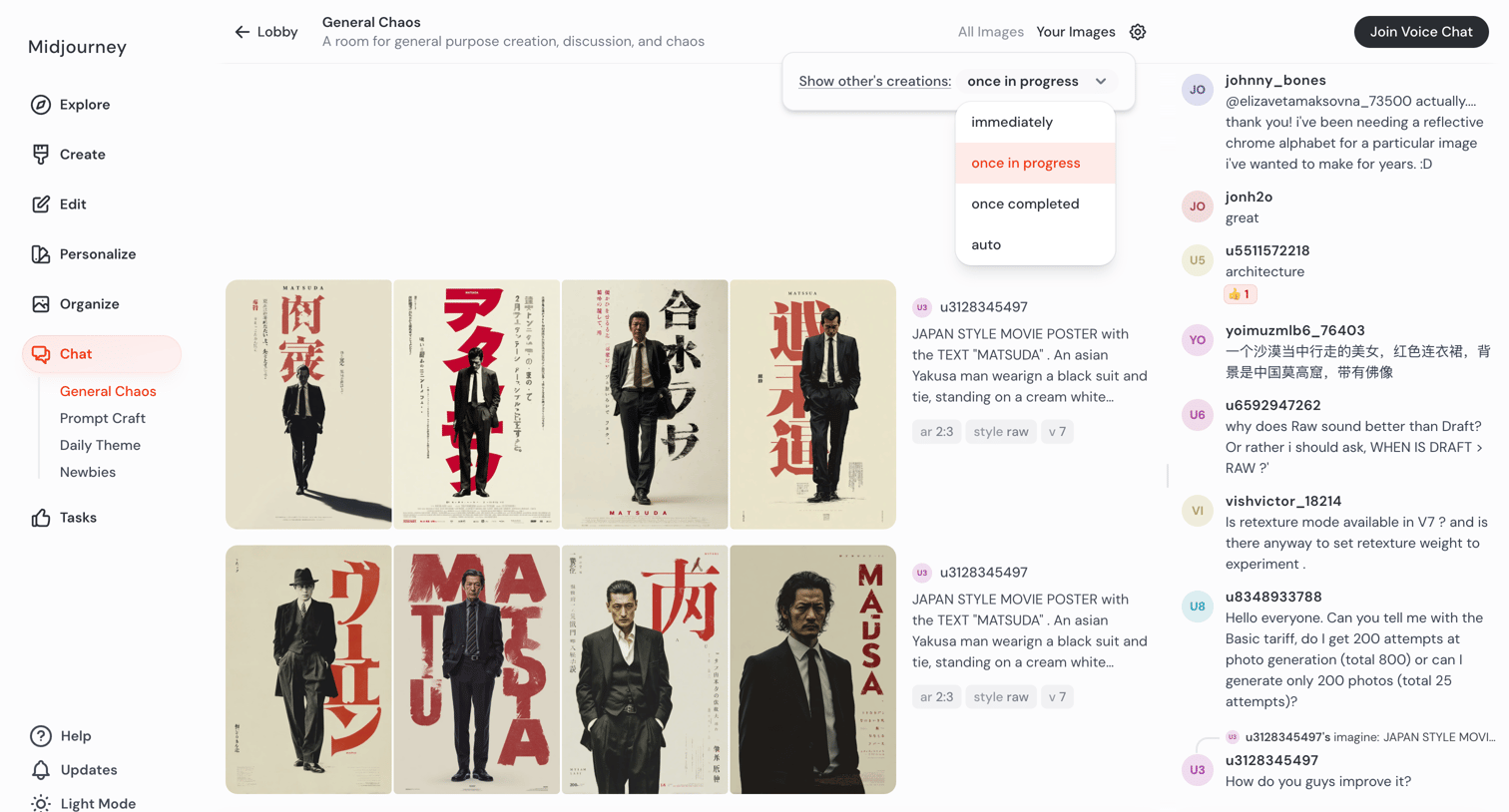

AI generation room where users view a live feed of community-created images, chat with others in a side panel, and enter prompts to generate new artwork.
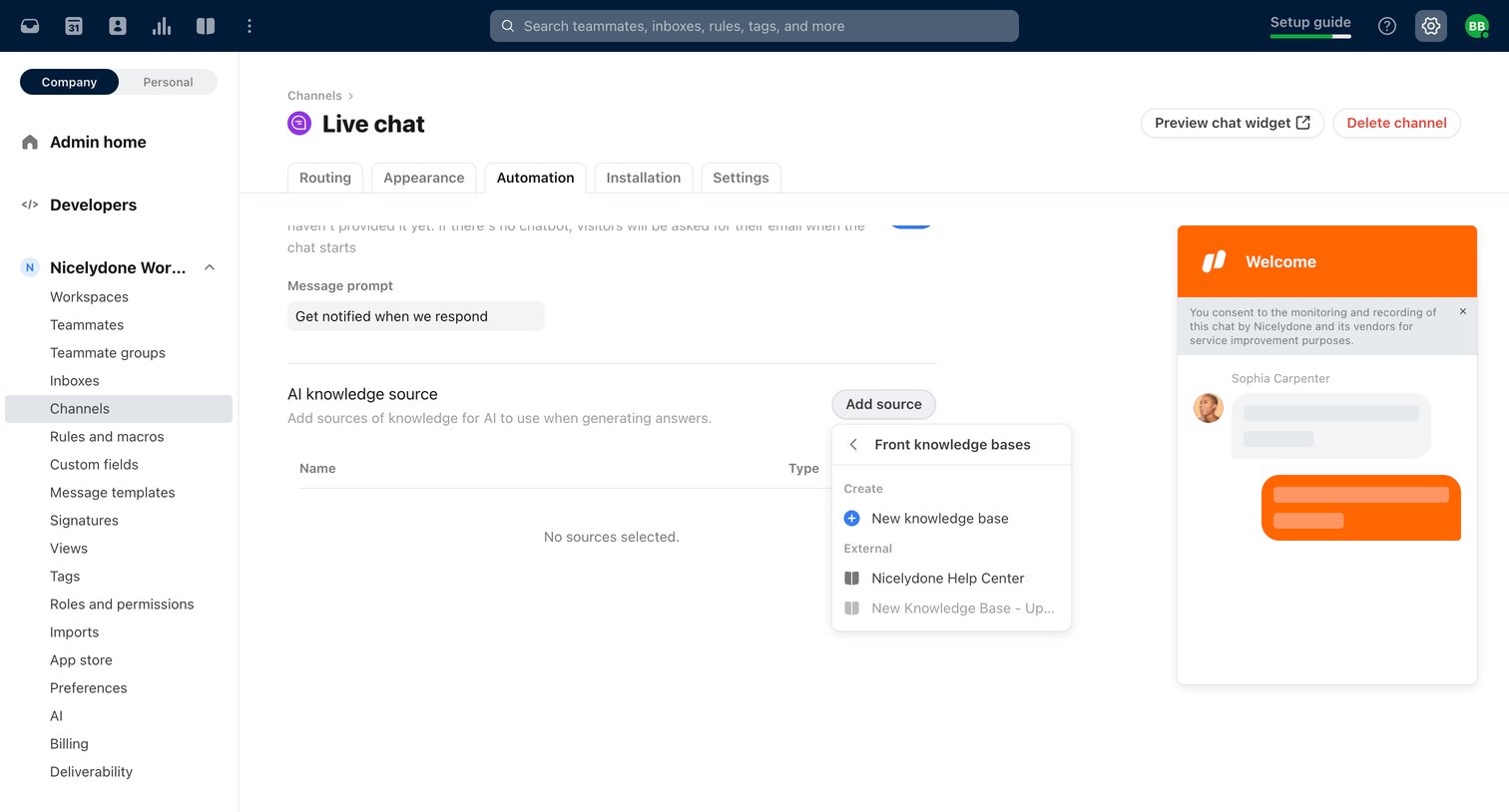

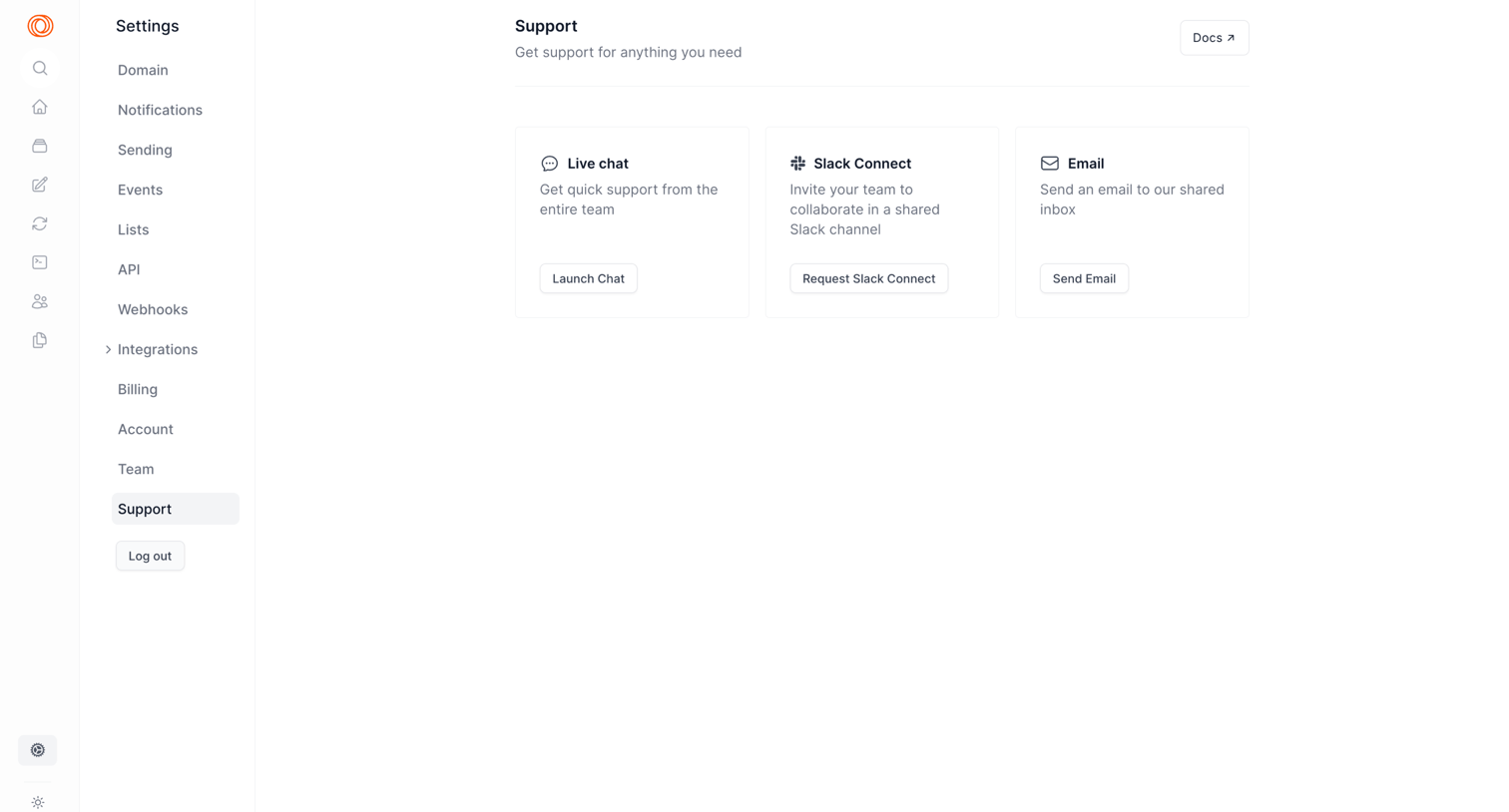
Settings page where the user configures automation prompts and AI knowledge sources for a live chat channel.

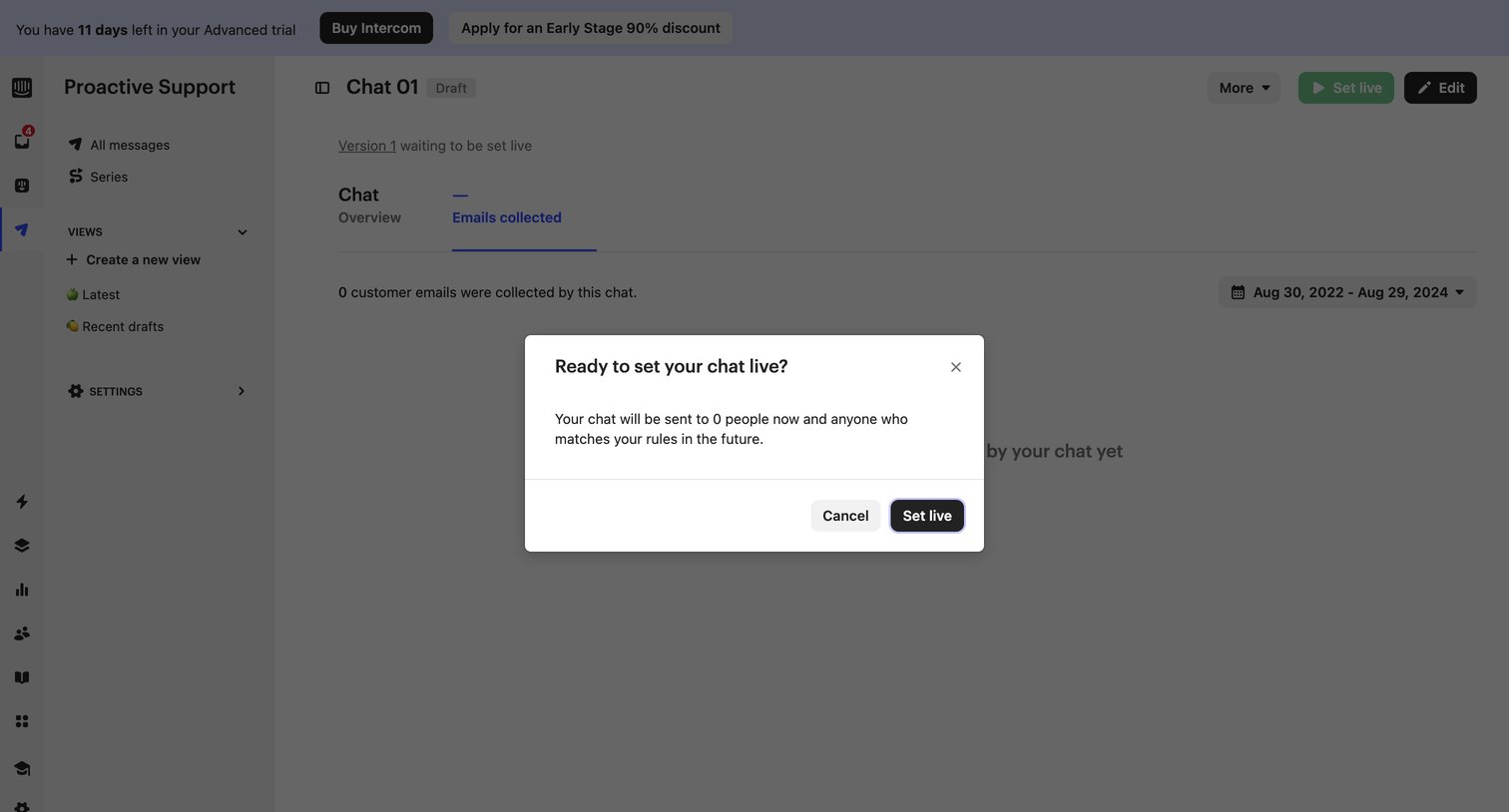

Detail page for a proactive support chat where the user is prompted to confirm setting the draft live via a modal.
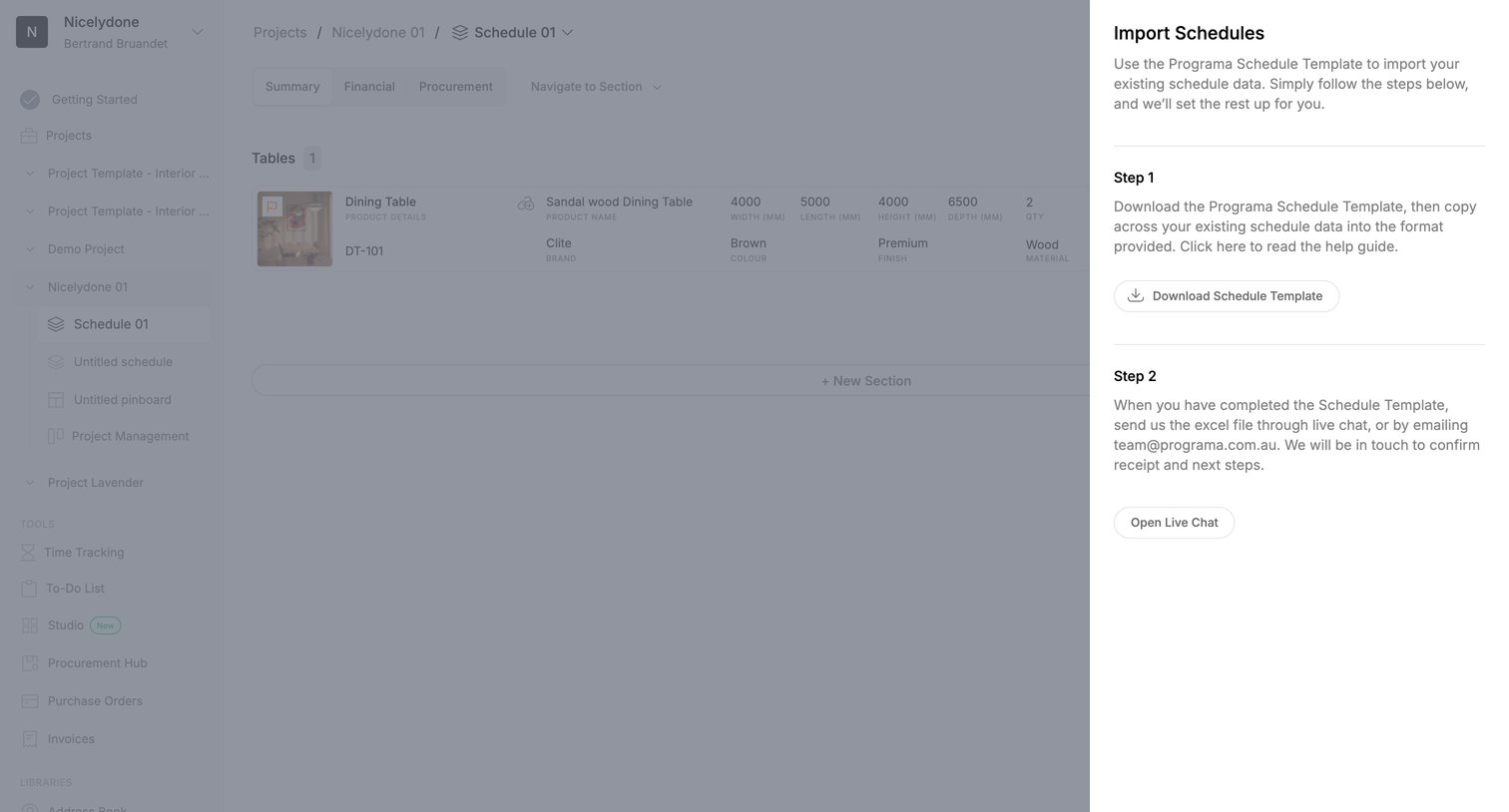

List view where the user opens a side drawer to import existing schedule data by downloading a template and sending it via live chat.
Explore the full SaaS screen library
Upgrade to unlock the full library.
Trusted by the best teams







