File upload ui screen examples
File upload ui screen design examples from SaaS apps. Browse examples from Aboard, Bird, Llamaindex.
Explore the examples
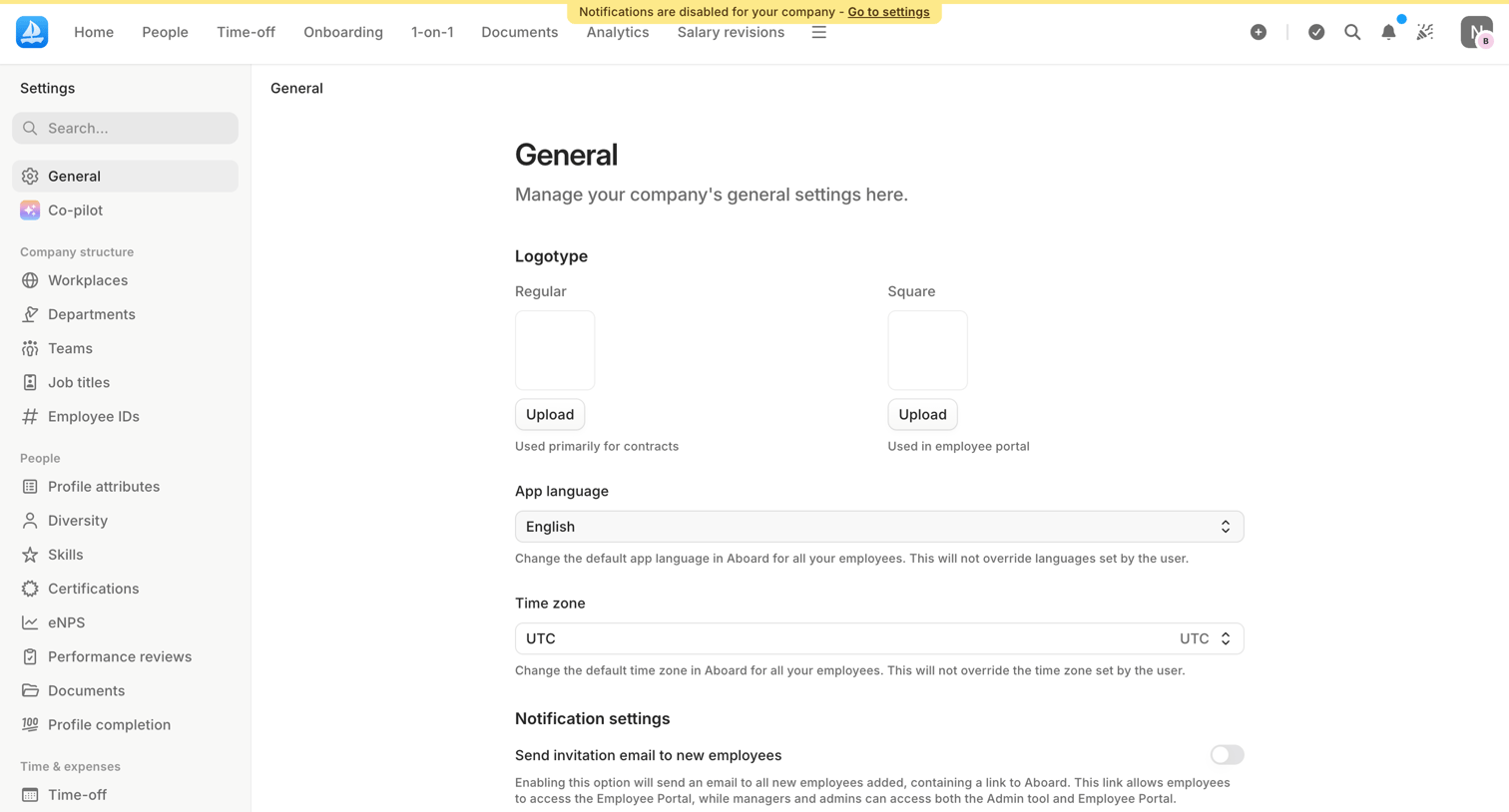

Settings page where the admin configures company-wide defaults like logotypes, app language, time zone, and notification preferences.
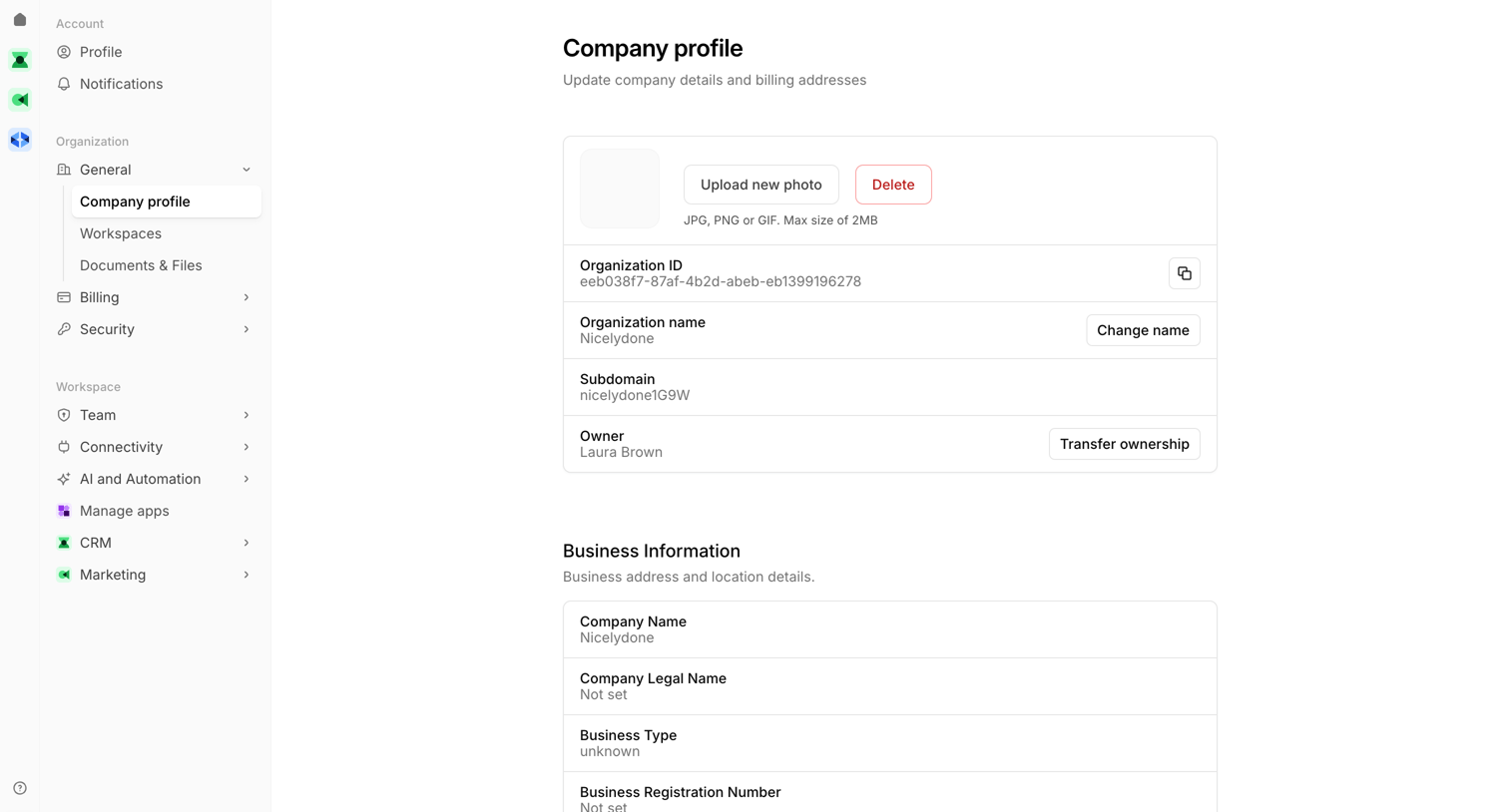

Settings page where the user views and updates their company profile, including organization ID, name, subdomain, owner, and business information.
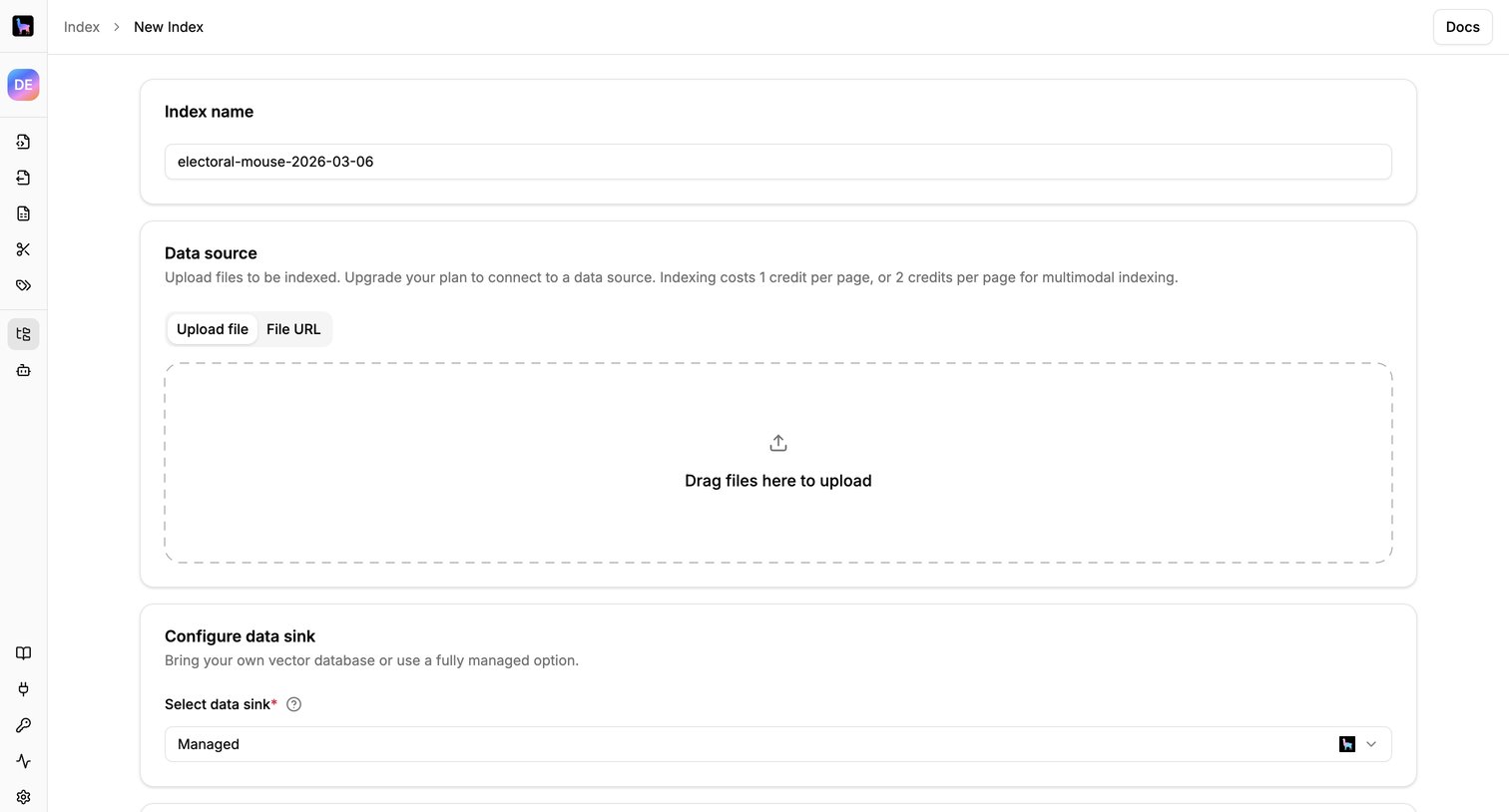

Create page where the user configures a new index by naming it, uploading data files, and selecting a data sink.
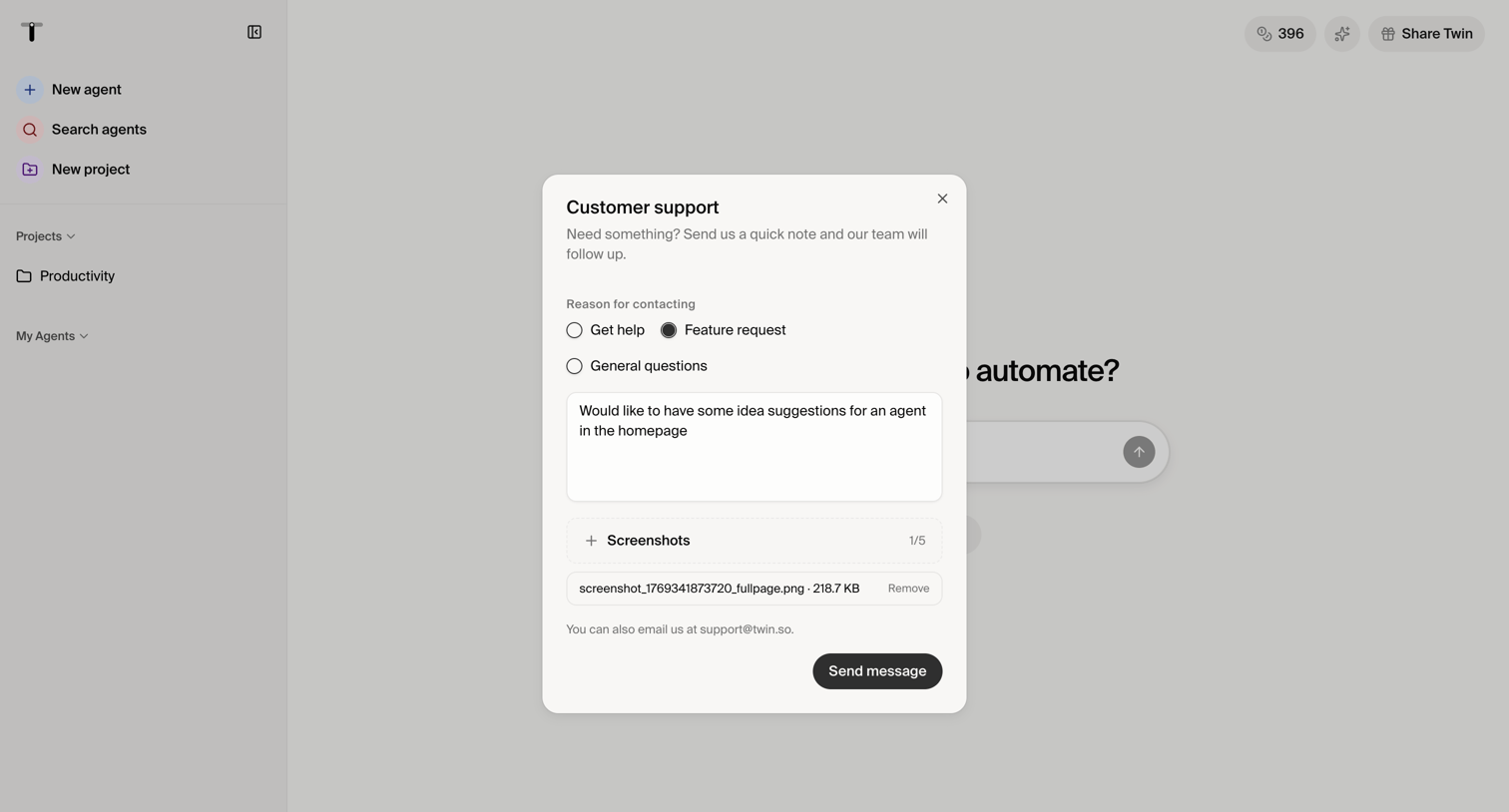

Home screen with an open modal where the user submits a feature request to customer support, including a text description and an attached screenshot.
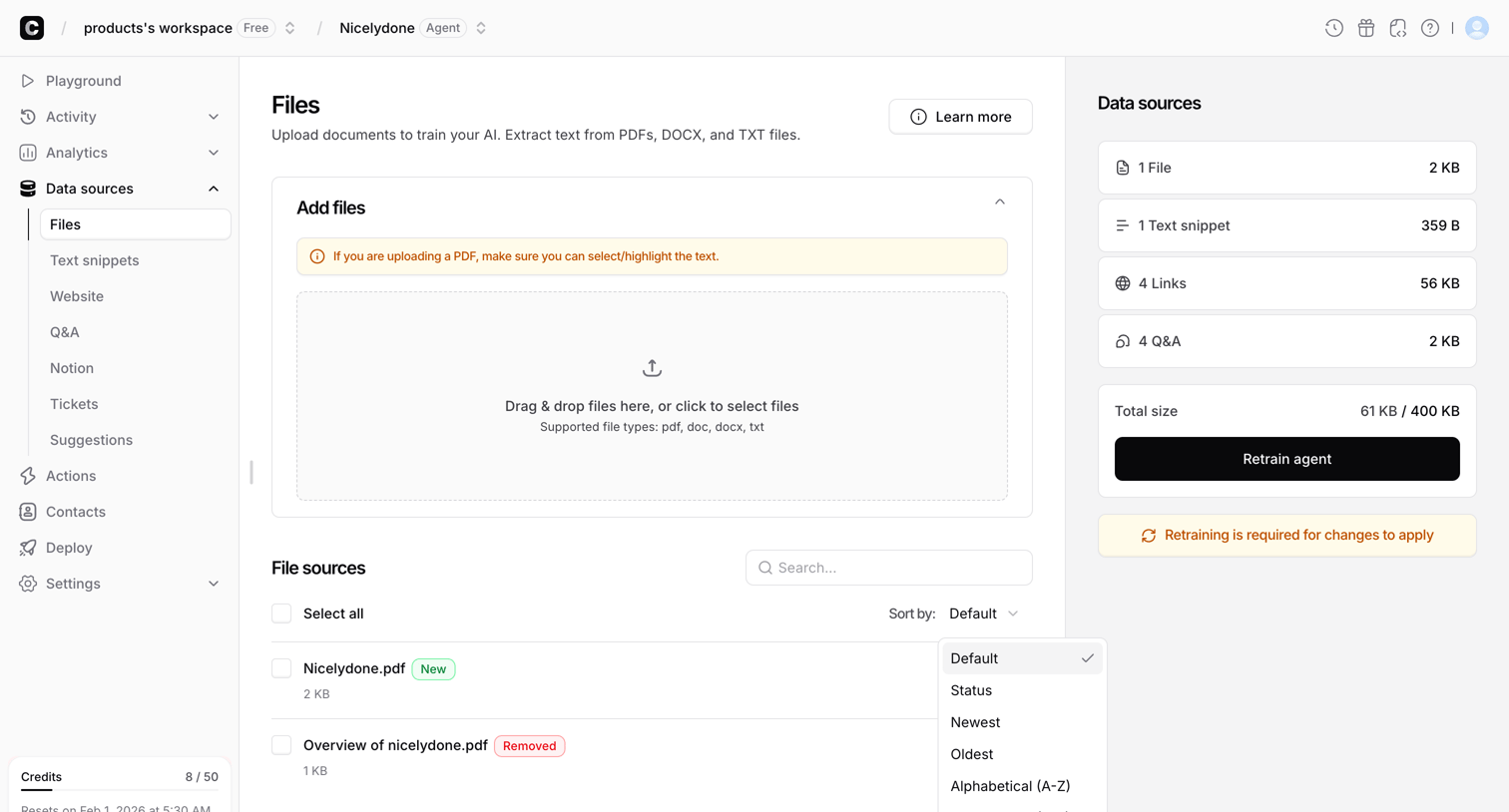

Settings page where the user uploads documents and manages file sources to train their AI agent.
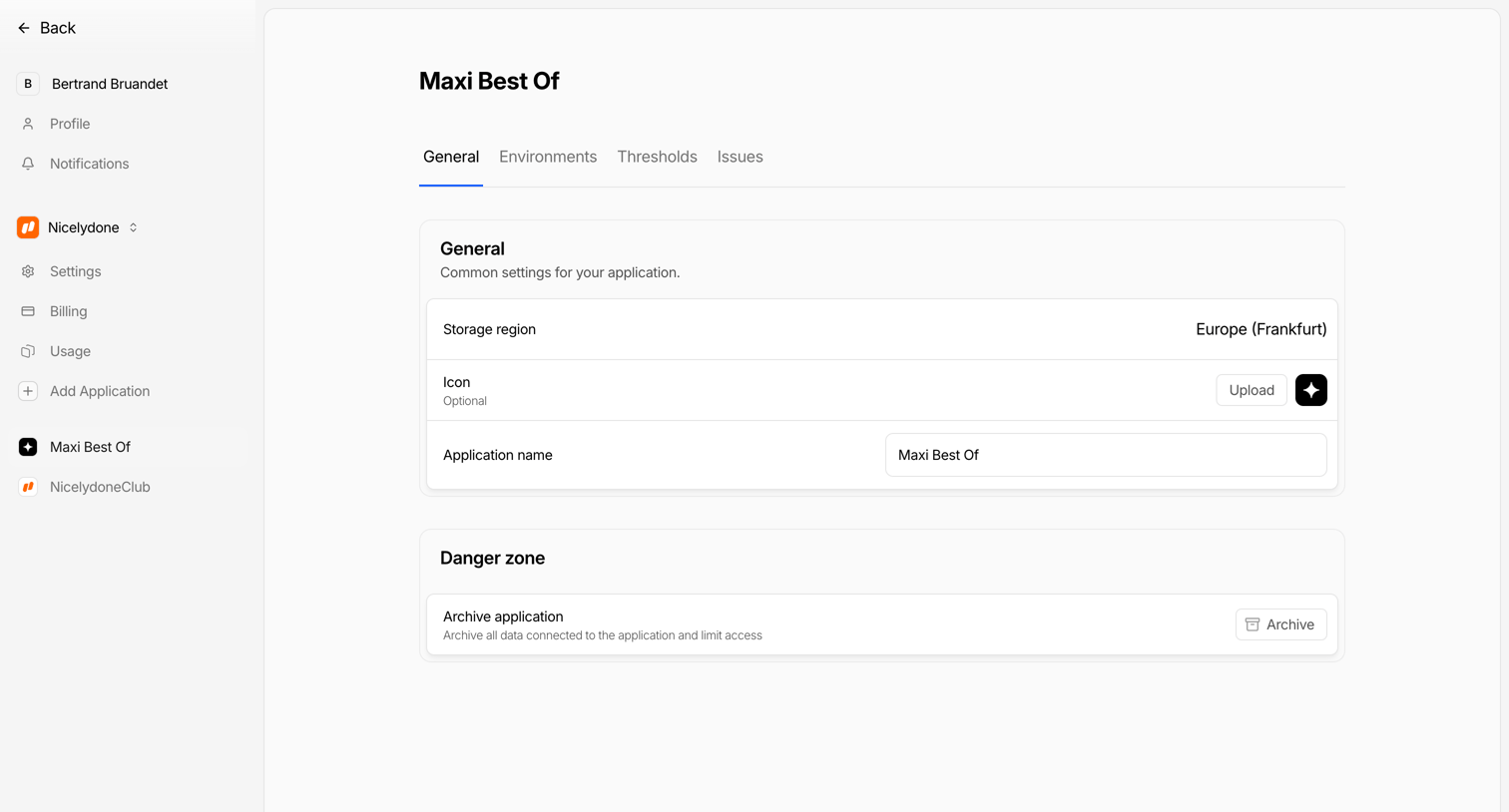

Settings page where the user configures general application details like storage region, icon, and name, and can archive the application.
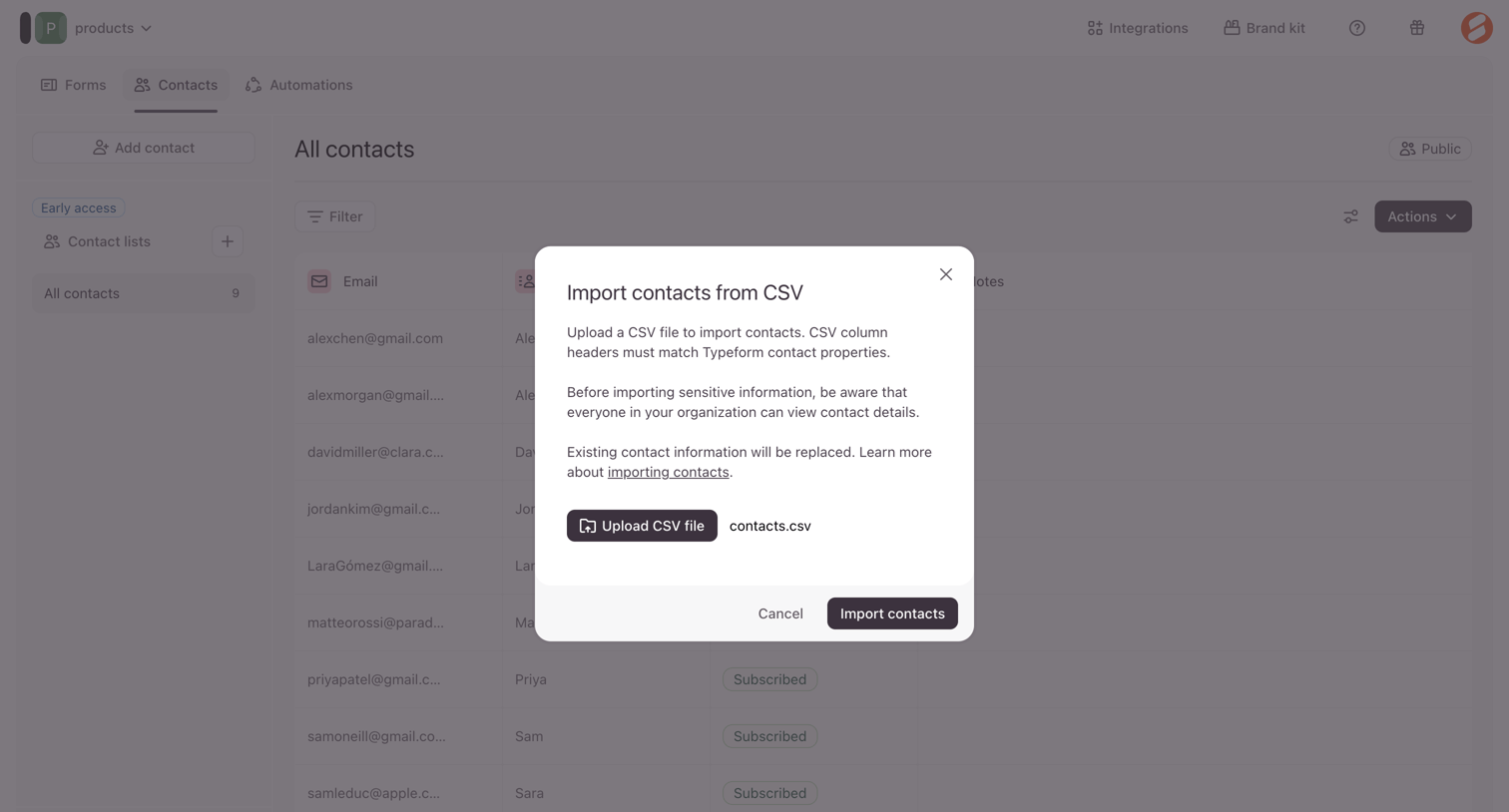

Modal overlay where the user uploads a CSV file to import contacts into their workspace.
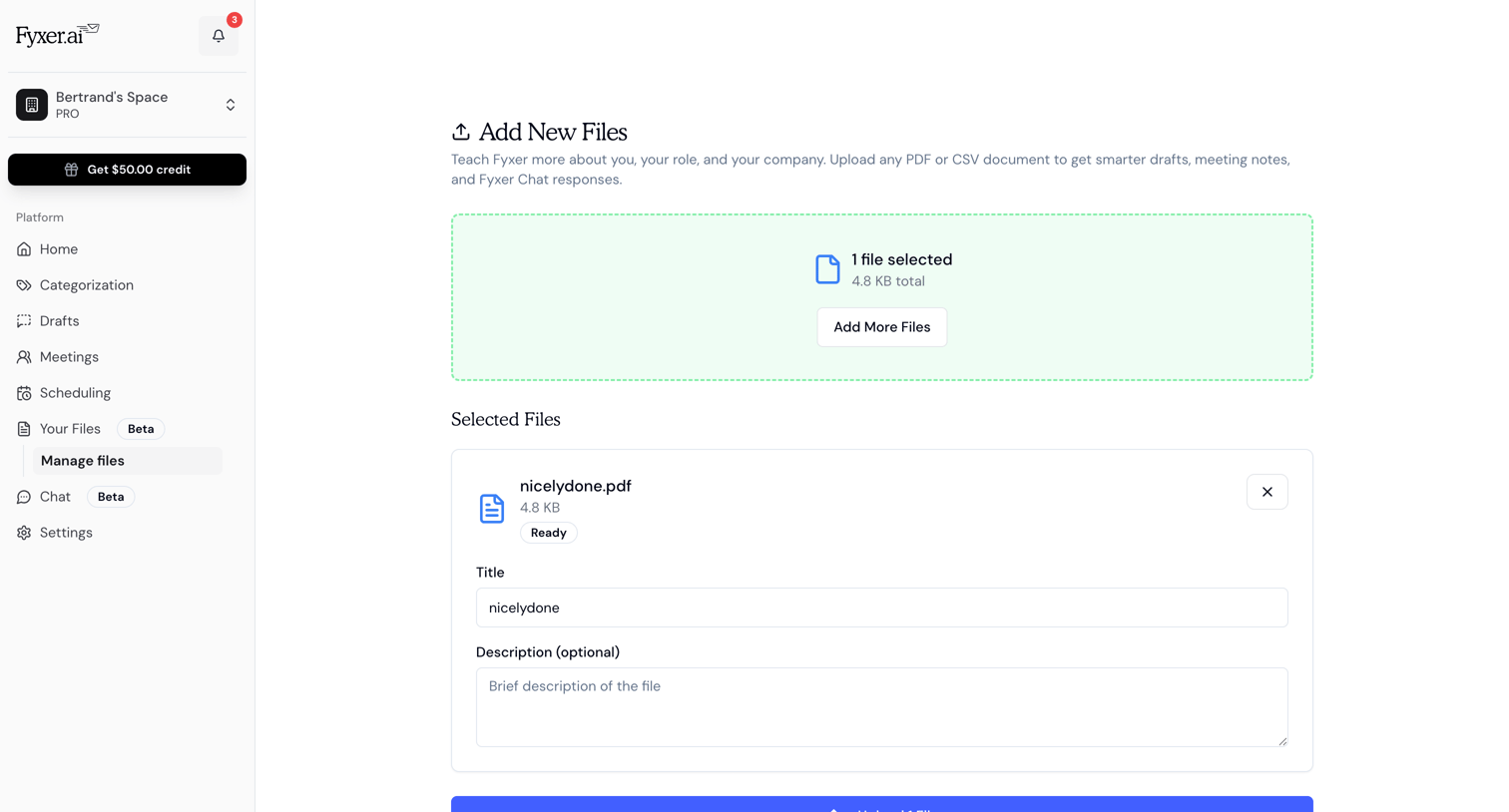

Create page where the user uploads PDF or CSV documents to train their AI assistant, with a form to edit the title and description of selected files.
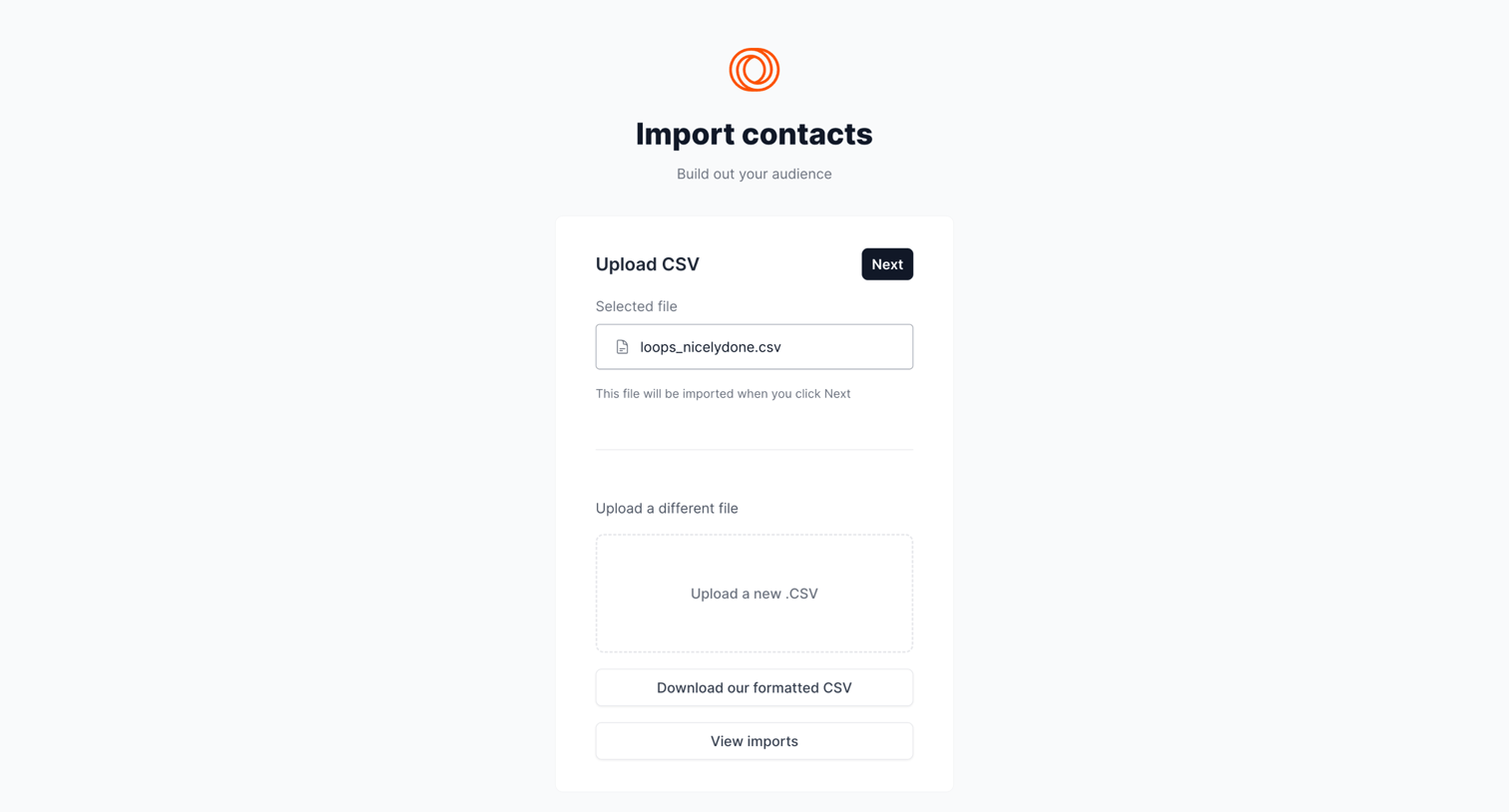

Create flow where the user reviews a selected CSV file before importing contacts into their audience.
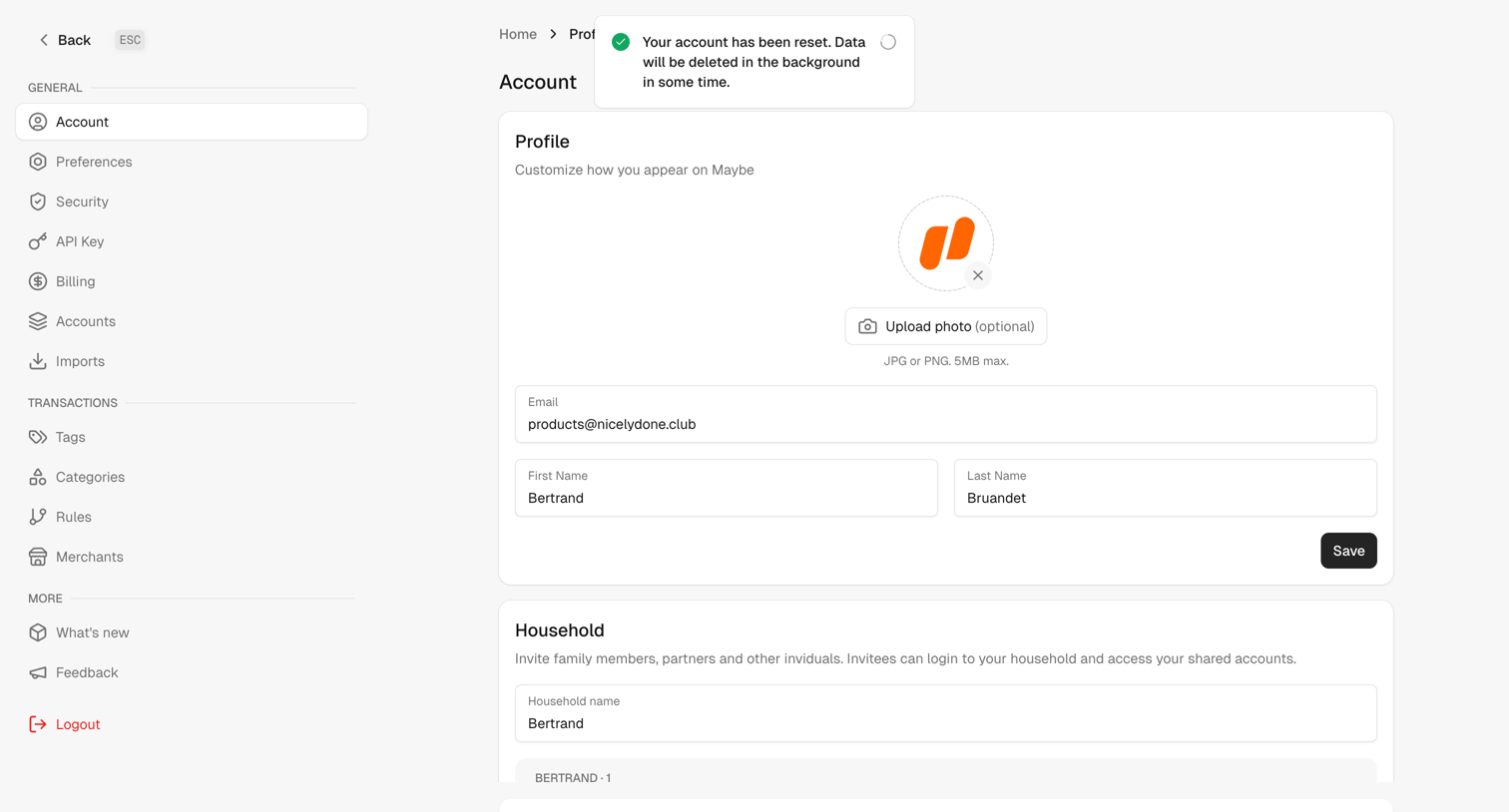

Settings page where the user updates their profile photo, name, email, and household name.
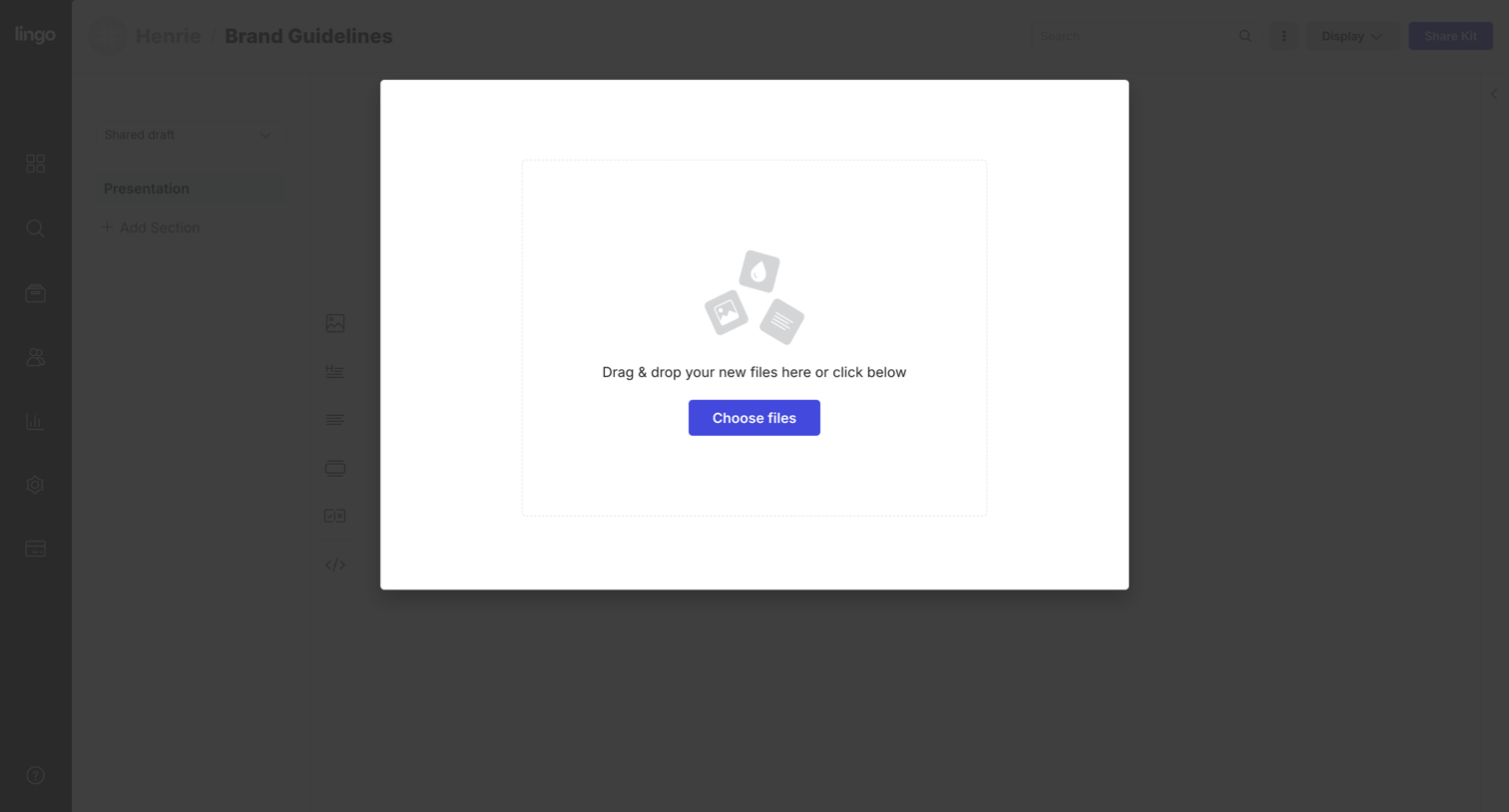

Detail page for brand guidelines where the user is prompted to drag and drop or choose new files to upload into the presentation.
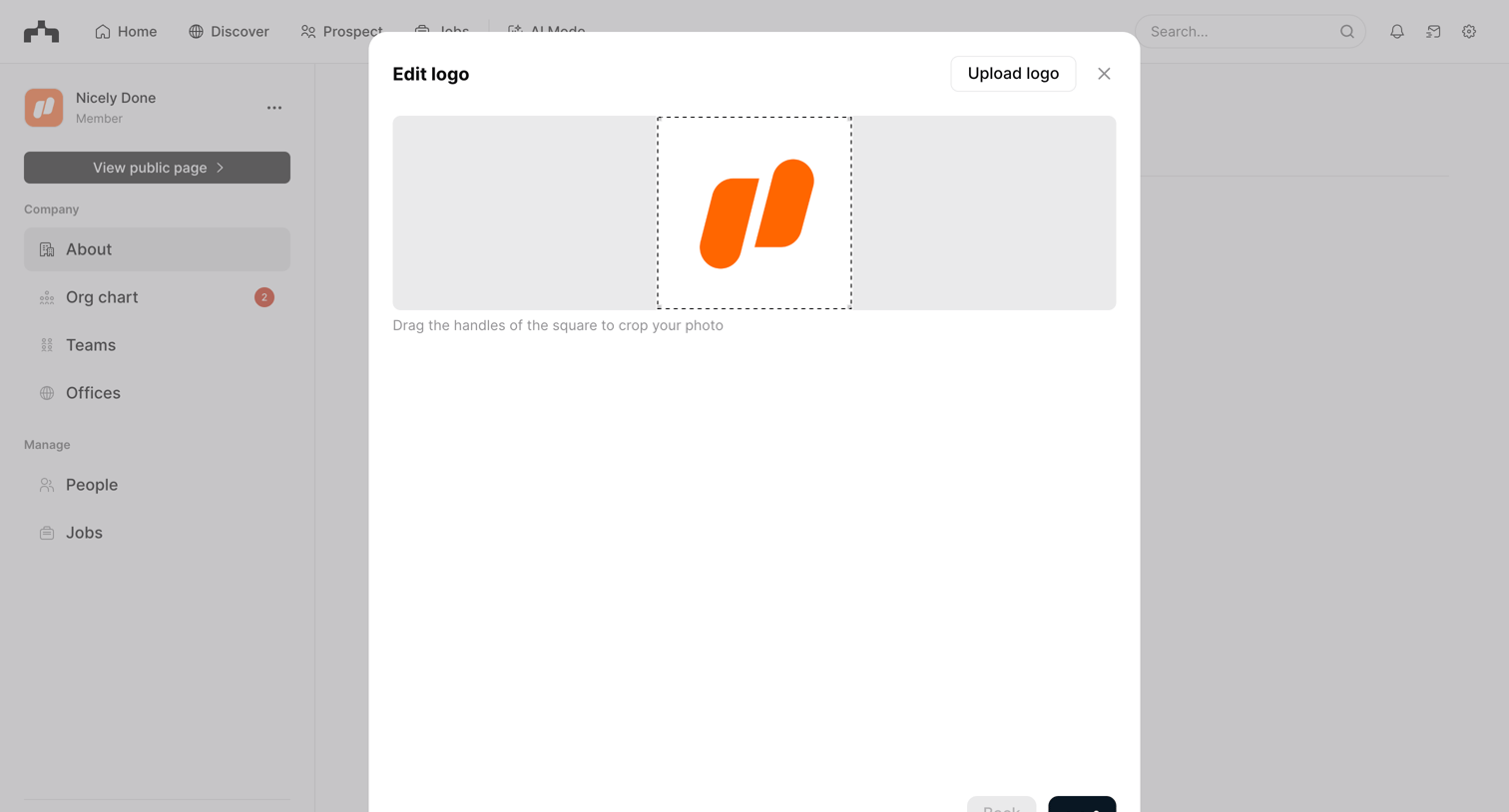

Settings page where the user uploads and crops a new company logo within a modal overlay.
Explore the full SaaS screen library
Upgrade to unlock the full library.
Trusted by the best teams







