Feedback collection screen examples
Feedback collection screen design examples from SaaS apps. Explore how interfaces collect a response at the point of use. Look at how rating choices, text entry, and submission controls fit into a compact feedback…
Explore the examples
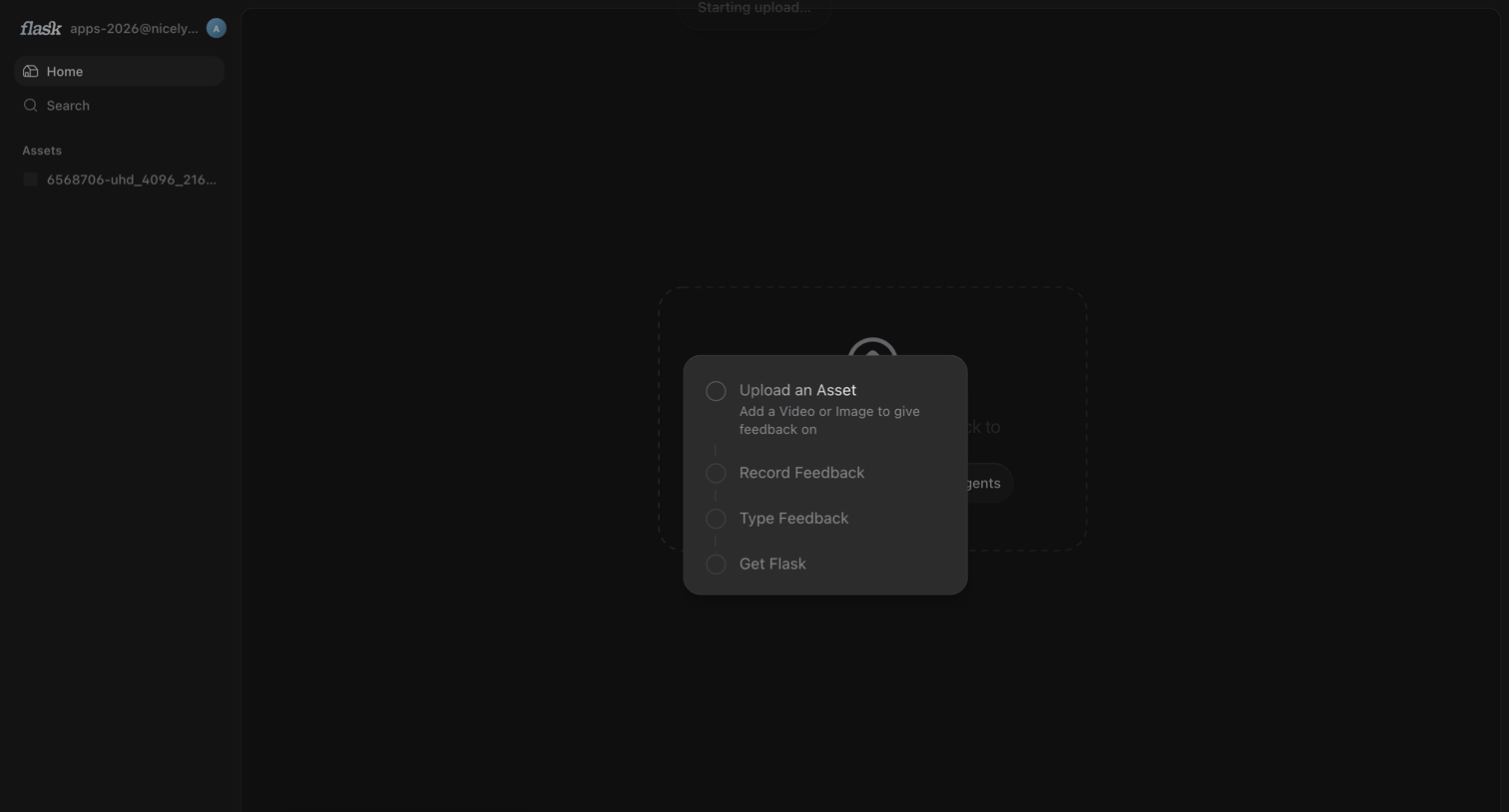

Home screen in an empty state showing a centered menu to upload an asset, record feedback, or type feedback, while an upload starts in the background.
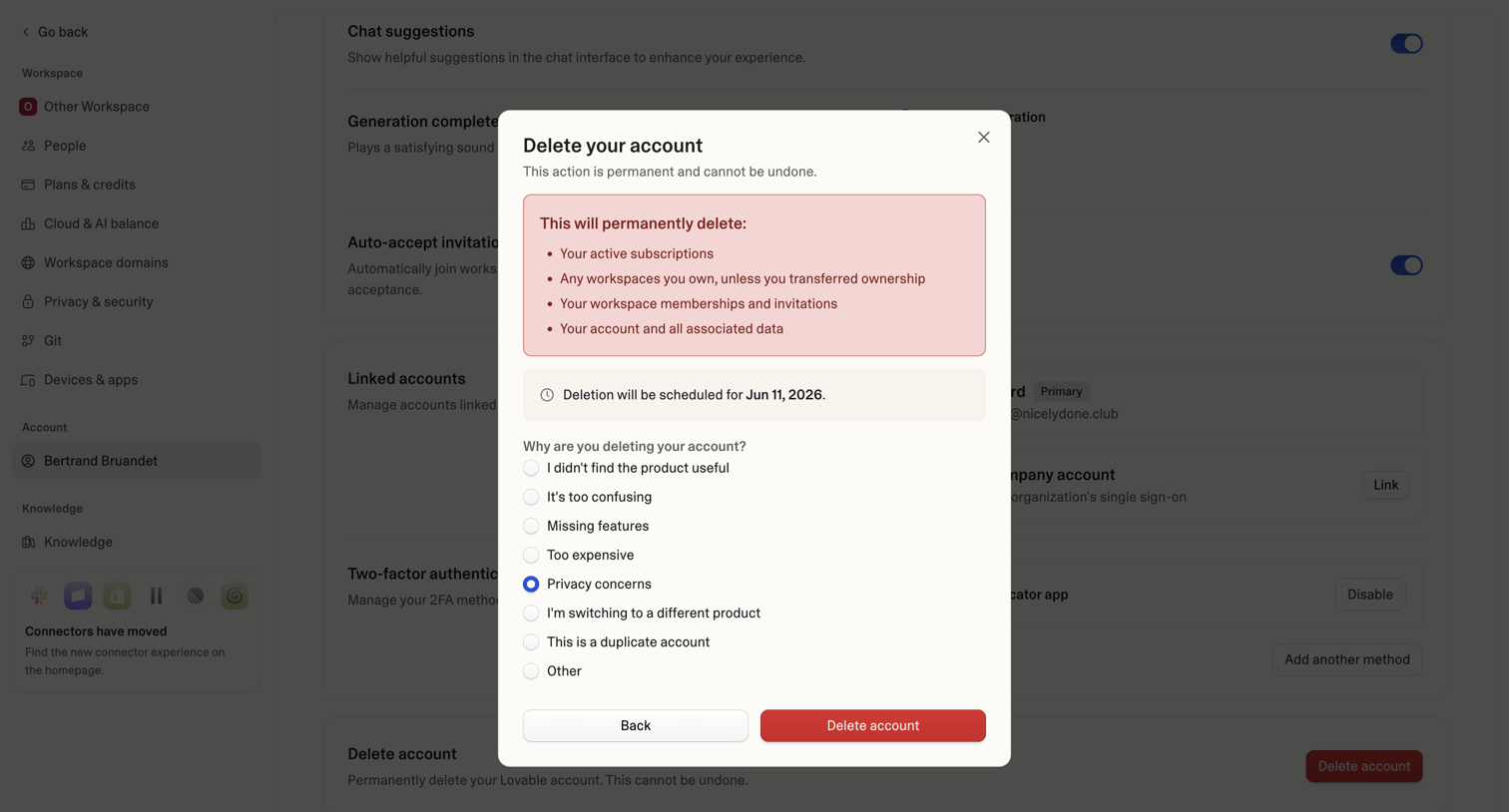

Settings page where the user confirms permanent account deletion and provides a reason for leaving via a radio button survey.
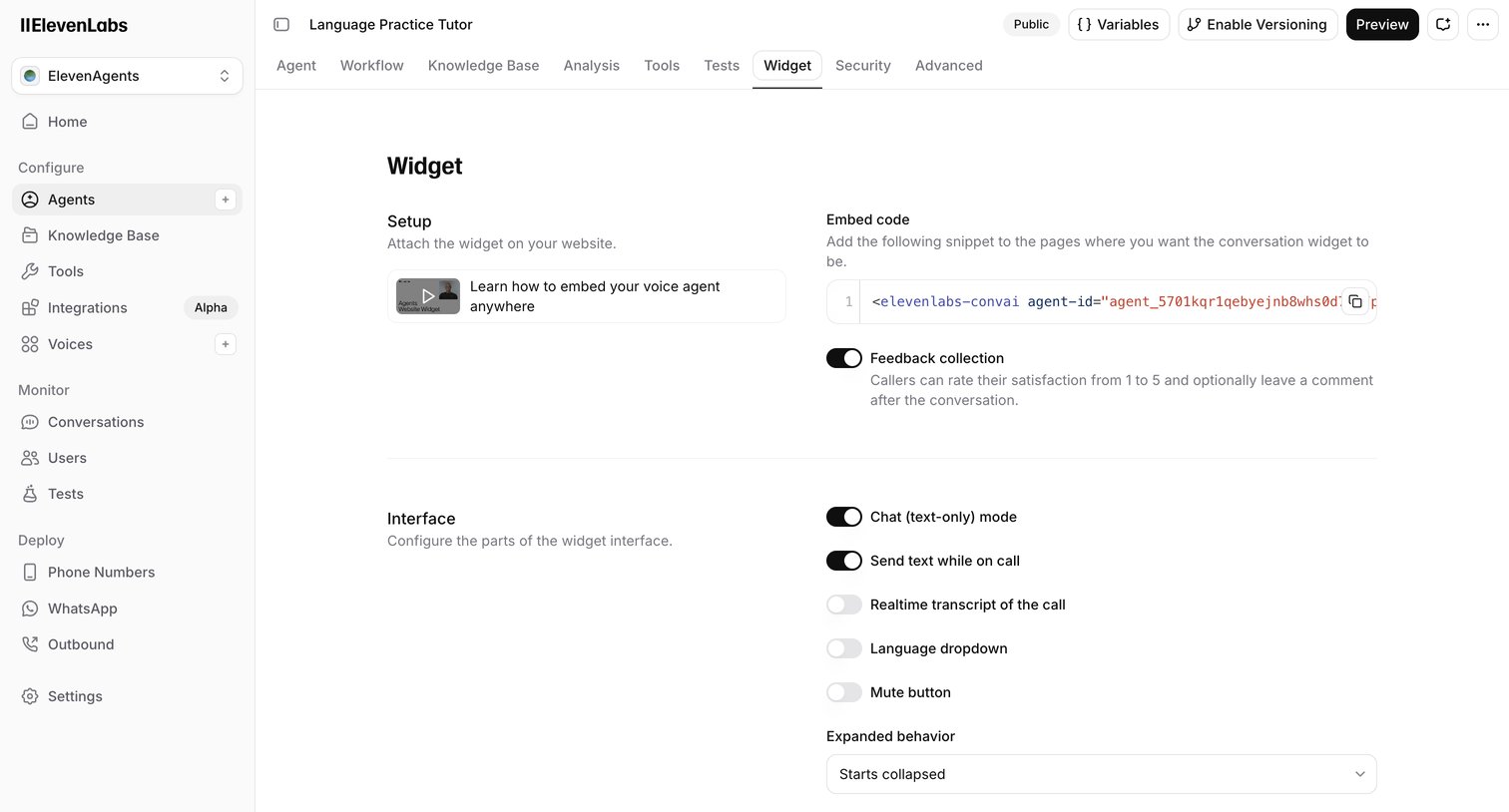

Settings page where the user configures the embeddable interface and behavior of their AI voice agent widget, including feedback collection and chat modes.
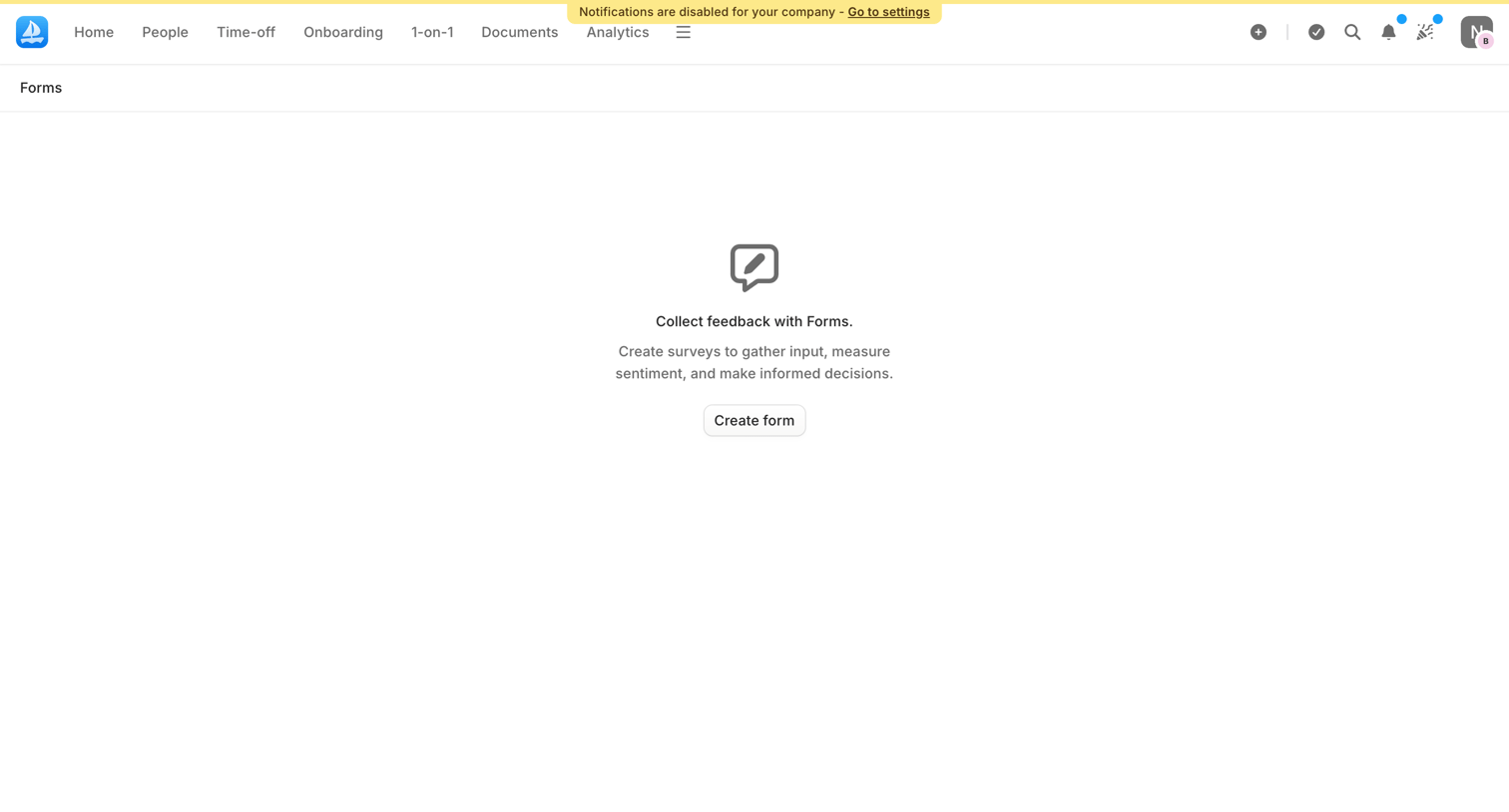

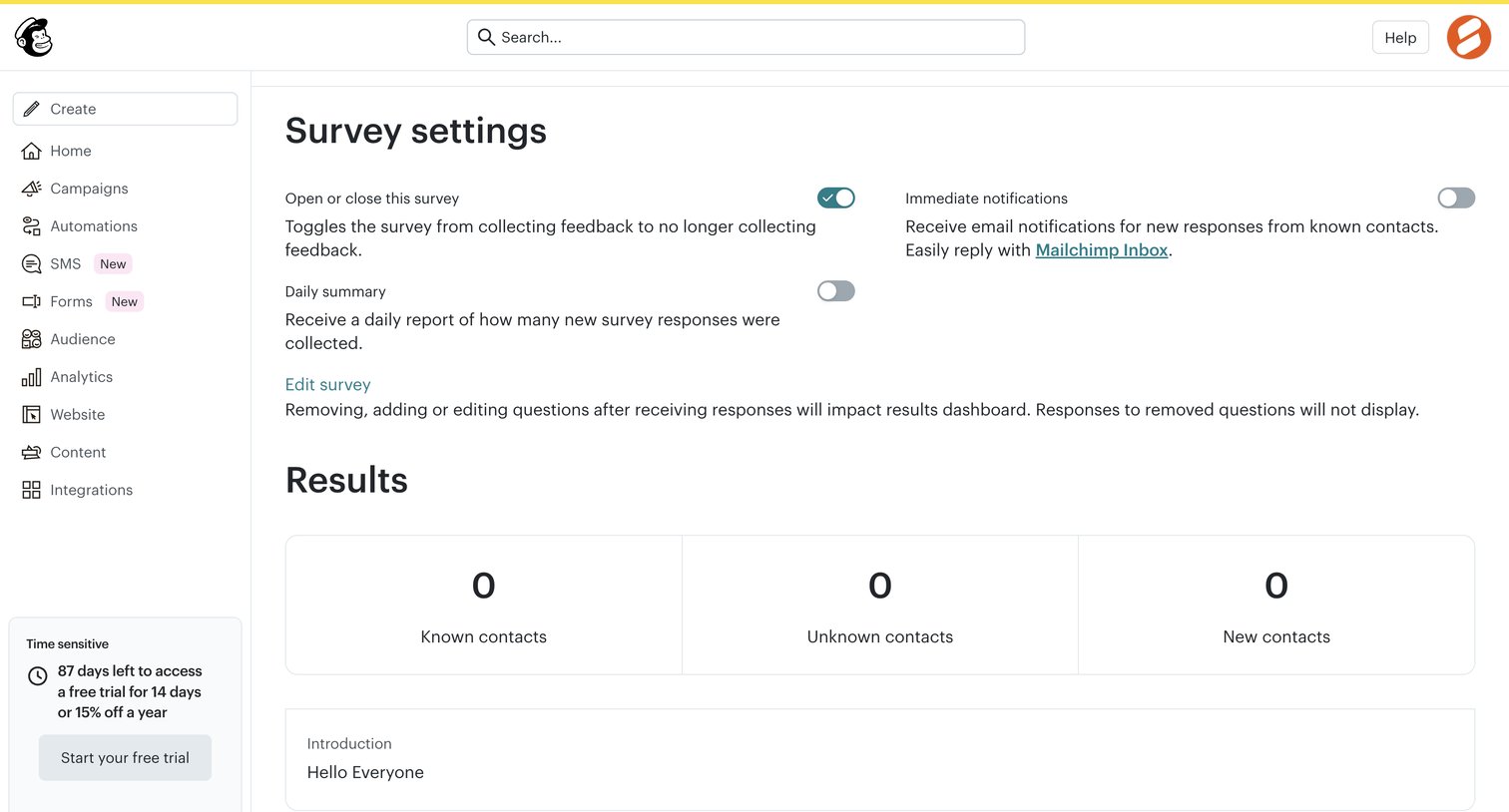
Forms list view in an empty state prompting the user to create their first survey to gather feedback.


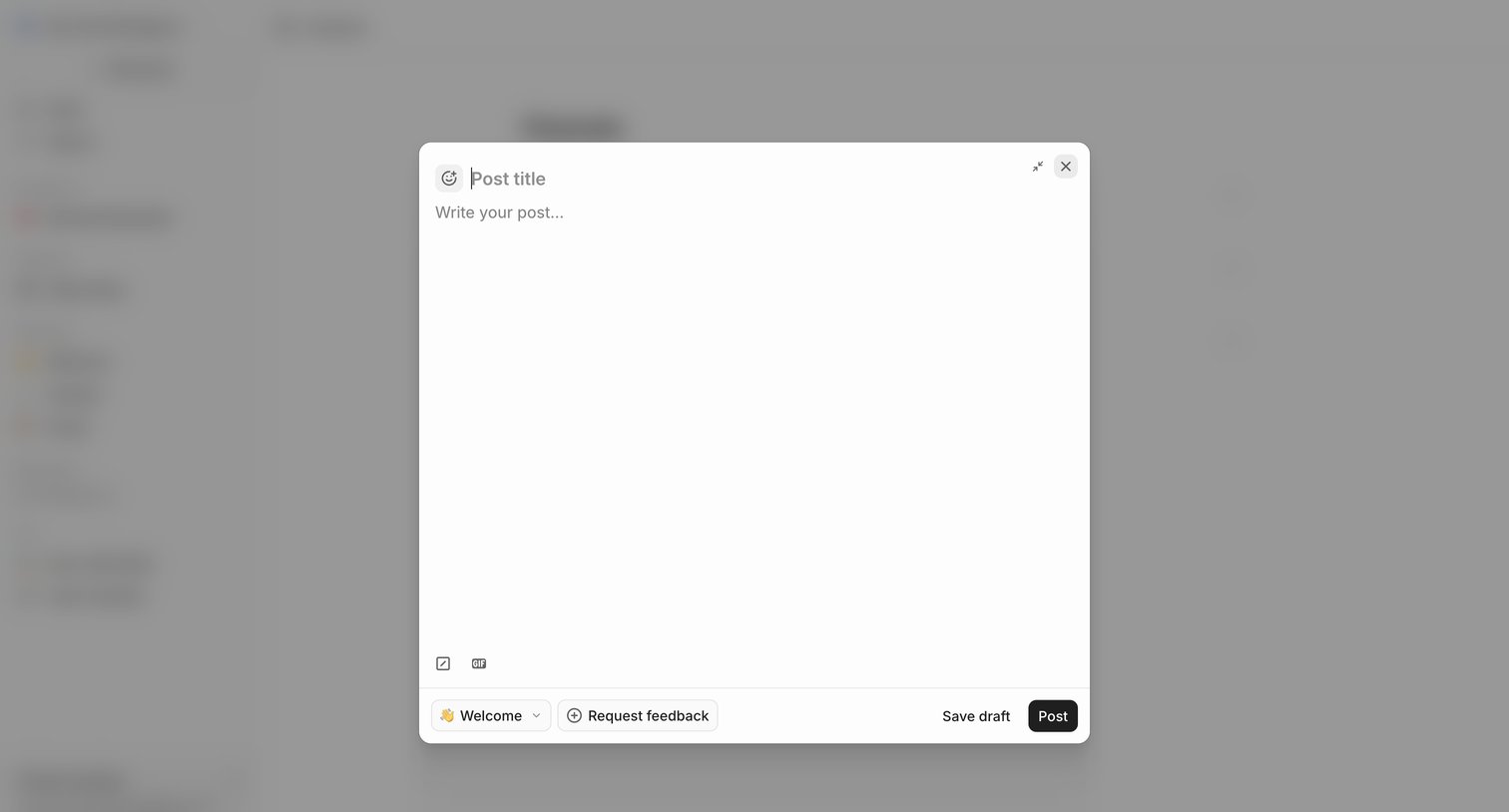

Create modal where the user drafts a new post, selects a destination channel, and can optionally request feedback before publishing.
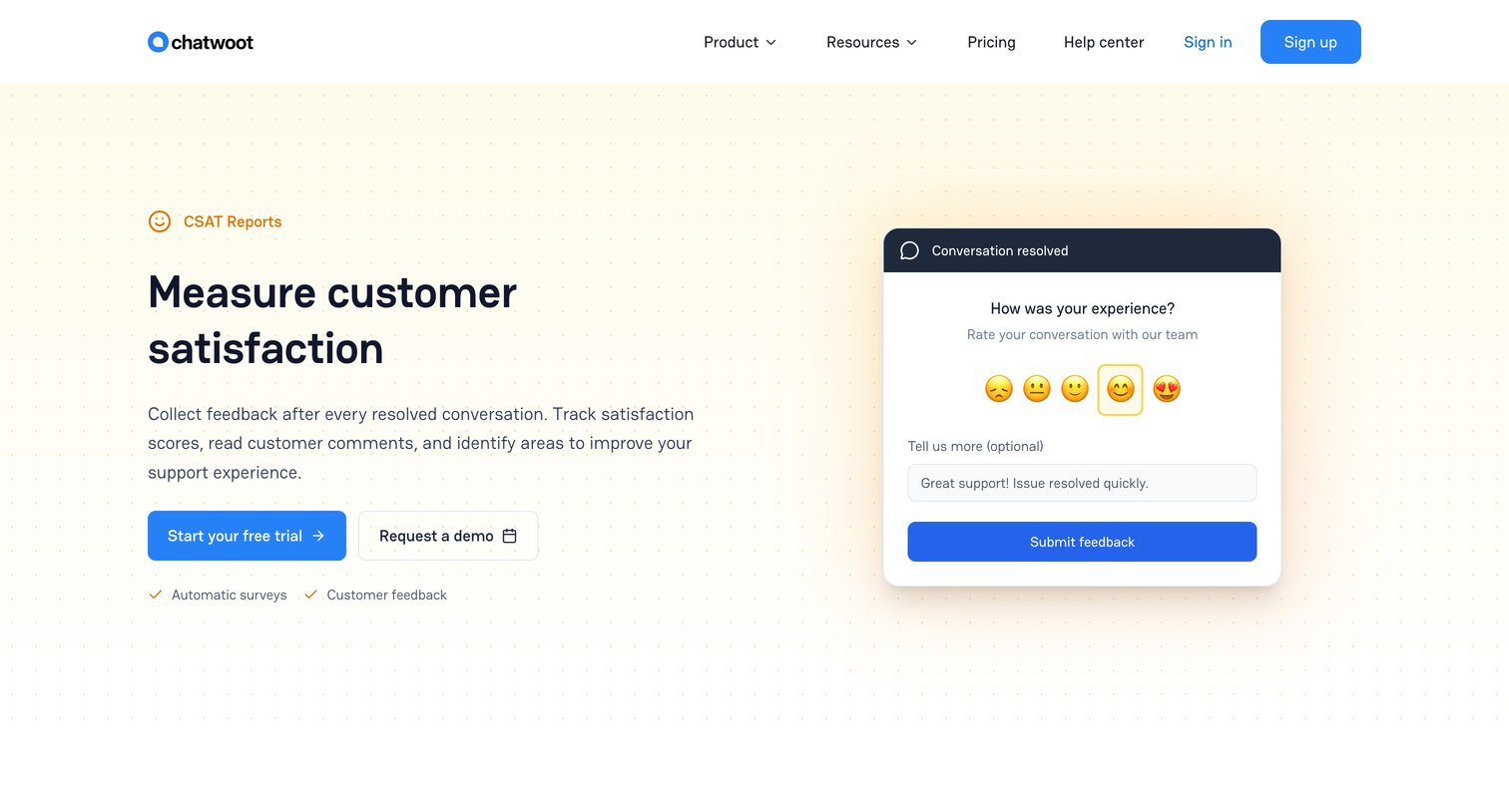

Feature page detailing customer satisfaction tools, showing how to configure CSAT per inbox, set up WhatsApp templates, define survey rules, and track response metrics.
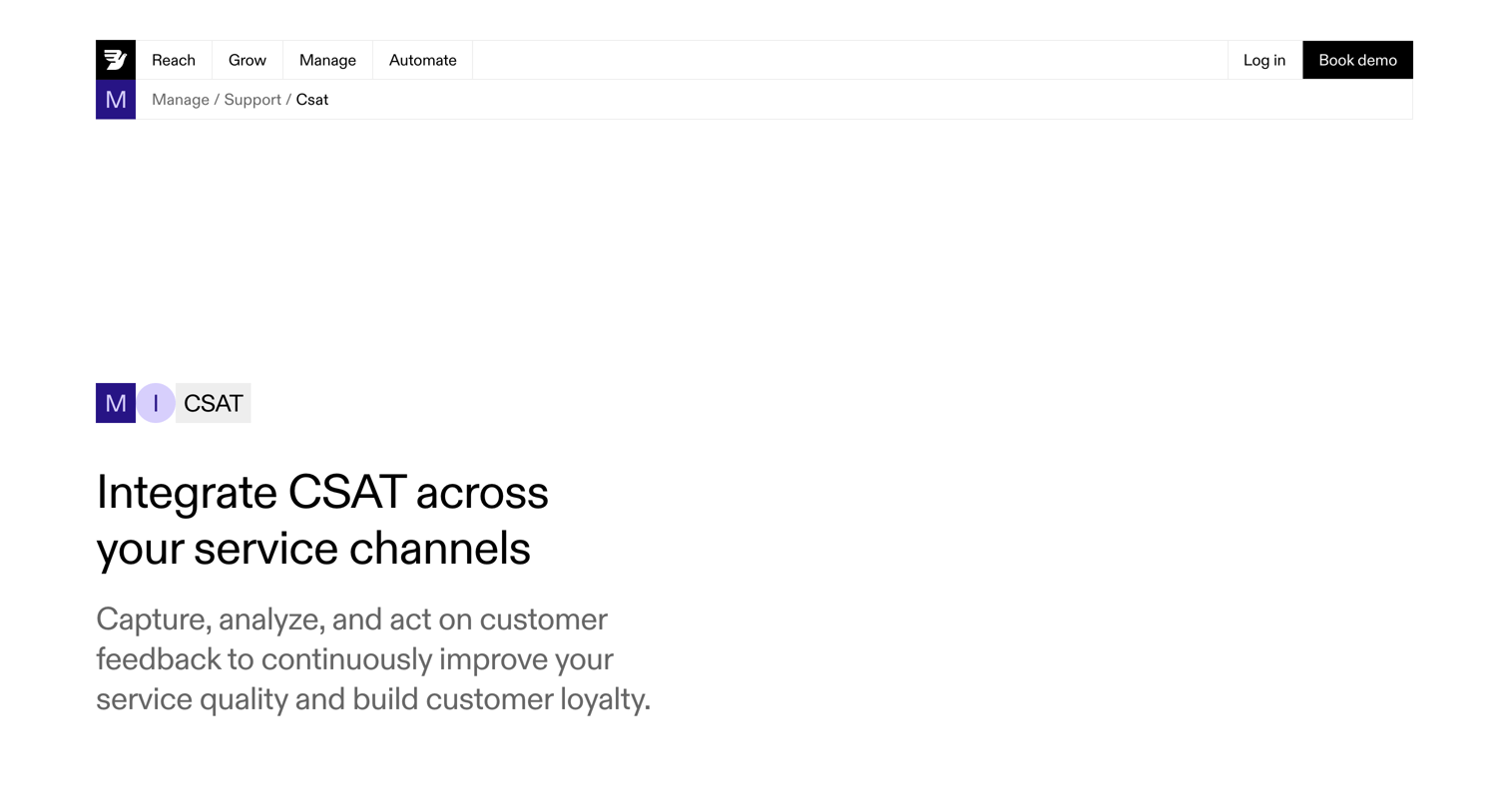

Feature page detailing CSAT integration capabilities within a customer service platform, highlighting automated surveys, segmentation, and omnichannel support.
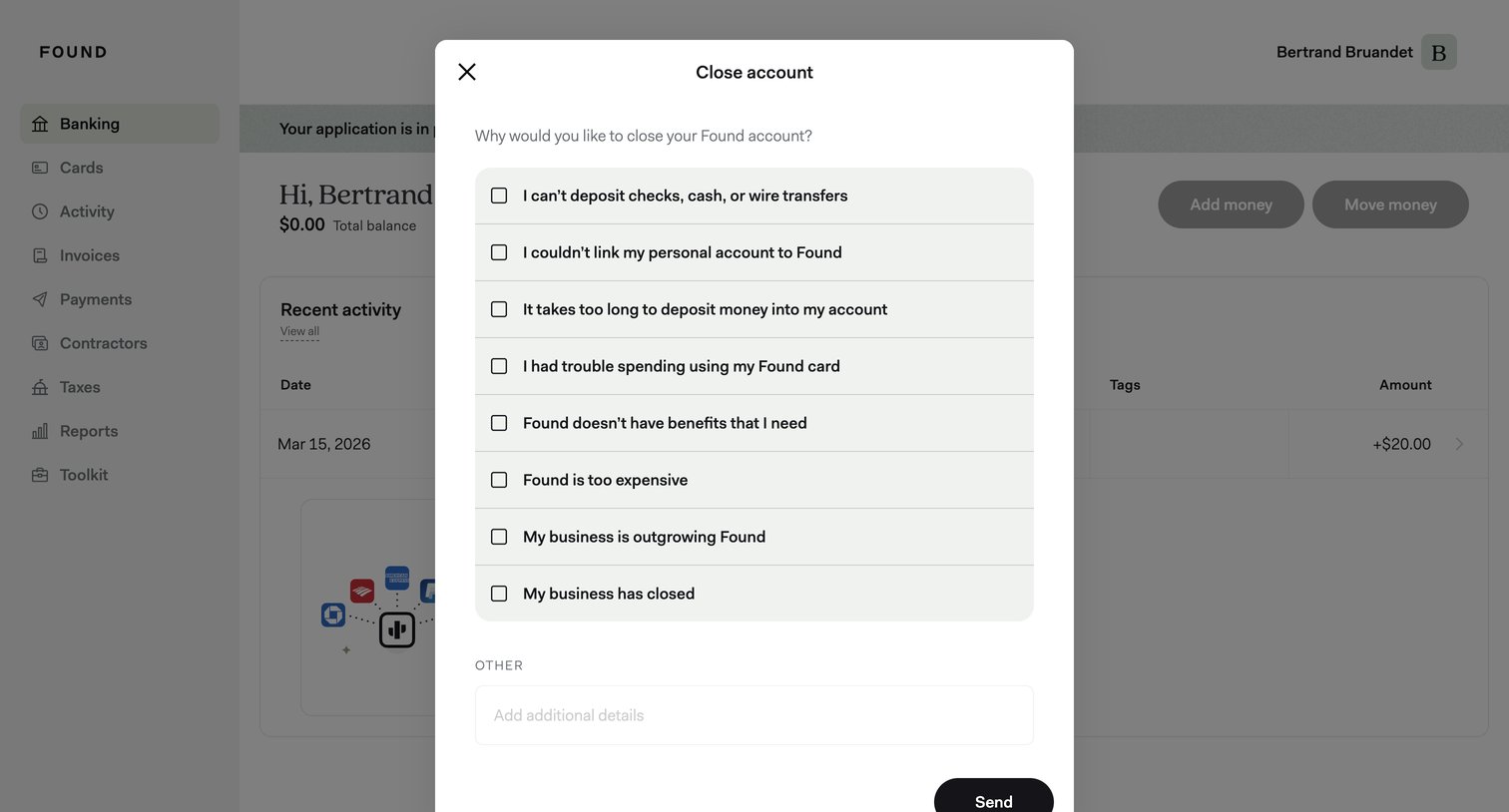

Dashboard with a modal where the user selects reasons for closing their account from a list of checkboxes and can add additional details.
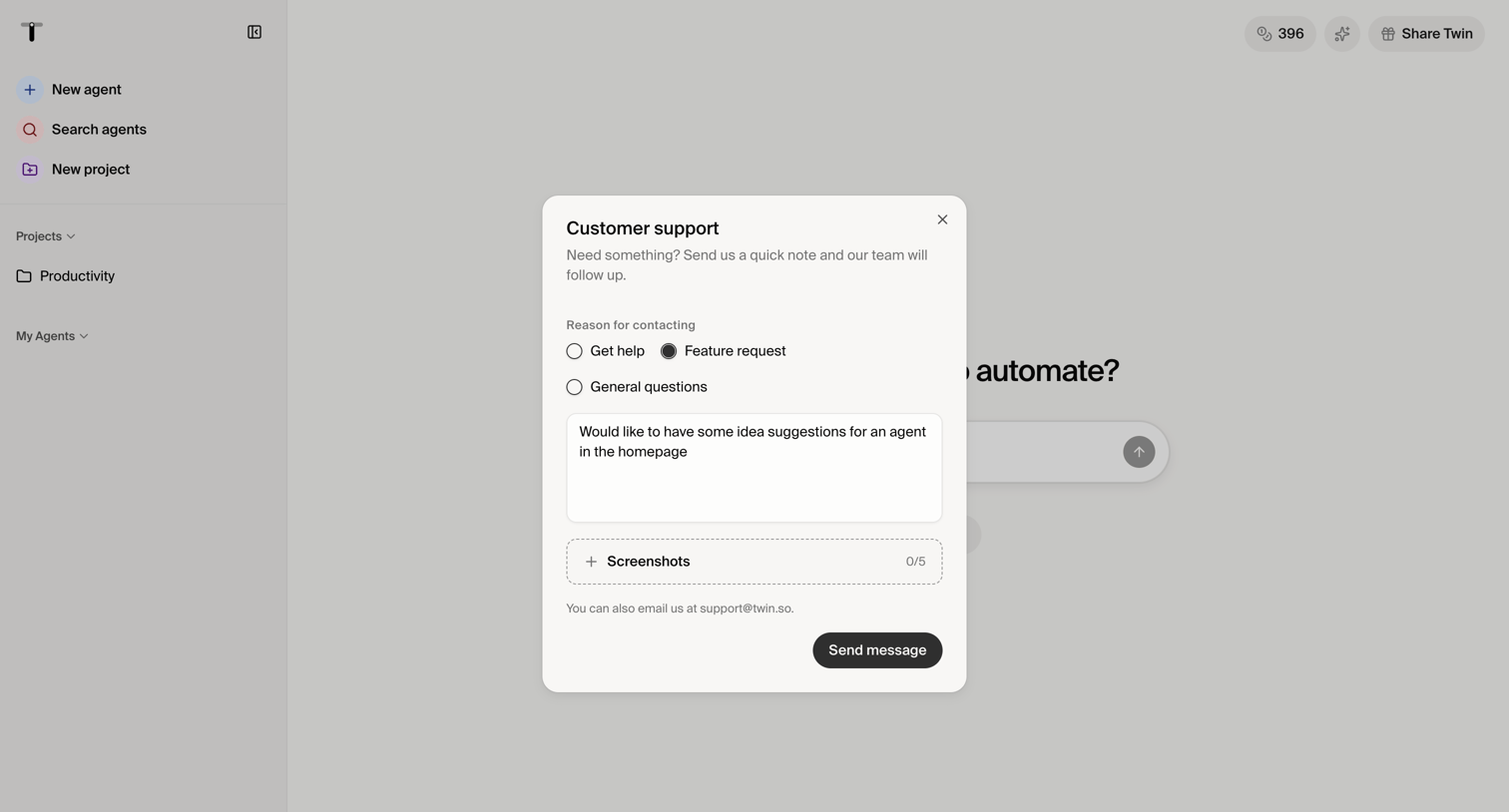

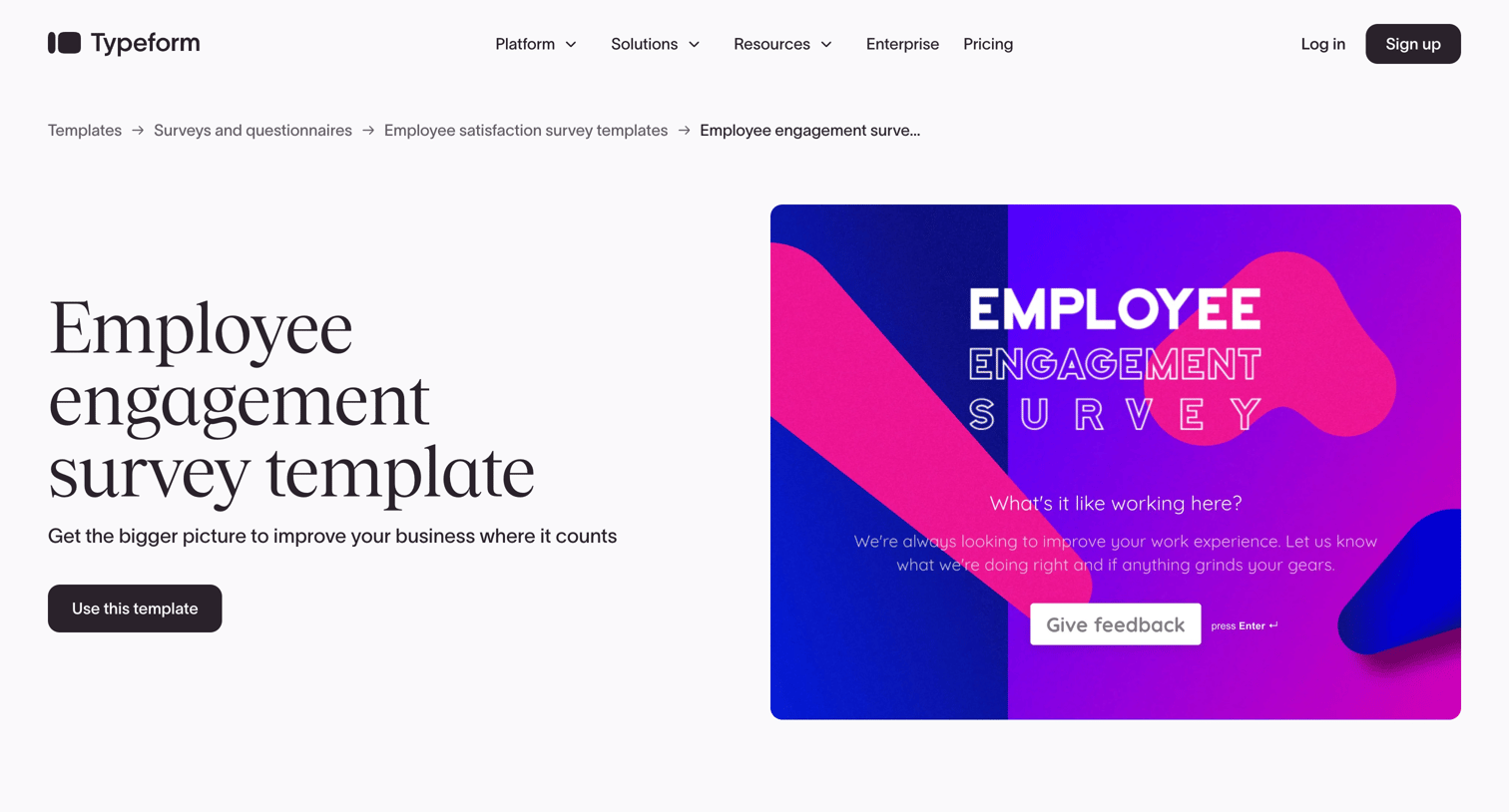

Marketing landing page for an employee engagement survey template, featuring a preview, customization options via an accordion, and a grid of related HR templates.
Explore the full SaaS screen library
Upgrade to unlock the full library.
Trusted by the best teams








About Feedback collection
Explore how interfaces collect a response at the point of use. Look at how rating choices, text entry, and submission controls fit into a compact feedback component.