Email screen examples
Email screen design examples from SaaS apps. Browse examples from Dock, Beside, Town.
Explore the examples
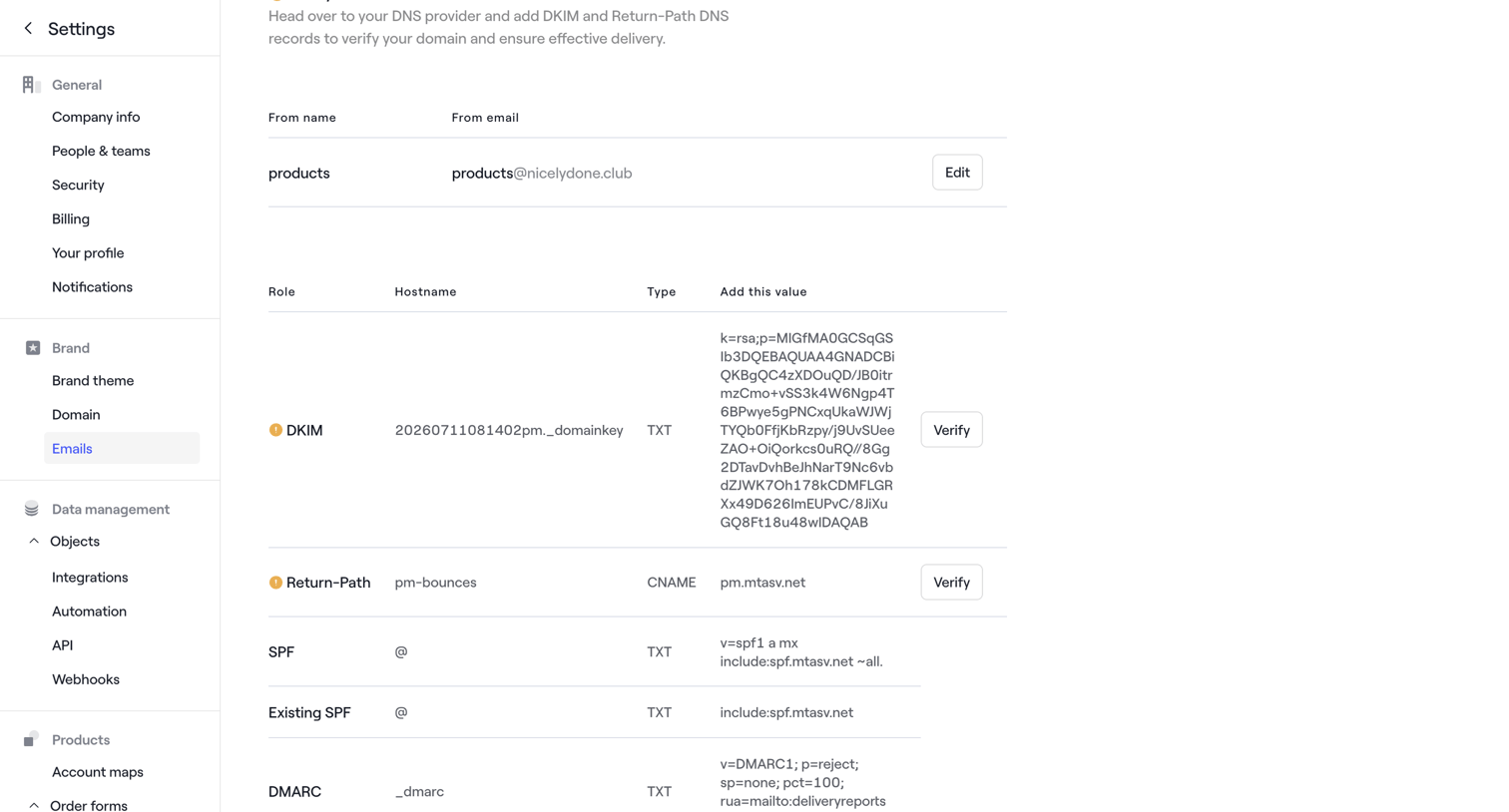

Settings page where the user configures and verifies DNS records like DKIM, Return-Path, SPF, and DMARC for email delivery.
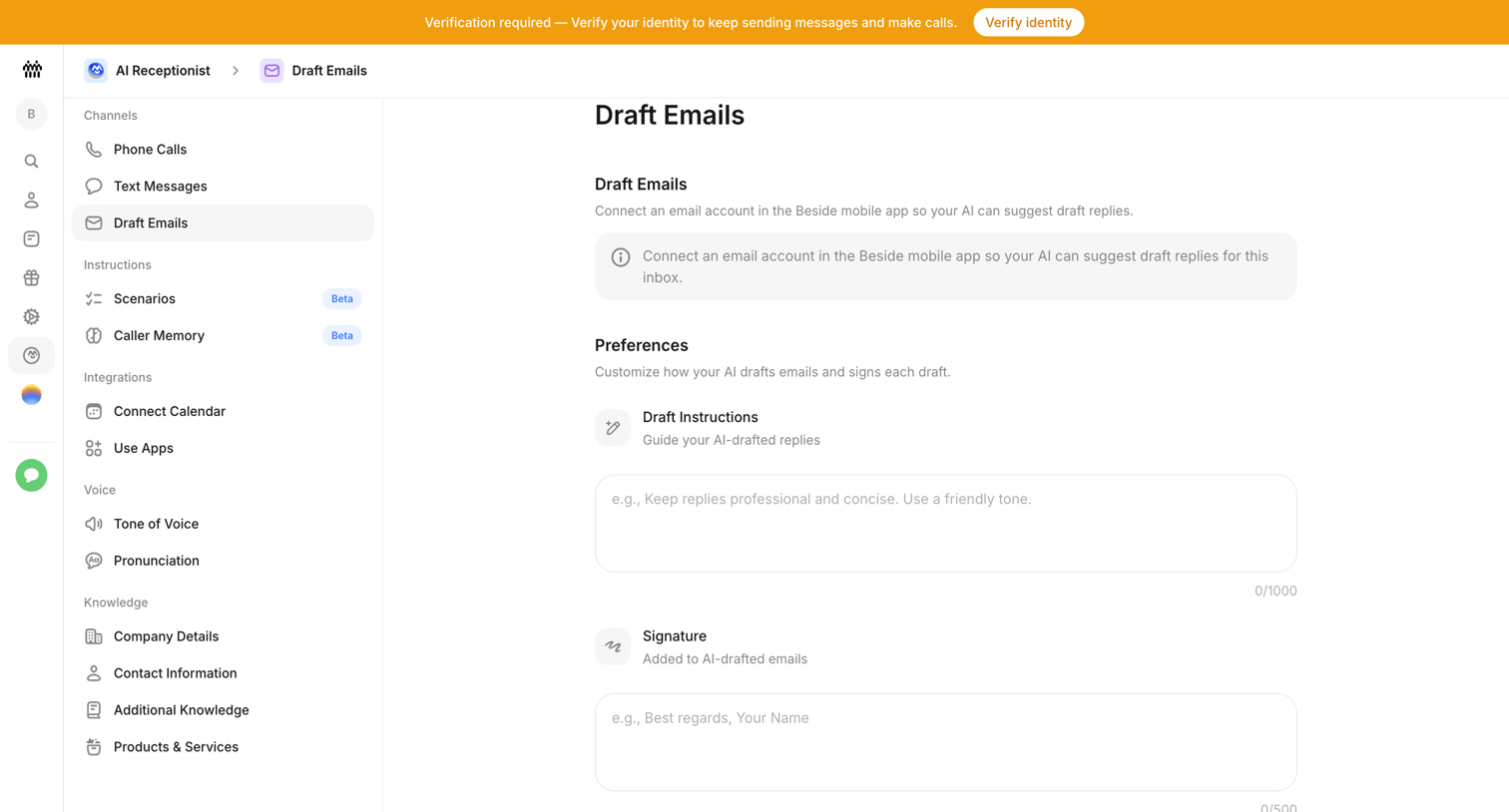

Settings page where the user configures email drafting preferences for their AI receptionist, including custom instructions and a signature.
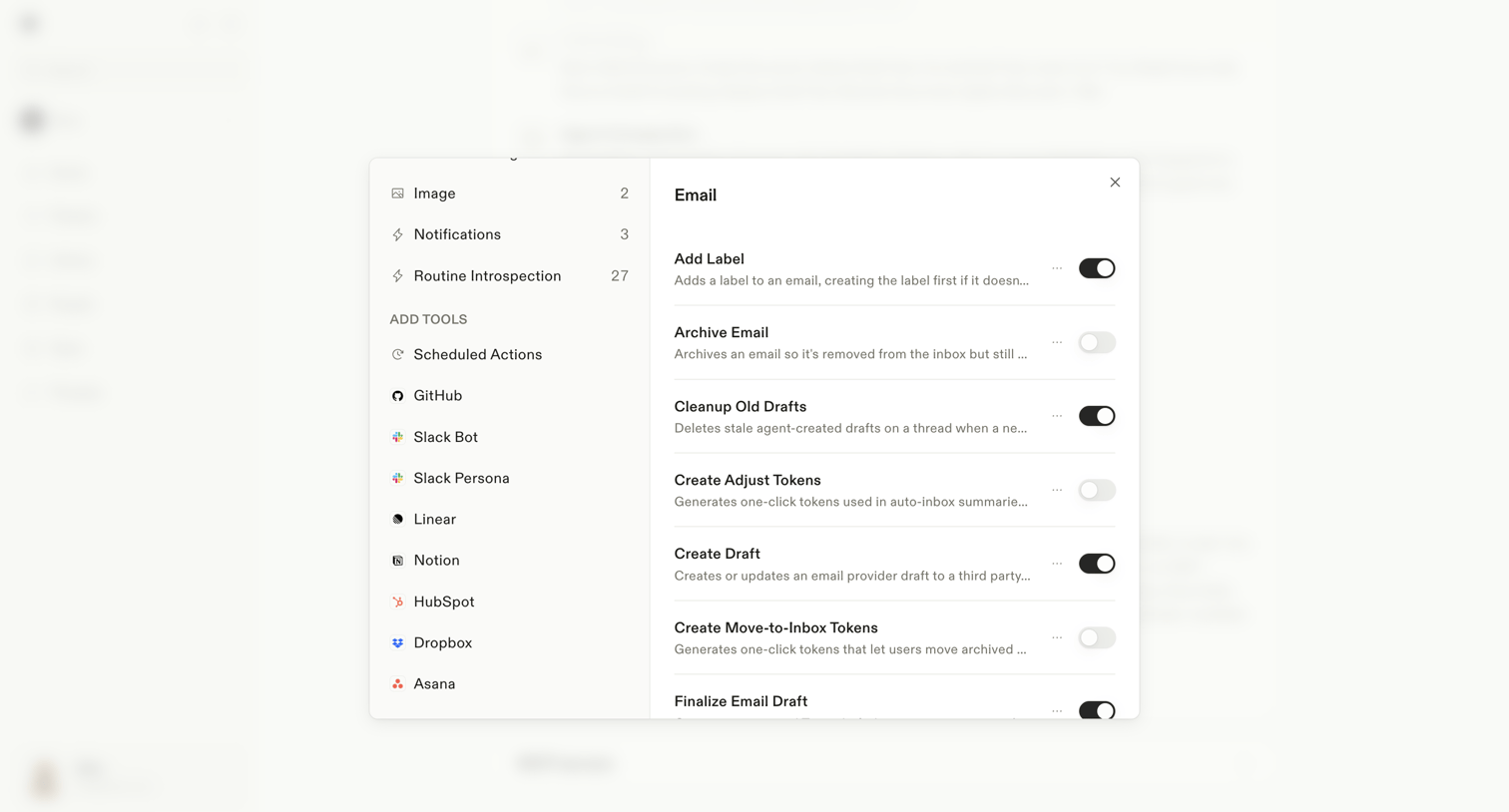

Settings modal where the user configures specific actions the AI assistant can perform for the Email integration, such as adding labels or creating drafts.
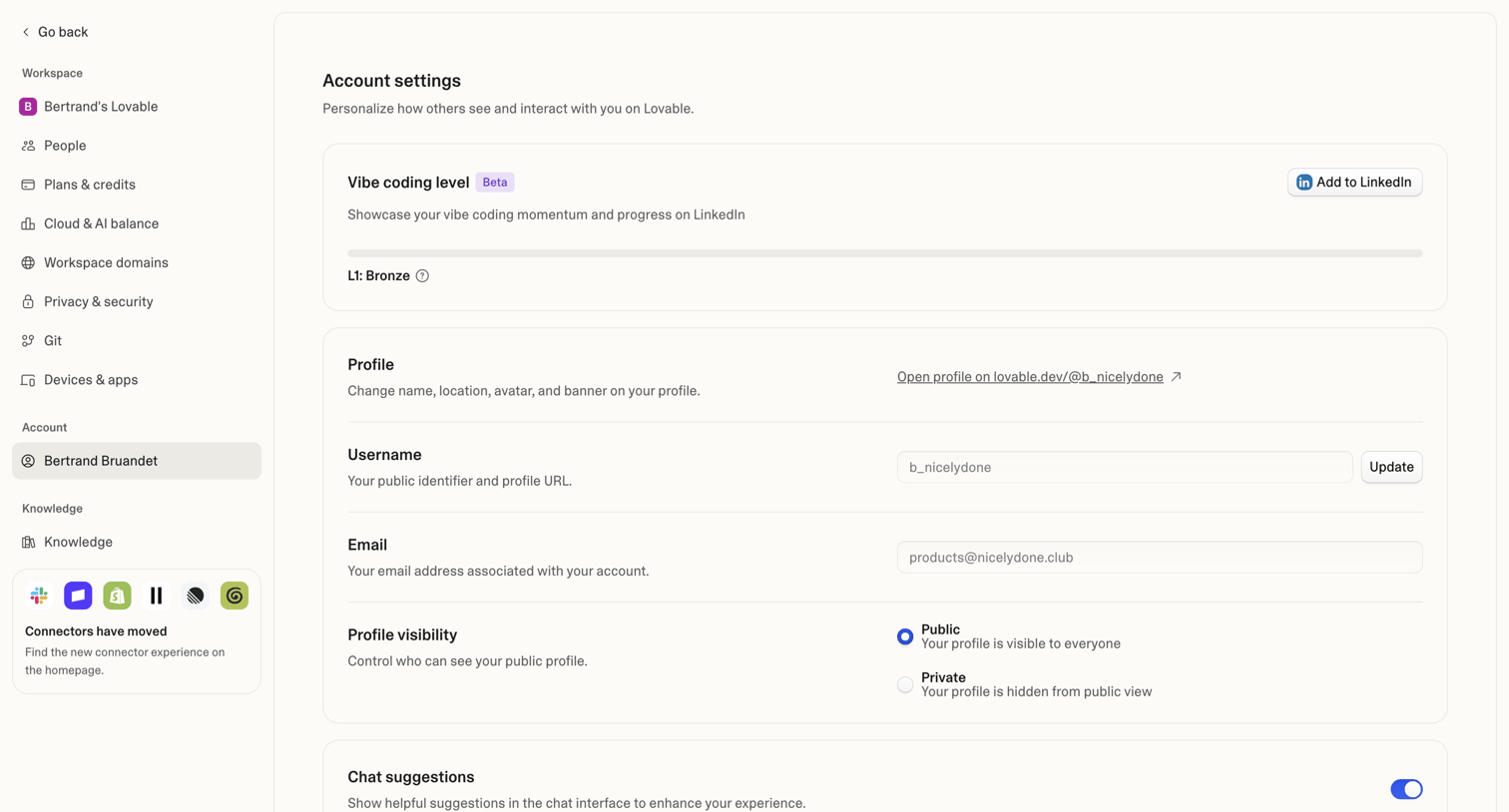

Settings page where the user configures their public profile, username, email, and chat suggestions.
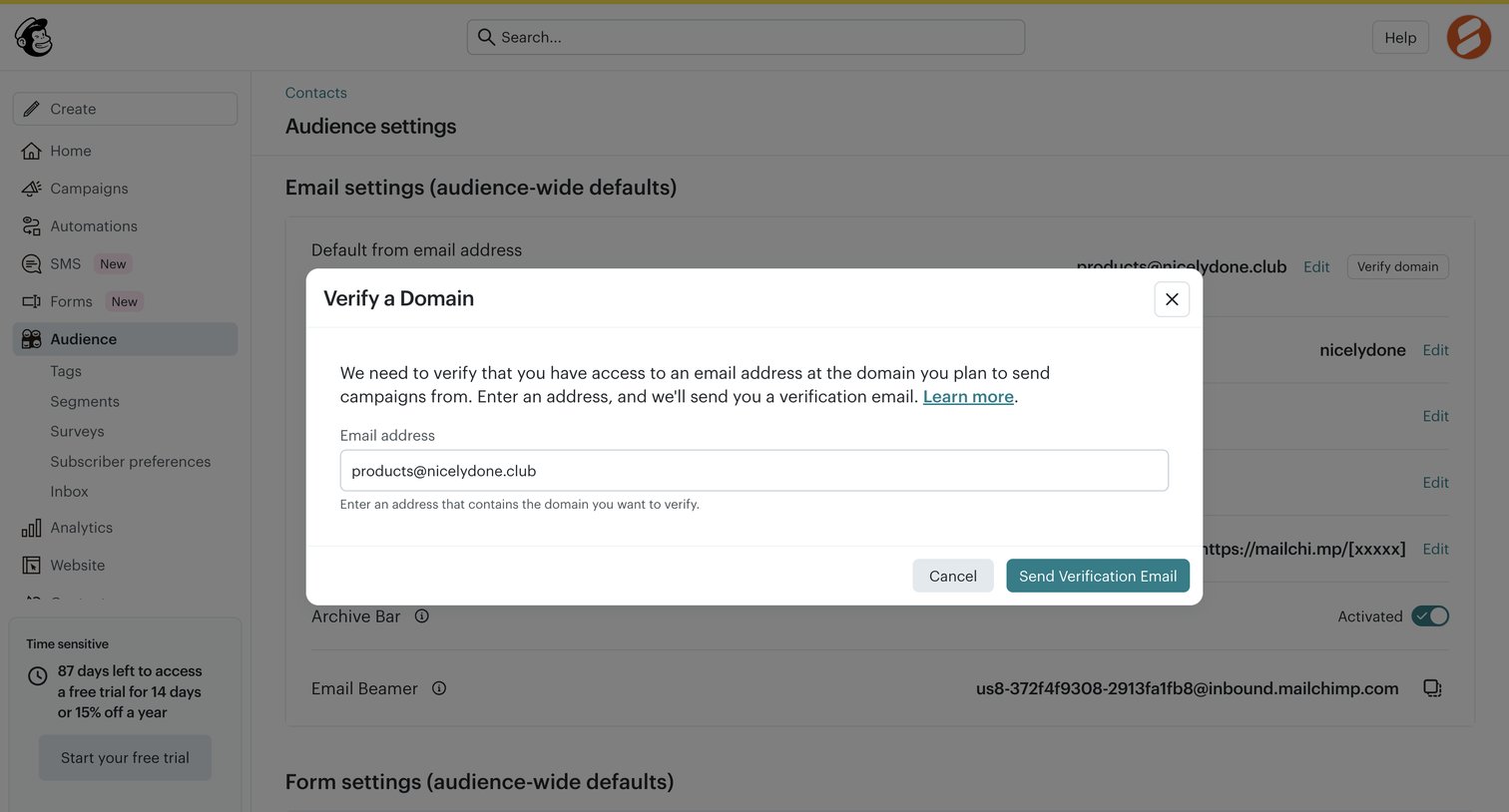

Settings page where the user is prompted to verify their domain via an email address in order to send campaigns.
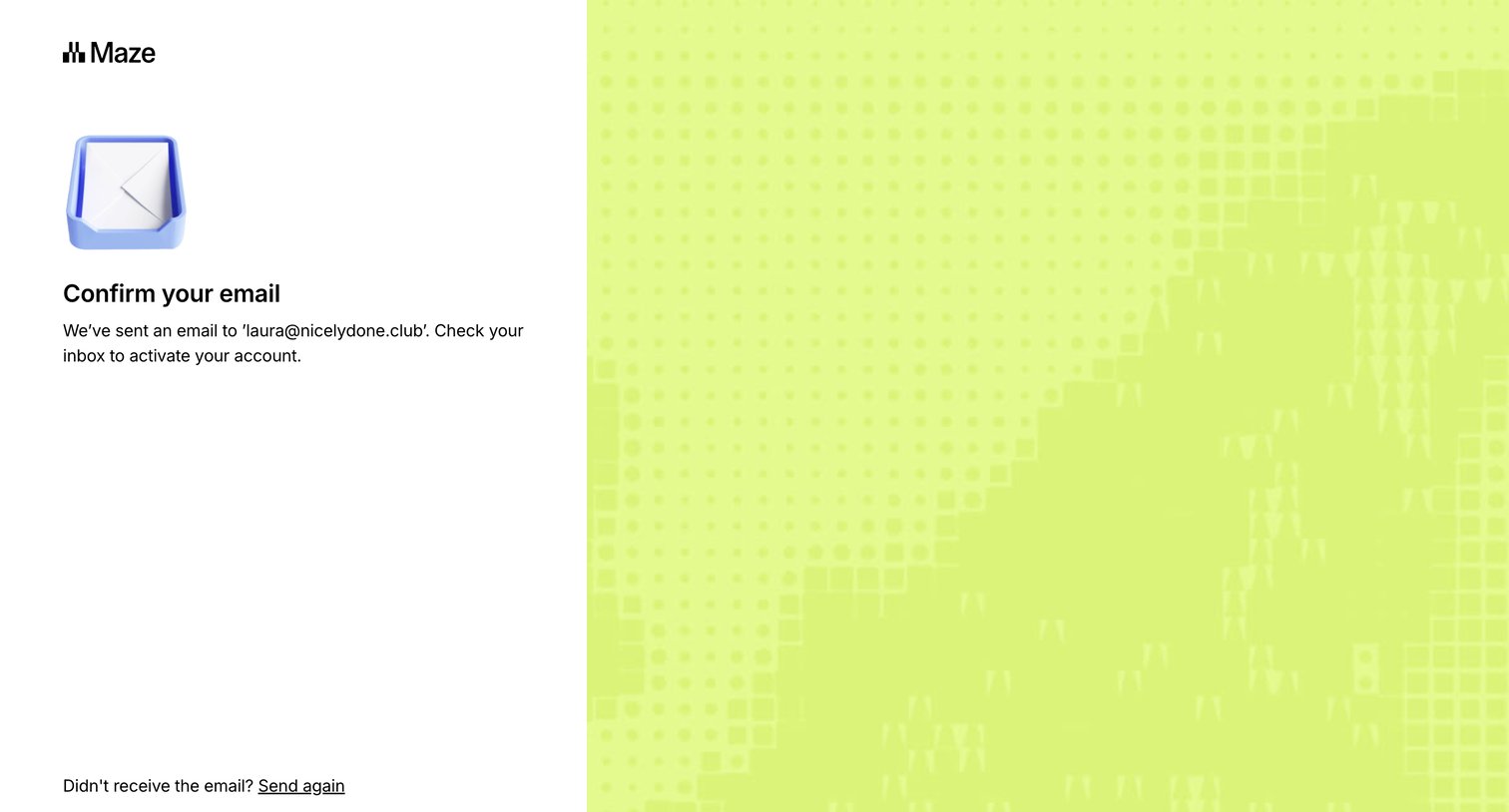

Auth screen where the user is instructed to check their inbox to confirm their email address, with options to resend the link or return to signup.
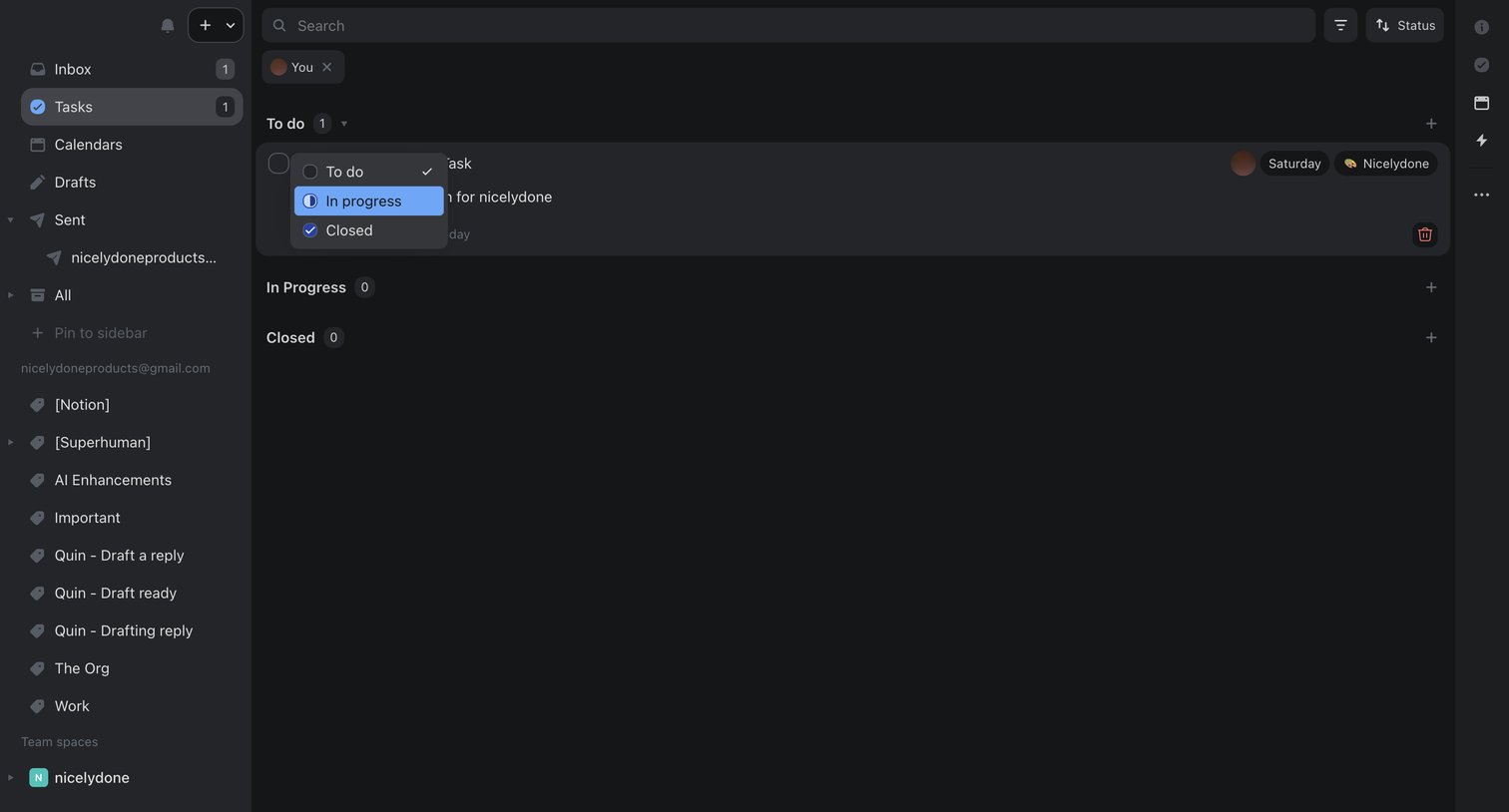

Task management view where the user filters tasks assigned to them and updates a task's status from to-do to in-progress via an inline dropdown.

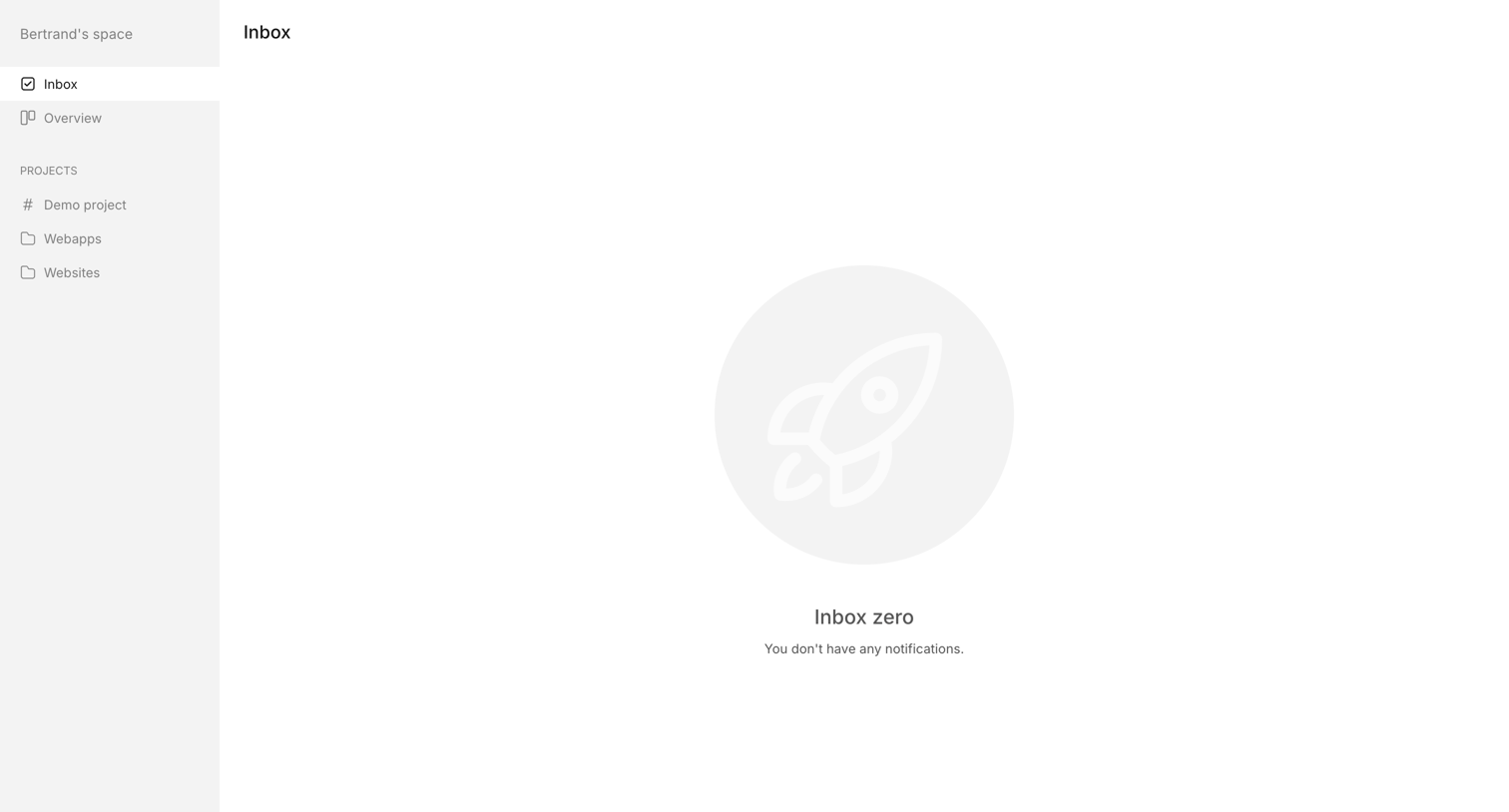

Inbox view where the user has no new notifications, displaying an empty state illustration.
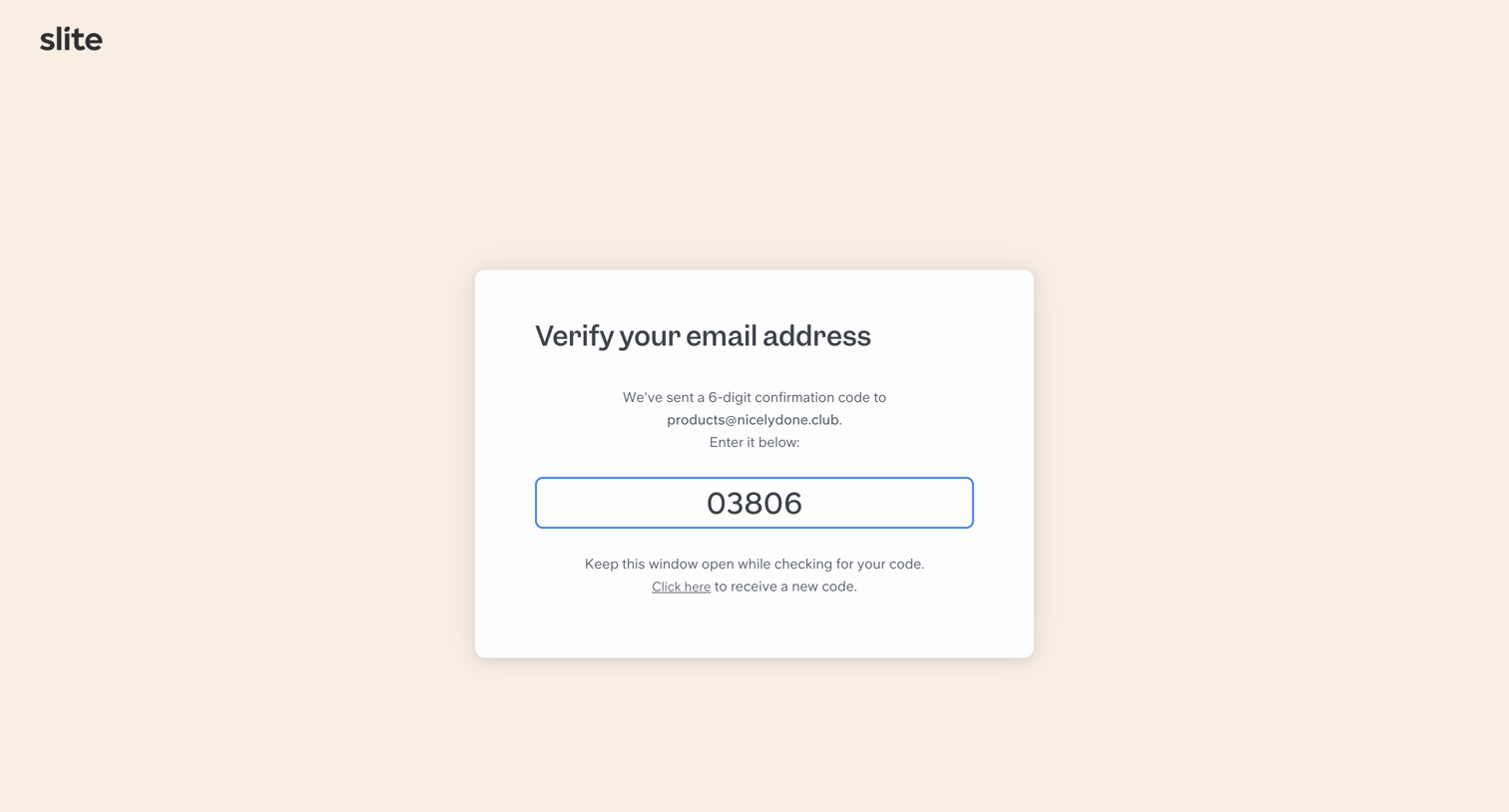

Verification screen where the user enters a 6-digit confirmation code sent to their email to proceed with account creation.

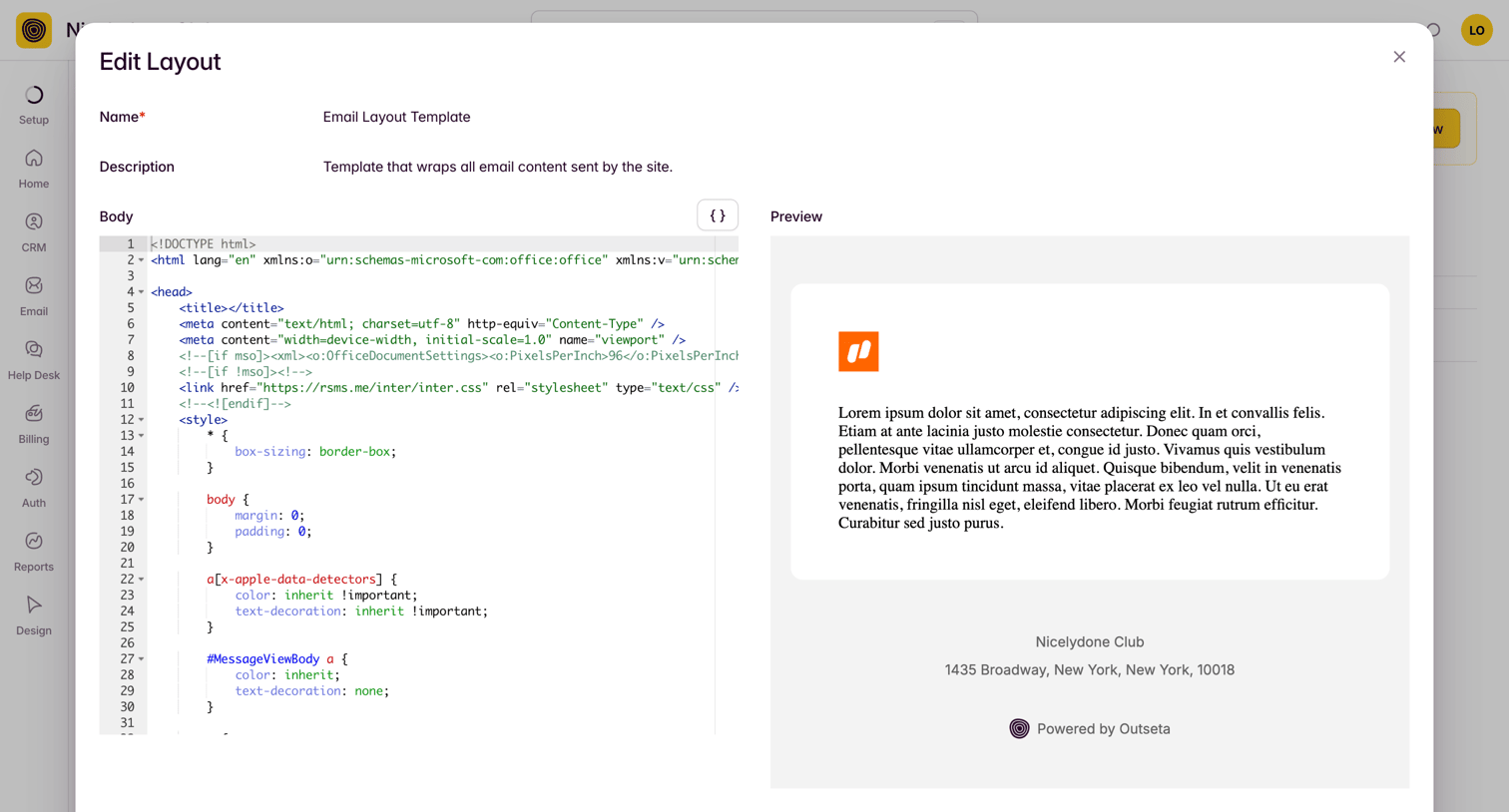

Code editor modal where the user modifies an email layout template using raw HTML and CSS alongside a live preview pane.
Explore the full SaaS screen library
Upgrade to unlock the full library.
Trusted by the best teams







