Document editing screen examples
Document editing screen design examples from SaaS apps. Browse examples from Cushion, Paper, Dovetail.
Explore the examples
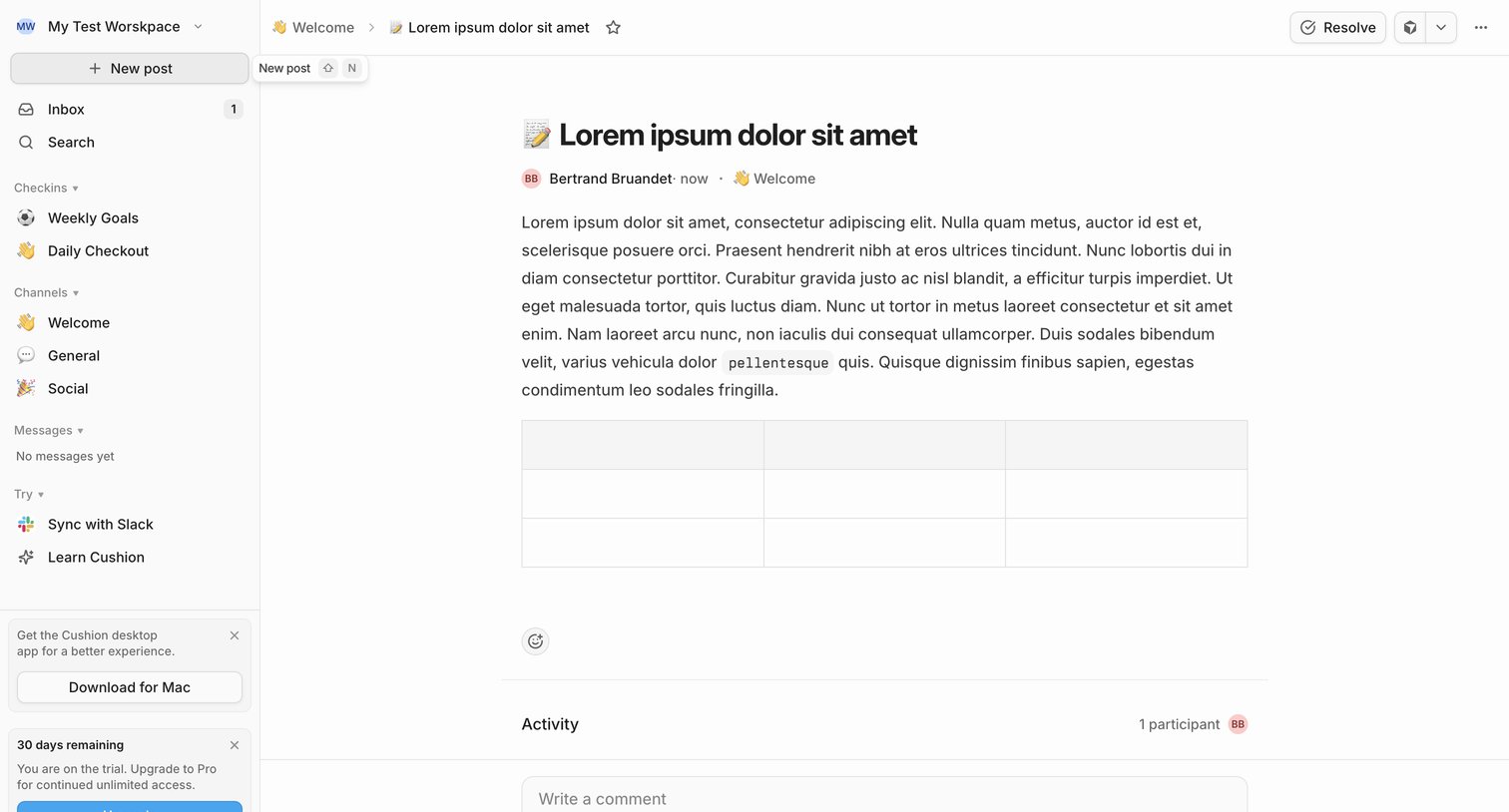

Detail page where a user reads a team update in the Welcome channel, views activity participants, and can write a comment or resolve the post.
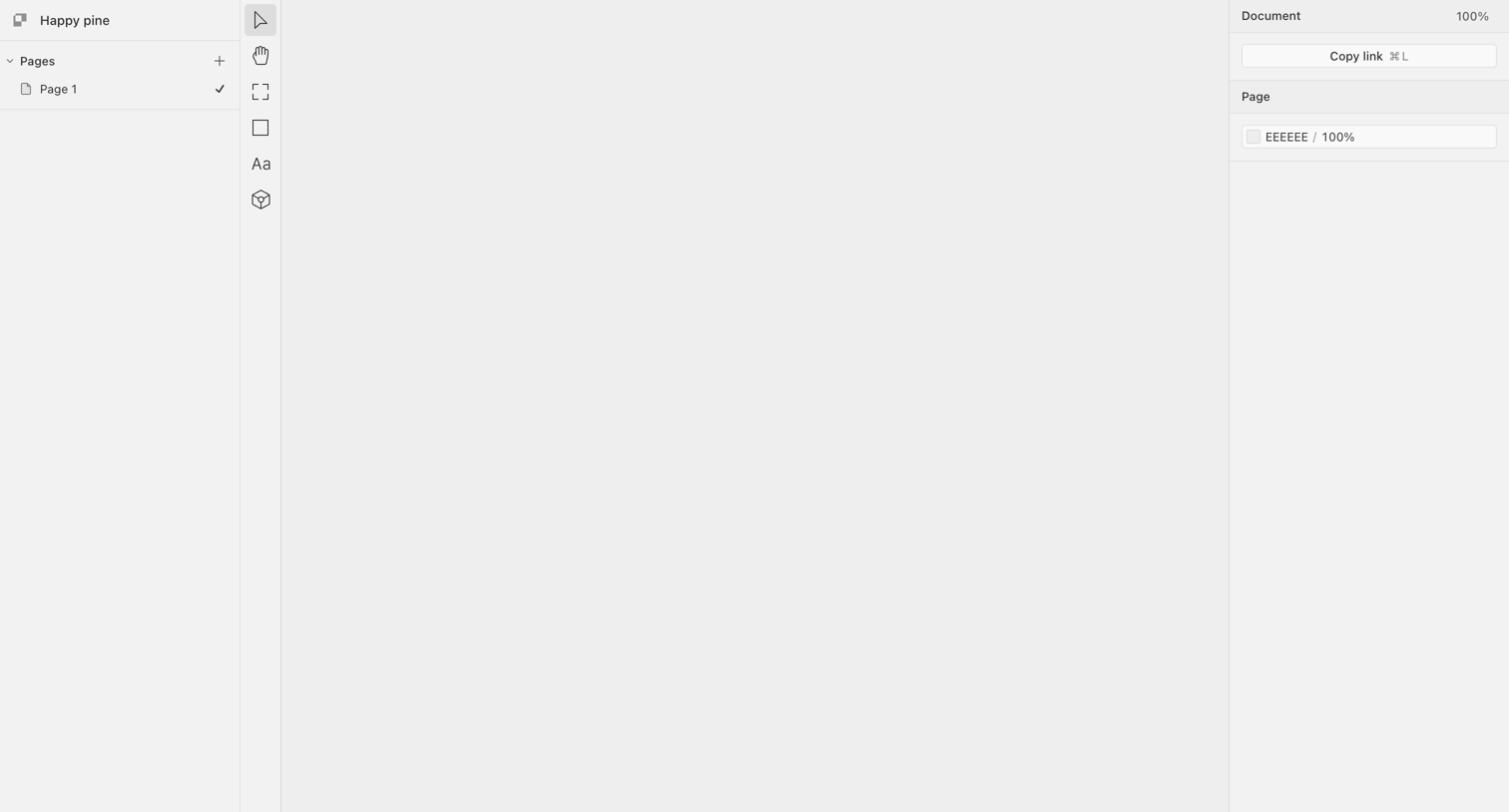

Design editor with an empty canvas, a pages list on the left, a central vertical toolbar, and a properties inspector on the right.

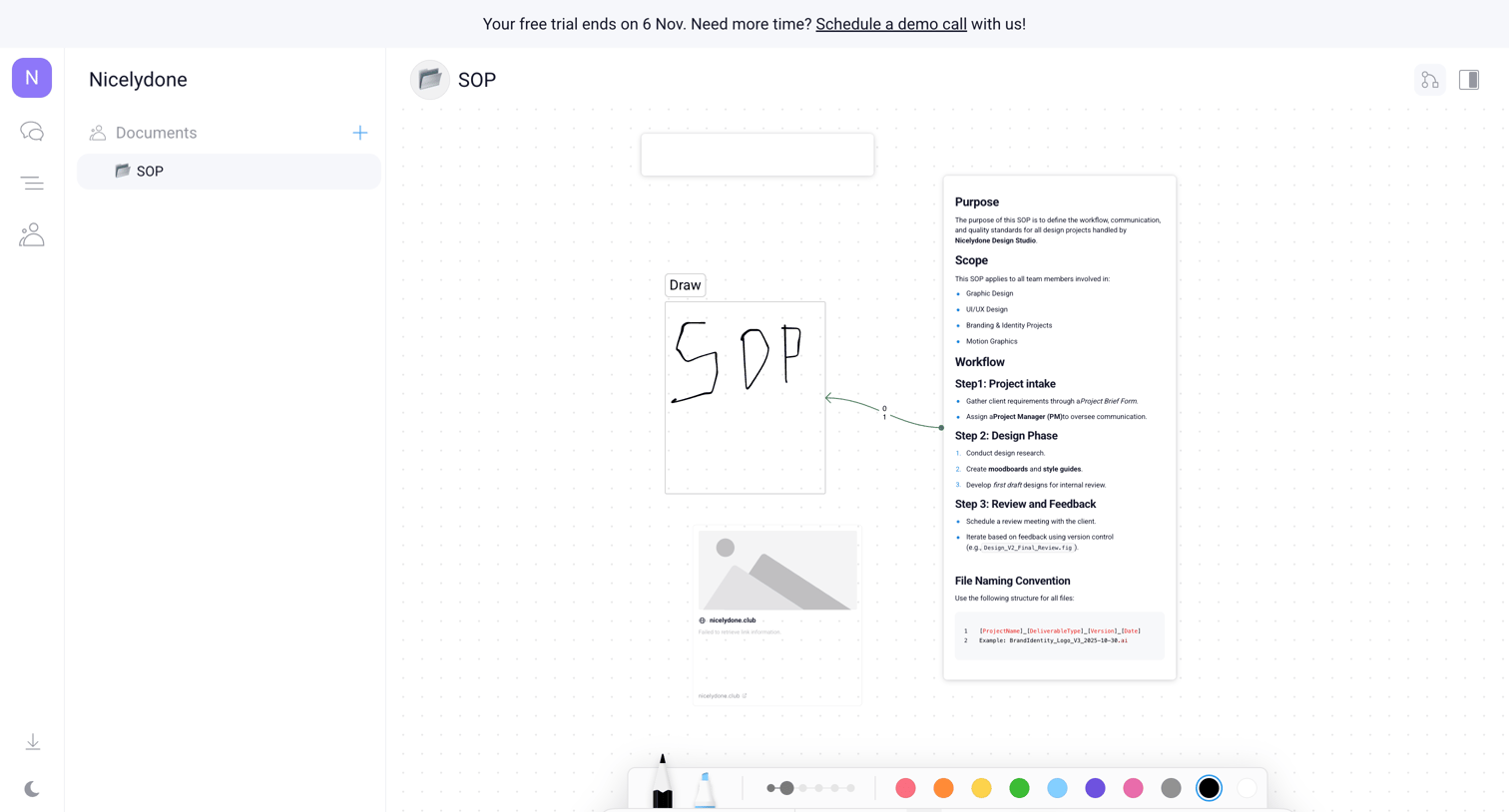

Whiteboard editor where the user creates an SOP using text blocks, drawing tools, and image placeholders on an infinite canvas.
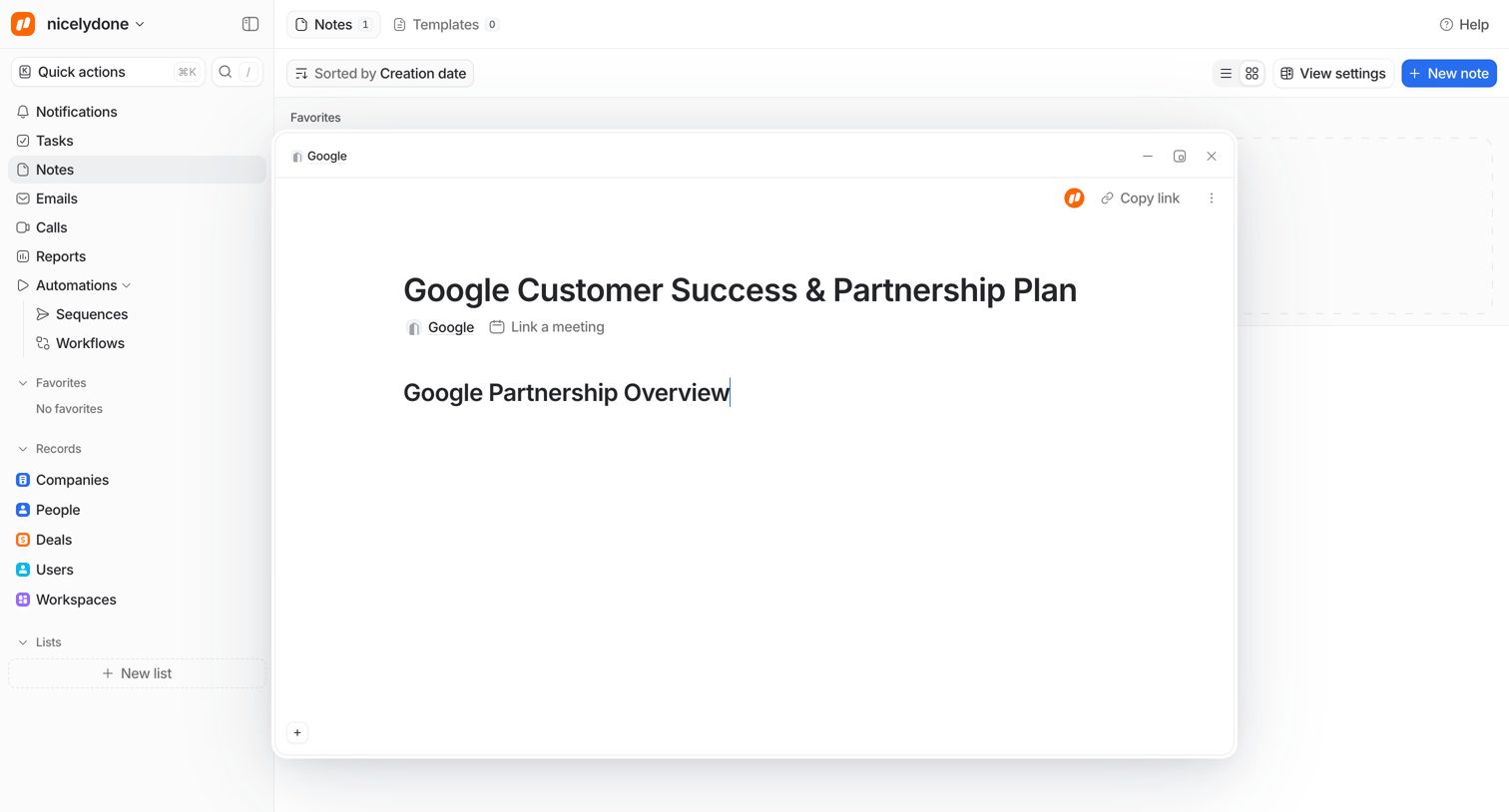

Content editor modal where the user is drafting a Google Customer Success & Partnership Plan note, overlaid on a list of all notes.
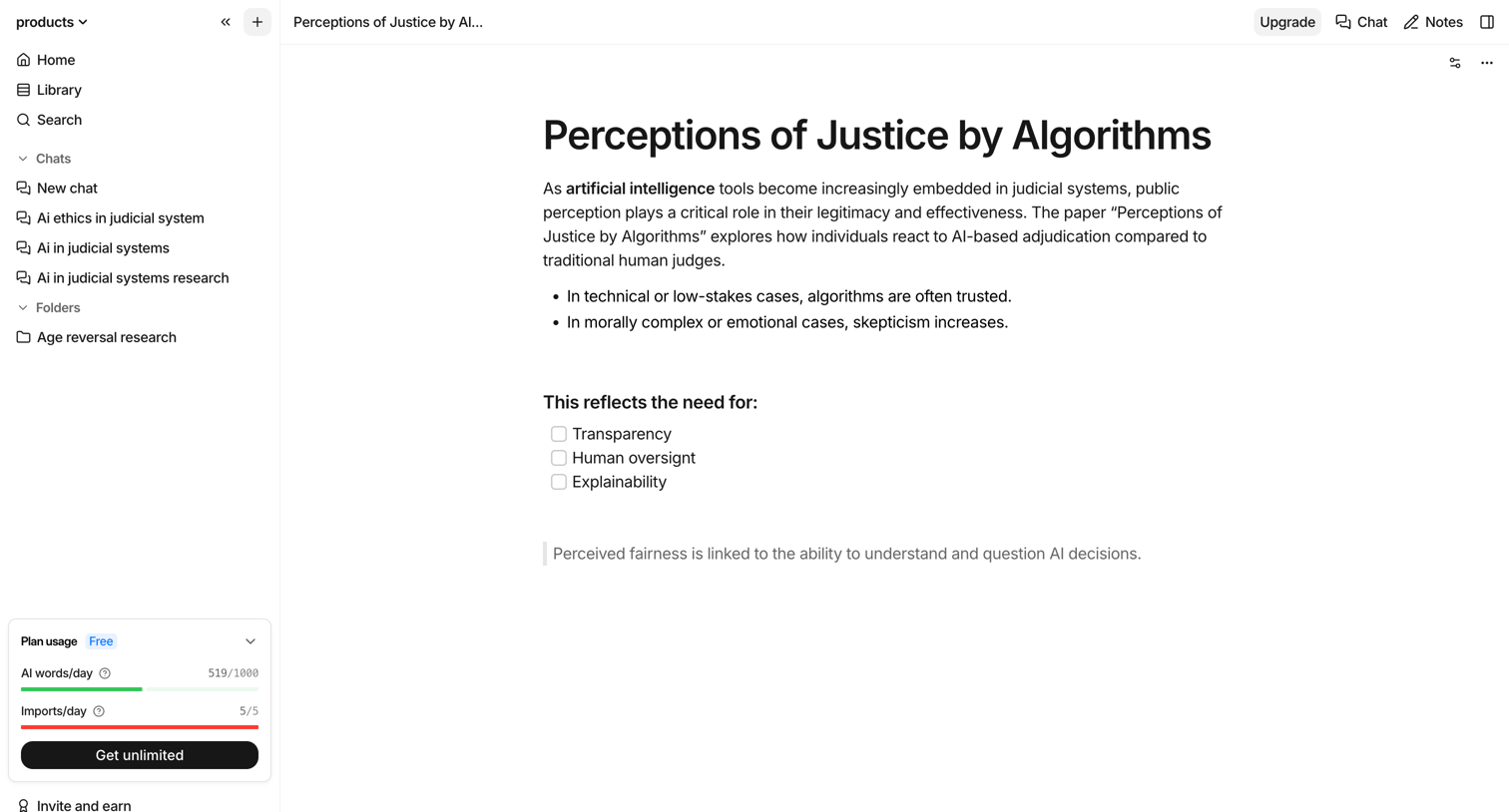

Content editor where the user is writing a document about AI ethics with a floating formatting toolbar and a sidebar showing chat history and usage limits.
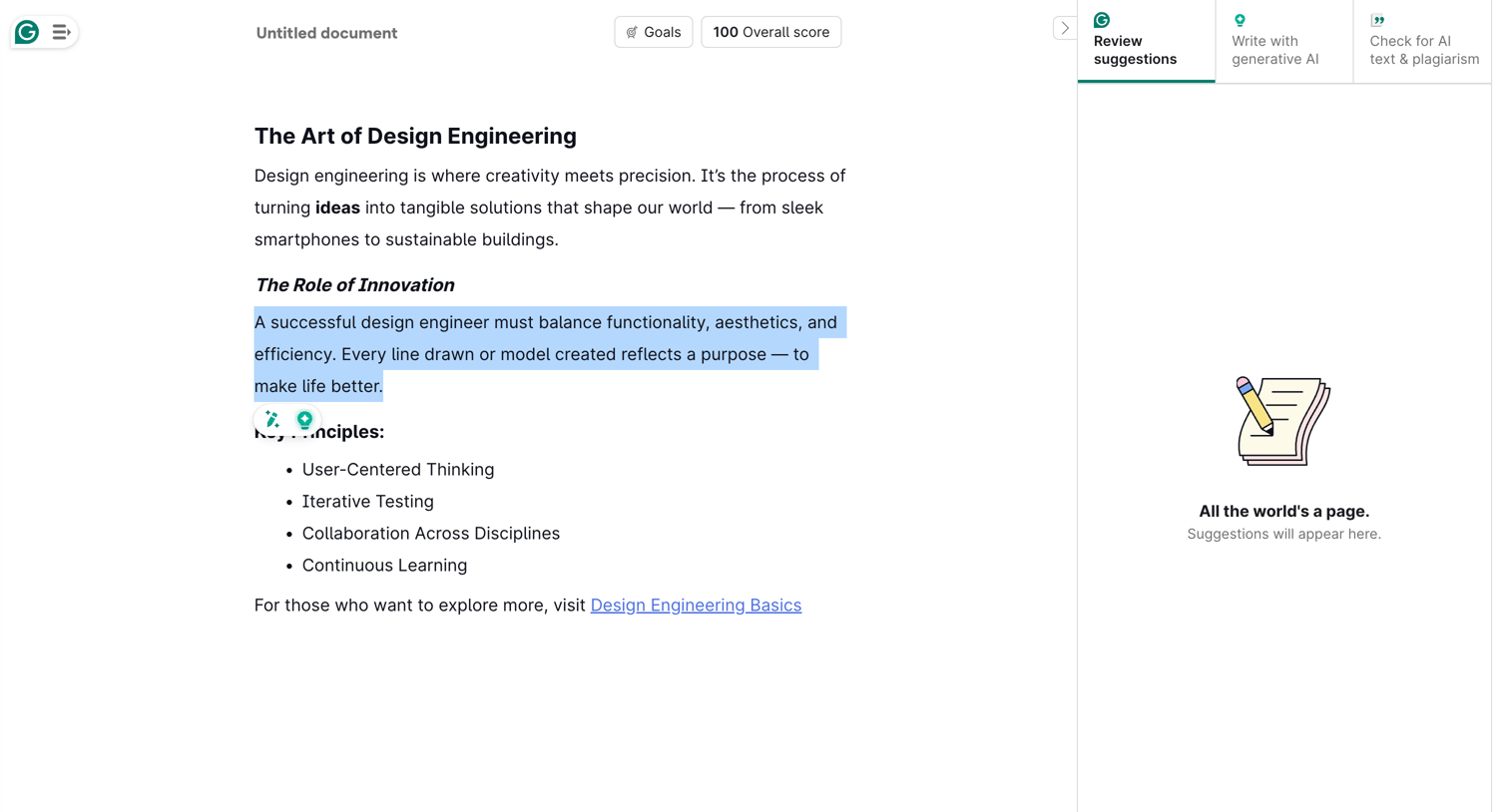

Content editor where the user is writing a document and has selected text to trigger an inline AI action menu, while a right sidebar waits to display review suggestions.
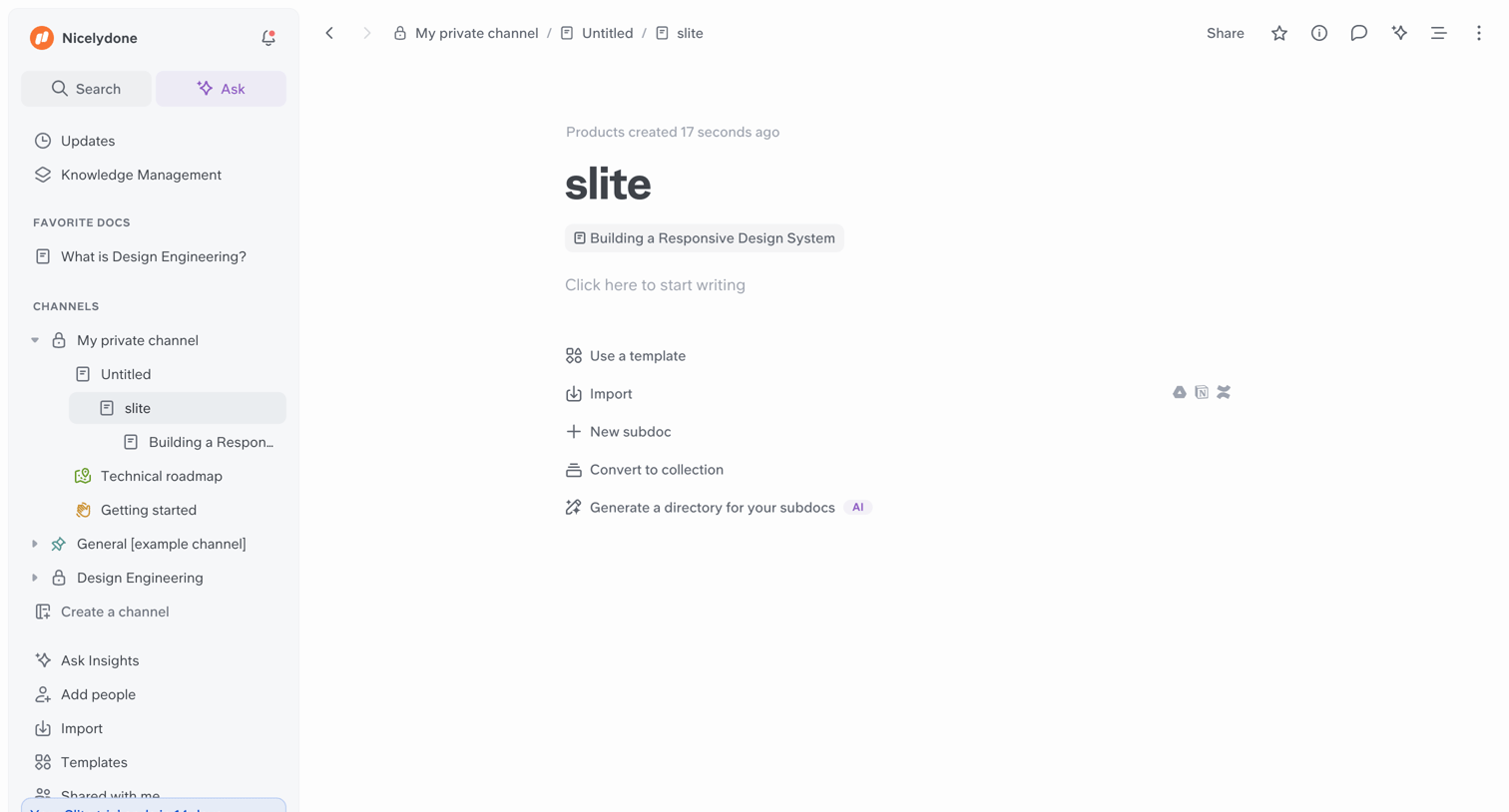

Content editor where the user is presented with an empty document and options to start writing, use a template, import, or generate a directory with AI.
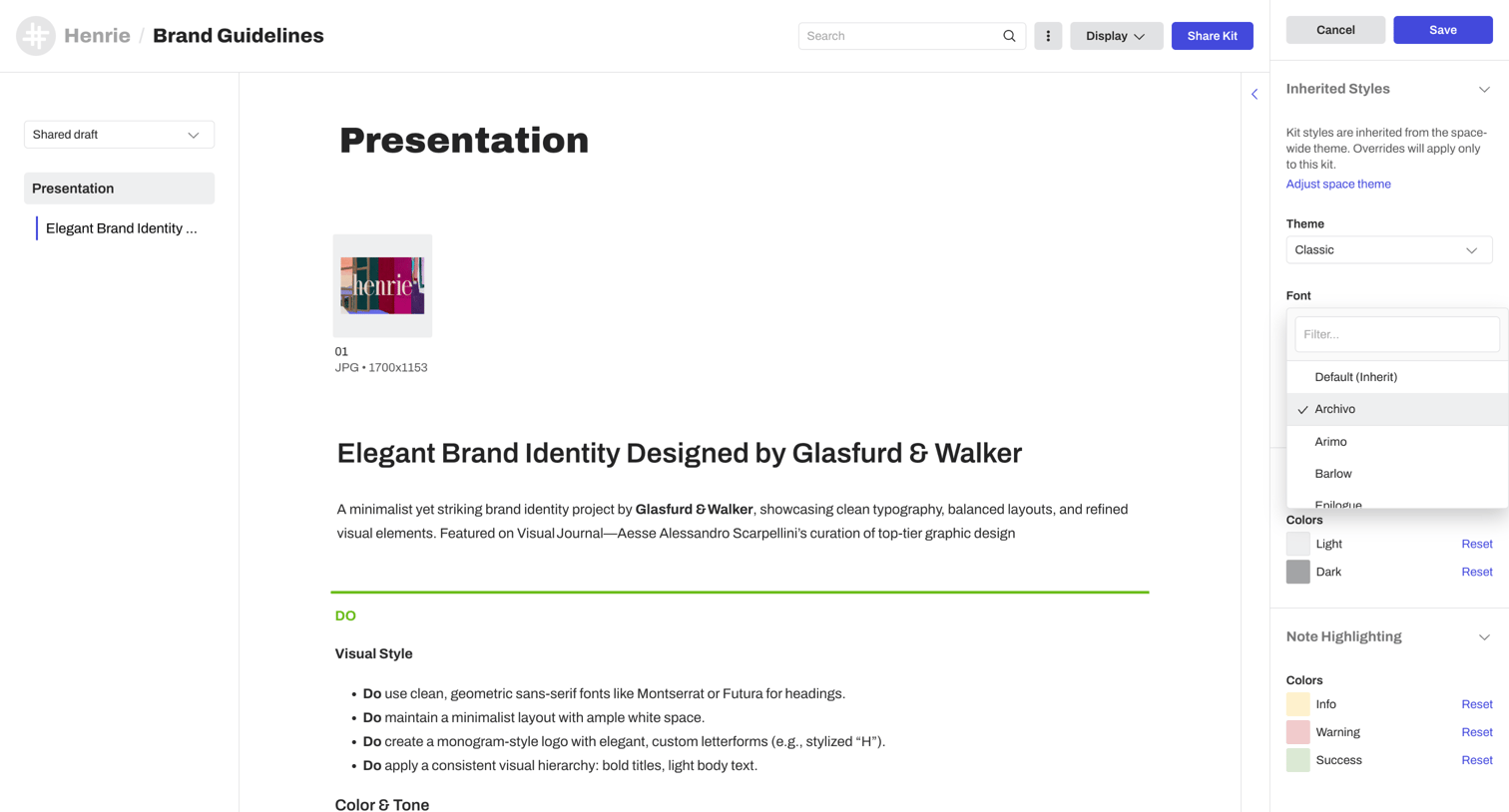

Design editor where the user customizes inherited styles like theme, typography, and colors for a brand presentation page.
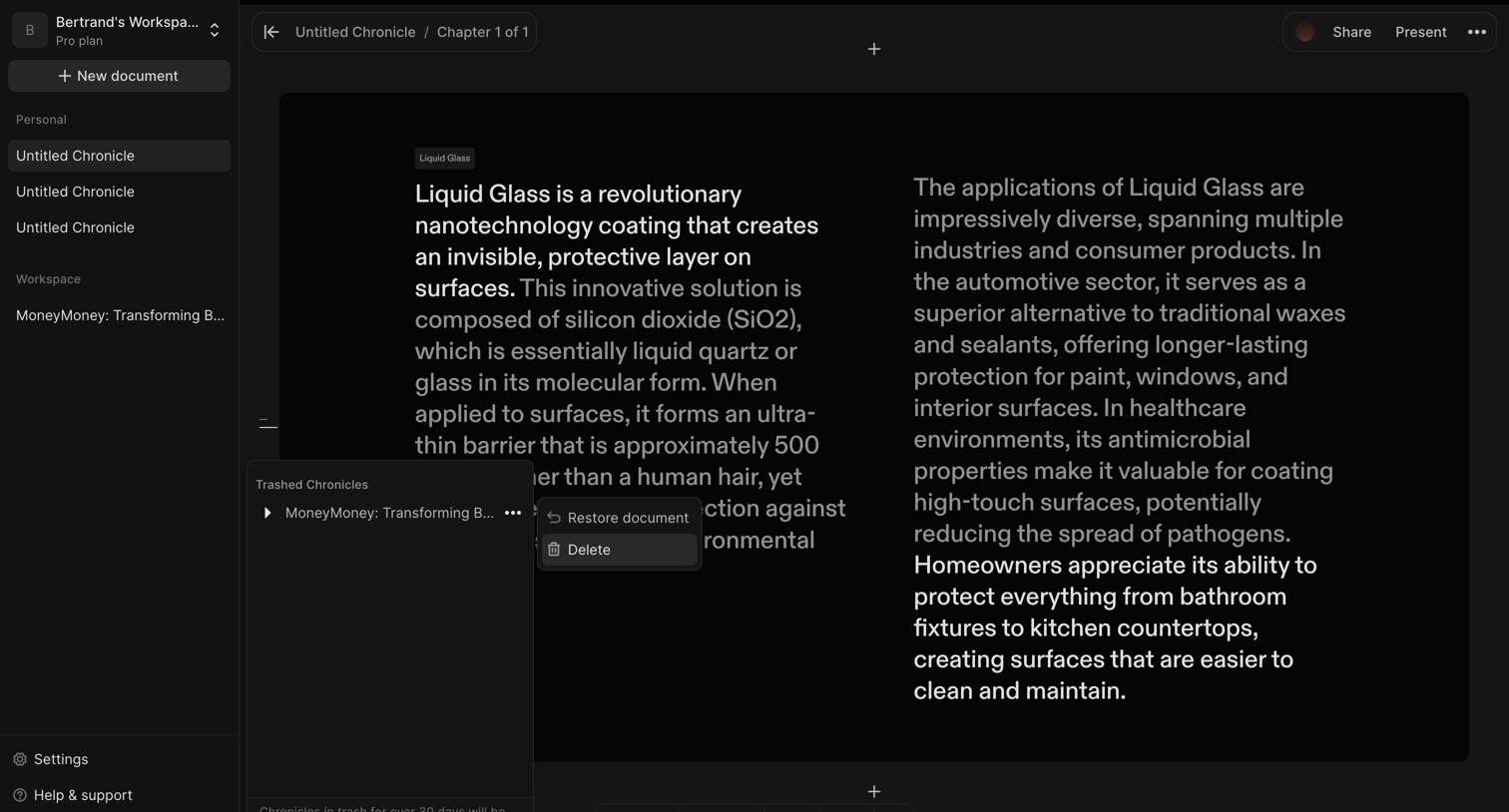

Content editor where the user is viewing a document about Liquid Glass and has opened the trash popover to restore or delete a trashed chronicle.
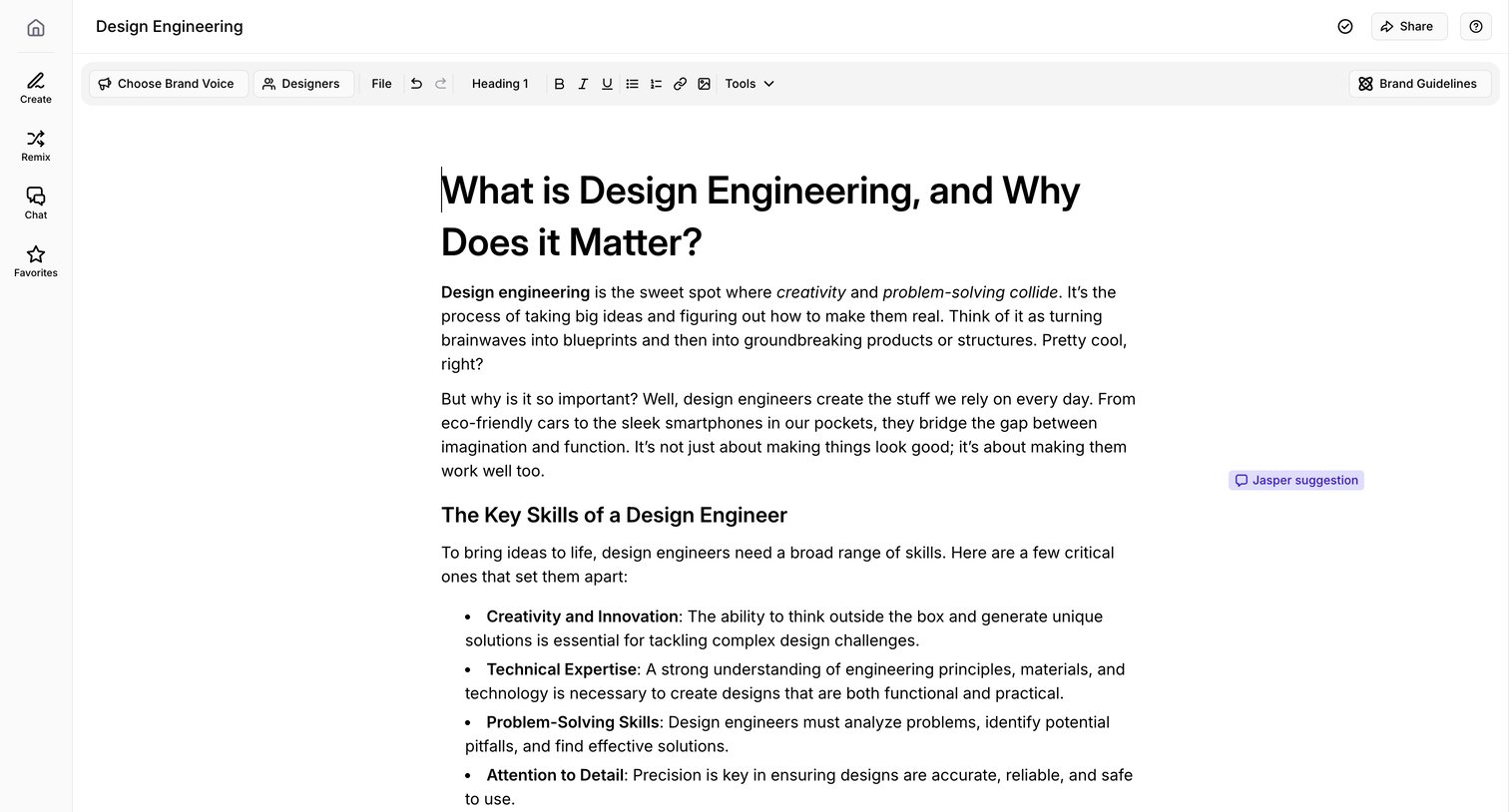

Rich text document editor where the user is writing an article about design engineering, featuring AI brand voice controls and inline suggestions.
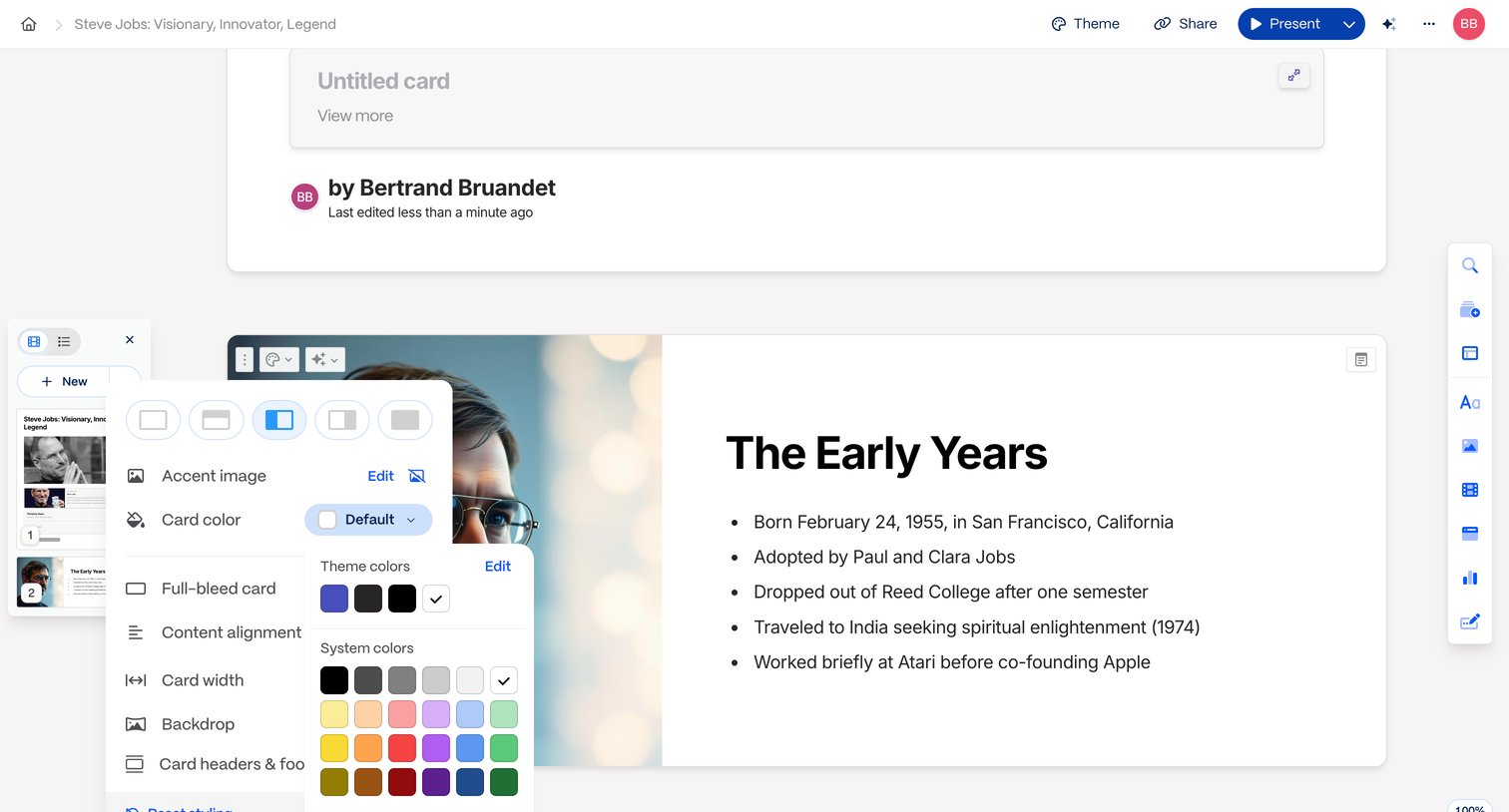

Design editor where the user is customizing the background image and color theme of a presentation slide via a styling popover.
Explore the full SaaS screen library
Upgrade to unlock the full library.
Trusted by the best teams







