Detail view screen examples
Detail view screen design examples from SaaS apps. Explore how apps give an individual item a focused view. Look at how its identity, supporting details, and available actions establish the next interaction.
Explore the examples
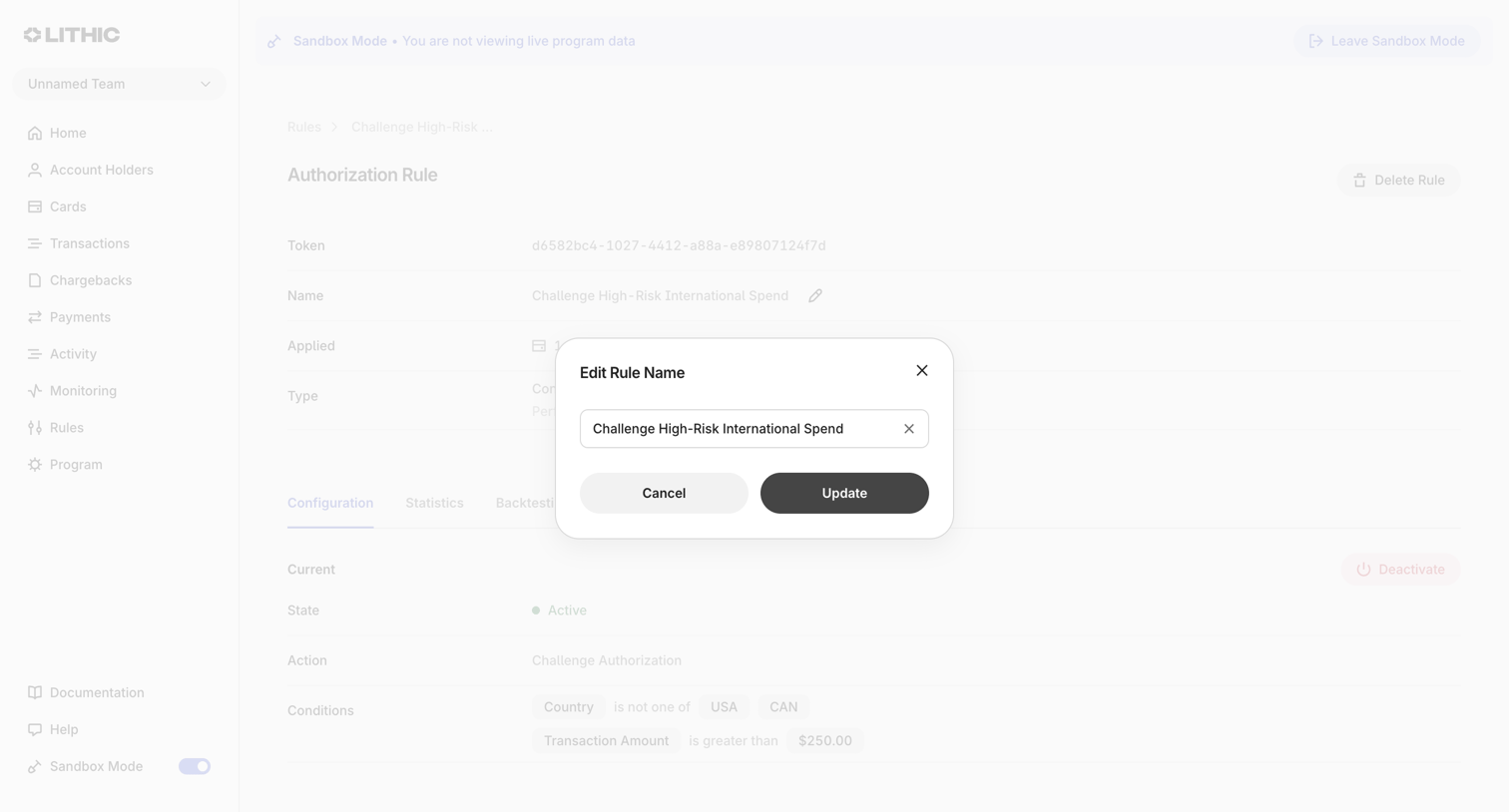

Detail page for an authorization rule where the user is editing the rule's name via a centered modal.
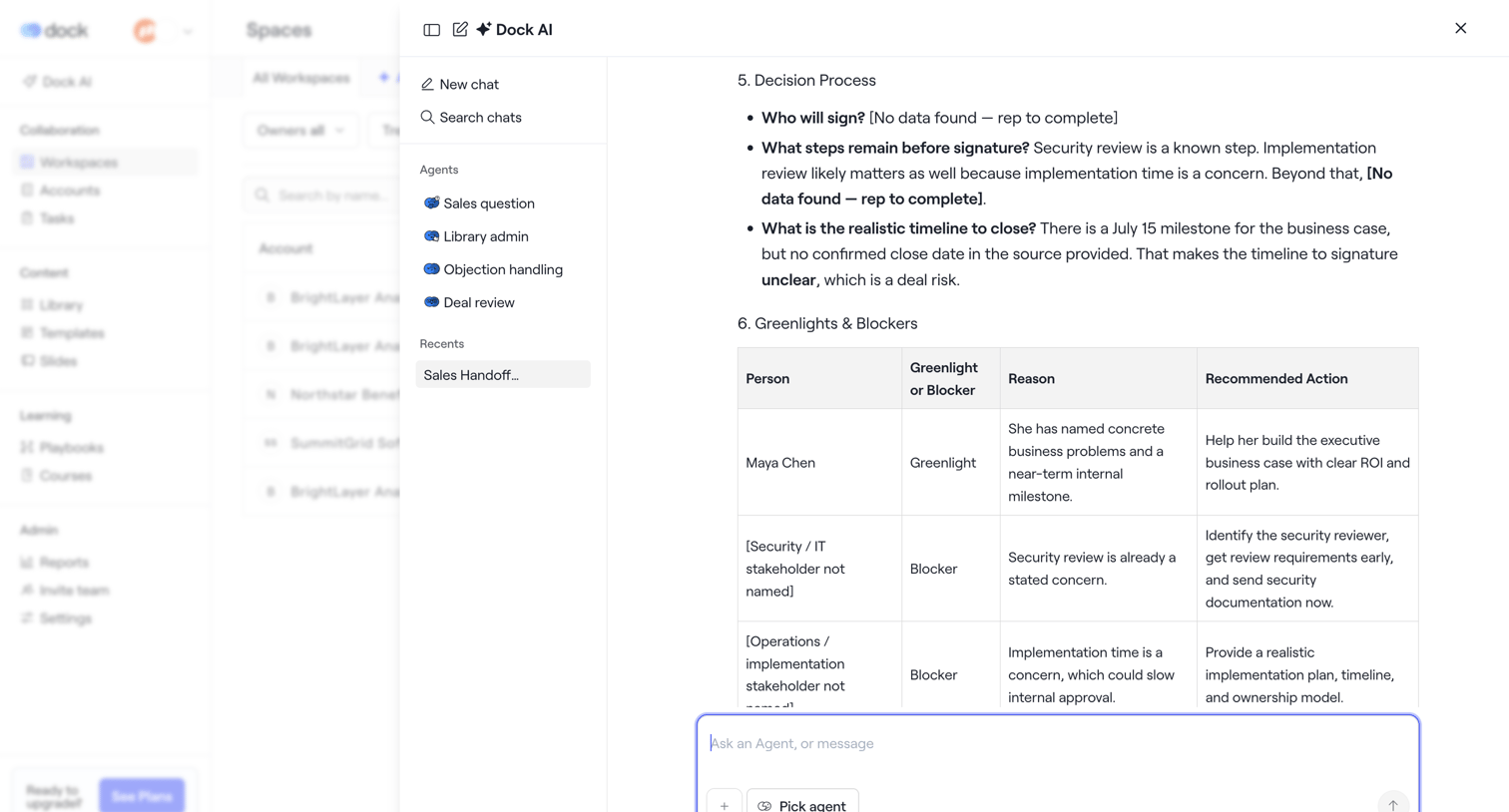

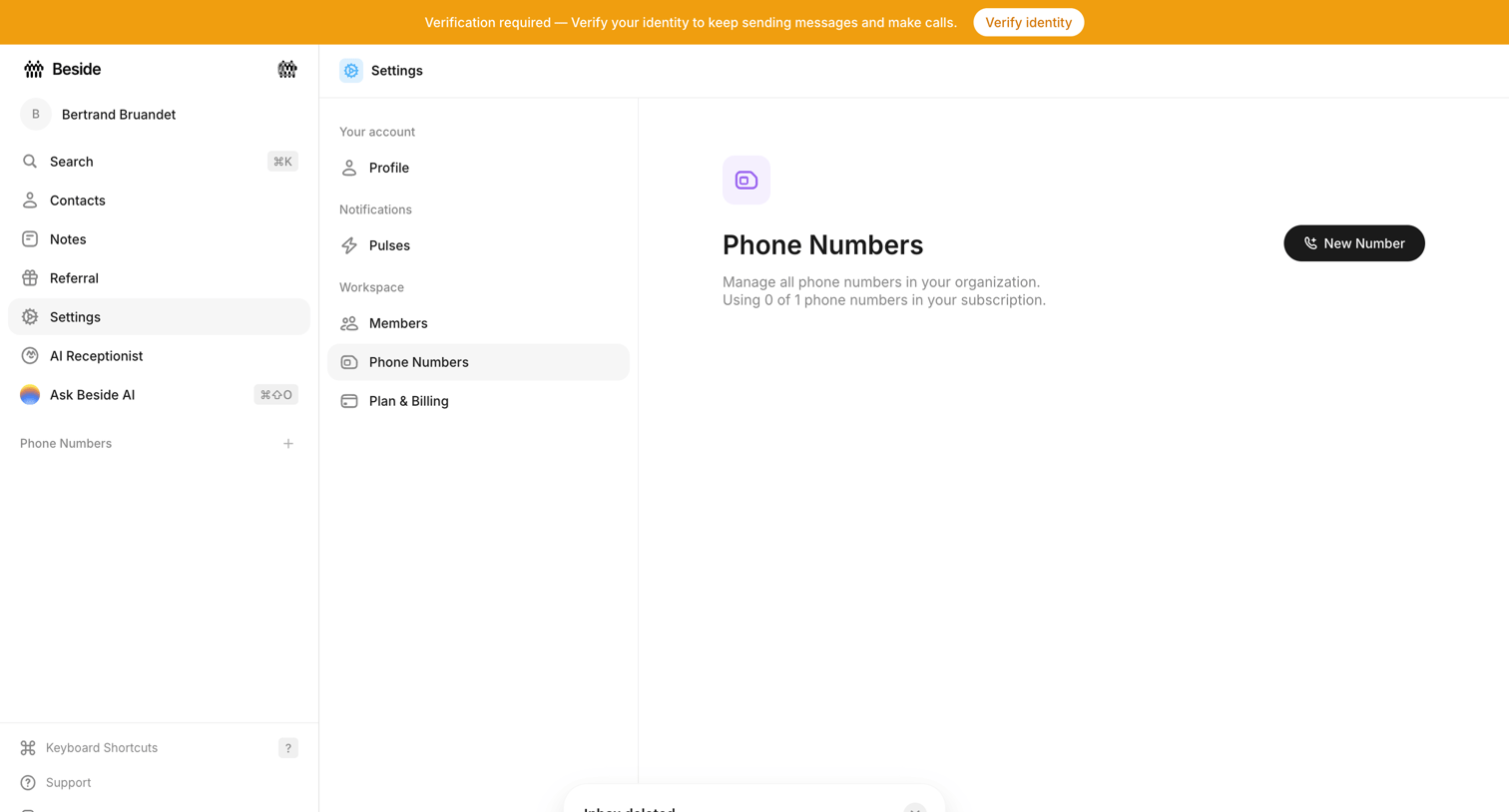

Settings page where the user manages workspace phone numbers, currently showing an empty state with a prompt to add a new number and a system banner requiring identity verification.
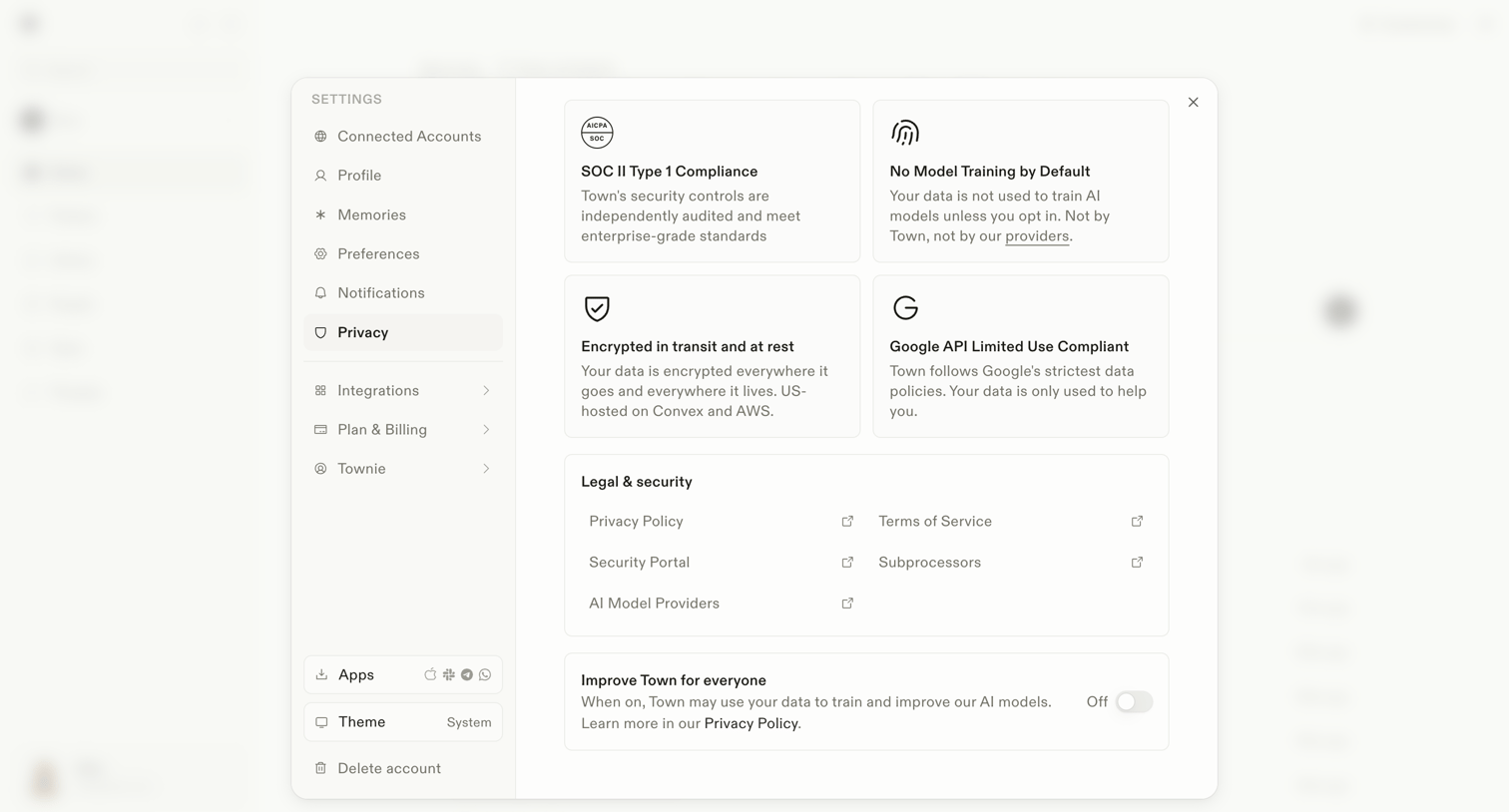

Settings modal where the user reviews security compliance details, accesses legal documents, and toggles data usage for AI model training.
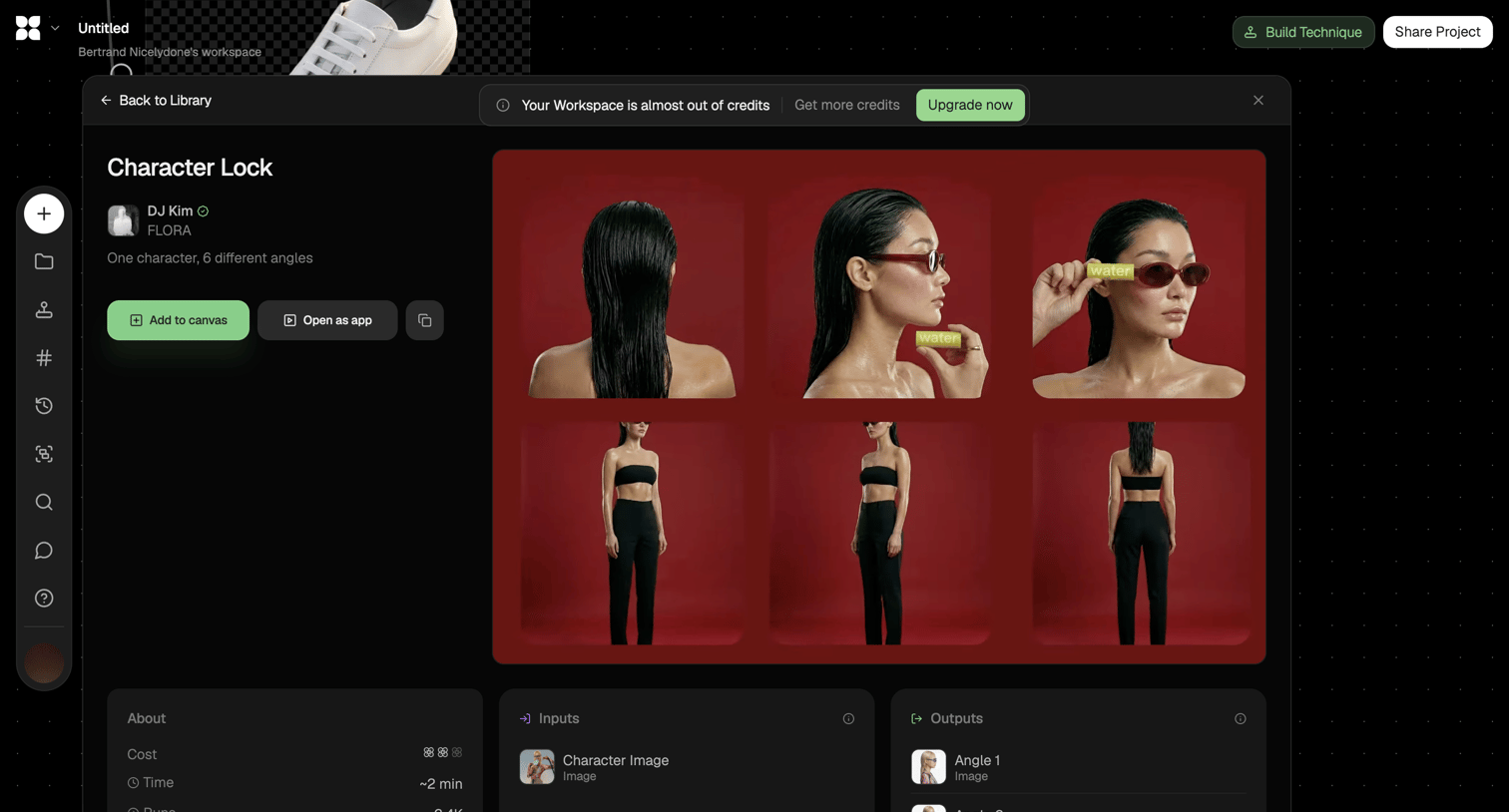

Detail page where the user views a character lock technique from the library in a modal, with options to add it to their canvas or open it as an app.
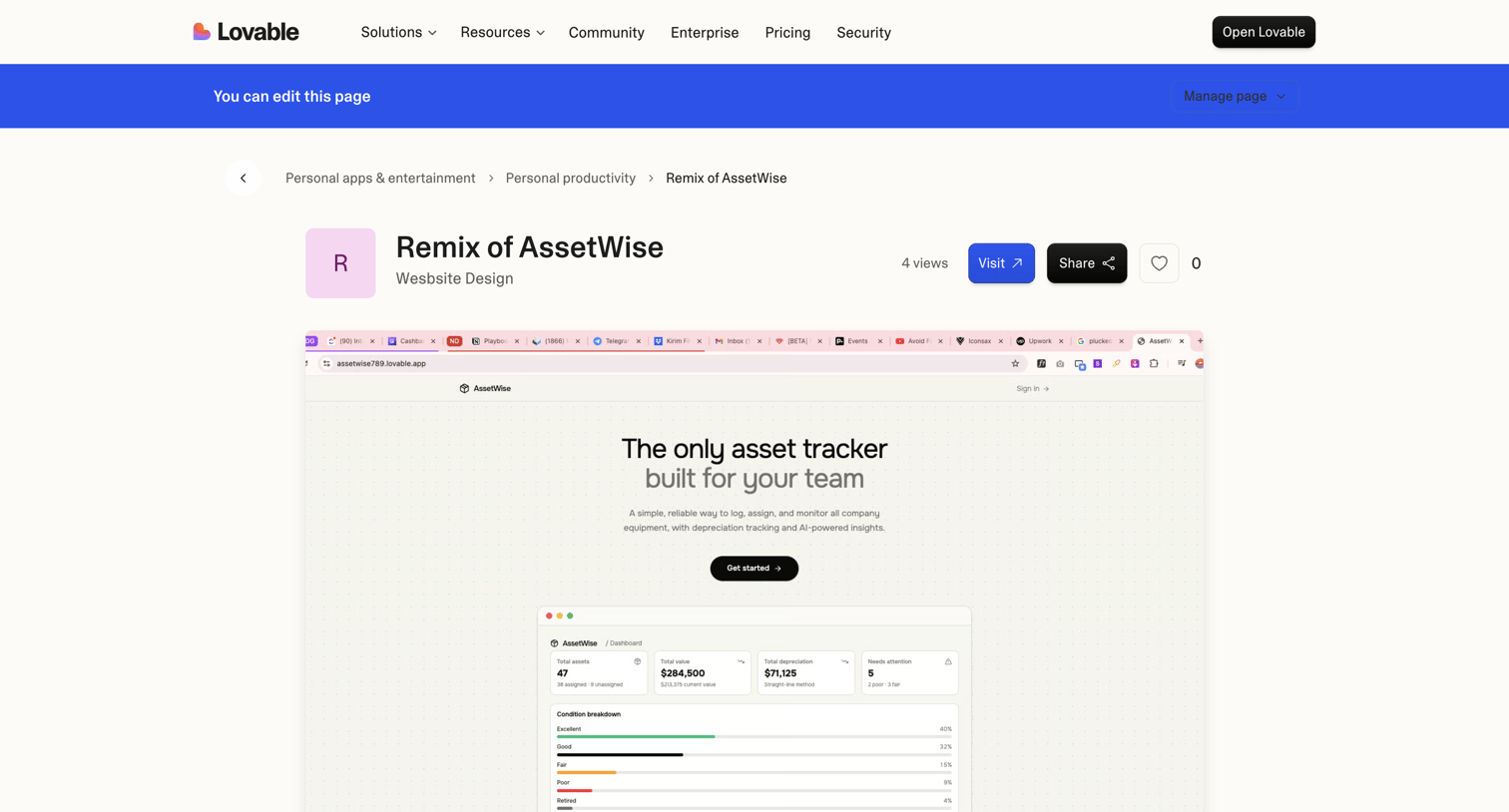

Community showcase detail page where a user views a specific app built with the platform, including its category breadcrumbs, view count, and a live preview.
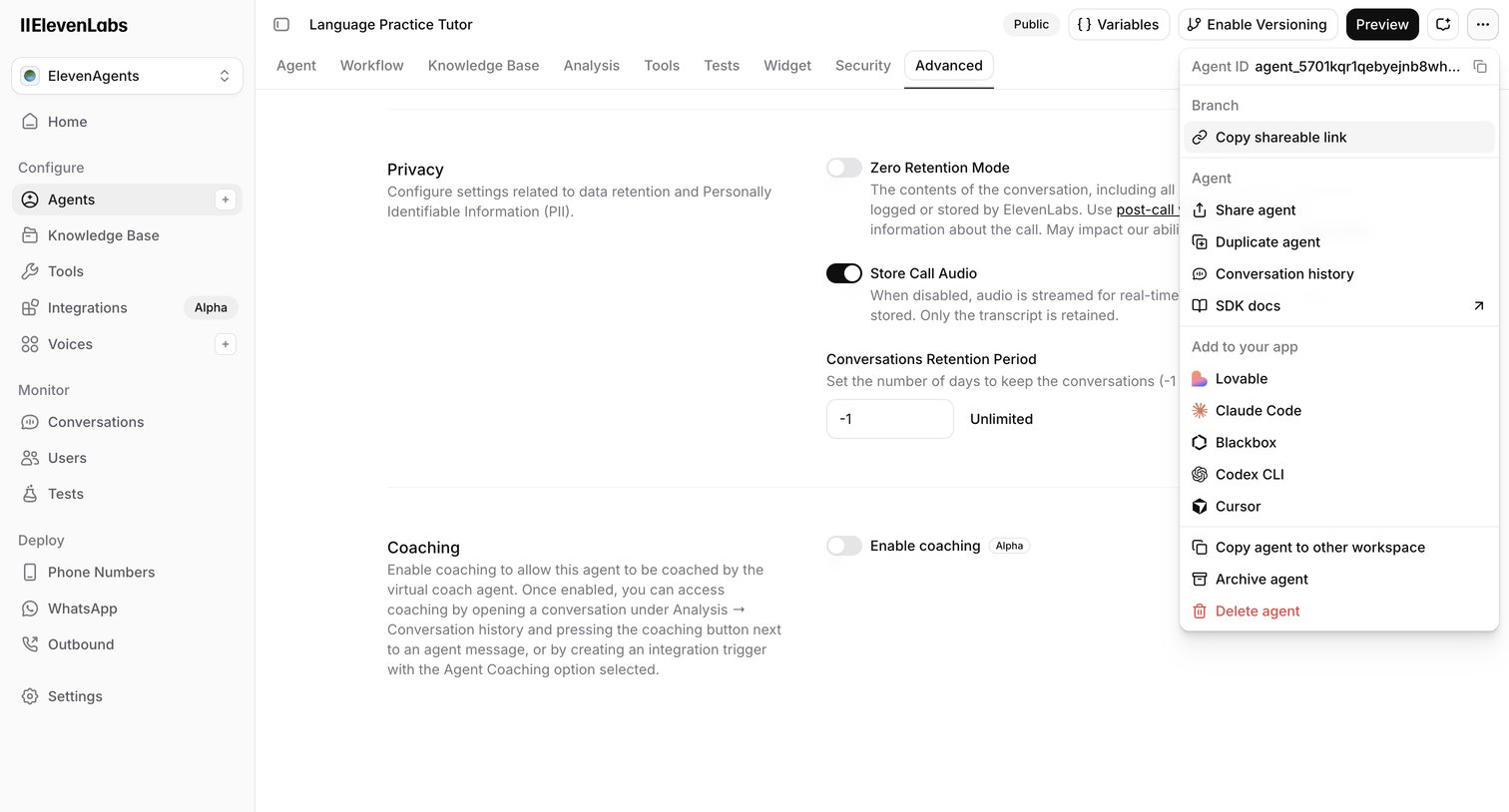

Settings page where the user configures advanced privacy, data retention, and coaching options for an AI language practice tutor.
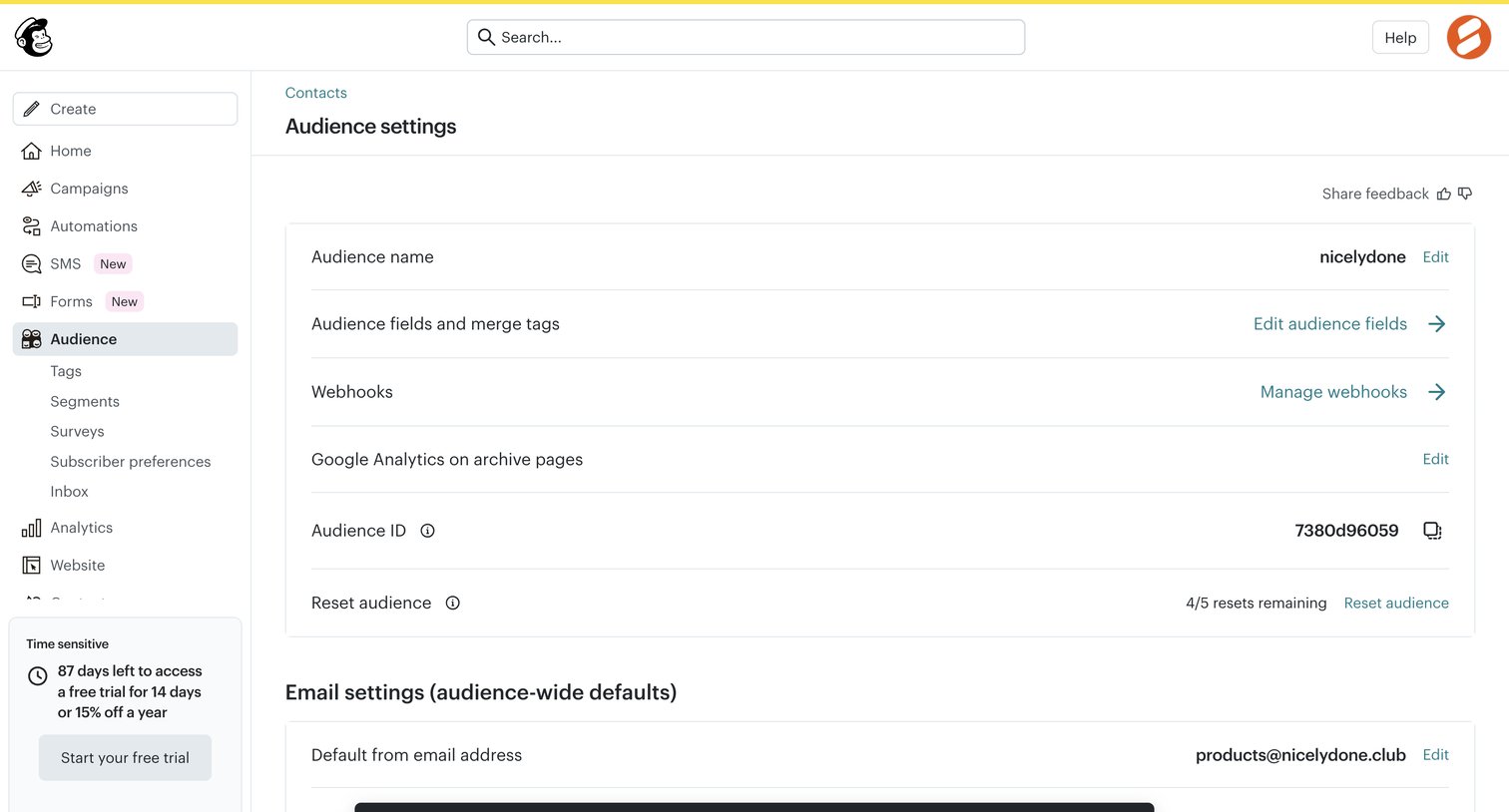

Settings page where the user configures audience-wide defaults like name, webhooks, and default email address, showing a success toast after a reset action.
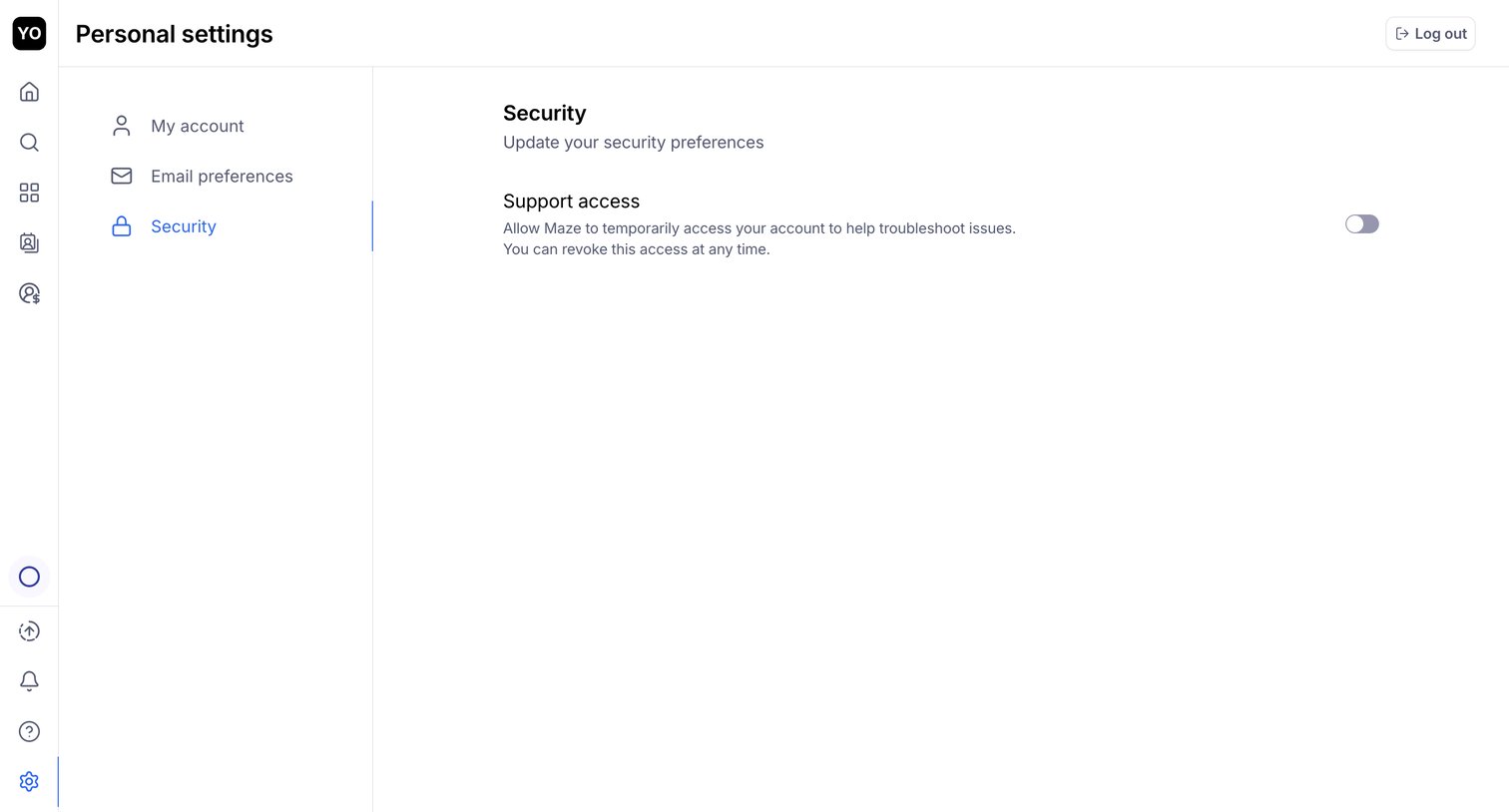

Settings page where the user configures personal security preferences, specifically toggling support access.
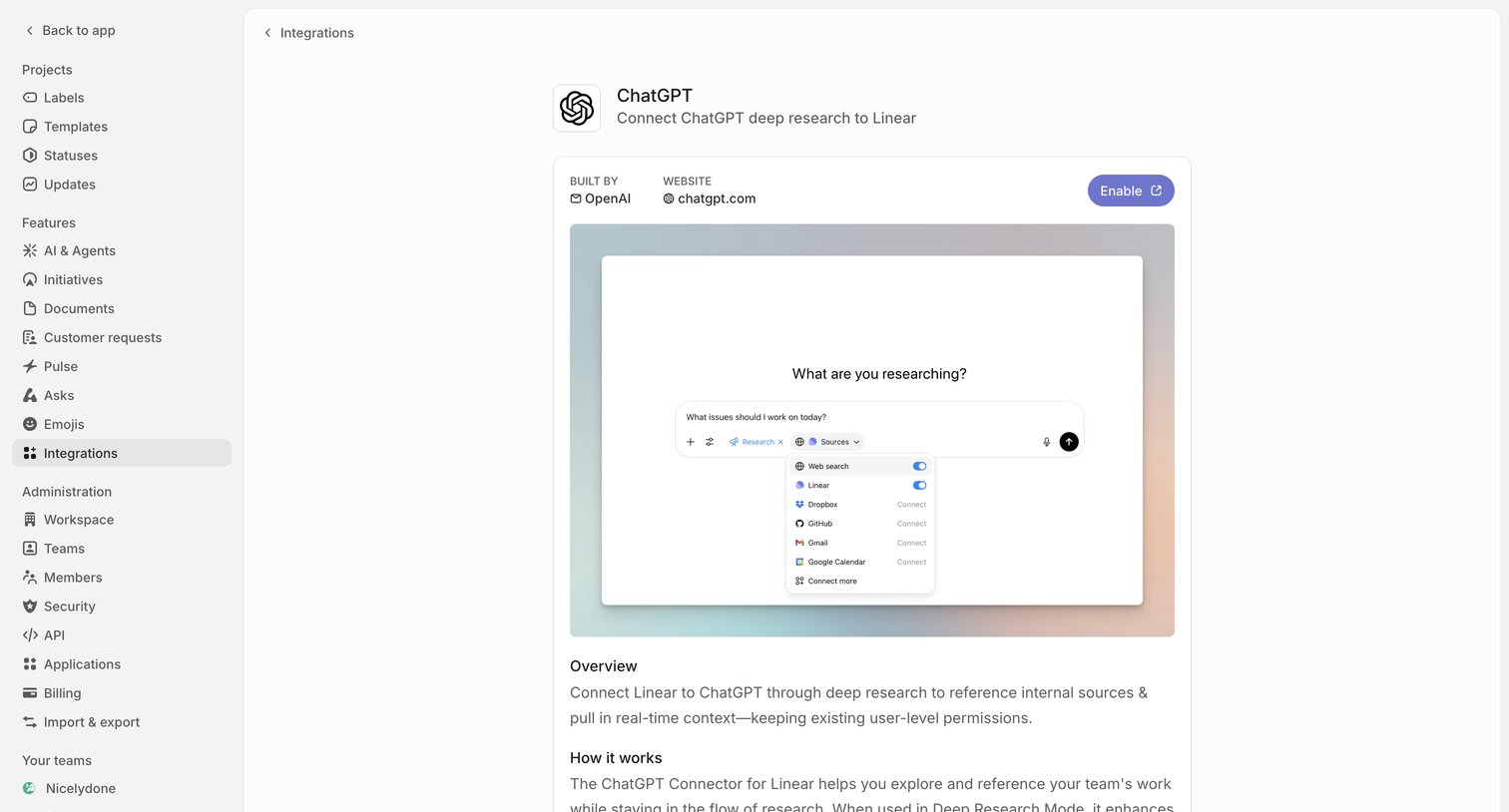

Settings detail page where the user can view information about the ChatGPT integration and enable it.
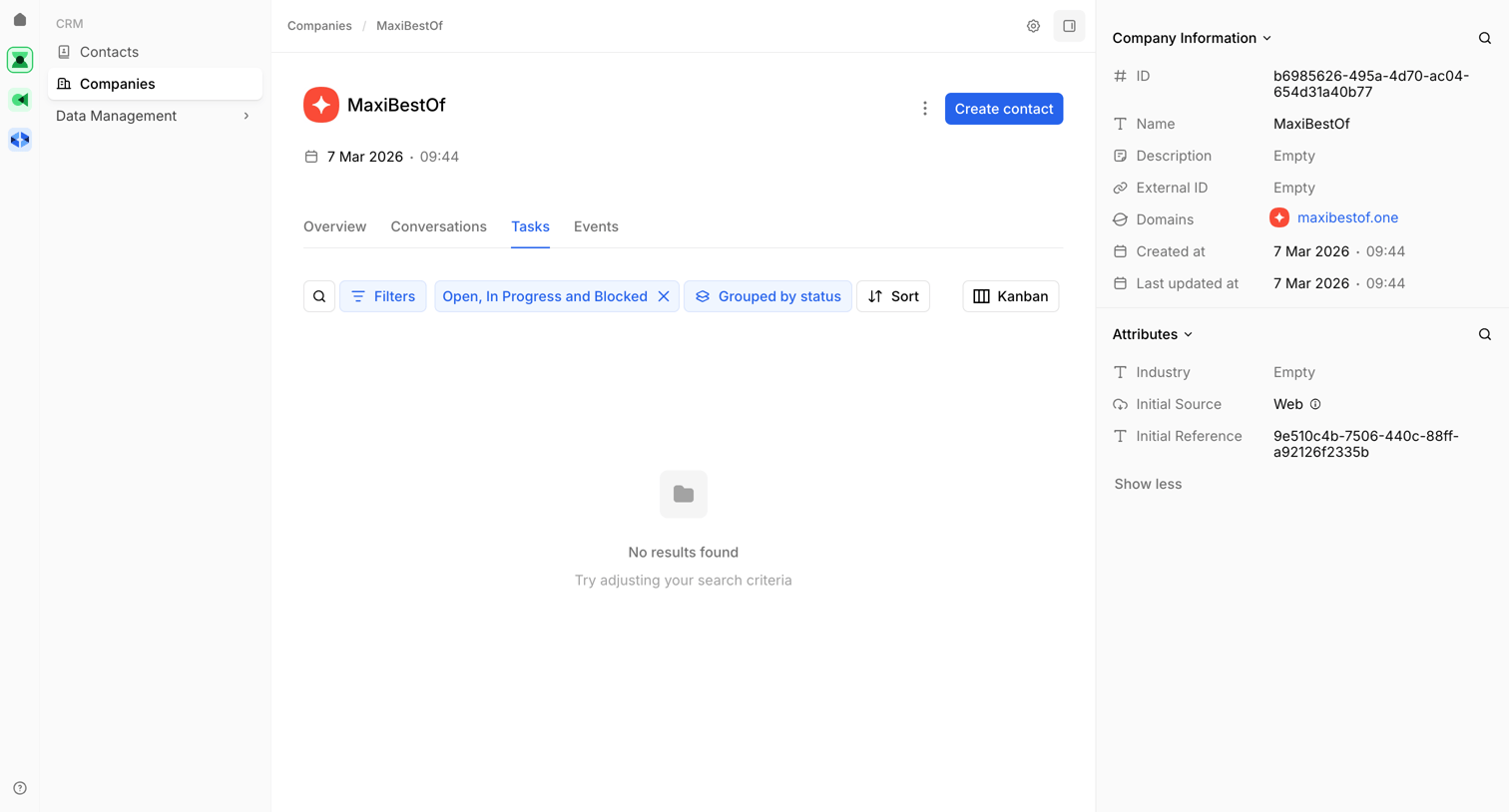

Detail page for a company record in a CRM where the user views tasks, currently showing an empty state with active status filters.
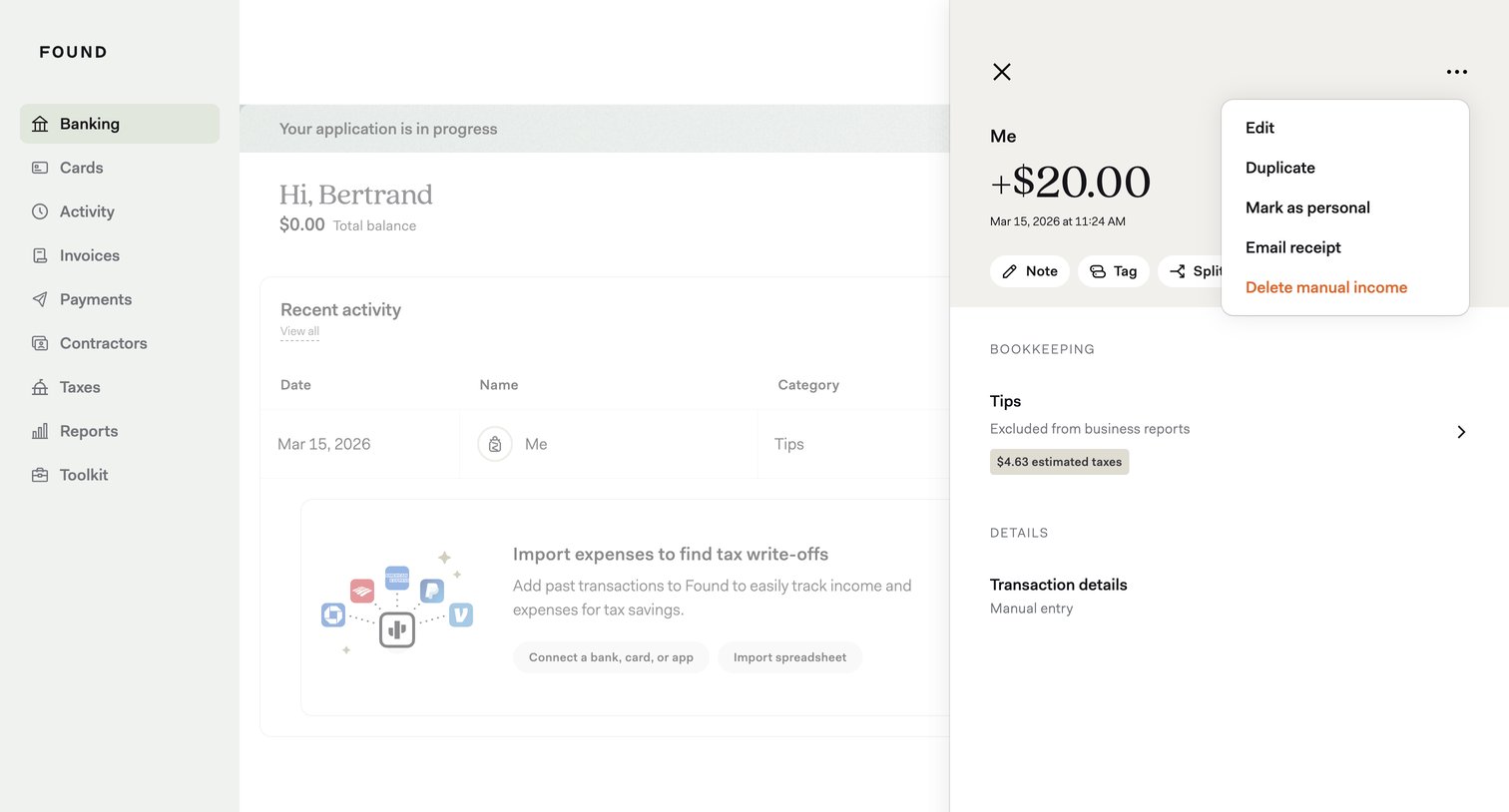

Detail page where the user views a specific manual income transaction and opens a context menu to edit, duplicate, or delete it.
Explore the full SaaS screen library
Upgrade to unlock the full library.
Trusted by the best teams








About Detail view
Explore how apps give an individual item a focused view. Look at how its identity, supporting details, and available actions establish the next interaction.