Data entry screen examples
Data entry screen design examples from SaaS apps. Browse examples from Polar, Dock, Beside.
Explore the examples
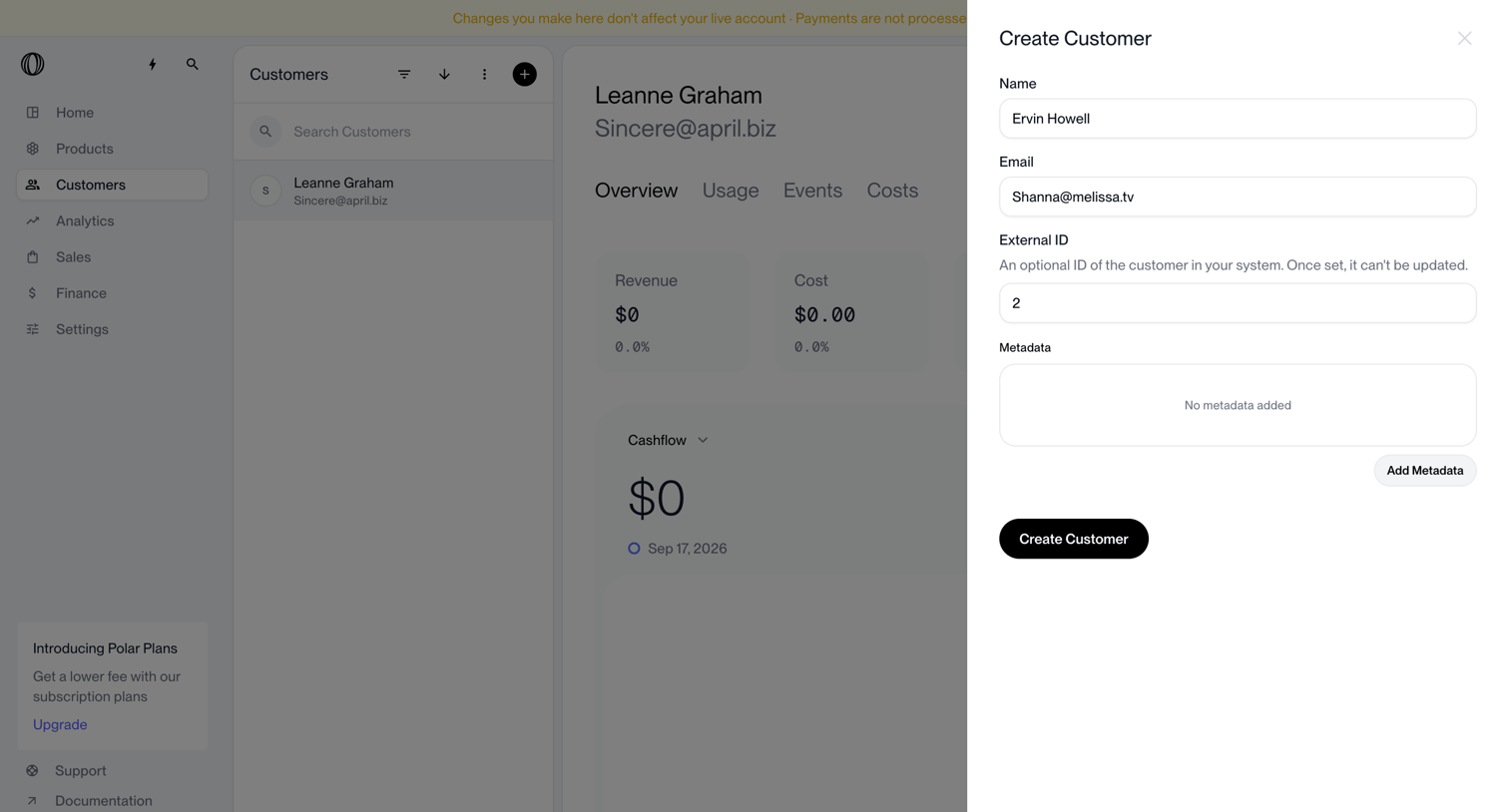

Customer detail page where the user is creating a new customer record via a side drawer, entering name, email, and an external ID.
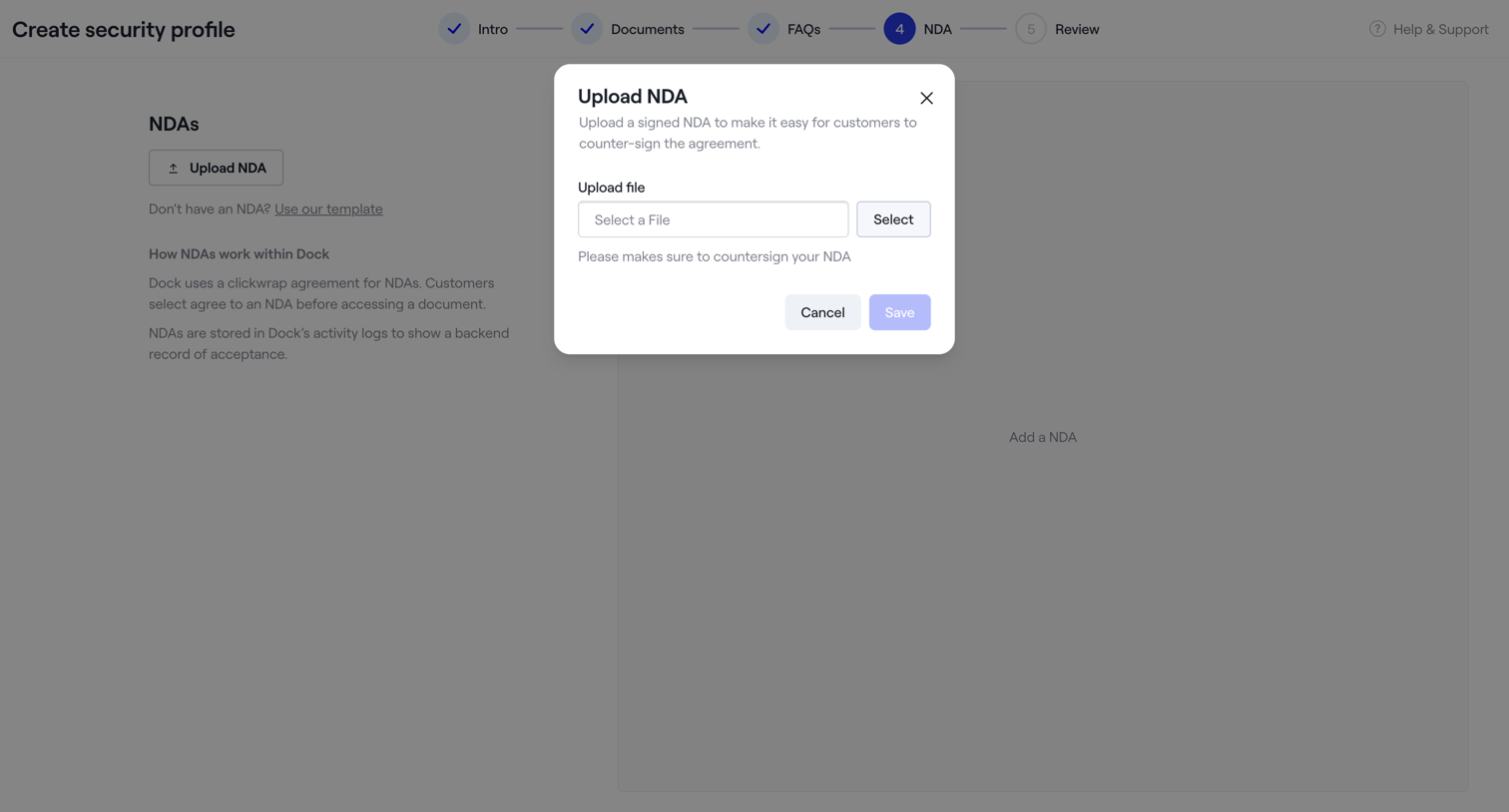

Creation wizard step where the user uploads a signed NDA document via a modal.
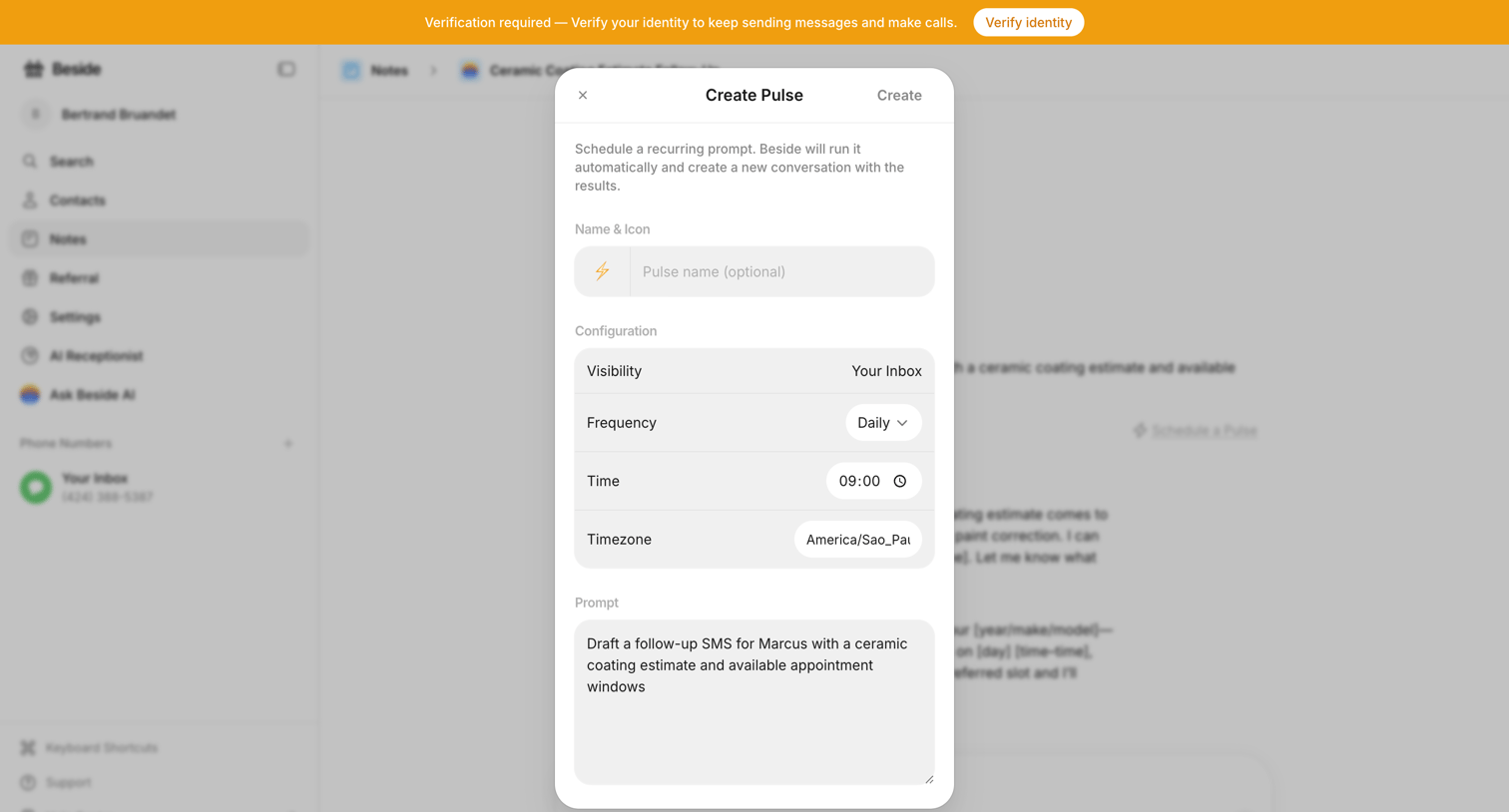

Detail page with a modal overlay for scheduling a recurring AI prompt called a Pulse, configuring its frequency, time, and instructions.
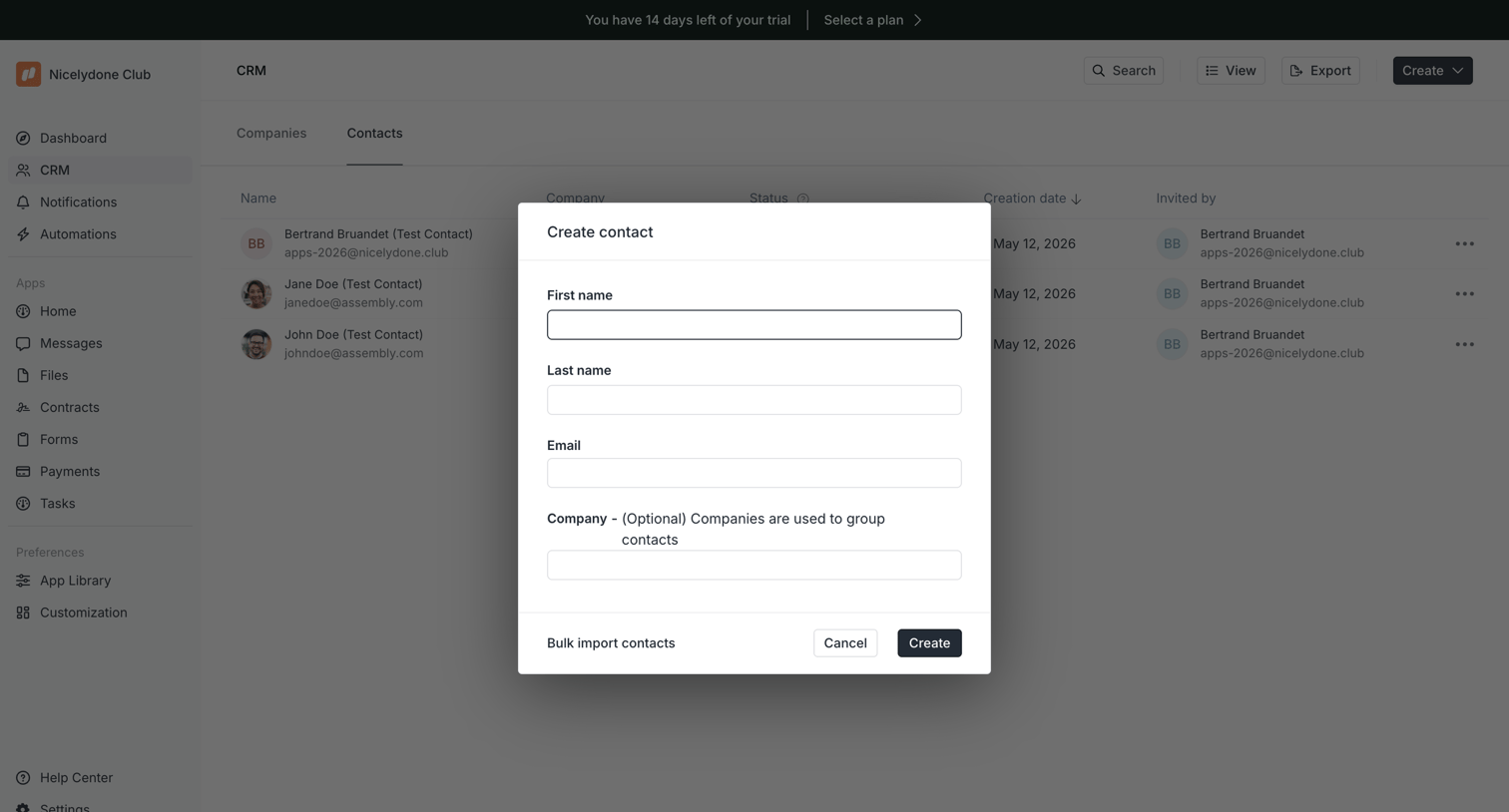

List view of CRM contacts with a modal overlay for creating a new contact by entering their name, email, and company.
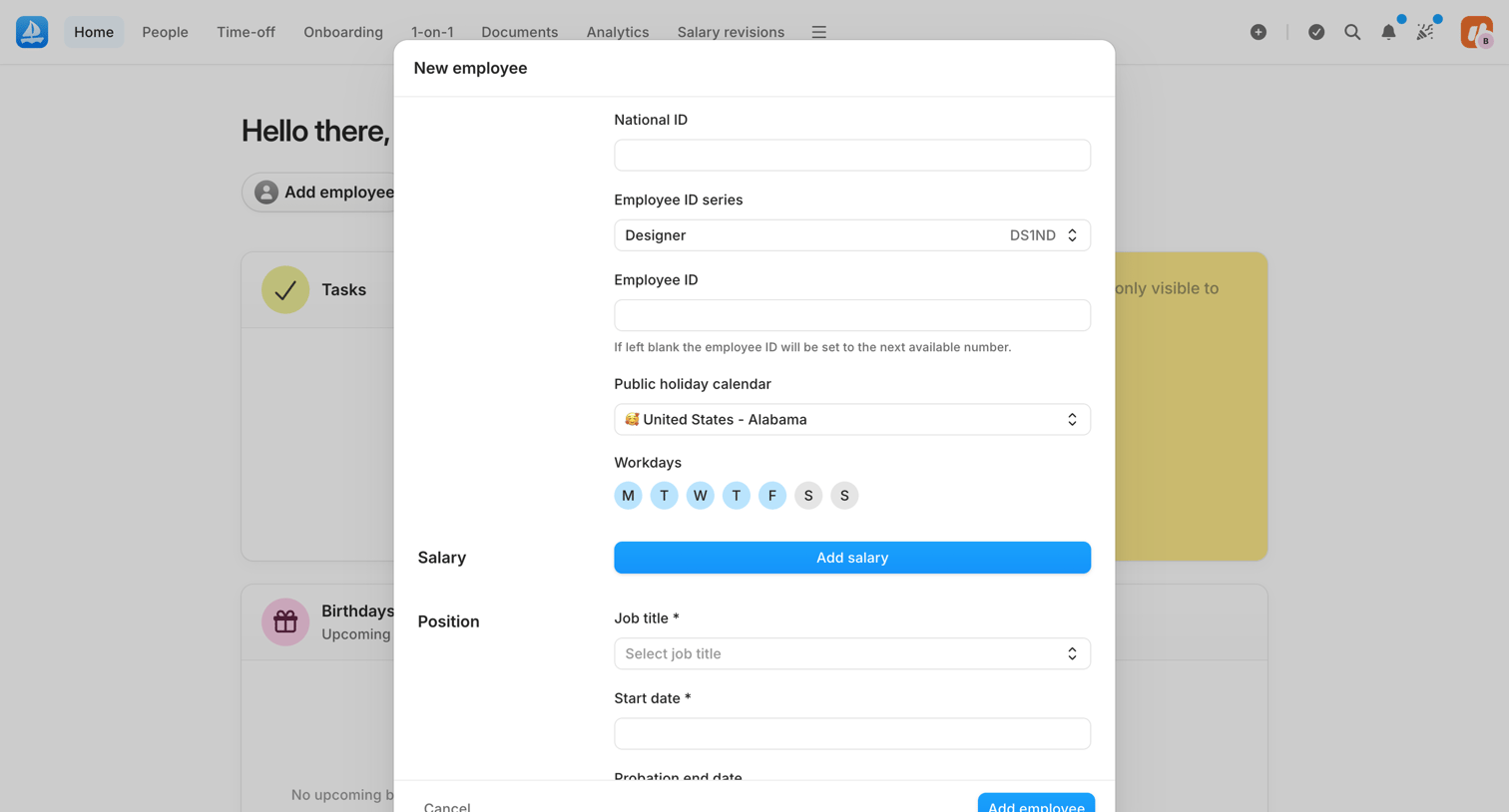

Dashboard with a modal overlay for adding a new employee, featuring a form to input personal details, workdays, and position.
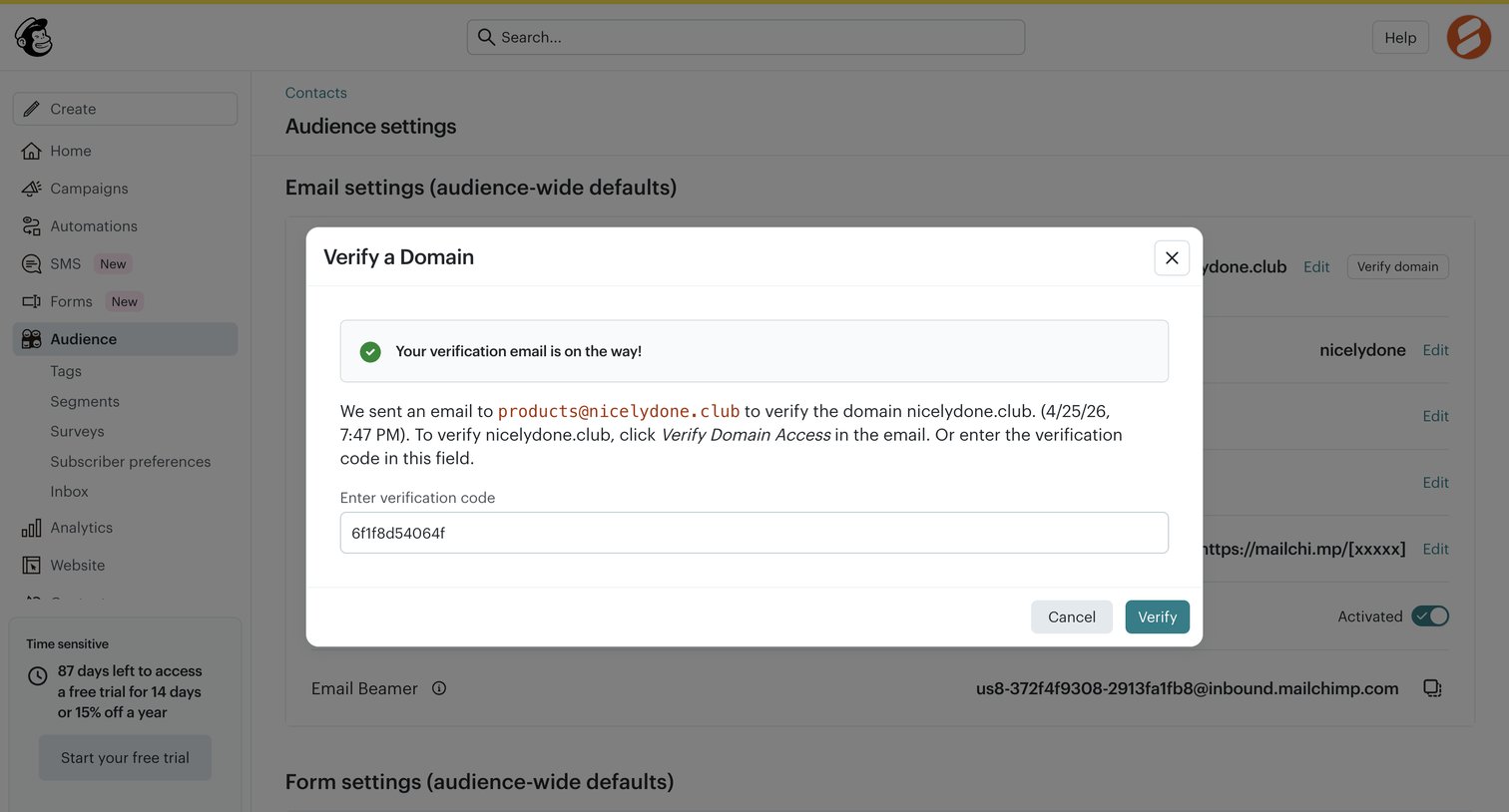

Settings page where the user enters a verification code sent to their email to verify a custom domain.
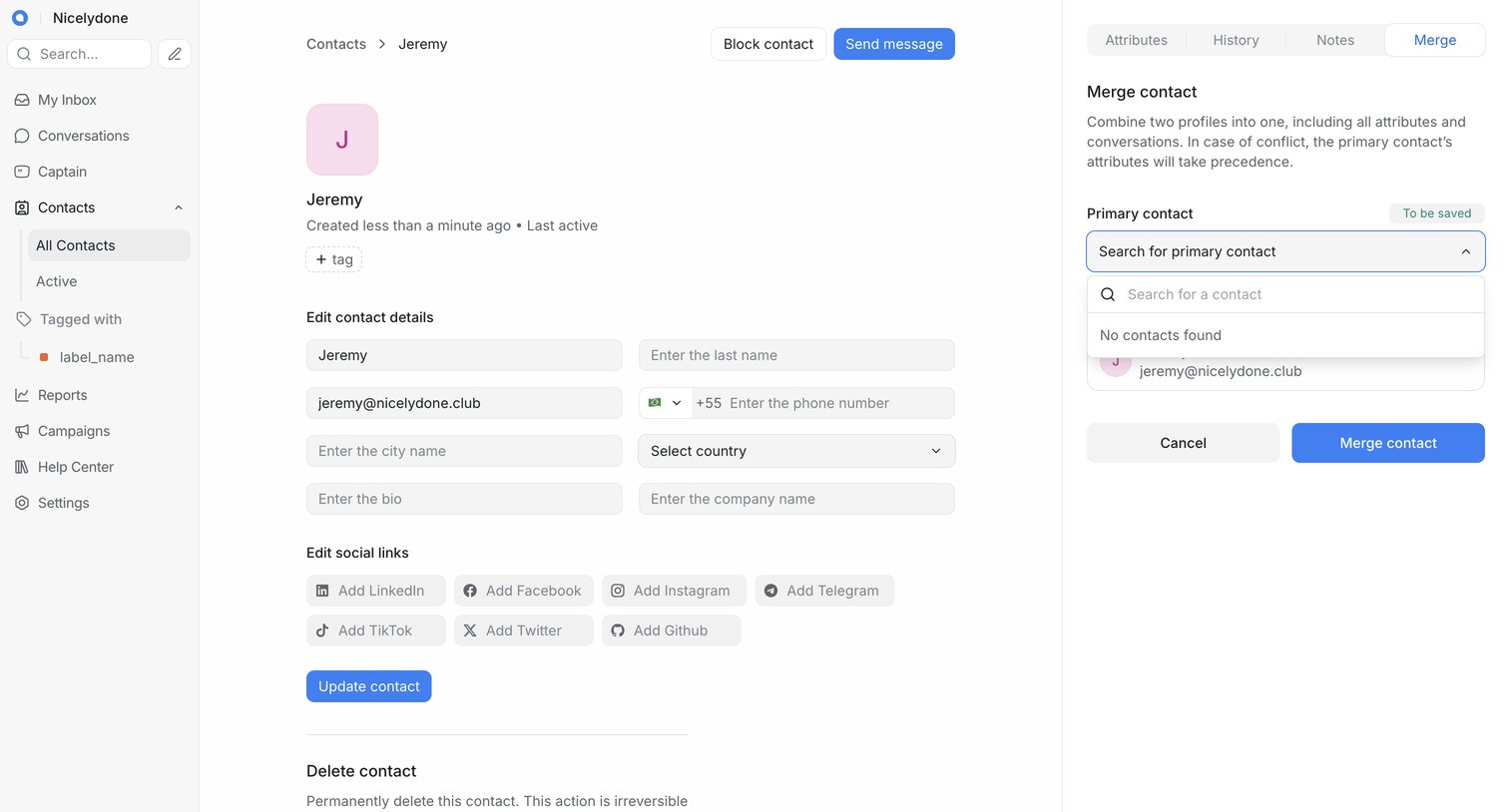

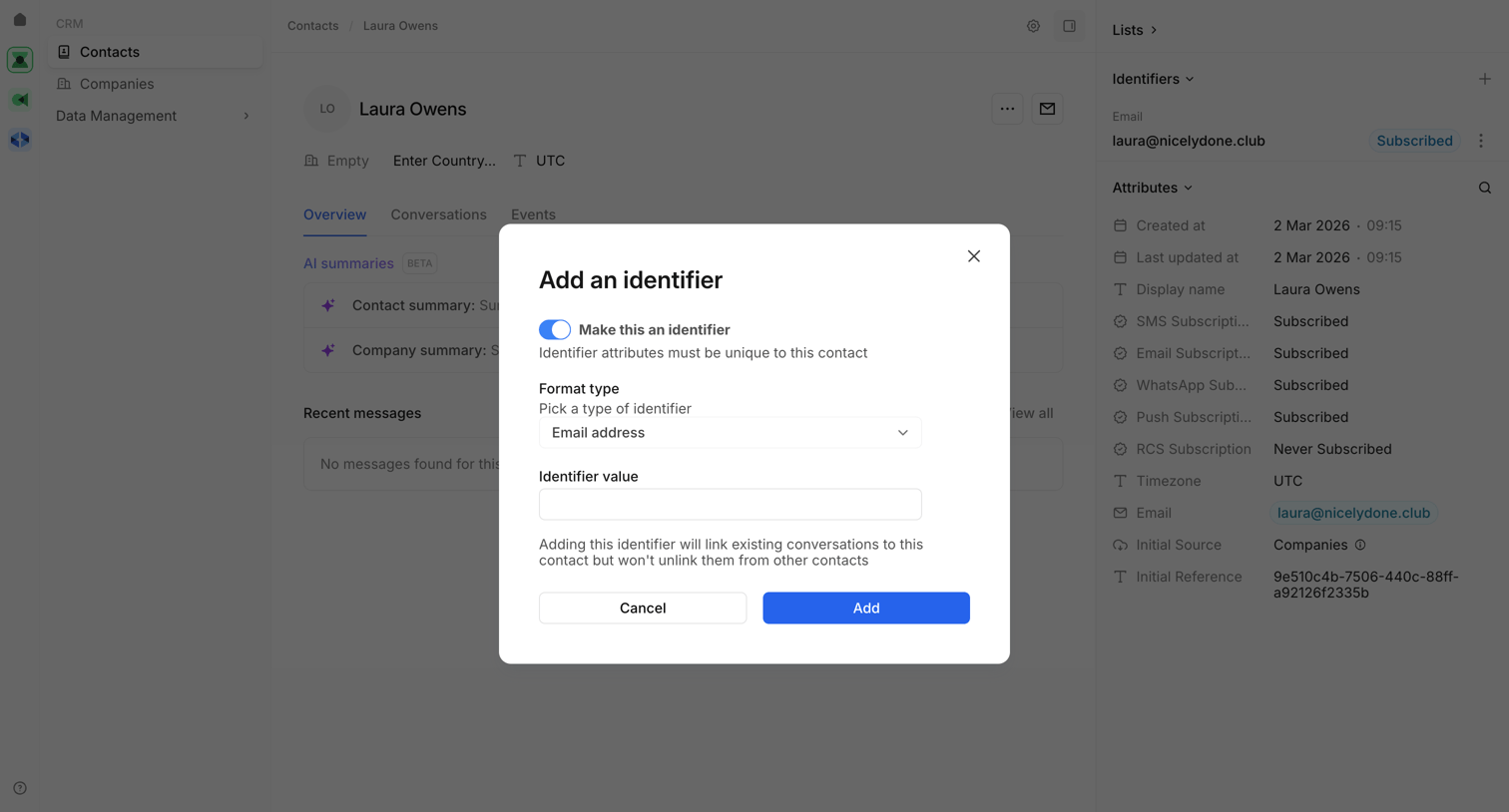

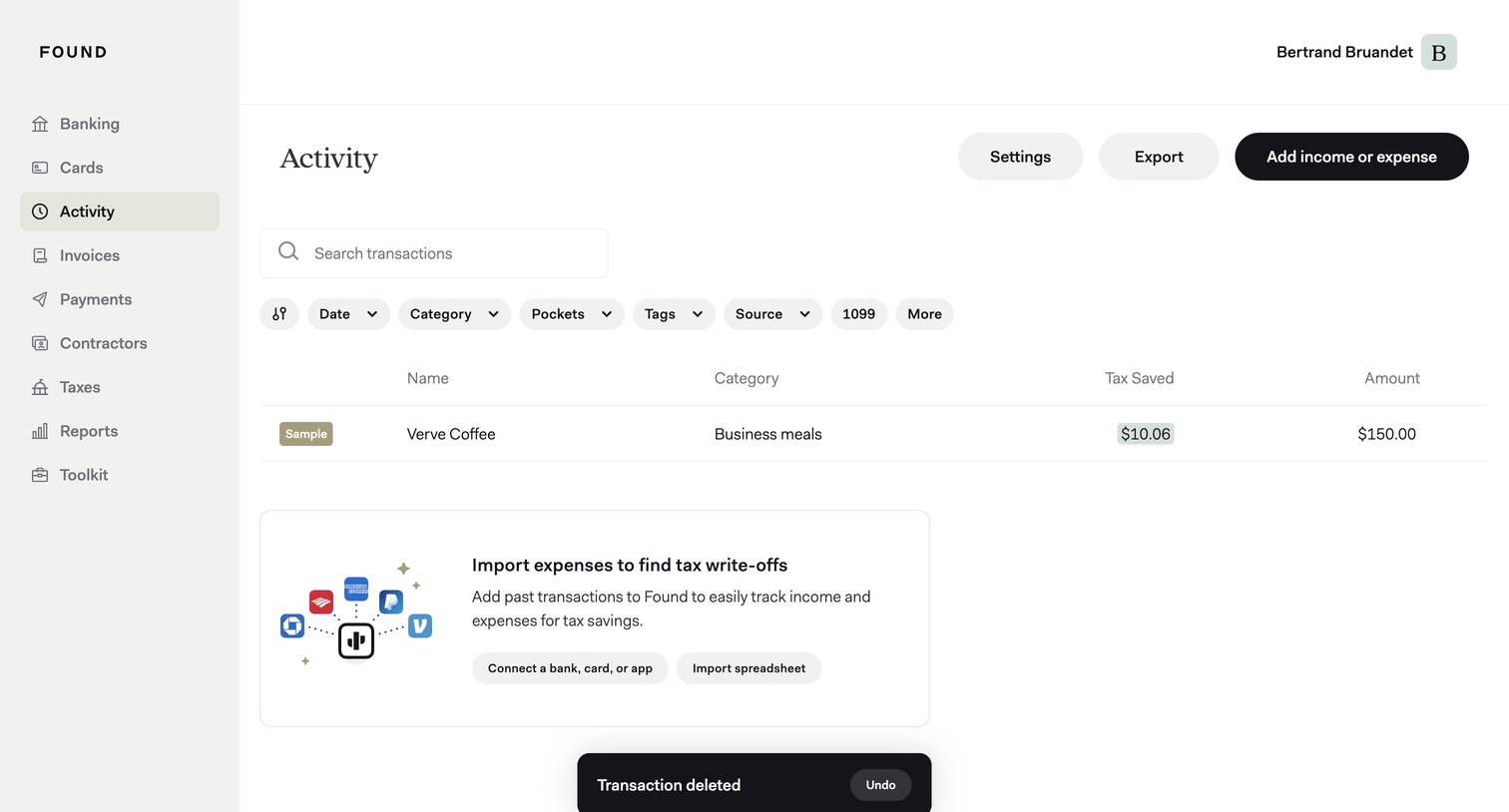

List view showing recent financial activity with options to search, filter by category or date, and import past transactions to find tax write-offs.
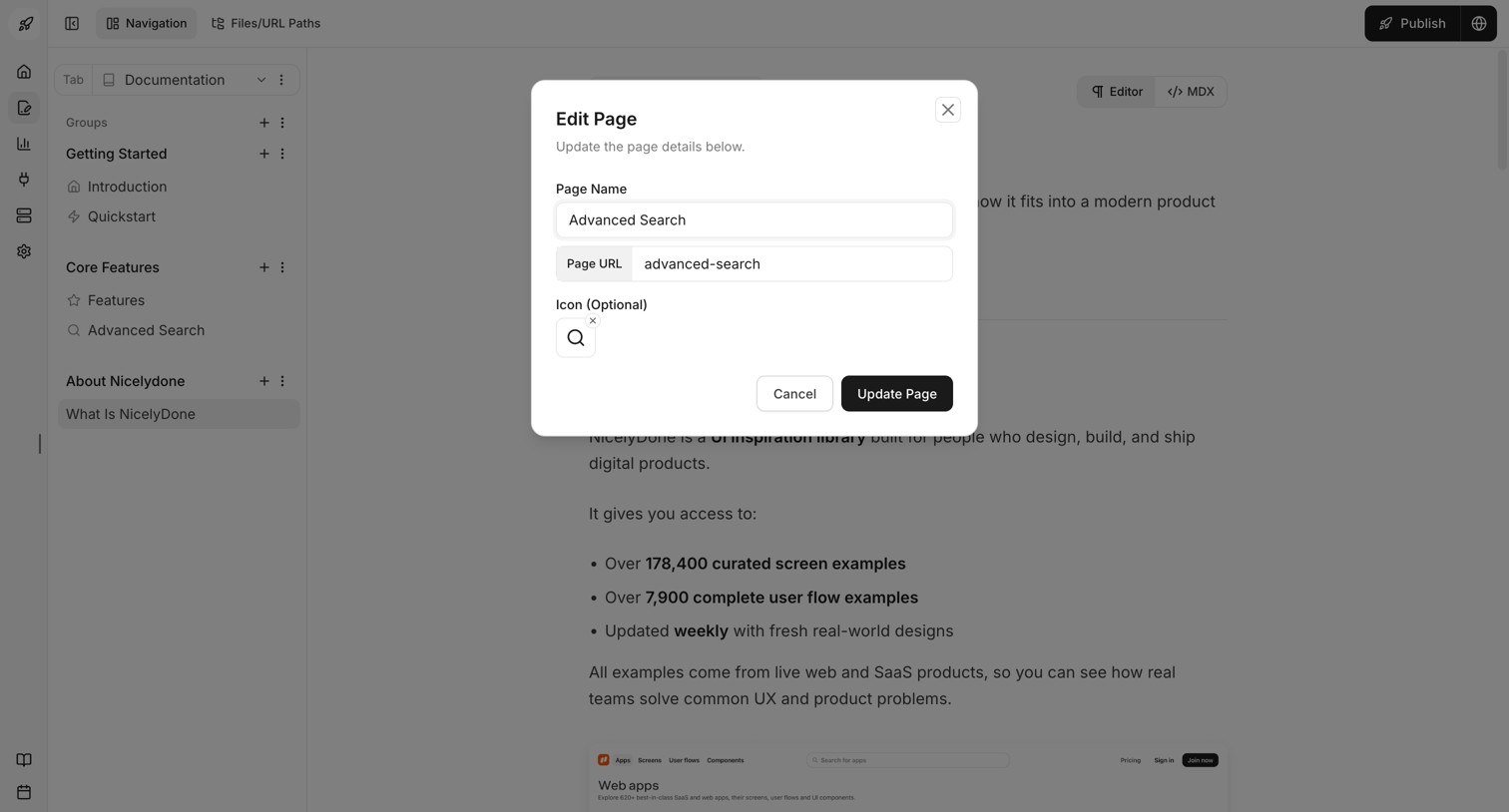

Content editor where the user updates page details like name, URL, and icon via a modal overlay.
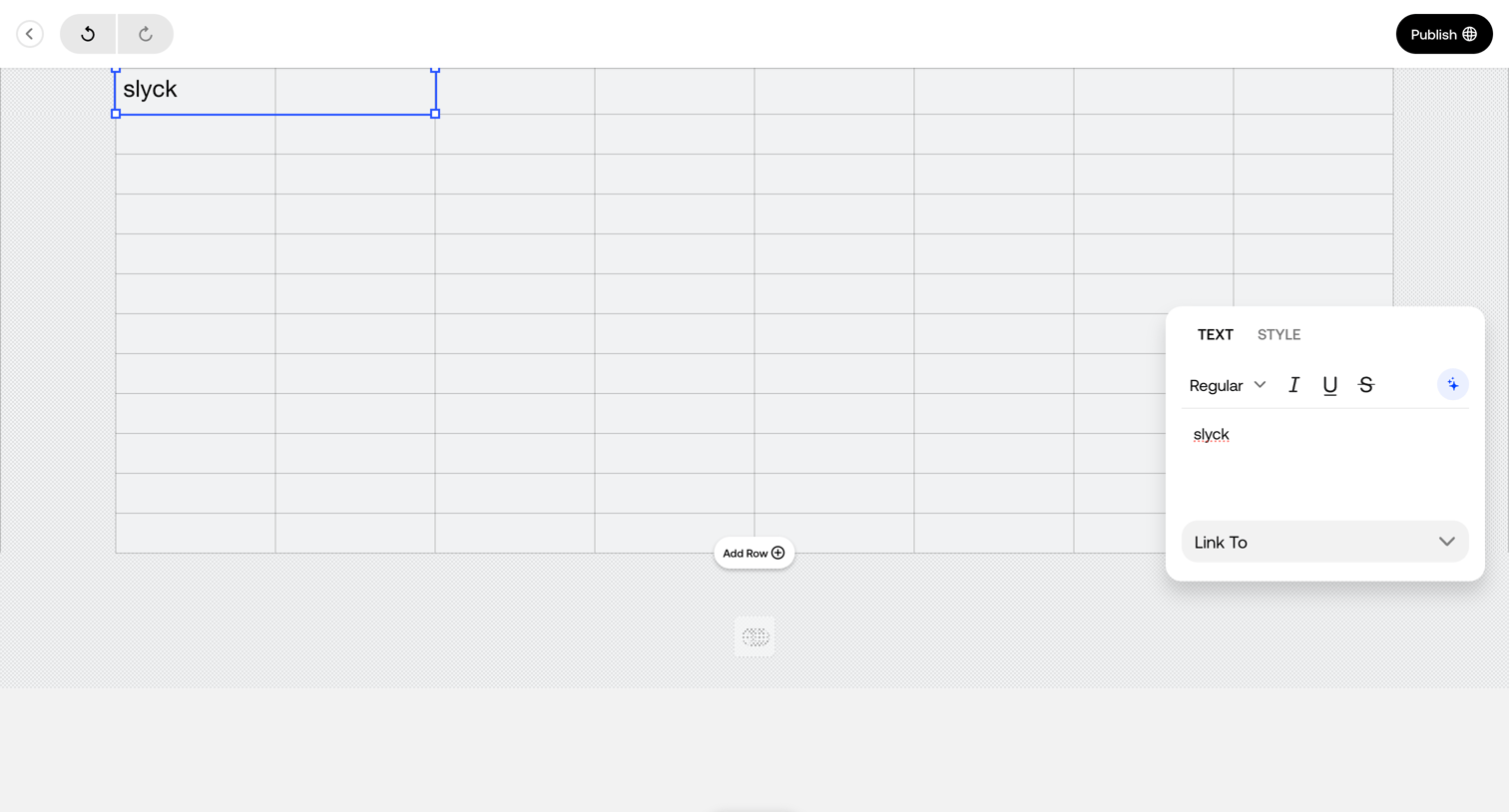

Design editor where the user edits text within a grid cell using a floating inspector panel for formatting and linking.
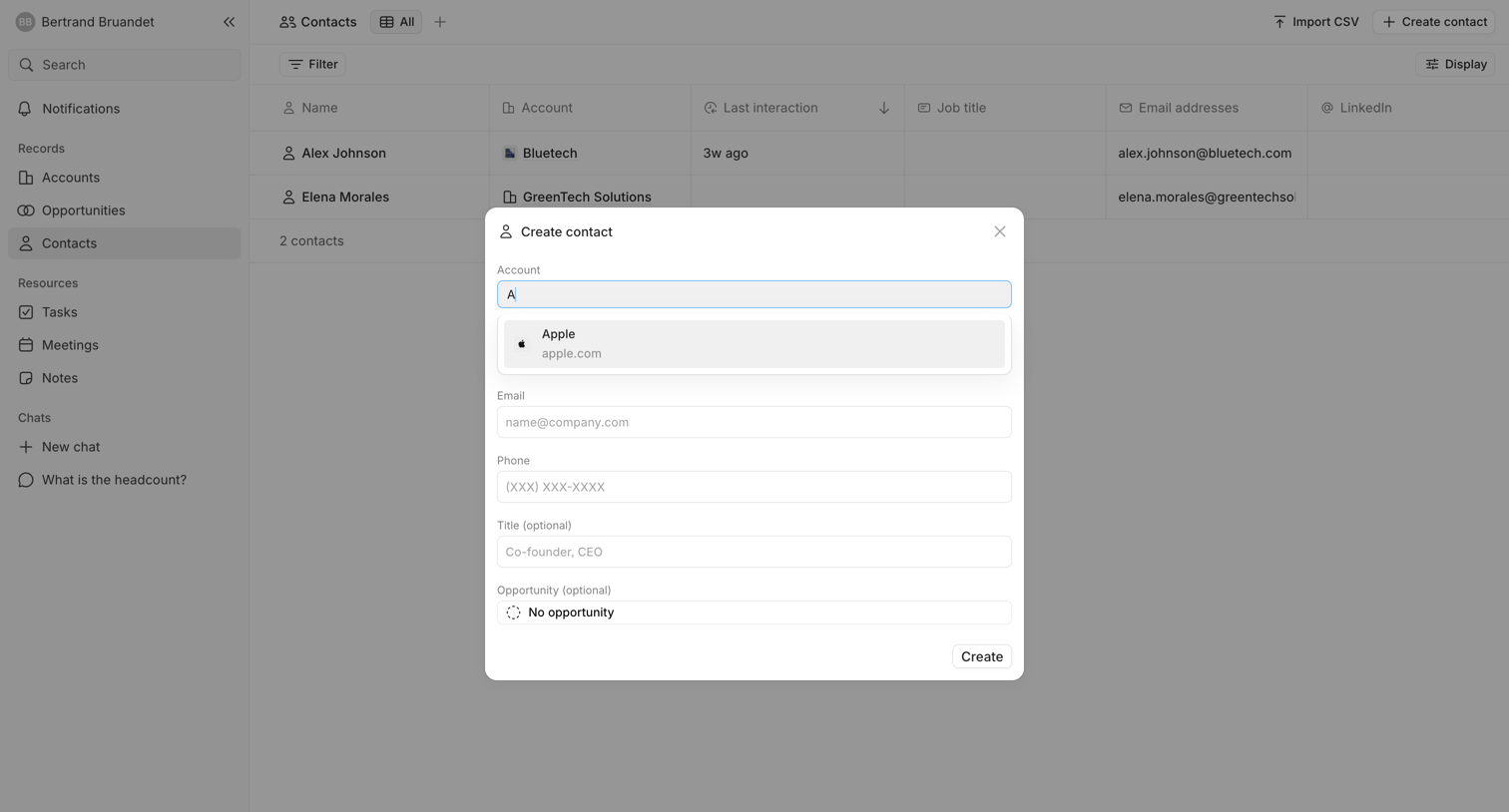

List view of contacts where the user is filling out a modal form to create a new contact record, currently searching for an account.
Explore the full SaaS screen library
Upgrade to unlock the full library.
Trusted by the best teams







