Skip to content

Conversational screen examples

Conversational screen design examples from SaaS apps. Browse examples from Dock, Twin, Mighty.

Explore the examples
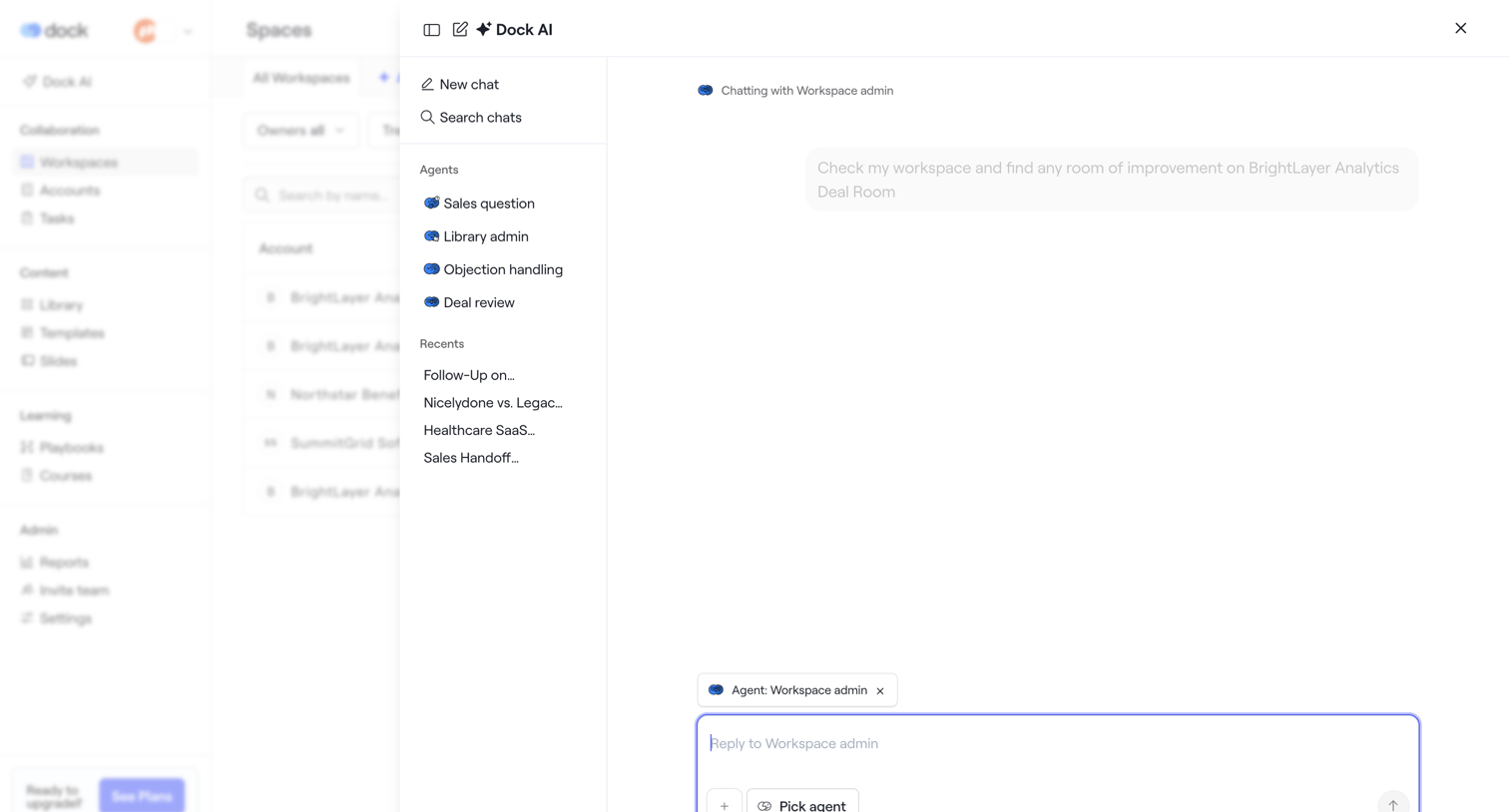
Dock - Spaces · Dock screen
Dock logo
Dock

List view with an open AI assistant drawer where the user can chat with specific agents like Workspace admin or Sales question.
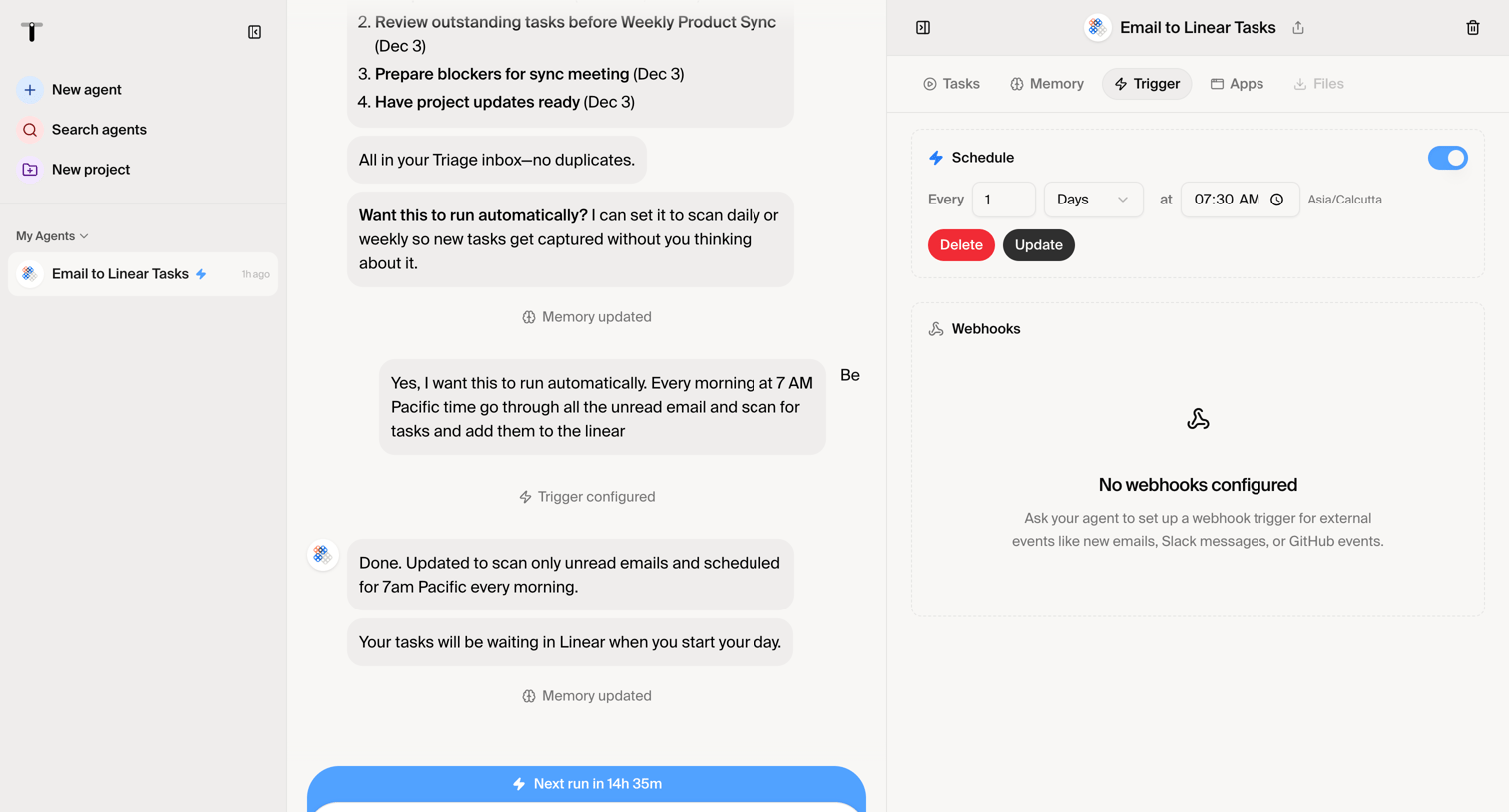

Twin - Twin - Automate anything screen
Twin logo
Twin

AI agent builder interface where the user configures an automated schedule trigger alongside a chat window for instructing the agent.

Mighty - Nicelydone screen
Mighty logo
Mighty

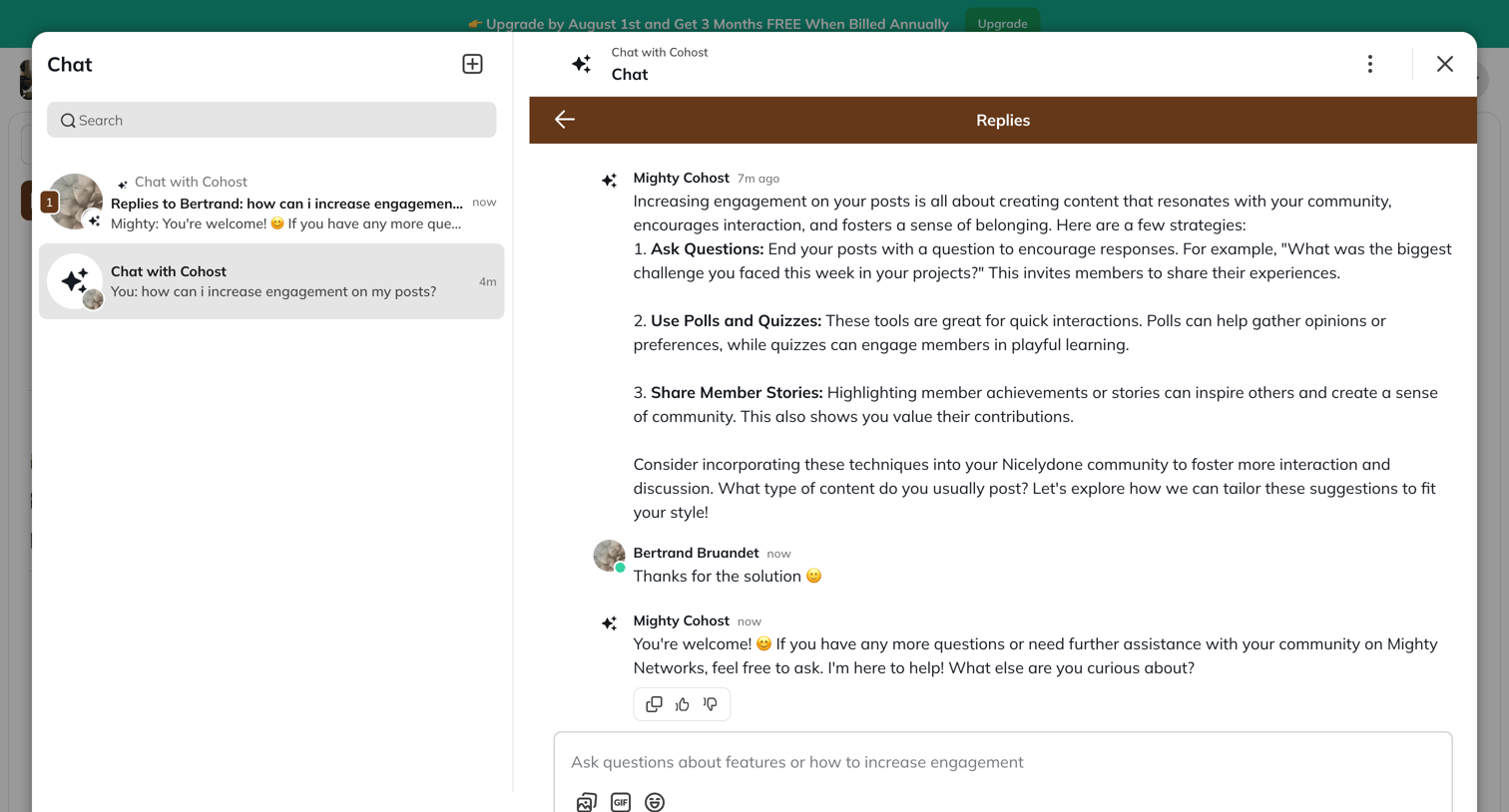
AI chat modal where the user asks Mighty Cohost for advice on increasing community engagement and reviews the suggested strategies.

Zapier - Nicelydone screen
Zapier logo
Zapier

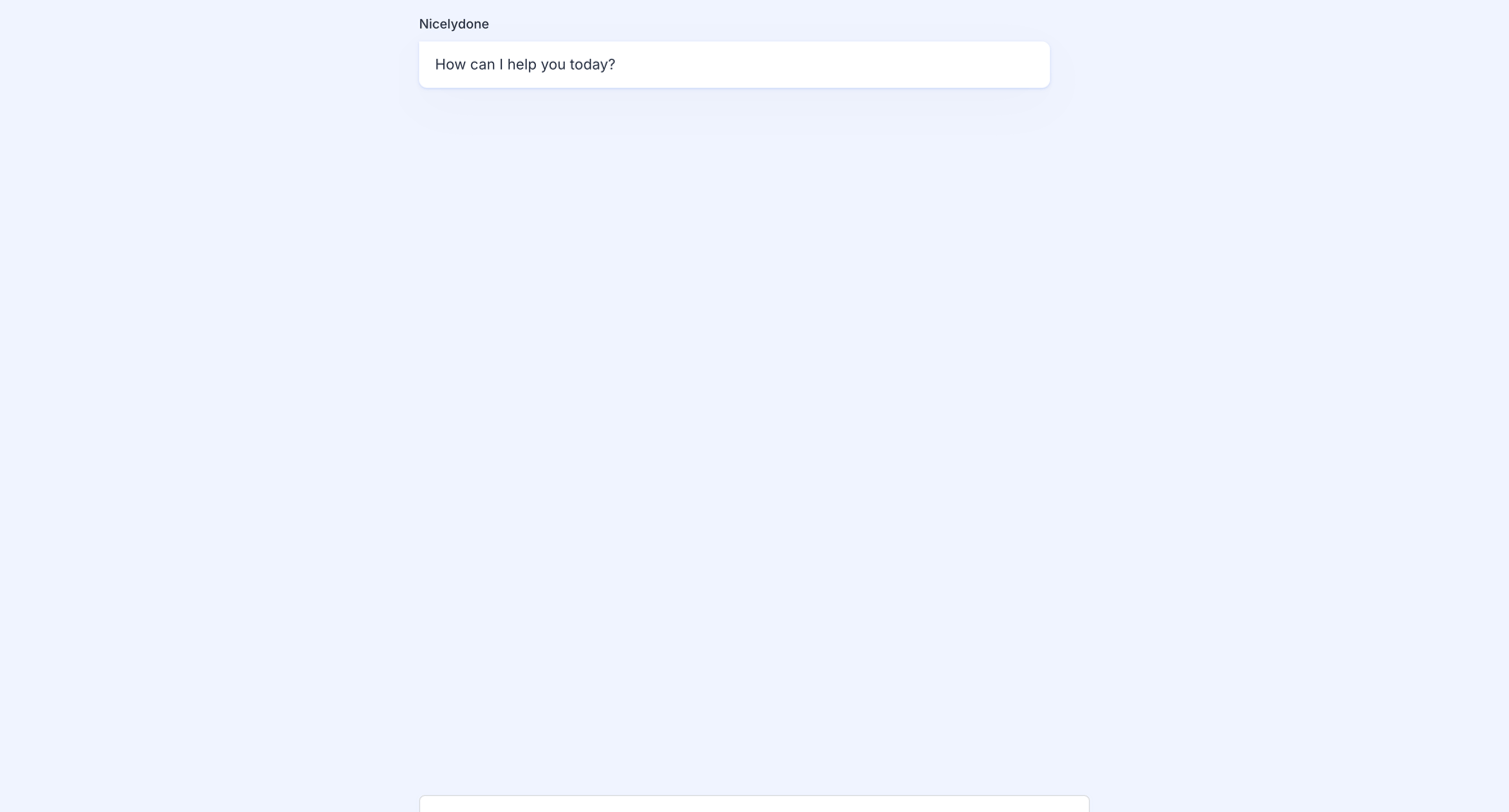
AI chat interface in its initial empty state, featuring a welcome message card and a bottom-anchored composer prompting the user to ask a question.
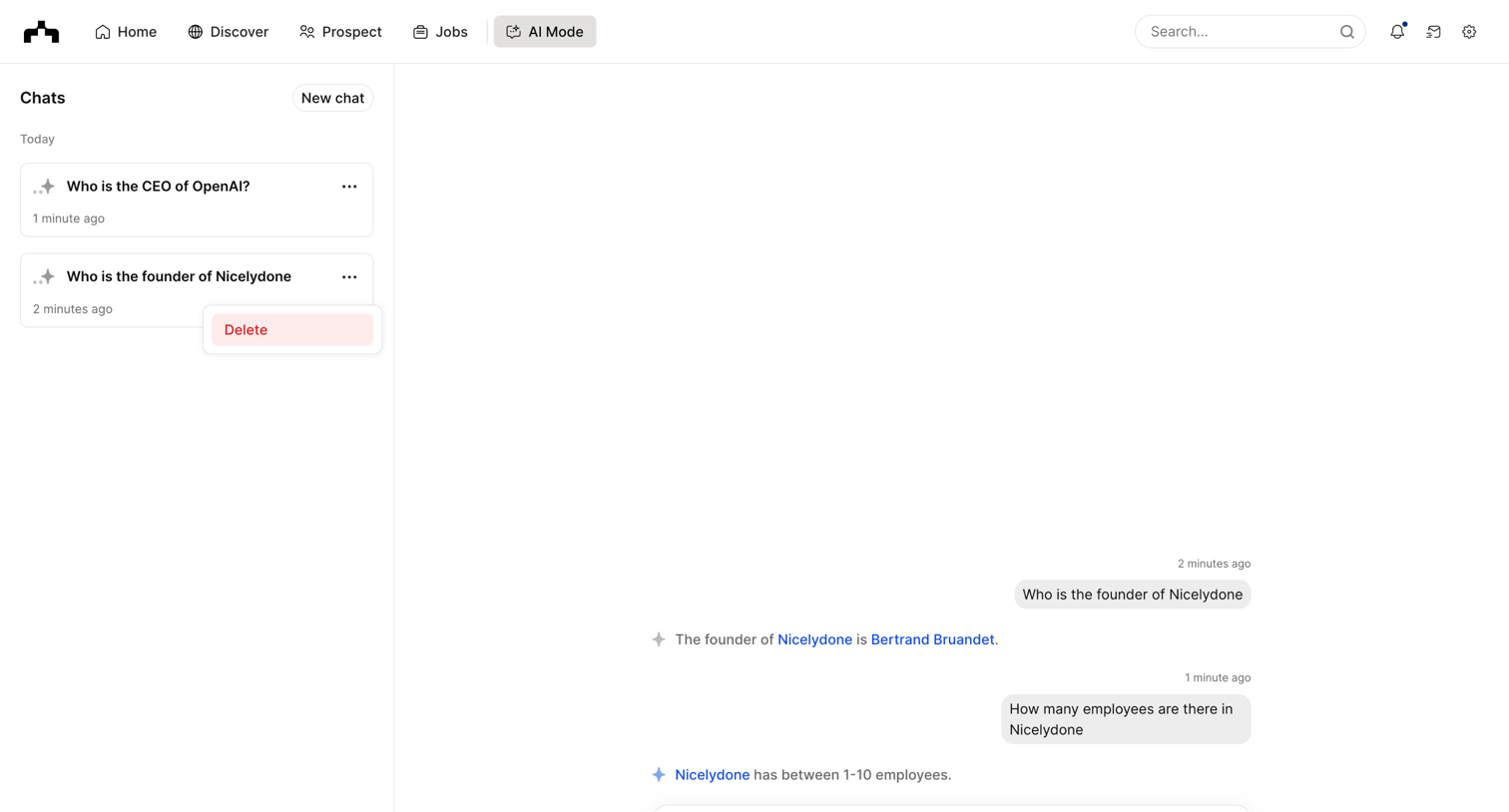

The org - Chats | The Org screen
The org logo
The org

AI chat interface where the user asks questions about company founders and employee counts, with a history sidebar showing recent conversations.

Hypermode - Hypermode – The AI development platform screen
Hypermode logo
Hypermode

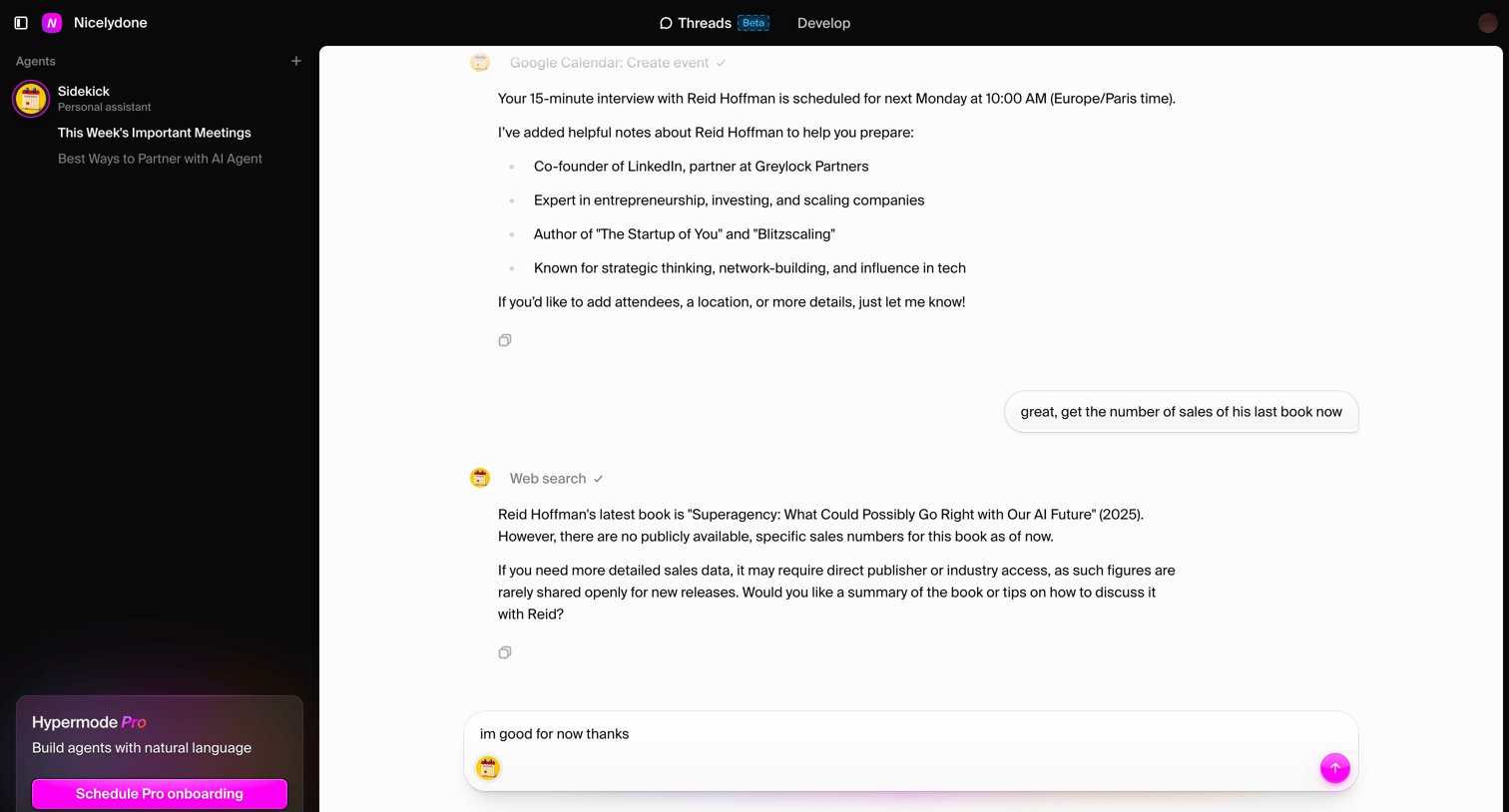
AI chat interface where the user interacts with a personal assistant agent that performs web searches and creates calendar events.

Jasper screen
Jasper logo
Jasper

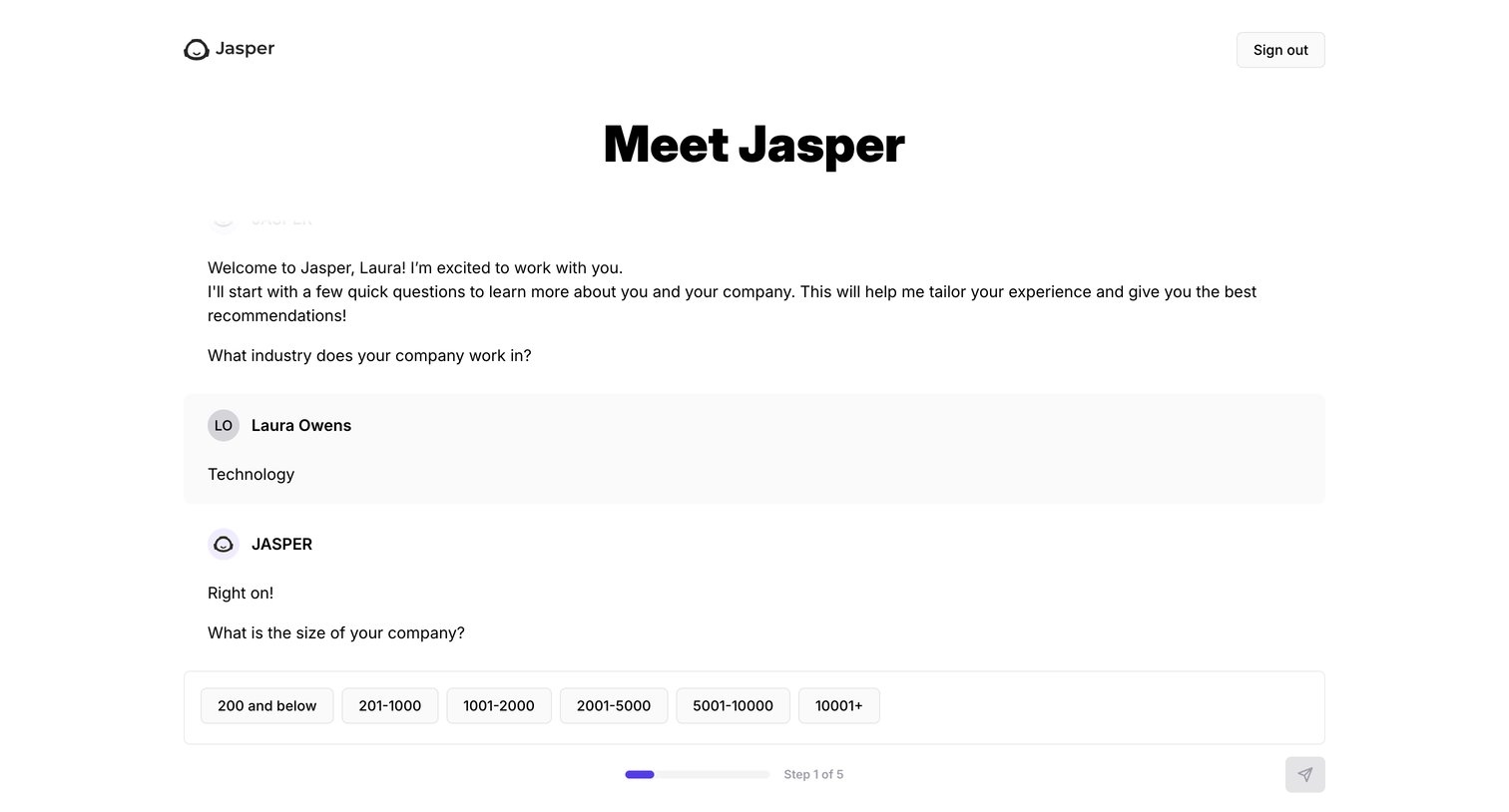
Onboarding screen where the user answers company profile questions via an AI chat interface to personalize their workspace.
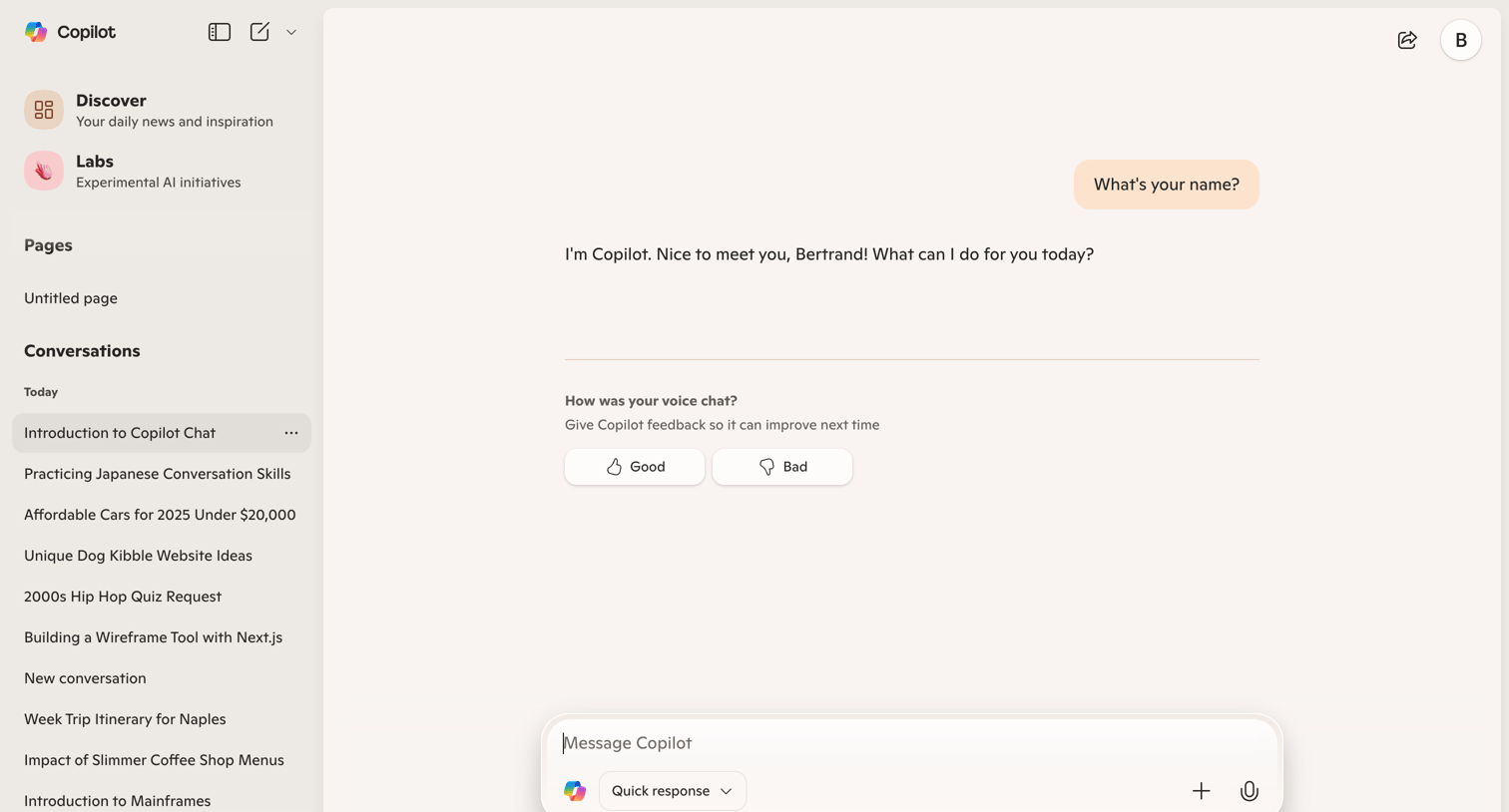

Copilot - Microsoft Copilot: Your AI companion screen
Copilot logo
Copilot

AI chat interface where the user views a completed conversation and is prompted to provide feedback on the voice chat experience.

Evervault - Privacy Policy — Evervault screen
Evervault logo
Evervault

Privacy policy page detailing data collection, usage, sharing practices, and user rights, including tables for roles and service providers.
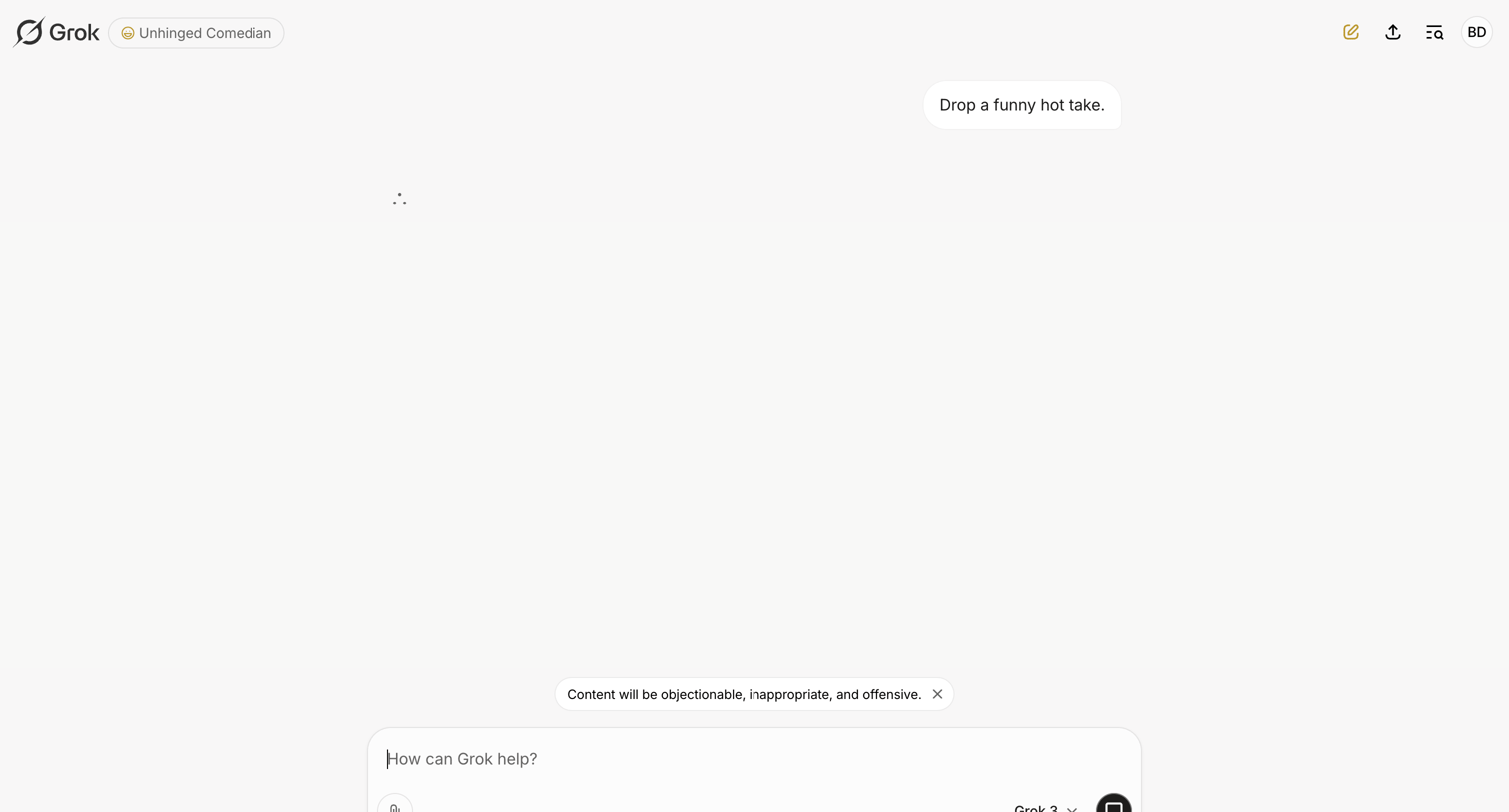

Grok - New conversation - Grok screen
Grok logo
Grok

AI chat interface where the user interacts with an Unhinged Comedian persona and waits for a streaming response.
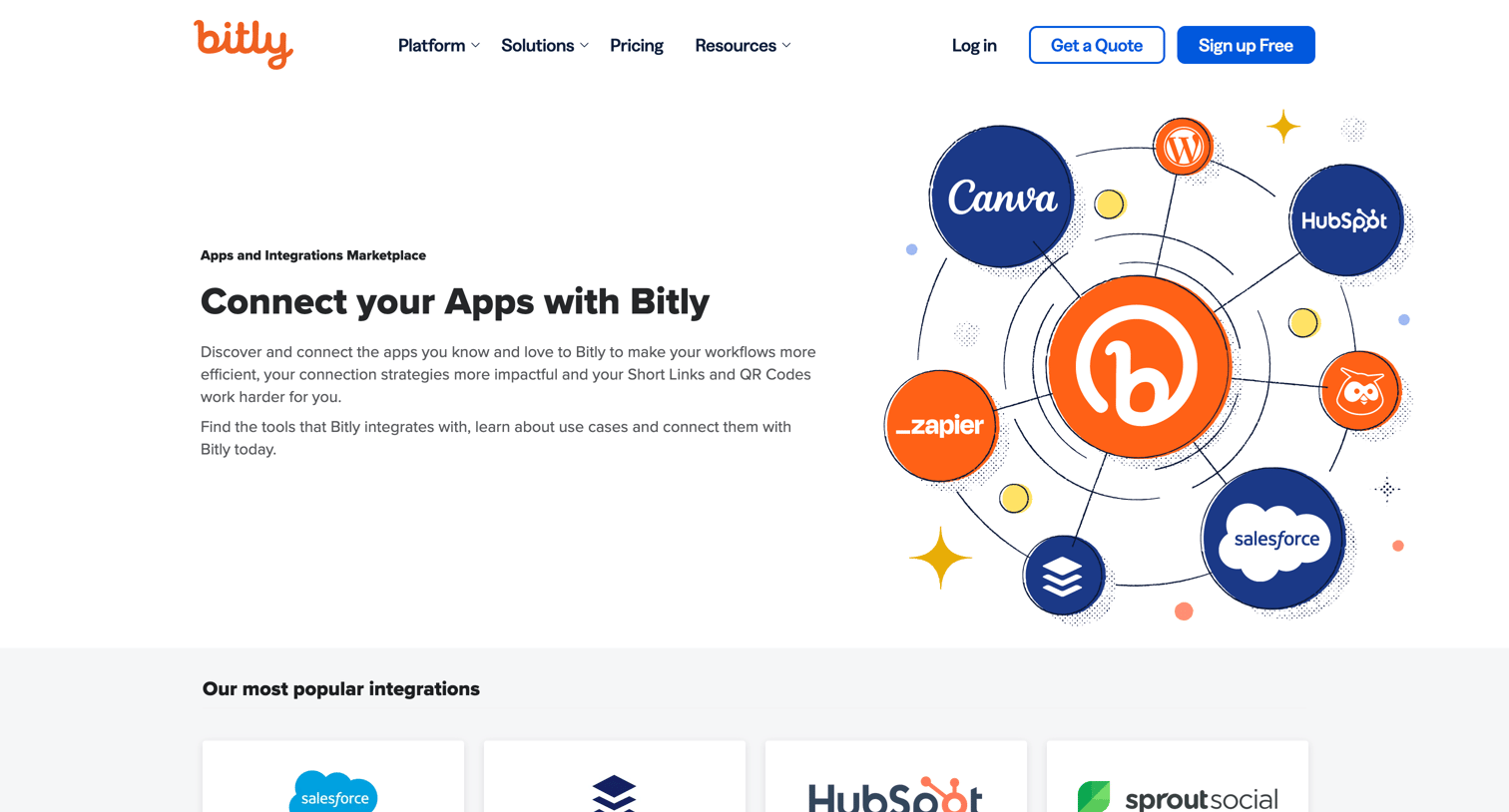
Bitly - Find the right Bitly Integration screen
Bitly logo
Bitly

Integrations marketplace where the user can browse, search, and filter popular apps that connect with Bitly.
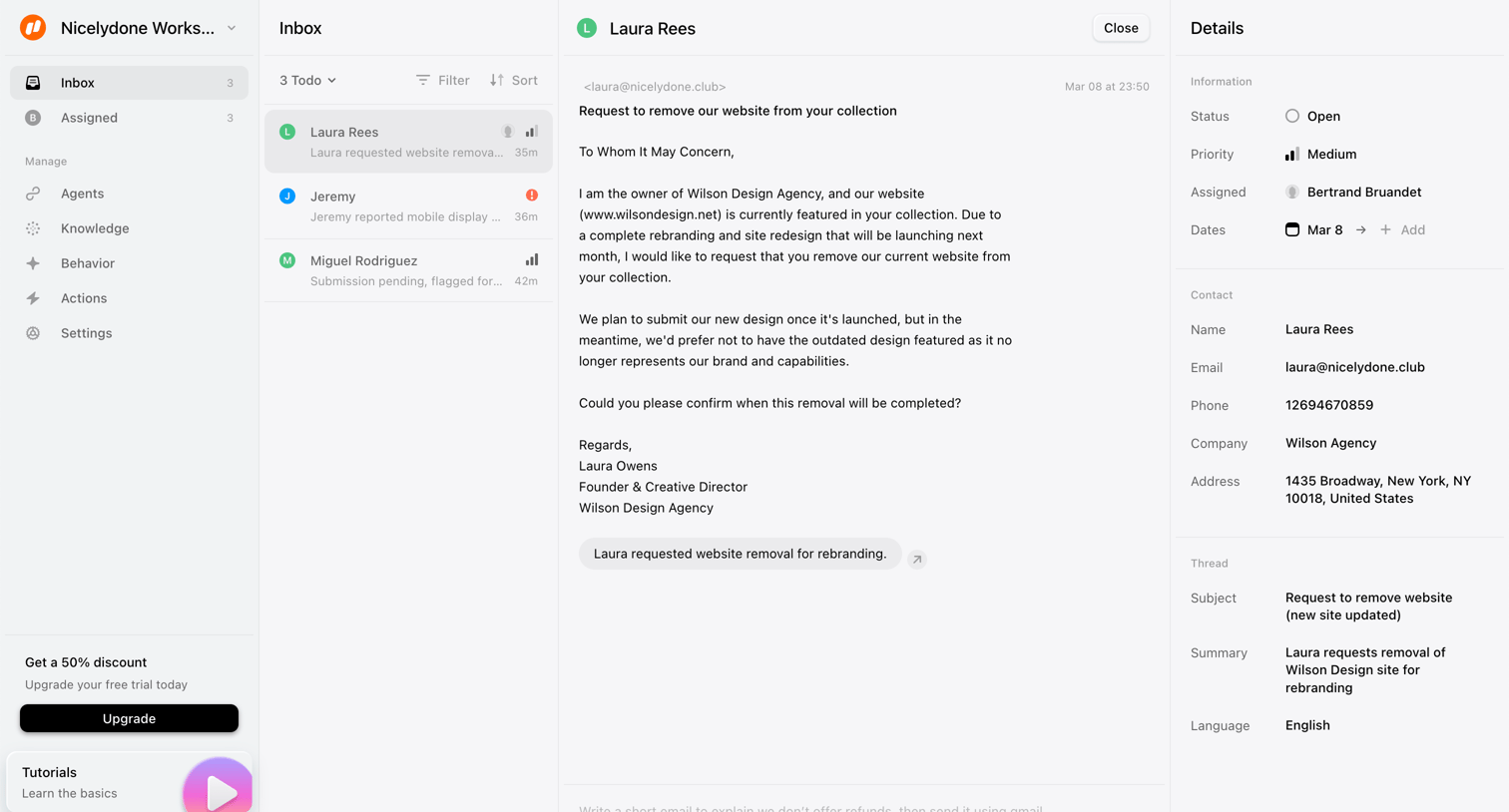
Lemni - Inbox › Laura Rees screen
Lemni logo
Lemni

Inbox view where a user reads a customer email requesting website removal and can reply or update ticket details like status and priority.

Explore the full SaaS screen library

Upgrade to unlock the full library.

Trusted by the best teams