Content blocks screen examples
Content blocks screen design examples from SaaS apps. Browse examples from Dock, Mailchimp, Bird.
Explore the examples
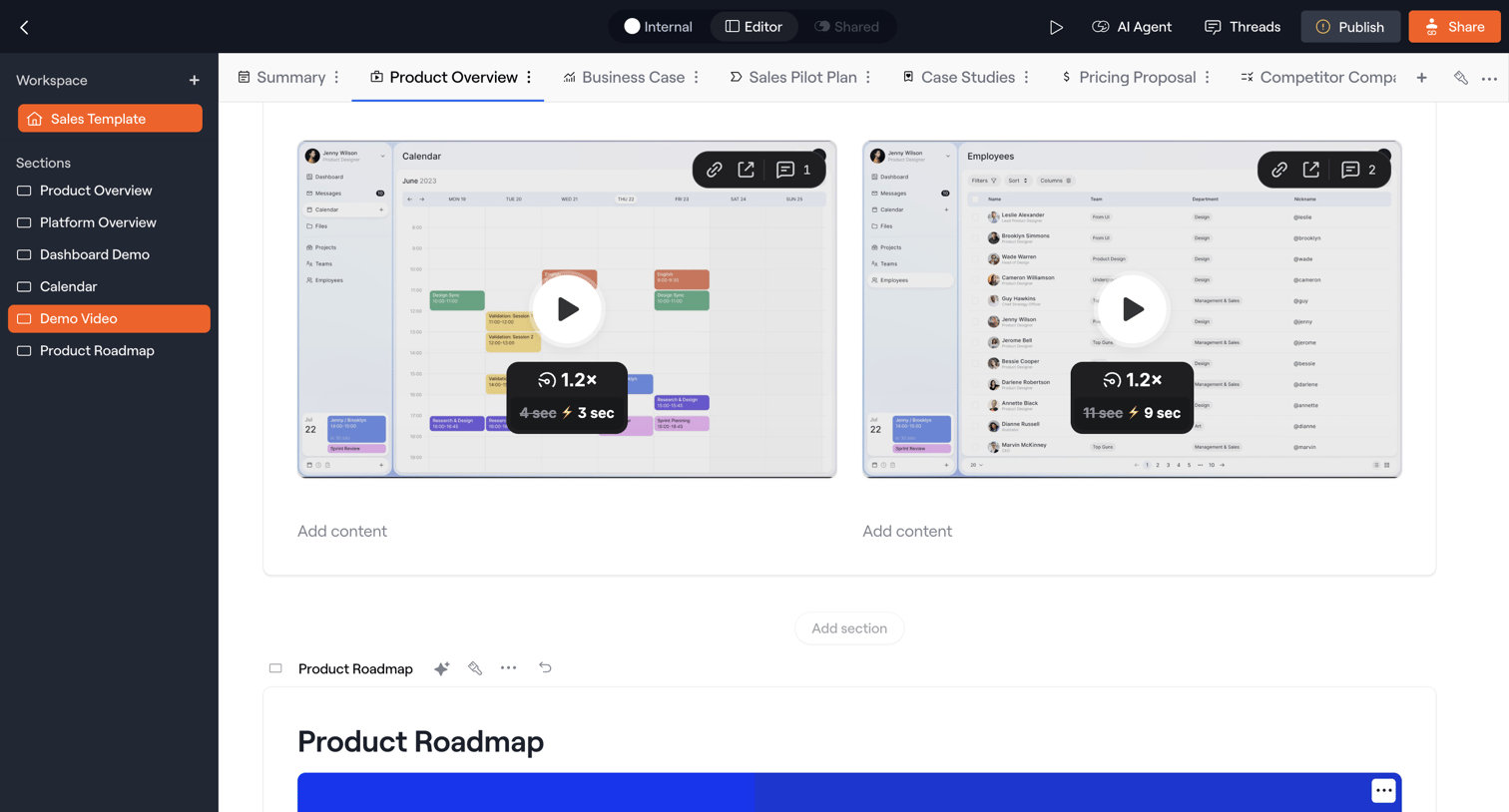

Block-based editor where the user builds a sales template by organizing sections like demo videos and product roadmaps, with options to publish or share the workspace.
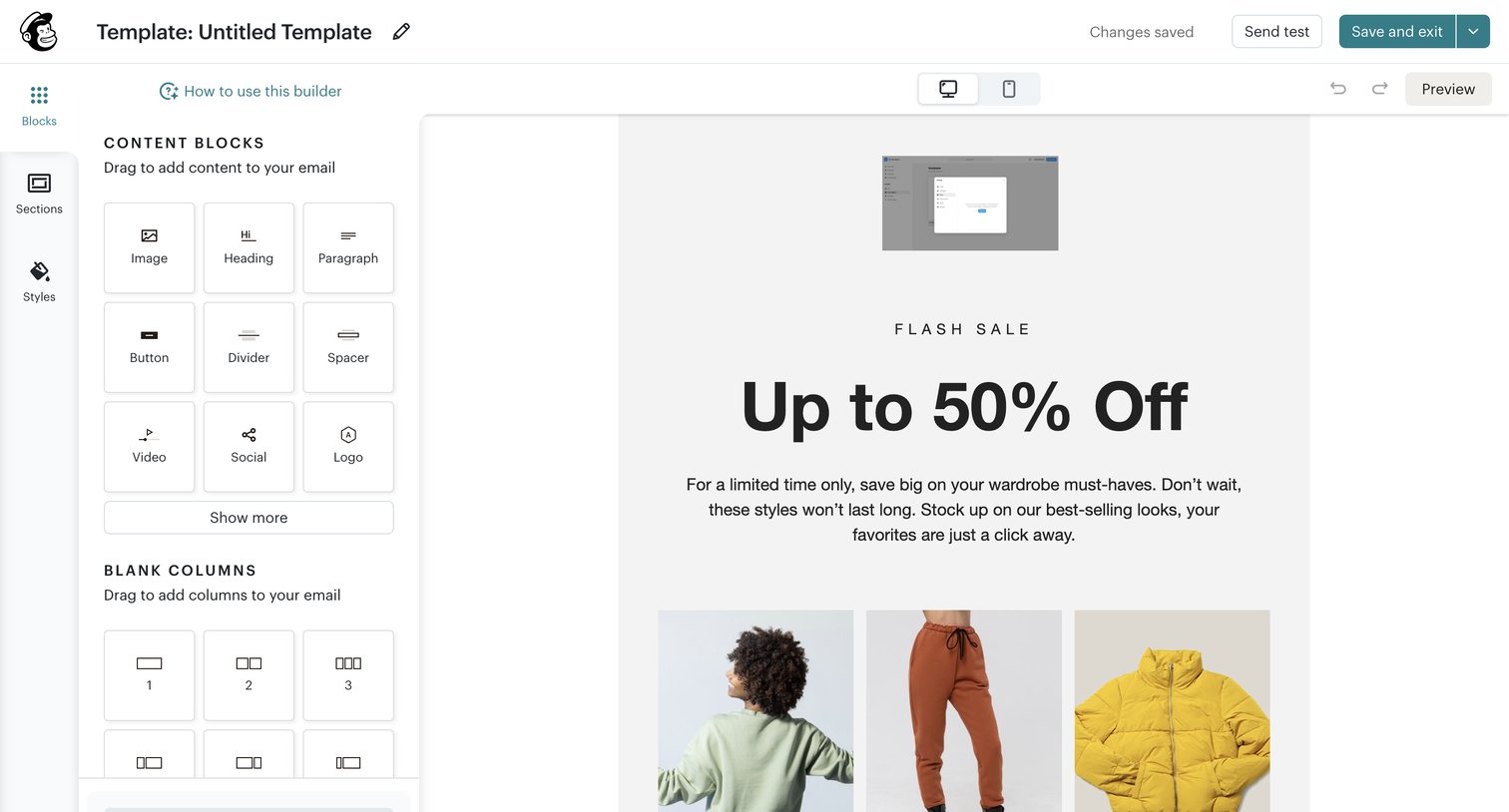

Design editor where the user drags and drops content blocks and column layouts to build an email template, with options to preview and test.
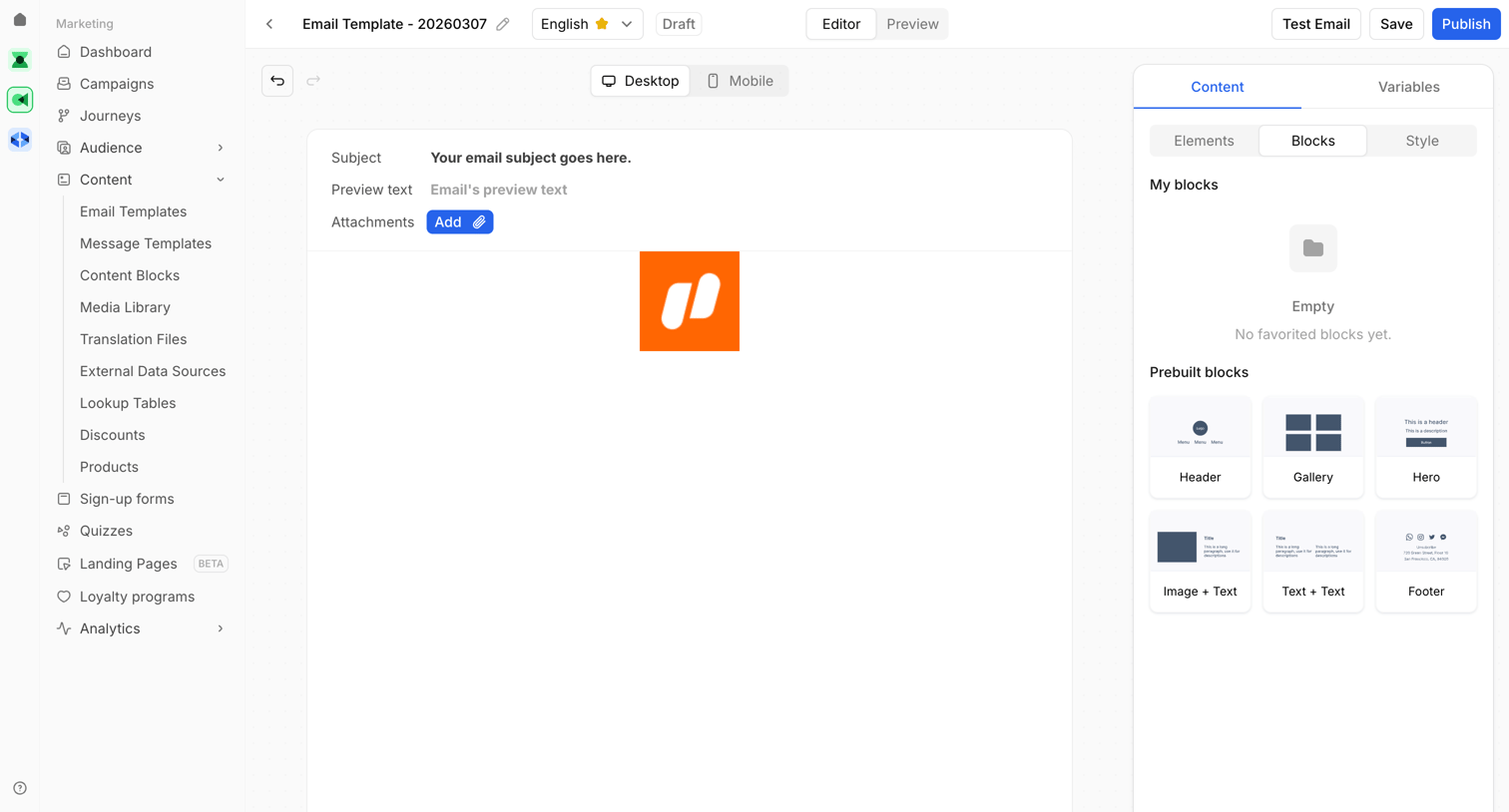

Design editor where the user builds an email template by dragging prebuilt content blocks onto a desktop-preview canvas.
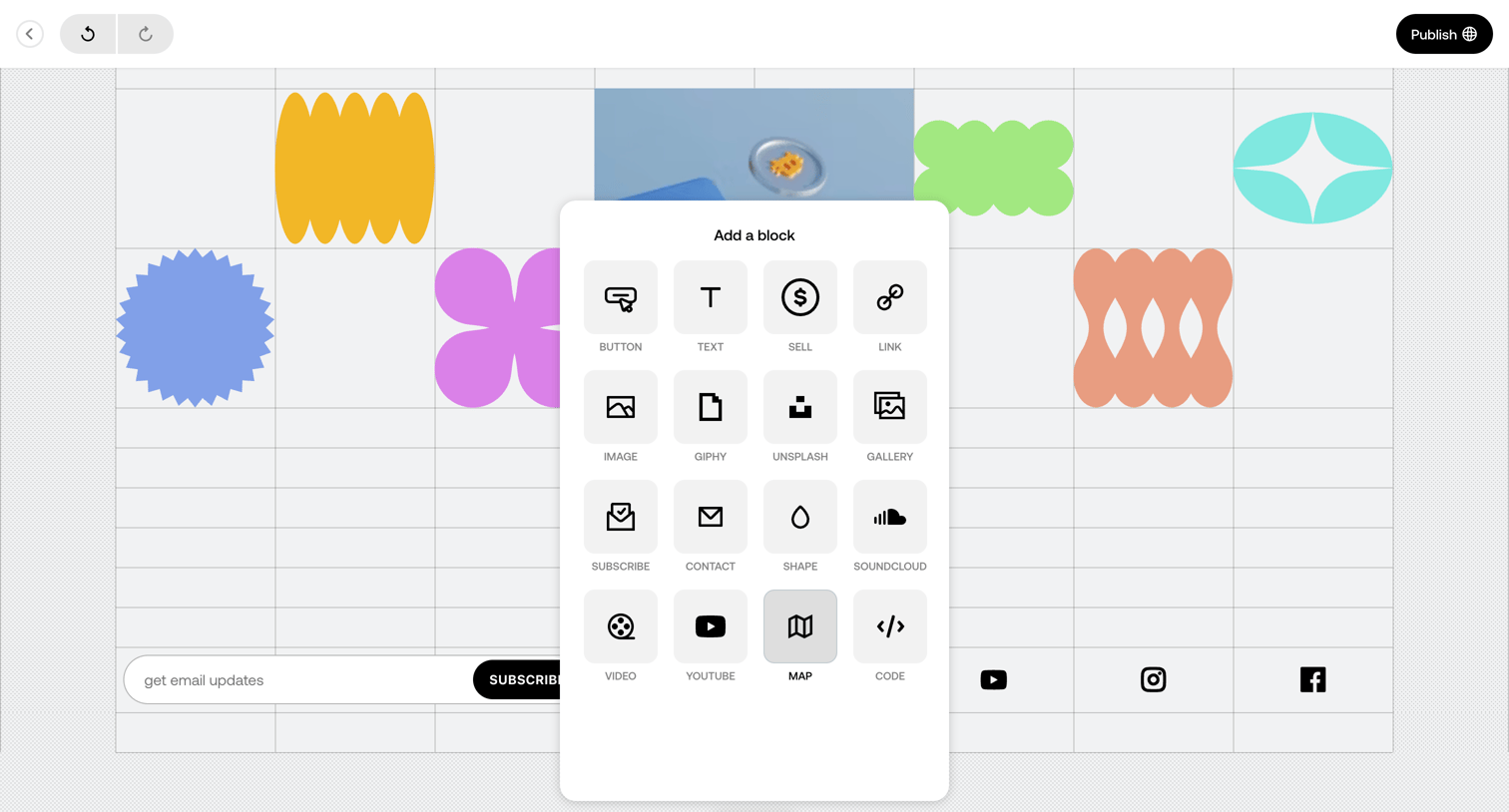

Page builder canvas where the user selects a new content block like text, image, or video from a centered modal overlay.
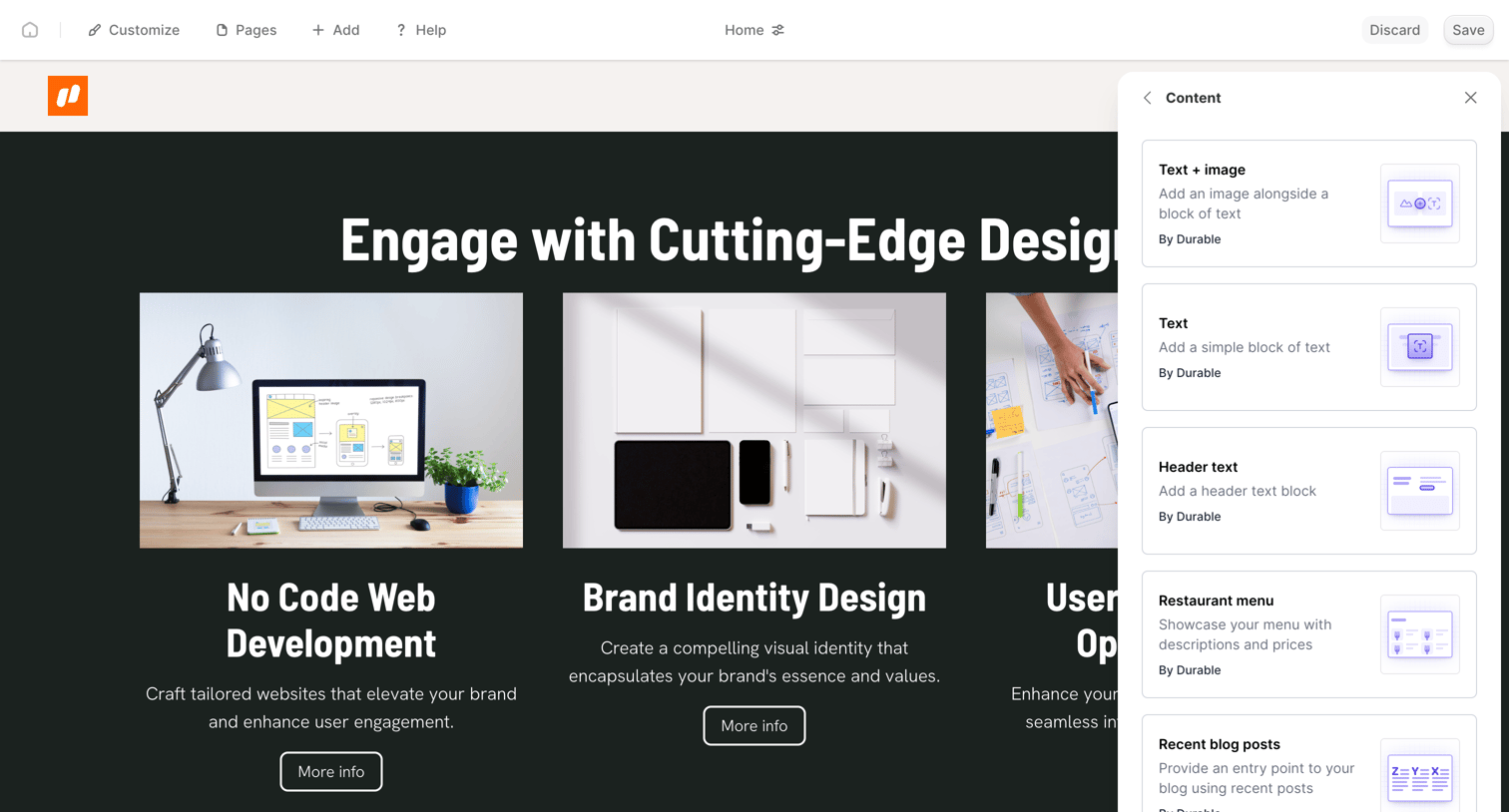

Design editor where the user adds content blocks like text, images, and menus to a website canvas from a side drawer.
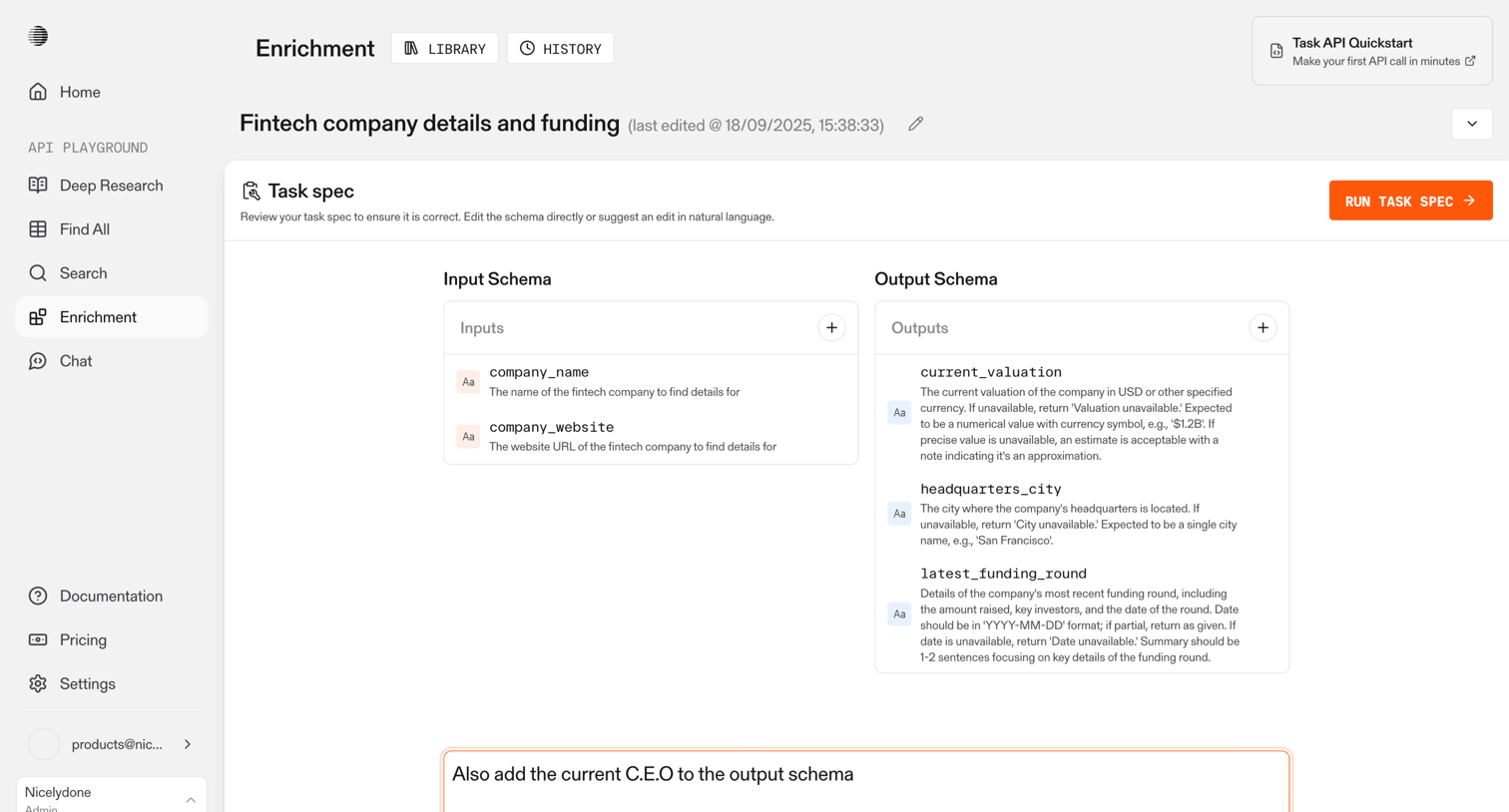

Editor where the user defines input and output schemas for an AI data extraction task, with an option to suggest structural updates using natural language.
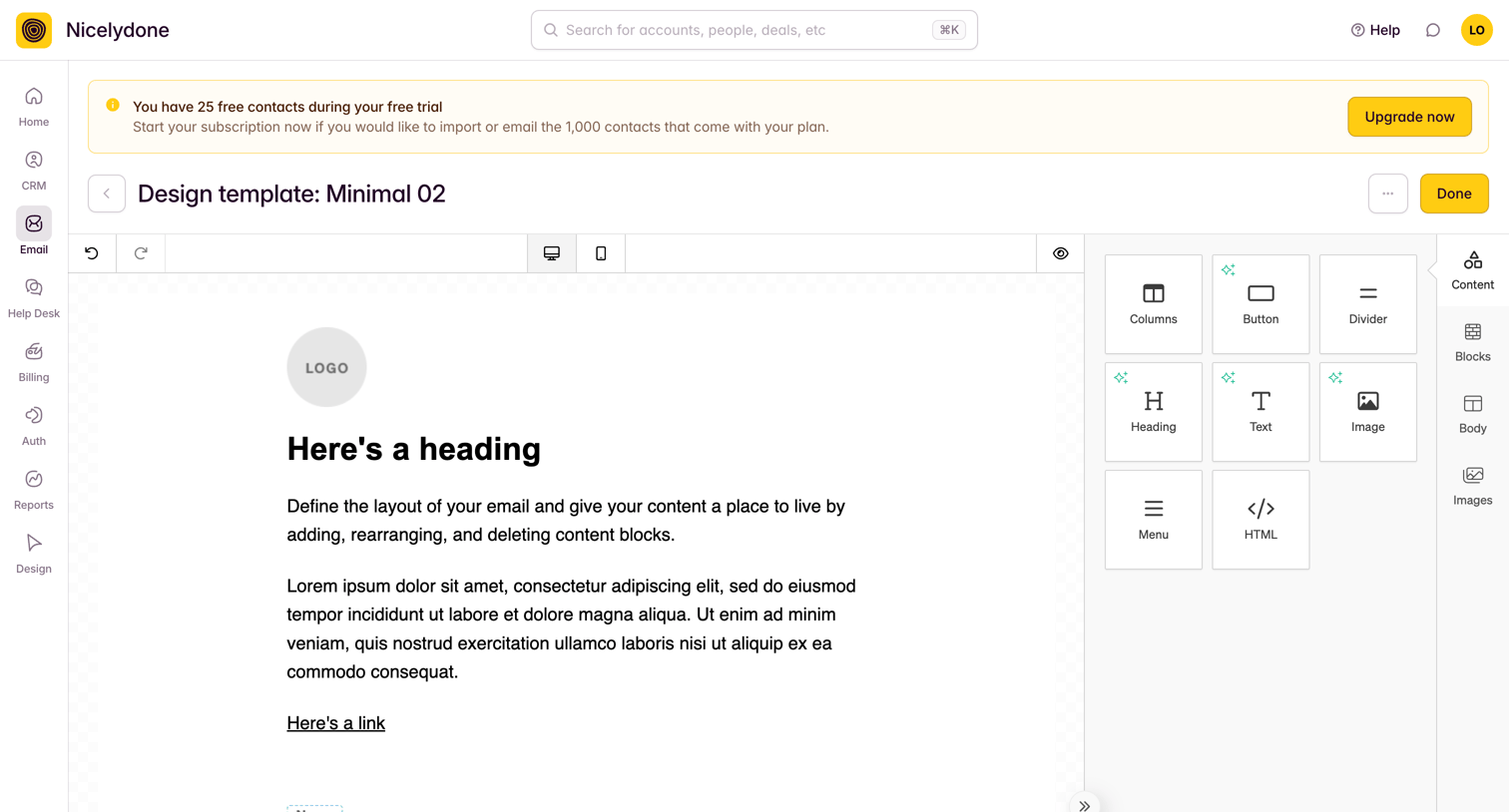

Design editor where the user builds an email template by dragging content blocks like text, images, and buttons onto a canvas.
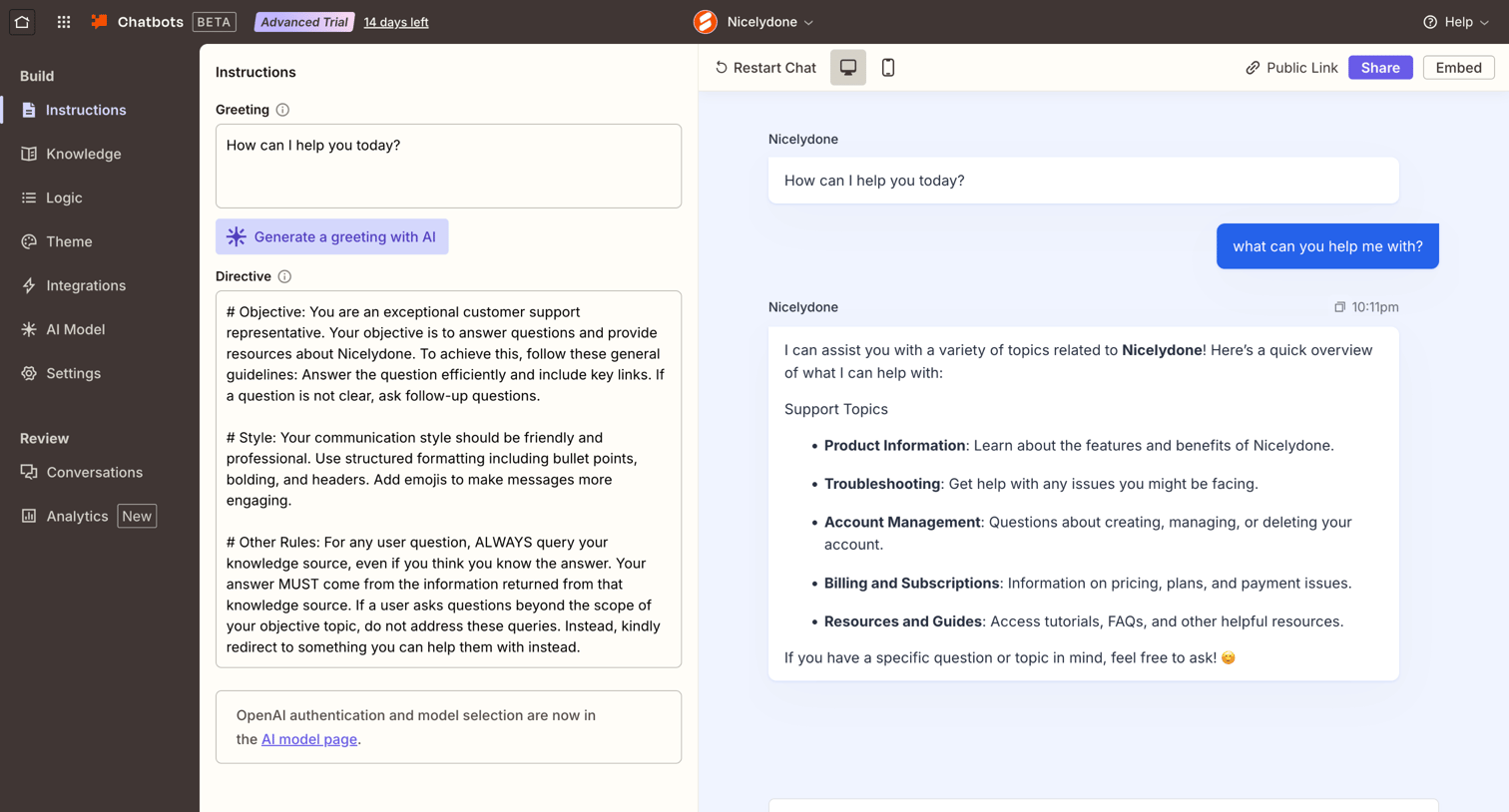

Settings page where the user configures the system prompt and greeting for their custom AI chatbot while testing it in a live preview panel.
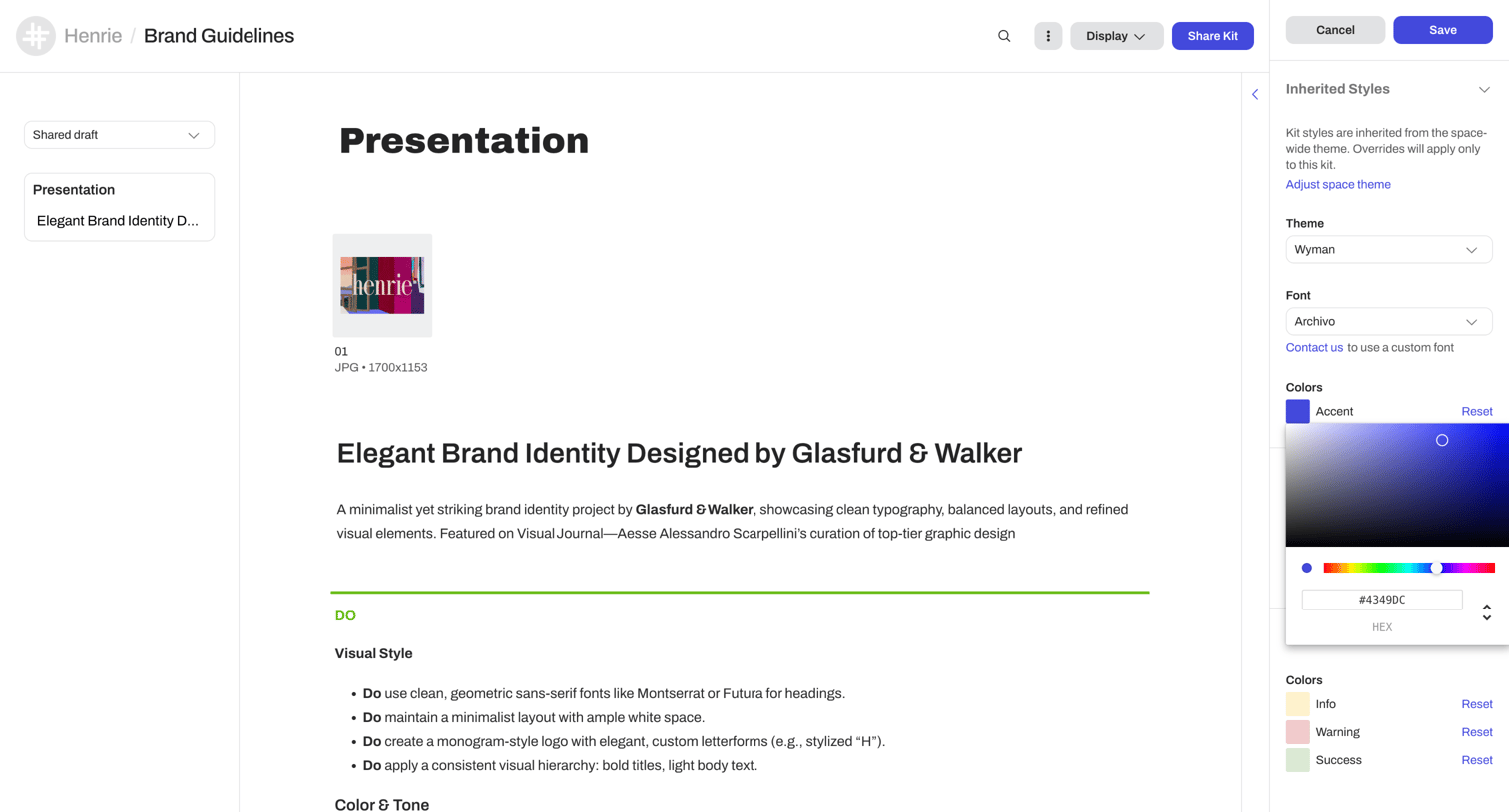

Content editor where the user configures inherited styles, themes, and colors for a brand guidelines presentation via a right-hand settings panel.
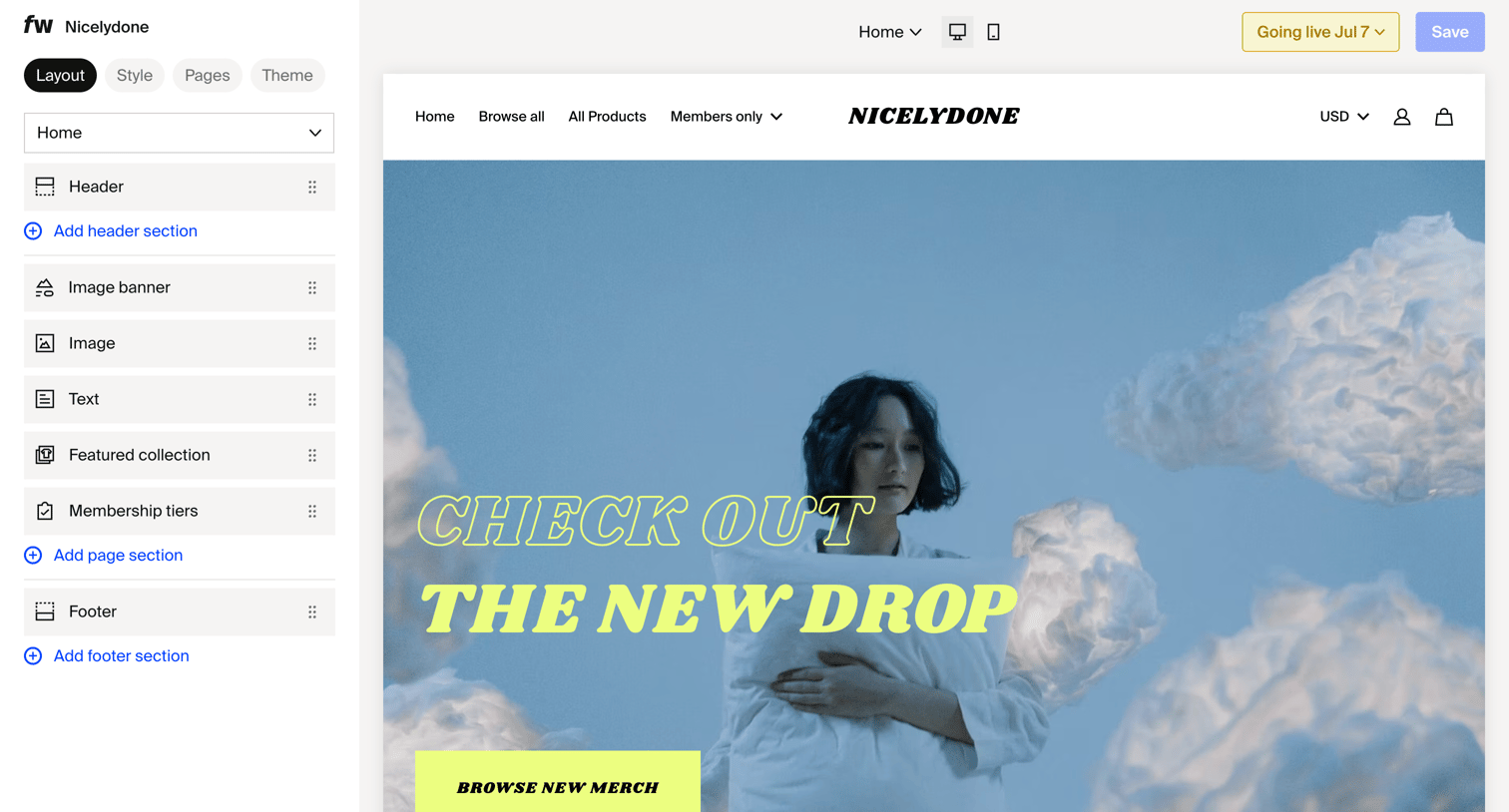

Design editor where the user configures the layout of their store homepage by reordering sections like the image banner and featured collection.
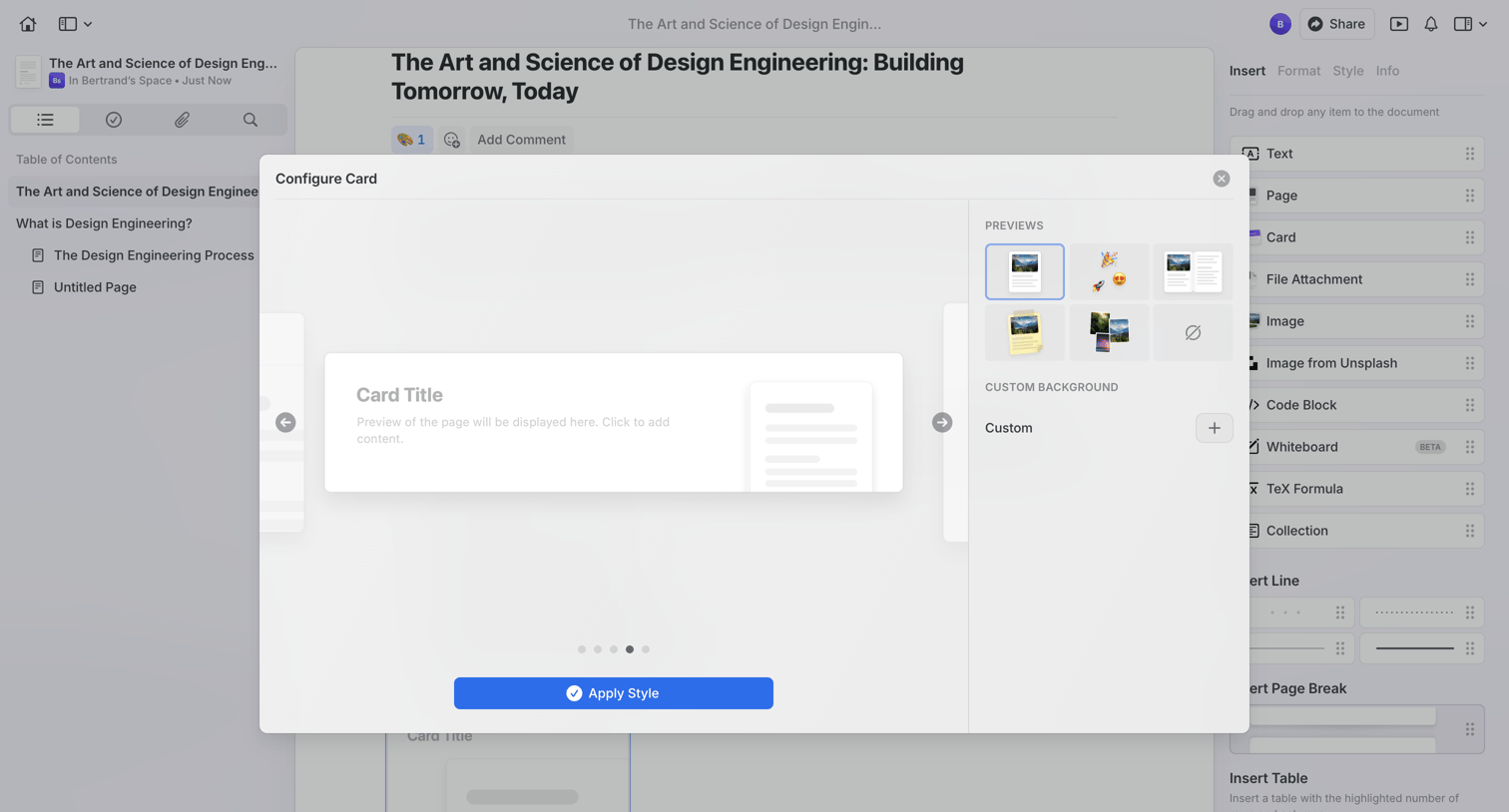

Content editor with a modal open where the user configures the visual style of a card block by picking from a grid of preview templates.
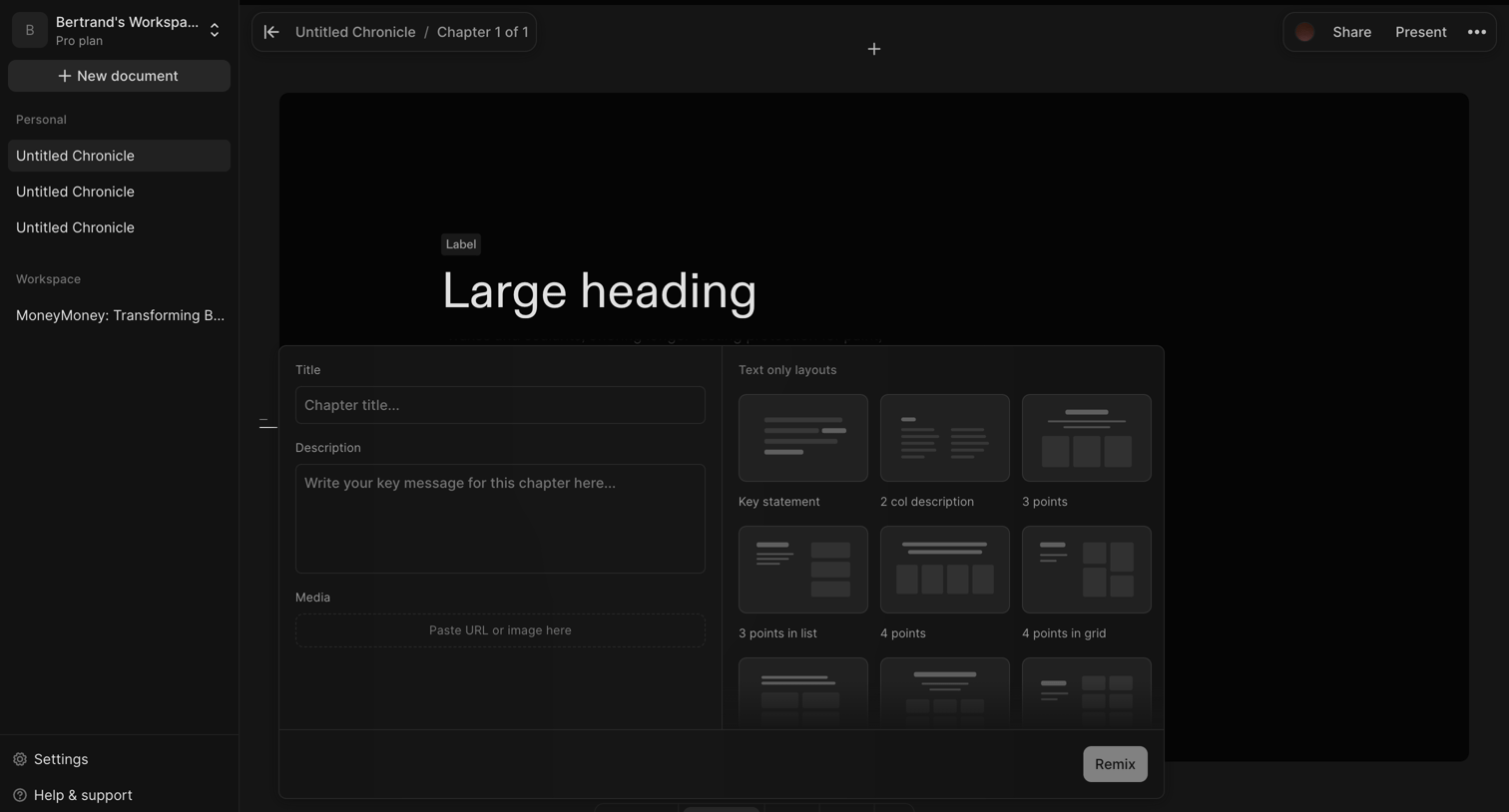

Design editor where the user configures a chapter block by entering a title and description and selecting a visual layout from a grid of options.
Explore the full SaaS screen library
Upgrade to unlock the full library.
Trusted by the best teams







