Code snippet screen examples
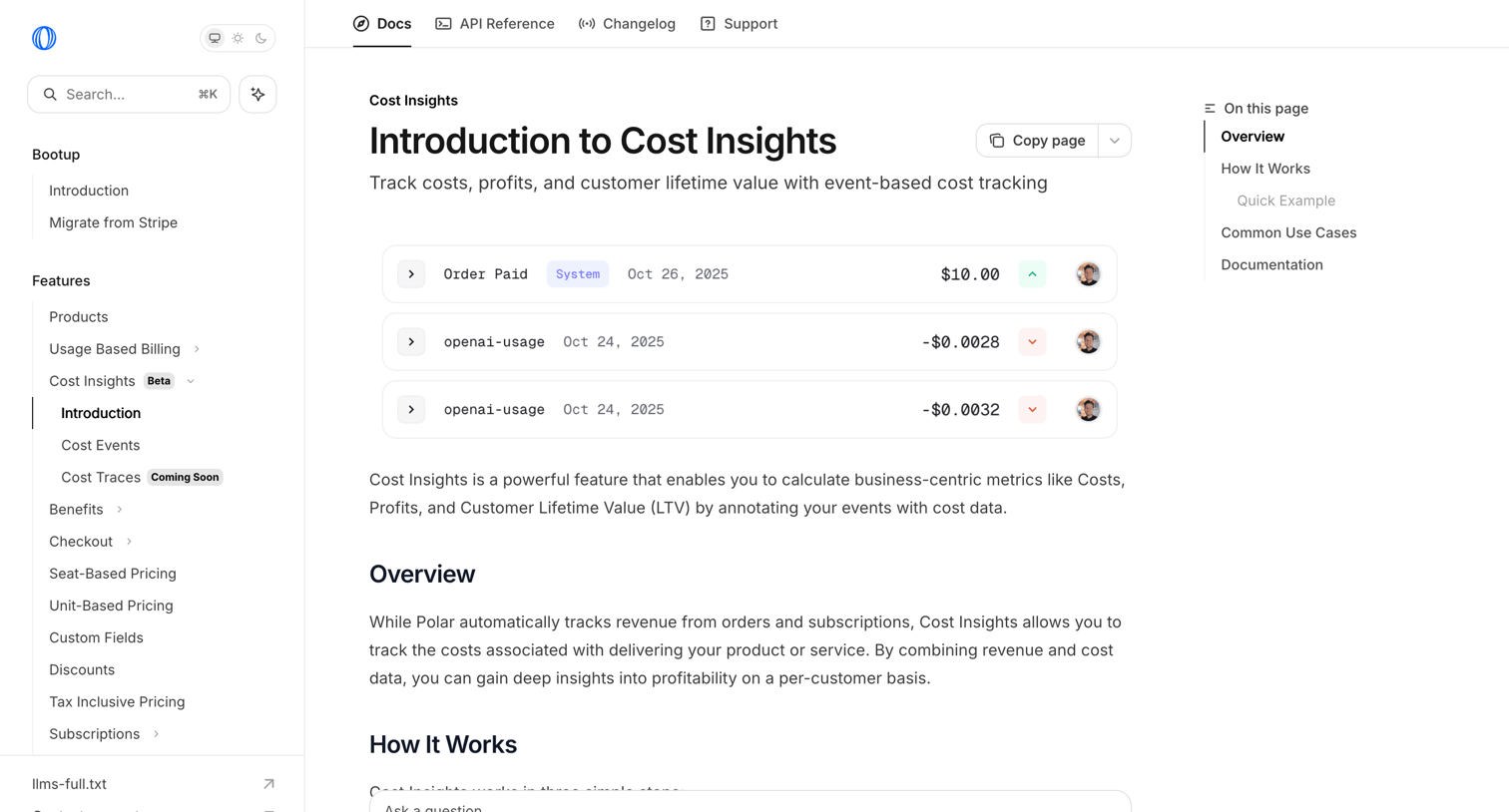
Code snippet screen design examples from SaaS apps. Browse examples from Polar, Inference, Steel.
Explore the examples

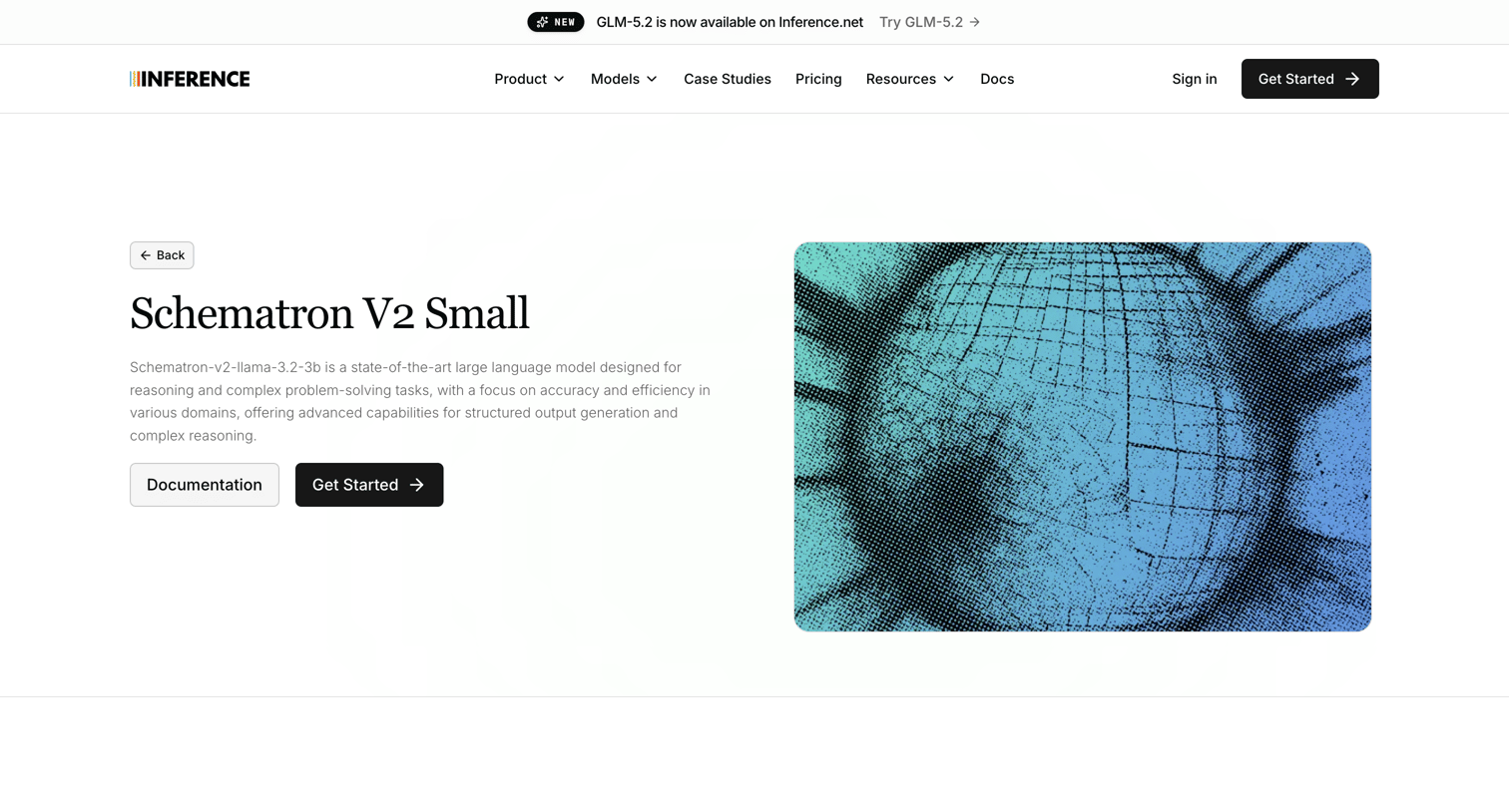

Product page for the Schematron V2 Small language model featuring API usage examples, an interactive playground, related models, and a meeting scheduler.
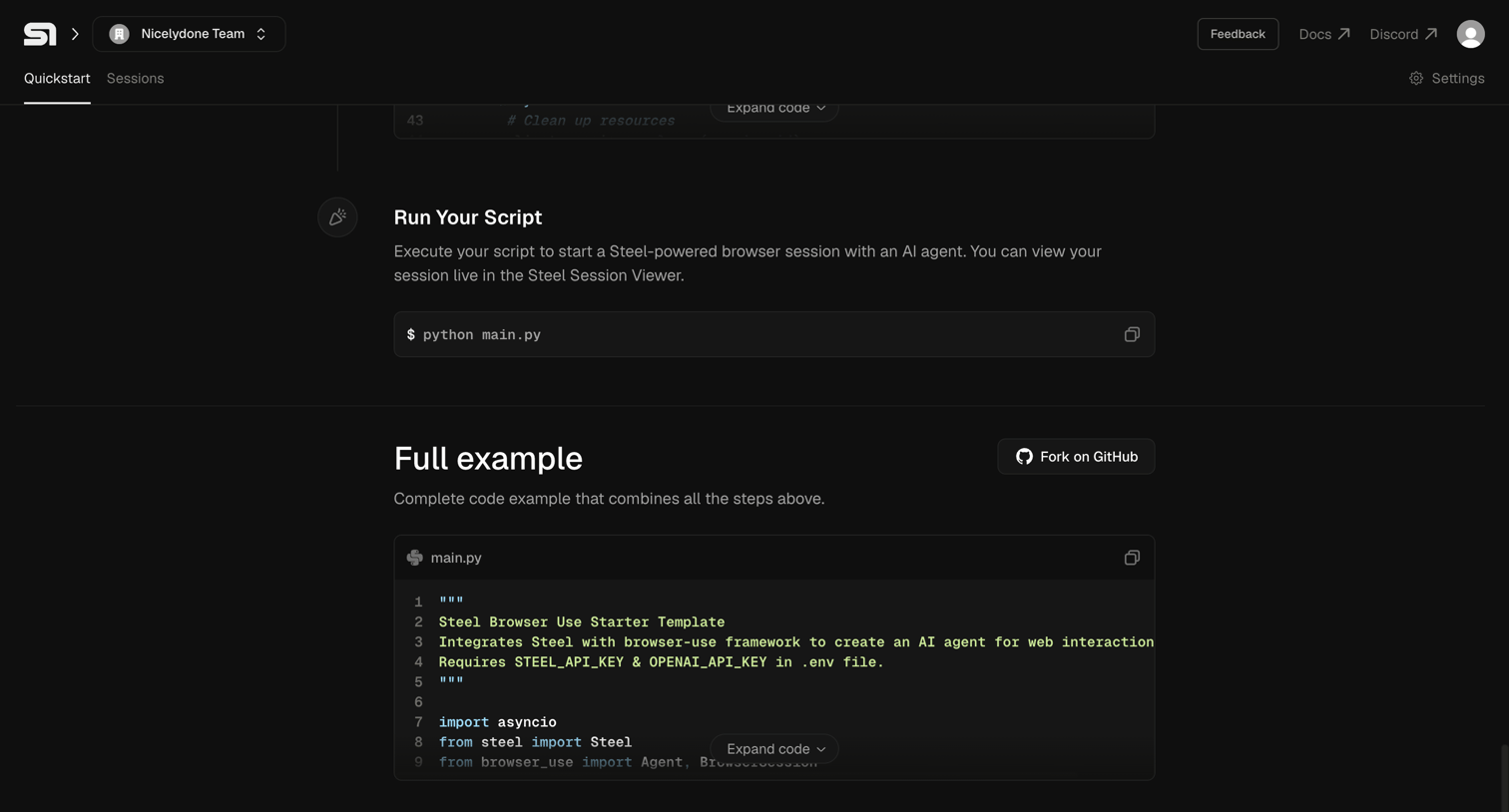

Onboarding quickstart guide where the user follows steps to run a Python script and views a full code example.
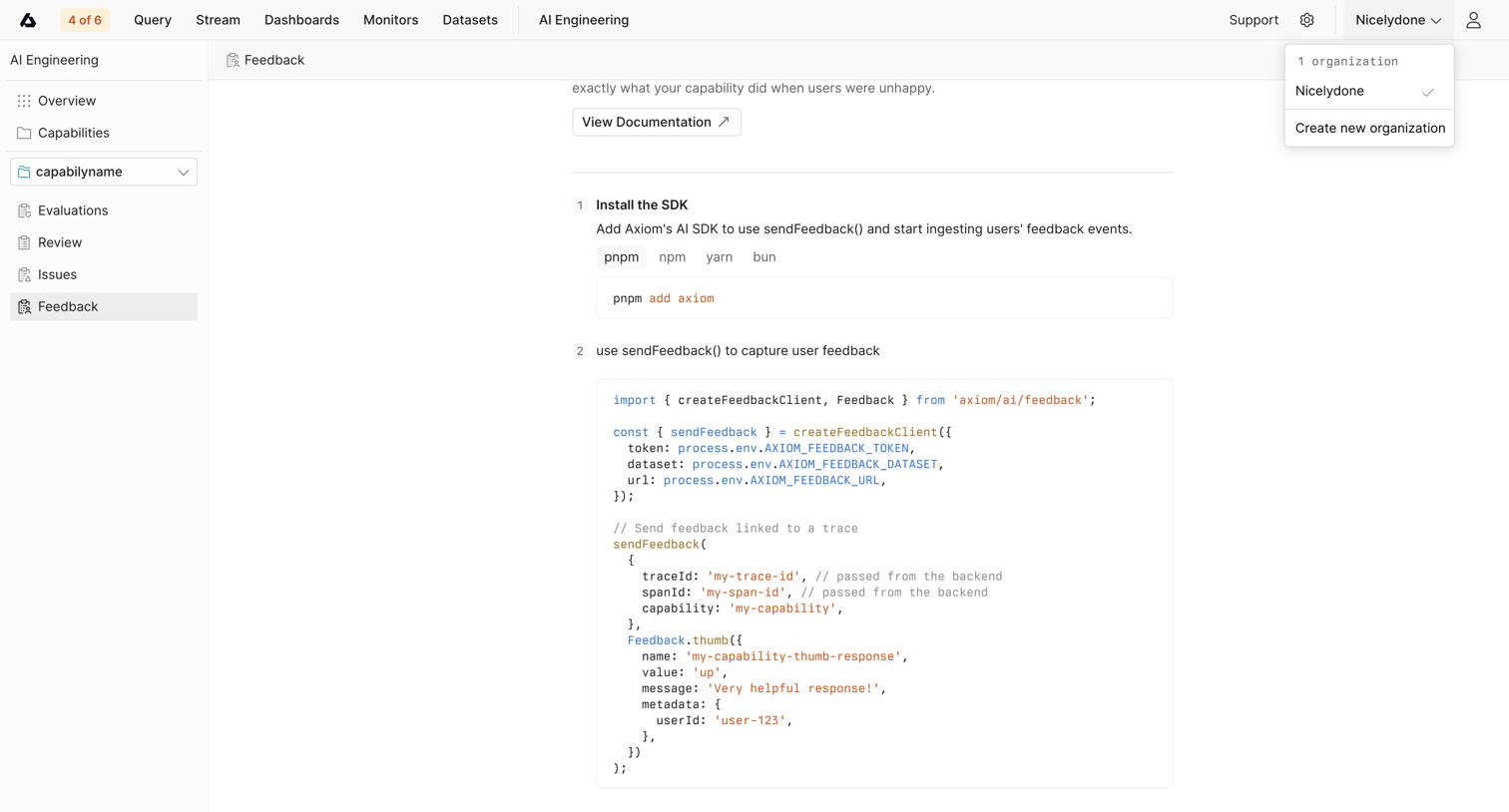

Detail page for a specific AI capability where the user is shown instructions and code snippets to install the SDK and capture feedback.
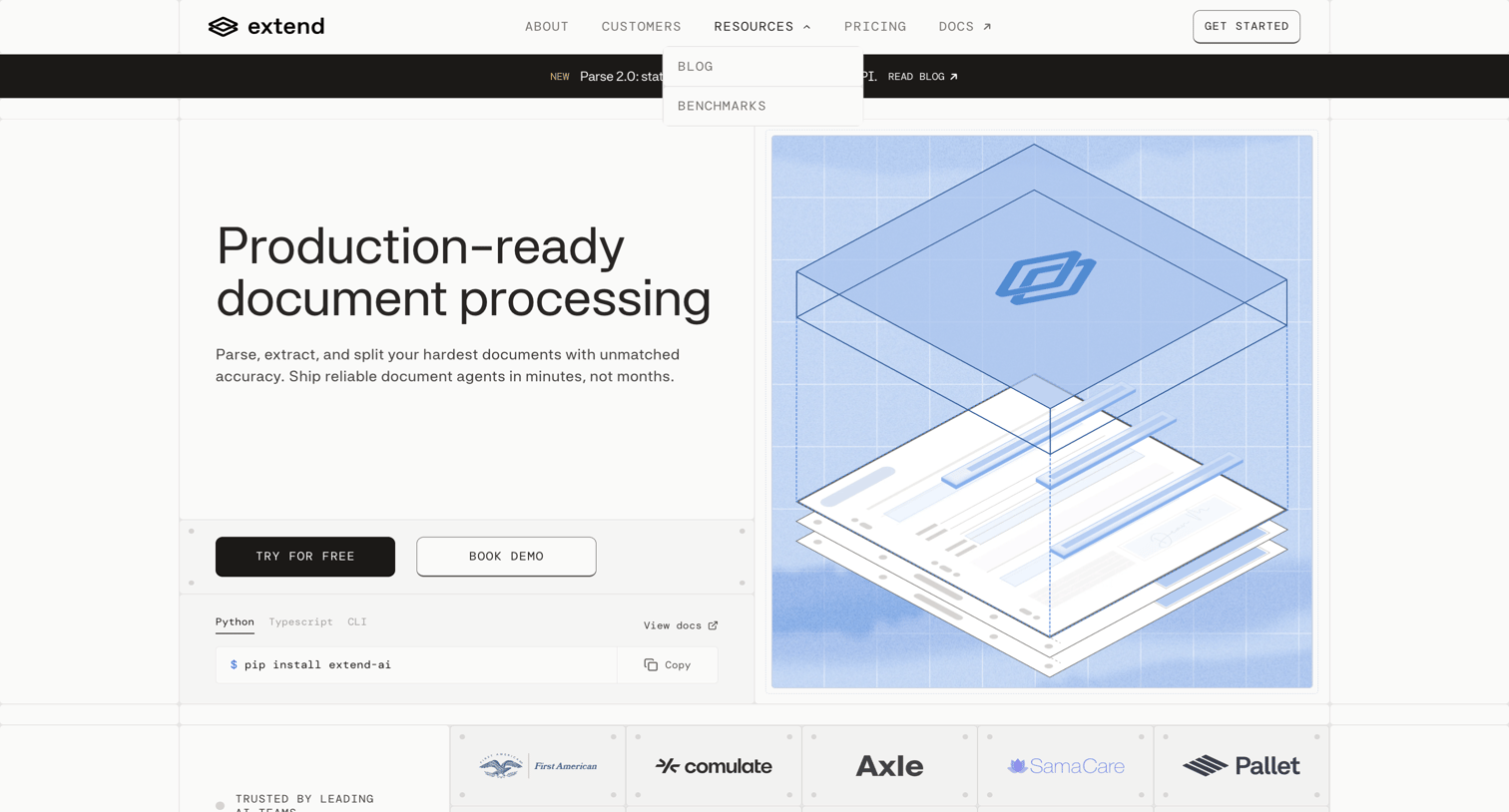

Landing page for an AI document processing API featuring a hero section with installation code snippets and a customer logo wall.
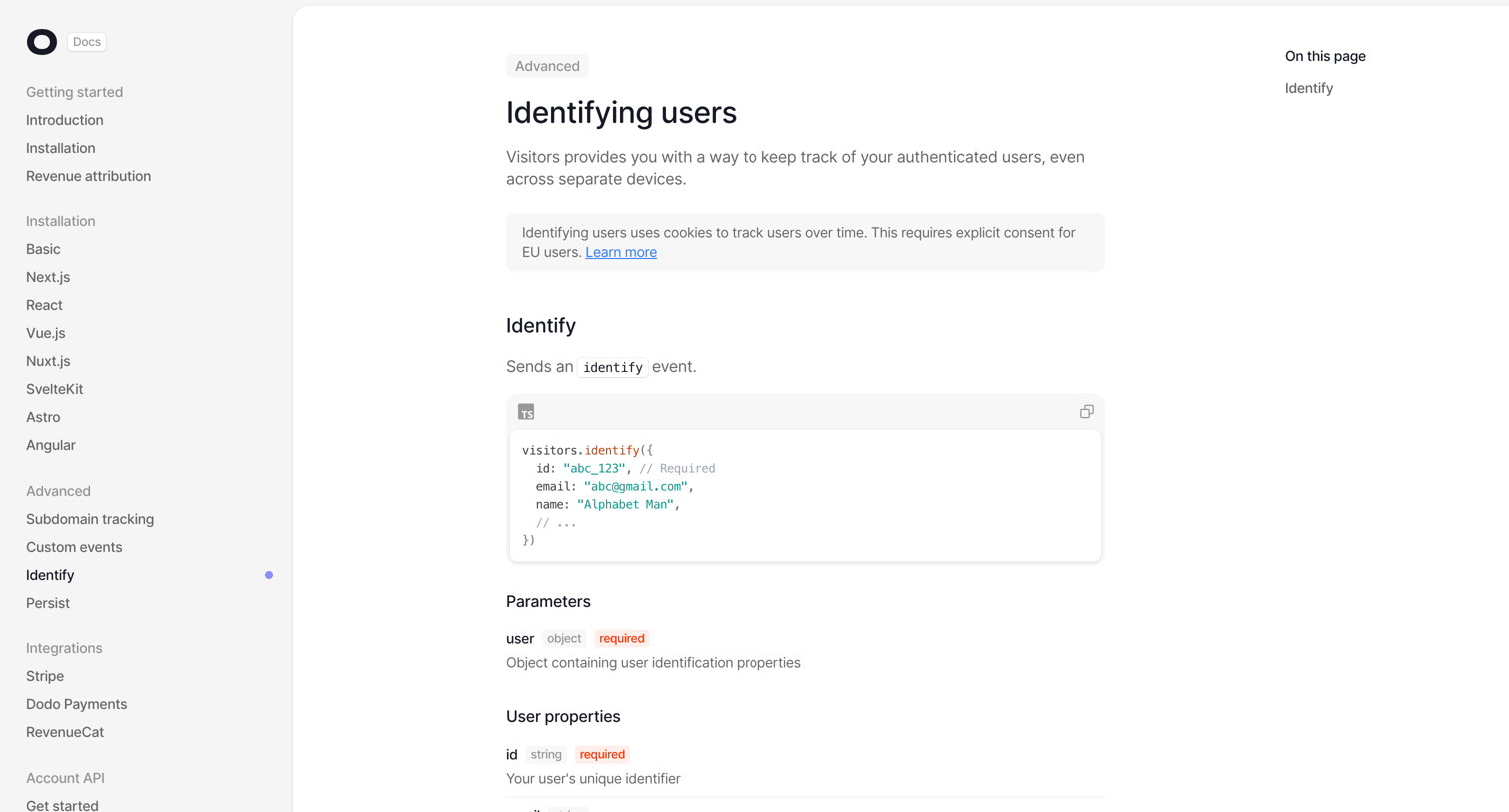

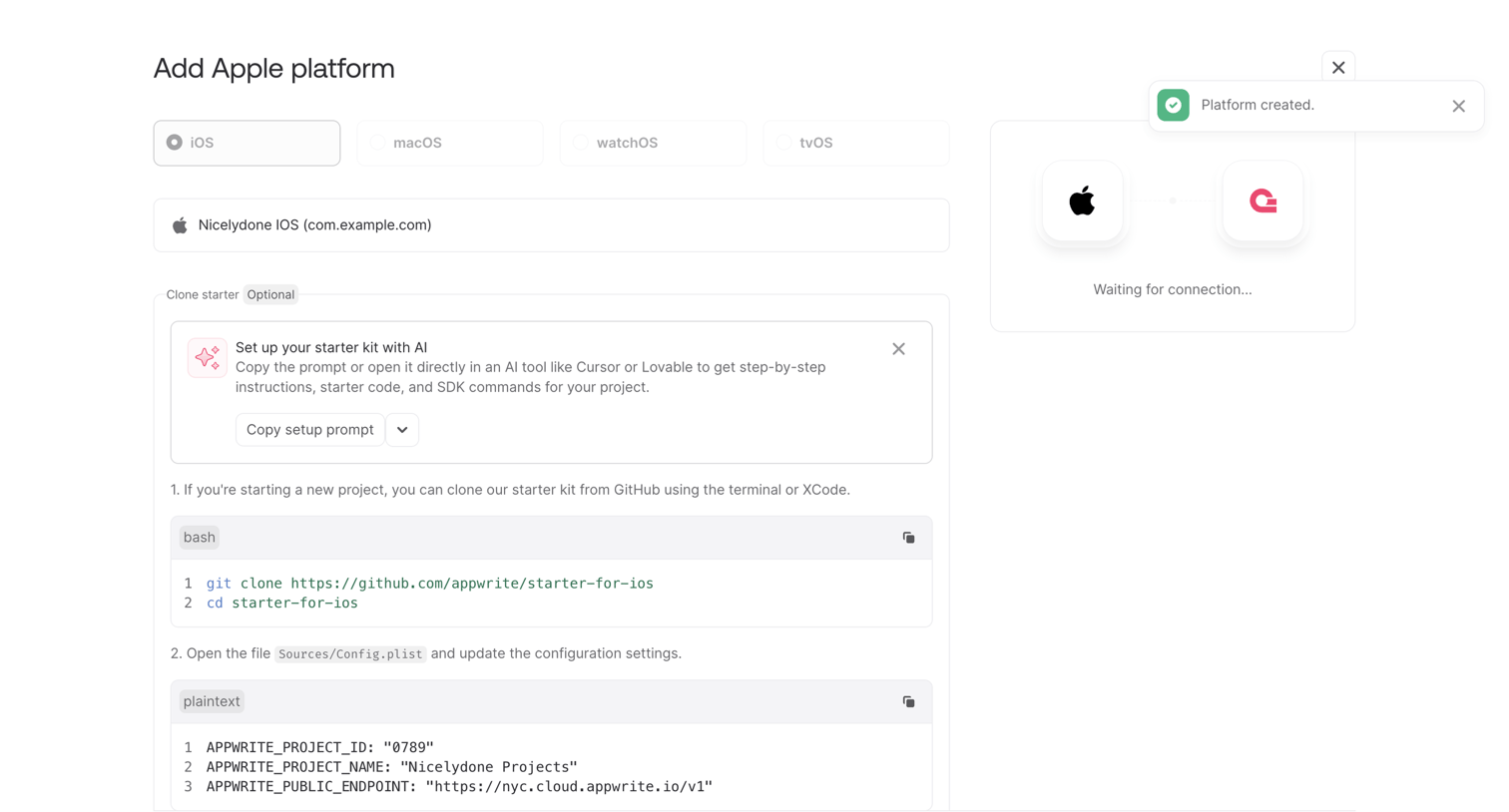

Setup wizard where the user configures an Apple platform integration by copying starter code or an AI setup prompt while waiting for a connection.
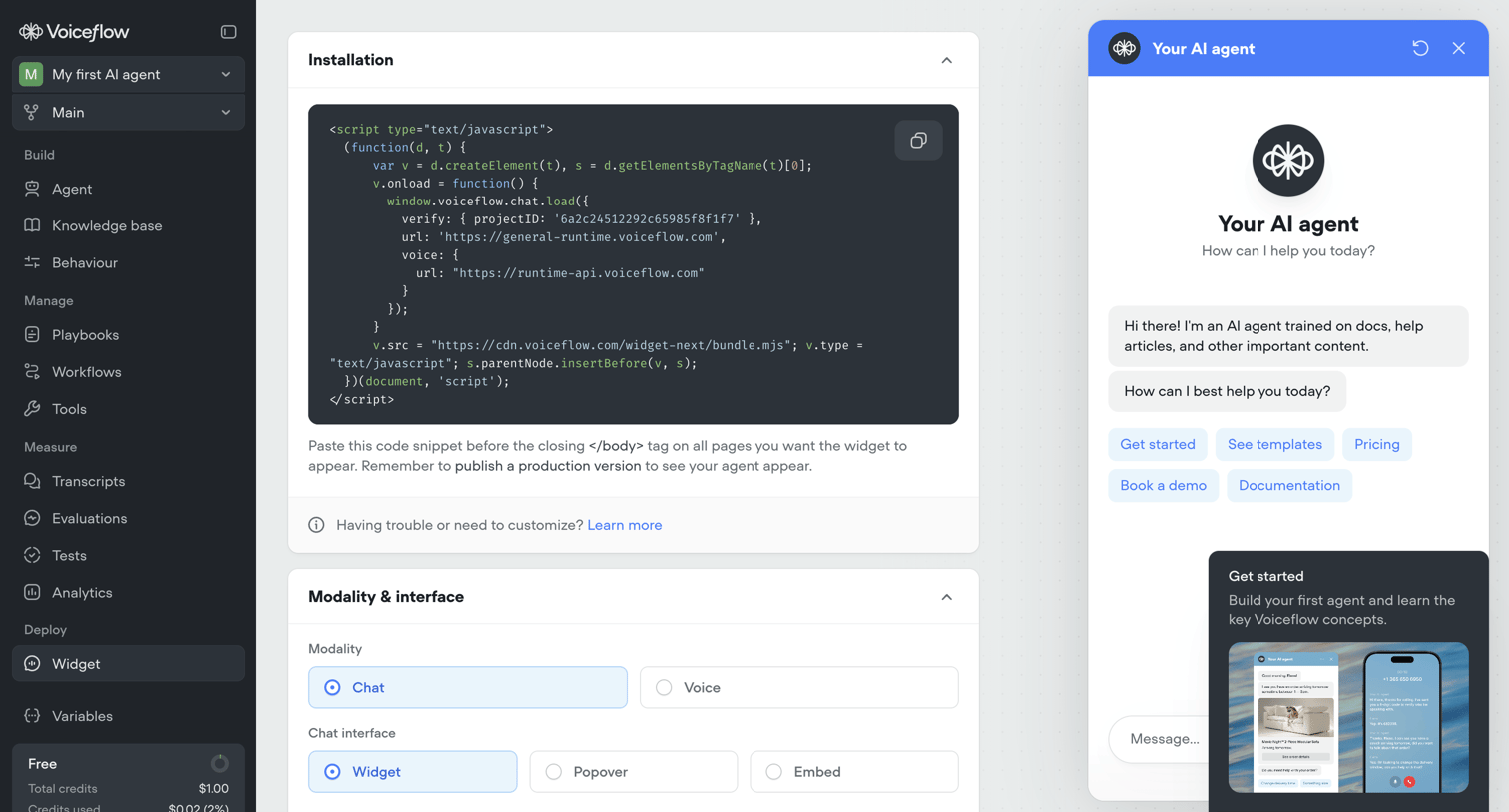

Settings page where the user configures the installation code, modality, and interface options for their AI agent's webchat widget, alongside a live interactive preview.
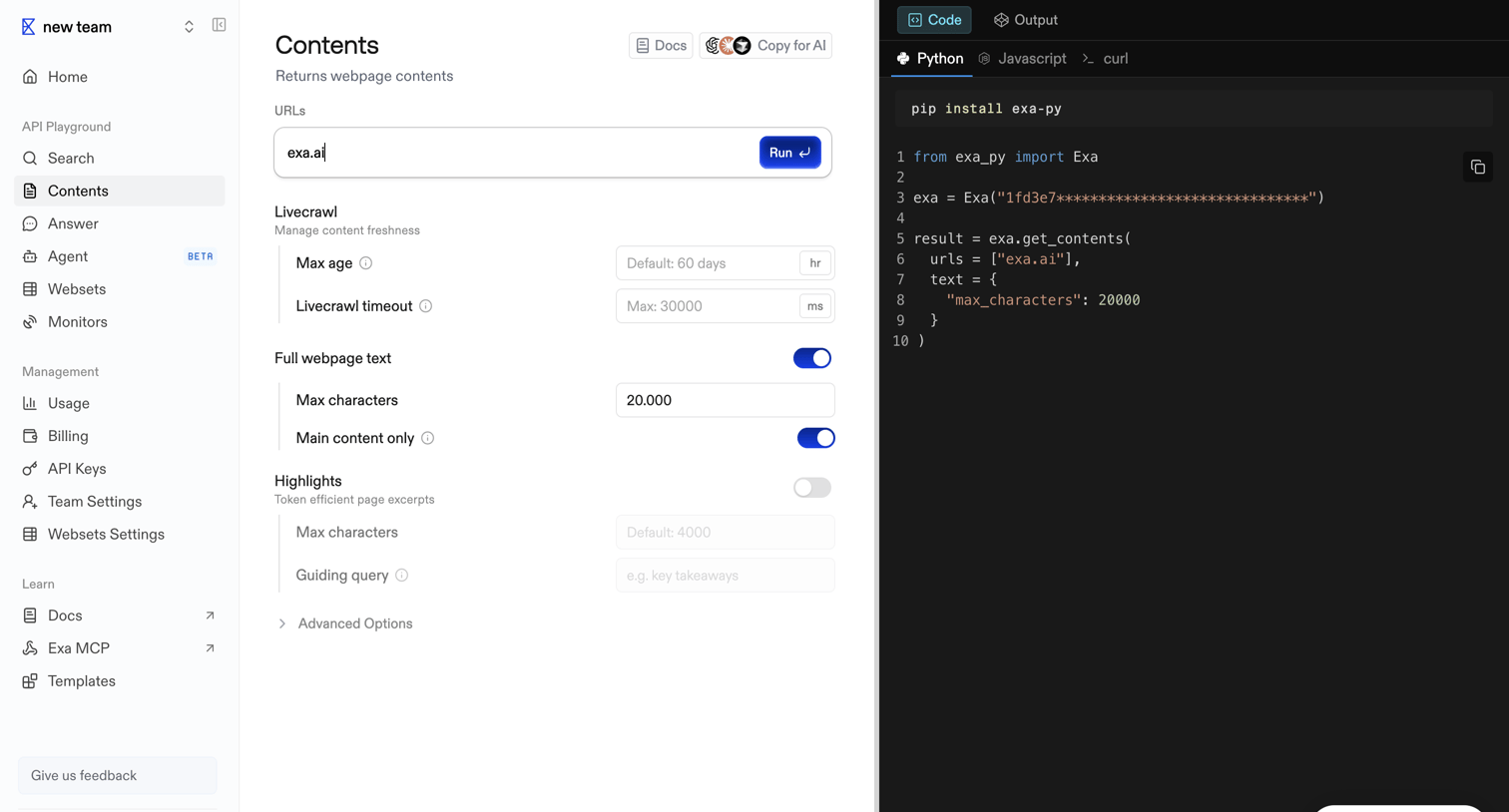

API playground where the user configures parameters for the Contents endpoint and views the generated Python code.
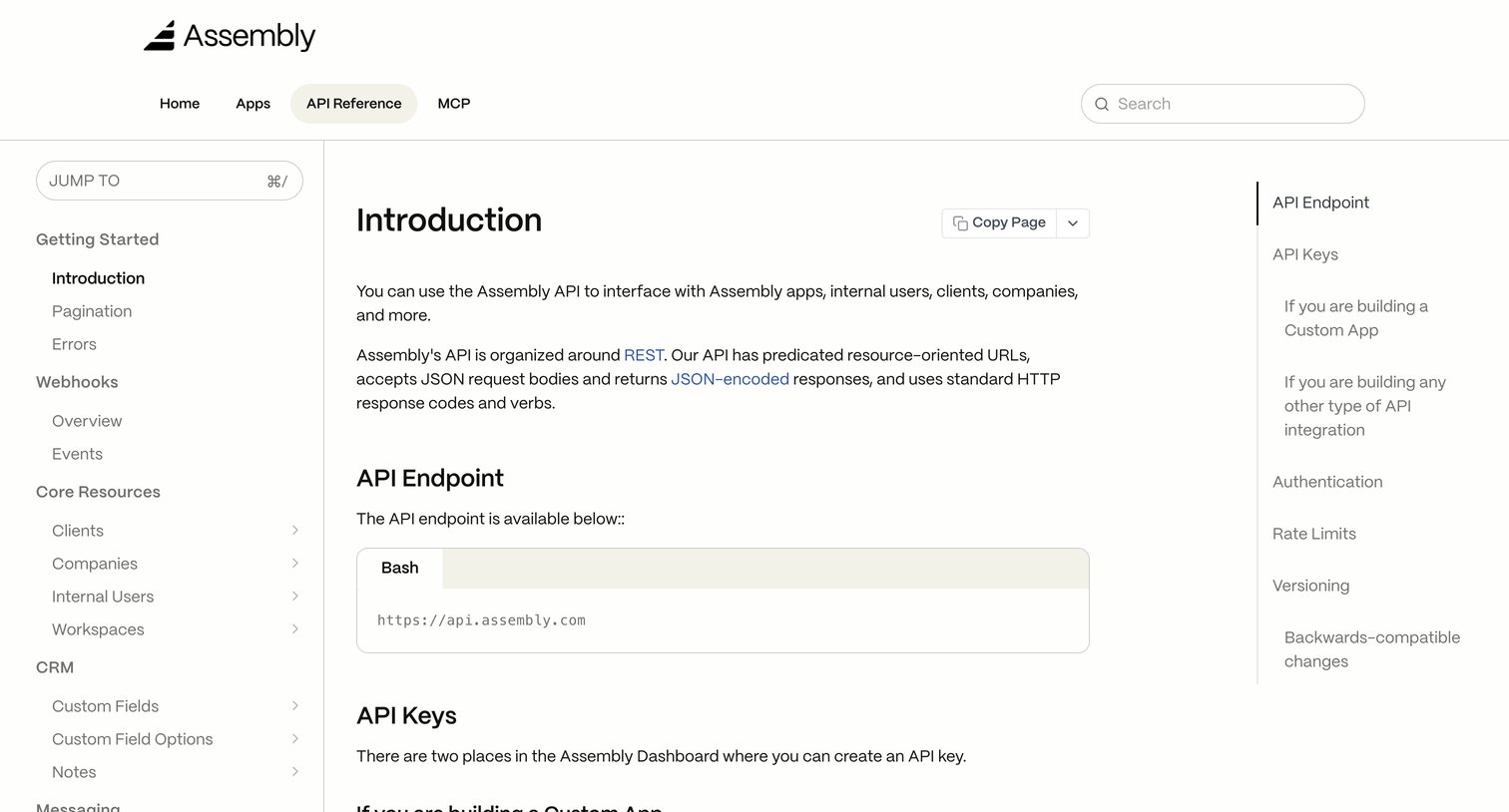

API reference documentation page introducing the Assembly API, endpoints, and authentication keys.
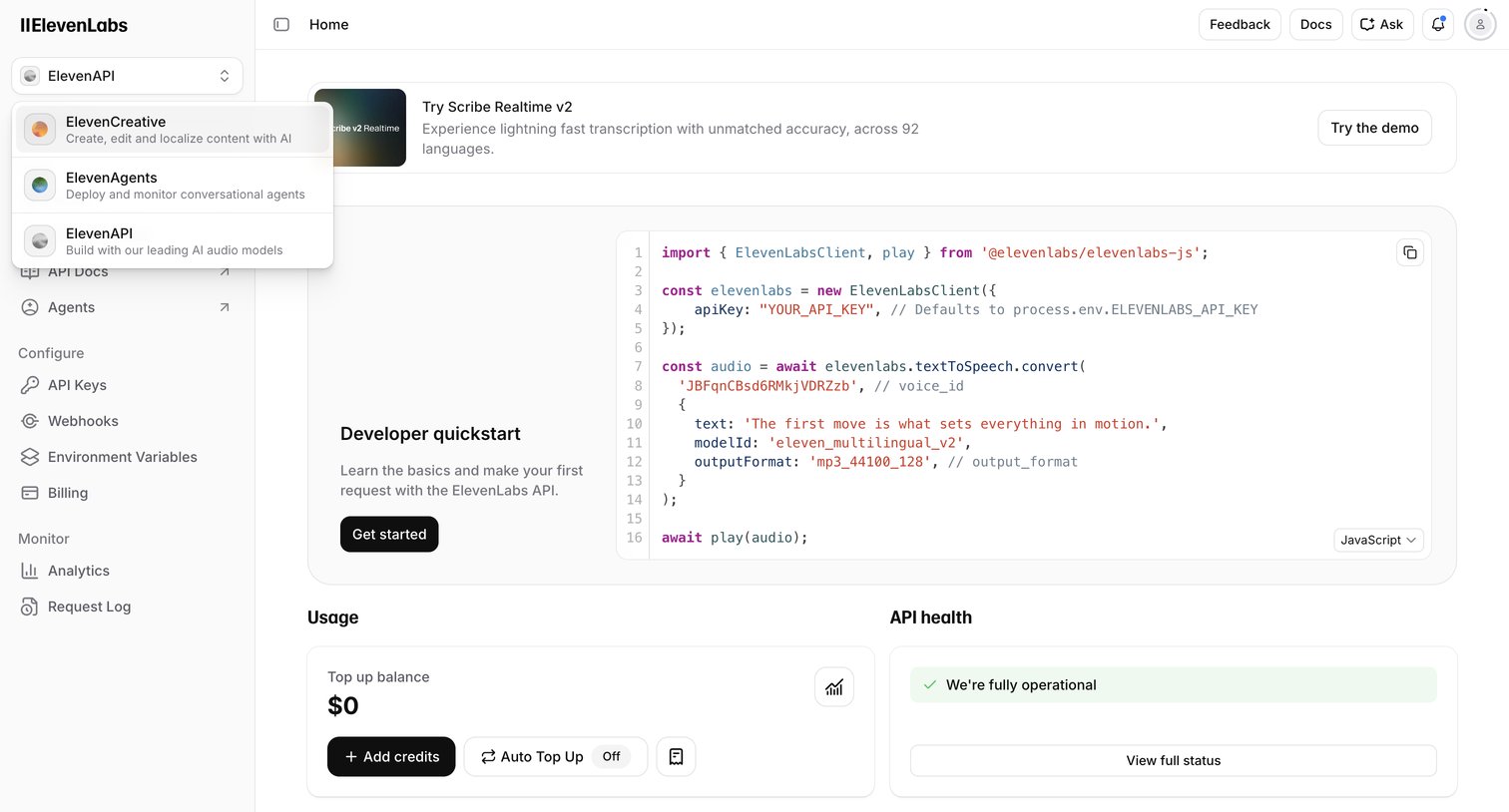

Developer home screen providing a quickstart code snippet, API health status, and usage overview.
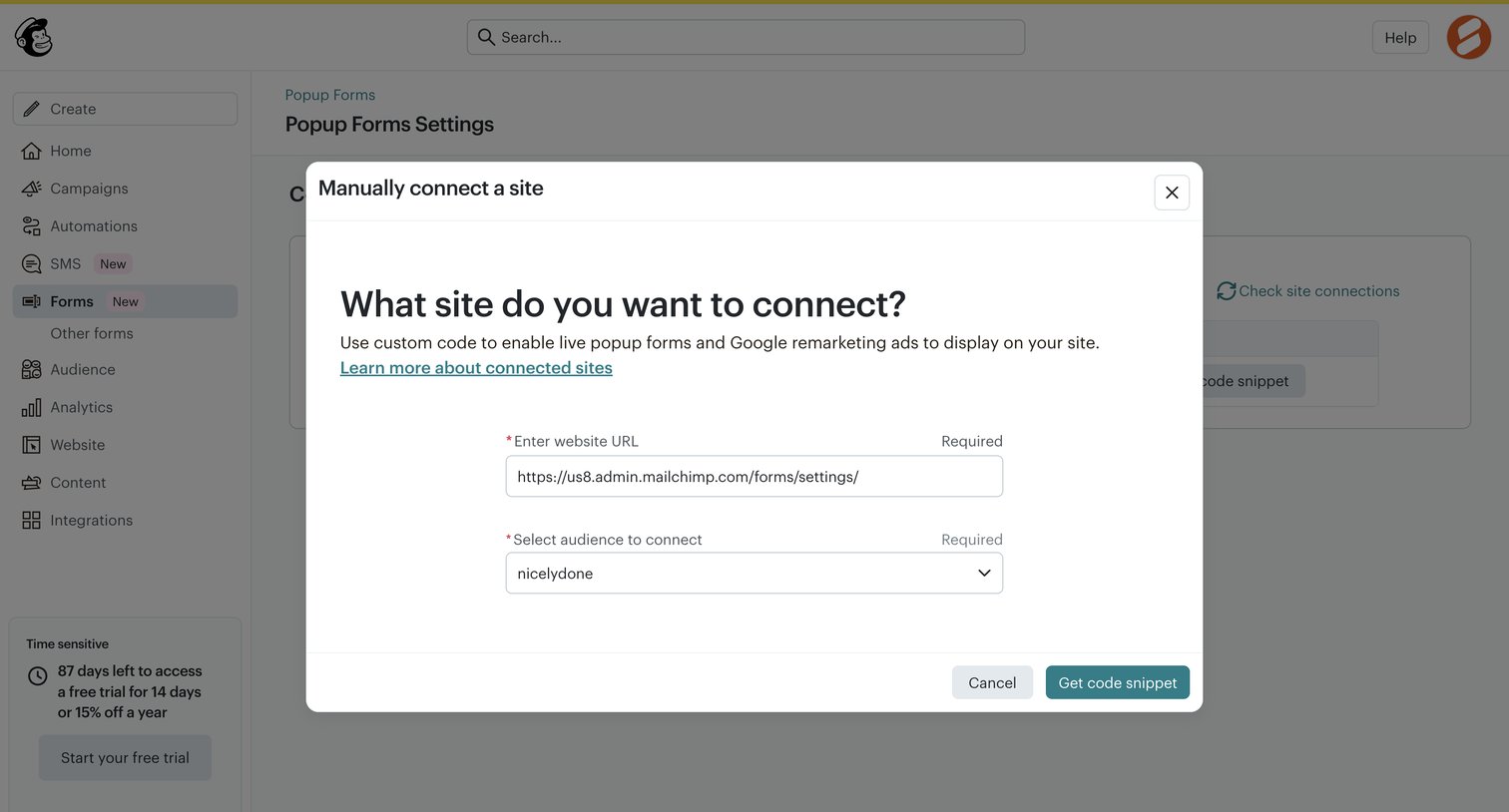

Settings page where the user connects their website to enable live popup forms by entering a URL and selecting an audience.
Explore the full SaaS screen library
Upgrade to unlock the full library.
Trusted by the best teams







