Code editing screen examples
Code editing screen design examples from SaaS apps. Browse examples from Poolside, Documentation.AI, Firecrawl.
Explore the examples
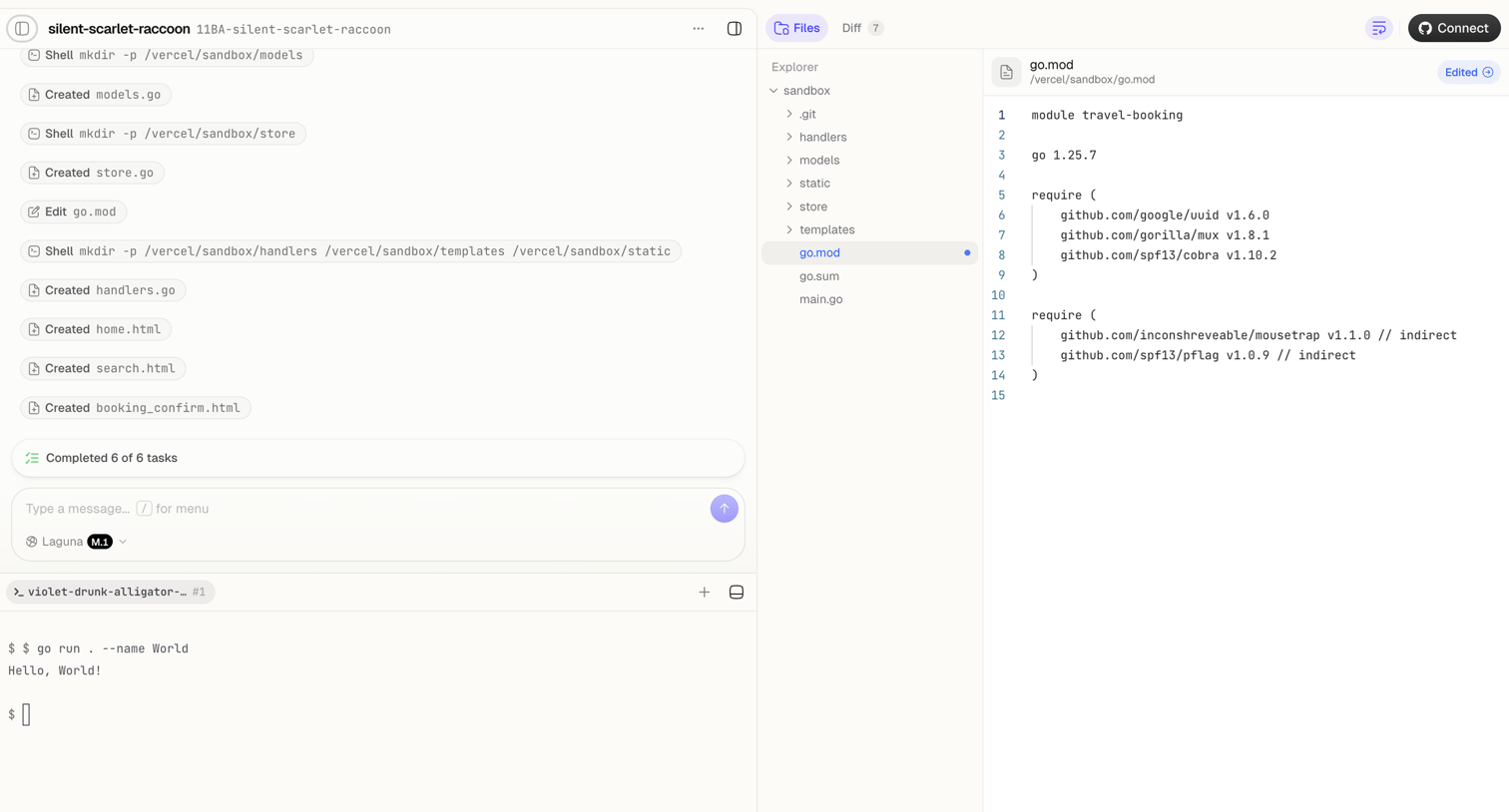

Agent trace interface where the user monitors an AI completing file creation and shell tasks, alongside a code editor showing the modified go.mod file and a live terminal.
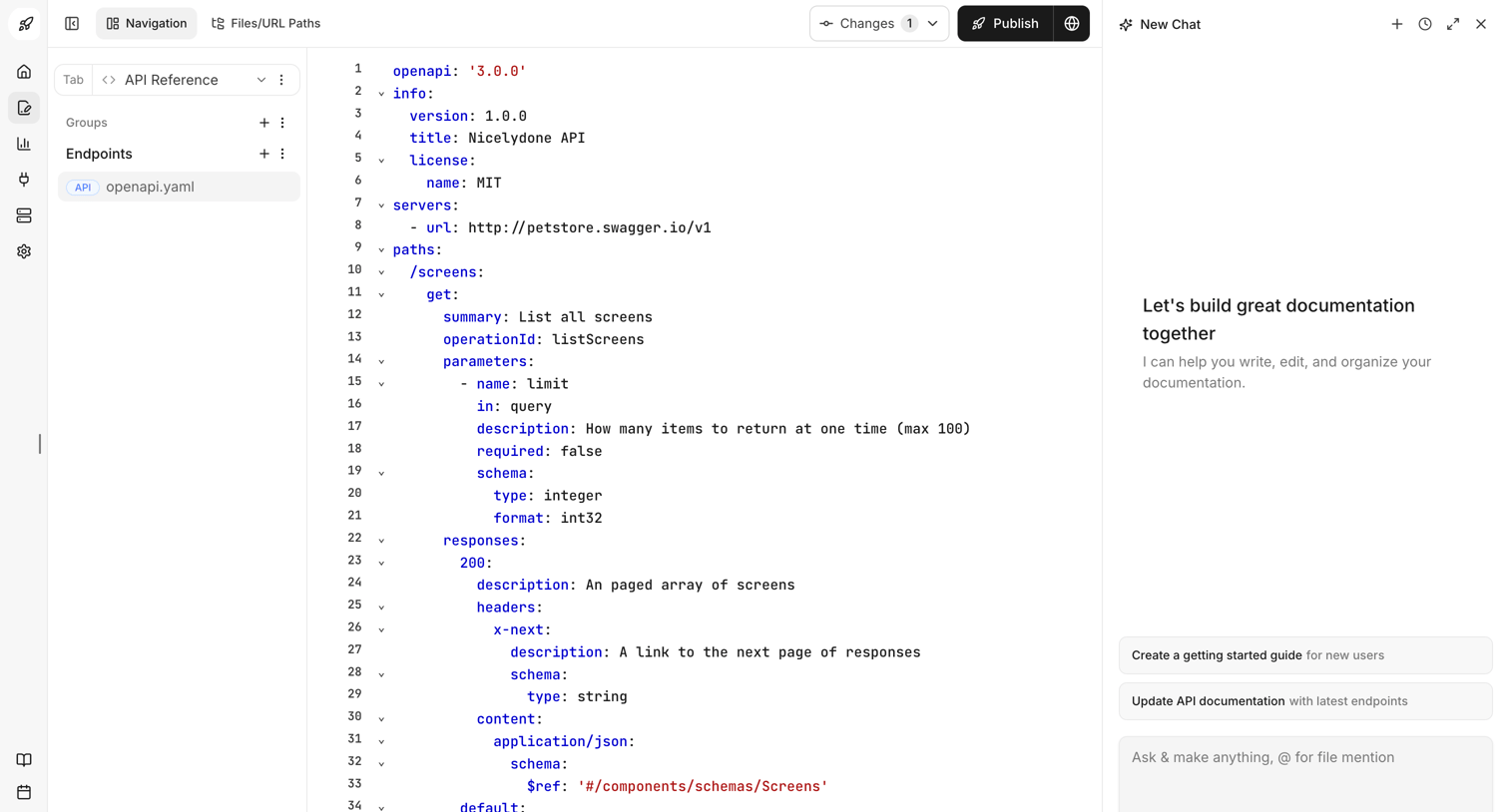

Code editor where the user edits an OpenAPI YAML specification with an AI assistant panel for writing and organizing documentation.
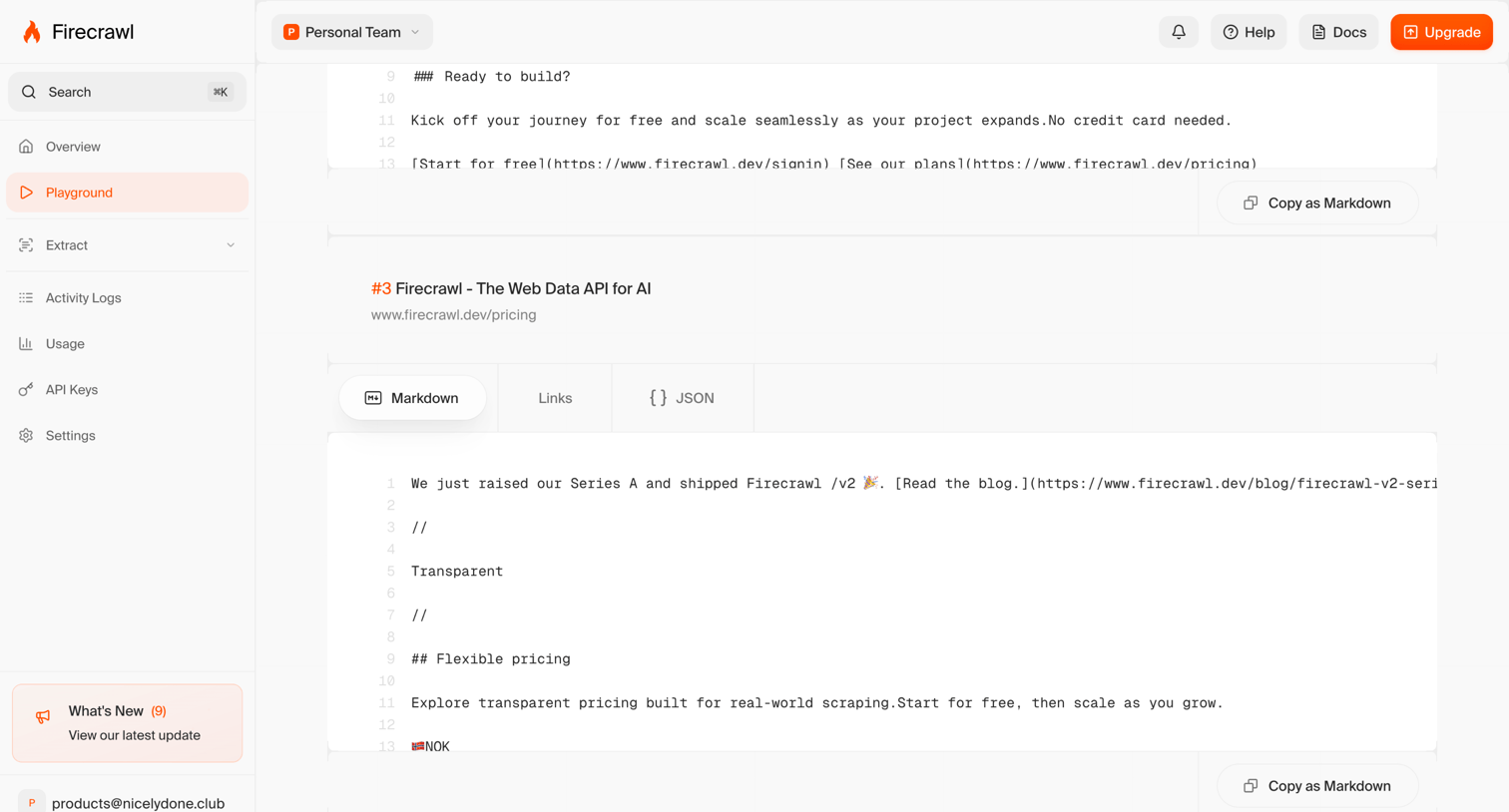

Detail page where the user views the extracted Markdown, Links, and JSON results from a web crawl in a developer playground.
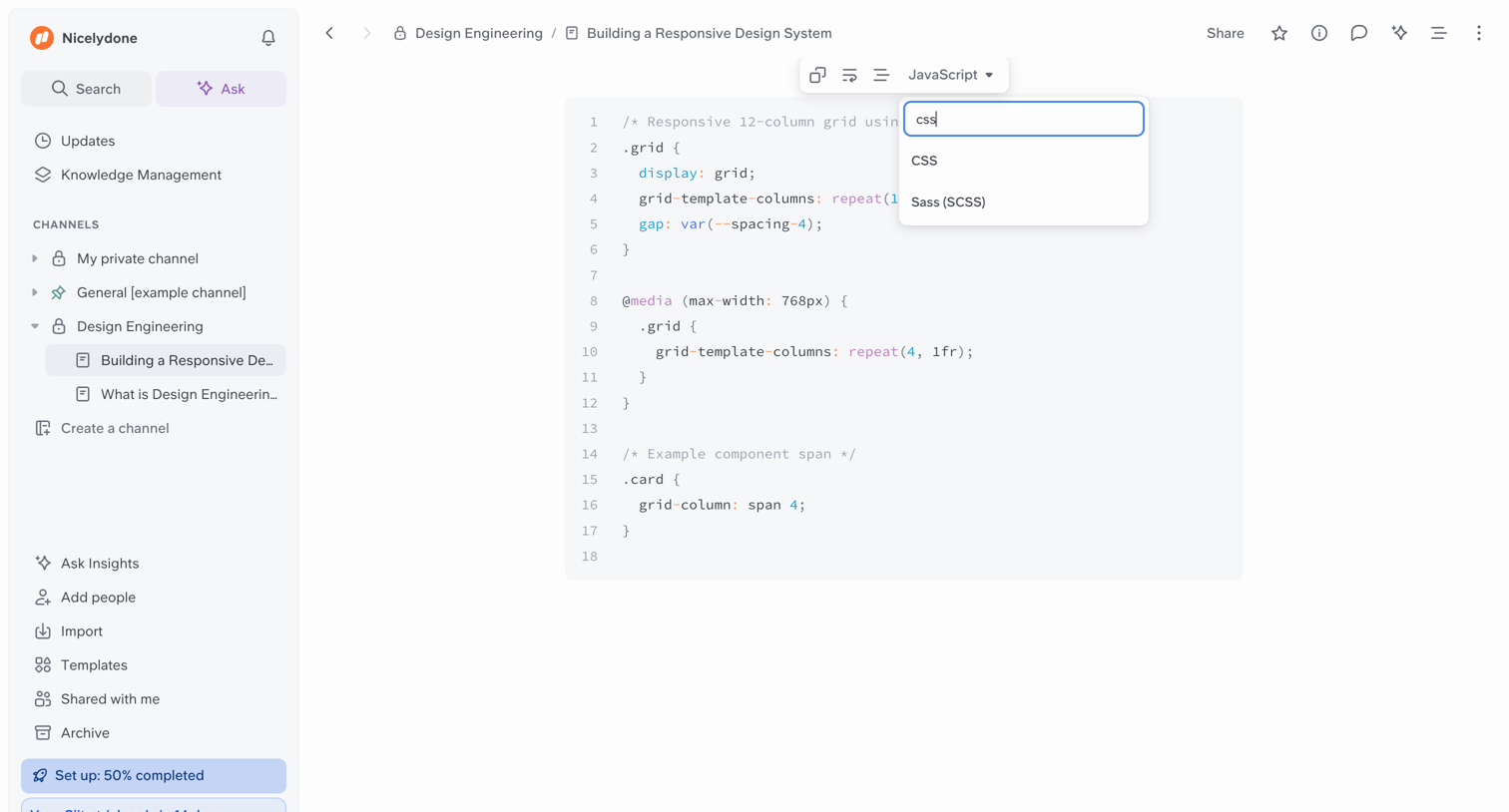

Document editor where the user is changing the syntax-highlighting language of a code block via an inline floating combobox.
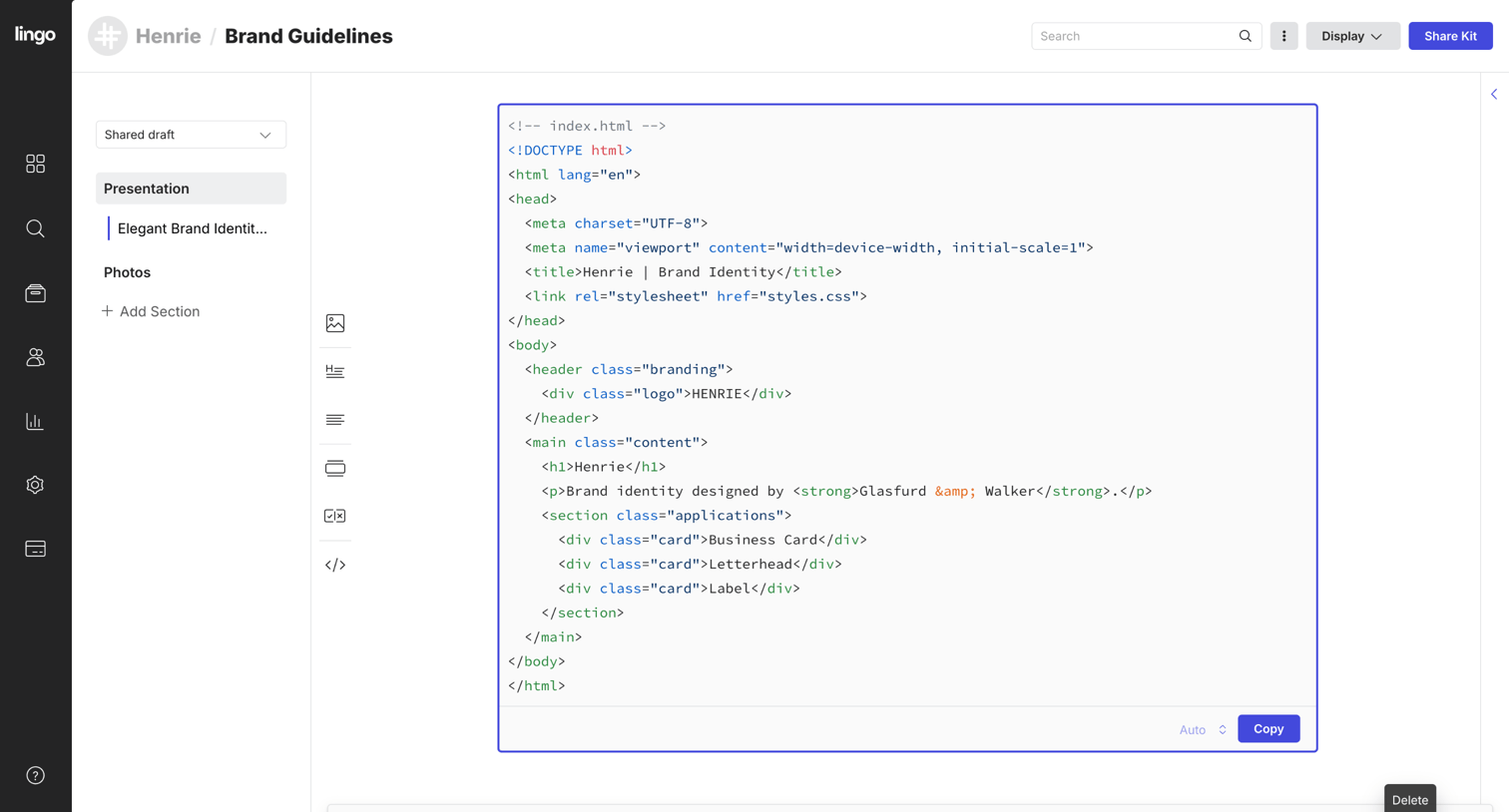

Detail page where a user views an HTML code snippet within a brand guidelines portal, featuring a floating selection toolbar for managing the selected asset.
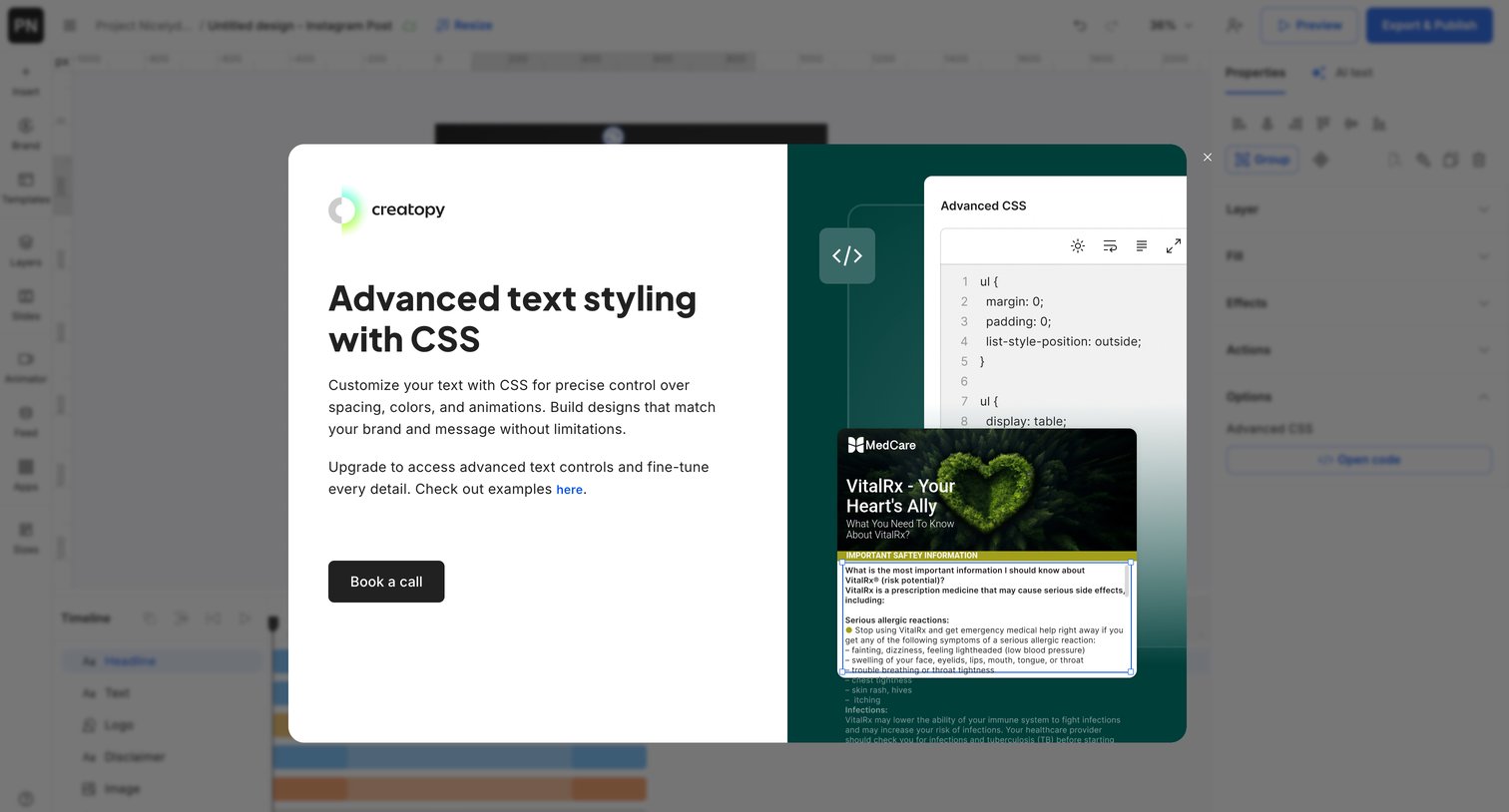

Design editor where a modal prompts the user to book a call to access advanced CSS text styling features, showing a code snippet and live preview.
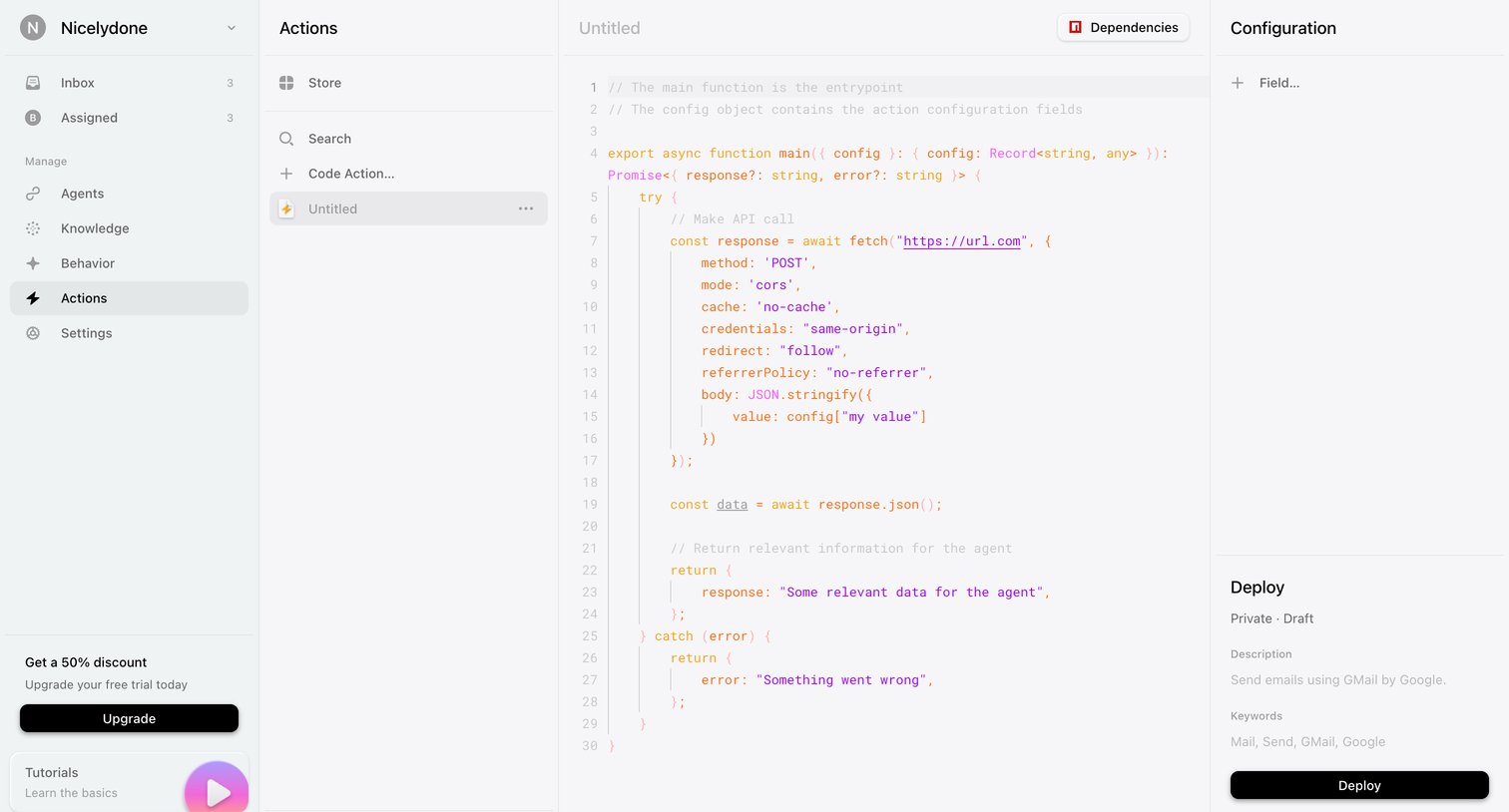

Code editor where the user writes and configures custom actions for an agent, with options to deploy or publish to a store.
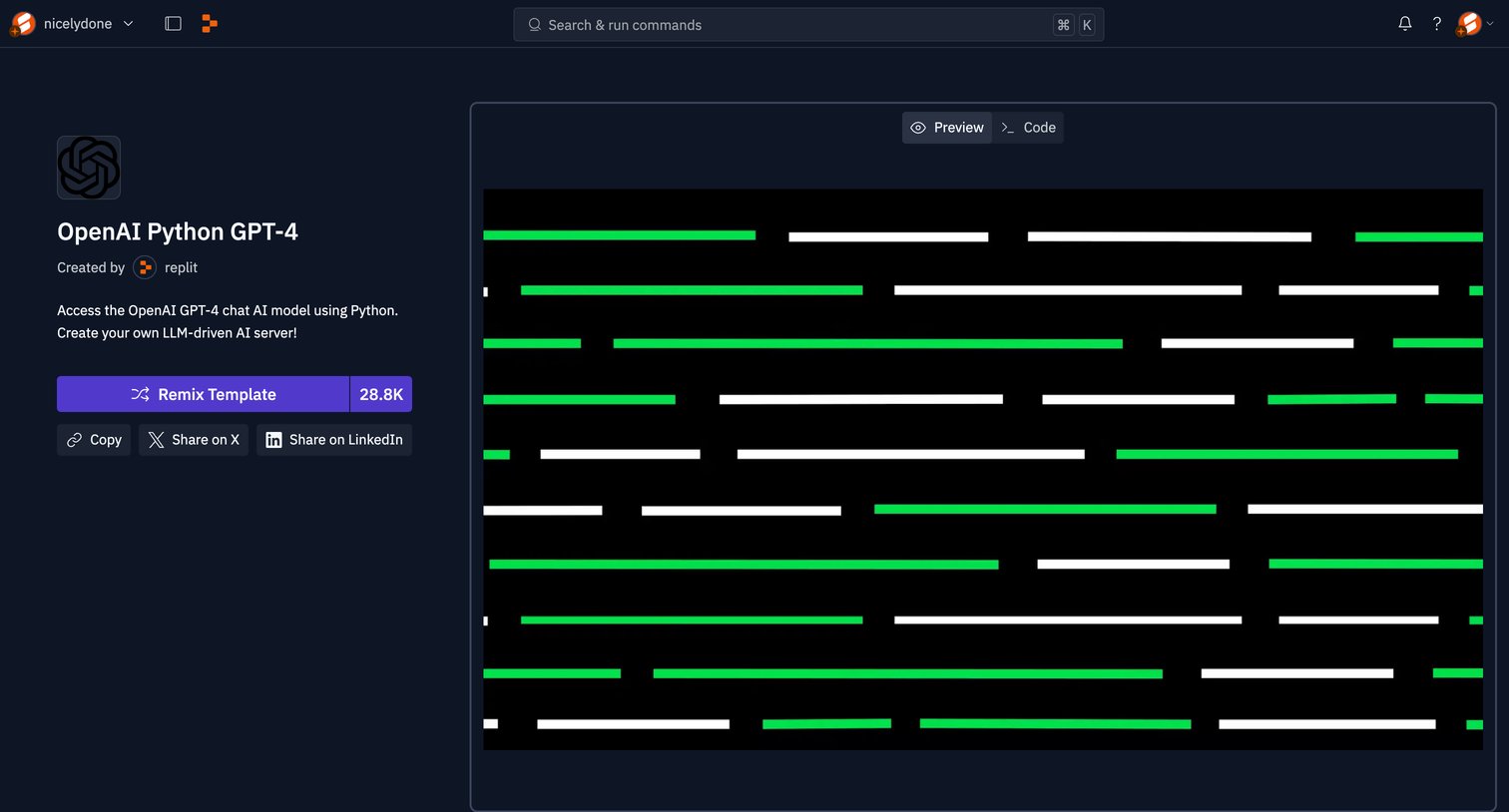

Detail page for a code template where the user can preview the output, view the source code, and remix the project into their own workspace.
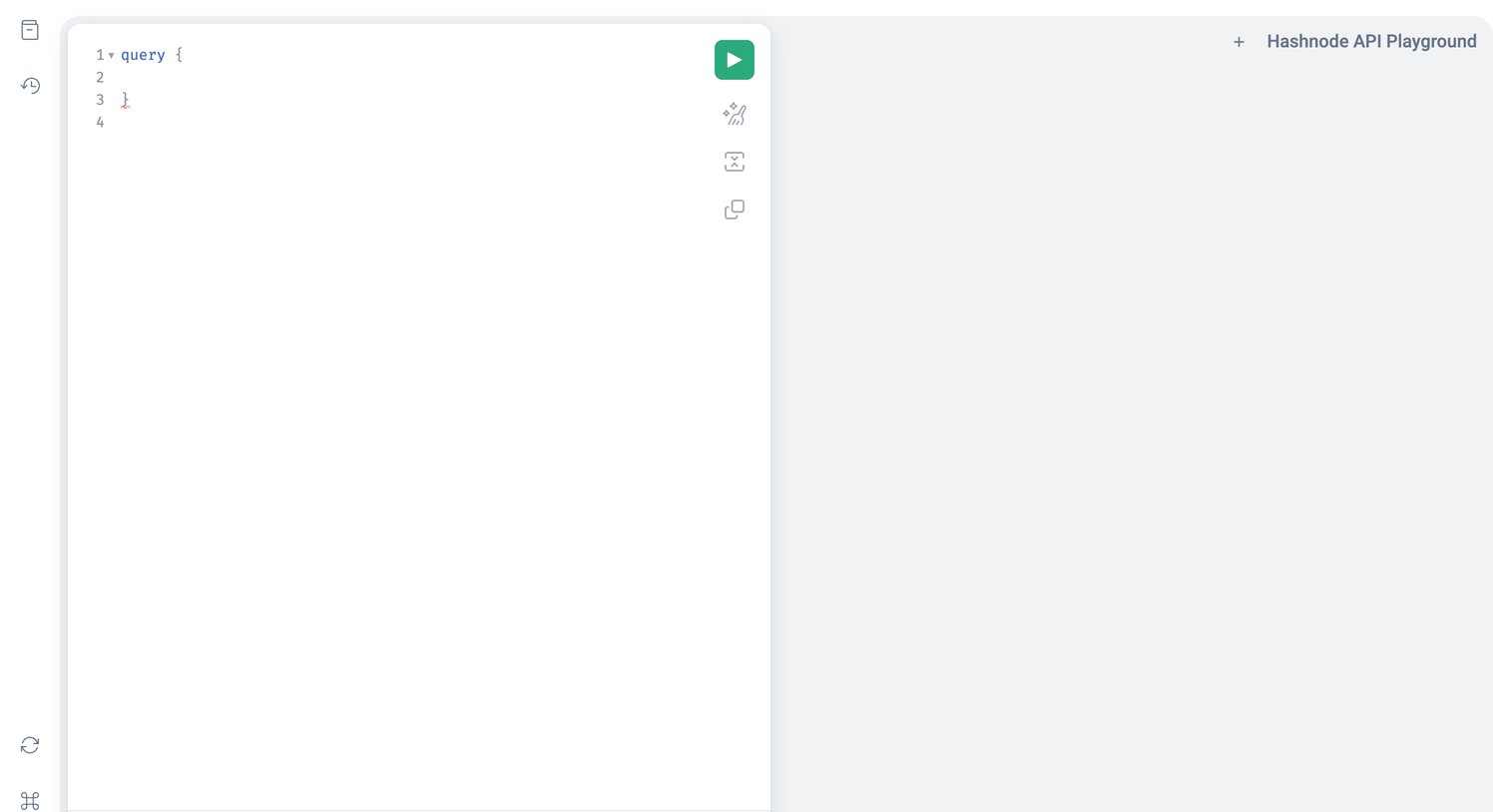

Code editor where the user writes and executes GraphQL queries against the Hashnode API, featuring a collapsible variables panel and an execution button.
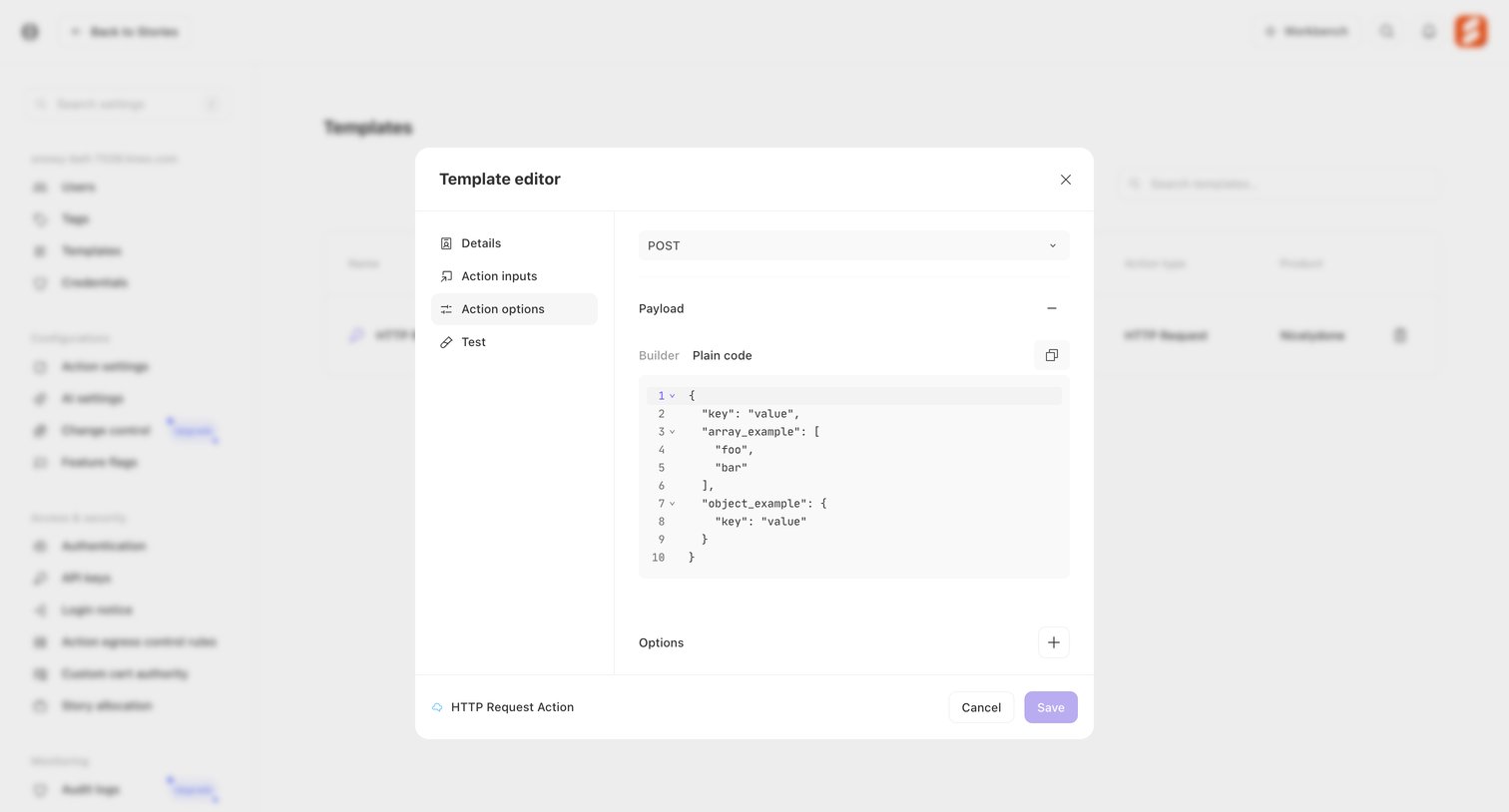

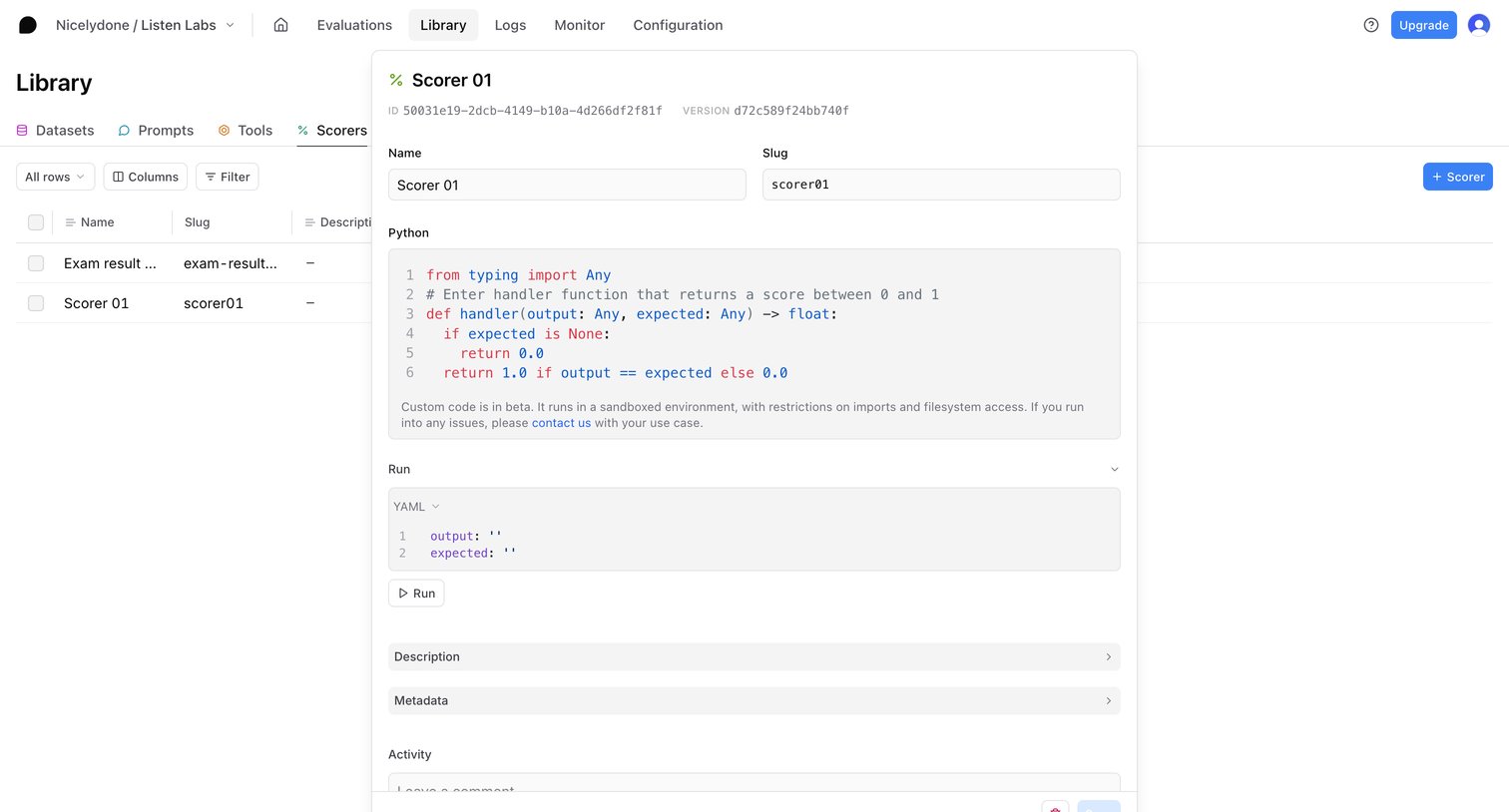

Detail drawer where the user configures a custom Python scorer, including its name, slug, code, and test run inputs.
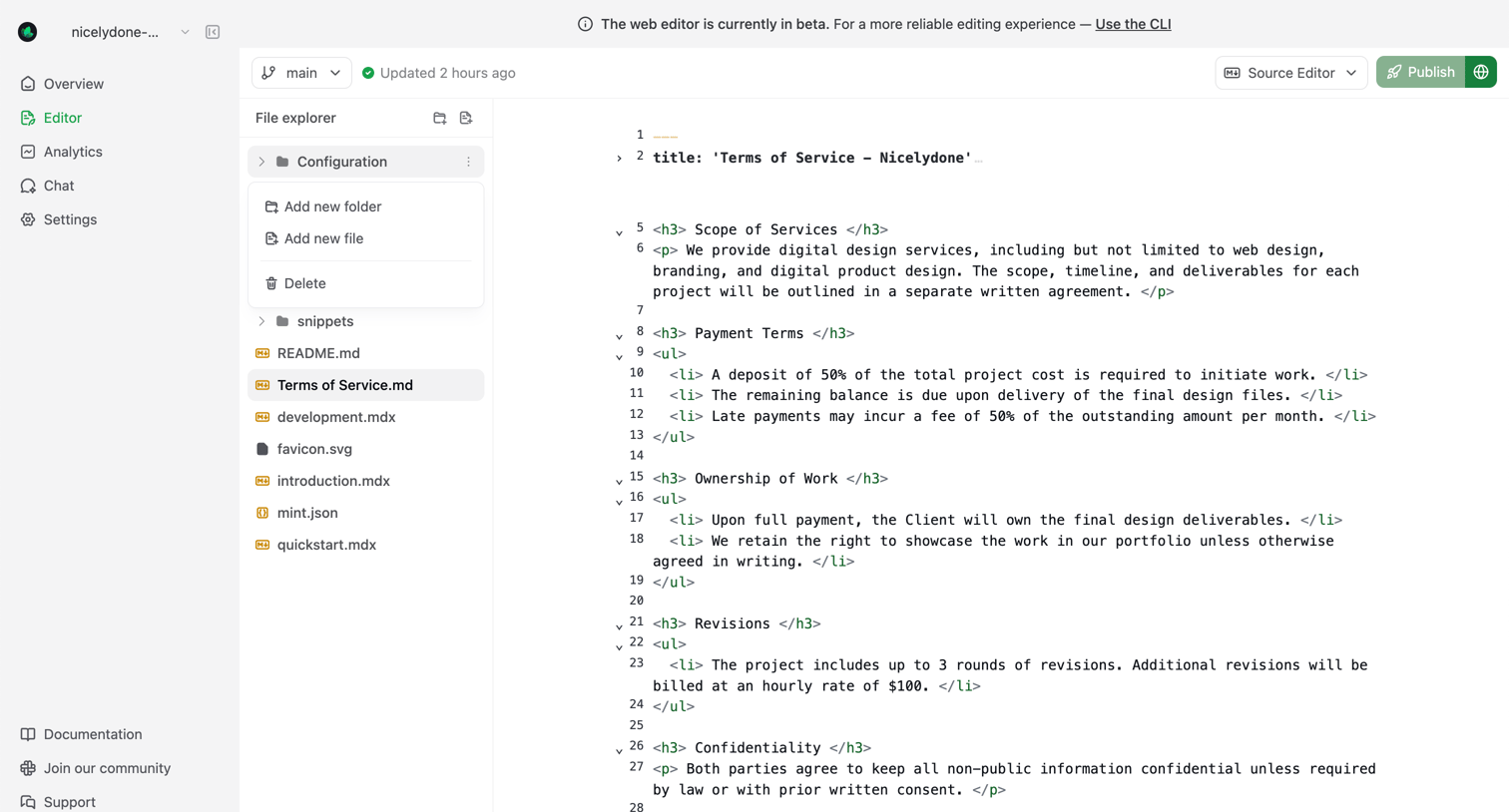

Code editor where the user edits markdown and HTML files for their documentation site, featuring a file explorer and publishing controls.
Explore the full SaaS screen library
Upgrade to unlock the full library.
Trusted by the best teams







